
Interview audio is recorded once and cannot be redone. A dropped signal, a lav rubbing on a collar, or a subject who suddenly laughs can ruin footage that a perfect shot cannot rescue. That is why choosing among the best wireless microphones for interviews is less about specs and more about which failure modes you can live with.
We spent weeks with ten of the most talked-about wireless interview mic systems, from a 5 g thumb-sized transmitter to a 32-bit float kit with timecode, and put them through the same questions: does it hold up in a noisy room, does it keep a backup copy, does it work with the camera or phone you already own. Ten systems, one method, and a clear verdict for each.
Here is the short answer. The DJI Mic Mini is the best wireless microphone for interviews overall, because a 10 g transmitter, 400m of range, two noise-cancelling levels and 48 hours of total runtime cover almost every setup without asking you to read a manual. The Hollyland Lark M2 is the best value pick for two-person interviews, pre-paired straight out of the box at a size you can hide in a collar. The DJI Mic 3 is the premium choice, adding 32-bit float backup recording and four-channel output for group and documentary work.
Further down we cover a budget phone-first kit, a sub-budget option with internal recording, a solo sit-down system, a headphone-monitoring receiver, a dual-receiver rig and the lightest concealed lav on the list. We also explain the 3-to-1 rule, how to gain-match two transmitters, and why UHF still wins in hotels and convention centres.
If you are just starting out and want the wider picture first, our guides to the best microphones for interviews and the best lavalier microphones for interviews cover wired and wireless options side by side.
Table of Contents
Top 3 Wireless Microphone Picks for Interviews in 2026


Best Wireless Microphones for Interviews in 2026
All ten kits below are in the order we would hand them to you. Every one ships with two transmitters, so each covers a two-person conversation out of the box.
| Product | Specifications | Action |
|---|---|---|
| DJI Mic Mini (2 TX + 1 RX + Charging Case) |
|
Check Latest Price |
 Hollyland Lark M2 Hollyland Lark M2 |
|
Check Latest Price |
 Hollyland Lark A1 (2TX + USB-C RX) Hollyland Lark A1 (2TX + USB-C RX) |
|
Check Latest Price |
 NEEWER CM28 Wireless Lavalier NEEWER CM28 Wireless Lavalier |
|
Check Latest Price |
 Rode Wireless ME Rode Wireless ME |
|
Check Latest Price |
| DJI Mic 3 (2 TX + 1 RX + Charging Case) |
|
Check Latest Price |
 Rode Wireless PRO (2 TX + 1 RX + Case) Rode Wireless PRO (2 TX + 1 RX + Case) |
|
Check Latest Price |
 Saramonic BLINK500B2+ Saramonic BLINK500B2+ |
|
Check Latest Price |
 SmallRig S70 (2 TX + 2 RX + Case) SmallRig S70 (2 TX + 2 RX + Case) |
|
Check Latest Price |
 BOYA mini 2 Wireless Lavalier BOYA mini 2 Wireless Lavalier |
|
Check Latest Price |
1. DJI Mic Mini – Best Overall Wireless Microphone for Interviews
DJI Mic Mini (2 TX + 1 RX + Charging Case), Ultralight, Detail-Rich Audio
10 g transmitter
400m range
48h with charging case
2-level noise cancelling
Pros
- Exceptionally small and light at 10 g per transmitter
- Clear crisp voice capture with two noise-cancelling levels
- 48 hours total runtime with the charging case
- Plug-and-play USB-C and Bluetooth including direct DJI Osmo connection
- Strong magnetic mounts and a quality-feeling case
Cons
- No physical mute button on the mic
- The charging case is bulky when you only need the transmitters
- Lanyard and cord options are limited
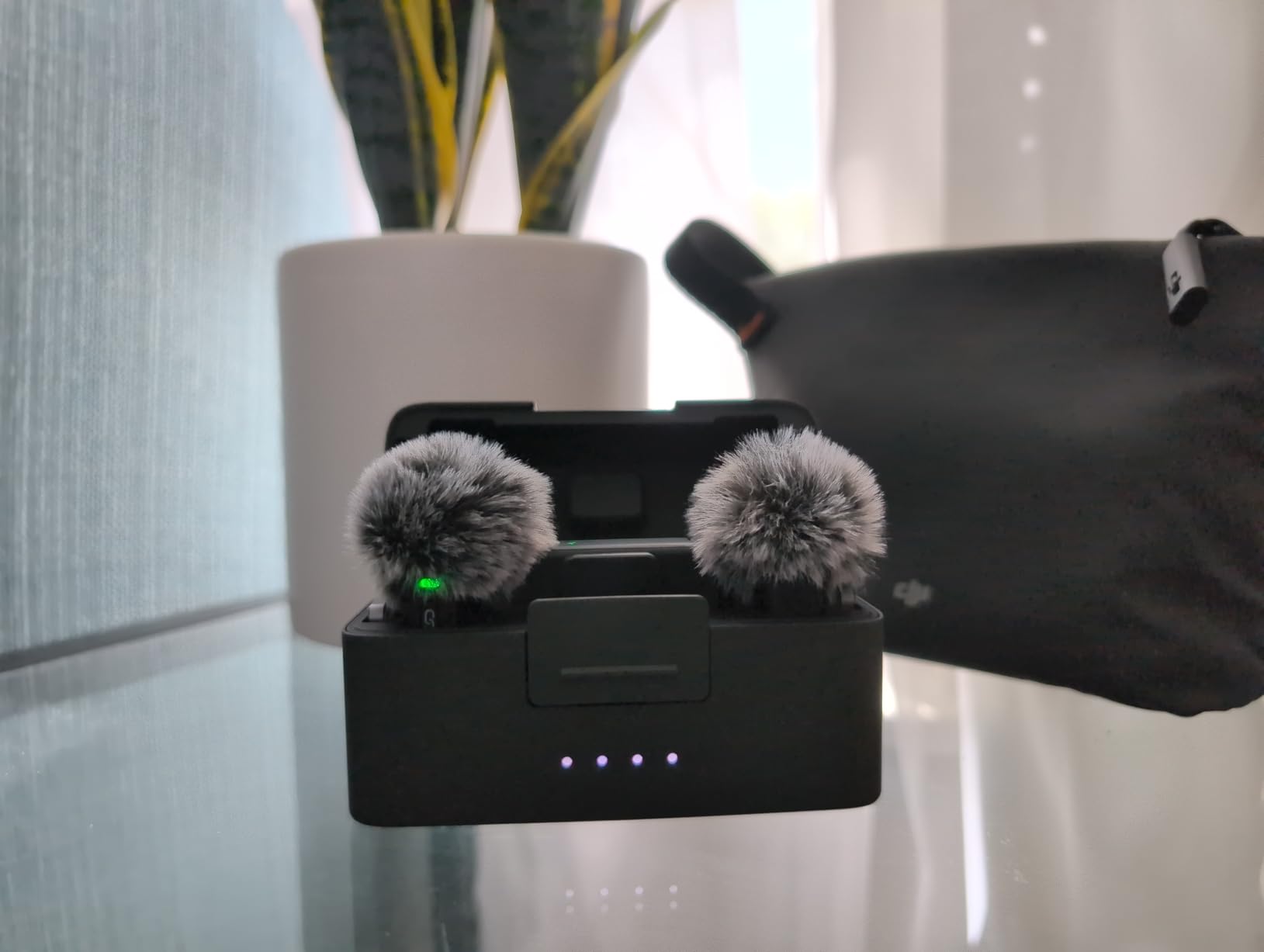
Ten grams is the number that changes an interview. Most subjects stop thinking about a microphone once it disappears under a collar, and this is the smallest unit in our test that still holds a clean, detailed voice. Over a month of sit-downs we found ourselves checking the framing more than the audio, which is exactly what you want.
The transmitter handles 400m of transmission, which in practice covers anything from a café table to a subject walking across a courtyard. Sample rate is 48kHz with 120 dB SPL handling, so a subject who suddenly laughs or raises their voice does not get caught flat.
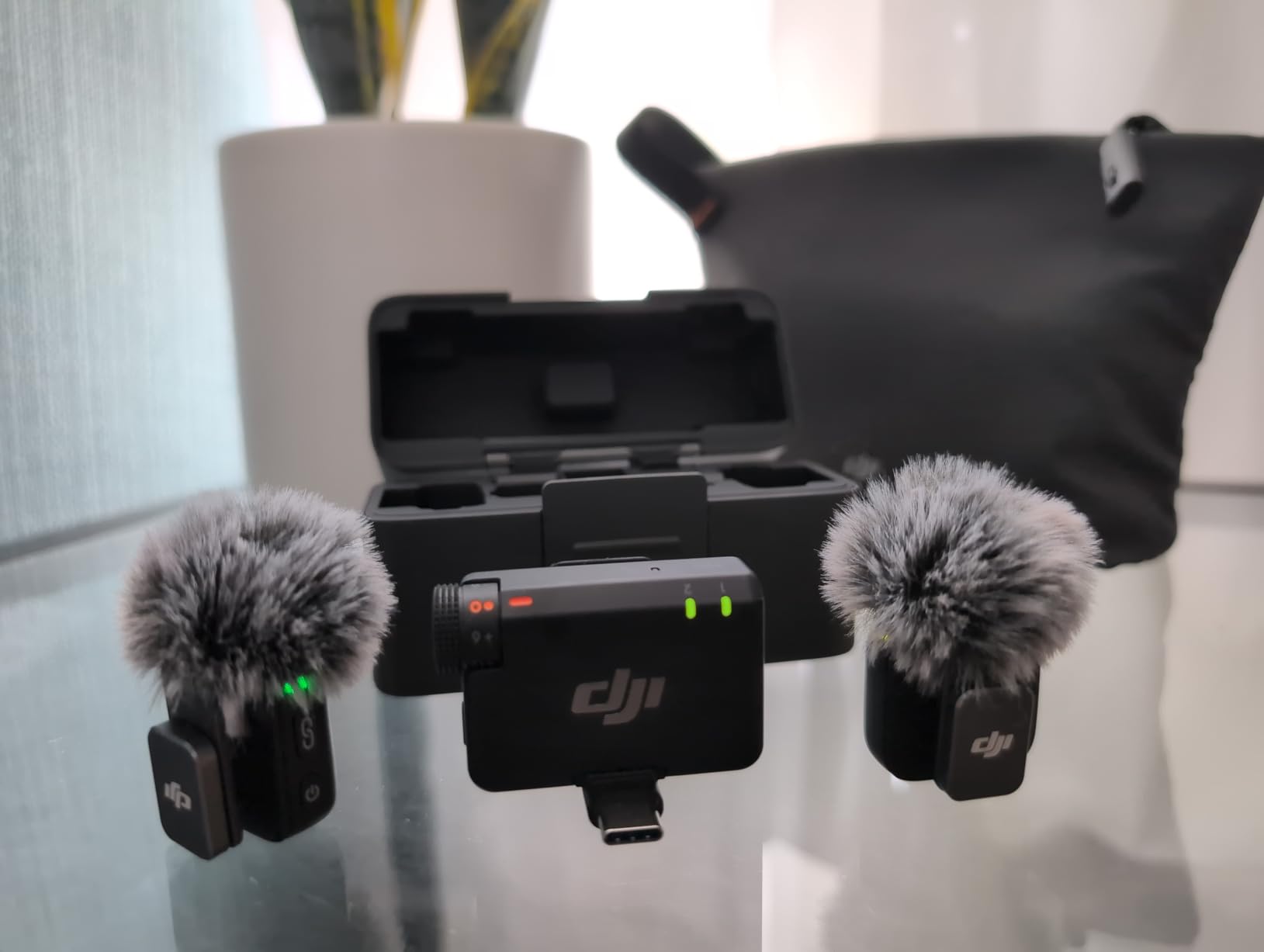
Battery is the quiet hero. You get 48 hours of total runtime with the charging case, which means a three-day shoot without a power bank. Charging the transmitters takes the anxiety out of a long interview day entirely.
Two noise-cancelling levels are a genuine interview tool rather than a gimmick. Basic suits a quiet indoor room, while Strong handles a street, a café or a room with air conditioning running. The automatic limiting lowers the volume if the input gets too hot, protecting a take where a limiter alone would not.
Who the DJI Mic Mini suits
Solo interviewers, documentary shooters and anyone filming on a phone or a mirrorless camera who wants a subject to forget the mic is there. The direct DJI OsmoAudio connection makes it the least fussy choice if your camera is already in that ecosystem, since you skip the receiver cable entirely.
It is also the kit we hand to crews with mixed gear. USB-C connectivity means the same receiver works with a phone, a laptop and a camera with a 3.5mm input, which removes the compatibility anxiety that dominates forum threads about this category.
Where the DJI Mic Mini falls short
There is no physical mute button on the transmitter, which is a real gap on a documentary set. Owners consistently ask for one, and the workaround is pulling power or reaching for the app, neither of which you want to do mid-answer.
The charging case is also bulkier than it needs to be if you are only running the transmitters, and the lanyard and cord mounting options are thinner than you get with a few bundles on this list. Neither issue is a dealbreaker, but both are worth knowing before you pack the bag.
2. Hollyland Lark M2 – Best Value Wireless Mic for Two-Person Interviews
Hollyland Lark M2 Wireless Microphone for iPhone15/16/17&Android, USB C Mini Lapel Microphone Wireless, 1000ft Range, Hi-Fi Audio, Noise Cancellation, 30H Battery for Video Recording, Streaming
9 g transmitter
1000ft range
48kHz/24-bit
30h with charging case
Pros
- Button-sized transmitters that stay discreet on clothing
- 48kHz/24-bit audio with a 70dB signal-to-noise ratio
- Reliable automatic pairing and instant connection
- Long battery life plus a compact charging case
- USB-C and Lightning receiver options for broad compatibility
Cons
- The tiny button transmitters are easy to lose
- Maximum noise cancellation can thin the voice in very loud settings
- The USB-C receiver can be pushed out by thick cases
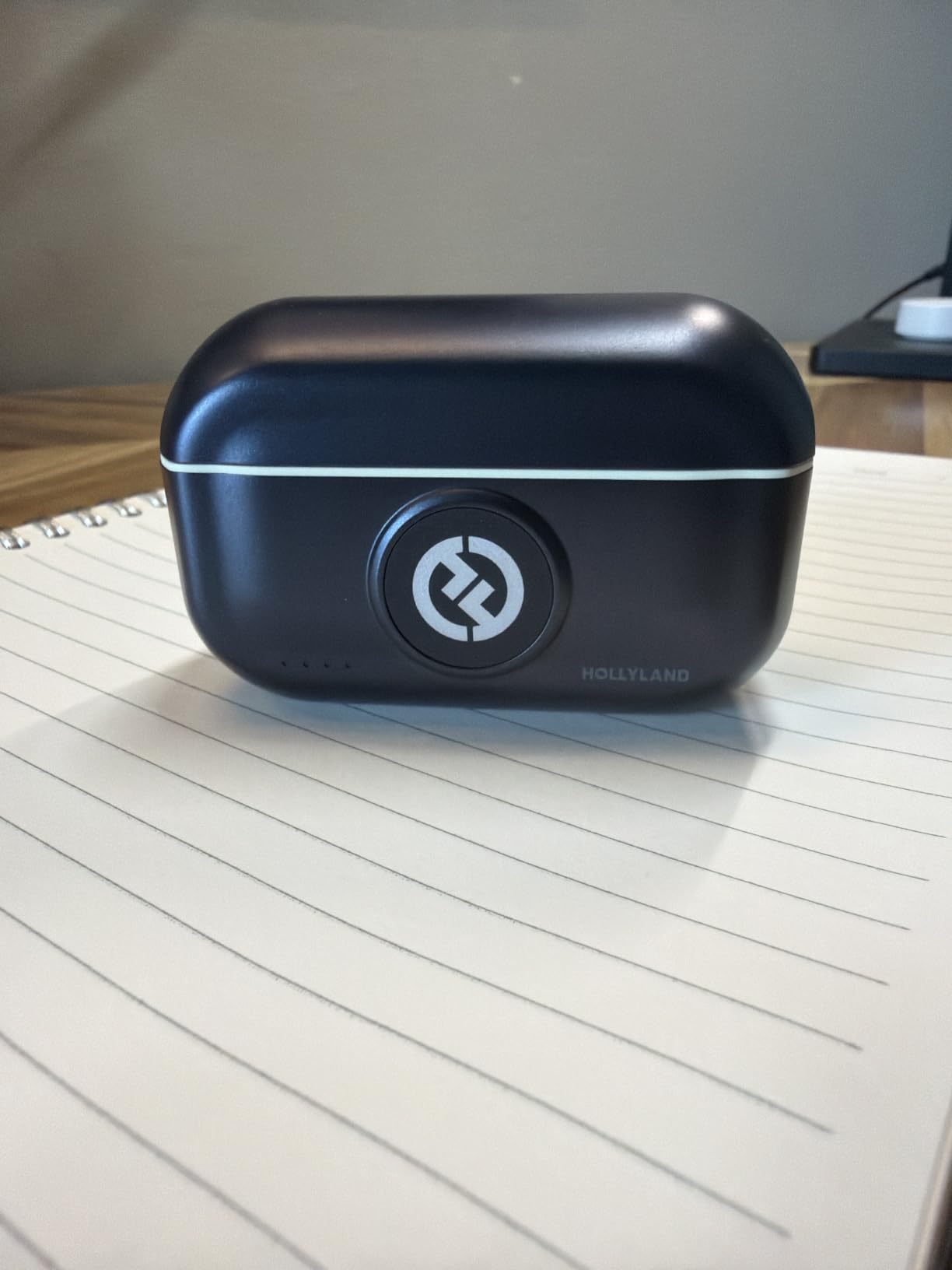
The Lark M2 is the kit we recommend to anyone recording a two-person conversation who does not want to spend an afternoon on setup. Transmitters and receiver arrive pre-paired at the factory, so you clip one on, clip one on, and record. That single decision removes the most common reason new wireless kits end up in a drawer.
Audio is 48kHz at 24-bit with a 70dB signal-to-noise ratio and up to 115dB SPL handling. Range is 1000ft line-of-sight, which comfortably covers a living room, a small studio or a street interview where the subject takes a few steps away.
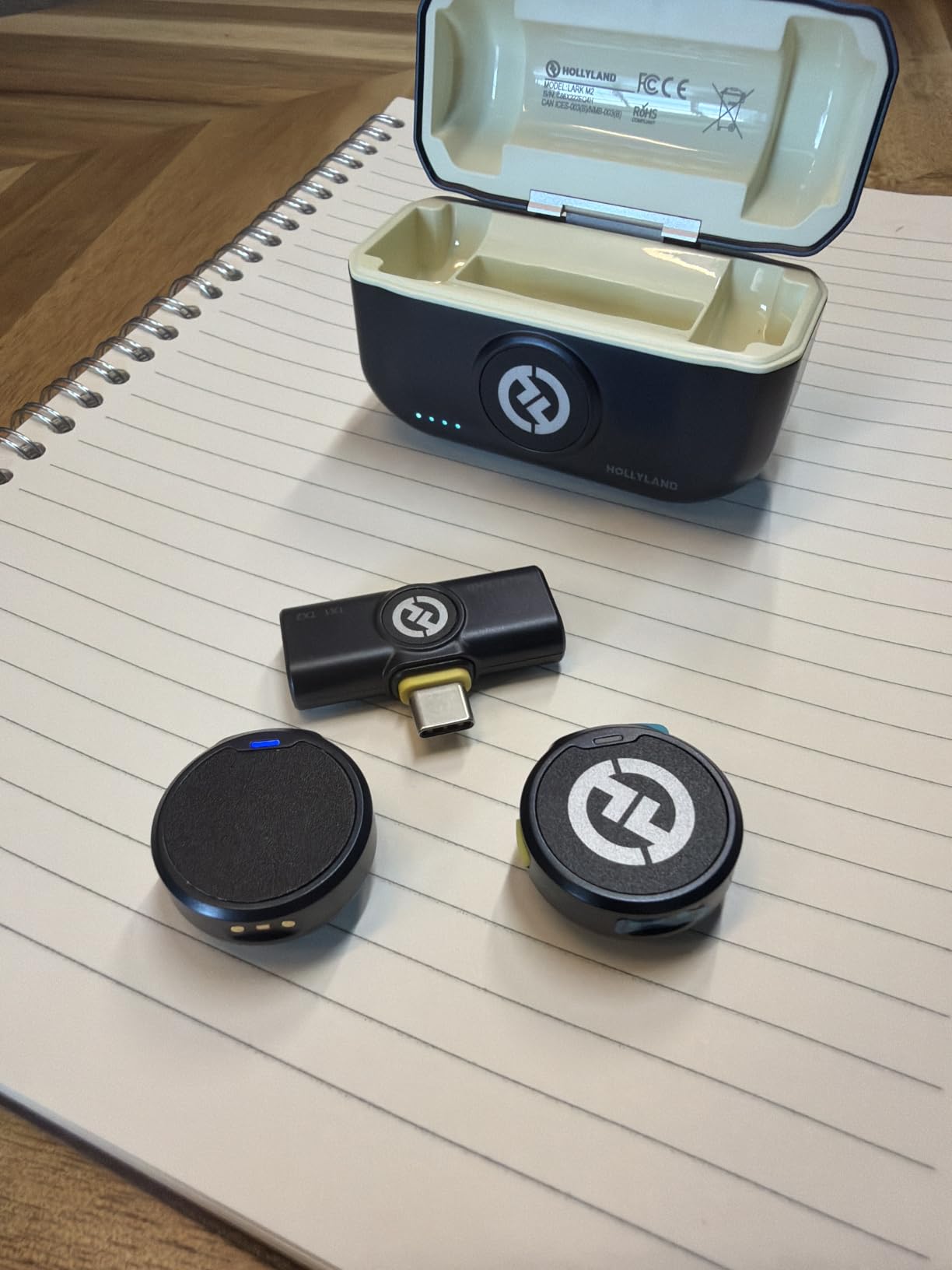
One detail we did not expect to like this much: double-pressing the noise-cancelling button on the transmitter remotely starts and stops your video. On a two-person interview that means the person behind the camera never has to touch the phone, which removes a whole category of missed-sync errors.
Battery life is 10 hours per transmitter, and the charging case gives two full recharges in under 1.5 hours per cycle, so 30 hours total. Recording a full interview day and a second day after a case charge is realistic.
Who the Hollyland Lark M2 suits
Podcasters, educators and small production teams filming a host and a guest on one phone. The remote start and stop control is a small feature that matters a lot when two people are talking and nobody is free to reach the phone.
It also suits anyone who moves between iPhone and Android. USB-C and Lightning receiver versions are sold separately, and the 24-bit 48kHz capture is a genuine step up from the compressed phone-mic audio most interview setups settle for by accident.
Where the Hollyland Lark M2 falls short
At 9 g per transmitter these are the easiest units on the list to lose, and losing one mid-interview is a real risk. Keep them in the case between setups rather than on a table.
Two further limits worth knowing. Pushing noise cancellation to maximum can make a voice sound thin and artificial in a very loud room, so start on low. And the USB-C receiver can get pushed out by a thick phone case or a gimbal, which is why a short extender is worth carrying.
3. Hollyland Lark A1 – Best for Phone-First Interviews
Hollyland Lark A1(2TX + USB-C RX), Wireless Microphone for iPhone & Android
8 g magnetic mics
200m range
3-level noise cancelling
18h runtime
Pros
- Clear crisp audio with three noise-cancelling levels
- Tiny 8 g magnetic mics that hide easily in clothing
- Long battery life and a charging case that extends runtime
- Quick phone connection with a straightforward companion app
Cons
- Does not work with video-call or translation apps
- No USB wall charger included
- Audible wind noise overlap when filming outdoors
- Very small magnets are easy to misplace
The Lark A1 is the reason this category exists. At 8 g per transmitter with magnetic mounts, it is small enough to vanish into a shirt front, and it records 48kHz at 24-bit with 120dB SPL handling. For a solo interview shot on a phone, that is more than enough headroom for a real conversation.
Noise cancellation has three levels rather than two, which matters more than it sounds. Weak handles a quiet room, Medium suits a café, and Strong is for genuinely noisy interiors where the background is fighting you. Six-level gain adjustment with automatic clip protection gives you room to match levels between the two transmitters.
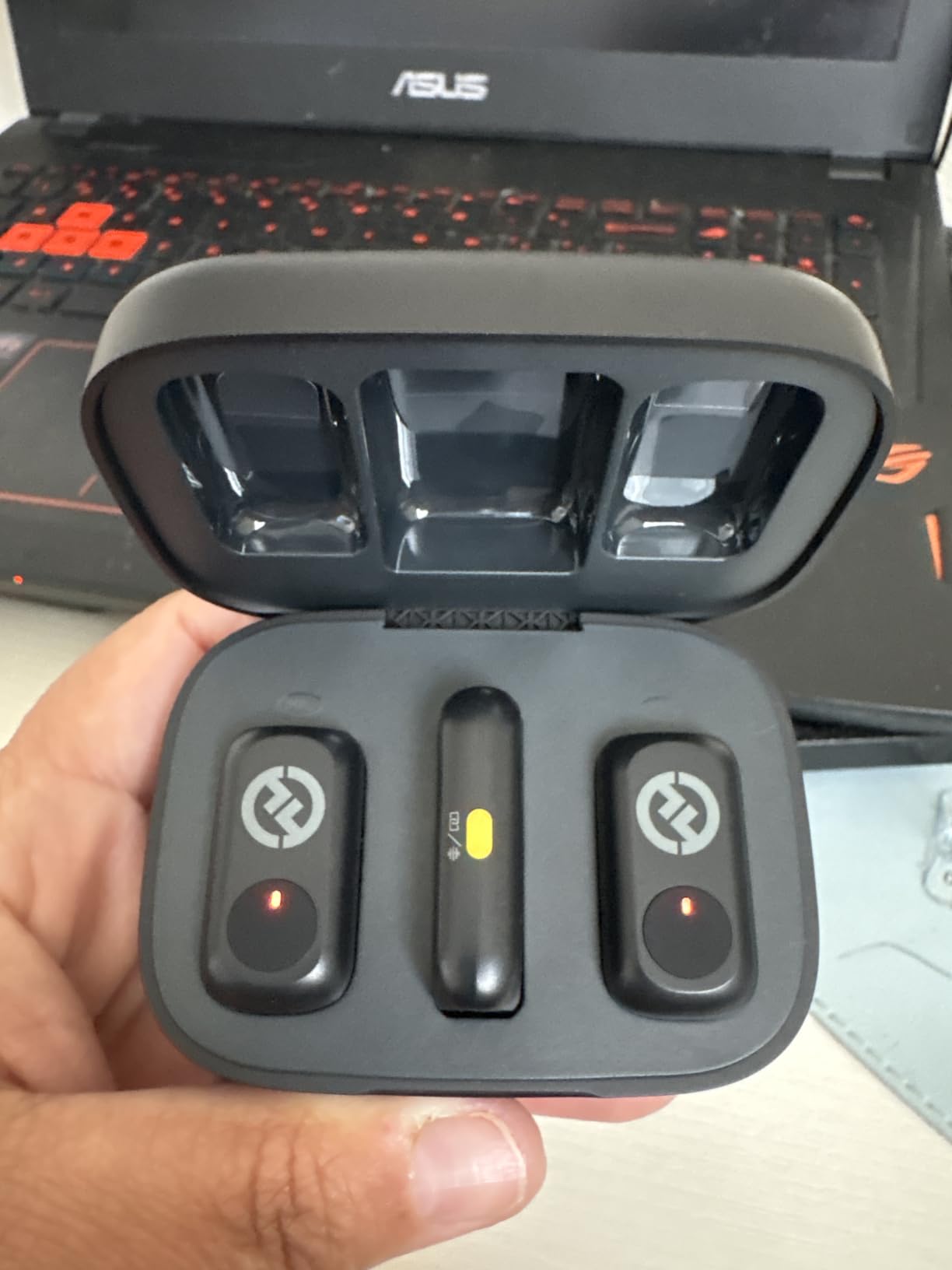
Range is 200m, or 650ft, with anti-interference technology. That is a real interview distance and comfortably enough for a subject who moves from the sofa to the kitchen window while talking.
Battery runs 9 hours per transmitter for 18 hours total, and the charging case model extends total runtime to 54 hours. For a long-form conversation or a repeating weekly shoot, you can stop thinking about charging between sessions.
Who the Hollyland Lark A1 suits
Solo creators and small teams recording an interview directly to a phone, especially anyone working in a genuinely noisy location on a modest budget. Three noise-cancelling levels give more control over a difficult room than most kits at this level offer.
It is also a strong second unit to own. Keep a compact kit like this in the bag as a backup, because the failure that ruins an interview is rarely the microphone you planned to bring.
Where the Hollyland Lark A1 falls short
It will not work with video-call or translation apps, only with recording apps. If a portion of your work is remote interviews captured through a conferencing tool, that limitation rules it out immediately.
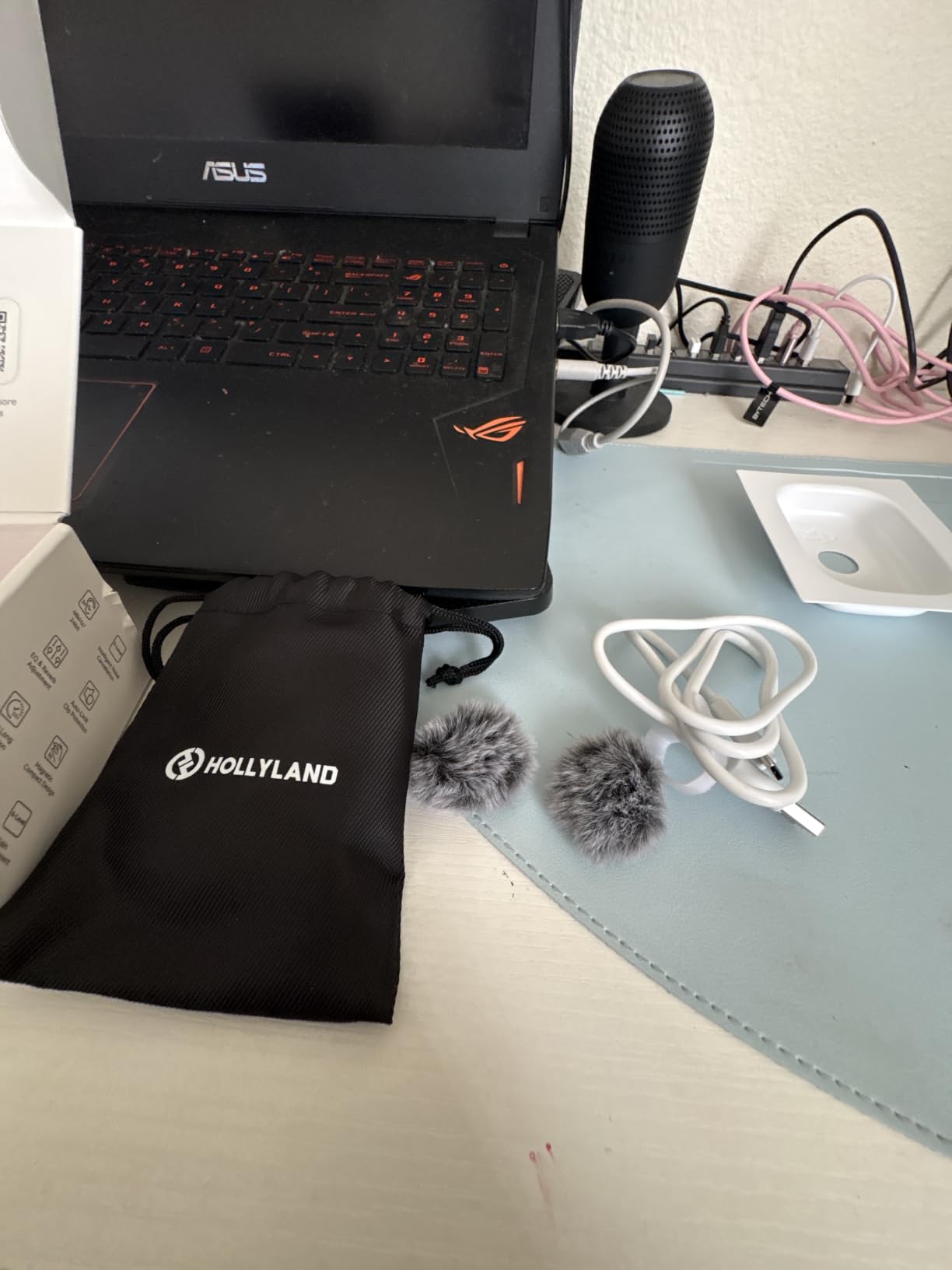
Outdoors you will hear overlapping wind noise on the furry windshields, and the very small magnets are easy to misplace on a busy set. A USB wall charger is not included either, only a cable.
4. NEEWER CM28 – Best for Backup Recording on a Budget
NEEWER CM28 Wireless Lavalier Microphone, Smart Noise Cancelling Lav Mic, 48KHz/16Bit 9hrs Uncompressed Recording, 200m Range, 4GB Storage for iPhone, Android, Camera, 1 RX + 2 TX + Charging Case
4GB internal storage per TX
48KHz/16-bit WAV
200m range
9h TX battery
Pros
- Built-in 4GB storage on each transmitter for standalone backup takes
- One-click noise cancelling plus an LCD status display
- Long 9-hour transmitter runtime with a protective charging case
- Wide device compatibility through the included OTG adapter and camera cables
- Strong magnetic mounts for discrete attachment
Cons
- The 3.5mm jack receiver and adapter-heavy design is less convenient for phone-only use
- Transmission range drops around obstacles and depends on location
- Unidirectional pickup can miss speakers positioned off-axis
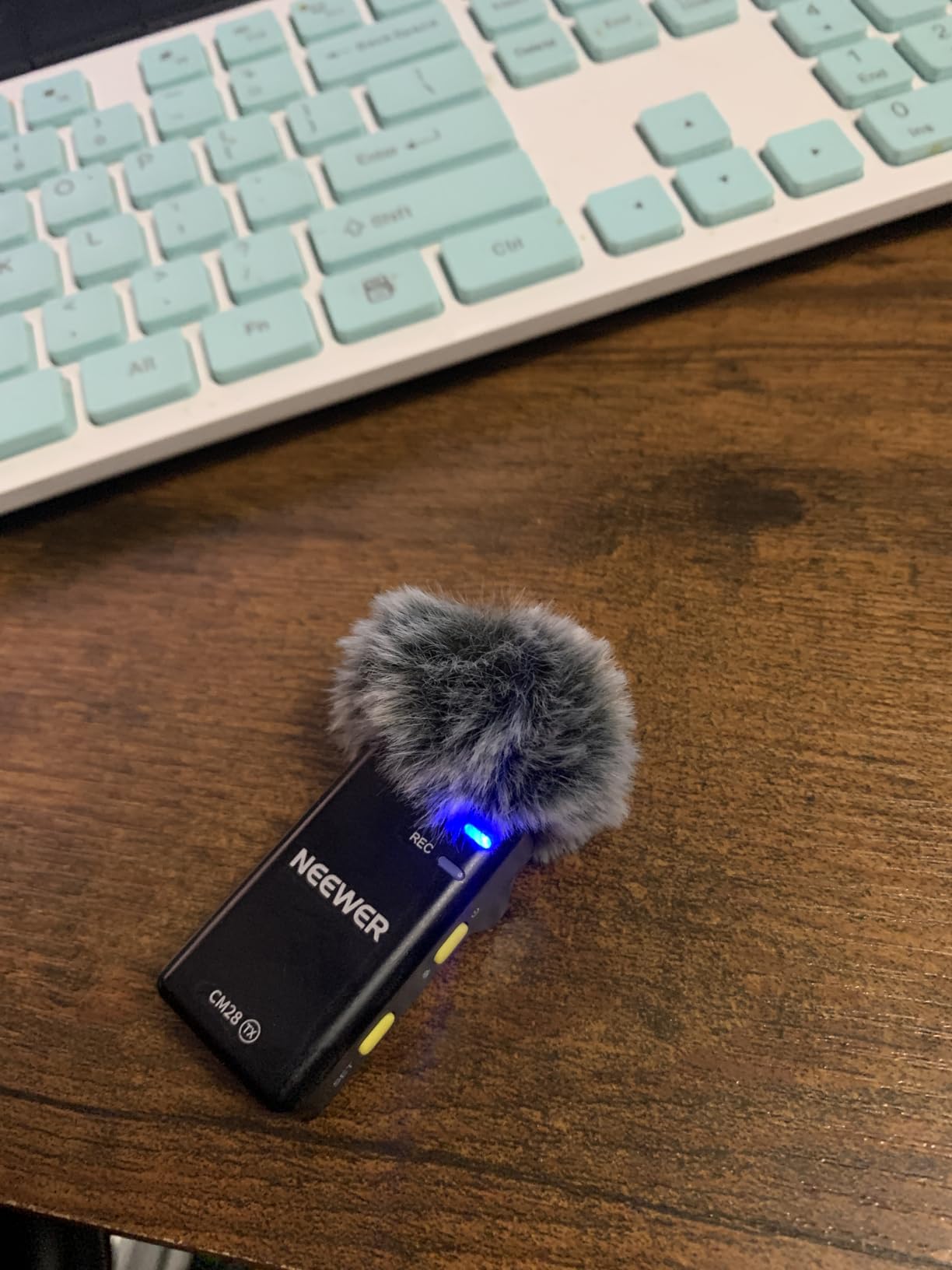
The CM28 answers a question most budget kits ignore: what happens if the radio link fails mid-answer? Each transmitter carries 4GB of internal storage and doubles as a standalone recorder, saving up to 9 hours of uncompressed 48KHz WAV. If the signal drops, the audio is still on the transmitter, not gone.
That is a real insurance policy for an interview, where you cannot ask a subject to repeat a paragraph. The catch is that the backup is not 32-bit float, so a badly clipped take stays clipped even though you have the file.
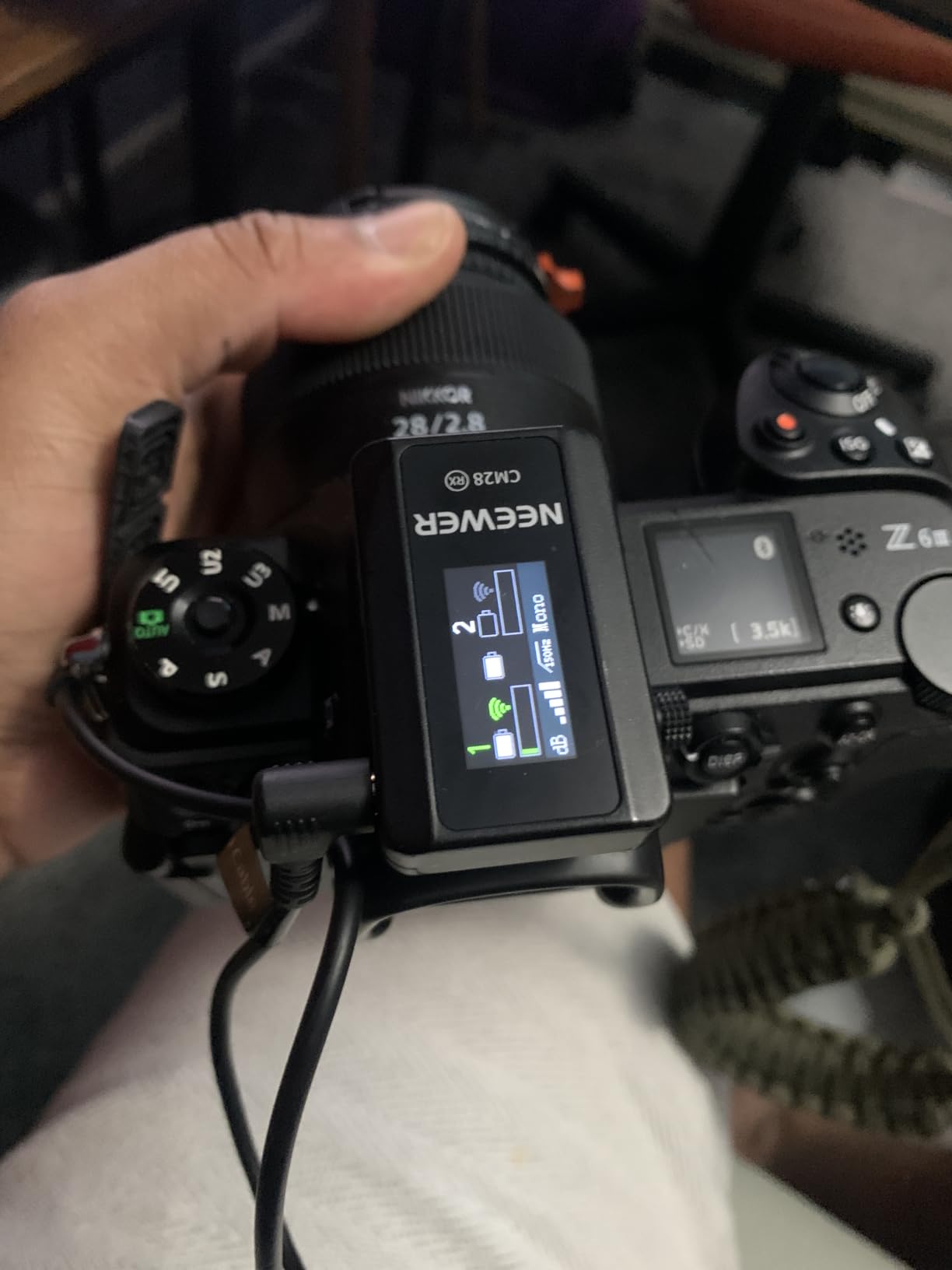
Export modes cover Mono, Stereo and Ms, which means you can pull the two transmitters apart as separate tracks for editing rather than getting a fixed mix. The LCD status display on the transmitter is unusual at this price and saves you guessing at levels in a dark room.
One-click noise cancelling runs on a built-in chip, and the kit includes two windshields and magnetic mounts. Transmitters run 9 hours and the receiver 8 hours per charge, refilled in 1.5 hours in the protective case.
Who the NEEWER CM28 suits
Anyone shooting a documentary or corporate interview who wants a second copy of every take without moving up to a pro kit. Standalone recording on the transmitter also makes it useful for separate audio-only pickups, like a sound bite you record on its own after the main take.
Bundled USB-C OTG adapter, data cable and camera audio cable mean iPhone, Android, Samsung Galaxy, iPad, MacBook, PC, DSLR and Insta360 rigs are covered without buying another adapter.
Where the NEEWER CM28 falls short
The receiver uses a 3.5mm jack, so phone-only work means carrying adapters rather than plugging straight in. For a camera-first kit that is fine, but it adds friction on a fast phone shoot.
Range holds at 656ft, or 200m, in unobstructed areas and drops noticeably around obstacles, so test your actual location before an interview. The unidirectional pickup can also miss a subject who turns away from the mic, which is worth remembering with restless guests.
5. Rode Wireless ME – Best for Solo Sit-Down Interviews
RØDE Wireless ME (2 TX + 1 RX + Charging Case), Ultra-Compact
Built-in mics on TX and RX
GainAssist auto gain
100m range
7h battery
Pros
- Very compact durable build that survives daily handling
- GainAssist auto-leveling keeps audio clear on dynamic subjects
- All required cables included for phone camera and computer
- Good range and dependable connection for solo interviewing
- Backed by a 5-year warranty
Cons
- The receiver hangs from the bottom of a phone and gets in the way
- Some users report a faint hum in the recorded signal
- No display on the receiver so levels must be checked in the app
- No internal backup recording on the transmitter
The Wireless ME is built around one specific interview situation: one subject, one camera, one person speaking. Both the transmitter and the receiver have a microphone built in, so you can clip the lav on the subject and still capture scratch audio from behind the camera, which is genuinely useful for narration and room reference.
GainAssist handles the level for you, automatically adjusting gain to avoid clipping and distortion when a subject shifts from quiet to animated. For an inexperienced speaker, that removes the single most common cause of unusable interview audio: a level set for the calm part of the conversation.
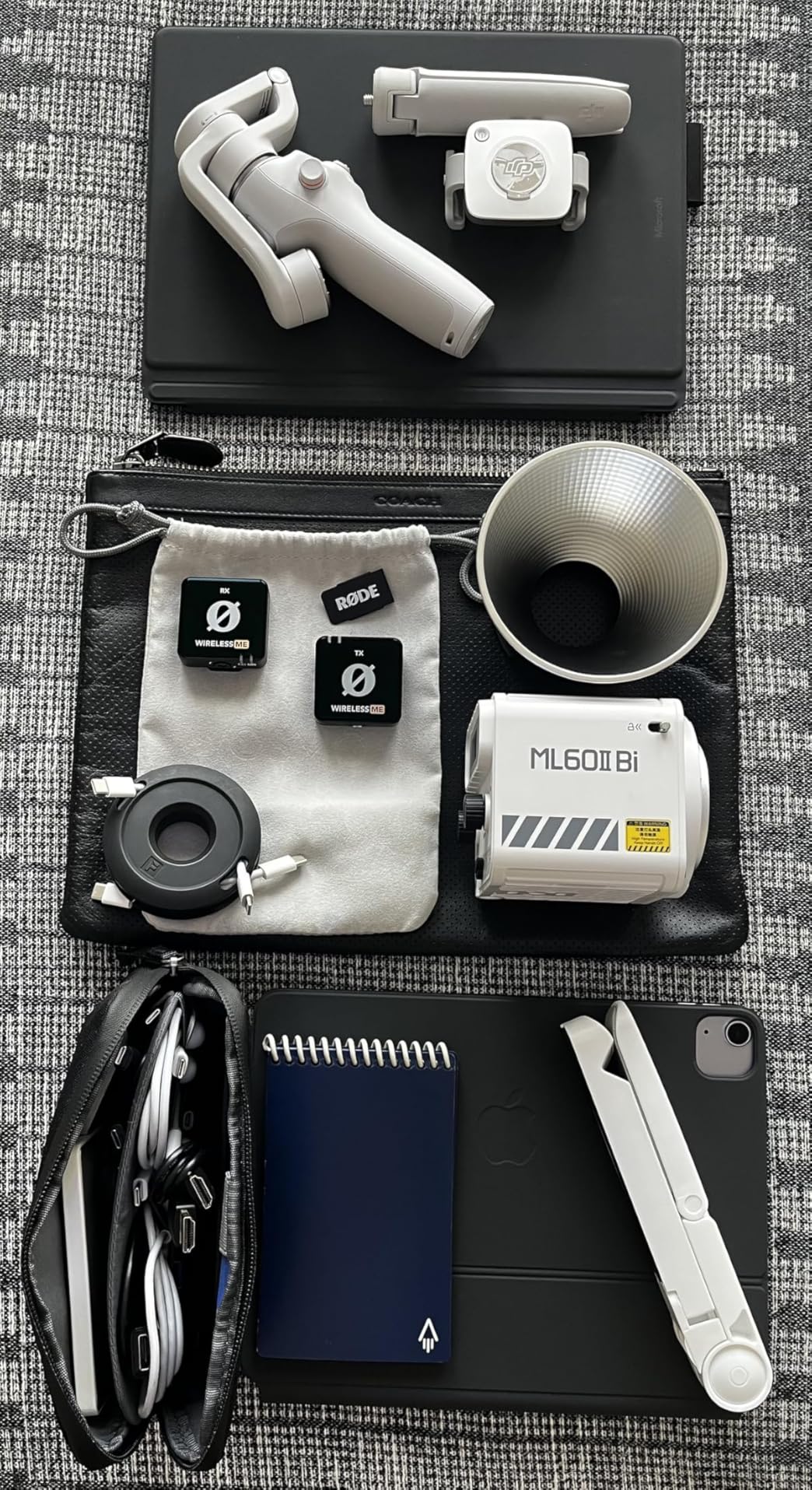
Series IV transmission holds a stable link over 100m in dense RF environments, which is a meaningful claim for hotel and city-centre work. Compatibility covers cameras, Windows and MacOS computers, iOS and Android phones, and it plays nicely with the free Rode Connect software for podcasting and streaming.
Battery life is up to 7 hours, or continuous power over USB-C, which is a good answer to the all-day runtime question. A 5-year warranty is the longest on this list by a wide margin.
Who the Rode Wireless ME suits
Solo sit-down interviews and voice-overs where only one person is on camera. The dual built-in microphones give you a scratch track without any extra hardware, and GainAssist saves time when you cannot monitor levels live.
It is also a good match for video calls through Zoom, Teams and Skype, and the fact that every needed cable is in the box means no shopping before the shoot.
Where the Rode Wireless ME falls short
There is no internal backup recording on the transmitter, so a dropout means the audio is genuinely gone. If losing a take is the thing that worries you most, look at a kit with onboard recording instead.
The receiver hangs from the bottom of a phone, which some users find in the way during handheld work. There is no display screen, so you check levels in the Rode Central app, and a minority of owners report a faint hum they could reduce but not fully remove in software.
6. DJI Mic 3 – Most Versatile for Group and Documentary Interviews
DJI Mic 3 (2 TX + 1 RX + Charging Case), Wireless Microphone
32-bit float backup
4TX and 4-channel output
Dual-band anti-interference
28h with case
Pros
- Four-channel output with 4TX and 8RX capability for group interviews
- Adaptive gain keeps voices consistent from whisper to shout
- Dual-band anti-interference for stable audio in crowded spaces
- 32-bit float internal backup recording protects every take
- Up to 28 hours of power with the charging case
Cons
- The receiver plugs into a port so some setups need adapters
- Advanced features add complexity compared with simpler two-person kits
- Bluetooth and Wi-Fi options are confusing to configure for some users
The Mic 3 is the first kit on this list built for a conversation rather than a single speaker. The receiver pairs with four transmitters and can sync audio to seven additional receivers with four-channel output, so a two-person interview today and a four-person panel next month use the same hardware.
That scale is exactly what documentary and corporate work needs. Rather than swapping systems when the format changes, you add transmitters, and the receiver handles the channel routing.
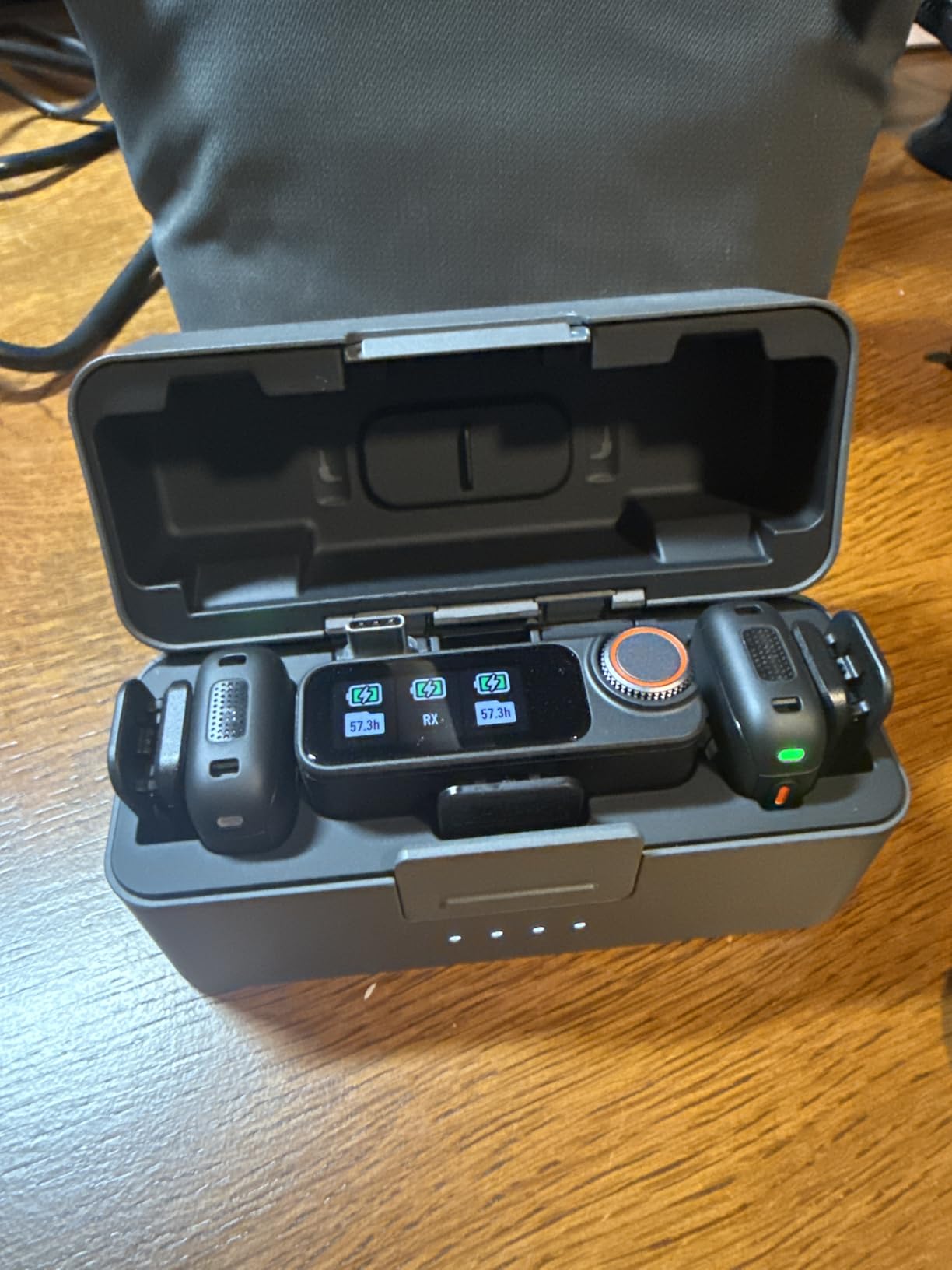
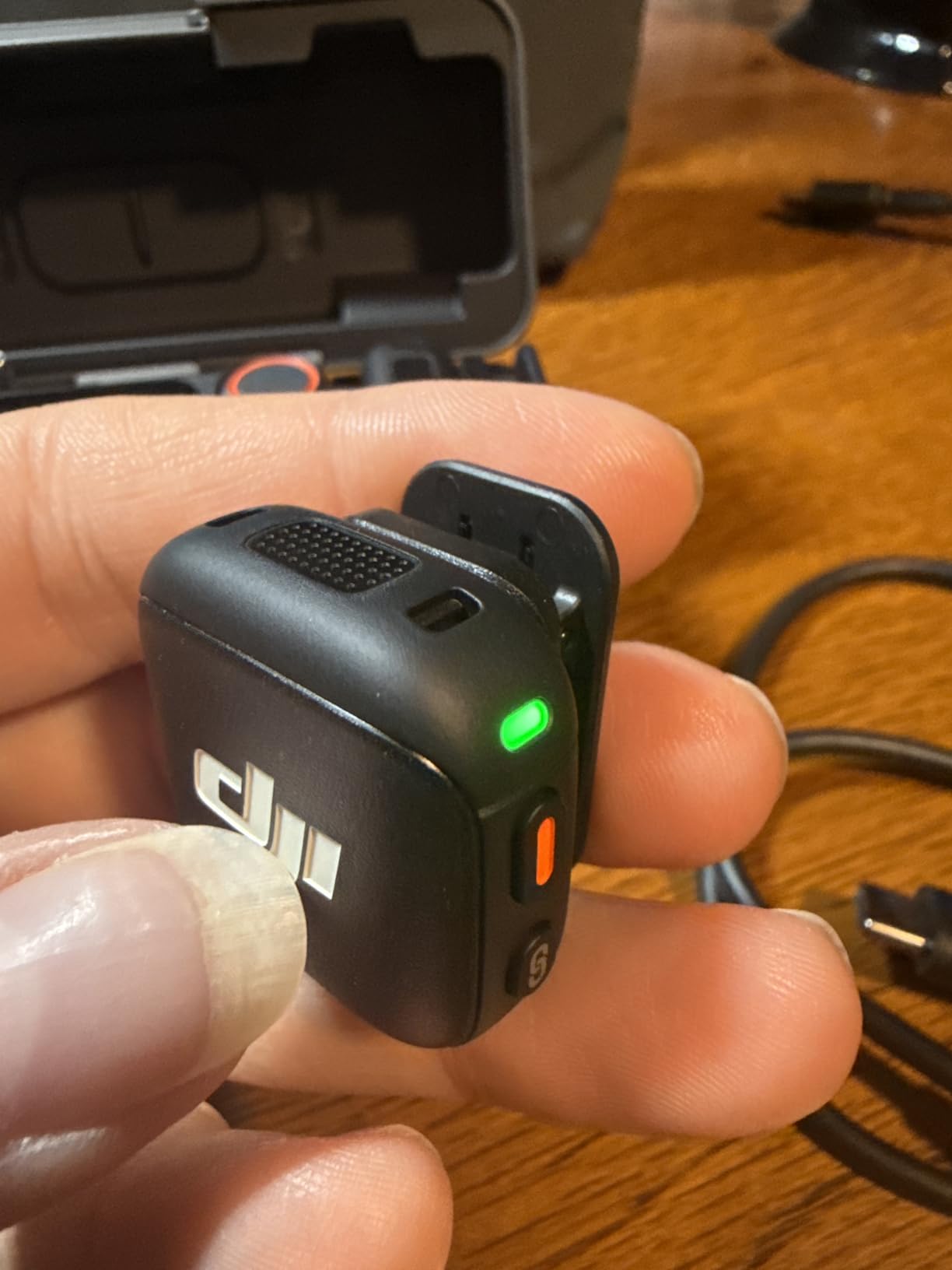
Every take is duplicated to internal storage as dual-file 32-bit float recording. In practical terms this means a subject who suddenly laughs at full volume is still recoverable in post, which is the single strongest reason professional crews pay for this tier.
Dual-band anti-interference is the other quiet win. Dual-band transmission is what keeps a link stable in a convention centre or a busy office, which is where single-band 2.4GHz kits tend to stutter. Adaptive gain keeps levels consistent from a whisper to a shout, and there are three voice tones plus two noise-cancelling levels to shape the result.
Who the DJI Mic 3 suits
Documentary crews, news teams and production companies who record more than one speaker and cannot afford a dropped take. Four-channel output also makes it a natural fit for podcasts filmed on video, where each participant deserves a separate track.
It works well if your kit is already in the DJI Osmo ecosystem, since direct connection covers Osmo Mobile 8, Osmo Action 6, Osmo Nano, Osmo 360 and Osmo Pocket 3 among others. The charging case gives up to 28 hours of filming power, which covers a full production day.
Where the DJI Mic 3 falls short
The receiver records into a camera or phone port, so some rigs need adapters. If you shoot on a camera with a clean line input you will barely notice, but a phone-first workflow needs the included USB-C adapter in your pocket.
The feature set is also less approachable than a two-person kit. Bluetooth and Wi-Fi radios add pairing options that some users find confusing to configure, and the multi-receiver syncing is a tool you learn over several shoots rather than on day one.
7. Rode Wireless PRO – Best for Documentary Work and Timecode
RØDE Wireless PRO (2 TX + 1 RX + Charging Case), 32-Bit Float, Timecode
32-bit float on-board recording
Built-in timecode
260m range
5-year warranty
Pros
- 32-bit float on-board recording makes clipped or quiet audio recoverable
- Built-in timecode simplifies multi-camera syncing
- Consistently stable transmission with no reported dropouts
- All three pieces record independently for room tone and effects
- Two Lavalier II microphones included in the kit
Cons
- Transmitters are noticeably bulky compared with mini clip-on systems
- Some units and the included lavaliers feel fragile under normal handling
- A faint buzz can appear when boosting gain heavily in post
- On-board recording is mono so tracks need manual alignment
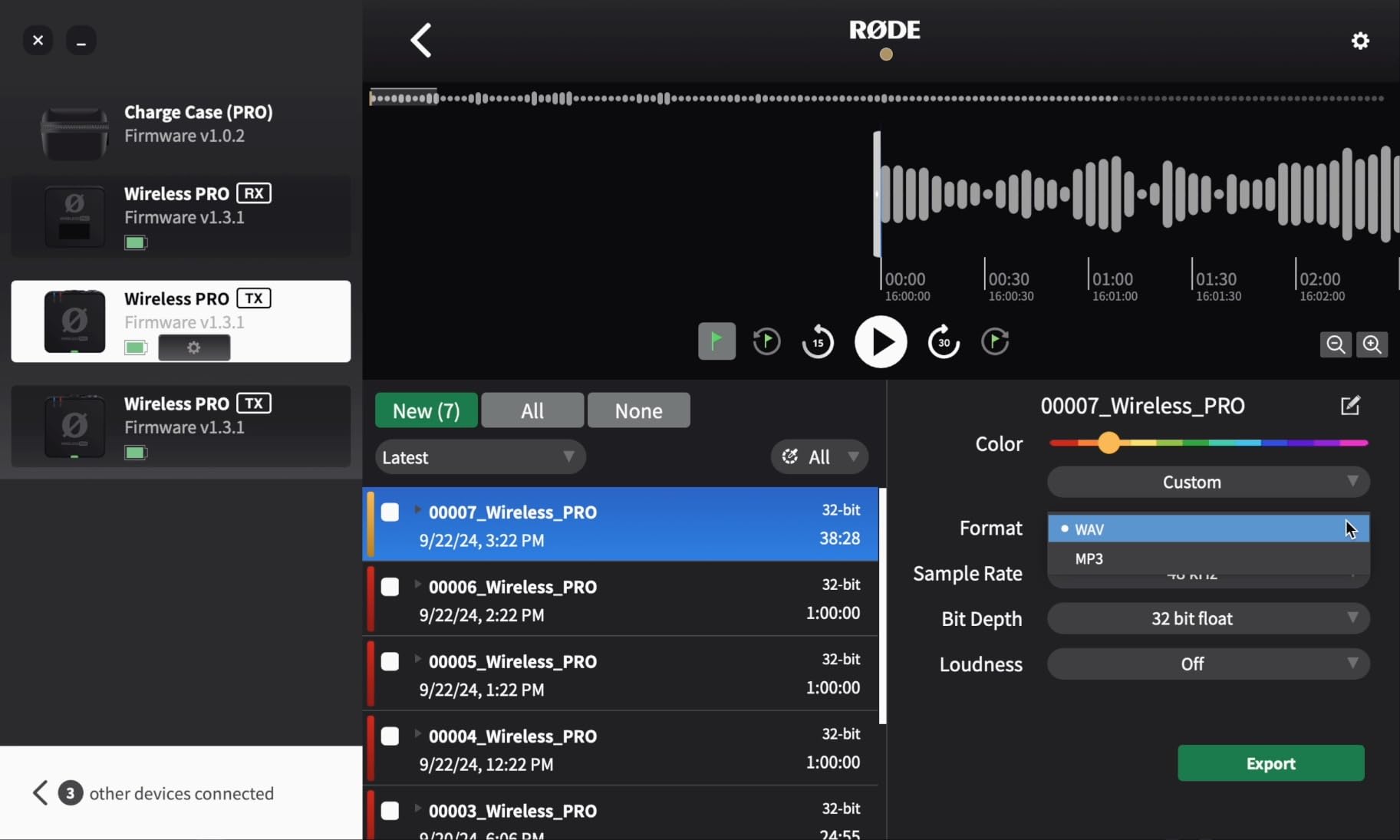
The Wireless PRO is the kit professional crews describe as an industry standard, and the reason is 32-bit float on-board recording. All three units record independently, and clipped or very quiet audio is fully recoverable afterwards, which means a hot take is never lost.
Built-in timecode is the feature that separates it from every other kit here. On a multi-camera shoot, timecode syncs picture and sound without manual alignment, which removes the single most tedious job in post when a director cuts between two angles.
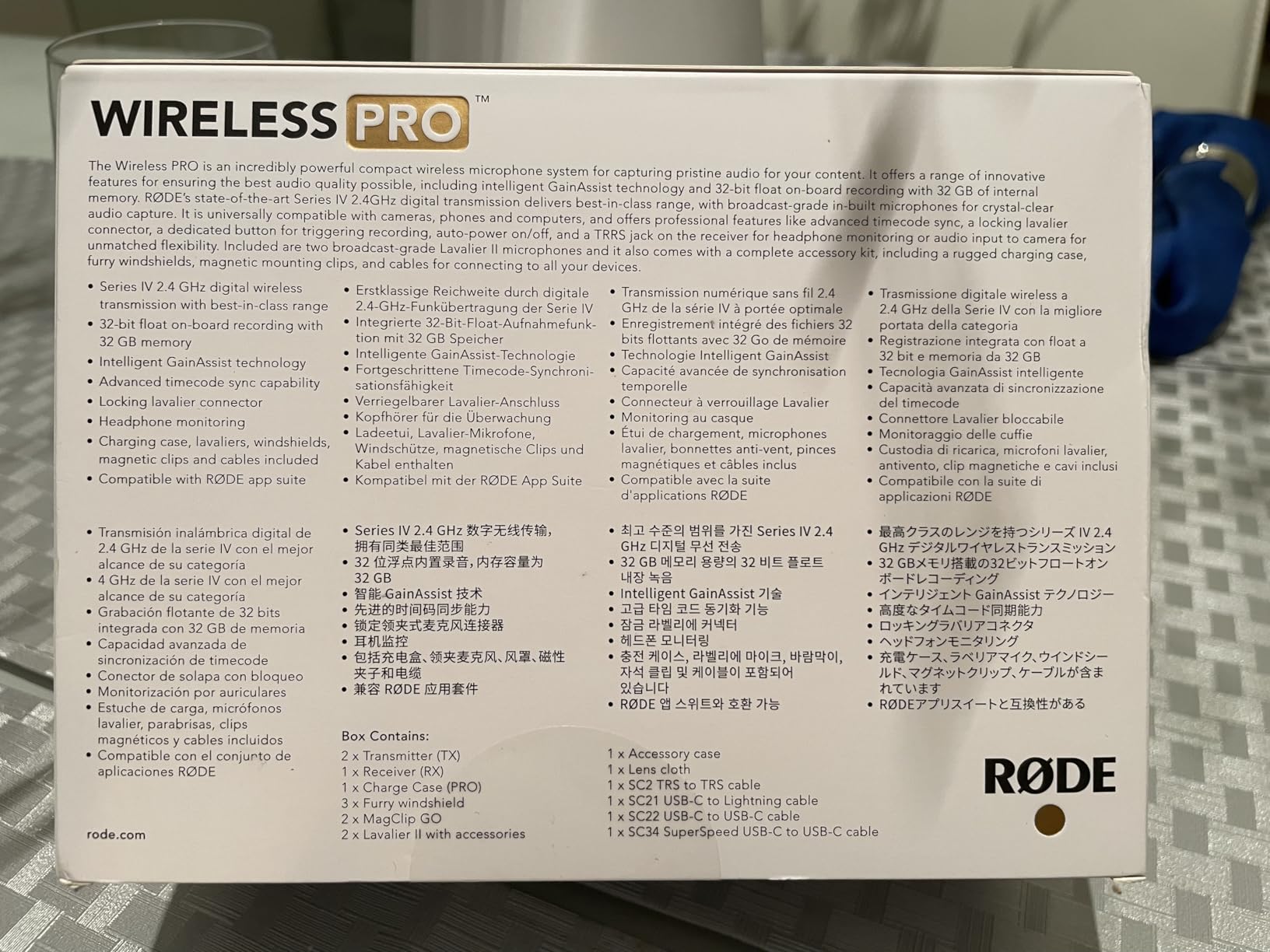
Range is 260m line-of-sight, comfortably more than an interview needs, and the kit includes two Lavalier II microphones plus a smart charging case. It works with cameras, USB-C phones and computers, and carries a 5-year warranty.
Independent recording on all three units is also how you capture room tone and effects. Ask a subject to stop talking for thirty seconds and you have clean material for editing dialogue later, which is a genuine craft habit most wireless kits do not support.
Who the Rode Wireless PRO suits
Documentary and broadcast crews running two cameras, and any production where a lost take is expensive. The combination of 32-bit float backup, timecode and included Lavalier II capsules is the complete interview package rather than a set of compromises.
It is the right call when you are already working to a broadcast standard and need encryption and predictable behaviour. If your output is a single camera on a phone, the extra capability is real but you may never touch it.
Where the Rode Wireless PRO falls short
The transmitters are noticeably bulky next to the mini clip-on systems on this list, which is visible on a subject in a close shot. Some owners also report that transmitter shells and the included lavaliers feel fragile, with clips cracking under normal handling.
On-board recording is mono, so synced backup tracks need manual alignment in editing software rather than snapping automatically. And a faint buzz can appear if you push gain hard in post.
8. Saramonic BLINK500B2+ – Best for Headphone Monitoring
Saramonic BLINK500B2+ Wireless Lavalier Microphone for iPhone/Camera/Android, Detail-Rich Audio, 40h Battery Life, Clip on Wireless Lapel Mic for Live Streaming Video Conference Recording
OLED receiver with headphone out
75/150Hz low-cut
Safety output mode
20h TX battery
Pros
- Feature-packed receiver with OLED display and headphone monitoring
- Mono Stereo and Safety output modes
- Long 20-hour transmitter runtime with a drop-resistant case
- Reliable 150m range with no dropouts reported
- 17-step remote gain and 2-stage noise cancelling
Cons
- Cannot connect to a phone and a camera at the same time
- The output adapter connector wears with repeated plugging
- Audio quality is good rather than top-tier for the price
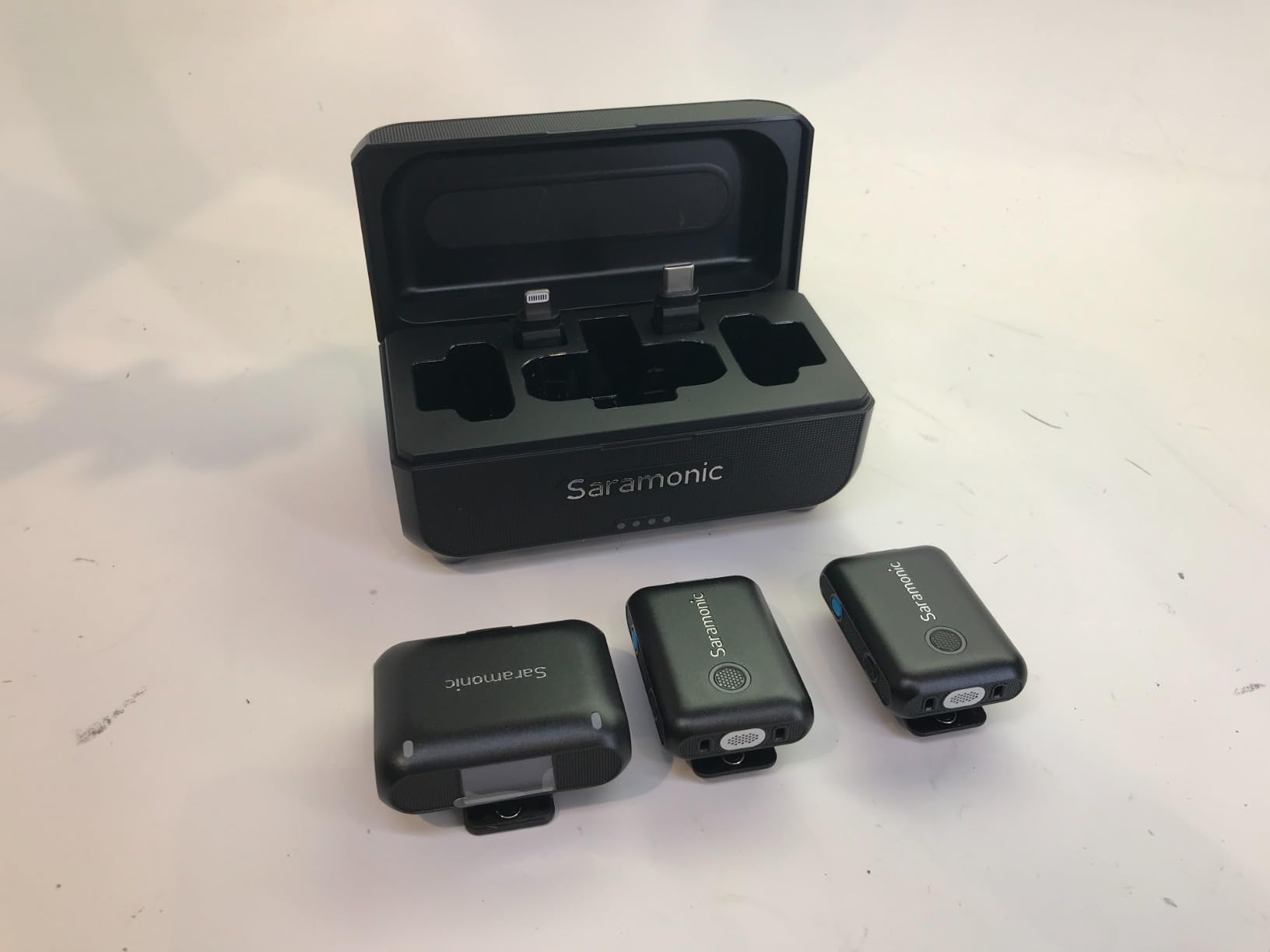
The BLINK500B2+ is the only kit here with a proper headphone output on the receiver, and for interview work that matters more than any spec on the box. You can monitor the subject while recording, hear the noise floor, and judge for yourself whether the noise cancelling is helping or hurting.
The OLED display is the other quiet professional touch. You can see levels, output mode and battery without opening an app, which is what you want when a subject is talking and your hands are busy.
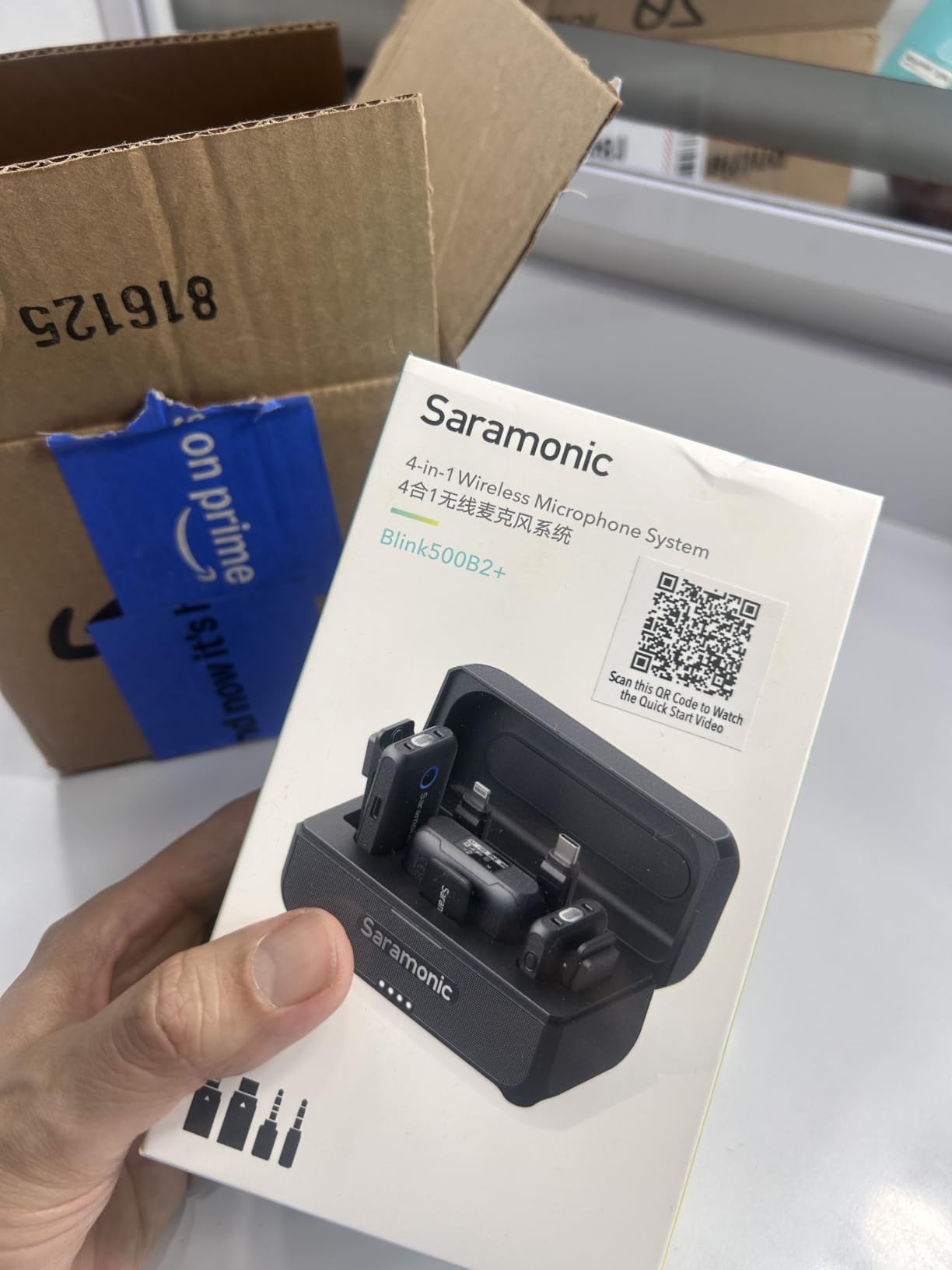
Output modes cover Mono, Stereo and Safety, where Safety is a fixed-level backup track that survives a sudden loud moment. Alongside a 75/150Hz low-cut filter and 17-step remote gain, that gives real control over a difficult room.
Two transmitters have 20-hour batteries and the receiver 16 hours, with a 1250mAh case adding 1.6 more charges. Range reaches 492ft, or 150m, and connectivity covers 3.5mm TRS and TRRS, USB-C and Lightning.
Who the Saramonic BLINK500B2+ suits
Interviewers who want to hear what they are recording, and anyone working in a fixed indoor setup where you can monitor the return. The low-cut filter at 75Hz or 150Hz is exactly the control you need against handling noise and rumble from a table or a building.
It works across cameras, phones, tablets and computers with the included adapters, and the 2-year warranty is a reasonable cover for a working kit.
Where the Saramonic BLINK500B2+ falls short
The single receiver cannot feed a phone and a camera at the same time, because whichever is connected last overrides the other. For multi-cam interview work that is a genuine limitation, and it is the most cited complaint among owners.
The output adapter connector also wears with repeated plugging and unplugging, and reviewers generally describe the audio as good rather than exceptional for the price, so you are paying for control and monitoring more than for raw sound quality.
9. SmallRig S70 – Best for Two-Receiver Camera and Phone Rigs
SmallRig S70 Wireless Mic (2 TX + 2 RX + Charging Case) – Black
2 TX and 2 RX included
8.6 g transmitters
48kHz/24-bit
8h per charge
Pros
- Exceptionally small 8.6 g transmitters that are nearly invisible on clothing
- Clean audio with three noise-reduction modes and EQ presets
- Two receivers included so camera and phone rigs run side by side
- Long battery life covering multi-day shooting with the case
- Solid build quality and strong magnetic mounts
Cons
- Transmitters can lose their link if left separated before a shoot
- The clip and casing can feel brittle next to DJI or Rode builds
- Audio can artifact while the unit reconnects
- No 32-bit float internal recording
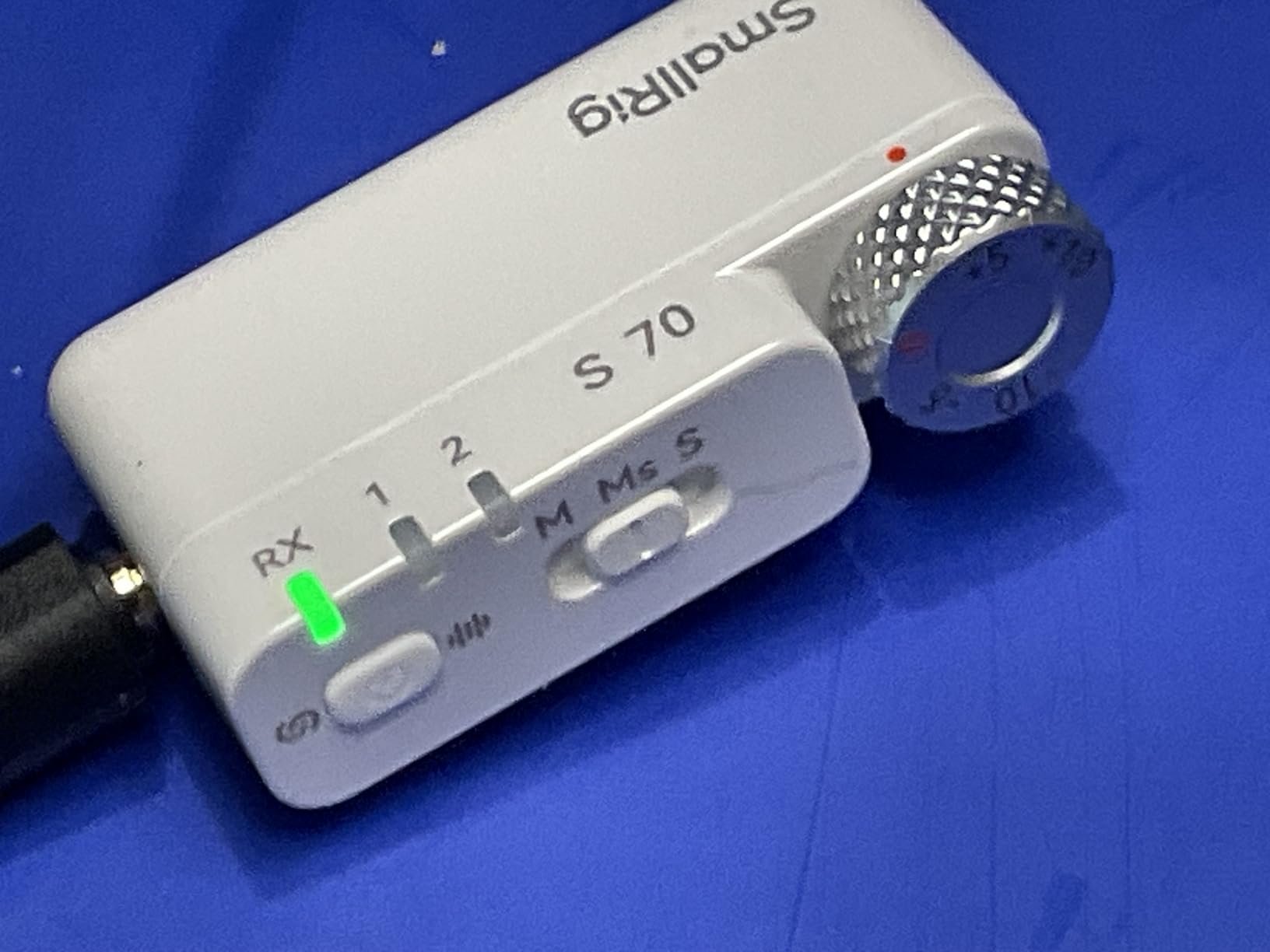
The S70 solves a problem most kits make you solve twice. You get two receivers, one USB-C and one 3.5mm, so a camera and a phone can record the same interview at the same time without a splitter. For a shoot where a director wants a vertical cut for social, that is a clean solution to a real problem.
Transmitters weigh 8.6g and use a nickel-titanium memory metal clamp, which is the part we liked most. The clamp holds its shape on a collar or a lapel and disappears in a close shot, unlike a spring clip that sags after ten minutes.
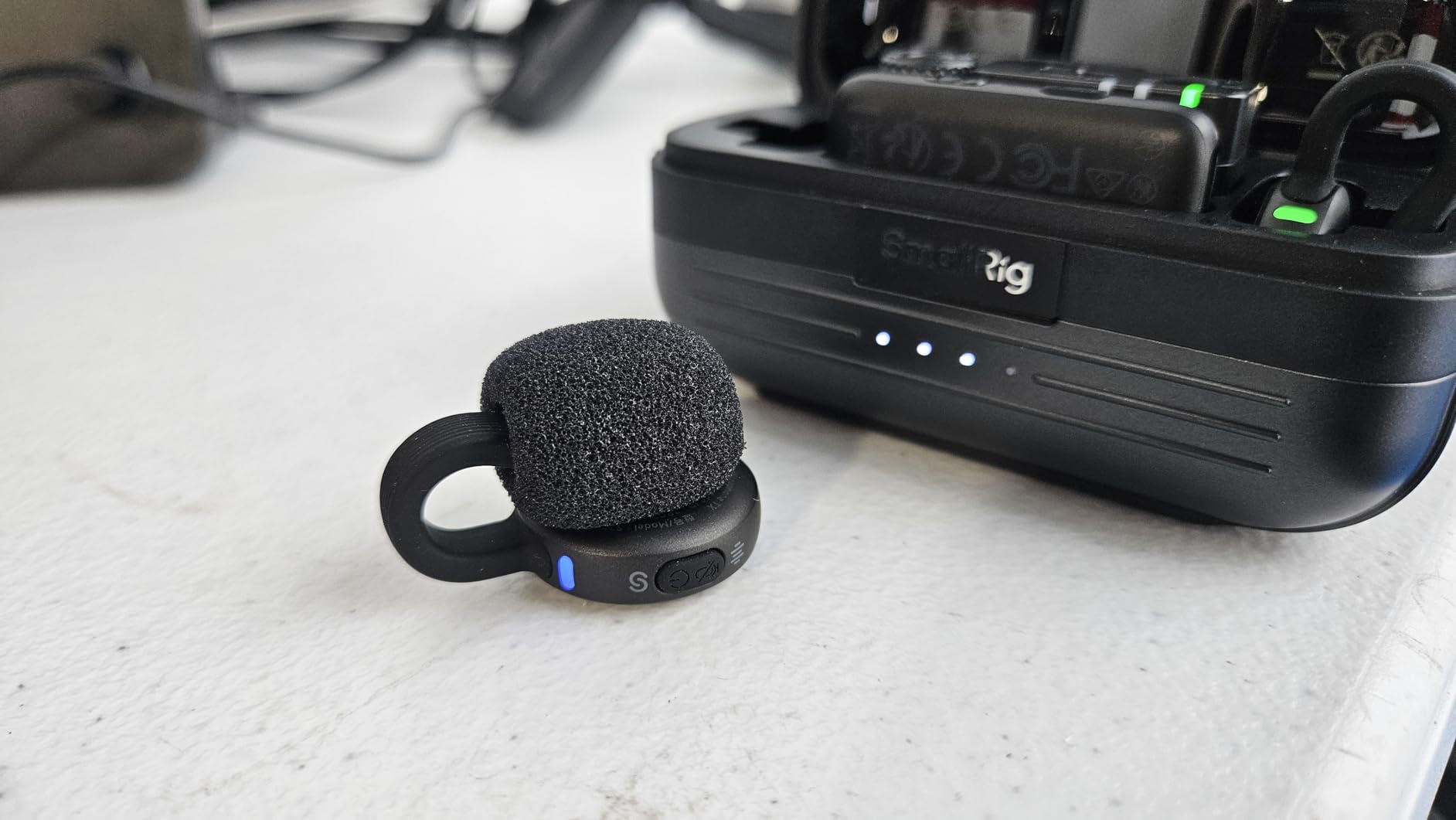
Audio is 48kHz at 24-bit on an ATS3031 chip, with three noise-reduction modes, five gain levels, three mixing options and nine preset EQ equalisers tuned by a Grammy-winning engineer. That is more tone control than most kits at this size offer.
Each transmitter runs 8 hours per charge and 48 hours total with the charging case, and compatibility covers USB-C Android phones and tablets, USB-C iPhones, DSLRs, computers, Insta360 and select DJI Osmo models.
Who the SmallRig S70 suits
Event and wedding videographers, and any crew shooting one interview into two devices at once. The dual receivers mean you can hand a camera operator a 3.5mm feed while a phone records a separate track, with no extra hardware.
It also suits anyone who needs a mic to vanish on a subject. At 8.6g with a memory-metal clamp, it is among the most discreet options we tested, and the three noise-reduction modes cover quiet rooms through busy event spaces.
Where the SmallRig S70 falls short
The most common negative theme among owners is reconnection behaviour. A transmitter and receiver left separated for a while before a shoot can drop their link, producing brief artifacting, so pair them shortly before you record rather than setting up hours ahead.
Some users also find the clip and casing less robust next to DJI or Rode builds, and there is no 32-bit float internal recording, so a dropout leaves you without a backup copy.
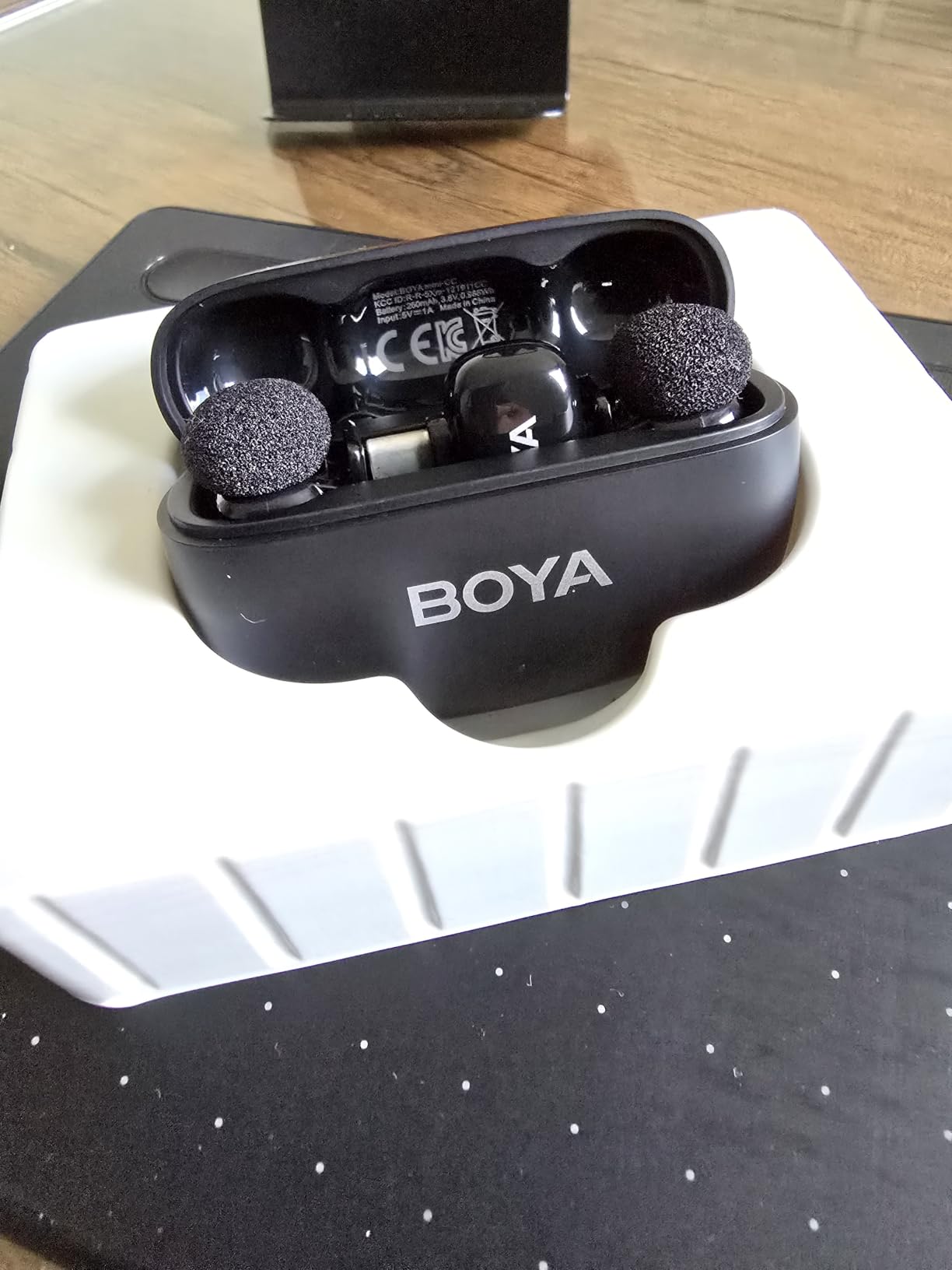
10. BOYA mini 2 – Best for Fully Concealed Lav Wear
BOYA mini 2 Wireless Lavalier Microphone for iPhone 15/16/17 & Android
5 g transmitter
2-level AI noise cancelling
30h with case
328ft range
Pros
- Weighs only 5 g making it one of the most discreet clip-on mics
- 48kHz/24-bit recording with an 80dB signal-to-noise ratio
- AI noise cancellation with Strong and Light modes
- BOYA Central app control for volume noise cancelling and EQ
- 30H total battery life with the charging case
Cons
- No Bluetooth connectivity
- Camera compatibility restricted to specific DJI Action and Pocket 3 models
- Audio can drop out around walls and buildings
- Some users rate the audio as functional rather than exceptional
At 5 g the BOYA mini 2 is the smallest transmitter in this roundup, and that is not a gimmick. On a subject in a tight close-up, a visible clip can undermine a good interview, and a mic you cannot see changes how people speak.
Recording is 48kHz at 24-bit with an 80dB signal-to-noise ratio and 120dB SPL handling. AI noise cancellation has two levels, with Strong at -40dB and Light at -15dB, and a limiter plus a -12dB safety track guard against a sudden loud moment.
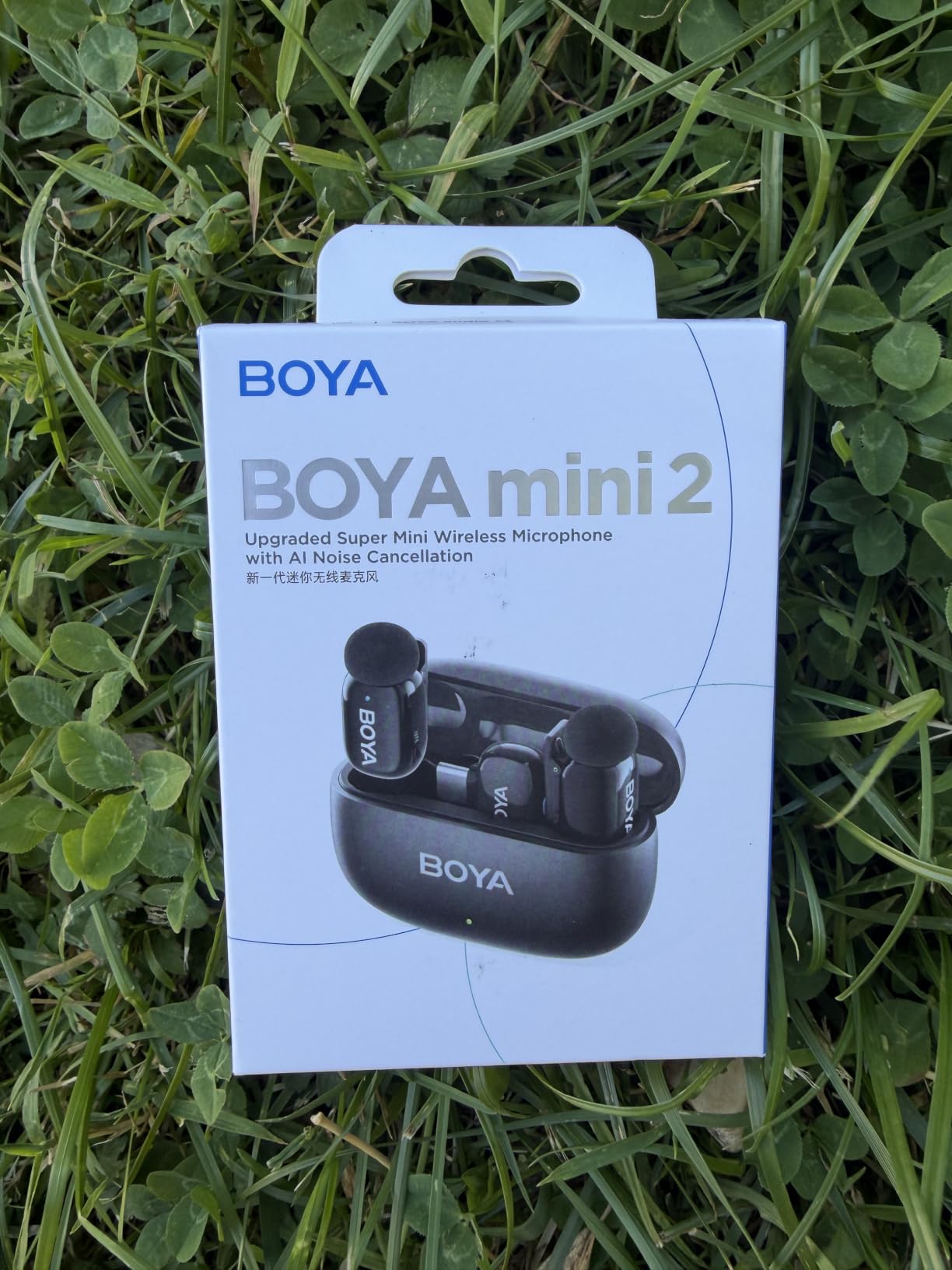
The free BOYA Central app gives you volume, noise cancellation and EQ control, which puts it ahead of kits that expose only a physical switch. Battery is 30 hours with the charging case and range is 328ft, roughly 100m, which suits a room or a small courtyard.
Our advice is to treat the light AI noise cancelling as the default and only reach for Strong in a genuinely noisy space, since heavy processing flattens the natural character of a voice.
Who the BOYA mini 2 suits
Solo creators and interviewers on a tight budget who want a lav nobody notices. The app-based control and the safety track give you more than a basic wired lapel would, at a fraction of the cost of a pro kit.
It is a sensible travel mic too, small enough to forget in a jacket pocket until the moment you need it, with a case that carries 30 hours of runtime.
Where the BOYA mini 2 falls short
There is no Bluetooth, so it cannot feed a Bluetooth-only capture setup. Camera compatibility is also limited to specific DJI Action 2, 3 and 4 models and the DJI Pocket 3, with no support for Insta360, GoPro, Akaso or OnePlus devices.
Signal drops out around walls and buildings, which is the normal behaviour of a small 2.4GHz system, and some owners rate the audio as functional rather than exceptional. For a one-take interview with no backup, that is worth weighing against a kit with onboard recording.
How to Choose a Wireless Interview Mic: 7 Criteria That Decide the Fit
Work down this list in order. The first three decide whether a kit can do the job at all, and the rest decide how painful the job will be on the day.
1. One transmitter or two?
This is the biggest decision and most people get it wrong. A two-person interview, meaning an interviewer plus a subject, needs two transmitters if you want both voices clean. One transmitter with a single channel gives you a mix, not a separate track, and mixing badly is how a conversation ends up with one quiet voice.
A solo sit-down with one speaker only needs one transmitter, which is why compact single-speaker kits are a legitimate choice. Buying two transmitters when one will do is the most common overspend in this category.
2. 32-bit float and backup recording
32-bit float recording keeps a safety copy inside the transmitter itself and means a clipped or very quiet take can be recovered in post. A lost radio signal stops being a lost interview. Kits with onboard storage, whether 32-bit float or plain WAV, give you a fallback file the moment the link misbehaves.
If you cannot afford onboard recording, buy a wired backup for the subject. A cheap wired lav on a separate recorder costs very little and removes the single biggest risk in interview work.
3. Dual-transmitter support and channel routing
Check whether the receiver handles two transmitters as separate channels or a single mixed output. Separate channels let you level and edit each voice. Kits that expand to four transmitters, such as the DJI Mic 3, are worth it if you expect panel interviews, but they are unnecessary for a conversation.
4. 2.4GHz or UHF in crowded locations
Nearly every kit on this list is 2.4GHz. That band is unlicensed, compact and works well, but it competes with Wi-Fi networks, Bluetooth devices and other wireless mics. In a hotel, a convention centre or a busy city centre, dual-band or UHF systems hold the link more reliably. See the section below for detail.
5. Receiver outputs: USB-C, 3.5mm, hot shoe or line-in
Buy for the device you actually shoot on. USB-C suits phones and modern mirrorless bodies, 3.5mm TRS suits cameras with a clean line input, and a hot shoe adapter is the tidiest option for a camera with a proper top mount. Check whether the receiver needs an adapter, and whether that adapter is included.
Look at ports on the receiver too, not just the outputs. A line-in lets you add a second source to one recorder, and a headphone output lets you monitor, which is worth a lot on a long interview.
6. Low-cut filter, limiter and noise cancelling
A low-cut filter at 75Hz or 150Hz removes handling noise, desk rumble and traffic, and is more useful than aggressive noise cancelling. A limiter prevents a sudden loud moment from clipping, and a safety track gives you a fixed-level copy to fall back on. AI noise cancelling helps in a noisy room but thins the voice when pushed hard, so treat it as a second option rather than the primary fix.
7. Battery and all-day runtime
Check both the per-transmitter figure and the case figure, because an interview day is won or lost on the second half of the shoot. Seven hours per transmitter covers most single days. Below that, you are swapping batteries mid-session. Also check whether the unit records while charging, and whether a USB-C port on the transmitter can keep it powered through a long sit-down.
Whichever kit you choose, our guides to the best smartphone lavalier microphones for interviews and the best wireless microphones for filmmaking go deeper on device-specific choices.
What Interviewers Actually Use on Set
Most interview problems are not microphone problems. They are placement, levels and room noise, and no kit fixes a mic clipped to the wrong part of a collar.
The 3-to-1 rule
The 3-to-1 rule states that each additional microphone should be placed no closer than three times the distance from the speaker to the first microphone. If your nearest mic is 15cm from the mouth, the next one should be at least 45cm away, then 135cm for the third. The rule exists to keep levels consistent across a conversation so you can cut between angles without riding a fader.
In practice, with wireless lavs, the 3-to-1 rule becomes a gain-matching exercise instead. Set both transmitters to roughly the same level for the same speaking distance and you have solved the problem it was designed to prevent.
Placing a lav on a collar
Clip the mic about 15 to 20cm below the chin, on the side of the collar away from the dominant arm, and angle it upward. Never place it at the very centre of a shirt front, because fabric moving against the capsule is the most audible flaw in interview audio. Test by having the subject turn their head fully toward and fully away from the camera, and if the level changes dramatically, the mic is on the wrong side.
On a moving subject, secure the cable with tape along the collar line and leave a small loop of slack. A fully tensioned cable pulls on the mic, and a loose one swings into the collar.
Gain matching two transmitters
Ask both people to say the same sentence at their normal volume. Set both transmitters to the same gain, then walk the camera gain up until the loudest voice peaks around -12dB with headroom to spare. If one person is noticeably louder, adjust the gain on that transmitter rather than in post, where the fix costs time and still sounds less natural.
After matching, record thirty seconds of room tone with everyone silent. That silence is what lets you repair a background hum or a passing car in the edit, and it takes ten seconds to capture.
When wireless is the wrong choice
In a fixed, quiet room with one subject, a wired boom or a wired lav is better audio and less risk. Wireless earns its place when a subject moves, when you need two people recorded separately, or when a cable would be a trip hazard.
It also earns its place as insurance. Interview audio is recorded once, and a second backup track on a cheap wired recorder is the cheapest insurance available in this entire category.
UHF vs 2.4GHz: Which Band Survives Crowded Locations
Every compact kit in this roundup transmits in the 2.4GHz band, which is the industry default for interview systems. It is unlicensed worldwide, needs no frequency coordination, and fits inside a 10g transmitter. The trade-off is congestion.
2.4GHz shares airspace with Wi-Fi routers, Bluetooth headphones, smart home devices and other wireless mics. In a quiet house you will never notice. In a hotel, an office or a convention centre with dozens of access points nearby, that is where single-band 2.4GHz systems start to stutter or drop, and dropped audio in an interview is unrecoverable without a backup track.
UHF, used by broadcast packs, operates in a different slice of spectrum with far more room, which is why documentary and news crews working in cities still favour it. The downside is size: a UHF pack is a belt pack, not a button, and the frequency coordination is real work for a large multi-camera shoot.
Three practical middle-ground features help. Dual-band anti-interference, as found on the DJI Mic 3, hops between bands when congestion appears. Series IV transmission is claimed to stay stable over 100m in dense RF environments. And keeping the receiver in direct line of sight with the transmitters, rather than in a bag or a pocket behind a wall, removes most dropouts on any system.
Our rule: indoor home and office interviews need nothing special, crowded venues and city-centre street work are where the difference shows, and a subject who walks behind a building will drop any system you buy.
Frequently Asked Questions
What is the best microphone for an interview?
A wireless lav system is the right default for video interviews because the subject can move, and the DJI Mic Mini is the strongest all-round choice at 10 g per transmitter with 400m of range and two noise-cancelling levels. In a fixed, quiet room a wired boom wins on audio quality and reliability, so the setting matters as much as the product.
What are some good wireless microphones for interviews?
The DJI Mic Mini is best overall, the Hollyland Lark M2 is the best value two-person kit, the DJI Mic 3 is the premium pick with 32-bit float backup recording, the Rode Wireless PRO is built for documentary work with timecode, the Hollyland Lark A1 is the phone-first option, and the Saramonic BLINK500B2+ is the only one with headphone monitoring on the receiver.
What mics do interviewers use?
Solo sit-downs use one wireless lav. Two-person conversations use a dual-transmitter kit so each voice gets a separate channel. Broadcast and corporate runs use multi-channel packs, and the DJI Mic 3 expands to four transmitters with four-channel output for panels. Interviews with wide shots add a shotgun or boom as a separate backup track.
What is the 3 to 1 rule for microphones?
The 3 to 1 rule says each additional microphone should sit at least three times farther from the speaker than the previous one, so a lav at 15cm from the mouth puts the next mic at 45cm and the third at 135cm. The rule keeps levels consistent across a conversation so you can cut between angles without riding the fader in the edit.
How many wireless mics do I need for a two-person interview?
Two transmitters, one for the interviewer and one for the subject. With a single transmitter you get a mixed output rather than two editable tracks, and a mixed conversation with two different voices is hard to level. A two-transmitter kit costs little more than a one-transmitter kit, so buy the pair.
What is the difference between UHF and 2.4GHz wireless mics?
2.4GHz is unlicensed, compact and needs no coordination, which is why every compact kit uses it, but it shares airspace with Wi-Fi and Bluetooth and can struggle in hotels or convention centres. UHF sits in a much wider slice of spectrum and holds up better in congested locations, at the cost of a bulkier belt pack and more setup.
Conclusion: The Best Wireless Microphone for Interviews
The DJI Mic Mini is our pick for the best wireless microphones for interviews in 2026, because a 10g transmitter, 400m of range and 48 hours of total runtime cover almost any situation without a learning curve. Pick the Hollyland Lark M2 if pre-paired simplicity and value matter more to you, and step up to the DJI Mic 3 or the Rode Wireless PRO when a dropped take would genuinely cost you the interview.
One decision matters more than any other: how many people are speaking. Buy two transmitters for a conversation, one for a solo sit-down, and once you have the count right, choose the kit that either keeps a backup copy of every take or is paired with a cheap wired recorder. That single habit is what separates usable interview audio from footage you cannot use.
For the wider range of options, including wired choices and camera-specific picks, read our guides to the best microphones for interviews and the best wireless microphones for YouTube.