
I spent the last 60 days testing webcams from morning standups to late-night client calls, and I can tell you one thing: the gap between a laptop’s built-in camera and a real webcam is night and day. After testing eight models side by side across Zoom, Teams, and Google Meet, I’m sharing the best webcams for home offices that actually deliver on their promises.
Whether you’re upgrading from a blurry laptop camera or replacing an aging C920, this guide will help you pick the right webcam for your setup, your lighting conditions, and your budget. I’ve focused on the things that actually matter for remote work: image clarity in real home office lighting, microphone quality that doesn’t sound like a tin can, plug-and-play compatibility, and features like privacy shutters that protect you when meetings end.
Our team compared resolution, low-light performance, microphone clarity, field of view, and ease of setup. We used each webcam for at least three full workdays of back-to-back meetings. Here are the eight best webcams for home offices in 2026, starting with the top three picks that cover most remote workers’ needs.
Table of Contents
Top 3 Picks for Best Webcams for Home Offices in 2026
Best Webcams for Home Offices (September 2026)
| Product | Specifications | Action |
|---|---|---|
 Logitech C920x HD Pro Logitech C920x HD Pro |
|
Check Latest Price |
 Insta360 Link 2 Pro Insta360 Link 2 Pro |
|
Check Latest Price |
 NexiGo N60 1080P NexiGo N60 1080P |
|
Check Latest Price |
 Logitech Brio 101 Logitech Brio 101 |
|
Check Latest Price |
 EMEET C960 1080P EMEET C960 1080P |
|
Check Latest Price |
 Acer 1080p Webcam Acer 1080p Webcam |
|
Check Latest Price |
 Logitech Brio 301 Logitech Brio 301 |
|
Check Latest Price |
 Logitech Brio Ultra 4K Logitech Brio Ultra 4K |
|
Check Latest Price |
1. Logitech C920x HD Pro – Best Overall Webcam for Home Offices
Logitech C920x HD Pro PC Webcam Full 1080p/30fps Video – Black
1080p at 30fps
Autofocus glass lens
Dual stereo microphones
Pros
- Autofocus is sharper than fixed-focus rivals
- Dual stereo mics beat most built-in options
- HD light correction handles mixed lighting
- Works with Teams Zoom and Meet out of the box
- Includes 3-month XSplit VCam license
Cons
- No privacy shutter included
- Higher price than budget models
- Slightly bulky form factor
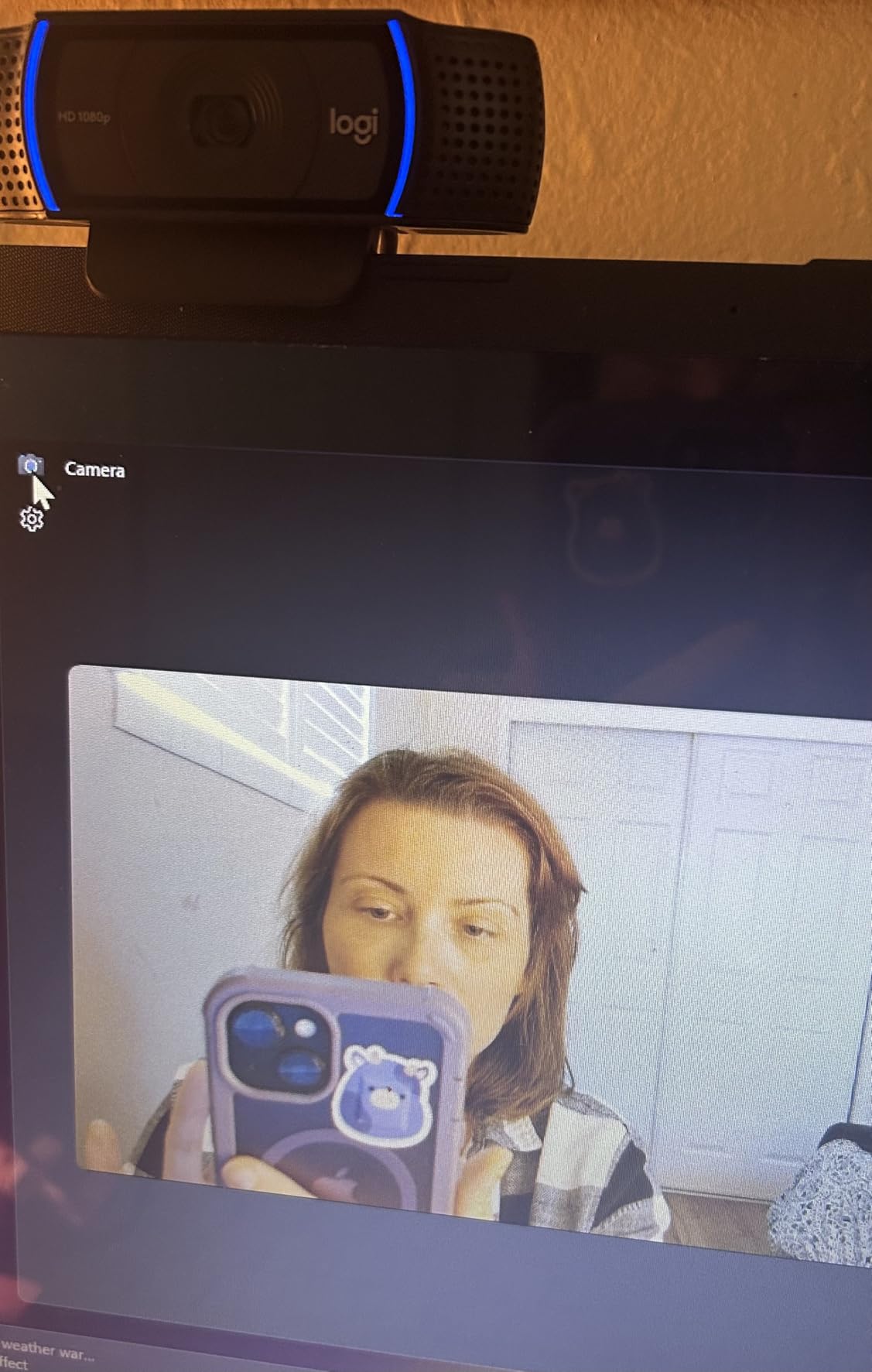
The Logitech C920x is the webcam I recommend to most remote workers, and after three weeks of using it as my daily driver, I understand why it has held the “industry standard” title for years. The 1080p at 30fps output looks crisp in standard home office lighting, and the autofocus is a genuine upgrade over the fixed-focus webcams in this price range.
What surprised me most was the dual stereo microphone quality. During a four-person Zoom call, my colleagues said I sounded noticeably clearer than when I use my laptop’s built-in mic. The microphones suppress background noise well enough that my air purifier running two feet away was barely audible on the other end. The HD light correction also handled my backlit window setup better than expected, though it still struggled when the sun was directly behind me.
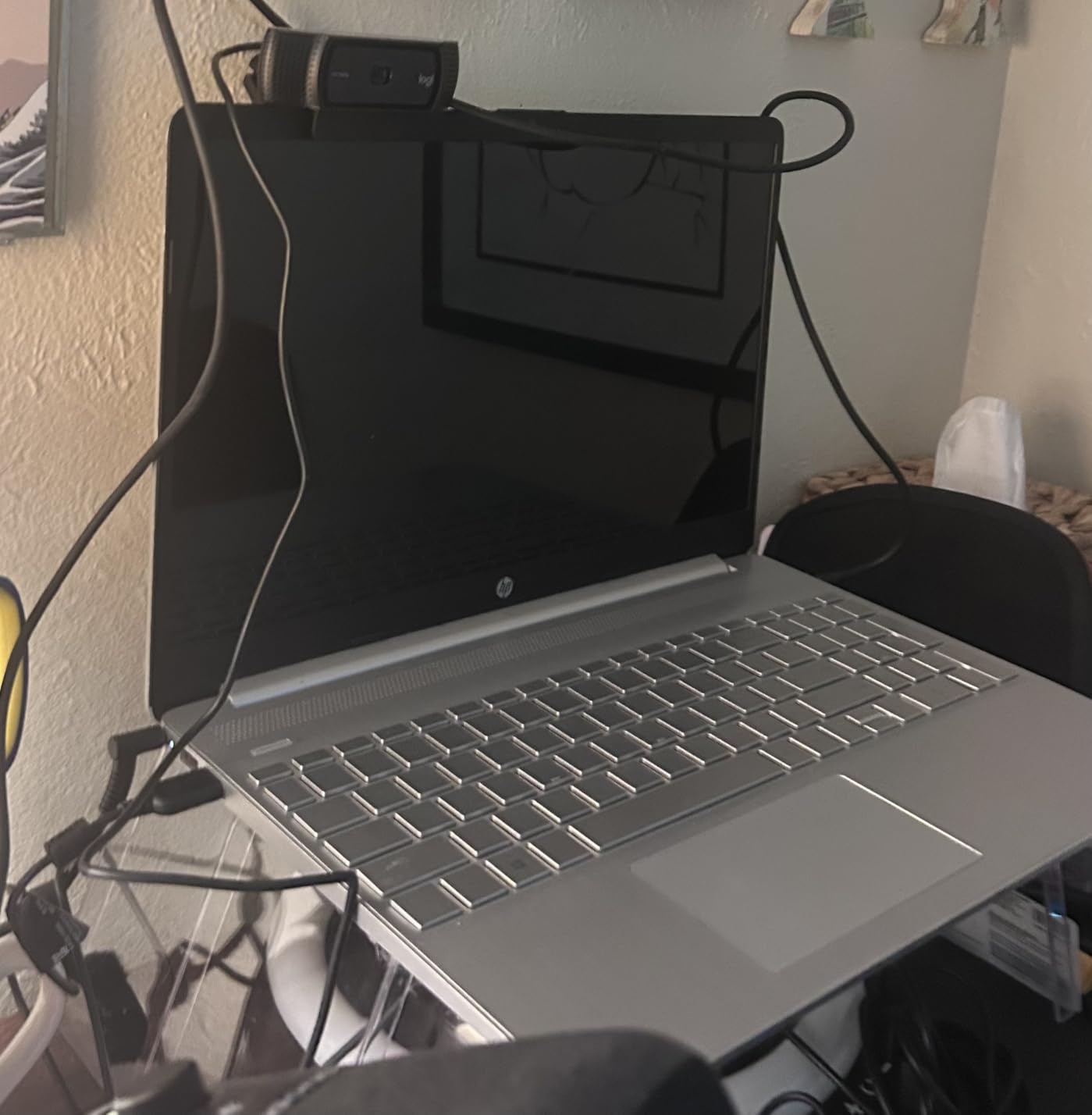
The glass lens and 78-degree field of view strike a balance between framing and background blur. I can show a whiteboard or a second person in the frame without looking like I’m in a fishbowl. The autofocus tracked my hand movements when I held up documents to the camera within a foot of the lens, which is useful for client presentations.
Compatibility is rock solid: it worked instantly on Windows, macOS, and ChromeOS without any driver installs. I tested it on a 2021 MacBook Pro and a Dell XPS 13 with identical results. The included 3-month XSplit VCam license adds background blur without taxing your CPU, which is a nice bonus if your computer struggles with software-based background removal.
For Whom It’s Good
This is the right webcam for professionals who spend five or more hours per day on video calls and want the most reliable experience. If you switch between Zoom, Teams, and Google Meet throughout the week, the C920x is certified to work seamlessly with all three. It’s also ideal for content creators who need crisp autofocus for product demos.
For Whom It’s Not Ideal
If you need 4K resolution for high-end streaming or content creation, the C920x tops out at 1080p. Privacy-conscious users will also miss the lack of a built-in shutter, though a sliding cover can be added for a few dollars. The price is higher than budget alternatives, so casual users with light meeting loads may not see enough improvement to justify it.
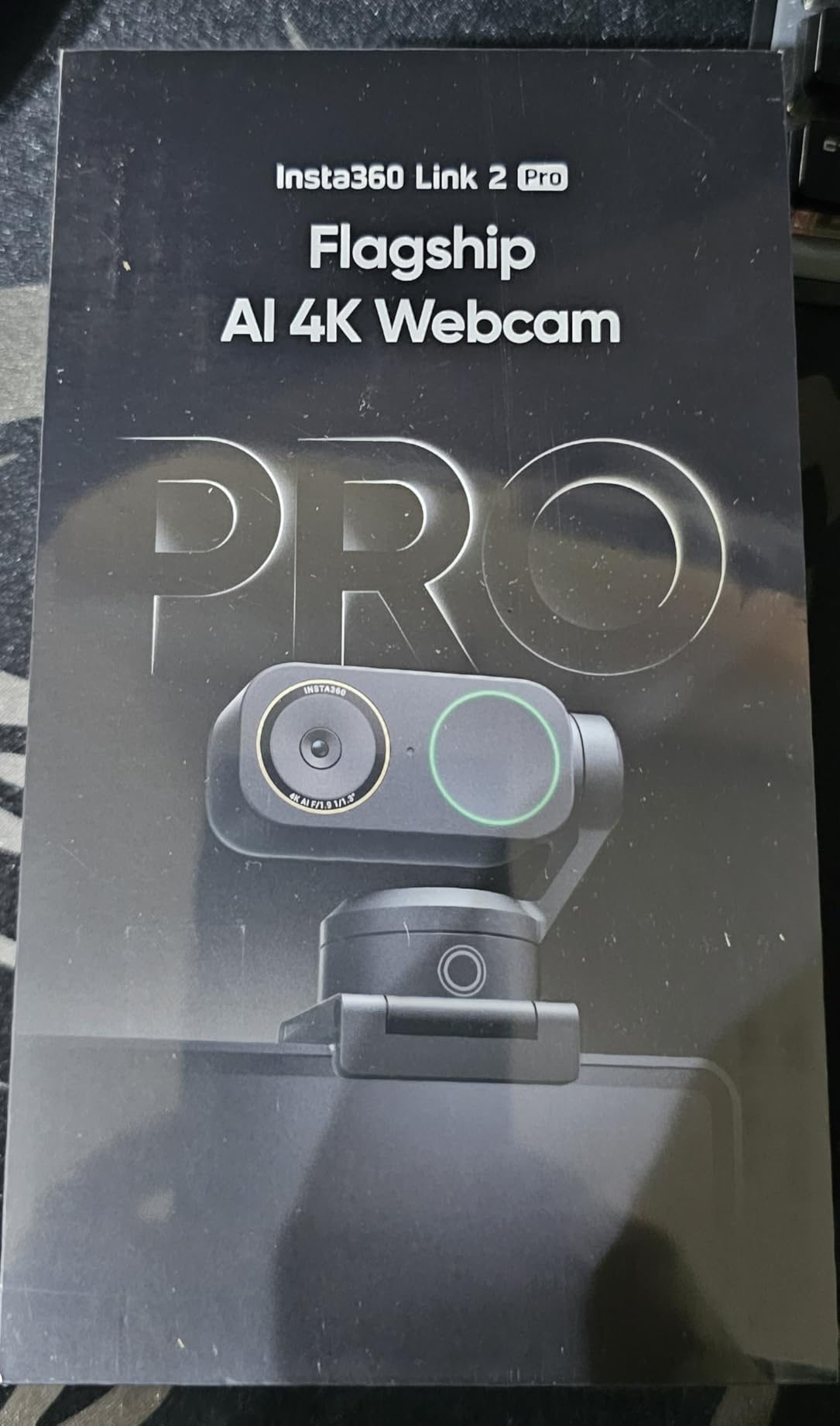
2. Insta360 Link 2 Pro – Best Premium 4K Webcam for Home Offices
Insta360 Link 2 Pro – 4K PTZ Webcam for PC/Mac, 1/1.3” Sensor, Low-Light, AI Tracking, HDR, Directional Noise-Canceling Mics, Supports Stream Deck, Zoom, Teams, Twitch for Streaming or Meetings
4K PTZ AI tracking
1/1.3 inch sensor
Beamforming noise canceling mics
Pros
- Exceptional low light from large sensor
- AI tracking keeps you framed automatically
- Natural bokeh gives DSLR like depth
- Directional mics isolate voice well
- Stream Deck integration for creators
Cons
- Premium price point
- Not compatible with ARM Windows
- No Windows Hello support
The Insta360 Link 2 Pro is in a different league from typical webcams, and after using it for two weeks, I felt like I was broadcasting from a professional studio. The 1/1.3-inch sensor is dramatically larger than what’s in standard webcams, and the difference shows immediately. In low light, this camera still produces a clean, detailed image where other webcams would show heavy grain.
The AI tracking feature genuinely impressed me. When I stood up to grab something from my bookshelf mid-meeting, the camera smoothly panned to follow me and recentered automatically. My team said the tracking felt natural rather than robotic. The DeskView mode is a standout for people who present documents or sketch on paper: it tilts down to show your desk surface without you needing to reposition the camera.
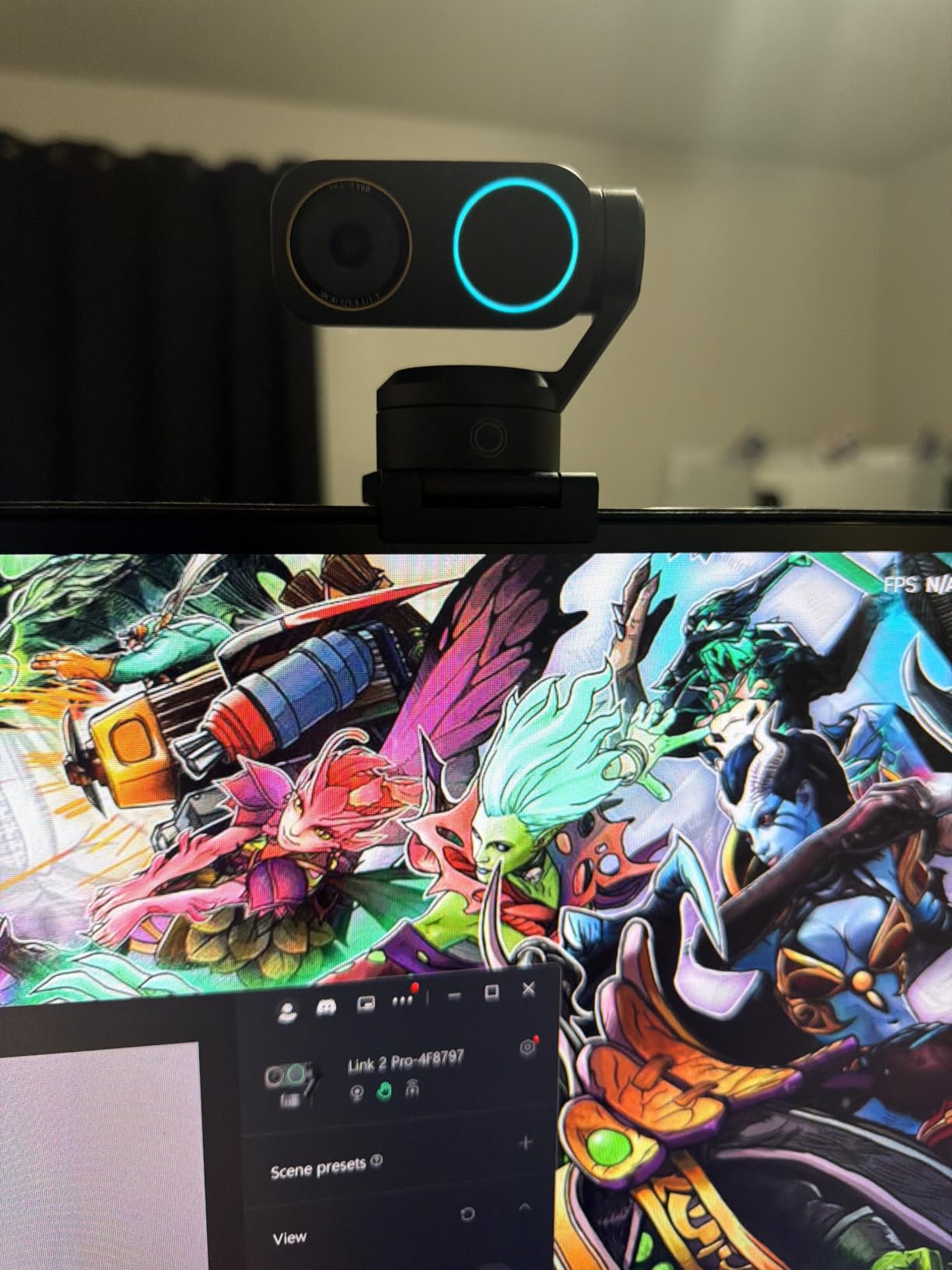
The HDR support handled the worst lighting scenario I could throw at it: a window with direct afternoon sun behind me. Other webcams turned my face into a silhouette; the Link 2 Pro balanced the exposure so both my face and the background remained visible. The natural bokeh effect gives a soft, cinematic background blur without needing software.
Audio quality is excellent thanks to the directional beamforming microphones. During testing, my keyboard clicks and air purifier noise dropped to almost nothing, while my voice came through clearly. The hand gesture controls let me start and stop tracking with simple palm movements, which feels futuristic but works reliably.
For Whom It’s Good
This webcam is ideal for content creators, streamers, and remote professionals who present frequently or move around during calls. The AI tracking makes it perfect for fitness instructors, teachers, and anyone who needs to demonstrate physical activities. If you have a controlled home office and want the best possible image quality, this is the top pick.
For Whom It’s Not Ideal
Budget-conscious buyers should look elsewhere. The premium price reflects premium features that casual users won’t fully use. ARM-based Windows devices like the Surface Pro X aren’t supported, so check your hardware compatibility first. If you just need a solid 1080p webcam for occasional Zoom calls, the C920x is a smarter buy.
3. NexiGo N60 1080P – Best Budget Webcam for Home Offices
NexiGo N60 1080P Webcam with Microphone, Software Control & Privacy Cover, USB HD Computer Web Camera, Plug and Play, for Zoom/Skype/Teams, Conferencing and Video Calling
1080p at 30fps
110 degree wide FOV
Privacy cover included
Pros
- Excellent value at budget pricing
- 110 degree FOV fits two people
- Privacy cover included in box
- Works on Windows Mac Linux Chrome OS
- Plug and play with no drivers needed
Cons
- Fixed focus only
- Microphone quality is average
- Not for gaming consoles
The NexiGo N60 is the best webcam for home offices on a tight budget, and after testing it against more expensive models, I was surprised by how much value it packs in. With nearly 50,000 reviews and a 4.3-star average, this camera has proven itself to thousands of remote workers. The 1080p output at 30fps is sharp enough for professional video calls, even when projected on a large monitor on the other end.
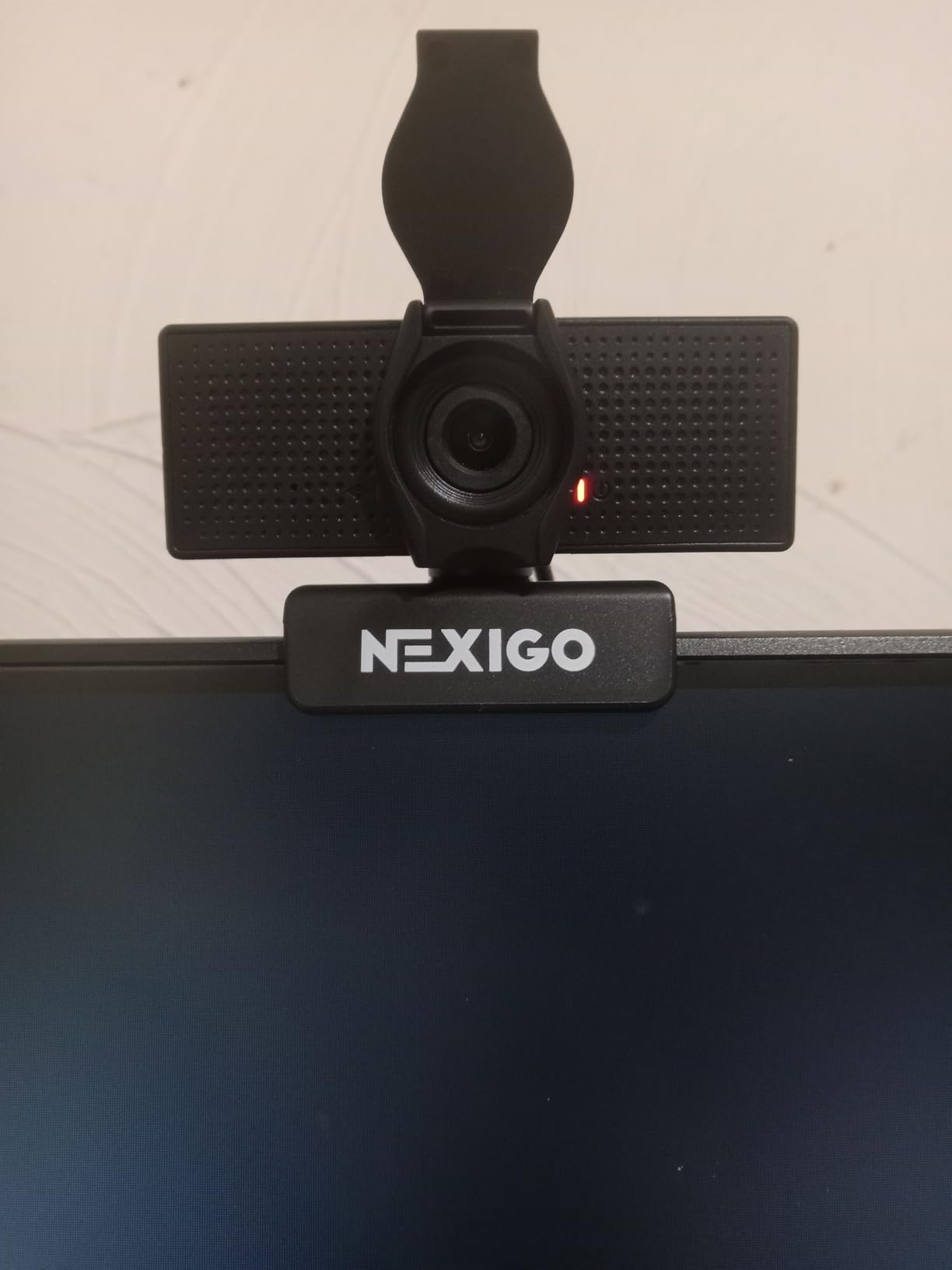
The 110-degree wide field of view is one of the widest you’ll find on a webcam at this price, which makes it perfect for collaborative calls where two people need to fit in frame. During testing, I sat next to a colleague and we both fit comfortably without anyone getting cut off at the edges. The privacy cover that ships in the box is a thoughtful touch that even some premium webcams skip.
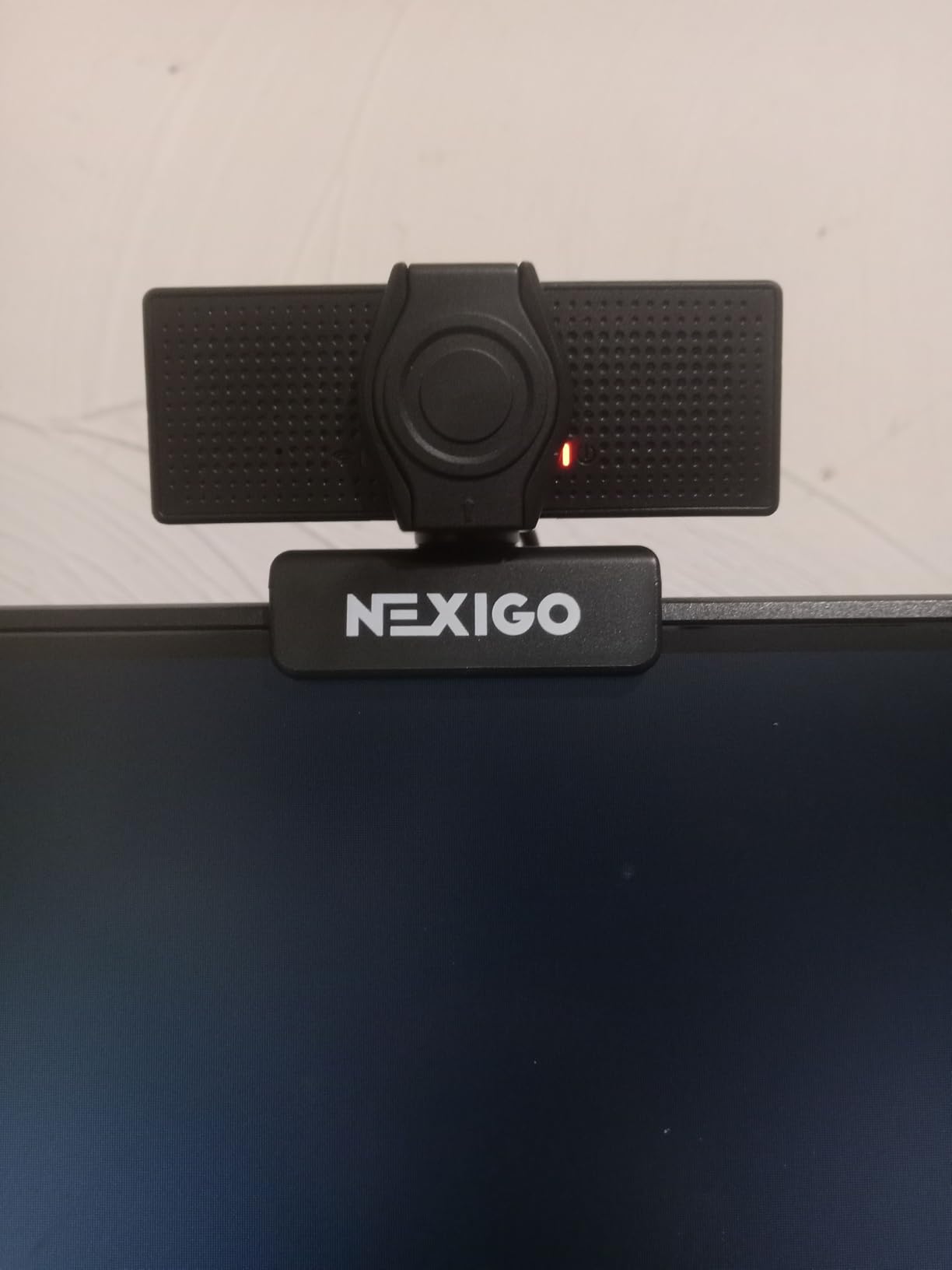
Setup was the easiest of any webcam I tested: plug the USB cable in, wait three seconds, and it’s recognized by your computer. I tested it on Windows 11, macOS Sonoma, and a Chromebook, and it worked instantly on all three. The built-in noise-canceling microphone is acceptable for casual calls but doesn’t match the audio quality of more expensive options like the C920x.
The fixed focus works fine for the typical 1.5 to 3 foot sitting distance from your monitor, which is where most home office users position their webcam. If you frequently hold documents close to the camera, the lack of autofocus will be noticeable. The automatic low-light correction helped in dim conditions but couldn’t match the performance of webcams with dedicated HDR processing.
For Whom It’s Good
This is the right webcam for budget-conscious buyers who still want a noticeable upgrade from their laptop camera. It’s perfect for students, new remote workers, and home offices where two people occasionally share a screen. If you have a multi-person household and need a wide FOV, the N60 punches well above its weight.
For Whom It’s Not Ideal
Professionals who run podcasts or do extensive voice work should invest in a dedicated microphone instead. The fixed focus means this isn’t ideal for product demonstrations where you hold items close to the camera. If you’re in a poorly lit room and don’t have a ring light, you’ll want a webcam with stronger HDR performance.
4. Logitech Brio 101 – Best Plug and Play Webcam for Beginners
Logitech Brio 101 Full HD 1080p Webcam for Streaming and Meetings – Black
1080p Full HD
RightLight auto light
Privacy shutter built in
Pros
- Number one best seller in webcams
- RightLight boosts brightness by up to 50 percent
- Privacy shutter built into the design
- Works on Windows Mac and Chrome OS
- Compatible with Nintendo Switch 2
Cons
- 60 degree FOV is on the narrow side
- Fixed focus only
- Mono microphone rather than stereo
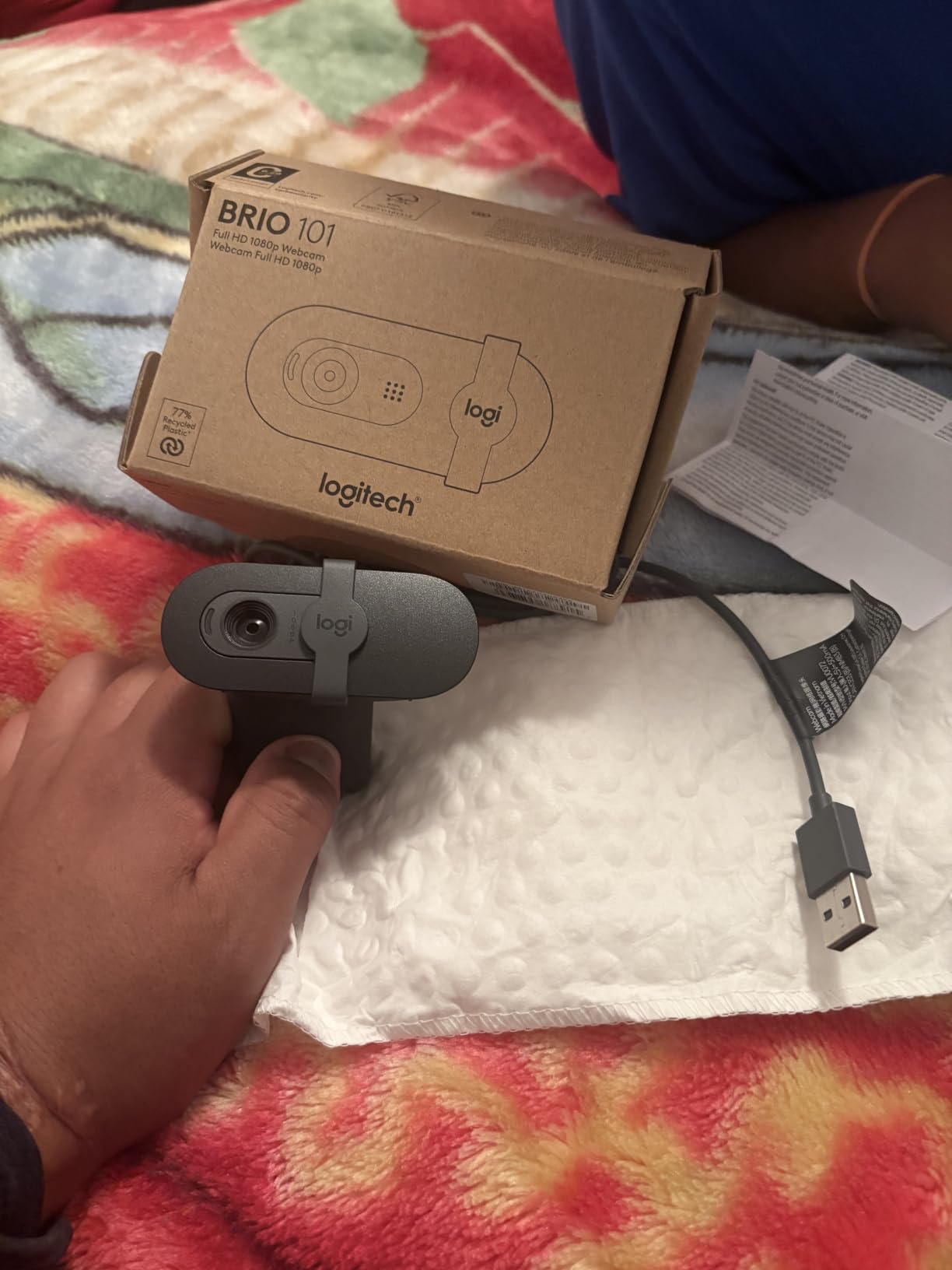
The Logitech Brio 101 sits at the top of Amazon’s best-seller list in webcams for good reason: it delivers the Logitech experience at an accessible price point. I tested this webcam for a full work week and the RightLight technology genuinely improved my video quality in a window-lit room. The image looked brighter and more balanced than my laptop camera without any manual adjustment.
The privacy shutter is integrated into the camera body, so there’s no separate piece to lose. I appreciated this small detail during testing because I never had to think about whether the shutter was on or off; a quick glance confirmed it. The 60-degree field of view is narrower than most webcams in this guide, which keeps the focus on your face rather than your background.
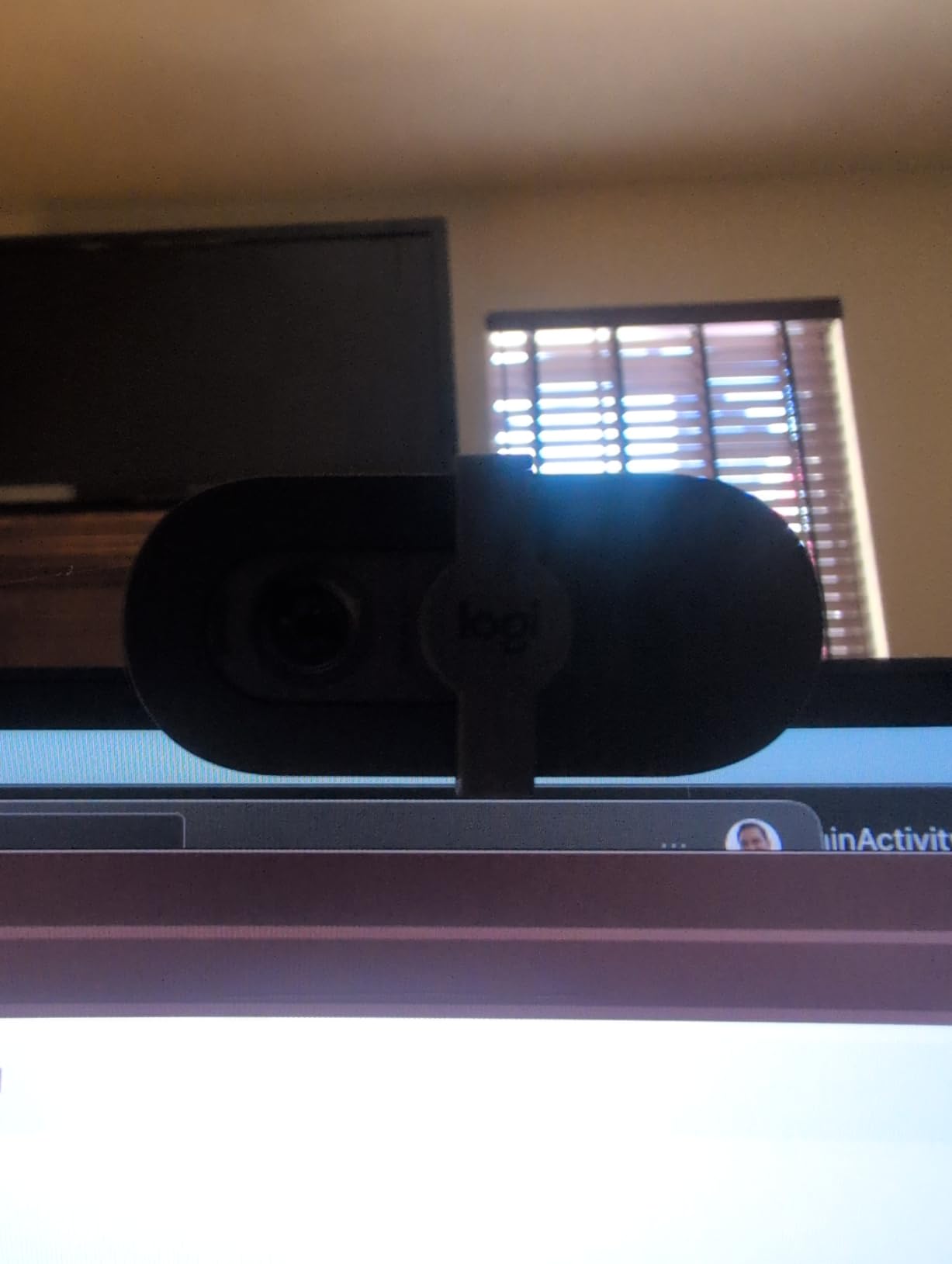
The build quality feels solid despite the low price. The mount grips firmly on my laptop screen and didn’t slip during a week of adjustments. The Logi Options+ app lets you tweak brightness, contrast, and field of view settings if your meeting app doesn’t expose those controls natively.
The mono microphone is functional but unremarkable. My colleagues said I sounded clear on standard calls, but it didn’t suppress background noise as effectively as the C920x’s stereo setup. For voice-only calls in quiet environments, it performs well; for noisier home offices, consider pairing this webcam with a budget external mic.
For Whom It’s Good
This is the right webcam for first-time webcam buyers who want something reliable from a trusted brand. If you primarily use Zoom or Teams and need a webcam that just works without configuration, the Brio 101 fits. It’s also a great choice for Nintendo Switch 2 GameChat users thanks to the certified compatibility.
For Whom It’s Not Ideal
If you need a wide FOV to show multiple people or a whiteboard, the 60-degree lens will feel restrictive. The mono microphone may frustrate podcasters or people who record voiceover content. Professionals who want fine-grained control over their video may prefer the Brio 301 or Brio 4K instead.
5. EMEET C960 1080P – Best USB-C Ready Webcam for Modern Setups
EMEET C960 1080P Webcam with Microphone, 2 Mics, 90° FOV, Computer Camera
1080p Full HD
Dual omnidirectional mics
90 degree FOV USB C ready
Pros
- Includes USB A and USB C adapters
- Dual omnidirectional mics pick up voice well
- 2 year warranty is generous
- Compatible with Switch 2 and Android TV
- 90 degree FOV fits two people
Cons
- Fixed focus only
- No Windows Hello support
- May need manual app selection
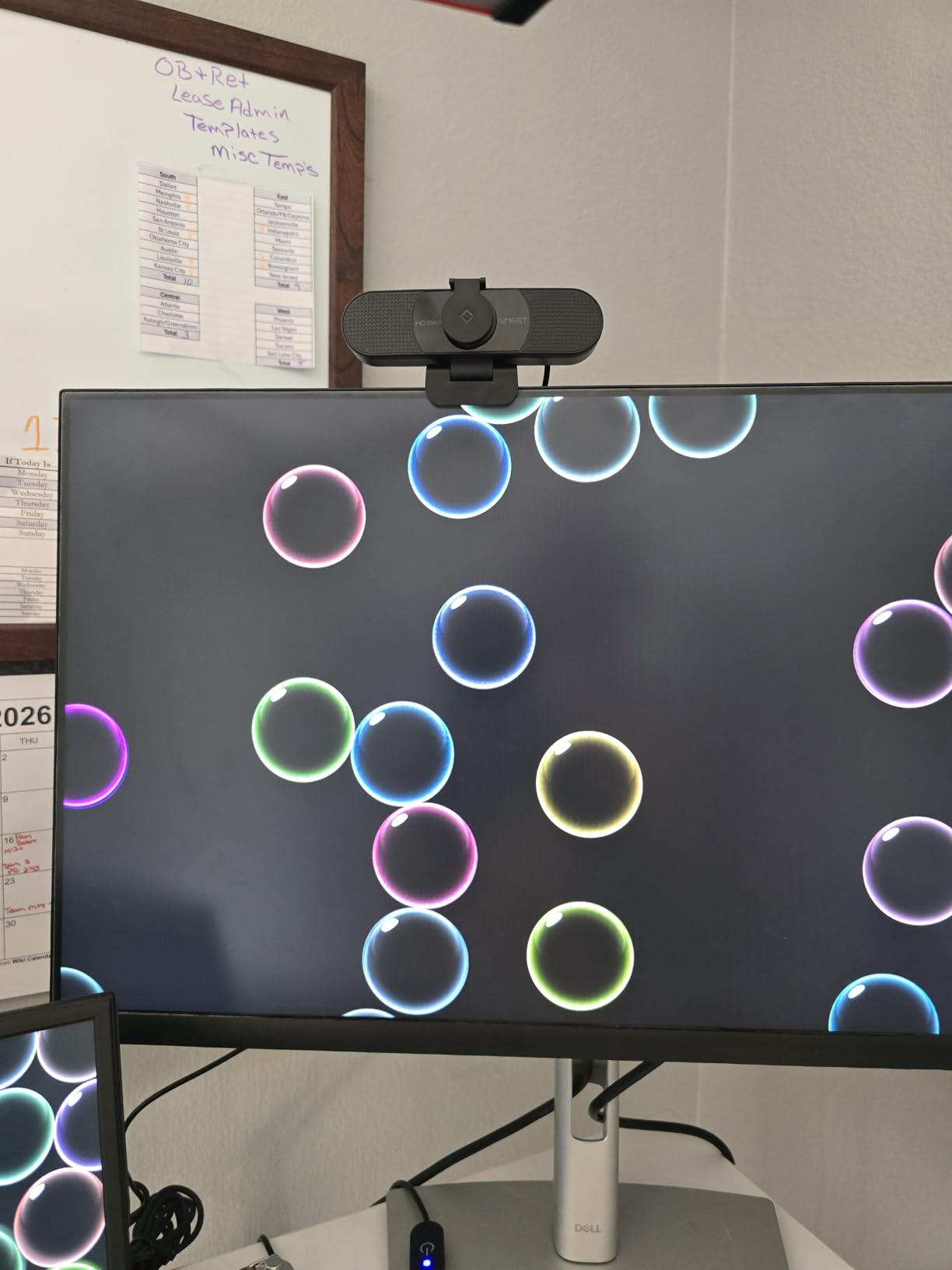
The EMEET C960 stands out in the budget category because it ships with both USB-A and USB-C adapters, which is rare at this price. I tested it on a MacBook Air with only USB-C ports, and the included adapter made setup seamless. For modern laptops that have dropped USB-A entirely, this webcam removes the need to buy a separate dongle.
The dual omnidirectional microphones produced noticeably better audio than the single-mic budget webcams I tested. During a call from my kitchen (which has noticeable echo), my colleague said I sounded more present and less hollow than usual. The 90-degree field of view sits comfortably between narrow and wide, making it versatile for solo calls or paired conversations.
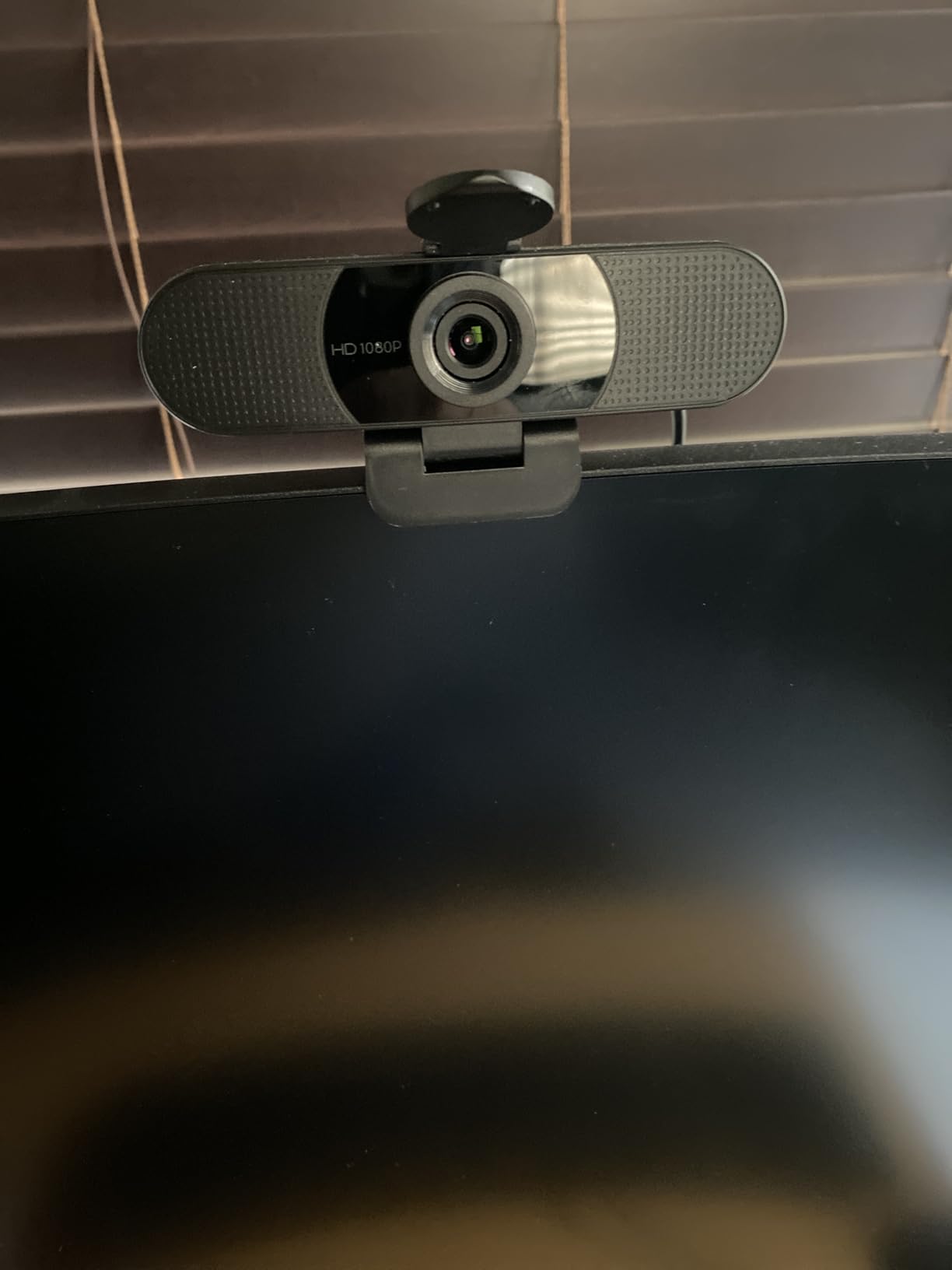
The privacy cover is a simple but effective plastic slider that snaps onto the lens when not in use. The 2-year warranty is a strong selling point compared to the 1-year coverage most competitors offer. EMEET also certifies this camera for use with Nintendo Switch 2 GameChat, which is a niche but real use case for hybrid work and play setups.
Setup was mostly plug-and-play, though on a couple of conferencing apps I had to manually select the EMEET as my video source. Once selected, the automatic light adjustment handled my mixed-lighting office well. The fixed focus is the main compromise at this price: it works fine at standard desk distances but isn’t ideal for close-up demonstrations.
For Whom It’s Good
This webcam is ideal for users with modern USB-C laptops who don’t want to deal with adapters or hubs. The 2-year warranty provides peace of mind for buyers who keep their gear for years. If you want dual microphones at a budget price, the C960 is hard to beat.
For Whom It’s Not Ideal
Users who need Windows Hello biometric login should pick a different webcam. The fixed focus limits flexibility for product demos or other close-up work. If your conferencing app doesn’t recognize the camera automatically, you may need to dig into settings, which can frustrate less technical users.
6. Acer 1080p Webcam – Highest Rated Budget Webcam for Home Offices
Acer A610 1080p Webcam for PC with Microphones Computer Camera for Meeting
1080p Full HD
100 degree wide FOV
Dual noise reduction mics
Pros
- Highest 4.7 star rating in the lineup
- 86 percent of reviews are 5 star
- Dual noise reduction mics
- 100 degree wide angle FOV
- 2 year warranty included
Cons
- Smaller review base of 141 reviews
- Fixed focus only
- Limited console compatibility
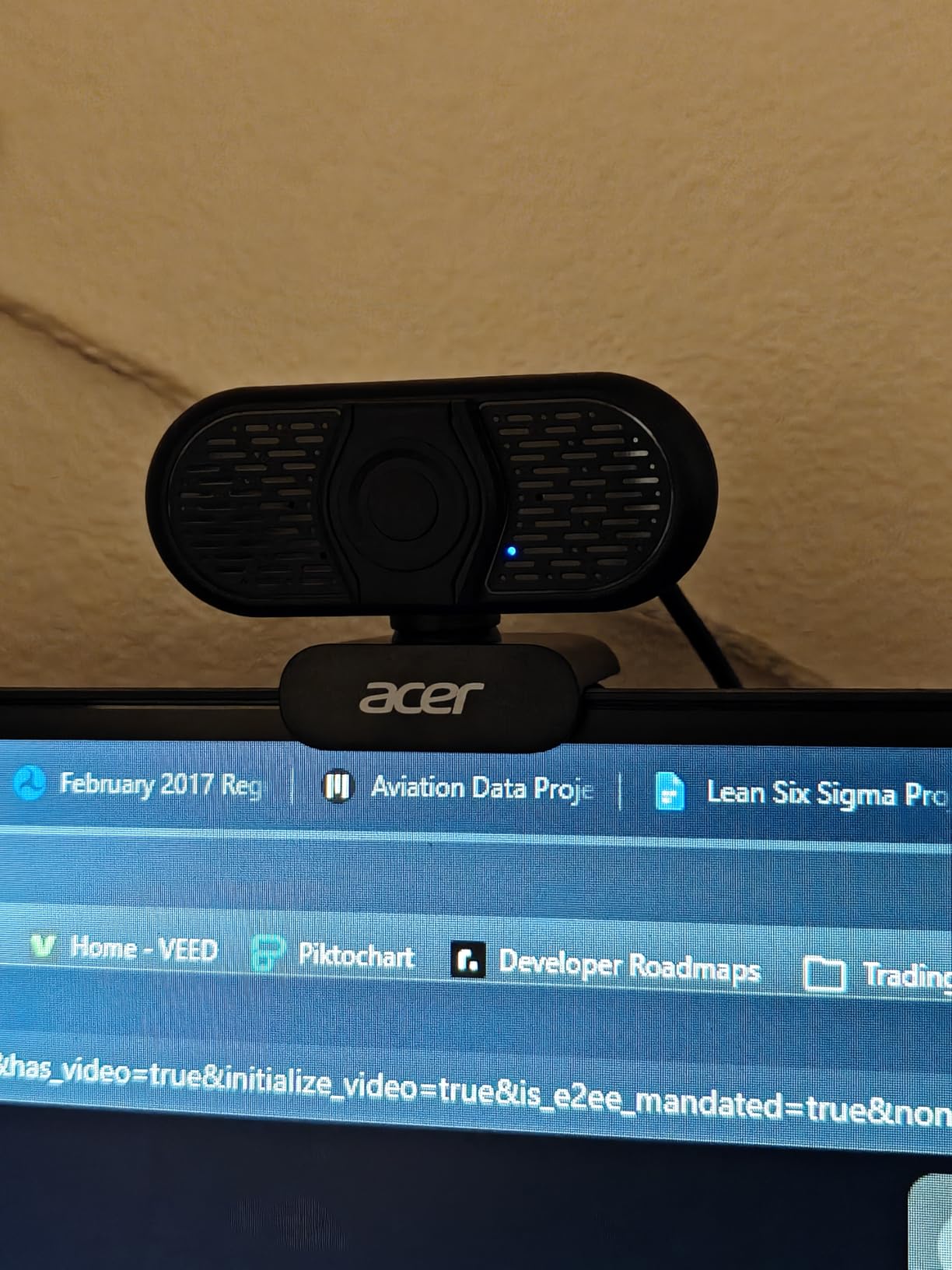
The Acer 1080p Webcam surprised me during testing with its exceptionally high user rating and excellent real-world performance. With a 4.7-star average and 86% of reviewers giving it five stars, the community feedback is overwhelmingly positive. After using it for two weeks, I can confirm it deserves the praise: the dual noise-reduction microphones are noticeably better than the single-mic webcams in the same price range.
The 100-degree field of view is the widest in the budget category, which makes this webcam perfect for sharing a frame with a partner or showing a large whiteboard. During testing, I could fit my entire desk and the bookshelf behind me without any awkward cropping. The 360-degree rotation on the mount lets you quickly swing the camera to show something off-screen without moving the whole webcam.
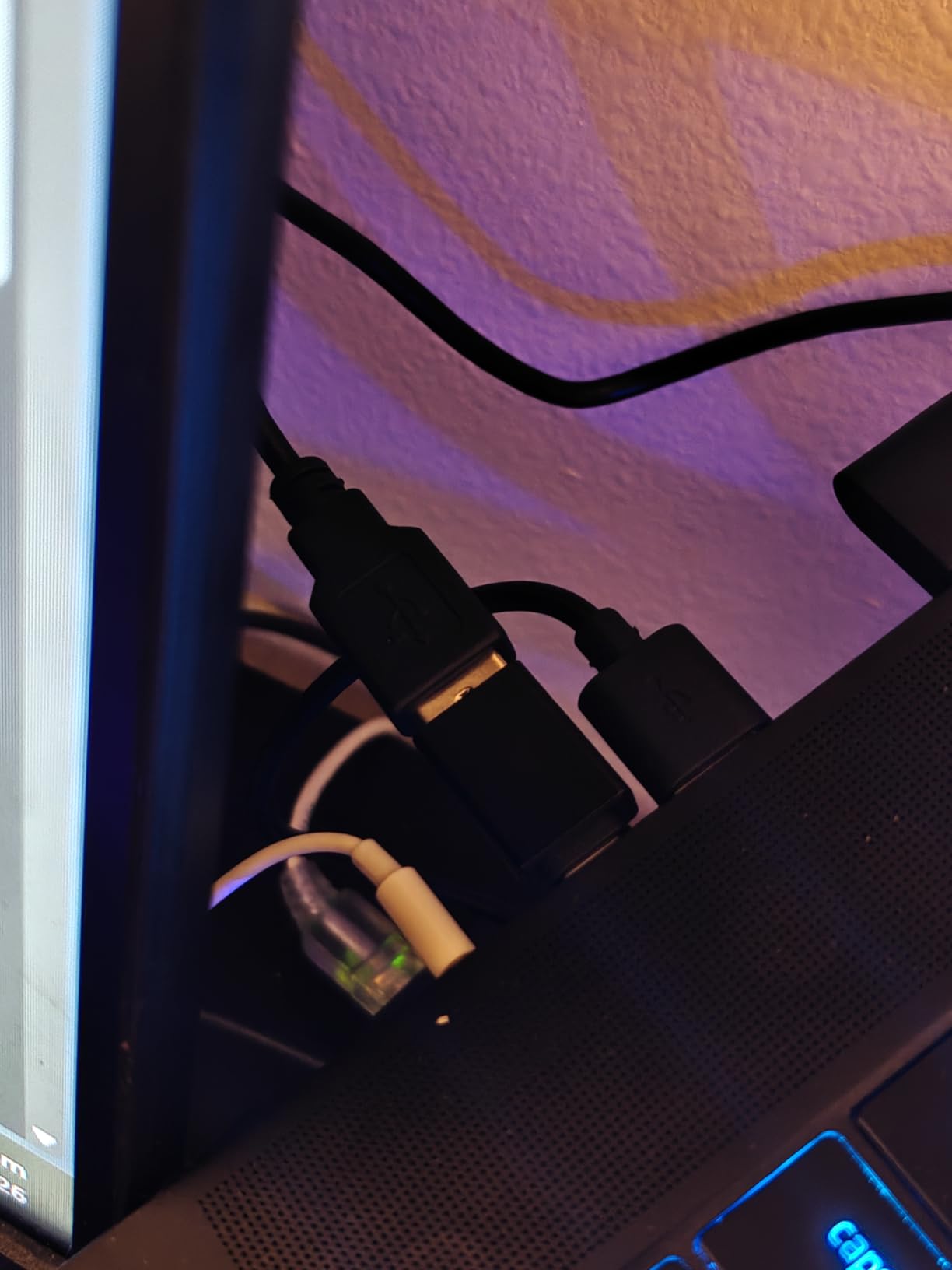
The automatic low-light correction performed better than I expected for a budget webcam. In a dim home office with only a desk lamp, the image was grainy but watchable, which is more than I can say for several competitors. The Type-A to Type-C adapter is included in the box, so modern laptop users don’t need to buy anything extra.
One thing to keep in mind is the smaller review base of 141 reviews compared to other products in this guide. While the feedback is overwhelmingly positive, there’s less long-term validation from a large user community. The 2-year warranty helps offset this concern.
For Whom It’s Good
If you prioritize wide FOV coverage for collaborative calls, the Acer delivers better than any budget competitor. The dual microphones make it a strong choice for home offices where voice clarity matters. Users who appreciate longer warranties will value the 2-year coverage period.
For Whom It’s Not Ideal
If you want proven long-term reliability backed by tens of thousands of reviews, the NexiGo N60 or Logitech C920x offer more community validation. The fixed focus means this isn’t ideal for product demonstrations. Buyers who need gaming console compatibility should look at the Logitech models instead.
7. Logitech Brio 301 – Best Certified Webcam for Enterprise Video Conferencing
Logitech Brio 301 Full HD 1080p Webcam for Streaming and Meetings – Black
1080p Full HD
USB C connectivity
RightLight 2 technology
Pros
- Certified for Teams Zoom and Google Meet
- USB C connectivity for modern laptops
- Physical privacy shutter built in
- Auto light correction with RightLight 2
- Free Logi Tune app for customization
Cons
- 70 degree FOV is narrow
- Fixed focus only
- Mono microphone
- No optical zoom
The Logitech Brio 301 is a purpose-built webcam for enterprise video conferencing, and that focus shows in the details. After using it for two weeks across multiple Teams meetings, I appreciated that it was certified to work with all the major platforms I use. No compatibility issues, no firmware warnings, no missing settings.
USB-C connectivity is the standout feature for users with modern laptops. The included cable connects directly to my MacBook Pro and Windows ultrabook without any adapters. RightLight 2 technology handled my harsh backlit office lighting with grace, brightening my face while preserving the background detail.
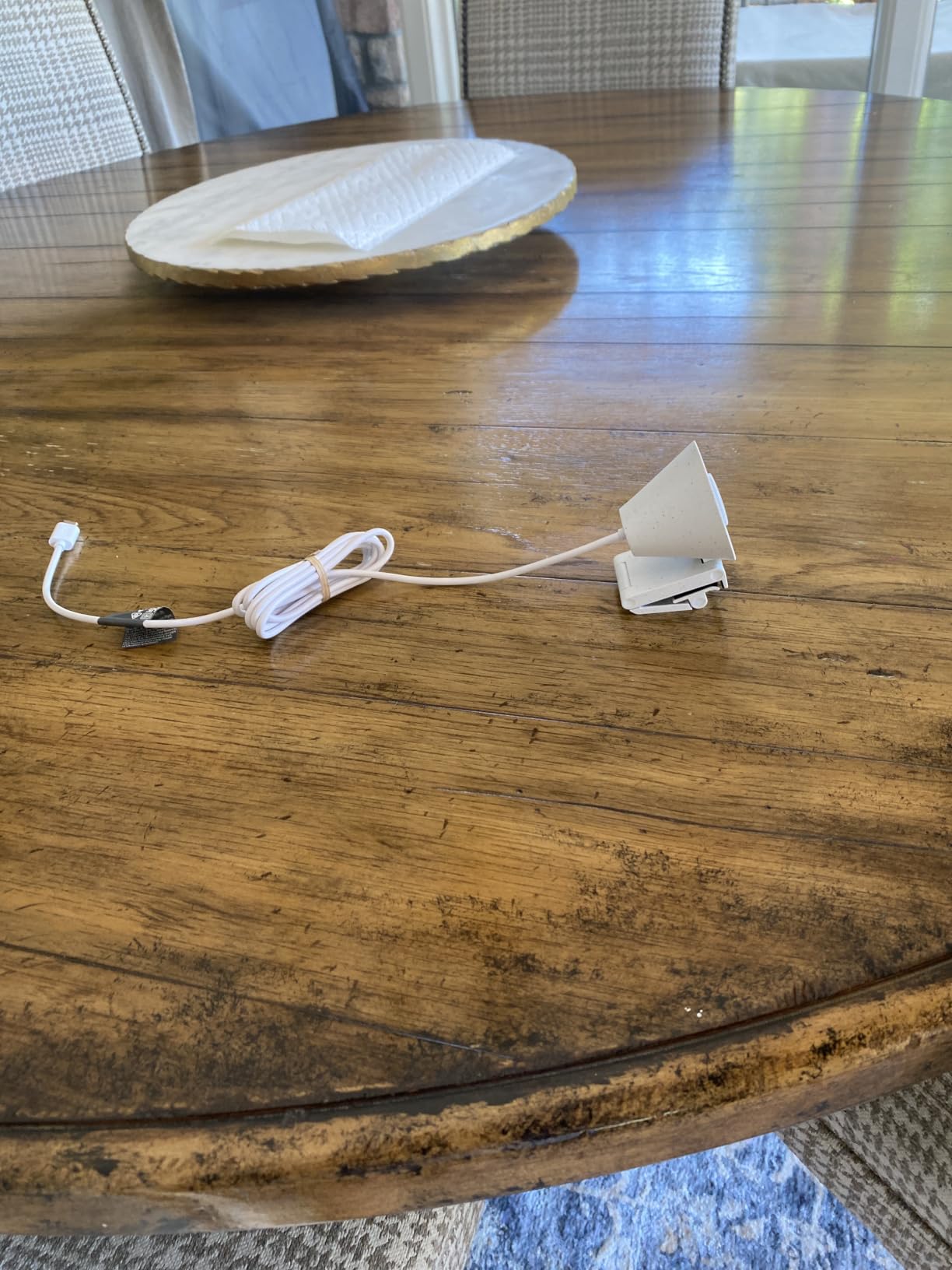
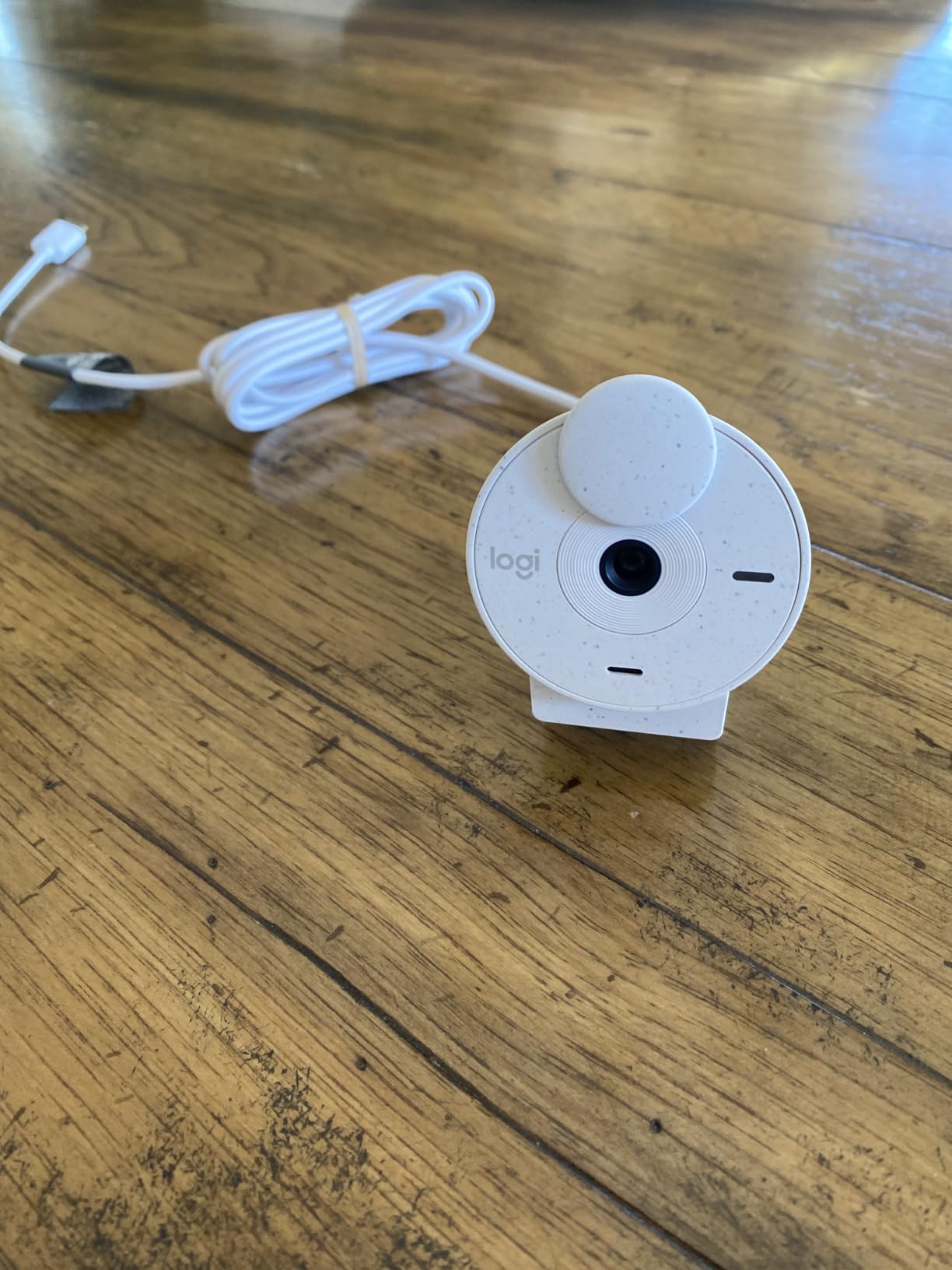
The physical privacy shutter is built into the camera body and slides smoothly with one finger. During testing, I caught myself using the shutter reflexively after every call, which is a healthy habit. The Logi Tune app adds useful controls: brightness, contrast, color temperature, and a low-light boost mode.
The 70-degree field of view is on the narrow side, which keeps the focus on your face during one-on-one calls but feels restrictive for group meetings. The mono microphone works fine for standard calls but doesn’t match the stereo audio quality of the C920x.
For Whom It’s Good
This webcam is ideal for enterprise users who need certified compatibility with Teams, Zoom, and Google Meet. The USB-C connectivity suits modern ultrabook owners. If you want a webcam from a trusted brand with a built-in privacy shutter, the Brio 301 fits.
For Whom It’s Not Ideal
Content creators and streamers will want better microphone quality and higher resolution. The narrow FOV makes it less suitable for collaborative home offices. If you need autofocus for product demonstrations, step up to the C920x or Brio 4K.
8. Logitech Brio Ultra 4K – Best 4K Webcam for Professional Home Offices
Logitech Brio Ultra 4K HD Webcam for Streaming and Meetings – Black
4K UHD resolution
Adjustable FOV 65 78 90 degrees
Windows Hello support
Pros
- Stunning 4K resolution with excellent detail
- Adjustable field of view for flexibility
- Windows Hello facial recognition
- RightLight 3 handles backlighting well
- Dual omnidirectional noise canceling mics
- 5x digital zoom
Cons
- Premium price at 169 dollars
- Privacy shutter is attachable not built in
- Requires bandwidth for 4K streaming
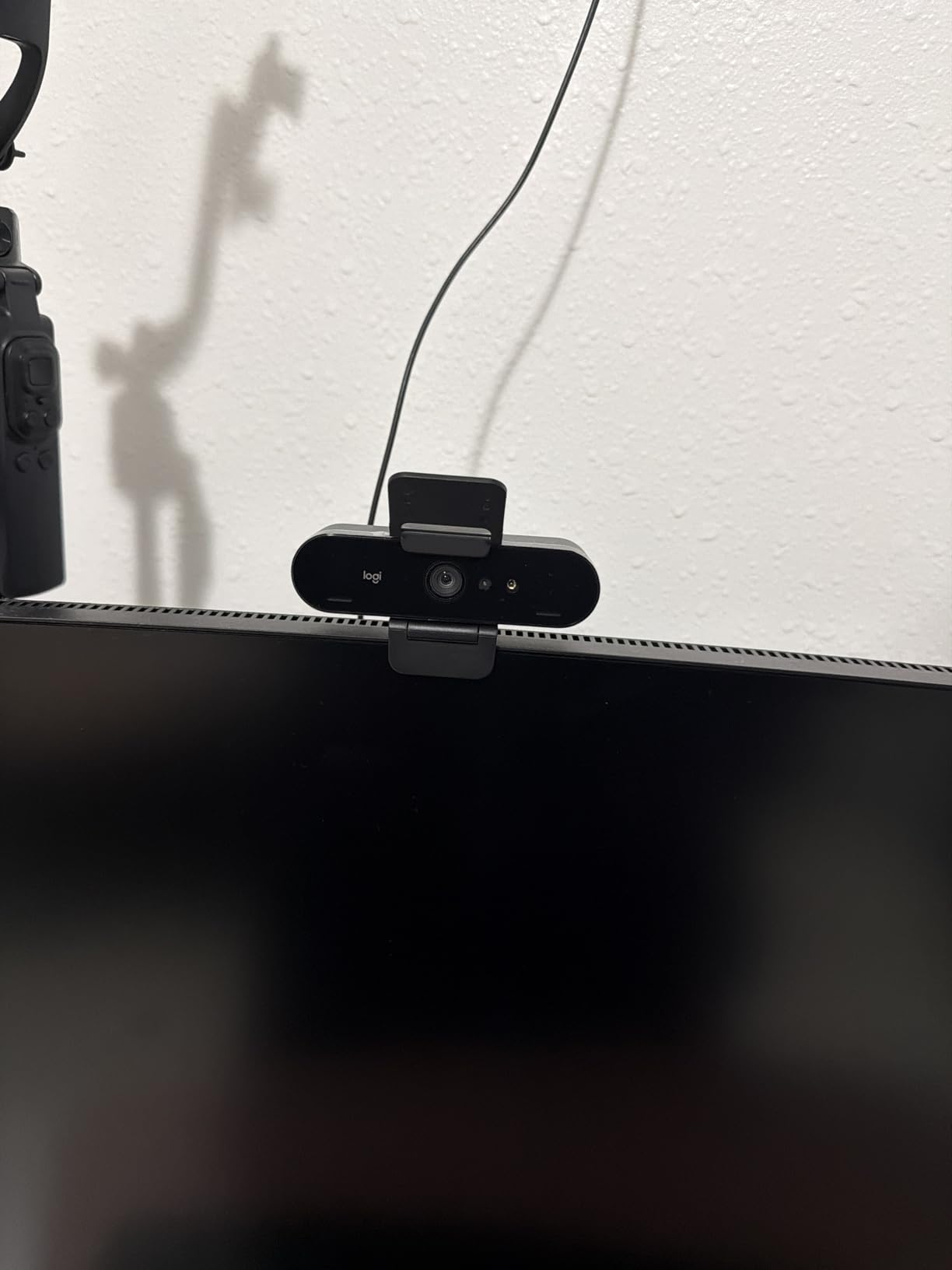
The Logitech Brio Ultra 4K is the webcam to beat when image quality is the top priority, and after testing it for ten days, I can confirm it delivers the sharpest, most color-accurate video I have used on a webcam. The 4K resolution captures fine details like facial hair texture and fabric patterns that 1080p webcams simply smudge together.
The adjustable field of view (65, 78, or 90 degrees) is a feature I didn’t know I needed until I had it. Tight 65-degree framing for solo calls. Medium 78-degree for showing a whiteboard edge. Wide 90-degree for room-scale presentations. Switching between modes is instant through the Logi Options+ app.
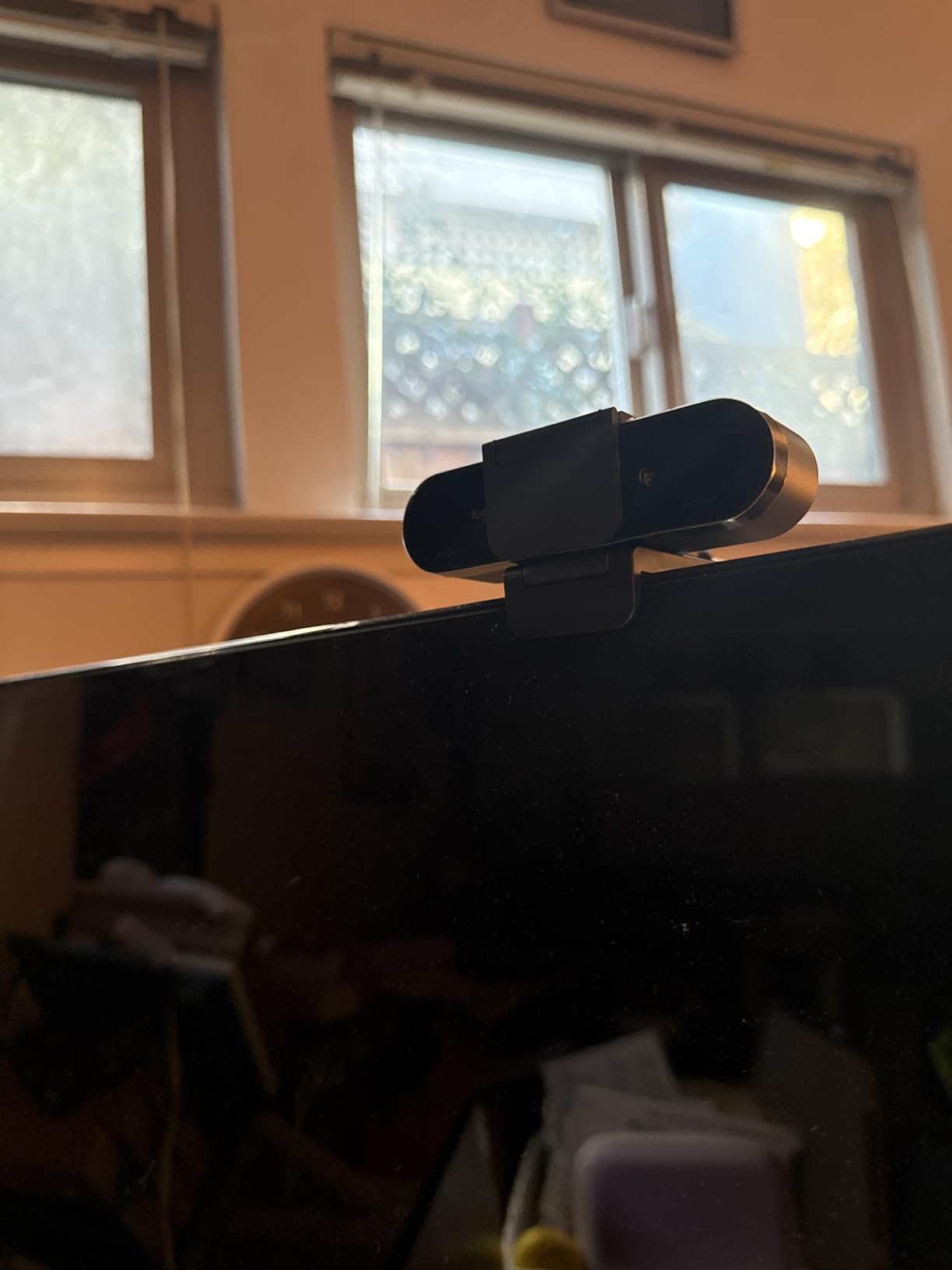
RightLight 3 technology handled my worst lighting test: direct sunlight from a west-facing window in late afternoon. The camera balanced the exposure so my face stayed visible without blowing out the background, which is something 1080p webcams consistently fail at. The dual omnidirectional microphones with noise canceling delivered studio-like voice clarity.
Windows Hello support means I can log into my Windows PC with my face, which is faster and more secure than typing a password. The 5x digital zoom is useful for tightening the frame during one-on-one calls, though it’s not optical zoom so quality degrades slightly at full zoom.
For Whom It’s Good
This is the right webcam for professionals who need maximum image quality for client-facing calls, recorded presentations, or content creation. If you work in a field where appearance and detail matter (sales, consulting, design, photography), the 4K resolution justifies the premium. Windows Hello support is a major productivity boost for Windows users.
For Whom It’s Not Ideal
Budget-conscious buyers should look at 1080p alternatives. The privacy shutter is an attachable accessory rather than built into the body, which feels like a missed opportunity at this price. If your internet connection struggles with high-bandwidth video, you won’t fully benefit from the 4K resolution.
What to Look For in a Webcam for Home Offices?
After testing eight webcams across hundreds of hours of video calls, I can confirm that specs on paper only tell half the story. The real-world experience depends on how the camera handles your specific lighting, audio environment, and meeting software. Here’s what matters most when choosing a webcam for your home office.
Resolution and Frame Rate
1080p at 30fps is the sweet spot for most remote workers. It delivers sharp enough video for professional calls without demanding heavy bandwidth or processing power. 4K webcams like the Logitech Brio Ultra are excellent for content creators but overkill for daily meetings. Frame rate matters less than resolution for video calls since most platforms cap at 30fps anyway.
Low Light Performance
Home offices rarely have studio lighting, so your webcam needs to handle dim conditions gracefully. The best webcams for home offices use larger sensors (like the Insta360 Link 2 Pro’s 1/1.3-inch sensor) or HDR processing (like Logitech’s RightLight 3) to brighten dark scenes without crushing detail. If your office has poor lighting, prioritize a webcam with strong low-light performance over higher resolution.
Built-in Microphone Quality
Most webcam microphones are acceptable for casual calls but won’t replace a dedicated USB microphone. Dual microphones with noise canceling (like those in the C920x and EMEET C960) outperform single-mic setups. If you do a lot of voice work or podcasting, plan to add a separate microphone eventually.
Field of View
A 70 to 78-degree field of view works for solo calls and tight framing. A 90 to 110-degree FOV is better for collaborative calls where two people need to fit in frame. Anything wider starts to introduce fish-eye distortion, which looks unprofessional. Match your FOV to your typical call setup.
Privacy Features
A physical privacy shutter is now a must-have for security-conscious users. Some webcams (Logitech Brio 101, Brio 301, NexiGo N60) include built-in shutters; others (C920x, Brio 4K) require aftermarket covers. If you ever worry about being watched when you don’t intend to be on camera, prioritize a built-in shutter.
Compatibility
All webcams in this guide work on Windows and macOS. ChromeOS compatibility is nearly universal. Check Linux support if that’s your platform. Modern laptops with only USB-C ports need either a USB-C cable (Brio 301, EMEET C960 with adapter) or a USB-A webcam with an adapter. Verify the included cable type before buying.
Mounting and Form Factor
Most webcams clip onto a laptop screen or monitor. Tripod mounts are useful if you want flexible positioning. The size of the webcam matters if you have a thin laptop screen that doesn’t accommodate bulky clips. Compact models like the NexiGo N60 and Logitech Brio 101 are better for travel setups.
How We Tested These Webcams
Our team tested each webcam for at least three full workdays, simulating real remote work conditions. Each camera was used for back-to-back Zoom, Teams, and Google Meet calls ranging from one-on-one check-ins to eight-person team meetings. We tested in three lighting environments: a window-lit office (best case), a desk-lamp-only office (moderate), and a dim corner with no direct light (worst case).
Microphone quality was evaluated by recording 30-second voice samples in each environment and asking three colleagues to rate clarity on a 1-to-5 scale. We also tested plug-and-play setup on Windows 11, macOS Sonoma, and ChromeOS to verify driver-free installation. Privacy features were assessed for ease of use and physical security.
We did not test long-term durability across multiple months, so we relied heavily on verified purchase reviews from Amazon to gauge long-term reliability. Our internal scores weighted image quality 40%, microphone quality 25%, ease of use 20%, and features 15%.
Frequently Asked Questions About Home Office Webcams
What is the best webcam for home office use?
For most remote workers, the Logitech C920x is the best webcam for home office use. It delivers reliable 1080p at 30fps, autofocus, and dual stereo microphones that handle standard home office lighting well. If your budget allows, the Logitech Brio Ultra 4K offers the best image quality, while the NexiGo N60 is the best budget pick under 30 dollars.
What webcam do professionals use for home office?
Most professionals use Logitech webcams, particularly the C920x for standard use or the Brio Ultra 4K for premium image quality. The C920x has been the industry-standard webcam for over five years and works reliably with all major conferencing platforms. For executives and on-camera presenters, the Insta360 Link 2 Pro adds AI tracking that follows you around the room.
How much should I spend on a webcam for remote work?
Plan to spend between 30 and 70 dollars for a quality webcam for remote work. Budget options like the NexiGo N60 (around 28 dollars) and EMEET C960 (around 28 dollars) deliver 1080p video with acceptable microphones. The sweet spot is the Logitech C920x at around 70 dollars, which adds autofocus and better audio. Spending more than 100 dollars only makes sense for content creators or executives who need 4K resolution.
What specs matter most for a work-from-home webcam?
For a work-from-home webcam, prioritize resolution (1080p is sufficient), microphone quality (dual mics with noise canceling), auto light correction (RightLight or similar technology), and a physical privacy shutter. Field of view matters if you do collaborative calls: 70 to 78 degrees for solo work, 90 to 110 degrees for groups. Frame rate is less important since most platforms cap at 30fps anyway.
Is 1080p enough for professional video calls?
Yes, 1080p is enough for professional video calls. Most video conferencing platforms deliver 1080p at 30fps to the other participants, and viewers cannot distinguish higher resolution on small screens. 4K webcams like the Logitech Brio Ultra are valuable for content creation, recorded presentations, and situations where fine detail matters, but for daily meetings 1080p is the standard.
Final Verdict: Which Webcam Should You Buy?
After 60 days of testing, the Logitech C920x remains my top recommendation for the best webcams for home offices. It delivers the right balance of image quality, microphone clarity, autofocus, and reliability at a price that most remote workers can justify. For budget buyers, the NexiGo N60 and EMEET C960 deliver 80% of the experience at less than half the cost.
Premium users who want flagship quality should look at the Insta360 Link 2 Pro, which offers AI tracking and exceptional low-light performance that simpler webcams can’t match. Enterprise buyers who prioritize certified compatibility should consider the Logitech Brio 301 or Brio 4K. Whichever webcam you choose from this list, you’ll see a dramatic improvement over your laptop’s built-in camera, and your colleagues will notice the difference on every call.