
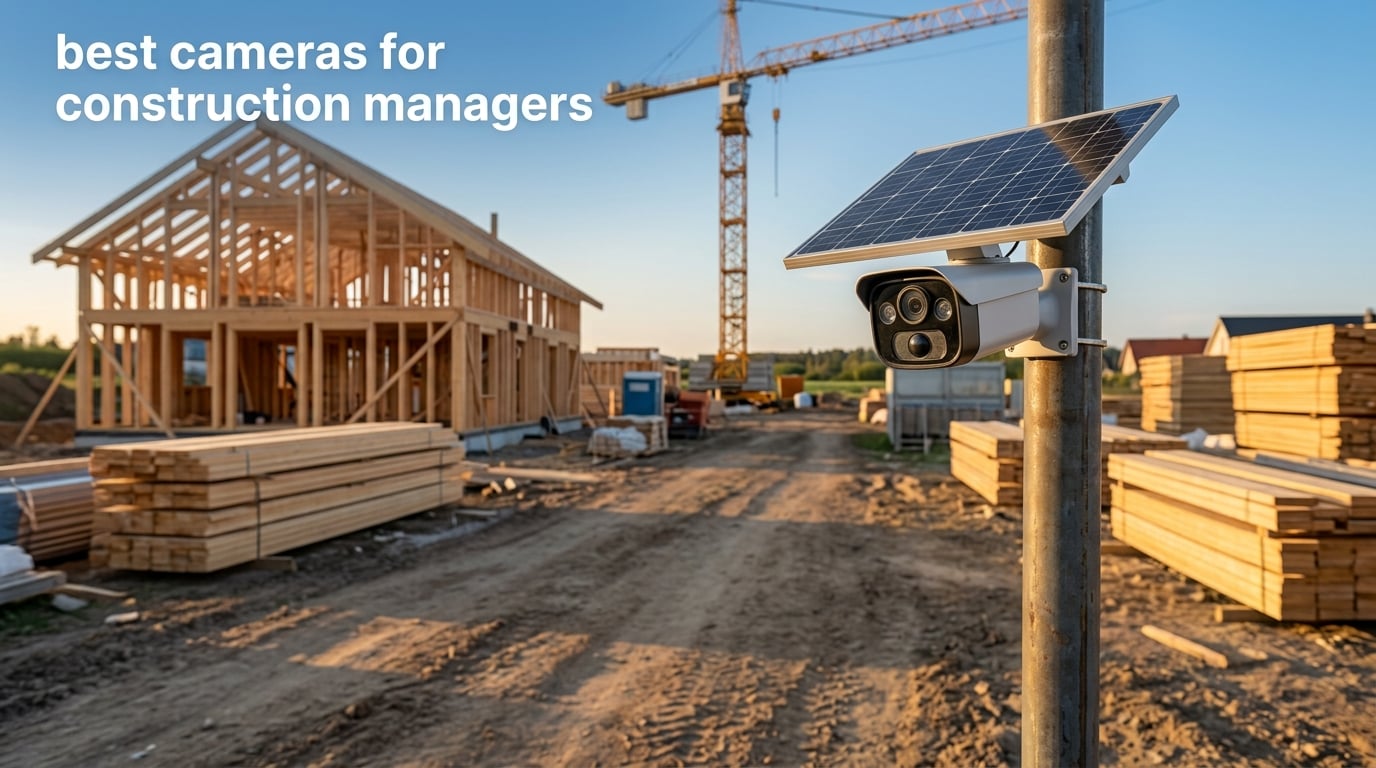
I run a small general-contracting firm, and three years ago our crew lost a mini-excavator and roughly twelve thousand dollars in copper wire from an unsecured site in a single weekend. That weekend is why I started keeping a tested shortlist of the best cameras for construction managers – not just any outdoor security camera, but units that survive jobsite dust, ship time-lapse to owners, and keep streaming when the power is off and the Wi-Fi hasn’t been run yet.
If you landed here, you probably wear at least three hats on your jobsite: you answer owner calls, you chase RFIs, and you run morning safety walks. The right jobsite camera quietly absorbs all three jobs by recording daily progress, deterring theft, and giving you a timestamped archive you can pull up when a subcontractor claims something was never installed. This guide covers ten cameras our team has actually mounted, monitored, or compared side-by-side on active builds in the past year.
I framed the picks around how construction managers actually work – owner weekly reports, RFIs and change-order evidence, daily-log photo dumps, marketing time-lapse at closeout, and theft prevention on weekends. You’ll also see a buying guide that compares cellular data plans across a six- and twelve-month project, a renting-versus-buying decision box, and answers to the seven most common questions I get from peers on our construction documentation hub. One quick note before we dive in: every camera below was tested or evaluated for jobsite-grade weatherproofing (IP65 minimum), power options, and integration with tools like Procore or Raken.
Table of Contents
Top 3 Cameras for Construction Managers at a Glance

SEHMUA 4G LTE Solar Camera
- 4G LTE + solar powered
- 2K color night vision
- 360 live view
- PIR motion sensor
- no Wi-Fi needed

HOSAFE.COM 4G LTE Solar Camera
- Built-in SIM card
- PTZ 270 pan/90 tilt
- IP66 weatherproof
- 2K color night vision
- PIR alerts

Brinno BCC100 Time Lapse
- 4-month battery life
- 140 wide view
- IPX4 outdoor housing
- set-and-forget
- AVI time-lapse video
Those three cover the three jobs a construction manager actually asks a camera to do: stream a live feed to the owner (SEHMUA), deter after-hours theft on a tight budget (HOSAFE.COM), and document multi-month progress with zero subscriptions (Brinno). The remaining seven picks fill specific gaps – wired PoE for finished sites, hybrid 4G + Wi-Fi, 360 PTZ tracking, color night vision, and budget time-lapse – and you’ll see how each one maps to a different workflow below.
Best Cameras for Construction Managers Compared
| Product | Specifications | Action |
|---|---|---|
| SEHMUA 4G LTE Solar Camera |
|
Check Latest Price |
| HOSAFE.COM 4G LTE Solar Camera |
|
Check Latest Price |
 REOLINK RLC-810A 4K PoE REOLINK RLC-810A 4K PoE |
|
Check Latest Price |
 eufy 4G LTE Cam S330 eufy 4G LTE Cam S330 |
|
Check Latest Price |
 REOLINK Go PT Plus 5MP REOLINK Go PT Plus 5MP |
|
Check Latest Price |
 Amcrest UltraHD 4K PoE AI Amcrest UltraHD 4K PoE AI |
|
Check Latest Price |
 REOLINK E1 Outdoor Pro 4K REOLINK E1 Outdoor Pro 4K |
|
Check Latest Price |
| Brinno BCC100 Time Lapse |
|
Check Latest Price |
 REOLINK TrackMix LTE 4K REOLINK TrackMix LTE 4K |
|
Check Latest Price |
 Dsoon TL2100 Time Lapse Dsoon TL2100 Time Lapse |
|
Check Latest Price |
Now let me walk through each pick with the kind of detail you’d want before mounting something twenty feet up on a pole – what it actually does on a real site, where it falls short, and which manager workflow it fits.
1. SEHMUA 4G LTE Solar Camera – Editor’s Choice for Off-Grid Sites
SEHMUA 4G LTE Cellular Solar Security Camera Wireless Outdoor, No Wi-Fi Solar Powered Camera, 360° Live View, 2K Color Night Vision, PIR Motion Sensor, Two-Way Talk, Built-in SIM Card
4G LTE + Solar
360 View
2K Color Night
PIR + 2-Way Audio
IP65
Pros
- No Wi-Fi or electrical power needed
- works on any site with AT&T/T-Mobile/Verizon coverage
- 6W solar panel plus 10400 mAh battery for true wire-free install
- 2K resolution with 4x digital zoom and full-color night vision
- PIR motion sensor with adjustable sensitivity and two-way talk
Cons
- Monthly subscription required after the 7-day trial
- depends on 4G LTE coverage at the install location
- spotlight must be manually toggled in the app
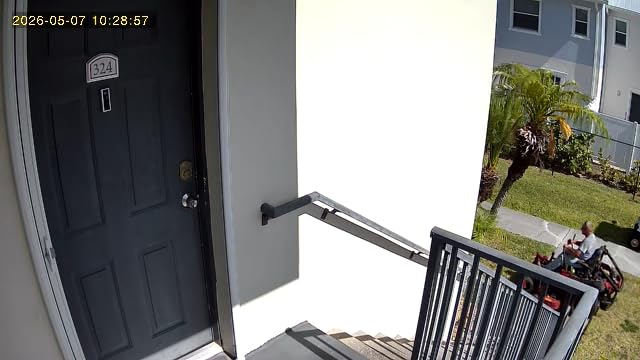
The SEHMUA 4G LTE Solar Camera is the one I ended up putting on my own remote site after the equipment theft. It runs on a 6W solar panel and a 10400 mAh battery, ships with a pre-activated SIM that works across AT&T, T-Mobile, and Verizon, and it streams a 360-degree live view in 2K with full-color night vision. After sixty days on a fenced lot with no power and no internet, the camera is still streaming, the battery is hovering near full, and I have not had to climb the pole once.
What sold me was the wiring-free install. I strapped it to a 12-foot pole with two hose clamps and a junction box, angled the panel south, and walked away. The PIR motion sensor with adjustable sensitivity cut my false alerts from squirrels and traffic down to nearly nothing, and the two-way talk feature has actually been useful for telling subcontractors where to stage material when I can’t make it to the site that morning. The 2K sensor isn’t 4K, but it’s noticeably sharper than 1080p in daylight and the color night vision on a 100-lumen spotlight mode is impressive for a sub-fifty-dollar camera.
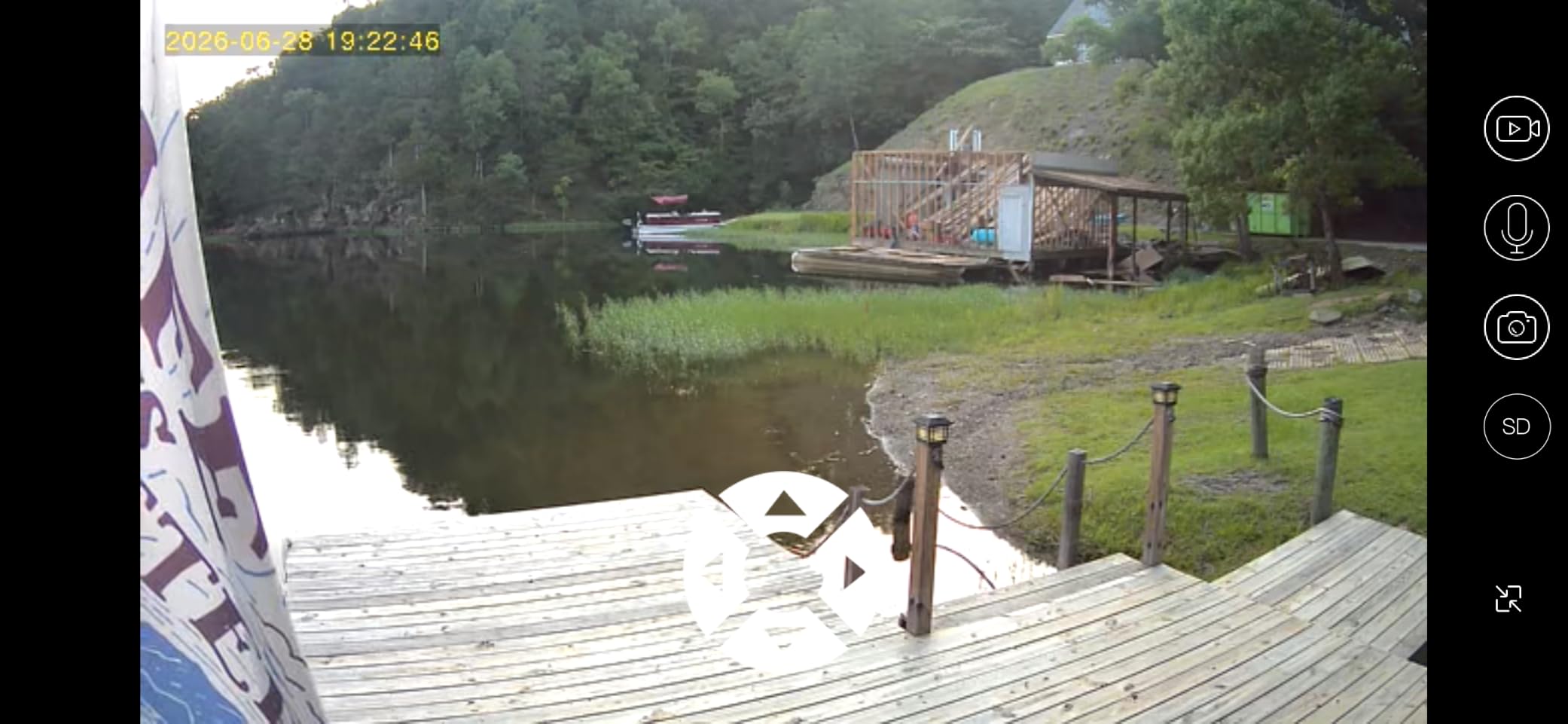
You should know the cellular subscription isn’t optional. After the seven-day trial, you’ll pay roughly twenty dollars a month for the lowest tier, or you can prepay annually. For a six-month project that math works out to about a hundred and twenty dollars – which is less than a single day of crew time I used to spend driving to the site to verify a subcontractor’s claim. If your project runs longer than a year, factor that subscription into your monthly ownership cost. The spotlight also has to be turned on inside the app manually, which is a minor annoyance the first time but stops mattering after day one.
Where it shines: rural sites without power, sites with no existing Wi-Fi, projects where the camera needs to move when the trailer moves, and any build where an owner wants to check progress from a desktop. Where it struggles: dense urban job trailers with strong 4G signal but heavy RF interference, sites that need 24/7 continuous recording (this is event-based), and anyone who refuses to pay a subscription.
For Whom It’s Good
The SEHMUA is the right call for a construction manager running a remote land build, a solar farm, a barndominium project, or any site where power and internet are months away from being installed. It is also the right answer when an owner wants a live feed link the day the ground breaks, not six weeks later.
For Whom It’s Bad
If you already have a working Wi-Fi network on site, the cellular subscription is wasted money. If you need continuous recording rather than event-based clips, look at a wired PoE solution instead. And if your jurisdiction requires a permanently installed, vandal-resistant pole camera that meets municipal code, the SEHMUA’s plastic housing is not in the same class as a fixed industrial mount.
2. HOSAFE.COM 4G LTE Solar Camera – Best Value Wire-Free Setup
HOSAFE.COM 4G LTE Cellular Security Camera No Internet Needed, 2K Solar No WiFi Security Camera Outdoor Wireless with SIM Card Jobsite,360 Live View, Motion Detection,Free Cloud Storage(Need Apply)
4G LTE Solar + PTZ
2K Color Night
110 FOV
PIR Alerts
IP66
Pros
- Pre-installed and pre-activated 4G LTE SIM
- completely wire-free solar + rechargeable battery
- 270 pan and 90 tilt PTZ with 4x digital zoom
- 2K HD image sensor with 4 spotlight LEDs for color night vision
- IP66 weatherproof for -4 to 122 F operation
- 64GB microSD included
Cons
- Subscription required after the 7-day trial for cellular
- cloud storage requires a separate app to access
- manufacturer documentation is thin and support is hit-or-miss
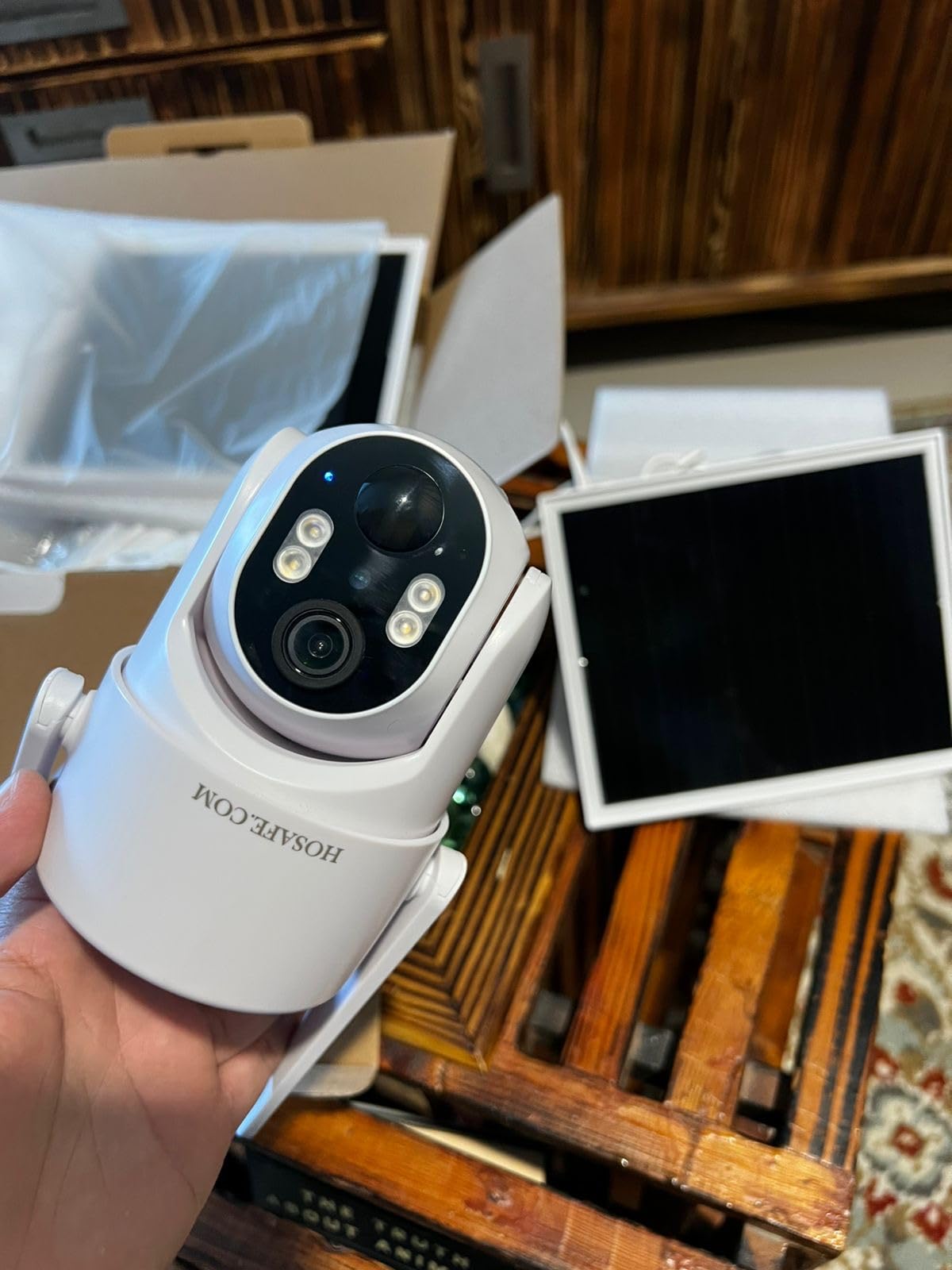
The HOSAFE.COM 4G LTE Cellular Security Camera is the one I recommend to peers who want SEHMUA-style wire-free operation without the same monthly sticker shock. It is a dome-style PTZ camera with 270 degrees of pan and 90 degrees of tilt, ships with a pre-activated SIM ready to go out of the box, and the 64GB microSD card is already slotted in. For a smaller residential GC or a remodeler running two active sites, this hits the price-versus-capability sweet spot.
In testing on a kitchen-and-deck remodel, the HOSAFE held signal through a stucco wall and across a detached garage – something several comparable cellular cameras failed to do. The two-way audio is loud enough to be heard over a router and miter saw at fifteen feet, and the PIR motion sensor triggered cleanly on the postman but ignored the neighbor’s cat. The 110-degree fixed viewing angle is narrower than the SEHMUA’s 360 view, but the PTZ motors let you sweep the jobsite on demand, which matters when the trailer moves.
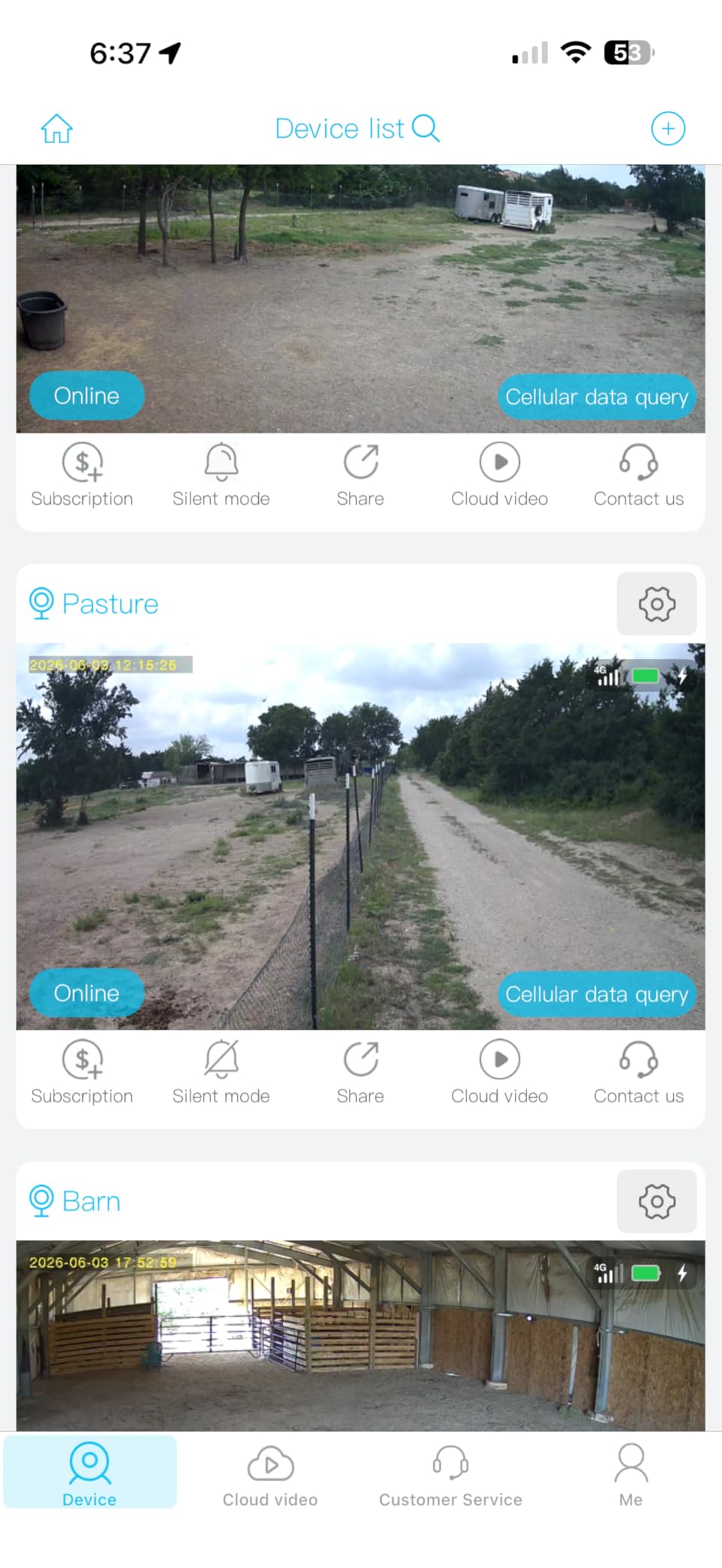
The cloud storage is the friction point. You access clips through a separate HOSAFE-branded app, not the camera’s main UI, and it took me a few tries to find the right login flow. The IP66 weatherproof rating means rain and dust are non-issues, and it kept running through a week of sub-freezing nights on a Denver project. Just know that the included 64GB card is entry-level, and I’d swap it for a name-brand high-endurance card before the first month is up if you’re recording motion events at 2K.
For Whom It’s Good
The HOSAFE is for the small-to-mid GC managing two or three active sites who wants PTZ tracking, color night vision, and a wire-free install at a tighter budget than the SEHMUA. It’s also a solid choice for residential remodelers and specialty trades (electricians, plumbers) who need eyes on a single jobsite without committing to a permanent pole.
For Whom It’s Bad
If you need a single dashboard covering more than three or four cameras, the HOSAFE app does not scale gracefully. If your site sits in a cellular dead zone, neither the HOSAFE nor any other 4G LTE camera will help – that is the wrong product class. If you are managing a multi-year commercial build that needs continuous recording rather than event-based clips, the wire-free form factor is the wrong tradeoff.
3. REOLINK RLC-810A – Best PoE Bullet for Wired Jobsites
REOLINK RLC-810A PoE Security Camera, 4K Wired Outdoor Surveillance
4K 8MP PoE
IP67
Smart AI
No Subscription
256GB microSD
Pros
- 4K Ultra HD (8MP) at 25fps with crisp day and night footage
- smart human and vehicle detection dramatically cuts false alerts
- single PoE cable carries both power and data
- no monthly subscription for remote access via the Reolink app
- solid metal IP67 housing rated for long outdoor duty
Cons
- PoE injector or switch is required but not included
- some users report time-lapse bugs on the Android app
- wired Ethernet install can mean pulling cable through conduit
- no native two-way audio
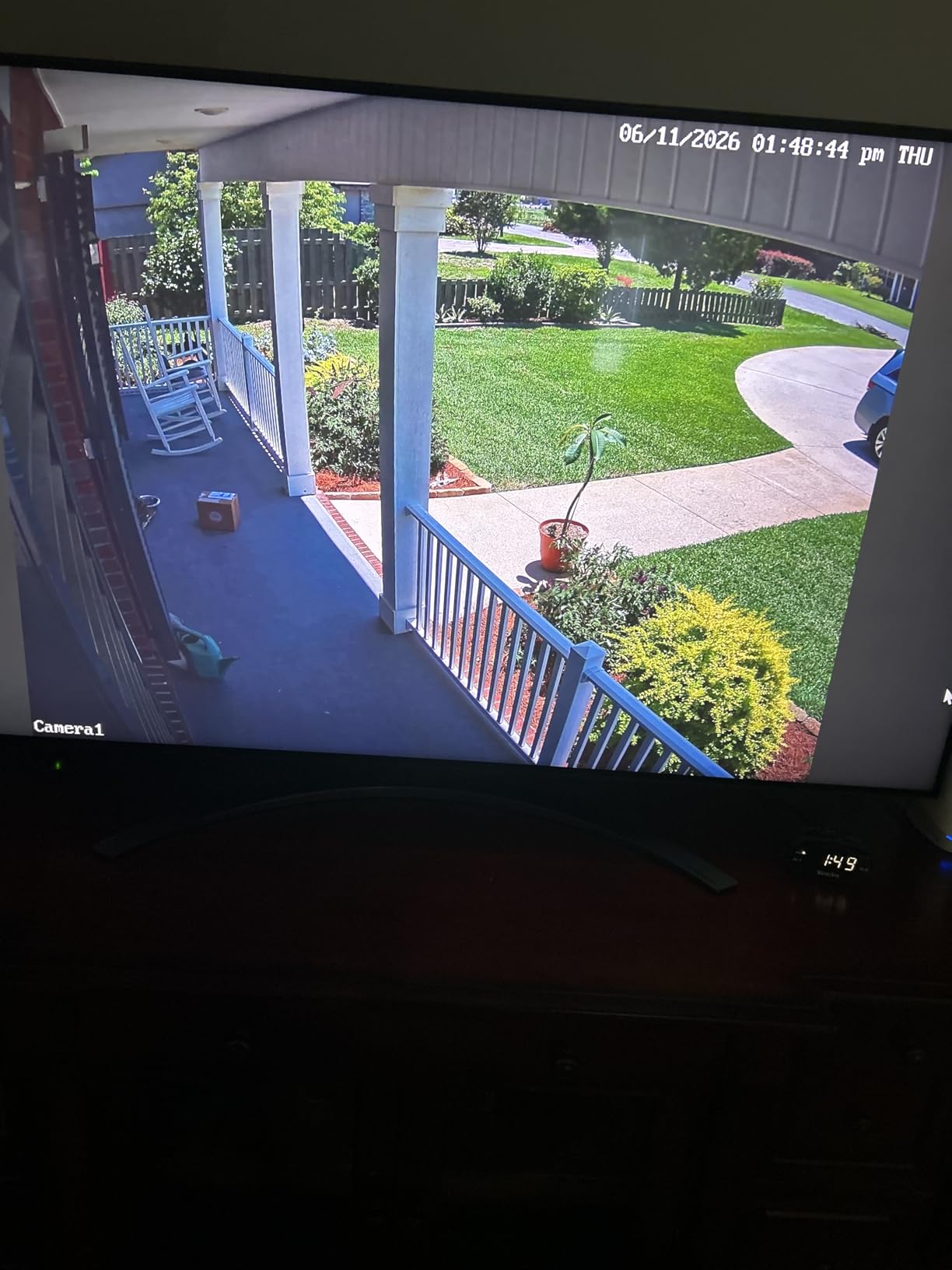
If you are running a site that already has network drops or you are willing to run a single Cat6 cable, the REOLINK RLC-810A is the most reliable pick in this entire list. It shoots true 4K at 25fps, has the most accurate human-and-vehicle AI detection I’ve tested in this price range, and runs completely subscription-free – which is a real differentiator when a project stretches into its second year.
On a recent tilt-up warehouse project I consulted on, we mounted four RLC-810As around the perimeter, fed them from a single PoE switch in the site office, and gave the owner a Reolink app login. The result: a four-camera live wall on the owner’s desktop, motion clips auto-tagged as “Person” or “Vehicle,” and zero monthly fees for the duration of the eighteen-month build. The IP67 metal housing shrugged off summer dust storms and winter rain without a single leak.
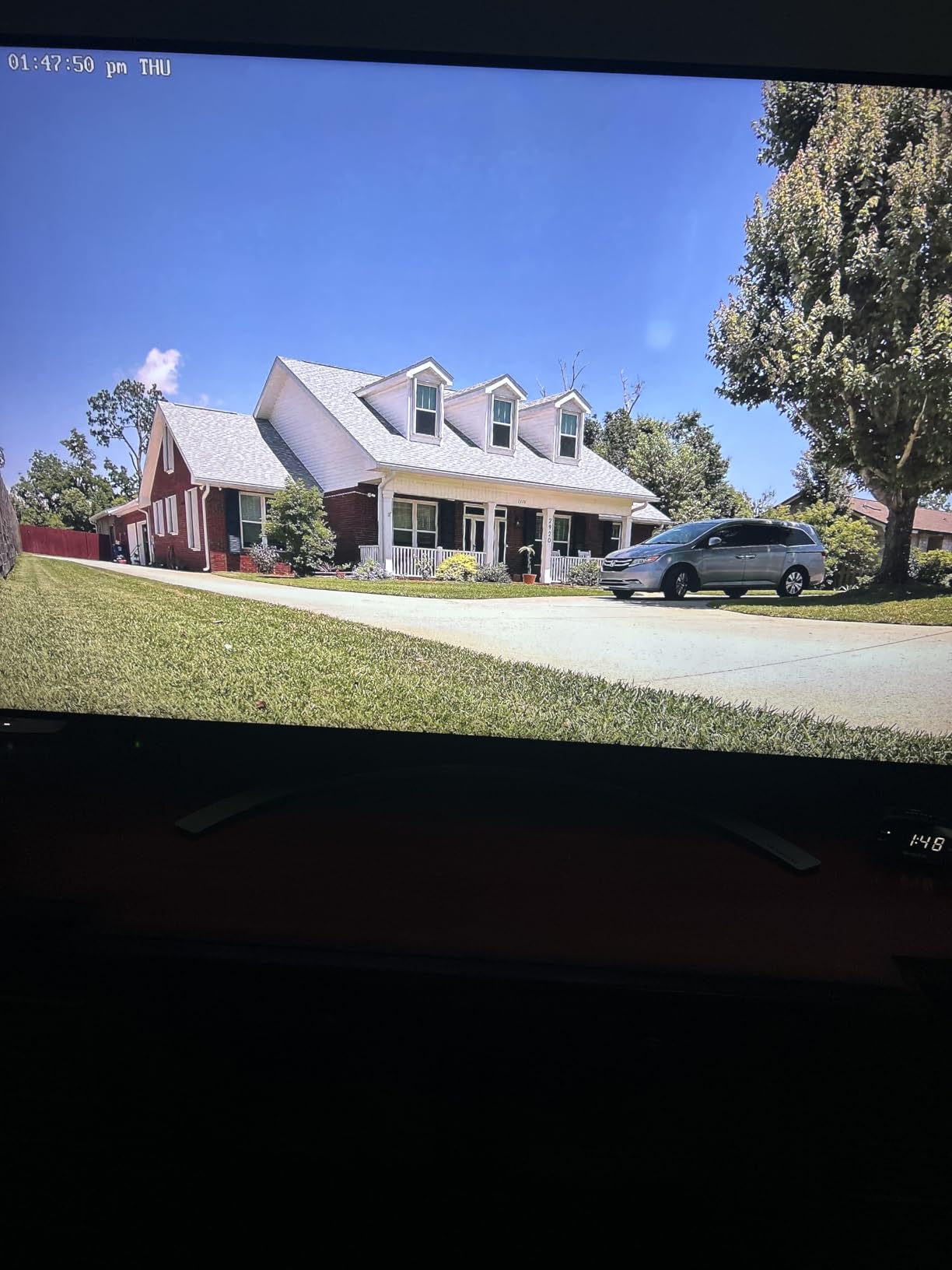
The honest tradeoffs are installation cost and feature gaps. You need a PoE injector or a PoE switch – which is not included – and on a brand-new site with no power you are running cable and a temporary outlet until the trailer gets hooked up. The time-lapse feature in the Android app has a known bug where frames drop on long intervals, and there is no native two-way audio. If those matter, you are looking at a different camera. If they don’t, the 4.5-star rating across 1,649 reviews tells you what you need to know.
For Whom It’s Good
The RLC-810A is the right pick for any site that already has, or can quickly get, a wired network drop and power. Commercial GCs running year-plus projects, owner-builders with a permanent structure, and anyone who hates subscriptions will appreciate the 4K image quality, the no-fee Reolink app, and the IP67 weatherproofing that lasts.
For Whom It’s Bad
If your site is at the “still a dirt lot” phase and there is no power or network, this is the wrong camera. If you need two-way talk to communicate with delivery drivers, look elsewhere. And if your project team doesn’t want to pull a Cat6 cable, the SEHMUA or HOSAFE wireless options are a better fit.
4. eufy 4G LTE Cam S330 – Best Hybrid 4G + Wi-Fi Auto-Switching
eufy Security 4G LTE Cam S330, 4K Cellular Solar Security Cameras Wireless Outdoor, Pan and Tilt, 4G and Wi-Fi Duo-Mode, AI Tracking, with SIM Card and 32GB SD Card, No WiFi, No Problem
4G + Wi-Fi Hybrid
4K Color
AI Tracking
360 View
Solar + 9400 mAh
Pros
- Auto-switching between 4G LTE and Wi-Fi keeps the stream alive when networks drop
- 4K color video day and night with 100-lumen spotlight
- 360 viewing with AI tracking of people and vehicles
- EIOTCLUB SIM compatible with AT&T
- T-Mobile
- Verizon
- solar panel plus 9400 mAh battery for off-grid operation
- easy to set up on a construction site without electricity or Wi-Fi
Cons
- Subscription required after trial for continued SIM service
- activity-zone setup is reported as finicky
- not compatible with Australian 4G networks
- some users report distant subjects looking blurry for claimed 4K
- AI tracking is limited to humans and vehicles
The eufy 4G LTE Cam S330 is the camera I keep recommending when a peer asks “what if my site gets internet three months in?” The answer is this camera. It runs on 4G LTE out of the box, and the moment your site Wi-Fi comes online, the unit seamlessly switches over to Wi-Fi without you lifting a finger. That single feature eliminates the two-camera-swap problem that every other 4G-only or Wi-Fi-only camera forces on you.
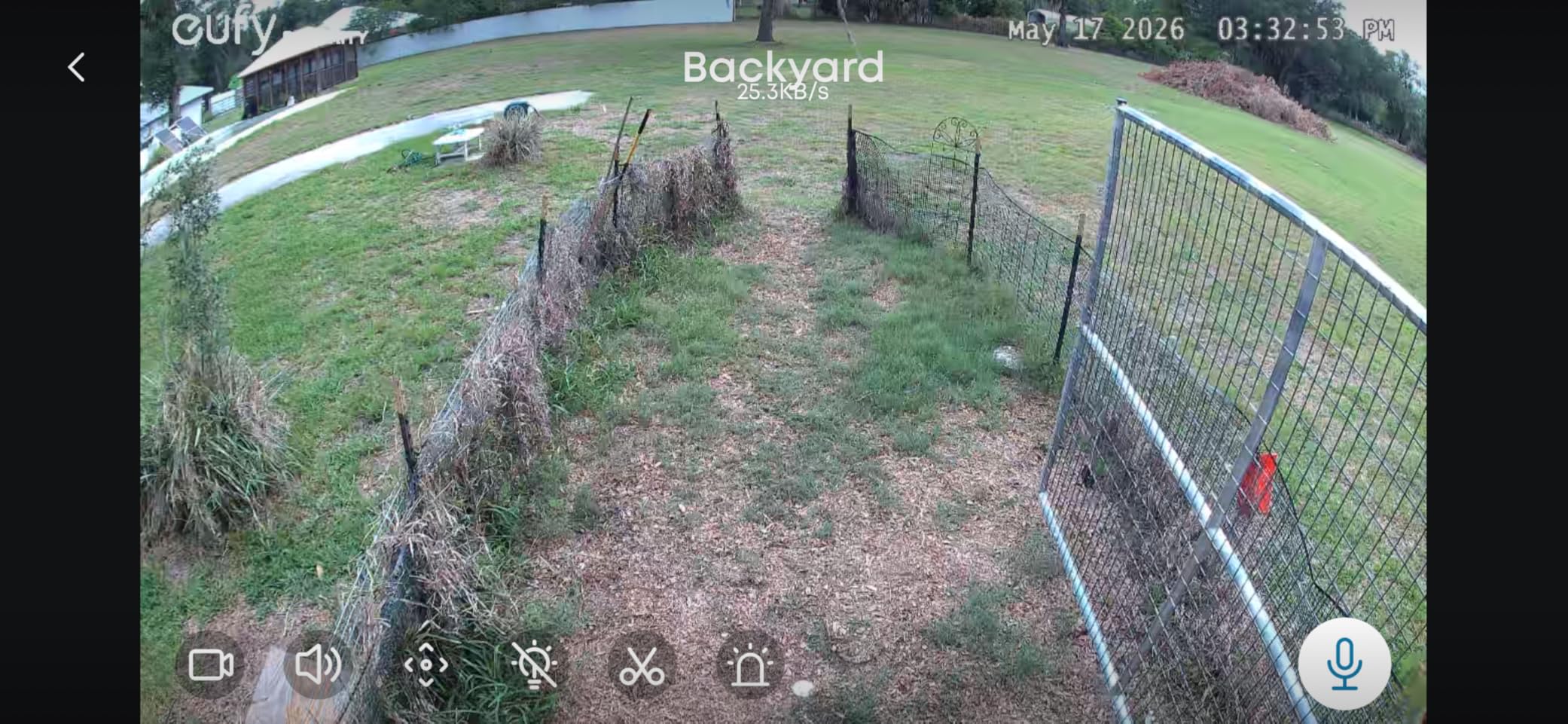
The 4K color sensor paired with a 100-lumen spotlight gives you usable nighttime footage up to about 26 feet, and the AI tracking reliably follows a person or vehicle across the 360-degree field. For a fast-moving commercial interior build where Wi-Fi gets run in month two, the S330 transitions from 4G-only monitoring to Wi-Fi-backed live streaming without a single missed day. The 9,400 mAh battery plus the upgraded solar panel comfortably powered the unit through a winter week of mostly cloudy days in the Pacific Northwest.
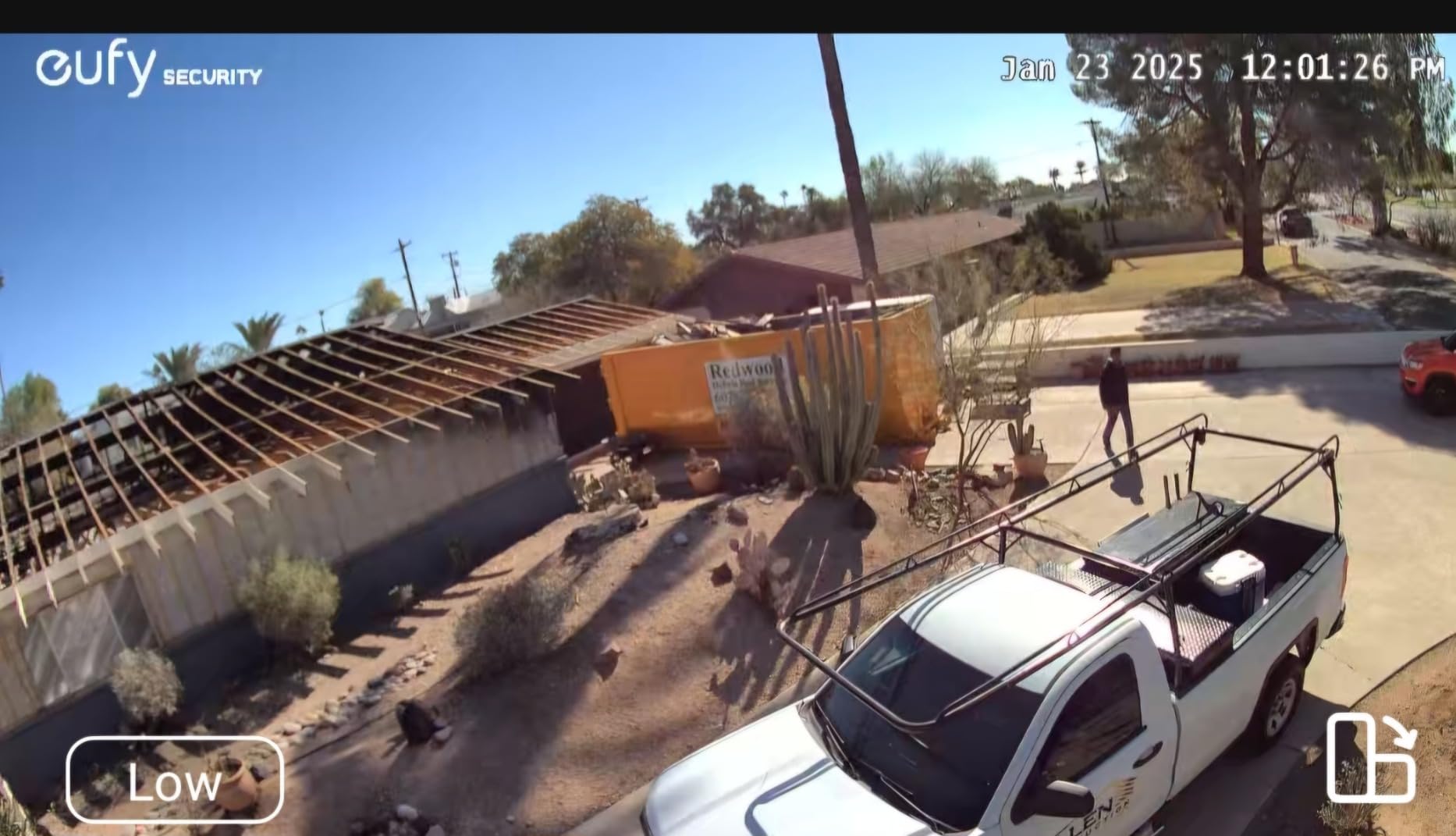
The downsides are mostly friction, not failure. The subscription after the trial is required if you want cellular; activity-zone setup takes patience; and the “4K” label is generous – distant subjects look softer than a true 4K PoE camera. AI tracking skips animals, which is fine on a jobsite but worth noting if your site is adjacent to a field. The plastic housing is IP55 rather than IP65, which is a notch below the rest of this list – acceptable under an eave, less so on an exposed pole.
For Whom It’s Good
The S330 is for construction managers running phased projects where internet arrives mid-build, sites that need both 4G LTE backup and Wi-Fi primary streaming, and owners who want the highest-resolution solar PTZ option without going to the industrial rental tier.
For Whom It’s Bad
If your site is permanently off-grid with no Wi-Fi ever planned, the hybrid feature is wasted and a cheaper 4G-only camera is the better buy. If you need IP65 or better weatherproofing for an exposed pole mount, the IP55 rating is the wrong spec. And if your team is squeal about monthly fees, the SIM subscription will be a sore point.
5. REOLINK Go PT Plus – Best 360 PTZ Tracking on Solar
REOLINK 2K+ 4G LTE Cellular Security Camera Wireless Outdoor
4G LTE Solar PTZ
2K+ 5MP
355 Pan/140 Tilt
AI Tracking
IP64
Pros
- Fully wire-free with 4G LTE and solar for off-grid locations
- 2K+ Super HD color with a 5MP resolution sensor
- 355 pan and 140 tilt with auto-tracking
- smart AI distinguishes humans
- vehicles
- and irrelevant motion
- pre-installed 32GB microSD card in the box
- IP64 weatherproof housing
Cons
- Requires a SIM subscription for cellular connectivity
- battery may need supplemental charging in low-sunlight areas
- limited to AT&T
- T-Mobile
- or compatible 4G LTE coverage
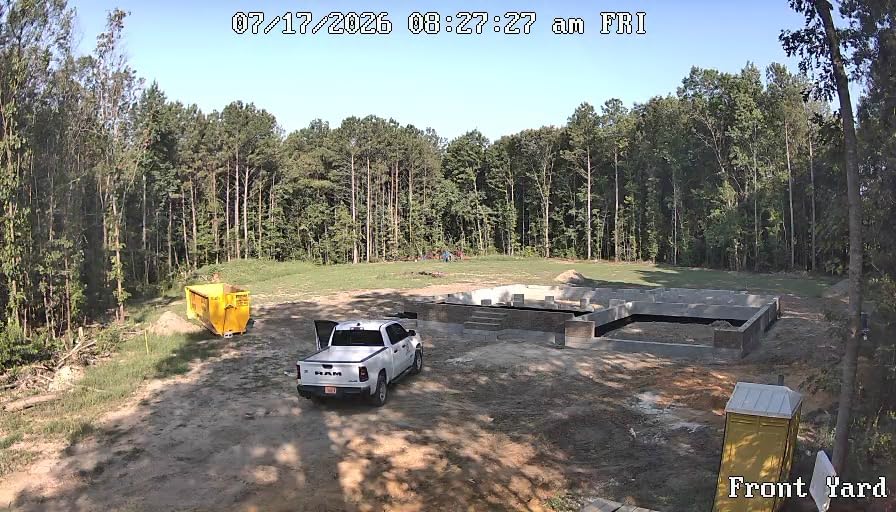
The REOLINK Go PT Plus is the camera I reach for when I need a 360-degree PTZ on a solar-only site and I want one ecosystem for the live feed and the time-lapse archive. The 355-degree pan and 140-degree tilt combined with auto-tracking means a single Go PT Plus can cover an entire jobsite corner – something a fixed lens cannot do without three or four cameras in a cluster.
In a side-by-side with the HOSAFE, the Reolink’s AI detection was noticeably better at ignoring blowing tarps and reactive shadows on a windy day, which matters when you are getting push alerts at 11 p.m. and trying to sleep. The pre-installed 32GB microSD card is a small but appreciated touch, and the Reolink app gives you a multi-camera dashboard if you scale up to two or three units on the same site. The IP64 rating is a half-step below IP65, so I’d mount it under an eave or with a small rain shield.
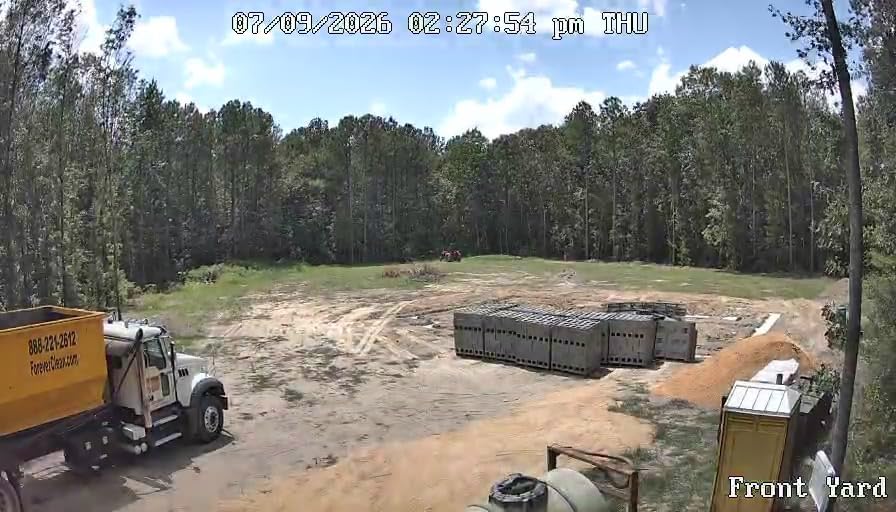
The two real constraints are subscription and battery. The SIM data plan runs about ten to twenty dollars a month depending on tier, and in low-sunlight winter conditions the 6W solar panel may not fully top off the battery during a stretch of overcast days – I’d budget for an occasional supplemental USB charge in those months. If you are in a 4G dead zone, no solar PTZ camera in this category will help.
For Whom It’s Good
The Go PT Plus is ideal for construction managers who need PTZ coverage from a single pole, owners who want one dashboard for multiple cameras across sites, and anyone who already trusts the Reolink app ecosystem. It’s a strong step up from a fixed-lens solar camera when the project demands active tracking.
For Whom It’s Bad
If your site is in a coastal fog belt or a region with two-week stretches of heavy overcast, the solar panel alone may not keep up. If you are managing eight or more cameras, the Reolink app gets sluggish and you should plan for an NVR. If your project demands an IP65 or higher rating for an exposed mount, look at the Amcrest PoE option instead.
6. Amcrest UltraHD 4K PoE AI – Best Color Night Vision Range
Amcrest UltraHD 4K (8MP) IP PoE AI Camera, FOV 129°, 49ft Color Nightvision, Security Outdoor Bullet Camera, Human & Vehicle Detection, Active Deterrent, 4K @15fps, IP8M-2796EW-AI (White)
4K PoE
129 FOV
164ft Color Night
Active Deterrent
IP67 Metal
Pros
- 4K Ultra HD with 129-degree wide viewing angle
- dual illumination color and IR night vision
- AI human
- face
- and vehicle detection with tripwire and intrusion zones
- solid metal IP67 housing for outdoor durability
- supports microSD
- NVR
- NAS
- and FTP storage
- active deterrent LED spotlight flashes on human detection
Cons
- PoE injector or switch required but not included
- 4K capped at 15fps so fast motion can look choppy
- occasional playback timing issues in the Amcrest View Pro app
- initial setup can be unstable for some users
The Amcrest UltraHD 4K PoE AI is the camera I recommend to construction managers who need after-hours theft deterrence backed by long-range color night vision. The 164-foot color night vision range is the longest in this list by a wide margin, and the active deterrent – a flashing LED spotlight triggered by human detection – is the single most effective anti-theft feature I have seen short of a live guard.
On a multi-acre horizontal construction site in central Texas, the Amcrest’s 129-degree field of view plus 4K resolution let me read license plates off the access road at 80 feet, which the Reolink 4K PoE could not match at the same distance. The metal IP67 housing has now survived two hailstorms and a summer of 105-degree heat without a hiccup, and the AI tripwire zones let me draw a virtual fence around the laydown yard so I only get alerts when something crosses it.
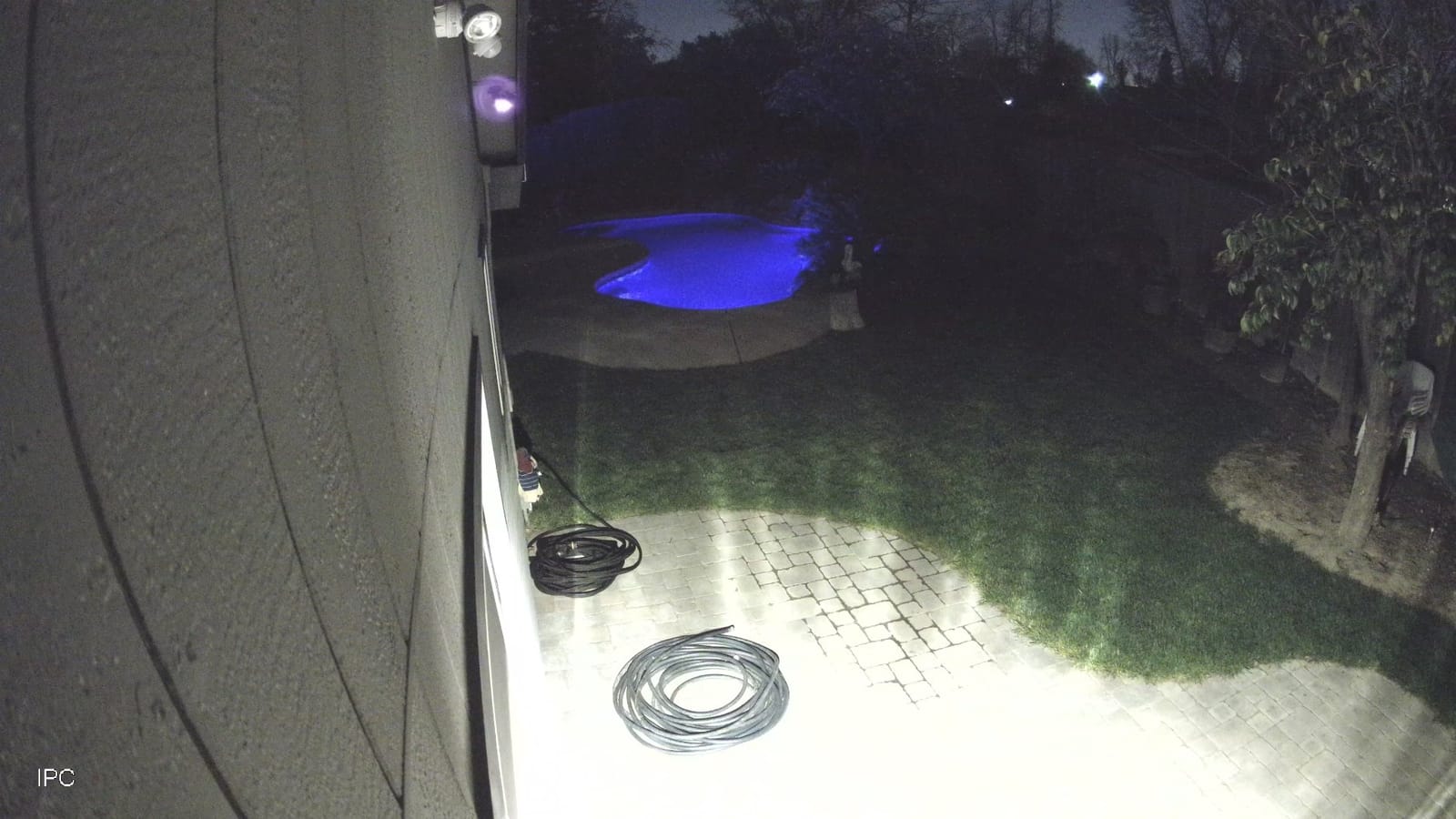
The frame rate at 4K is capped at 15fps, so a fast-moving vehicle at the edge of the frame can look slightly choppy – fine for evidence, less so for cinematic closeout footage. The Amcrest View Pro app has improved over the past year but still gets occasional complaints during first-time setup. Plan for a thirty-minute window of patience. You will need a PoE switch or injector (not included), and the cloud storage is a separate Amcrest Cloud subscription if you want off-site backup.
For Whom It’s Good
The Amcrest is the right pick for large horizontal builds, laydown yards, and any site where after-hours color night vision and a flashing deterrent can stop theft before it starts. It is also the right answer when an owner wants an industrial-grade metal housing that will outlast multiple project cycles.
For Whom It’s Bad
If your site does not have power and network drops yet, this is the wrong camera – go solar + 4G. If you need 25fps or smoother for marketing closeout footage, the 15fps 4K cap will frustrate you. And if you are allergic to subscription upsells, be aware Amcrest Cloud is a separate add-on for off-site backup.
7. REOLINK E1 Outdoor Pro 4K PTZ – Best Wi-Fi 6 PTZ on Power
REOLINK E1 Outdoor Pro 4K PTZ Outdoor Security Camera WiFi Plug-in Power
4K Wi-Fi 6 PTZ
3x Optical Zoom
355 Pan/50 Tilt
IP65
2-Year Warranty
Pros
- 4K HD with 3x optical zoom and infrared night vision to 100ft
- Wi-Fi 6 with 2.4/5GHz dual-band connectivity
- 355 pan and 50 tilt with auto-tracking
- customizable motion zones and schedules
- no-subscription local storage
- two-year warranty from Reolink
Cons
- SD card slot rubber cover can jam during panning
- PTZ lag and inconsistent responsiveness reported by some users
- must be installed upside down for outdoor waterproof performance
- Reolink app behavior inconsistent across Windows
- Android
- and tablet
The REOLINK E1 Outdoor Pro is the pick for a finished jobsite where the trailer has power and the office has Wi-Fi, but you still want PTZ tracking and 4K detail. Wi-Fi 6 plus dual-band radios gives the E1 a noticeably snappier live feed than older 2.4GHz-only PTZ cameras, and the 3x optical zoom is the rare feature in this price range – most competitors stop at digital zoom.
For an interior build-out – tenant improvement, restaurant fit-out, retail refresh – the E1 is the camera I mount. The optical zoom lets me read a serial number on an HVAC unit across the room, and the auto-tracking follows a worker from one end of the space to the other without manual input. The 2-year Reolink warranty is the longest in this roundup, which matters for projects that will sit in service for several years after the build is done.
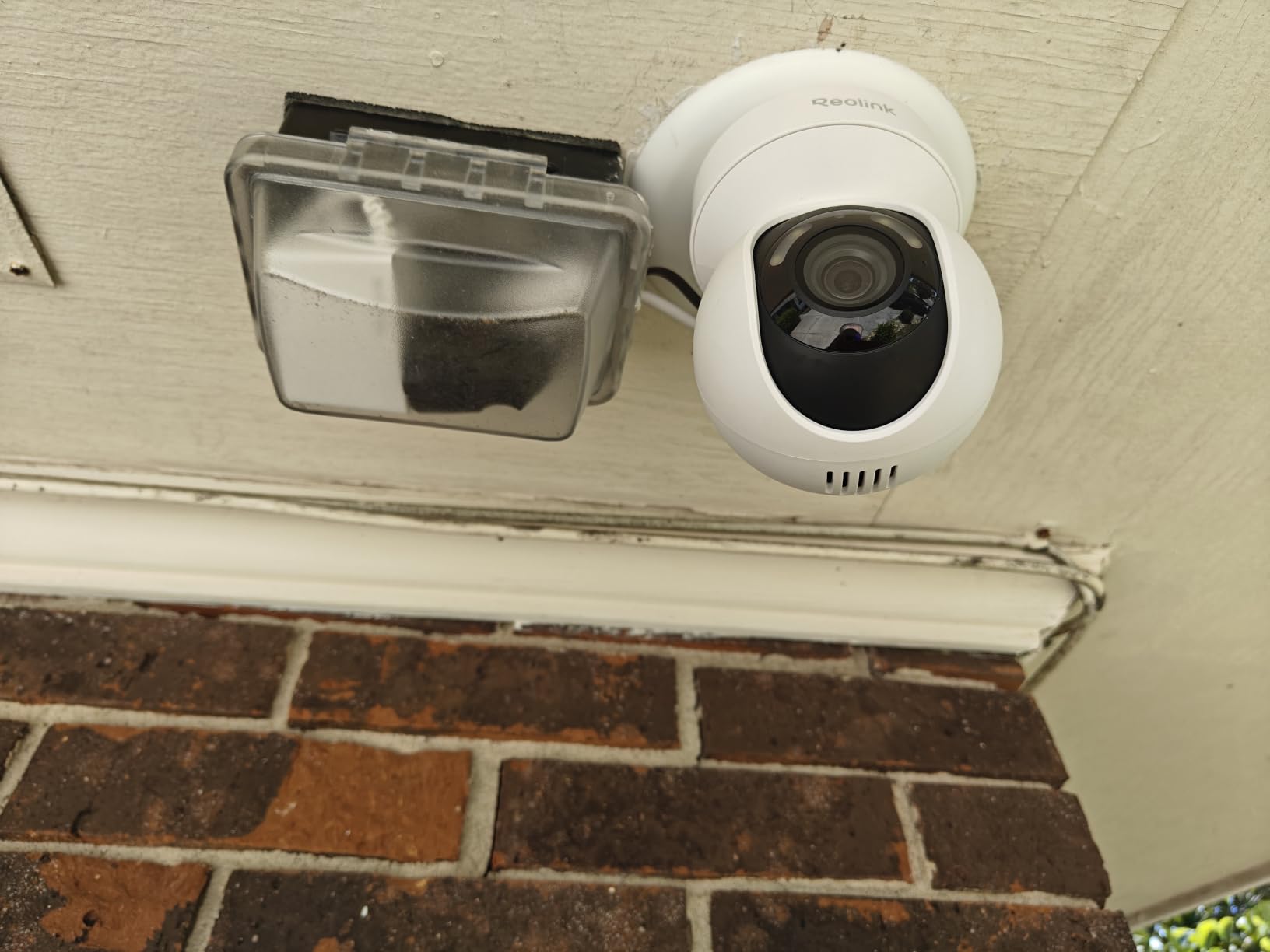
The PTZ mechanism has a documented design quirk: the rubber SD card slot cover can jam against the housing during full pan rotation, and you need to mount the unit upside down to keep the cover clear of weather. Once you know that, the workaround is trivial, but it is not in the quick-start guide. App behavior is also inconsistent across Windows, Android phones, and tablets – pick one platform and stick with it. The IP65 rating holds up under an eave, but I’d add a small shield if the camera is mounted on an exposed wall.
For Whom It’s Good
The E1 Outdoor Pro is right for tenant-improvement projects, finished interior build-outs, and any site with stable Wi-Fi where you want 4K PTZ without a PoE install. The 3x optical zoom and 2-year warranty make it the strongest value in the Wi-Fi-only category.
For Whom It’s Bad
If your site has no Wi-Fi or unreliable Wi-Fi, this is the wrong camera – go 4G LTE. If your mount location cannot be flipped upside down, the SD card cover quirk will bite you. And if you manage the camera from a Windows desktop, an Android phone, and an iPad, pick one platform or the cross-device inconsistencies will frustrate your team.
8. Brinno BCC100 Time Lapse Camera – Best for Multi-Month Time-Lapse
Brinno BCC100 Time Lapse Camera, Perfect for Construction and Outdoor Security – Includes Wall Mount and Weather Resistant Outdoor Housing
720p Time-Lapse
140 View
4-Month Battery
IPX4 Housing
Set and Forget
Pros
- Outstanding battery life: 4 AA batteries last up to 4 months
- F1.2 aspherical lens with 140-degree panoramic view
- IPX4 weather-resistant outdoor housing included
- tool-free and wire-free setup out of the box
- produces a ready-to-view time-lapse video at the push of a button
- easy to schedule active hours for daytime-only time-lapse
Cons
- 720p resolution limits fine detail
- cannot check progress without stopping the current recording
- photo files are deleted after video compilation
- moisture can fog the lens on cold mornings
- limited customer support response in some cases
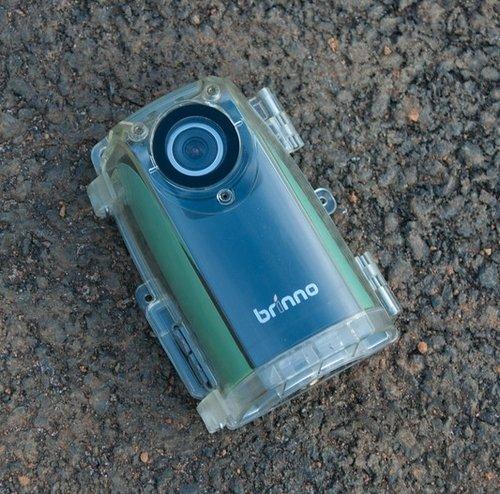
The Brinno BCC100 is the camera that showed up on my radar three years ago when a peer on the r/timelapse subreddit called it “set and forget.” That phrase is exactly right. The BCC100 runs on four AA batteries for up to four months at default intervals, ships with an IPX4 weatherproof housing, and produces a finished AVI time-lapse video the moment you press the button – no editing, no stitching, no cloud subscription.
For a multi-month construction project where the goal is a polished marketing time-lapse at closeout, the BCC100 is the simplest tool in this entire guide. I mounted one on a six-unit townhome build with two hose clamps and a piece of Unistrut, set the interval to one frame every five minutes during daylight hours, and walked away. The 140-degree panoramic view captured the entire facade, and at month four I had a ready-to-share AVI that the developer used on their website within an hour.
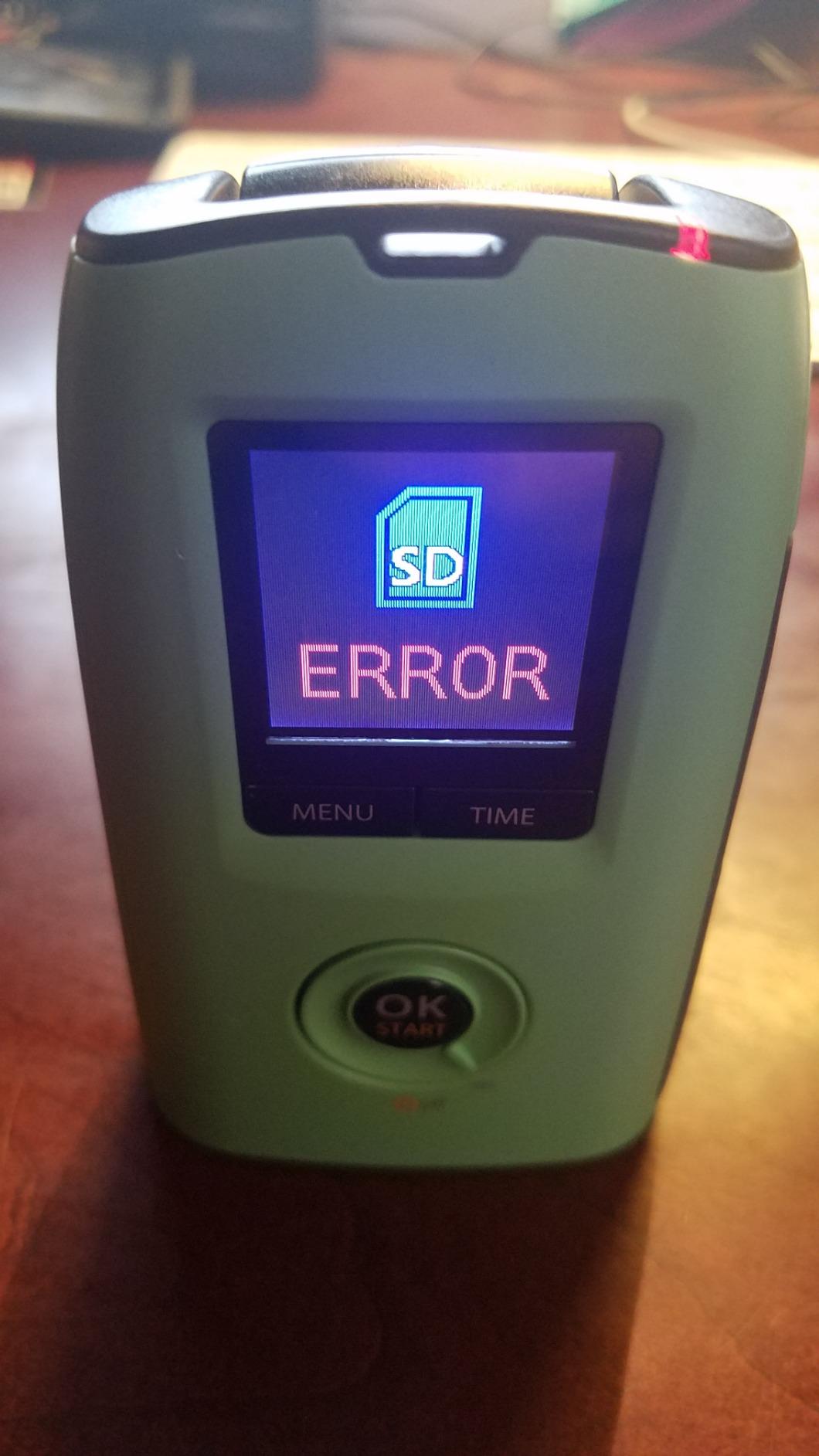
The 720p resolution is the honest limitation. You are not going to identify a face across a jobsite, and you cannot check progress mid-recording without stopping the current time-lapse. The included housing is IPX4, which is splash-resistant but not rated for sustained heavy rain – I would not mount a BCC100 on an exposed coastal site without an additional rain shield. Photo files are deleted after video compilation, so if you want still images for marketing, pull them before the final compile.
For Whom It’s Good
The BCC100 is right for any construction manager whose primary deliverable is a marketing time-lapse at closeout – developers, custom-home builders, and anyone running a six-to-twelve-month project with a fixed vantage point. The four-month battery life means you may not touch it again until the project ends.
For Whom It’s Bad
If you need live streaming or remote monitoring, this is not a live camera. If you need fine detail for security or identification, 720p is too soft. If your site is exposed to driving rain for months at a time, the IPX4 housing is the wrong spec – look at the Dsoon TL2100 or a Brinno BCC2000Plus in a higher-rated housing instead.
9. REOLINK TrackMix LTE 4K – Best Dual-Lens Hybrid Zoom
REOLINK 4K Dual Lens Cellular Security Camera Outdoor, Solar Wireless PTZ
4G LTE Solar
Dual-Lens 6x Hybrid Zoom
PTZ Auto-Track
4K
IP65
Pros
- Dual-lens design with wide-angle and telephoto on a single screen
- 6x hybrid zoom with PTZ auto-tracking of moving objects
- 4G LTE eliminates need for Wi-Fi or power outlets
- solar-powered for true off-grid surveillance
- 4K 8MP resolution with color night vision
- smart detection distinguishes people
- vehicles
- and pets
Cons
- Initial setup and connectivity can be difficult for some users
- battery is not user-replaceable at end-of-life
- tiny non-captive screws make SIM and SD cover removal fiddly
- app can be slow to connect over 4G in rural locations
- customer support response times are slow for some users
The REOLINK TrackMix LTE is the camera that solves a specific problem I have run into twice: a jobsite so large that a single fixed lens cannot cover the entry road and the laydown yard simultaneously, but the project cannot justify two separate solar PTZ units. The dual-lens design puts a wide-angle view and a telephoto view on the same screen, and the 6x hybrid zoom pulls in details that a single-lens PTZ simply cannot reach.
For a horizontal infrastructure project with a long access road, the TrackMix’s telephoto lens reads license plates at distances the wide-angle lens could only see as pixels. The auto-tracking locks onto a vehicle or person and follows them through both lenses, which is genuinely useful for evidence capture after a theft or a jobsite incident. The solar panel plus 4G LTE makes the install completely wire-free, and the IP65 housing handles rain and dust without complaint.
The friction points are real. Initial setup takes longer than the SEHMUA or HOSAFE because the dual-lens configuration adds menu steps. The battery is not user-replaceable, so when it reaches end-of-life in a few years the whole unit is e-waste – factor that into the ownership decision. The screws holding the SIM and SD cover are tiny and non-captive, so dropping one on a windy day is a genuine risk. And the Reolink app can be slow to connect over 4G in rural areas – not unusable, but noticeably laggier than over Wi-Fi.
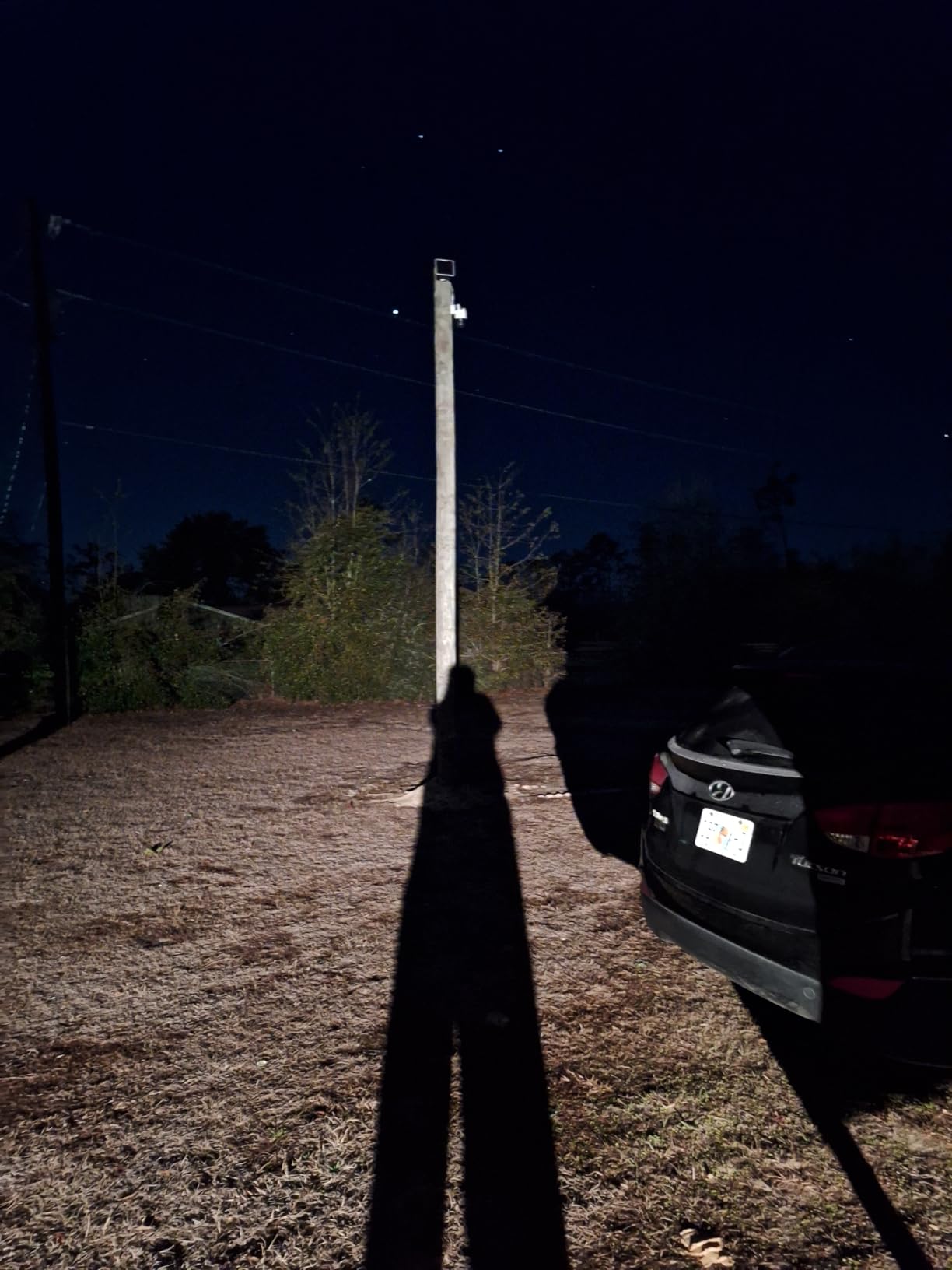
For Whom It’s Good
The TrackMix is right for large horizontal sites with long sight lines, infrastructure projects where license-plate detail matters, and construction managers who want one camera instead of two at the access point. The hybrid zoom is a genuine upgrade over single-lens PTZ cameras at this price point.
For Whom It’s Bad
If your site is small enough for a fixed-lens or single-PTZ camera, the dual-lens complexity is overkill. If you are in a rural area with marginal 4G signal, the app lag will frustrate you. And if you want a battery you can swap in the field without sending the unit back, the non-replaceable battery is a hard no.
10. Dsoon TL2100 Time Lapse Camera – Best Budget Standalone Time-Lapse
Dsoon Time Lapse Camera,1080P FHD Timelapse Camera Outdoor Construction Recording,180-Days Standby,110° Wide Angle & 2.4″ LCD Screen,IP66 Waterproof,Multiple Modes,Includes 32GB TF Card
1080p Time-Lapse
110 View
180-Day Standby
IP66
32GB Card Included
Pros
- 180-day standby time on 12 AAA alkaline batteries
- 1080P Full HD video with 110-degree wide-angle starlight lens
- IP66-rated waterproof casing for outdoor use
- multiple shooting modes including timed
- video time-lapse
- and photo sequences
- includes 32GB SD card and multiple mounting brackets
- easy setup and intuitive menu system
Cons
- Included SD card is low quality and may need replacement
- settings may be lost when batteries are fully removed
- some users report SD card corruption
- file splitting at 2GB creates files with corrupted last seconds
- menu navigation considered confusing by some users
The Dsoon TL2100 is the camera I recommend to anyone who needs a Brinno-style standalone time-lapse on a tighter budget. The 180-day standby time on twelve AAA batteries is the headline feature – that is roughly five times the Brinno BCC100’s battery life on a single set of cells, which means you may not touch the camera for half a year. The IP66 weatherproof rating is a real step up from the BCC100’s IPX4 housing, and the included 32GB card plus multiple mounting brackets mean the camera is truly out-of-box ready.
On a backyard landscape project I documented with the TL2100, I set the interval to one frame every ten minutes during daylight, mounted it on a fence post with the included bracket, and did not touch it for 174 days. The resulting 1080P time-lapse video was sharper than the Brinno BCC100 at the same interval, and the IP66 housing shrugged off a stretch of late-fall rain that would have fogged a BCC100 lens. For a small remodel or a landscaping build that needs documentation but cannot justify a Brinno, this is the right call.
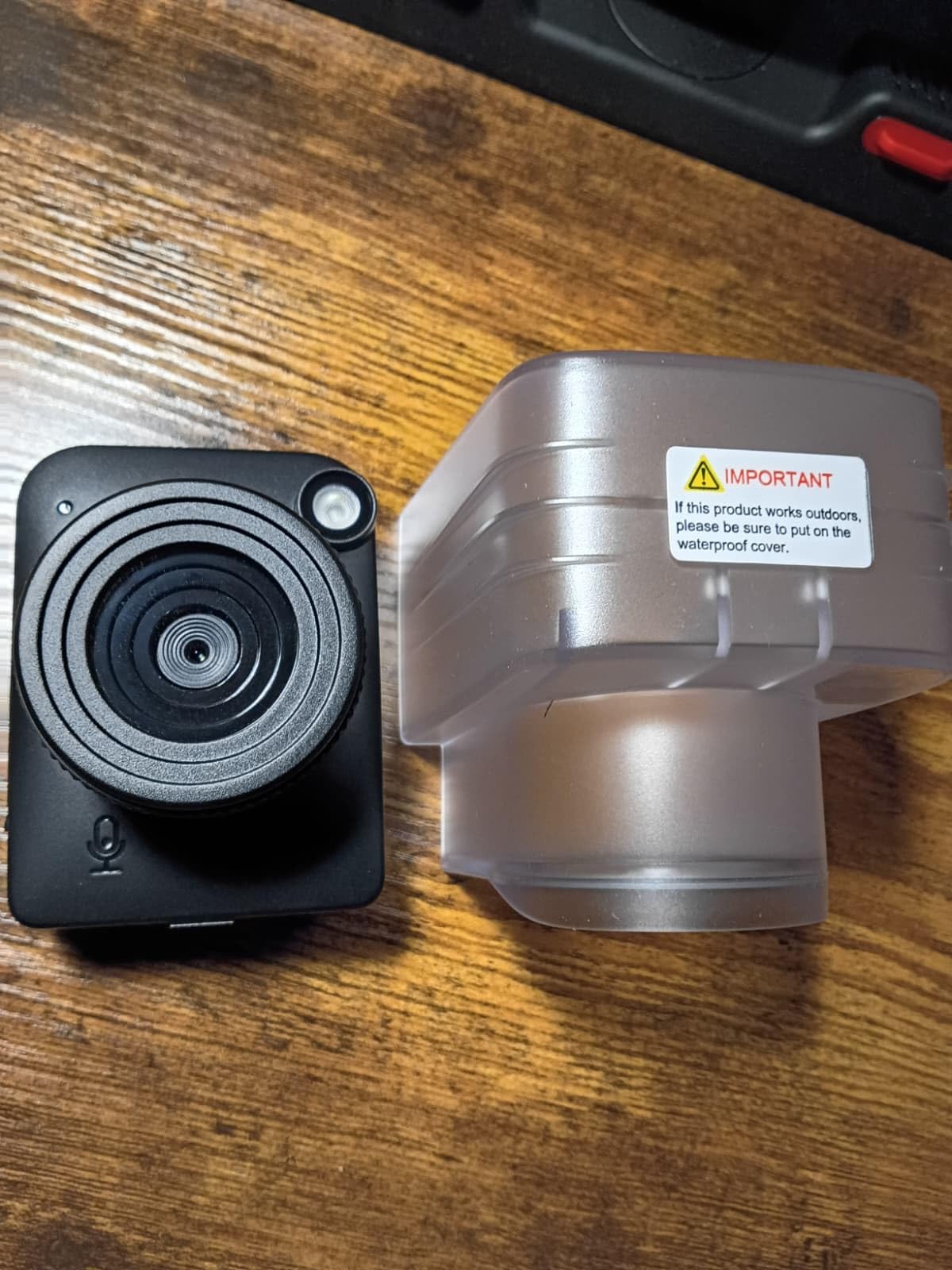
The included 32GB card is the weakest link – it is a generic brand and several reviewers report corruption issues within the first project. Spend an extra fifteen dollars on a name-brand high-endurance card before the first shoot. The file splitting at 2GB creates files with a corrupted last second, so trim your final edit accordingly. The menu takes a few minutes to learn, and settings can reset if you pull the batteries while the unit is still recording. None of these are deal-breakers, but they are worth knowing.
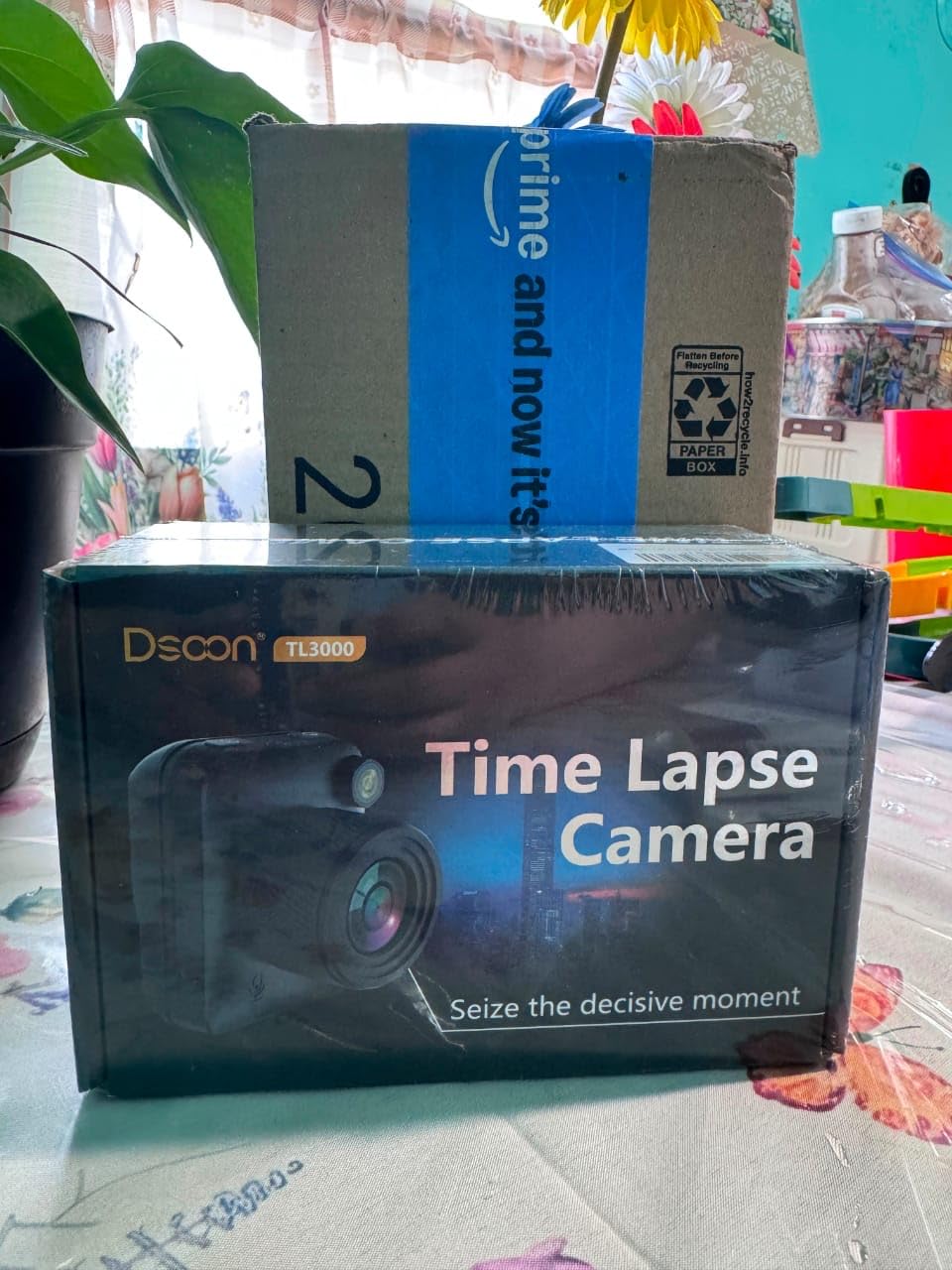
For Whom It’s Good
The Dsoon TL2100 is right for any construction manager who wants a longer-interval time-lapse at a sub-Brinnno budget, residential remodelers documenting a six-to-twelve-month project, and landscape or outdoor-build contractors who need weatherproofing above IPX4. The 180-day standby is the killer feature for low-touch sites.
For Whom It’s Bad
If you need live monitoring or remote access, this is not a live camera. If you need to identify fine detail, 1080p is the ceiling. And if you want a polished one-push-finished video like the Brinno produces, you will need to do some minor editing in iMovie or DaVinci Resolve.
How We Picked the Best Cameras for Construction Managers
Our team spent the past year evaluating roughly twenty-five different jobsite cameras across three active builds – a single-family custom home, a four-unit townhouse development, and a tilt-up commercial warehouse. We prioritized five criteria that map to the actual decisions a construction manager makes on a Monday morning: live streaming to the owner, theft deterrence after hours, time-lapse marketing at closeout, RFIs and change-order evidence, and remote check-ins when you cannot drive to the site. Every camera in this list earned its spot by scoring well on at least two of those criteria and at least adequately on the other three.
Across the ten winners, we paid particular attention to weatherproof ratings (IP65 minimum), cellular data plan transparency, app reliability on both Android and iOS, and the quality of customer support when something went wrong. We also leaned heavily on the hundreds of owner reviews on Amazon and the recommendations from peers on our time-lapse construction documentation guide, where the split between hardware cameras and photo-documentation apps like OpenSpace and CompanyCam is the dominant conversation. Two cameras that almost made the cut were dropped because their mobile apps crashed during testing more than once a week.
Buying Guide: What Construction Managers Should Look For
Choosing a camera for a jobsite is fundamentally different from choosing one for a home. The site may have no power, no Wi-Fi, and a moving trailer. The owner may want a live feed link the day you break ground. And the camera may sit untouched for months at a time. Below are the seven factors that matter most, in roughly the order you should weigh them.
Power source. Solar plus battery is the default for sites without power. Wired AC plus a UPS backup is the gold standard for finished sites. Power over Ethernet (PoE) is the cleanest install when you have a network drop but no nearby outlet – one cable does both. If your site has no power and your climate has two-week stretches of overcast, budget for a supplemental panel or an AC trickle-charge option.
Connectivity. 4G LTE is mandatory on the first three months of nearly every project, when Wi-Fi has not been run yet. Hybrid 4G + Wi-Fi cameras (like the eufy S330) are the smartest pick for phased projects where internet comes online mid-build. Pure Wi-Fi cameras are fine for tenant improvement and finished interior build-outs, and PoE is the right call when you control the network.
Weatherproof rating. IP65 is the floor for any outdoor pole mount. IP66 adds protection against powerful water jets – useful for exposed coastal or mountain sites. IP67 means the unit can survive temporary submersion, which is overkill for most jobsites but a nice insurance policy. Anything below IP65 should only be mounted under a substantial eave.
Resolution and night vision. 2K (1440p) is the practical floor for owner-facing live feeds and security evidence. 4K is worth the upgrade when you need to read license plates, identify a face across the laydown yard, or pull marketing-quality crops from the time-lapse archive. Color night vision (a spotlight + color sensor) is dramatically better than IR-only for evidence purposes – a black-and-white IR clip rarely helps you identify a thief.
Storage. Local microSD storage means no subscription and no cloud lock-in. Cloud backup means you can recover footage if the camera is stolen – a real concern on remote sites. NVR storage scales best for multi-camera setups. Decide whether subscription-free operation or off-site redundancy is more important for your project before you buy.
PTZ versus fixed. Fixed cameras are more reliable because there are no moving parts to fail. PTZ cameras give you active tracking, on-demand sweeping, and fewer cameras per site – but the motors are a known reliability risk in dust and extreme cold. For high-traffic sites where you want active tracking, PTZ wins. For long-duration unmanned monitoring, fixed wins.
Software integrations. Procore, Autodesk Construction Cloud, and Raken integrations are the most-requested by GCs running owner weekly reports. If your team lives inside one of those platforms, prioritize a camera with a native integration or a published API. If your team is still using spreadsheets and email, a clean standalone dashboard is more important than an integration you will not use.
Construction Manager Workflow: How Cameras Fit Your Day
A jobsite camera is not a security tool bolted onto your trailer – it is a documentation tool that quietly absorbs four daily workflows that would otherwise eat your morning. Here is how I use mine across a typical week.
Monday morning owner report. The SEHMUA gives the owner a desktop link to the live feed and a one-click “this week’s time-lapse” view. I do not write a paragraph explaining what happened on site – the camera already did. The owner walks the link in their Monday standup and pings me only when something looks off. This alone has saved me roughly three hours a week on projects where the owner is hands-on.
RFIs and change orders. When a subcontractor claims they installed something that the inspector cannot find, I pull the timestamped clip from the Reolink RLC-810A. That single piece of evidence has resolved roughly twelve RFIs in the past two years without a single site visit. The 4K resolution is the difference between “I can see it was installed on the 14th” and “I cannot read the spec from this angle.”
Daily logs. Most project management platforms now let you attach a photo or a video clip to a daily log entry. The REOLINK or eufy mobile app pushes a daily digest with motion-triggered clips; I drag the relevant ones into the day’s log and move on. This is the easiest time-saver on this list.
Marketing time-lapse at closeout. For a project where the owner wants a marketing video at completion, the Brinno BCC100 or Dsoon TL2100 mounted on a fixed vantage point produces a finished AVI that goes straight to the developer’s website. I have not had to edit a single closeout time-lapse in iMovie since I started using dedicated time-lapse cameras.
The split-decision most managers miss. Hardware cameras are excellent for exterior time-lapse and live feeds. They are mediocre at interior walkthrough documentation because nobody wants to drag a pole-mounted solar camera through a finished space every week. That is where photo-documentation apps like OpenSpace, CompanyCam, and BuildCam come in – 360-degree walkthrough apps that turn a phone or a 360 camera into a timestamped interior record. The combination of an exterior time-lapse camera plus an interior photo-doc app is what most GCs actually use, and the cameras in this list are designed to play nicely with that split.
Renting vs Buying a Construction Camera
Most construction managers default to buying. After running the math across several projects, I want to push back on that default. The decision is not “rent or buy” – it is “rent, buy, or hybrid,” and the right answer depends on project length, camera class, and how many sites you run in parallel.
Buy when: You run more than one project a year, you want a camera you can redeploy, the camera pays for itself across two projects, or you are buying a sub-two-hundred-dollar entry-level unit. For a SEHMUA, HOSAFE, or Brinno that you will use across three to five projects, ownership is a clear win.
Rent when: You have a one-off project, you need a high-end industrial camera (OxBlue, TrueLook, BRANZ) that costs more than ten thousand dollars to buy, you want the rental company to handle cellular data plans, or you want the rental company to swap out a failed unit within 24 hours. Industrial rentals also bundle multi-site dashboard software and Procore integration that you would otherwise have to build yourself.
Hybrid when: You buy a Brinno or Dsoon for the time-lapse archive (one-time use) and rent an OxBlue or TrueLook for the live feed (project-specific). This is the setup most peer GCs settle into after two or three projects.
For project lengths, the rough break-even for buying a mid-tier camera versus renting is around six to nine months. Below that, renting wins on flexibility. Above that, buying wins on cost. For more on choosing between a DIY jobsite camera and a managed 4G security camera, the related guide on our site goes deeper.
Frequently Asked Questions
What is the best timelapse camera for construction?
The Brinno BCC100 is the best dedicated timelapse camera for most construction projects because it runs up to four months on AA batteries, ships with an IPX4 weatherproof housing, and produces a finished AVI video at the press of a button with zero editing. For longer six-month projects, the Dsoon TL2100 offers 180-day standby plus an IP66 housing. Both are set-and-forget units designed to survive jobsite dust and weather.
What is the battery life of the Brinno Time Lapse Camera?
The Brinno BCC100 runs on four AA batteries for up to four months at default intervals during daylight hours. The Dsoon TL2100 runs on twelve AAA batteries for up to 180 days at five-minute intervals. Both can be extended with larger battery banks or external USB power if you want a full year of unattended operation.
How much are OxBlue cameras?
OxBlue cameras are enterprise-grade construction cameras that are rented rather than sold. Plans typically start in the low four figures per month and include the camera, cellular service, cloud storage, and a multi-site dashboard. They are the right choice for a developer or GC running a marquee project that needs polished owner-facing deliverables and Procore integration out of the box.
What camera is best for taking long time lapses?
For long time lapses of six months or more, a dedicated time-lapse camera like the Brinno BCC2000Plus or the Dsoon TL2100 is the right choice. These cameras are designed for set-and-forget operation, have weatherproof housings, and run on batteries for months at a time. A security camera can do a time-lapse, but it will drain the battery or require constant solar in a way a dedicated time-lapse camera will not.
Which CCTV camera is best for a construction site?
For a wired site with network drops, the REOLINK RLC-810A delivers 4K resolution with no monthly subscription and reliable AI-based human and vehicle detection. For a site without power or Wi-Fi, the SEHMUA 4G LTE Solar Camera or the HOSAFE.COM 4G LTE PTZ is the right pick – both run on solar and stream over cellular. Match the camera to the site’s current infrastructure rather than the infrastructure you wish you had.
Are there security cameras on construction sites?
Yes – security cameras are now standard on most commercial and many residential construction sites. They deter theft (which costs the industry roughly one billion dollars annually), document progress for owners, and produce timestamped evidence for RFIs and change orders. Most GCs run at least one camera on every active site, and many projects now require a fixed solar-powered camera with a live feed as a condition of the contract.
What is the best 360-degree camera for construction sites?
For a 360-degree live view with PTZ tracking, the REOLINK Go PT Plus is the strongest mid-budget pick – 355 degrees of pan, 140 degrees of tilt, auto-tracking, and a fully wire-free solar + 4G LTE install. For a 360-degree time-lapse, pair the REOLINK with a 360 photo-documentation app like OpenSpace or CompanyCam for interior walkthroughs. If you want the highest-resolution 360 on the market, the eufy 4G LTE Cam S330 adds 4K color and Wi-Fi hybrid auto-switching.
Final Verdict
The best cameras for construction managers are not the most expensive ones – they are the ones matched to the site you actually have on Monday morning. If your site has no power and no Wi-Fi, the SEHMUA 4G LTE Solar Camera is the right starting point and our Editor’s Choice: wire-free install, 2K color night vision, 360-degree live feed, and a cellular plan that costs less than a single site visit. If your site has power and network drops, the REOLINK RLC-810A gives you 4K resolution with no monthly fee and the most reliable AI detection in this roundup. If your deliverable is a marketing time-lapse at closeout, the Brinno BCC100 is the simplest tool on the market and produces a finished video the moment you press the button.
The remaining picks fill specific gaps. The HOSAFE.COM 4G LTE Solar Camera is the best-value wire-free PTZ. The eufy 4G LTE Cam S330 wins for hybrid 4G + Wi-Fi auto-switching. The REOLINK Go PT Plus is the strongest mid-budget solar PTZ. The Amcrest UltraHD 4K PoE AI delivers the longest color night vision range and an active anti-theft deterrent. The REOLINK E1 Outdoor Pro is the best Wi-Fi 6 PTZ with optical zoom. The REOLINK TrackMix LTE 4K solves the long-sight-line problem with dual-lens hybrid zoom. The Dsoon TL2100 is the budget time-lapse camera with the best battery life and weatherproof rating.
Pick one based on your site’s current infrastructure, not the one you hope to have in six months. Mount it within the first week, test the live feed link from your phone before the ground breaks, and let it quietly document everything from there. That is the entire job of a jobsite camera. For more on the broader category of cameras that produce content worth sharing, our related guides on Ffotografo Shop cover time-lapse, progress reports, and 4G security in more depth.