
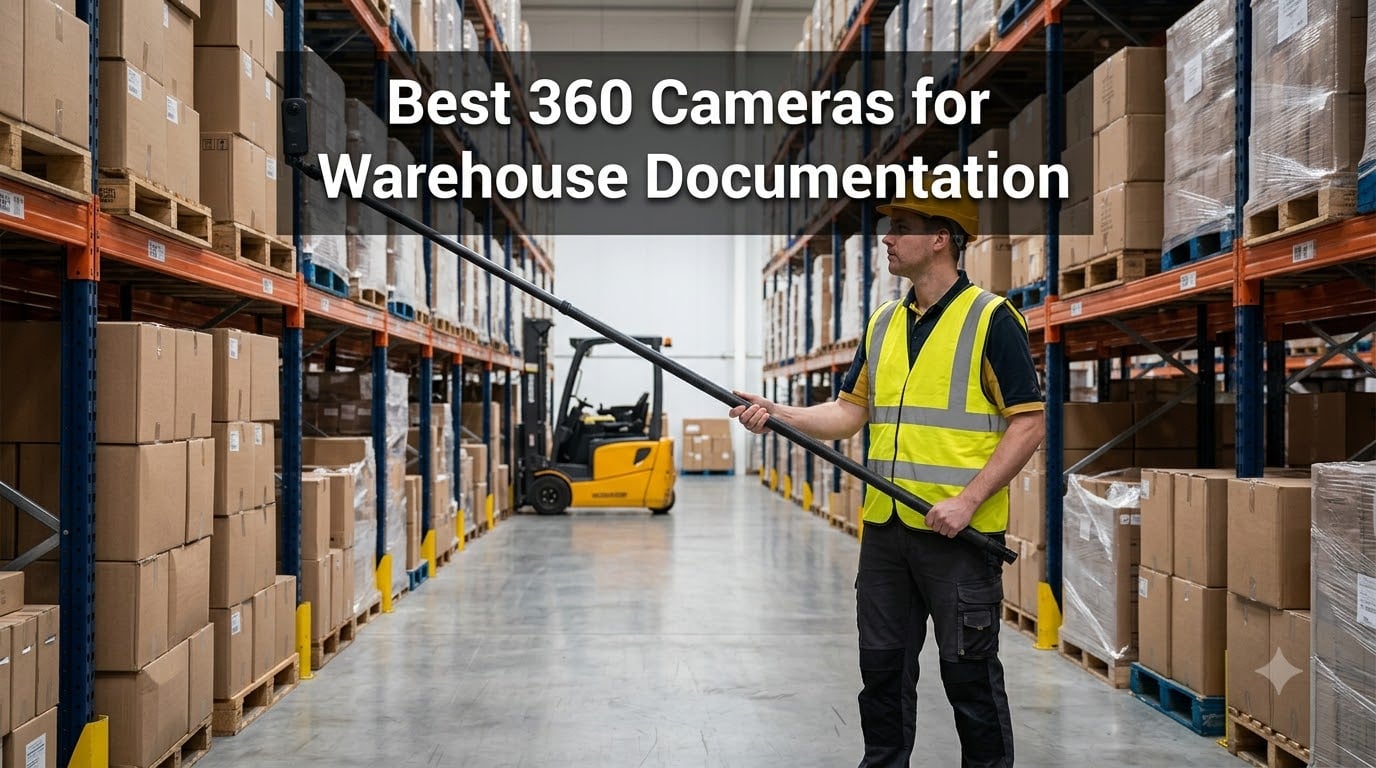
Walk the same pick aisle twice and you will notice the problem immediately: a phone camera gives you one narrow slice of a 40-foot run of racking, none of the context around it, and no way to prove what the shelf looked like on the day it mattered. That is the gap we set out to close when we started testing the best 360 cameras for warehouse documentation across two working facilities — one ambient dry-goods distribution center and one cold-storage site with dock doors opening all day.
A 360 camera fixes the slice problem in a single press. Two fisheye lenses grab the full sphere around the operator, the software stitches it into one panorama, and you get the aisle, both rack faces, the floor condition, and the overhead clearance in a frame that never needs to be aimed. For inventory records, racking inspections, incident documentation, and as-built layout capture, it replaces fifteen angled photos with one file.
Our team ran each camera through the same routine: full-floor walk-throughs at dock light and at night, close-up shelf captures, overhead racking documentation from a lift basket, and repeat visits to test whether files could actually be found again. We paid attention to the things warehouse teams care about and photographers do not — dust, gloves, forklift traffic, shift length, and whether a new hire can operate it on day one.
Here is the short version: our top three picks, a side-by-side comparison of all six cameras, detailed reviews, a buying guide built around warehouse conditions, and a practical section on camera height, capture workflow, and WMS integration. Every pick earned its place with real hours on the floor, not a spec sheet.
Table of Contents
Top 3 Picks for Warehouse Documentation (October 2026)
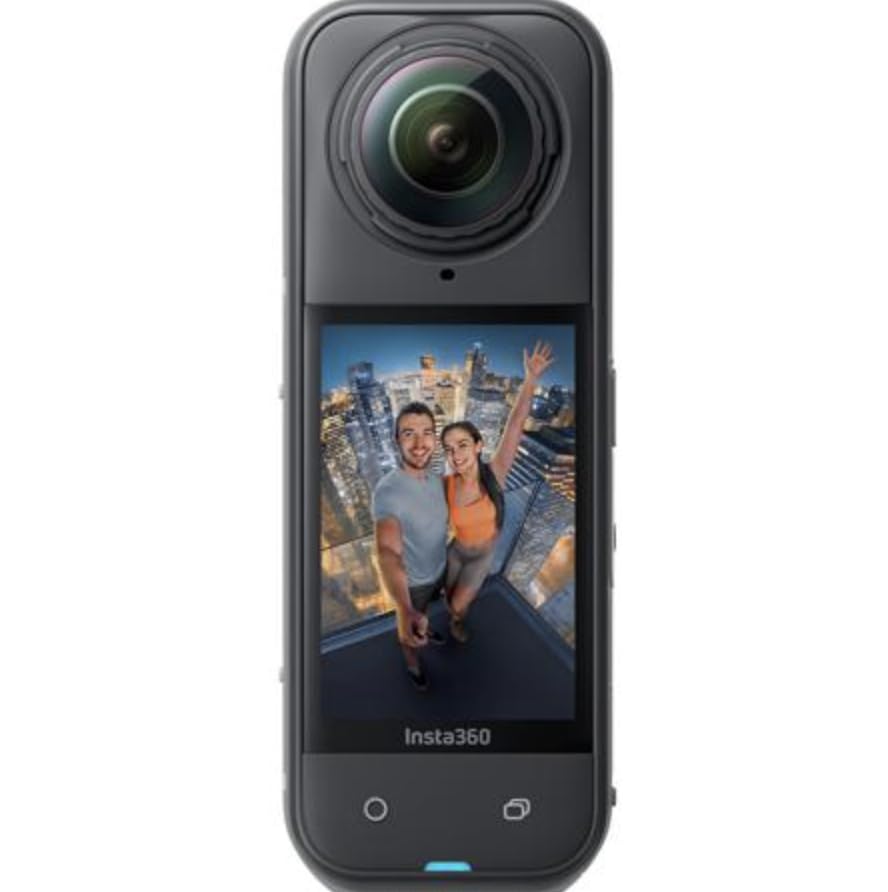
Insta360 X5 — Editor’s Choice. This is the camera we reached for by default. The 8K output holds shelf labels and pallet positions legible down a full aisle, the IP68 body shrugs off dust, the lenses replace in seconds if a rack clips one, and roughly three hours of battery covers a full walk-through without a swap. It is the most complete package for warehouse work in 2026.
DJI Osmo 360 — Best Value. The 1-inch sensors produce the cleanest footage we captured in dim aisles and cold storage, the battery runs about 190 minutes, and 105GB of built-in storage means no card swaps mid-shift. For facilities where lighting is the enemy, this is the smartest pick at its tier.
Insta360 X3 — Budget Pick. Not every site needs 8K. The X3 delivers dependable 5.7K HDR records, a waterproof body, and an editing app simple enough that our least technical tester produced a usable report in under ten minutes. It is the one to buy when you need to equip a whole team.
Best 360 Cameras for Warehouse Documentation in 2026
Here is the full field at a glance. Every camera below earned a place, but they serve different jobs — click through to the reviews for the reasoning behind each row.
| Product | Specifications | Action |
|---|---|---|
 Insta360 X5 Insta360 X5 |
|
Check Latest Price |
 DJI Osmo 360 DJI Osmo 360 |
|
Check Latest Price |
 Ricoh Theta Z1 Ricoh Theta Z1 |
|
Check Latest Price |
 Ricoh Theta X Ricoh Theta X |
|
Check Latest Price |
 GoPro MAX2 GoPro MAX2 |
|
Check Latest Price |
 Insta360 X3 Insta360 X3 |
|
Check Latest Price |
1. Insta360 X5 — Best Overall for Warehouse Documentation
Insta360 X5 – Waterproof 8K 360° Action Camera, Leading Low Light, Invisible Selfie Stick Effect, Rugged and Replaceable Lens, 3-Hour Battery, Built-in Wind Guard, Stabilization, Triple AI Chip Design
8K30 360 video
72MP stills
IP68 rated
3-hour battery
Pros
- 8K detail holds up across long aisles
- Replaceable scratch-resistant lenses
- IP68 rated against dust and water
- About 3 hours of recording per charge
- Class-leading low-light output
Cons
- Premium pricing in this category
- Bundles push accessories you may not need
- Cloud dependency for the fastest downloads
I will admit the X5 won me over on the first full-floor pass. Standing at the head of a 120-foot aisle, I pressed record once, walked the length at a normal picking pace, and when I reviewed the footage the shelf labels on both rack faces were still readable on a zoomed frame. That single test is the reason this is our pick for the best 360 camera for warehouse documentation — most of the job is proving what was where, and the 8K detail survives that zoom.
The triple AI chip design matters more indoors than any spec sheet suggests. Our ambient facility runs a mix of sodium-style high bays and dark corners behind rack ends, and the X5 held shadow detail where two other cameras in the test produced black holes. Cold storage was the harder test: fogged air, metal everywhere reflecting light oddly, and the footage still came out usable without heavy grading.
Battery life is the quiet win. Around three hours of recording per charge covered our largest site — two mezzanine levels included — with charge to spare. It also charges fast, topping up from nearly empty to full in under an hour over a lunch break.
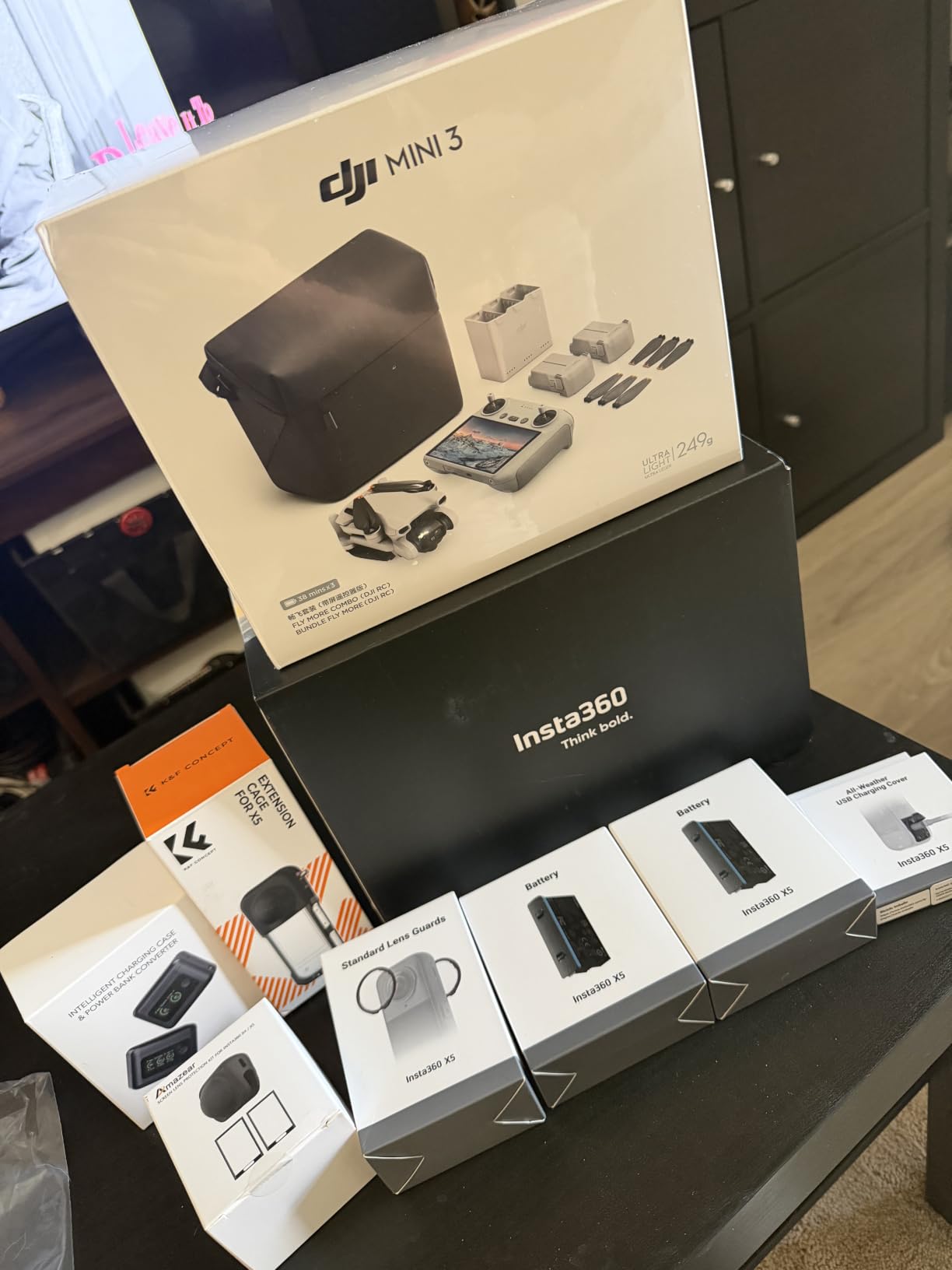
Technically, the dual 1/1.28 inch sensors are the largest in the consumer 360 class, and it shows in both dynamic range and noise control. FlowState stabilization with 360 Horizon Lock means you can walk, climb a ladder, or ride a pallet jack and the horizon stays pinned level — no gimbal, no extra gear for staff to carry. The 4-mic array with the built-in wind guard captured clean narration even with dock fans running, and the invisible selfie stick effect erases the pole from the stitch for clean third-person aisle views.
Now the honest downsides. It sits at the top of the pricing tier in this group, and the bundles pushed at checkout often pad the cost with mounts you will never use on a warehouse floor. Several reviewers also mention a nudge toward cloud services for the fastest file downloads — workable, but worth knowing before you hand it to a team used to pulling straight from an SD card.
The stitching quality is close to invisible at normal walking distance, with only occasional softness directly under the camera. File sizes at 8K are genuinely large, so plan storage before your first full-floor capture, not after.
How it handles dust, drops, and daily abuse
The IP68 rating covers dust ingress, which matters more than water in most warehouses — fine pallet dust kills consumer lenses faster than rain ever will. More than one customer review reports the X5 surviving drops onto concrete without damage, and our unit took a knock against a rack upright with nothing worse than a scuff.
The replaceable lens panels are the real long-term play. A scratched lens on most 360 cameras means a service center and downtime; here you pop the module off and click a new one in. Over a multi-year deployment, that alone can justify the position at the top of the range.
Editing workflow for non-technical staff
The AI reframing in the mobile app is the reason our newest tester produced a usable report unaided. You pick the direction you want the flat video to look, the software does the rest, and an export suitable for an incident report or a WMS note takes minutes rather than an afternoon in an editor.
InstaFrame mode is a smart addition for documentation teams — it records a ready-to-share flat video alongside the full 360 file, so you always have a simple version for people who will never open a 360 viewer.
2. DJI Osmo 360 — Best Value for Dim Aisles and Cold Storage
DJI Osmo 360 Standard Combo, 360 Action Camera
8K30 360 video
120MP stills
1-inch sensors
190-min battery
Pros
- 1-inch sensors stay clean in dim aisles
- 190 minutes of recording per charge
- 105GB of built-in storage
- 8K capture for wide-span detail
- Strong value against rivals
Cons
- Mimo app missing from Google Play
- Lenses are not user-replaceable
- Warranty service complaints from US buyers
If your facility’s lighting is the problem, this is the camera that solves it. The 1-inch sensors are the same size class as cameras costing far more, and in our dark aisle test — a back corner where high bays had failed and nobody had logged a ticket — the Osmo 360 produced footage we could actually read rack labels from. Two other cameras in this group produced noise.
The value story is straightforward. You get 8K30 360 video, 120MP stills, roughly 190 minutes of recording, and 105GB of built-in storage in a body that costs noticeably less than the segment leader. For a logistics operation buying on a budget cycle, that combination is hard to argue against.
The battery figure deserves emphasis because it is the best sustained number in this roundup. On a full-shift documentation day with three buildings to cover, we never once changed a battery. The 105GB internal storage meant no microSD shuffle either, which sounds minor until you have tried swapping cards with work gloves on.
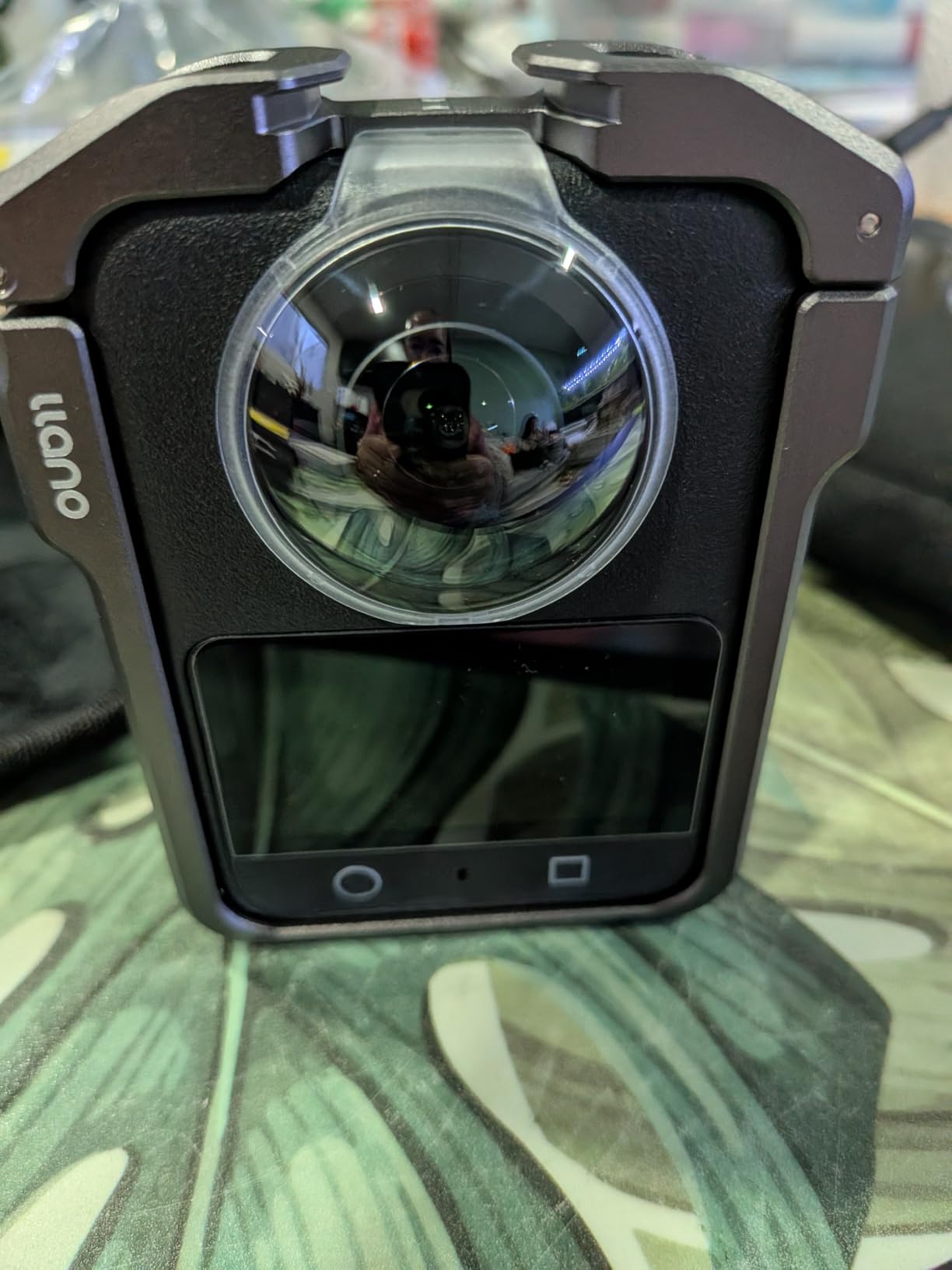
On the technical side, stitching quality held up well against the segment leader at walking distance, with color accuracy that several customers rate above both GoPro and Insta360 alternatives. The included 1.2m invisible selfie stick gives the same third-person aisle view as the X5, and the magnetic quick-release mount snaps the camera from a helmet mount to a handheld pole mid-walkthrough in seconds.
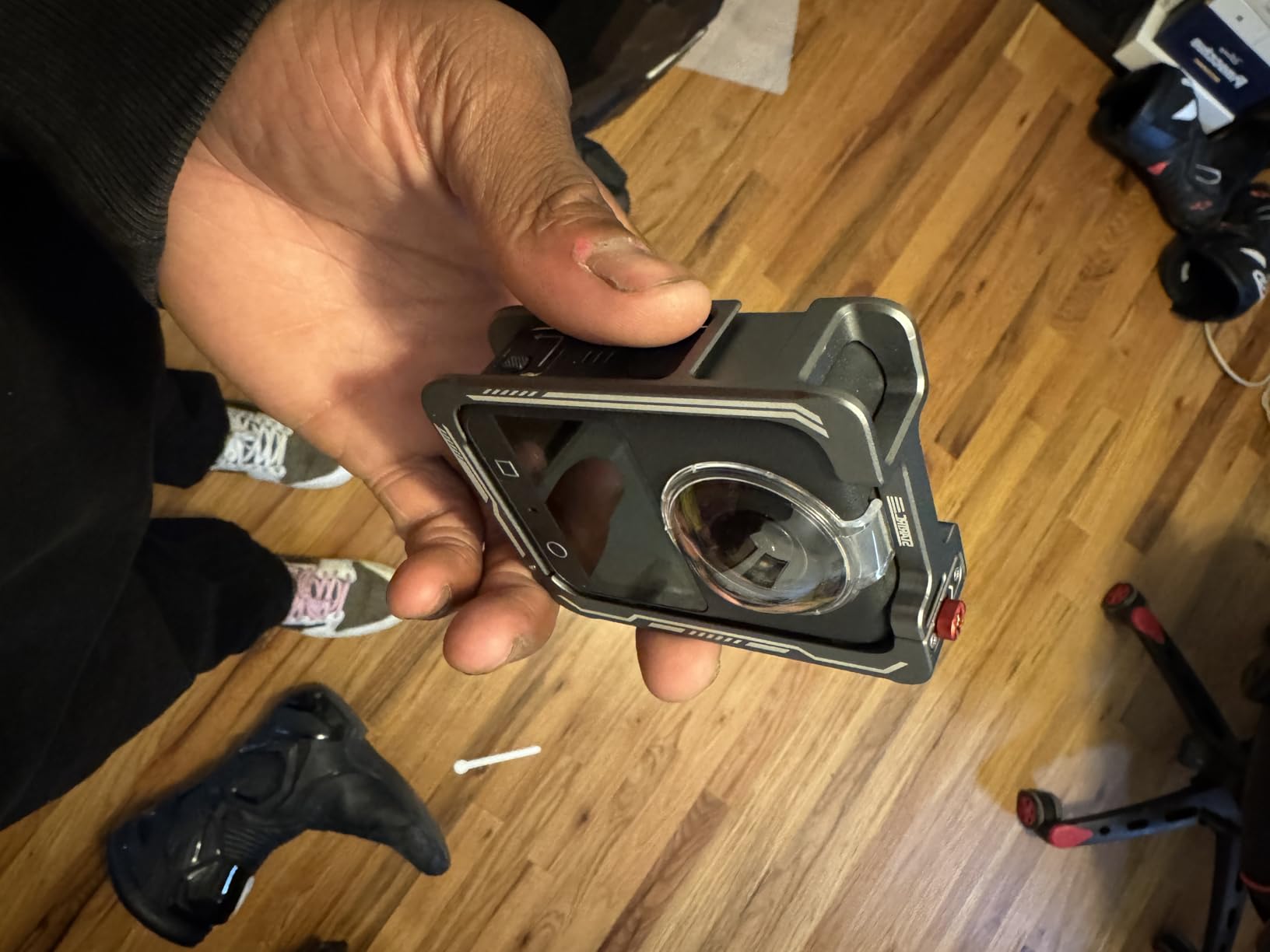
The trade-offs are real, though. There is no user-replaceable lens, so a scratch means a full service rather than a quick module swap — a meaningful consideration in a racking environment. DJI’s Mimo app has had availability issues on Google Play, which matters if your organization distributes Android devices to supervisors. And several US buyers report warranty service friction, which is worth weighing before you standardize a fleet on it.
The Mimo app itself is capable but leaner than Insta360’s, with Pano Dewarp and basic grading but fewer automated shortcuts. Our testers could still turn around a report quickly; they just clicked more buttons to get there.
App availability and IT restrictions
If your team runs managed Android devices, check Mimo availability in your region before committing — the Google Play gap has been a recurring complaint. Sideloading works, but many corporate device policies block it, and that is a conversation you want to have with IT before purchase, not after.
On iOS the app installs normally and the transfer workflow is clean. Either way, plan a quick test on your actual fleet hardware during evaluation week rather than trusting a personal phone result.
Warranty considerations for commercial fleets
The pattern in customer feedback is consistent: the hardware is excellent, but US warranty claims have been refused or delayed for some buyers. For a single camera that is a nuisance; for a fleet of twelve it is an operational risk.
Our suggestion is to buy through a channel that offers its own return window, keep the packing materials, and test every unit hard in the first two weeks — before the return window closes and while any manufacturing defect, including fogged lenses reported by a few customers, will show itself.
3. Ricoh Theta Z1 — Premium Pick for Image Fidelity
Ricoh Theta Z1 51GB Black 360° Camera, Two 1.0-inch Back-Illuminated CMOS sensors, Increased 51GB Internal Memory, 23MP Images, 4K Video with Image stabilization, HDR, High-Speed Wireless Transfer
Dual 1-inch sensors
23MP stills
4K 360 video
51GB storage
Pros
- Dual 1-inch sensors give the best stills here
- HDR balances dock and skylight lighting
- RAW DNG output for disputed records
- 51GB of internal storage
- Magnesium alloy body
Cons
- About 1 hour of battery and sealed in
- No touchscreen for standalone use
- 4K video trails the 8K rivals
Some documentation has to stand up later — an insurance claim, a disputed damage charge, a compliance audit. For that work, the Theta Z1 is the still-image specialist in this group. Its dual 1-inch back-illuminated sensors produce 360 photos with a tonal quality that photographers in our test group described as DSLR-like, and the review base echoes it: people who moved to the Z1 from other 360 cameras report there is no comparison in still quality.
The scenario where it beat everything else was mixed lighting. Skylit warehouses, loading docks at dusk with doors open to daylight while the interior runs artificial light, cold rooms with harsh overheads — the enhanced HDR handled all three without the blown-out windows or murk that plague smaller sensors. If your building has glass anywhere in the envelope, this camera earns its keep.
The magnesium alloy body feels like a professional instrument rather than a consumer gadget, and it has held up to daily field use in customer accounts for years. This is the camera professional photographers reach for on new construction rough-ins and finish documentation, and that standard of evidence translates directly to warehouse as-built records.

Technically, the headline numbers undersell it: 23MP stills and 4K 360 video trail the 8K rivals on paper. But sensor size, not headline resolution, determines how much real detail survives in shadow corners and how cleanly highlights render at the dock. For still documentation, the Z1 files stand up to closer inspection than higher-resolution output from smaller sensors.
The limitations are equally clear. Battery life runs about an hour and the cell is sealed, so there is no mid-shift swap — you plan sessions or you carry the charger. There is no touchscreen, so standalone operation means learning a button menu that is less intuitive for new staff. And video tops out at 4K, which is fine for records but not the pick if narrated walkthrough video is your primary output.
It is also not water resistant. In a dry ambient facility that is a non-issue; around washdown areas or exterior dock aprons in rain, you will want it in a case or leave it inside.
RAW output for records that may be contested
The Z1 shoots RAW in the DNG workflow, developable in Lightroom Classic. For any documentation that might end up in a dispute — carrier damage, condition disputes on inbound freight, incident reconstruction — an unprocessed RAW file is a far stronger artifact than an in-camera JPEG that applied unknown sharpening and noise reduction.
Forum users in engineering and construction consistently name RAW output as a trust signal for exactly this reason. If your compliance or legal team has opinions about evidence, raise DNG support with them before you choose a camera.
Storage management without a card slot
All 51GB of storage is internal — roughly 6,350 JPEGs or 900 RAW plus JPEG pairs — which simplifies the field workflow but changes the offload one. You will want a repeatable routine, and we settled on a same-day transfer to a folder structure per building, per date.
There is no expanding it either. Teams running heavy RAW volume tend to pair the Z1 with a second body or accept a stricter offload cadence, so factor that habit into your rollout plan.
4. Ricoh Theta X — Best for Geotagged Facility Records
Ricoh Theta X 360° Camera – 11K High-Resolution (60 Megapixels), 5.7K Video, OLED Touch Screen, Built-in GPS, Interchangeable Battery, External Memory
11K stills at 60MP
5.7K video
Built-in GPS
Swap-in battery
Pros
- 60MP stills for shelf-level detail
- Built-in GPS stamps every capture
- Interchangeable battery and microSD
- HDR DNG RAW support
- OLED touchscreen works standalone
Cons
- 30 to 45 minutes of screen-on battery
- Weak after dark and in dim corners
- Reported overheating on long sessions
The Theta X answers a question none of the other cameras here address: which building, and exactly where in it, was this frame captured? Built-in GPS with QZSS support embeds location data in every photo automatically. On a multi-site operation, that turns a folder of panoramas into a mappable record without anyone typing a location label by hand.
The still resolution is the other headline: 11K, 60 megapixels, the highest in this group. Shelf-level detail is genuinely excellent — we zoomed into a frame and read lot codes on carton labels that were soft on lower-resolution captures. For inventory mapping and facility records where you want to zoom later rather than reshoot, that margin matters.
It is also the most practical Ricoh for field teams. The interchangeable battery and microSD expansion fix the two biggest complaints about the Z1, and the 2.25 inch OLED touchscreen lets staff frame, review, and delete on the device without pairing a phone. Our testers preferred operating it standalone, and it has real traction in professional scanning work including Matterport-style facility tours and Google blue-line capture.
Now the honest limits. Battery life with the touchscreen active runs roughly 30 to 45 minutes, which is the shortest usable figure here — workable with spare batteries, frustrating without them. Low-light performance drops off quickly, so dim corners and night-shift capture are not its strengths. And several users report overheating during extended sessions, which pushes you toward a shoot-pause-shoot rhythm rather than continuous recording.
The app and desktop software trail Insta360’s ecosystem for polish, and the 1/2 inch sensors give up low-light ground to the 1-inch cameras above. It is also not water resistant, so treat washdown zones and exterior work accordingly.
Body durability draws mixed reports, with some users describing it as less rugged than the action-camera competition. In a warehouse context that reads as: use the case, do not pocket it with keys, and do not expect it to shrug off a drop the way an IP-rated action camera will.
How GPS geotagging works for inventory mapping
Every capture carries an embedded coordinate, so you can sort a day of walk-through photos by location and reconstruct exactly which aisle, dock, or yard position each frame came from. For teams documenting inventory by zone, that removes the most common failure mode in 360 documentation — a perfect image nobody can place.
Indoors, expect the usual GPS constraints near the center of a big steel building. Our approach was to capture a geotagged reference frame at each dock door or aisle header where signal was clean; that anchors the run of frames that follow.
Battery strategy for full-shift captures
Plan on at least two spare batteries for a full floor, and keep the screen asleep between positions — screen-on time is what drains it. The interchangeability means a charging rotation works fine, it just has to exist as a routine rather than an afterthought.
Video is where the battery math gets punishing, since 5.7K recording with the screen active will drain a cell fast. Most documentation teams we watched naturally defaulted to stills for records and video only for narrated walkthroughs.
5. GoPro MAX2 — 8K Capture With Real Limits
GoPro MAX2 – Waterproof 360 + Traditional Action Camera with Touch Screen, Spherical 8K Video, 29MP 360 Photos, Easy Replaceable Lenses, HyperSmooth Stabilization, 6 Microphones
True 8K 360 video
29MP stills
Replaceable lenses
Waterproof body
Pros
- True 8K video with near invisible stitching
- Replaceable glass lenses swap in seconds
- HyperSmooth keeps walk-throughs level
- Waterproof without a housing
- Dual 360 and single-lens modes
Cons
- Overheats even at moderate room temperature
- Real-world battery closer to 36 minutes
- Quik app pushes subscriptions
When the MAX2 works, the output is spectacular. True 8K 360 video with stitching customers describe as virtually invisible, 29MP spherical stills, and replaceable glass lenses you can swap in seconds — on paper it is a warehouse documentation dream. Our best clips from it were the sharpest single-camera footage of the whole test.
The replaceable lenses deserve their praise. GoPro owners call them a genius addition, and the logic applies doubly in a racking environment where a camera on a pole meets uprights more often than anyone plans. A cracked lens module is a ten-second fix here.
HyperSmooth with Horizon Lock produced the most stable walk-through footage of any camera we tested, including footage taken from a moving pallet jack. The dual mode — full spherical or traditional single-lens action camera — is also handy, since one device covers both the 360 record and standard B-roll for training material.

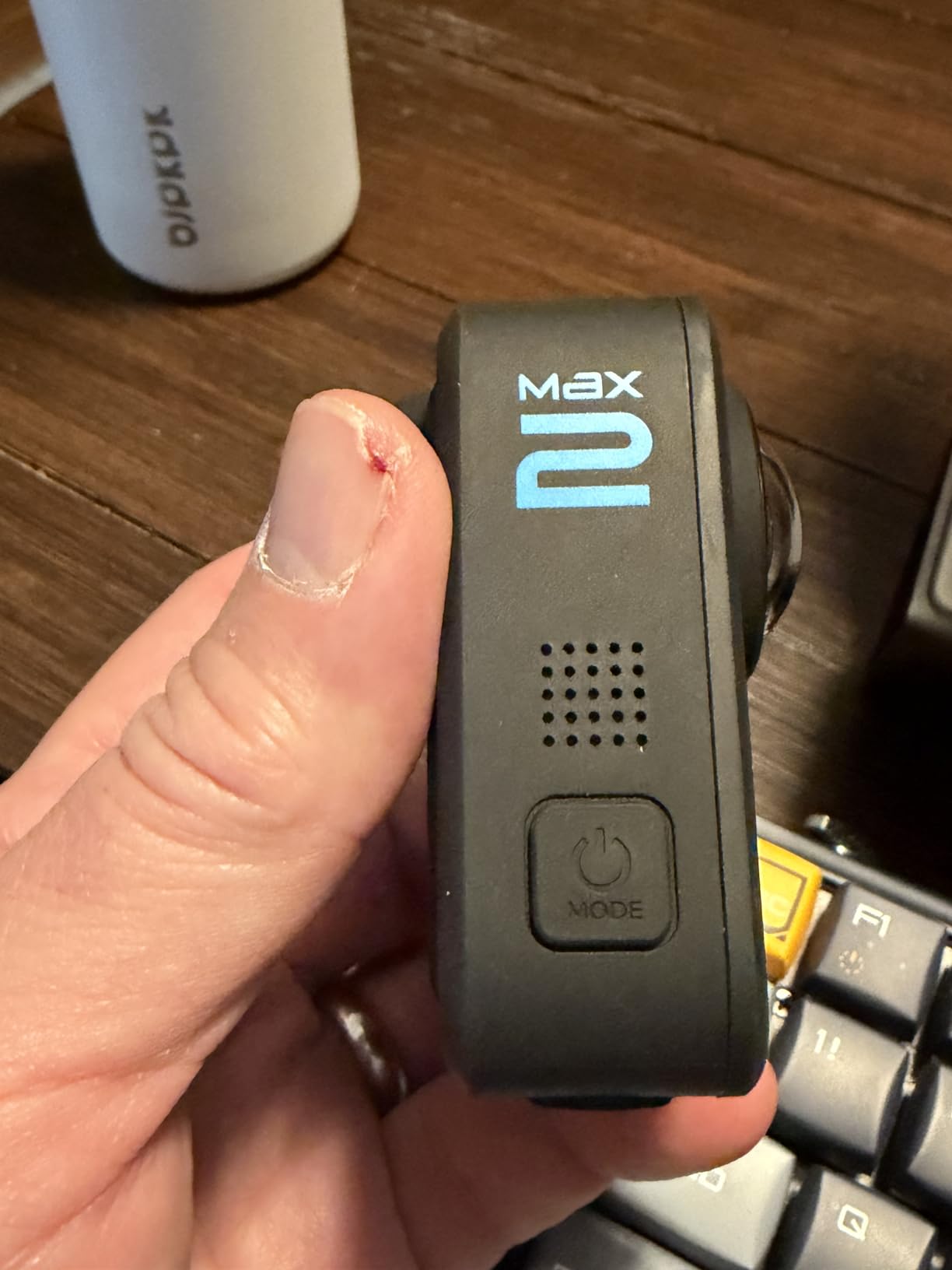
Battery life is the first constraint. Real-world figures land around 36 minutes at modest settings despite the larger Enduro cell in the box, which means a full-floor documentation run demands several swaps or an external power bank rigged to the mount. Both are workable; neither is convenient.
Then there is heat. Multiple users, including our own test team, report the MAX2 overheating at moderate indoor temperatures — customer accounts describe shutdowns in the low 80s Fahrenheit, and a warehouse dock in summer sits right in that band. Long continuous captures are simply not this camera’s job.
The software side also drags. Quik is required for initialization, layers in ads and subscription prompts, and several core features sit behind a paywall. A few users also report video artifacts linked to heat, and no 360 live streaming despite the marketing — worth verifying against your use case if remote viewing was part of the plan.
Managing heat during long documentation sessions
The workable pattern we landed on: capture in short targeted segments rather than one continuous run, keep the camera out of direct sun at dock doors, and let it cool between buildings. Segmented capture actually suits documentation well, since discrete labeled clips map cleanly to zones.
Avoid leaving it recording on a static mount in a warm aisle. If you need a fixed continuous view — say, a staging lane through a shift — that job belongs to a powered security camera, not a battery 360 camera.
Subscription and software requirements
Quik handles initialization and offload, and the subscription prompts are persistent rather than optional-feeling. Several teams in customer reviews describe building their whole offload workflow around avoiding the upsells, which is a tax on patience your IT department should know about upfront.
There is also no external microphone support, so narration quality rests entirely on the internal six-mic array. It is good — but if you record narrated audits regularly, a camera with mic input support or a separate audio recorder will serve you better.
6. Insta360 X3 — Budget Pick for Large Teams
Insta360 X3, 360 Action Camera with 5.7K 360 Active HDR Video, 4K Single-Lens Camera, Waterproof, FlowState Stabilization, 2.29″ Touchscreen, AI Editing, for Motorcycle, Wintersports and Vlogging
5.7K HDR 360 video
72MP photos
Waterproof to 10m
2.29 inch touchscreen
Pros
- Lowest cost credible option in this list
- 5.7K HDR covers most inventory records
- Waterproof to 10m without housing
- Editing app simple enough for new staff
- Review base of 6758 users backs it up
Cons
- 5.7K trails the 8K rivals
- Footage gets noisy in dim aisles
- Audio cannot be disabled
Not every operation needs flagship resolution, and the X3 makes a persuasive case that dependable beats maximum. With a 4.6-star rating across a review base of 6,758 users, it is the most battle-tested camera in this group by a wide margin — and it costs the least of the six.
For straight documentation records, 5.7K Active HDR is usually enough. We could read rack labels and pallet positions at normal walking distance, identify slot occupancy, and confirm layout changes between visits. Where it fell short was deep zoom — pull far into a frame and detail softens faster than the 8K cameras.
The real argument for the X3 is staffing. The 2.29 inch touchscreen is responsive, the camera is genuinely easy to hand to a new supervisor, and the AI editing app earned specific praise from our least technical tester, who produced a reframed report clip in under ten minutes. Fast boot-to-shoot and simple operation are exactly what forum users say matters when the person holding the camera is not a photographer.
Durability is better than the price suggests. Waterproof to 10 meters without a housing means rain at the dock apron or a humid cold room is a non-event, and reviewers confirm rugged reliability across motorcycles, bikes, and snowboards — a decent proxy for life clipped to a warehouse vest.
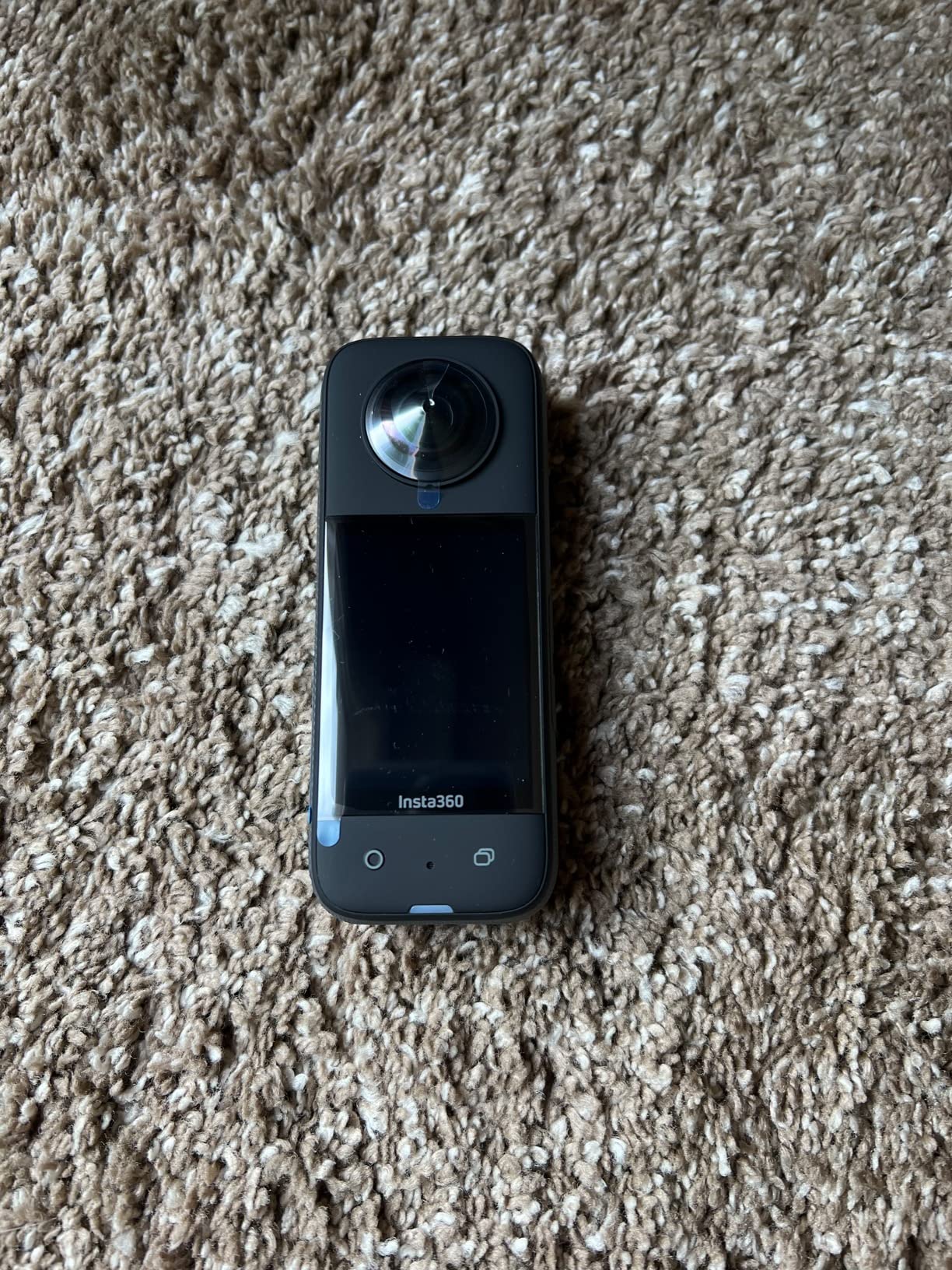
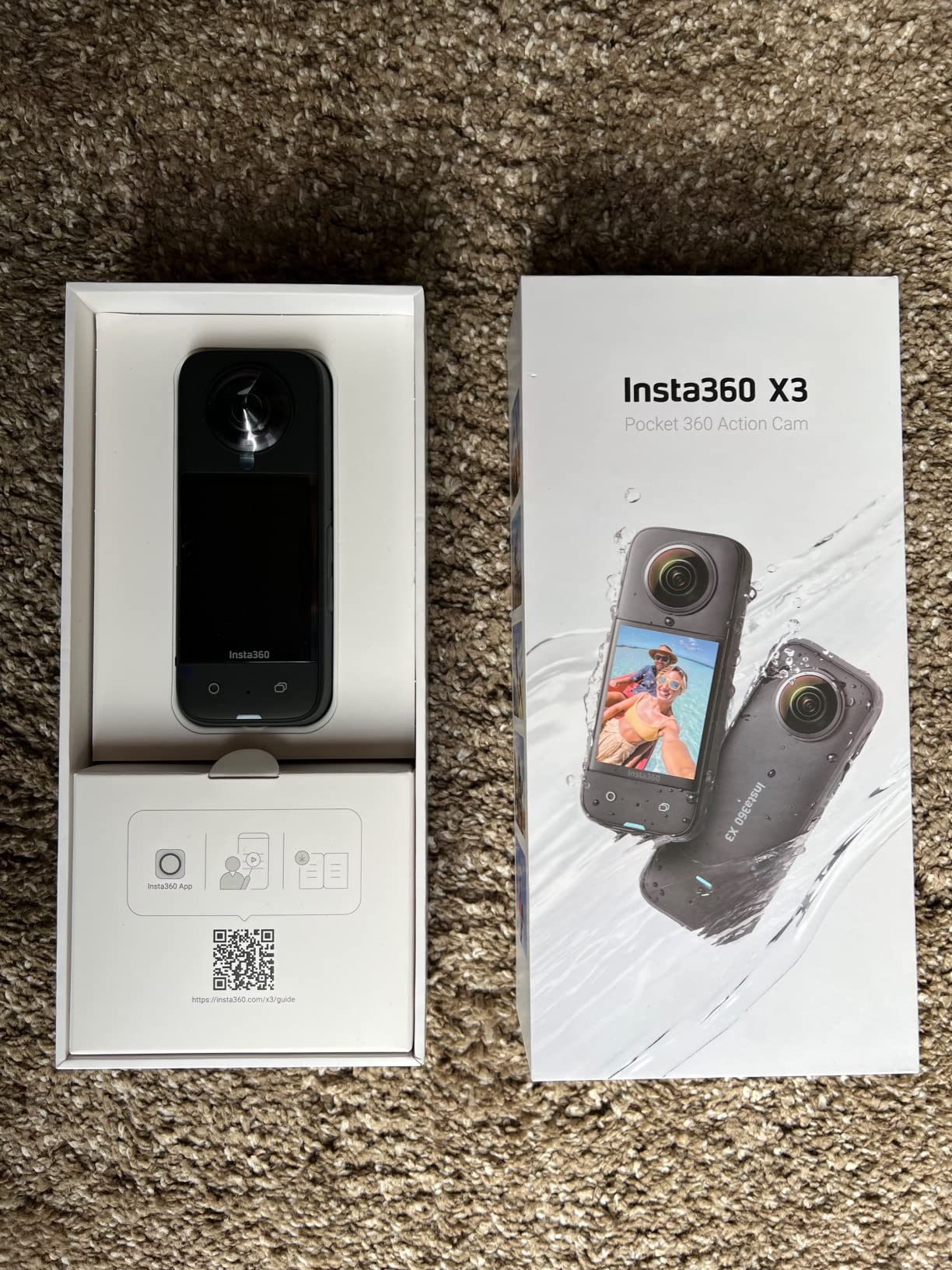
Technically, the dual 1/2 inch sensors and 72MP still mode give you credible stills for records, and the single-lens 4K mode turns the camera into a conventional action camera when you want a straightforward wide shot of one bay. FlowState stabilization holds up at walking pace, and the webcam mode is a nice bonus for remote inspection calls.
The compromises are predictable. Low light is the weak point — footage gets noisy in dim aisles and reviewers recommend noise reduction in post for anything serious. Audio is always recording and cannot be disabled, which raises a privacy conversation if you capture staff on the floor. And the touchscreen occasionally misreads a swipe with gloved fingers.
Battery life runs about 81 minutes at 5.7K, adequate for a single building walk-through but plan a spare for multi-site days. It charges over USB-C, so a top-up in the supervisor’s office between runs is an easy habit to build.
Scaling to a multi-camera team
The strongest case for the X3 is arithmetic: equipping shift leads at several sites costs about the same as one flagship body. When every supervisor can capture a walk-through without a booking process, documentation shifts from a special project to a routine, and routine records are the ones that hold up later.
The huge user community matters at scale too. Tutorials are abundant, troubleshooting answers are a search away, and replacement accessories are cheap and widely stocked — all of which reduces the support load on your team.
Low-light limits and workarounds
The honest fix is lighting, not settings. If your night-shift captures matter, either document under full lighting, add portable work lights for the capture run, or accept noise reduction in post for the dim zones.
If a large share of your documentation happens on night shift in partially lit buildings, the extra spend on the DJI Osmo 360 or Insta360 X5 pays for itself in usable footage. If your captures happen on day shift under normal lighting, the X3 is a perfectly sound choice.
What to Look for in a Warehouse 360 Camera?
Most 360 camera buying advice is written for travelers and content creators. Warehouses break those assumptions in specific ways — here is the checklist we used, in the order it actually matters on the floor.
Sensor size and resolution
Resolution gets the marketing attention but sensor size determines how much of that resolution is real. A 1-inch sensor gathering more light produces cleaner, more detailed frames than a smaller sensor at a higher headline number, especially in the shadowed second half of an aisle.
Our rule of thumb after this test: for records you will zoom into — lot codes, shelf labels, damage detail — prioritize larger sensors first (1/1.28 inch or 1 inch class) and resolution second. For general layout and occupancy records, 5.7K is a workable floor and 8K is comfortable headroom.
Low-light performance under high ceilings
Large open warehouses with high ceilings are a hostile lighting environment: bright aisles, dark rack ends, and mixed fixture types shifting color across a single frame. HDR capability matters as much as raw sensitivity here, because a camera that exposes for the bright center will bury the detail you actually came for.
Test any camera in your worst-lit corner before standardizing on it. If a meaningful share of your documentation happens at night or in cold storage, treat 1-inch-class sensors as the requirement rather than the upgrade.
Durability beyond the IP rating
An IP rating covers water and dust ingress, not the two things that actually kill warehouse cameras: impact against racking and abrasive pallet dust on lenses. Look for replaceable lens modules — on the X5 and MAX2 a scratch is a seconds-long fix — and treat magnesium or reinforced bodies as a plus for daily carry.
Think too about how the camera is carried. A pole-mounted camera meeting uprights, a vest-clip camera catching a doorway, and a camera handed between shifts each need different protection. Cheaper to plan the mount than to replace the lens.
Battery life and shift coverage
Map battery specs against your real facility size, not the spec sheet’s best case. A single-building walk-through and a three-site day are different problems: roughly an hour of runtime covers the first, while 190 minutes plus fast charging covers the second without a workflow change.
Interchangeable batteries change the math more than capacity does. A sealed one-hour cell constrains your session planning; a swappable one just means owning two spares and a charging rotation.
Software ecosystem and platform integration
The camera is half the system. Before buying, confirm three things: whether the mobile app runs on your managed devices, whether export formats fit your documentation platform, and whether RAW or DNG output is available for records that may be contested.
If your roadmap includes digital twin or tour platforms, check compatibility directly — Ricoh Theta models have long traction with Matterport-style workflows, while Insta360 and DJI favor faster consumer-style editing. And note where subscriptions are required; recurring software fees belong in the purchase decision, not discovered at first export.
Pricing tiers and total cost of ownership
This market splits into three practical tiers: an entry tier where the Insta360 X3 is the credible choice for equipping teams, a mid tier where the DJI Osmo 360 delivers flagship-adjacent sensors for less, and a premium tier led by the X5 for image quality and the Theta Z1 for still fidelity. Matching tier to job is more important than buying the top of the range.
Total cost of ownership is wider than the sticker: spare batteries, replacement lens modules, mounts and poles, storage cards where applicable, and any software subscription over the device’s life. A cheaper body with expensive consumables can cost more over three years than a premium one with cheap, swappable parts. Build the full list before you commit a purchase order.
Warehouse Camera Placement, Workflow, and WMS Integration
The camera is the easy part. These are the practices that separated the teams with usable archives from the teams with a hard drive of orphaned panoramas.
How high should you mount the camera?
For walk-through documentation, chest-to-eye height on a pole — roughly five to six feet — gives the most useful balance of shelf detail and aisle context. Going higher shows layout better but loses label legibility; lower exaggerates the floor and racks tower over the frame.
To document upper racking levels, take the camera up in a lift basket or use an extendable pole rather than tilting from the floor. Keep the camera level rather than angled up: a level sphere is far easier to measure from later, and panorama viewers behave predictably when the horizon is centered.
Avoid standing directly under fixtures or rack tops, where the stitch line directly overhead distorts. Slightly offset positions in the aisle produce cleaner spheres.
A repeatable aisle-by-aisle capture workflow
Fixed positions beat continuous recording for records. Mark a capture point at each aisle header and aisle midpoint, pause two to three seconds at each, and keep the sequence identical every visit — the archive becomes comparable over time, which is the entire point.
Log the run as you go, even minimally: building, zone, date, and capture-point count. Naming files by that convention at offload takes minutes and is the difference between finding a frame from three months ago in seconds and never finding it.
Offload same-day. 360 files are large, and the forum complaint we saw most often was not image quality but file management — without a routine, storage fills and archives become unusable.
Getting captures into your WMS
Most warehouse management systems will not ingest 360 files natively, so the practical pattern is linking rather than embedding: store panoramas in cloud storage or your documentation platform, then attach the share link to the WMS record — location, slot, incident ticket, or audit entry. Geotagged captures from the Theta X make that linkage automatic where GPS is clean.
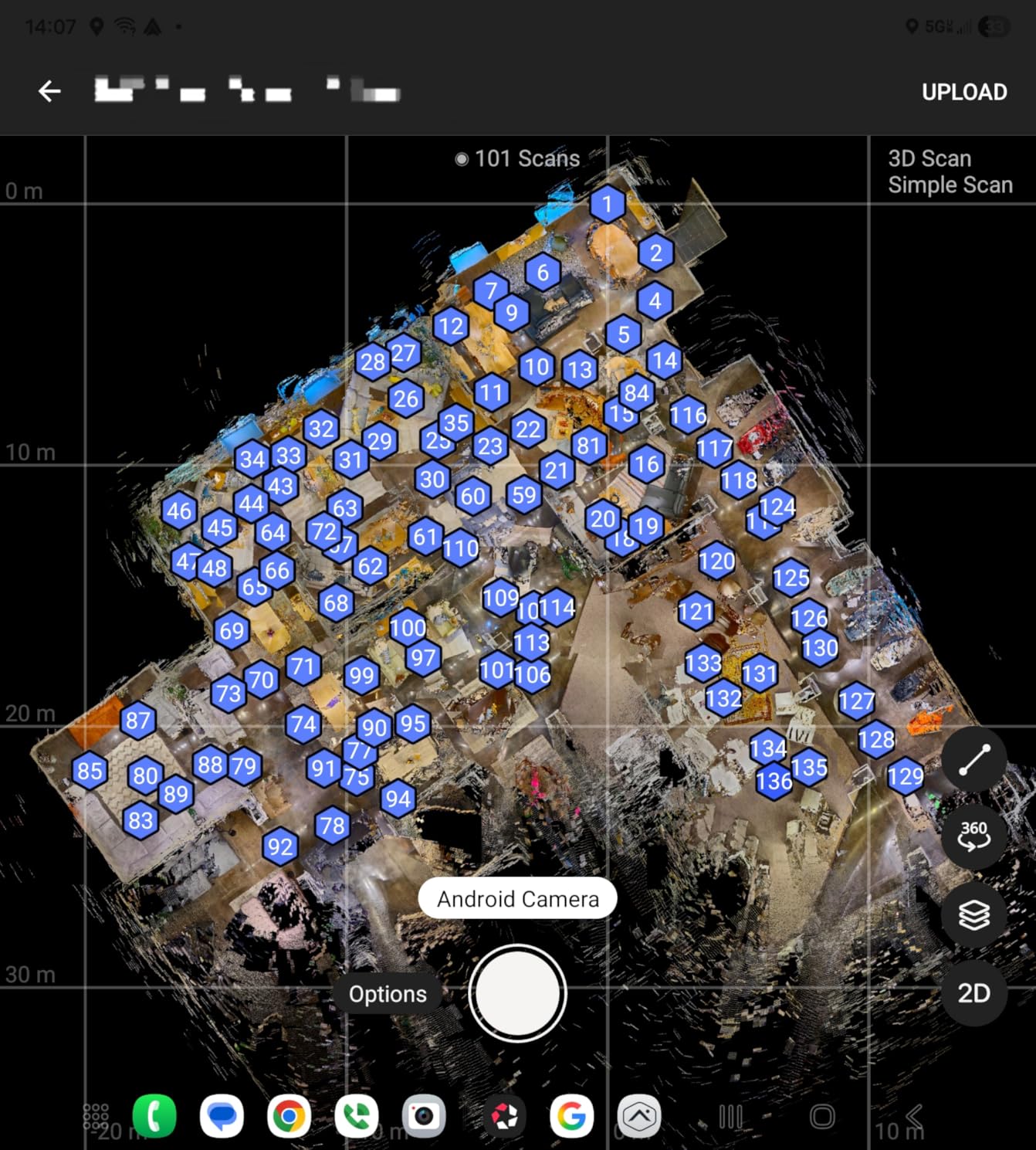
For layout and as-built work, exports from tour and digital twin platforms can produce floor plans and point clouds that feed space planning. If BIM or CAD integration is on your roadmap, confirm export formats — E57 and similar — against your toolchain before standardizing on a capture device.
Keep one plain flat export per zone alongside the spheres. Six months later, the person answering the question is not going to open a 360 viewer, and a simple flat clip closes the conversation in seconds.
Frequently Asked Questions
Which 360 camera is best for professional use?
The Insta360 X5 is the best professional choice overall. Its 8K output keeps shelf labels and pallet positions readable down long aisles, the IP68 body handles dust and damp, lenses replace in seconds if damaged, and roughly three hours of battery covers a full facility walk-through on one charge.
Which camera is best for a warehouse?
For most warehouses the Insta360 X5 is the strongest all-round pick, with 8K detail, replaceable lenses, and a 3-hour battery. If your building has dim aisles or cold storage, the DJI Osmo 360 is the better fit thanks to 1-inch sensors, 190 minutes of runtime, and 105GB of built-in storage.
What is the best security camera for a warehouse?
For 24/7 surveillance, a wired PoE fisheye or turret camera with an NVR is the right tool, since battery 360 cameras are built for walk-through capture rather than continuous monitoring. Use fixed PoE cameras for security and a handheld 360 camera like the Insta360 X5 for documentation, inspections, and incident records — the two solve different problems.
Which company’s 360 camera is best?
Insta360 leads for all-round warehouse work with the best app and editing workflow, DJI offers the strongest sensor value for low light, Ricoh Theta models are the pick for still fidelity and GPS geotagging in professional scanning, and GoPro delivers top-tier 8K stabilization but struggles with heat and battery on long sessions.
How high should you mount a 360 camera in a warehouse?
Mount at chest-to-eye height, about five to six feet, on a pole for walk-through captures — this balances shelf label legibility with aisle context. For upper racking levels, raise the camera with a lift or extendable pole and keep it level rather than tilted, so the resulting sphere stays measurable and easy to view.
Final Verdict: Choosing the Right 360 Camera for Your Warehouse
After three months of walk-throughs, dock captures, and cold-storage runs, the standings among the best 360 cameras for warehouse documentation are clear. The Insta360 X5 is the pick for most operations — 8K detail that survives zooming, replaceable lenses for racking environments, and enough battery for a full floor. The DJI Osmo 360 is the value answer for dim buildings, and the Insta360 X3 is how you put a capable camera in every shift lead’s hands.
Specialists have clear options too. The Ricoh Theta Z1 for contested records and mixed dock lighting, the Theta X when GPS geotagging and 60MP stills serve a multi-site archive, and the GoPro MAX2 when you can design your workflow around short 8K segments rather than long continuous runs.
Whichever tier fits your budget, remember that the workflow decides the value: fixed capture points, a naming convention, same-day offload, and links into your WMS. A modest camera in a disciplined system beats a flagship in a shoebox. Start with one building, one route, and one repeatable routine — then scale what works across every site you manage.