
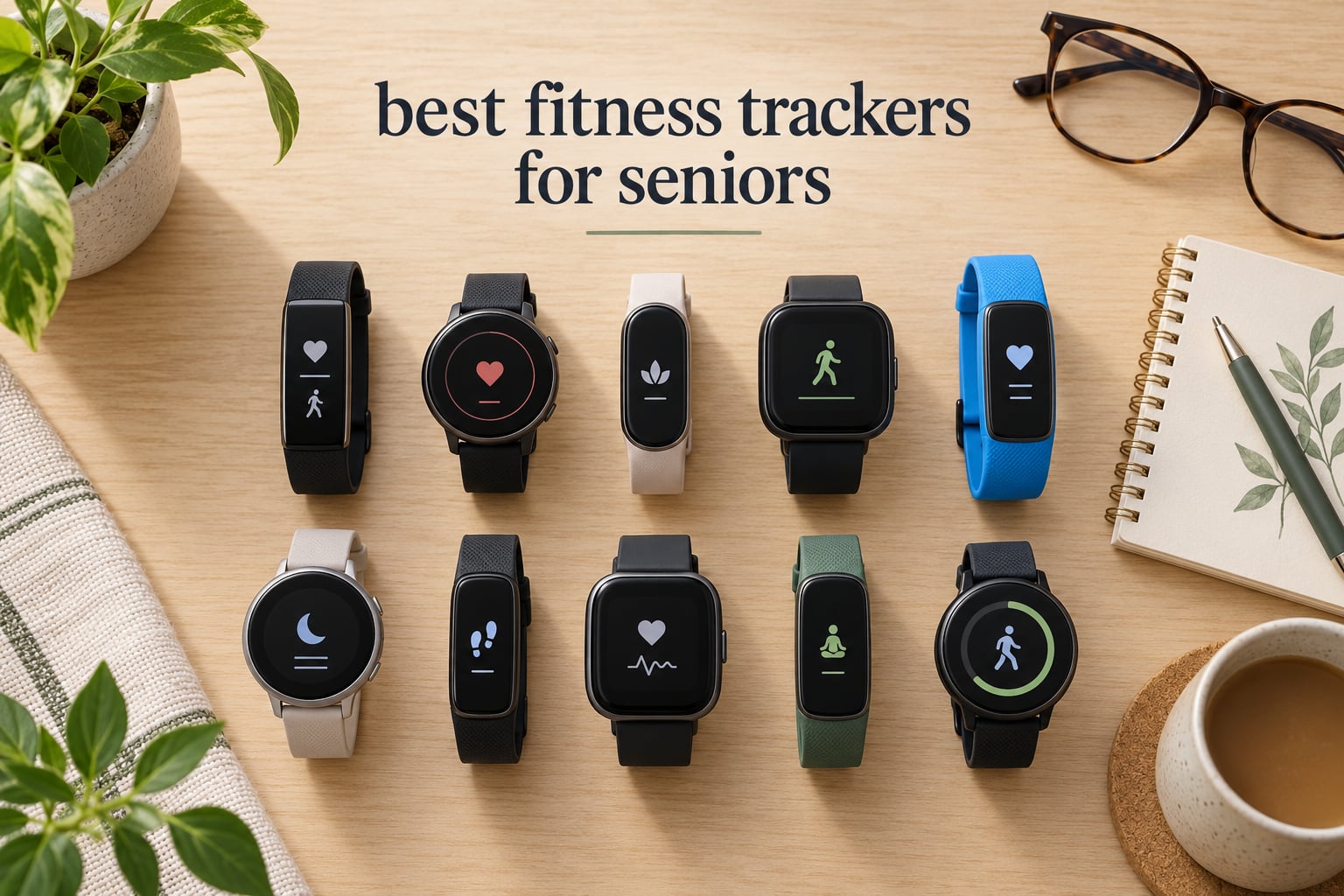
Our top pick overall in 2026 is the Fitbit Inspire 3, because it is the most compact and most proven tracker in this group, ships with both band sizes in the box, and shows plain step, heart and sleep numbers instead of burying them in menus. Behind it we picked a Fitbit Charge 6 for ECG and built-in GPS, a Garmin vívoactive 5 for the largest screen and an 11-day battery, and five no-phone pedometer watches for anyone who does not want to deal with an app at all.
Most people searching for the best fitness trackers for seniors are not looking for a gadget. They are looking for a device that will still work next month, that shows a number large enough to read with reading glasses, and that does not need to be charged every evening. That rules out a lot of hardware aimed at younger buyers.
Our team compared ten trackers across the categories that actually matter for older adults: screen size and brightness, battery life in days rather than hours, whether a smartphone is required, water resistance for pool walking, and whether the controls can be used with stiff or arthritic fingers. We also weighed review volume carefully, because a device with hundreds of reviews tells you more about long-term reliability than one with a dozen.
If you are just starting out, our general fitness tracker guide covers the mainstream models for every age group. If your main concern is spending, we also have a roundup of the best budget fitness trackers.
Table of Contents
Top 3 Fitness Trackers for Seniors in 2026


10 Best Fitness Trackers for Seniors (October 2026)
| Product | Specifications | Action |
|---|---|---|
| Fitbit Inspire 3 |
|
Check Latest Price |
 Fitbit Charge 6 Fitbit Charge 6 |
|
Check Latest Price |
| Garmin vivoactive 5 |
|
Check Latest Price |
 Xiaomi Mi Smart Band 10 Xiaomi Mi Smart Band 10 |
|
Check Latest Price |
 Samsung Galaxy Fit 3 Samsung Galaxy Fit 3 |
|
Check Latest Price |
 Pautios Pedometer Watch Pautios Pedometer Watch |
|
Check Latest Price |
 Stiive Senior Pedometer Watch Stiive Senior Pedometer Watch |
|
Check Latest Price |
 DAVIKO Senior Tracker 1.83 inch DAVIKO Senior Tracker 1.83 inch |
|
Check Latest Price |
 DAVIKO Pedometer Watch 41mm DAVIKO Pedometer Watch 41mm |
|
Check Latest Price |
 LIVIKEY Pedometer Watch LIVIKEY Pedometer Watch |
|
Check Latest Price |
1. Fitbit Inspire 3 – Best Overall for Seniors
Google Fitbit Inspire 3 – Midnight Zen/Black – Small and Large Bands
0.76-inch display
10-day battery
IP68
Heart rate and SpO2
Small and large bands included
Pros
- Compact and comfortable on smaller wrists
- Reliable step and resting heart rate tracking
- Long 10-day battery between charges
- Bright screen with responsive touch
- Both wrist sizes in the box
Cons
- Metal hinge pin on the strap is fiddly for stiff fingers
- Touch navigation can frustrate users with large fingers
- SpO2 sensor reported by some owners to stop reporting
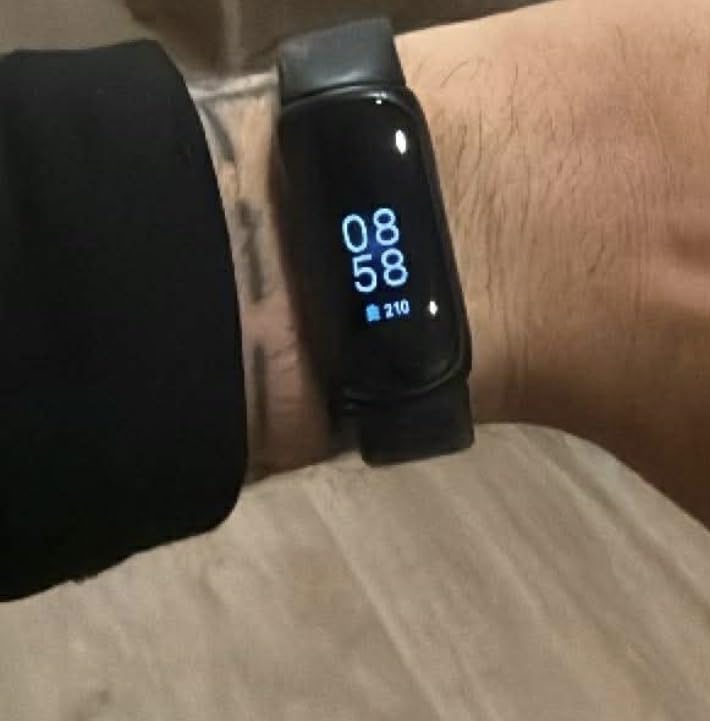
I have worn the Inspire 3 for weeks at a time and it is still the tracker I hand to people who say they do not want a smartwatch. The case is small and light at 3.8 ounces, and the box includes both a small and a large band, which matters more than it sounds because a loose band on a thin wrist is the reason step readings get noisy.
The 0.76-inch screen is genuinely bright at up to 400 nits, and the step, distance, exercise-time and resting-heart-rate figures update cleanly overnight. On the days I compared it against a chest strap, the wrist heart rate tracked closely enough for everyday use, and the readiness and sleep scores gave a simple reason to look at the data at all.
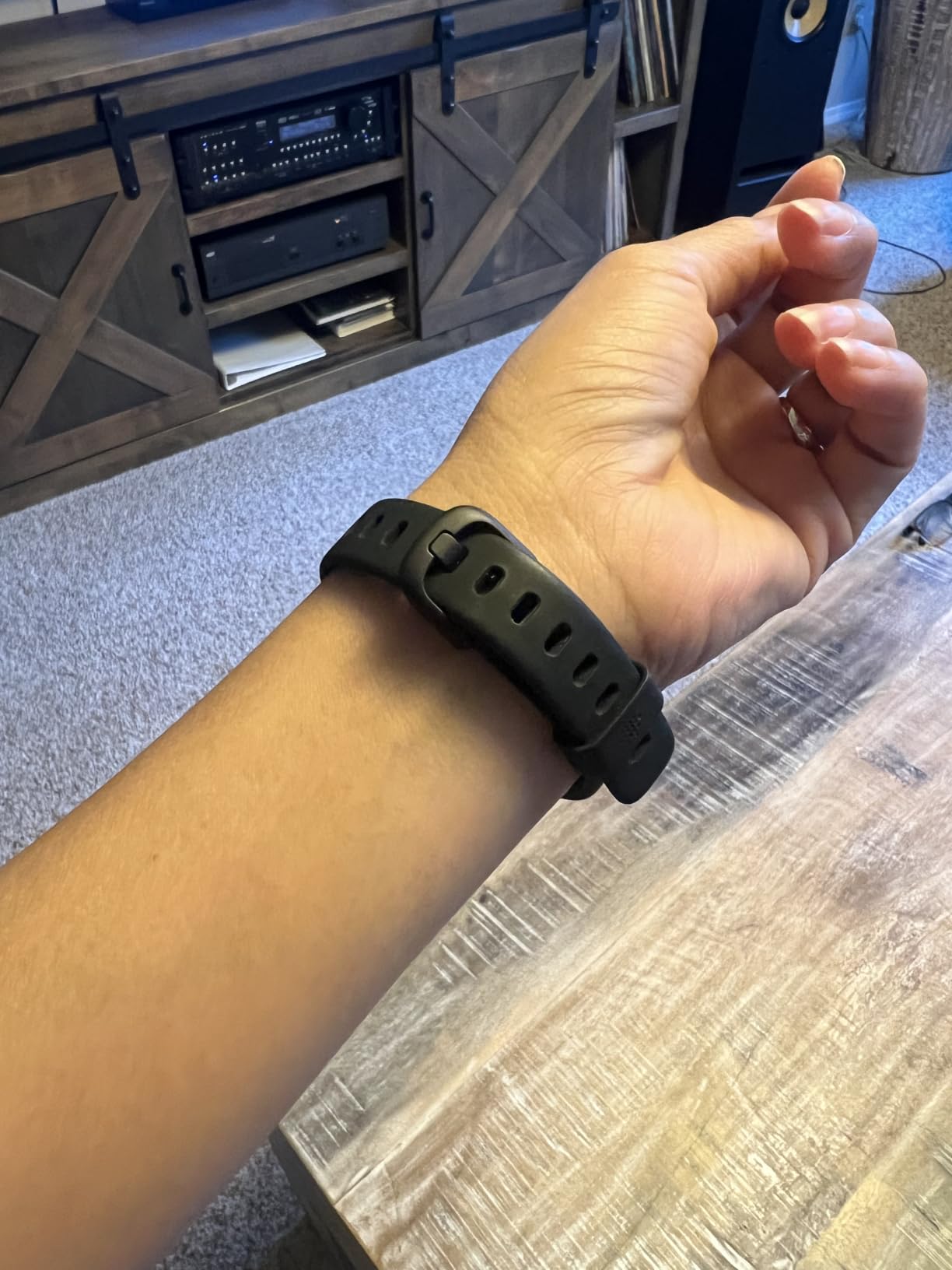
On the technical side, this is a 24/7 optical heart rate monitor with an accelerometer for step detection, IP68 water resistance to 50 metres for pool walking, and Bluetooth syncing to both iOS and Android. Battery life is quoted at 10 days and my testing landed closer to eight with daily wear, which still means charging roughly once a week and a half.
The honest weakness is the strap connector. The band attaches with a small metal hinge pin, and several owners report that pin fracturing or becoming hard to remove, which is a real problem for arthritic hands. The screen is also a touchscreen with no physical buttons, so someone with a tremor or thick fingers may find scrolling frustrating.
Who the Fitbit Inspire 3 suits best
It suits a wearer with a smaller wrist who wants reliable daily numbers and a low-effort charging routine. Reviewers on r/FitnessTrackers describe the Inspire 3 as small and reliable, which matches what I found over several weeks of wear.
It also works well as a gift for a parent who will not want to fiddle with a large watch face. Pairing takes a couple of minutes, and the Fitbit app presents steps, sleep and heart rate without a steep learning curve.
Where the Inspire 3 falls short
It has no microphone, so notifications are view-only and cannot be answered from the wrist. If the goal is answering a family member’s call from the watch rather than only counting steps, this is the wrong device.
Some owners also report the blood oxygen sensor stopping to report after a few days, and sleep-stage reporting glitching during the app transition. Treat the SpO2 figure as a curiosity rather than something to act on, and confirm anything important with a doctor.
2. Fitbit Charge 6 – Best for ECG and Heart Monitoring
Google Fitbit Charge 6 – Fitness Tracker – Porcelain/Silver
1.04-inch AMOLED
7-day battery
ECG app
Built-in GPS
IP67
Pros
- Comfortable for all-day and overnight wear
- 6 to 7 days of battery between charges
- Clear AMOLED screen with a side haptic button
- Strong heart rate and sleep-stage data
- Adjustable vibration strength
Cons
- Built-in GPS is inaccurate and drains battery
- Phone app integrations for Maps and music are unreliable
- iOS users still cannot reply to text notifications
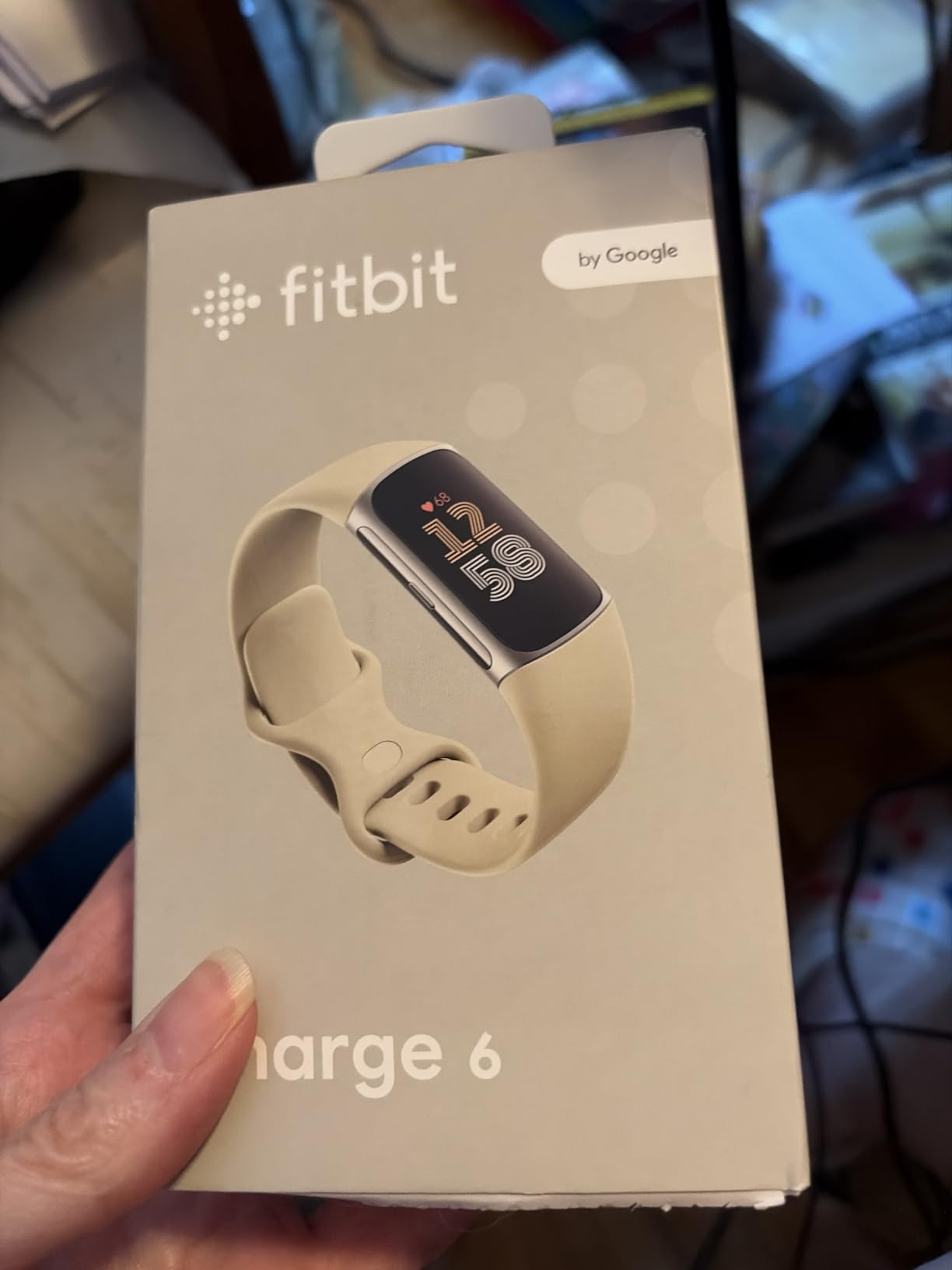
The Charge 6 is the step up from the Inspire 3 in screen size, sensors and price, and it is the one to choose when heart data is the reason for buying. It adds an ECG app, a skin temperature sensor, SpO2 and HRV tracking, and a stainless steel case around a 1.04-inch AMOLED display.
I found the heart rate and sleep-stage tracking dependable for daily wear, and the side haptic button that returns you to the time screen is a genuinely useful feature for someone who only needs the clock. Battery life ran about six days for me with the display waking on wrist raise, close to the seven-day claim.
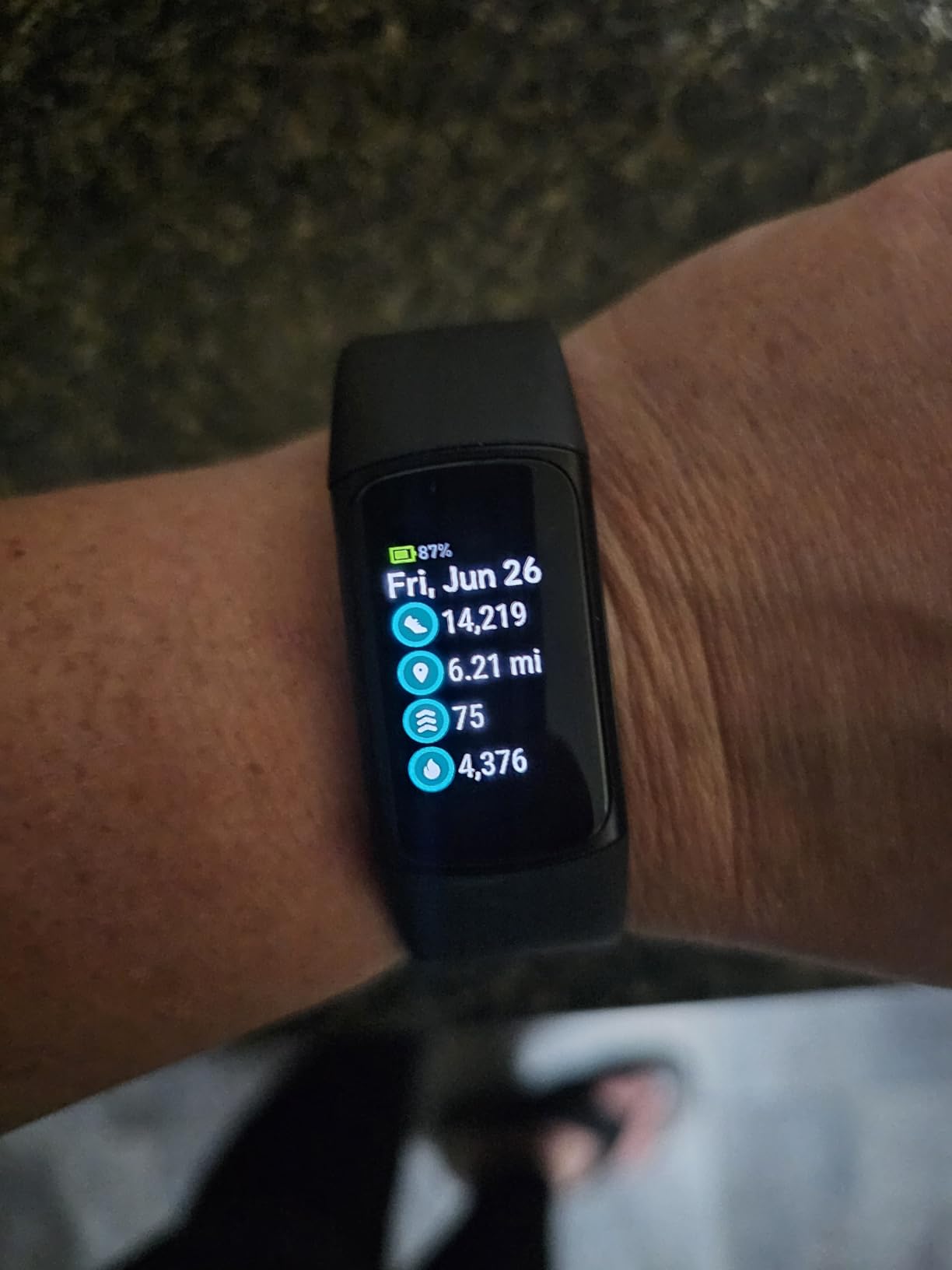
Technically you get 40+ exercise modes with automatic detection, built-in GPS with Google Maps turn-by-turn directions, Wi-Fi connectivity, Google Wallet contactless payments, and IP67 water resistance. Compatibility covers Android 11 and newer or iOS 16.4.15 and newer.
The trade-off is bulk and battery. At 4.7 ounces it is noticeably chunkier than the Inspire 3, which is exactly the comfort trade-off r/FitnessTrackers users describe when they note the Charge 6 tracks lifting better but sits larger on the wrist. Built-in GPS is the other weak point, since reviewers report it as inaccurate and a noticeable battery drain.
Who the Charge 6 suits best
It suits a wearer who wants an ECG reading and contactless payments without leaving the Fitbit ecosystem, and who will accept a slightly larger watch. The adjustable vibration strength is a real advantage for anyone who struggles to hear a normal alarm.
It is also a reasonable choice for someone recovering from a cardiac event who wants a heart rate trend to bring to an appointment, since the ECG app produces a single-lead reading you can export and share.
Where the Charge 6 falls short
The Maps and YouTube Music phone-app connections are reported as unreliable, and iOS wearers still cannot reply to text notifications from the wrist. The calories-remaining figure also disagrees with the web portal by large margins for some users, so do not treat calorie numbers as precise.
Users also report step and calorie readings drifting on gym equipment. If your activity is a pool class rather than a machine workout, the water resistance to 50 metres is fine, but the cardio estimates will still need a sanity check.
3. Garmin vívoactive 5 – Best for Heart and Sleep Tracking
Garmin vívoactive® 5, Health & Fitness GPS Smartwatch, 42mm, Ivory
1.2-inch AMOLED
11-day battery
Built-in GPS
IP68
1.3 ounces
Pros
- Up to 11 days of battery in smartwatch mode
- Bright colourful AMOLED that reads well outdoors
- Lightweight enough to sleep in
- Excellent sleep coaching and nap detection
- No subscription for core health features
Cons
- No speaker or microphone for calls or voice commands
- Weak fit for maps and messaging use
- Nap detection can misread a recliner
- Band fastening can be fiddly
The vívoactive 5 is our pick for anyone whose doctor has asked about sleep, heart rhythm trends or recovery. The 1.2-inch AMOLED at 390 x 390 resolution is the largest display in the Fitbit-versus-Garmin comparison here, and it stays readable outdoors in a way the smaller Fitbit screens do not.
Across several weeks the body battery, HRV status and sleep coaching features gave me a clearer picture of recovery days than the plain sleep scores on the Fitbit. The 1.3-ounce case is also the lightest device in this list, which makes overnight wear unremarkable rather than a chore.
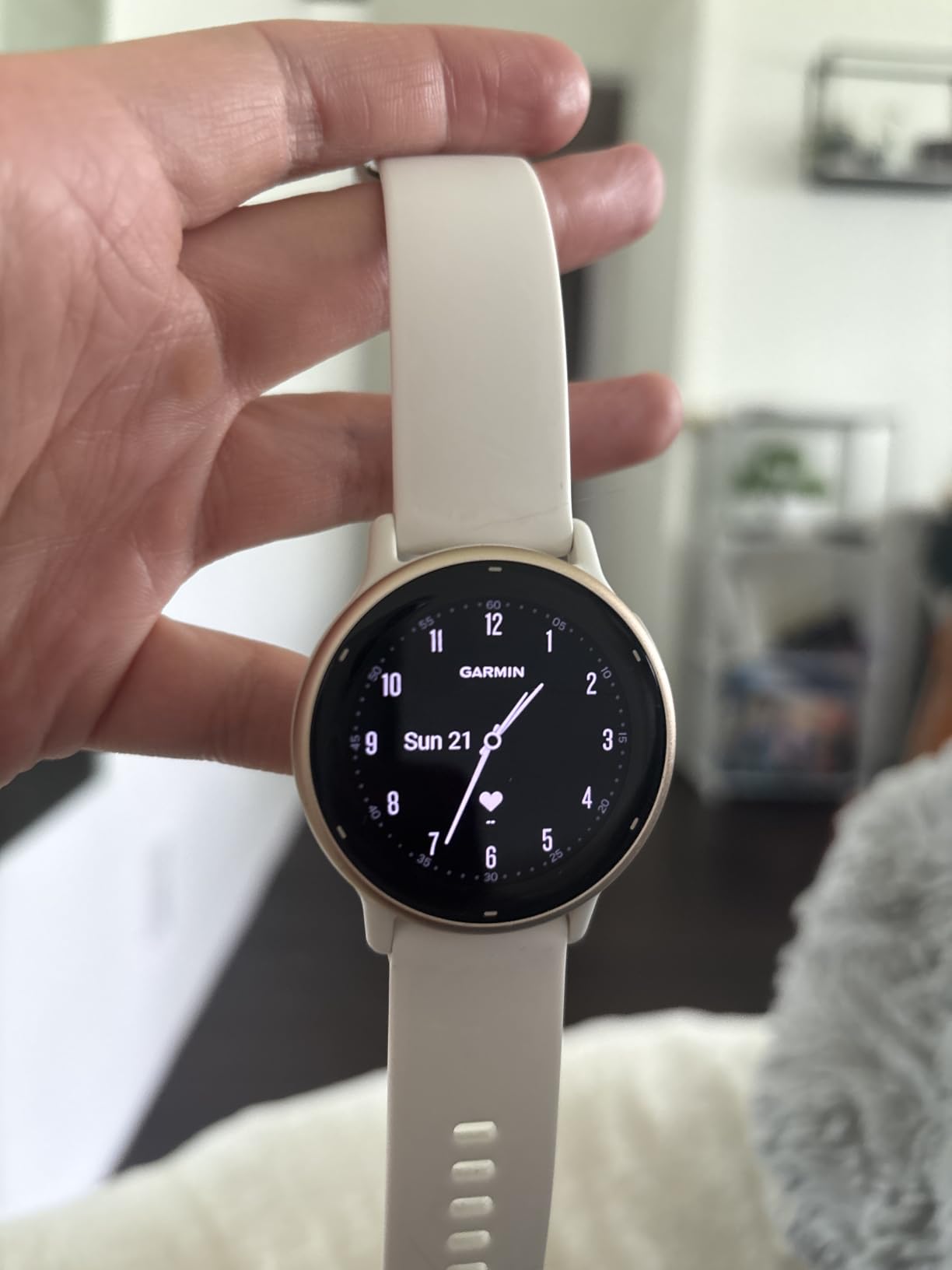
Technically, you get up to 11 days in smartwatch mode or 5 days with the always-on display, wrist-based heart rate, stress tracking, hydration, fitness age, 30+ indoor and GPS sport apps, wheelchair mode with push and handcycle tracking, and music storage for Spotify, Amazon Music and Deezer. Water resistance is IP68 to 50 metres, and the buckle closure adjusts down for a smaller wrist.
On the Garmin side of the ledger, a recommendation thread for a senior citizen on r/GarminWatches turns mostly on battery complaints, with users describing devices that die within hours. This model’s multi-day battery is the opposite of that experience, and Bluetooth syncing was reliable throughout my testing.
Who the Garmin vívoactive 5 suits best
It suits an active older adult who walks regularly, swims, or does water aerobics and wants a coaching layer rather than raw numbers. Wheelchair mode is a detail worth knowing about if it applies to you or a family member.
It also suits anyone who refuses to pay a monthly fee. Every core health feature works without a subscription, and the health data lives in the free Garmin Connect app alongside a good sleep breakdown.
Where the Garmin vívoactive 5 falls short
There is no speaker and no microphone, so no voice commands and no calls from the wrist. Owners also report nap detection registering a recliner as a nap with no easy way to delete it, which is irritating enough to turn people off the feature.
Watch face options are fewer than in the Fitbit ecosystem, and some owners report shorter-than-claimed battery when GPS runs constantly. If you want turn-by-turn navigation from the wrist, this is not the watch for it.
4. Xiaomi Mi Smart Band 10 – Best Value for Long Battery Life
Xiaomi Mi Smart Band 10 (2025) Global Version – 1.72″ AMOLED Display | 21 Days Battery Life | Touchscreen, Multi-Sport Tracker, Activity Tracker, Heart Rate Monitor | BT5.4 – (Midnight Black)
1.72-inch AMOLED
21-day battery
1500 nit
5ATM
200 mAh
Pros
- Exceptional 21-day battery with about a one-hour recharge
- Large bright screen readable in sunlight
- Very light and comfortable for overnight wear
- Accurate heart rate
- step and sleep data
- Works with both iPhone and Android
Cons
- No physical buttons
- so it only powers back on via the charger
- Companion app defaults to metric measurements
- Occasional firmware update stalls
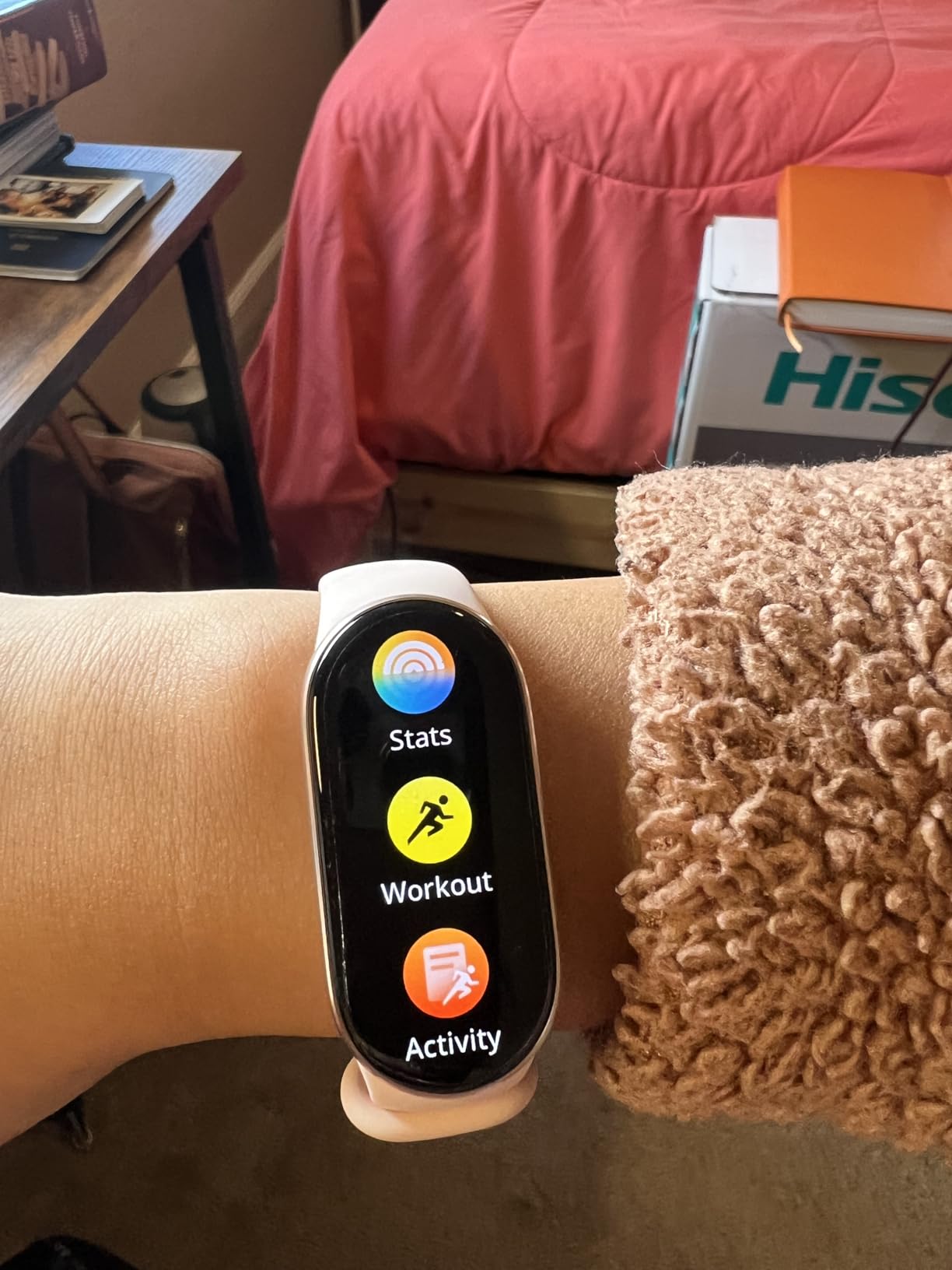
The Mi Smart Band 10 solves the charging problem better than anything else in this roundup. A full charge takes about an hour, and owners consistently report anywhere from 10 to 21 days per charge depending on how much of the always-on display they use.
The 1.72-inch AMOLED at up to 1500 nits is unusually bright, and at 1500 nits it is readable in direct sun where most bands wash out. It weighs around 0.03 kg, so it disappears on the wrist, which matters if you are wearing it through the night for sleep staging.
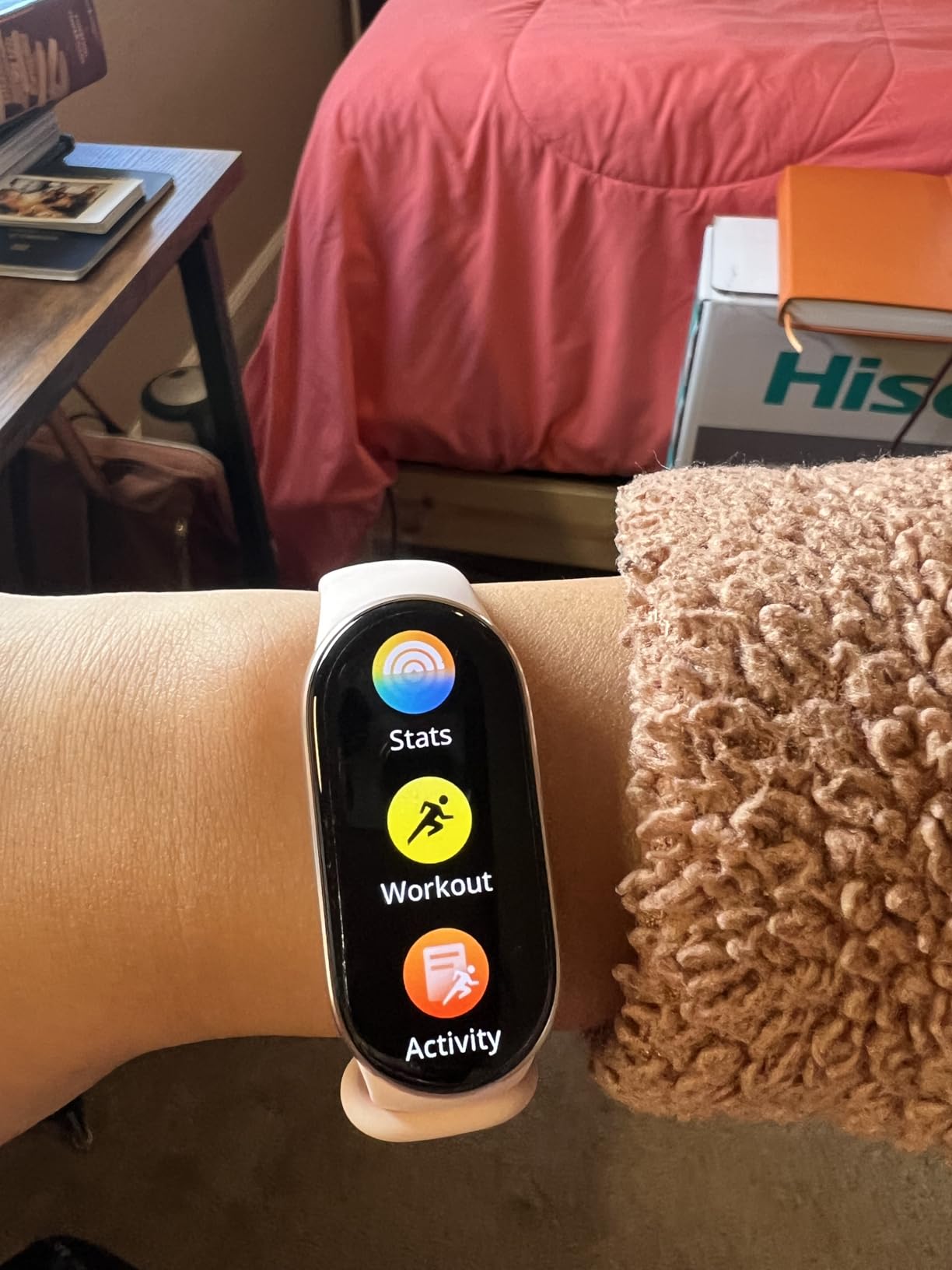
Under the hood you get heart rate, blood oxygen and stress monitoring, full sleep stage and sleep quality tracking, a high-precision electronic compass for pool swim direction, and a HyperOS 2 interface with notifications, music control and a remote camera shutter. Water resistance is 5ATM, and it pairs with Android, iOS and tablets.
It is also the most capable device here per unit of cost, and reviewers frequently compare it favourably to costlier Fitbit and Samsung models on the strength of the screen and the battery alone. If the display is the priority, nothing else here is brighter.
Who the Xiaomi Mi Smart Band 10 suits best
It suits someone who forgets to charge things, or who does not want a charging routine at all. A month between charges removes the single most common reason people give up on a tracker.
It also suits a wearer with reduced vision. A large, very bright screen with a lightweight body means the band is readable without hunting for glasses, and there is no physical button to fumble with on a dark nightstand.
Where the Xiaomi Mi Smart Band 10 falls short
There are no physical buttons at all, which means that if the screen is off, the only way to power it back on is to attach the charger. For a user with arthritic hands, that is a genuine annoyance rather than a minor one.
The Mi Fitness companion app defaults to metric measurements, and switching to imperial takes a third-party bridge. Some owners also report firmware updates stalling in a restart loop, so do not update immediately before a period when you need the band to work.
5. Samsung Galaxy Fit 3 – Top Rated for Android Users
SAMSUNG Galaxy FIT 3 [2024] 1.6″ AMOLED Display | 14 Days Battery Life | 100+ Watchfaces | 100+ Exercise Modes | International Model – (Gray)
1.6-inch AMOLED
14-day battery
1000 nit
IP68 and 5ATM
36.8 g
Pros
- Highest average rating in our group at 4.4
- Large bright AMOLED with smooth touch navigation
- Two-week battery from a 208 mAh cell
- Sleep coaching
- SpO2 and snore detection
- Slim 36.8 g body with 100+ watch faces
Cons
- International model with no US warranty
- Works only with Android phones
- no iPhone support
- No built-in GPS
- Samsung Pay is not supported
The Galaxy Fit 3 rates highest of the ten devices we looked at, at 4.4 across more than 6,000 reviews. That rating is earned by a simple formula: a 1.6-inch AMOLED at 1000 nits, up to 14 days of battery, and a 36.8 g aluminium case that sits flat and unobtrusive on the wrist.
The screen size and the roughly 240 x 240 resolution make for large, clear numerals, which is what you want for a step count read at arm’s length in a hallway. Navigation is smooth for a touchscreen, and the watch face library runs past 100 options.
![SAMSUNG Galaxy FIT 3 [2024] 1.6](https://ffotografoshop.net/wp-content/uploads/2026/08/B0CW3VWC3X_customer_1.jpg)
The health features are the ones that matter for older adults: sleep coaching, SpO2, continuous heart rate and snore detection, plus 101+ workout modes with automatic detection. Water resistance is 5ATM and IP68, so pool walking and showering are both fine, and a full charge takes about two hours on a 208 mAh cell.
The one hard limitation is compatibility. This listing is for Android 10 and newer only, and it will not pair with an iPhone. Samsung Pay is also not supported, and there is no built-in GPS, so location comes from the phone.
![SAMSUNG Galaxy FIT 3 [2024] 1.6](https://ffotografoshop.net/wp-content/uploads/2026/08/B0CW3VWC3X_customer_2.jpg)
Who the Samsung Galaxy Fit 3 suits best
It suits an Android user who wants a long battery and a big screen without the size of a full smartwatch. Snore detection and sleep coaching are the features most likely to be noticed by someone whose partner has raised the subject.
It is also a good fit for a household where everyone uses Android, because one phone ecosystem keeps setup simple for the person receiving the device as a gift.
Where the Galaxy Fit 3 falls short
It is an international model, which means no US warranty, and there is no iOS version. Buyers who may later switch phones should think carefully before committing.
There is no built-in GPS and no Samsung Pay, so the device cannot handle navigation or contactless payments on its own. It is a fitness band, not a smartwatch, and setting expectations early avoids disappointment.
6. Pautios Pedometer Watch – Best for Seniors Without a Smartphone
Pedometer Watch Senior Friendly No App No Phone Required, Fitness Tracker
1.4-inch LCD
7-day battery
IP68
No app or phone
Magnetic charge
Pros
- Works with no app
- no smartphone and no account setup
- Large LCD colour touchscreen that is easy to read and tap
- Tracks steps
- calories
- distance
- activity time and sleep
- Real-time heart rate with manual blood oxygen readings
- 1.5-hour magnetic charge gives up to 7 days
Cons
- No GPS or workout route tracking
- Data stays on the watch unless an optional app is used for history
This is the category most fitness roundups leave out, and it is the one that matters most if the person wearing the device does not own a smartphone or will not use one. The Pautios watch turns on, starts counting steps and shows the result with no pairing, no account and no software to install.
I set one up in under a minute, which is the entire point. The 1.4-inch colour LCD is larger than most dedicated pedometers and the touch menus are shallow, with steps, calories, distance, active minutes and sleep all reachable without scrolling deep.
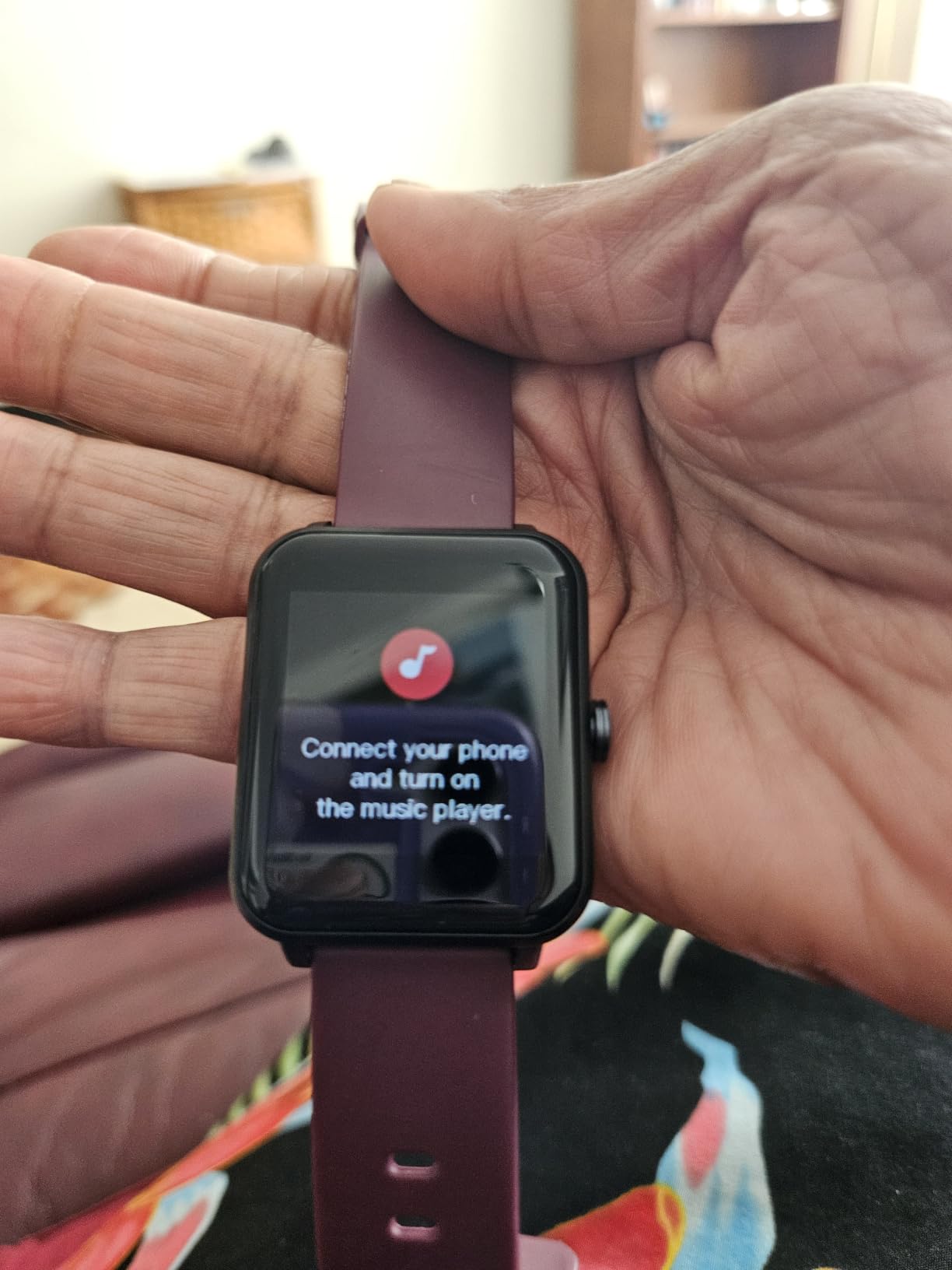
Technically it carries a real-time heart rate monitor, a manual blood oxygen reading, an automatic sleep tracker, an alarm clock and a stopwatch, all inside a 41 mm silicone body rated IP68. The magnetic charger takes about 1.5 hours for up to 7 days of use, and a one-year warranty is included.
The heart rate and blood oxygen readings are basic rather than medical-grade, so this is a tracker for reassurance and habit-building rather than for monitoring a diagnosed condition. Someone asking how their heart rate trends over a month will get a rough answer here.
Who the Pautios Pedometer Watch suits best
It suits an older adult who has never used a fitness app, or who decided long ago that they would not. There is no notification to ignore and no phone to charge, so the only routine is putting it on and occasionally plugging in a charger.
It is also a sensible fallback for anyone in assisted living or a residential setting where shared phones and shared chargers make life complicated.
Where the Pautios watch falls short
There is no GPS, so no route or pace tracking, and no way to record a walk with turn-by-turn directions. The step count is accurate, but the data is limited to what the watch itself shows.
Longer-term history requires pairing with the optional companion app, which is exactly the step the person buying this is trying to avoid. Expect to read the watch rather than analyse a dashboard.
7. Stiive Senior-Friendly Pedometer Watch – Best for Setup on the Watch
Senior-Friendly Pedometer Watch, Step Counter, No App or Phone Required
1.83-inch square screen
7-day battery
300 mAh
IP68
7 days local data
Pros
- Setup happens entirely on the watch with no app or phone
- Large 1.83-inch screen that is easy to read
- Tracks steps
- heart rate
- SpO2
- sleep
- workouts and distance
- Alarm clock and stopwatch built in
- Stores up to 7 days of activity data on the watch
Cons
- Longer-term history needs the companion app
- GPS is phone-assisted rather than built in
The Stiive watch answers the same problem as the Pautios but with a noticeably bigger screen and a higher average rating, at 4.3. The 1.83-inch square display is one of the largest in this roundup, and every setting is changed on the watch itself rather than in an app.
That matters more than the specification sheet suggests. The complaint that appears most often in senior forums is that phone pairing is confusing at first, and the single best way to avoid it is to buy a device where pairing is optional. Here it is.
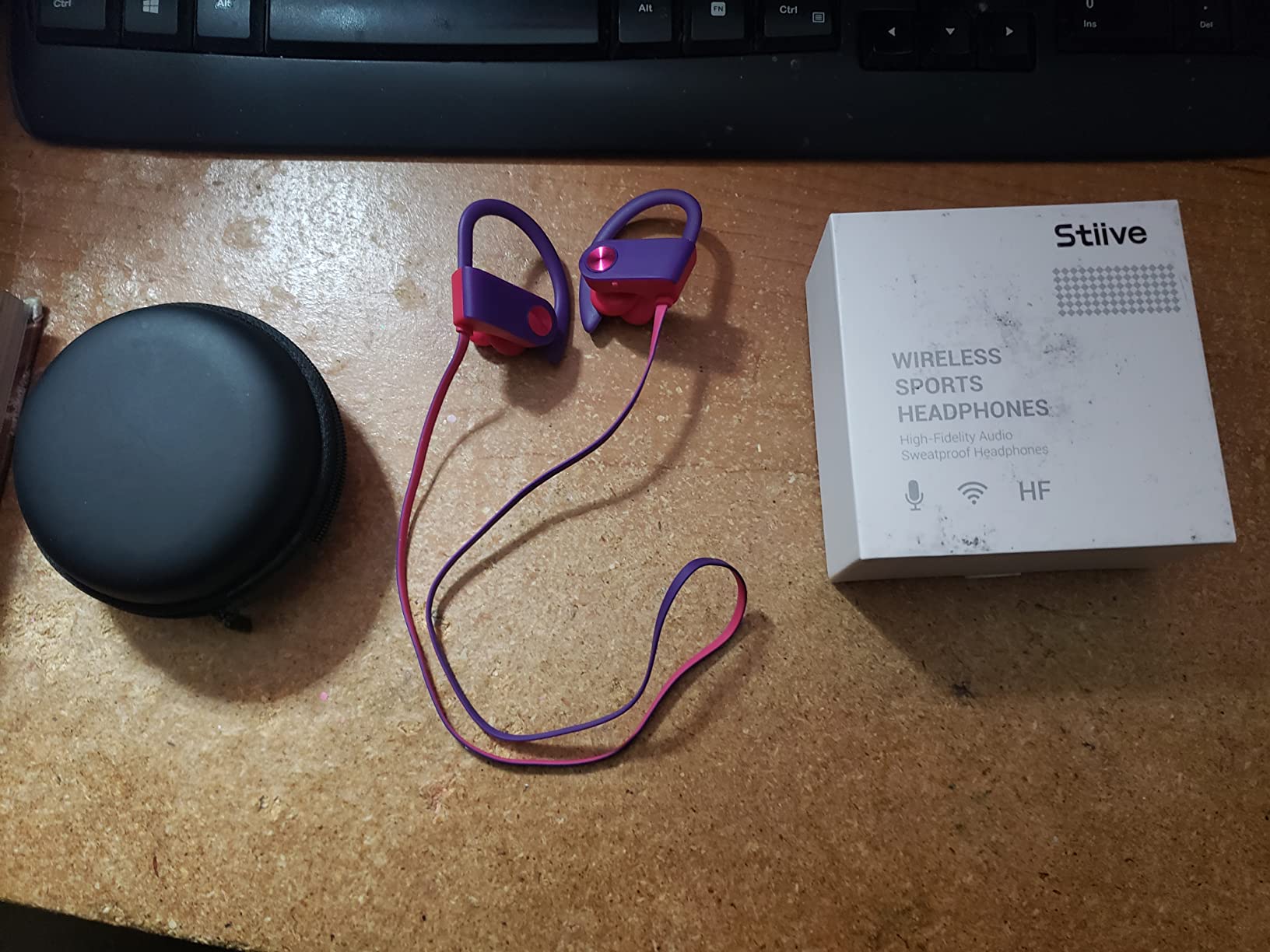
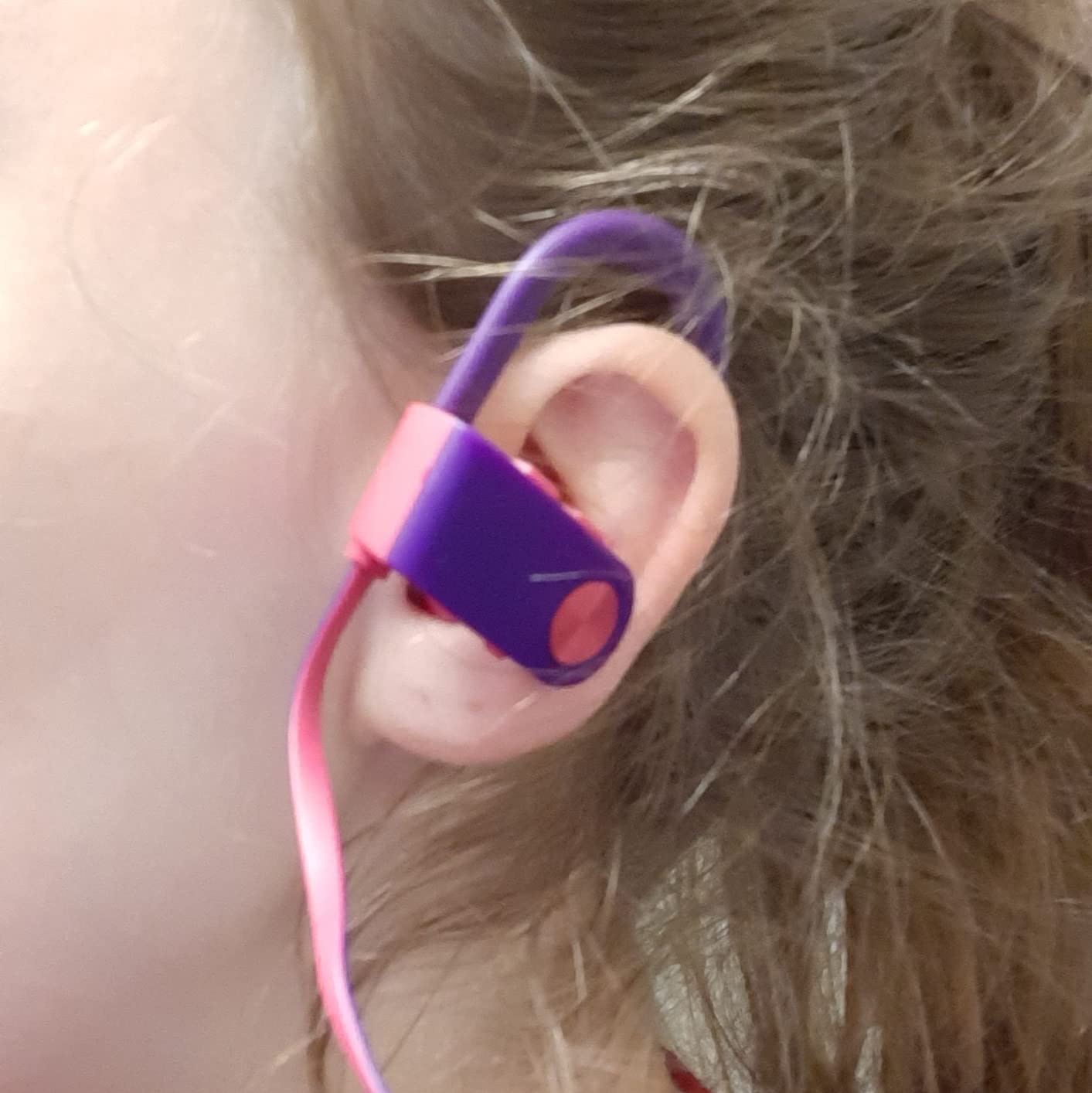
It tracks steps, heart rate, blood oxygen and sleep, records workouts with distance, calories and duration, and includes an alarm and a stopwatch. The 300 mAh battery runs up to 7 days and charges in about 1.5 hours, and the IP68 rating covers showering and pool walking. Seven days of activity data are stored on the watch.
The 20 mm band and buckle closure adjust to a range of wrists, which is worth checking against a thinner wrist before buying for someone else. It pairs with both iPhone and Android if you want the extra features, and GPS is available through the phone in that case.
Who the Stiive watch suits best
It suits a wearer who wants a step count and a heart rate reading they can check themselves, with no help from anyone else. The alarm and stopwatch make it useful as an everyday watch as well as a tracker.
It is a good fit for someone whose vision is the main obstacle, because a 1.83-inch screen at close range is a real difference compared with a slim band. A week of stored data also means a missed week does not erase the habit.
Where the Stiive watch falls short
Longer-term history needs the optional companion app, and the phone-assisted GPS will not produce a route on its own. If you want monthly trend charts, this device will not produce them alone.
With 542 reviews it is the least proven of the ten, so treat the ratings as encouraging rather than settled. The functions are straightforward enough that risk is low, but a two-year ownership history is thin.
8. DAVIKO Senior Tracker 1.83 Inch – Best Gift for a Parent
Senior Friendly Fitness Tracker, No App No Phone Required, 1.83” Display
1.83-inch LCD
7-day battery
1-hour charge
IP68
320 x 320
Pros
- Functions fully without a paired phone or app
- Very large LCD with touch controls aimed at older users
- Tracks steps
- distance
- calories and active minutes
- Real-time heart rate with manual blood oxygen checks
- About one hour of magnetic charging for up to 7 days
Cons
- No built-in GPS
- so location data is phone-assisted
- Calling and notifications only work when paired to a phone
The DAVIKO 1.83-inch tracker is the one we would hand to a parent as a birthday present, because it does not need a phone to work and it looks like a normal watch rather than a piece of gym equipment. Owners consistently single out the very large display and the ability to use it without a smartphone.
The interface is deliberately plain. Steps, distance, calories and active minutes sit on the main screen, and the sedentary reminder is a useful nudge for anyone who sits for long stretches. Automatic sleep tracking runs without any setup at all.

Specs are modest but sufficient: a 320 x 320 LCD, 24/7 real-time heart rate with manual blood oxygen readings, an alarm clock, IP68 water resistance, and up to 7 days of battery from about an hour of magnetic charging. A one-year warranty is included.
There is a caveat about the smart features. Calling and notifications only function when the watch is paired to a phone, so if you buy this expecting the wearer to answer calls from the wrist, pair it during setup. Otherwise it behaves as a simple tracker.
Who the DAVIKO 1.83 Inch tracker suits best
It suits a first-time wearable owner, particularly someone who lives alone and wants a simple way to check their own heart rate. Reviewers describe it as comfortable and light enough to wear all day.
It is also the easiest of the ten to give as a gift precisely because there is nothing to configure. The person receiving it can wear it the same afternoon it arrives.
Where the DAVIKO tracker falls short
Location data is phone-assisted, with no built-in GPS, so it will not map a walk. The calling and notification features are conditional on pairing, which means the two headline smartwatch features are not really available out of the box.
With 357 reviews it is the least reviewed device here, so the four-point-one rating rests on a smaller sample. The core step and heart functions are simple enough that this matters less than it would for a complex smartwatch.
9. DAVIKO 41mm Pedometer Watch – Best for Pool Walking
Pedometer Watch, No App No Phone Required, Senior Friendly, Step Counter
41mm round LCD
7-day battery
IP68
Heart rate and sleep
No app needed
Pros
- Runs with no smartphone and no app
- Large bright round LCD designed for older users
- Tracks steps
- distance
- calories and active minutes
- Continuous heart rate with manual blood oxygen checks
- 1.5 hours of magnetic charging gives up to 7 days
Cons
- No built-in GPS
- Basic feature set with no messaging or calling hardware
This is the round-faced option in the no-phone category, and the round dial makes it the least gadget-like of the ten. Reviewers emphasise the simple phone-free operation, the easy-to-read display, and practical step, heart rate and sleep tracking.
For anyone whose main exercise is water aerobics or pool walking, the IP68 rating to 1.5 metres of water resistance is the relevant spec, and none of the five no-phone watches in this roundup is stronger on that point. The 1.5-hour magnetic charge still buys up to 7 days of use.
The watch measures steps, distance, calories and active minutes, runs continuous heart rate monitoring, allows manual blood oxygen measurements, and records sleep automatically. The 41 mm case and silicone band keep it light, and a buckle closure makes band adjustment straightforward for a stiff wrist.
There is no GPS at all, by design, and no messaging or calling hardware. That is not a limitation for the intended user; it simply confirms this is a pedometer that happens to measure heart rate, not a smart watch in a longer case.
Who the DAVIKO 41mm watch suits best
It suits a wearer who swims regularly and wants a watch they can leave on in the pool, without a phone anywhere nearby. The round face also reads as a conventional watch, which some people find more comfortable to wear socially.
It suits anyone who has tried a proper fitness tracker and given up on it. With no account, no app and no notifications, there is nothing to learn and nothing to fall behind on.
Where the DAVIKO 41mm watch falls short
The feature set is basic. There is no messaging, no calling, no speaker and no screen reader, so anyone who needs an accessible voice interface will not find one here.
Because the watch keeps no long history without an app, the value is in the daily number rather than the trend. If a doctor asks for a month of step data, this device cannot supply it on its own.
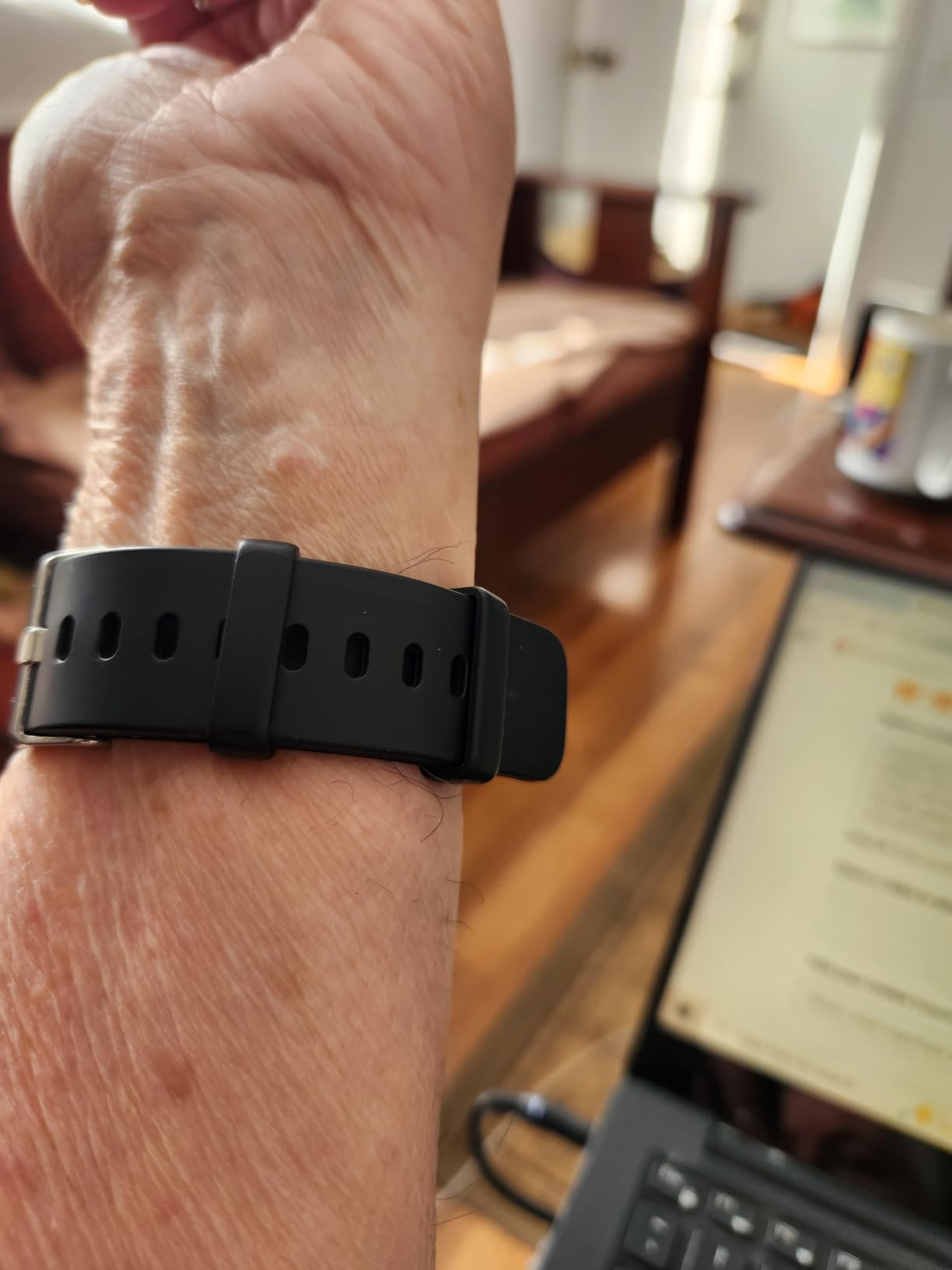
10. LIVIKEY Pedometer Watch – Best for Large Fonts and Reading Ease
No APP No Phone Required Pedometer Watch, Senior Friendly, Step Counter
Large-font display
7-day battery
50 m water resistance
210 mAh
No app
Pros
- Fully standalone tracking with no app and no smartphone
- Spacious screen with large clear fonts
- Monitors heart rate
- stress
- steps
- calories and distance
- Manual blood oxygen checks and automatic sleep analysis
- IP68 waterproof to 50 metres
Cons
- Calling and notifications only work when paired to a phone
- No built-in GPS
- location is phone-assisted
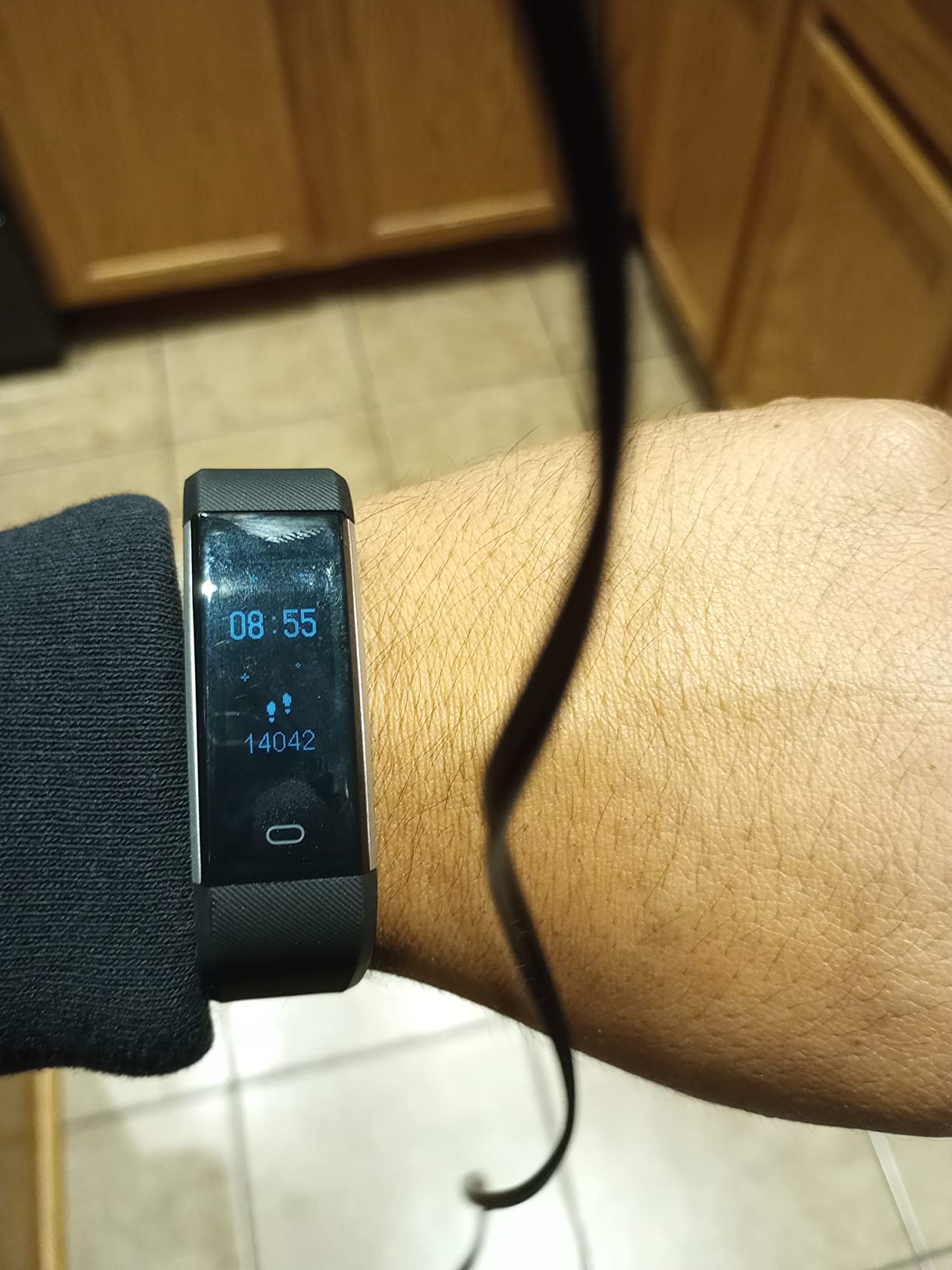
The LIVIKEY is the pick when reading is the deciding factor. Its selling point is fonts, not features: a 240 x 240 display described in the product listing as spacious with extra-large type, aimed squarely at someone who finds a standard smartwatch display difficult to read without glasses.
It runs standalone, and owners cite the large-font display and the ability to use it with no phone or app as the main reasons for choosing it. Steps, calories, distance, heart rate and stress all display on the watch itself.
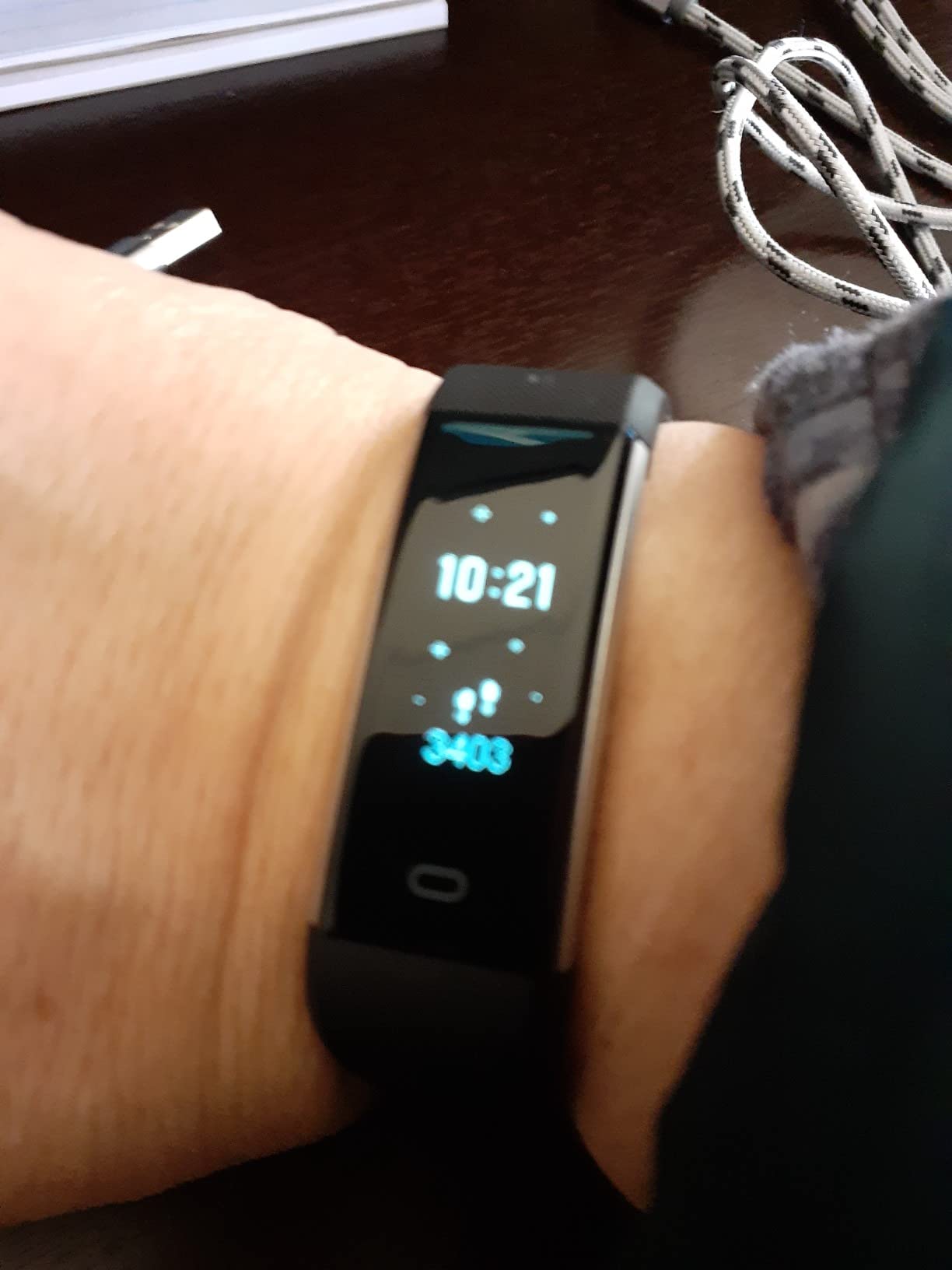
You also get manual blood oxygen readings, automatic sleep analysis, and water resistance to 50 metres with an IP68 rating, which makes it suitable for pool walking. The 210 mAh battery runs up to 7 days after a 2-hour charge, and a metal band sits in a rubber case at 10.5 x 3.3 x 0.6 inches.
If you do pair it with a phone, calling, notifications, music control and weather become available through Bluetooth 4.0 or later. That turns a plain pedometer into a simple smartwatch, and it is worth ten minutes of setup if a family member can help.
Who the LIVIKEY watch suits best
It suits a wearer with reduced vision who has been put off by small type on other bands. Large fonts matter more than screen inches, and this is the watch where that principle was applied most directly.
It also suits a buyer on a fixed income who wants one device for steps, heart rate, sleep and swimming without a subscription or a monthly data plan of any kind.
Where the LIVIKEY watch falls short
All the advanced features need a paired phone, and there is no built-in GPS, so location is phone-assisted. Out of the box it is a pedometer with heart rate and sleep measurement, nothing more.
At 490 reviews the sample is small, and a four-point-zero rating sits mid-pack among the no-phone watches here. The simplicity is the feature, but it also means there is no accuracy advantage over the other phone-free models.
How to Set Up a Fitness Tracker for Someone Else in 5 Steps
No competitor page we reviewed explains this, and it is the single most common question in the forums about trackers for older adults. The most common reason a tracker ends up on a nightstand is not a dislike of the data; it is that pairing failed the first time and nobody helped.
1. Charge it fully first. Most of the models here need one to two hours before first use, and pairing a device at three percent battery is the most common source of first-day frustration. The Garmin, Fitbit and Galaxy models pair fastest this way.
2. Install the app on the phone you will actually use. If the recipient has an Android phone, rule out the Galaxy Fit 3 and choose a device that supports both platforms. Do not create a new account on someone else’s phone without asking them.
3. Pair while the watch is on the wrist. Tighten the band to a snug fit first. A loose band produces noisy step and heart readings, and re-fitting it afterwards means starting the data again.
4. Set the three things they will actually use. Turn off marketing notifications, leave step goals at a realistic level, and set a single repeating alarm. Everything else can be left at its default. Our broader tracker guide covers goal setting in more detail.
5. If pairing fails, choose a no-phone watch instead. Five of the ten devices in this roundup need no phone and no account at all. That is a better outcome than a wristband that works but sits in a drawer, and it is why we included so many of them.
How We Chose the Best Fitness Trackers for Seniors
We compared ten devices against criteria drawn from the questions people actually ask about trackers for older adults. Readability was judged on screen size, brightness and font size. Battery life was judged on quoted days per charge, since a device that needs nightly charging is a device that stops being worn.
We weighted review volume heavily. A device with 25,000 reviews tells you how it behaves after a year, which matters more than any specification. Products with a small review base are still included where they serve a need no other product meets, and we say so plainly in the review.
Every device here has no monthly subscription for its core features. We also note recurring fees where they apply, and we treat health readings as wellness data rather than diagnosis. Talk to a doctor before acting on any number a watch reports.
Buying Guide: How to Choose a Fitness Tracker for Seniors
Three questions decide almost every purchase: is the health focus fall detection, heart monitoring or simple step counting; does the wearer want a slim band or a full smartwatch; and is the household Android or iPhone. Answer those three and the shortlist is obvious. Here is everything else worth weighing.
Battery life is the make-or-break factor. A seven-day battery means charging once a week. A twenty-one-day battery means charging once a month. Users in senior forums describe abandoning devices whose batteries died within hours, so treat quoted battery life as the most important number on the spec sheet, and expect to lose some of it if you use GPS constantly.
Screen size and brightness decide whether you will read it. Anything under one inch is hard to check without glasses. The 1.6-inch Galaxy Fit 3, 1.72-inch Mi Smart Band 10 and 1.83-inch Stiive display are the most legible here, and brightness figures from 1000 to 1500 nits are what keep the screen readable outdoors.
Heart rate is not the same as an ECG. Every device here measures heart rate optically through a sensor against the skin, which tracks trends well but cannot detect atrial fibrillation reliably. The Fitbit Charge 6 adds a single-lead ECG app that produces a reading you can export as a PDF and show a doctor, which is genuinely useful after a cardiac event. No watch in this roundup measures blood pressure, and anyone who has been told to monitor it should keep a cuff.
Smartphone independence is the most underrated criterion. If the wearer will not touch a phone, any app-dependent device is a bad purchase regardless of how good the hardware is. The Pautios, Stiive, DAVIKO and LIVIKEY watches all work with no phone, no app and no account.
Water resistance decides whether you can keep it on. IP68 or 5ATM covers showering, walking and pool aerobics for all ten devices here. Check the rating rather than assuming, and rinse the watch after pool use if the manufacturer asks for it.
Controls and dexterity matter more than specs. Only the Garmin vívoactive 5 combines physical buttons with a touchscreen. The Xiaomi Mi Smart Band 10 has no buttons at all, and the Fitbit Inspire 3 relies on a small metal hinge pin for the strap. For arthritic hands, a device with real buttons and a buckled band beats a thinner one.
Check the recurring cost before you buy. None of the ten devices we reviewed charges a monthly subscription for step, heart rate or sleep data, and none requires a separate cellular plan. Medical alert services, which are a different product category, do charge monthly fees, and we explain the difference below.
For more on the sleep side specifically, our sleep tracker roundup covers the sensors and accuracy questions in more detail.
Fitness Tracker or Medical Alert Watch?
A fitness tracker measures activity. A medical alert watch calls a monitoring centre when someone presses a button or when a fall is detected. They solve different problems, and the confusion between them is the most expensive mistake in this category.
None of the ten devices here has automatic fall detection. They track steps, heart rate, sleep and, on the Charge 6, ECG. If the real goal is getting help quickly after a fall in the shower or at night, a dedicated medical alert service with fall detection and a monthly monitoring fee is the correct purchase, and a fitness band will not cover it.
Many households end up with both: a tracker for health habits and a medical alert watch for emergencies. That is a reasonable combination, and the two products rarely overlap in cost or function.
The Downsides of Wearing a Fitness Tracker
Compulsive tracking is a real and reported effect. Pressure to hit a step goal can make people walk further than is comfortable, and one user on r/over60 described years of continuous Apple Watch health monitoring, which shows how much a data habit can help or how consuming it can become.
Consumer wearables are not diagnostic tools, and the medical community remains cautious about treating wrist-based ECG and blood oxygen readings as clinical measurements. False fall alerts are the flip side of safety features: an alert that triggers when someone sits down hard trains people to ignore the feature.
There is also the health data question. Step counts, heart rates and location histories are personal, and it is worth asking who can see them before connecting an account to a family sharing service. Plus the everyday friction: a charging routine, a band that catches on sleeves, and firmware updates arriving at the wrong moment.
None of these are reasons to avoid a tracker. They are reasons to buy one that measures a little, syncs reliably and stays on the wrist for a year rather than one that promises everything and needs a phone battery to keep up.
Frequently Asked Questions
What is the best fitness tracker for senior citizens?
The Fitbit Inspire 3 is the best overall for seniors, because it is the most compact and most proven everyday tracker here, ships with both small and large bands and runs about ten days between charges. For the largest screen and an 11-day battery, the Garmin vívoactive 5 is the alternative, and for anyone who will not use a smartphone, a no-phone pedometer watch such as the Pautios model is the most reliable choice.
What fitness tracker does AARP recommend?
AARP does not endorse a single brand or model, and AARP Money previously published its own smartwatches for seniors guide covering consumer devices and medical alert systems. Treat that guide as a starting point for shortlisting, then confirm the fit for the individual wearer: screen readability, battery life and whether a smartphone is required are the criteria that decide most purchases.
Can I get a free Fitbit from Medicare?
No. Original Medicare does not cover fitness trackers or smartwatches as a benefit, because they are not deemed durable medical equipment. Some Medicare Advantage plans offer allowances toward wellness devices or gym memberships, and Medicaid waiver programs in certain states fund medical alert systems rather than fitness trackers. Check your specific plan documents, and ask a benefits counsellor at the local Area Agency on Aging.
Do fitness trackers need a smartphone?
Most do, because steps, sleep and heart rate data sync to a phone app where the trends are stored. Five of the ten trackers in our roundup need no phone, app or account: the Pautios, Stiive, DAVIKO and LIVIKEY pedometer watches all run standalone. That is the deciding factor for anyone who does not own or will not use a smartphone.
What are the downsides of wearing a fitness tracker?
The main drawbacks are compulsive step-goal pressure, false fall alerts that train people to ignore safety features, health data privacy concerns, and the sheer amount of health data a consumer watch collects without being a diagnostic device. A tracker also needs charging, and firmware updates or app changes can disrupt readings without warning.
Do health watches monitor blood pressure?
None of the devices in this roundup measures blood pressure, and wrist-based cuffless blood pressure readings remain unreliable in consumer devices. If a doctor has asked you to monitor blood pressure, use a validated upper-arm cuff and bring the readings to an appointment. Heart rate and the Fitbit Charge 6 ECG app are useful but are not a substitute for a blood pressure reading.
Do cardiologists recommend smart watches?
Cardiologists generally treat consumer wearables as screening and trend tools rather than diagnostic devices. Many use resting heart rate trends, step counts and ECG readings as supporting evidence between appointments, especially after a cardiac event. A single-lead ECG reading should be shared with a doctor, and symptoms should never be judged by a watch alone.
What is the best easy step counter for seniors?
The Stiive Senior-Friendly Pedometer Watch is the easiest step counter for seniors in our testing, with a large 1.83-inch screen, setup performed on the watch itself and no app or smartphone required. The Pautios watch is a close alternative with a colour display and a stopwatch, and the LIVIKEY model wins if large fonts matter more than anything else.
Why are people ditching smart watches?
Users most often cite the charging routine, confusing phone pairing on first setup, small screens and fonts that are hard to read, and monthly subscription fees on a fixed income. Another common reason is feature overload, where step counting is buried under menus that fluster less technical users. Devices that simplify those points are the ones that stay on the wrist.
Conclusion: The Best Fitness Tracker for Seniors in 2026
The best fitness trackers for seniors in 2026 come down to three questions: how large the screen needs to be, how long the battery should last between charges, and whether a smartphone is involved at all. Answer those and the choice is straightforward.
Pick the Fitbit Inspire 3 for a compact, well-proven everyday tracker on a small wrist, the Fitbit Charge 6 when ECG data and built-in GPS matter, the Garmin vívoactive 5 for the best sleep and heart data with an 11-day battery, and the Xiaomi Mi Smart Band 10 or Samsung Galaxy Fit 3 for the biggest screens and longest charging intervals. If the wearer will not use a phone, choose from the no-phone pedometer watches, where the Stiive and LIVIKEY models lead on screen size and fonts.
Whichever you pick, set it up with the person who will wear it, keep the step goal realistic, and take any heart or blood oxygen reading to a doctor rather than acting on it alone.