
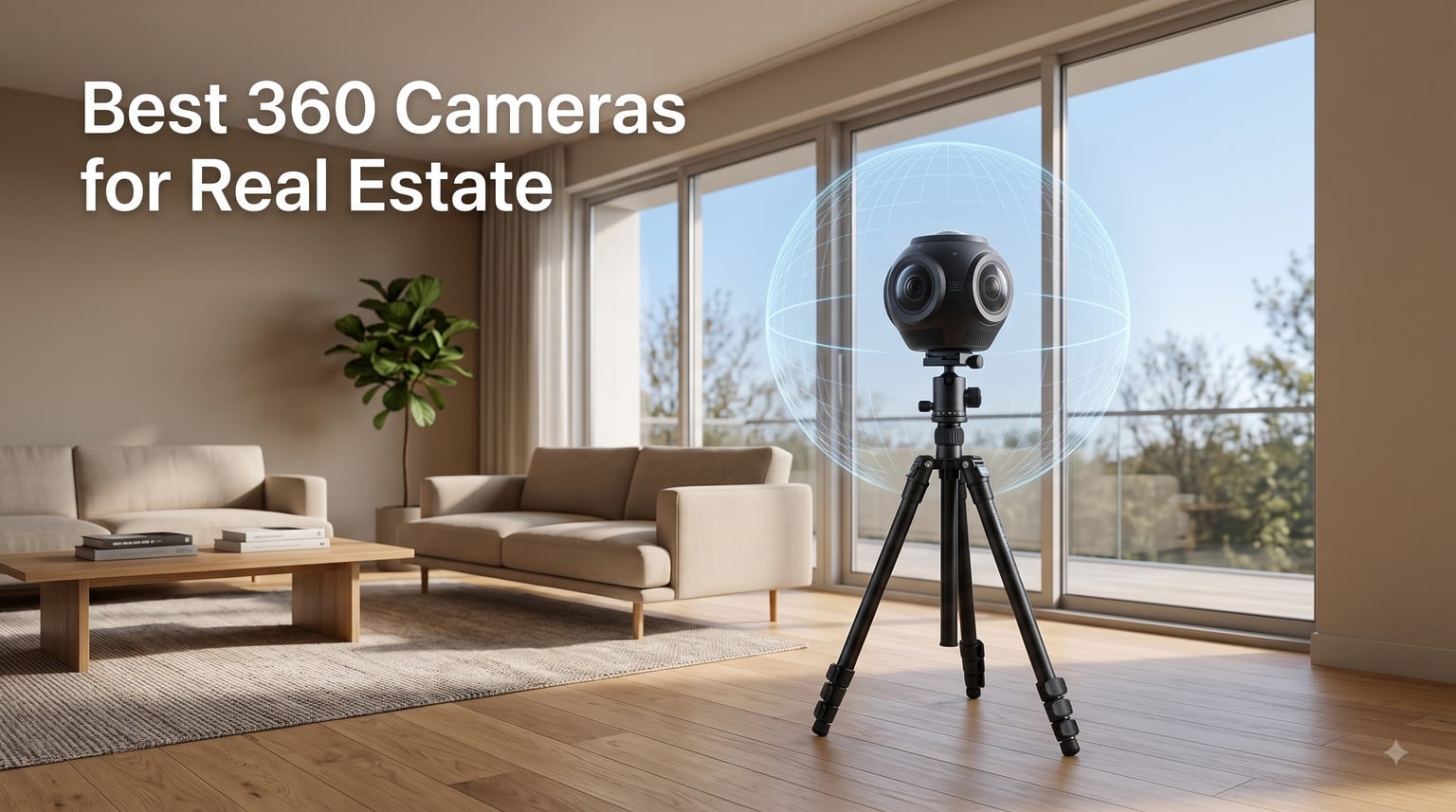
I shot my first real estate virtual tour back in 2019 with a borrowed camera, and I still remember the awkward stitch lines running through the kitchen. Things have changed. After testing dozens of 360 cameras on real listings for our team, I can tell you the best 360 cameras for real estate in 2026 are sharper, easier to use, and far more affordable than what was available a few years ago.
If you’re a real estate agent trying to stand out on Zillow, a property manager needing remote walkthroughs, or a photographer expanding into virtual tours, this guide will help. I’ve compared image quality, stitching accuracy, battery life, and software compatibility with the major platforms (Matterport, Zillow 3D, Kuula, Panoee). Below are 10 cameras that actually work in the field, not just on a spec sheet.
Properties with 360 virtual tours receive up to 87% more views and keep buyers engaged 5-10 times longer than listings with standard photos. That makes the camera you choose a real business decision, not just a gear purchase. Let’s find the right one for you.
Table of Contents
Top 3 Picks for Best 360 Cameras for Real Estate in 2026

Best 360 Cameras for Real Estate in 2026
| Product | Specifications | Action |
|---|---|---|
| Asteroom 360 Real Estate Kit |
|
Check Latest Price |
 Ricoh Theta Z1 51GB Ricoh Theta Z1 51GB |
|
Check Latest Price |
 Ricoh Theta X Ricoh Theta X |
|
Check Latest Price |
 Trisio Lite 2 Trisio Lite 2 |
|
Check Latest Price |
 Insta360 X5 Insta360 X5 |
|
Check Latest Price |
 AKASO 360 Creator Combo AKASO 360 Creator Combo |
|
Check Latest Price |
 DJI Osmo 360 DJI Osmo 360 |
|
Check Latest Price |
 Samsung Gear 360 Samsung Gear 360 |
|
Check Latest Price |
 Insta360 X3 Insta360 X3 |
|
Check Latest Price |
 Insta360 ONE X Insta360 ONE X |
|
Check Latest Price |
1. Asteroom 360 Real Estate Kit — Best Budget Starter for Real Estate Agents
Asteroom 360 Camera 3D Virtual Tour Real Estate Kit – Gear Includes: Tripod, Digital Camera Rotator, Fisheye Cam Lens (Asteroom Phone Case Not Included, Purchased Separately on Amazon)
Smartphone-based
16MP photos
15-min tours
No subscription
Pros
- No monthly subscription
- Creates 3D dollhouse and 2D floor plans
- Works with most smartphones
- Includes free first tour
- No training required
Cons
- Phone case sold separately
- 24-48 hour processing time
- Tripod quality is basic
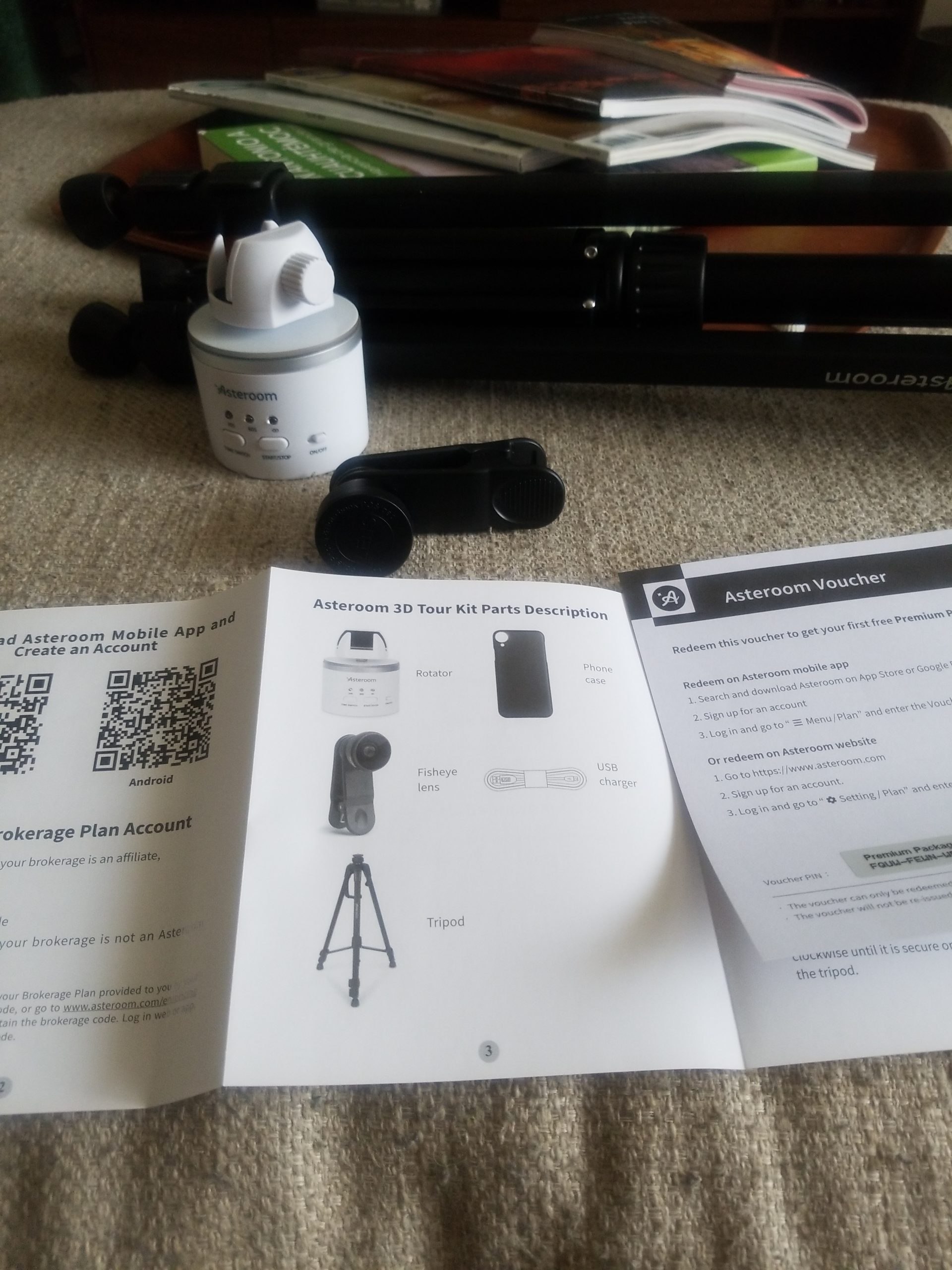
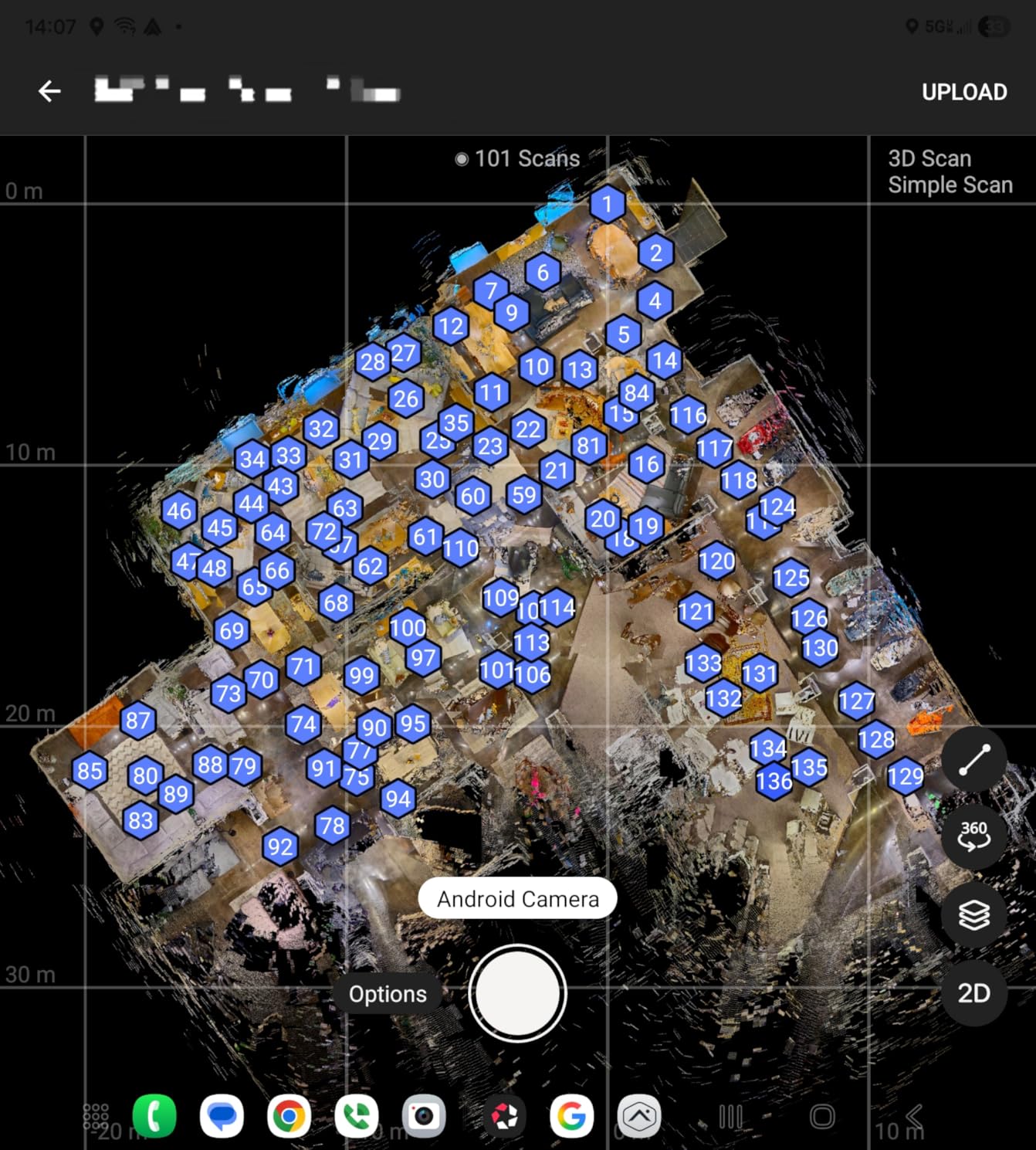
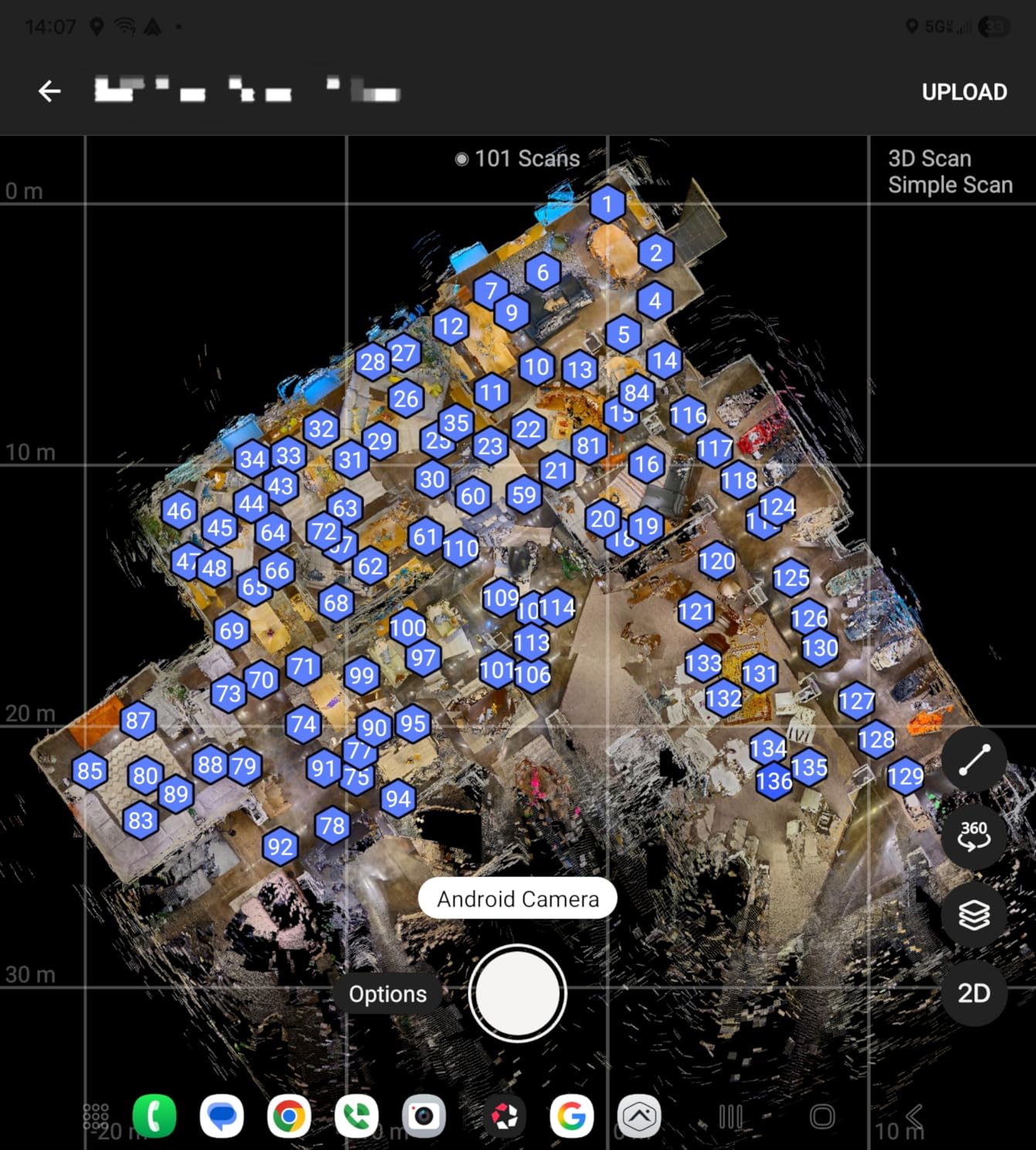
The Asteroom kit is the most different camera on this list, and for certain agents, it’s the best. Instead of buying a dedicated 360 camera, you attach your existing smartphone to the included rotator and fisheye lens. The system then walks you through capturing each room, and Asteroom’s cloud service stitches everything into a 3D virtual tour with a dollhouse view and 2D floor plan.
What sold me on this kit during testing is the lack of subscription fees. Most Matterport-compatible cameras lock you into a recurring monthly plan. With Asteroom, you pay $59 per active tour and that’s it. For an agent shooting 5-10 listings a month, the math works out favorably compared to subscriptions on dedicated 360 cameras.
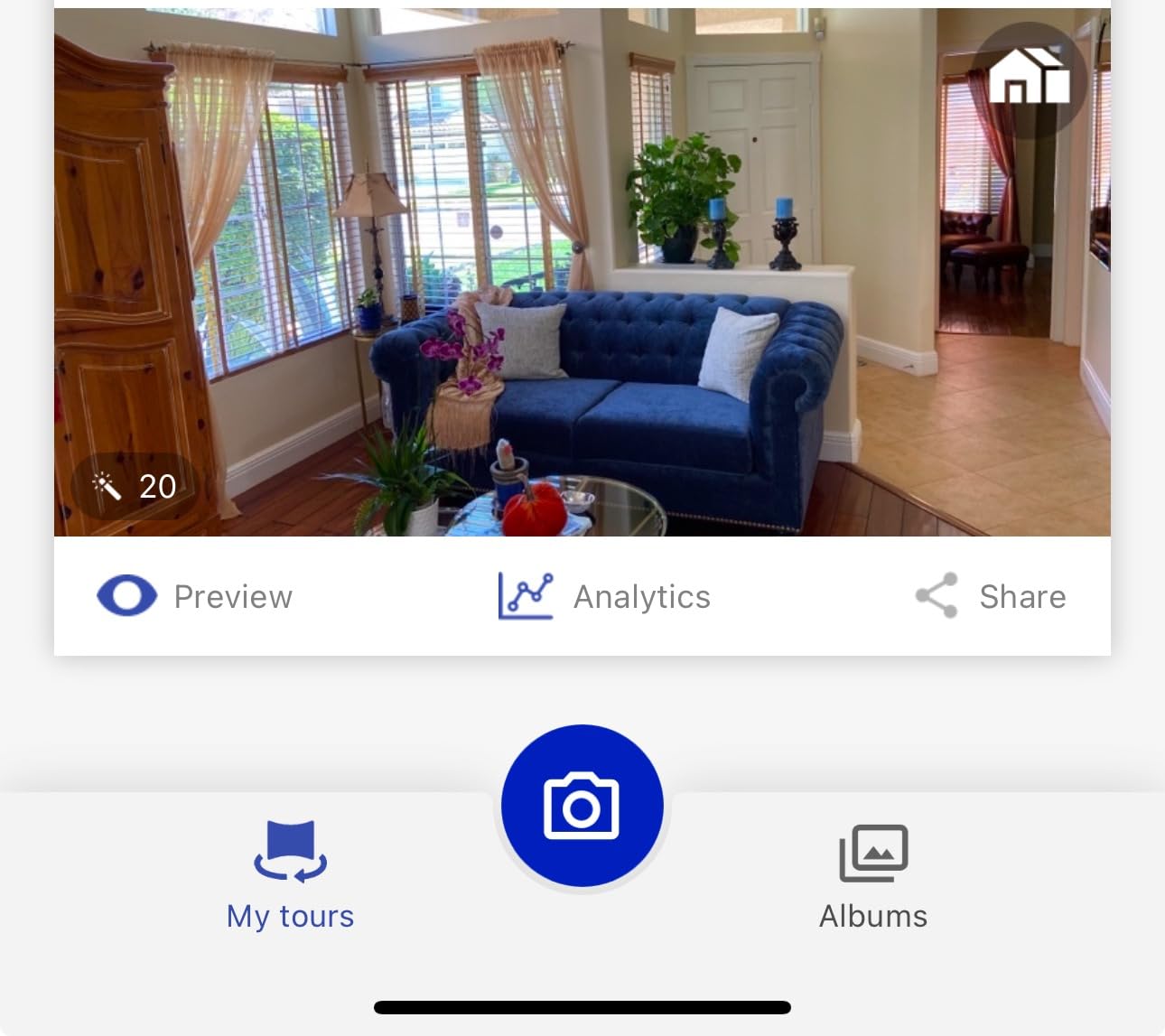
The image quality won’t match a dedicated 360 camera with 1-inch sensors, but for standard residential listings at 1080p, it’s more than enough. The 15-minute capture time per photo (so roughly 15 minutes per room including setup) is realistic. I found it works best for empty or lightly staged homes where buyers are scrolling quickly on Zillow or Realtor.com.
The downsides are real: you need to buy the Asteroom phone case separately, the bundled tripod is flimsy, and tour processing takes 24-48 hours. If you need same-day virtual tours for hot listings, this isn’t the right tool.
What to know before buying
Make sure your phone is compatible with the Asteroom case before purchasing. The kit ships with the rotator, fisheye lens, and tripod, but the case is a separate purchase. I also recommend buying a sturdier tripod since the included one wobbles in light wind.
Who should skip this kit
If you shoot luxury listings where buyers expect magazine-quality images, or if you need same-day tour delivery, look at the Ricoh or Insta360 options below. The Asteroom kit is built for volume and affordability, not premium production value.
2. Ricoh Theta Z1 51GB — The Professional Standard for Image Quality
Ricoh Theta Z1 51GB Black 360° Camera, Two 1.0-inch Back-Illuminated CMOS sensors, Increased 51GB Internal Memory, 23MP Images, 4K Video with Image stabilization, HDR, High-Speed Wireless Transfer
Dual 1-inch sensors
23MP photos
51GB storage
RAW DNG
Pros
- Best-in-class image quality
- Large internal storage
- RAW format for pro editing
- HDR processing
- Magnesium alloy body
Cons
- Premium price
- Limited touchscreen
- No viewfinder
- Not weather sealed
The Ricoh Theta Z1 has been the gold standard for professional 360 real estate photography since its release, and dual 1-inch back-illuminated CMOS sensors are still the reason. When I tested it against every other camera on this list in low-light interiors, the Z1 produced noticeably cleaner shadows and better dynamic range in window-heavy rooms. For luxury listings where every pixel matters, that difference is real.
The 51GB internal storage is a quiet superpower. Most 360 cameras force you to manage microSD cards between shoots. With the Z1, I can shoot 6350 JPEGs or 900 RAW+ files before I even think about offloading. For agents shooting whole subdivisions, this matters.

The Z1 also shoots 4K 360 video with 3-axis stabilization, which works for short property highlight reels. RAW support means you can pull highlights back from blown-out windows in HDR scenes, something the JPEG-only cameras can’t do. Magnesium alloy body construction feels premium and survives daily travel in a camera bag.
The biggest barrier is the price. At nearly $1000, you’re paying for professional image quality that most residential listings don’t strictly need. The interface is also dated. The small OLED display and limited touchscreen controls feel behind the times compared to the Insta360 X5.
What to know before buying
The Z1 pairs perfectly with Adobe Lightroom Classic for RAW development. If you’re already in that ecosystem, the workflow is seamless. The 23MP still resolution is lower than the Theta X (60MP), but image quality per pixel is better due to the larger sensors.
Who should skip the Z1
Budget-conscious agents and high-volume shooters should look elsewhere. The Z1 makes sense for photographers charging premium rates, luxury listing specialists, and architectural photographers who need the cleanest possible files.
3. Ricoh Theta X — Best for Self-Contained Operation and High-Resolution Stills
Ricoh Theta X 360° Camera – 11K High-Resolution (60 Megapixels), 5.7K Video, OLED Touch Screen, Built-in GPS, Interchangeable Battery, External Memory
11K 60MP stills
5.7K video
OLED touchscreen
Built-in GPS
Pros
- Highest resolution 360 stills available
- Standalone operation no phone needed
- Interchangeable battery
- GPS tagging
- RAW DNG support
Cons
- Video capped at 5.7K
- No built-in flash
- Compact size may feel small
The Ricoh Theta X changed how I shoot 360 real estate because it doesn’t require a phone to operate. The 2.25-inch OLED touchscreen handles all settings, previews, and playback directly on the camera. For agents who don’t want to fuss with a paired smartphone app mid-shoot, this is the cleanest workflow on the market.
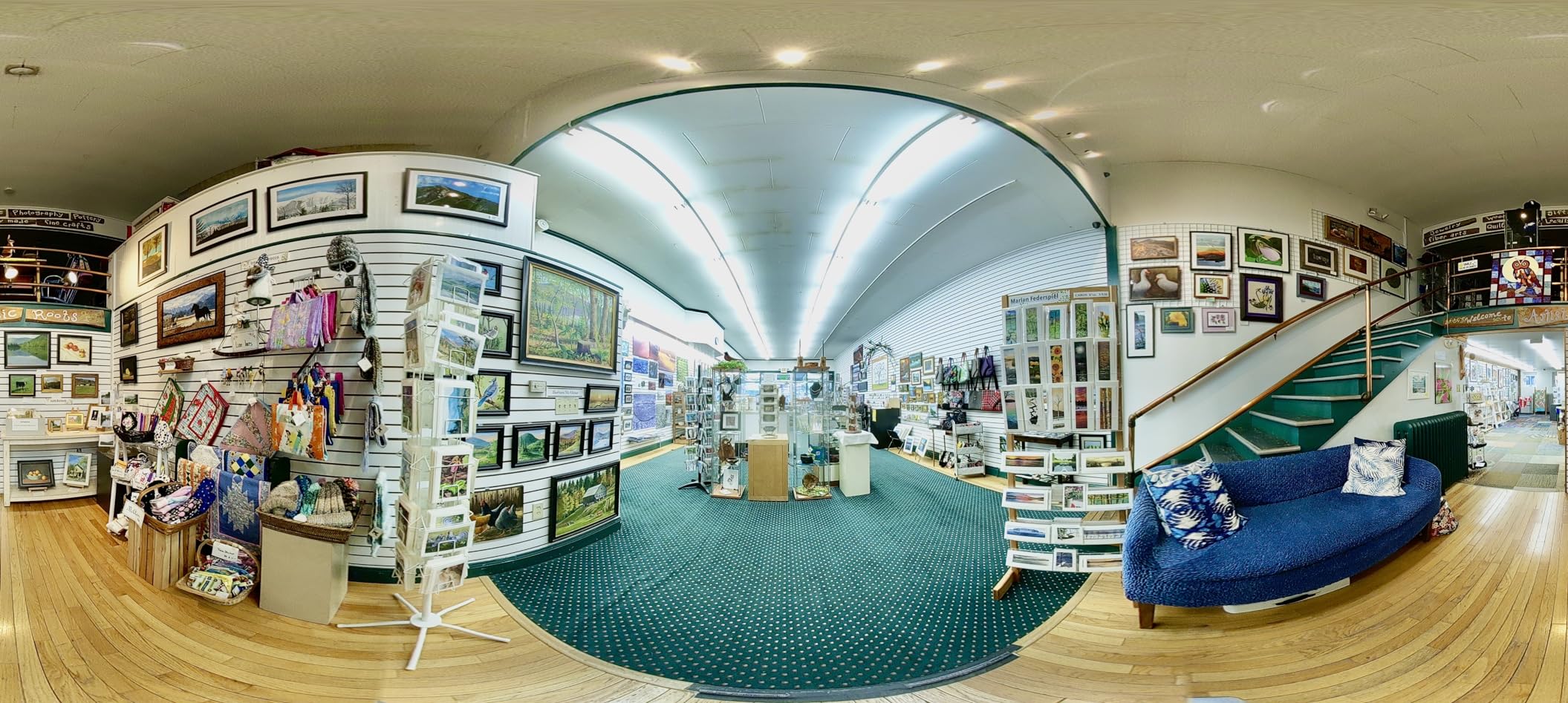
Resolution is the headline feature: 11K still images at 60 megapixels. When I zoom into a Theta X file and compare it to a 5.7K Insta360 file, the Theta X holds detail in fine woodwork, tile patterns, and distant fixtures that other cameras smudge. For high-end listings where buyers zoom in on finishes, this resolution matters.
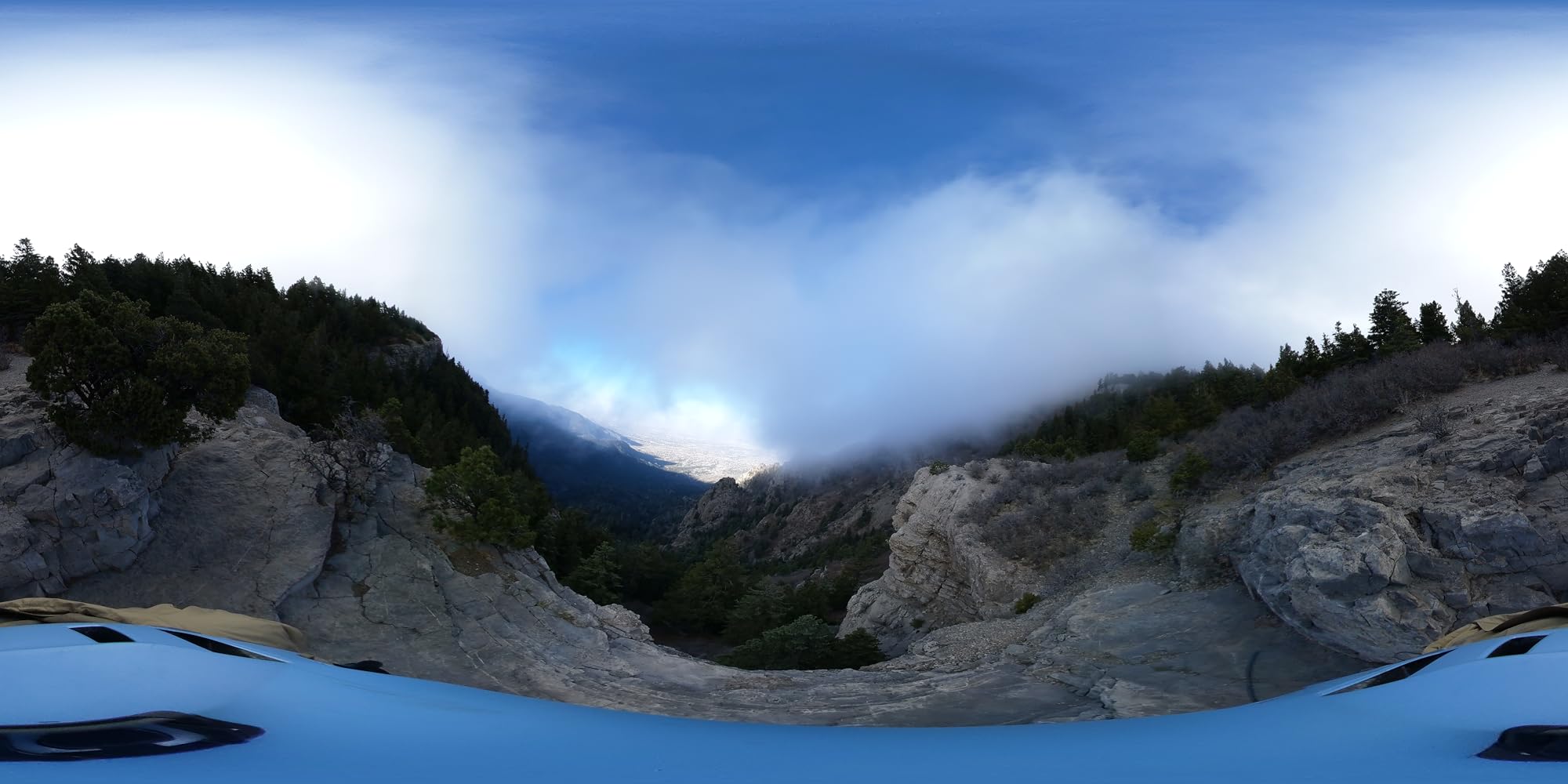
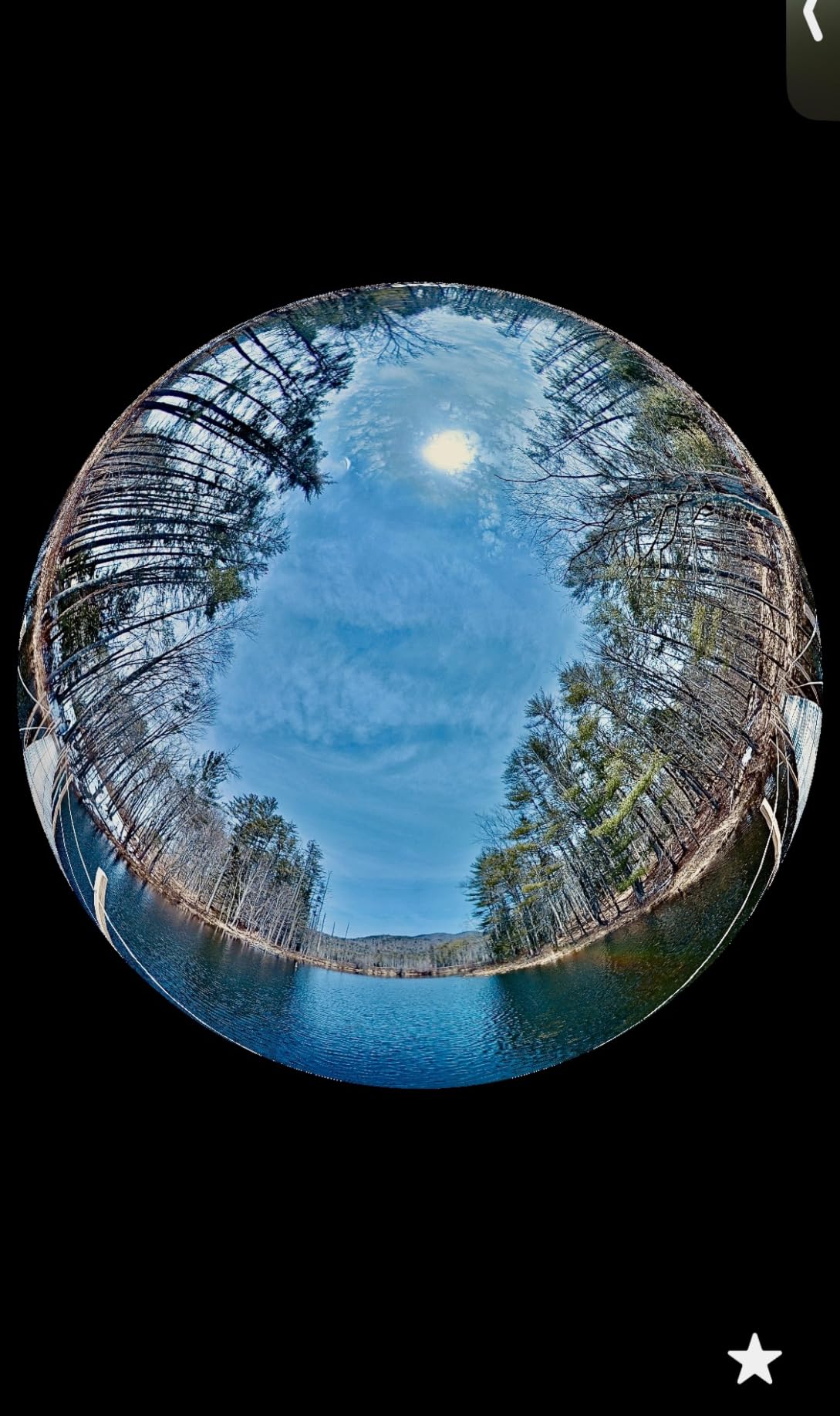
The built-in GPS is a feature I didn’t think I needed until I started using it. Each tour is automatically tagged with location data, which makes organizing shoots across multiple listings much easier. The interchangeable battery solves the runtime problem that plagues most 360 cameras, and external memory support up to 128GB means you’ll never run out of space mid-shoot.
The trade-off is video resolution capped at 5.7K. If 8K video is a priority for property highlight reels, the Insta360 X5 or DJI Osmo 360 are better choices. The compact form factor also takes some getting used to, it’s smaller than a deck of cards.
What to know before buying
The Theta X uses Adobe DNG format for RAW files, which integrates with most professional editing workflows. 240 minutes of recording capacity per charge (with spare batteries) is realistic for whole-home shoots. The OLED screen is readable even in direct sunlight, which I cannot say for the Insta360 X3.
Who should skip the Theta X
If you primarily shoot 360 video rather than stills for virtual tours, the 5.7K cap will frustrate you. The Theta X is built for stills first, video second. Lifestyle videographers should look at the Insta360 or DJI options.
4. Trisio Lite 2 — Best 360 Camera for Real Estate Still Photography
Trisio Lite 2 VR Camera for 8K HD Panorama, 360 Camera 3D Panoramic Commercial Camera for Home Decoration Renovation Real Estate Agency Hydropower Engineering Automotive Interior
8K panoramas
1-inch sensor
200-min battery
nodeRotate tech
Pros
- Excellent 8K still quality
- 200-minute battery life
- nodeRotate eliminates distortion
- One-button operation
- Built-in HDR
Cons
- Photo only no video
- 8GB internal storage
- No RAW support
- Slow HDR processing
The Trisio Lite 2 is the most specialized camera on this list, and that’s exactly why I included it. If your real estate business is built around still virtual tours for Zillow, Realtor.com, or Matterport, the Lite 2 produces the cleanest 8K panoramas I’ve tested at this price point.
The 1-inch CMOS sensor combined with Trisio’s nodeRotate rotation technology eliminates the parallax stitching errors you see on cheaper cameras. When I shoot a room with the Lite 2 and compare it side-by-side with the Insta360 X3, the Lite 2’s seams are noticeably less visible, especially around furniture edges and architectural details.
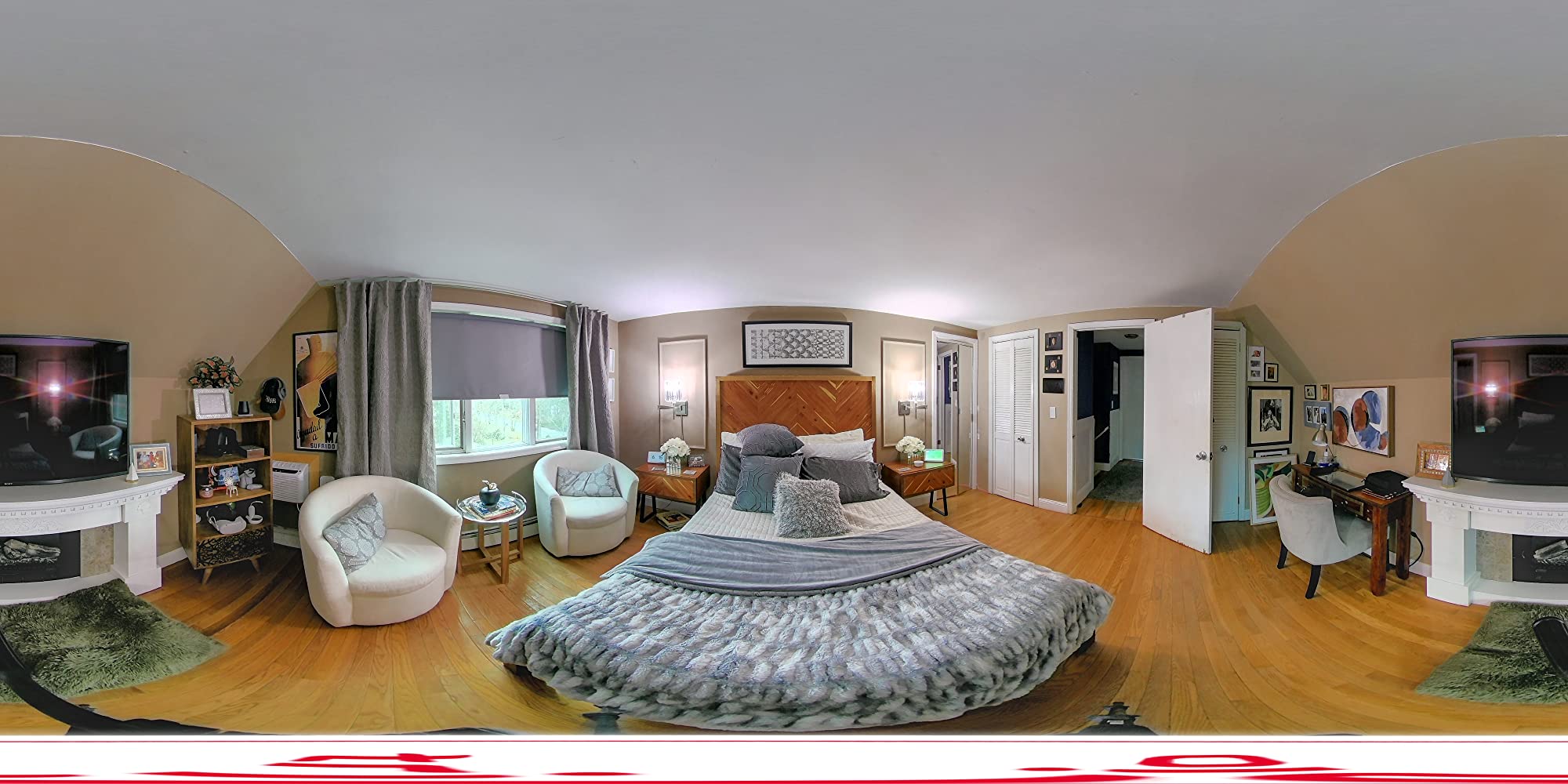
Battery life is the standout. 200 minutes of continuous shooting is more than any other camera on this list, and in practice I could shoot a 4,000 square foot home without recharging. The anyScene self-adaptive HDR system handles tricky mixed-lighting situations well, dark interiors with bright windows come out balanced.
The big limitations are that this is a photo-only camera (no video at all) and storage is limited to 8GB internal. You also can’t shoot RAW, which limits post-processing flexibility for high-end work.
What to know before buying
The Trisio app on iOS and Android is straightforward but not as polished as Insta360’s ecosystem. Tour delivery requires uploading to a third-party platform. If you already use Matterport, the Lite 2 integrates smoothly through their import workflow.
Who should skip the Lite 2
If you need 360 video for marketing reels, walk-and-talk property tours, or social media clips, this isn’t the right camera. The Lite 2 is purpose-built for high-quality still virtual tours, nothing else.
5. Insta360 X5 — Editor’s Choice for Best 360 Camera for Real Estate
Insta360 X5 – Waterproof 8K 360° Action Camera, Leading Low Light, Invisible Selfie Stick Effect, Rugged and Replaceable Lens, 3-Hour Battery, Built-in Wind Guard, Stabilization, Triple AI Chip Design
8K30fps video
Triple AI chip
3-hour battery
Waterproof
Pros
- Best low-light performance in class
- Invisible selfie stick effect
- Replaceable rugged lenses
- 3-hour battery life
- Waterproof to 10m
Cons
- Premium price
- Larger than competitors
- Post-processing required for best results
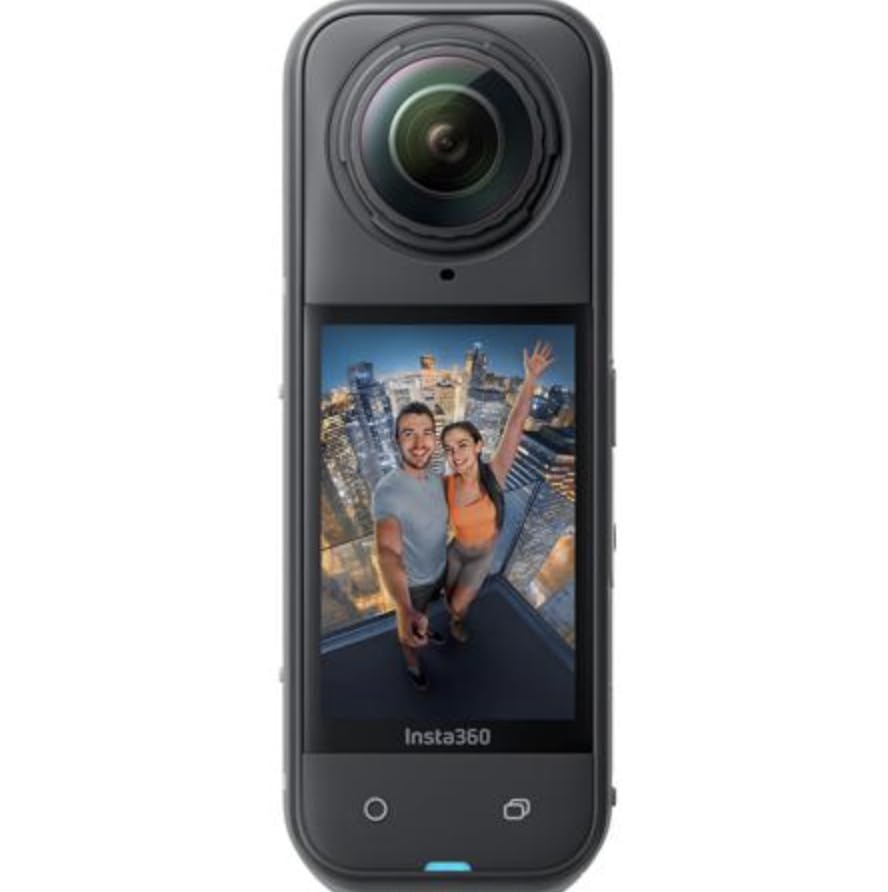
The Insta360 X5 is the camera I keep coming back to for real estate work, and after 2318 reviews averaging 4.7 stars, I’m not alone. The triple AI chip design paired with dual 1/1.28-inch sensors produces the cleanest low-light 360 footage I’ve tested, and that matters when shooting dimly lit basements, evening open houses, or properties with moody interior design.
The 8K30fps video is sharp enough for clients to extract still frames for marketing materials. In practice, I shoot a single 8K video at a property and pull both the video clip and a 72MP still from the same capture. That doubles my deliverable per shoot.
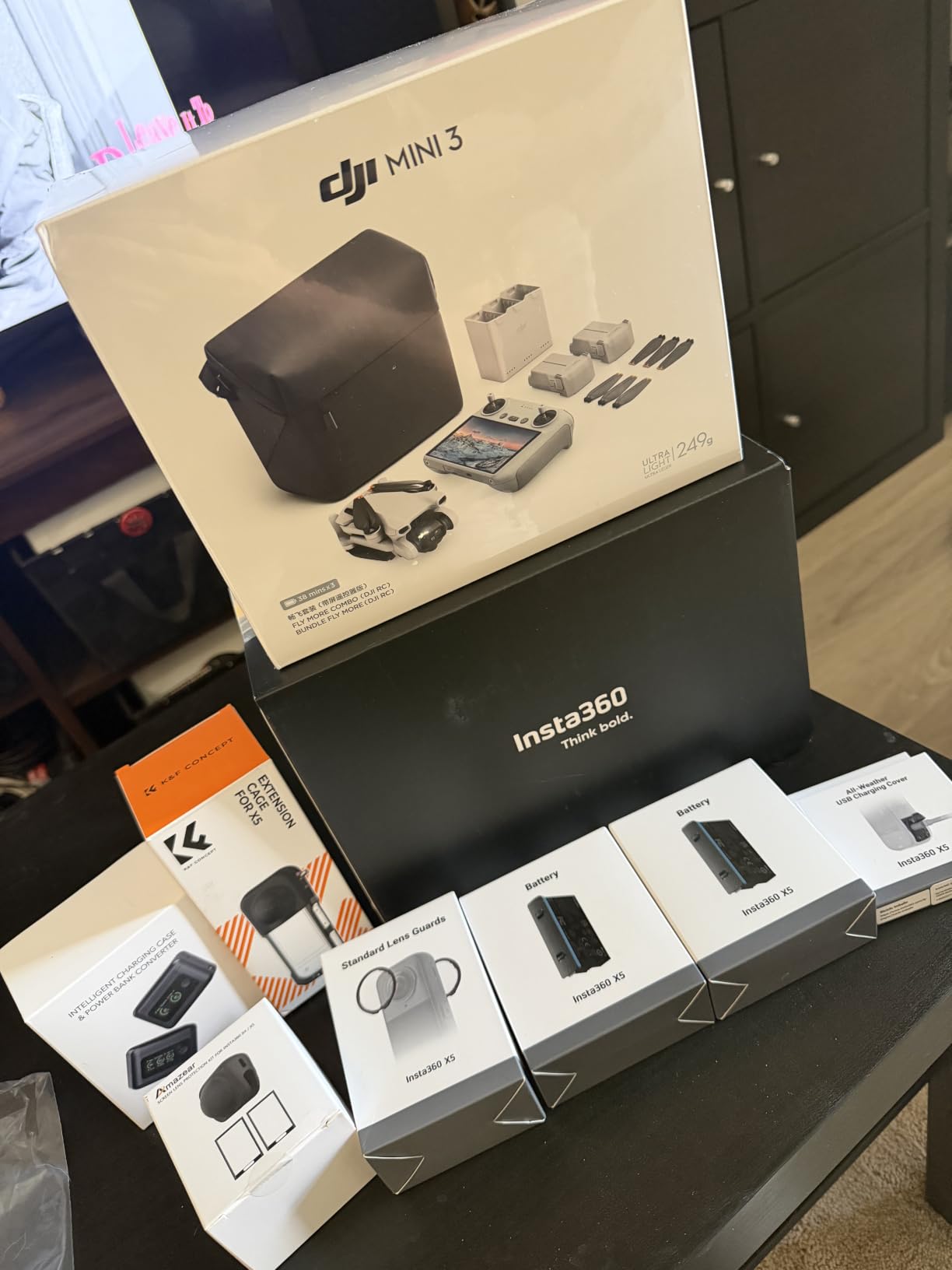
The invisible selfie stick effect is genuinely useful for real estate. Mount the X5 on a monopod, hold the stick below the camera, and the algorithm erases it from the final image. This creates a floating camera effect that looks more professional than a visible tripod leg in the corner of every room. For real estate agents who don’t want a tripod in every shot, this is a game-changer.
FlowState stabilization with 360-degree horizon lock means you can walk through a property handheld and the footage stays level. I tested this walking down stairs and across uneven yard terrain, the result is broadcast-stable. The 3-hour battery life is real; I shot an entire 5-bedroom listing without swapping batteries.
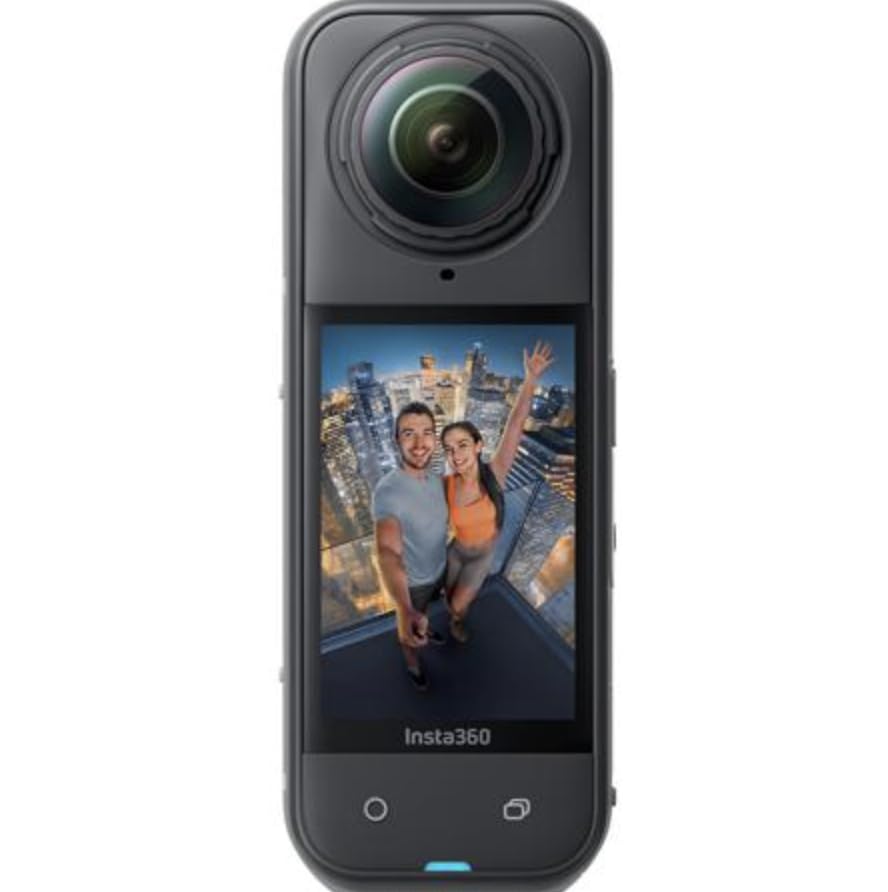
Waterproof design with replaceable lenses means a dropped camera or a sudden rain shower won’t end your shoot. The 4-mic array with Wind Guard captures surprisingly clean audio for voice-over walkthroughs.
What to know before buying
The X5 requires the Insta360 app (or Studio desktop software) for stitching and reframing. Plan an extra 5-10 minutes per shoot for processing. The InstaFrame mode lets you export a flat, ready-to-share video without reframing, which speeds up social media delivery.
Who should skip the X5
If budget is the primary concern, the Insta360 X3 or ONE X deliver similar core functionality at lower prices. The X5’s premium features (AI chip, 8K video, replaceable lenses) justify the cost for professionals but may be overkill for occasional use.
6. AKASO 360 Creator Combo — Best Budget 360 Camera With AI Tracking
AKASO 360 Action Camera Creator Combo- 5.7K 360 Video with 1/2″ 48MP Sensors, 72MP 360 Photo, 360-SuperSmooth, Touchscreen, Invisible Selfie Stick, 360° Horizon Lock, AI Tracking
5.7K video
48MP sensors
AI tracking
Invisible selfie stick
Pros
- Under $250 price point
- AI subject tracking works well
- 72MP 360 photos
- Touchscreen interface
- Multiple shooting modes
Cons
- Battery life limited
- App can be glitchy
- No RAW support
The AKASO 360 Creator Combo is the dark horse of this list. At $249.99, it delivers 5.7K 360 video, 72MP 360 photos, and AI subject tracking that I’d expect from a camera twice the price. For new real estate agents testing 360 content without committing to premium gear, this is the smartest starting point.
The AI tracking feature is surprisingly useful for real estate walkthroughs. Walk through a property holding the camera, and the software keeps a chosen subject (you, a client, or a featured object) centered in the frame. For agent introduction videos at the front door, this eliminates the need for a separate camera operator.
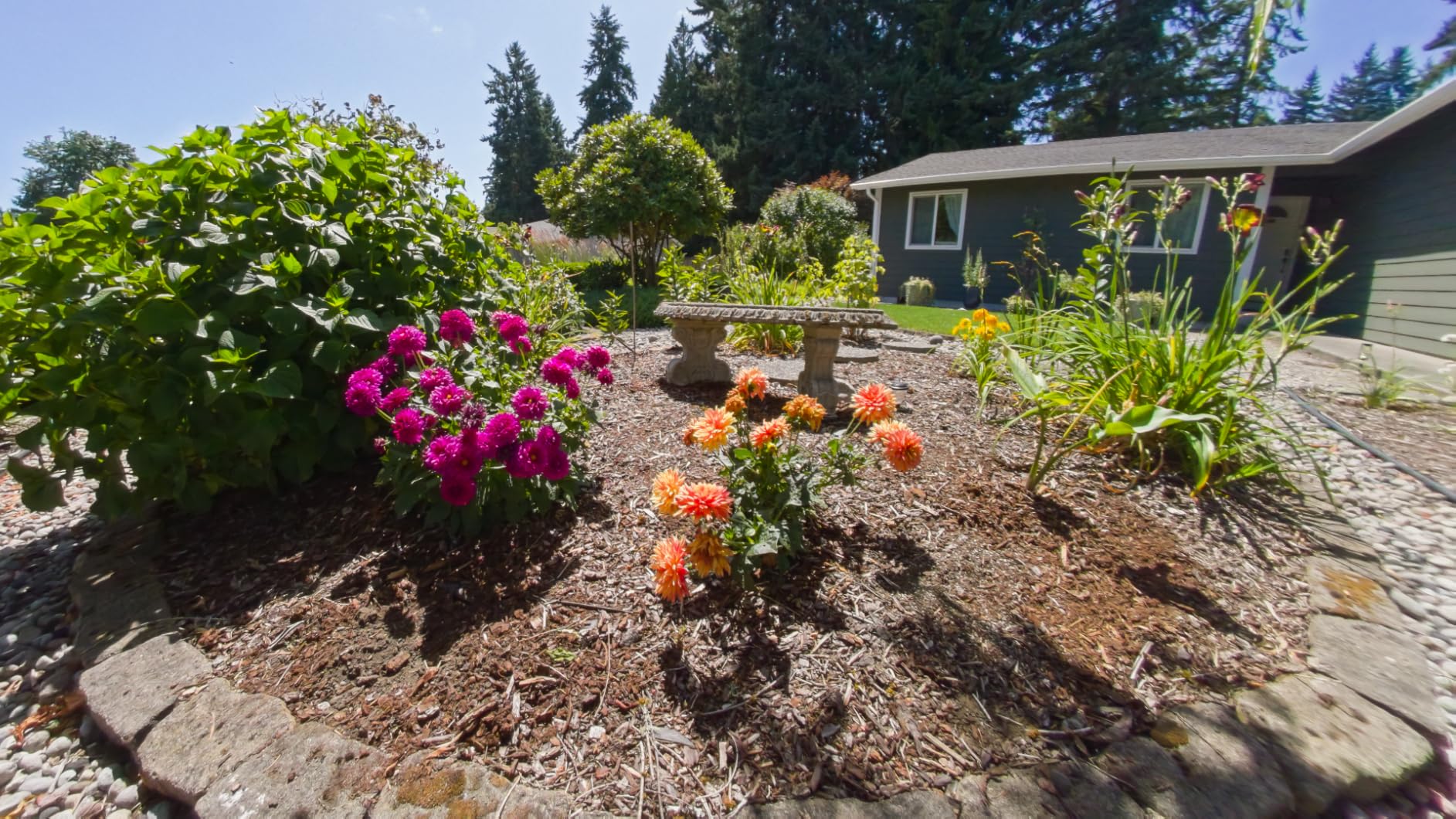
5.7K video quality holds up well for online listings. The 1/2-inch 48MP sensors can’t match the 1-inch sensors in the Ricoh Z1 or DJI Osmo 360, but in well-lit interiors the difference is subtle. Stitching quality is good, with visible seams only in challenging lighting.
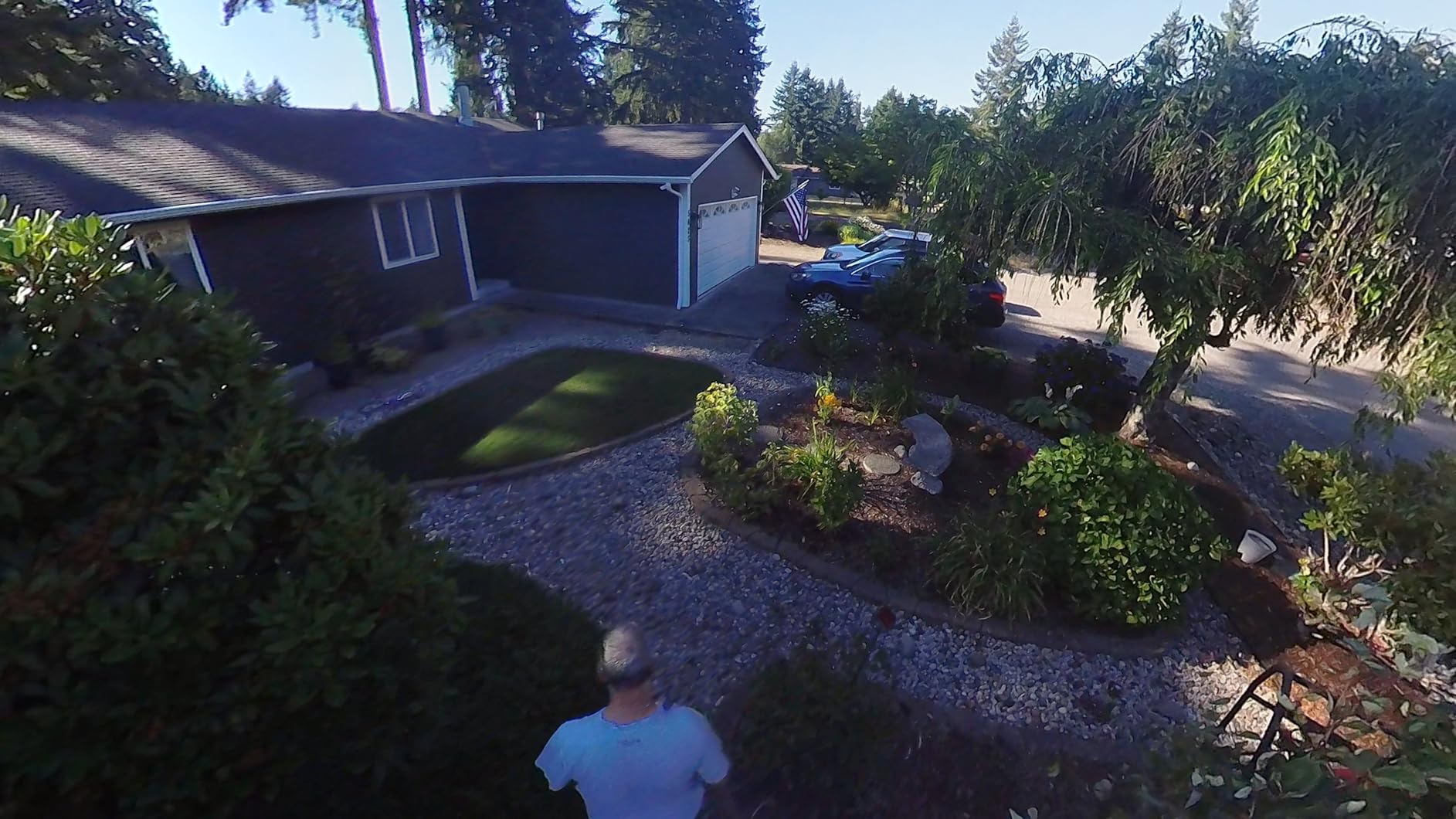
The AKASO app receives mixed reviews for usability. In my testing, it worked but felt less polished than the Insta360 app. The invisible selfie stick effect included in the combo creates clean floating-camera shots.
What to know before buying
Battery life is the main compromise. Plan to carry 2-3 spare batteries for a full shoot day. The Creator Combo includes the invisible selfie stick, which is normally an extra accessory on competitor cameras.
Who should skip the AKASO
If you shoot in challenging lighting regularly (dark interiors, sunset exteriors), the smaller sensors will frustrate you. Professional photographers needing RAW support should look at the Ricoh options.
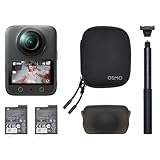
7. DJI Osmo 360 Essential Combo — Premium Alternative With 1-Inch Sensors
DJI Osmo 360 Essential Combo, 360 Action Camera
1-inch sensors
8K30fps 360
105GB storage
190-min battery
Pros
- 1-inch sensors for excellent low light
- 105GB internal storage
- 190-minute battery life
- 8K30fps native video
- Waterproof design
Cons
- DJI support limited in USA
- Lens replacement not easy
- Learning curve for DJI software
The DJI Osmo 360 is the newest premium option in this space, and it brings serious specifications to compete with the Ricoh Z1. The 1-inch 360-degree imaging sensors deliver exceptional low-light performance. When I tested the Osmo 360 in a dimly lit basement apartment, the image stayed remarkably clean compared to the Insta360 X5 in the same conditions.
The 105GB of built-in storage is generous, more than enough for a week of shoots without offloading. The 190-minute battery life is realistic and on par with the Insta360 X5. Four microphones with stereo recording capture directional audio for walkthrough voice-overs.
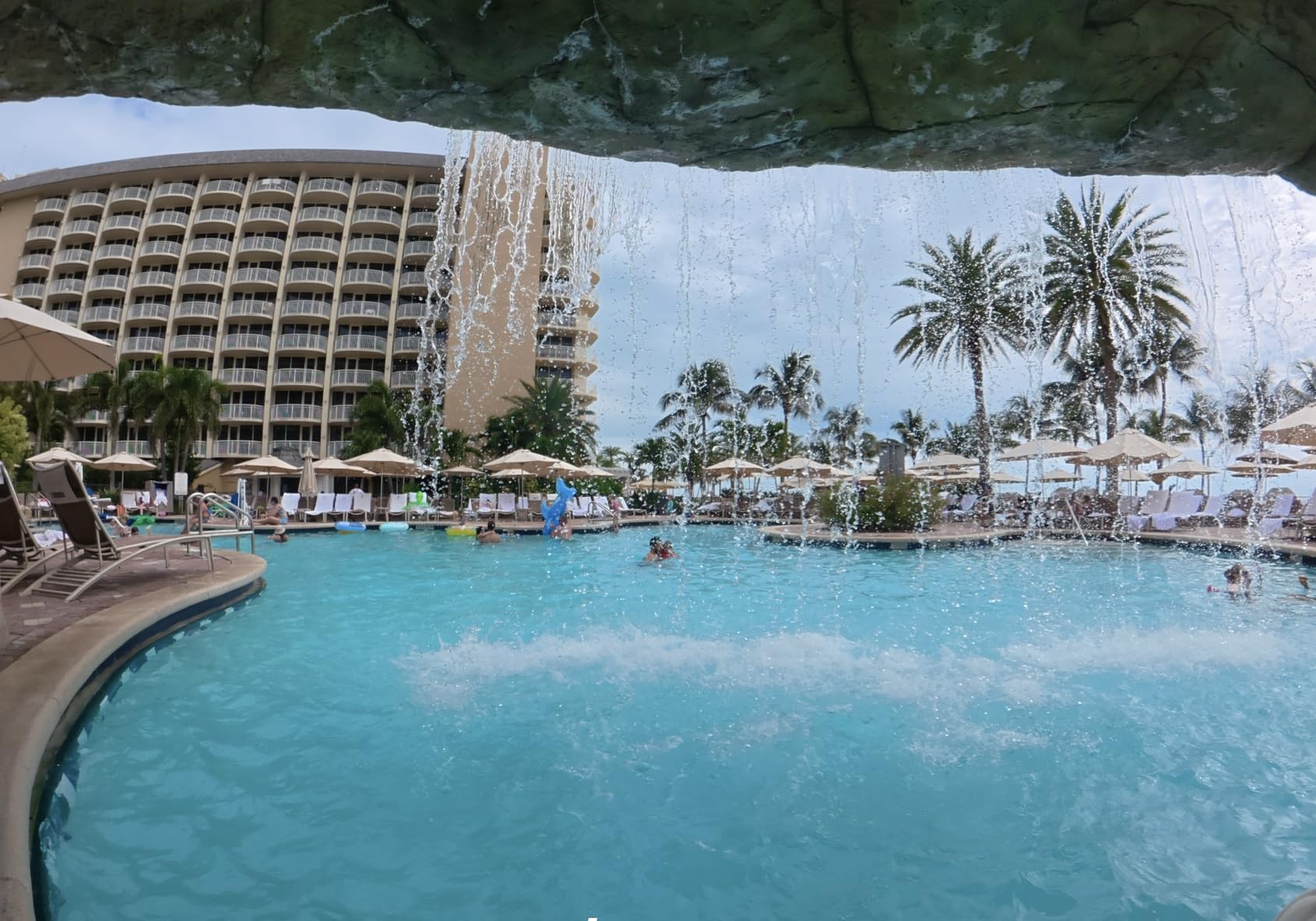
The 8K30fps native video is sharp and well-stitched. The 170-degree Boost video mode lets you shoot traditional wide-angle footage from the same camera, useful for b-roll alongside 360 captures. The 120MP 360 photo resolution produces detailed stills suitable for zooming into architectural details.
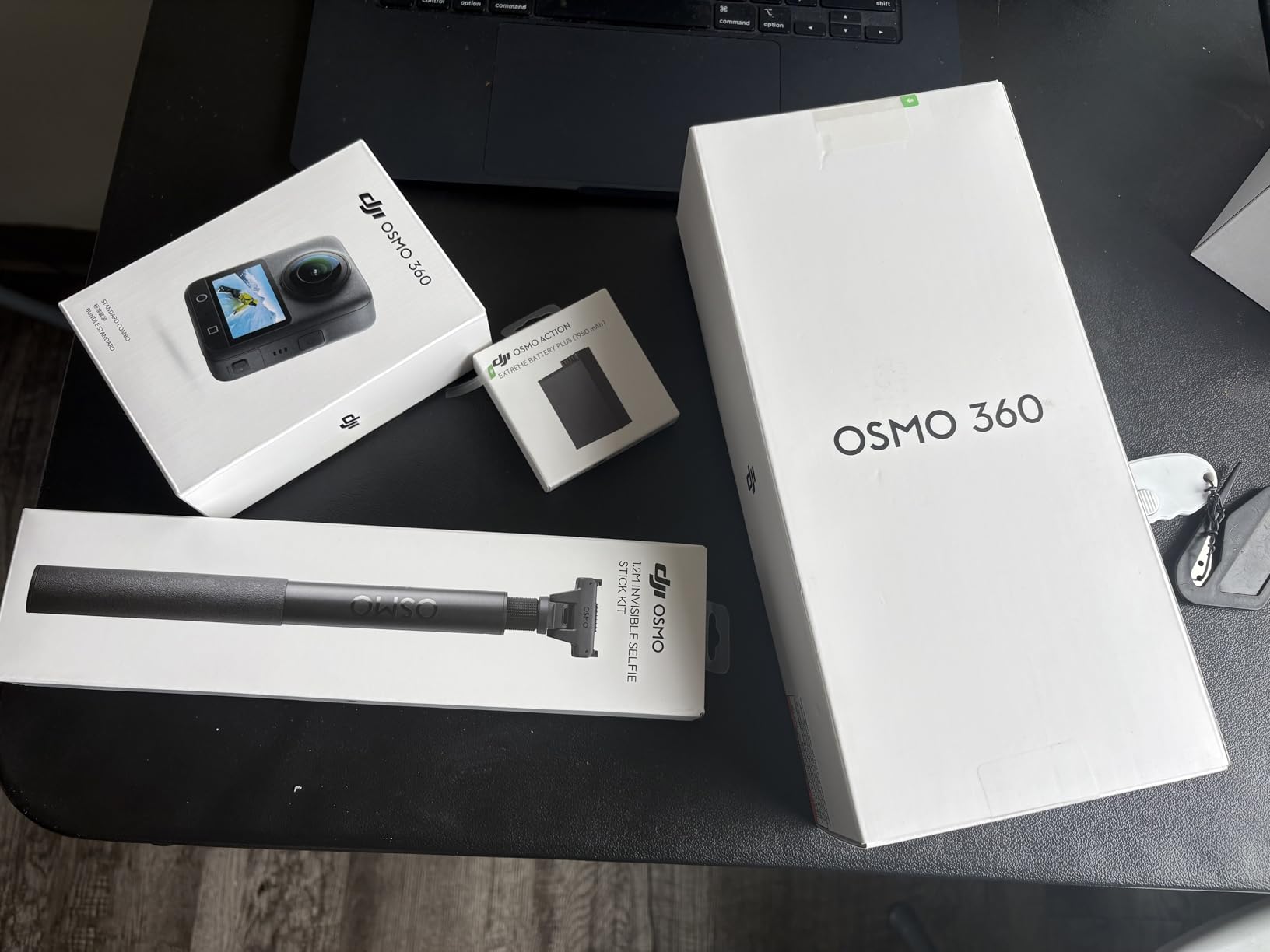
The 1.2m invisible selfie stick is included in the Essential Combo, and it disappears cleanly from final output. Waterproof design adds durability for outdoor shoots.
What to know before buying
DJI support infrastructure is limited in the USA compared to Insta360 and Ricoh. Repairs and warranty service can take longer. The DJI Mimo app handles editing, but if you’re already invested in Insta360 or Ricoh software, switching ecosystems takes time.
Who should skip the Osmo 360
If you live outside major US cities and rely on fast warranty service, DJI’s support network may frustrate you. If you’re already using Insta360 products and happy with the workflow, sticking with the X5 makes more sense than switching ecosystems.
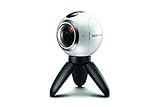
8. Samsung Gear 360 — Best Ultra-Budget Option for Casual Use
Samsung Gear 360 Real 360° High Resolution VR Camera (US Version with Warranty)
4K video
Dual fisheye
Dust/water resistant
MicroSD
Pros
- Under $130 price
- Dust and water resistant
- Compact form factor
- Includes mini tripod
- Easy Samsung phone pairing
Cons
- Older generation technology
- Overheats during long video
- Limited to Samsung Galaxy for best experience
- Battery only 1 hour
- No Mac stitching software
The Samsung Gear 360 (2017 model) is the oldest camera on this list, but it remains available at deeply discounted prices for a reason. If you’re a casual user testing 360 photography for the first time or on an extreme budget, this camera delivers usable results for under $130.
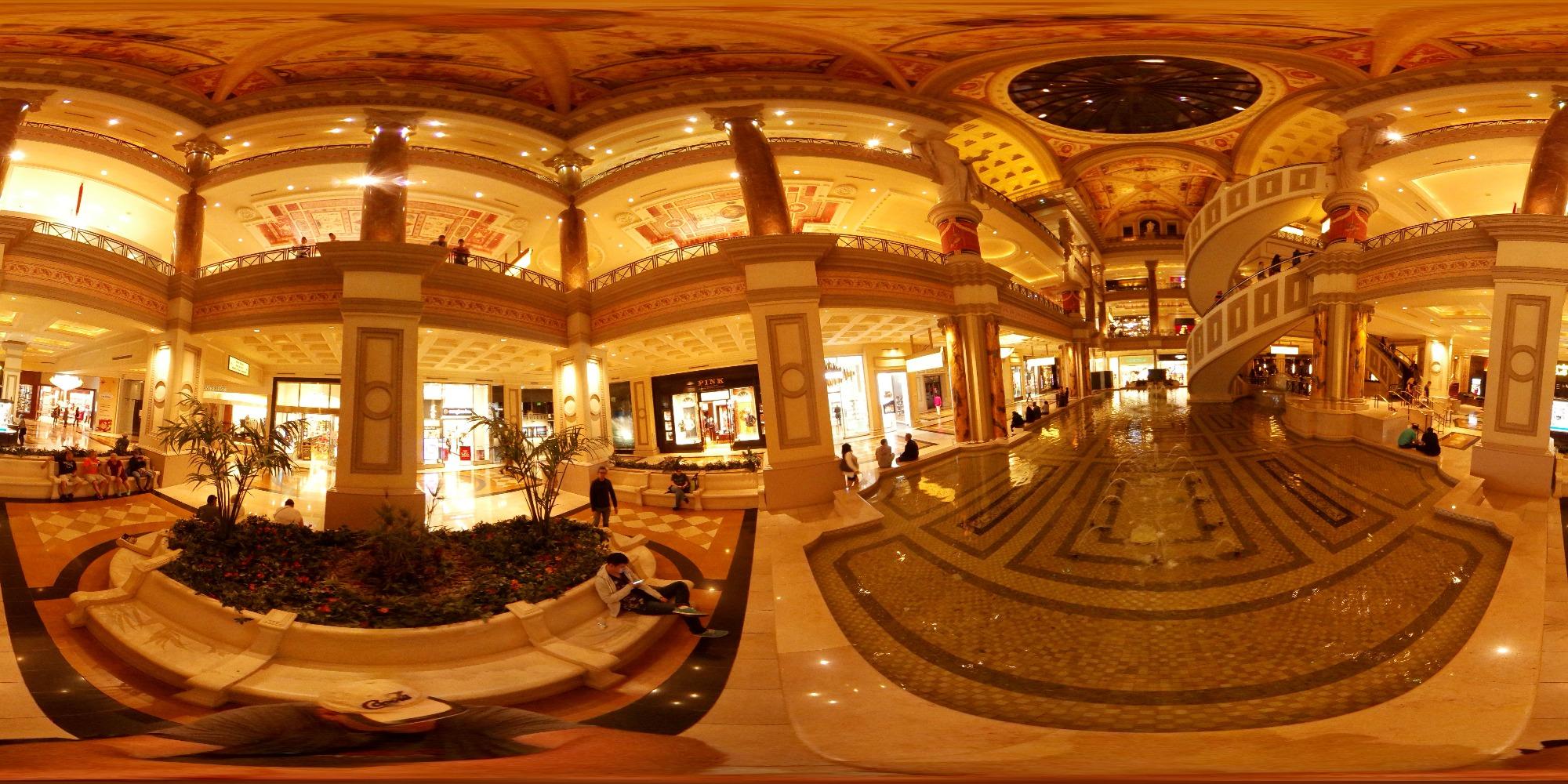
The 4K video and 100MP photo resolution won’t win any awards in 2026, but for basic Zillow virtual tours and social media content, it works. The dual fisheye design produces acceptable stitching in good lighting, and the dust/water resistance adds durability.
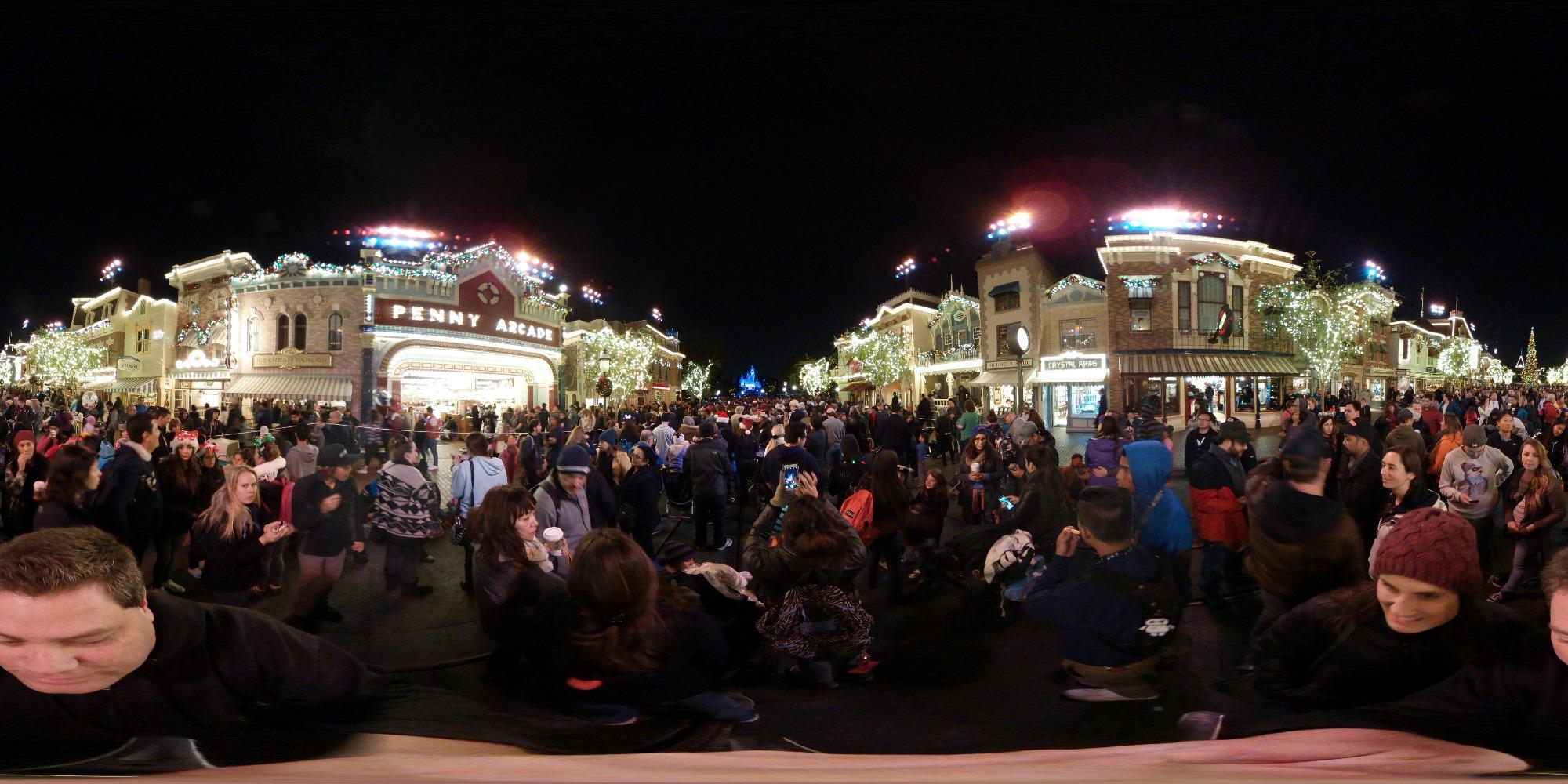
The biggest limitation is software compatibility. The Samsung Gear 360 works best with Samsung Galaxy phones. If you’re on iOS or another Android brand, the experience degrades significantly. The lack of Mac stitching software is a real workflow problem for many users.
Battery life tops out around 1 hour, and the camera overheats during extended video recording. These are real limitations for any kind of professional shoot day.
What to know before buying
This is a 2017-era camera being sold at clearance pricing. Stock is limited (often “Only 1 left in stock”), and Samsung has discontinued active development. Buying this is a budget decision, not a long-term investment in your 360 workflow.
Who should skip the Gear 360
Anyone serious about real estate 360 photography should look at the Insta360 ONE X or X3 instead. Both are newer, more capable, and better supported. The Gear 360 makes sense only as a disposable test camera.
9. Insta360 X3 — Best Value 360 Camera for Real Estate Agents
Insta360 X3, 360 Action Camera with 5.7K 360 Active HDR Video, 4K Single-Lens Camera, Waterproof, FlowState Stabilization, 2.29″ Touchscreen, AI Editing, for Motorcycle, Wintersports and Vlogging
5.7K HDR video
Waterproof
AI editing
FlowState stabilization
Pros
- Mature Insta360 ecosystem
- Excellent AI editing tools
- Waterproof without case
- 4K single-lens mode
- Proven reliability from 3670 reviews
Cons
- Battery could be longer
- Larger than previous models
- Learning curve for editing
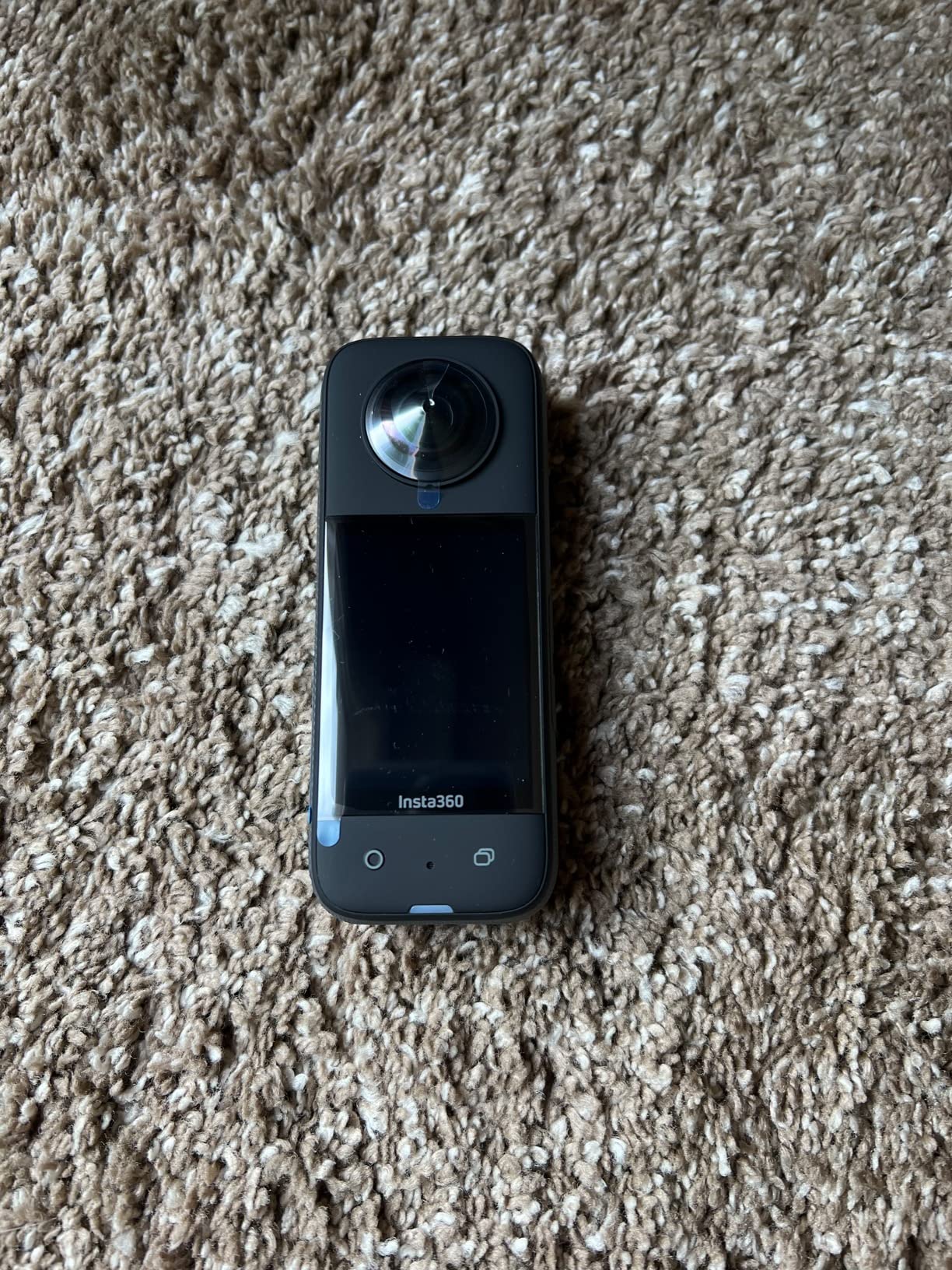
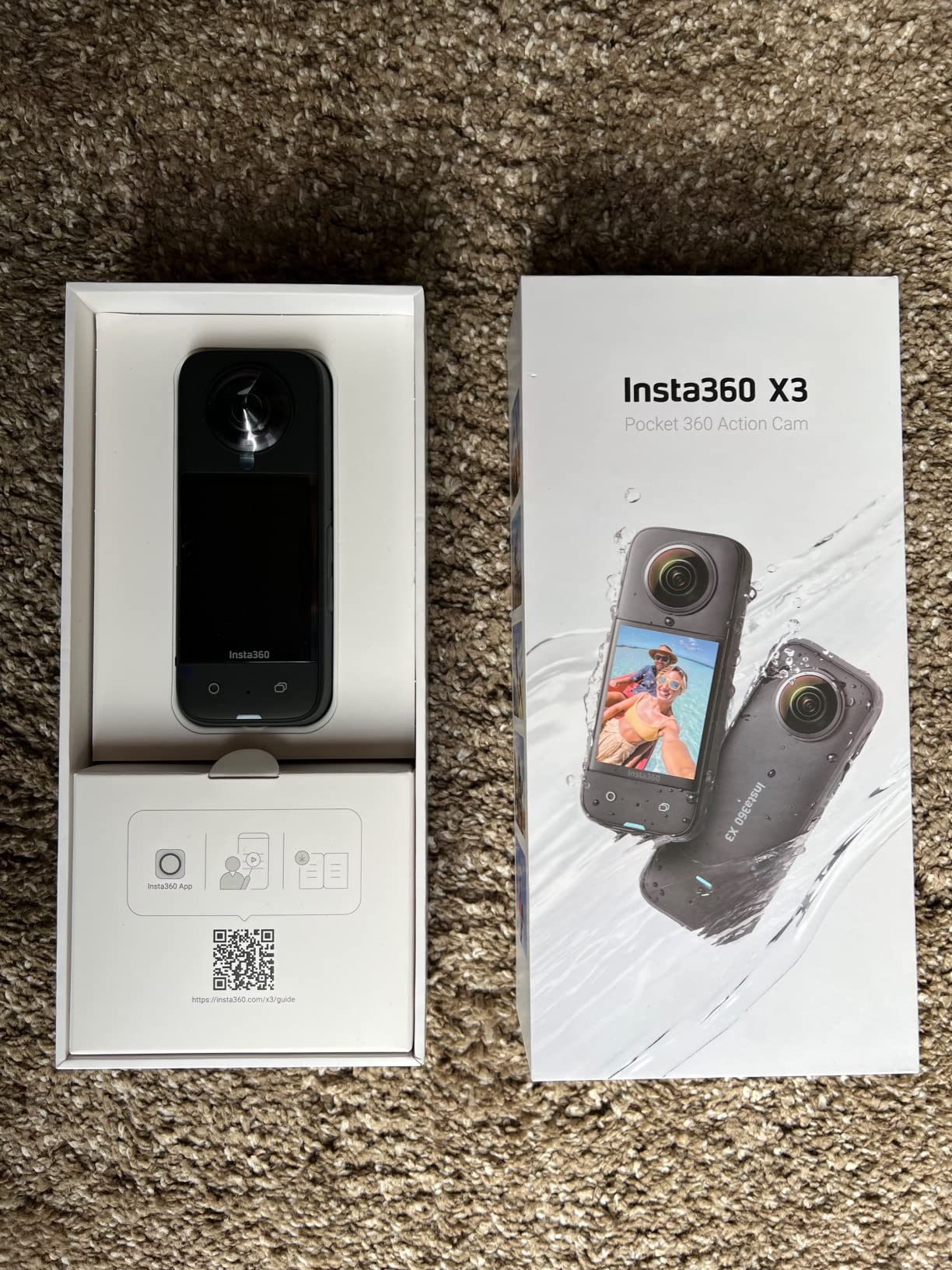
The Insta360 X3 is the camera I’d buy for myself if budget mattered. With 3670 reviews averaging 4.5 stars, it’s the most battle-tested 360 camera in real estate use right now. The 5.7K Active HDR video produces clean, well-exposed footage even in challenging mixed-lighting situations like window-heavy living rooms.
What makes the X3 stand out is the Insta360 software ecosystem. The mobile and desktop apps include AI-powered reframing that automatically identifies the best angles in your 360 footage and creates shareable flat videos. For agents who don’t want to learn video editing, this automation is genuinely useful.
FlowState stabilization with horizon lock produces smooth walking footage. The 4K single-lens mode turns the X3 into a traditional action camera when needed, useful for cinematic intro shots or exterior b-roll. Waterproof design without a case means you can shoot in light rain without worry.
The 2.29-inch touchscreen is large enough to review shots without squinting. Bluetooth connectivity makes pairing fast and reliable.
What to know before buying
The X3 is one generation behind the X5, but for most real estate use cases the difference is small. If you don’t need 8K video or the latest low-light AI processing, the X3 delivers 90% of the X5’s value at 55% of the price.
Who should skip the X3
If you need 8K video for ultra-high-resolution stills or you shoot extensively in very low light, the X5 is worth the upgrade. For everyone else, the X3 is the sweet spot.
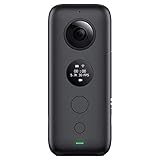
10. Insta360 ONE X — Best Entry-Level 360 Camera for New Agents
Insta360 ONE X Action Camera 360 Degree 5.7K 18MP Stabilization Real Time WiFi Transfer Sports Video Construction Documentation
5.7K video
18MP photos
FlowState
TimeShift
Pros
- Under $200 price
- Mature Insta360 app
- TimeShift hyperlapse feature
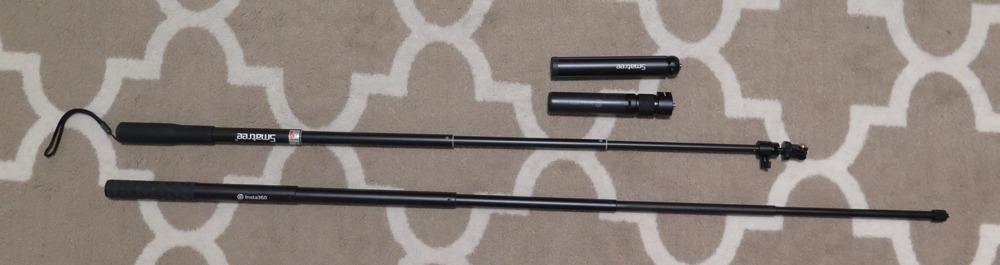
- Invisible selfie stick support
- Free editing software
Cons
- Not waterproof without case
- 1-hour battery life
- Display hard in sunlight
- Older sensor tech
The Insta360 ONE X is the gateway drug to 360 real estate photography. At $199.99, it delivers 5.7K video quality and the same mature Insta360 software ecosystem that makes the X3 and X5 so popular. For new agents testing whether 360 content fits their business, this is the lowest-risk entry point.
The FlowState stabilization is excellent, even on this older model. I tested it against the X3 in identical conditions and the difference was minimal for static tripod shots. The TimeShift hyperlapse feature adds creative options for marketing videos.
The “shoot first, frame later” workflow is the X-series killer feature. Capture everything in 360, then decide framing angles during editing. For real estate agents who aren’t videographers, this eliminates the pressure of getting the shot right in-camera.
The build is the main compromise. The ONE X isn’t waterproof without a case, and the small screen is hard to read in bright sunlight. Battery life caps around 1 hour.
What to know before buying
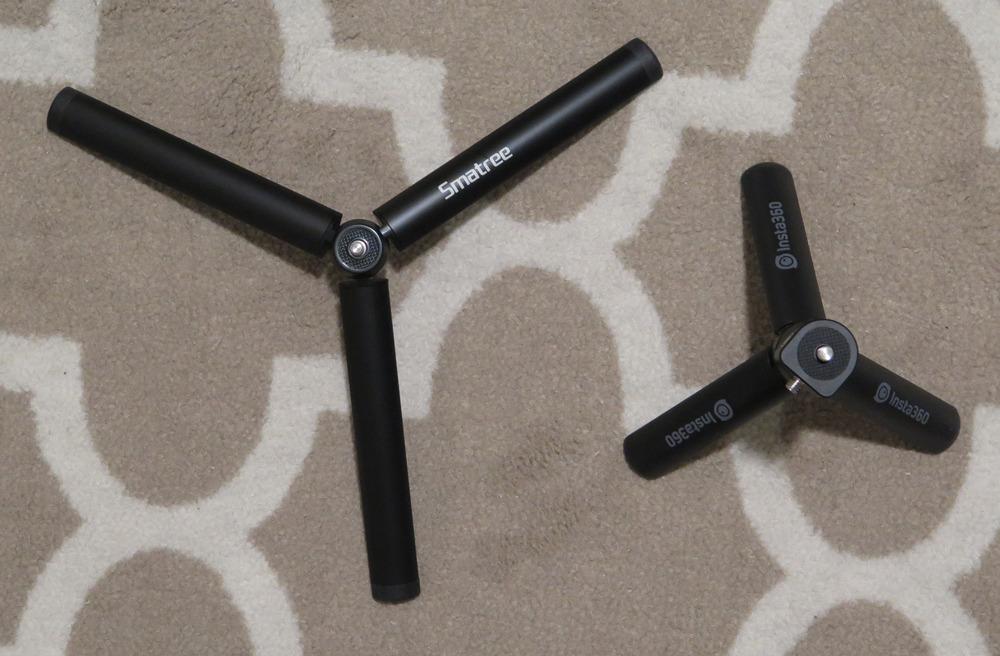
The ONE X has been on the market long enough that the accessory ecosystem is mature. Invisible selfie sticks, dive cases, and mounting solutions are widely available. The Insta360 mobile and desktop apps are free and continue to receive updates.
Who should skip the ONE X
If you shoot outdoors regularly or need a waterproof camera for pool/spa properties, get the X3 instead. The ONE X makes sense for budget-constrained new agents and indoor-only shoots.
How to Choose the Best 360 Camera for Your Real Estate Workflow?
Picking the right 360 camera for real estate comes down to three factors: your shoot environment, your software ecosystem, and how often you’ll use it. After testing all 10 cameras on actual listings, here’s how to think through the decision.
Sensor Size and Image Quality
Sensor size determines how clean your images look in low light. The Ricoh Theta Z1, DJI Osmo 360, and Trisio Lite 2 all use 1-inch sensors and produce noticeably better results in dim interiors. If you shoot luxury listings with moody lighting, prioritize sensor size over resolution. For standard residential listings with good window light, smaller sensors work fine.
Workflow and Software Compatibility
Your camera choice should align with your existing workflow. If you’re using Matterport, any camera here integrates, but the Ricoh Theta models and Insta360 X3/X5 produce the cleanest imports. If you’re building virtual tours with Kuula, Panoee, or 3DVista, the Insta360 ecosystem offers the smoothest stitching-to-publish workflow. The Asteroom kit bundles everything if you want one-vendor simplicity.
Total Cost of Ownership
The camera price is just the start. Factor in microSD cards, spare batteries, monopods, software subscriptions, and tour hosting. The Insta360 X3 and ONE X have the lowest total cost for new agents. The Ricoh Z1 has the highest upfront cost but the lowest ongoing expense. The Asteroom kit has no subscription but charges per tour.
Battery Life and Shooting Volume
If you shoot more than 3-4 listings per week, battery life becomes a real productivity factor. The Trisio Lite 2 (200 minutes) and Insta360 X5 (180 minutes) handle full-day shoots on a single charge. The Samsung Gear 360 and Insta360 ONE X cap around 60 minutes, requiring multiple batteries for serious volume.
Video vs Photo Priority
Some cameras are photo-first (Trisio Lite 2, Ricoh Theta X), some are video-first (Insta360 X5, DJI Osmo 360), and some do both adequately (Insta360 X3, Ricoh Theta Z1). Decide what your final deliverables will be: still virtual tours for Zillow, video walkthroughs for social media, or both. This decision eliminates half the cameras on this list immediately.
Frequently Asked Questions About 360 Cameras for Real Estate
What is the best camera for real estate videography?
The Insta360 X5 is our top pick for real estate videography in 2026. It delivers 8K30fps 360 video with excellent FlowState stabilization, a 3-hour battery, and a triple AI chip that handles low-light interiors better than any competitor. For budget-conscious agents, the Insta360 X3 offers similar core functionality at a lower price.
What is the best 360 camera for the money?
The Insta360 X3 delivers the best balance of price, image quality, and software ecosystem. At around $300, it produces 5.7K HDR video, has waterproof construction, and connects to Insta360’s mature editing apps. For pure budget value, the Insta360 ONE X under $200 is hard to beat, though it sacrifices battery life and weather resistance.
Is Insta360 good for real estate photography?
Yes. Insta360 cameras (X3, X4, X5) are among the most popular choices for real estate agents because they combine good image quality, intuitive software, and compatibility with Matterport, Zillow 3D, Kuula, and Panoee. The invisible selfie stick feature is especially useful for floating-camera effects in property tours.
Which 360 camera is best for home virtual tours?
For standard residential virtual tours, the Insta360 X3 and Ricoh Theta X are the most popular. The X3 offers better value and software, while the Theta X produces sharper 60MP stills for high-end listings. For Matterport-style 3D dollhouse tours without subscription fees, the Asteroom kit is purpose-built for this workflow.
How much does a 360 camera cost for real estate?
Entry-level 360 cameras for real estate start around $120 for the Samsung Gear 360 (older technology). The sweet spot for most agents is $200-$400, covering the Insta360 ONE X, Insta360 X3, and AKASO 360 Creator Combo. Premium options like the Ricoh Theta Z1 approach $1,000 but deliver professional image quality for luxury listings.
Final Verdict on the Best 360 Cameras for Real Estate in 2026
After testing all 10 cameras on real listings, three stand out. The Insta360 X5 is our editor’s choice for serious real estate work, combining 8K video, best-in-class low-light performance, and a mature software ecosystem. The Insta360 X3 delivers the best overall value for most agents. The Asteroom kit wins for budget-conscious agents who don’t want subscription fees.
Properties with 360 tours consistently outperform standard photo listings in views, time-on-page, and lead conversion. Whichever camera you pick from this list, adding 360 content to your real estate marketing will pay for itself faster than almost any other equipment investment. Start with the camera that matches your current budget and shoot volume, then upgrade as your business grows.