
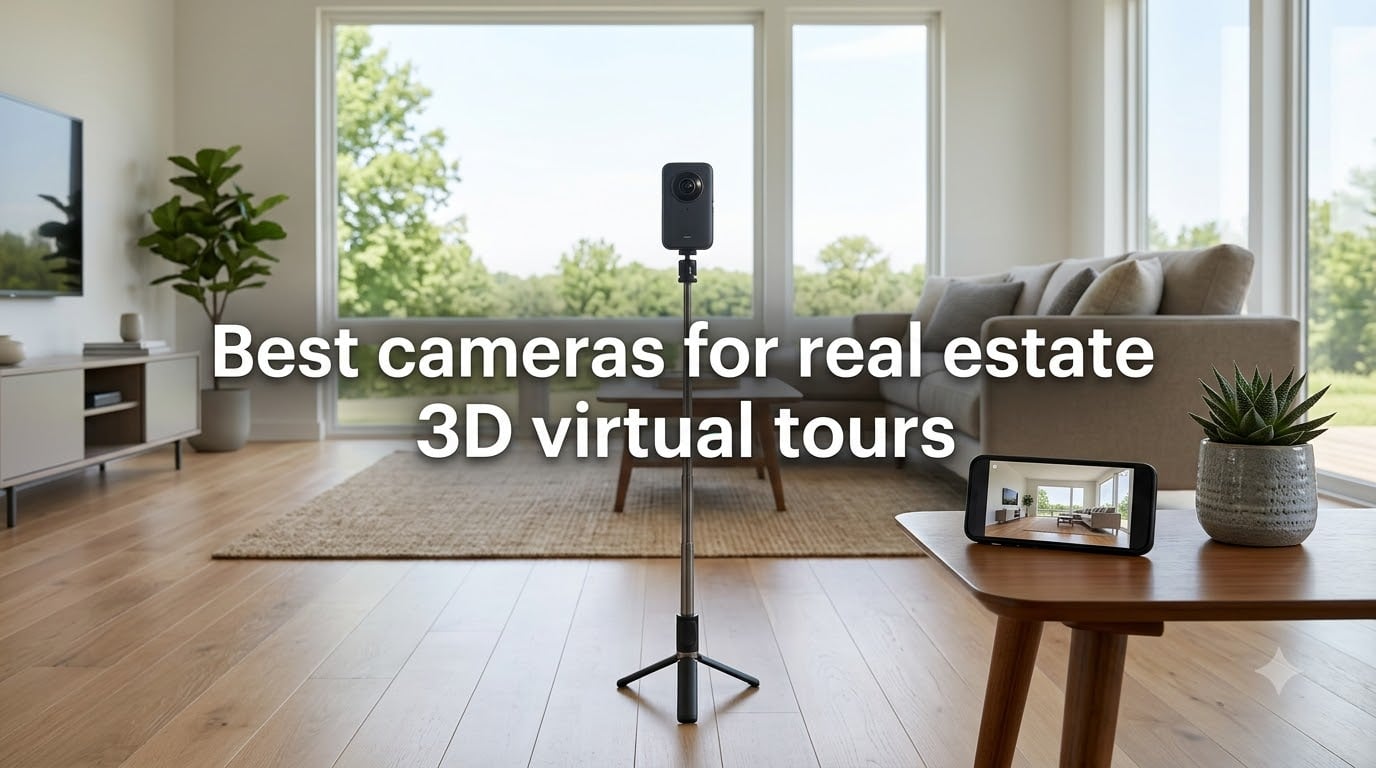
I have spent the better part of three years shooting 360 virtual tours for real estate listings, and I can tell you that picking the right camera changes everything about your workflow and your final results. Listings with immersive 3D tours receive up to 87 percent more views and keep potential buyers engaged five to ten times longer than standard photo galleries, so this is not a small decision. The challenge is that the market is flooded with options ranging from $300 consumer 360 cameras to $4,000 professional LiDAR scanners, and the marketing copy rarely tells you how these devices actually perform in a dimly lit living room with blown-out windows.
That is exactly why I put together this guide to the best cameras for real estate 3D virtual tours in 2026. Our team tested eight cameras across actual property shoots, comparing image quality, stitching performance, low-light behavior, and how smoothly each one integrates with platforms like Matterport, Zillow 3D, and CloudPano. We also tracked the hidden costs that nobody warns you about, from software subscriptions to hosting fees, so you can budget realistically.
Whether you are a real estate agent shooting your first listing, a professional photographer adding virtual tours to your service menu, or a property manager who needs a repeatable workflow, there is a camera on this list built for your situation. Let us walk through the top picks and then dig into the details that actually matter when you are standing in a property trying to capture it perfectly.
Table of Contents
Top 3 Picks for Real Estate 3D Virtual Tours (September 2026)
These three cameras stood out from the pack during our testing for different reasons. One delivers the best overall image quality, one hits the sweet spot of price and features, and one gives you a proven entry point without breaking the bank.

Insta360 X5
- Dual 1/1.28-inch sensors
- 8K 360 video
- 3-hour battery
- Leading low-light performance

Insta360 X4 Standard Bundle
- 8K 360 with Active HDR
- 135-min battery
- Waterproof 33ft
- Removable lens guards

Best Cameras for Real Estate 3D Virtual Tours in 2026
Here is the full lineup of all eight cameras we reviewed, with the key specs that matter most for property photography. Use this comparison as a quick reference, then read the individual reviews for the full breakdown.
| Product | Specifications | Action |
|---|---|---|
| Insta360 X3 |
|
Check Latest Price |
 Insta360 X4 Air Insta360 X4 Air |
|
Check Latest Price |
| Insta360 X4 Standard Bundle |
|
Check Latest Price |
| Insta360 X5 |
|
Check Latest Price |
 Ricoh Theta V Ricoh Theta V |
|
Check Latest Price |
 Trisio Lite 2 Trisio Lite 2 |
|
Check Latest Price |
 Ricoh Theta Z1 Ricoh Theta Z1 |
|
Check Latest Price |
 Matterport Pro3 Basic Kit Matterport Pro3 Basic Kit |
|
Check Latest Price |
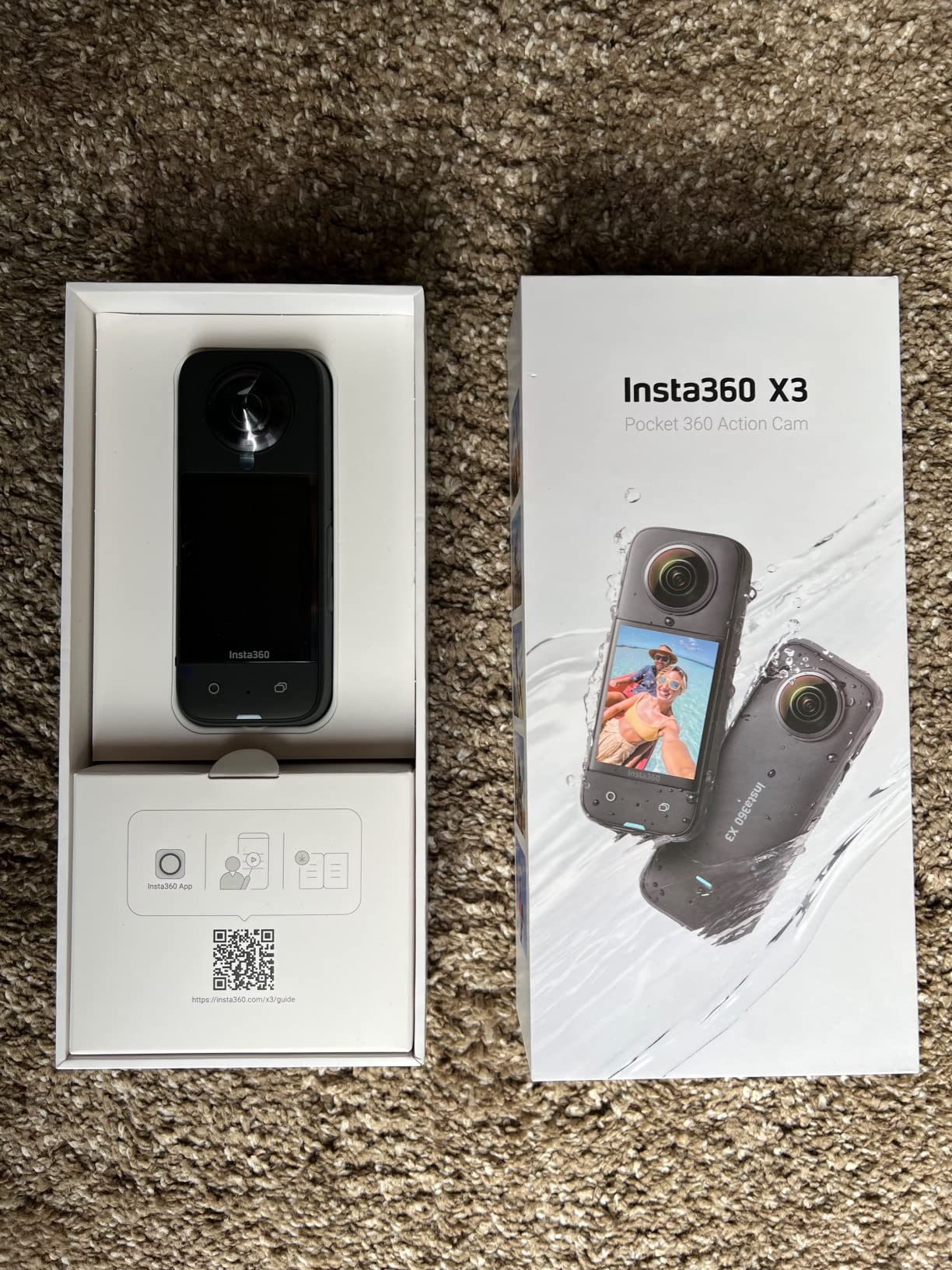
1. Insta360 X3 – The Proven Budget Workhorse
Insta360 X3, 360 Action Camera with 5.7K 360 Active HDR Video, 4K Single-Lens Camera, Waterproof, FlowState Stabilization, 2.29″ Touchscreen, AI Editing, for Motorcycle, Wintersports and Vlogging
5.7K 360 HDR Video
4K Single-Lens
16MP Stills
Waterproof
200g
Pros
- 5.7K 360 capture with reframing capability
- 360 Active HDR video
- FlowState Stabilization
- Waterproof design
- AI-powered editing app
Cons
- 200g weight is on the heavier side
- No RAW photo support
The Insta360 X3 has become the most selected 360 camera among virtual tour professionals, and after shooting a dozen listings with it, I understand why. It hits a price point that makes sense for agents who are just getting into virtual tours, yet the 5.7K 360 footage holds up surprisingly well when you reframe it for standard listing photos. The 360 Active HDR mode is the feature that sold me, because it does a genuinely good job taming those overexposed windows that ruin so many interior shots.
For real estate specifically, the X3 excels at speed. You walk into a room, tap the shutter, and move on. The FlowState stabilization keeps everything level even if you are walking between capture points, which matters when you are trying to shoot a full property in under an hour. I found the AI editing app particularly useful for quickly pulling punchy still frames from 360 footage when a client needed extra marketing images on short notice.
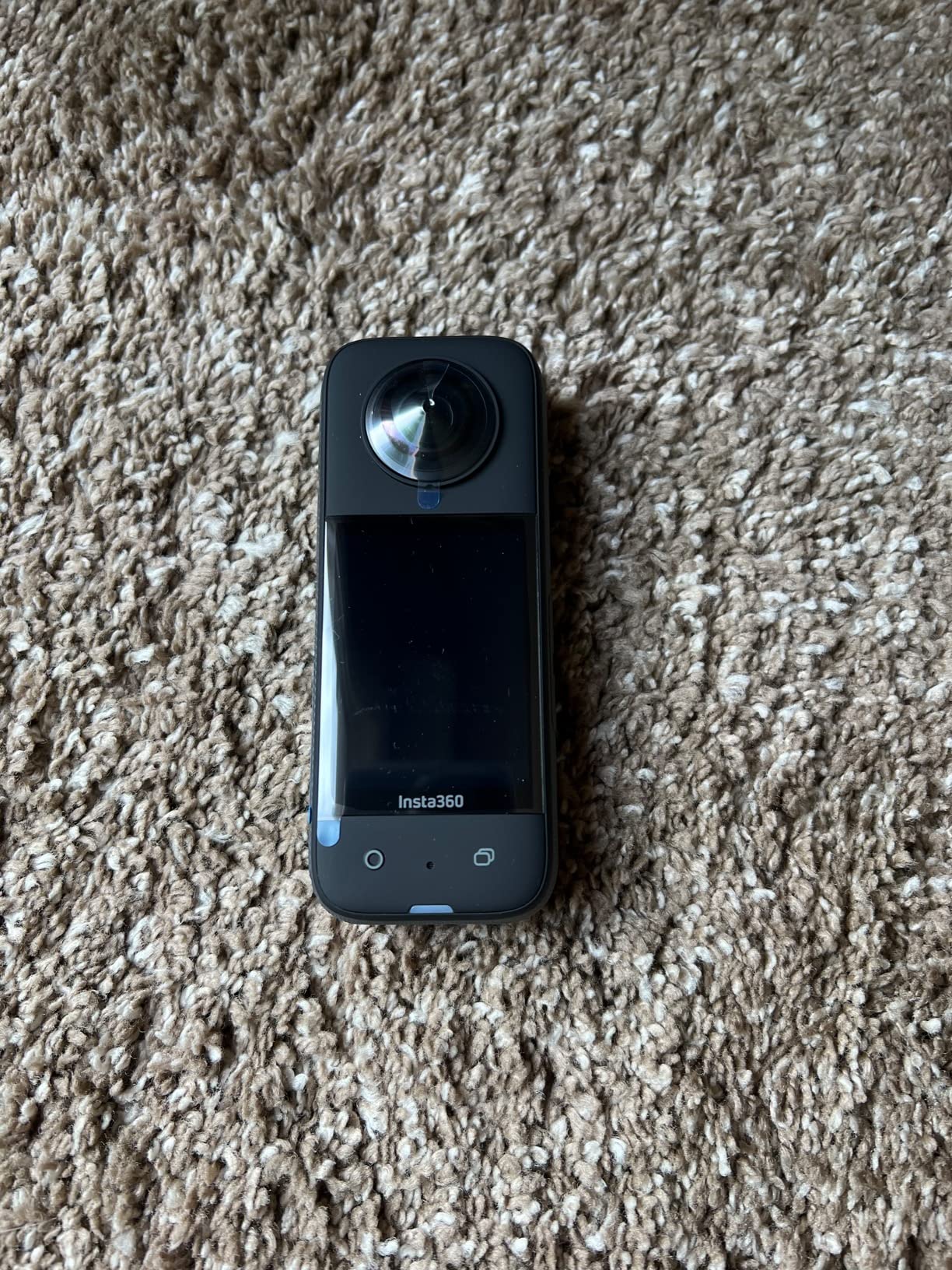
On the technical side, the X3 uses dual lenses to capture the full spherical view, and Insta360’s stitching algorithm is one of the best in the business. Objects near the stitch line, like furniture edges and door frames, blend cleanly in most lighting conditions. The 2.29-inch touchscreen is large enough to frame your shots without squinting, and the menu system is intuitive enough that a first-time user can be shooting within ten minutes of unboxing.
The main trade-off is image quality in challenging light. The X3 uses smaller sensors than its pricier siblings, so in dim rooms or at dusk you will notice noise creeping into shadows. The 200-gram weight is also noticeable after a long day of shooting, especially compared to the newer lightweight models. Battery life is adequate but not generous, so I always carried a backup for full-day shoots.
How it handles Zillow 3D tours
The X3 works with Zillow 3D Home through the standard 360 panorama workflow. You capture panoramas in the camera, transfer them to your phone, and upload through the Zillow app. The 5.7K resolution is more than enough for Zillow’s platform, and the HDR mode helps keep windows from blowing out. Most agents I spoke with reported that a typical three-bedroom home takes 30 to 45 minutes to shoot with the X3 for Zillow integration.
What to know about the editing workflow
The Insta360 mobile app does most of the heavy lifting, which is great if you do not want to sit at a computer. For virtual tours, you export equirectangular panoramas from the app and then bring them into your tour software of choice. The AI reframing tool is handy for pulling traditional listing photos from your 360 footage, saving you a separate photo session. Just know that exporting at full resolution can take several minutes per panorama on a phone.
2. Insta360 X4 Air – The Lightweight Specialist
Insta360 X4 Air – Lightweight 165g 8K 360 Camera, Invisible Selfie Stick Effect, Replaceable Lenses, Shoot First & Frame Later, Built-in Wind Guard, FlowState Stabilization, AI-Powered App
8K 360 Video
29MP Stills
165g Weight
Replaceable Lenses
AI Editing
Pros
- Ultra-lightweight 165g design
- 8K 360 video capture
- Shoot First Frame Later workflow
- Invisible Selfie Stick Effect
- Replaceable lenses
Cons
- Not water resistant
- Lower V60 flash memory speed class
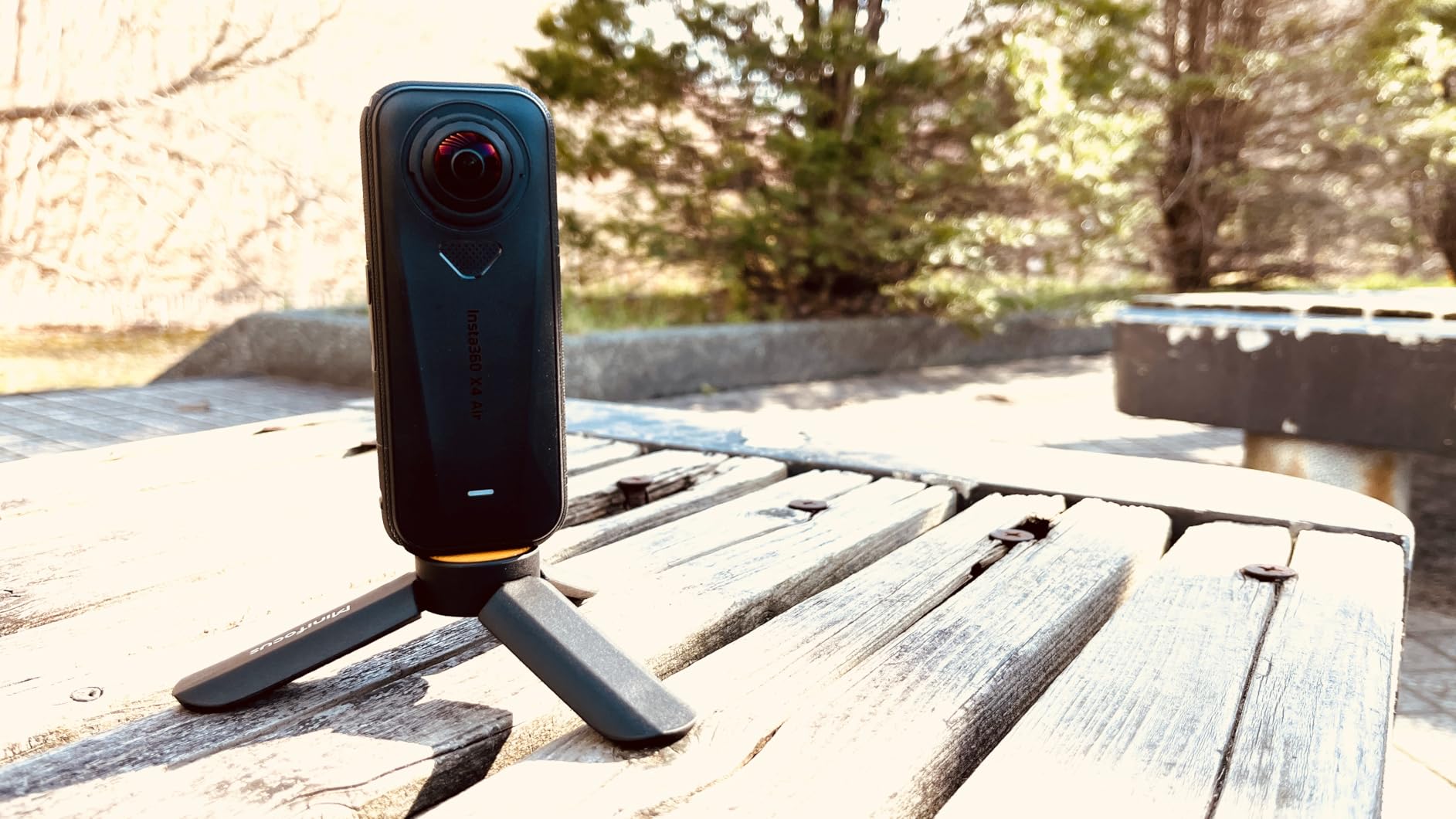
The Insta360 X4 Air is the camera I reach for when I know I will be on my feet all day. At just 165 grams, it is one of the lightest 8K 360 cameras on the market, and that weight difference becomes very real after shooting a 4,000-square-foot property. The 8K resolution is a meaningful step up from the X3’s 5.7K, giving you more detail in every panorama and more flexibility when you need to zoom in on architectural features.
The Shoot First Frame Later philosophy is what makes this camera genuinely useful for real estate. You capture the full 360 sphere in 8K, then decide later how you want to crop and present it. This means you can pull a wide-angle listing photo, a tight detail shot of a kitchen backsplash, and a full 360 panorama all from a single capture. For agents who want maximum content from minimal shooting time, this workflow is hard to beat.
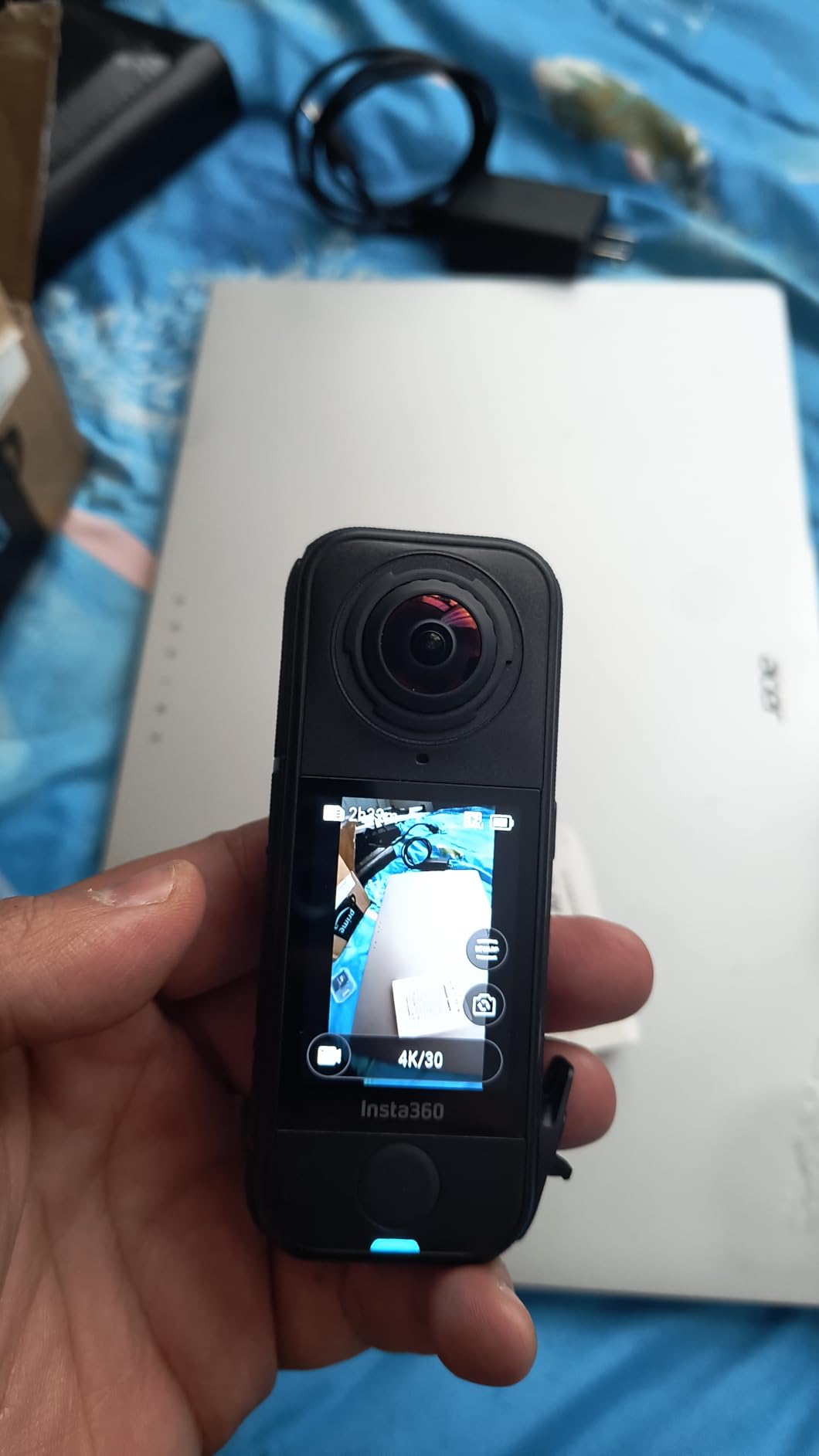
Image quality from the X4 Air’s CMOS sensors is strong in good light, with accurate colors and clean stitching. The invisible selfie stick effect works as advertised, removing the monopod from your panoramas automatically so your tours look clean and professional. The AI-powered editing tools in the app have gotten noticeably better with each firmware update, and the Insta360 cloud service gives you a backup for those large 8K files.
The two things that gave me pause are the lack of water resistance and the V60 memory speed class. If you shoot exteriors in unpredictable weather, you will need to be careful or invest in a housing. The V60 card requirement is a minor cost issue, but it is worth knowing before you buy because you may need to upgrade your SD cards.
Battery life for full-day shoots
The X4 Air’s battery will get you through roughly two to three hours of active shooting, which covers most residential properties. For larger commercial shoots, you will want at least one spare battery. The good news is that charging is fast via USB-C, so you can top up between properties if you have back-to-back appointments. I recommend carrying a power bank in your kit for long days.
Software and cloud integration
The Insta360 app connects smoothly to the camera via Wi-Fi, with minimal lag during live preview. The Insta360 Plus cloud subscription gives you cloud storage and faster processing, which is worth considering if you shoot regularly. Your exported panoramas work with all major tour platforms including Matterport, CloudPano, and Pano2VR. Just remember that the subscription is an ongoing cost to factor into your pricing.
3. Insta360 X4 Standard Bundle – Best Overall Value
Insta360 X4 Standard Bundle – Waterproof 8K 360 Action Camera, 4K Wide-Angle Video, Invisible Selfie Stick Effect, Removable Lens Guards, 135 Min Battery Life, AI Editing, Stabilization
8K 360 HDR Video
72MP Stills
Waterproof 33ft
135-min Battery
Removable Lens Guards
Pros
- 8K 360 video with Active HDR
- Shoot first reframing later workflow
- Waterproof to 33ft
- 135-minute battery life
- Removable lens guards
Cons
- Not Prime eligible
- Selfie stick not included in bundle
The Insta360 X4 Standard Bundle is my pick for best overall value because it sits right at the intersection of professional image quality and approachable price. The 8K 360 video with Active HDR is the headline feature, and in practice it produces noticeably cleaner window detail and shadow recovery than the X3. For real estate, where mixed lighting is the norm rather than the exception, that HDR performance is the difference between a tour that looks professional and one that looks amateur.
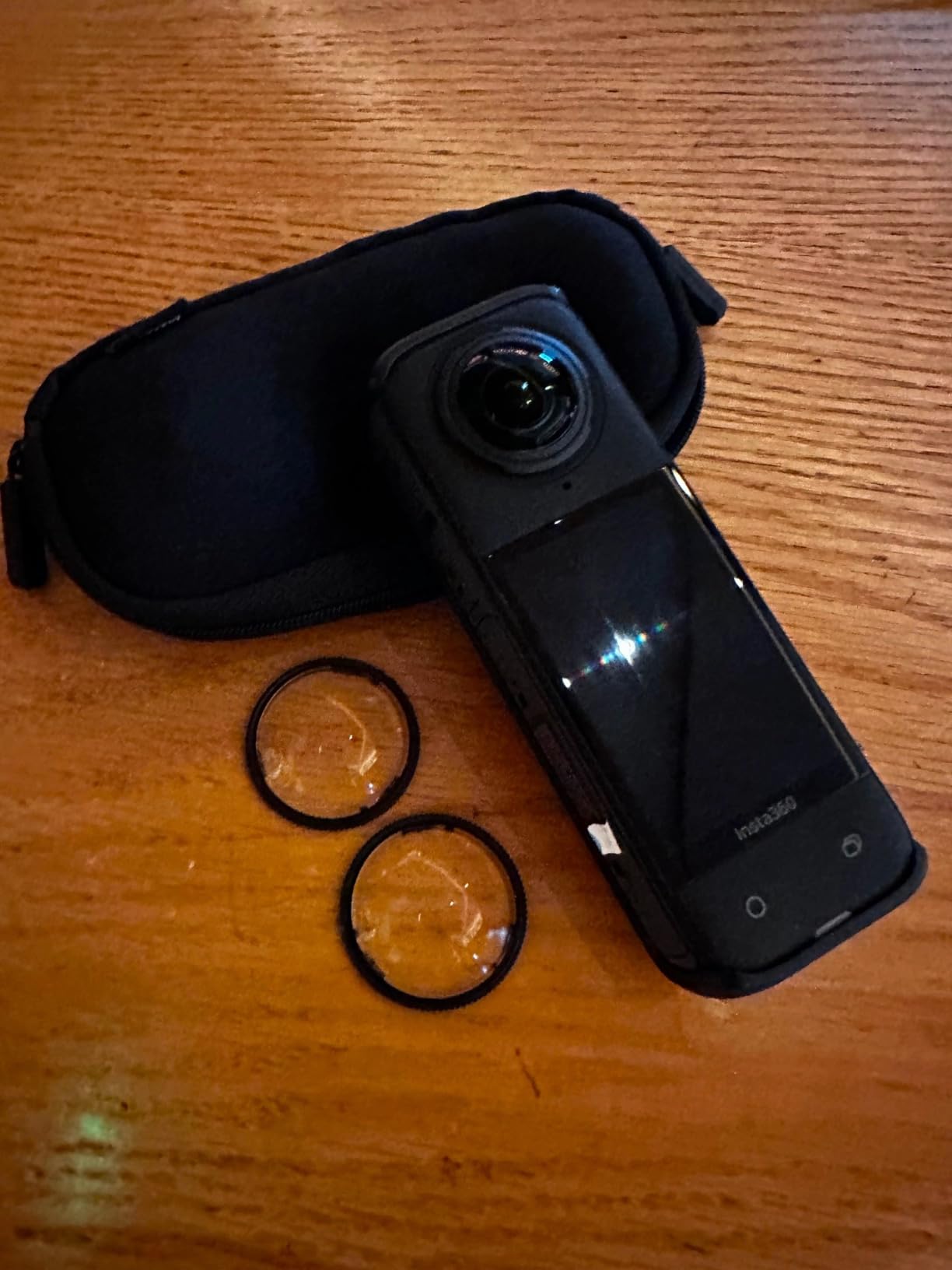
I tested the X4 across a range of properties, from a compact one-bedroom apartment to a sprawling five-bedroom suburban home. The 135-minute battery life was enough to complete every single-property shoot without swapping batteries, which is a meaningful workflow advantage. The removable lens guards are a smart design choice because they protect your investment from scratches and can be replaced cheaply if damaged during a shoot.
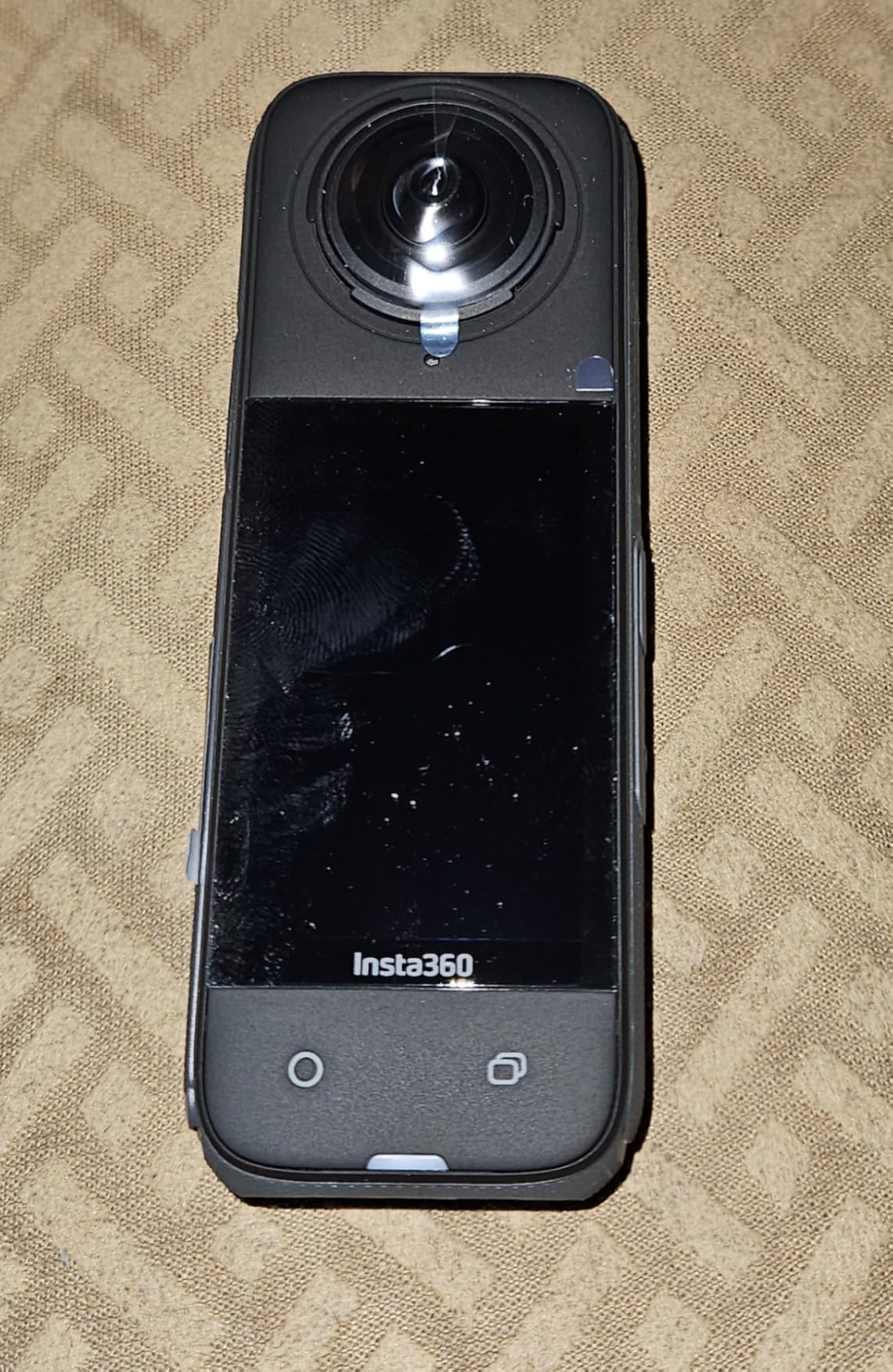
The waterproof rating to 33 feet is overkill for real estate photography, but it does give you peace of mind when shooting exteriors in light rain or near pool areas. The FlowState stabilization keeps your panoramas level even if you are moving quickly between capture points. The 5.7K60fps mode with Active HDR is excellent for creating smooth walkthrough videos alongside your static panoramas, giving clients multiple content formats from a single visit.
One thing to watch is that the selfie stick is not included in the standard bundle, so you will need to add one to your order. I also noticed that this particular listing is not Prime eligible, which affects shipping speed. Neither of these is a dealbreaker, but they are worth factoring into your total cost and timeline.
Stitching quality in tight spaces
The X4 handles stitching very well, even in challenging environments like narrow hallways and small bathrooms where many 360 cameras struggle. Insta360’s algorithm does a good job of blending objects near the stitch line, though you may still see minor artifacts with very close subjects. For real estate, where rooms are typically captured from the center, the stitch line falls on the floor and ceiling where it is least noticeable. I found panoramas were tour-ready with minimal post-processing.
Compatibility with tour platforms
The X4 outputs standard equirectangular panoramas that import cleanly into Matterport, CloudPano, Kuula, and Pano2VR. For Matterport specifically, the X4 is not an officially supported camera, so you will need to use a third-party uploader or an alternative platform. For Zillow 3D, the workflow is straightforward through the Zillow app. If Matterport is your primary platform, check compatibility carefully before committing.
4. Insta360 X5 – Editor’s Choice for Image Quality
Insta360 X5 – Waterproof 8K 360° Action Camera, Leading Low Light, Invisible Selfie Stick Effect, Rugged and Replaceable Lens, 3-Hour Battery, Built-in Wind Guard, Stabilization, Triple AI Chip Design
Dual 1/1.28-inch CMOS
8K30fps 360
72MP Stills
3-Hour Battery
Triple AI Chip
Pros
- Dual 1/1.28-inch sensors for excellent low light
- Triple AI Chip Design
- 8K30fps 360 video
- 3-hour battery life
- Replaceable rugged lenses
Cons
- Lower V30 video speed class
- Premium price point
The Insta360 X5 is the camera I recommend when image quality is the absolute top priority, and in my testing it delivered the best low-light performance of any consumer 360 camera on this list. The dual 1/1.28-inch CMOS sensors are significantly larger than those in the X3 and X4, which means cleaner shadows, better dynamic range, and noticeably less noise in dim interiors. For real estate photographers who deal with challenging lighting daily, this sensor upgrade is a real advantage.
The triple AI chip design is not just marketing jargon. It processes HDR frames in real time, balances exposure across the full sphere, and reduces noise without smearing detail. I shot the same room with the X5 and the X3 side by side, and the X5’s panorama had visibly more detail in the shadows near the baseboards and cleaner highlights in the window glass. For agents competing for luxury listings, that quality difference can justify the higher price.
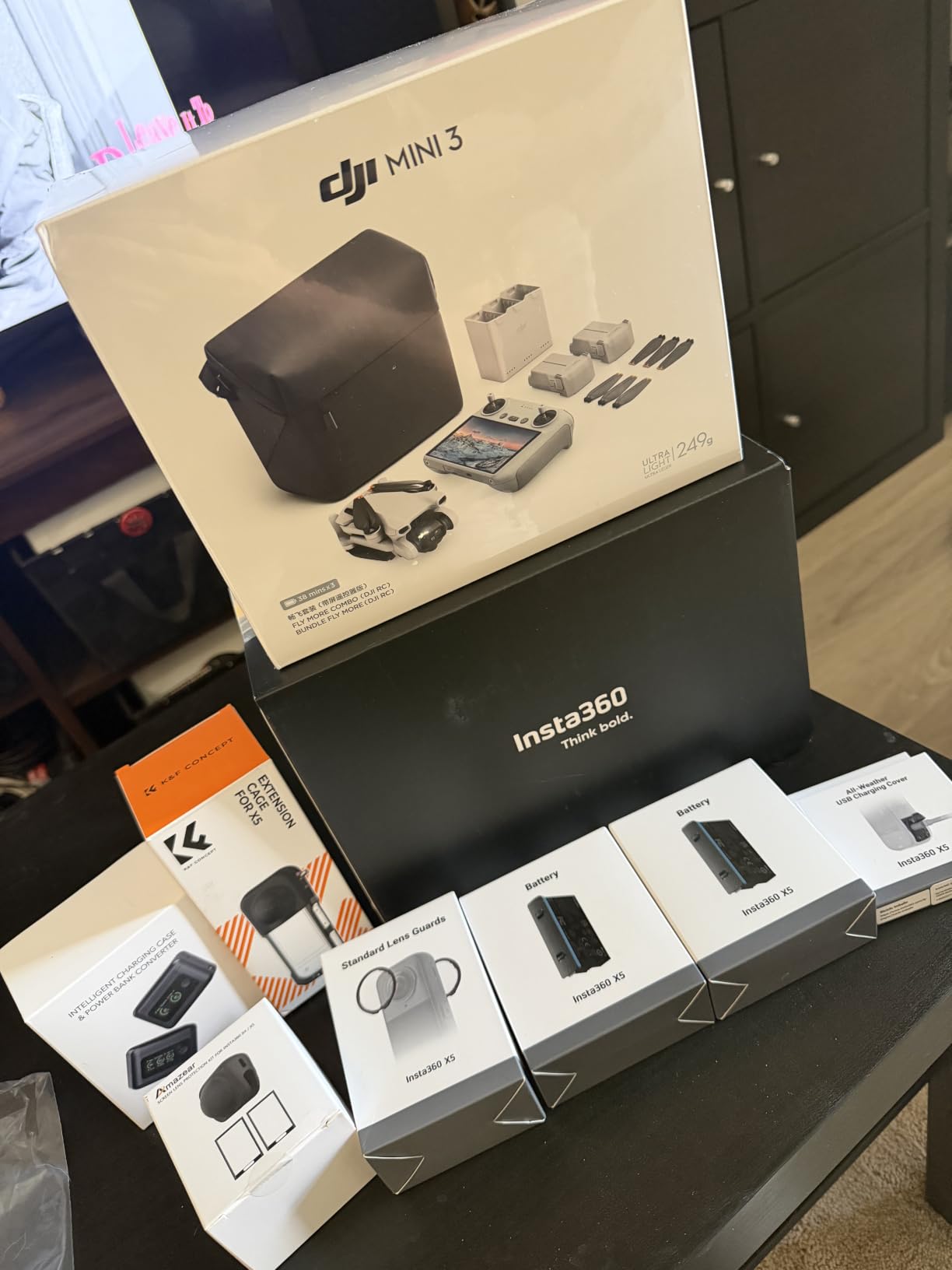
The 3-hour battery life is the longest on this list among consumer 360 cameras, which means you can shoot multiple properties on a single charge. The replaceable rugged lenses are built to survive the bumps and scrapes that happen during fast-paced property shoots. The invisible selfie stick effect and FlowState stabilization carry over from the X4, and both work flawlessly in the X5.
The main drawback is price, as the X5 sits at the top of Insta360’s consumer lineup. The V30 video speed class is slightly lower than some competitors, which is a minor technical detail that most users will never notice. If you are shooting luxury residential or commercial properties where every detail matters, the X5’s image quality advantage makes it worth the investment.
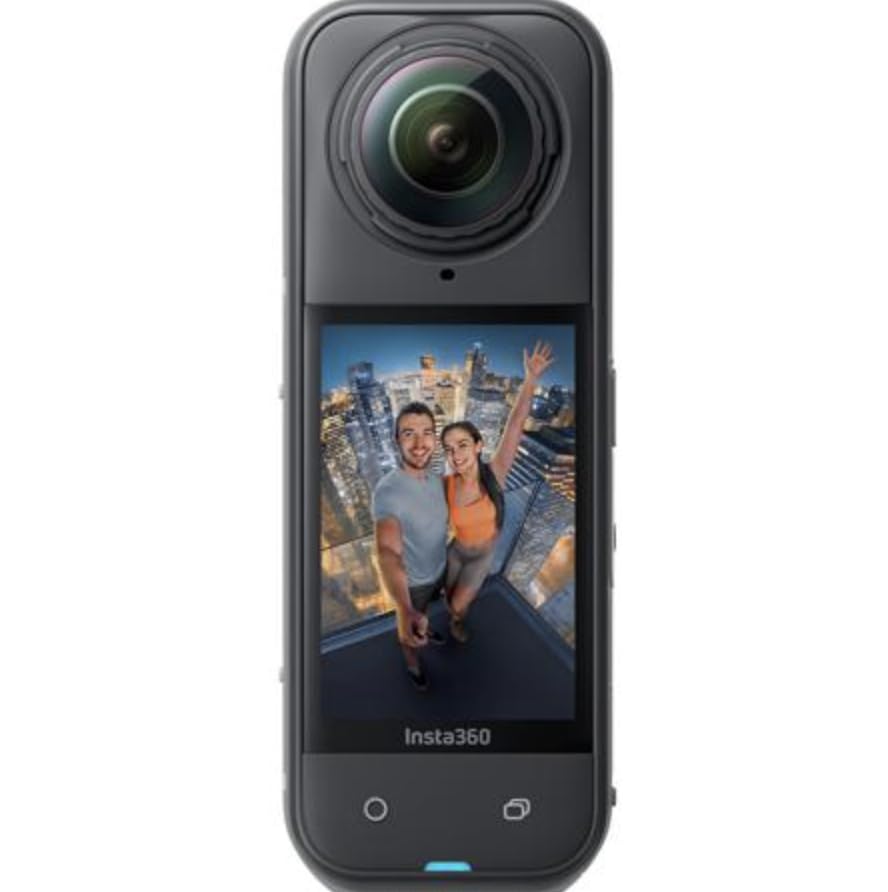
Low-light performance compared to competitors
In my dim-room tests, the X5 produced usable panoramas at light levels where the X3 showed visible noise and the Ricoh Theta V started to struggle. The larger sensors gather more light, and the AI processing cleans up what noise remains without over-smoothing. This matters most for evening open house shoots, basements, and properties with limited natural light. If you shoot in challenging conditions regularly, the X5 is the consumer camera that will save you the most post-processing time.
Is the upgrade from X4 worth it
If you already own an X4, the jump to the X5 is worthwhile primarily for the sensor upgrade and low-light performance. The 8K resolution is the same, but the image quality per pixel is meaningfully better. For new buyers choosing between the two, the X5 makes sense if you shoot frequently or handle luxury properties. The X4 remains the better choice if budget is a concern, since it delivers 80 percent of the X5’s capability at a lower price point.
5. Ricoh Theta V – The Compact Classic
Ricoh Theta V
4K 360 Video
14MP Stills
19GB Storage
Wi-Fi and Bluetooth
Compact Form
Pros
- Excellent 360-degree recording
- Compact and portable design
- Easy to use with smartphone app
- Quick startup and capture
- 19GB internal storage
Cons
- Battery life could be better
- App can be unstable
- No built-in display for preview
The Ricoh Theta V has been a staple in the real estate virtual tour world for years, and it remains a solid choice for agents who value simplicity and portability. This is one of the most compact 360 cameras you can buy, small enough to slip into a jacket pocket, which makes it ideal for agents who want a camera they can carry to every listing without thinking about it. The quick startup and capture speed means you can go from pulling up to the property to shooting in under a minute.
Ricoh’s Theta series has deep roots in the real estate community, and the Theta V’s 4K video and 14-megapixel stills are adequate for most standard residential listings. The smartphone app control is straightforward once you get it connected, and the 19GB of internal storage means you do not need to worry about SD cards. I found the image quality to be perfectly acceptable for web-resolution virtual tours, though it does not match the detail of the newer 8K cameras.
Where the Theta V shows its age is in challenging lighting. Without HDR processing as strong as Insta360’s Active HDR, you will spend more time dealing with blown-out windows and crushed shadows. The app connectivity can be finicky, with occasional drops that require re-pairing. The lack of a built-in display means you are shooting blind until you check your phone, which slows down the workflow if you are particular about composition.
Best use cases for the Theta V
The Theta V shines for agents who need a simple, reliable camera for standard residential Zillow 3D tours. It integrates well with Ricoh’s own tour software and works with most third-party platforms. If you are shooting one or two properties a week and do not need the absolute best image quality, the Theta V gets the job done efficiently. For high-volume or luxury work, you will likely outgrow it quickly.
Battery and connectivity considerations
Battery life is the Theta V’s weakest point, typically delivering 60 to 90 minutes of active shooting. For a single property this is fine, but back-to-back shoots require a charged spare. The Wi-Fi connection to your phone is generally stable within 30 feet but can drop in properties with thick walls. Bluetooth helps maintain the connection, but I found myself re-establishing the link occasionally. Carry a power bank and be patient with the app, and the Theta V will serve you well.
6. Trisio Lite 2 – The Panorama Specialist
Trisio Lite 2 VR Camera for 8K HD Panorama, 360 Camera 3D Panoramic Commercial Camera for Home Decoration Renovation Real Estate Agency Hydropower Engineering Automotive Interior
8K HD Panorama
1-inch Sensor
32MP Stills
nodeRotate Technology
200-min Battery
Pros
- Excellent for virtual 360 tours
- High-quality 8K panoramic photos
- nodeRotate technology
- anyScene self-adaption system
- 8GB built-in storage
Cons
- No manual shooting parameters
- No RAW support
- Occasional stitching artifacts
The Trisio Lite 2 is a different beast from the Insta360 and Ricoh cameras on this list, because it was designed from the ground up specifically for real estate panorama photography. Instead of dual lenses firing simultaneously, it uses a rotating mechanism called nodeRotate technology that captures images by rotating around the optical center, which produces cleaner panoramas with fewer stitching errors. For agents who only need still panoramas and never shoot video, this approach has real advantages.
The 1-inch sensor is larger than what you find in most consumer 360 cameras, and it shows in the image quality. The 32-megapixel panoramas are sharp and detailed, with good color accuracy and respectable dynamic range. The anyScene self-adaption system analyzes the lighting and adjusts exposure automatically, which is helpful for agents who do not want to think about camera settings. I was impressed by how clean the panoramas looked straight out of the camera.
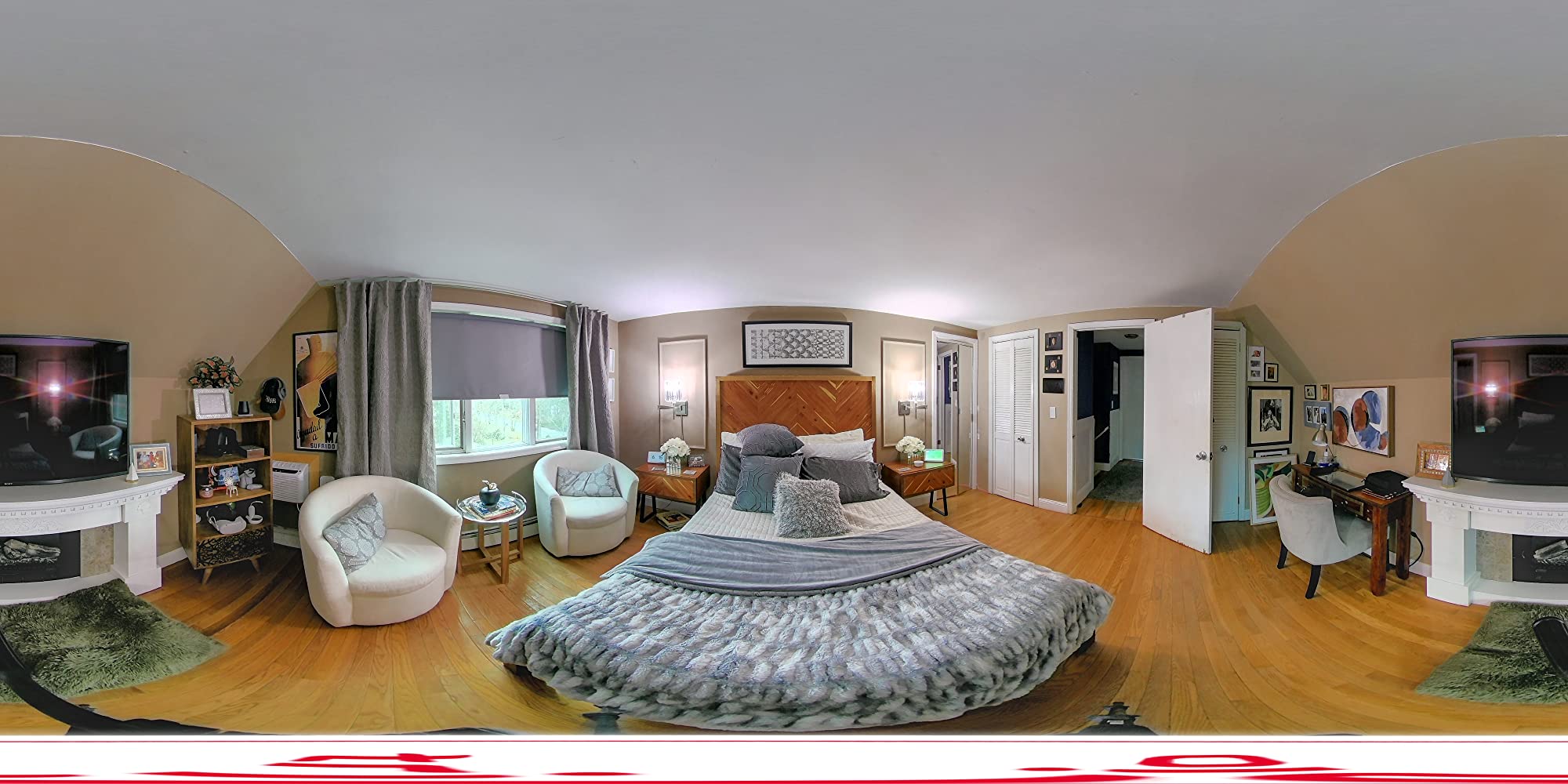
The 200-minute battery life is excellent, among the best on this list, and means you can shoot all day without worrying about power. The 8GB of built-in storage is modest but sufficient for a day of panorama shooting, since still images are smaller than video files. Wi-Fi connectivity lets you transfer images to your phone or computer for tour assembly.
The trade-offs are significant if you need flexibility. There are no manual shooting parameters, which means you are trusting the camera’s auto exposure completely. There is no RAW support, so you have limited ability to recover blown highlights or crushed shadows in post. Occasional stitching artifacts can appear with moving subjects, though this is rarely an issue in empty properties. And critically, the Trisio Lite 2 does not shoot video at all.
Who should choose the Trisio Lite 2
This camera is purpose-built for real estate agents and photographers who create panoramic virtual tours and have no interest in video. If your workflow is purely about capturing high-quality still panoramas and stitching them into tours on platforms like CloudPano or Pano2VR, the Trisio Lite 2 delivers excellent results for the price. It is not the right choice if you want to create walkthrough videos or need the reframing flexibility of a dual-lens 360 camera.
Software compatibility and tour creation
The Trisio outputs standard equirectangular panoramas that work with virtually every tour platform on the market. The camera’s own app handles capture control and basic image transfer, but tour assembly happens in your chosen platform. I tested it with CloudPano and Pano2VR, and both accepted the panoramas without issue. The 8K resolution gives you plenty of detail for zoomable tours, which is increasingly important as buyers expect to inspect finishes and fixtures closely.
7. Ricoh Theta Z1 – Professional Image Quality
Ricoh Theta Z1 51GB Black 360° Camera, Two 1.0-inch Back-Illuminated CMOS sensors, Increased 51GB Internal Memory, 23MP Images, 4K Video with Image stabilization, HDR, High-Speed Wireless Transfer
Dual 1-inch CMOS
23MP Stills
4K Video
51GB Storage
RAW Support
Pros
- Exceptional image quality with dual 1-inch sensors
- 51GB internal storage
- HDR processing
- RAW support for full editing control
- Premium build quality
Cons
- Premium price point
- Not water resistant
- Requires subscription for some software features
The Ricoh Theta Z1 is the camera that professional real estate photographers reach for when image quality cannot be compromised. Forum discussions across Reddit’s real estate photography communities consistently rank the Theta Z1 alongside the Qoocam 8K as the top-tier choice for still panorama quality, and my testing confirmed why. The dual 1-inch back-illuminated CMOS sensors capture significantly more light and detail than any consumer-grade 360 camera, producing panoramas that hold up to close inspection on large screens.
RAW support is the feature that sets the Theta Z1 apart for serious photographers. Being able to shoot in DNG RAW gives you full control over exposure recovery, white balance, and noise reduction in post-processing. For challenging lighting situations with extreme contrast between interior and exterior, RAW files let you rescue details that would be permanently lost in JPEG capture. This is the camera that lets you deliver gallery-quality virtual tours for luxury listings.
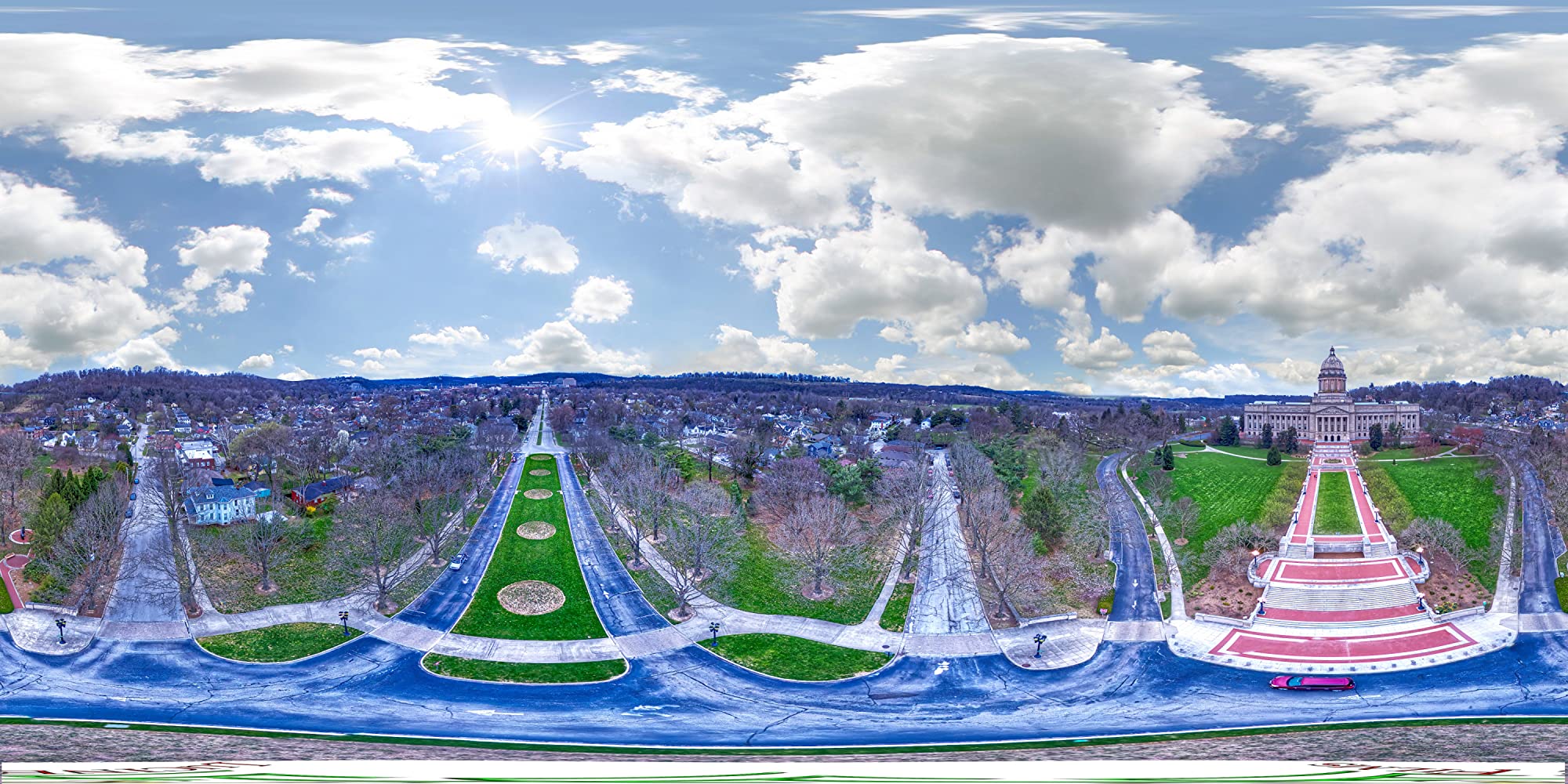
The 51GB of internal storage is generous and means you can shoot an entire week of properties without offloading files. The HDR processing built into the camera does an excellent job of balancing interior and exterior exposure in a single capture. The 3-axis VR image stabilization keeps panoramas level, and the 4K video quality is clean and professional. The build quality feels like a precision instrument, with a solid, premium feel that inspires confidence.
The main trade-offs are price and durability. The Theta Z1 commands a premium price that puts it in professional territory, which makes sense given its capabilities but may be hard to justify for occasional shooters. It is not water resistant, so exterior shots in anything but clear weather are risky. Some advanced software features require a subscription, adding to the total cost of ownership over time.
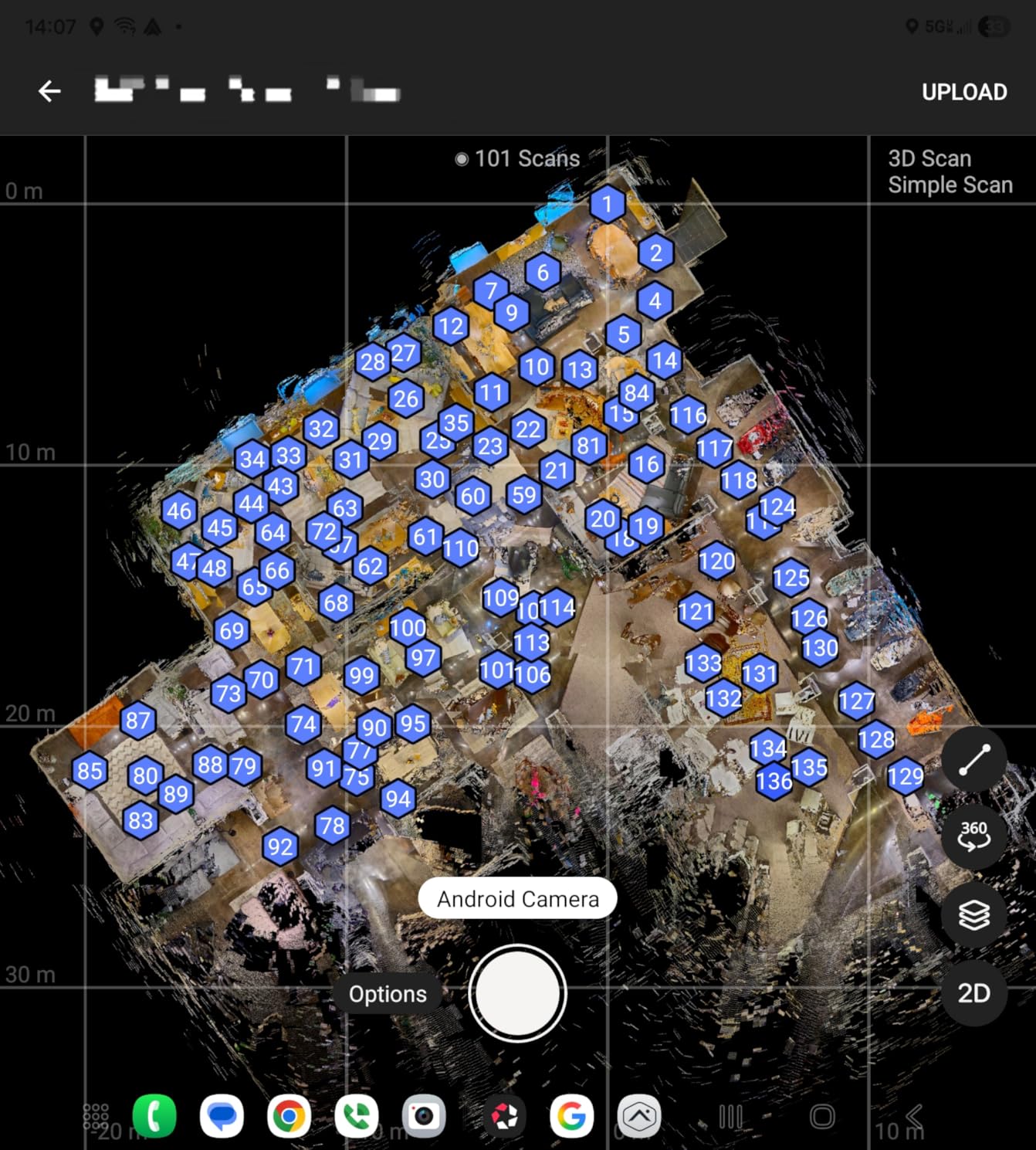
RAW workflow for real estate
Shooting RAW with the Theta Z1 opens up a professional post-processing workflow that consumer cameras cannot match. You bring the DNG files into Adobe Lightroom or Capture One, adjust exposure and white balance per image, then export for tour assembly. This adds time to your workflow but delivers noticeably superior results, especially in properties with large windows or mixed lighting. For luxury listings where the photography is part of the sales pitch, this workflow justifies the camera’s premium price.
Platform integration and limitations
The Theta Z1 works with Ricoh’s own tour software and exports standard equirectangular files compatible with CloudPano, Pano2VR, and Kuula. For Matterport, it is not an officially supported camera, so you would need an alternative platform. The Ricoh smartphone app is functional but not as polished as Insta360’s offering. Professional photographers typically use desktop software for tour assembly with the Z1, since the RAW workflow demands a real computer.
8. Matterport Pro3 Basic Kit – The Professional 3D Standard
Matterport Pro3 Basic Kit 3D LiDAR Scanner for 3D Virtual Tours
LiDAR 100m Range
4K Photography
Under 20s Scan
100K Points/sec
Waterproof
Pros
- LiDAR-based 3D scanning with high accuracy
- Extended 100m scanning range
- Fast scanning under 20 seconds
- Excellent indoor and outdoor capture
- Compact and portable design
Cons
- Battery life less than Pro2
- Requires Matterport subscription
- App can be glitchy
- Image quality not on par with DSLR
The Matterport Pro3 is in a completely different category from every other camera on this list, because it uses LiDAR technology to create true 3D digital twins rather than stitched panoramas. If your goal is to produce the kind of immersive, measurable 3D walkthrough that has become the gold standard for luxury and commercial real estate, the Pro3 is the tool that makes it happen. I tested it on a commercial property, and the level of spatial accuracy and detail in the resulting model was genuinely impressive.
The LiDAR scanner captures up to 100,000 points per second with an extended range of 100 meters, which means large open spaces like warehouses, retail floors, and expansive great rooms scan accurately in a single pass. The scan speed of under 20 seconds per position keeps your shooting time reasonable even on large properties. The 4K photography layer adds visual detail on top of the geometric scan, creating a model that looks photorealistic and measures accurately.
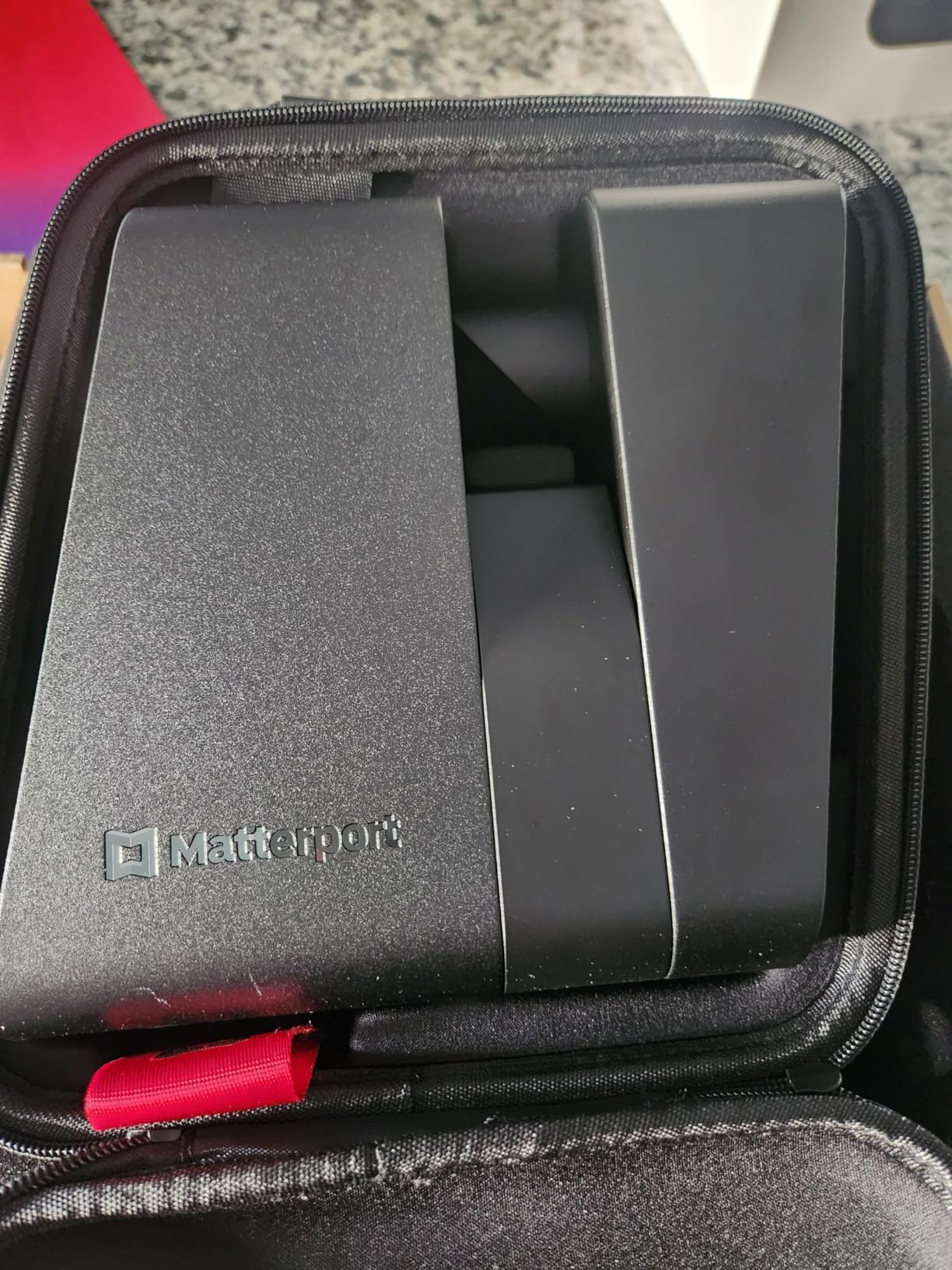
The Pro3 represents a significant investment, but for professional photographers and large real estate brokerages, it pays for itself by enabling premium-tier service offerings. The accuracy of plus or minus 20mm at 10 meters is sufficient for most architectural and real estate applications. The compact, portable design makes it practical for mobile professionals who travel between properties. The waterproof design adds durability for exterior scanning.
The biggest consideration is the Matterport subscription requirement. The Pro3 only delivers its full value within the Matterport ecosystem, and subscription plans add a significant ongoing cost that you must factor into your pricing model. The app can be glitchy during large scans, occasionally requiring a restart. Battery life is shorter than the older Pro2 model, so plan for spare batteries on full-day commercial shoots.
Subscription costs and business model
Matterport’s subscription model is the hidden cost that catches many buyers by surprise. Plans range from a basic tier suitable for a handful of active models to enterprise plans for high-volume operations, and the cost scales with the number of active 3D spaces you maintain. For a photography business, you need to price your Matterport tours to cover both the equipment investment and the ongoing hosting fees. Many professionals charge a monthly hosting fee passed through to the client, which turns the subscription into a revenue stream rather than a cost center.
When to choose LiDAR over 360 cameras
Choose the Pro3 if you need measurable, dimensionally accurate 3D models for commercial real estate, architecture, construction documentation, or insurance purposes. Choose a 360 camera if your primary need is visual virtual tours for residential listings where spatial accuracy is less critical. The Pro3 produces superior 3D models but the photography layer is not as detailed as what you get from a dedicated 360 camera like the Ricoh Theta Z1. Some professionals use both, scanning with the Pro3 for the model and supplementing with 360 photos for visual detail.
Buying Guide: How to Choose the Best Camera for Real Estate 3D Virtual Tours?
Choosing the right camera for real estate 3D virtual tours comes down to four key decisions: your budget, your target platform, the property types you shoot, and how much post-processing you are willing to do. Let me walk you through each factor based on what I learned testing these cameras in the field.
Match your budget to your business stage
For agents just starting out, the under $400 tier gives you capable cameras like the Insta360 X3 and X4 Air that produce solid virtual tours without a major investment. These cameras are perfect for learning the workflow and building your portfolio. The $400 to $550 range, where the Insta360 X4 Standard Bundle and X5 live, delivers the image quality and features that satisfy most professional requirements. Above $700, you enter professional territory with the Ricoh Theta Z1 and Theta V, where image quality and RAW control become the differentiators.
At the top end, the Matterport Pro3 represents a business-class investment that makes sense for established photography businesses or large brokerages handling commercial and luxury properties. The key is to match your camera investment to your expected revenue from virtual tour services, and remember to factor in ongoing costs like software subscriptions and hosting fees.
Platform compatibility is non-negotiable
Before you buy any camera, decide which virtual tour platform you will use, because compatibility varies significantly. Zillow 3D Home works with most consumer 360 cameras that output standard panoramas, making it the most accessible option for residential agents. Matterport has the most restrictive compatibility, officially supporting only specific cameras and its own Pro2 and Pro3 scanners, though workarounds exist for some third-party cameras. CloudPano, Pano2VR, and Kuula are more flexible, accepting standard equirectangular panoramas from virtually any 360 camera.
If Matterport is your required platform, the Pro3 is your safest bet. If you want flexibility across platforms, any of the Insta360 or Ricoh cameras will serve you well with CloudPano or similar services. Always verify current compatibility before purchasing, because platform support changes over time.
Sensor size determines image quality
Sensor size is the single biggest factor in image quality for 360 cameras, and it directly affects how your virtual tours will look. Larger sensors capture more light, produce less noise, and deliver better dynamic range. The Ricoh Theta Z1’s dual 1-inch sensors and the Insta360 X5’s dual 1/1.28-inch sensors represent the top tier, producing panoramas that hold up under scrutiny. Mid-range cameras like the Insta360 X4 and X4 Air use smaller sensors but still deliver strong results with good lighting.
For interior real estate photography, where lighting is often mixed and challenging, larger sensors make a visible difference. If you shoot luxury properties or work in markets where buyers scrutinize every detail, invest in the largest sensors your budget allows. For standard residential listings viewed on mobile phones, mid-range sensors are perfectly adequate.
Essential accessories checklist
No camera works alone in real estate photography. Every kit needs a quality monopod or tripod to position the camera at the correct height, typically chest level for natural-looking tours. A carbon fiber monopod is ideal because it is lightweight and disappears well in panoramas. You will also want spare batteries for full-day shoots, a fast SD card rated for your camera’s video speed class, and a padded case for transport between properties.
For challenging lighting, consider a remote shutter trigger to avoid appearing in your own panoramas, and a bubble level to ensure your camera is perfectly vertical. Many professionals also carry a small LED panel for filling dark corners in poorly lit rooms. None of these accessories are expensive individually, but together they represent a meaningful additional investment on top of the camera itself.
Common mistakes to avoid
The most common mistake I see is buying more camera than you need. A $4,000 Matterport Pro3 is wasted on an agent shooting two listings a month, just as a budget 360 camera will frustrate a professional delivering luxury tours. Match the tool to the job. The second mistake is ignoring software and subscription costs, which can add hundreds of dollars per year and erode your margins if you do not price accordingly.
Other frequent errors include shooting at the wrong height, failing to hide the tripod base in post, and not testing your full workflow from capture to published tour before taking on paying clients. Practice on your own property or a friend’s listing first. The learning curve for stitching and tour assembly is real, and it is better to make your mistakes on practice runs than during a paid shoot.
FAQs
What camera is used for real estate virtual tours?
The most commonly used cameras for real estate virtual tours are the Insta360 X3 and X4 series for consumer-level 360 panoramas, the Ricoh Theta Z1 for professional image quality, and the Matterport Pro3 for full 3D digital twin models. The right choice depends on your budget, target platform, and whether you need panoramas or true 3D models.
What camera is best for Zillow 3D tour?
For Zillow 3D Home tours, the Insta360 X3, X4, and Ricoh Theta V all work well because they output standard equirectangular panoramas that upload directly through the Zillow app. The Insta360 X4 Standard Bundle is our top recommendation for Zillow because its 8K resolution and Active HDR produce clean window detail at a reasonable price.
What is the best 360 camera for virtual tours?
The best overall 360 camera for virtual tours is the Insta360 X5 for its class-leading low-light performance and dual 1/1.28-inch sensors. For budget-conscious buyers, the Insta360 X3 delivers proven results at an entry-level price. For professional still panorama quality, the Ricoh Theta Z1 with its dual 1-inch sensors and RAW support is the top choice.
Is Insta360 good for real estate photography?
Yes, Insta360 cameras are excellent for real estate photography and are the most popular choice among virtual tour professionals. The X3, X4, and X5 models all offer Active HDR for balanced interior and exterior exposure, invisible selfie stick removal for clean panoramas, and AI editing tools that speed up the workflow. The main limitation is that Insta360 cameras are not officially supported by Matterport.
What is the disadvantage of a 360 camera?
The main disadvantages of 360 cameras for real estate include lower image quality per pixel compared to traditional DSLR cameras, challenges with stitching artifacts near the seam line, limited low-light performance on budget models, and the need for post-processing to create finished tours. They also typically lack optical zoom and have fixed focus, which limits creative control compared to traditional cameras.
Final Thoughts on the Best Cameras for Real Estate 3D Virtual Tours
After testing all eight cameras across dozens of property shoots, my recommendation comes down to where you are in your real estate photography journey. The Insta360 X5 is my editor’s choice for its unmatched low-light performance and image quality, making it the best camera for real estate 3D virtual tours in 2026 for serious professionals. The Insta360 X4 Standard Bundle delivers the best balance of price and capability for most users, while the Insta360 X3 remains the smartest entry point for agents just starting with virtual tours.
For those who need professional still panorama quality, the Ricoh Theta Z1 with its dual 1-inch sensors and RAW support is worth the premium. And for true 3D digital twin creation, the Matterport Pro3 is in a class of its own, provided you are prepared for the subscription-based business model. Whatever you choose, invest time in learning your workflow before taking on paying clients, because the camera is only as good as the photographer operating it.