
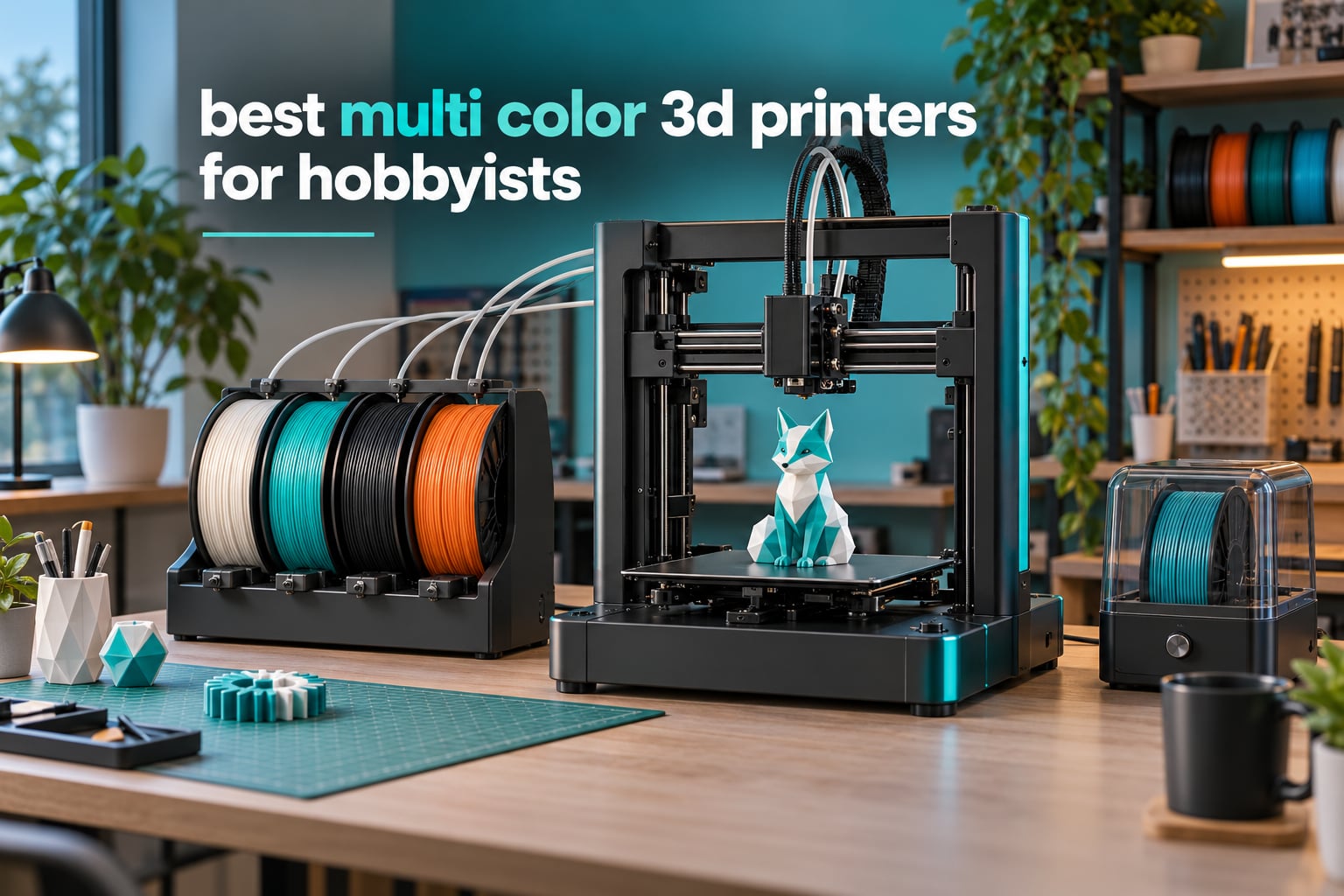
Most hobbyist 3D printers come with a single nozzle and a single spool, which means every model you make is one color unless you paint it afterward. The best multi color 3D printers for hobbyists solve that with a multi-spool filament feeder or several nozzles, so one job can pull from four or sixteen spools while the print is running. That single change is what turns a hobby printer into something that can make two-tone logos, personalized gifts, cosplay pieces, layered signs, and multi-material parts with soft TPU in the same build.
We spent weeks going through owner reviews, technical specifications and failure reports across twelve multi color machines on the market right now, covering everything from a compact four-color unit for a small desk to a four-toolhead machine that wastes almost nothing. The differences between them matter more than the brochure numbers suggest, and the architecture behind the color system decides how much filament you throw away and how long a color change takes.
Below, every pick includes the build volume, color count, purge behavior, and the complaints owners actually report, so you can match a machine to the way you really print. If your main interest is small display models, our guide to the best 3D printers for miniatures covers the resolution side of that, and this guide covers color.
Table of Contents
Top 3 Picks for Multi Color 3D Printing in 2026
Our three headline picks cover the three ways people actually buy a multi color 3D printer: the most complete all-rounder, the low-waste multi-material machine, and the easiest credible entry point. Each one earns its place for a different reason, and the differences are not cosmetic.

Best Multi Color 3D Printers for Hobbyists in 2026
Here is the full lineup with the color system each machine uses and the single most important thing to know about it. Purge waste is the column most spec sheets skip, and it is the one that changes your filament bill every month.
| Product | Specifications | Action |
|---|---|---|
| Creality K2 Plus Combo |
|
Check Latest Price |
 ELEGOO Centauri 2 Combo ELEGOO Centauri 2 Combo |
|
Check Latest Price |
 Snapmaker U1 Snapmaker U1 |
|
Check Latest Price |
 Flashforge Creator 5 Pro Flashforge Creator 5 Pro |
|
Check Latest Price |
 Bambu Lab P1S Combo Bambu Lab P1S Combo |
|
Check Latest Price |
 Anycubic Kobra X Anycubic Kobra X |
|
Check Latest Price |
 Bambu Lab A1 Combo Bambu Lab A1 Combo |
|
Check Latest Price |
 Flashforge AD5X Flashforge AD5X |
|
Check Latest Price |
 Bambu Lab A1 Mini Combo Bambu Lab A1 Mini Combo |
|
Check Latest Price |
 QIDI Q2 Combo QIDI Q2 Combo |
|
Check Latest Price |
 Creality K2 SE 4C Creality K2 SE 4C |
|
Check Latest Price |
 Creality SPARKX i7 Combo Creality SPARKX i7 Combo |
|
Check Latest Price |
1. Creality K2 Plus Combo: The Most Complete Multi Color Machine Here
Creality K2 Plus Combo 3D Printer Multi Color Printing with CFS
16 colors via CFS
60C heated chamber
600 mm/s CoreXY
112.4 lbs
Pros
- 16 colors through the CFS
- Very high speed and acceleration
- Heated chamber to 60C for engineering materials
- Auto belt tensioning and dual-motor Z
- Two AI cameras catch failed prints
Cons
- Large and heavy with a big power draw
- Complex machine that rewards tinkering
- Color changes still consume some filament
This is the machine we keep coming back to because it covers a lot of ground in one box. The CFS feeder takes the color count up to sixteen colors, and the K2 Plus underneath it is a serious machine, with FOC step-servo motors at 32,768 microsteps per revolution, speeds up to 600 mm/s, and 30,000 mm/s² acceleration. That is not a small printer with a feeder bolted on.
The part that separates it from most hobby multi color printers is the actively heated chamber, which reaches 60°C. A heated chamber is what makes ABS, ASA, PPS, and PA-CF parts hold their dimensions instead of warping the moment they leave the bed, and reviewers repeatedly single out the chamber as the reason quality holds up on engineering materials.
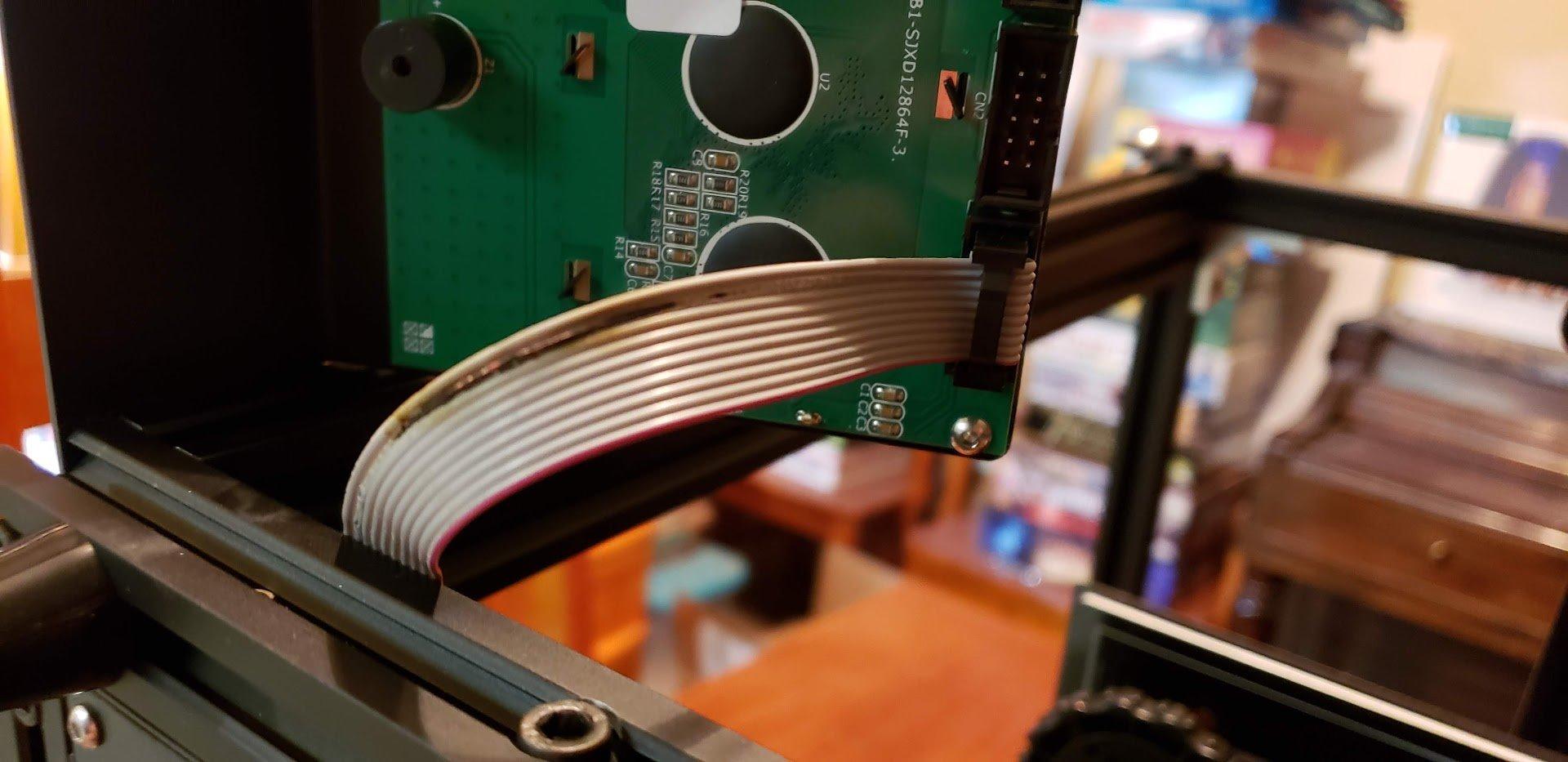
Two independently motorized Z axes cut tilt on large builds, and active belt tensioning driven by a pressure sensor takes belt re-tensioning off your maintenance list entirely. Two AI cameras, one in the chamber and one watching the toolhead, catch spaghetti, foreign objects, and idling without you checking in.
The 40 mm³/s high-flow hotend runs an 80 W heater and takes a tri-metal nozzle rated to 350°C with hardened steel gears, so abrasive and high-temperature materials are practical rather than aspirational. Owners praise print speed and surface finish most.
What you gain by stretching for this machine
You gain material range. PLA, PETG, ASA, ABS, PPS, and carbon-filled nylon all become practical rather than experimental, and sixteen colors means a batch job can run unattended without anyone swapping a spool.
You also gain a machine that stays useful as your skills grow. The people who get the most out of a K2 Plus are hobbyists already printing functional parts rather than display models, and reviewers describe it as a machine that rewards tinkering rather than pure plug-and-play use.
Where the compromises show up
At 112.4 pounds and 27.95 x 23.23 x 24.41 inches, this is a large, heavy box with a serious power draw. It needs a real stand, not a floating shelf, and it will dominate a small room.
Color changes still consume some filament, because a swapper architecture flushes between colors like any other. If your projects are almost entirely color, and waste bothers you, the toolchanger designs further down this list are the better fit. Run the numbers for your own filament use before committing.
2. ELEGOO Centauri 2 Combo: Best Multi Color 3D Printer for Newcomers
ELEGOO Centauri 2 Combo 3D Printer, Beginner-Friendly Multicolor Printing
4 colors via CANVAS
22 smart sensors
500 mm/s CoreXY
33 lbs
Pros
- Four-spool CANVAS color system
- Fast beginner-friendly setup
- Enclosed body supports ABS-class materials
- 256mm cube build volume
- Strong first-layer accuracy
Cons
- Camera and time-lapse quality are weak
- Wi-Fi and app connection can drop
- Noticeable vibration at high speed
- Purge towers slow multicolor prints
Owners describe this as an easy route into multi color printing, and the 2,572 reviews behind a four-star average are among the deepest owner histories in this roundup. Buyers praise print quality, speed, enclosure, and value, and call it a strong alternative to the better-known ecosystem brands for less money.
The CANVAS system handles four colors with RFID filament recognition and automatic refill, so the machine knows what is loaded without you telling it. Twenty-two intelligent sensors run full auto calibration and pre-print checks, which is why so many owners report printing within an hour of unboxing.
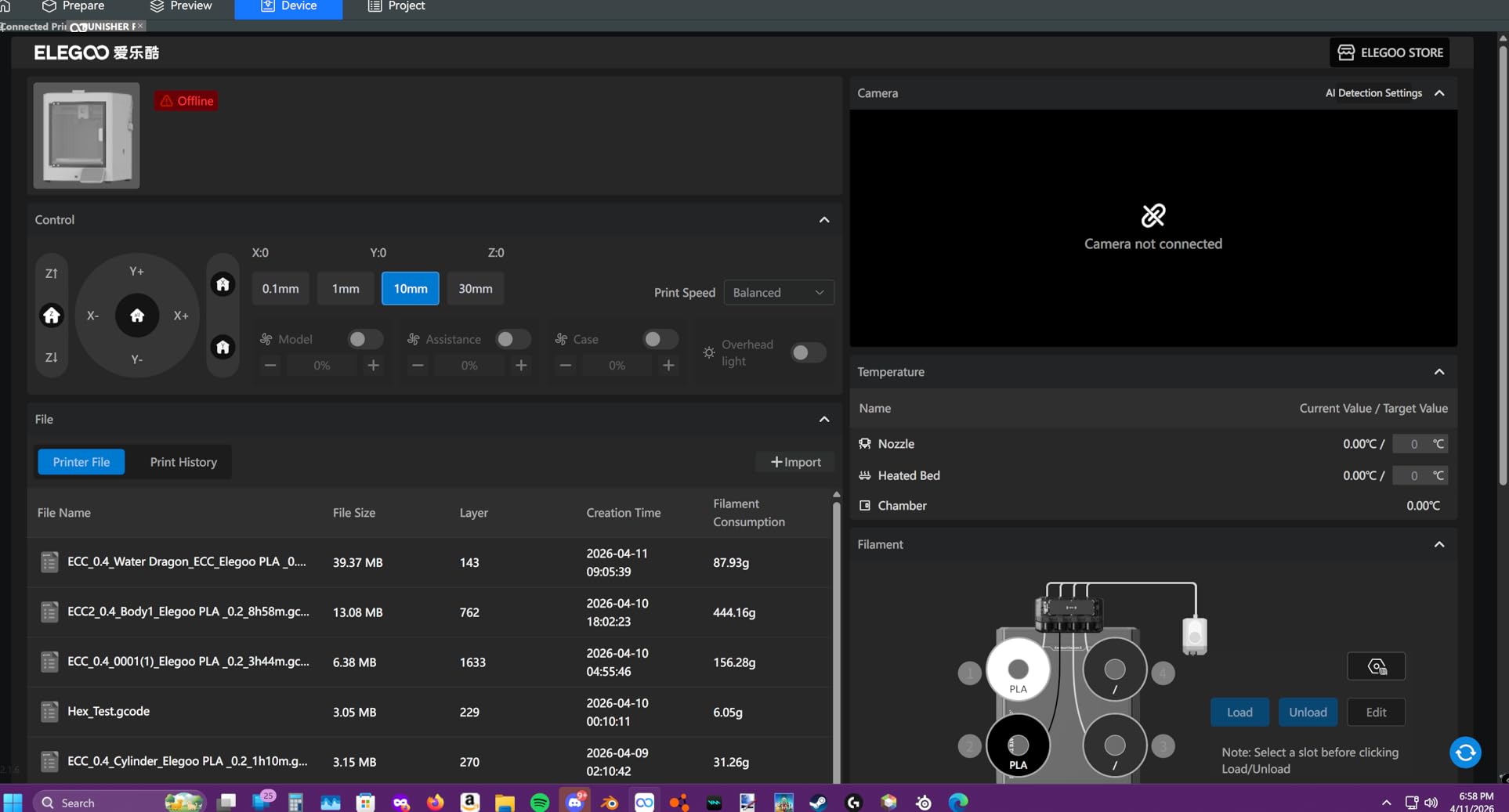
Motion is CoreXY at up to 500 mm/s with 20,000 mm/s² acceleration, and the 256 x 256 x 256 mm build volume is generous for the class. The body is enclosed, which means ABS-class materials are on the table for hobbyists who want more than PLA and PETG.
Its 22 pounds and 19.69 x 18.9 x 23.23 inches footprint are far easier to live with than a large-format machine. For a first multi color purchase, the friction is unusually low.
Why first-time buyers gravitate to it
Setup speed is the headline. Auto calibration, pre-print checks, and a straightforward slicer mean the gap between unboxing and a finished four-color model is measured in hours rather than weekends of troubleshooting.
Enclosure and speed at this level are also unusual. A closed chamber and 500 mm/s CoreXY motion usually cost you a bigger machine, and here they arrive in something you can carry with one hand.
What owners complain about most
The camera and time-lapse quality are weak by modern standards, and Wi-Fi or app connections drop offline often enough to notice. If you plan to monitor prints remotely, test that first.
Multicolor prints are slower than single-color ones because of required prime towers, and the machine has noticeable vibration and loud fans at high speed. Some filament brands also need extra build-plate glue for reliable adhesion, and the top lid can foul the filament tube unless you print a riser.
3. Snapmaker U1: Best for Genuine Multi-Material Printing
Snapmaker U1 3D Printer,4-Toolhead with 5s Toolchanger,Multi-Color Printing
4 preheated toolheads
5-second tool change
270mm cube build
500 mm/s
Pros
- Four preheated toolheads
- Five-second tool changes
- Near-zero filament waste
- Rigid plus soft TPU in one print
- Four 500 g spools included
Cons
- Open top needs a cover for sensitive materials
- Less streamlined than cloud model workflows
- A few early hardware failures reported
- Smaller parts ecosystem
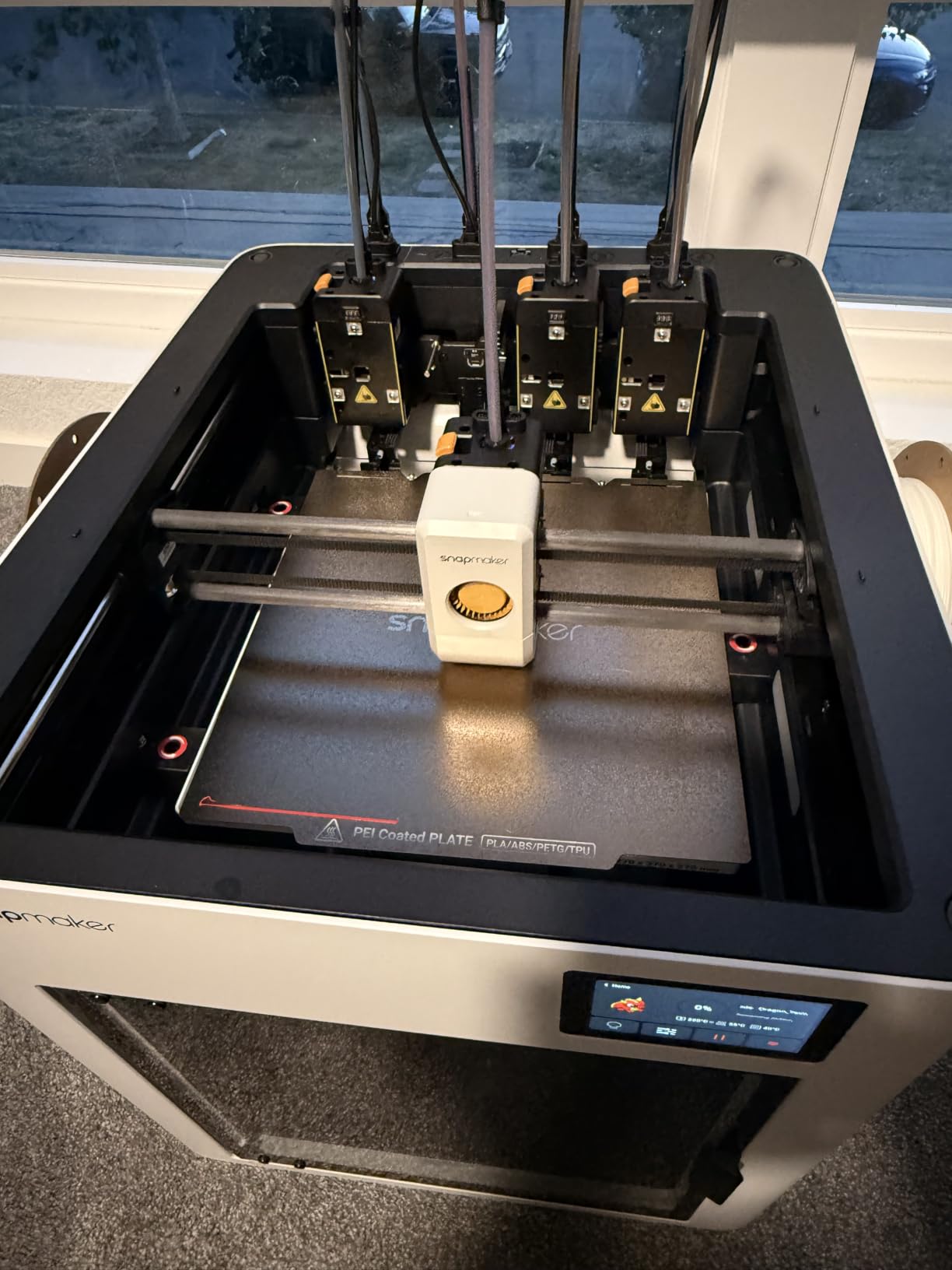
The U1 carries the highest rating in this group, with 83% of its reviews at five stars. The reason is the SnapSwap system: four independent toolheads, each with filament preloaded and preheated, validated through more than one million tool changes.
A five-second tool change changes how you plan projects. There is no purge tower, no flushing volume to tune, and the brand claims up to five times less filament waste and five times faster multicolor printing than a single-nozzle system. Every gram extruded goes into the part.
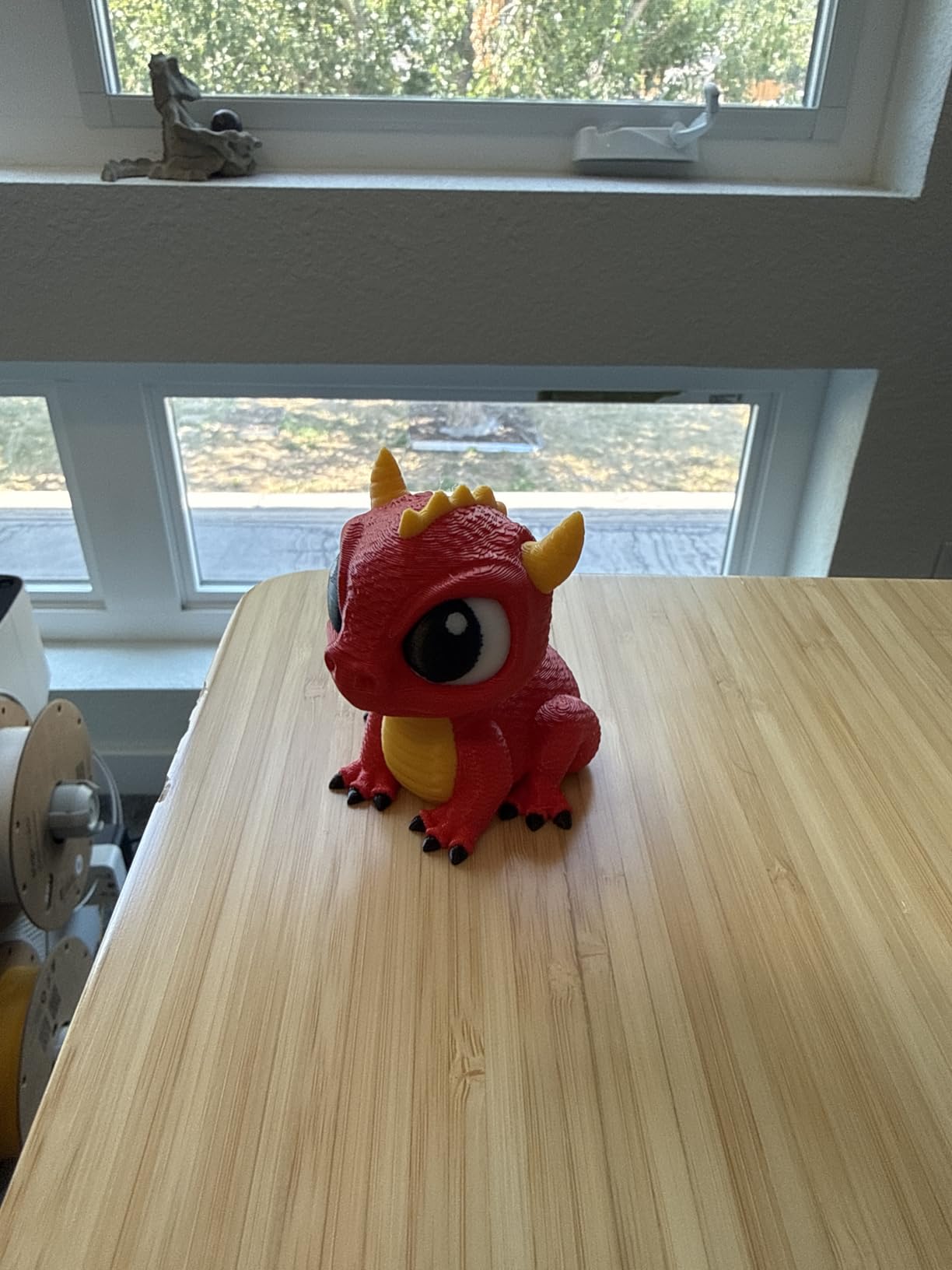
Material support is the other headline. Because each toolhead holds its own hotend, you can mix rigid and flexible in one print, use water-soluble supports, and combine TPU of different Shore hardness. The stated compatibility list covers PLA, PVA, TPU, PETG, PCTG, ABS, ASA, PA, and PC.
Motion is 500 mm/s CoreXY on carbon fiber X-axis rails with a 270 x 270 x 270 mm build volume. Automatic toolhead offset calibration, vibration compensation, and fine-tuned extrusion handle the complexity of four heads for you, and setup takes under twenty minutes with a guided touchscreen and QR troubleshooting videos.
Why multi-material buyers should look here
If your projects need soft TPU, dissolvable supports, or a hard-and-soft assembly in a single job, only the four-toolhead designs in this roundup handle all three without fighting the feeder. Soft filament simply cannot be gripped reliably by a swapper roller, so those plans are closed off on most four-color machines.
The open Linux-compatible ecosystem and Snapmaker Orca slicer mean no vendor-locked cloud dependency, which matters if you want to keep your files and your workflow under your own control.
Where it asks more of you
The open top needs a purchased or printed enclosure before you print ABS-grade or other temperature-sensitive material. The workflow is also less streamlined than a phone-based model-to-print flow, since you import files into Snapmaker Orca rather than printing one click from a cloud library.
Some machines have reported motherboard or connectivity failures soon after delivery, and as a newer brand the parts and community ecosystem is smaller. The 146-review base is also the thinnest among the picks we recommend outright, so expect the support experience to be less battle-tested.
4. Flashforge Creator 5 Pro: Zero Waste With Four Toolheads
FLASHFORGE Creator 5 Pro Multi-Color 3D Printer,4-Toolheads,Fully Enclosed
4 toolheads
7-second tool changes
65C chamber
HEPA 13 filtration
Pros
- True multi-color and multi-material in one pass
- Zero purge waste
- Seven-second color changes
- Fully enclosed 65C heated chamber
- HEPA 13 plus carbon filtration
Cons
- Costlier than entry-level multi color machines
- Four toolheads add maintenance points
- Thinner front and rear door panels
- Open top needs a cover for ABS-grade
The Creator 5 Pro is a four-toolhead machine in the same family of thinking as the Snapmaker U1, and it solves the same problem differently. Four independent toolheads deliver simultaneous multi-color and multi-material printing with no purge waste between colors and 7-second tool changes.
Where it outruns the U1 is the enclosure. The actively heated chamber reaches 65°C, the heated bed goes to 120°C, and HEPA 13 plus activated carbon filtration keeps the workspace clean at 55 dB or below. For ABS, ASA, PC, and nylon, that combination matters more than color count.
CoreXY motion runs at 600 mm/s travel with 30,000 mm/s² acceleration, and calibration is fully automatic including per-toolhead offset and dynamic flow compensation. You are not hand-adjusting four nozzles after a crash or a nozzle swap.
Reviewers treat this as a genuine upgrade for anyone serious about multi-material work, calling out the instant color changes and the fact that no filament disappears into a purge bucket.
Who should spend up for it
Color-heavy production is the case here. If you print batches of multicolored objects and the purge tower on a swapper is eating your filament budget, removing purging entirely changes the economics of every job you run.
Filament is also worth considering for hobbyists with a mixed workload. A toolhead per material lets a rigid PLA shell and a soft grip sit in the same print without the feeder problems that stop swapper systems.
The trade-offs to accept
Four toolheads are four maintenance points instead of one. Nozzles wear, and each head has its own offset to verify after any change.
It also costs more than entry-level multi color machines, the front and rear doors use thinner panels than some competitors, and the open top means a top cover is needed for ABS-grade materials. Owners weighing this against a swapper should decide on purge volume and material needs, not on color count.
5. Bambu Lab P1S Combo: The Proven Sixteen-Color Reference Point
Bambu Lab P1S Combo, P1S 3D Printer and AMS, Multi-Color 3D Printing
16 colors via AMS
Enclosed body
500 mm/s
15-minute setup
Pros
- AMS makes true 16-color printing straightforward
- Fast and reliable with excellent surface detail
- Enclosed design reduces ABS and ASA warping
- MakerWorld and Bambu Studio ecosystem
- Automatic bed leveling
Cons
- Small low-resolution display is awkward
- Wi-Fi binding flow is fiddly for first-timers
- AMS purge waste needs a chute and no filament is included
- Some defective hot ends reported
The P1S Combo is a machine existing owners name repeatedly when they discuss a proven multi color setup, and it holds the number one best-seller position in the 3D Printers category. Owners describe it as a great upgrade from entry-level bedslingers, with excellent print quality, speed, and a smooth software experience.
The AMS unit daisy-chains up to sixteen colors, and the printer underneath is fully enclosed, prints at 500 mm/s with 20,000 mm/s² acceleration, and finishes automatic bed leveling in about fifteen minutes of setup. Stated filament support covers PLA, PETG, TPU, PVA, PET, ABS, and ASA, with PA and PC listed as capable.
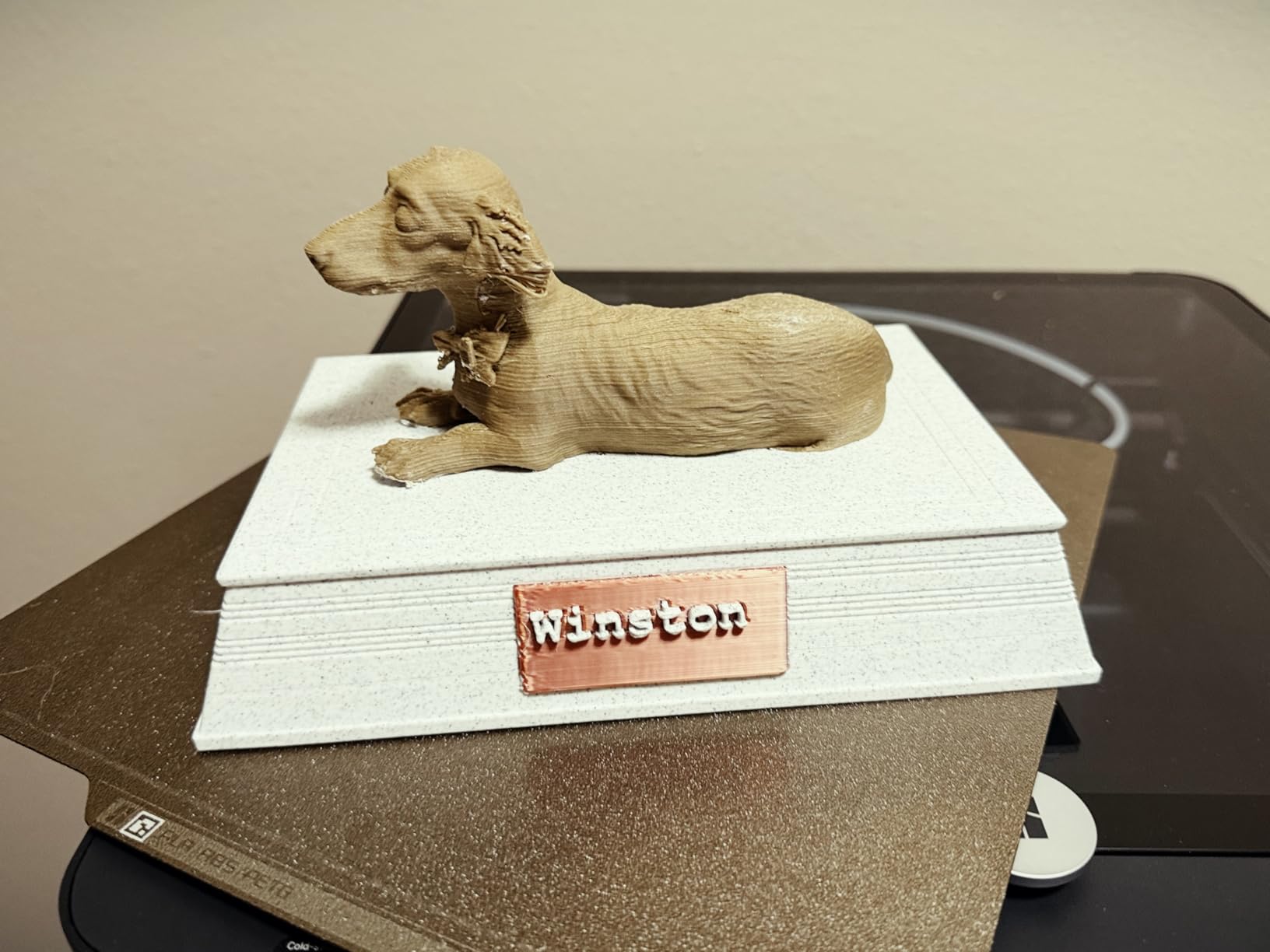
The ecosystem matters as much as the hardware. Finding a model in MakerWorld, painting colors onto it in Bambu Studio, and sending it from a phone takes very little practice, and that workflow is the reason many hobbyists land here rather than on a spec sheet.
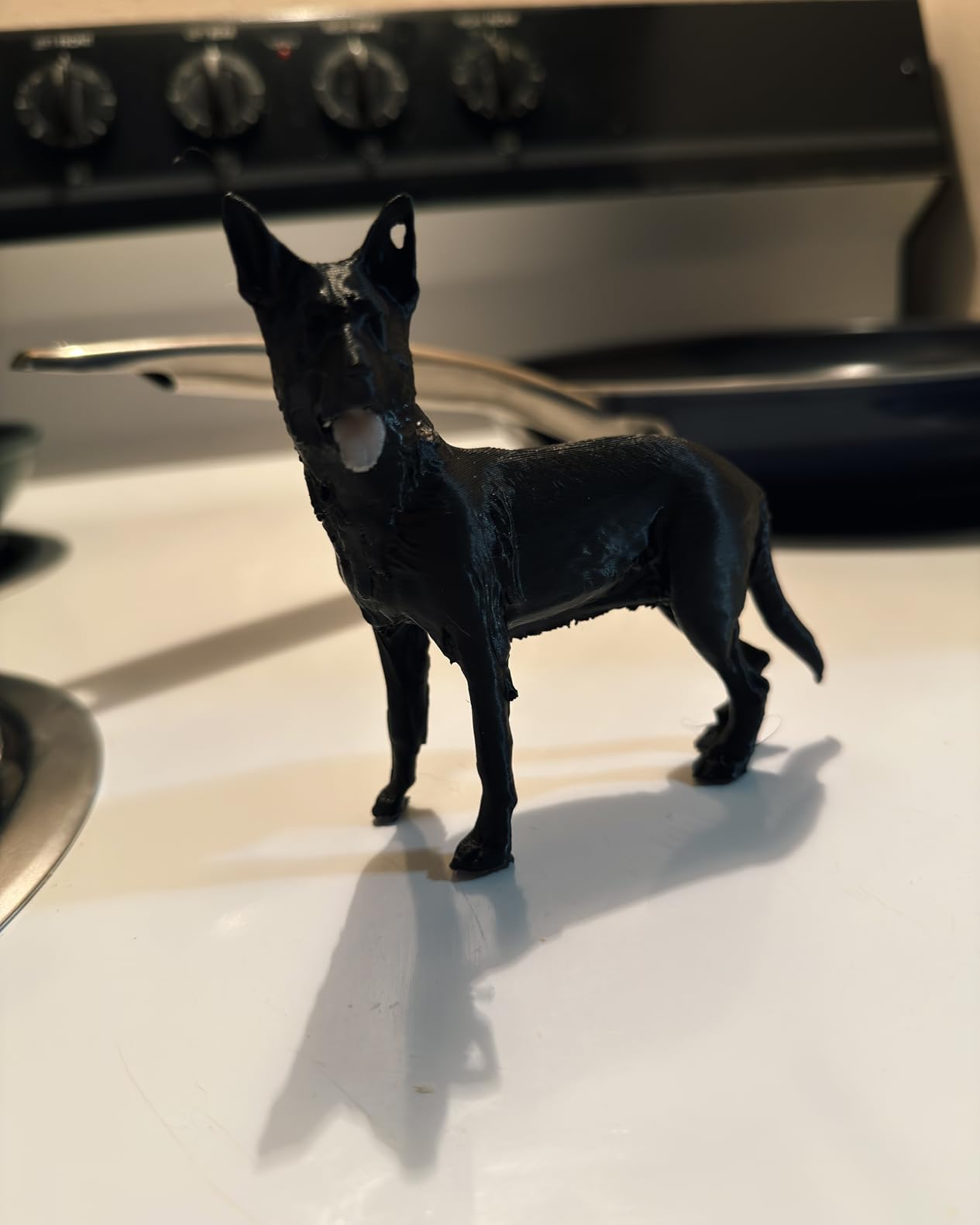
Reliability is the other argument. Reviewers describe it as very fast and consistent with excellent surface detail, and the enclosed body measurably reduces warping on ABS and ASA.
Why owners keep recommending it
It is the reference point for a reason. Over 750 reviews describe consistent day-to-day behavior rather than occasional good results, and the combination of enclosure plus sixteen colors covers almost every hobbyist project type in one box.
Expandability is real here. Feeder units can be chained and added later, so you can start with four colors and grow to sixteen as your projects get more ambitious.
What to plan around
AMS purge waste needs a poop chute and the filament is not included, so budget for the accessory and for the material you will lose flushing. The small, dated-looking display is genuinely difficult to scroll and use.
The Wi-Fi and Bluetooth binding process trips up first-time users, and SD card files do not work for AMS jobs, meaning multicolor printing has to go through the app. A small number of buyers also report a defective hot end or recurring error messages, so keep a spare on hand.
6. Anycubic Kobra X: Native Four Colors That Expand Later
Anycubic Kobra X Multicolor 3D Printer, Easy Setup, Native 4-Color
4 colors native
Expands to 19 colors
600 mm/s
260mm cube build
Pros
- Native 4-color expands to 19 colors with ACE 2 Pro
- Reduces purge and travel by 81.25%
- 600 mm/s with hardened steel nozzle
- Very quiet for a home office or classroom
- 49-point LeviQ 3.0 leveling
- Dual-band Wi-Fi plus LAN
Cons
- Filament is not included
- TPU prints string and web heavily
- Some machines report clogs jams and Z-axis faults
- Support is largely AI-driven guides
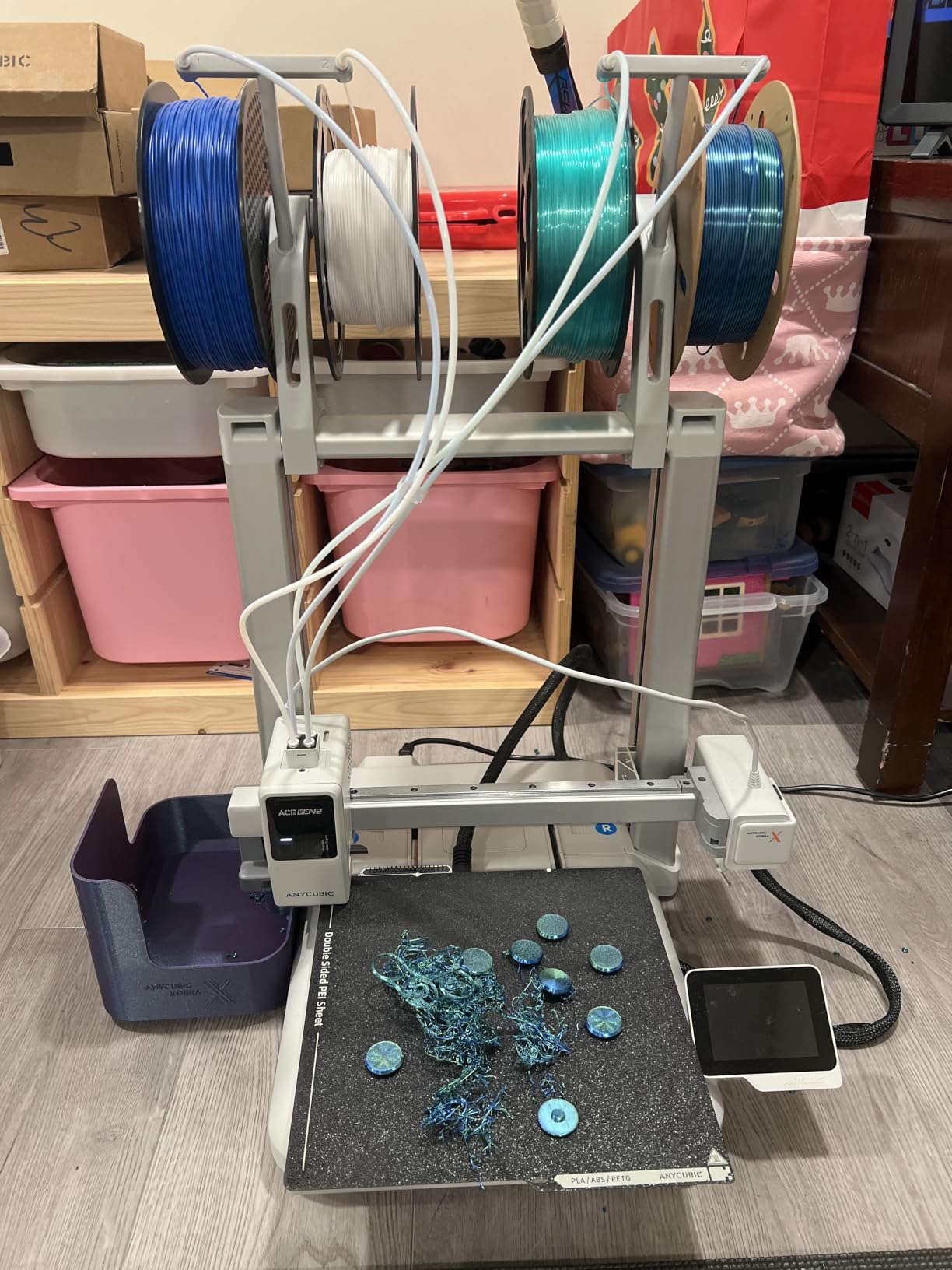
The Kobra X is the most interesting purge-waste story among the four-color machines here. It prints four colors natively, and the brand claims the filament and travel purge path is reduced by 81.25%, which works out to roughly twice as fast color changes against a conventional single-nozzle system.
It expands to nineteen colors with four ACE 2 Pro units, so the four-color box is a starting point rather than a ceiling. That is a rare kind of headroom in a machine at this level.
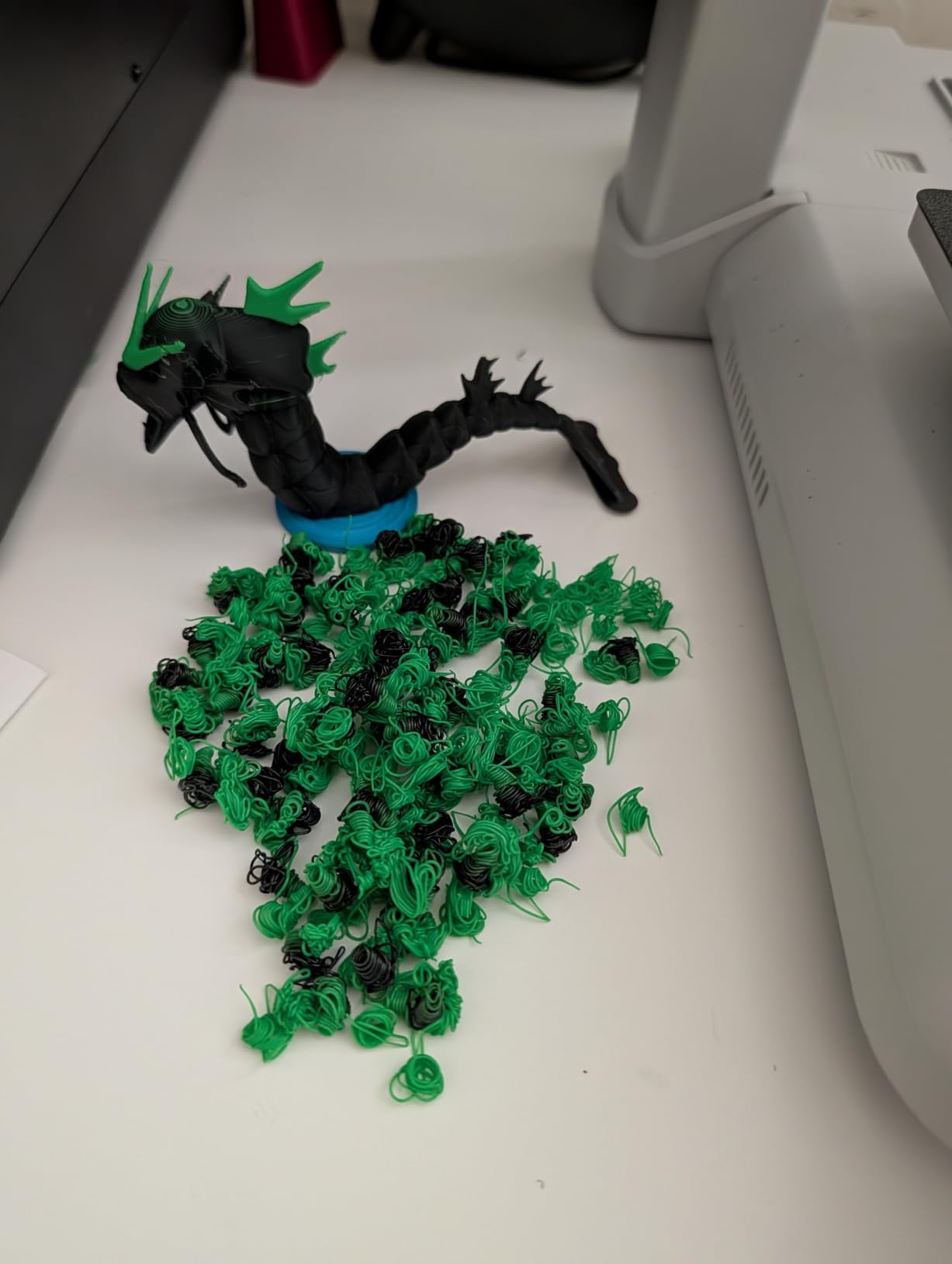
Underneath, it is a capable printer: 600 mm/s, a hardened steel nozzle with vibration compensation, a 300°C nozzle, and a 260 x 260 x 260 mm build volume. LeviQ 3.0 leveling probes 49 points and gives solid bed adhesion on the first try.
Owners consistently praise painless setup, quiet operation, and strong print quality, and the open slicer, app, and cloud ecosystem avoids compatibility walls. Dual-band Wi-Fi plus LAN means network drops are less likely to interrupt a long print.
Why it suits shared spaces
Quietness is the standout for a bedroom, home office, or classroom, and the top-mount spool holder frees desk space that a side-mounted unit would occupy. That footprint decision matters in a multi color setup because feeder units are bulky.
For someone who wants four colors now and more later, the ACE 2 Pro expansion path is a genuine advantage over machines that top out at four.
The limits worth knowing
TPU prints produce heavy stringing and webs, so treat the flexible material claim as aspirational. Filament is not included, and some machines report recurring clogs, jams, and Z-axis problems that need attention.
Customer support is largely AI-driven guides rather than human assistance, and the AI camera is an add-on in some configurations. If you want hands-on help when something goes wrong, this is not the machine to buy first.
7. Bambu Lab A1 Combo: Full-Size Bed With Four Colors and an LED Kit
Bambu Lab A1 Combo + LED Lamp Kit, Multi-Color 3D Printing (with AMS lite)
4 colors via AMS lite
LED lamp kit
10,000 mm/s2
28.5 lbs
Pros
- AMS lite adds four colors to a full-size bed
- Included LED lamp kit for lit prints and decor
- 10000 mm/s2 acceleration
- Automatic calibration and flow compensation
- 1-Clip quick swap nozzle
Cons
- AMS lite takes extra desk space and desiccant in humid climates
- Filament is not included
- Single-nozzle color changes still purge
- Simplified small touchscreen
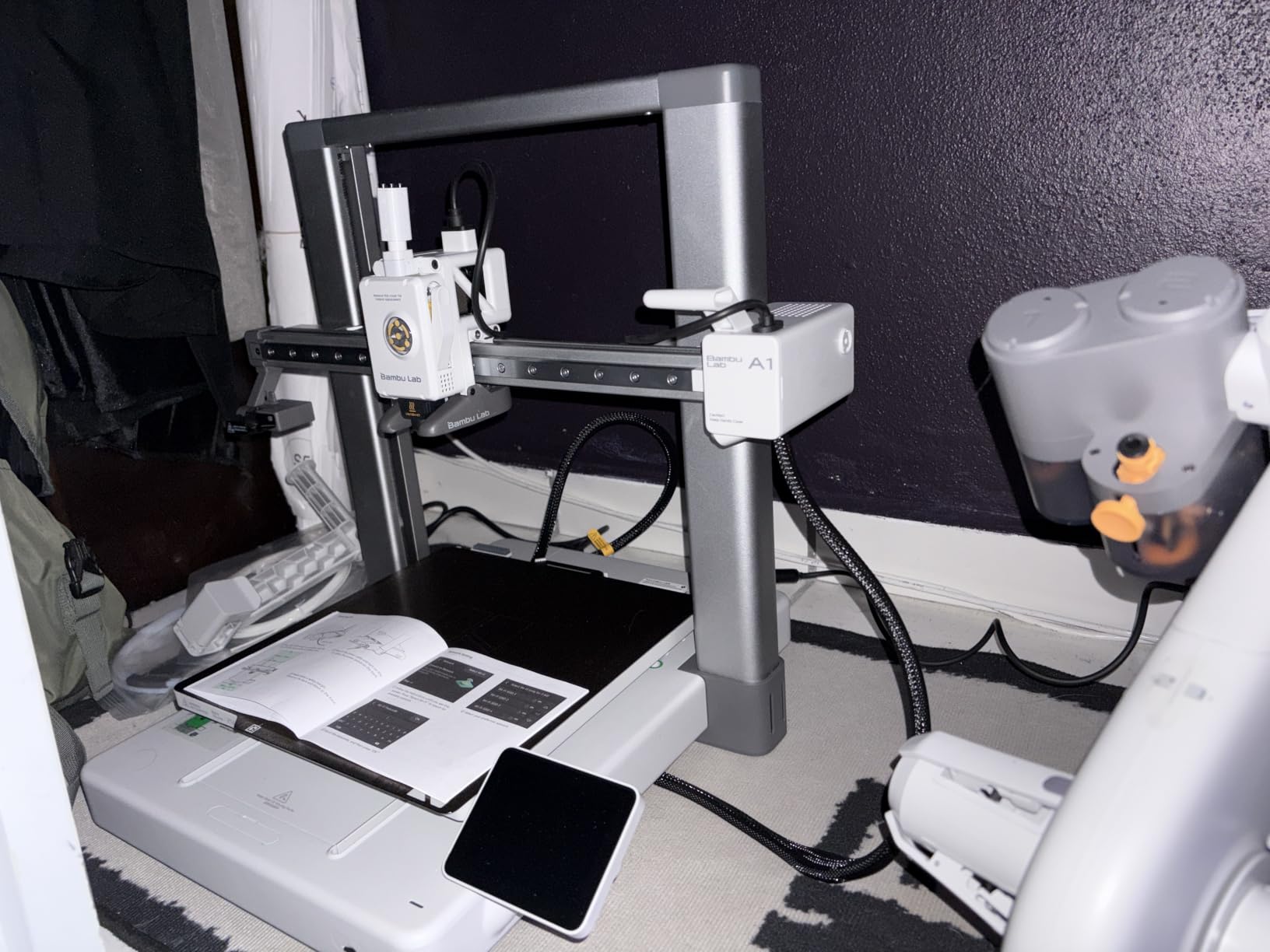
The A1 Combo pairs a full-size bed with AMS lite four-color capability, which separates it from the A1 Mini. It also includes an LED lamp kit, and that bonus turns out to matter more than expected because printed lamps, signs, and illuminated decor are exactly the projects where a color change per layer is worthwhile.
Motion is 10,000 mm/s² acceleration with full auto calibration including Z-offset and bed leveling, plus active flow rate compensation to stop small nozzles from under- or over-extruding at speed. The 1-Clip quick swap nozzle makes maintenance quick.
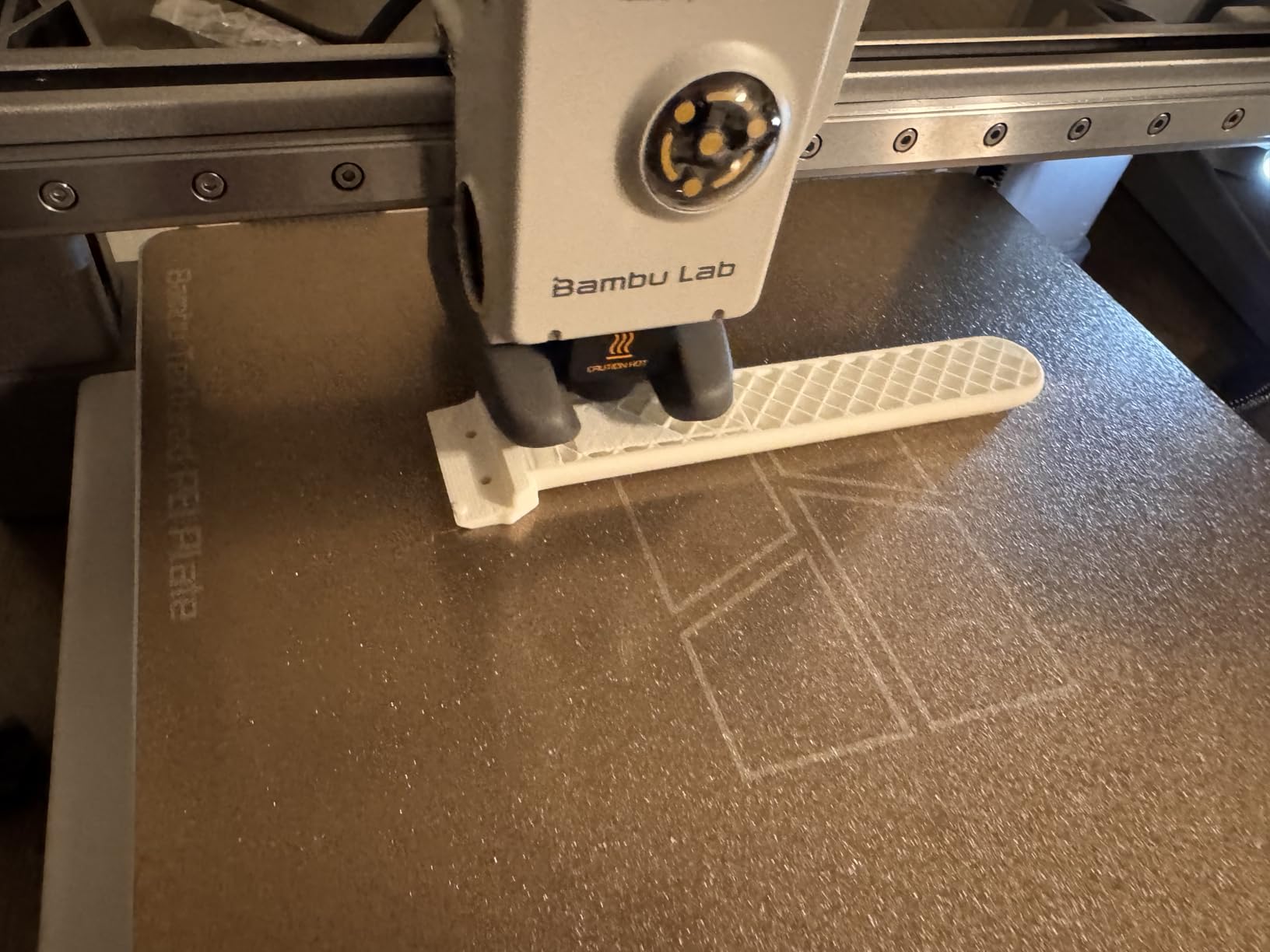
At 28.5 pounds and 23.01 x 21.06 x 16.77 inches, the whole package is heavier than the printer alone but still manageable, and active motor noise cancellation keeps it from dominating a shared room.
Reviewers rate ease of use and print quality highly, and the LED kit adds a creative dimension beyond plain multicolor printing that the other four-color machines in this roundup do not offer.
Where it outruns the smaller Bambu
Build volume is the reason. The A1 Mini caps at a 180 mm cube, which rules out helmets, planters, and anything mid-size, while the full bed here handles them alongside four colors.
The software experience is the same smooth Bambu Studio and MakerWorld path, so if you have modeled or printed before, there is very little to learn. Auto calibration and flow compensation also reduce failed prints on a machine with more moving variables.
What the smaller unit costs you here
AMS lite takes extra desk space and needs its own desiccant in humid climates, and a single nozzle still purges waste on every color change. Filament is not included, and the simplified touchscreen is small next to machines with larger displays.
If your work is display pieces rather than functional parts, our guide to digital microscopes for hobbyists is the better investment for checking layer consistency on fine detail.
8. Flashforge AD5X: Four Colors With Automatic Refill
FLASHFORGE AD5X Multi-Color & Material 3D Printer with IFS, 220x220x220mm
4-color IFS with 4 kg refill
600 mm/s
300C nozzle
24.2 lbs
Pros
- Four colors with auto load and unload
- Up to 4 kg automatic refill
- 600 mm/s on an all-metal CoreXY frame
- Printing within 10-20 minutes for many buyers
- Handles tough materials and flexible TPU
Cons
- Purge volume is not optimized by the brand
- Rear spool holder makes loading awkward
- No built-in lighting or camera
- Can be loud and needs an enclosure kit
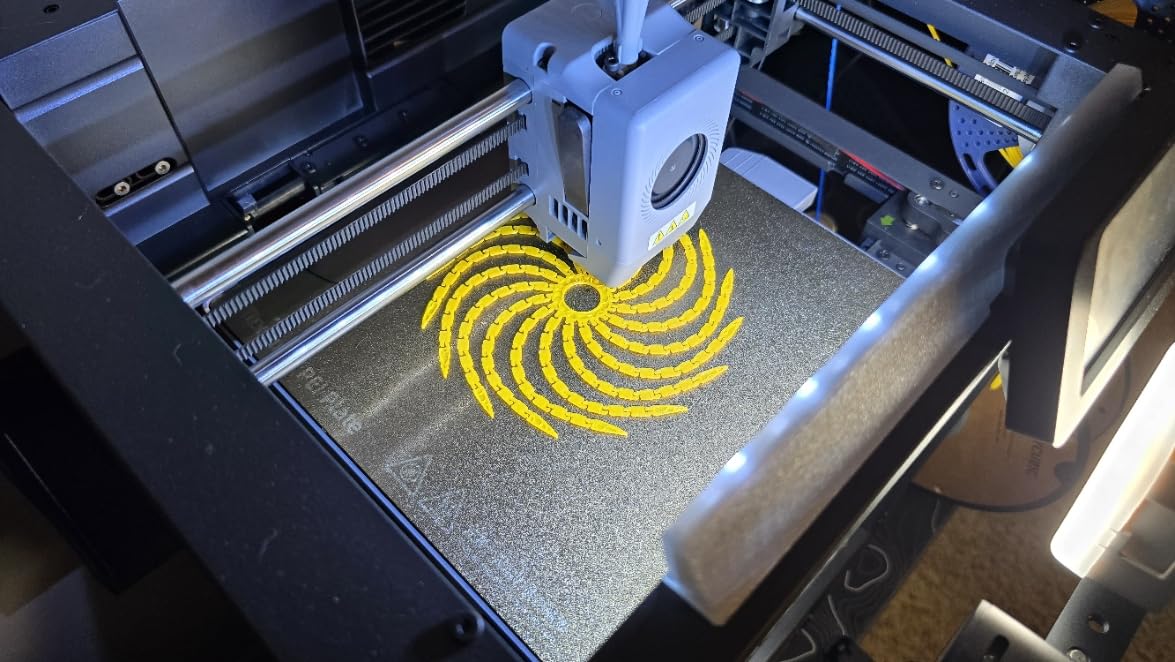
The AD5X pairs four-color printing with a feature you rarely see at this level: automatic filament load, unload, and refill of up to four kilograms. For anyone running long batch jobs, that is the difference between checking on the machine and walking away.
Motion is an all-metal CoreXY frame at 600 mm/s travel with 20 m/s² acceleration, and the hotend is a 32 mm³/s high-flow design with a 300°C nozzle. That combination handles tough materials including carbon fiber blends and flexible TPU.
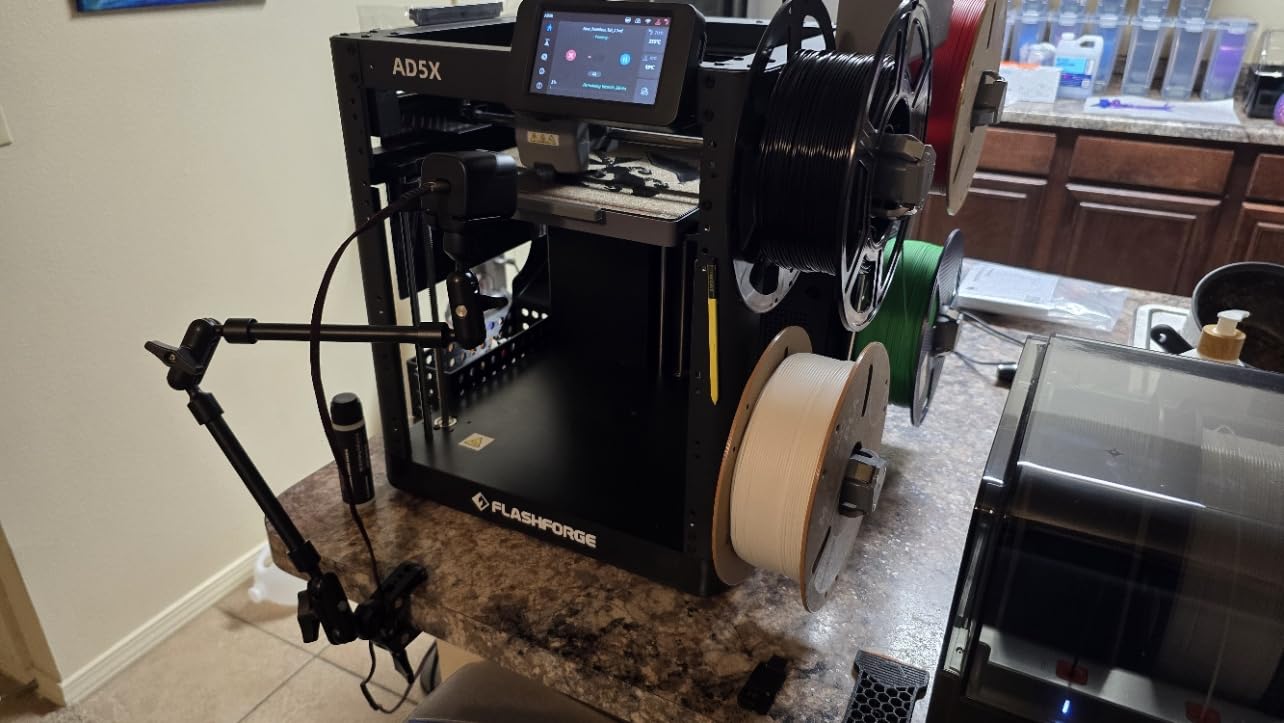
At 24.2 pounds and 14.29 x 14.8 x 16.26 inches, this is one of the more compact multi color machines here, and many buyers report printing within ten to twenty minutes of setup thanks to one-click auto leveling, vibration compensation, and filament detection.
Reviewers consider it strong value, calling out fast, easy setup and good four-color prints with tough filaments. Multi-device management runs through Flash Maker and Orca-Flashforge, and power loss recovery protects long jobs.
Why batch owners like it
Automatic refill is the quiet superpower. A 4 kg spool runs far longer than a standard one, so a multi-color print queue can keep going without someone swapping filament in the middle of the night.
Speed is the second argument. 600 mm/s travel on a rigid metal frame means large multicolored objects finish in reasonable time, which a slower swapper machine would not manage.
The rough edges
Purge volume during color changes has not been optimized by the brand, so expect visible prime towers and more waste than a reduced-path system. The rear spool holder placement makes filament loading awkward, which is a daily irritation rather than a dealbreaker.
There is no built-in lighting or camera, the machine can be loud, and bed adhesion needs generous adhesive especially for ABS. Owners also suggest an enclosure kit helps with noise and material stability.
9. Bambu Lab A1 Mini Combo: The Quietest Small Four-Color Machine
Bambu Lab A1 Mini Combo, A1 Mini 3D Printer&AMS lite, Multi-Color Printing
4 colors via AMS lite
180mm cube build
48 dB
22 lbs
Pros
- Reliable four-color printing in a small footprint
- Many first-time users printing within the hour
- Quiet at 48 dB
- Clean prints with excellent bed adhesion
- Smooth Bambu Studio and MakerWorld workflow
Cons
- 180mm cube restricts larger projects
- AMS lite adds size and drying needs
- Noticeable vibration needs a solid surface
- Some nozzle clogs and AMS load failures after months
At 22 pounds with a 180 x 180 x 180 mm build volume and a 48 dB noise specification, the A1 Mini Combo is one of the smallest and quietest ways to get four-color output, and it is repeatedly described as an ideal first printer. Reviewers highlight quiet, quick setup, and reliable results with strong adhesion out of the box.
AMS lite drives the color side, the printer delivers 10,000 mm/s² acceleration with full auto calibration and active flow rate compensation, and it arrives pre-assembled with a 1-Clip quick swap nozzle and a 20-minute setup claim. Active motor noise cancellation holds it to 48 dB.
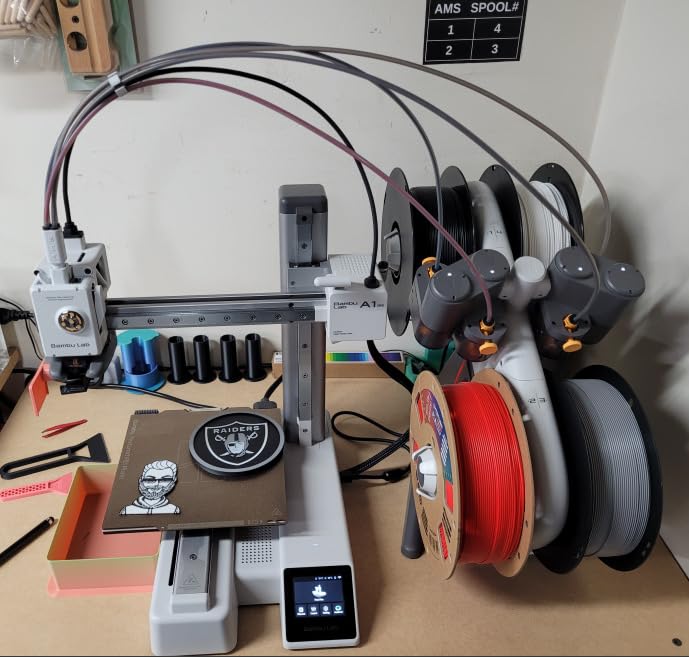
That noise figure is the practical selling point. In a flat or a shared studio it will not intrude on a conversation, and for a first machine that reduces the friction that stops beginners printing at all.
The Bambu Studio and MakerWorld ecosystem does the model-finding and sending for you, so the learning curve is mostly about design thinking rather than machine operation.
Where a small footprint is an advantage
A second machine. Serious hobbyists rarely get value from one printer, and this sits on a shelf as a dedicated color machine while a larger printer handles big single-color jobs.
It is also the forgiving option. Strong bed adhesion and auto calibration mean fewer first-layer failures while you are still learning, and the low weight makes it easy to move between rooms.
What the compact build costs you
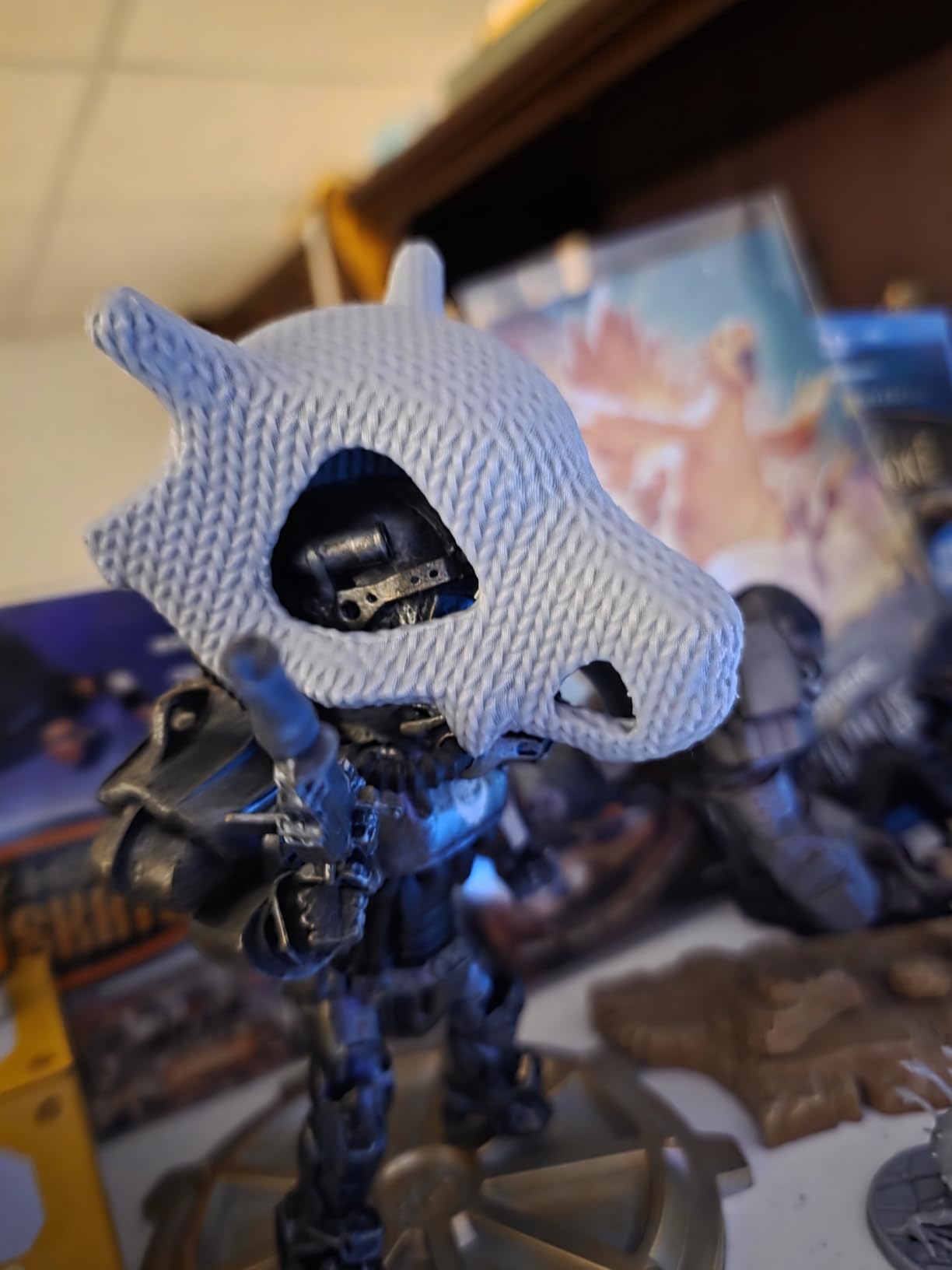
The 180 mm cube is the hard limit. Helmets, planters, and mid-size cosplay pieces do not fit, so plan on this for small display items, nameplates, two-tone models, and gifts.
AMS lite still adds a sizable footprint and needs its own drying in humid climates, and print vibration is noticeable enough that it needs a solid surface. Some owners report nozzle clogs and AMS filament-loading failures after months of use, and CAD familiarity is needed for advanced work.
10. QIDI Q2 Combo: Built-In Drying and the Hottest Nozzle Here
QIDI Q2 Combo Multi-Color 3D Printer, 65℃ Heated Chamber and 370℃ Nozzle
16 colors
dry-while-print at 65C
370C nozzle
65C chamber
Pros
- Sixteen colors with dry-while-print handling
- 65C built-in drying reduces moisture defects
- Nozzle doubles as the leveling sensor
- 370C nozzle and 65C chamber for engineering thermoplastics
- Triple filtration including H12 HEPA
Cons
- Small and heavy with a large footprint for a 260-class build volume
- Newer brand with a smaller user base
- Only 59 customer reviews so far
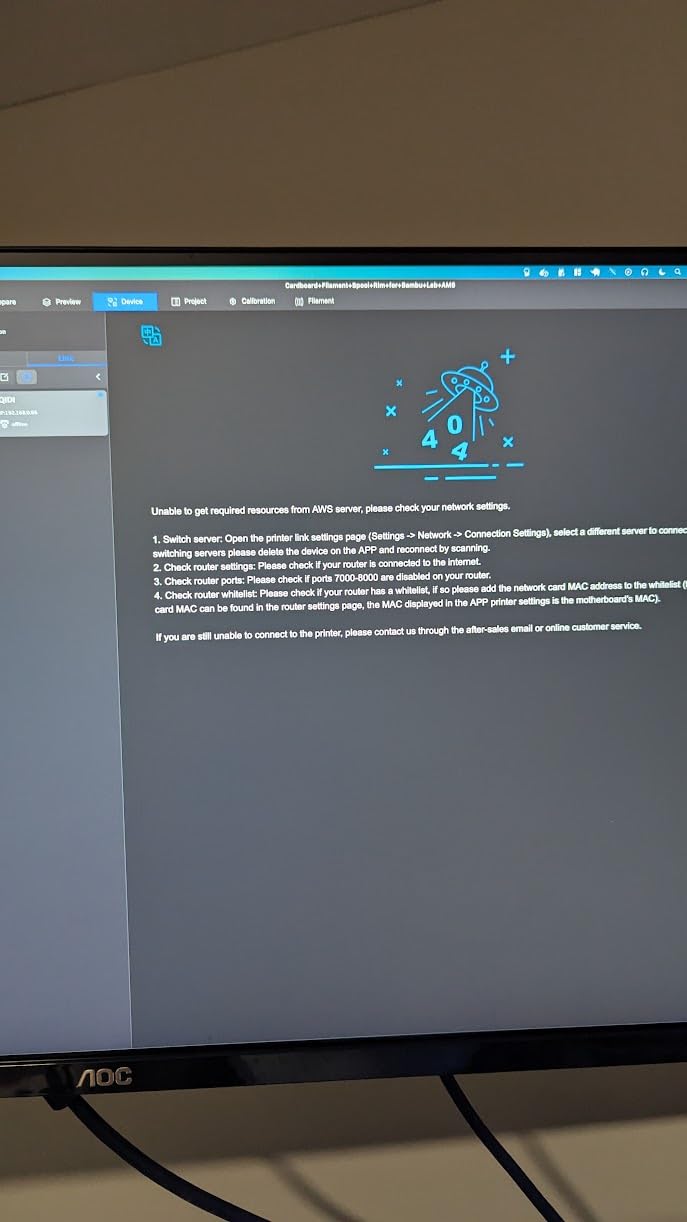
The Q2 Combo stands out for one reason: drying. The QIDI BOX feeds up to sixteen colors and dries filament at 65°C while the machine prints, which attacks the single biggest cause of feeder jams: moisture absorbed into hygroscopic filament.
The nozzle acts as the leveling sensor, which is a genuinely clever trick for a plug-and-play first layer. A second-generation PTC heated chamber holds 65°C to minimize warping, and the nozzle reaches 370°C, the highest figure in this group, opening up advanced engineering thermoplastics.
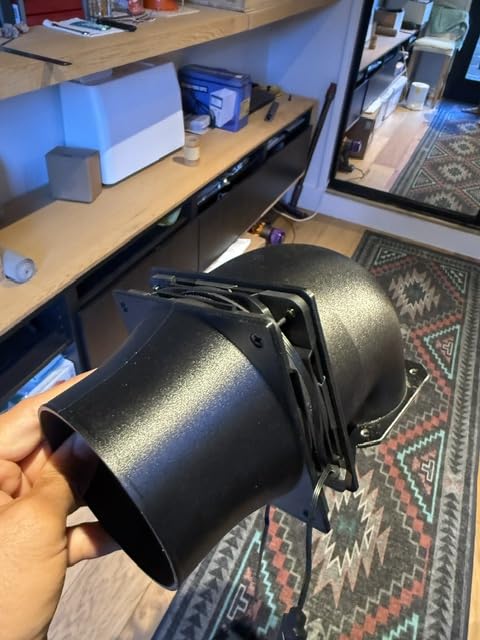
Other details are well considered: a hardened steel dual-gear extruder, NFC filament recognition, automatic filament reloading, an upgraded 1.5GT synchronous belt for reduced vertical artifacts, and full-metal CoreXY on linear rails at up to 600 mm/s. Filtration runs a G3 pre-filter, H12 HEPA, and activated carbon, and the chamber is flame retardant.
AI camera monitoring, run-out and tangle detection, auto leveling, and power loss recovery are all present, and owners report responsive customer support and lifetime technical assistance.
Why drying matters more than it sounds
Every color change pushes fresh filament into the melt zone. On a swapper system that means a lot of moisture exposure over a long multicolor job, and wet filament causes stringing, popping, weak layers, and the feeding errors that make owners abandon multi color printing.
Built-in drying removes a variable that competitor systems push onto you. For hygroscopic materials like PETG, PA, and many blends, that is worth a lot over a year of use.
What to weigh before buying
The Q2 Combo is 54.9 pounds in a 21 x 20 x 23 inch package, which is heavy and bulky for a 260-class build volume. The enclosure accessories you would want for ABS, PC, and fiber-filled work are also extra purchases rather than part of the package.
Most importantly, only 59 customer reviews exist so far, so the long-term reliability picture is unproven compared with machines with review counts in the thousands. Newer brands also have smaller accessory libraries and less community troubleshooting help. If you rely on filament that must stay dry, this is the pick. If you want the deepest owner history, the Creality K2 Plus Combo and the Bambu P1S Combo have far more of it.
11. Creality K2 SE 4C: Four Colors Built Into a Small Footprint
Creality K2 SE 4C 3D Printer, Multi-Color 3D Printer, 500mm/s Fast Printing
Native 4-color
37% smaller footprint
500 mm/s
35.5 lbs
Pros
- Four colors included as standard with no add-on
- 37% less space than typical multi color systems
- 500 mm/s CoreXY on a rigid all-metal frame
- Runout tangle and power loss protection
- Open Creality OS with root access
Cons
- Color changes still consume filament on every switch
- Compact build volume limits larger parts
- Purging is less refined than multi-toolhead designs
- Less mature software ecosystem
The K2 SE 4C solves a specific problem: most four-color machines need a feeder unit parked beside them, and the machine plus feeder together claim a huge amount of desk. This one integrates the color system and uses 37% less space than traditional multi color setups, at 14.46 x 14.46 x 18.96 inches and 35.5 pounds.
Four-color printing is native, with no upgrades or extra assembly required. That is unusual, because most competitors sell the feeder separately and expect you to install it. Motion is CoreXY at up to 500 mm/s with 20,000 mm/s² acceleration on a rigid all-metal frame that minimizes vibration.
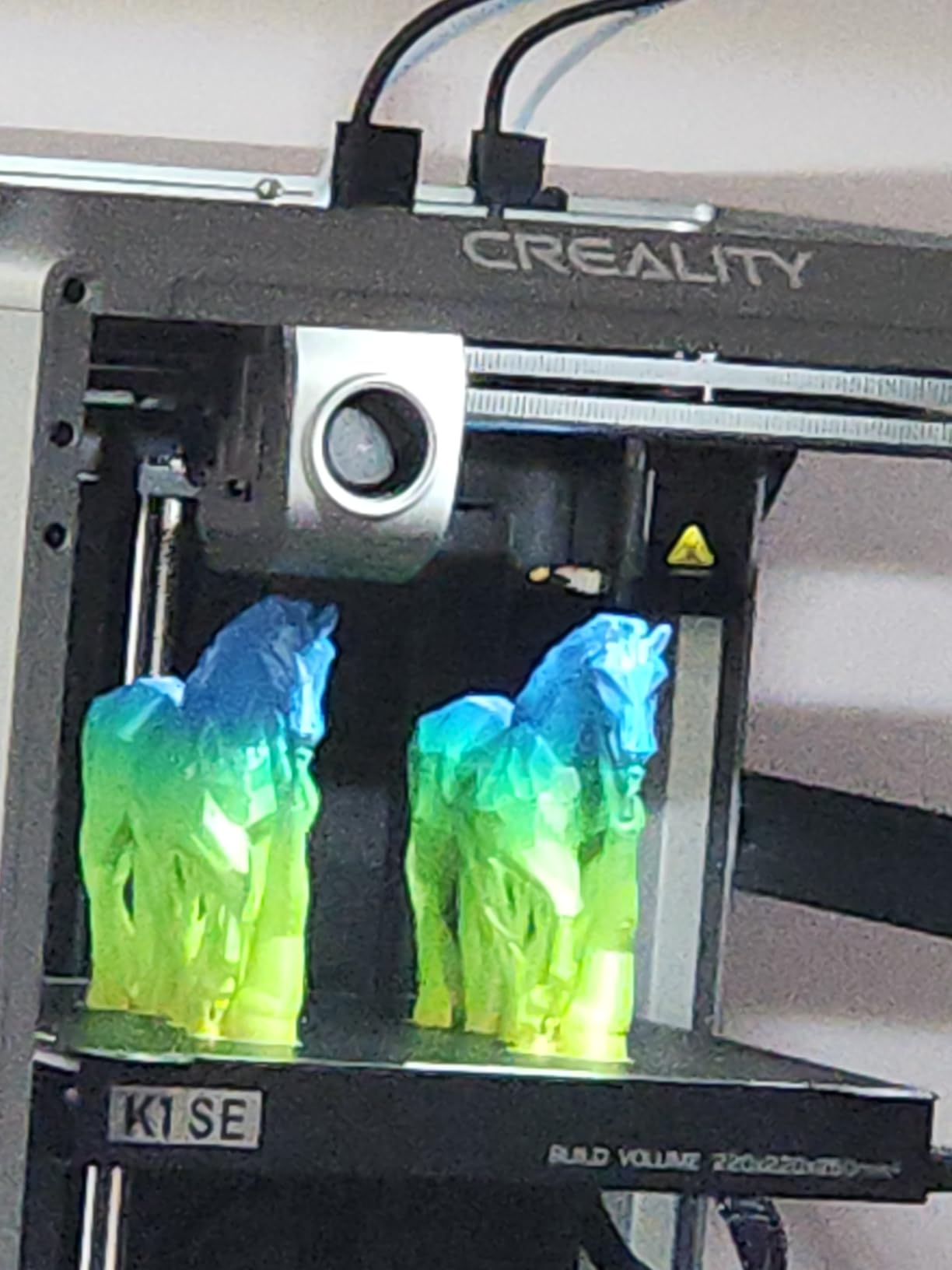
The protection features are thoughtful for a first machine: filament runout sensing, tangle detection, power loss recovery, and the ability to skip a partial failure instead of scrapping the whole print. That is wasted filament avoided, which matters when you are learning what a color change costs.
Bed leveling uses a 49-point style intelligent probe that measures only the active print area. For advanced users, Creality OS with a Fluidd interface, root access, and offline USB printing is a real advantage, and stated materials are PLA, PETG, and dual-material breakaway supports.
Why small spaces favor it
Apartment and home-office hobbyists usually lose the color capability because the feeder needs a second footprint. The K2 SE 4C removes that objection, and a self-contained unit is also easier to move to a classroom or a shared makerspace.
Because the four-color capability is built in rather than bolted on, there is no feeder assembly step between unboxing and your first four-color print.
Where it is still an ordinary swapper
It is a single-extruder design, so every color change consumes filament, and the purging is less refined than on a multi-toolhead machine. Budget for waste and for a purge tower in your workflow.
The build volume is compact by comparison with larger multi color machines, and the software ecosystem is less mature than the established competitors, with fewer proven slicer refinements and less community troubleshooting history. Buyers who want engineering filament and a heated chamber should look at the Creality K2 Plus Combo instead.
12. Creality SPARKX i7 Combo: Fastest Path From Box to Print
Creality SPARKX i7 Combo 3D Printer, Multi Color with CFS Lite High Speed AI Photo-to-3D Printing 95% Pre-Assemble Auto-Leveling Custom RGB Quick-Swap Essential Parts 10.24×10.24×10 inch
4 colors via CFS Lite
95% pre-assembled
260mm build
AI camera
Pros
- Large 260 x 260 x 255 mm build volume
- Unboxing to first print in about five minutes
- CFS Lite claims 50% less purge waste
- AI camera detects spaghetti and tangles
- Night Mode enables quiet light-free printing
Cons
- Build quality feels less premium with thinner leadscrews
- Confidence in multicolor is below multi-toolhead systems
- Not as quiet as Bambu Lab machines
- Hotbed heating and adhesion issues reported
- Replacement hotends cost more
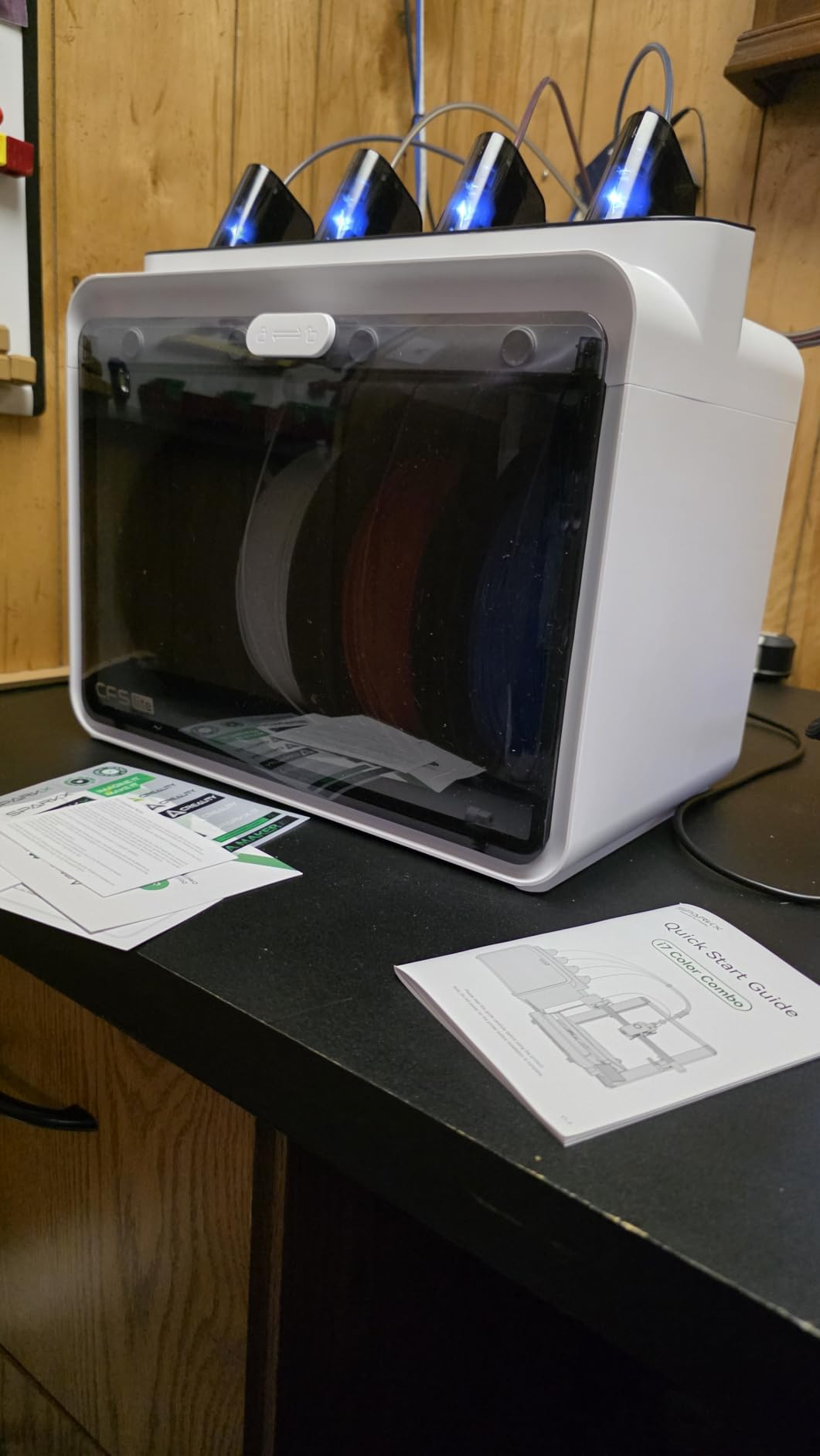
The SPARKX i7 Combo leads this roundup on speed to first print: it is 95% pre-assembled, with unboxing to first print in about five minutes. For someone who wants to see a four-color result tonight rather than after a weekend of assembly, that is a genuine advantage.
The color side is a four-color CFS Lite system claiming 50% less purge waste than traditional single-nozzle systems. The build volume is a roomy 260 x 260 x 255 mm for a machine in this class, and Night Mode lets you run prints overnight without light or noise disruption.
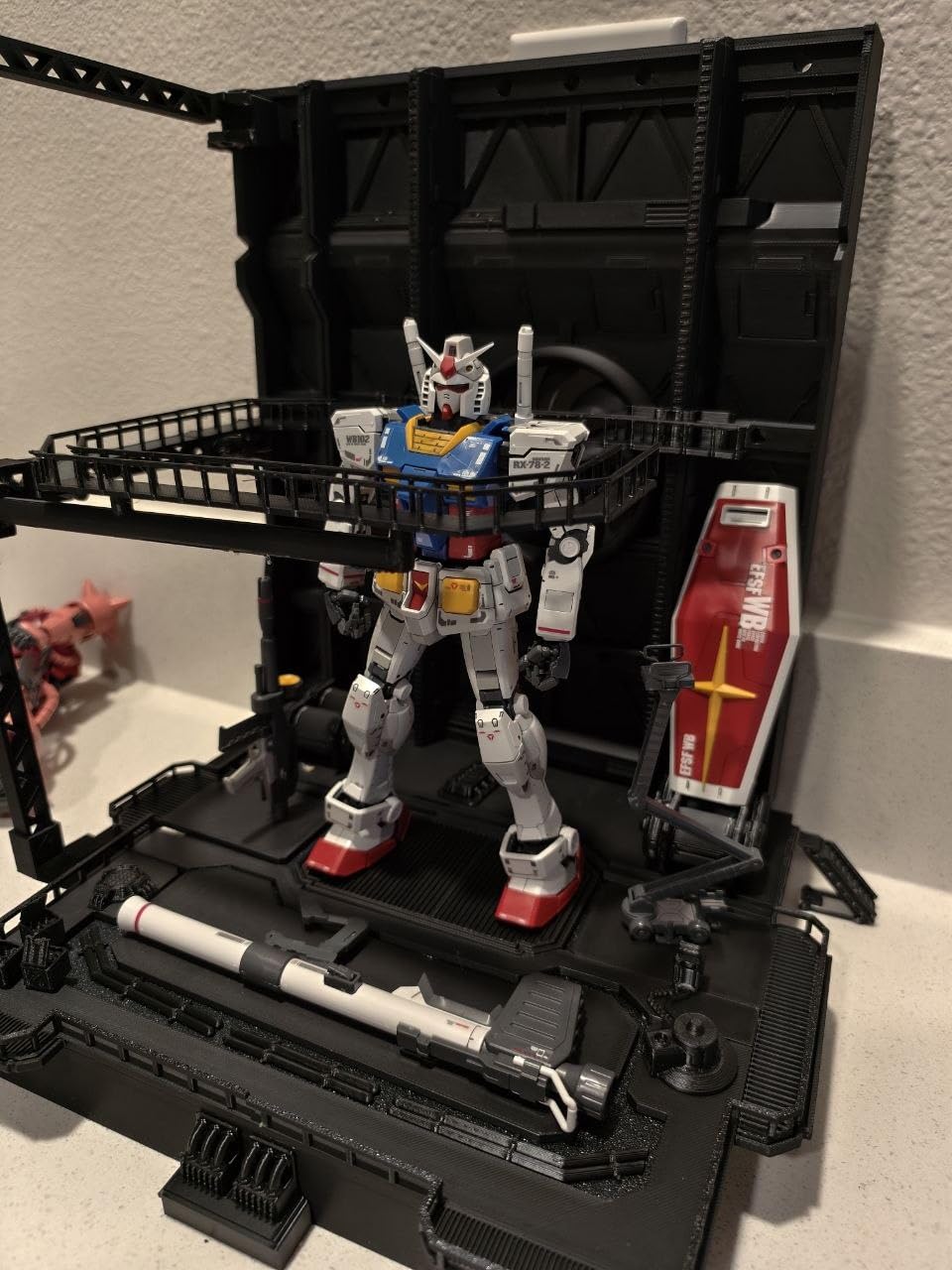
Two features are genuinely different. The AI camera detects spaghetti, air printing, filament tangles, and build-plate problems, and the CubeMe AI turns an uploaded portrait into a printable 3D model in seconds. Custom RGB lighting and quick-swap essential parts round out the package, and single-color print quality matches more expensive machines.
The portrait-to-model feature is a real creative tool rather than a gimmick, particularly for personalized gifts and display pieces.
Where it earns its place
Fast setup plus a large build volume in one package is rare at this level, and the AI camera can save you a failed multi color job, which is a more expensive failure than a single-color one. Night Mode is genuinely useful for shared rooms.
For a beginner who wants results immediately, the five-minute path from box to print is the strongest argument in its favor.
Why it sits last in our ranking
Its rating of 3.8 is the lowest in this roundup, and the reasons are consistent. Build quality feels less premium, with plenty of plastic and thinner leadscrews, and owner confidence in CFS Lite multicolor sits below multi-toolhead systems.
Several buyers also report hotbed heating and bed adhesion problems, connectivity drops, a loosening nozzle cover, and replacement hotends that cost more than comparable parts. It is not as quiet as the Bambu Lab machines, so buy it for the setup speed and AI tools, not for refinement.
Purge Waste, Filament Drying, and Material Limits
Purge waste is the running cost of a swapper system, and it is the number every buyer should learn to estimate. When the color changes, the machine flushes the melt zone and primes the new filament, usually into a purge tower beside the part. Tune the flushing volume down in your slicer and you can cut waste significantly without hurting layer adhesion, but some waste is structural to the architecture.
Toolchanger machines remove most of it. The Snapmaker U1 and the Flashforge Creator 5 Pro park a full hotend per color, so nothing needs flushing between them, and the brand figures are up to five times less waste. The trade is upfront hardware cost and four maintenance points instead of one.
Hybrid designs sit in between. The Anycubic Kobra X cuts the purge and travel path by a claimed 81.25%, the QIDI Q2 Combo dries at 65°C while printing to keep feeder behavior stable, and the Creality SPARKX i7 Combo’s CFS Lite claims a 50% reduction. Treat those figures as manufacturer claims and measure on your own prints.
TPU is the material that breaks swapper plans. Soft filament is hard for feeder rollers to grip reliably, so AMS-style units and their equivalents will jam, grind, or under-extrude. If soft TPU alongside rigid plastic is core to your projects, a toolchanger or multi-nozzle machine is the only architecture in this roundup that handles it properly.
Humidity is the quiet cause of feeder failures. Filament that has absorbed moisture strings, pops, and eventually jams mid-print, and a multicolor job runs filament through the melt zone far more often than a single-color print. A dedicated filament dryer is part of the real cost of this hobby, and closed feeder units with integrated drying are worth paying more for.
On the slicer side, the color-painting workflow matters more than raw speed. OrcaSlicer, Bambu Studio, PrusaSlicer, and Anycubic Slicer Next all handle multi-color assignment, purge towers, and wipe volumes, and the best results come from assigning colors per layer group, minimizing travel between changes, and reducing the wipe volume to the smallest setting that still gives clean color separation.
How to Choose a Multi Color 3D Printer
Is it worth buying a multicolor 3D printer? Yes, if you want finished-looking pieces without painting, personalized items, or any project needing two materials. Skip it if you print single-color functional parts only, because you would be paying for capability you never use and taking on feeder maintenance for nothing.
How many colors do you actually need? Most hobbyist prints use two to four. Buy a four-color machine for personal projects, and move up to sixteen or nineteen only if you plan batch runs of multicolored objects, chess sets, or classroom kits. Community recommendation threads regularly name the Bambu A1 as a strong multi color system for the money and the P1S with AMS as a widely recommended pick when someone will accept purge waste, which is a good sanity check on our ordering.
Do you need multiple materials or just multiple colors? Colors are visual. Materials change function: dissolvable PVA supports, a soft grip on a rigid body, or a wear-resistant surface. If you need materials, go straight to a toolchanger or multi-nozzle machine and skip the swapper shortlist entirely.
What materials do you print? PLA and PETG need no enclosure. ABS, ASA, PC, and nylon need one, and ideally an actively heated chamber, which points you toward the Creality K2 Plus Combo, the Flashforge Creator 5 Pro, or the QIDI Q2 Combo. Carbon fiber blends need a hardened steel nozzle, which most machines in this roundup already have.
How often will you print, and how much space do you have? Frequent batch printing justifies a larger machine and a heated chamber, and a swapper machine with a feeder unit needs real desk space behind it. Small desks favor the self-contained Creality K2 SE 4C or the compact Bambu A1 Mini Combo. If you also cut parts for your projects, our guide to the best laser cutters for hobbyists pairs naturally with a color printer for assembly work.
How much upkeep are you willing to do? Swapper systems need feeder cleaning, dry filament, and occasional attention to the purge chute. Toolchangers need nozzle swaps and per-head offset checks. Neither is heavy maintenance, but both are real, and owners rate reliability and software quality above raw specifications when they pick a machine.
Adding Multicolor to a Printer You Already Own
If you already own a single-color printer, adding a feeder unit is often the cheapest path into multi color printing, and it protects an existing investment. The main question is compatibility, because feeder units speak their brand’s protocols.
Bambu Lab feeder units stack and daisy-chain up to sixteen colors, so a two-unit setup covers eight and a four-unit setup covers sixteen. Anycubic ACE 2 Pro units take the Kobra X from its native four colors up to nineteen. Creality CFS units attach to their own machines, and the QIDI BOX integrates drying with feeding rather than being a bolt-on.
Before you commit, check spool compatibility. Some feeder units reject oversized spools and can clog on cardboard spools, which is a complaint owners raise about AMS-style units in particular. Also check whether your printer’s firmware and slicer support the feeder without modification, because a mismatched unit adds more friction than the hardware cost suggests.
Adding color later is the most common upgrade path in this hobby. Owners almost always start with four colors and expand as their projects get more ambitious, which is a reasonable way to buy.
Frequently Asked Questions
Is it worth buying a multicolor 3D printer?
Yes, if you want finished-looking pieces, personalized gifts, two-tone logos, cosplay props, or parts that need more than one material. A multi color printer with a multi-spool feeder or multiple nozzles adds color to a print without manual spool swapping. It is not worth it if you only print single-color functional parts, since you would take on feeder maintenance and purge waste for capability you never use.
What is the best 3D printer that prints multiple colors?
The Creality K2 Plus Combo is our top pick, with up to sixteen colors through the CFS feeder, a 60C actively heated chamber, and 600 mm/s CoreXY motion. For genuine multi-material work including soft TPU, the Snapmaker U1 uses four independent preheated toolheads and changes tools in about five seconds with almost no purge waste. For a first multi color purchase, the ELEGOO Centauri 2 Combo is the easiest starting point.
Which multi-color 3D printer is the least wasteful?
Toolchanger machines waste the least filament because each color has its own hotend, so nothing is flushed between changes. The Snapmaker U1 and the Flashforge Creator 5 Pro both use four independent toolheads and claim up to five times less waste, and the Flashforge model states zero purge waste between colors. Among swapper designs, the Anycubic Kobra X claims an 81.25% reduction in the purge and travel path, and the QIDI Q2 Combo adds 65C drying to keep feeder behavior stable.
How many colors do I need for 3D printing?
Most hobbyist prints use two to four colors, so a native four-color machine covers the vast majority of personal projects. Sixteen or nineteen color capability only matters for batch runs of multicolored objects, chess sets, classroom kits, or large signage. Buyers who plan to expand can start with four colors and add feeder units later on machines whose systems daisy-chain.
What is the difference between multi material and multicolor printing?
Multicolor means several colors of the same type of material, used for visual effect. Multi-material means different materials in one print, such as rigid PLA with soft TPU or dissolvable PVA supports. Swapper feeder systems usually handle multiple rigid materials but struggle with soft TPU because the feeder rollers cannot grip it, while toolchanger and multi-nozzle machines handle both. Full-color printing mixes colors inside the material itself and is a separate category none of the machines here offer.
Conclusion: Our Verdict on the Best Multi Color 3D Printers for Hobbyists in 2026
For most hobbyists, the Creality K2 Plus Combo is our pick for the best multi color 3D printer in 2026: sixteen colors, a 60C heated chamber for engineering materials, serious motion hardware, and the deepest owner history in this group. If filament waste is what bothers you, the Snapmaker U1 and Flashforge Creator 5 Pro change architecture entirely, parking a hotend per color so nothing is flushed away.
If you are starting out, the ELEGOO Centauri 2 Combo gets you four colors in an enclosed, fast package with the lowest setup friction, and the Flashforge AD5X is the value pick when automatic 4 kg refill and 600 mm/s travel matter for batch jobs. For true multi-material work with soft TPU or dissolvable supports, only the four-toolhead designs will do the job properly.
Whichever route you pick, dry your filament, keep a purge chute nearby, and start with two to four colors. Use the buttons above to check the current listing details for each machine.