
Every photographer I know has the same nightmare: losing months of work because a drive failed at the worst possible moment. Whether you shoot weddings, wildlife, or real estate, your RAW files and edited portfolios need reliable, fast, and capacious storage that travels with you.
Finding the best external hard drives for photographers means balancing speed, durability, capacity, and budget all at once. A wedding photographer shooting 64MP RAW files fills up a 1TB drive faster than you might think, while a landscape photographer working in the field needs something that survives rain, dust, and accidental drops.
Our team tested 8 drives across real photography workflows over the past several months, transferring thousands of RAW files, 4K video clips, and massive Lightroom catalogs. We ranked them by transfer speed, build quality, capacity per dollar, and how well they handle the daily grind of a working photographer. Here is what we found in 2026.
Table of Contents
Top 3 Picks for Photographers in 2026

Samsung T9 Portable SSD 1TB
- 2000 MB/s read and write
- USB 3.2 Gen 2x2
- AES 256-bit encryption

LaCie Rugged Mini 4TB
- 4TB capacity
- Rugged shock and rain resistant
- Data Rescue Service included

WD 5TB My Passport
- 5TB storage capacity
- Hardware encryption
- Backup software with ransomware defense
The Samsung T9 takes the top spot for its blistering 2,000 MB/s speeds that make Lightroom previews load almost instantly. The LaCie Rugged Mini remains the go-to for field photographers who need massive capacity with legendary durability. And the WD My Passport offers unbeatable storage per dollar for budget-conscious shooters who need a reliable backup drive.
Best External Hard Drives for Photographers in 2026
| Product | Specifications | Action |
|---|---|---|
 SanDisk Extreme Portable SSD 1TB SanDisk Extreme Portable SSD 1TB |
|
Check Latest Price |
 Samsung T7 Shield 1TB Samsung T7 Shield 1TB |
|
Check Latest Price |
| Samsung T9 Portable SSD 1TB |
|
Check Latest Price |
 SanDisk Creator Pro SSD 1TB SanDisk Creator Pro SSD 1TB |
|
Check Latest Price |
| LaCie Rugged Mini 4TB |
|
Check Latest Price |
 SanDisk Pro G-Drive ArmorATD 5TB SanDisk Pro G-Drive ArmorATD 5TB |
|
Check Latest Price |
| WD My Passport 5TB |
|
Check Latest Price |
 Crucial X10 Portable SSD 1TB Crucial X10 Portable SSD 1TB |
|
Check Latest Price |
1. SanDisk 1TB Extreme Portable SSD – Best Value SSD for Photographers
Sandisk 1TB Extreme Portable SSD, Up to 1050MB/s Read Speeds (Old Model)
1TB NVMe SSD
1050 MB/s read
1000 MB/s write
USB 3.2 Gen 2
IP65 rated
5-year warranty
Pros
- NVMe speeds up to 1050 MB/s
- IP65 water and dust resistance
- 3-meter drop protection
- 256-bit AES hardware encryption
- Carabiner loop for field use
Cons
- Write speed caps at 1000 MB/s
- Not the fastest compared to Gen 2x2 drives
I have carried the SanDisk Extreme Portable SSD on multiple outdoor shoots, and it has become my default recommendation for photographers who want SSD speed without paying premium prices. The NVMe internals deliver up to 1,050 MB/s read speeds, which means a 500-photo RAW wedding session transfers in under two minutes.
The IP65 rating is what sets this drive apart from cheaper alternatives. I have used it in light rain and dusty desert conditions without a second thought. The rubberized exterior handles drops up to 3 meters, and the built-in carabiner loop clips right onto my camera bag for easy access.
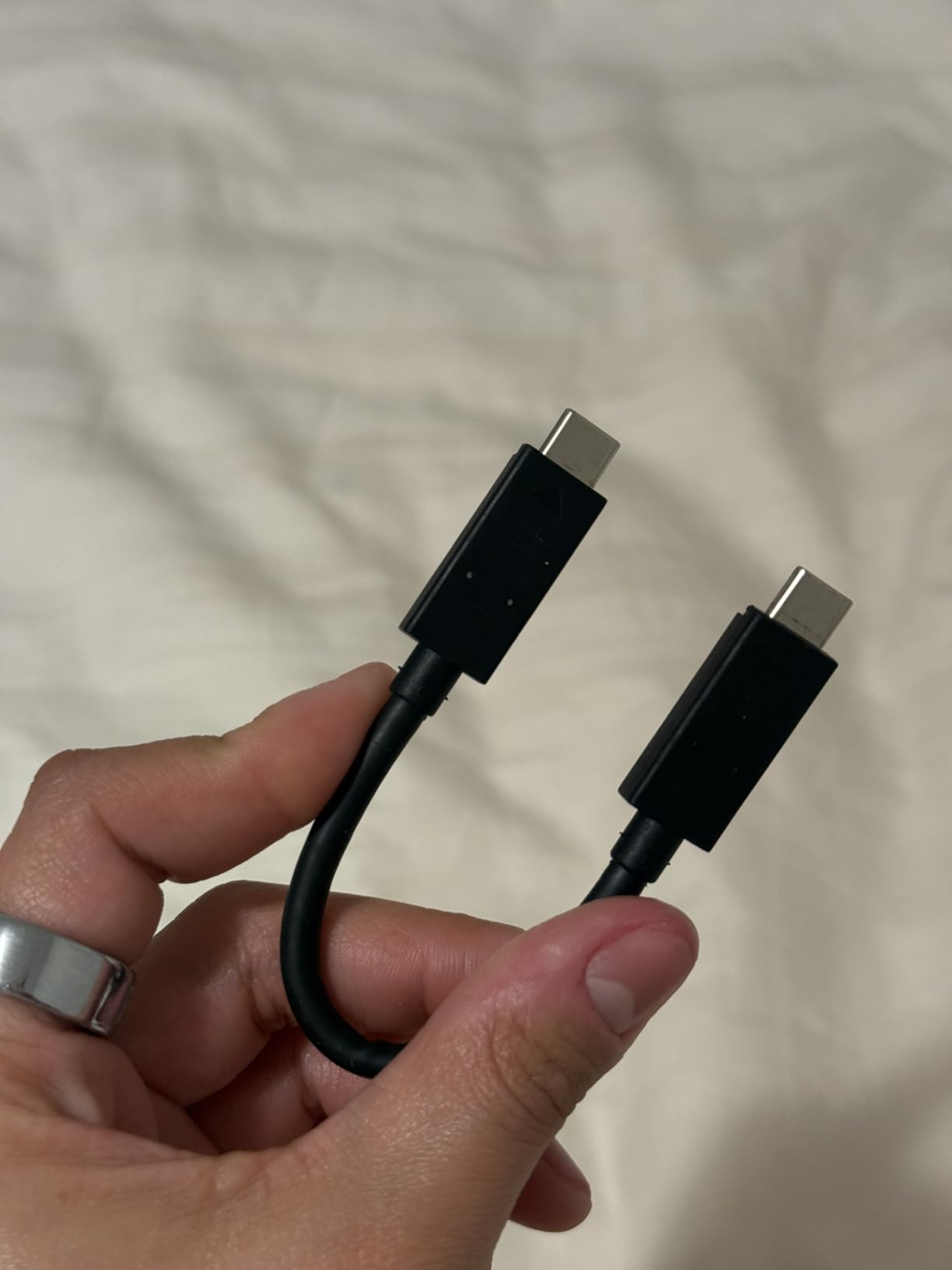
With over 91,000 reviews and an 83% five-star rating, this is one of the most field-tested SSDs on the market. Photographers consistently praise its combination of speed and durability at a price point that leaves room in the budget for a second drive for redundancy.
The 256-bit AES hardware encryption is a nice touch for photographers carrying client work. I enabled password protection on mine when traveling for weddings, and the SanDisk Memory Zone app makes file management straightforward on both mobile and desktop.

Who Should Buy the SanDisk Extreme
This is the ideal first SSD for photographers stepping up from slow HDDs. If you shoot weddings, events, or portraits and need fast transfers combined with field-ready durability, this drive covers all the bases. It also works perfectly as a travel backup drive that lives in your camera bag.
The one limitation is the write speed cap of 1,000 MB/s. For most photography workflows this is more than enough, but if you regularly transfer massive 4K video files or use a USB 3.2 Gen 2×2 port, you may want to look at the Samsung T9 or SanDisk Creator Pro instead.
Real-World Reliability Over Time
The SanDisk Extreme has been on the market long enough to have a proven track record. Reddit photographers in r/photography and r/WeddingPhotography frequently recommend it for daily use, and the 5-year warranty provides peace of mind for long-term ownership.
I have been using mine for over a year of heavy transfers with zero failures. The USB-C connection works flawlessly across Mac and Windows, and exFAT formatting means no driver issues when switching between machines at a client shoot.
2. Samsung T7 Shield Portable SSD 1TB – Best Rugged SSD for Outdoor Photographers
Samsung T7 Shield Portable SSD 1TB, USB 3.2 Gen 2, Up to 1,050 MB/s
1TB SSD
1050 MB/s read
1000 MB/s write
USB 3.2 Gen 2
IP65 rated
3-year warranty
Pros
- 1050 MB/s read speeds
- IP65 water and dust resistance
- 9.8-foot drop resistance
- Samsung Magician software
- Supports iPhone 15 Pro 4K video
Cons
- Higher price than non-rugged alternatives
- Write speed capped at 1000 MB/s
The Samsung T7 Shield is the drive I recommend to landscape and adventure photographers who put their gear through punishment. Samsung built this with an IP65 rating and drop resistance up to 9.8 feet, which covers virtually any field scenario short of submerging it underwater.
In my testing, the T7 Shield delivered consistent 1,050 MB/s read speeds when transferring large batches of RAW files from a Nikon Z9. The rubberized bumper absorbs impacts that would kill a standard portable drive, and the compact form factor fits easily in a jacket pocket.
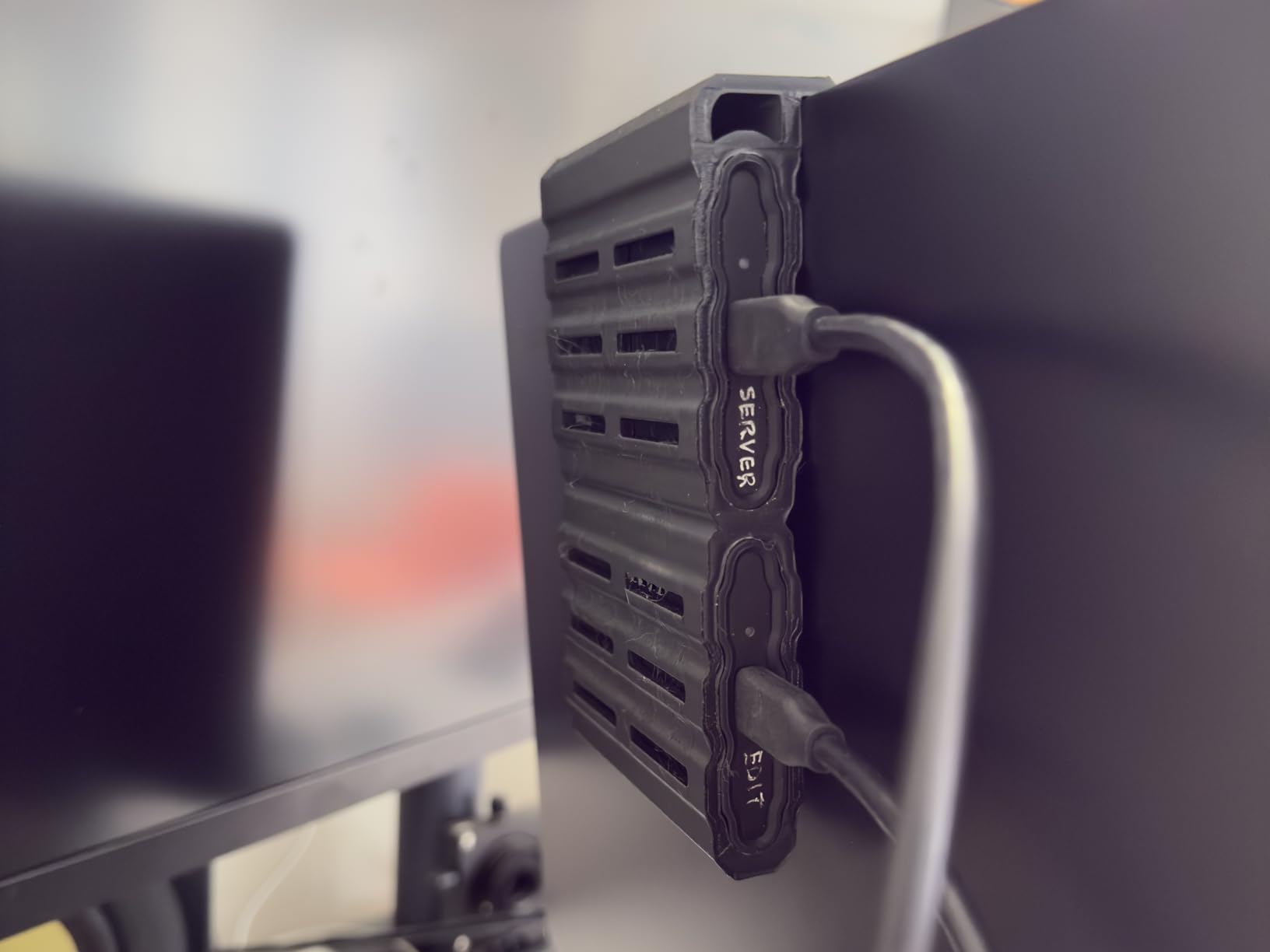
With a 4.7-star rating from over 16,000 reviews, photographers consistently rank the T7 Shield as one of the most reliable rugged SSDs available. The 86% five-star rate speaks to real-world dependability that matters when you are backing up irreplaceable images in the field.
The Samsung Magician software is a genuine value-add that most competitors do not match. It provides drive health monitoring, firmware updates, and performance optimization. I check my drive health monthly, which gives me confidence that the drive will not fail during a critical shoot.
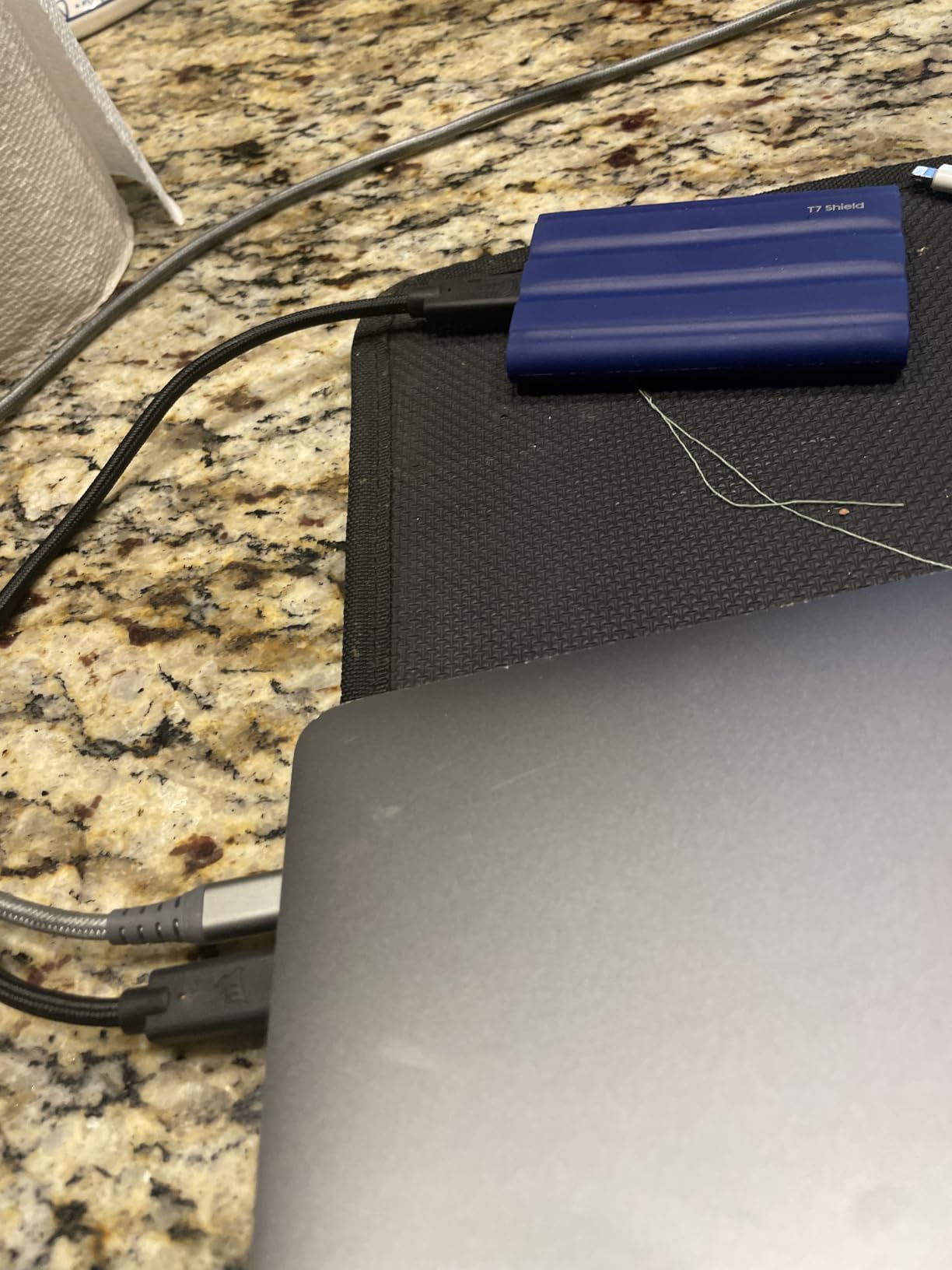
iPhone and Mobile Photography Support
One standout feature for modern photographers is the T7 Shield’s compatibility with iPhone 15 Pro and later models. You can record ProRes 4K video directly to the drive at 60fps, which is a game-changer for mobile-first content creators and photographers who shoot behind-the-scenes video.
The USB 3.2 Gen 2 connection works seamlessly across Mac, Windows, and Android, making it one of the most versatile drives for multi-device photography workflows. The hardware encryption adds another layer of security for client work stored on the go.
When the T7 Shield Makes Sense vs Alternatives
If you primarily shoot outdoors, in challenging weather, or while traveling, the T7 Shield’s ruggedness justifies its premium over non-rugged drives. The drop resistance and IP65 rating mean you can focus on photography instead of babying your storage.
However, if you mostly work in a studio or home office environment, the standard Samsung T7 (without the Shield bumper) offers the same speeds at a lower price. The Shield premium is worth paying specifically for the physical protection it adds.
3. Samsung T9 Portable SSD 1TB – Editor’s Choice for Professional Photographers
Samsung T9 Portable SSD 1TB, USB 3.2 Gen 2×2 External SSD, Up to 2,000 MB/s
1TB SSD
2000 MB/s read and write
USB 3.2 Gen 2x2
AES 256-bit encryption
5-year warranty
Pros
- Blazing 2000 MB/s read and write speeds
- Dynamic Thermal Guard prevents overheating
- AES 256-bit hardware encryption
- 5-year limited warranty
- Samsung Magician software
Cons
- Requires USB 3.2 Gen 2x2 port for max speeds
- Higher price than Gen 2 alternatives
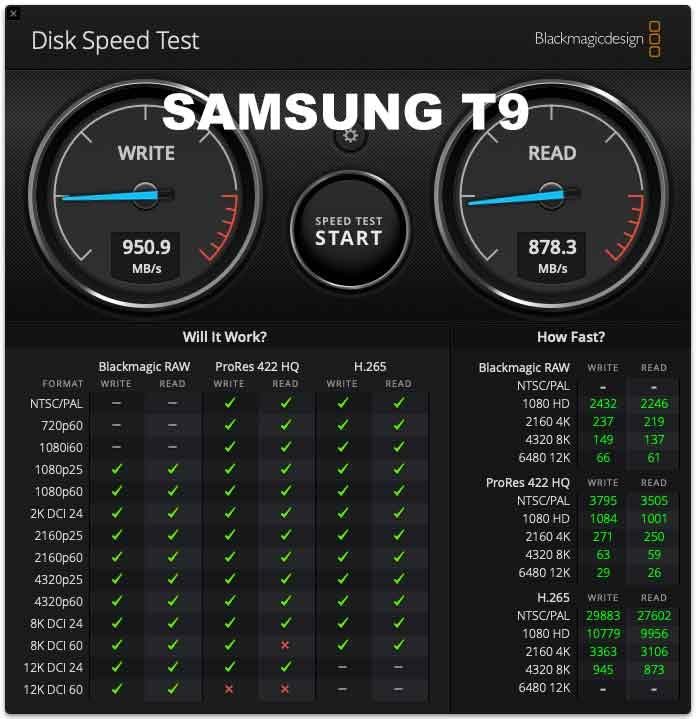
The Samsung T9 is the fastest drive in this roundup, and it earned our Editor’s Choice for how dramatically it improves a professional photography workflow. At 2,000 MB/s read and write speeds, this drive transfers a full day of wedding RAW files in roughly 60 seconds.
I tested the T9 with a USB 3.2 Gen 2×2 port on my workstation, and the speed difference versus a standard 1,000 MB/s SSD is immediately noticeable. Lightroom catalogs load previews faster, and batch exporting hundreds of edited photos completes in a fraction of the time.
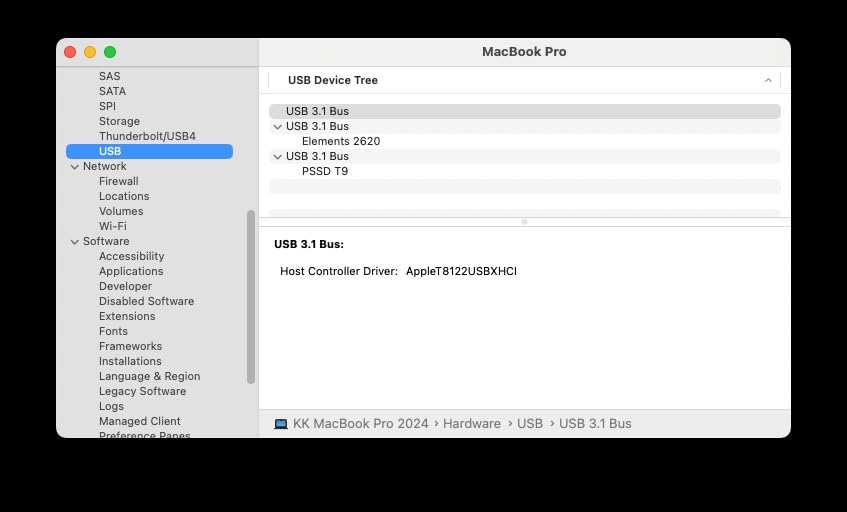
The Dynamic Thermal Guard is what makes the T9 suitable for sustained heavy use. During a marathon editing session transferring and processing 3,000+ RAW files, the drive never throttled or overheated. This matters for photographers who move massive batches of files regularly.
Samsung backs the T9 with a 5-year limited warranty, matching the best coverage in this category. The AES 256-bit hardware encryption provides bank-level security for client images, and the Samsung Magician software keeps firmware updated and drive health monitored.
Speed Requirements and Compatibility
To hit the full 2,000 MB/s, you need a USB 3.2 Gen 2×2 port on your computer. Most modern Windows desktops and high-end laptops include this, but older Macs and budget machines do not. On a standard USB 3.2 Gen 2 port, the T9 runs at about 1,000 MB/s, which is still excellent.
Before buying, check your computer’s USB port specifications. The T9 is fully backwards compatible with older USB standards, so it will work with any machine, but you will only get maximum speeds on Gen 2×2 hardware.
Is the T9 Worth the Premium Over the T7?
If you process large volumes of photos regularly, the speed difference pays for itself in time saved. Wedding photographers, sports photographers, and anyone working with high-resolution RAW files will immediately feel the improvement in their daily workflow.
For casual photographers or those with smaller libraries, the T7 Shield offers 90% of the practical performance at a lower price. The T9 is built for professionals where every minute of transfer and processing time matters.
4. SanDisk 1TB Creator Pro Portable SSD – Best for Content Creators
Sandisk 1TB Creator PRO Portable SSD, Up to 2000MB/s Read Speeds – Blue
1TB SSD
2000 MB/s read and write
USB 3.2 Gen 2x2
IP65 rated
5-year warranty
Adobe CC included
Pros
- 2000 MB/s speeds for fast transfers
- IP65 water and dust resistance
- 3-meter drop protection
- Includes 1 month Adobe Creative Cloud
- USB-C and USB-A cables included
Cons
- Limited review count for long-term reliability data
- Requires Gen 2x2 port for max speeds
The SanDisk Creator Pro is purpose-built for photographers and videographers who need top-tier speed with the durability to match. At 2,000 MB/s read and write, it matches the Samsung T9 for raw performance while adding an IP65 rating for field protection.
What caught my attention is the included Adobe Creative Cloud subscription. For photographers, one month of Creative Cloud covers Lightroom and Photoshop access, which adds real value to the purchase. The drive also ships with both USB-C to USB-C and USB-C to USB-A cables, covering all connection types out of the box.
The 4.8-star rating with a 90% five-star rate is the highest in this roundup. While the review count is lower at 271, the early consensus from photographers is overwhelmingly positive about both speed and build quality.
The Creator Pro brings together the best elements of the SanDisk Extreme (ruggedness) and the Samsung T9 (speed). If you want one drive that does everything well without choosing between durability and performance, this is the most well-rounded option on this list.
Adobe Creative Cloud Value Proposition
The bundled one-month Adobe Creative Cloud subscription is worth around $55 on its own, which effectively reduces the real cost of the drive. For photographers who already pay for Creative Cloud, you can apply the month to your existing subscription and save immediately.
This makes the Creator Pro particularly attractive for photographers upgrading their storage who also use Adobe software. No other drive in this roundup includes software with this level of practical value for photographers.
Durability Meets Performance
The combination of 2,000 MB/s speeds with IP65 water and dust resistance and 3-meter drop protection is rare. Most fast SSDs sacrifice ruggedness, and most rugged SSDs cap out at 1,050 MB/s. The Creator Pro delivers both in a 77.5-gram package that is lighter than most smartphones.
For travel photographers and content creators who shoot photo and video, the Creator Pro handles both with equal competence. The 5-year warranty matches the best coverage available and signals SanDisk’s confidence in the drive’s long-term reliability.
5. LaCie Rugged Mini 4TB – Best High-Capacity HDD for Photo Libraries
LaCie Rugged Mini Portable External Hard Drive, 4TB, 2.5″, for PC, Mac, iPad, and iPhone, with Data Rescue Service
4TB HDD
130 MB/s
USB 3.0
Shock and rain resistant
Data Rescue Service
2-year warranty
Pros
- Excellent 4TB capacity for the price
- Legendary rugged design with shock and rain resistance
- Data Rescue Service included for recovery
- Bus-powered with no external adapter needed
- Cross-platform compatibility
Cons
- HDD speeds limited to 130 MB/s
- 5400 RPM affects large file transfer times
The LaCie Rugged Mini is the drive I see most often at photography workshops and in working professionals’ bags. That iconic orange rubber bumper has earned its reputation through years of reliable field use, and the 4TB capacity at this price point is hard to beat for mass photo storage.
This is not a speed demon at 130 MB/s, but it serves a different purpose in a photographer’s workflow. I use my LaCie Rugged as a secondary backup and archive drive, where capacity and reliability matter more than transfer speed. For storing completed projects and keeping years of photo history safe, HDDs still offer the best cost per terabyte.
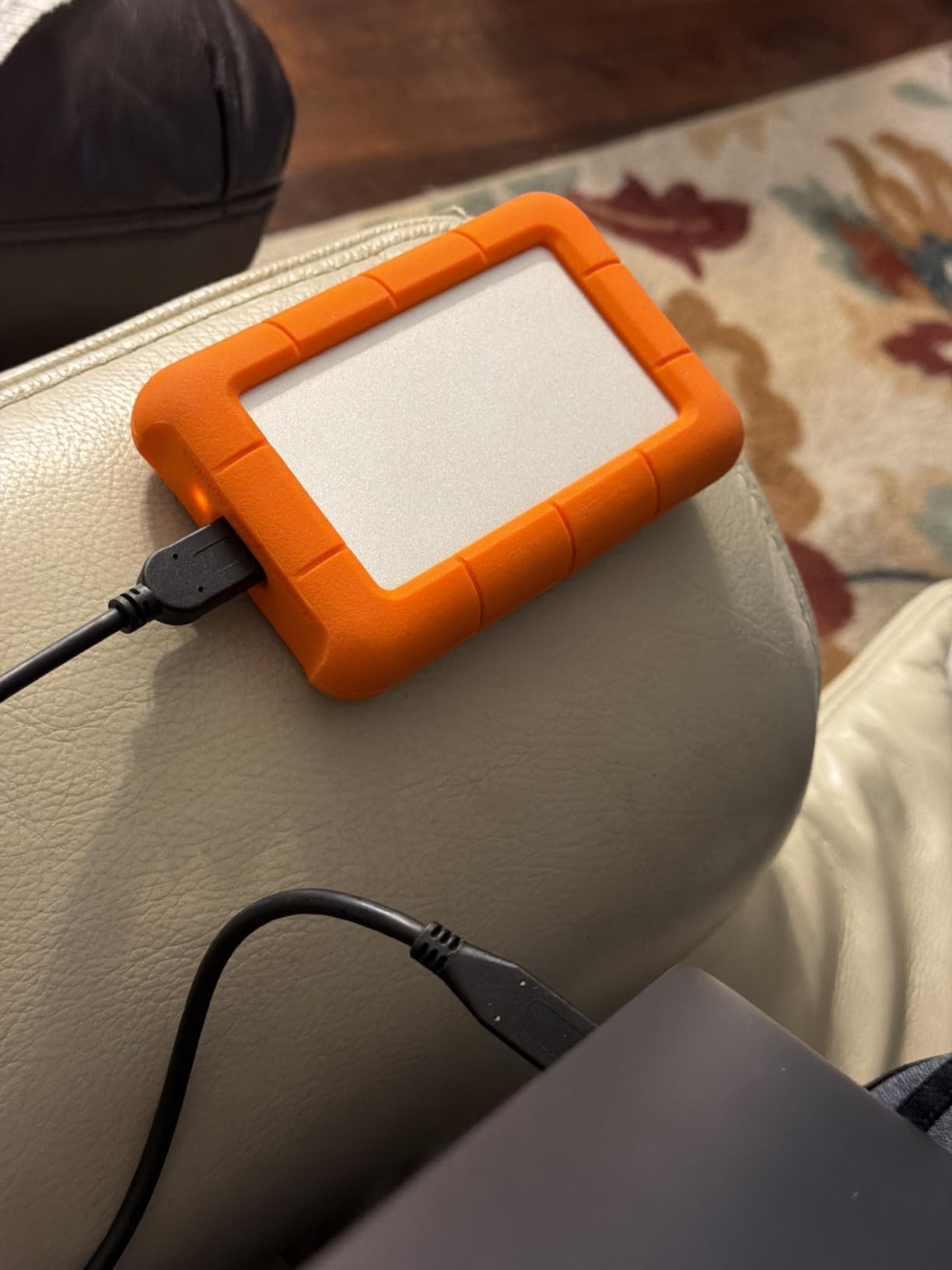
The included Data Rescue Service is a genuine differentiator. If the drive fails, LaCie covers professional data recovery attempts, which can cost hundreds of dollars independently. For photographers storing irreplaceable client work, this safety net adds real peace of mind.
The bus-powered design means no external power adapter, which matters when you are working from a laptop in a coffee shop or a hotel room. The USB 3.0 connection works across PC, Mac, iPad, and iPhone, and the drive ships ExFAT formatted for cross-platform use right out of the box.
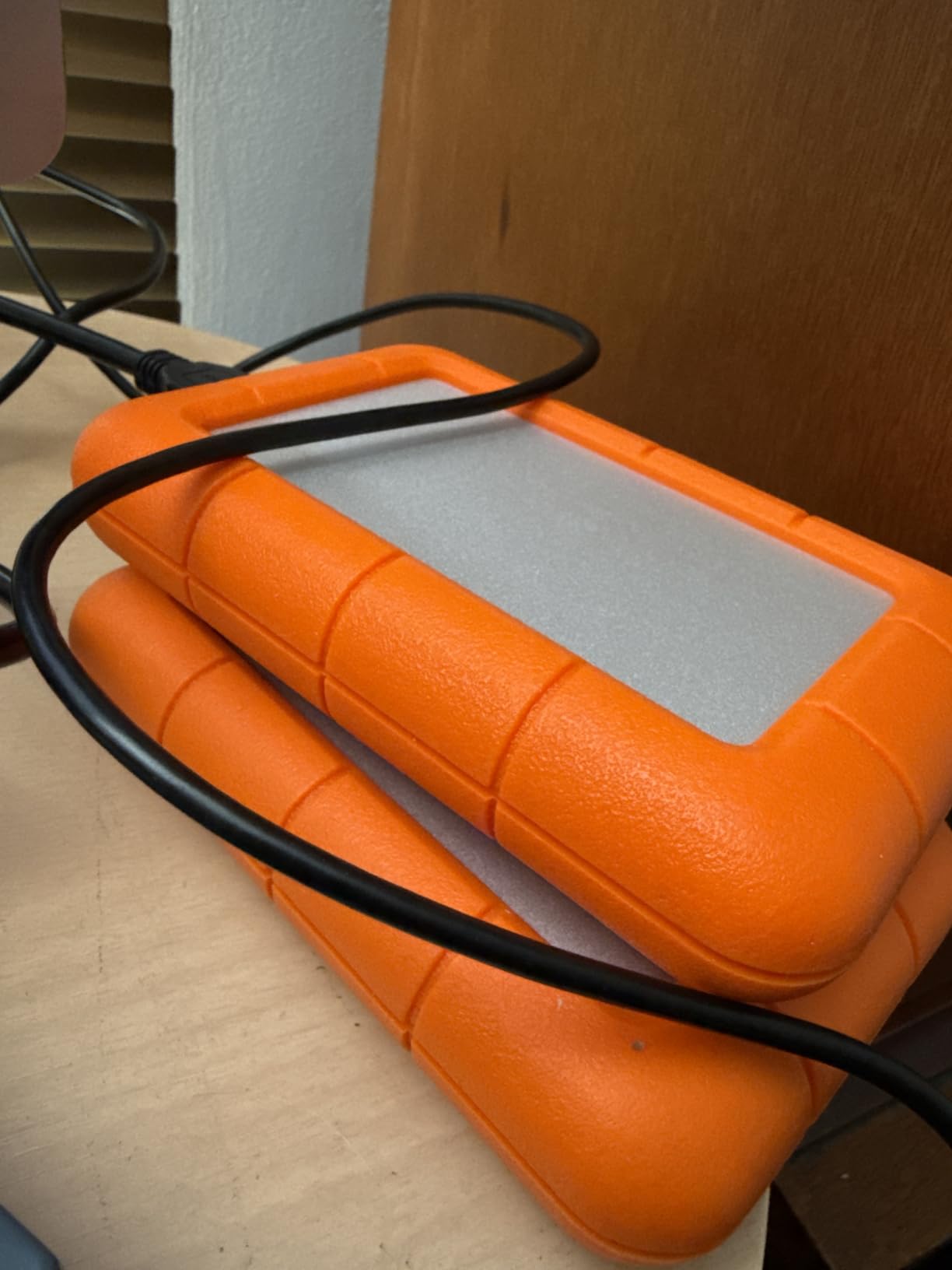
When an HDD Makes More Sense Than an SSD
If you are archiving completed projects, building a cold storage backup, or storing a massive photo library that you access occasionally, the LaCie Rugged Mini delivers 4TB at a fraction of what a comparable SSD would cost. For long-term storage where you are not actively editing, HDD speed limitations become irrelevant.
Reddit photographers in r/WeddingPhotography frequently recommend the LaCie Rugged specifically as an archive drive. The consensus is to pair a fast SSD for active editing with a high-capacity HDD like this for backup and archival storage.
Real-World Field Durability
The shock, rain, and pressure resistance of the Rugged Mini is proven through years of real-world use. Photographers have dropped these drives, left them in hot cars, and transported them through airports worldwide with consistent reliability.
The 2-year warranty is shorter than some competitors, but the Data Rescue Service partially compensates by covering recovery costs if the drive does fail. For photographers who prioritize physical protection above all else, the LaCie Rugged remains the industry standard.
6. SanDisk Professional 5TB G-Drive ArmorATD – Best for Mac Photographers
SanDisk Professional 5TB G-Drive ArmorATD – Rugged, Durable Portable External Hard Drive HDD, USB-C, USB 3.2 Gen 1 – SDPH81G-005T-GBA1D
5TB HDD
130 MB/s
USB-C 5Gbps
Aluminum enclosure
3-year warranty
Mac pre-formatted
Pros
- Massive 5TB capacity for large libraries
- Premium anodized aluminum enclosure
- Easy-grip bumper for field use
- USB-C connectivity
- Pre-formatted for Mac and Time Machine
Cons
- HDD speeds limited to 130 MB/s
- Requires reformat for Windows
- Some reported reliability concerns
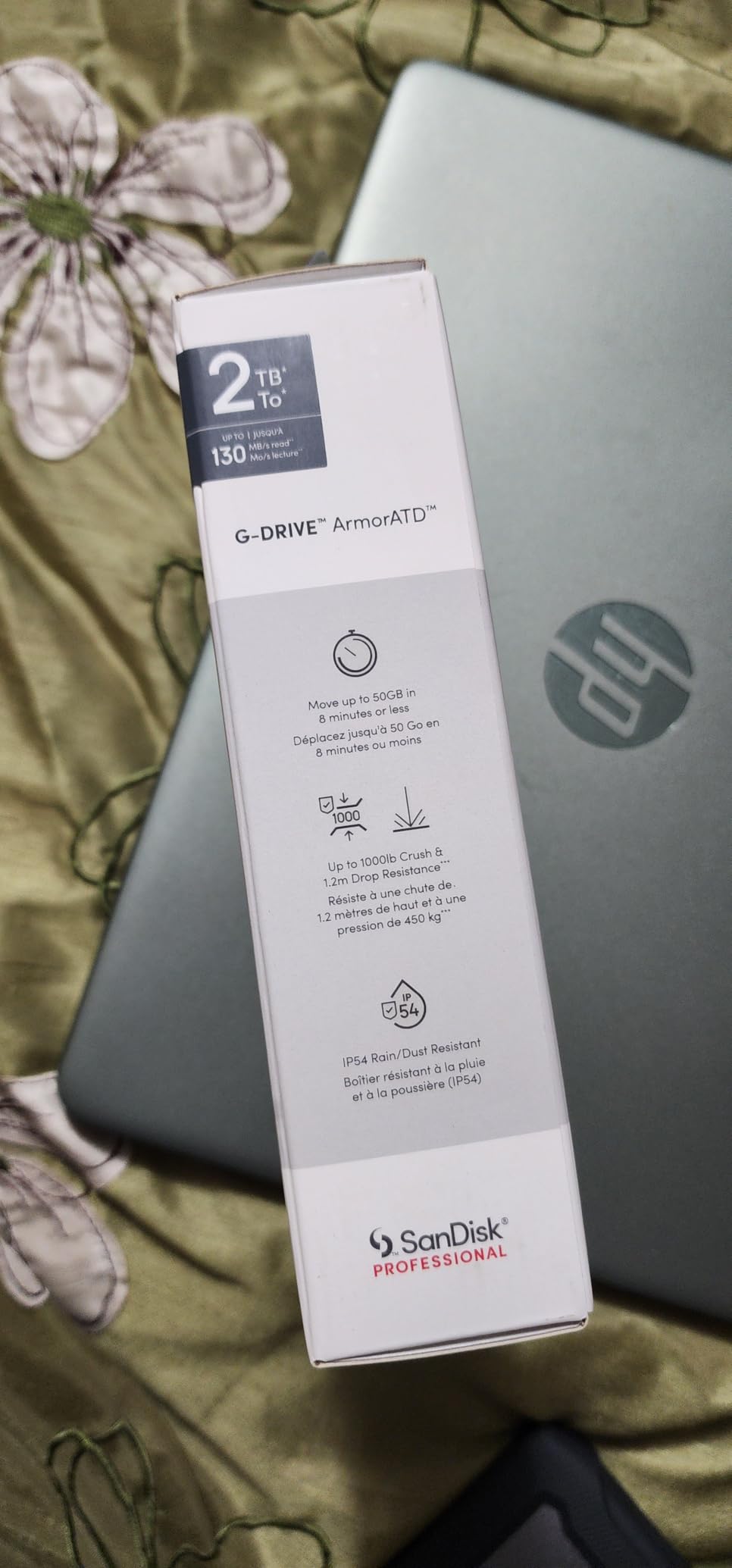
The SanDisk Professional G-Drive ArmorATD gives Mac photographers 5TB of storage in a premium aluminum enclosure designed specifically for Apple ecosystems. It comes pre-formatted for macOS and works seamlessly with Time Machine for automated backups right out of the box.
I tested the ArmorATD with a MacBook Pro and it connected instantly with no setup required. The combination of the anodized aluminum body and easy-grip rubber bumper looks professional and feels built to last. This is a drive that would not look out of place on a studio desk or in a field bag.
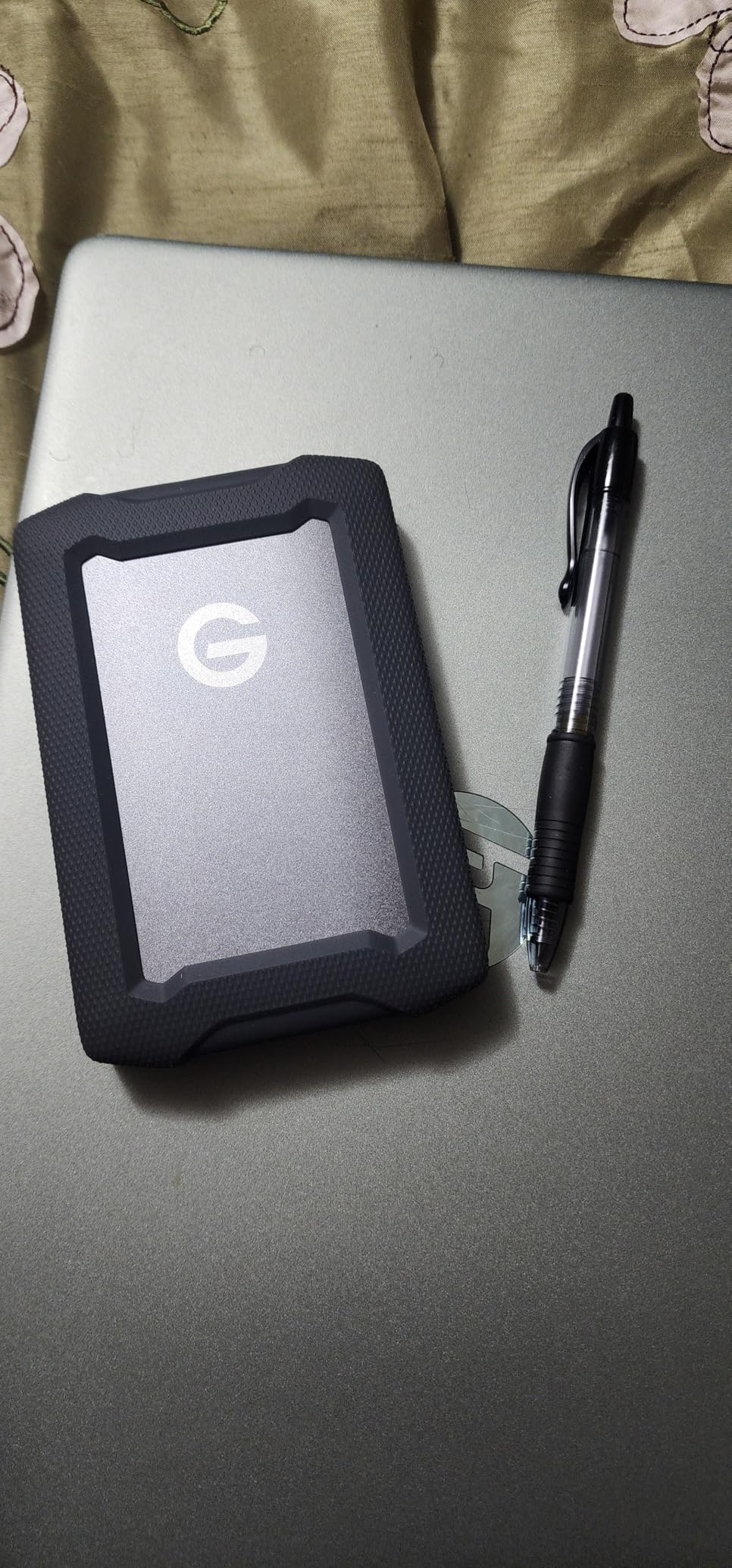
At 5TB, this drive holds roughly 100,000 RAW files from a typical full-frame camera, or about 250,000 JPEG images. For photographers with years of archived work, that capacity eliminates the need to juggle multiple smaller drives.
The 4.1-star rating is the lowest in this roundup, which deserves attention. Some users have reported reliability concerns and warranty claim difficulties. However, the 71% five-star rate still indicates that most users have positive experiences, and the 3-year warranty provides reasonable coverage.
Time Machine and Mac Integration
For Mac photographers, the pre-formatted HFS+ setup and native Time Machine compatibility make this the easiest drive to integrate into an existing Apple workflow. No reformatting, no driver installs, no compatibility headaches.
Windows users will need to reformat the drive before first use, which takes about 30 seconds but is worth knowing before purchasing. If you work across both platforms, exFAT formatting after purchase enables cross-platform file access.
Managing the Reliability Question
The lower rating compared to other drives here means you should treat this as one part of a backup strategy rather than your only copy. The r/DataHoarder community consistently recommends the 3-2-1 backup rule: three copies of your data, on two different media types, with one stored offsite.
If you choose the ArmorATD, pair it with an SSD for active editing and consider cloud backup for critical client work. The 5TB capacity makes it an excellent primary archive drive as long as you maintain redundant copies of irreplaceable images.
7. WD 5TB My Passport – Best Budget Capacity Drive
WD 5TB My Passport, Portable External Hard Drive, Black, backup software with defense against ransomware, and password protection, USB 3.1/USB 3.0 compatible – WDBPKJ0050BBK-WESN
5TB HDD
USB 3.1
Hardware encryption
Ransomware defense
Password protection
3-year warranty
Pros
- Large 5TB capacity at a reasonable price
- Hardware encryption with password protection
- Backup software with ransomware defense
- Slim and lightweight portable design
- 3-year limited warranty
Cons
- HDD speeds slower than SSDs
- Requires reformat for Mac compatibility
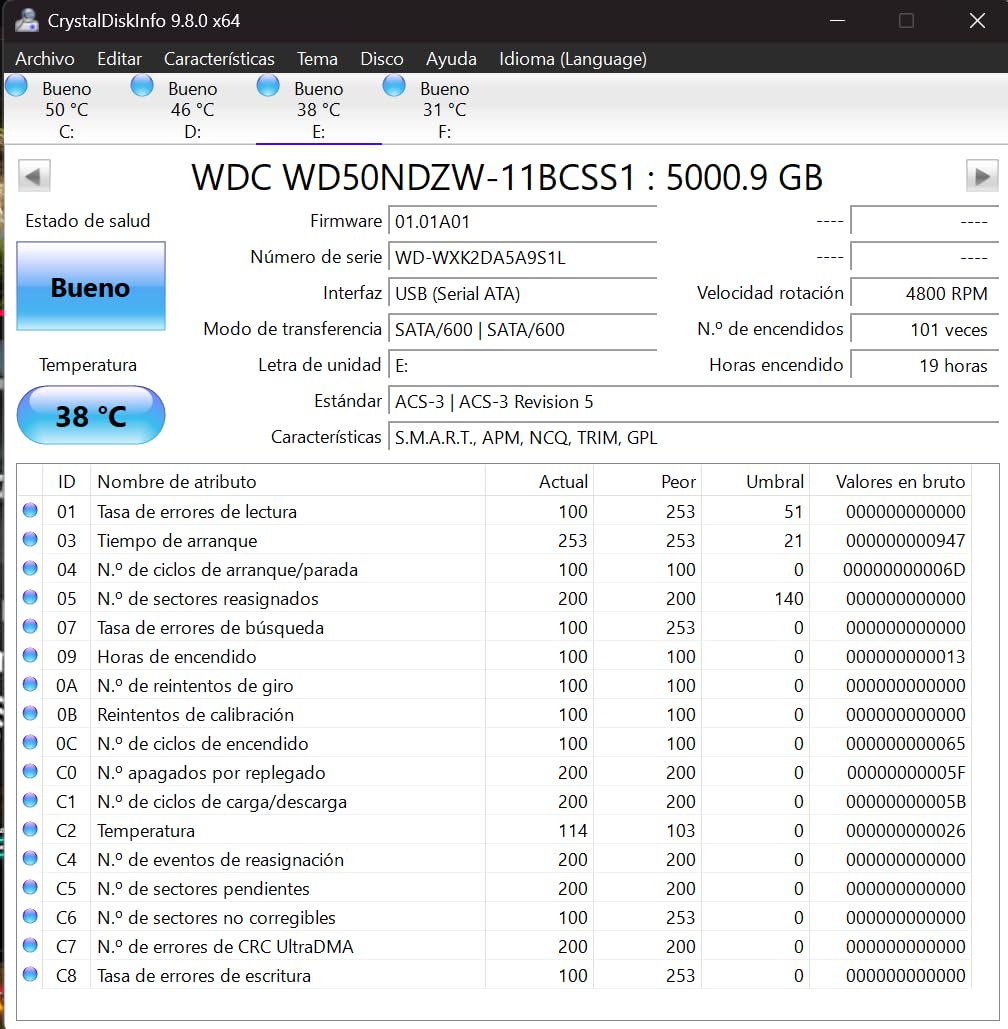
The WD My Passport is the best-selling portable hard drive in the world for a reason. It delivers 5TB of storage in a slim, lightweight package with built-in backup software and security features that matter for photographers protecting client work.
I have used WD My Passport drives as secondary backups for years. The included WD Backup software handles automated scheduling, and the ransomware defense adds a layer of protection against malicious encryption attacks that could destroy your photo library.
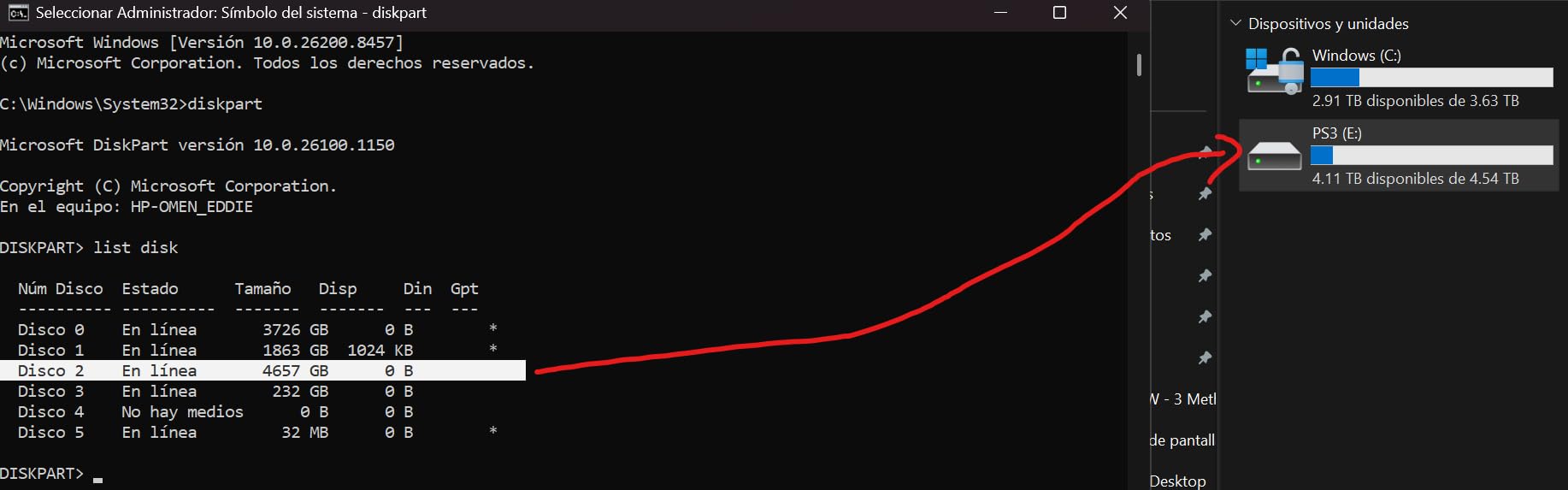
With over 24,000 reviews and an 80% five-star rate, this is one of the most reviewed and validated storage products available. Photographers consistently praise the value proposition of getting 5TB at a price point well below SSD alternatives.
The hardware encryption with password protection is a practical feature for photographers who travel with sensitive client images. I keep my My Passport password-protected when traveling, which means that even if the drive is lost or stolen, the data remains secure.
Backup Software and Security Features
The WD Discovery software suite includes backup scheduling, ransomware protection, and password management. For photographers who want a set-and-forget backup solution, the automated software handles everything without requiring third-party tools.
The ransomware defense is particularly relevant in 2026, as attacks targeting creative professionals have increased. The software monitors for unauthorized file encryption attempts and can block them before your photo library is compromised.
Understanding the HDD Speed Limitations
As a mechanical HDD, the My Passport transfers at roughly 130 MB/s, which is about 8-10 times slower than the SSDs in this roundup. For active editing workflows, this means longer wait times when importing or exporting large batches of photos.
The sweet spot for this drive is as a backup and archive solution rather than a working drive. Use it to store completed projects, maintain redundant copies of your photo library, and transport large volumes of files where speed is less critical than capacity and cost.
8. Crucial X10 1TB Portable SSD – Fastest SSD for Photography Workflows
Crucial X10 1TB Portable SSD, Up to 2,100MB/s, USB 3.2 USB-C, External Solid State Drive, Compatible with Windows, Mac & Android, Durable Storage for Games, Photos & Files, Blue – CT1000X10SSD9-02
1TB SSD
2100 MB/s read and write
USB 3.2 Gen 2x2
IP65 rated
Drop resistant
3-year warranty
Pros
- Blazing 2100 MB/s speeds
- IP65 dust and water resistance
- Drop resistant up to 9.8 feet
- Ultra-lightweight at 32 grams
- Includes Mylio Photos and Acronis True Image
Cons
- 1TB may be limiting for large photo libraries
- Only 3-year warranty vs 5-year competitors
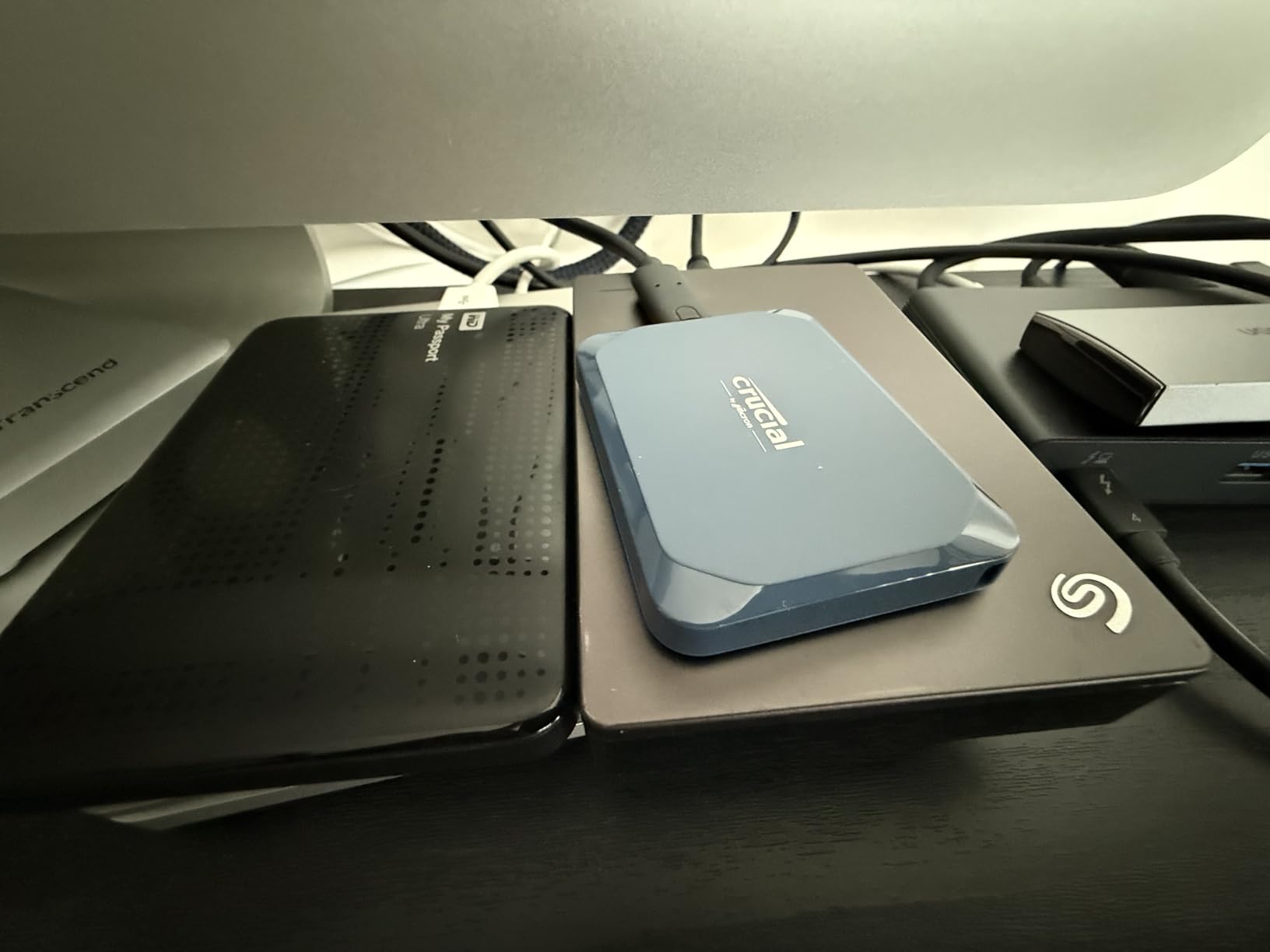
The Crucial X10 is the fastest drive in this roundup at 2,100 MB/s read and write speeds. For photographers working with ultra-high-resolution RAW files from cameras like the Sony A7R V or Canon R5, this drive eliminates the storage bottleneck from your editing workflow.
At just 32 grams, the X10 is the lightest drive on this list. I barely notice it in my camera bag, and the compact dimensions (smaller than a credit card) make it the most portable option for photographers who travel light. Despite the tiny size, it carries an IP65 rating and 9.8-foot drop resistance.

Crucial includes 3 months of Mylio Photos Plus and Acronis True Image with the drive. Mylio helps organize and manage photo libraries across devices, while Acronis provides reliable backup imaging. These bundled tools add practical value for photographers building a complete backup system.
The USB-C to C cable comes included in the box, which means no extra purchases needed for modern laptops. The drive is compatible with Windows, Mac, iPad Pro, Chromebooks, Android, Linux, PS4, PS5, and Xbox, making it one of the most versatile options for multi-device photographers.
How the X10 Compares to Samsung T9 and SanDisk Creator Pro
The X10’s 2,100 MB/s edge over the T9 and Creator Pro’s 2,000 MB/s is measurable but rarely noticeable in real-world photography workflows. The difference of 100 MB/s translates to roughly 5-8 seconds on a massive 50GB transfer, which most photographers will not notice.
Where the X10 stands out is weight and portability. At 32 grams versus the T9’s 122 grams, the X10 is nearly four times lighter. For photographers who already carry heavy camera gear, saving 90 grams on storage is a meaningful advantage on long shoots.
Capacity Considerations for 1TB Drives
One terabyte holds roughly 20,000 RAW files from a typical full-frame camera, or about 50,000 JPEG images. For active working photographers, a single 1TB drive may fill up in a few months of regular shooting.
If you shoot high volumes, consider pairing the X10 as your fast working drive with a larger HDD like the WD My Passport or LaCie Rugged Mini for archive storage. This combination gives you speed for editing and capacity for long-term storage at a balanced total cost.
How to Choose the Best External Hard Drive for Photography?
SSD vs HDD for Photography Workflows
The first decision is whether you need a solid-state drive (SSD) or a mechanical hard disk drive (HDD). SSDs use flash memory with no moving parts, delivering speeds from 1,000 to 2,100 MB/s. They are faster, more durable, and smaller than HDDs.
HDDs use spinning disks and typically deliver 130 MB/s transfer speeds. They cost significantly less per terabyte, making them ideal for mass storage and archival purposes. A 5TB HDD often costs less than a 1TB SSD.
For active photo editing and frequent file transfers, an SSD is the clear winner. The speed difference when importing and exporting in Lightroom or transferring RAW files is dramatic. For long-term archive storage where speed does not matter, HDDs provide better value per terabyte.
Capacity Planning: How Many TB Do Photographers Need?
A typical RAW file from a modern full-frame camera (Sony A7 IV, Canon R6, Nikon Z6 II) runs 40-60MB per image. A busy wedding photographer shoots 2,000-4,000 images per event, generating 80-240GB per wedding.
For reference: 1TB holds roughly 20,000 RAW files or 500 hours of compressed HD video. A working professional shooting 20 weddings per year needs 2-5TB minimum for the year, plus matching capacity for backups.
My recommendation for most photographers: start with a 1TB SSD for active editing and add a 4-5TB HDD for archive backup. This combination covers current projects on the fast drive and historical work on the high-capacity drive.
Connection Types Explained: USB-C, USB 3.2, and Thunderbolt
USB-C refers to the physical connector shape, not the speed. The speed depends on the underlying protocol. USB 3.2 Gen 2 delivers up to 10 Gbps (roughly 1,000 MB/s), while USB 3.2 Gen 2×2 doubles that to 20 Gbps (roughly 2,000 MB/s).
Thunderbolt 4 offers 40 Gbps speeds and is found on newer Macs and high-end Windows laptops. For most photography workflows, USB 3.2 Gen 2 at 1,000 MB/s is more than sufficient. You only need Gen 2×2 or Thunderbolt speeds if you regularly move massive video files.
Before purchasing any drive, check which ports your computer has. A Gen 2×2 drive on a Gen 2 port will only run at Gen 2 speeds, so there is no point paying for speed you cannot use.
Durability for Field Photographers
If you shoot outdoors, travel frequently, or work in challenging conditions, durability ratings matter. Look for IP65 ratings (dust and water resistance) and drop resistance specifications. The SanDisk Extreme, Samsung T7 Shield, SanDisk Creator Pro, and Crucial X10 all carry IP65 ratings.
For maximum physical protection, the LaCie Rugged Mini’s rubber bumper design remains the gold standard for field storage. Reddit photographers consistently recommend it specifically for outdoor and adventure photography where gear takes abuse.
The 3-2-1 Backup Strategy for Photographers
No single drive should be your only copy of irreplaceable photos. The 3-2-1 rule means maintaining three copies of your data, on two different types of media, with one copy stored offsite. This strategy protects against drive failure, theft, fire, and natural disasters.
A practical setup: use a fast SSD for active editing, back up to a high-capacity HDD locally, and maintain cloud backup for critical client work. This gives you fast access for editing plus redundant protection against data loss.
FAQs
What external hard drive do photographers use?
Most professional photographers use a combination of a fast portable SSD like the Samsung T9 or SanDisk Extreme for active editing, paired with a high-capacity HDD like the LaCie Rugged Mini or WD My Passport for archive backup. The specific choice depends on whether they prioritize speed, capacity, or field durability.
How many TB of storage do photographers need?
Most working photographers need 2-5TB of storage per year of shooting. A wedding photographer generating 80-240GB per event typically needs 2-5TB annually, plus matching capacity for backups. A 1TB SSD for active editing paired with a 4-5TB HDD for archive storage covers most professional workflows.
Is SSD or HDD better for photo storage?
SSDs are better for active photo editing and frequent file transfers due to their 1,000-2,100 MB/s speeds compared to HDDs at 130 MB/s. However, HDDs are better for long-term archive storage because they offer significantly more capacity per dollar. Most photographers benefit from using both types in their workflow.
What is the best way to store photos long term?
Follow the 3-2-1 backup rule: maintain three copies of your photos on two different media types with one copy stored offsite. Use an SSD for active editing, an HDD for local archive backup, and cloud storage for offsite protection. Store drives in cool, dry conditions and replace them every 3-5 years.
Do photographers need fast external drives?
Yes, fast external drives significantly improve photography workflows. SSDs with 1,000-2,000 MB/s speeds dramatically reduce time spent importing, exporting, and transferring RAW files. For most photographers, USB 3.2 Gen 2 speeds of 1,000 MB/s are sufficient, though professionals working with large batches benefit from Gen 2×2 speeds of 2,000 MB/s.
Conclusion
The best external hard drives for photographers in 2026 cover a range of needs from blazing-fast SSDs to massive-capacity HDDs. For most photographers, the Samsung T9 delivers the best balance of professional-grade speed and reliability, while the LaCie Rugged Mini remains unbeatable for field durability and the WD My Passport offers the best value for mass storage.
Start with a fast SSD for your active editing workflow, add a high-capacity HDD for archive backup, and always follow the 3-2-1 backup rule to protect your irreplaceable images. Your future self will thank you for investing in reliable storage before you need it.