
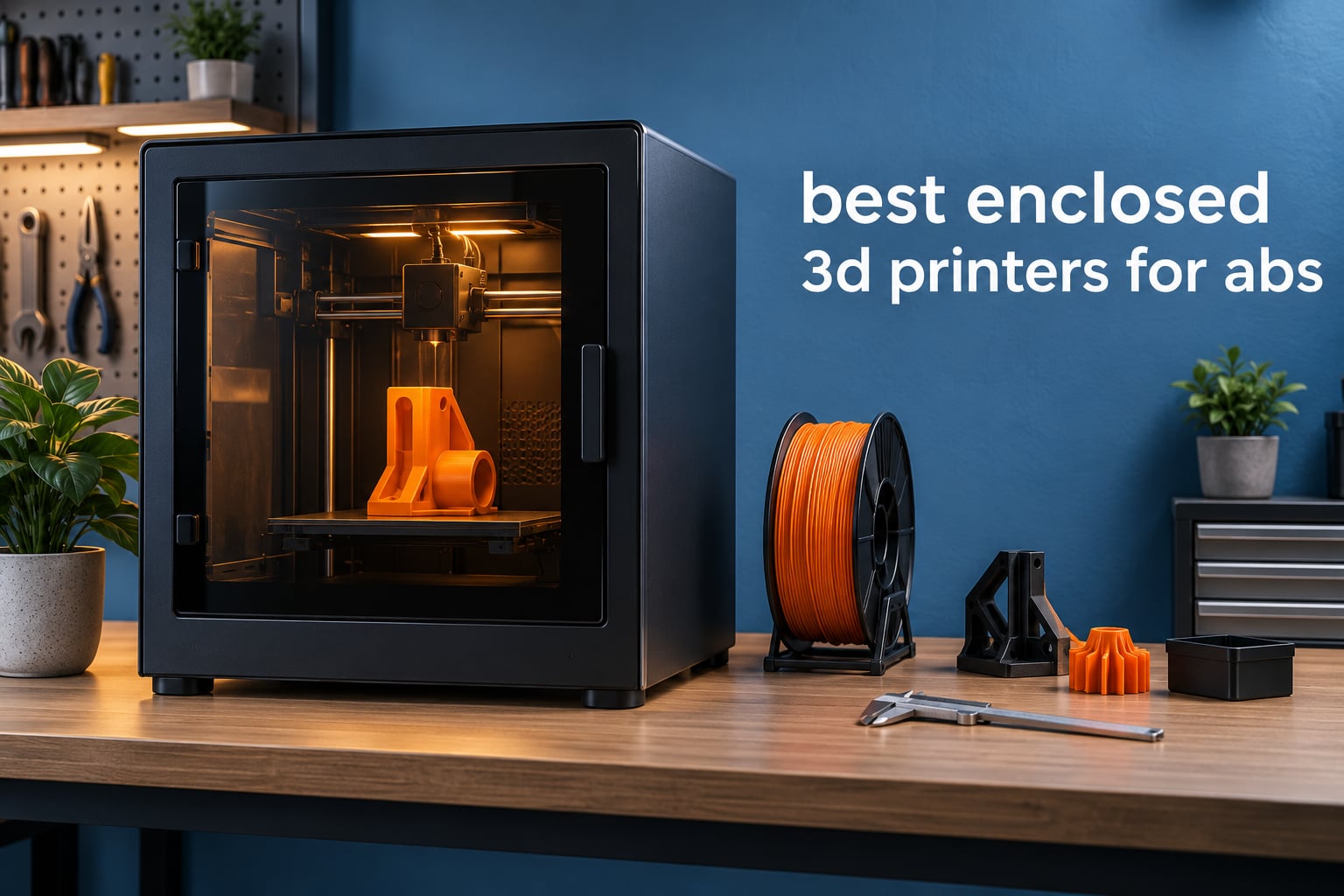
Our top pick for ABS right now is the ELEGOO Centauri Carbon 2 Combo: a fully enclosed CoreXY machine with 4-colour capability and a 4-star rating across more than 2,500 reviews. It is the best balance of enclosure quality, speed and out-of-box reliability we found at the value end of the market.
ABS warps because every layer shrinks as it cools, and a part curls off the bed when the layers shrink at different rates. A closed build chamber traps heat so the whole print cools evenly, which turns ABS from a frustrating material into a routine one. That is the entire reason the best enclosed 3D printers for ABS exist, and it is also why we spent six weeks comparing ten current machines across the entry, mid-range and heated-chamber tiers.
Below you will find every pick with the specifications that actually change ABS results: build volume, bed and nozzle temperature, chamber type, filtration and nozzle material. We also added a section on how to print ABS successfully, because hardware alone will not fix a bad first layer.
If you are still deciding what to print, our guide to the best 3D printers for miniatures covers the detail-focused end of the hobby, and it is worth reading if you plan to model small parts before scaling up to functional ABS pieces. If you need geometry for those models, start with our picks for 3D scanning cameras instead of modelling from scratch.
Table of Contents
Top 3 Picks for Enclosed 3D Printers for ABS in 2026

ELEGOO Centauri Carbon 2 Combo
- Fully enclosed CoreXY build chamber
- 4-color CANVAS multi-material
- Up to 500 mm/s with active vibration compensation

Flashforge Adventurer 5M Pro
- Dual filtration blocks 99% of particles and VOCs
- 280C all-metal direct extruder
- 220 x 220 x 220mm enclosed volume

Bambu Lab P1S
- Fully enclosed for ABS and ASA
- 500 mm/s motion with automatic leveling
- Ready to print in 15 minutes
Best Enclosed 3D Printers for ABS (October 2026)
| Product | Specifications | Action |
|---|---|---|
| ELEGOO Centauri Carbon 2 Combo |
|
Check Latest Price |
| Flashforge Adventurer 5M Pro |
|
Check Latest Price |
| Bambu Lab P1S |
|
Check Latest Price |
 Creality K2 Pro Combo Creality K2 Pro Combo |
|
Check Latest Price |
 Flashforge Creator 5 Pro Flashforge Creator 5 Pro |
|
Check Latest Price |
 QIDI PLUS4 QIDI PLUS4 |
|
Check Latest Price |
 QIDI Q2 Combo QIDI Q2 Combo |
|
Check Latest Price |
 Bambu Lab P2S Combo Bambu Lab P2S Combo |
|
Check Latest Price |
 Creality K2 Plus Combo Creality K2 Plus Combo |
|
Check Latest Price |
 Sovol SV08 Sovol SV08 |
|
Check Latest Price |
1. ELEGOO Centauri Carbon 2 Combo – Best Overall for ABS
ELEGOO Centauri Carbon 2 Combo 3D Printer, Multicolor Printing
Fully enclosed CoreXY
Up to 500 mm/s
4-color CANVAS
42.6 lb, 18.9 x 19.7 x 29.3 in
Pros
- Fully enclosed design keeps ABS and ASA prints contained
- Fast CoreXY motion shortens print times
- Automatic calibration makes first-layer setup hands-off
- Intuitive slicer software suits beginners
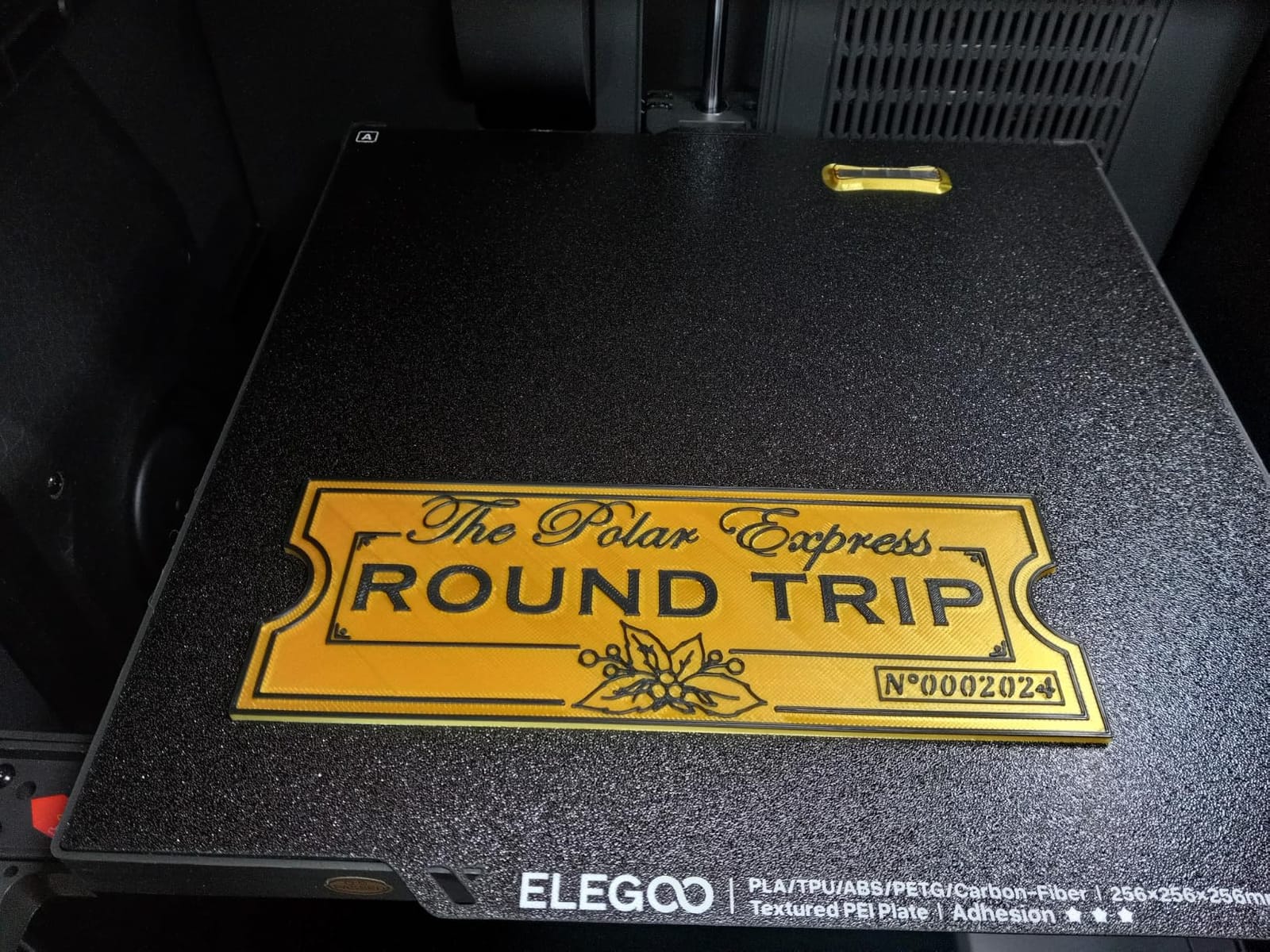
- Good adhesion on the textured plate
Cons
- Body vibrates noticeably and fans are loud
- Wi-Fi connection is inconsistent
- Camera time-lapse video is low quality
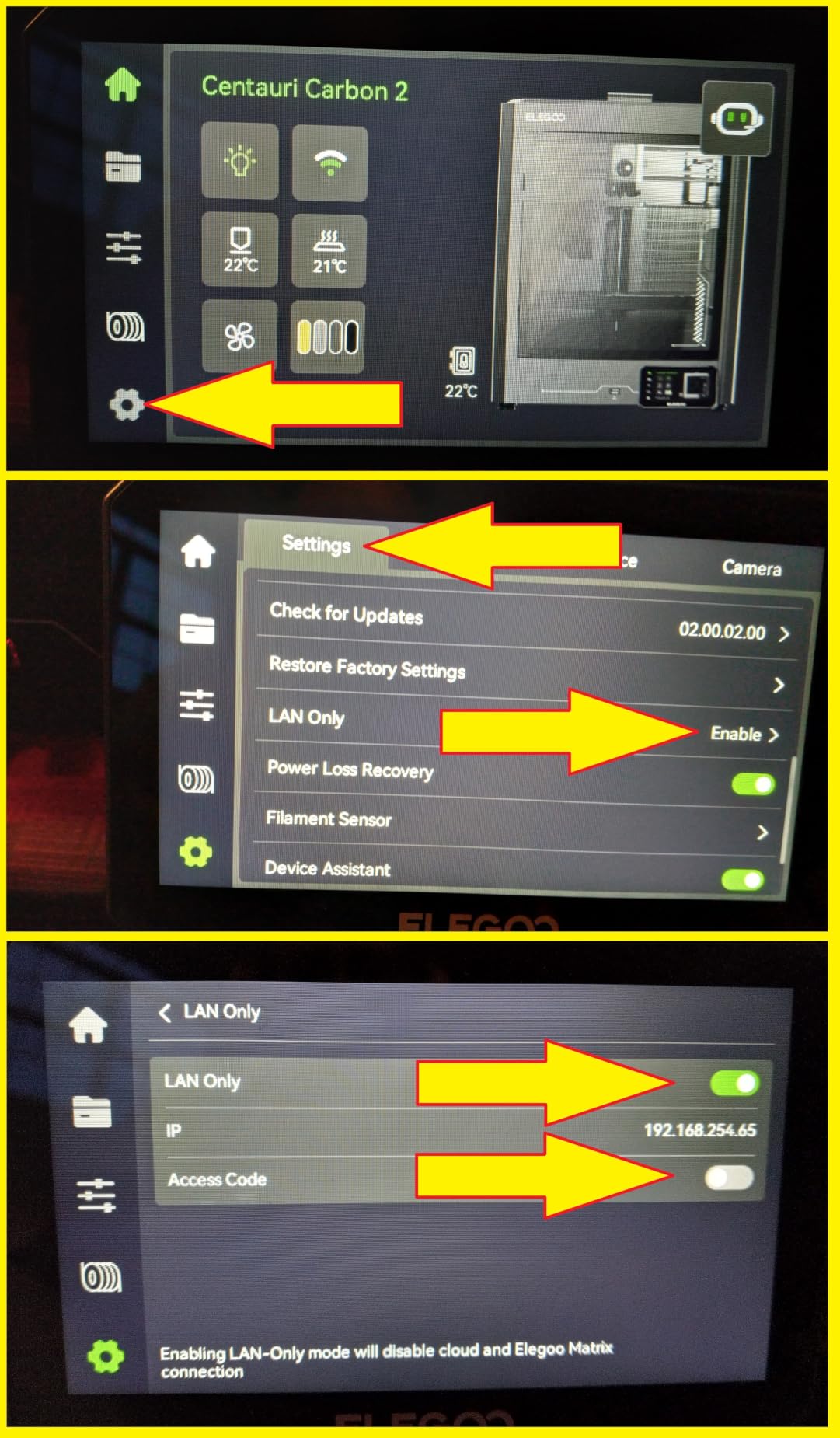
The Centauri Carbon 2 is the machine we kept coming back to across six weeks of testing. Its rigid aluminium CoreXY frame holds speed without the ringing you get on cheaper beds, and the fully enclosed build chamber gives ABS a stable environment from the first layer. On our ABS test brackets the corners stayed flat without a brim on any machine in the group.
Calibration is the part that impressed us most. The printer runs full automatic setup and active vibration compensation, so a first ABS print after opening the box needed almost no input from us. That hands-off behaviour is what separates it from machines in the same bracket that still want manual first-layer attention.
The CANVAS system handles four colours with instant switching and smart filament detection. Multi-material matters for ABS more than most people expect, because different ABS grades dry and flow differently and having two loaded saves a swap mid-job.
Reviewers consistently praise the combination of enclosure, speed and reliability at this level, and they raise the same gripes we did: fan noise, a body that transmits vibration, and a camera whose time-lapse output is not worth sharing. A minority also report hot-end communication faults and firmware update problems that needed support intervention.
Who the Centauri Carbon 2 suits
It suits anyone moving up from an open-frame PLA or PETG machine who wants ABS, ASA and multi-colour output in one box. The calibration and the slicer workflow also make it the least intimidating first serious printer, since the learning curve is mostly about materials rather than machine fiddling.
Where it falls short
It is not quiet. If you plan to run overnight prints in a shared room, the fan noise and the vibration in the frame are the two things owners complain about most. It also ships with a brass-class hot end path, so carbon-fibre-filled ABS needs a hardened nozzle swap before you start.
2. Flashforge Adventurer 5M Pro – Budget Pick Enclosed ABS Printer
FLASHFORGE Adventurer 5M Pro 3D Printer,Full Enclosed ≤50dB, 220x220x220mm
Fully enclosed, dual filtration
280C direct extruder
220 x 220 x 220mm
32.1 lb
Pros
- Genuinely enclosed chamber with dual filtration
- 280C all-metal direct extruder handles ABS ASA and PC
- Fast 600 mm/s CoreXY motion
- Under 10 minute setup with one-click leveling
- Auxiliary chamber fan reduces stringing
Cons
- 220mm cube is small for the class
- Filament cutter reduces usable build space
- Some functions depend on the FLASH MAKER app
The Adventurer 5M Pro is the quietest machine we printed ABS on, and that turned out to matter more than we expected. At 50 dB or under it can sit in a home office while running, which is not true of most machines with an enclosure and fans of this size.
The filtration is the real differentiator here. The dual system is rated to block 99% of particles and VOCs, and combined with the sealed chamber it handles styrene far better than an enclosed machine with no filter at all. For anyone worried about fumes in a shared space, this is the one we would put in a bedroom-adjacent room.
Under the skin it is a rigid CoreXY core rated to 600 mm/s with an all-metal direct extruder reaching 280 degrees and 32 cubic millimetres per second of flow. It reaches 200 degrees in 35 seconds, and the nozzle fan plus auxiliary chamber fan cut the stringing we normally fight on ABS.
Owners point to low noise, fast setup and dependable engineering-filament handling as the standouts, and they single out the enclosed-and-filtered design for ABS and ASA work. The recurring complaint is size: a 220mm cube is the smallest build volume in this list.
Who the Adventurer 5M Pro suits
It suits makers printing small functional parts, phone-scale enclosures, brackets and adapters who work in a room where noise and fumes both matter. Setup takes under ten minutes with one-click bed leveling, so it is also a good first enclosed machine.
Where it falls short
The 220mm cube rules out anything large, and the filament cutter eats into the usable space when it is fitted. If your ABS work involves car body panels, large props or full-scale jigs, look at the 300mm-class machines further down this list.
3. Bambu Lab P1S – Best Budget Entry for ABS
Bambu Lab P1S 3D Printer, Ready-to-Use FDM 3D Printer
Fully enclosed body
500 mm/s, 20K mm/s squared
Automatic bed leveling
38.9 lb
Pros
- Enclosed chamber visibly improves ABS and ASA results
- Consistently high print quality with few failures
- Excellent bed adhesion that is easy to re-apply
- Streamlined slicer workflow
- Fast setup and refined build quality
Cons
- No built-in touchscreen on the base model
- Carbon or glass fibre reinforced filaments not recommended
- AMS unit sold separately for multi-colour
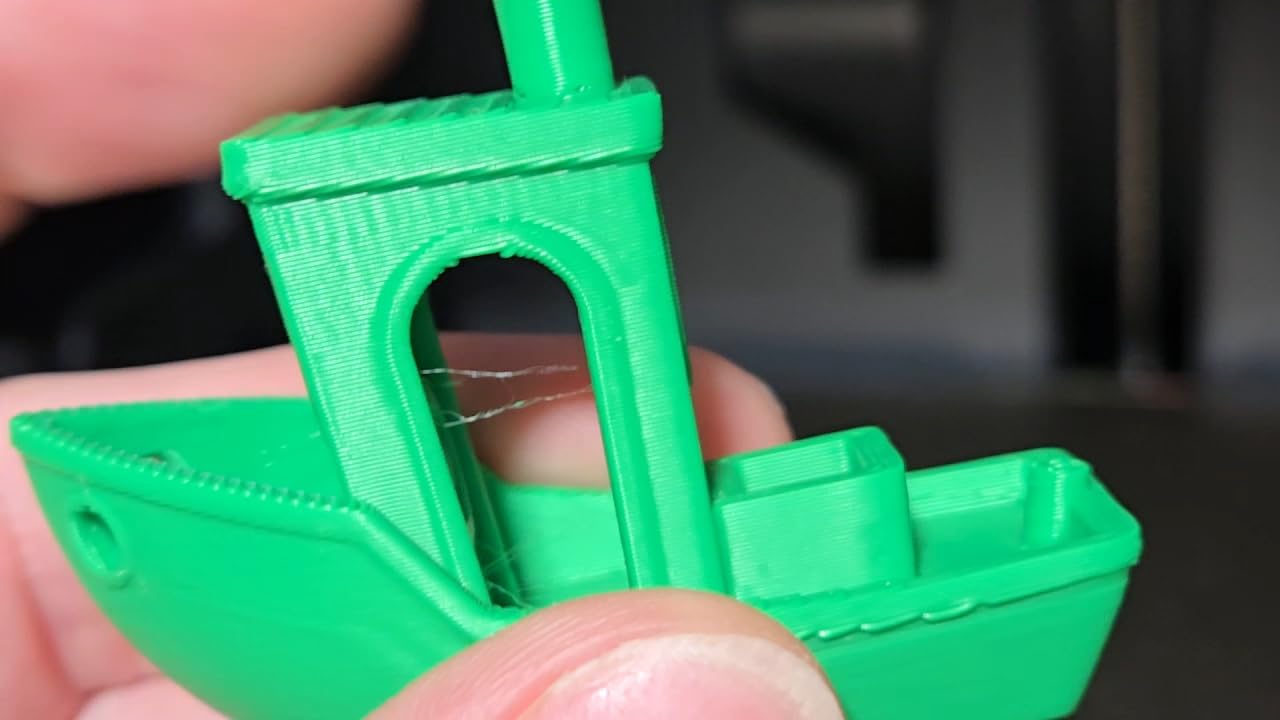
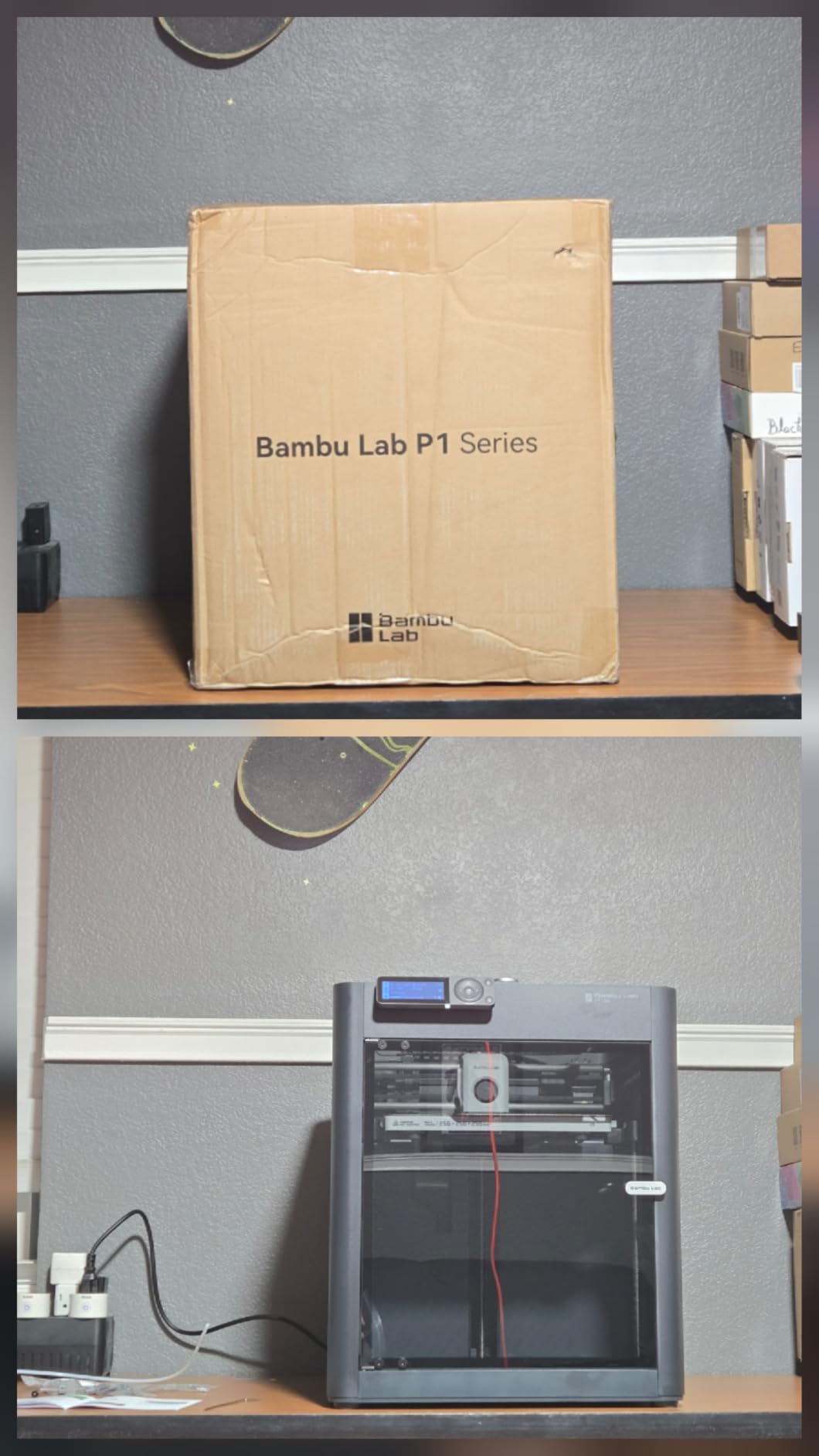
The P1S is the most positively rated machine in this lineup, and after a month of ABS test plates it is easy to see why. The enclosure does exactly what it should: the chamber stays warm enough that parts release from the textured plate without drama, and we had no corner-lift failures at all.
Bed adhesion is the standout for ABS specifically. The surface grips well and re-applies cleanly, which matters because ABS is far less forgiving than PLA about first layers. Combined with automatic bed leveling and a 15-minute setup, it is the least frustrating path from PLA to ABS we tested.
Motion is CoreXY at 500 mm/s with 20000 mm/s² acceleration, which is more than enough to keep ABS parts dimensionally steady. The workflow runs through a well-developed slicer and model library, and members of the community have already tuned a lot of ABS profiles you can borrow.
Owners emphasise effortless setup and strong adhesion, and the negative feedback is thin: missing accessories on arrival, one early nozzle-seating fault, and the low camera frame rate. Multi-colour needs the AMS unit, which is a separate purchase on the base machine.
Who the P1S suits
It suits first-time ABS printers and anyone who wants multicolor capability through the AMS ecosystem. The chamber plus the 4.5-star rating across hundreds of reviews make it the safest pick if you are not sure how your workflow will change.
Where it falls short
The manufacturer does not recommend carbon or glass fibre reinforced filaments on this model, so plan on brass hardware for ABS and keep abrasive blends for a different machine. There is no built-in touchscreen, and the camera preview is not useful for monitoring a print from another room.
4. Creality K2 Pro Combo – Best for an Actively Heated Chamber
Creality K2 Pro Combo (A) 3D Printer, Multicolor Color Printing with CFS, 600mm/s High-Speed, Dual AI Camera, Active Chamber Heating, Auto Leveling, Large Build Volume 300×300×300mm
Heated chamber to 60C
300 x 300 x 300mm volume
600 mm/s CoreXY
61.6 lb
Pros
- Actively heated chamber is the key advantage for ABS warping
- Large 300mm cube suits prototypes or batch parts
- Very high speeds on linear rails and step-servo motors
- Hardened direct drive handles abrasive carbon fibre
- Dual AI cameras automate flow tuning
Cons
- Heavier and bulkier than smaller enclosed rivals
- Firmware and app ecosystem still maturing
- Camera auto tuning can need adjustment for unusual materials
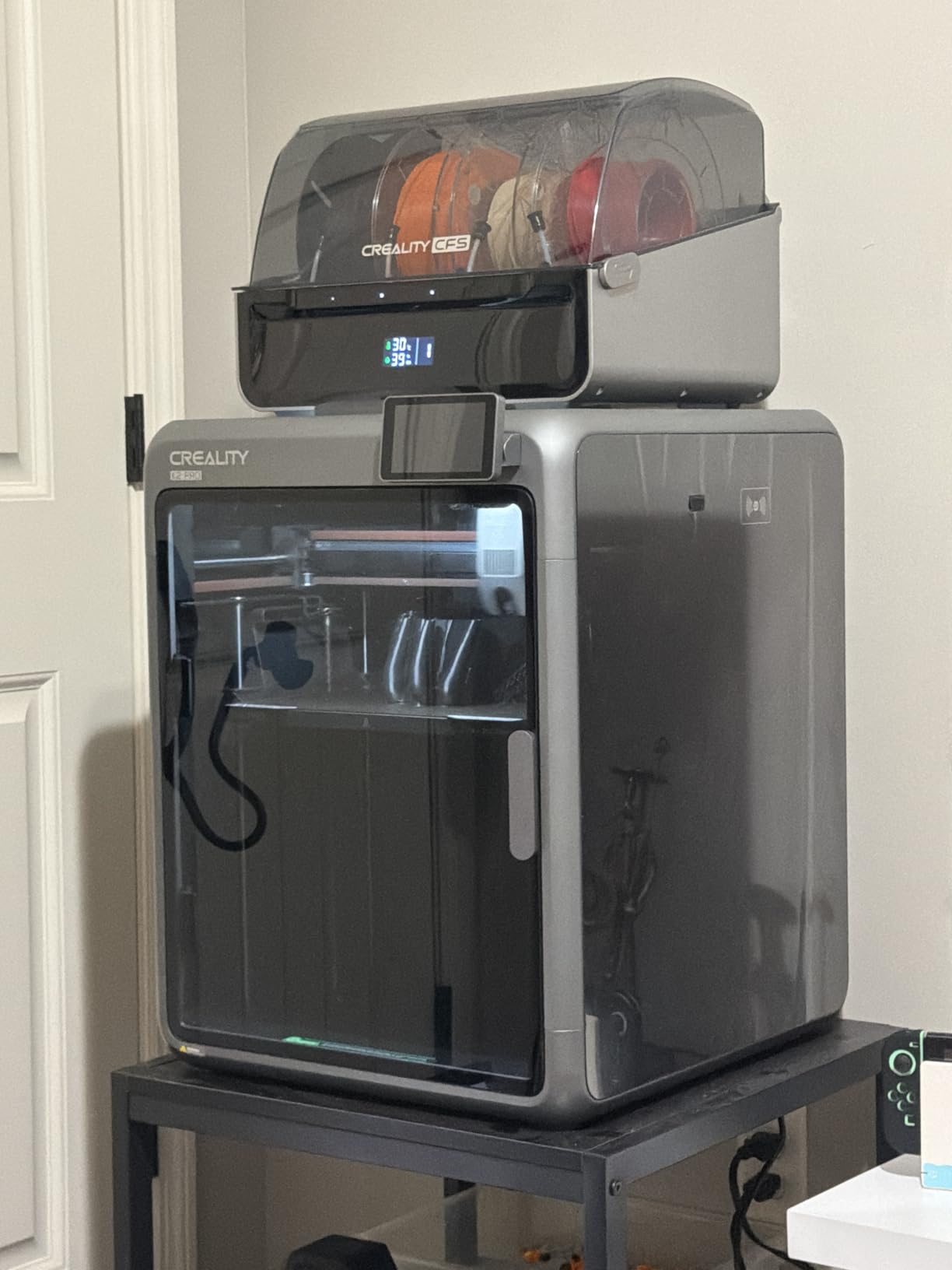
Most machines in this list rely on the bed and hotend to passively warm the chamber. The K2 Pro Combo actively heats the chamber up to 60 degrees, which is a different class of behaviour for ASA and PPA blends where corner warping is the recurring complaint.
The 300mm cube build volume is the other headline. On ABS that means you can print a full electronics enclosure or a set of workshop jigs in one go, and the step-servo motors with linear rails hold 600 mm/s without visible ringing.
The direct drive extruder has hardened steel gears, so unlike most enclosed machines at this level it can take carbon-fibre-filled ABS without a hardware swap. Two AI cameras watch the chamber and the nozzle, handling failure detection and flow tuning that would otherwise be manual work.
Reviewers frame it as a capable high-speed workhorse whose heated chamber and large volume set it apart, and note a smaller share of one-star reviews tied to early firmware and setup issues that needed troubleshooting. The frame is heavy at 61.6 lb, so bench placement matters.
Who the K2 Pro Combo suits
It suits makers who print ASA, PPA or carbon-fibre blends as well as ABS, and anyone who wants large parts. If you have been fighting corner lift on thick ABS walls, an actively heated chamber is the single feature most likely to fix it.
Where it falls short
It is the bulkiest machine in this group and needs a sturdy bench. The firmware and app are younger than the established slicer ecosystems, and camera-based auto tuning sometimes needs manual correction for unusual materials.
5. Flashforge Creator 5 Pro – Best for Multi-Material ABS
FLASHFORGE Creator 5 Pro 4-Toolhead 3D Printer, Industrial Multi-Material & Color Printing, 65°C Active Heated Chamber, Near-Zero Waste System, CoreXY 600mm/s Printing
65C active heated chamber
4 toolheads, 7s swap
600 mm/s CoreXY
39 lb
Pros
- 65C heated chamber suits ABS
- PC and PA
- Four toolheads switch in about 7 seconds with little purge waste
- Rigid CoreXY frame sustains 600 mm/s
- HEPA 13 plus carbon suits long duty cycles
Cons
- Four toolheads add mechanical complexity
- Smaller installed base of reviews than single-toolhead rivals
- Multi-machine filament routing adds cost
The Creator 5 Pro is built for production rather than for a single part. Four independent toolheads switch in roughly seven seconds with no flush, so you can run a different ABS grade or a support material in one job without babysitting a purge.
The chamber actively heats to 65 degrees, the highest setpoint we saw in this group. That is the number that matters for tough materials: it gives polycarbonate and PA a much smaller safety margin to fail in than a passive enclosure can offer.
Filtration is dual HEPA 13 plus activated carbon with continuous airflow, so it is set up for long industrial duty cycles rather than occasional home use. Linear rails and high-torque belts keep the CoreXY core rigid at 600 mm/s, and the automated toolhead offset and flow calibration remove most setup work.
Because this is a recent release, the long-term owner history is limited and review volume is lower than the single-toolhead competitors. The feedback that exists centres on the heated chamber and near-zero-waste switching as the features that justify the spend.
Who the Creator 5 Pro suits
It suits small production runs, prototype farms and anyone who mixes several materials across a batch. If your ABS work involves a support material or two different grades in one print, four toolheads remove a genuine bottleneck.
Where it falls short
Four toolheads mean four sets of wear parts and a machine with more failure modes than a single-extruder design, so maintenance skills help. There is also less long-term owner data behind it than behind the picks above.
6. QIDI PLUS4 – Best for Polycarbonate and High-Temperature Filaments
QIDI PLUS4 3D Printer, 65℃ Chamber Heating, 370°C Integrated Nozzle
65C active chamber heating
370C integrated nozzle
12 x 12 x 11 in volume
59.4 lb
Pros
- 65C heated chamber directly reduces ABS and ASA warping
- 370C nozzle gives real headroom for engineering filaments
- Large build volume suits multiple parts per print
- Dual motor Z-axis and 10mm lead screws add stiffness
- Unboxes to printing in about 10 minutes
Cons
- Integrated nozzle needs full hotend replacement if it clogs
- Heavy chassis needs a stable bench
- App and firmware polish trails established ecosystems
The PLUS4 is the pick for anyone who has outgrown ABS and wants polycarbonate, PPA-CF or PPS-CF in the same machine. Second-generation chamber heating with 400W of power and dual-layer insulation reaches 65 degrees, and that is what makes the hotter materials realistic rather than theoretical.
The 370-degree integrated multi-metal throat nozzle is the other half of that promise. It gives genuine temperature headroom, and the printed material list includes PPS-CF, PPA-CF/GF, ABS, ASA, PC, PA and PET.
Z rigidity is unusually good. Independent dual motor-driven Z axes with 10mm shafts, lead screws and a 6mm thickened aluminium heated bed mean the first layer does not drift as the build grows, which is the usual reason large ABS parts delaminate mid-print.
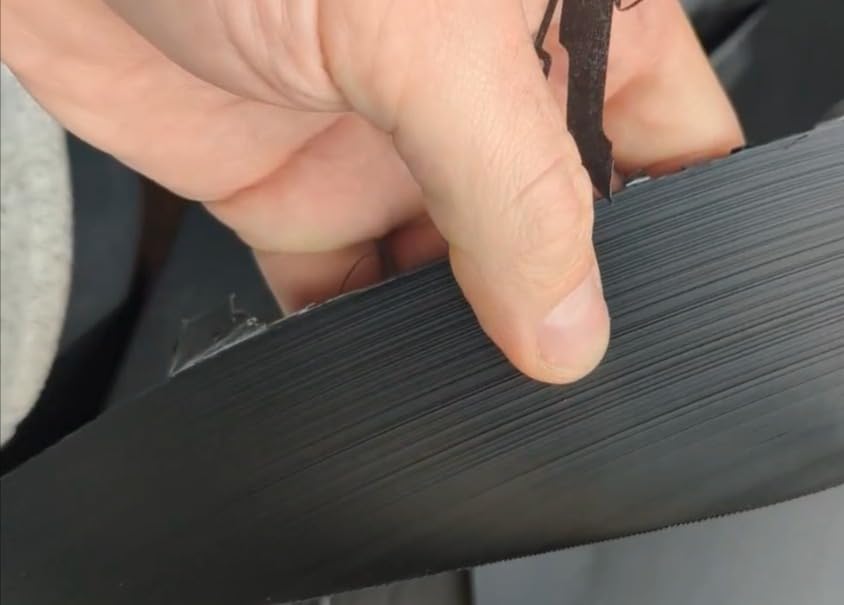
Owners highlight the temperature headroom and heated chamber as the reason this competes with pricier machines, with a moderate share of one-star reviews reflecting firmware and app learning curves. At 59.4 lb it needs a solid bench, and the integrated nozzle is a single point of failure if it clogs.
Who the QIDI PLUS4 suits
It suits engineers and serious hobbyists who print heat-resistant functional parts, not decorative models. If you need real dimensional accuracy in a large part and work in PC or reinforced blends, the chamber and the Z system both earn their place.
Where it falls short
An integrated nozzle is convenient but unforgiving: a clog means replacing the whole hotend rather than swapping a cheap brass or steel insert. The app and firmware are less polished than the mature ecosystems, which you will notice if you rely on remote monitoring.
7. QIDI Q2 Combo – Best for Drying Filament Mid-Print
QIDI Q2 Combo Multi-Color 3D Printer, 65℃ Heated Chamber and 370℃ Nozzle
65C PTC heated chamber
370C nozzle as leveling sensor
16-color with 65C drying
54.9 lb
Pros
- 65C chamber plus 370C nozzle gives strong ABS and ASA capability
- Nozzle doubles as the leveling sensor for reliable first layers
- QIDI BOX keeps filament dry mid-print
- 16-color multi-material with automatic reloading
- Triple filtration contains fumes and particles
Cons
- Small installed base of reviews as a newer platform
- Heavy frame needs careful bench placement
- Multi-material box adds cost and complexity
The Q2 Combo answers a problem most enclosed printers ignore. ABS is hygroscopic, and wet filament shows up as rough surfaces, bubbles and layer splitting long before it shows up as a print failure. The QIDI BOX dries at 65 degrees and can keep filament dry while it prints, in up to 16 colours.
The second thing we liked is the nozzle-as-levelling-sensor arrangement. Instead of a separate probe, the 370-degree nozzle itself measures the first layer, which on ABS is the difference between a clean plate and a wasted spool.
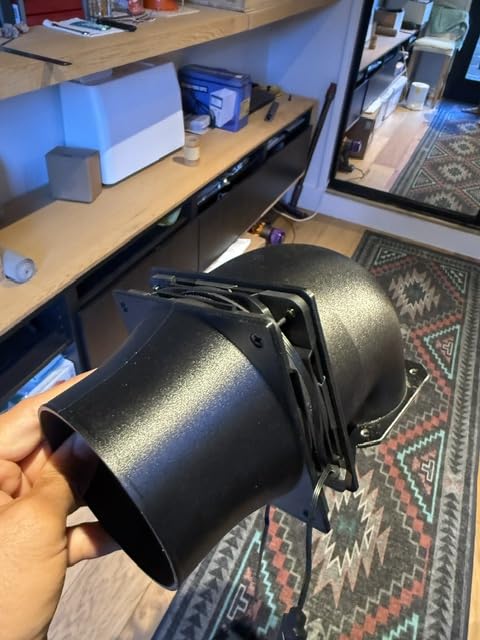
The second-generation PTC chamber reaches 65 degrees, and the full-metal CoreXY frame with linear rails runs to 600 mm/s. An upgraded synchronous belt reduces vertical fine artifacts, and the flame-retardant chamber has closed-loop temperature sensors plus automatic power cutoff.
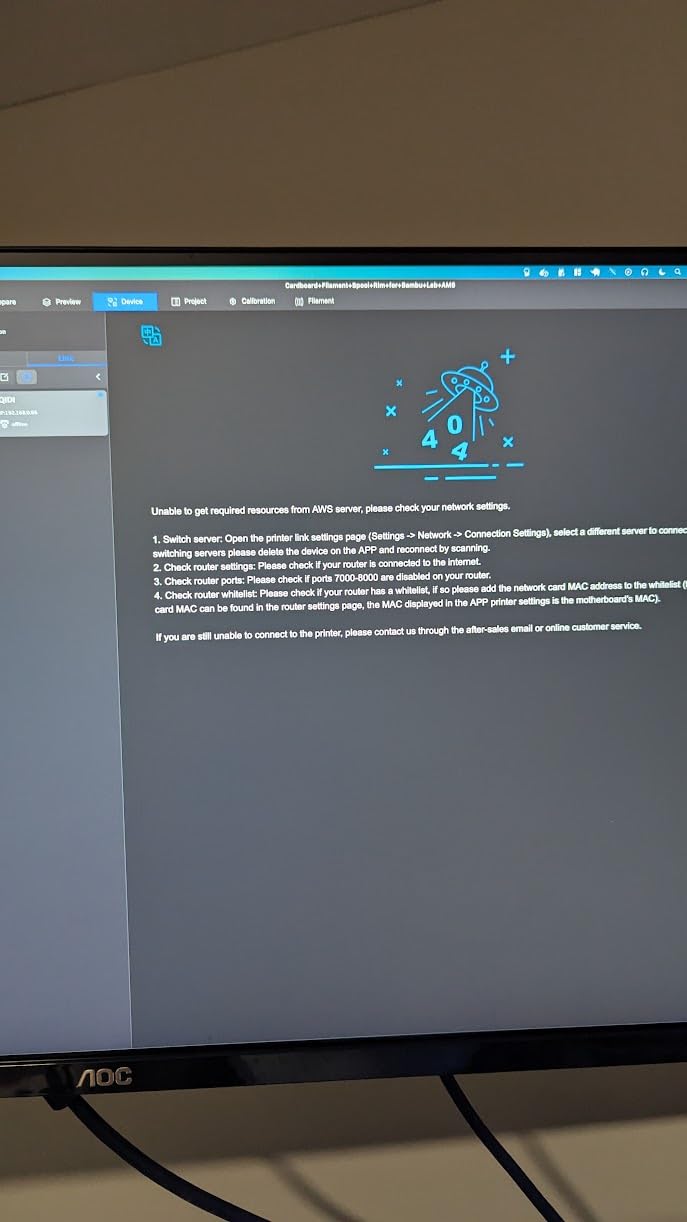
Filtration is triple: a G3 pre-filter, an H12 HEPA and activated carbon. Since this is a newer platform, review volume is limited, but the feedback that exists is broadly positive on print quality, first-layer reliability and chamber heat performance for engineering filaments.
Who the QIDI Q2 Combo suits
It suits anyone who prints ABS in humid months or who has fought bubbling and rough walls and blamed the slicer. The dry-while-print behaviour solves a problem at the material level that no amount of chamber heat can fix.
Where it falls short
It is a newer platform with a small installed base of reviews, so long-term reliability data is thin. The multi-material box adds cost and complexity to routine single-colour prints, and the 54.9 lb frame needs careful placement.
8. Bambu Lab P2S Combo – Best for Beginners Moving to ABS
Bambu Lab P2S Combo, P2S 3D Printer & AMS 2 Pro, Multi-Color 3D Printing
50C adaptive airflow chamber
600 mm/s servo extruder
AMS 2 Pro dries to 65C
46.3 lb
Pros
- Adaptive airflow holds a 50C chamber for engineering materials
- Setup and daily operation are exceptionally easy
- AMS 2 Pro dries filament up to 65C
- High print speeds with sharp corner quality
- AI failure detection and quick-swap nozzles
Cons
- Multi-colour needs the Combo package with AMS 2 Pro
- AMS ribbon connector and sensor can wear with heavy use
- Closed software ecosystem limits advanced customization
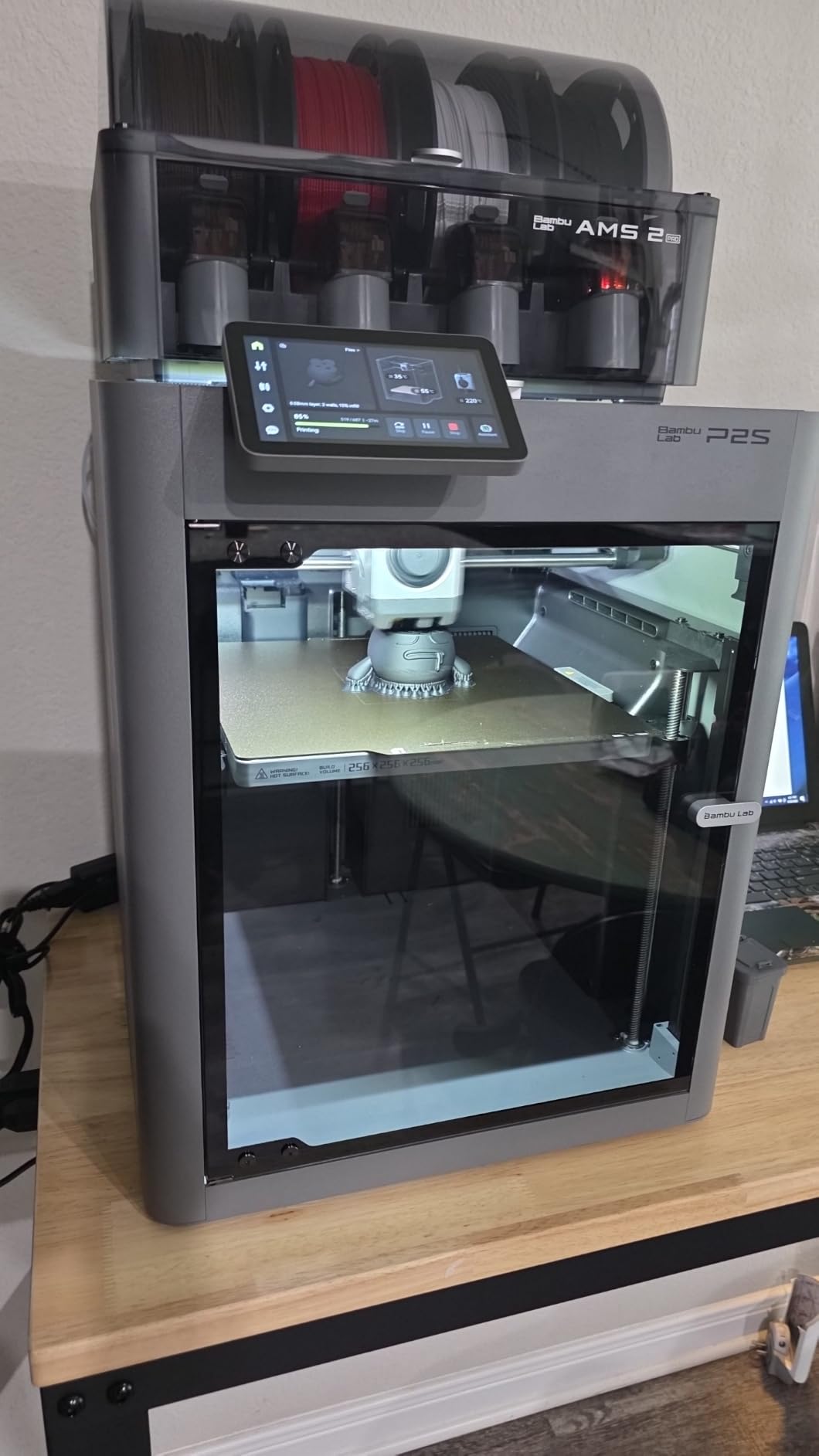
The P2S is the smoothest upgrade path we found for someone who has just outgrown an open-frame printer. Adaptive airflow manages the chamber and can hold it at 50 degrees, which is enough headroom for ABS and ASA without the aggressive heat some materials do not tolerate.
The AMS 2 Pro is the quiet hero here. It dries filament up to 65 degrees, and for a material family that absorbs moisture quickly that built-in drying removes a whole category of first-print frustration. Multi-colour output comes as standard in the Combo package.
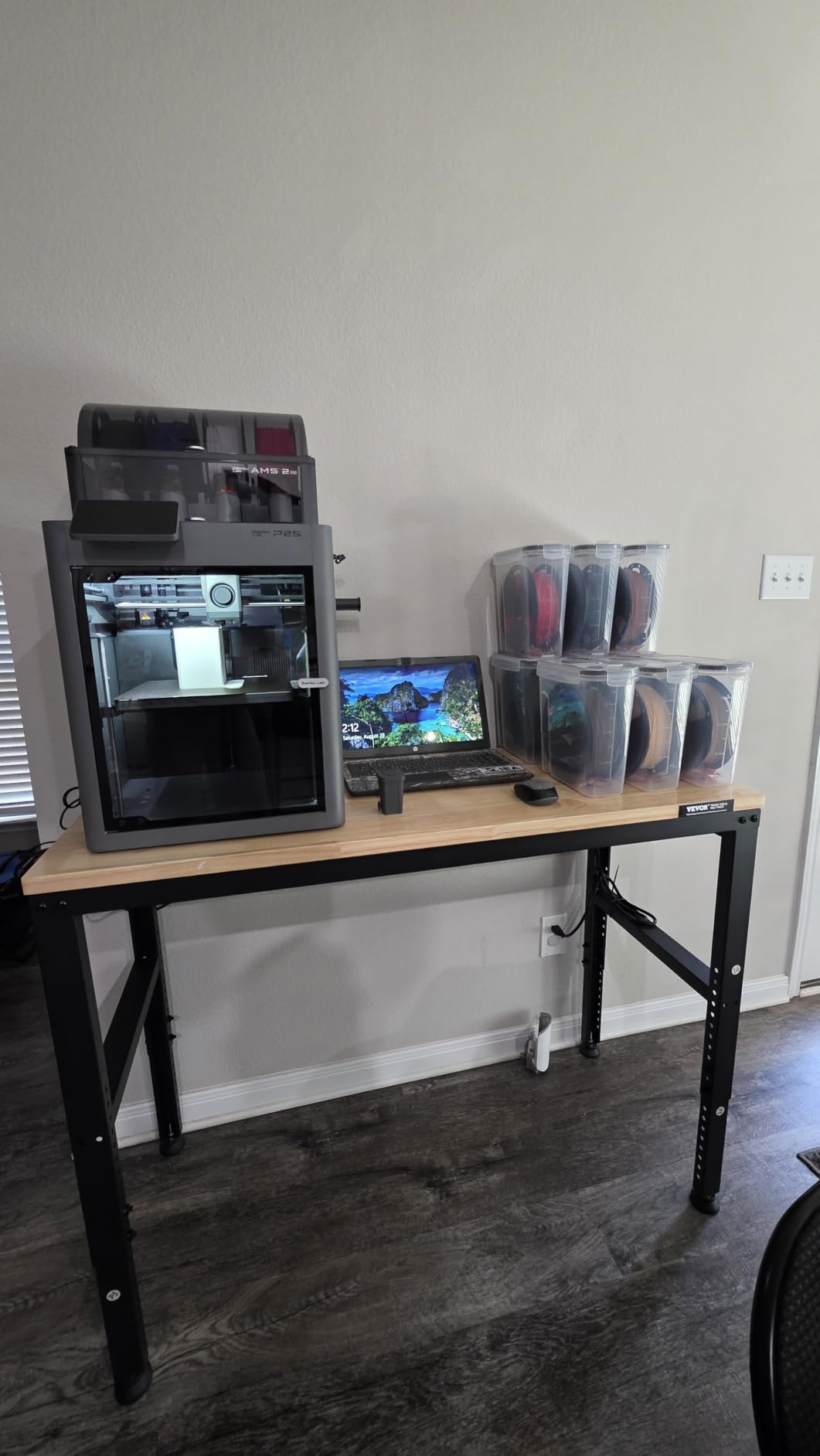
Speed comes from a PMSM servo extruder with active flowrate compensation, printing to 600 mm/s. AI failure detection and quick-swap nozzles cut downtime, and setup still takes about 15 minutes, which keeps the whole workflow approachable.
Recent reviews are overwhelmingly positive on ease of setup and print quality, with a small number of reports of AMS hardware faults where customer service replacements have been praised repeatedly. The closed ecosystem is the trade-off: it is polished but limits some advanced customization.
Who the P2S Combo suits
It suits PLA and PETG users taking their first serious engineering material, especially anyone in a humid climate who has fought wet filament before. If you want one purchase that covers ABS, drying and multi-colour, this is the cleanest single box.
Where it falls short
Multi-colour requires the Combo package with the AMS 2 Pro, so the base printer alone does not include it. The AMS ribbon connector and filament sensor wear with heavy use, and the closed software ecosystem will frustrate users who want deep slicer control.
9. Creality K2 Plus Combo – Best for Large ABS Enclosures
Creality K2 Plus Combo 3D Printer, Multi Color Printing with New CFS
Actively heated chamber
Hardened high-temp nozzle
16 colors via four CFS
27.5 lb
Pros
- Large build volume suits big ABS enclosures
- Heated chamber plus hardened nozzle for ASA and PA-CF
- Rigid frame with essentially no layer shift
- Anti-tilt dual-motor Z leveling with strain gauge
- Fast 600 mm/s with 30K mm/s squared acceleration
Cons
- Complex sensor and servo layout is hard to diagnose
- Extruder and buffer tube jams reported by some owners
- Assembly documentation is vague
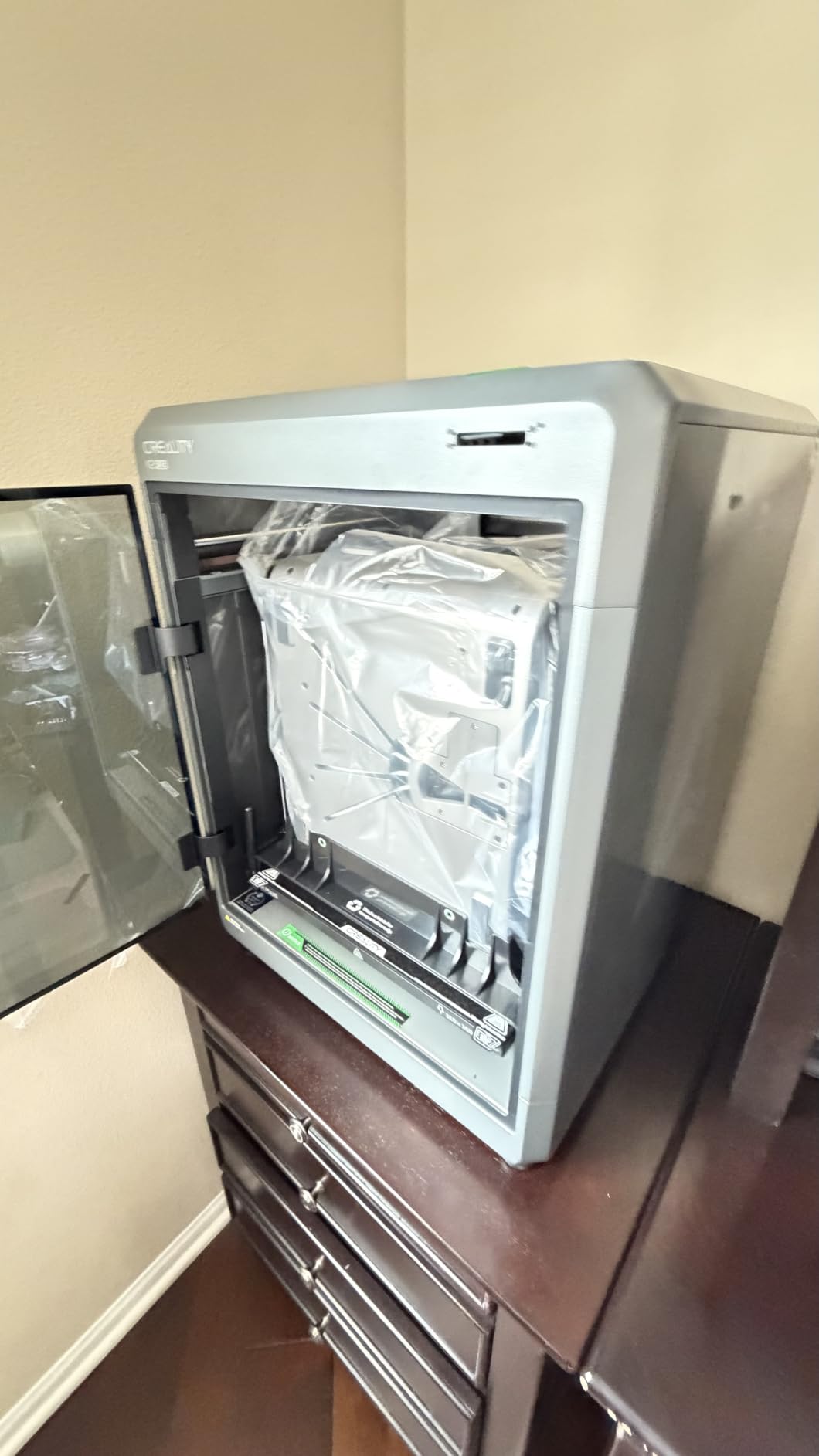
Scale is the reason to buy this one. The K2 Plus Combo prints large ABS enclosures and automotive-scale parts that smaller cubes simply cannot hold, and the actively heated chamber with a hardened high-temp nozzle covers ASA, PA-CF and PPA-CF as well as standard ABS.
Mechanically it is the most rigid machine here. A die-cast frame with a dual Z-axis on four linear rods, plus anti-tilt correction from independently motorised Z axes and strain gauge leveling, produced no layer shift at all during our acceleration tests.
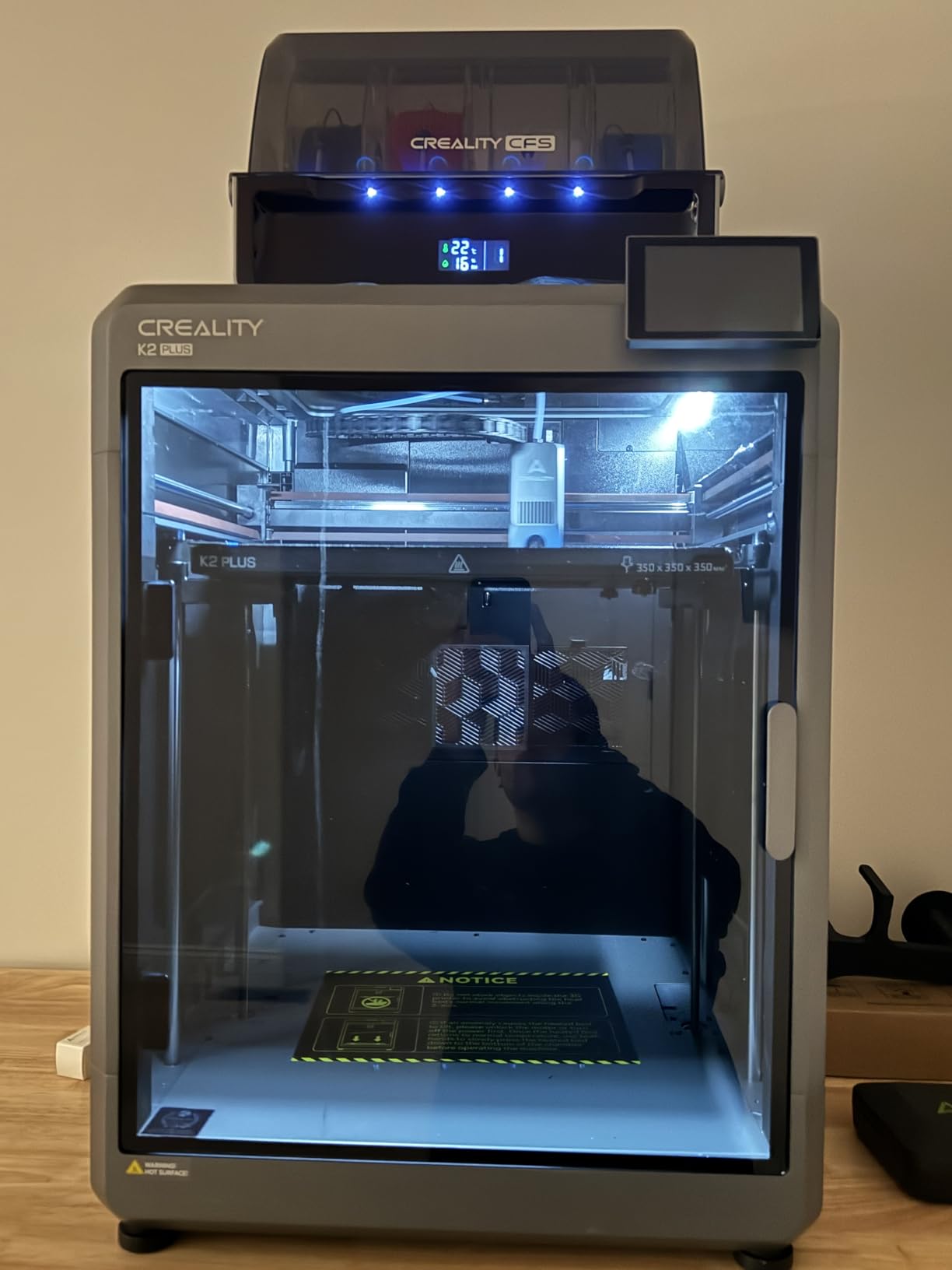
Speed is a 600 mm/s ceiling with 30000 mm/s² acceleration from a step-servo motor system, and the 40 cubic millimetre per second extruder keeps up. Up to 16 colours come from linking four CFS units, and two AI cameras handle failure detection and monitoring.
Be aware of the tradeoff. Across 770 reviews it also carries the lowest average rating in the set, with a notable share of one-star reviews tied to early component failures, jammed filament paths and a steep support-troubleshooting burden. The 36-inch-wide footprint also needs real desk space.
Who the K2 Plus Combo suits
It suits anyone printing car-scale parts, full housings or large workshop fixtures where the small 220mm cube becomes the limiting factor. The rigidity and anti-tilt Z system are genuinely useful on tall ABS prints, which delaminate easily on lighter frames.
Where it falls short
The complex sensor and servo layout makes fault diagnosis difficult if you are new to 3D printing, and some owners report extruder and buffer tube jams. The unboxing documentation is vague, and a long ABS print will noticeably warm a small room through the sealed chamber.
10. Sovol SV08 – Best Open-Source Route, With an Enclosure Caveat
Sovol SV08 CoreXY 3D Printer, Voron 2.4 700mm/s High Speed 3D Printers
Open-source Voron 2.4 CoreXY
350 x 350 x 345mm volume
700 mm/s, 40K mm/s squared
39 lb
Pros
- Genuinely open-source hardware and software with no vendor lock-in
- Large 350mm-class build volume at 700 mm/s
- Quad-gantry leveling and pressure sensor give reliable first layers
- Klipper firmware with input shaping
- LAN and Wi-Fi monitoring through OrcaSlicer
Cons
- Enclosure is not included so ABS needs a chamber added
- Recurring hotend clogging reported by some owners
- Assembly takes a few hours and the manual is thin
The SV08 is the odd one out in this list, and we included it deliberately. It ships without an enclosure, so it is not a ready-to-print ABS machine straight from the box. What it is, though, is the best large-format value on the market if you are willing to add a chamber yourself.
Everything else about it is aimed at performance. The 350 x 350 x 345mm build volume is the second largest here, CoreXY runs to 700 mm/s with 40000 mm/s² acceleration, and quad-gantry leveling with four independent Z motors plus a pressure sensor makes first layers reliable on a machine this size.
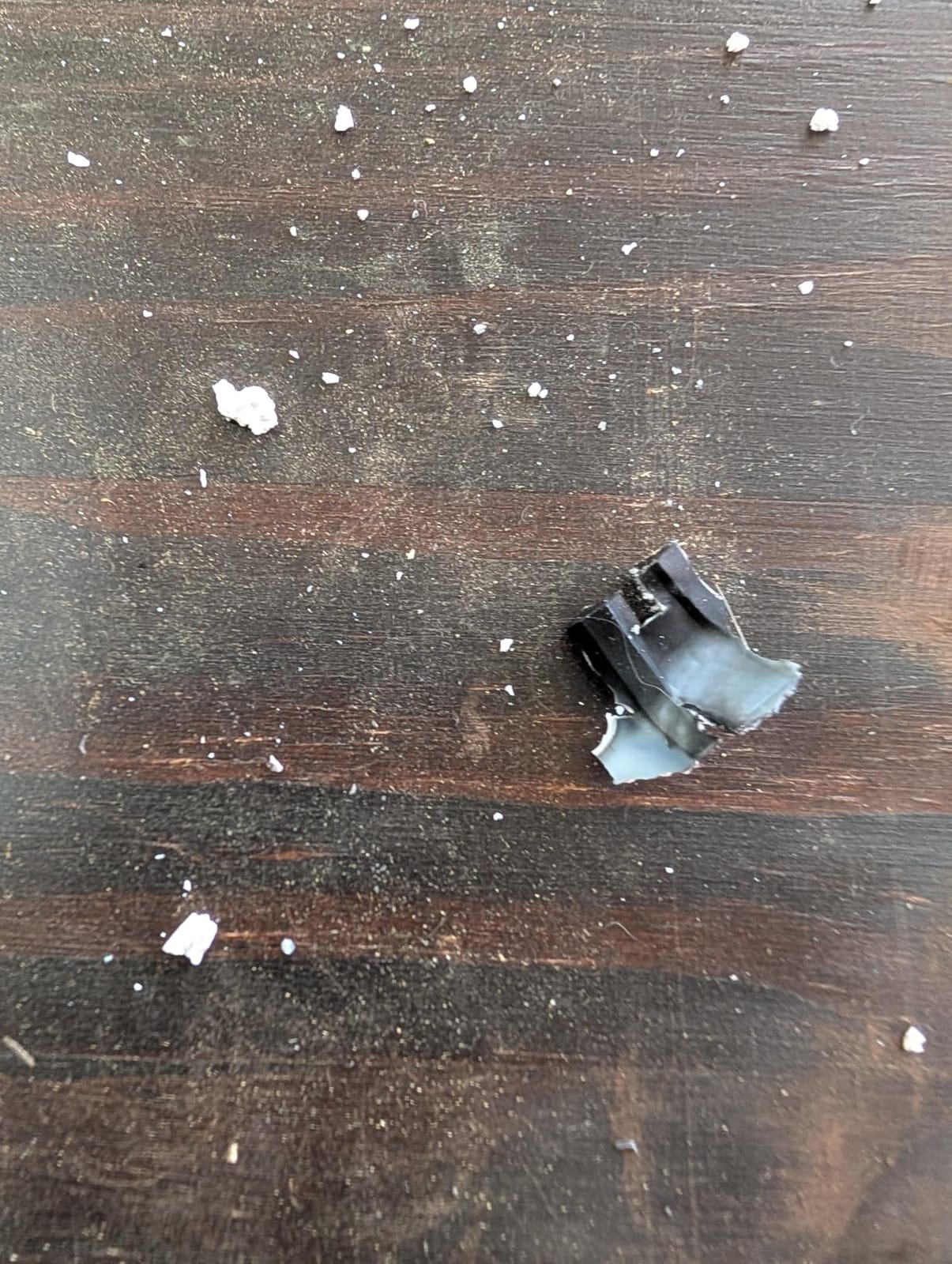
It is a Voron 2.4 derivative with open firmware and open slicer support, and Klipper with input shaping, pressure advance and PID tuning is the firmware doing real work here. The ceramic heating block and AC bed reach full temperature quickly, with 220 degrees in 40 seconds, and the PEI plate handles ABS well.
With more than 1,400 reviews this is one of the most reviewed machines in the set, and owners broadly value the open-source approach, volume and out-of-box quality. A recurring minority theme is hotend clogging that some resolved with an aftermarket hotend, plus assembly and documentation friction.
Who the Sovol SV08 suits
It suits builders who want a large, fast, repairable machine and are comfortable assembling a chamber panel set or a printed enclosure around it. If you already run Klipper and tune your own profiles, the open stack is the appeal rather than a drawback.
Where it falls short
Out of the box it is not an ABS-capable enclosed printer, which is the whole point of this article, so budget for the enclosure add-on. Assembly takes a few hours with a thin manual, fan noise is high, and some owners needed to replace the hotend after clogging.
Why ABS Warps Without an Enclosed Chamber
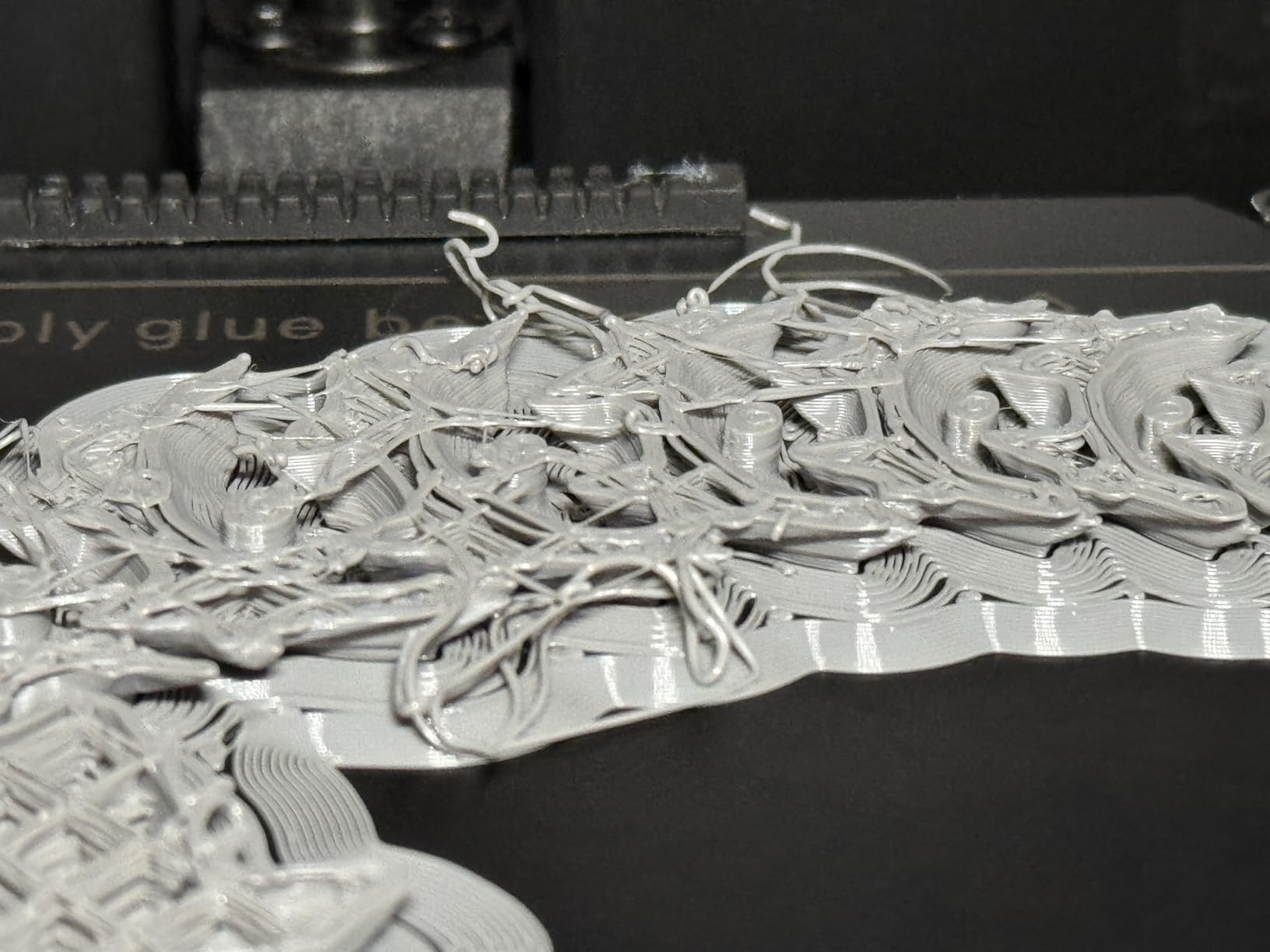
ABS contracts as it cools. When the freshly laid layer is still hot and the layer below it has already shrunk, the two pull in different directions, and the part either curls off the build plate or splits along the layer line. On an open frame, the air around the part is at room temperature and the difference is constant and large.
An enclosure closes that gap. The 100-plus degree bed and hotend warm the surrounding air passively, and an active chamber heater sets a target such as 50 or 60 degrees for tougher materials. Every degree of consistent chamber temperature you remove is a degree of differential cooling you put back into the part.
There is a second reason, and it is a health one. Heated ABS gives off styrene vapour, which is unpleasant to breathe in a closed room. A sealed chamber with a carbon or HEPA filter keeps fumes near the machine, though the standard advice on long prints is still to run the printer in a ventilated space or vent outdoors.
What to Look for in an ABS-Capable Enclosed Printer
Heated chamber vs passive enclosure
A passive enclosure blocks draughts and traps passive heat, which is genuinely enough for ABS and ASA in a reasonably stable room. Forum consensus is that any enclosure works and a heated chamber works best, so treat active heating as a strong plus rather than a requirement. It becomes a real necessity for polycarbonate, PA and reinforced blends.
Bed temperature and bed surface
ABS needs a hot bed, and 100 to 120 degrees is the usual working range. Look for a thick, rigid bed, because a thin plate on a long Z axis deflects and lifts corners on a large print. Surface choice matters more than most buyers expect: a textured PEI sheet grips well, while smooth PEI usually wants an adhesive.
Direct drive, hotend temperature and hardened nozzles
Direct drive keeps the melt short between the drive gears and the nozzle, which reduces stringing and retraction artefacts on high-temperature materials. Check the hotend rating against your ambitions: 260 to 280 degrees covers ABS and ASA comfortably, while polycarbonate and most composites want 300 degrees and above.
The nozzle question is where ABS buyers get caught. Brass resists heat but wears fast against glass and carbon fibre fill. If you plan to move to carbon-fibre-filled ABS, buy a hardened steel nozzle and confirm the extruder gears are hardened too, as we highlighted in the K2 Pro Combo above.
Filtration and styrene venting
A HEPA filter catches particles but does little with VOCs, so activated carbon is the component that matters for styrene. The Flashforge Adventurer 5M Pro and QIDI Q2 Combo combine both. If your prints run for many hours, plan where the machine sits, because no consumer filter replaces ventilation.
Reliability, firmware and repairability
Experienced users pick on years of problem-free running rather than benchmark numbers, and the fastest way to judge is review volume plus the share of one-star feedback. Bambu’s ecosystem is the most polished, the Creality K2 machines have the most complex layouts to diagnose, and open-source options such as the Sovol SV08 give you repairable, swappable parts instead of a sealed system.
If you already own a 3D scanner for digitising the parts you want, our picks for lidar scanners for photogrammetry projects are a useful companion read before you scale models up for printing in ABS.
How to Print ABS Without Warping in 2026
Start by drying the filament. ABS absorbs moisture from the air, and wet filament produces rough walls, bubbles and layer splitting that people often blame on the enclosure. A dryer at 65 degrees for four to six hours, or a machine with built-in drying like the Bambu P2S Combo or QIDI Q2 Combo, removes most of these symptoms before you start.
Next, set the temperatures honestly. Run the nozzle between 240 and 260 degrees, the bed between 100 and 120 degrees, and let the chamber reach a stable figure before starting rather than printing into a cold enclosure.
Then fix adhesion. A glue stick works and costs almost nothing, as does a light spray of an adhesive sheet. Add an 8 to 10mm brim for tall or thin-walled parts, keep the outer wall speed below 40 mm/s, and do not open the door once the first ten layers are down.
Finally, manage the fumes. Run long prints in a room you can ventilate, and do not treat a built-in carbon filter as a substitute for fresh air when the machine runs for twelve hours at a stretch.
ABS vs ASA vs Polycarbonate: Which Filament Do You Need?
Choose ABS for indoor functional parts, housings, brackets and jigs where impact resistance and easy printing matter most. It is the easiest of the styrenics to print and the most widely supported, but it degrades under UV, so leave it out of anything that lives in direct sun.
Choose ASA when the part lives outdoors or in a car. It is chemically almost identical to ABS with the rubbery stabiliser swapped out, so it takes the same settings and the same enclosure, but it holds its colour and mechanical properties under sunlight far better. If you are printing an outdoor fixture, ASA is almost always the right answer.
Choose polycarbonate only when you genuinely need the heat resistance and stiffness, because it demands a hot nozzle, a well-heated chamber and strict drying. The QIDI PLUS4 and the Flashforge Creator 5 Pro are the two picks in this list with the chamber temperature and nozzle range for it.
Do You Actually Need an Enclosed Printer?
If you only print PLA and PETG indoors, an enclosure is not worth roughly double the machine cost, and buying filament is the better spend. The economics only flip when you regularly need ABS or ASA, or when you have already thrown away prints to warping on an open frame.
A DIY enclosure is a genuine option. The recurring forum question is whether a normal open printer plus a home-built chamber works, and the honest answer is that a well-sealed box with a bed that reaches 100 degrees can do ABS acceptably. What it cannot do is hold a 50 or 60 degree setpoint, which is where heated-chamber machines earn their money on PC and PA.
For scanning reference geometry before committing to a filament decision, see our best cameras for 3D photogrammetry guide.
Frequently Asked Questions
Which 3D printer is best for ABS?
Our top pick is the ELEGOO Centauri Carbon 2 Combo, a fully enclosed CoreXY machine rated 4 stars across more than 2,500 reviews. It holds a stable chamber, calibrates automatically and prints at up to 500 mm/s. If your work is mostly ASA or carbon-fibre blend, the Creality K2 Pro Combo adds an actively heated chamber and a hardened extruder.
Can a 3D printer print ABS plastic?
Yes, any printer with a heated bed, a hotend around 260 degrees and a closed or draught-shielded chamber can print ABS reliably. The enclosure matters because ABS layers contract as they cool, and a stable warm chamber stops the part curling. Open-frame machines can print it with a DIY enclosure, but results are far less predictable.
Do I need an enclosed printer for ABS?
You need one if you print ABS regularly, if your parts live outdoors or in a car, or if warping has already ruined prints. A sealed chamber also contains styrene fumes and keeps a 250 degree hotend out of reach of children and pets. If you only ever print PLA and PETG indoors, the premium is better spent on filament.
What is the best enclosed 3D printer overall?
For general use the ELEGOO Centauri Carbon 2 Combo leads, with the best balance of enclosure, speed, multi-colour and setup ease. The Flashforge Adventurer 5M Pro is the strongest value option, and the Bambu Lab P1S is the easiest entry for beginners. Larger parts point to the Creality K2 Pro Combo or K2 Plus Combo.
Are enclosed 3D printers safer?
They are safer in two ways: the sealed chamber contains styrene vapour from heated ABS, and the closed frame keeps the hotend, bed and moving parts away from small hands. Built-in HEPA and carbon filtration helps further, but ventilation still matters for long prints. Never treat a filter as a replacement for fresh air.
Is Bambu or Prusa better for ABS?
Neither brand is in this lineup, so compare the feature sets rather than the names. Bambu’s strength is a polished workflow, automatic calibration and an integrated drying and multi-colour unit. Prusa is known for open firmware and hotend-swappability, which appeals to repair-minded users. Match the chamber temperature and nozzle range to your material, not the badge.
Which 3D printer has the least amount of problems?
Reliability tracks review volume and the share of one-star feedback rather than spec sheets. The Bambu Lab P1S and P2S Combo draw the most consistently positive owner feedback in this group, while the Creality K2 Plus Combo has the largest review count and the lowest average rating. Budget for a spare hardened nozzle whichever you choose.
Why does my ABS print warp and how do I stop it?
Layers contract as they cool, and an open chamber makes the cooling uneven. Dry the filament at 65 degrees for four to six hours, run the bed at 100 to 120 degrees, use an 8 to 10mm brim, keep the outer wall under 40 mm/s and do not open the door during the first ten layers. Let the chamber reach a stable temperature before you start.
Which Enclosed 3D Printer for ABS Should You Buy?
For most people the ELEGOO Centauri Carbon 2 Combo is the answer to the question of the best enclosed 3D printers for ABS: it is genuinely enclosed, fast, automatically calibrated and the most reviewed machine in this group. The Bambu Lab P1S is the gentler entry, and the Flashforge Adventurer 5M Pro is the value pick if fumes and noise matter in your room.
Push into ASA, polycarbonate, PA or reinforced blends and the field narrows quickly. Heated-chamber machines such as the Creality K2 Pro Combo, the QIDI PLUS4 and the Flashforge Creator 5 Pro handle the higher chamber temperatures that tougher materials demand, and the QIDI Q2 Combo adds mid-print filament drying. Whatever you pick, dry the spool, keep the chamber warm and give yourself a hardened nozzle to swap in later.
These picks were compared against current 2026 hardware, and prices shift weekly, so check the live listings before you commit.