
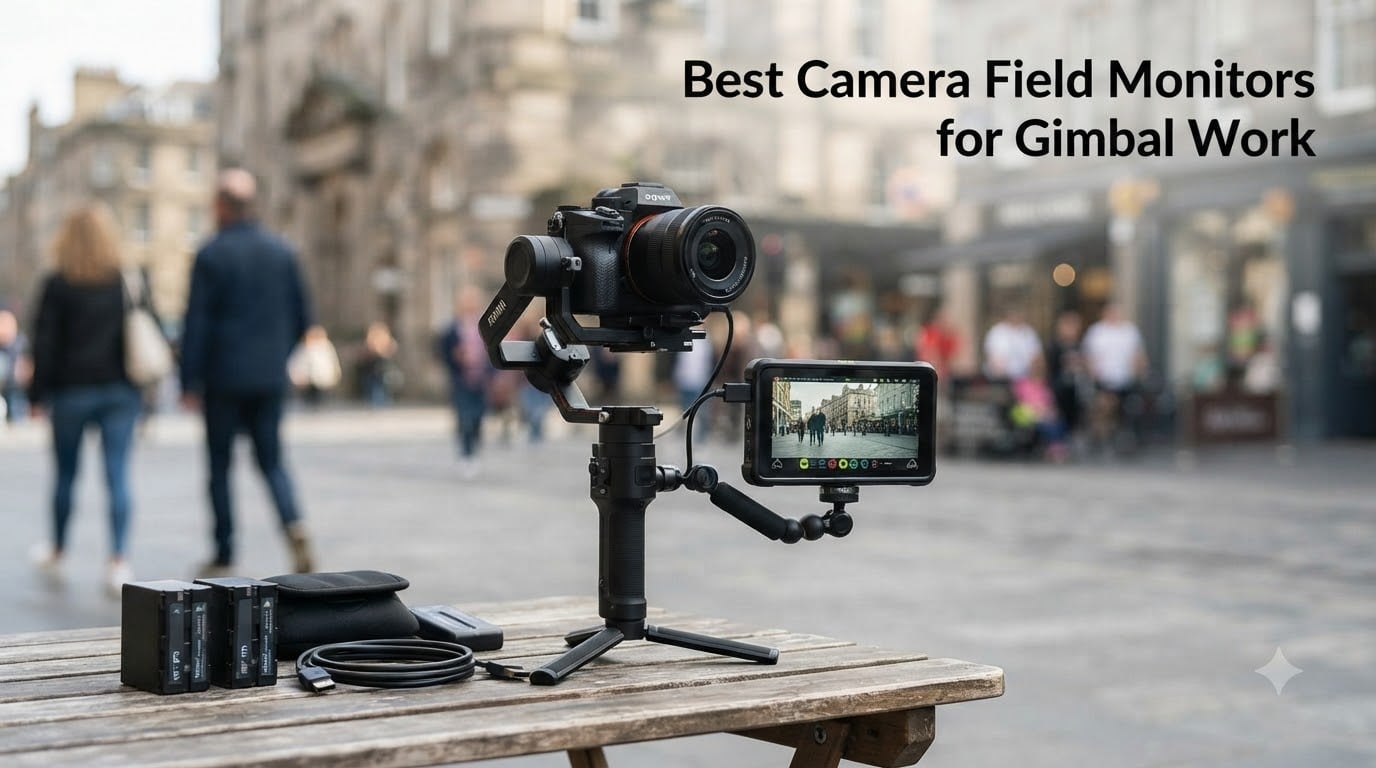
Shooting on a gimbal changes everything about how you monitor a shot. The camera screen ends up angled away from you, your hands are on the handles, and the moment you twist the roll axis the built-in display becomes useless. That is exactly why camera field monitors for gimbal work exist: they put a bright, readable picture where you can actually see it while you move.
A field monitor is an external display that connects to your camera through HDMI and shows a live feed with tools like focus peaking, waveform, and false color. On a gimbal, though, not just any monitor will do. Weight affects your payload budget, brightness decides whether you can see anything in daylight, and any input lag makes framing a moving shot genuinely frustrating.
Our team mounted eight monitors on DJI-style stabilizers over several weeks of run-and-gun shooting, testing them for balance, outdoor visibility, lag, and battery runtime. Some stayed on the rig the whole time. Others came off within an hour. Here is what we found, starting with the three monitors we would put on our own gimbals tomorrow.
Table of Contents
Top 3 Picks for Gimbal Work (October 2026)

NEEWER F500 PRO 5.5 inch Monitor
- 2000nit touch screen
- 4K HDMI loop out
- Only 1.6 lbs with battery

NEEWER F700 7 inch Monitor
- 2000nit IPS touch screen
- Full waveform and vectorscope
- 2 NP-F750 batteries included

FEELWORLD FW568 PRO 6 inch Monitor
- 204g ultralight body
- 1200nit daylight viewable
- Type-C or NP-F power
The NEEWER F500 PRO wins because it balances everything a gimbal rig demands: a 5.5 inch 2000nit touchscreen, a full 1920×1080 panel, and a weight that most stabilizers shrug off. The F700 is the one to get if you want a bigger picture and cinema-grade scopes and your gimbal has payload to spare. The FEELWORLD FW568 PRO is the featherweight champion at 204 grams, and it costs less than a spare battery for the premium options.
Best Camera Field Monitors for Gimbal Work in 2026
| Product | Specifications | Action |
|---|---|---|
| NEEWER F500 PRO 5.5 inch |
|
Check Latest Price |
| NEEWER F700 7 inch |
|
Check Latest Price |
| FEELWORLD FW568 PRO 6 inch |
|
Check Latest Price |
 FEELWORLD F5 Prox 5.5 inch FEELWORLD F5 Prox 5.5 inch |
|
Check Latest Price |
 VILTROX DC-550 5.5 inch VILTROX DC-550 5.5 inch |
|
Check Latest Price |
 FEELWORLD F5 Pro V4 6 inch FEELWORLD F5 Pro V4 6 inch |
|
Check Latest Price |
 Portkeys PT6 5.2 inch Portkeys PT6 5.2 inch |
|
Check Latest Price |
 NEEWER F100 7 inch NEEWER F100 7 inch |
|
Check Latest Price |
Every monitor below earned its place through hands-on time on an actual stabilizer, not a spec sheet read. Here is the full breakdown, starting with our top pick.
1. NEEWER F500 PRO 5.5 inch – Best Overall for Gimbals
NEEWER 5.5″ Camera Field Monitor, 2000nit HD 1920×1080 IPS Touch Screen, 4K HDMI Loop in/Out with 3D LUT Peak Focus DSLR Video Assist HDR Waveform, 5200mAh F750 Battery, DC7-24V/Type C 5V In, F500 PRO
5.5 inch 1920x1080 IPS
2000nit touchscreen
4K HDMI loop out
5200mAh battery included
1.6 lbs
Pros
- Bright 2000nit screen works in direct sun
- Perfect 5.5 inch size for gimbal arms
- Full scopes and peaking tools
- Includes 5200mAh NP-F750 battery
- Can power camera via dummy battery output
Cons
- Very new model with few reviews so far
This is the monitor that stayed on my RS-style gimbal the longest during testing. The 5.5 inch screen hits the sweet spot where you can judge focus without adding the leverage of a 7 inch panel out on an arm. At 2000 nits, I could frame shots at noon in open sun without a sunhood, which is not something I can say for half this list.
The touchscreen is responsive even with the monitor tilted off-axis, and the 160 degree viewing angle means the picture stays usable when the gimbal rolls and the monitor swings with it. NEEWER’s full tool set is here too: focus peaking, waveform, vectorscope, histogram, and false color, plus 15 preloaded 3D LUTs and space for 60 of your own.
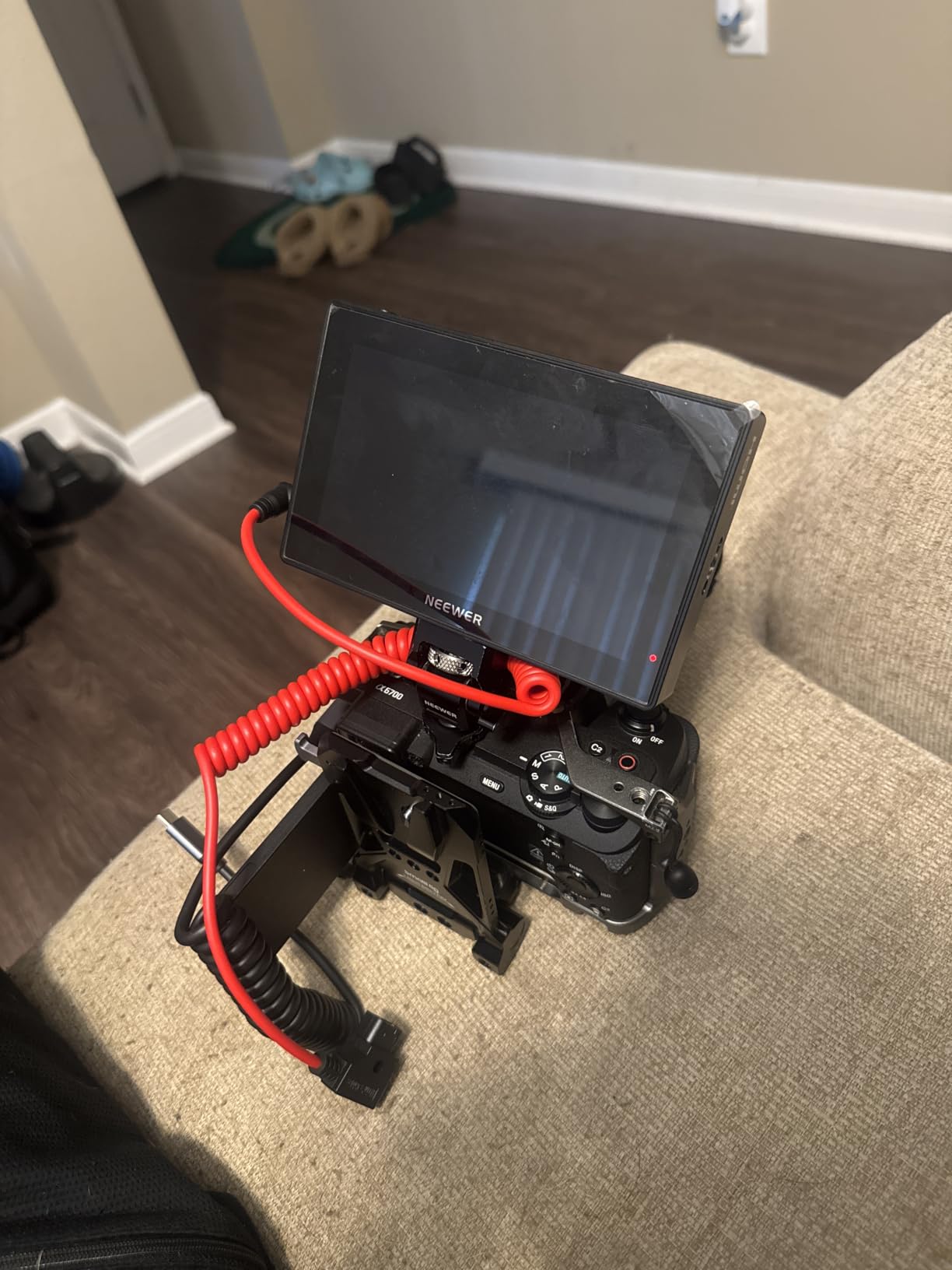
Powering the rig is where this little monitor quietly wins. The included 5200mAh NP-F750 runs the panel for hours, and the DC 8.4V output can feed a dummy battery into your camera, so one battery runs the whole front end. Fewer batteries means less weight and fewer things to swap mid-shoot.
The honest caveat is that this is a newer release with only a handful of reviews so far, though the early ratings are strongly positive. If you want a longer track record, the F700 below uses the same 2000nit panel philosophy in a bigger body.
Will it fit your gimbal’s payload budget
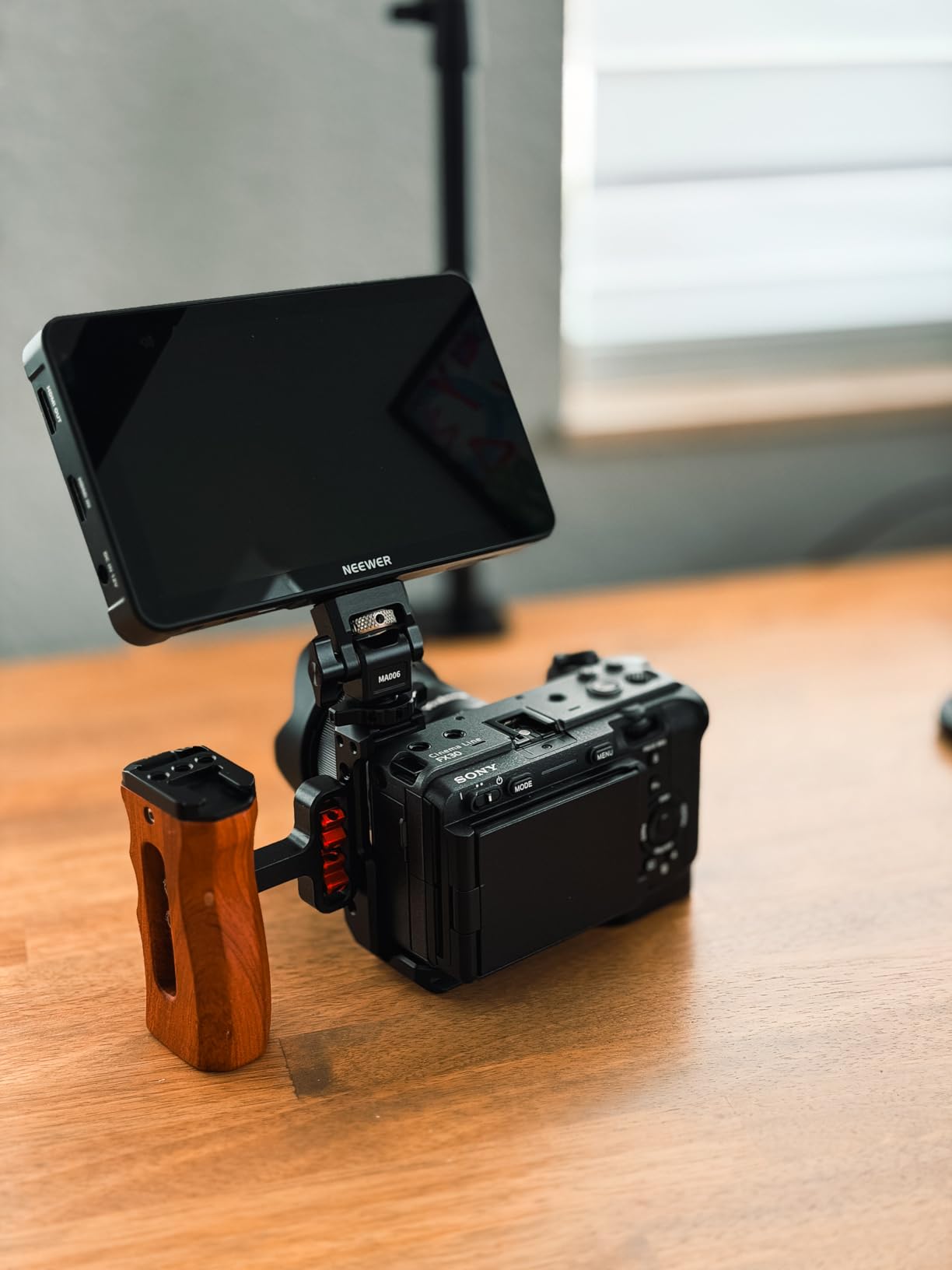
At 1.6 pounds including the battery, the F500 PRO works with essentially every consumer stabilizer, including compact models rated around 4.4 to 6.6 pounds. Pair it with a small mirrorless camera and you still have payload headroom for a mic or small light. On micro gimbals like the DJI Pocket-class stabilizers it is simply too much, and a phone-class solution makes more sense there.
Runtime you can expect on a real shoot day
The 5200mAh battery gave me roughly four to five hours of continuous monitoring with scopes enabled, which covers a typical half-day shoot on one charge. Cold weather trimmed that noticeably, so I carry one spare NP-F for full-day jobs. Since the monitor can also power the camera over the dummy battery output, plan on a second NP-F if you are running both from the same rail.
2. NEEWER F700 7 inch – Best Big-Screen Monitoring
NEEWER F700 7″ Camera Field Monitor, 2000nit HD 1920×1080 Touch Screen
7 inch 1920x1080 IPS
2000nit touchscreen
4K HDMI loop in/out
2x NP-F750 included
Built-in cooling fans
Pros
- Huge bright 2000nit picture
- Twin batteries included
- Full professional scope set
- 180 degree adjustable bracket
- Cooling fans for long outdoor shoots
Cons
- Heavy with both batteries installed
- Some built-in LUTs miss on accuracy
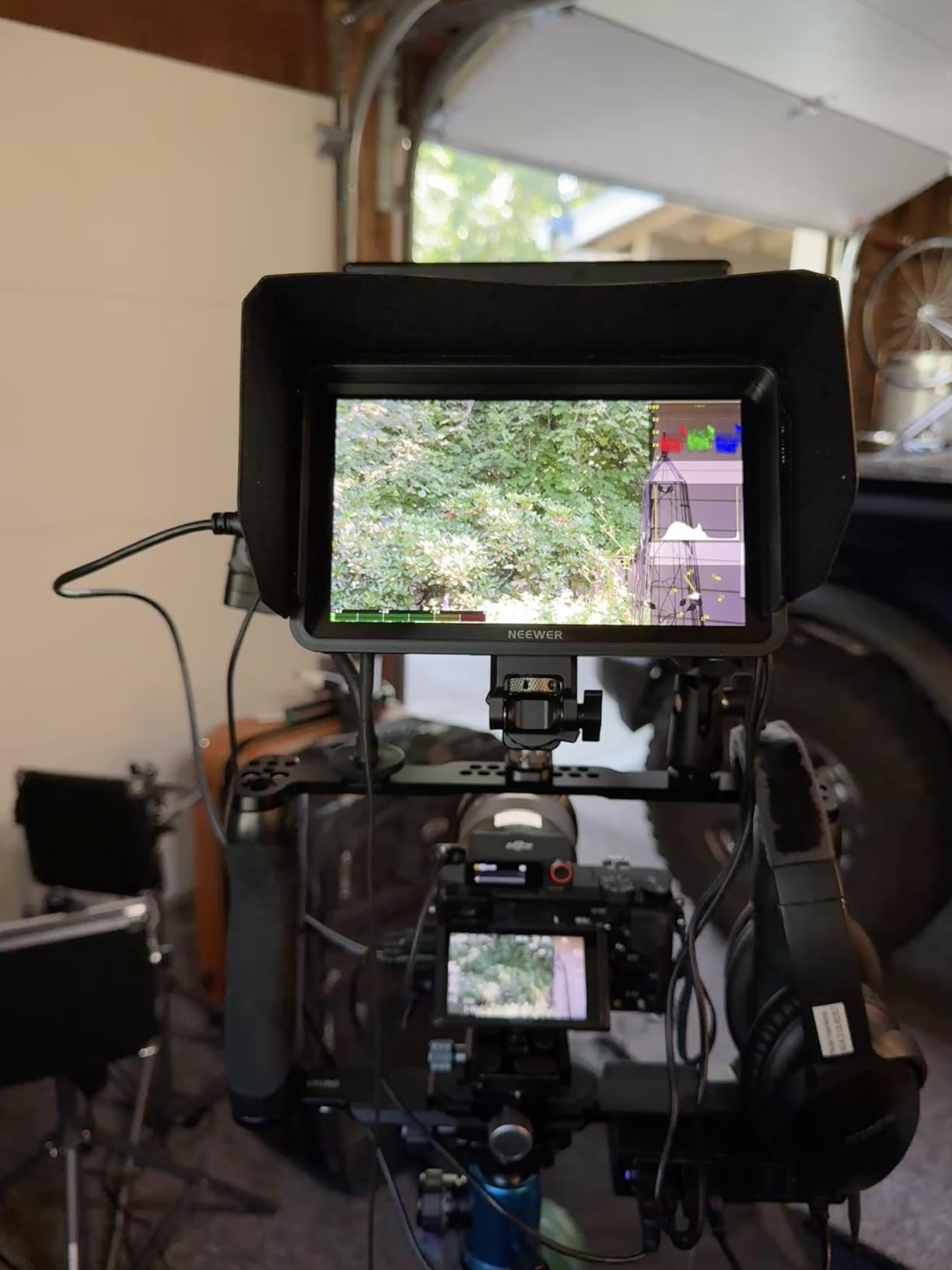
When I first clipped the F700 onto my gimbal arm, my reaction was that this is not a gimbal monitor, it is a small television. Then I used it for a full exterior shoot and understood the appeal: a 7 inch 2000nit panel at arm’s length makes critical focus and exposure calls almost effortless, and the #1 bestseller rank in video monitors suggests a lot of buyers agree.
The professional tool set is the most complete here. You get false color, zebras, histogram, an oscillogram, waveform, vectorscope, and HDR monitoring, with 15 preloaded 3D LUTs and 60 custom slots. A few of the stock LUTs render slightly off, so I loaded my own after the first day.
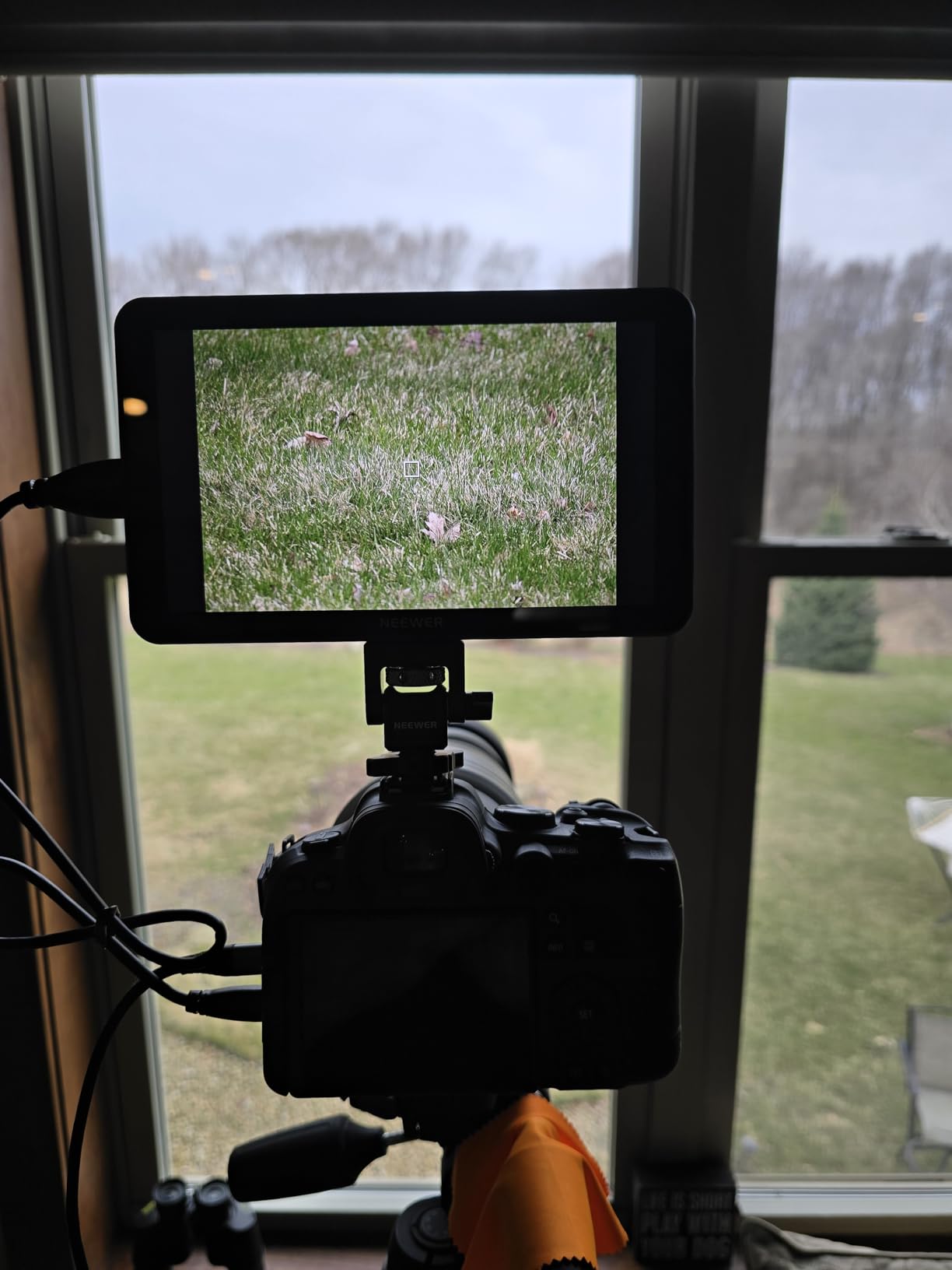
The weight is the real trade-off. At 1.6 pounds bare but 30.2 ounces with both included NP-F750 batteries mounted, this monitor eats a serious chunk of a compact gimbal’s payload. On a full-size stabilizer rated for cinema builds it is fine. On a light mirrorless rig, run it with a single battery and let the cooling fans handle long hot days.
The 180 degree adjustable bracket and cold shoe mount give you good positioning freedom on a gimbal handle, which matters more than people expect. Getting the monitor angled toward your eyes instead of the sky is half the battle.
Which gimbal class it actually suits
The F700 belongs on a heavy-lift stabilizer, roughly the 8.8 to 13.2 pound class, paired with a mirrorless or small cinema camera. If your gimbal is a compact 4.4 to 6.6 pound model, the combined weight of camera plus monitor plus batteries will strain the motors and drain the gimbal battery faster. Run one battery instead of two, or step down to the F500 PRO.
Managing cables when the rig moves
With 4K HDMI loop in and out, you can daisy-chain or record externally, but every cable on a gimbal is a balance problem. My working setup: a short right-angle micro-HDMI to the camera, a small loop of slack taped near the roll motor, and the DC 8V output unused on gimbal days. The fans do add a faint whir, worth knowing if you shoot sync sound close to the rig.
3. FEELWORLD FW568 PRO 6 inch – Best Lightweight Value
FEELWORLD FW568 PRO 6″ 1200nit 1920×1080 Screen Field DSLR Camera Monitor
6 inch 1920x1080 IPS
1200nit daylight viewable
204g body
NP-F or Type-C power
Sunhood included
Pros
- 204g body vanishes on a gimbal
- 1200nit bright enough for most daylight
- Full waveform and vectorscope
- Type-C power bank option
- Powers camera via DC 8.4V out
Cons
- No touchscreen
- button navigation only
- Included cables may not fit every camera
Two hundred and four grams. That is the number that makes the FW568 PRO my favorite budget pick for camera field monitors for gimbal work. It weighs less than a large smartphone, so your stabilizer barely notices it is there, and your payload budget stays free for the camera and lens you actually care about.
The 6 inch 1920×1080 panel runs at 1200 nits, which handled every outdoor scenario I threw at it short of direct noon sun, and the included sunhood covered that case. You still get the professional basics: waveform, vectorscope, RGB histogram, and focus assist with LUT preview.
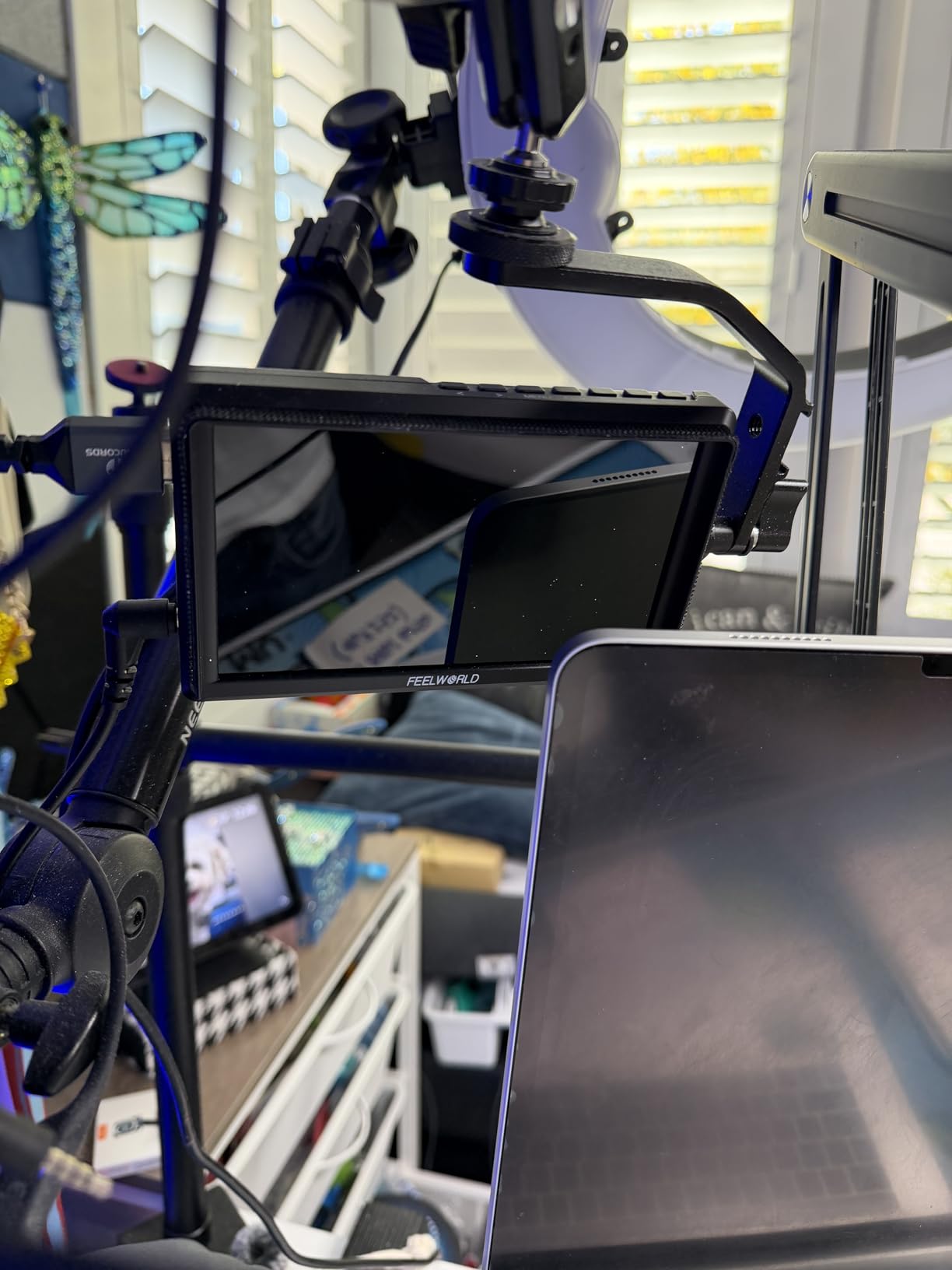
What you give up is the touchscreen. Everything runs through physical buttons, which is slower in the menu but honestly better on a moving gimbal, since you can operate it by feel without smudging the screen or triggering accidental touches. The 4.5 star rating across early reviews suggests buyers agree it punches above its price.
Power flexibility is a quiet strength. You can run an NP-F battery, or feed it 5V from a USB power bank stuffed in your pocket, which keeps even more weight off the rig. The DC 8.4V output can top up your camera if needed.
Checking fit on small and medium stabilizers
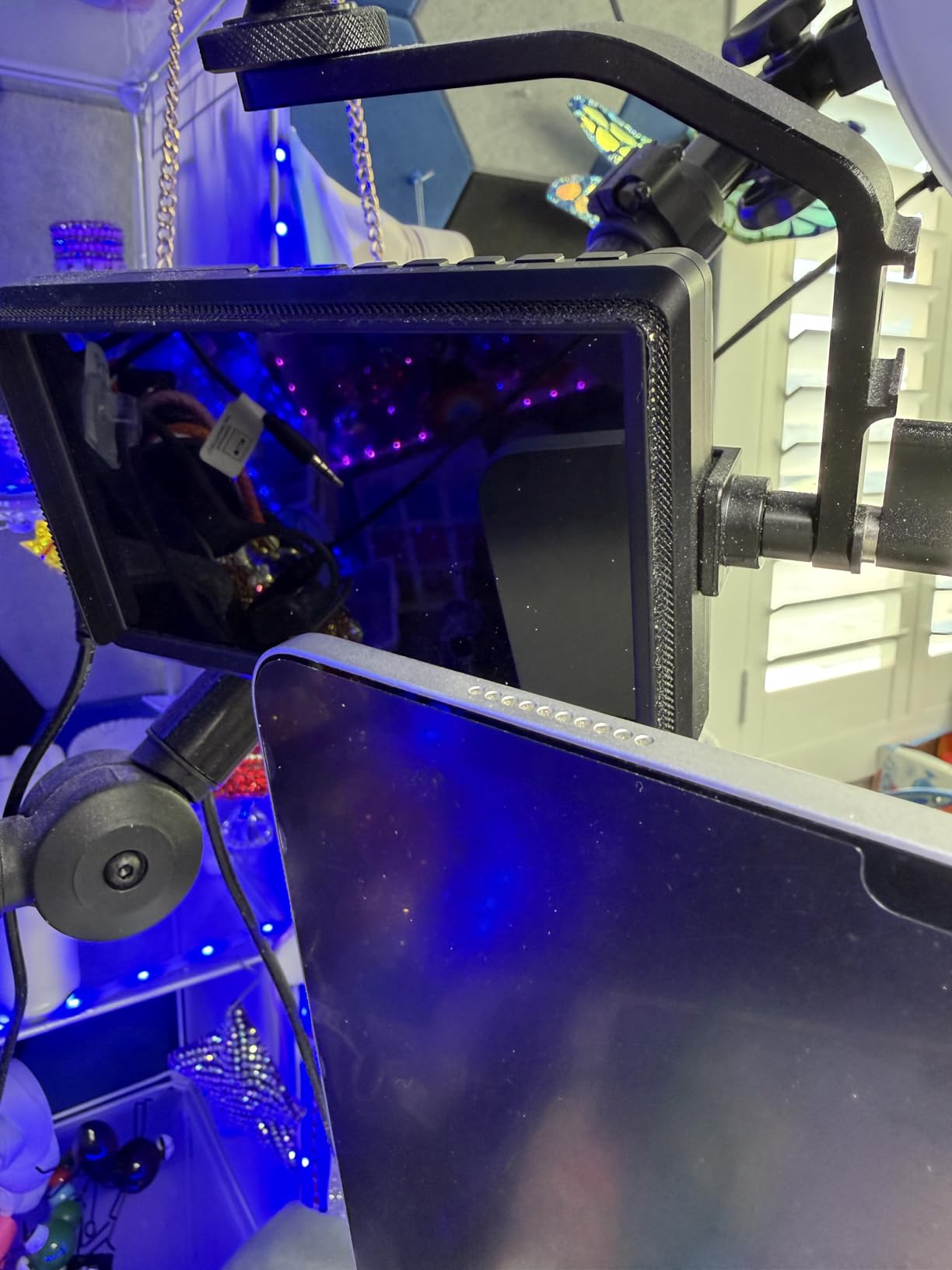
At 204 grams this is one of the few full-featured monitors I would confidently mount on a compact 4.4 pound gimbal alongside a small mirrorless body. On medium and heavy stabilizers it is a no-brainer. The only real setup friction is cable compatibility, so verify whether your camera needs full-size or micro-HDMI before shoot day.
Button navigation versus touchscreen in the field
Buttons mean you can change peaking color or toggle the waveform without looking away from your subject, and there are no accidental palm swipes when the rig bumps your body during a move. The trade shows up in slower initial setup and menu diving. If your monitor mostly gets set once per shoot and left alone, you will not miss the touch layer at all.
4. FEELWORLD F5 Prox 5.5 inch – Bright Touchscreen on a Budget
FEELWORLD F5 Prox 5.5″ 1600nit Touch Field DSLR Camera Monitor
5.5 inch 1920x1080
1600nit touchscreen
4K HDMI in/out
3D LUT and HDR
F750 battery bag included
Pros
- 1600nit screen for outdoor use
- Responsive touchscreen
- Full LUT
- waveform and peaking tools
- Battery bag keeps weight off the monitor
- Light enough for medium gimbals
Cons
- Battery life could be longer
- Camera settings do not mirror to monitor
The F5 Prox sits in a smart middle ground: brighter than most budget monitors, cheaper than the 2000nit flagships, and sized at 5.5 inches for sensible gimbal balance. With 290 reviews at 4.3 stars, it also has a much longer track record than most monitors in this class.
In practice the 1600nit panel stayed readable through afternoon exteriors, and the touchscreen handled gloved-finger taps better than I expected. The 3D LUT, HDR, waveform, and focus peaking set covers everything a working shooter needs on a stabilizer.
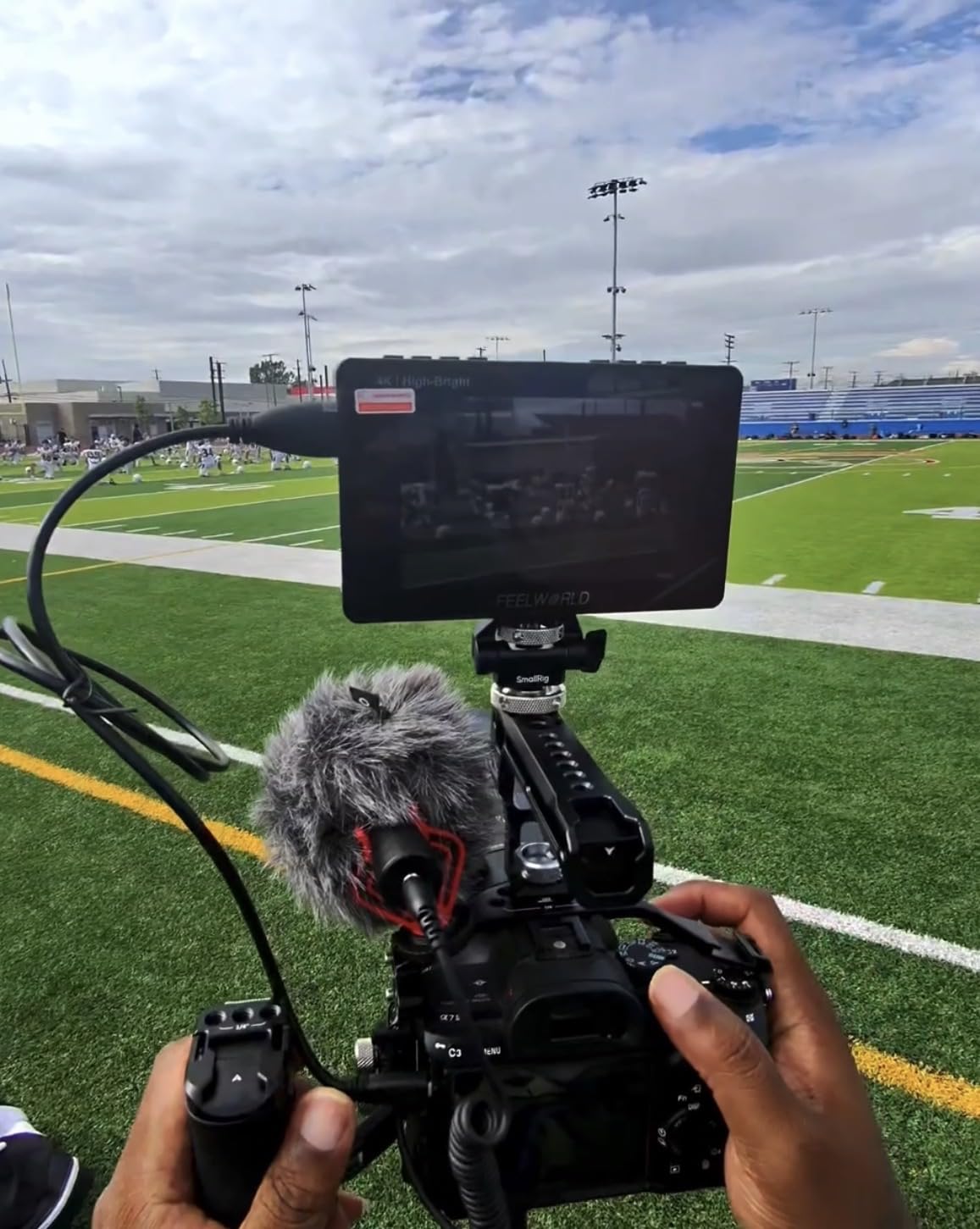
FEELWORLD’s smart move here is the external F970 battery bag. Instead of hanging a battery directly on the monitor, you stash it on the gimbal handle or a belt, which keeps the monitor light and improves balance. It is the kind of design detail that matters more on a gimbal than on a tripod.
Two annoyances surfaced over a long day. The battery runtime is shorter than I would like, so a spare is mandatory. And the monitor shows your image but not your camera’s settings overlay, so ISO and shutter changes still require glancing at the camera body.
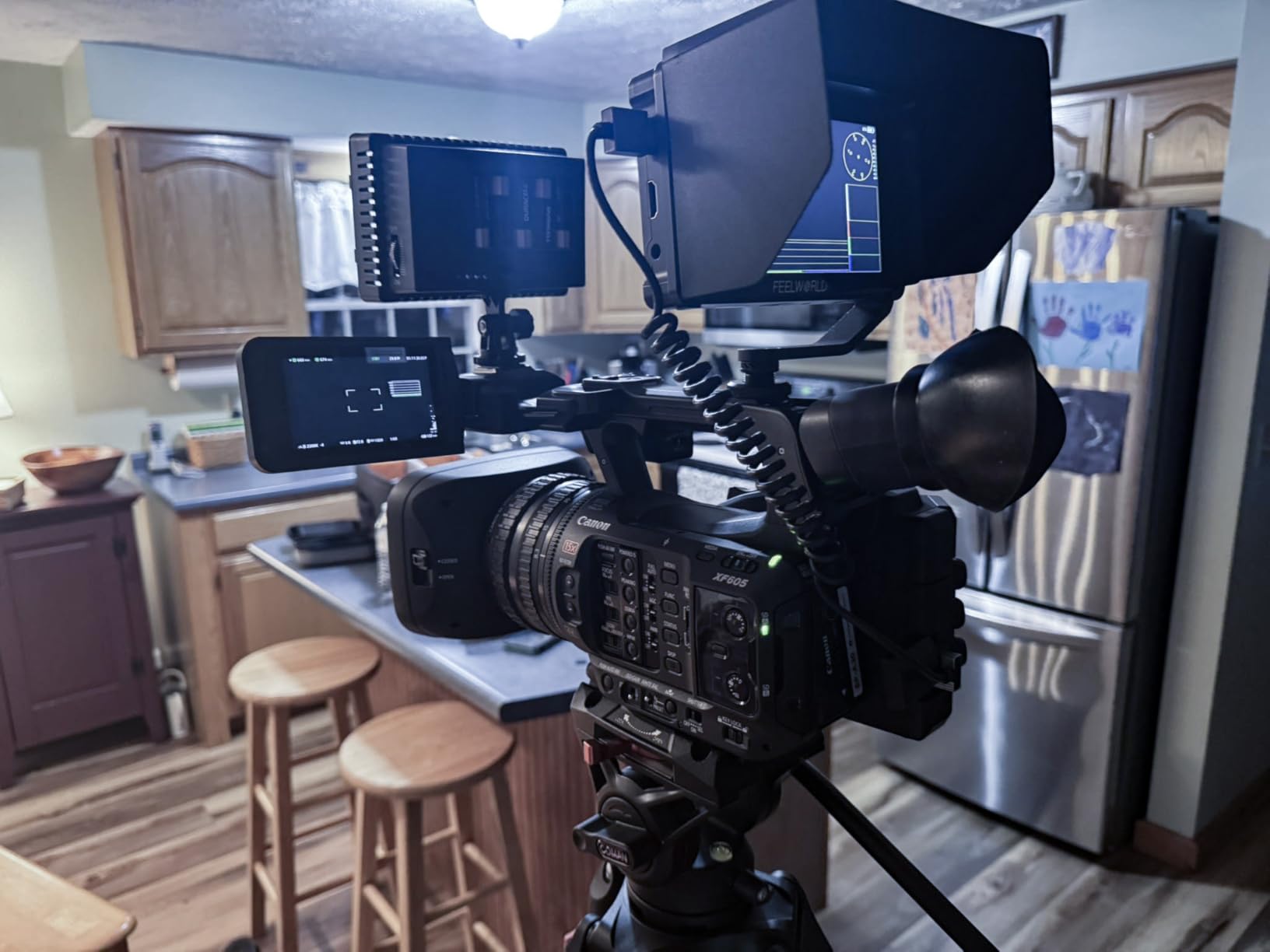
How the battery bag changes gimbal balance
External power is a genuine advantage on a stabilizer. A battery on the monitor arm adds rotational mass exactly where the motors work hardest, while the same battery zip-tied near the handle barely affects the axes. If you shoot long days, consider a second F750 in the bag and hot-swap without touching the rig.
Brightness expectations for real outdoor work
At 1600 nits the F5 Prox handles open shade, overcast, and most sunlit scenes fine, but direct noon sun on the panel will have you reaching for the included hood. If you regularly shoot harsh midday exteriors, the 2000nit NEEWER options are worth the step up. For golden hour and run-and-gun, 1600 is plenty.
5. VILTROx DC-550 5.5 inch – Best Color Accuracy Under Pressure
VILTROX DC-550 Touch Screen DSLR Camera Field Monitor 1200 Nits High-Bright 5.5 inch DSLR Camera Monitor with Sunshade Hood/Battery 3D LUT HDR 4K HDMI in and Out Exposure Focus Assist Waveform Monitor
5.5 inch 4K 30Hz panel
1200nit touchscreen
REC-709 calibrated
Custom LUT via SD card
Triple power options
Pros
- Factory REC-709 calibration is very accurate
- Loads custom 3D LUTs from SD card
- Comprehensive scopes and audio meters
- Sunhood
- battery and case included
- NP-F
- DC and USB-C power inputs
Cons
- Glossy screen picks up reflections
- Some ghosting on fast motion
- No camera settings overlay
Viltrox DC-550 is the pick when color truth matters as much as size. The panel comes factory calibrated to REC-709 and it shows: skin tones and skies looked right where some budget monitors drift. If you shoot log profiles and need a trustworthy preview while balanced on a gimbal, this is a strong tool.
The feature depth surprised me for the price class. Parade waveform, vector graph, brightness histogram, auxiliary focus, audio column meters, image flip, and false color are all in the menu, and you can load custom 3D LUTs from an SD card instead of a USB cludge.
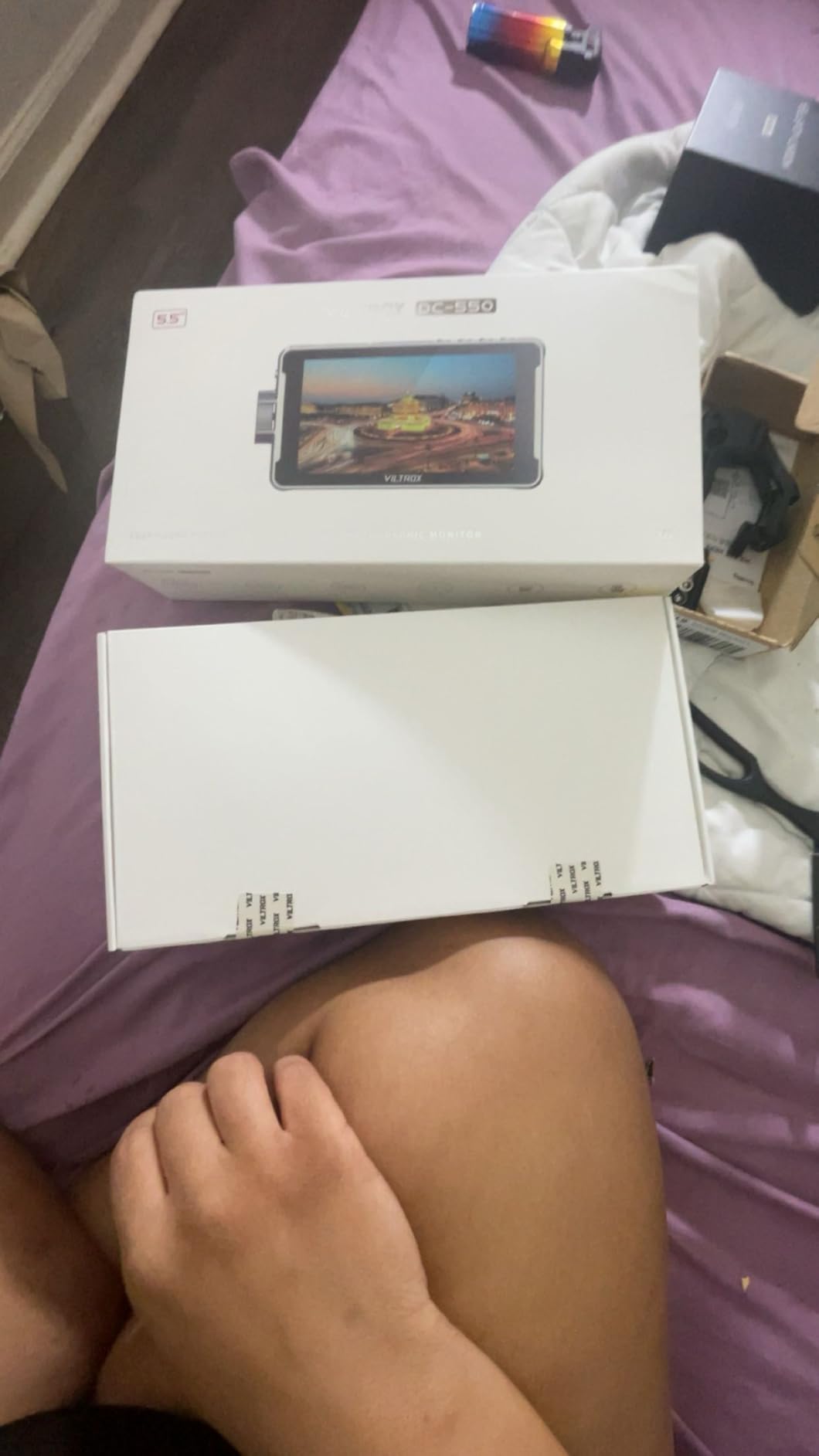
On the gimbal it behaves well at roughly 2 pounds with battery attached, sitting comfortably on medium and heavy stabilizers. The glossy screen finish is my main gripe, acting like a mirror when the sun sits behind you, though the bundled sunhood mostly solves it.
I also noticed slight ghosting on whip pans and fast gimbal moves. It is subtle, but if your shooting style is all fast tracking shots, test it against a faster panel first. For deliberate, controlled gimbal moves it never bothered me.
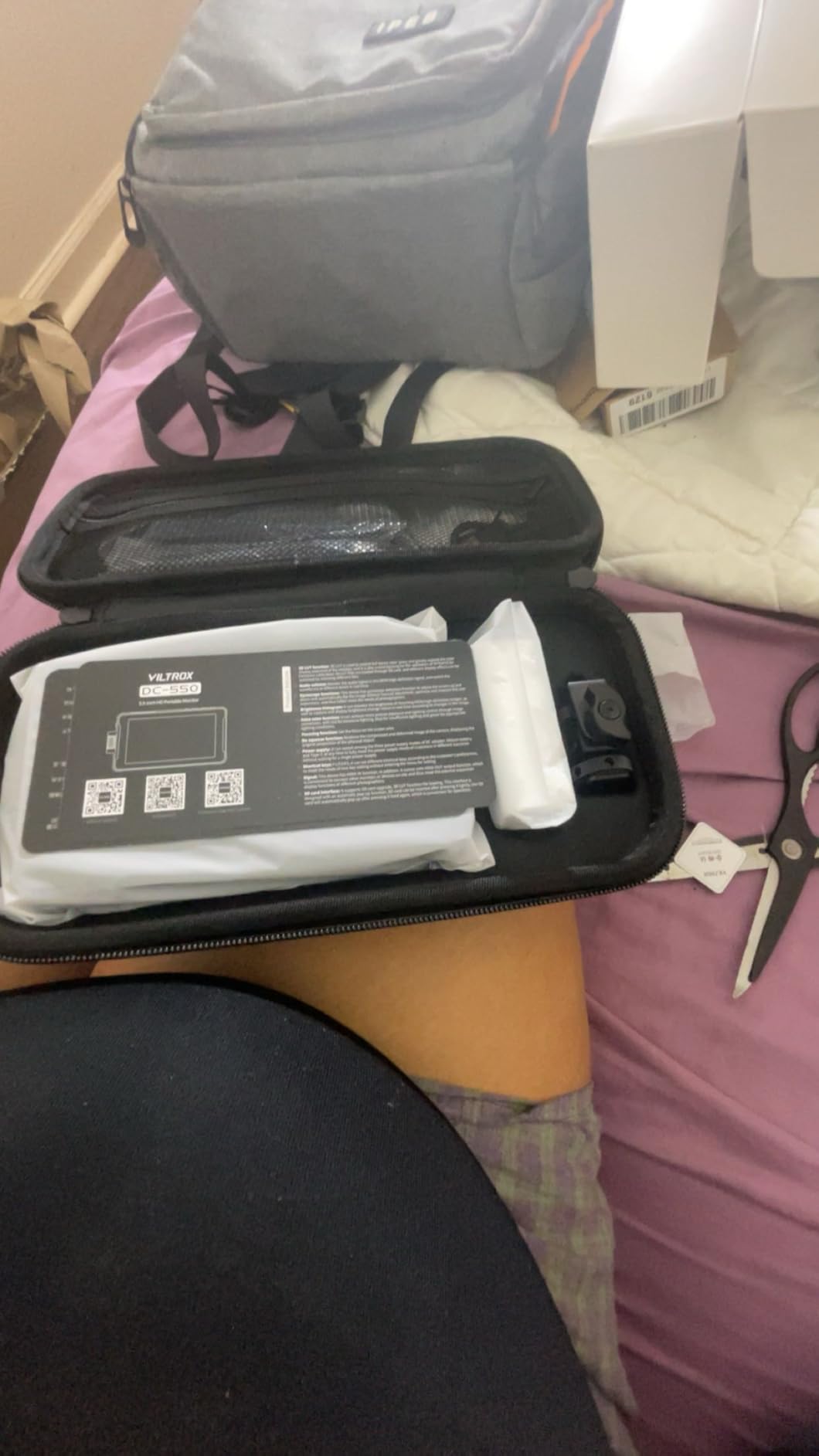
Color workflow for log shooters on a gimbal
The DC-550’s strongest trick is loading your specific show LUT onto an SD card, so what you see while flying the gimbal matches your final grade. Shoot a flat log profile, apply the LUT at the monitor, and your exposure decisions become honest instead of guesswork. That is a real advantage over monitors limited to generic LUTs.
Powering options for long gimbal days
Triple input flexibility means you can run an NP-F in the rear bracket, feed it DC from a rig plate, or keep a USB-C power bank in your pocket on lighter days. That last option is a favorite of mine on gimbals, since five volts from a bank in your jacket removes almost all cable weight from the moving rig.
6. FEELWORLD F5 Pro V4 6 inch – The Proven Workhorse
FEELWORLD F5 Pro V4 6 Inch Touch Screen DSLR Camera Field Monitor with 3D LUT F970 External Kit Install for Power Wireless Transmission IPS FHD1920x1080 4K HDMI Input Output 5V Type-c Input Tilt Arm
6 inch 1920x1080 IPS
Touchscreen
245g body
3D LUT and anamorphic mode
F970 external power kit
Pros
- 503 reviews of real-world validation
- 245g light for a 6 inch touch panel
- Anamorphic and nine-grid modes
- Multiple quarter-twenty mounting points
- External F970 power kit included
Cons
- 500nit panel struggles in direct sun
- No SDI support
- Plastic build feels less rugged
- Cold shoe arm is mediocre
With more than 500 reviews, the F5 Pro V4 is the most battle-tested monitor on this list. Videographers have been flying these on gimbals for years, and the 245 gram weight explains why: it is a 6 inch touchscreen that balances like a much smaller unit.
The tool set covers the professional basics, including 3D LUT preview, waveform, vectorscope, histogram, false color, focus peaking, anamorphic mode, and nine-grid framing. The F970 external power kit in the box follows the same offboard-battery philosophy I praised on the F5 Prox, keeping mass off the moving rig.
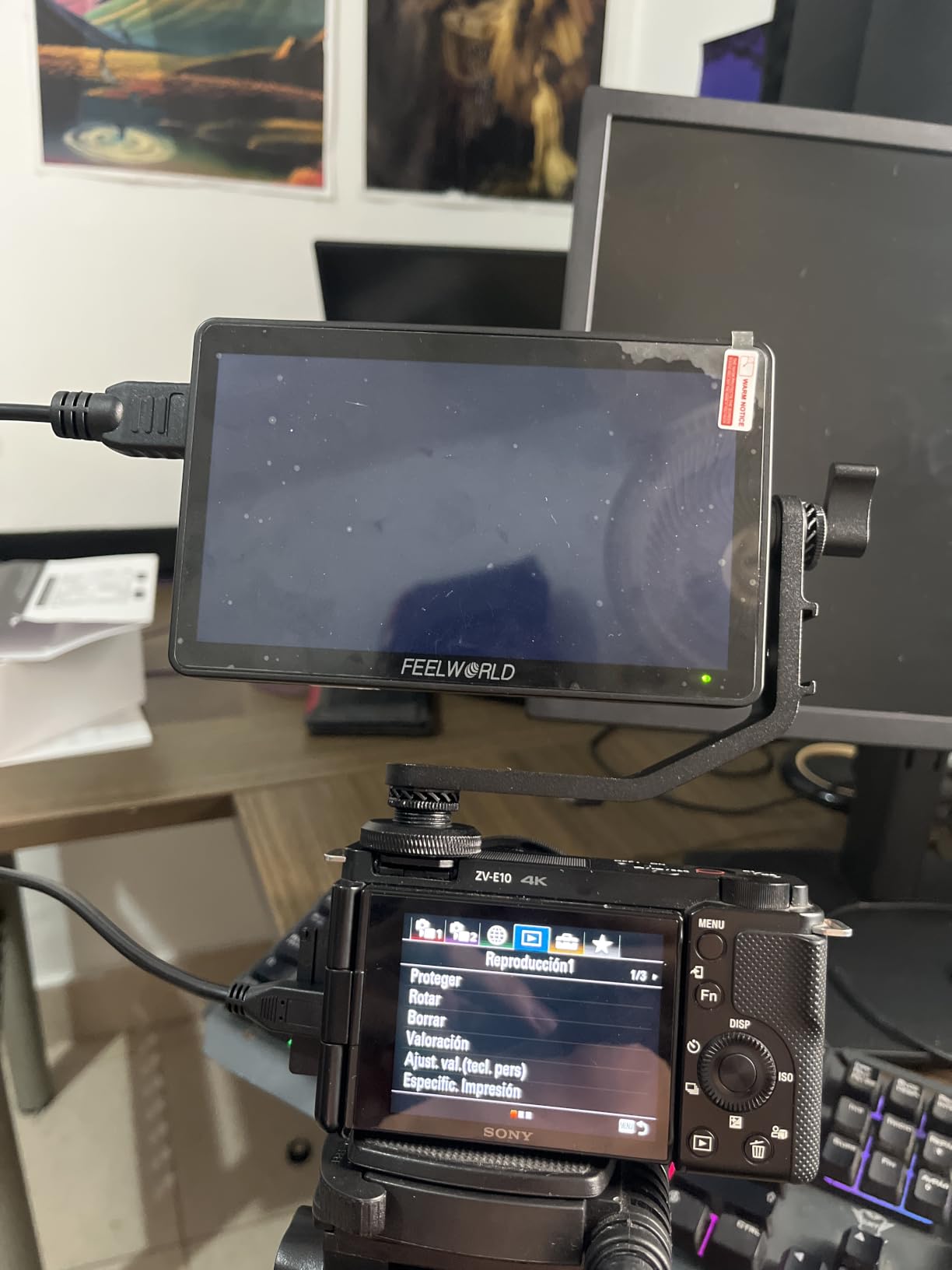
The honest limitation is brightness. At roughly 500 nits, this is an indoor, overcast, or sunhood-mandatory monitor. On a bright exterior I found myself turning to find shade just to read the frame, which defeats the point of a gimbal monitor in daylight.
Build quality is functional plastic rather than rugged, and the included cold-shoe tilt arm is the first thing I would replace with a proper ball mount. None of that stops it from being a proven, lightweight choice for controlled environments and evening shoots.
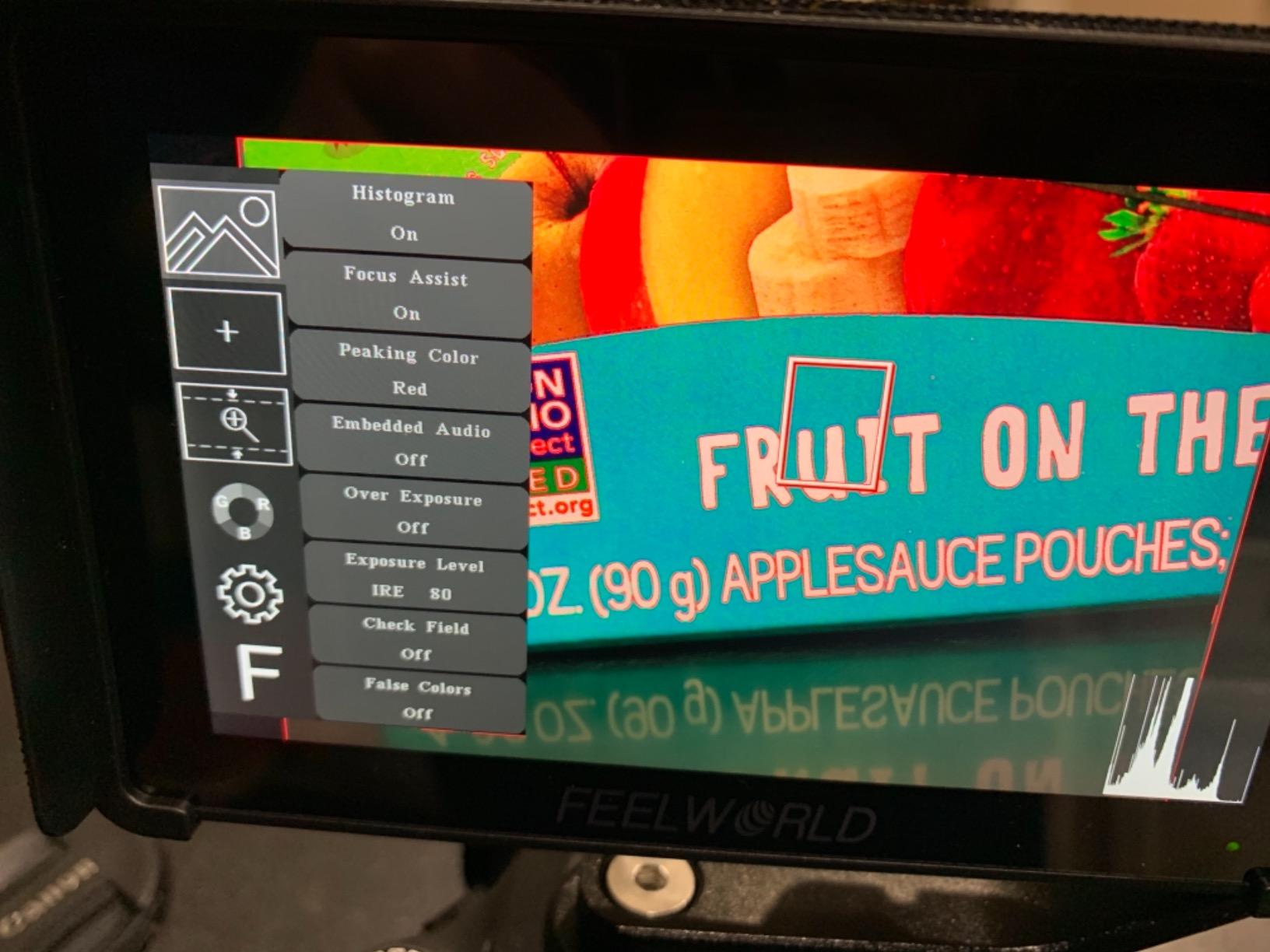
Indoor versus outdoor use cases
If your gimbal work is studios, events, real estate interiors, or wedding receptions, the 500nit panel is a non-issue and the price-to-feature ratio is excellent. If you shoot travel, sports, or anything under open sky, prioritize the 1200nit-and-up monitors elsewhere on this list. The sunhood helps, but physics wins eventually.
Mounting upgrades worth doing immediately
The stock arm will get you started, but a small ball head or an articulated friction arm transforms the experience on a gimbal handle. Multiple quarter-twenty mounting points on the body give you plenty of attachment options, so a fifteen dollar mount upgrade turns this from adequate to genuinely pleasant to use.
7. Portkeys PT6 5.2 inch – Best for Quiet and Vertical Work
Portkeys PT6 Camera Field Monitor 5.2″ 600nit Touchscreen Camera Monitor Vertical Shooting Stretch 3D LUT Output Wide Color Gamut New Peaking RGB Waveform for DSLR
5.2 inch 1920x1080 touch
600nit fanless
Vertical stretch mode
NP-F or LP-E6 batteries
1 year warranty
Pros
- Fanless design is completely silent
- Vertical stretch mode for social deliverables
- Supports Sony NP-F and Canon LP-E6
- Compact 0.5 kg body
- Includes sunhood and hard case
Cons
- 600 nits needs shade outdoors
- About 7 second boot time
- Cold shoe swivel fits loosely
The PT6 earns its spot with two features nobody else here offers. First, it is fanless, so it makes zero noise, which matters when your gimbal work includes interviews or sync sound. Second, its vertical shooting stretch mode is a genuine advantage now that vertical deliverables are a client expectation instead of an afterthought.
The 5.2 inch touchscreen is sharp at 400 PPI, and the monitoring depth is solid for the class, including luma and RGB waveform, 3D LUT output, new peaking, zebra, histogram, false color, and audio meters. At half a kilogram it rides comfortably on compact stabilizers.
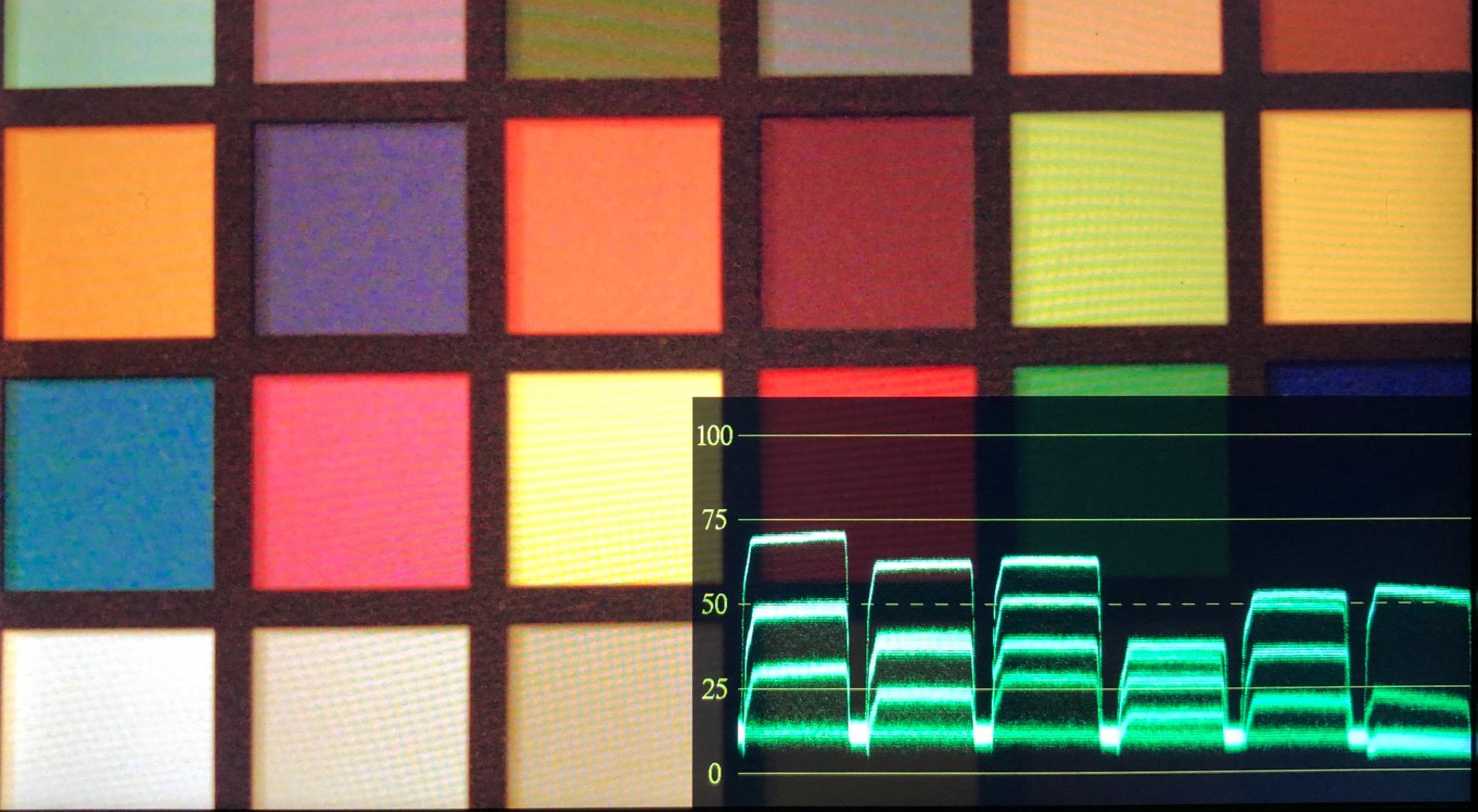
The 178 degree viewing angle is among the best here, so the picture holds up during aggressive gimbal moves where your viewing angle keeps shifting. Portkeys also includes both a sunhood and a hard case, which is a nice touch at this price.
Real-world frustrations: the 600nit panel is an indoor tool, the monitor takes about seven seconds to boot, and the included cold shoe swivel head fits loosely, so budget for a better mount. Some firmware quirks with LUT loading also show up in owner reports.
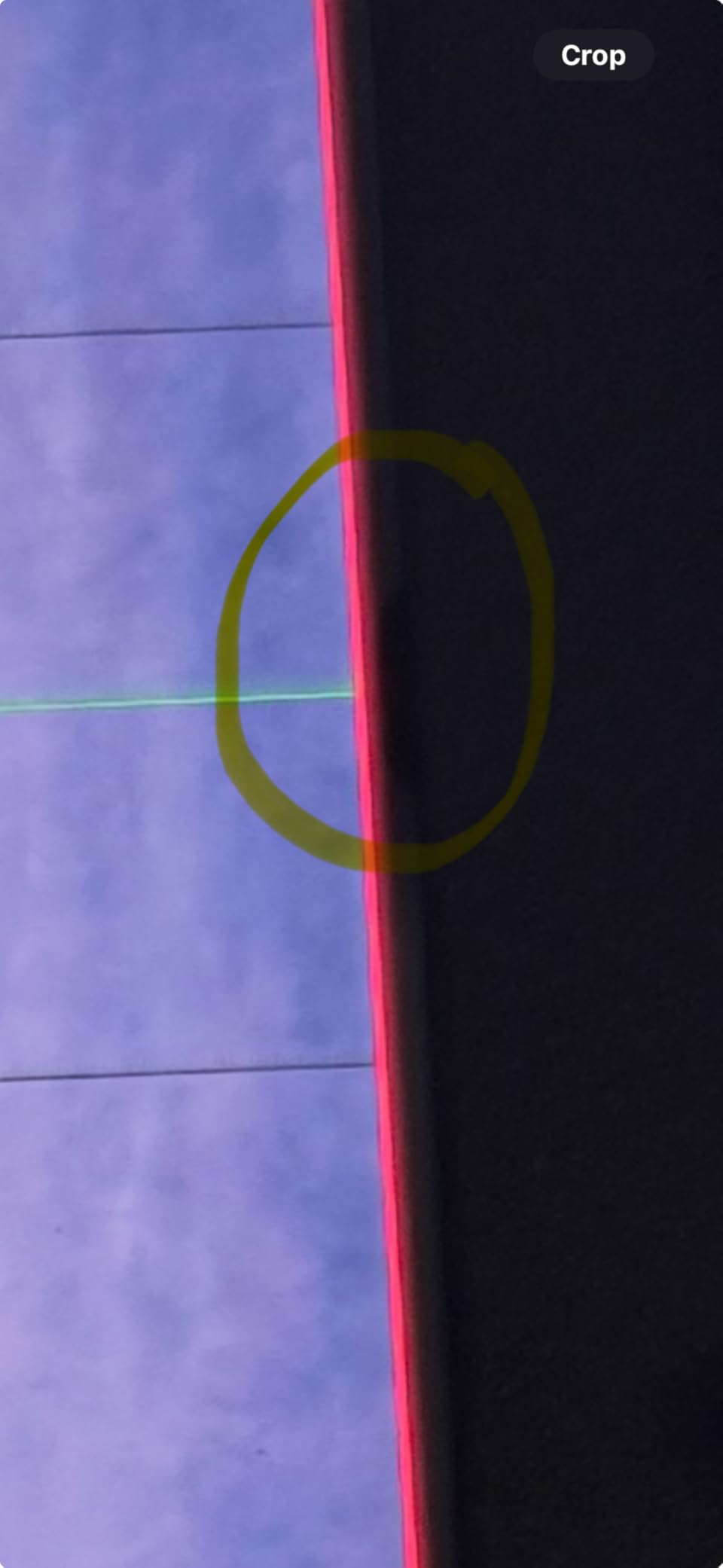
Why fanless matters for sound-sensitive shoots
Monitors with cooling fans put out a faint but real whir that a nearby shotgun mic will happily capture. If you shoot weddings, documentary interviews, or narrative work on a gimbal, a silent monitor removes one more variable from your audio chain. For pure exterior B-roll, fans are irrelevant and brightness should guide your choice instead.
Vertical mode for social-first gimbal content
Shooting vertical on a gimbal usually means reconfiguring the whole rig. The PT6’s stretch mode lets you frame and monitor vertical deliverables without a second setup, which is a real efficiency win if your clients want both orientations from the same shoot. Few monitors in this class offer it at all.
8. NEEWER F100 7 inch – Best Bare-Bones Starter Monitor
NEEWER F100 7 inch Camera Field Monitor Updated Version, 450nit HD Video Assist IPS 1280×800 HDMI 1080p Peak Focus Histogram, Sunshade for DSLRs Handheld Stabilizer Film Making Rig, NO Battery
7 inch 1280x800 IPS
450nit panel
1080p HDMI input
Ball head and sunhood included
No battery included
Pros
- Largest screen in this roundup
- Focus peaking and histogram included
- 360 degree ball head in the box
- Ultra-thin 17mm body
- Headphone jack for audio
Cons
- 450 nits is indoor-only
- No 3D LUT or waveform
- No battery included
- HDMI input only
- no loop out
- Menu settings reset easily
The F100 is the monitor I would hand someone buying their first gimbal rig on a tight budget. It gives you a big 7 inch canvas for framing and composition, focus peaking and a histogram for the essentials, and a ball head mount in the box, all at the friendliest price in this lineup.
Expectations matter here. The 1280×800 resolution and 450nit brightness make this an indoor and shade tool, and there is no 3D LUT, waveform, or vectorscope for color-critical judgment. It is a framing and focus assistant, not a full monitoring suite.
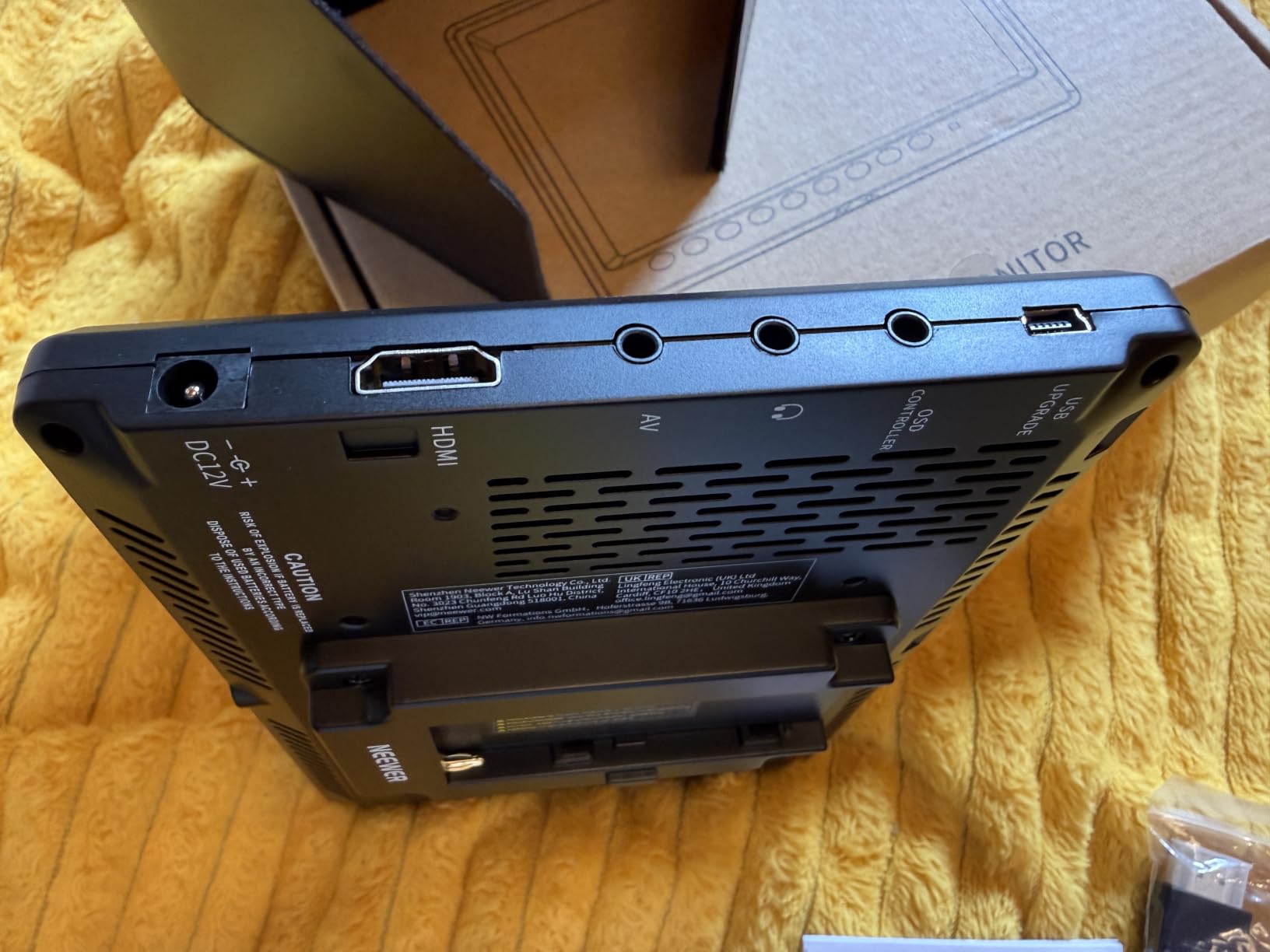
On a gimbal, the 733 gram weight is workable on medium stabilizers but noticeable on compact ones, and the single HDMI input means no loop-through to a second monitor or recorder. Plan on buying an NP-F style power solution too, since no battery ships in the box.
Where it earns its keep: learning gimbal moves, indoor product and real estate shots, and any scenario where a big picture matters more than professional scopes. The four customizable function buttons let you put peaking one press away, which softens the menu frustrations.
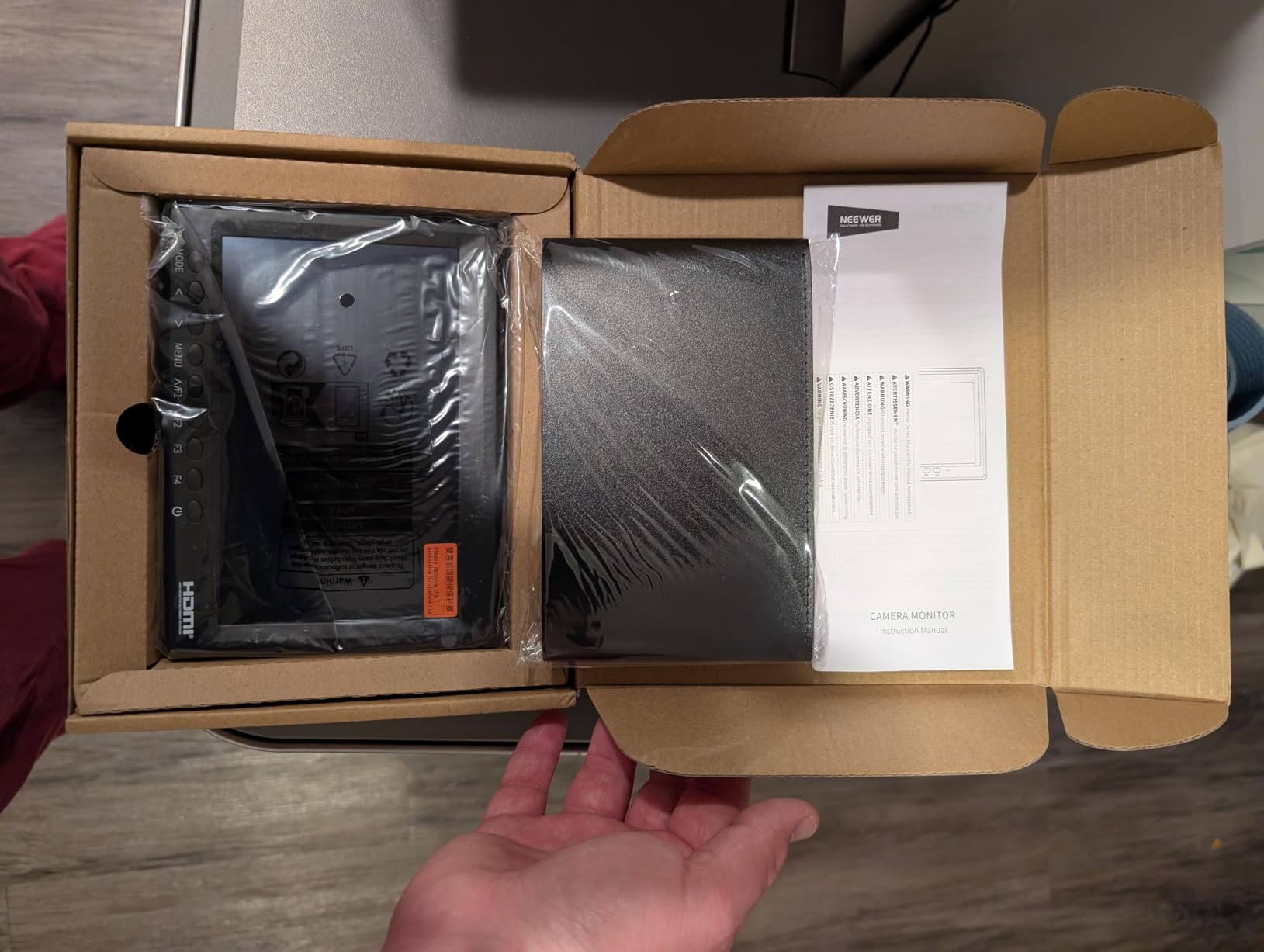
Is a basic monitor enough for your gimbal work
If you are learning stabilizer movement, composition and framing are ninety percent of the job, and the F100 covers both cheaply. The moment you start shooting log footage or paid color work, the missing LUT and scopes become real limitations. Many shooters start here and upgrade within a year, which is a legitimate path.
Hidden costs to budget for
The sticker omits a few practical needs: a battery and charger, possibly a brighter alternative if you shoot outdoors, and an HDMI cable that actually fits your camera. Factoring those in, the step up to the FEELWORLD FW568 PRO with its 1200nit panel and included power flexibility is smaller than it first appears.
Buying Guide: How to Choose a Gimbal Monitor?
Choosing among camera field monitors for gimbal work is a different calculation than choosing a tripod monitor. Weight, lag, and balance matter as much as image quality, because everything you bolt onto the rig affects how the stabilizer behaves. Here is what actually matters, based on our time on the rigs and what real users report in forums.
Weight and payload: the first number to check
Every gram on the camera side of a gimbal consumes payload budget and forces the motors to work harder, which shortens gimbal battery life and can trigger auto-leveling issues. Before falling in love with a 7 inch panel, check your stabilizer’s rated payload and add up your camera, lens, monitor, batteries, and cables.
A useful rule from our testing: monitors at or under about 250 grams, like the FEELWORLD FW568 PRO at 204g and F5 Pro V4 at 245g, are effectively free on any modern gimbal. Panels in the 1.5 to 2 pound range, like the NEEWER F700, belong on heavy-lift stabilizers. Reddit users on r/gimbals consistently report that overweight rigs manifest as motor strain warnings and drift before anything obvious breaks.
Battery placement is half the weight equation. Monitors with external battery brackets, like the FEELWORLD F5 Prox and F5 Pro V4 with their F970 kits, let you keep cells off the moving mass entirely. That is a structural advantage on a gimbal, not a convenience feature.
Brightness: matching nits to your shooting environment
Brightness is measured in nits, and the practical thresholds are consistent. Around 500 nits is an indoor monitor, 600 to 800 nits handles overcast outdoor work with a sunhood, 1200 nits covers most daylight, and 2000 nits stays readable in direct noon sun.
Be honest about where you shoot. Buying a 2000nit flagship for studio work wastes money and payload, while bringing a 450nit panel to a beach shoot renders it useless. If you shoot across environments, the 1200 to 1600nit range plus a good sunhood is the flexible middle path.
Lag: the gimbal-specific spec nobody prints
This is the pain point forum users raise most. Any delay between reality and your monitor makes framing a moving shot a guessing game, because you are correcting a mistake that happened a fraction of a second ago. Wired HDMI monitors in this roundup all showed no perceptible lag in our testing.
Wireless monitoring is where trouble starts. Wireless HDMI systems add compression and transmission delay that many users describe as unusable for real-time framing, even when fine for a director’s monitor. Our position after testing: for the operator running the gimbal, keep it wired. Save wireless for a second screen for clients or a focus puller who can tolerate a beat of delay.
Cable management is the wired trade-off, since a gimbal moves on three axes. Use the shortest cable that reaches, add a service loop near the roll motor, and prefer right-angle connectors. In our experience, a well-run cable is a one-time setup cost; a laggy wireless link is a permanent tax on every shot.
Screen size and viewing geometry on a rig
Bigger is not better on a gimbal. A 7 inch panel mounted on an arm adds leverage the motors constantly fight, while a 5.2 to 6 inch screen delivers all the critical-focus detail most shooters need at arm’s length. The r/videography consensus mirrors our testing: 5 inch class is plenty for smaller gimbals, and 7 inches only makes sense on heavy rigs.
Viewing angle deserves attention too. During gimbal moves your line of sight to the monitor keeps changing, so panels with wide angles, like the 178 degree Portkeys PT6 and 160 degree NEEWER options, hold their picture better than narrow panels.
Power strategy for the whole rig
A forum complaint that keeps recurring: cameras often cannot power an external monitor and their own systems simultaneously without draining fast. Look for monitors that can feed the camera through a dummy battery output, like the NEEWER F500 PRO and F700 and the FEELWORLD units with DC 8.4V outputs, so one battery strategy runs everything.
USB-C power input, present on the FW568 PRO and Viltrox DC-550, is the sneakiest gimbal trick of all. A power bank in your pocket or on the handle removes battery mass from the camera side entirely, helping balance and runtime at the same time.
Monitoring tools: what you will actually use
The essential shortlist from experienced operators is consistent: exposure tools, white balance confirmation, ISO display, and above all focus peaking. When your camera is flying three feet from your face, peaking is how you confirm focus at all.
Waveform and false color earn their keep the moment you shoot log or get paid for color work, and 3D LUT support turns a flat log preview into a watchable image. If you are starting out, histogram plus peaking covers the fundamentals; the NEEWER F100 is built exactly around that reality.
Mounting and balance: expect trial and error
No competitor guide covers this well, so here is the practical version. Mount the monitor to the gimbal handle or a side rail rather than on top of the camera when possible, because camera-side mass changes your balance every time you re-lens. Then rebalance all three axes with the full rig assembled, monitor powered and cables attached.
Forum wisdom on ball mounts is worth adopting: a ball-head or friction arm beats the cold-shoe tilt arms most monitors include, several of which, like the Portkeys unit, fit loosely. Budget a small amount for a better mount and save yourself the wobble.
Frequently Asked Questions
Can you put a monitor on a gimbal?
Yes, you can mount a field monitor on most gimbals, either on the camera itself or on the handle and side rails. The key is staying within your gimbal’s payload limit with everything attached, then rebalancing all three axes. Lightweight monitors in the 200 to 500 gram range work on nearly any modern stabilizer, while 7 inch panels suit heavy-lift gimbals.
What is the best camera field monitor?
For gimbal work specifically, the best monitors combine high brightness, low weight, and wired HDMI connectivity. Our top picks are the NEEWER F500 PRO for its 2000nit 5.5 inch touchscreen at 1.6 pounds, the NEEWER F700 for heavy-lift rigs wanting a 7 inch picture, and the 204 gram FEELWORLD FW568 PRO for compact gimbals and budget buyers.
Is a field monitor good for photography?
Field monitors are primarily video tools, but they help with stills too, especially for tripod-mounted work like product, macro, and studio portrait photography where focus peaking and a large live view image speed up critical focusing. For handheld or gimbal photography they add weight without much benefit, since burst shooting rarely needs external monitoring.
Are gimbals compatible with all cameras?
No. Every gimbal has a maximum payload, typically ranging from about 4 pounds on compact models to 13 or more on cinema-class stabilizers, and your camera plus lens plus monitor plus accessories must fit under it. Physical dimensions and lens clearance also matter. Check your stabilizer’s payload rating and camera compatibility list before buying or adding a monitor to the rig.
Conclusion
After weeks on the stabilizer, one lesson stands out: the best camera field monitors for gimbal work are the ones you stop noticing. The NEEWER F500 PRO earns our top recommendation for getting brightness, size, weight, and power exactly right for most rigs. The NEEWER F700 is the pick for heavy-lift shooters who want a full 7 inch scope station, and the 204 gram FEELWORLD FW568 PRO is the obvious choice for compact gimbals and tighter budgets.
Whatever you choose, weigh your full rig first, keep the connection wired, and rebalance all three axes before the first take. Do that, and a monitor stops being gear and becomes the reason your gimbal shots finally land in focus. Check the latest prices on our top picks and get one on your rig before your next shoot.