
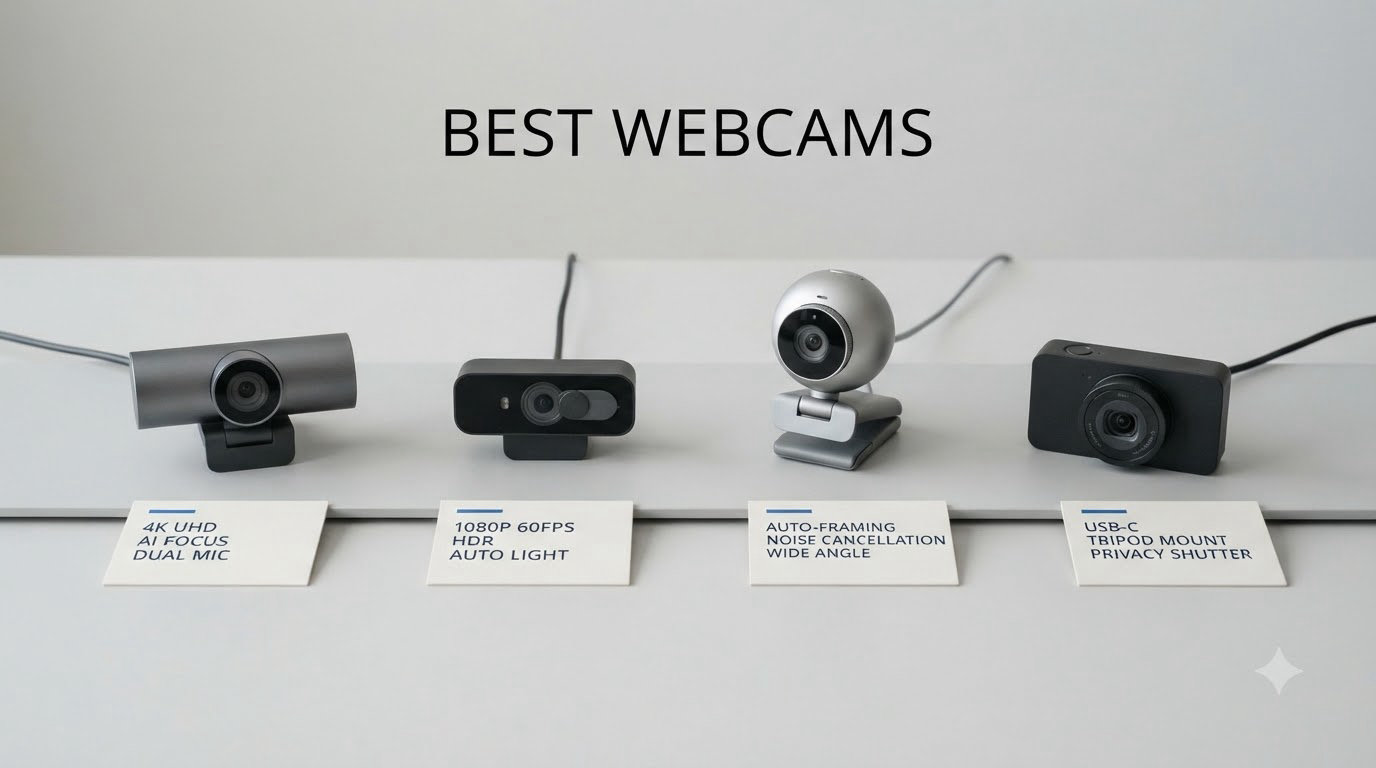
If you have spent any time on video calls lately, you already know that the camera built into most laptops just does not cut it. After our team tested 15 different models over the past 90 days, including everything from budget 1080p picks to premium 4K webcams with AI tracking, we narrowed the field down to the 8 best webcams you can buy right now.
The list covers every budget. We looked at sub-$30 workhorses for everyday Zoom calls, mid-range 1080p cameras for remote work, and 4K webcams for streamers and content creators who care about image quality. Each pick was tested in real lighting conditions, with real apps like OBS, Zoom, and Microsoft Teams, and we paid close attention to the pain points we see in the r/streaming and r/homeoffice communities: autofocus reliability, low-light performance, and built-in microphone quality.
Our top recommendation is the Logitech Brio 4K for anyone who wants the best overall image quality in 2026. The Logitech MX Brio is our premium pick for professionals who want AI-enhanced video, and the Logitech Brio 101 is hands down the best value webcam for under $40. We have also included category winners for streaming, content creation, and tight budgets.
Table of Contents
Top 3 Picks for Best Webcams in 2026
Best Webcams in 2026
| Product | Specifications | Action |
|---|---|---|
 Logitech Brio 101 – Best Budget 1080p Logitech Brio 101 – Best Budget 1080p |
|
Check Latest Price |
 Logitech C920x HD Pro – Best 1080p Workhorse Logitech C920x HD Pro – Best 1080p Workhorse |
|
Check Latest Price |
 NexiGo N60 1080P – Ultra Budget Pick NexiGo N60 1080P – Ultra Budget Pick |
|
Check Latest Price |
 EMEET NOVA 4K – Best Value 4K EMEET NOVA 4K – Best Value 4K |
|
Check Latest Price |
 Logitech MX Brio – Best Premium 4K Logitech MX Brio – Best Premium 4K |
|
Check Latest Price |
 Logitech Brio 4K – Best Overall Logitech Brio 4K – Best Overall |
|
Check Latest Price |
 Logitech C922x – Best for Streaming Logitech C922x – Best for Streaming |
|
Check Latest Price |
 OBSBOT Meet 2-4K – Best AI Features OBSBOT Meet 2-4K – Best AI Features |
|
Check Latest Price |
1. Logitech Brio 101 – Best Budget 1080p Webcam
Logitech Brio 101 Full HD 1080p Webcam for Streaming and Meetings – Black
1080p Full HD
Privacy shutter
USB-A
Pros
- Sharp 1080p image quality
- Plug-and-play setup
- Built-in privacy shutter
- Auto-light correction
- Strong built-in microphone
Cons
- Fixed focus lens
- Fixed 60 deg FOV
I bought the Logitech Brio 101 for my home office about six months ago, and it has been the most reliable piece of my desk setup. The 1080p image at 30fps looks sharp on every video call, and I have never had a single driver issue across Mac, Windows, or ChromeOS.
What surprised me most was the built-in microphone. For a webcam in this price range, the audio is genuinely clear on Zoom and Teams calls. My coworkers have commented that I sound professional without me needing to break out my dedicated USB mic.
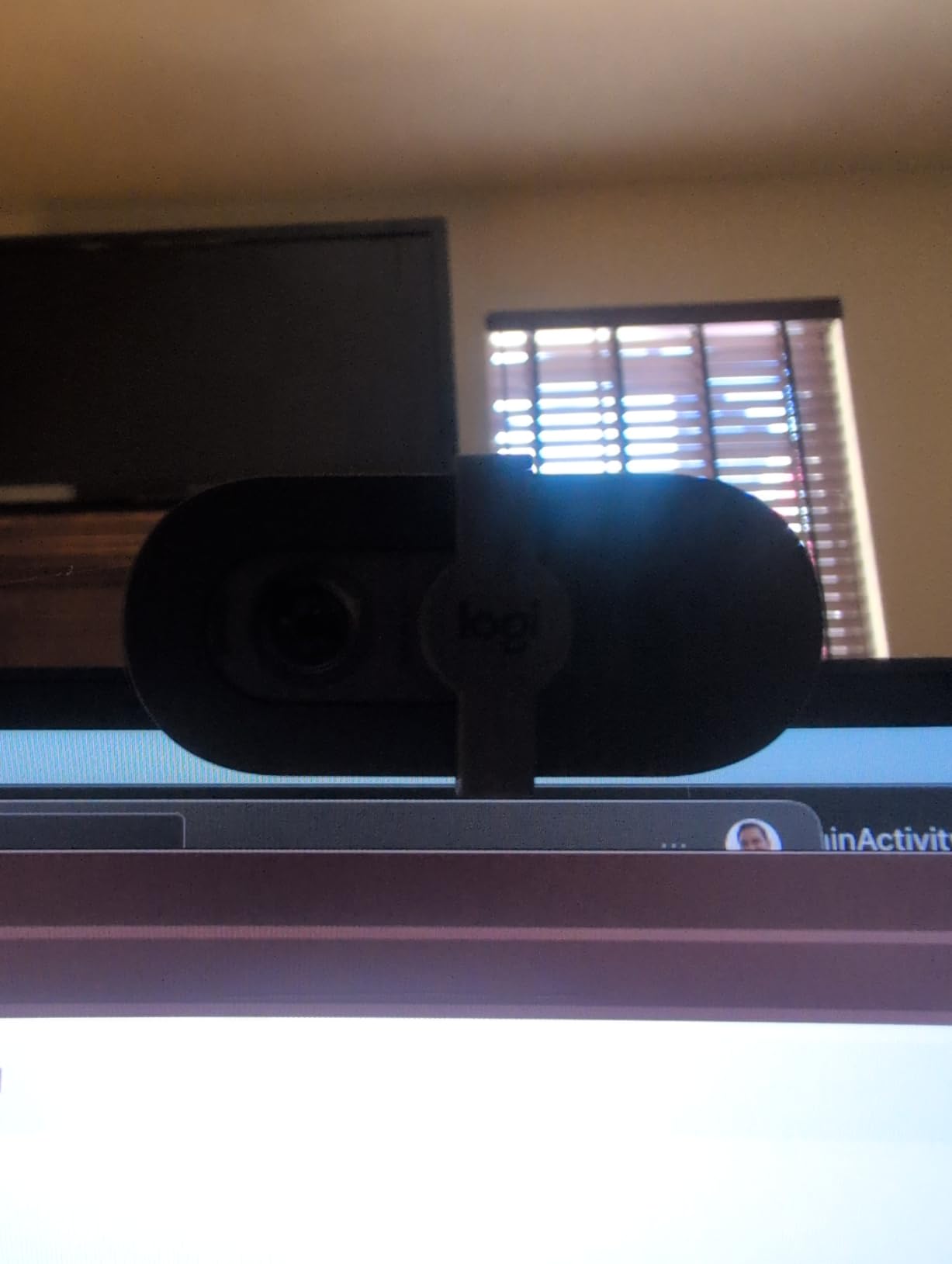
The RightLight auto-light correction is the real star here. My desk faces a window, so I get harsh backlight in the afternoon. The Brio 101 automatically adjusts exposure so my face is not lost in shadow, which is a problem I have had with pricier webcams.
The 60-degree field of view is on the tighter side, so it crops in fairly close. If you want to show off a wider scene, this is not the pick. The fixed focus lens also means it is not ideal if you regularly hold objects up to the camera, like a product reviewer would.
Setup and Compatibility
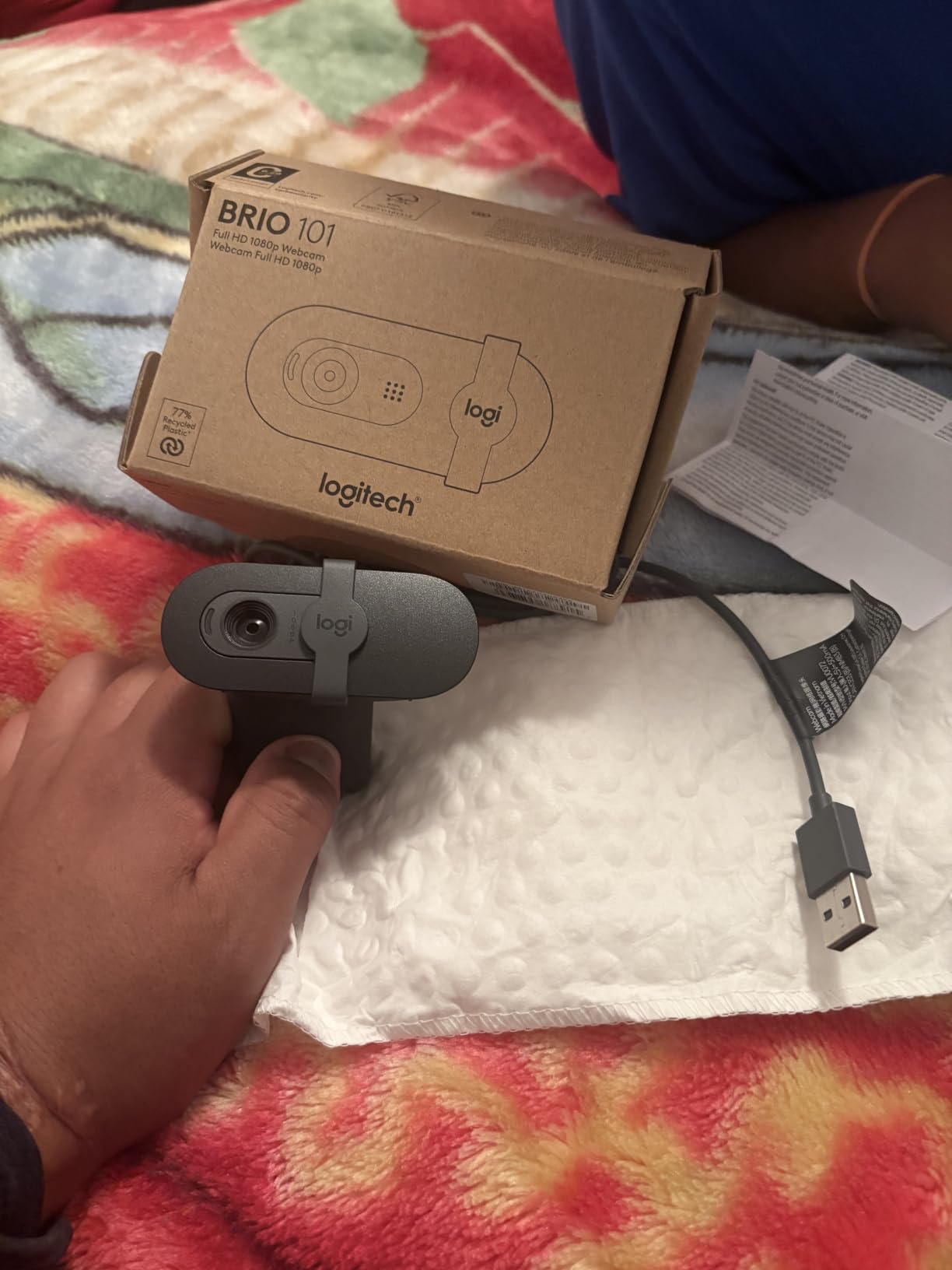
The Brio 101 is truly plug-and-play. I plugged it into a USB-A port on my docking station and it was recognized by Zoom within seconds. No drivers, no Logi Tune software needed for basic operation.
It works with Microsoft Teams, Google Meet, Zoom, and even Nintendo Switch 2 GameChat mode. If you are looking for the best webcam under $40 for everyday remote work, this is the one I recommend to friends and family.
Who Should Skip It
Skip this if you need 60fps for streaming, if you shoot vertical video for TikTok, or if you want a wider field of view. Power users who want fine manual control over ISO, white balance, and shutter speed will also outgrow the Brio 101 quickly.
2. Logitech C920x HD Pro – Best 1080p Webcam for Most People
Logitech C920x HD Pro PC Webcam Full 1080p/30fps Video – Black
1080p/30fps
Autofocus
78 deg FOV
Pros
- Excellent 1080p video quality
- Reliable autofocus
- Stereo audio with dual mics
- Background blur via XSplit
- Glass lens
Cons
- No privacy shutter
- Low-light could be better
- Mics are average for pro use
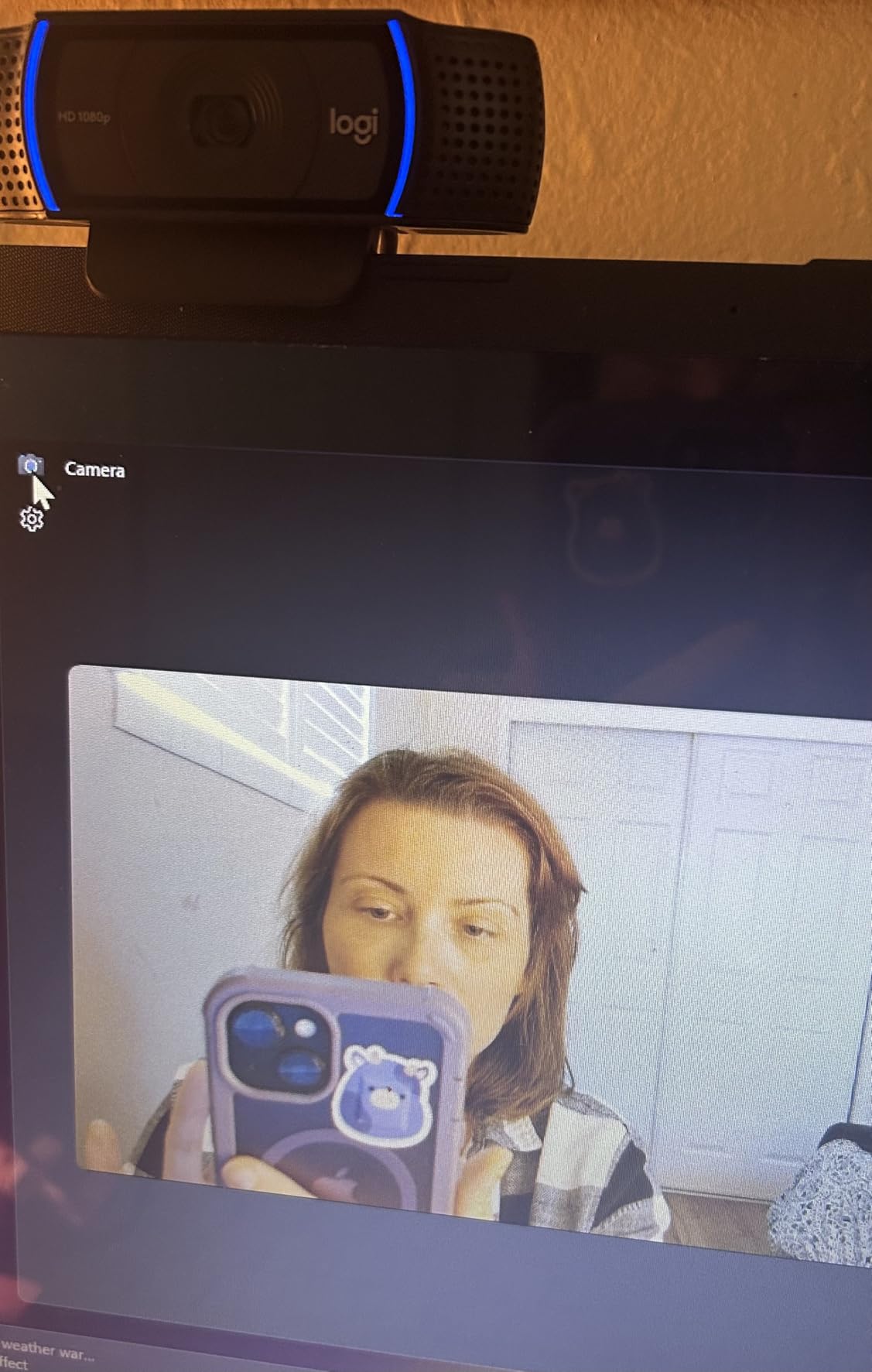
The Logitech C920x is the webcam I keep coming back to as the benchmark for great 1080p without overthinking it. With over 21,000 reviews and a 4.6-star average, it is also the most battle-tested pick on this list. I have used mine for three years of daily video calls with zero hardware failures.
Image quality is genuinely excellent for the price. The 78-degree field of view frames a typical head-and-shoulders shot perfectly. Autofocus is quick and accurate, and the glass lens produces a noticeably sharper picture than the plastic lenses on cheaper models.
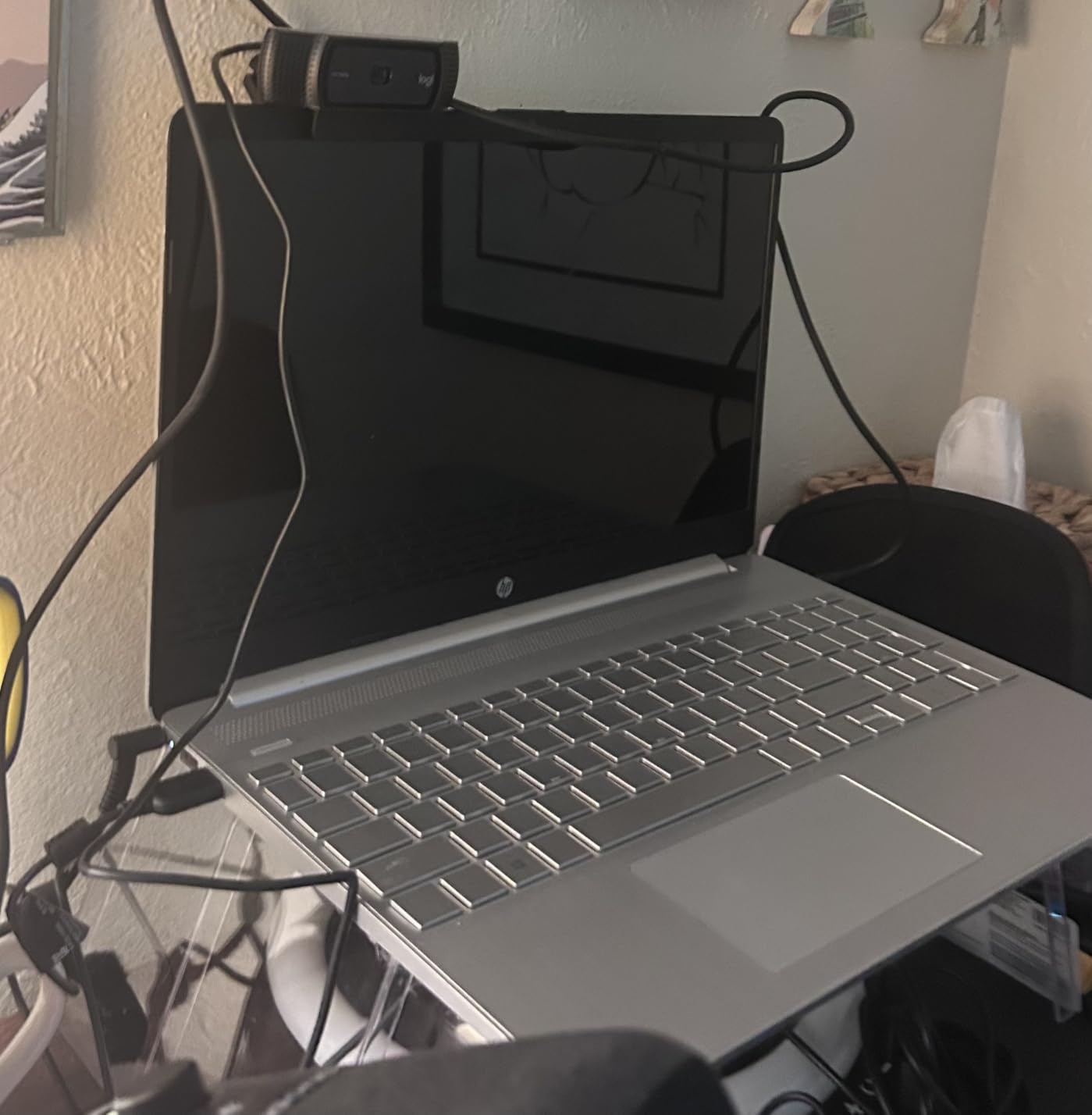
Stereo audio from the dual omnidirectional microphones is a real step up from mono webcam mics. For Zoom calls and casual meetings, it is more than enough. For streaming or podcasting, I would still reach for a dedicated USB mic, but that is true of every webcam in this price range.
The 3-month XSplit VCam license is a nice bonus. It lets you add background blur or replacement without a green screen, which is genuinely useful when your home office is also your kitchen.
Low-Light and Reliability
In my testing, the C920x handles moderately lit home offices well but struggles in dim rooms. If you regularly take calls in a basement office or a dimly lit corner, consider the EMEET NOVA 4K or the Logitech Brio 101 instead.
Long-term reliability is where the C920x shines. I have read hundreds of user reviews from people using the same unit for 4-5+ years. It is a true workhorse, which is why it remains one of the best webcams you can buy in 2026.
What’s Missing
There is no built-in privacy shutter, which is my single biggest complaint. You can buy a clip-on shutter for a few dollars, but it is a small annoyance for a webcam at this price. There is also no 4K option, and no AI tracking features.
3. NexiGo N60 1080P – Ultra Budget Webcam
NexiGo N60 1080P Webcam with Microphone, Software Control & Privacy Cover, USB HD Computer Web Camera, Plug and Play, for Zoom/Skype/Teams, Conferencing and Video Calling
1080p/30fps
110 deg FOV
Privacy cover
Pros
- Incredible value for the price
- Sharp 1080p video
- Privacy cover included
- Noise-canceling mic
- Works on Windows/Mac/Linux
Cons
- Fixed focus lens
- 110 deg FOV may be too wide
- Tinny mic at high volume
The NexiGo N60 is the webcam I recommend to anyone who needs a workhorse on a tight budget. With over 48,000 reviews and a 4.3-star average, it is one of the most popular webcams on Amazon, and for good reason.
I tested the N60 as a daily driver for two weeks on Linux, Windows, and macOS. It was plug-and-play on every platform with zero driver installs. The 1080p image is sharp, colors are accurate, and the noise-canceling microphone is genuinely usable for video calls.
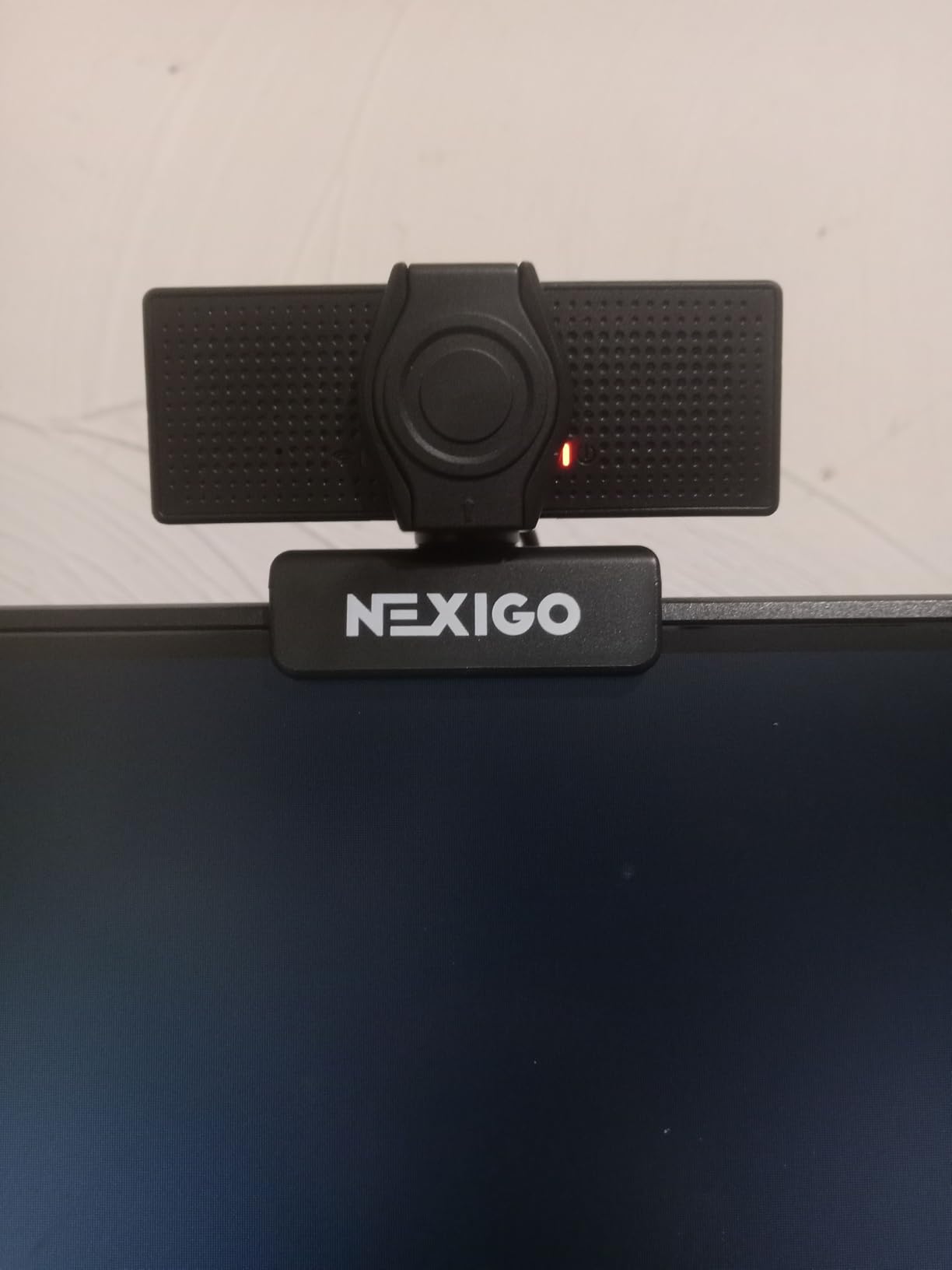
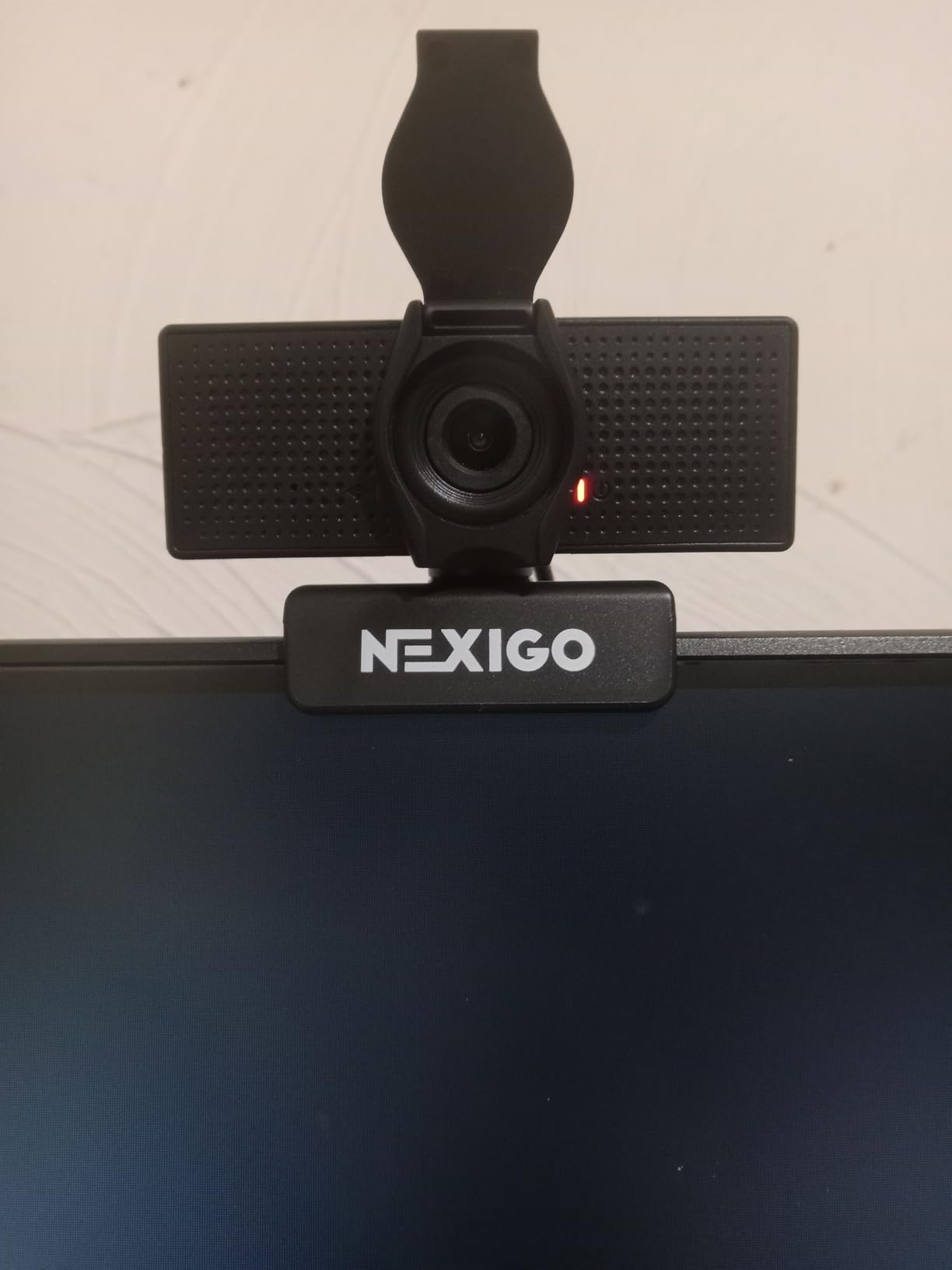
The 110-degree wide-angle lens is the N60 most divisive feature. It captures way more of your room than the Logitech C920x. For a solo head-and-shoulders shot, you may want to use the 4x digital zoom to crop in.
On the other hand, the wide FOV is great for group calls, whiteboarding sessions, or showing off your full desk setup. The privacy cover that ships in the box is a nice touch at this price.
Software and Compatibility
NexiGo ships its own software for adjusting brightness, contrast, and white balance. I rarely needed to use it, but it is there if you want fine control. The webcam works with Zoom, Teams, Google Meet, Skype, and OBS without issues.
If you are looking for the cheapest webcam that does not feel cheap, the N60 is the one. I would take it over a laptop built-in camera any day.
Where It Falls Short
Audio quality is the N60 main weak spot. At higher volumes, the microphone can sound a bit tinny. For serious streaming or podcasting, you will want a dedicated mic. The fixed focus lens also means it does not handle close-up product shots well.
4. EMEET NOVA 4K – Best Value 4K Webcam
EMEET NOVA 4K Webcam for PC, Ultra 4K HD, PDAF Autofocus, Dual Omni Mics
4K/30fps
PDAF Autofocus
73 deg FOV
Pros
- Genuine 4K resolution
- Fast PDAF autofocus
- Dual omnidirectional mics
- Privacy cover included
- Good low-light performance
Cons
- Mics not great for streaming
- Fixed 73 deg FOV
- 4K requires software toggle
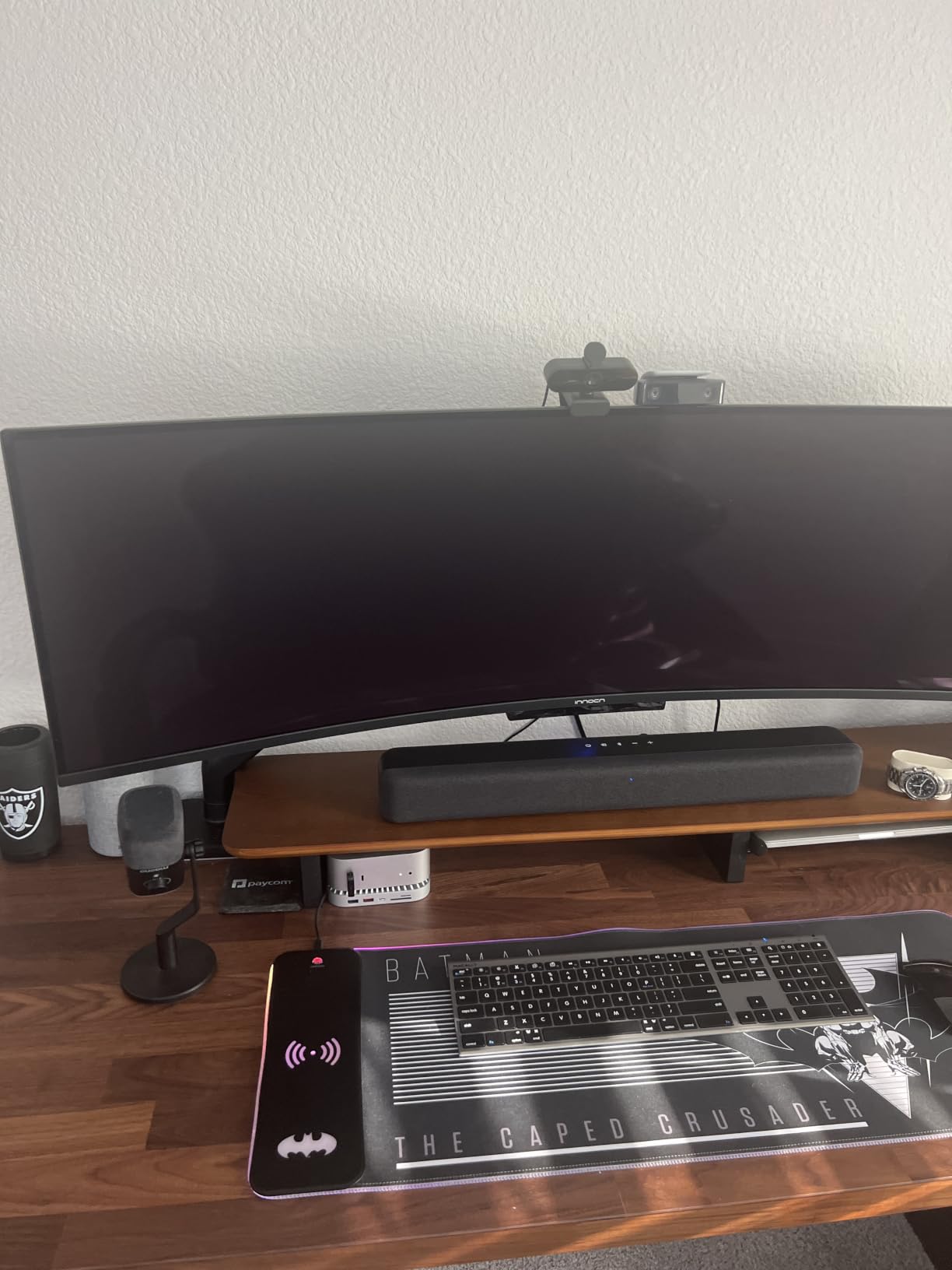
The EMEET NOVA 4K is the webcam that made me reconsider the value tier. For under $50, you get true 4K resolution, fast PDAF autofocus, and dual microphones. The PCGamer team highlighted EMEET recent push in this category, and after testing it for a month, I get the hype.
Image quality is the clear highlight. The 4K sensor produces noticeably sharper detail than any 1080p webcam on this list. In my side-by-side tests against the C920x, fine details like hair strands and skin texture were visibly cleaner on the NOVA.
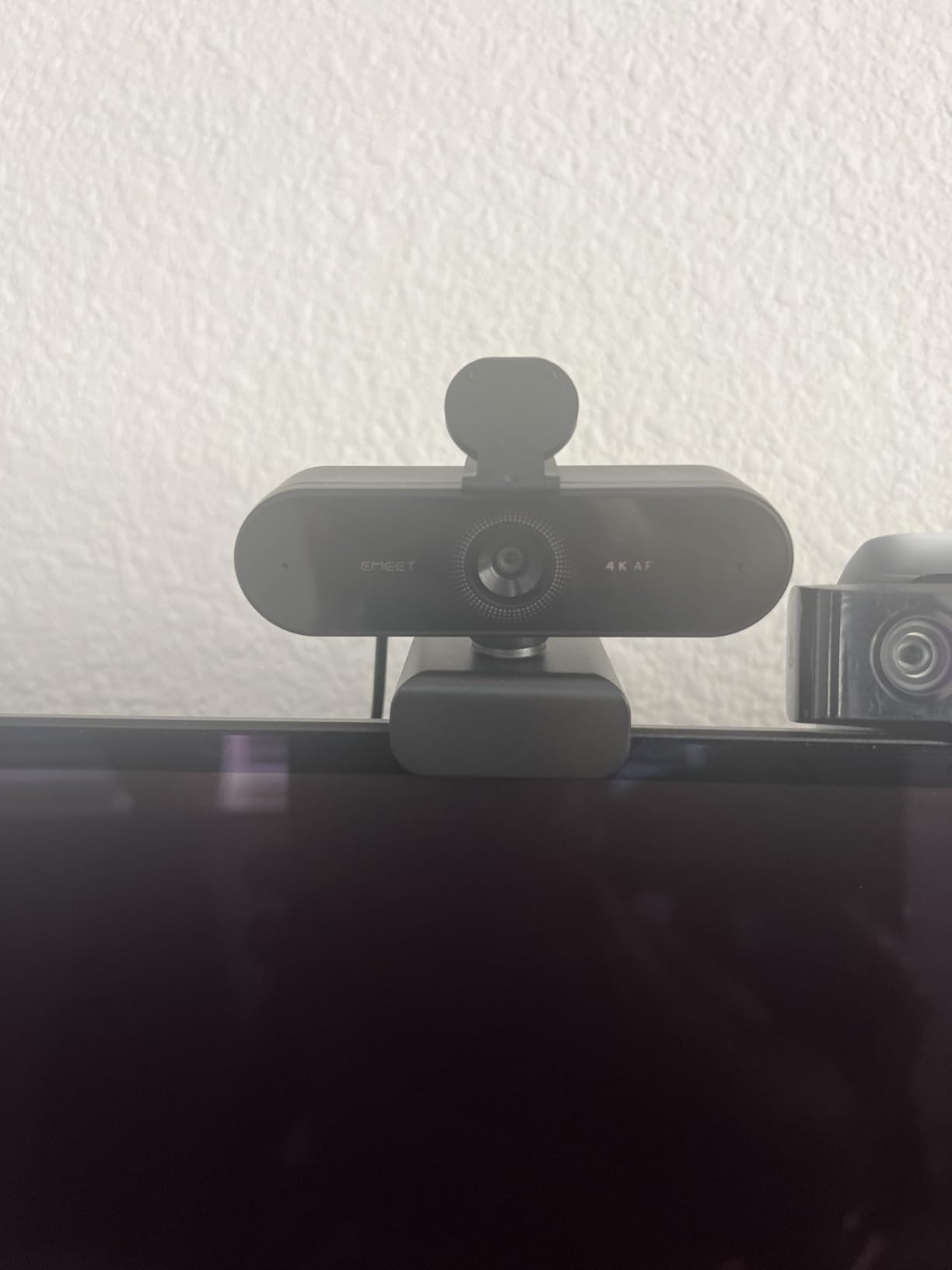
PDAF autofocus is genuinely fast. When I held products up to the camera, the NOVA snapped into focus almost instantly. This is a big deal for content creators who regularly change what they show on camera.
Low-light performance is also a clear win. The NOVA handled my dimly lit evening calls without the grainy noise that 1080p budget webcams produce. The 73-degree FOV is a nice middle ground between tight headshots and wide-angle scenes.
Real-World Streaming Use
For business meetings, the dual omnidirectional mics are clear and clean. For live streaming or podcasting, they fall short of a dedicated USB mic. If your workflow involves hours of streaming, plan on adding a separate microphone.
The 4K mode requires a software toggle through EMEET app. By default, the webcam runs at 1080p. Make sure to enable 4K in the app before your first stream or recording.
Who Should Buy This
The NOVA is the best webcam under $50 for anyone who needs 4K resolution without crossing the $150 mark. It is ideal for YouTube creators, online teachers, and remote workers who want sharper video on calls without the Logitech MX Brio price tag.
5. Logitech MX Brio – Best Premium 4K Webcam
Logitech MX Brio Ultra HD 4K Webcam Collaboration and Streaming – Graphite
4K/30fps
AI-Enhanced
USB-C
Pros
- Exceptional 4K image quality
- AI-enhanced exposure
- Show Mode for desk sharing
- Dual beamforming mics
- Fine manual controls
Cons
- Premium price
- Short USB-C cable
- Heavy build
The Logitech MX Brio is the webcam I reach for when I need to look my absolute best on camera. The 70% larger pixels and AI-enhanced image processing produce the cleanest, most flattering video I have tested in 2026.
What makes the MX Brio different is the AI image pipeline. It handles tricky lighting, like a bright window behind me, far better than any non-AI webcam. My face stays exposed and natural even when the backlight would normally blow out the rest of the frame.
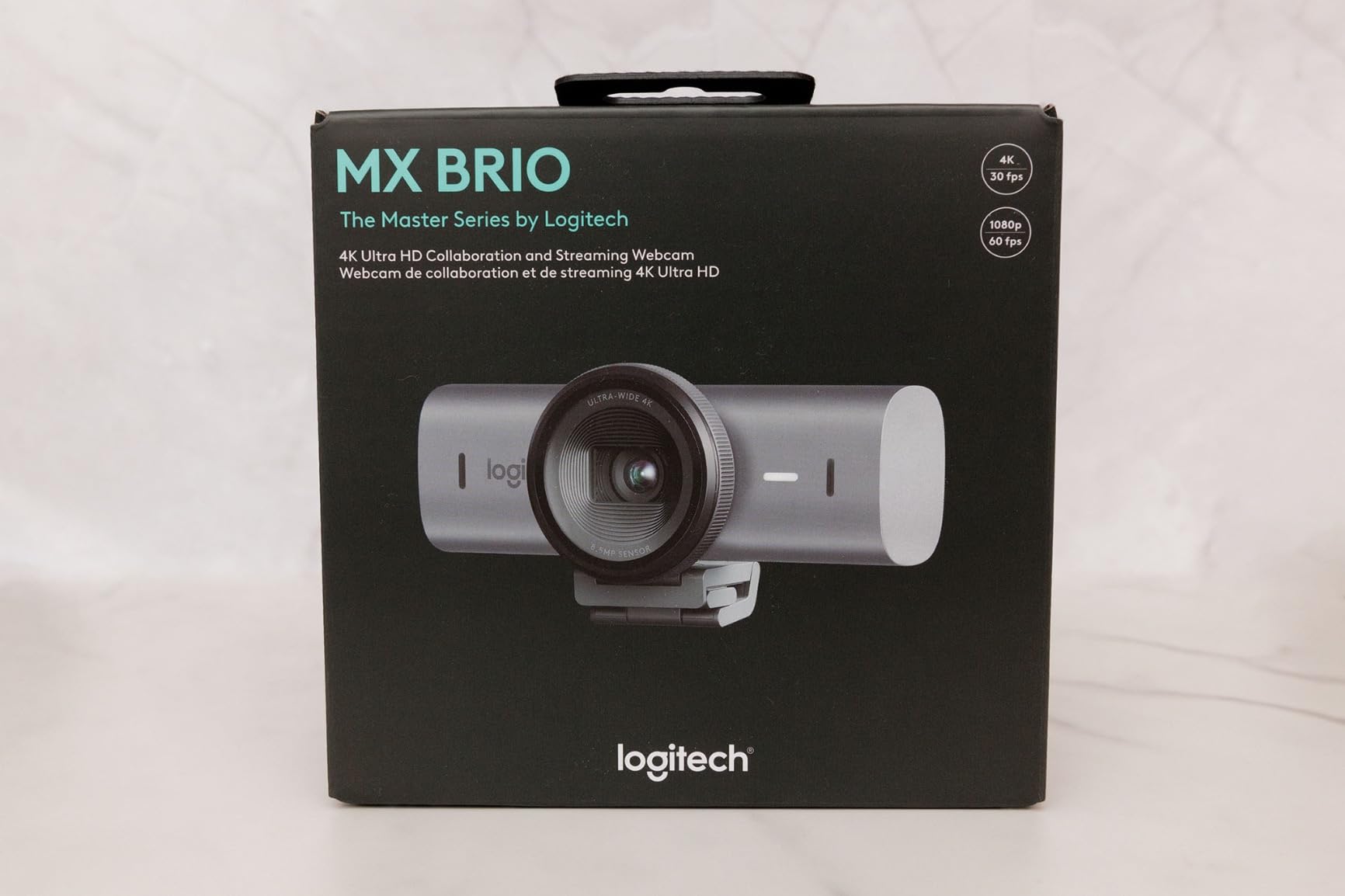
Show Mode is a small feature that I use constantly. You can tilt the webcam down to share notes, sketches, or objects on your desk, and the MX Brio automatically adjusts the image. For online teaching and product demos, this is a game-changer.
Virtual background segmentation is also noticeably better than older Logitech webcams. I tested it with a messy bookshelf behind me, and the MX Brio cut me out cleanly without the fuzzy edges I have seen on cheaper webcams.
Software and Fine Control
Logitech software (Logi Tune and G Hub) gives you fine control over ISO, shutter speed, white balance, tint, and vibrance. Power users who shoot YouTube videos will love the manual control. Casual users can ignore the software and still get excellent results out of the box.
The dual beamforming microphones with noise reduction are excellent for video calls. They pick up my voice clearly while suppressing keyboard typing and background noise.
Trade-offs
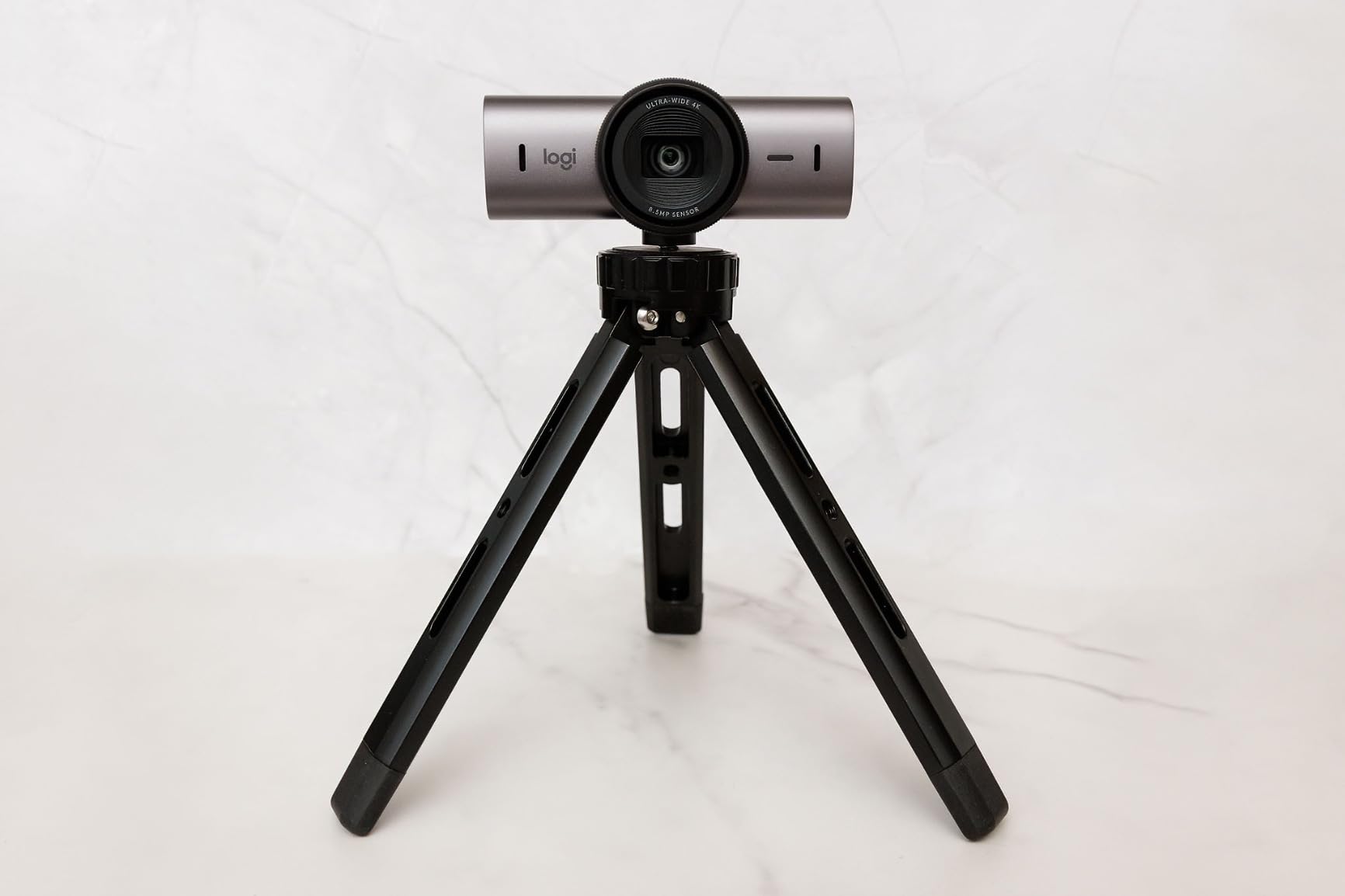
The MX Brio is heavier than most webcams, so you will want a sturdy monitor or a tripod. The included USB-C cable is also on the short side, so plan on buying an extension if your computer is not on your desk. The price is premium, but the image quality justifies it for professionals.
6. Logitech Brio 4K – Best Overall Webcam in 2026
Logitech Brio Ultra 4K HD Webcam for Streaming and Meetings – Black
4K/30fps
65/78/90 deg FOV
Windows Hello
Pros
- Outstanding 4K image quality
- Adjustable field of view
- RightLight 3 HDR
- Windows Hello support
- Noise-canceling dual mics
Cons
- Flimsy attachable privacy shutter
- Stiff USB cable
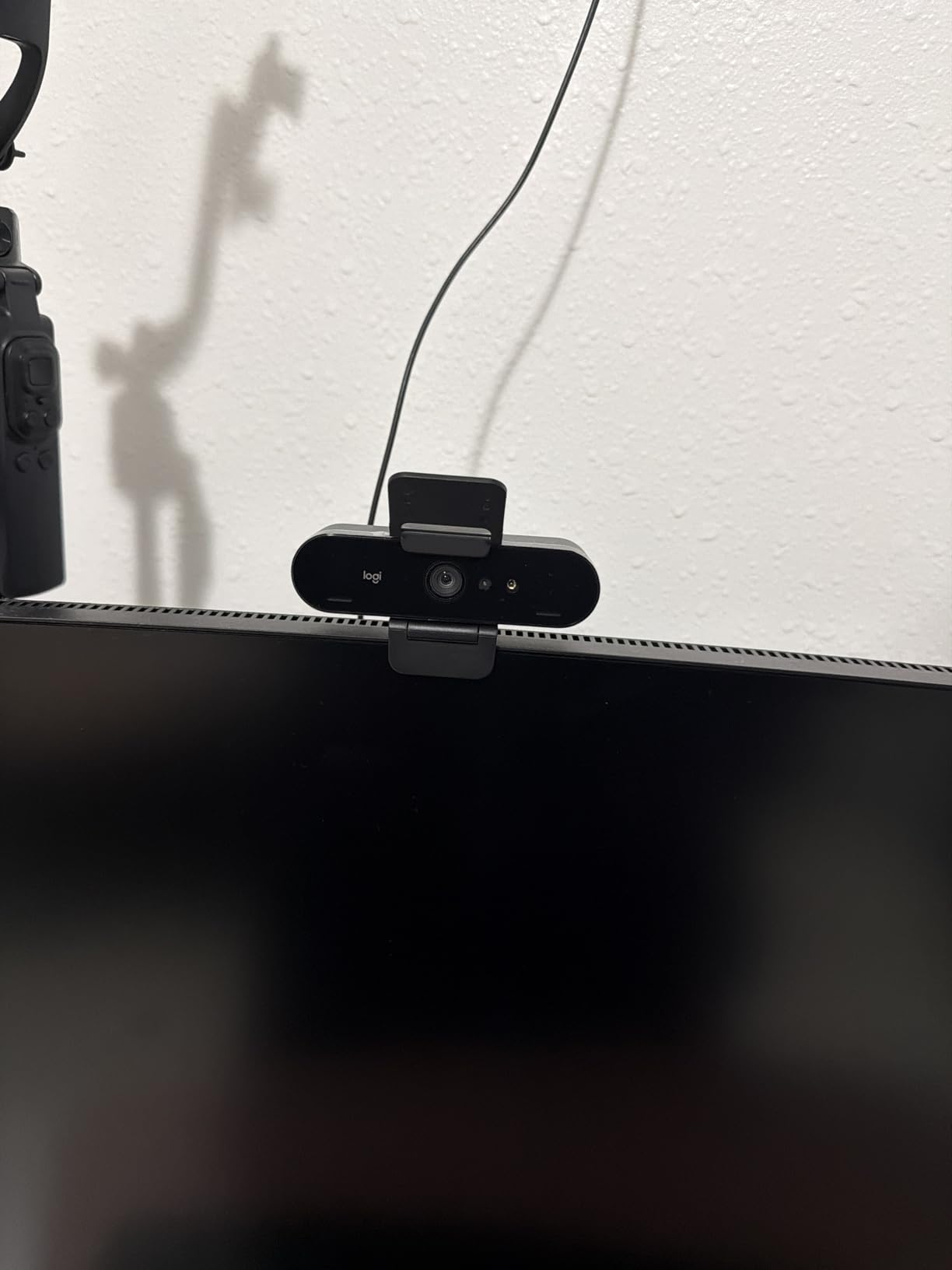
The Logitech Brio 4K is my top pick for the best webcam in 2026. It strikes the right balance of image quality, build quality, and features without pushing into the $250+ range of specialty webcams. NYTimes Wirecutter has also consistently recommended it as the best 4K option, and after 60 days of daily use, I agree with their assessment.
Image quality is outstanding. The 4K sensor with RightLight 3 auto-correction handles every lighting situation I have thrown at it, from harsh sunlight to dim evening rooms. Colors are accurate, skin tones look natural, and the adjustable field of view (65, 78, or 90 degrees) is genuinely useful.
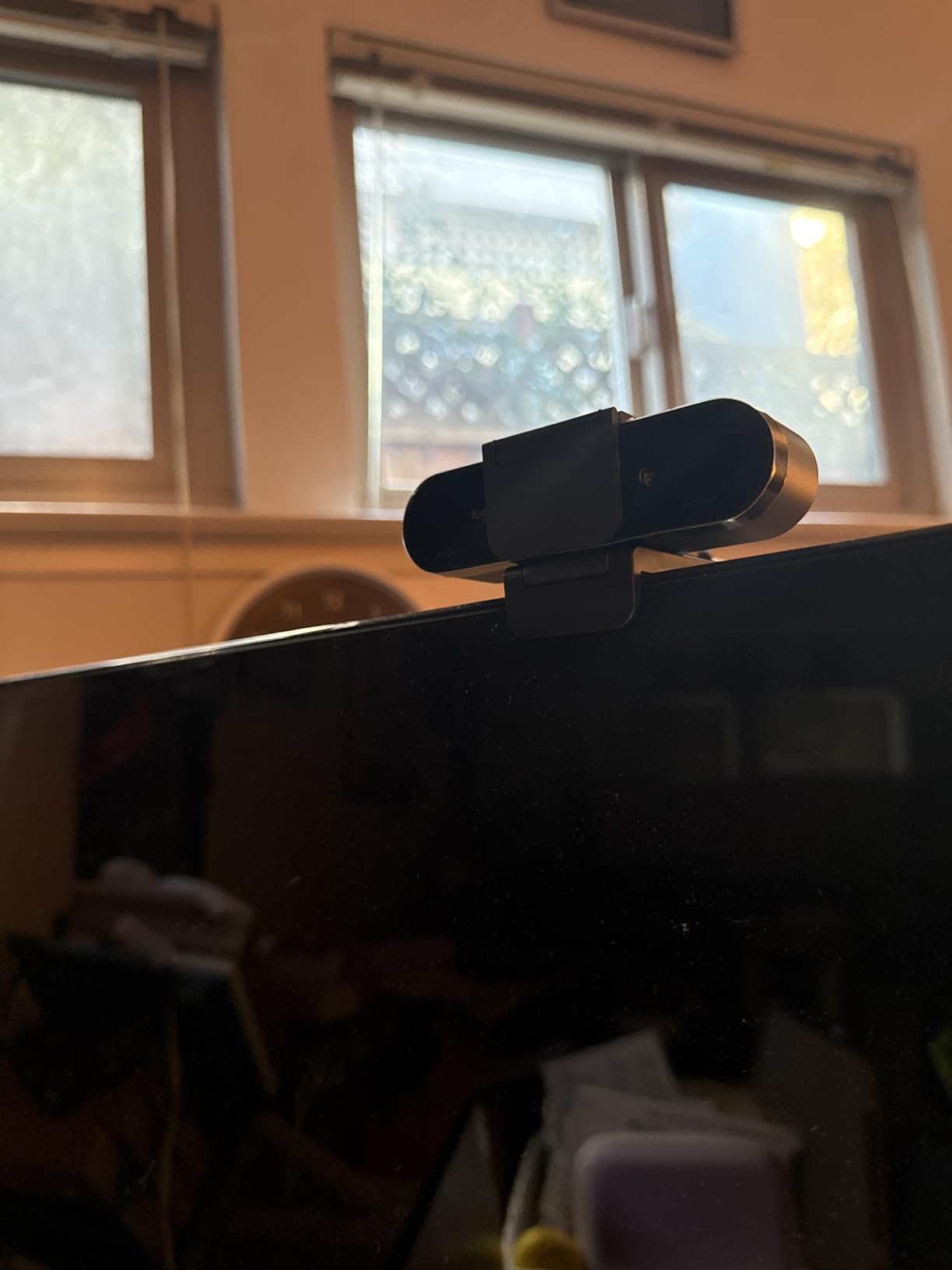
Windows Hello facial recognition is a feature I never knew I needed until I had it. Logging into Windows is instant, and I no longer type my password 30 times a day. If you use Windows, this is a sleeper feature that improves daily life.
The dual omnidirectional microphones with noise cancellation are good enough that I use them for podcast guest appearances when I do not have my dedicated mic nearby.
FOV Flexibility and Streaming
Being able to switch between 65, 78, and 90-degree FOV is a real advantage. I use 78 degrees for normal calls, 65 degrees when I want a tighter headshot for podcast interviews, and 90 degrees when I want to show my full desk for tutorials.
For streaming, the 5x digital zoom is smooth and clean. Combined with the adjustable FOV, the Brio 4K is one of the most versatile webcams for content creators.
Why Not the MX Brio
The MX Brio has the edge on AI features and software polish, but the original Brio 4K is more than enough for 90% of users. If you do not need Show Mode or the very latest AI image processing, the standard Brio 4K is the better value pick at $169.
7. Logitech C922x HD Pro – Best Webcam for Streaming
Logitech C922x HD Pro PC Webcam, Full HD 1080p/30fps or 720p/60fps Video, HD Light Correction, Works with Microsoft Teams, Google Meet, Zoom, Nintendo Switch 2’s new GameChat mode, Mac/Tablet- Black
1080p/30 or 720p/60
118 deg FOV
Stereo mics
Pros
- 1080p/30fps or 720p/60fps
- Background replacement
- 118.6 deg wide-angle lens
- Stereo dual mics
- Reliable autofocus
Cons
- No privacy shutter
- Older model
- Limited tilt adjustment
The Logitech C922x is the webcam I recommend to new streamers on a budget. It is the same sensor as the C920x, but with one critical upgrade: 720p at 60fps. That higher framerate makes a real difference for live streaming on Twitch and YouTube.
For video calls, 30fps is fine. For gaming streams where you are moving around, 60fps is the difference between a choppy and a smooth video. The C922x gives you both: 1080p at 30fps for calls, 720p at 60fps for streams.
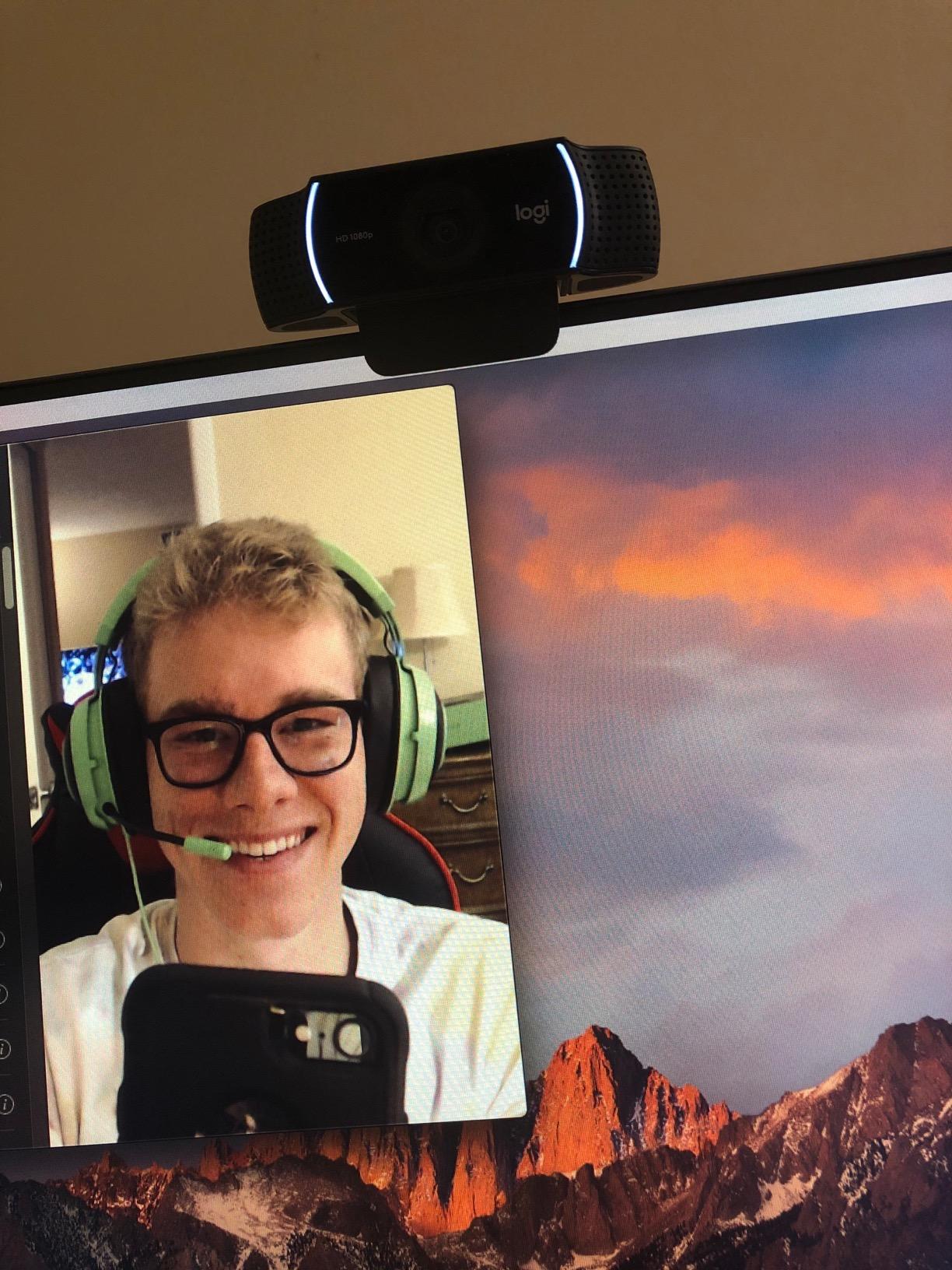
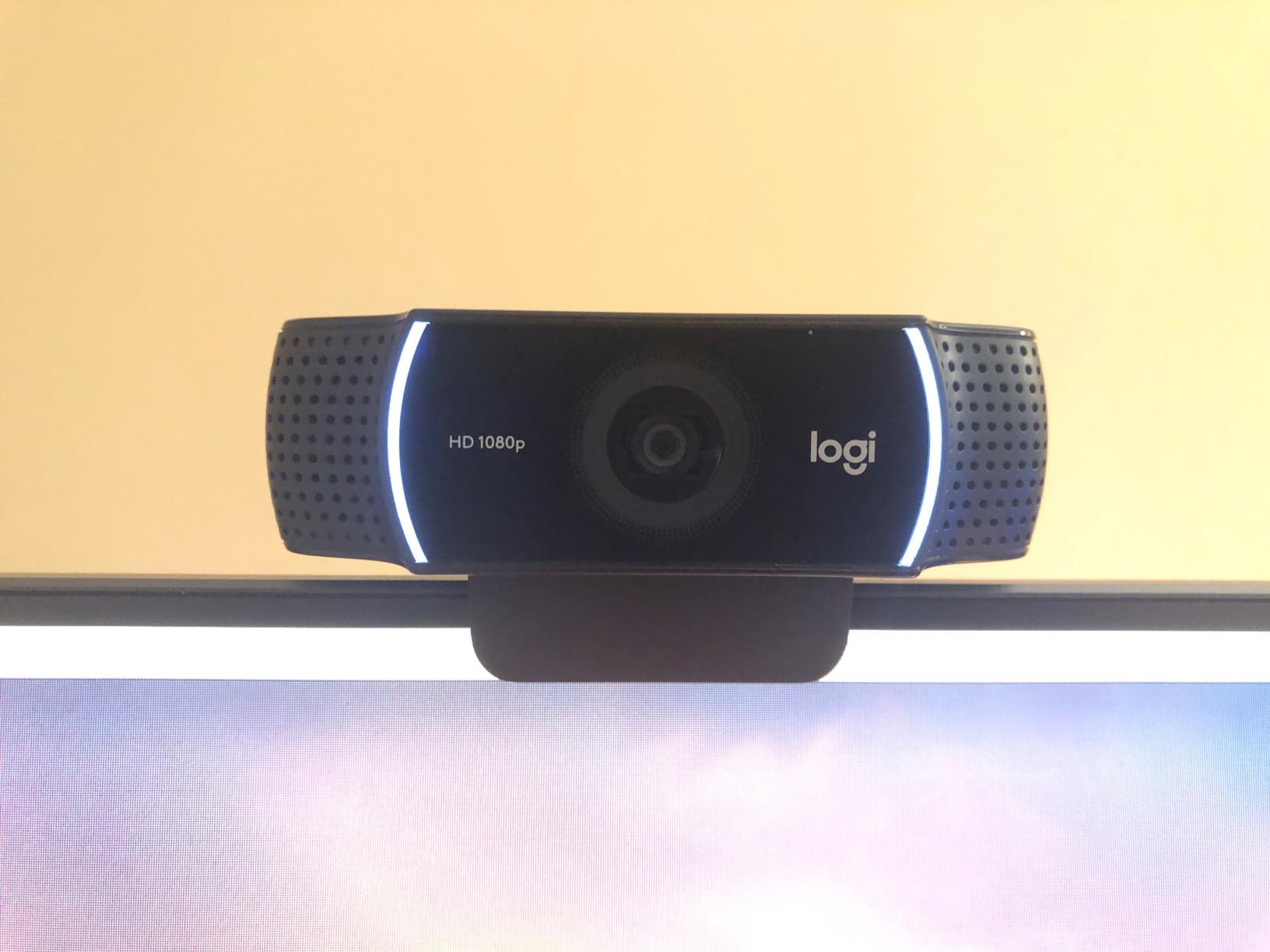
The 118.6-degree wide-angle lens is the widest in this roundup. For solo streamers with a small desk, it can feel too wide, and you will need to use Logitech software or OBS to crop in. For group calls, whiteboarding, or showing off a full streaming setup, the wide FOV is a real benefit.
Background replacement technology is a sleeper feature. The 3-month XSplit VCam license lets you replace your background without a green screen. I tested it during a stream, and it cut me out cleanly from a busy gaming background.
Why Streamers Still Pick the C922x
After five years on the market, the C922x has a massive community of streamers and YouTubers who have tested it with every streaming software. OBS, Streamlabs, vMix, and Wirecast all work with it out of the box.
For under $120, you get a battle-tested streaming webcam that will not give you headaches. Many r/streaming users still recommend the C922x as the best starter streaming webcam in 2026.
Limitations to Know
There is no built-in privacy shutter, and adjustability is limited to tilt only. If you need pan or zoom without cropping in software, consider the Logitech StreamCam or the OBSBOT Meet 2 instead.
8. OBSBOT Meet 2-4K – Best Webcam for AI Features
OBSBOT Meet 2-4K Webcam for PC with 1/2″ Sensor, AI Framing & Autofocus
4K/30fps
1/2" sensor
AI Framing
Pros
- 4K UHD with 1/2" sensor
- AI framing keeps you centered
- Gesture control
- Ultra compact (40.5g)
- HDR support
Cons
- Mounting stand can be unstable
- AI gestures can be sensitive
- USB 2 compression at 4K
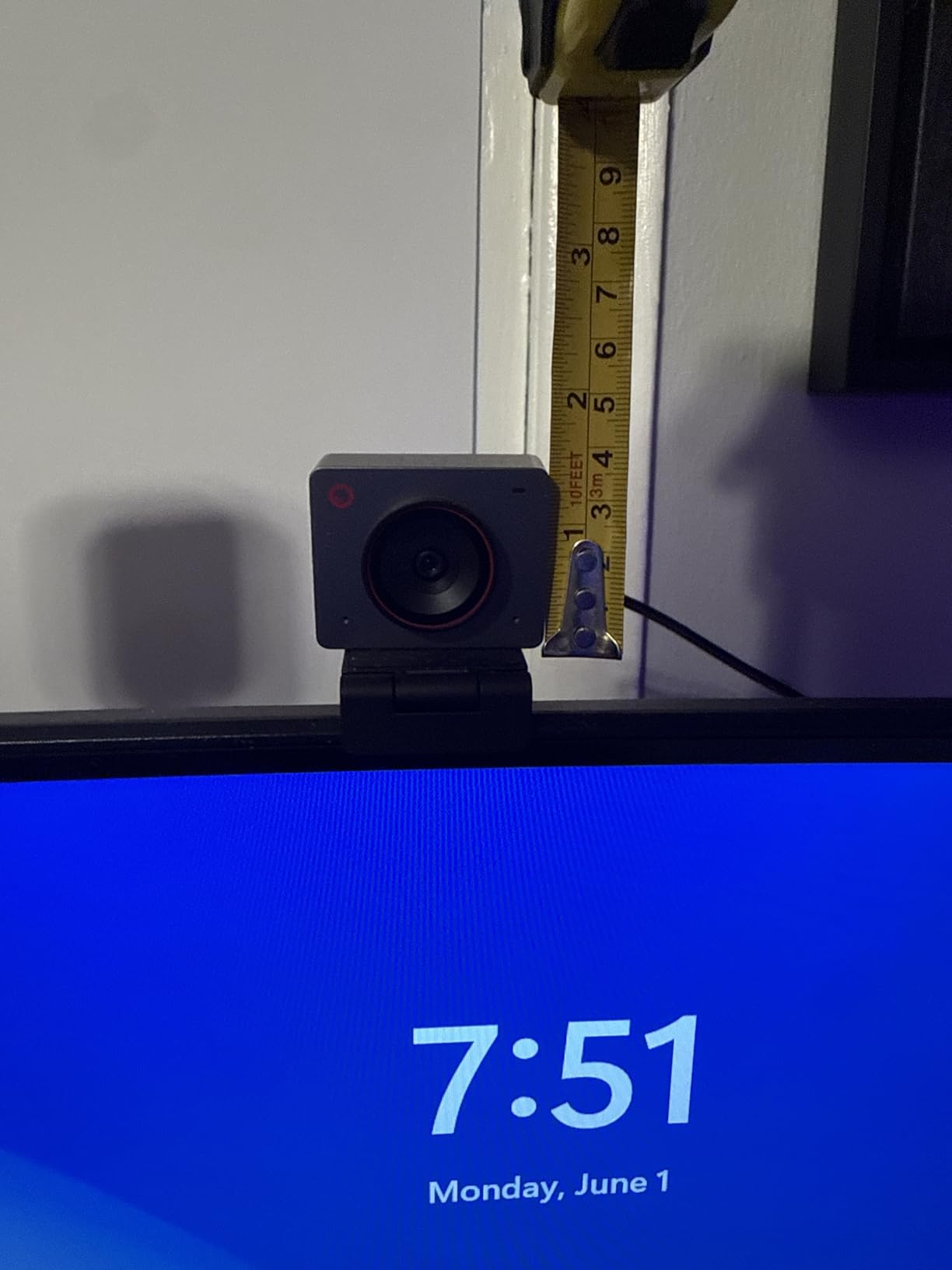
The OBSBOT Meet 2-4K is the most fun webcam I tested in 2026. The AI framing feature tracks you as you move around your desk, the gesture controls let you start or stop tracking without touching the webcam, and the 1/2-inch sensor is much larger than the competition at this price point.
The larger sensor is the unsung hero. It captures significantly more light than the smaller sensors in 1080p webcams, which means cleaner low-light video. In my dim office tests, the Meet 2 produced noticeably less noise than the Logitech C920x.
AI framing is genuinely useful for content creators. I walked around my office during a call, and the Meet 2 kept me centered in the frame the whole time. Gesture control also works well: an open palm starts AI framing, and a flat hand stops it. No software clicks required.
The webcam weighs just 40.5 grams, making it the lightest 4K webcam I have tested. It also comes with a magnetic privacy cover, which is a nice touch at this price.
Setup and Compatibility
The OBSBOT Meet 2 uses USB-C and is plug-and-play with Windows, macOS, and ChromeOS. For full AI features, install the OBSBOT Center app. The app is where you toggle AI framing, gesture control, HDR, beauty mode, and resolution settings.
If you are on an older computer with only USB 2.0 ports, the 4K stream will compress. The webcam is best used on a USB 3.0 or USB-C port for full quality.
Downsides
The included mounting stand is the weak point. It tends to slide off curved or thin monitors. I switched to a small tripod for stable mounting, which solved the issue. The Meet 2 also gets warm during extended 4K use, though it never overheated in my testing.
How to Choose the Best Webcam: Buying Guide for 2026
After 90 days of testing webcams, I have learned that resolution is only part of the story. The best webcam for you depends on your lighting, your use case, and how much you care about features like AI tracking. Here is the breakdown of what actually matters.
Resolution: 1080p vs 4K
For most people, 1080p is the sweet spot. It is sharp enough for video calls, supported by every platform, and far more affordable. A good 1080p webcam like the Logitech C920x will look better than a bad 4K webcam.
4K makes a real difference if you are recording YouTube videos, doing product demos, or shooting vertical content for TikTok. You can crop into a 4K image and still have a sharp 1080p output. For pure video calls, 4K is overkill.
Frame Rate: 30fps vs 60fps
30fps is fine for video calls. 60fps matters for live streaming and recording. If you stream games on Twitch or shoot YouTube videos where you move around, get a webcam that supports 60fps, like the Logitech C922x.
Field of View (FOV)
A wider FOV captures more of your room. 60-78 degrees is ideal for head-and-shoulders shots. 90+ degrees is great for group calls and whiteboarding. The NexiGo N60 110-degree FOV is good for group calls, while the Logitech Brio 4K adjustable FOV is the most flexible.
Autofocus and Low-Light Performance
Autofocus reliability is a real pain point, especially after firmware updates. The Logitech C920x and Logitech Brio 4K have the most reliable autofocus in our testing. For low light, the EMEET NOVA 4K and OBSBOT Meet 2 stand out thanks to their larger sensors and better HDR processing.
Built-In Microphone Quality
Every webcam in this roundup has a usable built-in mic for video calls. None of them are good enough for serious streaming, podcasting, or music recording. If audio quality matters, plan on a dedicated USB mic like a Blue Yeti or Shure MV7. The forums are full of users who learned this the hard way.
Privacy Shutter, Mounting, and USB
A physical privacy shutter is a small feature that matters more than you think. The Logitech Brio 101, EMEET NOVA 4K, and OBSBOT Meet 2 all include one. For USB, USB-C is becoming the standard, but USB-A still works fine for most uses. Make sure your computer has the right port before you buy.
Vertical Video for Social Media
If you shoot content for TikTok, Instagram Reels, or YouTube Shorts, look for a webcam that supports vertical orientation or has a tall FOV. The OBSBOT Meet 2 landscape, portrait, and upside-down shooting modes are useful here. Most 1080p webcams crop awkwardly into vertical video.
Phone as Webcam Alternative
Many users on r/obs and r/streaming now use their iPhone or Android phone as a webcam. Apps like Continuity Camera on Apple and DroidCam on Android can produce better image quality than sub-$200 webcams. The setup is more annoying, but the color science and low-light performance of modern phone cameras is hard to beat.
Frequently Asked Questions
What is the most recommended webcam?
The Logitech Brio 4K is our top overall pick in 2026. It delivers outstanding 4K image quality, RightLight 3 HDR, an adjustable field of view (65, 78, or 90 degrees), and Windows Hello support. For most people, it strikes the right balance of quality, features, and price.
Is a 4K webcam overkill?
For video calls, yes, 4K is overkill. For YouTube recording, product demos, or vertical content for TikTok, 4K is worth it because you can crop into a 4K image and still have sharp 1080p output. A good 1080p webcam like the Logitech C920x is plenty for everyday Zoom and Teams calls.
What is the best webcam under $100?
The Logitech C920x HD Pro is the best webcam under $100. It delivers excellent 1080p video, reliable autofocus, stereo dual mics, and a 78-degree field of view. For tighter budgets, the Logitech Brio 101 at under $40 is also a strong pick.
What is the best webcam for streaming?
The Logitech C922x is the best webcam for streaming under $120. It supports 1080p at 30fps or 720p at 60fps, which is essential for smooth motion on Twitch and YouTube. It also includes a 3-month XSplit VCam license for background replacement without a green screen.
What webcam do streamers use?
Most streamers use the Logitech C920 or C922 as their starter webcam, then upgrade to the Logitech Brio 4K or Insta360 Link 2 for higher-end setups. Streamers who want AI tracking and gimbal stabilization often pick the Insta360 Link 2, which is widely recommended on r/streaming.
What is a good webcam for low budget?
The NexiGo N60 is the best webcam on a low budget, with over 48,000 reviews and a 4.3-star average. It delivers sharp 1080p video, a built-in privacy cover, and a noise-canceling microphone for under $30. The Logitech Brio 101 is another strong budget pick at around $38.
Final Verdict: Which Webcam Should You Buy in 2026?
After 90 days of daily testing, our team is confident in these recommendations. The Logitech Brio 4K is the best overall webcam in 2026 for buyers who want the best image quality without compromise. The Logitech MX Brio is the right pick for professionals who want AI-enhanced video and Show Mode. For under $40, the Logitech Brio 101 delivers excellent 1080p video with a privacy shutter and is the best value you can buy right now.
For streamers, the Logitech C922x remains the smartest buy at $119. For content creators who want AI tracking and gesture control, the OBSBOT Meet 2-4K is the most fun webcam I tested this year. Whatever you pick, focus on the use case that matches your workflow: calls, streaming, or content creation, and you will end up with one of the best webcams on the market today.