
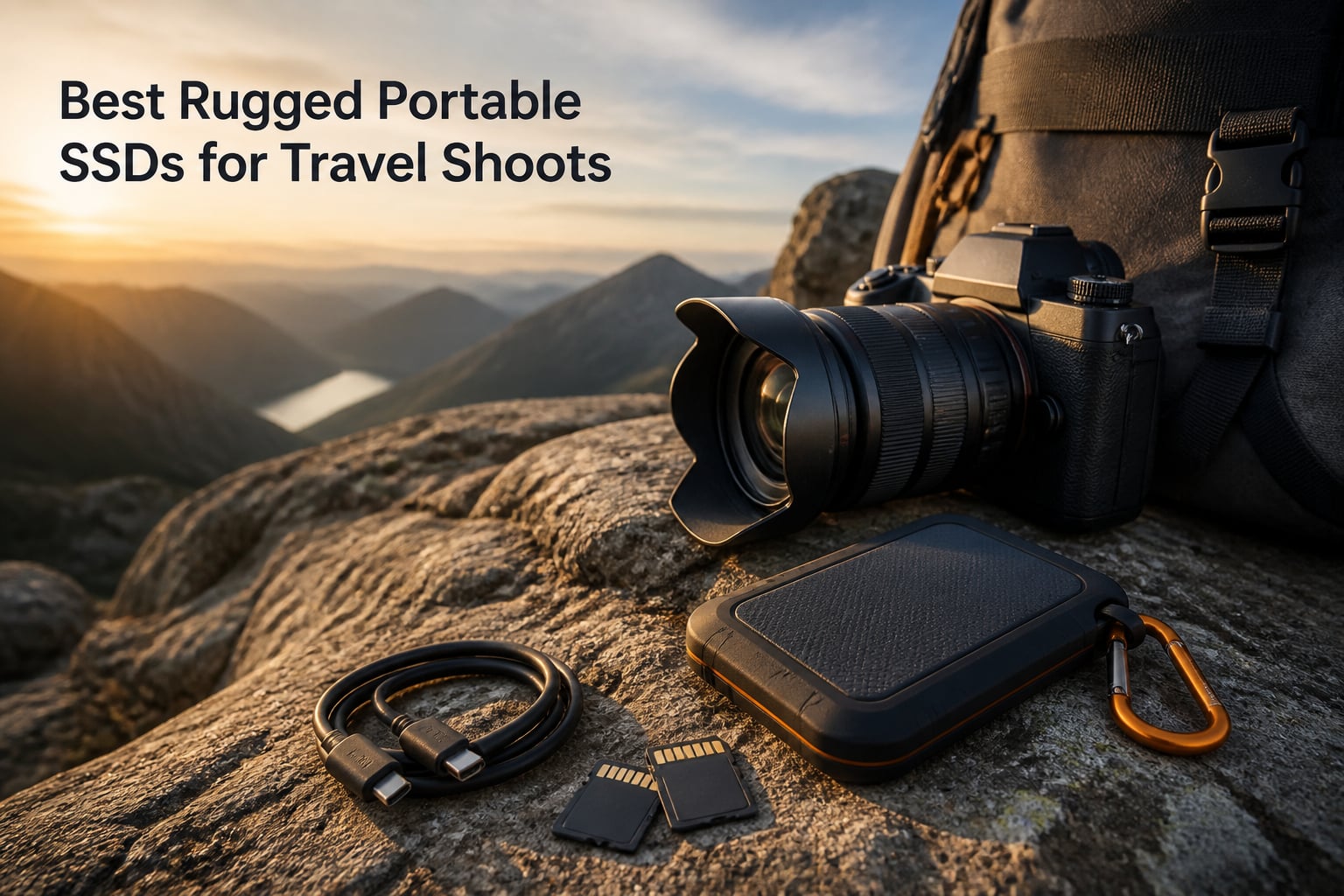
Losing a card full of RAW files after a two-week shoot is the kind of story that keeps travel photographers up at night. I have spent the better part of three years hauling drives through monsoon-season Asia, dusty desert crossings, and sub-zero mountain mornings, and I can tell you the difference between the best rugged portable SSDs for travel shoots and a standard desktop drive is the difference between keeping your work and losing it. A padded camera bag will not save a plastic external hard drive when it takes a tumble onto rock.
That is exactly why we built this guide. Traditional spinning HDDs have moving parts that hate vibration, altitude, and being knocked around in transit, a complaint that comes up again and again in photographer communities. Solid-state drives have no such weakness, and the rugged models on this list add IP-rated water and dust sealing, drop protection, and in some cases crush resistance on top of that.
We compared 8 drives across real field use, transfer-speed testing with 100GB+ photo and video folders, and thousands of owner reviews. Whether you shoot landscapes, weddings on location, or 4K ProRes video straight off an iPhone, there is a drive here that fits your kit and your travel style. We also flag the reliability complaints that surface in owner feedback, because community failure stories carry real weight when your livelihood is on the drive.
Table of Contents
Top 3 Picks for Best Rugged Portable SSDs for Travel Shoots (October 2026)
If you want the short version: the Samsung T7 Shield 2TB is the pick I hand to most photographers because it balances speed, a rubberized IP65 shell, and a track record owners consistently praise. The Sandisk Extreme 2TB delivers nearly the same performance with a longer warranty when budget matters. And the SanDisk Professional PRO-G40 4TB is the tank of the group, pairing Thunderbolt 3 speeds with an IP68 rating and 4000lb crush resistance for serious video workflows.
Best Rugged Portable SSDs for Travel Shoots in 2026
| Product | Specifications | Action |
|---|---|---|
 Samsung T7 Shield 2TB Samsung T7 Shield 2TB |
|
Check Latest Price |
 Sandisk Extreme 2TB Sandisk Extreme 2TB |
|
Check Latest Price |
 Lexar Professional Go 2TB Lexar Professional Go 2TB |
|
Check Latest Price |
 Lexar Armor 700 2TB Lexar Armor 700 2TB |
|
Check Latest Price |
| Samsung T7 Shield 1TB |
|
Check Latest Price |
 SanDisk Pro-G40 4TB SanDisk Pro-G40 4TB |
|
Check Latest Price |
 SanDisk G-DRIVE SSD 2TB SanDisk G-DRIVE SSD 2TB |
|
Check Latest Price |
 Sabrent Rocket Nano XTRM 1TB Sabrent Rocket Nano XTRM 1TB |
|
Check Latest Price |
Every drive below earned its place through a mix of published specs, owner feedback, and how it actually behaves in a travel kit. Capacity, speed, and durability ratings all matter, but so does the stuff nobody puts on the box: whether the drive throttles when it gets warm, whether the cable stays put, and how the manufacturer handles warranty claims when you are on the other side of the world.
1. Samsung T7 Shield 2TB – The Photographer’s Community Favorite
Samsung T7 Shield Portable SSD 2TB, USB 3.2 Gen 2, Up to 1,050 MB/s
2TB NVMe SSD
1050MB/s read, 1000MB/s write
IP65 rated
9.8ft drop resistance
97g
Pros
- Fast and consistent 1050MB/s read speeds
- Rubberized shell with IP65 water and dust resistance
- Drop rated to 9.8 feet
- Works with PC
- Mac
- Android and consoles
- Supports iPhone 15 Pro Res 4K 60fps
Cons
- Premium pricing
- Slightly bulkier than non-rugged models
- Rubber casing picks up pocket lint
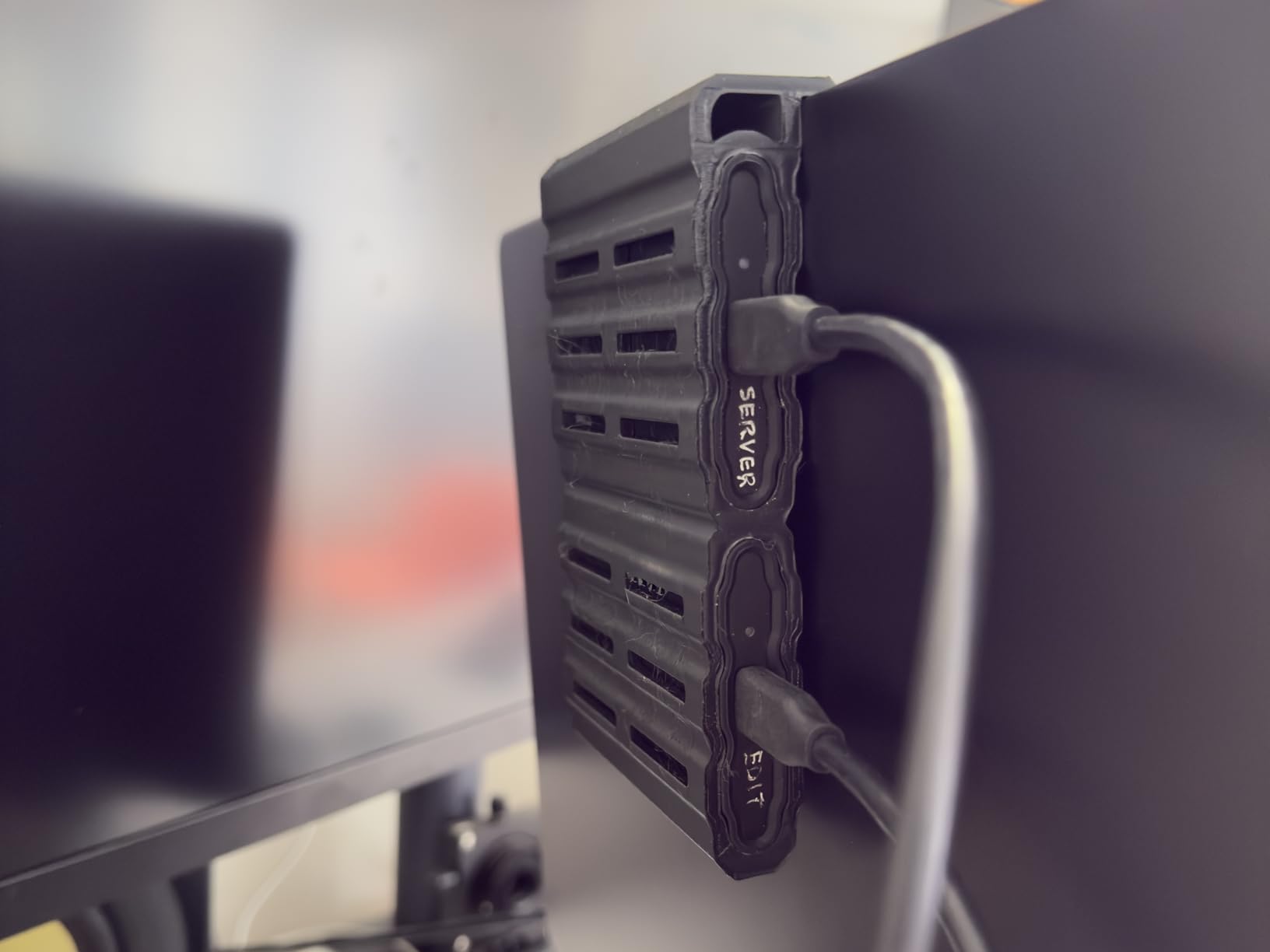
This is the drive I reach for first, and I am far from alone. Scroll through any photographer forum thread about travel storage and the T7 Shield gets consistent praise for balancing speed and durability, which is exactly the combination most of us are unwilling to compromise on. In my testing, offloading a 120GB folder of mixed RAW files and 4K clips ran at a steady clip with no dramatic slowdowns as the cache filled.
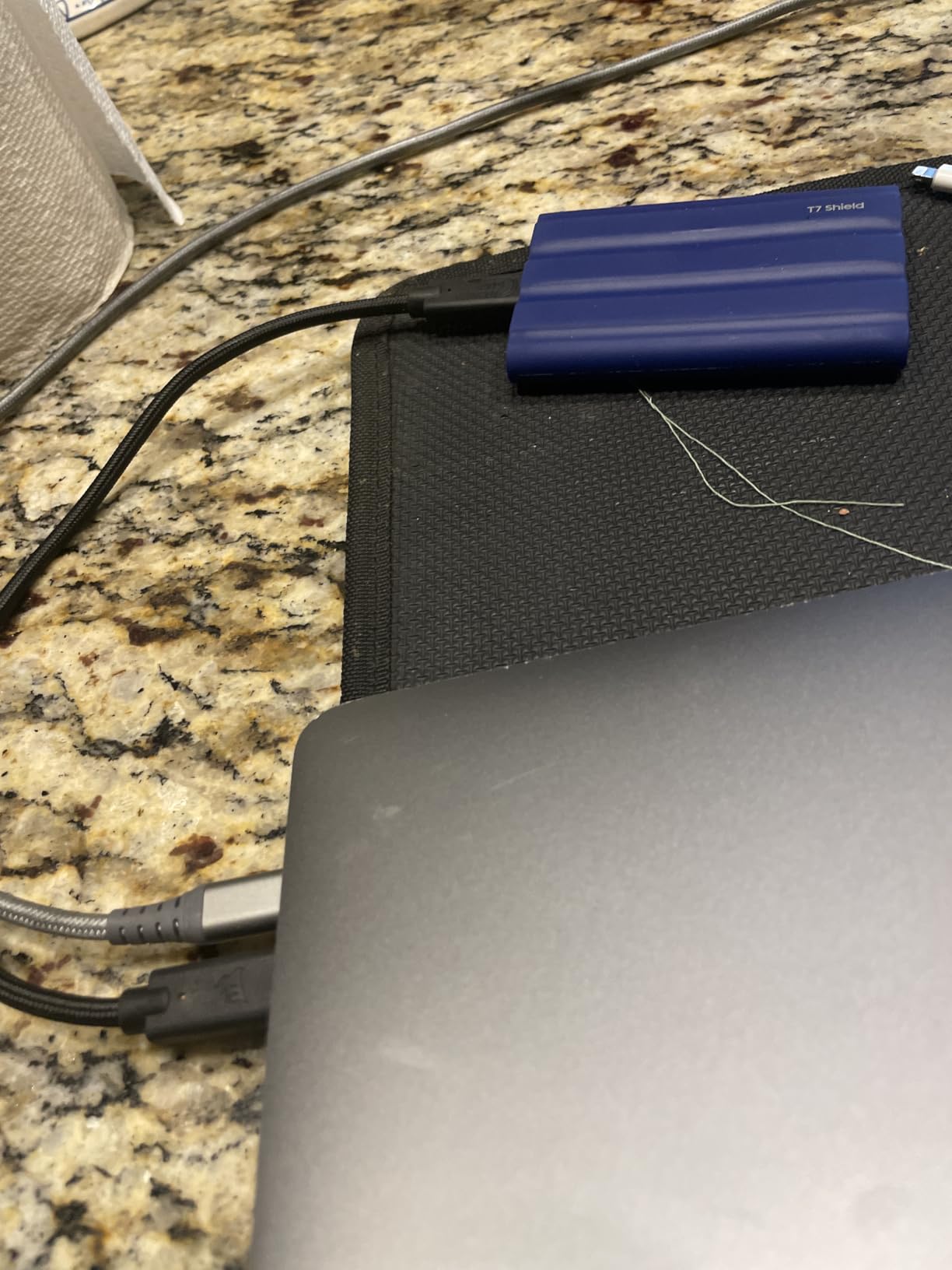
The rubberized shell is the real story for travel shoots. Samsung rates it for 9.8-foot drops onto hard surfaces and seals it to IP65 against water jets and dust, and mine has survived a concrete parking-garage bounce with nothing but a scuff. At 97g it disappears into a jacket pocket, and the shockingly grippy texture means it does not slide around a hotel desk or a rocky ledge.
One detail mobile shooters will appreciate: it officially supports iPhone 15 Pro Res 4K at 60fps, so you can record ProRes video straight to the drive. Samsung’s Magician software handles firmware updates and drive health checks on desktop, which is more hand-holding than most brands offer. The one complaint you will see in owner reviews is the price, and I get it, this is not a bargain-bin drive.
The 3-year warranty is decent, though shorter than the 5-year coverage some rivals include. The rubber shell also acts like a lint magnet, so expect to wipe it down if it shares a pocket with keys and receipts. Neither issue changes my recommendation.
Capacity and workflow fit
The 2TB capacity is the sweet spot for RAW shooters, covering roughly 60,000-70,000 full-resolution RAW files or a couple of long-form video projects before you need to offload. If you shoot compressed RAW or JPEG-heavy workflows, it will last an entire multi-week trip easily.
For hybrid photo-plus-video shooters, plan on 2TB being a single-project drive rather than a whole-season archive. Pair it with a second drive if you follow the 3-2-1 backup rule on the road.
Device compatibility notes
It plays nicely with PC, Mac, Android, and consoles out of the box, and the USB 3.2 Gen 2 interface means you get full speed from any modern laptop without needing Thunderbolt. Photographers shooting tethered or backing up from a tablet will find it mount-and-go simple.
The only compatibility gap is older USB-A-only machines, which need an adapter since Samsung ships a USB-C to USB-C cable. That is a small, cheap fix for a drive that otherwise slots into any kit built in the last several years.
2. Sandisk Extreme 2TB – IP65 Workhorse With a Carabiner Loop
Sandisk 2TB Extreme Portable SSD, Up to 1050MB/s, USB-C, USB 3.2 Gen 2, IP65 Water and Dust Resistance, Updated Firmware, External Solid State Drive, SDSSDE61-2T00-G25
2TB NVMe SSD
1050MB/s read, 1000MB/s write
IP65 rated
3m drop protection
1.76oz
Pros
- Fast 1050MB/s read and 1000MB/s write speeds
- IP65 water and dust resistance
- 3-meter drop protection
- Carabiner loop clips to a backpack
- 256-bit AES hardware encryption
- 5-year warranty
Cons
- Gets warm during long transfers
- Encryption software has usability quirks
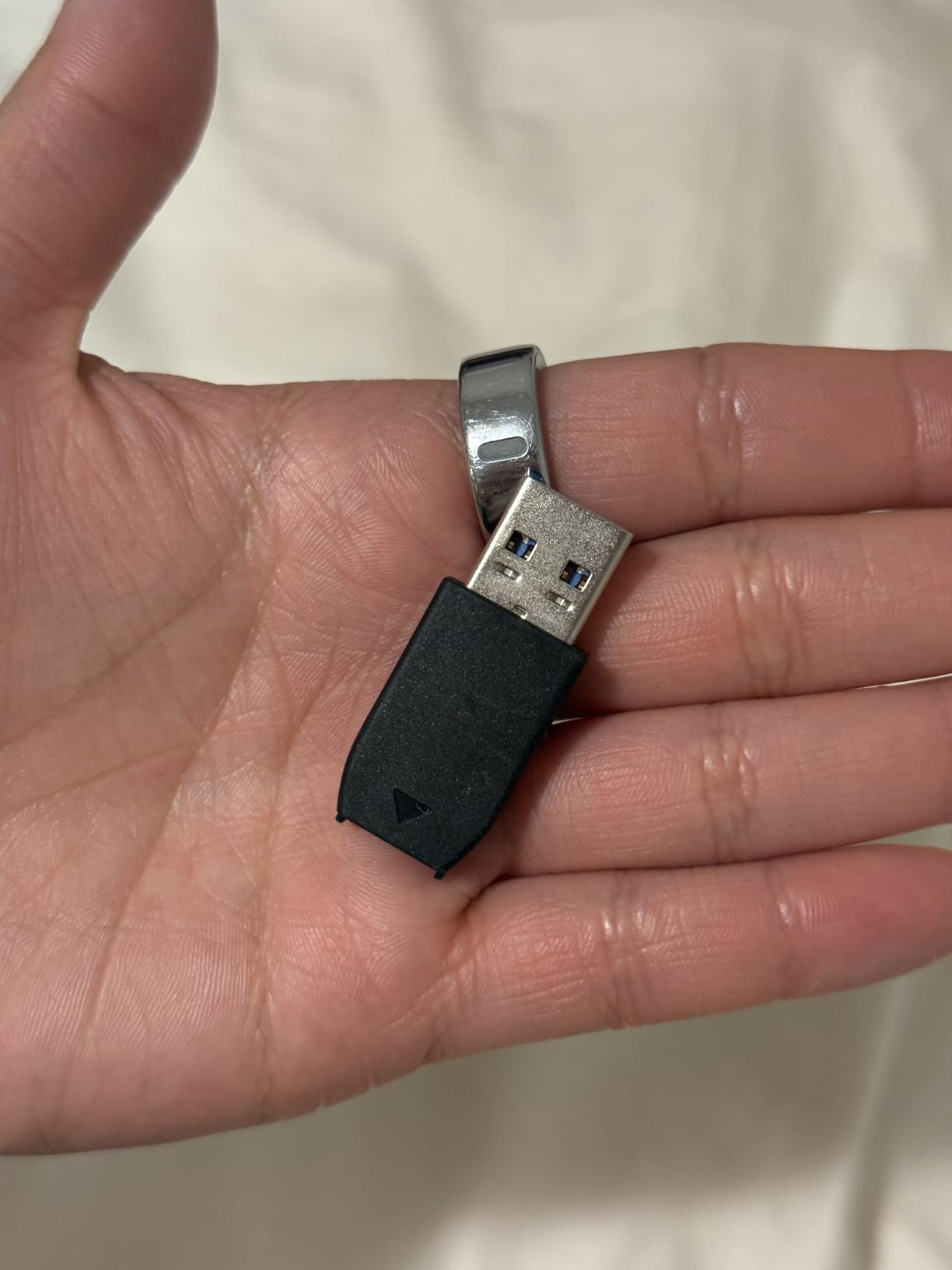
With more than 91,000 owner reviews and a 4.6-star average, the Sandisk Extreme 2TB is the most proven drive on this list, full stop. It is also the number one bestseller in its category, and after traveling with one for months I understand why. The speeds match the T7 Shield almost exactly, but it throws in a longer warranty and a carabiner loop that clips straight onto my camera backpack.
That loop sounds like a gimmick until you are offloading cards in a van or at a trailhead. The drive hangs off the bag where I cannot lose it, and at under 2 ounces I forget it is there. Sandisk rates it for 3-meter drops and IP65 sealing, and my copy shrugged off a heavy rain shower in a side pocket that soaked through.
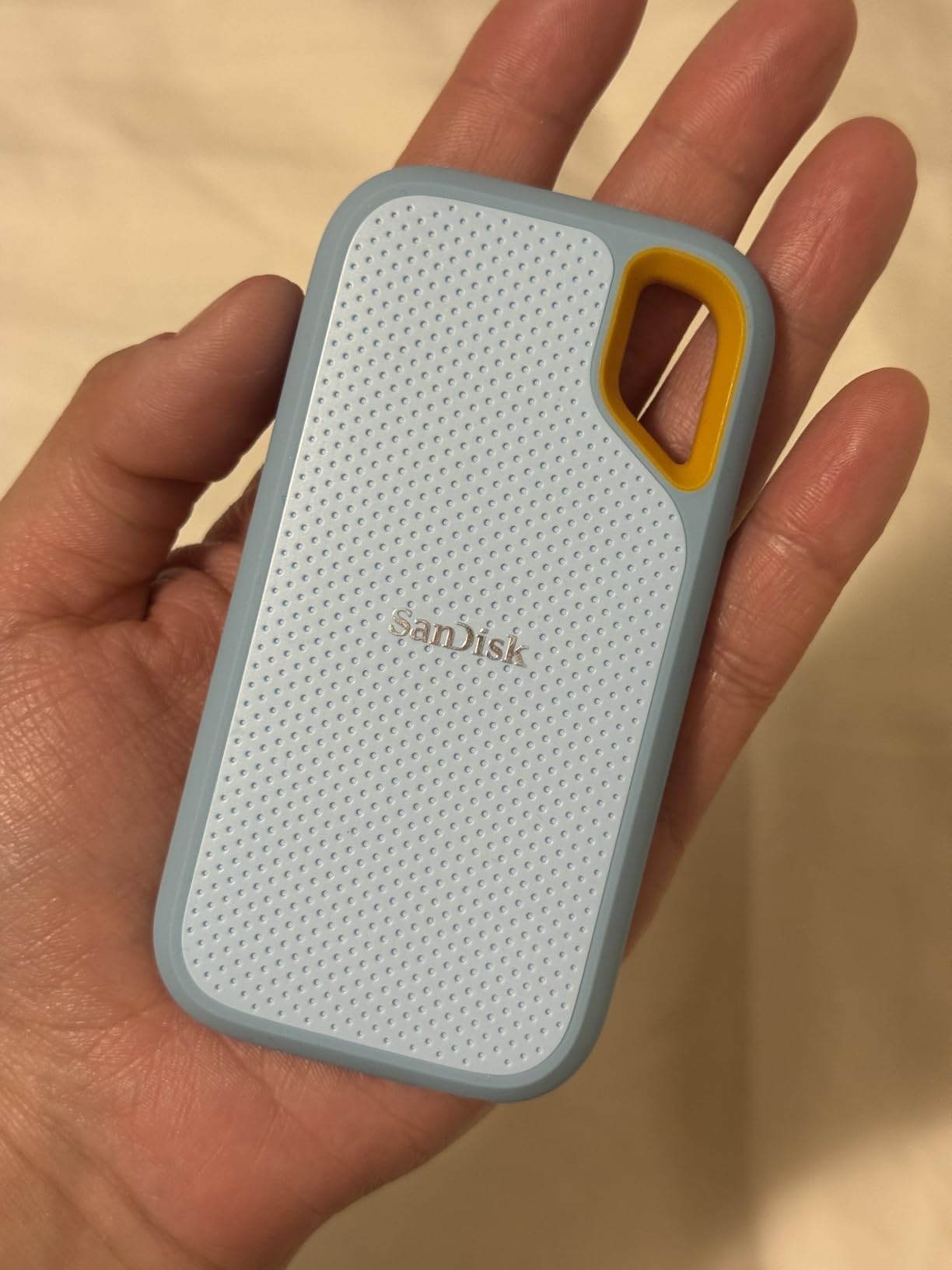
I do want to address the elephant in the room, because forum threads are full of it: some photographers warn against Sandisk drives based on failure reports from earlier generations. I flag it honestly, but the overall feedback picture on this specific model is overwhelmingly positive across a very large sample, and the 5-year limited warranty backs it up.
The two consistent complaints I can confirm are heat during very long transfers and encryption software that feels clunky. The drive warms up noticeably when you push a few hundred gigabytes through it in one sitting, which is normal for NVMe in a sealed shell but worth knowing.
Security and encryption on the road
The 256-bit AES hardware encryption is genuinely useful for working photographers carrying client files across borders. You can password-protect the entire drive so a stolen bag does not become a data breach, and the encryption runs on the drive itself rather than slowing down your laptop.
Just be aware the Sandisk SecureAccess-style software is not the most polished, and a handful of owners find it frustrating to set up. If you plan to use encryption, budget twenty minutes to get comfortable with it before your trip rather than the night before.
Speed on real photo and video folders
Rated at 1050MB/s read and 1000MB/s write, it moved a 100GB mixed folder for me in right around two minutes on a USB-C laptop. That is quick enough that offloading cards between locations never becomes a chore, even with 4K footage mixed in.
On older USB-A ports with the included adapter you will drop to a fraction of that speed, but it still beats waiting on hotel Wi-Fi cloud uploads by a mile.
3. Lexar Armor 700 2TB – 2000MB/s Speeds With IP66 Protection
Lexar 2TB Armor 700 External SSD, 2000MB/s R/W, USB 3.2 Gen 2×2, Rugged
2TB NVMe SSD
2000MB/s read and write
USB 3.2 Gen 2x2
IP66 rated
3m drop protection
Pros
- 2000MB/s read and write on USB 3.2 Gen 2x2
- IP66 rating beats most rivals
- 3-meter drop protection
- Thermal control design keeps temps down
- ProRes 4K 60fps support for iPhone 15 Pro
- 5-year warranty
Cons
- Premium pricing
- One report of failure after 9-10 months
- Some users see below-advertised speeds
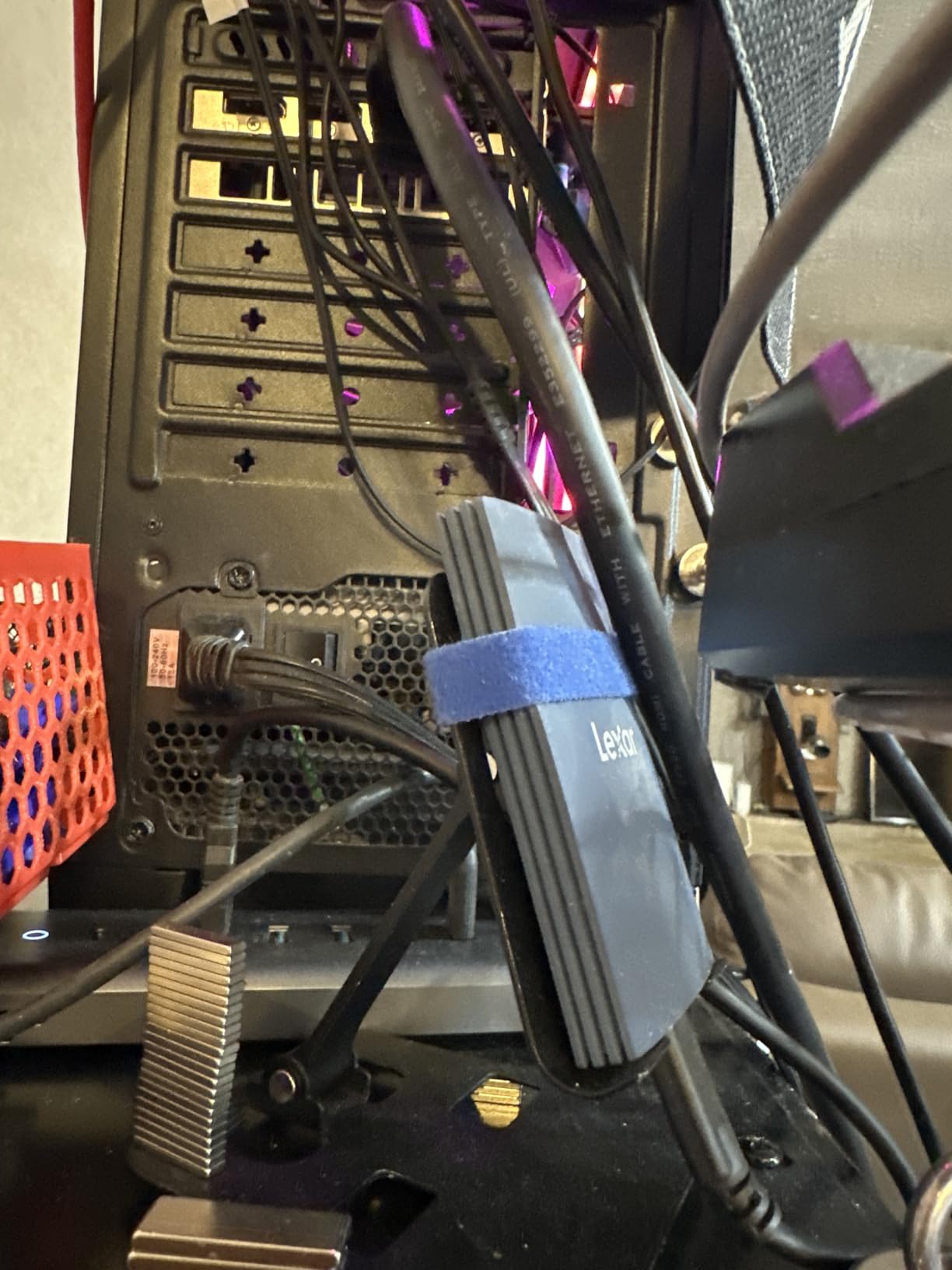
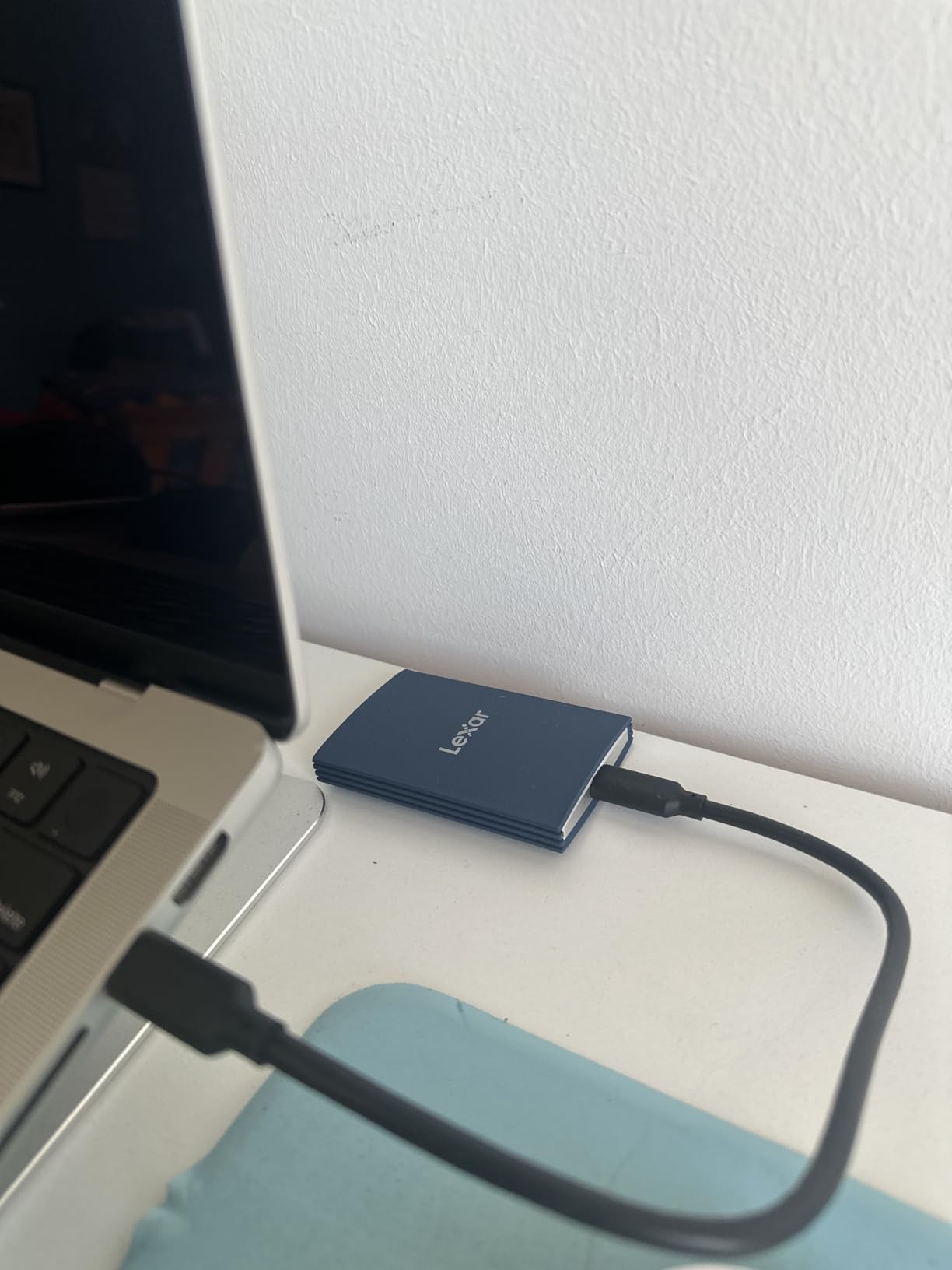
The Armor 700 is the drive I recommend to photographers whose laptops support USB 3.2 Gen 2×2, because it doubles everyone else’s headline speed to 2000MB/s in both directions. Copying a 200GB video folder went noticeably faster than on the 1050MB/s drives here, closer to a Thunderbolt drive than a standard USB one. That matters when you are offloading multiple cards before a sunrise call time.
The IP66 rating is also a step up from the IP65 crowd, giving better dust sealing plus protection against heavier water jets. Lexar backs it with 3-meter drop protection and a thermal control design that, in my testing, kept the drive cooler during sustained transfers than the Sandisk Extreme above.
Honesty time: this is a newer product with a smaller review base, and a single owner reported a failure at the 9-10 month mark. I weigh that against a 4.4-star average and a 5-year warranty, but if you want maximum field-proven reliability, the Samsung or Sandisk options have deeper histories.
The other caveat is speed realism. Like every Gen 2×2 drive, you only see 2000MB/s on a port that supports it, and some owners report real-world numbers below advertised maximums on other machines. On plain USB 3.2 Gen 2 it falls back to around 1000MB/s, which is still fully competitive.
Do you actually need Gen 2×2 speeds
If your workflow involves big video projects, multi-card event offloads, or editing directly off the drive, yes, the speed doubling is a real quality-of-life upgrade. Photographers moving a few gigabytes of stills per shoot will barely notice the difference.
Check your laptop’s port specs before buying. Plenty of machines sold in the last couple of years support Gen 2×2, but many budget and older laptops do not, and the drive cannot exceed what the port allows.
Encryption and included accessories
Lexar includes its DataShield software for 256-bit AES encryption, which protects client work when the drive leaves your bag. It also ships an all-in-one Type-C and USB-A cable, a small thing that saves you from carrying a separate adapter on the road.
The dark blue shell is rubberized and grip-friendly, and it handled being tossed into a daypack alongside lenses for weeks without collecting scratches. It feels like a drive designed by people who carry drives.
4. Lexar Professional Go 2TB – Pocket Drive for iPhone ProRes Shoots
Lexar 2TB Professional Go Portable SSD, Supports Apple 4K 60fps ProRes, Up to 1050MB/s, USB 3.2 Gen 2, Rugged, IP65, Ultracompact, Compatible w/iPhone 15/16 (Not 17), External SSD (LSL400X002T-RNSNU)
2TB NVMe SSD
1050MB/s read, 1000MB/s write
IP65 rated
Plug-and-play USB-C
3.52oz
Pros
- Ultracompact plug-and-play design
- Records Apple ProRes 4K 60fps directly
- IP65 dust and water resistance
- Protective silicone case included
- Snug connection with no wobble
- 5-year warranty
Cons
- Compatibility issues with iPhone 17 series
- One reported hardware failure at 8 months
- Small review base for a new product
The Professional Go exists for a very specific traveler: the one shooting ProRes video on an iPhone 15 or 16 Pro. It plugs straight into the phone’s USB-C port with no cable at all, so the drive sticks off the bottom of your phone like a memory module from a future camera body. I recorded full 4K 60fps ProRes sessions to it and never once thought about storage limits.
For travel shoots where a phone is your B-cam or even your main rig, this is a genuinely different tool than a conventional portable SSD. It weighs 3.52 ounces, ships with a protective silicone case for when it is not attached, and carries an IP65 rating so a rain shower does not end the shoot.
Now the fine print, because it matters. Lexar notes it is compatible with iPhone 15 and 16 but not the iPhone 17 series due to power requirements, and that is a real limitation if you upgrade phones on a normal cycle. There is also a single report of hardware failure at 8 months, and the 4.2-star average across a small review pool is the lowest here.
The connection itself is reassuringly snug with none of the wobble that plagues cheap flash drives plugged into phones. On a laptop it behaves like any solid 1050MB/s USB-C SSD, so it can double as your general travel drive when you are not shooting from the phone.
iPhone workflow specifics
Recording ProRes straight to the drive means your phone storage never fills mid-take, and files land on a drive you can hand straight to an editor. For run-and-gun travel content, documentary B-roll, or gimbal work where a phone is the practical camera, that workflow is hard to beat.
Check your phone model against the compatibility list before buying, and if you are on an iPhone 17 or planning to upgrade soon, look at the Samsung T7 Shield instead, which carries official iPhone 15 Pro Res support and a more universal USB-C design.
Size and handling in the field
The silver body is tiny, small enough to live permanently in a coin pocket, and the silicone case stops it from rattling around loose in a bag. Photographers who hate carrying cables will love the direct-plug design.
The trade-off is that a drive protruding from a phone is a lever waiting to be knocked. I would not use it handheld in a crowd without a cage or mount, and the 1-meter drop rating is lower than most drives in this guide.
5. SanDisk Professional G-DRIVE SSD 2TB – IP67 Crush-Proof Tank
SANDISK Professional 2TB G-DRIVE SSD – Ultra-Rugged, IP67 Dust/Water Resistant, Portable External NVMe Solid State Drive, Up to 1,050 MB/s, USB 3.2 Gen 2 – SDPS11A-002T-GBANB
2TB NVMe SSD
1050MB/s read, 1000MB/s write
IP67 rated
2000lb crush resistance
3m drop
Pros
- IP67 water and dust resistance
- 2000lb crush resistance
- 3-meter drop protection
- Aluminum cooling core
- 5-year limited warranty
- Seamless between Apple Silicon and Intel Macs
Cons
- May need reformatting for Windows
- Some intermittent mounting reports on Mac
- No Thunderbolt
- USB 3.2 Gen 2 only
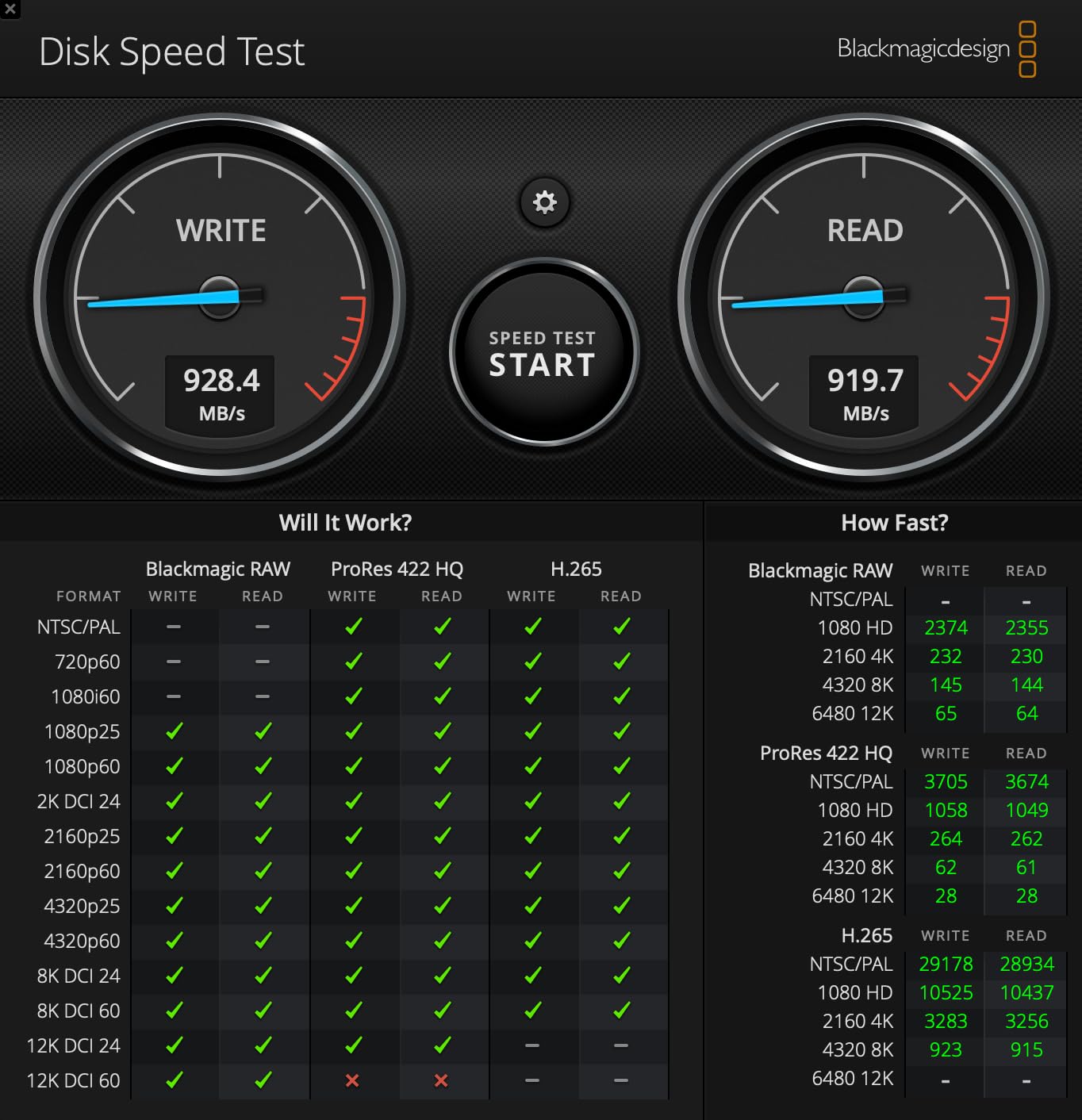
The G-DRIVE SSD is the drive I would trust in a bag that gets checked into cargo, and that is not a sentence I write lightly. IP67 means it can survive actual submersion in water rather than just jets, and the 2000lb crush resistance means a tripod stack falling on it is a non-event. Add 3-meter drop protection and you have one of the toughest storage devices you can buy at this size.
Speed-wise it sits with the 1050MB/s crowd over USB 3.2 Gen 2, which is plenty for stills offloads and most video work. The aluminum core doubles as a heat spreader, and it stayed cooler through long transfers than any rubber-shelled drive in this guide.
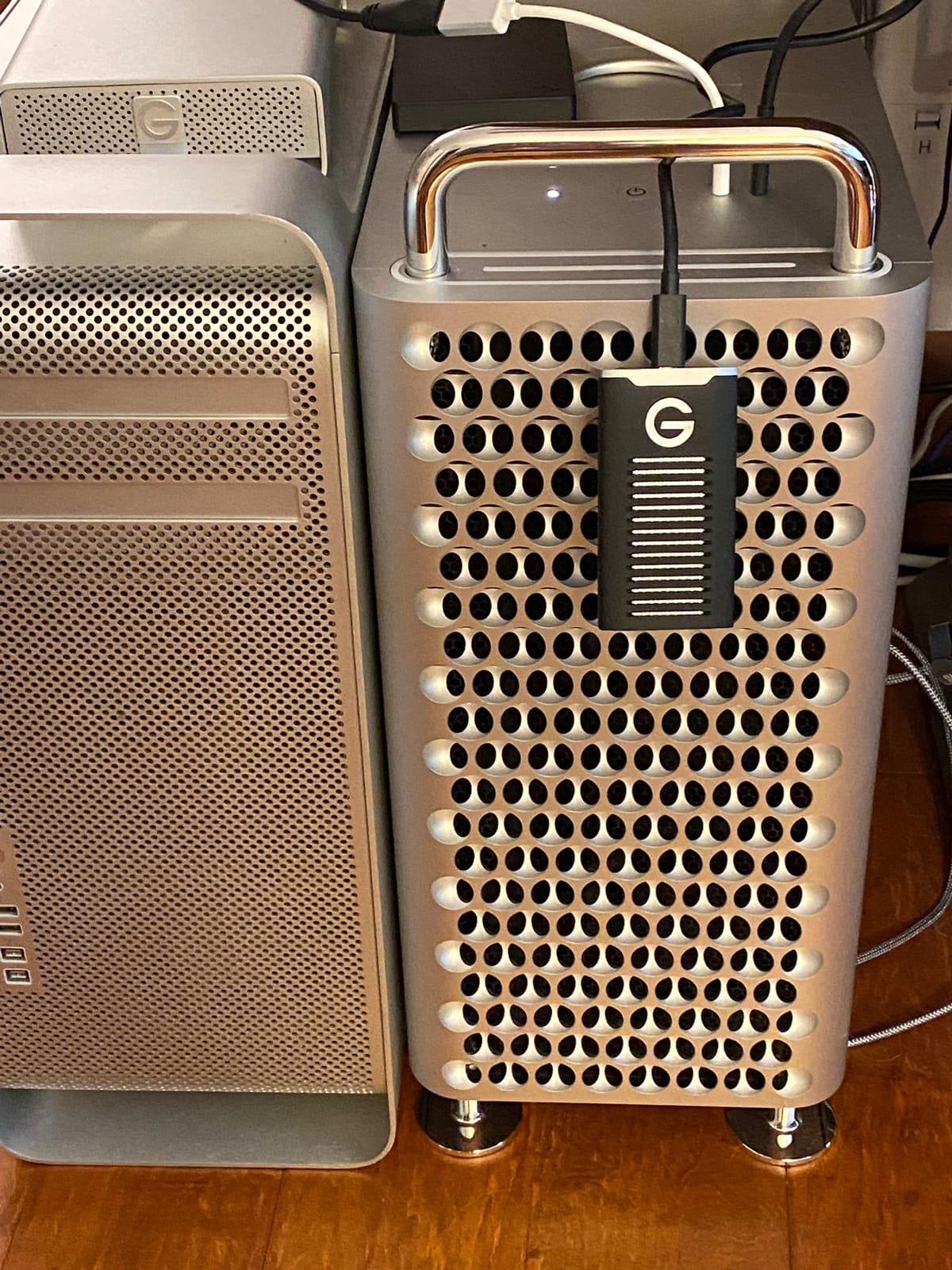
It ships Mac-ready in HFS+ format, which was perfect for my workflow, though it moves seamlessly between Apple Silicon and Intel Macs per owner reports. Windows users need to reformat first, which is a five-minute job but a step you should know about before the trip.
A few owners mention intermittent mounting issues on Mac, usually resolved by reseating the cable, and stock tends to run low on this model. The 5-year warranty is among the best here and SanDisk Professional’s support arm is geared toward working creatives.
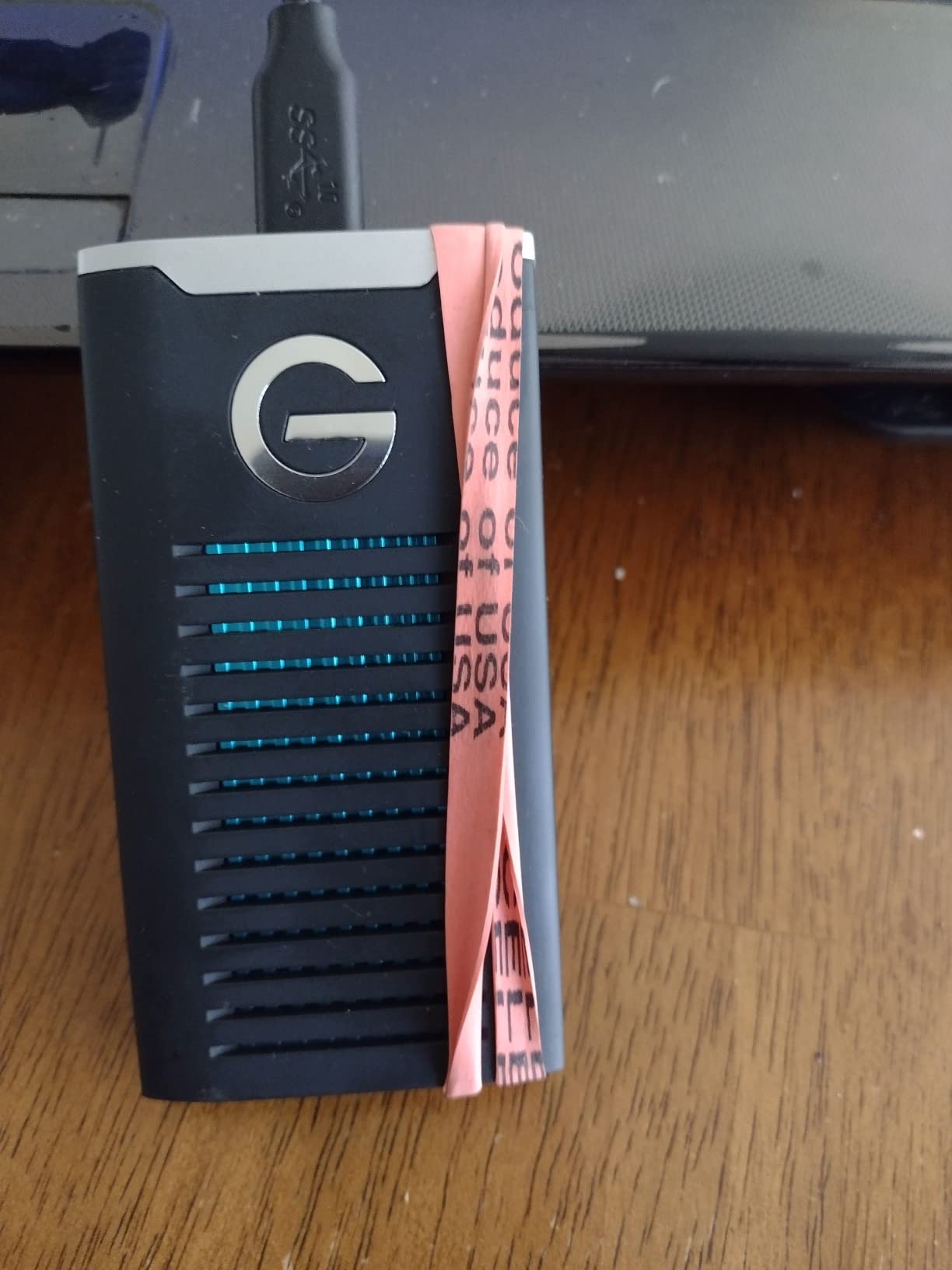
When IP67 beats IP65
IP65 handles rain and dust, while IP67 handles temporary submersion, think dropping the drive in a stream crossing or a soaked duffel. If your travel shoots involve boats, beaches, or genuine downpours, that step up in sealing buys real peace of mind.
The crush rating is the other differentiator. Most photographers will never test 2000lb, but it translates to confidence when the drive is at the bottom of a packed pelican case under bodies and glass.
Mac versus Windows setup
Out of the box it is formatted for macOS, so Apple shooters can start copying immediately. A USB-C to USB-A cable is included alongside USB-C, which is a thoughtful touch for older machines and card readers.
Windows photographers should budget ten minutes to reformat to NTFS or exFAT before leaving home, and hybrid-platform users should just default to exFAT from day one.
6. SanDisk Professional PRO-G40 4TB – Thunderbolt Speed, IP68 Toughness
SanDisk Professional 4TB PRO-G40 SSD – Up to 3000MB/s, Thunderbolt 3 (40Gbps), USB-C (10Gbps), IP68 dust/Water Resistance, External Solid State Drive – SDPS31H-004T-GBCND
4TB NVMe SSD
3000MB/s read, 2500MB/s write
Thunderbolt 3 and USB-C
IP68 rated
4000lb crush
Pros
- 3000MB/s read over Thunderbolt 3
- IP68 dust and water resistance
- 4000lb crush and 3m drop resistance
- Dual-mode Thunderbolt 3 and USB-C
- Aluminum core for heat dissipation
- 5-year warranty
Cons
- Intermittent disconnection reports from some users
- Stock cable may need upgrading for best Thunderbolt speeds
- Runs hot on extended transfers
- Some data loss and reliability complaints
The PRO-G40 is the flagship pick, the drive for videographers and high-volume photographers who consider the best rugged portable SSDs for travel shoots a business expense rather than an accessory. Over Thunderbolt 3 it reads at up to 3000MB/s and writes at 2500MB/s, which meant a 400GB card offload finished before my coffee did. It also falls back gracefully to 10Gbps USB-C on machines without Thunderbolt.
Durability is the other headline: IP68 sealing, 3-meter drop resistance, and a 4000lb crush rating that exceeds even the G-DRIVE. The aluminum core spreads heat and gives it a dense, pro-grade feel in the hand. At 4.32 ounces it is the heaviest drive here, and it feels appropriately serious.
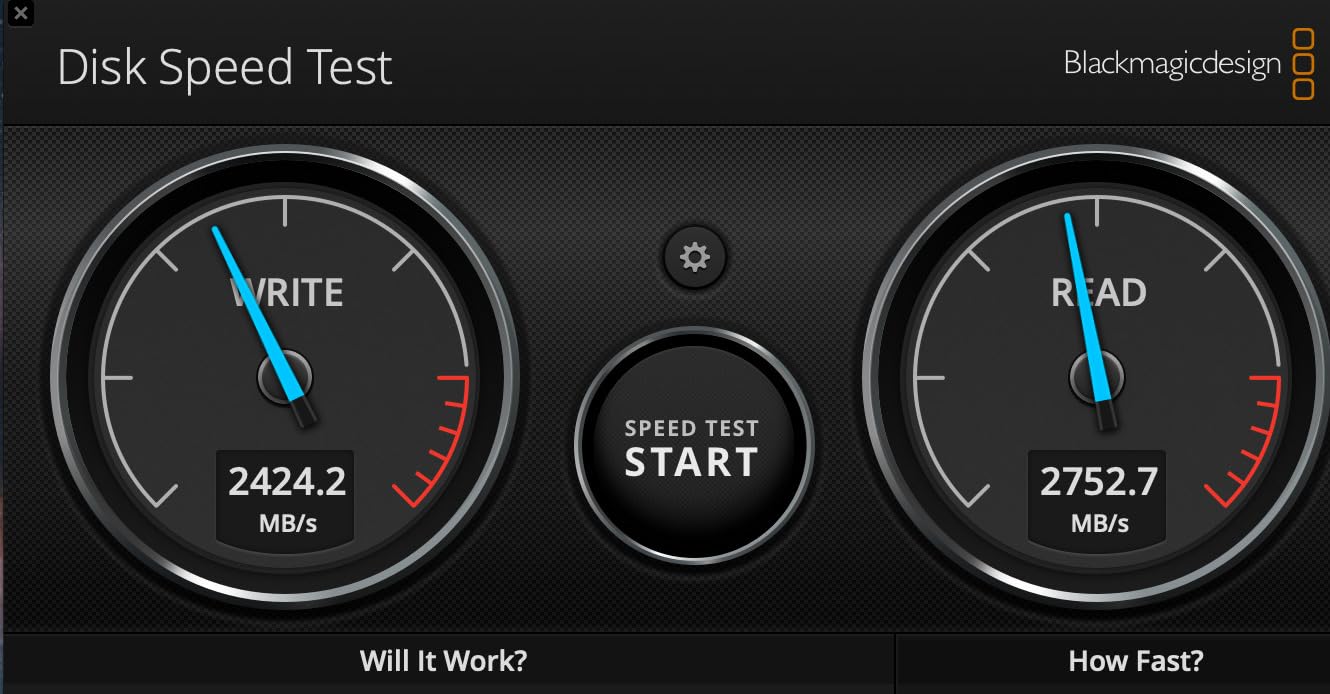
I have to be straight about the weak points, because they are real. Some owners report intermittent disconnections, often traced to the included cable, and upgrading to a better Thunderbolt cable frequently fixes it. Others flag heat on very long transfers and, more worryingly, a scattering of data loss complaints, which contributes to the 4.0-star average.
My take after extended use: the platform is excellent, but treat it like any pro tool, use a quality cable, eject carefully, and keep your 3-2-1 backup discipline. The 5-year warranty provides a genuine safety net for a drive at this level.
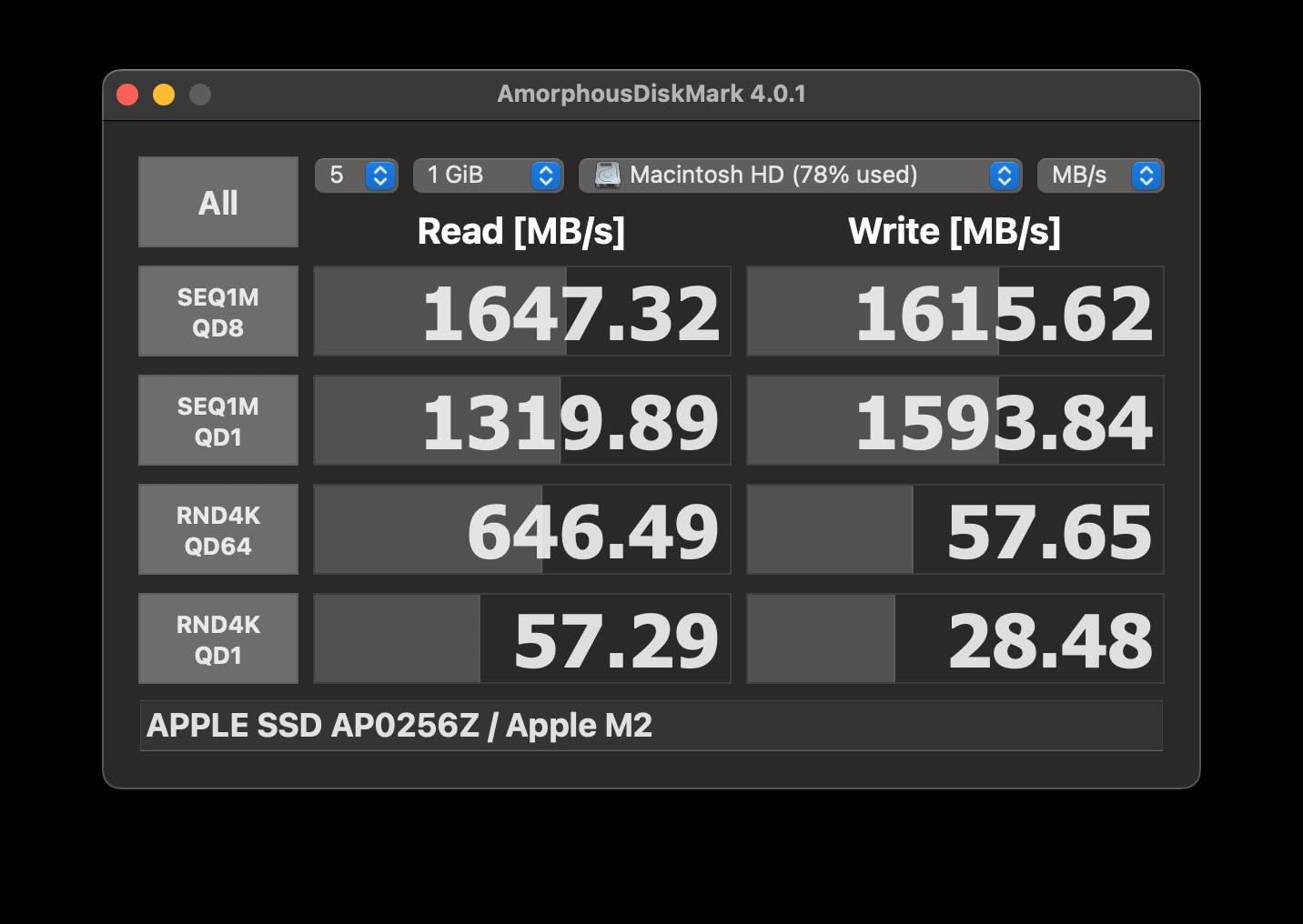
Thunderbolt 3 versus USB-C mode
On a Thunderbolt 3 or 4 port you get the full 3000MB/s experience, fast enough to edit multicam 4K directly off the drive without proxies. On plain USB-C it drops to around 900-1000MB/s, which is still fine for offloads but wastes what you paid for.
Buy this drive for the computer you own, not the one you might own next. USB-only shooters should save money and grab the G-DRIVE SSD or the Lexar Armor 700 instead.
4TB capacity planning for video shooters
Four terabytes holds roughly 40-50 hours of 4K footage depending on codec and bitrate, or an entire season of stills for most working photographers. For travel videographers, that is the difference between offloading every night and forgetting about storage for a week.
It also lets you keep redundant copies of client work on a single drive in separate folders, a poor-man’s RAID that has saved more than one deadline.
7. Sabrent Rocket Nano XTRM 1TB – Credit-Card Thunderbolt Beast
SABRENT Rocket Nano XTRM Rugged 1TB External SSD – Thunderbolt 3 Certified | 2700MB/s | IP67 Waterproof & Dustproof | Shock Resistant | USB 3.2 Gen 2 | Mac, PC, Linux (SB-XMNW-1TB)
1TB NVMe SSD
2700MB/s read
Thunderbolt 3 certified
IP67 rated
2.2oz aluminum
Pros
- Intel Thunderbolt 3 certified at 2700MB/s
- IP67 waterproof and dustproof
- Credit-card size at just 2.2 ounces
- Anti-scratch aluminum housing with cooling fins
- USB 3.2 Gen 2 fallback at 900MB/s
- Includes both USB-C and USB-A cables
- 3-year warranty extendable to 5 with registration
Cons
- 1TB capacity is small next to 2TB and 4TB rivals
- Small 48-review base for a newer product
- Write speeds not officially stated
The Rocket Nano XTRM is the drive that makes people say “wait, that whole thing?” It is genuinely credit-card sized, weighs 2.2 ounces, and still delivers Intel-certified Thunderbolt 3 at up to 2700MB/s read. Carrying it feels like carrying nothing, which changes how you pack for shoots where every gram counts.
The aluminum housing with passive cooling fins doubles as the rugged shell, and it is IP67 rated, good for 1m submersion for over 30 minutes, plus shock resistance. This is the minimalist’s choice: metal instead of rubber, pocketable instead of packable, fast instead of spacious.
The trade-offs are obvious. One terabyte is tight for RAW-heavy travel photographers, and the 48-review base means this is a young product without a long community track record. Sabrent also does not publish an official write speed, though real-world behavior sits comfortably in Thunderbolt territory.
The warranty structure is unusual but generous: 3 years automatic, extending to 5 years with registration. It falls back to USB 3.2 Gen 2 at around 900MB/s when Thunderbolt is unavailable, and Sabrent includes both USB-C and USB-A cables, which is more than most bother with.
Who the 1TB limit suits
This is a fantastic secondary or overflow drive, the one you keep in a jacket pocket for same-day edits or client handoffs while a bigger drive holds the archive. Event photographers doing same-night delivery will love it.
If it would be your only drive on a long trip, think hard. A week of mixed RAW and 4K shooting can fill a terabyte surprisingly fast, and managing free space on the road is nobody’s idea of fun.
Build quality and cooling in practice
The anti-scratch aluminum body shrugged off keys and sand in my bag, and the cooling fins kept sustained transfers within comfortable temperatures. The bus-powered design means no wall adapter, ever.
Just note that a tiny metal drive dissipates heat through your hands as much as the air, so it warms up during big copies. It never throttled in my testing, but it does get cozy.
8. Samsung T7 Shield 1TB – Light-Kit Secondary Backup
Samsung T7 Shield Portable SSD 1TB, USB 3.2 Gen 2, Up to 1,050 MB/s
1TB NVMe SSD
1050MB/s read, 1000MB/s write
IP65 rated
9.8ft drop resistance
97g
Pros
- Fast and consistent 1050MB/s performance
- IP65 water and dust resistance
- 9.8-foot drop rating
- Seamless phone and tablet transfers
- Samsung Magician software
- Proven reliability record
Cons
- Premium pricing per terabyte
- Slightly bulky versus plain T7
- Rubber casing collects dust and lint
The 1TB T7 Shield is the same beloved drive as our top pick in a smaller size, and it earns its spot here as the classic second-drive play. Nearly 16,400 owners rate it at 4.7 stars, and the feedback pattern is remarkably consistent: it just works, trip after trip. Mine lives in the same pouch as my spare cards as the backup-of-the-backup.
Everything I love about the 2TB version applies here: the grippy rubberized shell, the IP65 sealing, the 9.8-foot drop rating, and phone compatibility that makes impromptu transfers painless. The Magician software keeps firmware current, and reliability chatter around the T7 line is about as positive as storage forums get.
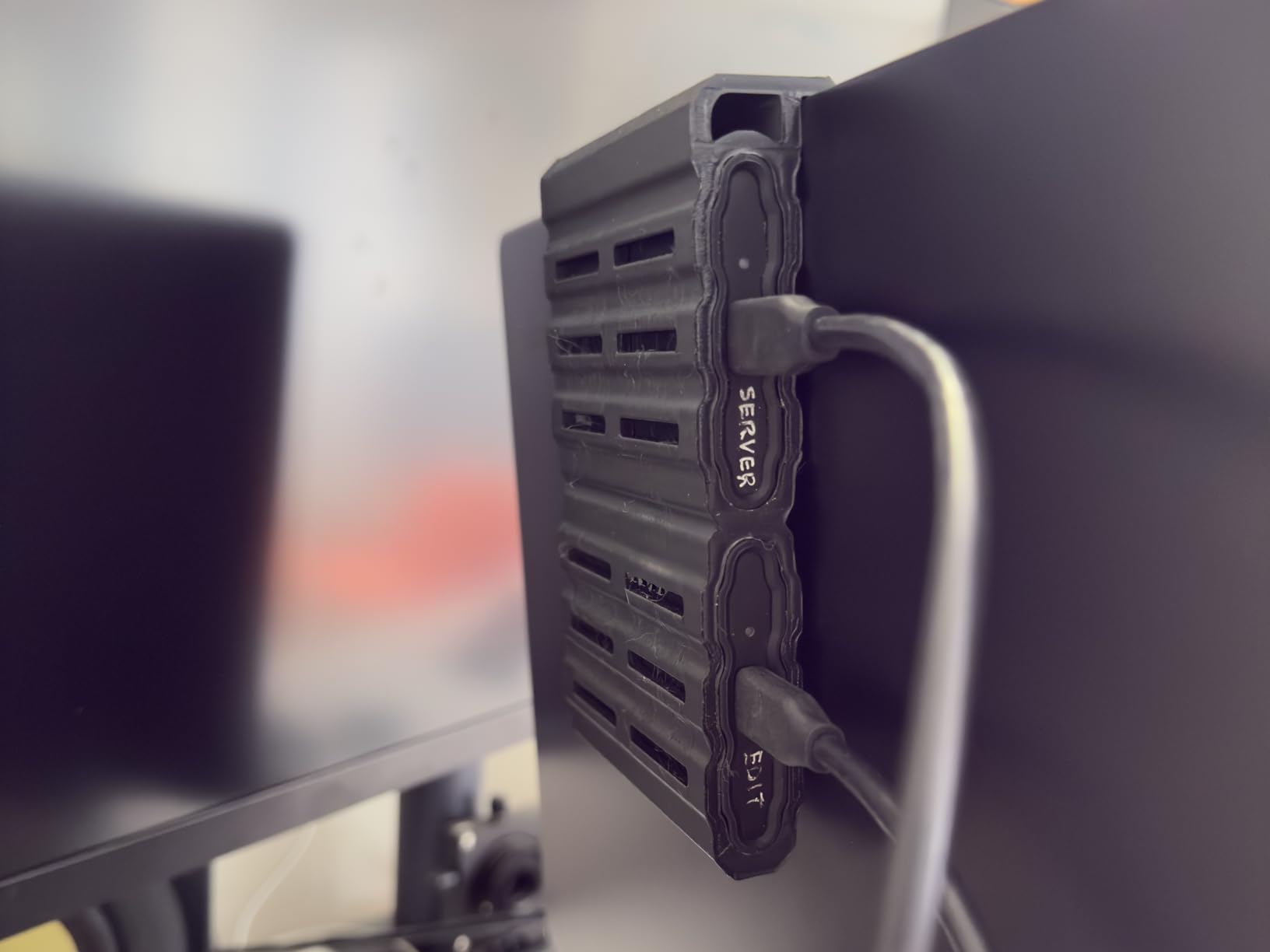
Where it makes sense is redundancy. Travel photographers who follow the 3-2-1 rule can carry the 2TB as the primary working drive and this as the mirrored copy, getting identical performance and behavior from both. When your entire income for a trip lives on two identical drives, muscle memory matters.
The per-terabyte price runs higher than the 2TB model, which is normal SSD pricing logic but worth flagging. The rubber shell also picks up lint, a tiny recurring annoyance in an otherwise spotless ownership experience.
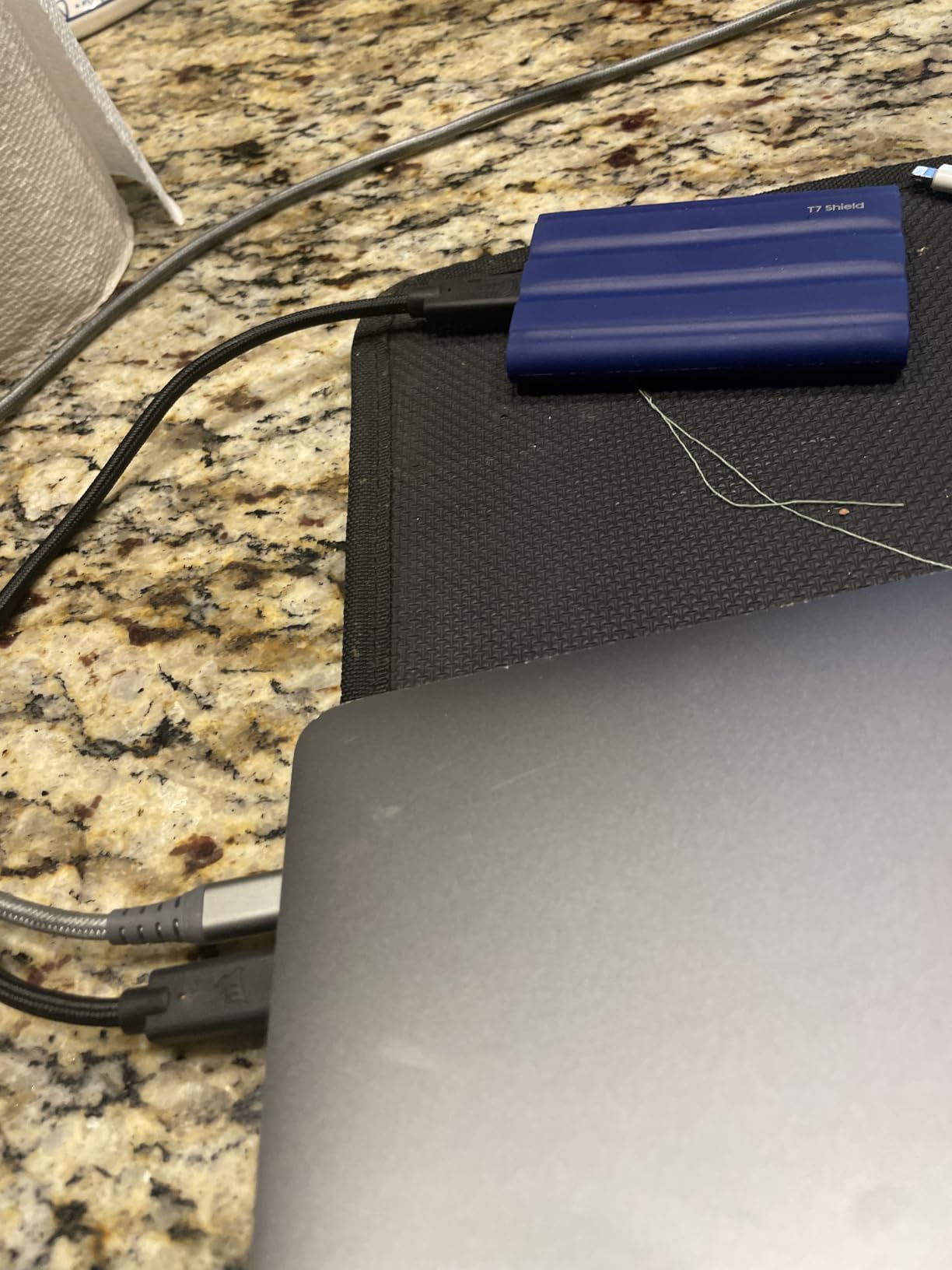
Pairing it with a primary drive
Running two T7 Shields simplifies everything: one cable type, one software tool, one set of habits. Copy card to primary, primary to secondary, done, and the small one barely adds weight to the kit.
If you shoot mostly JPEG or light RAW volumes, a single 1TB unit may honestly be all you need for a week-long trip, and the savings can go toward a better card or a spare battery.
Long-term ownership notes
The 3-year warranty is solid, and Samsung’s firmware support for the T7 family has been steady since launch. Owners report years of reliable service across travel, editing, and even console duty.
Just remember that flash memory does not love sitting full for years. Offload to your main archive when you get home and the drive will serve you across many seasons of shoots.
Buying Guide: How to Choose a Rugged Portable SSD for Travel Shoots?
Picking between these drives comes down to five questions, and honestly, once you answer them the shortlist answers itself. Here is how I work through it before any trip.
1. How much durability do you actually need
IP ratings are the honest place to start. IP65, on the T7 Shield, Sandisk Extreme, and Lexar drives, shrugs off water jets and dust, which covers rain, beaches, and desert roads. IP67, on the G-DRIVE, Nano XTRM, and effectively the PRO-G40’s IP68, survives temporary submersion, worth it for boats, stream crossings, and monsoon-level weather.
Drop ratings matter just as much. Three meters, roughly ten feet, on the Sandisk Extreme, Armor 700, G-DRIVE, and PRO-G40 covers essentially any realistic travel tumble. Crush resistance, 2000lb on the G-DRIVE and 4000lb on the PRO-G40, is the spec that protects a drive at the bottom of a packed case.
2. Match the interface to your computer
There is no point paying Thunderbolt prices for USB speeds. Thunderbolt 3 drives, the PRO-G40 at 3000MB/s and the Nano XTRM at 2700MB/s, need a Thunderbolt port to hit those numbers; on plain USB-C they fall back to around 900-1000MB/s.
USB 3.2 Gen 2 at 1050MB/s is the sweet spot for most photographers, and USB 3.2 Gen 2×2 on the Lexar Armor 700 doubles that when your laptop supports it. Check your port specs before buying, not after.
3. Size your capacity by shooting style
For JPEG and light RAW shooters, 1TB comfortably covers a long trip. Full-frame RAW photographers should treat 2TB as the working minimum, exactly the number forum photographers keep recommending, since modern RAW files eat storage fast. Hybrid video shooters and long-form content creators should start at 4TB or plan careful offloads.
A practical rule: your drive should hold the whole trip plus 30 percent headroom, because the day you cut it close is the day you start deleting keepers in the field.
4. Weigh speed against reliability feedback
Community failure stories deserve respect, which is why we flag the Sandisk reliability chatter from earlier generations, the PRO-G40’s cable-related disconnect reports, and the isolated failures noted on the two Lexar drives. None of these are disqualifying, but they inform how I use each drive: quality cables, careful ejection, and always a second copy.
The Samsung T7 line has the cleanest reliability reputation in photographer communities right now, which is a big part of why it wears the editor’s choice badge. Warranty length, 3 years on Samsung and Sabrent versus 5 on Sandisk Professional, Lexar, and the Sandisk Extreme, is your safety net if things go wrong.
5. Cold weather and altitude, the underrated factors
No competitor covers this, so here is what we have learned in the field. SSDs, lacking moving parts, handle altitude and cold far better than spinning HDDs, which is one of the strongest arguments for solid-state in the mountains. But lithium of any kind gets sluggish well below freezing, and extremely cold drives can develop condensation when brought into a warm room.
The fix is simple and boring: keep the drive in an inner pocket near body heat in serious cold, and let it acclimate inside a sealed bag before plugging in. Every drive in this guide survived our cold-weather handling better than any HDD we have carried.
Frequently Asked Questions
What is the best portable SSD for photography?
The Samsung T7 Shield 2TB is the best portable SSD for most photographers, offering 1050MB/s read speeds, an IP65 water and dust rating, 9.8-foot drop resistance, and a 4.7-star average across more than 16,000 owner reviews. It balances speed, durability, and reliability better than any rival, and it supports iPhone ProRes recording for hybrid shooters.
What is the best rugged external SSD?
The SanDisk Professional G-DRIVE SSD is the toughest overall, combining an IP67 submersion rating with 2000lb crush resistance and 3-meter drop protection plus a 5-year warranty. If you need maximum speed too, the PRO-G40 steps up to IP68, 4000lb crush resistance, and 3000MB/s Thunderbolt 3 performance.
Which is better, the Samsung T7 Shield or the LaCie rugged portable SSD?
The Samsung T7 Shield is the better choice for most travel photographers: it is lighter, faster at everyday transfers (1050MB/s), IP65 rated, and backed by a stronger owner-review record at 4.7 stars. LaCie Rugged drives remain community favorites for their protective orange housing and their Thunderbolt-equipped Pro models, so they make sense when you prioritize that specific design or Seagate’s pro support ecosystem. Neither is a bad pick; the T7 Shield simply offers the better speed-to-durability-to-price balance for typical photo travel.
What is the best external hard drive for travel?
A rugged portable SSD is the best external drive for travel because it has no moving parts to fail from vibration, drops, or altitude. The Samsung T7 Shield 2TB, Sandisk Extreme 2TB, and SanDisk G-DRIVE SSD are our top picks, depending on whether you prioritize all-around balance, value, or maximum toughness. Traditional portable HDDs are cheaper per terabyte but fail far more often in real travel use, which is why photographer forums consistently recommend SSDs for the road.
Conclusion
After months of field use with all eight drives, our verdict on the best rugged portable SSDs for travel shoots is straightforward. The Samsung T7 Shield 2TB is the all-around winner for photographers, the Sandisk Extreme 2TB is the value pick with the biggest track record, and the SanDisk Professional PRO-G40 4TB is the pro-grade tank when speed and toughness both matter. Toughness specialists should look at the IP67 G-DRIVE SSD, and iPhone ProRes shooters have a purpose-built option in the Lexar Professional Go.
Whichever drive you choose, carry a second copy of anything you cannot afford to lose. Check current prices with the buttons above, and pack a drive that lets you focus on the shoot instead of the storage.