
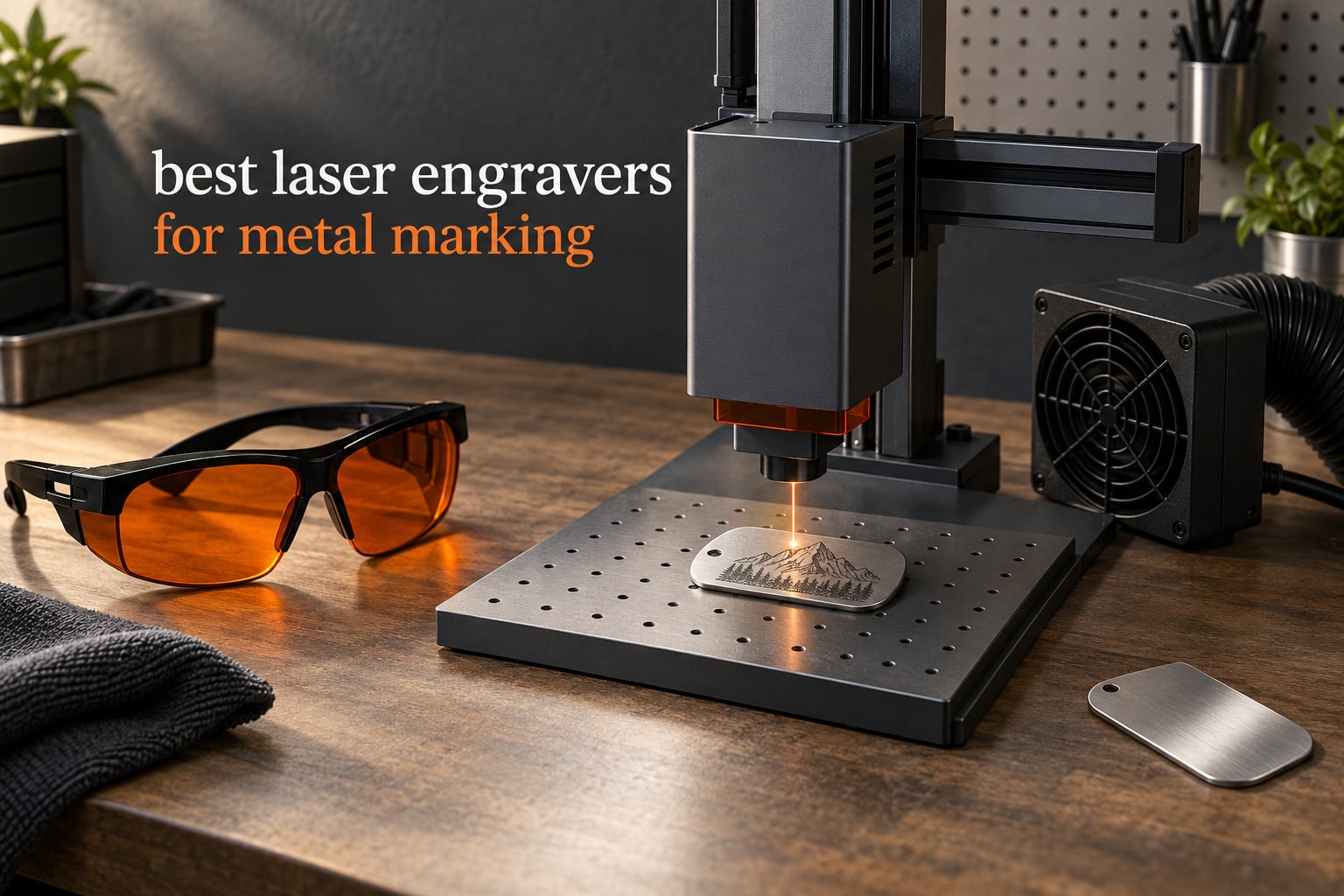
Marking metal separates laser engravers into two camps, and almost every buyer who gets disappointed belongs to the camp that picked wrong. A 40W diode machine will chew through 18mm cherry wood in one pass and still bounce straight off a stainless steel dog tag, while a 50W fiber machine will put a permanent black mark on that same tag in seconds and never touch wood at all. Those are not quality differences. They are different wavelengths doing different physics.
So this guide covers the best laser engravers for metal marking across both camps, and it does not pretend all twelve machines are the same kind of tool. We compared them on the things that decide whether a mark actually lands: source type and wavelength, real output power, work area, spot size, control software, enclosure rating, and what owners report after living with the machine. The short version: only three of the twelve put permanent marks on bare metal, and we tell you which three early so you can stop reading the moment you have your answer.
Every rating and review count quoted here comes from the product listings, and every specification comes from the manufacturer data attached to each machine. Where buyers disagree with the spec sheet, we say so. If you are still working out which class of machine you need, start with our laser cutter buying guide for hobbyists for the fundamentals, then come back here for the metal specifics.
Table of Contents
Top 3 Picks for Laser Engravers for Metal Marking in 2026
Three machines stand apart from the field, and each wins for a different reason rather than on a single score. The xTool S1 40W takes the top slot because it combines the highest owner rating in this group with the largest work area and a fully enclosed Class 1 chassis, which makes it the machine we would put on a bench for mixed metal, wood and acrylic production. The xTool F1 Ultra is the only desktop unit here that pairs a 20W fiber head with a 20W diode head in one enclosure, so it covers bare metal and thick wood without a second machine. The GWEIKE G2 Max is the dedicated bare-metal answer: 50W of 1064nm fiber, over 90 color results on stainless and titanium, and a galvanometer rated to 15000mm/s.


Best Laser Engravers for Metal Marking in 2026
| Product | Specifications | Action |
|---|---|---|
| xTool S1 40W Rotary Bundle |
|
Check Latest Price |
 ATOMSTACK A20 PRO V2 ATOMSTACK A20 PRO V2 |
|
Check Latest Price |
 CREALITY Falcon A1 10W CREALITY Falcon A1 10W |
|
Check Latest Price |
| xTool F1 Ultra |
|
Check Latest Price |
 xTool F2 5W IR and 15W Diode xTool F2 5W IR and 15W Diode |
|
Check Latest Price |
 Carverall K15 Pro 10W Carverall K15 Pro 10W |
|
Check Latest Price |
 WECREAT 20W 4-in-1 Enclosed WECREAT 20W 4-in-1 Enclosed |
|
Check Latest Price |
 WECREAT Vista 10W WECREAT Vista 10W |
|
Check Latest Price |
 Longer RAY5 20W Longer RAY5 20W |
|
Check Latest Price |
 Longer RAY5 20W 400 x 365mm Longer RAY5 20W 400 x 365mm |
|
Check Latest Price |
 Woxcker L2 MAX 10W Woxcker L2 MAX 10W |
|
Check Latest Price |
| GWEIKE G2 Max 50W Fiber |
|
Check Latest Price |
Only Three of These Twelve Mark Bare Metal
Three machines in this roundup mark stainless steel, aluminum, titanium and brass without any coating, spray or chemical step: the xTool F1 Ultra, the xTool F2 and the GWEIKE G2 Max. All three use an infrared source near 1064nm, and metals absorb that light instead of reflecting it, which is what makes the mark permanent. Everything else here is a visible-spectrum diode machine, and on bare metal those machines do nothing useful.
That is not a small caveat, so we will not bury it. The xTool S1 40W takes our Editor’s Choice for the opposite reason: it is the most complete general-purpose metal marking machine in this list, rated 4.6 across 233 reviews, with the largest bed, a rotary bundle in the box, an enclosed Class 1 chassis and a 3mm aluminum frame. It is the right pick if your metal work is coated, painted or anodized surfaces, or if you want one machine that handles production batches of tags, tumblers, key fobs and nameplates alongside wood and acrylic. If your work is raw stainless, bare aluminum or titanium, go to the fiber section instead. We are telling you both halves of that sentence because picking the wrong one wastes weeks.
The practical test is simple. Take a scrap offcut of the exact alloy and finish you plan to sell, put it on the bed, and run a test grid before you commit a production run. Forum users on r/Laserengraving repeat that advice more than any other, and it is the fastest way to avoid a box of ruined parts.
1. xTool S1 40W Rotary Bundle: The All-Round Pick with the Biggest Bed Here
xTool S1 40W Laser Cutter and Laser Engraver for Tumblers, 23.93″ x 15.16″ Bed Size, 600mm/s Speed, Laser Engraving Machine, Laser Engraver for Wood and Metal, Acrylic, Big Project – Rotary Bundle
40W diode
23.93 x 15.16 inch bed
600mm/s
Class 1 enclosure
86.8 lb
Pros
- Highest owner rating in this group at 4.6
- Single-pass 18mm cherry wood cuts
- Bed handles batches such as 119 dog tags
- Enclosed Class 1 with five flame sensors
- Auto-focus with settings pre-tested on 400+ materials
Cons
- Very heavy at 86.8 lb and needs a dedicated space
- Fume extraction requires an external vent
- Gantry has no motor braking so the head can be bumped
Out of twelve machines, the S1 40W is the one I would put on a shared bench. It carries a 40W diode module rated to slice 18mm cherry wood in a single pass at 600mm/s, and the 23.93 x 15.16 inch bed is the largest rectangular working area in this roundup by a wide margin. That bed is the reason it can run 119 dog tags in a single production cycle instead of shuffling parts across the plate.
Owners consistently point to setup speed and safety as the differentiators. Auto-focus plus xTool Creative Space, with settings already pre-tested across more than 400 materials, means a first-time user gets a clean result before the manual is opened. The Class 1 enclosure filters 99% of the laser light and carries five flame sensors, an emergency stop and a lid-open stop, so no goggles are needed and the machine can sit in a room with other people in it.
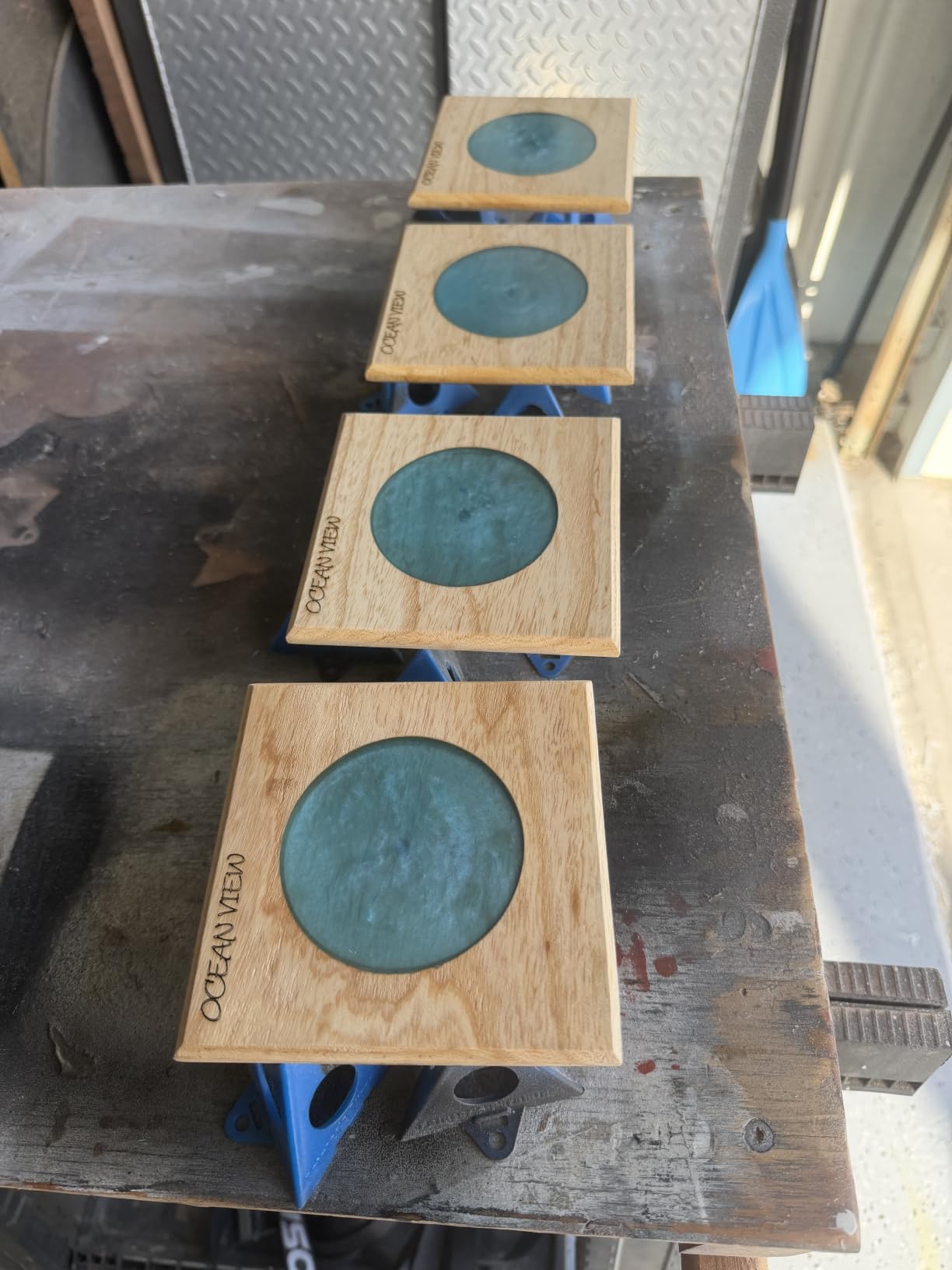
The build quality matches the enclosure. A 3mm aerospace-grade aluminum frame sits under the machine, and the manufacturer lists more than 71830 hours of testing behind it. At 4.6 average with 82% five-star ratings across 233 reviews, it has the strongest owner satisfaction in the group, and the complaints we found are all about the room it lives in rather than the marks it makes.
Be clear about the limit though. A diode source reflects off bare stainless, bare aluminum and titanium, so those jobs need a coating, an anodized layer or a marking spray first. Buyers who want raw-metal capability out of the same footprint should look at the F1 Ultra further down this list.
What you get for the floor space
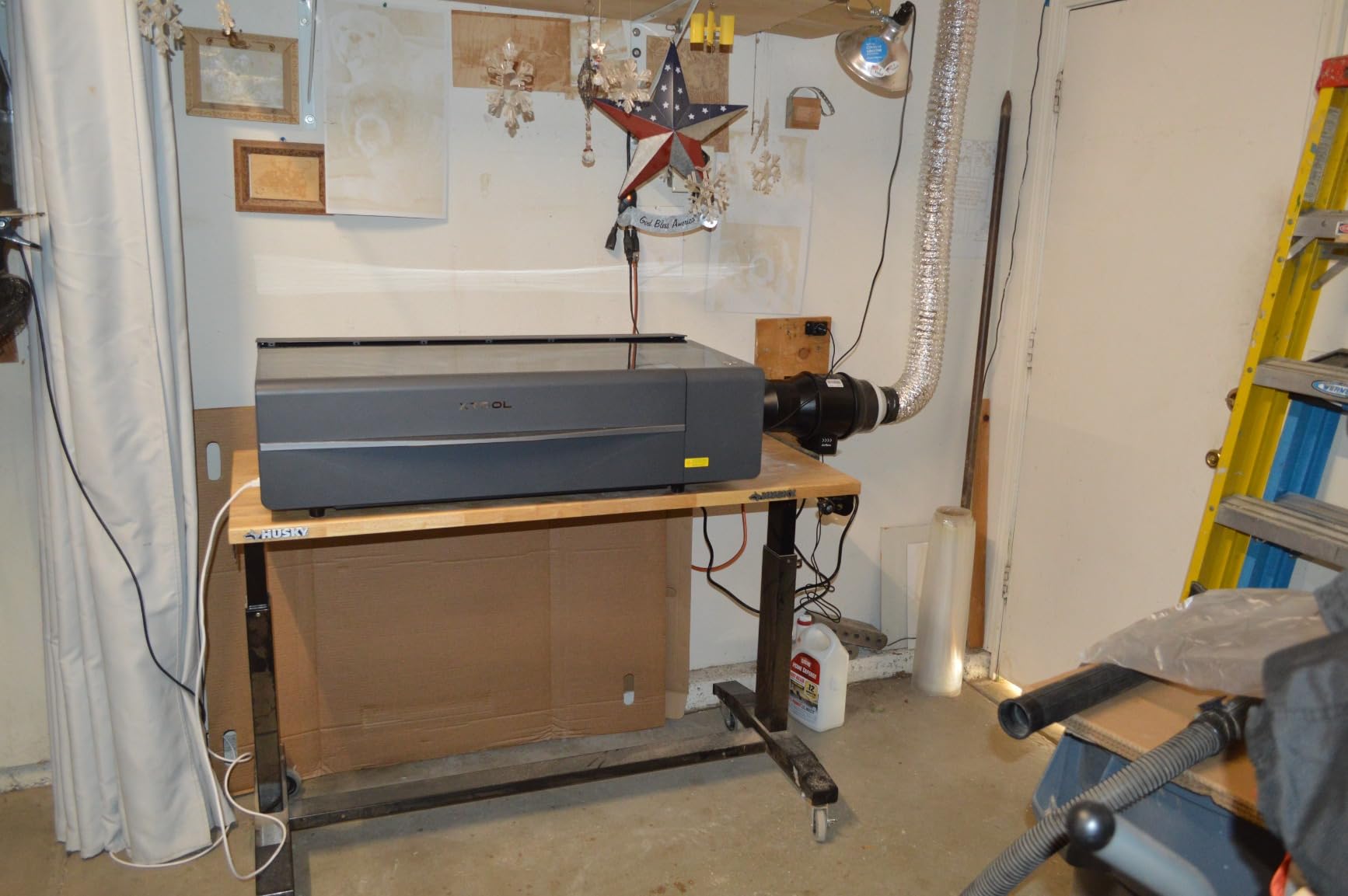
At 86.8 pounds this is a fixed machine, not a portable one. Plan a dedicated bench with clearance around the lid and access to a vent, because the internal extraction does not handle smoke fully indoors and owners report noticeable smell without external venting. A stable, level bench top matters too, and our guide to the best laser levels tested is worth a look if you are mounting a machine permanently and want the frame square before you power it up.
Two smaller annoyances come up repeatedly. There is no motor braking on the gantry, so the head can get nudged out of alignment during setup, and the spring-loaded Z probe spear can be dented on soft materials, which then gives false focus readings. Both are habits to build around rather than dealbreakers.
Who should look elsewhere
If your work is bare metal only, the S1 is the wrong purchase no matter how good the frame is, and the fiber options later in this guide will serve you better. Assembly is also not a weekend-lighter job, with one owner reporting four days for three people, so budget setup time as well as bench space.
2. ATOMSTACK A20 PRO V2: Best Open-Frame Starter with Genuine 20W Output
ATOMSTACK 20W Laser Engraver, A20 PRO V2 Laser Cutter, High Accuracy Laser Engraving Machine for Personalized Gifts, Business Cards, Wood, Metal, Acrylic, Leather
20W diode
0.01mm accuracy
400mm/s
22.83 x 9.84 inch bed
13.42 lb
Pros
- Real 20W output with sharp detailed results
- Assembly takes about 20 minutes with photo instructions
- Integrated linear guide rails for rigidity
- LightBurn and LaserGRBL both supported
- 13.42 lb frame is easy to relocate
Cons
- Belt-driven frame loses accuracy on large workpieces
- Loose gantry cables can snag without drag chains
- Bundled app and PC program are very basic
- No documentation for air pump or limit switches
This is the machine most first-time buyers end up with, and for the right reasons. The A20 PRO V2 produces verifiable 20W output, engraves at up to 400mm/s and hits 0.01mm accuracy on a 0.08 x 0.1mm dot. On wood, acrylic and coated metal, the results owners show are sharp and repeatable rather than marginal.
Assembly is unusually painless for an open-frame machine, with photo-based instructions that most owners finish in about 20 minutes. The integrated linear guide motion structure and aluminum alloy frame keep it rigid enough that small parts do not wobble, and the removable magnetic cover, safety glasses and tilt-angle safety beep come in the box.
The honest weakness is the drive system. The belt-driven frame is the least rigid design here, and owners report accuracy dropping on workpieces that fill the bed, so for full-sheet work the enclosed machines make more sense. The gantry cables are also not held in drag-chain holders, which invites snags if you move the head aggressively.
Software is the second weak point. The bundled phone app and PC program are bare-bones, and experienced users migrate to LightBurn, which the machine supports. On bare metal this is a coated-material machine only, and you will need a spray or coating workflow on top of it.
How it handles repeat production work
At 400mm/s with 0.01mm accuracy, personalization runs are perfectly comfortable on phone cases, key fobs and small plaques. The claimed laser lifespan of up to 10000 hours gives you a long runway before the source becomes a question, and LightBurn parameter libraries make it easy to store tested settings per material.
Frame rigidity is the limit for anyone cutting or engraving full 22.83 inch sheets. If your work is large-format, compare it against the Woxcker L2 MAX or the Falcon A1, both of which use stiffer enclosed structures.
Who should look elsewhere
Skip this if you plan to mark bare stainless, aluminum or titanium, since the diode source simply will not bond. It is also the wrong choice for shared studio use, because an open frame with no containment means the whole room gets the noise, the smoke and the safety problem.
3. CREALITY FALCON A1 10W: Best Turnkey Enclosed Machine for Small Parts
CREALITY FALCON A1 10W Laser Engraver, 80W Enclosed Laser Cutter and Engraver Machine with Air Assist, Smart Camera Positioning, 600mm/s Speed, Smart Material Recognition, Ideal for Wood & Metal
10W diode
381 x 305mm bed
600mm/s
Class 1 dual-door
43.6 lb
Pros
- Arrives configured with pre-set material profiles
- HD camera makes positioning simple and fast
- 600mm/s CoreXY motion for its size
- Fully enclosed Class 1 with smoke control
- Works with LightBurn
- LaserGRBL and Cutlabx
Cons
- 381 x 305mm bed is small for this class
- 10W diode cannot touch mirror-finished metal
- Cannot cut acrylic
- Does not accept the 500 x 500mm honeycomb panel
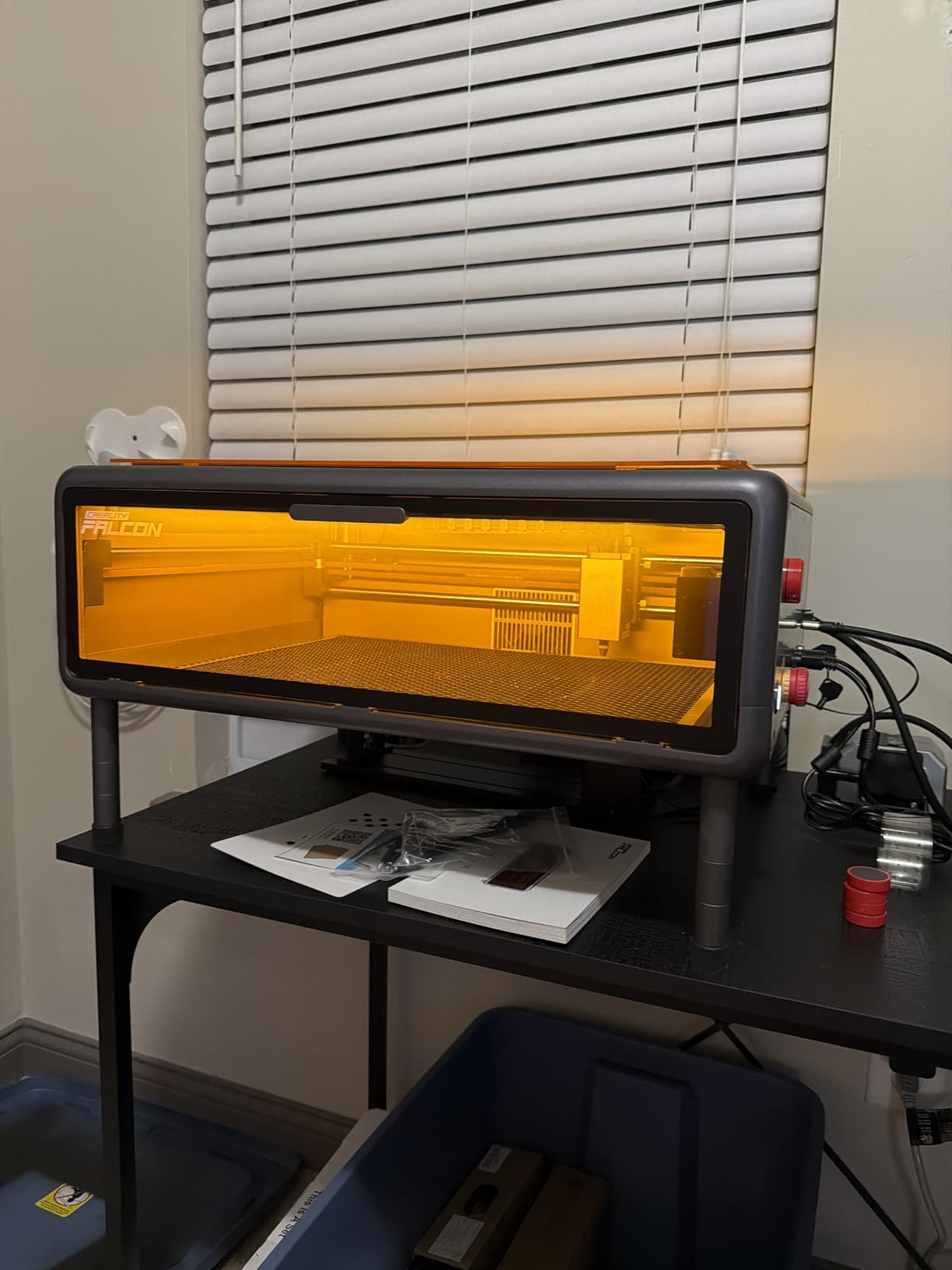
The Falcon A1 is the machine I would hand someone who has never run a laser before. It ships with pre-set parameter profiles per material, so the first job does not require reading a manual, and the free Falcon Design Space software bundles browsing, vector design and device control in one place. LightBurn, LaserGRBL and Cutlabx all work if you outgrow it.
The pre-calibrated HD camera with a full-frame view of the work area is the feature owners praise most. It removes the guesswork from positioning, which cuts material waste on small personalized pieces more than any other single feature at this class. CoreXY motion with dual motors hits 600mm/s, and the dual-door enclosure filters 99% of laser radiation with auto-lock, emergency stop and smoke control.
The bed is the trade-off. At 381 x 305mm it is smaller than most enclosed machines in this roundup, and it does not take the 500 x 500mm honeycomb panel, so you are locked into that footprint for larger pieces. At 43.6 pounds it is also a desk machine, not a portable one.
For metal, understand the limits up front. A 10W diode is strictly prohibited on highly reflective surfaces such as mirror-finished metal, and it cannot cut acrylic at all, only mark it when coated. This is a coated-metal and wood-and-acrylic machine, not a raw-metal machine.
Positioning accuracy on small jewelry work
Graphic outline extraction turns a drawn shape into an engraving path automatically, which is genuinely useful for charm and tag work where you would otherwise trace each outline by hand. Combined with the camera, it makes short production runs realistic on a small shop budget.
If your pieces are larger than a postcard, the L2 MAX at 300 x 300mm is a better fit, and if you need tumblers and curved items the WECREAT Vista comes with a rotary already designed in.
Who should look elsewhere
This is not the machine for reflective metal, thin bare stainless or any cutting work in acrylic. It is also a poor fit for a home with children or pets, despite the Class 1 rating, only because the small bed will push you toward larger machines anyway.
4. xTool F1 Ultra: The Only Desktop Unit That Does Bare Metal and Thick Wood
xTool F1 Ultra 20W Fiber & Diode Dual Laser Engraver
20W fiber plus 20W diode
10000mm/s
220 x 220mm bed
43.8 lb
Pros
- Fiber head marks every major metal
- 10000mm/s throughput is the fastest here
- 3D embossing and deep engraving on metal
- Creative Space software is easy to learn
- Enclosure
- smoke extraction
- fire alarm and emergency stop
Cons
- Some units reported failing within about 30 days
- Front-to-back calibration is easy to lose
- Deep metal engraving takes hours per piece
- LightBurn issues reported on Mac
The F1 Ultra is the only machine in this roundup that replaces two purchases. A 20W fiber head at 1064nm and a 20W diode head sit in the same enclosure, and the manufacturer specifies what each one cuts: the fiber handles 0.3mm stainless steel, 0.4mm brass and 0.2mm aluminum, while the diode cuts 15mm wood and 12mm black acrylic. Pick the head per job in the same software.
Throughput is the headline number, up to 10000mm/s with constant detail across the bed. The 16MP smart camera with shape recognition pairs with the optional Auto Conveyor to expand the working area from 220 x 220mm to 220 x 500mm for batch work, which is how small shops turn one machine into a short production line.
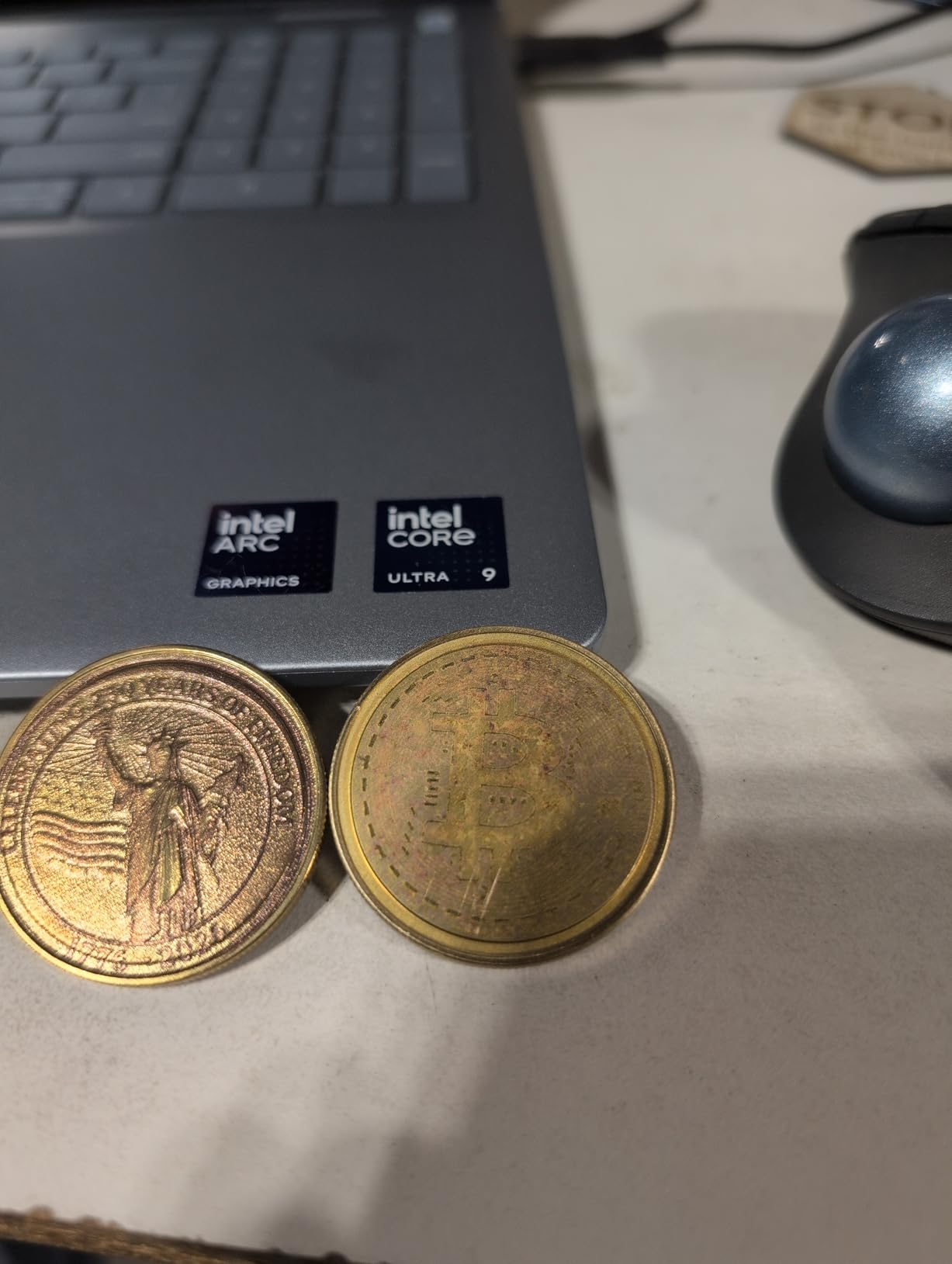
The 3D embossing and deep engraving capability is what separates it from the rest of the field. Instead of a surface mark, the fiber head carves real relief into metal, wood and stone, and those parts sell for considerably more than flat engraving. That is the reason the fiber head exists in a desktop box at all.
Now the part worth planning around: the 4.1 average is dragged by early hardware failures, with a 16% one-star share driven almost entirely by complete laser failures inside about 30 days. xTool has publicly replaced faulty units, which has softened several of those complaints, and support responds within roughly 24 hours.
Deep engraving time and calibration
Deep metal engraving is genuinely slow, and buyers report multi-hour cycles for a single piece. Budget the time into your quote rather than discovering it on your first order. Front-to-back calibration is also easy to lose and the adjustment control sits behind the light shield, so allow a few minutes of setup per session.
Creative Space is genuinely approachable and connects instantly, but xTool Studio paywalls features such as the AI design tools, and Mac users report LightBurn compatibility problems. At 43.8 pounds it is a fixed workstation, not a carry-around machine.
Who should look elsewhere
If your work is light jewelry and tags rather than deep relief, the 50W GWEIKE G2 Max fiber at a lower cost per watt of metal capability may serve you better. If you only need surface marks on coated metal, a diode machine costs far less and carries fewer ways to go wrong.
5. xTool F2 5W IR and 15W Diode: Best for Color Marking and Taking Your Shop to Customers
xTool F2 5W IR & 15W Diode Dual Laser Engraver, Built-in 50MP Camera, 6000mm/s Ultra Fast, 3D Embossing, Color Marking on Metal, On-Site & Small-Batch Ready, Portable Desktop Laser Engraving Machine
5W IR plus 15W diode
6000mm/s
4.6kg
50MP camera
enclosed
Pros
- Genuinely portable at 4.6kg while still enclosed
- 50MP camera nails small-piece positioning
- 5W IR head produces crisp designs on metal and leather
- Expandable with RA3 rotary and Slide Extension
- One program handles both heads
Cons
- Very small work plate limits batch size
- Color on some stainless grades is finicky
- Some units could not color 304 stainless
- Software pushes work to the cloud
The F2 solves a problem no other machine here does: taking a metal engraver to a market stall or a customer’s kitchen. At 4.6kg it arrives fully assembled and one person can carry it, yet it is still a fully enclosed leak-proof chassis with a built-in fan and an optional purifier, which is unusual at this weight. Forum users consistently recommend enclosed machines for shared and home spaces, and this one is portable without giving that up.
The 5W infrared head produces deep, dark, vivid color marks on metal, and the 15W diode covers 3D embossing and thicker cutting across 300+ materials. Speeds reach 6000mm/s, and a card engraving takes about three seconds, which matters when you are doing personalization in front of a customer.

The 50MP built-in camera with up to 0.1mm alignment accuracy is what makes on-site work practical, since you can frame a small charm without a computer-side preview dance. Owners report it beating larger machines in their class, and the RA3 rotary plus Slide Extension expand it for batch production when you get back to the bench.
The work plate is very small, and that is the main constraint. Without the Slide Extension you are limited in batch size, and color marking on some stainless grades is finicky enough that owners spent real time on trial and error. A number of units arrived unable to produce color on 304 stainless at all.
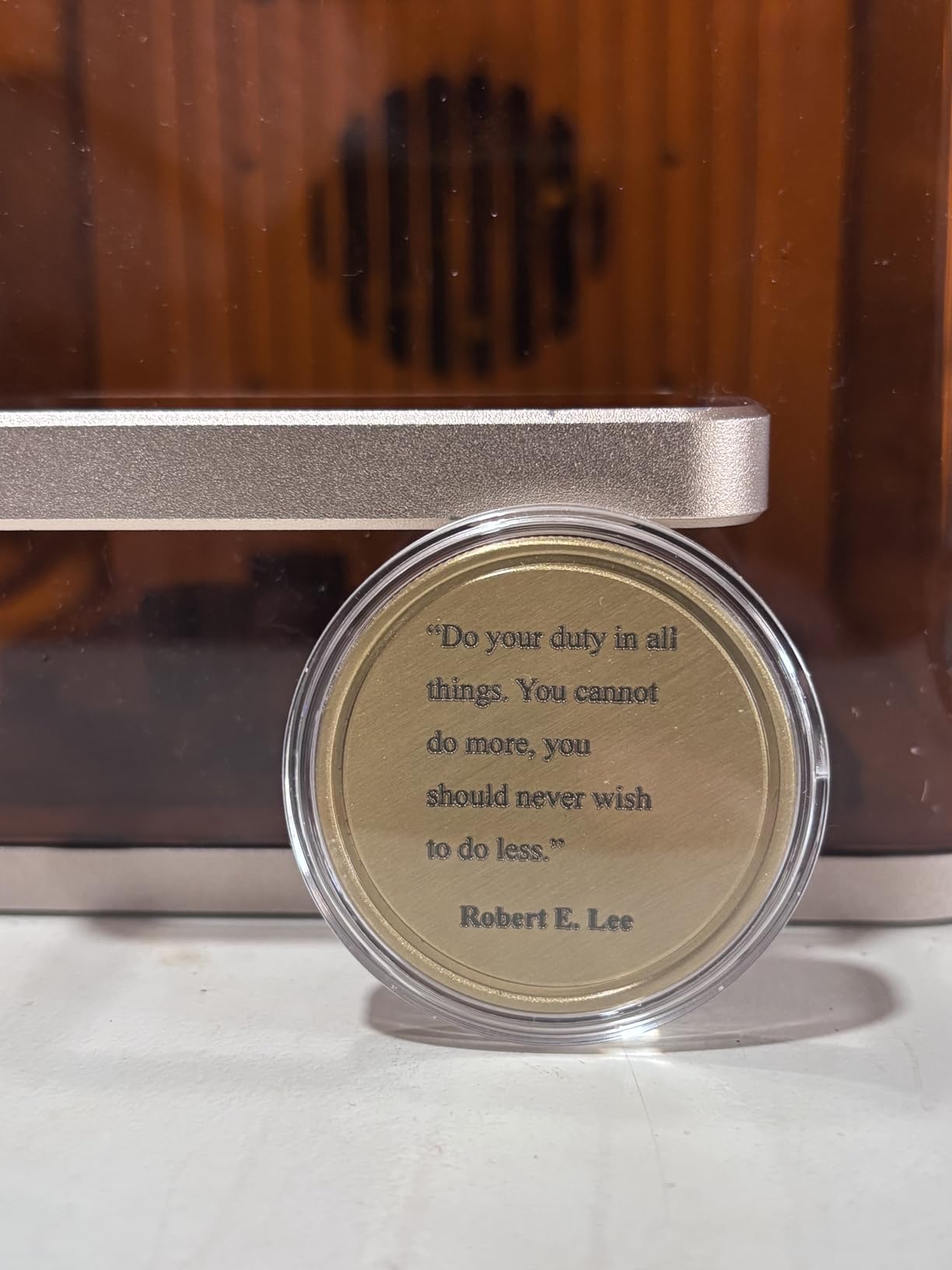
Color marking expectations by alloy
Color results depend on the alloy, and 304 stainless proved the hardest grade in owner reports. Treat color as a test-and-tune process: run a grid on a scrap of the exact grade, then save the parameters in your library rather than re-deriving them each time.
The 5W IR is a surface-only color tool, not a deep engraver. If you need relief cut into raw stainless or aluminum, the F1 Ultra or the G2 Max is the machine for that job.
Who should look elsewhere
Buy something larger if your income depends on batch volume, since the work plate will throttle you. Also weigh the cloud-based workflow if you work on machines without reliable internet, since some users cannot save files locally through xTool Studio.
6. Carverall K15 Pro: Best Budget Pick That Grows Into Coated Metal Work
Carverall K15 Pro Laser Engraver 10W-Laser Engraving Machine for Coated Metal Wood Acrylic Glass Stone, Near A4 Work Area Offline Engraving CNC DIY Lazer Cutter for Home & Crafting 10000mW Class 1
10W verified 10.36-10.58W
11.8 x 7.9 inch bed
0.01mm precision
2.68 kg
Pros
- Sharp consistent results on wood for beginners
- Three minute assembly with six screws
- CutLabX free plus full LightBurn compatibility
- Near-A4 bed in a chassis that slides under a desk
- Verified real output rather than a marketing number
Cons
- Bare metal needs the optional 1W IR head
- CutLabX can be unstable on ARM Windows tablets
- Manual is poorly written with wrong page references
- Enclosure
- air pump and camera are extra purchases
The K15 Pro is the lowest-cost machine here that publishes a verified output figure, and the manufacturer states 10.36 to 10.58W from a dual-fan diode module. That matters more than it sounds, because the 50% reduction in heat build-up from the dual-fan design is what keeps small detail crisp instead of scorched on thin material.
It is also refreshingly simple to build. Six screws and about three minutes, with a near-A4 bed of 11.8 x 7.9 inches on four heightening columns, and at 2.68 kg the whole thing slides under a desk. CutLabX comes free with AI design, and LightBurn and LaserGRBL are both supported for when you want real control.
Owners are clear about the running cost of ownership. To work safely and well you end up adding an enclosure, an air pump, ventilation and eventually a camera, and the printed manual is confusing enough that most people rely on LightBurn documentation instead. Offline TF-card operation plus Wi-Fi app control means you can run batches without a PC on the bench.
For metal, the honest position is that this is a coated-metal machine. The optional 1W IR head upgrade opens up stainless and aluminum work, and that is a sensible first step rather than a mistake. One-touch smart focus and smart file memory simplify repeat jobs, which is where a small machine earns its keep.
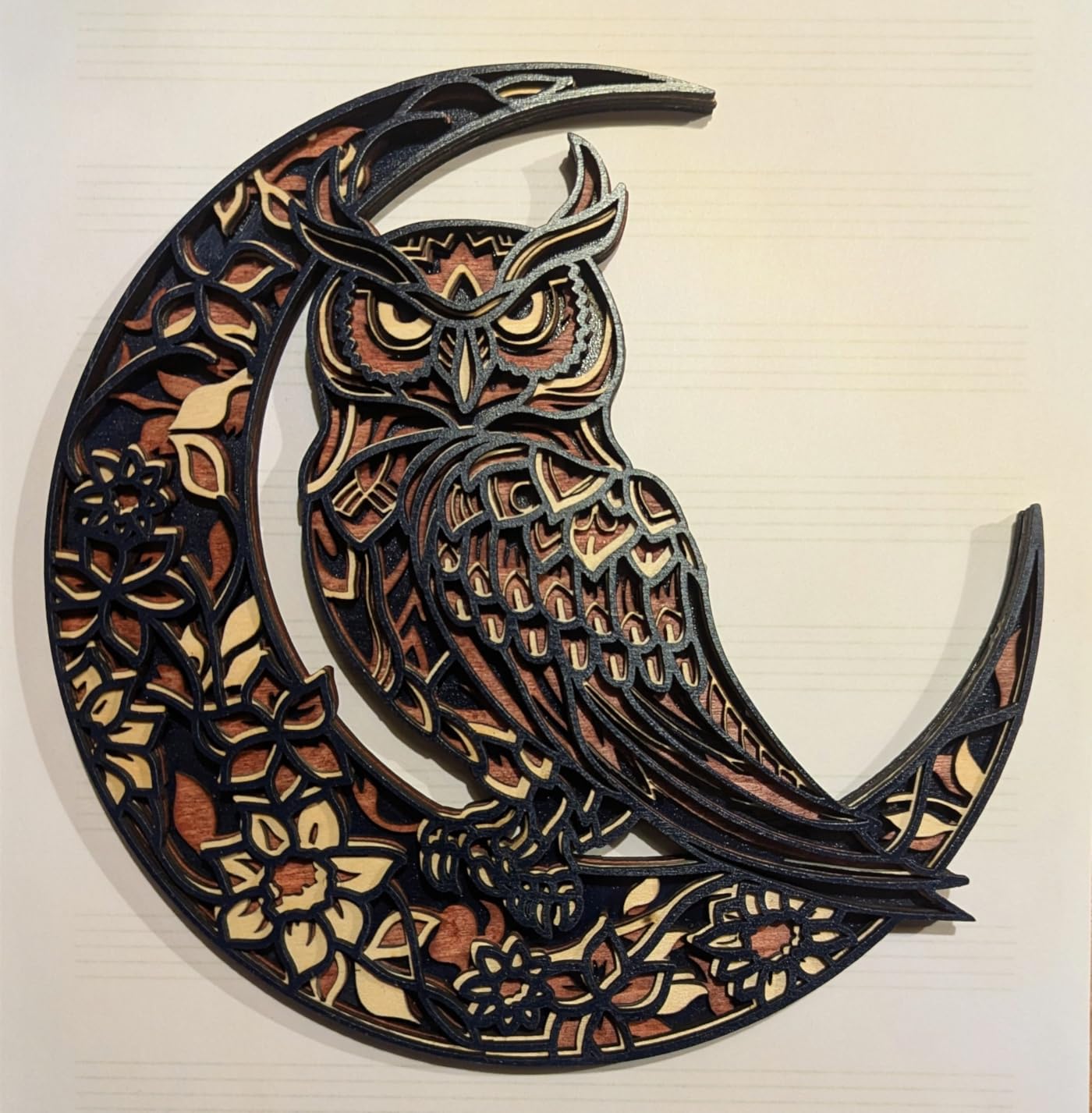
What the total ownership picture looks like
Compare this to a diode machine that includes its enclosure. The sticker number looks low, and the real number depends on how many accessories your workflow actually needs. Forum buyers consistently flag total cost of ownership, including accessories, as the thing manufacturers never mention.
If you are starting on wood and acrylic with occasional stainless charms, buying the IR head later is a perfectly reasonable path. If bare metal is the main event from day one, put that money toward a fiber machine instead.
Who should look elsewhere
This is not the choice for a home with children unless you add an enclosure first, and it is not the choice for a business with fume requirements. Experienced users who dislike bundled software should factor that frustration in, even though LightBurn removes it.
7. WECREAT 20W 4-in-1 Enclosed Diode: Best Enclosed Diode Workstation with Auto Lift
WECREAT Laser Engraver and Cutter, 20W(20,000mW) 4-in-1 Desktop Diode Fully Enclosed Laser Engraver Machine with Rotary, Home Business for Jewelry and Gift Making with Metal Wood Acrylic Leather
20W diode
0.06 x 0.08mm spot
0-140mm auto lift
Class 1
66.9 lb
Pros
- Class 1 enclosure means no goggles needed
- Ships pre-assembled so there is no build time
- Auto lift handles tall items without a riser
- Built-in camera with 3D preview cuts waste
- Air assist plus rotary kit covers tumblers and rings
Cons
- Very heavy at 66.9 lb
- Diode only so bare and reflective metal is out
- Rotary kit and purifier add to total cost
This is a workstation rather than a hobby machine, and the design reflects that. It arrives fully assembled, so there is no build weekend, and the 0-140mm automatic lift adjustment handles tall items like a rolled tumbler without a separate riser base. WeCreat MakeIt and LightBurn are both supported, with 1000+ ready-to-make projects available.
Safety is the strongest argument for it. The FDA Class 1 fully enclosed chassis auto-stops when the lid opens, and the cover filters 99% of light, so you are not buying goggles and you are not running an open beam in a room with other people. Smart Air Assist delivers up to 30L/min, which visibly improves edge quality on cut material.
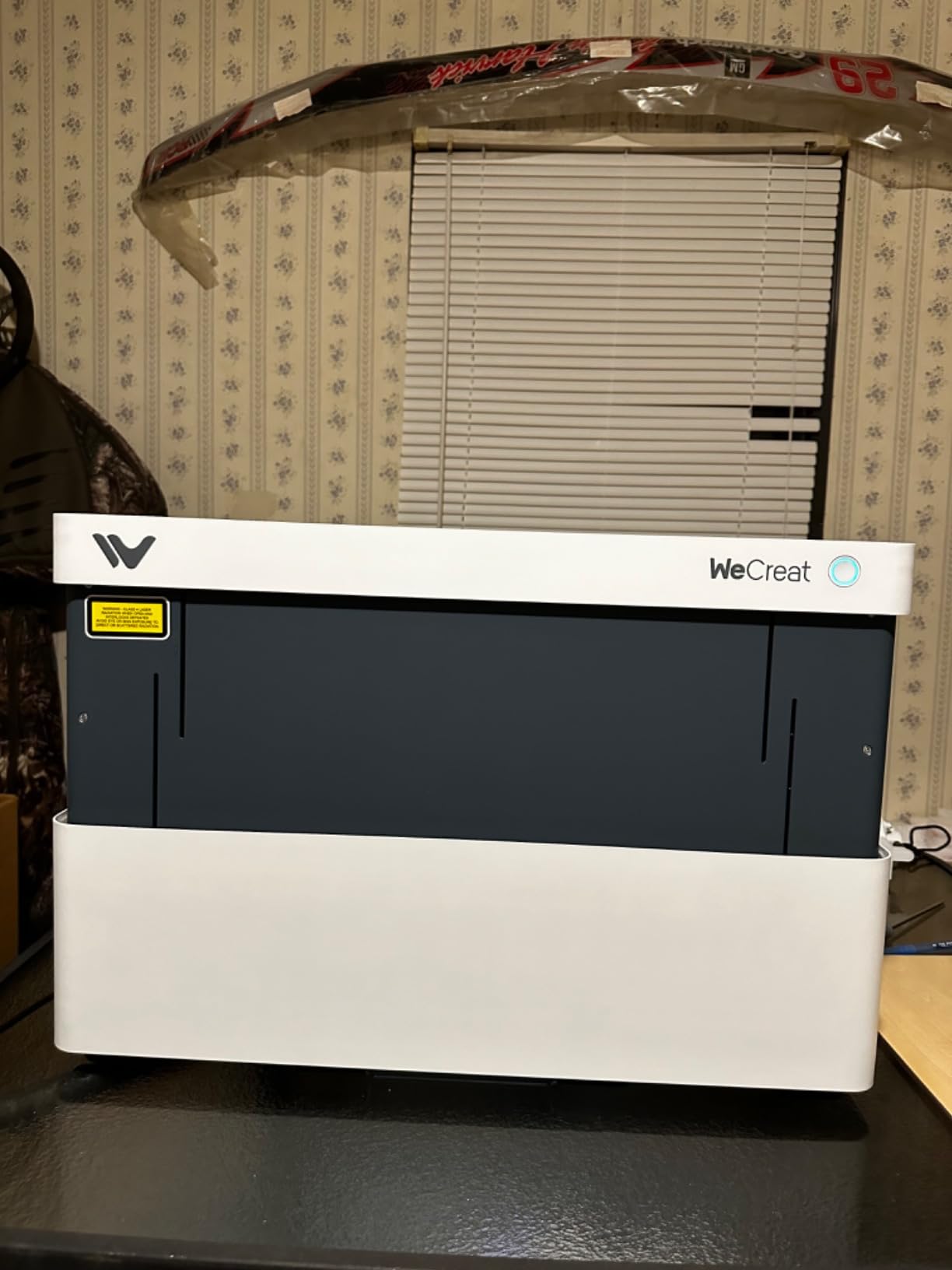
The 0.06 x 0.08mm spot is tight for a diode and shows up in fine detail work, and the built-in HD camera with automatic positioning, quick view matrix and 3D preview reduces waste on small batches. It cuts 10mm wood or 8mm opaque black acrylic in one pass at up to 600mm/s.
At 66.9 pounds this is the second-heaviest machine in the roundup and belongs on a fixed stand. The rotary kit covers tumblers, mugs, spheres, rollers, chucks and rings, which is where the 4-in-1 name comes from, but it is an added purchase along with the purifier.
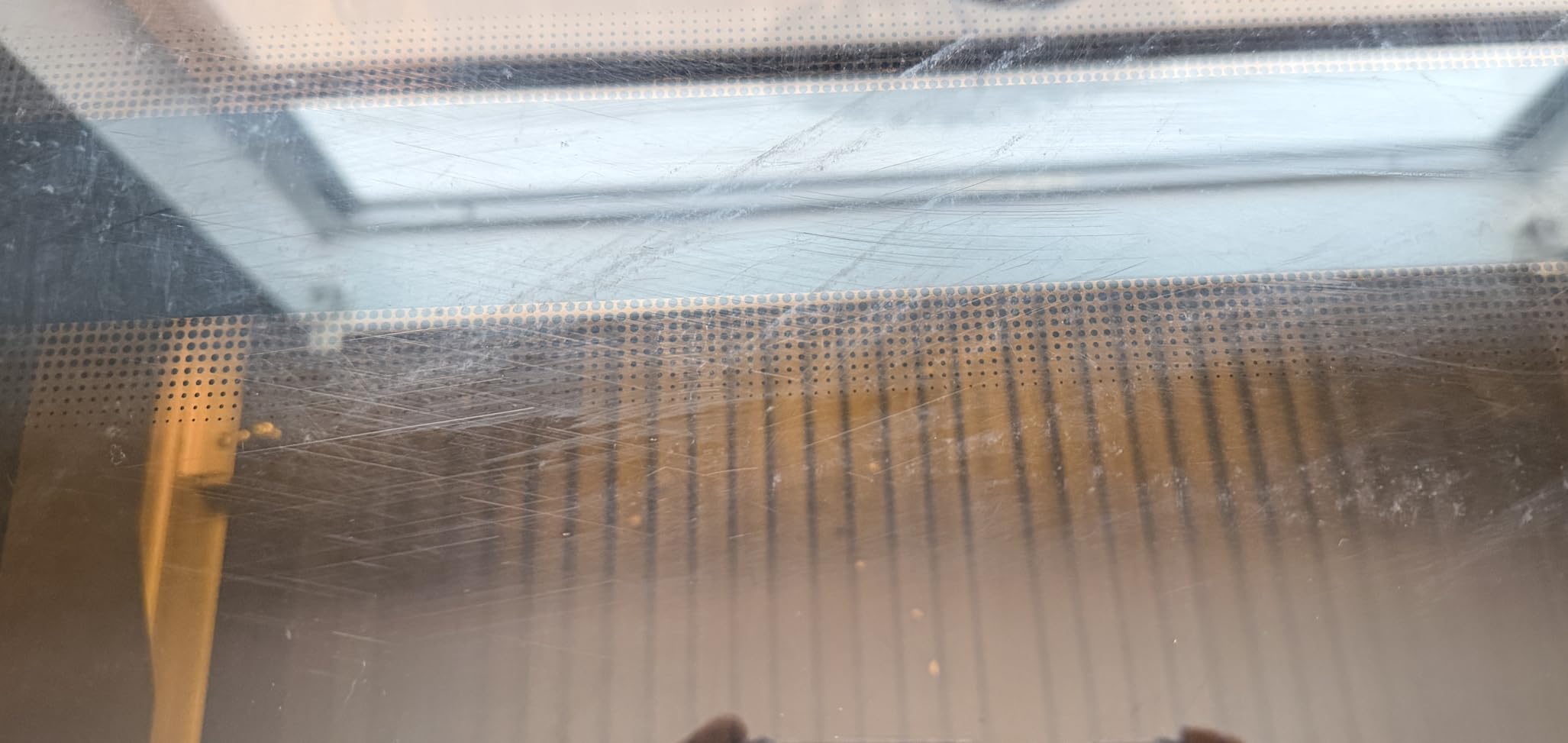
Where a 20W diode earns its keep
The jump from 10W to 20W is most visible on thicker wood and acrylic, where a 10W head needs multiple passes and a 20W head gets through in one. If your product line is drinkware and coated metal rather than raw steel, that difference is worth the weight.
Plan the accessory budget before the machine arrives. The rotary kit and the purifier are the two purchases owners most often add later, and adding them later always costs more attention than adding them at the start.
Who should look elsewhere
It cannot mark bare or reflective metal, full stop, and some buyers expected fiber-class capability from a diode laser. If raw stainless is the product, the fiber section is where your money belongs.
8. WECREAT Vista 10W: Best for Tumblers on a Desktop
WECREAT Vista 10W Laser Engraving Machine with 9-in 1 Rotary, Smart HD Camera, Compact Diode Desktop Laser Engraver for Beginners DIY Hobbyist Wood Leather Glass Metal Jewelry Gifts Making
10W diode
16.34 x 11.42 inch bed
FlipLaser rotary
Class 1
53.9 lb
Pros
- FlipLaser rotary handles 40oz tumblers with no calibration
- TopView camera gives distortion-free positioning
- Class 1 metal enclosure suits schools and homes
- Fine 0.06 x 0.04mm spot suits thin materials
- Air assist and CleanAir extractor included
Cons
- Heavy at 53.9 lb for a desktop unit
- Bare metal needs the optional 2W infrared module
- MakeIt app is fiddly if you prefer LightBurn
The Vista exists to solve one problem better than anything else here: putting a name on a 40oz tumbler without a pile of risers. The patented 90-degree FlipLaser rotary holds the cup at the right angle and needs no manual calibration, which removes the single most common source of failed tumbler jobs on a desktop machine.
At 4.4 across 70 reviews with 73% five-star ratings, it is well regarded, and the TopView HD camera with auto-focus and distortion-free flat scanning is the feature that reduces material waste most. The fire-retardant metal enclosure is rated Class 1, which is why this machine shows up in schools and shared makerspaces where an open frame would not be allowed.
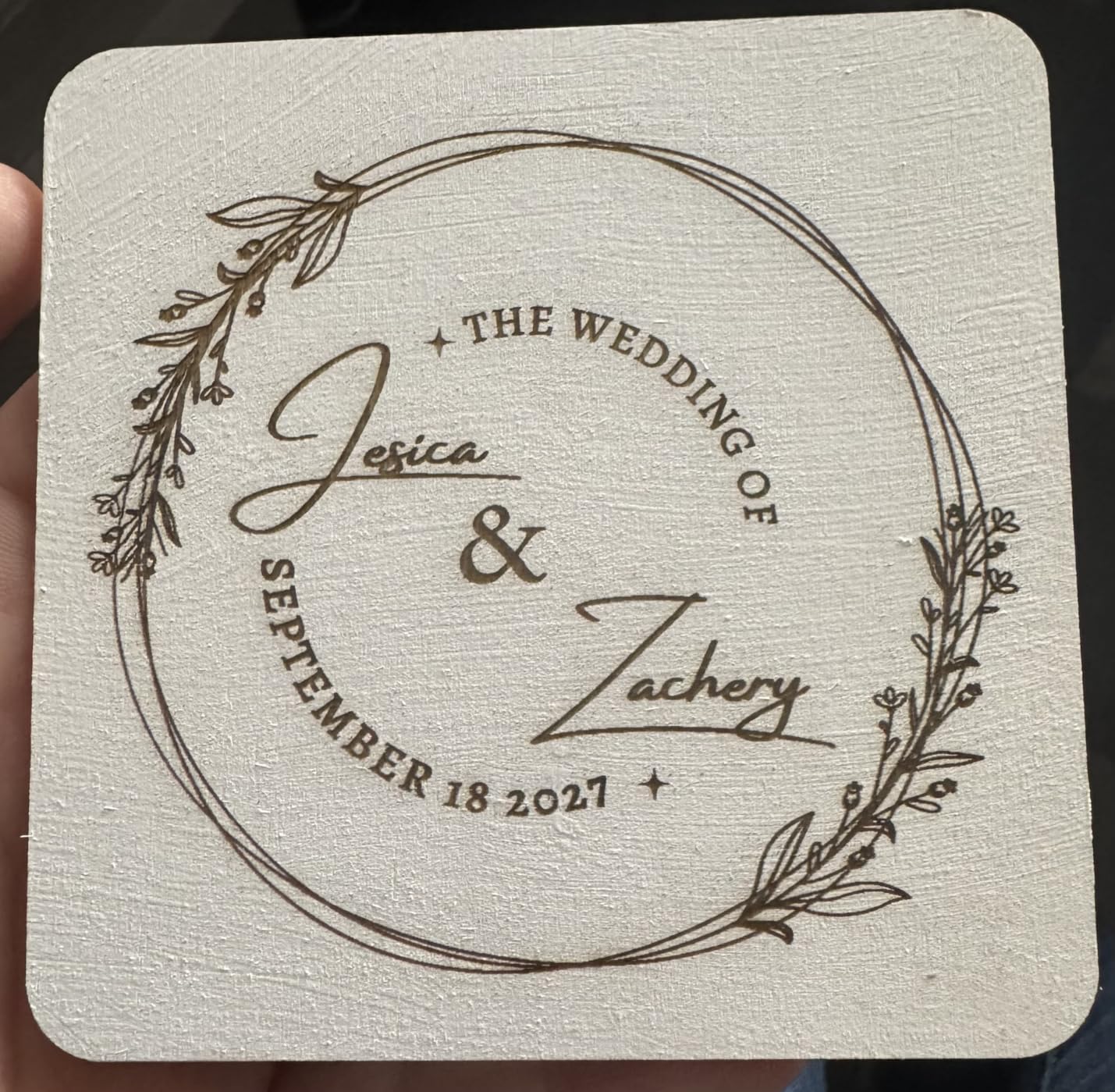
Air Assist and the CleanAir fume extractor come as part of the setup, so the smoke problem that plagues open-frame machines is largely handled. The bed is a generous 16.34 x 11.42 inches and the 0.06 x 0.04mm spot is excellent on thin materials like fabric and acrylic, at 600mm/s.
Metal capability is the add-on story. The optional 2W infrared module handles metal and plastic detail work, and without it you are working coated surfaces only. WeCreat MakeIt bundles 2000+ projects and 500+ typefaces, though owners who prefer LightBurn find the app fiddly at first.
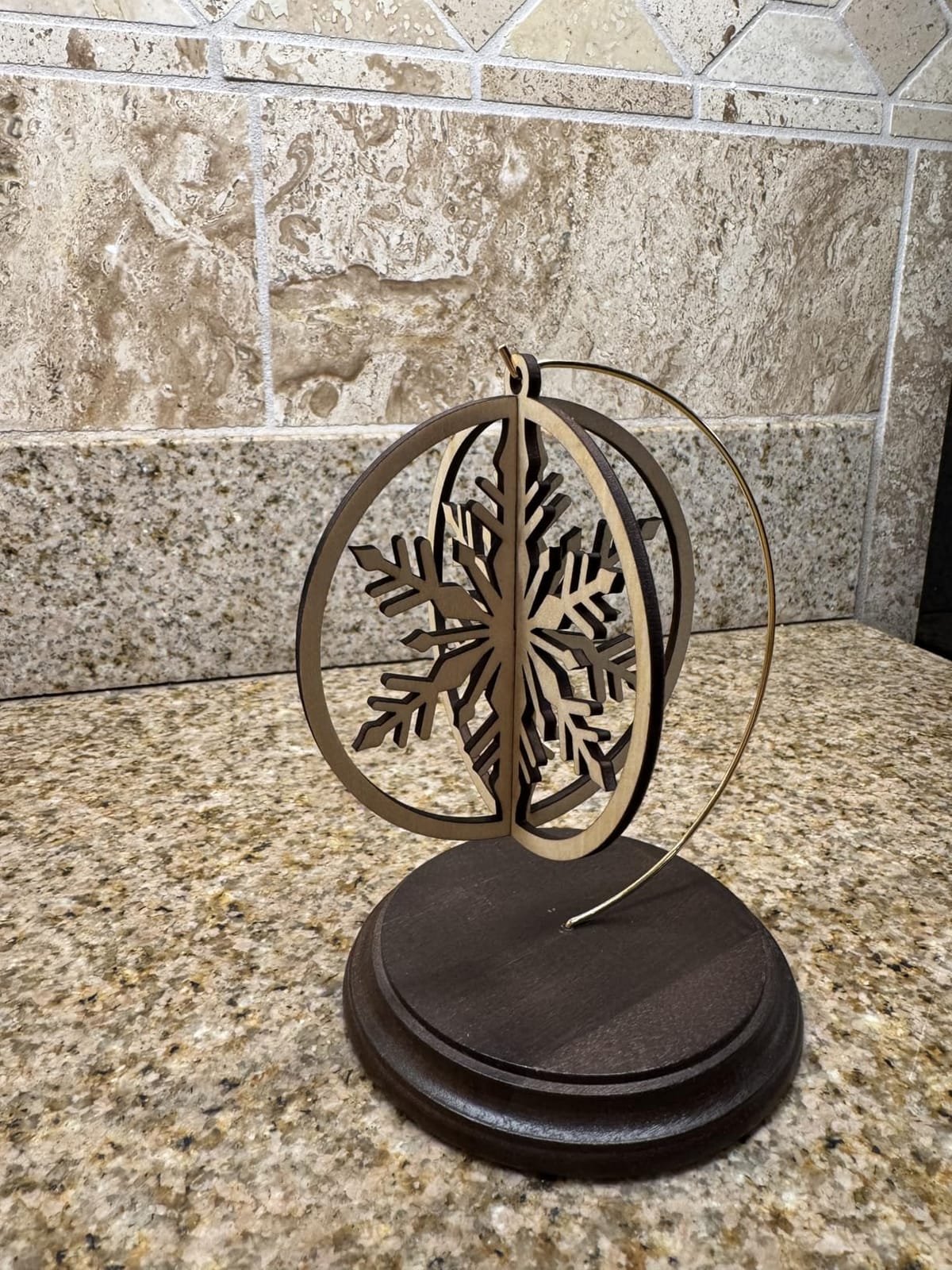
Drinkware workflow in practice
Set the cup once, focus once, and run the batch. The FlipLaser geometry means the working height stays consistent across a run, which is exactly what you want when twenty identical blanks leave the machine with the same depth of mark. That repeatability is the reason this rotary design was patented.
The trade-off is footprint. At 30 x 23.62 x 13.58 inches and 53.9 pounds, this is not a machine you move between benches, so give it a permanent home near a vent.
Who should look elsewhere
If your product is raw stainless or aluminum, the optional 2W infrared module is a limited tool and the fiber machines serve you better. If you do not work in drinkware at all, the extra mass buys you nothing.
9. Longer RAY5 20W: Best Open-Frame Choice for Continuous Production
LONGER RAY5 Laser Engraver 20000mW Laser Cutter 130W CNC Laser Cutter with 3.5″Touch Screen Laser Engraving Machine DIY Engraver Tool for Metal Glass Wood Leather Laser Class ii
20W diode
400 x 400mm bed
3.5 inch touchscreen
7x24 rated
11.23 lb
Pros
- Verified single-pass cuts of 15mm pine and thin stainless
- 400 x 400mm bed is large for the class
- 3.5 inch touchscreen removes the PC from setup
- ESP32 chipset drives several machines from one PC
- Rated for continuous 7x24 operation
Cons
- Bundled phone app and PC software are basic
- No camera for automatic positioning
- Diode only so no color marking or deep metal work
- Protective cover and glasses are separate for some setups
The RAY5 20W is built for volume rather than versatility. It is rated for continuous 7×24 operation, and the 240MHz ESP32 chipset supports controlling several machines from one PC, so a small shop can run parallel jobs without dedicating a computer per machine. The built-in 3.5-inch touchscreen means the machine is not useless when the PC is busy with another cut.
Cutting figures are specific and check out: 15mm pine and 8mm acrylic in a single pass, with multi-pass capability up to 25mm wood and 35mm acrylic. The 400 x 400mm bed is larger than most enclosed machines in this roundup, and 0.08 x 0.1mm laser points at 0.01mm engraving precision are genuinely fine for serial numbers and barcodes.
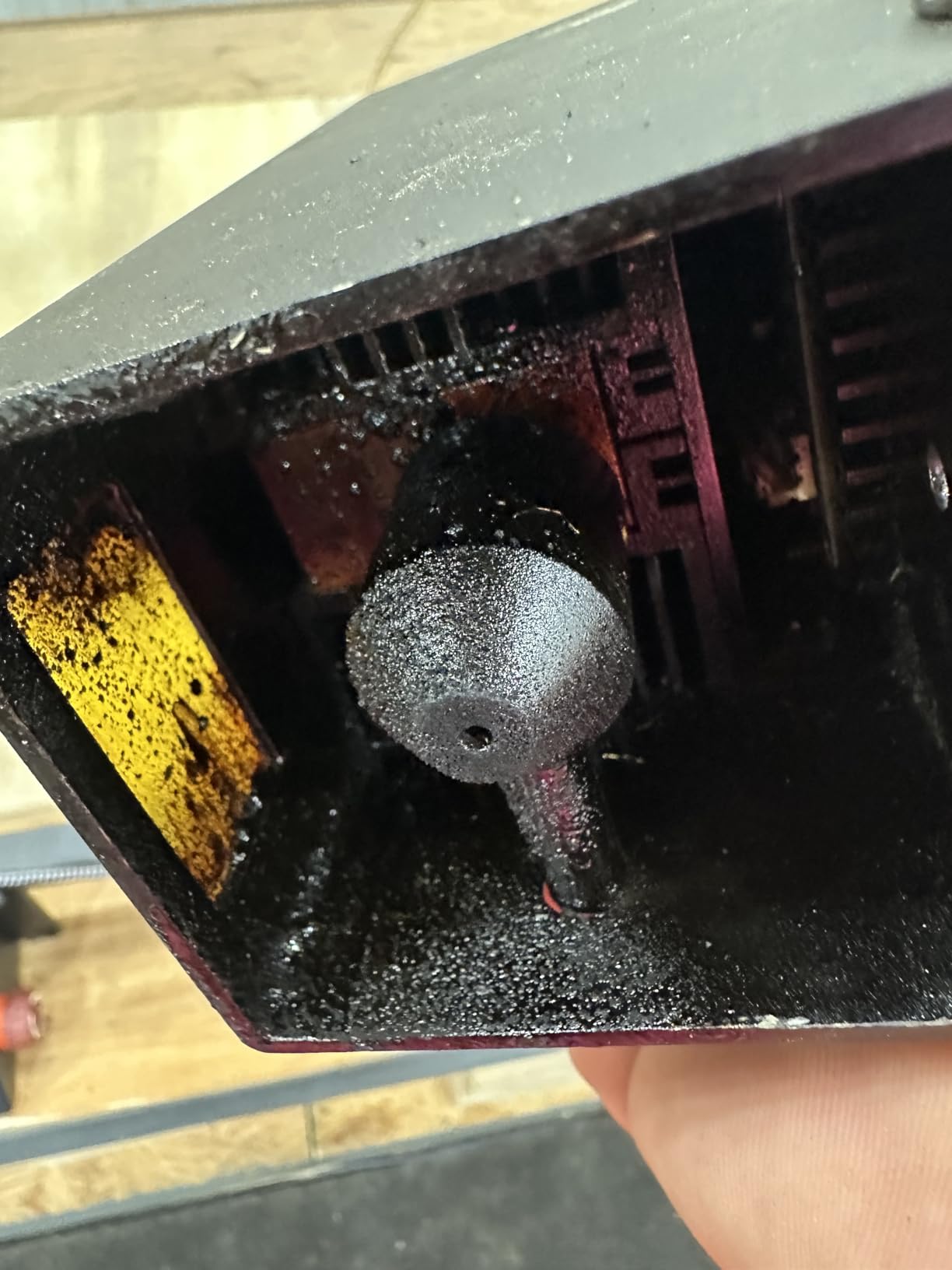
Four connection modes cover USB, Wi-Fi, app and offline operation, and LaserGRBL and LightBurn are both supported. The laser head protective cover filters over 95% of laser emissions, with emergency stop plus motion and heat protection underneath it.
It is an open frame, which is the trade-off for the size and the production rating. The bundled phone app and PC software are basic enough that experienced users move to LightBurn, and there is no camera, so positioning is manual. On metal it marks thin stainless only in the shallowest sense, with no color marking and no deep engraving.
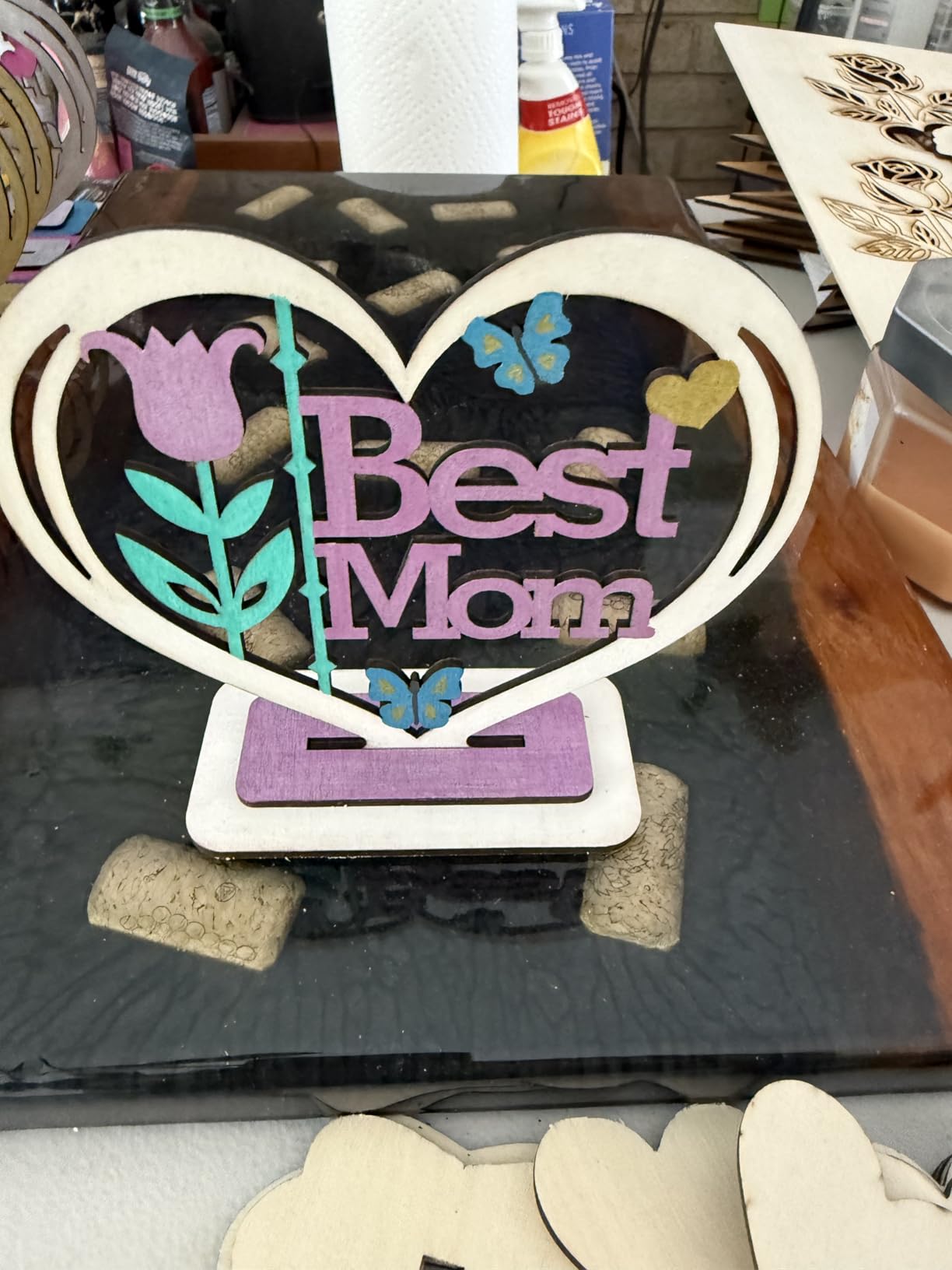
Multi-machine control and uptime
Running two or three of these from one computer is the scenario the chipset was designed for. Batch queues, identical parameter sets and a consistent bed size make serialized marking across a whole run straightforward, which is how this machine earns back its cost in a production shop.
Ventilation is the piece to plan. With an open frame there is no containment, so a vent or a purifier nearby is part of the setup rather than an accessory, and the protective cover and eyewear should be treated as required equipment.
Who should look elsewhere
Choose an enclosed machine if you work in a home, a classroom or a customer-facing space, because an open frame is a safety decision you cannot undo later. Anyone marking raw metal should look at the fiber options instead.
10. Longer RAY5 20W 400 x 365mm: Best Value Diode with a Color Touchscreen
Longer RAY5 20W Laser Engraver, High Power Laser Cutter Machine
20W diode
400 x 365mm bed
10000mm/min
color touchscreen
10.68 lb
Pros
- 4.6 average with only 3% one-star ratings
- Genuine 20W power cuts 25mm wood and 35mm acrylic
- Built-in 3.5 inch color touchscreen for standalone control
- Four connection modes including TF-card offline
- Light 10.68 lb frame moves easily around a workspace
Cons
- No integrated camera for automatic positioning
- Air pump is recommended for best results
- Bundled software is basic next to LightBurn
- Open frame offers no fume containment
This RAY5 variant pairs the highest owner satisfaction in the group with a light frame and a real touchscreen, and at 4.6 across 110 reviews with only 3% one-star it has one of the cleanest reliability records here. The 0.08 x 0.1mm compressed beam head on precise rails produces consistent output across the 400 x 365mm bed.
The 3.5-inch color touchscreen is the feature that separates it from cheaper 20W frames. You can monitor progress and adjust speed on the machine itself, which matters when a job runs longer than you want to babysit over a network connection. Four connection modes cover USB, TF card, Wi-Fi and app.
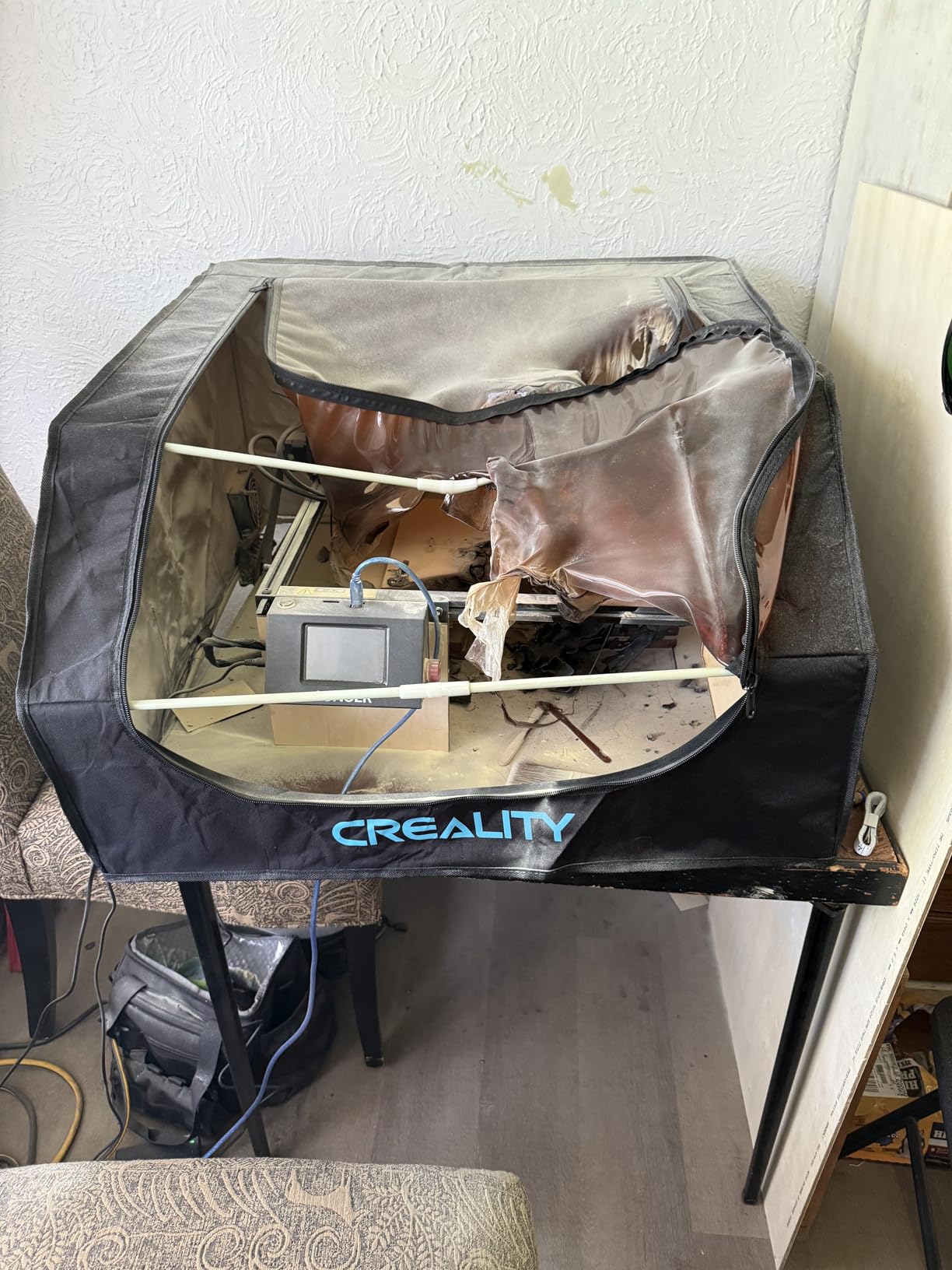
Cutting capacity is real: 25mm wood, 35mm acrylic and 0.05mm stainless steel, plus leather, paper, glass and plastics. Speed reaches 10000mm/min, and both LaserGRBL and LightBurn are supported, so you are never locked out of the good software.
At 10.68 pounds it is the easiest machine here to move between a garage, a spare room and a shared studio. There is no camera, the bundled software is basic, and an air pump makes a visible difference that reviewers repeatedly recommend. As an open frame it has no fume containment, so ventilation is not optional.
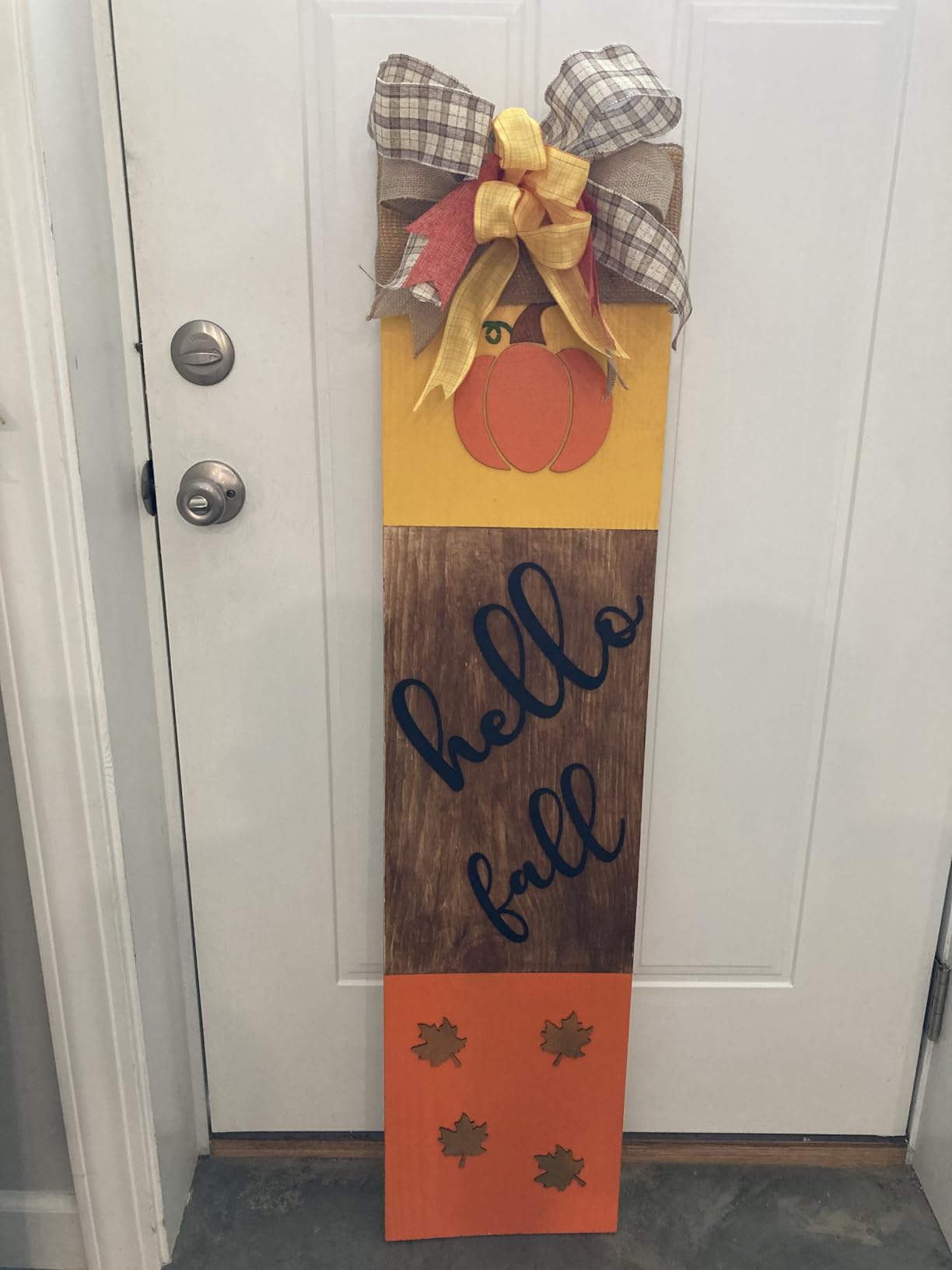
Where this sits against the 40W machines
Compare it to the 40W diode machines on the list and the trade is simple: roughly half the power for less than half the mass. On wood and acrylic up to about 12mm, this is the more sensible machine, and for coated metal and thin stainless the gap narrows further.
Its touchscreen is a real advantage in a home shop, because it removes the phone or laptop from the loop entirely. Add an air pump, an enclosure and a LightBurn licence and you have a complete first machine at a weight you can still lift alone.
Who should look elsewhere
Not the right pick for bare metal work, deep engraving or anywhere smoke matters. If you are buying for a business where a client sits three feet away, add the enclosed options to your shortlist.
11. Woxcker L2 MAX 10W: Best Contained 10W Machine for a Home Workshop
Laser Engraver 10W for DIY Maker, Small Business, 300×300mm Large Area, 20,000mm/min High-Speed Engraving Machine, 0.01mm Ultra-Precision for Wood, Metal, Leather, 360° Enclosure, Class 1 10000mW
10W Class 1 diode
300 x 300mm bed
20000mm/min
360 degree enclosure
9.1 kg
Pros
- Class 1 enclosure contains fumes
- dust and noise
- Modular five-part build saves 30-40 minutes of setup
- 20000mm/min speed suits batch personalization
- 0.01mm square focus gives sharp detail
- Flame detection
- safety lock and tilt stop included
Cons
- 10W diode is limited to coated metals
- No integrated camera for positioning
- Air assist and rotary roller are optional add-ons
- Documentation and control app are uneven
The L2 MAX is the most convincingly contained machine in this roundup, and for a home workshop that is the whole argument. The 360-degree fully enclosed design contains fumes, dust and operating noise, so it behaves like an appliance rather than a machine you are afraid to run in a spare room. Safety hardware includes lid-open auto-stop, flame detection, emergency stop, a safety lock and a 15-degree tilt stop.
Setup is the second strength. The five-part modular assembly saves roughly 30 to 40 minutes compared with a belt-tensioned frame, which matters if you are assembling on a dining table. The 300 x 300mm bed is roomier than most enclosed units at this class, and engraving reaches 20000mm/min with 0.01mm square focus.
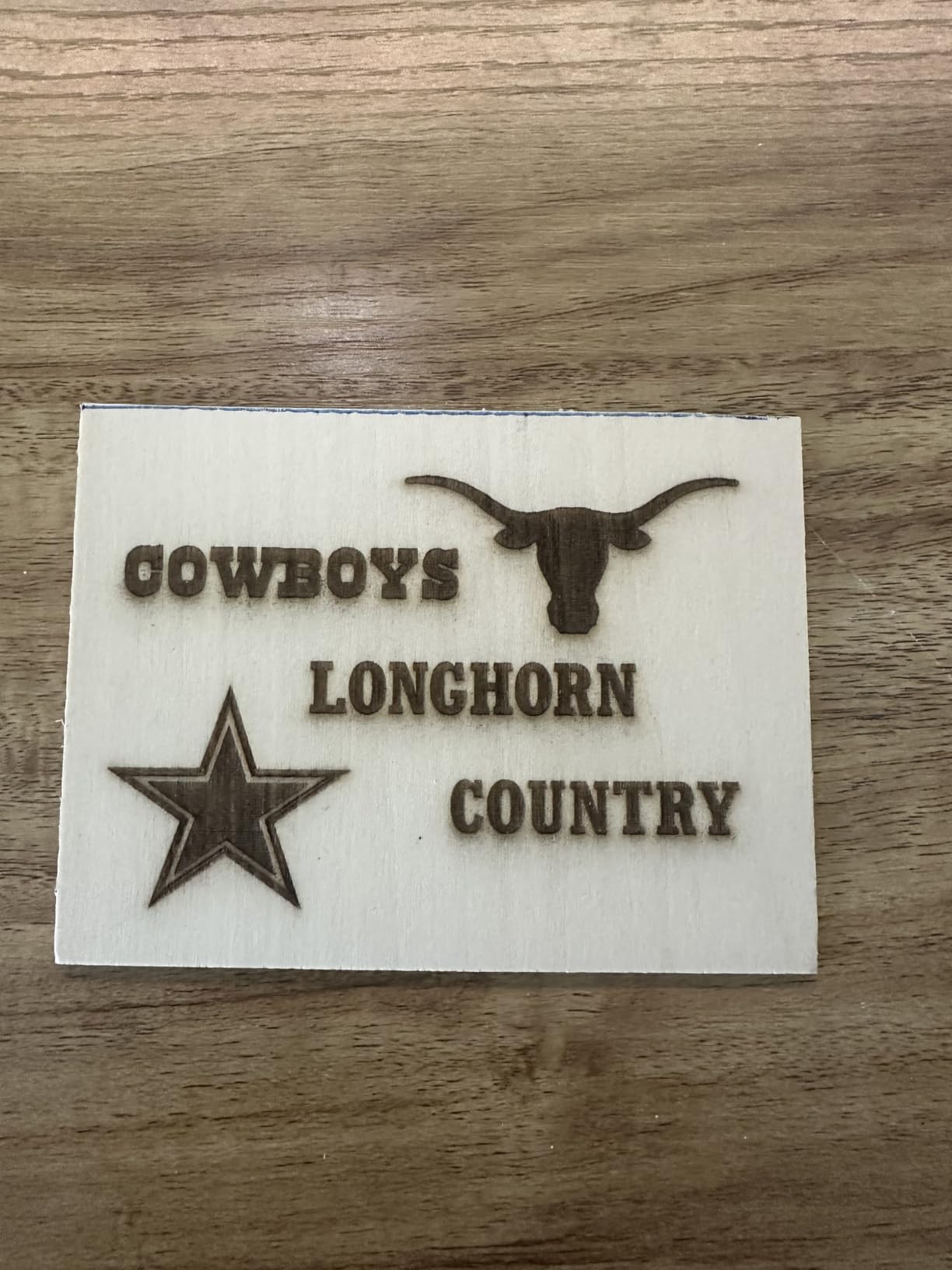
Software flexibility is better than most. LightBurn, LaserGRBL and CutLabX are all supported, with control over Wi-Fi, USB, app and TF card, so offline batch runs do not need a computer. Owners consistently report the enclosure plus flame detection and tilt stop as the reason they can use it indoors at all.
Metal is the boundary. A 10W diode needs coated metals, and bare metal marking is not possible with this machine. Air assist and the rotary roller are optional add-ons rather than included, and there is no integrated camera, so positioning on small parts is manual.
Speed and batch work on a small bed
At 20000mm/min this is the quickest engraving figure in the roundup, and on a 300 x 300mm bed that speed turns personalization into a short queue rather than a bottleneck. Small parts, key fobs, tags and labels all benefit from the fine 0.01mm square focus.
The gap to fill is accessories. Budget the air assist and the rotary roller at the same time as the machine, because the specs describe a good engraver while the add-ons describe a usable production setup.
Who should look elsewhere
Skip this if bare stainless or aluminum is the product, since no accessory fixes a wavelength mismatch. It is also worth skipping if you plan to run large sheets, as a 300 x 300mm bed is the ceiling on every job.
12. GWEIKE G2 Max 50W Fiber: Best Dedicated Bare-Metal Machine Here
GWEIKE G2 Max 50W Fiber Laser Engraver with 3D & Deep Engraving
50W 1064nm fiber
150 x 150mm bed
15000mm/s
0.001mm accuracy
22 lb
Pros
- True 50W fiber source marks bare metals
- Over 90 color results on stainless and titanium
- Galvanometer to 15000mm/s at 0.001mm accuracy
- Electric lift column makes focus a single button press
- Detachable 22 lb body works off the bench
Cons
- Smallest working area here at 150 x 150mm
- Class 4 so glasses and a cover are required
- Only 26 ratings means limited long-term data
- Fiber only so no wood or acrylic cutting
If your work is bare metal, this is the machine to buy. The 50W 1064nm fiber source bonds directly to stainless steel, titanium, aluminum and brass with no coating, no spray and no chemical step, and it produces over 90 color marking results on those alloys. The 1064nm wavelength is the reason it works where every diode machine in this guide refuses to.
Performance numbers are at the top of the field. The high-speed precision galvanometer runs up to 15000mm/s at 0.001mm accuracy with HD 8K engraving resolution, and the electric lift column turns focus adjustment into a single button press, which removes the single most common cause of fuzzy marks reported across every forum thread we reviewed.
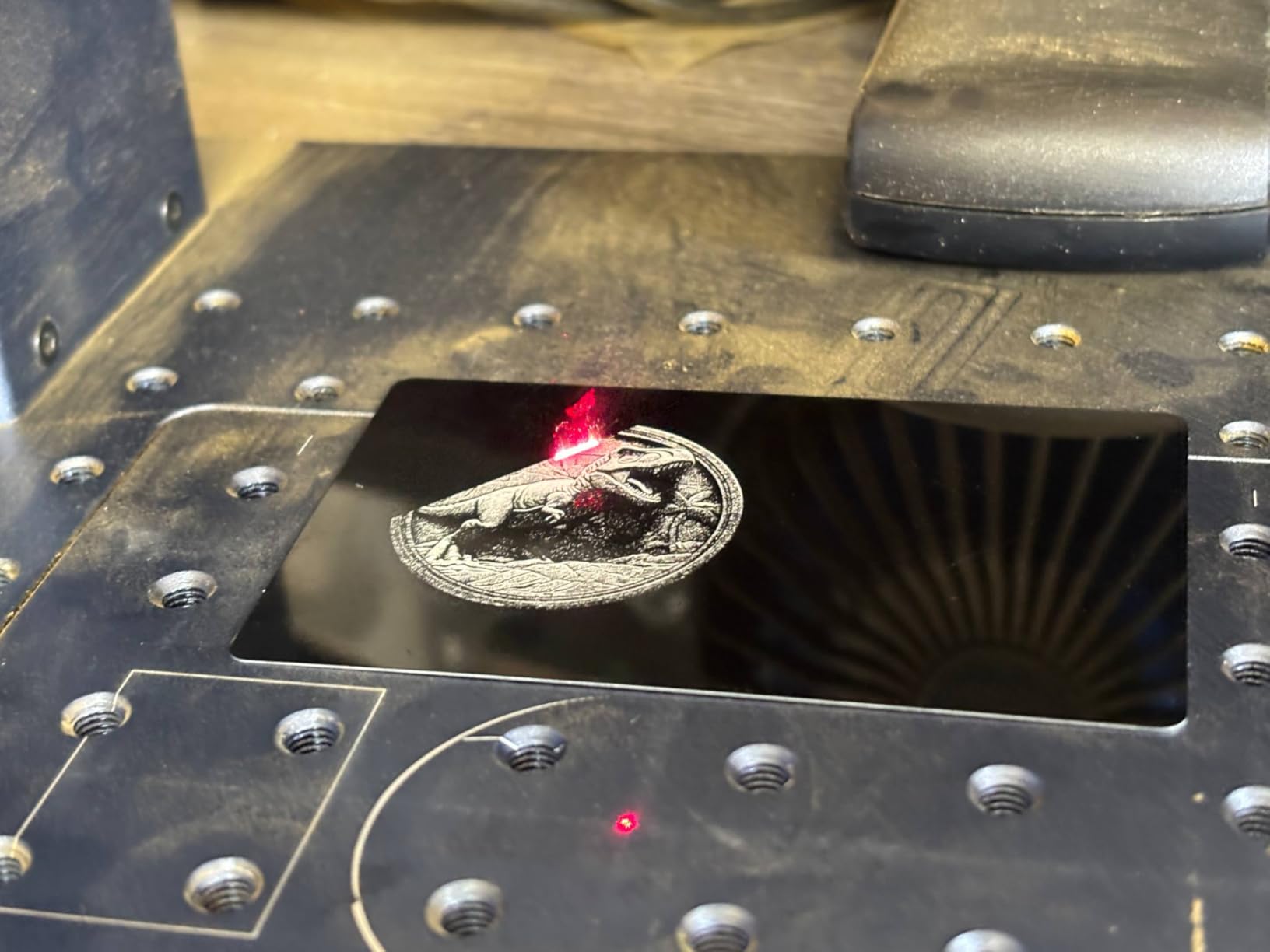
The dual red-light positioning preview speeds up setup a lot, since you can see exactly where the beam will land before firing. GLaser and LightBurn are both supported over Wi-Fi and USB, and deep engraving, light metal cutting and 3D carving are all in scope. Emergency stop, protective glasses and a protective cover are included, and the machine carries FDA Accession Number 2211667-002.
The constraints are real. At 150 x 150mm it has the smallest work area in this roundup, and that is exactly the upgrade forum buyers warn about, since moving to a 300 x 300mm field lens later is an expensive retrofit. Being Class 4, it also needs the cover and eyewear and does not belong in an unsupervised room.
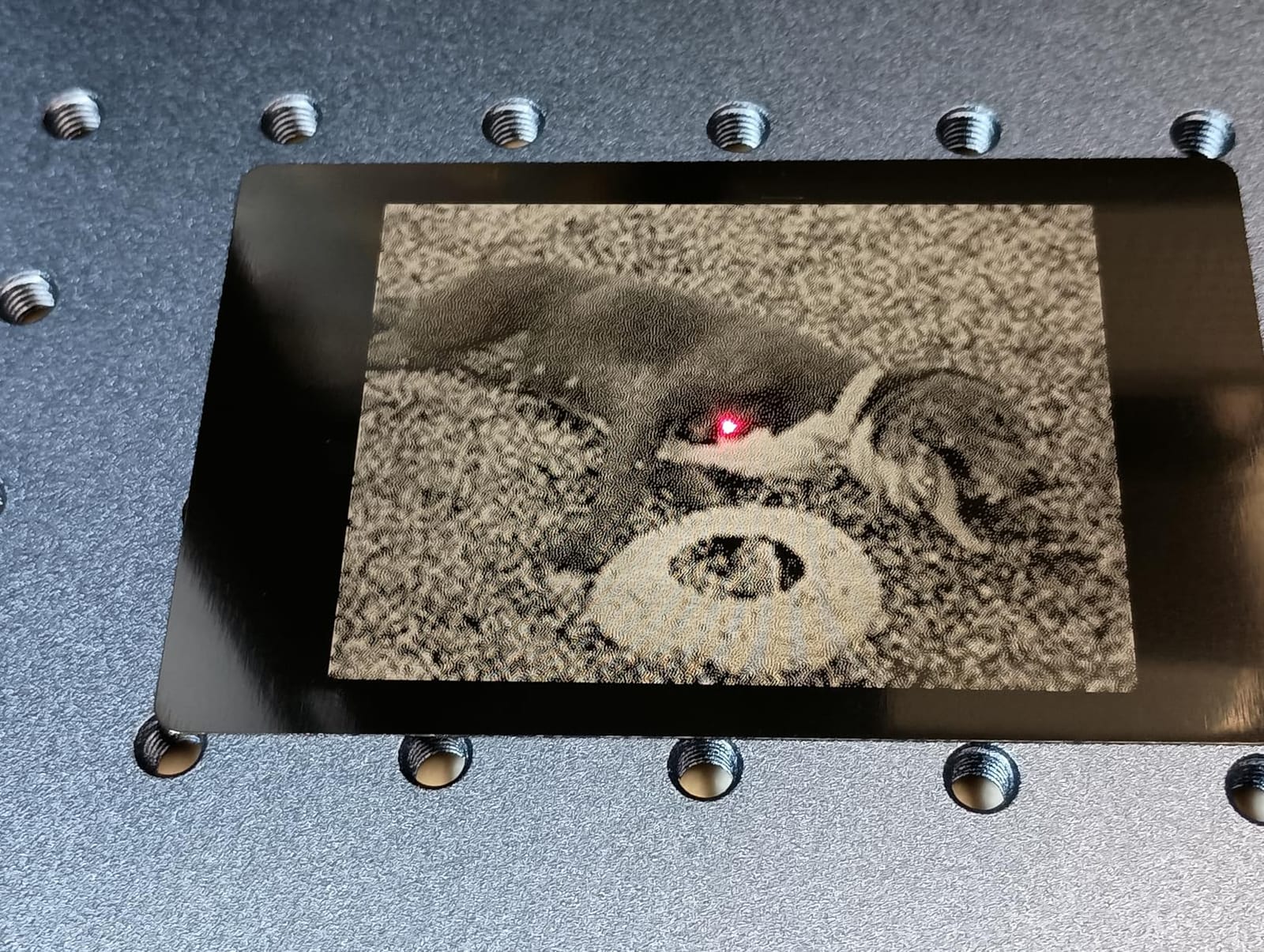
What 50W fiber actually buys you
Forum users consistently report that a 20W fiber machine covers tags, jewelry, serials and light steel engraving, so 50W is headroom rather than a requirement for most shops. What the extra power buys is deeper relief, faster through-kerf engraving and a wider material list, and it is the difference between a mark and a cut on thicker stock.
Color marking is where pulse control earns its keep, and the G2 Max reports over 90 results across alloys. Expect a learning curve, particularly on red tones, and test on a scrap of the same grade before a production run.
Who should look elsewhere
Only 26 ratings sit behind this machine, so long-term reliability data is thin compared with the diode machines that have hundreds of reviews. If your product line includes wood or acrylic, this fiber-only design will not touch them, and the detachable 22 lb body is a benefit only if you have somewhere to put it.
How to Choose a Laser Engraver for Metal
Start with the metal, not the machine. The single question that eliminates nine of the twelve products above is whether you are marking bare metal or a coated surface. Bare stainless, aluminum, titanium and brass need an infrared source near 1064nm, and no accessory, spray or software trick substitutes for the wavelength. If your parts arrive painted, powder-coated or anodized, a diode machine becomes a serious option again and costs far less.
Fiber, diode and CO2 in plain English
A CO2 laser emits at 10.6 micrometers and is superb on wood, acrylic and leather, and almost useless on metal because polished surfaces reflect the beam. Diode lasers emit in the visible range near 455nm, which is why they cut wood beautifully and slide off raw metal. Fiber lasers emit at 1064nm, which metals absorb rather than reflect, producing a mark that is permanent, wear-resistant and corrosion-resistant with nothing removed from the surface.
CO2 tubes also need periodic replacement and gas handling, which adds downtime and running cost that a diode or fiber machine does not have. If metal is central to your product, the comparison is really fiber versus everything else.
MOPA versus Q-switched, and why it matters for color
A Q-switched fiber laser has a fixed pulse width, typically in the 20 to 100kHz frequency range, which is cheaper and perfectly capable of clean dark marks and deep engraving. A MOPA source separates the oscillator from the amplifier so you can set pulse width and frequency independently, and that independent control is what varies the oxide layer thickness to produce different colors.
Forum users agree the MOPA premium is worth it specifically for color marking on stainless and titanium, and they also say the learning curve is steep with inconsistent results, red in particular. If you need color, look for MOPA. If you need serials and tags, Q-switched is enough and you can spend the difference on a larger field lens.
Enclosure, class and the 1064nm problem
Fiber light is invisible, so an open fiber beam gives you no warning that it is live and no reflection to aim by. That is why an enclosed Class 1 chassis matters more here than any spec on the list, and why forum users consistently recommend enclosures for home and shared studio use. The Woxcker L2 MAX, the WECREAT Vista and the S1 40W all filter light and stop on lid-open, while the G2 Max is a bare Class 4 head that needs eyewear, a cover and a controlled room.
Ventilation is the second safety point. An enclosure reduces the plume but does not remove it, and owners of the S1 report noticeable indoor smell without an external vent. Fume extraction is part of the machine, not an extra.
Field lens, wattage and the traps underneath them
The field lens sets your maximum work area and it is the one upgrade that genuinely cannot be avoided cheaply. A 150 x 150mm lens, which is what the G2 Max carries, forces you to re-buy an expensive 300 x 300mm lens later if your parts grow, and that is the most common regret in the fiber category. Buy the larger field lens up front if you can.
On wattage, forum consensus is that most hobbyists and small shops overbuy. 20W fiber covers tags, jewelry and serials. Step up to 30W or 50W when you need deeper relief or light cutting, not before. On diode machines, 10W to 20W is the meaningful range for wood and acrylic, and above that you are paying for cutting capacity you will rarely use.
Software, support and what to test before you buy
LightBurn is the most commonly recommended control software, with the galvo plugin for fiber systems, and all twelve machines here support it or its equivalents. That matters because a machine with good hardware and clumsy bundled software will frustrate you every job. Check whether the manufacturer supports LightBurn natively before buying.
Then run one test. Take a scrap of the exact alloy, grade and finish you plan to sell, and run a material test grid before you commit a production run. That single habit, repeated across every forum source we reviewed, prevents the expensive mistakes that follow from guessing at power, speed, frequency and line interval. Shops that want full-color artwork on the blank before they ever fire a beam should read our laser printer guide first, since printed and engraved product lines are often sold as one bundle.
Frequently Asked Questions
What kind of laser engraver do I need to engrave metal?
A fiber laser emitting at 1064nm is the correct answer for bare metal, because metals absorb that light instead of reflecting it. The xTool F1 Ultra, xTool F2 and GWEIKE G2 Max in our roundup all use infrared sources and mark stainless steel, aluminum, titanium and brass directly, with no coating or spray. Diode and CO2 machines cannot do this and will simply reflect off raw metal.
What is the best laser machine for metal engraving?
The xTool F1 Ultra is the most complete desktop machine for metal, pairing a 20W fiber head with a 20W diode head in one enclosed chassis, reaching 10000mm/s and supporting 3D embossing and deep engraving. For a single-purpose bare-metal setup, the GWEIKE G2 Max gives you 50W of 1064nm fiber with over 90 color results at up to 15000mm/s.
What is the best at-home laser engraver for metal?
For a home, a fully enclosed Class 1 machine is the priority because it contains fumes, dust and light. The xTool S1 40W Rotary Bundle is our overall pick, with a 23.93 x 15.16 inch bed, five flame sensors and a rotary bundle for tumblers, and it marks coated metal, wood and acrylic reliably. The Woxcker L2 MAX 10W is the lighter, cheaper alternative if bare metal is not your product.
Can you engrave metal with a CO2 laser?
Not effectively. A CO2 laser emits at 10.6 micrometers, which polished metal surfaces reflect rather than absorb, so a CO2 machine cannot make a permanent mark on raw stainless, aluminum or titanium. The only workable CO2 approaches involve a chemical marking spray or creating an oxide layer chemically first, both of which add process steps and cleanup. A fiber laser avoids all of that.
Do laser engravers mark titanium bare?
Yes, but only with an infrared source. The GWEIKE G2 Max uses a 50W 1064nm fiber laser and reports over 90 color marking results on metals including stainless steel and titanium, and the xTool F2 uses a 5W infrared head for color marks on metal. Diode machines cannot mark bare titanium at all. Always test on a scrap of the same grade before a production run.
Our Pick of the Best Laser Engravers for Metal Marking in 2026
The xTool S1 40W Rotary Bundle is our pick of the best laser engravers for metal marking in 2026, and it is the same machine we rated first everywhere else in this guide. Nothing here matches the combination of a 4.6 owner rating across 233 reviews, a 23.93 x 15.16 inch bed, a rotary bundle in the box, an enclosed Class 1 chassis with five flame sensors and a 3mm aluminum frame. It is the machine we would put on a bench that handles production batches alongside wood and acrylic.
Its one hard limit is bare metal, and we will not pretend otherwise. If your parts are raw stainless, aluminum or titanium, choose the xTool F1 Ultra for the most complete desktop package or the GWEIKE G2 Max for dedicated 50W fiber power, over 90 color results and a 15000mm/s galvanometer. Those are the machines that bond to bare metal, and the xTool F2 covers portable color marking at 4.6kg if you need to work away from the bench.
Whichever one you choose, run a test grid on a scrap of your exact alloy and finish before the first production run, and keep an eye on extraction and enclosure rating rather than wattage alone. Those two habits prevent nearly every bad purchase in this category.