
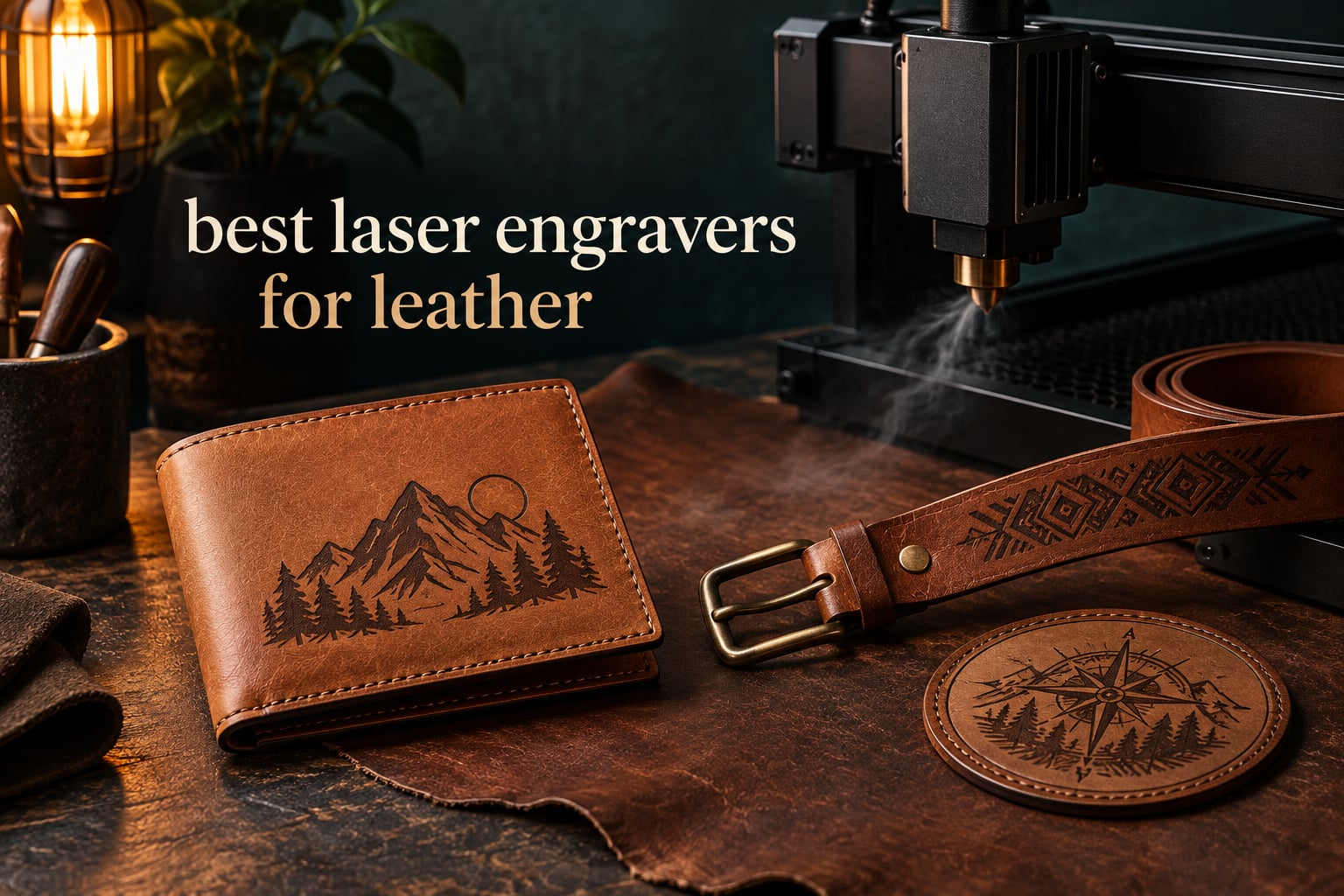
Short answer: a 20W to 40W diode laser engraver is the best laser engraver for leather for most people, because it makes a dark, permanent mark on veg-tan and chrome-tan hide without burning through it. A CO2 tube at 10600nm is the classic choice in professional workshops, and an infrared fiber laser at 1064nm is the one machine type that is genuinely wrong for this material because it passes straight through the hide.
Leather is one of the most laser-friendly surfaces you will ever work with. The beam vaporizes a paper-thin layer of the collagen top layer and that layer chars, which is what creates the permanent dark mark everyone wants on a wallet, belt, keychain or patch. The catch is that leather also curls, scorches and burns through at exactly the settings people reach for first, so picking the right machine matters less than picking the right power level and the right prep.
We compared ten of the strongest laser engravers currently on the market for a leather workload, looking at output power, spot size, working area, enclosure, speed and how each machine held up to the two things leather punishes most: heat and uneven surfaces. This guide covers the best laser engravers for leather across every budget band, from a palm-sized unit for keychains to an enclosed dual-laser machine built for production batches. If you also want a broader look at machines that handle wood and acrylic well, our guide to the best laser cutters for hobbyists is worth a read.
Two decisions drive everything else. The first is whether you are marking only or also cutting through the hide, because marking needs far less power than cutting and a machine tuned for cutting will scorch leather you only wanted to personalize. The second is whether you work in a room with other people in it, because leather smoke has a strong smell and an enclosed machine handles it far better than an open frame.
Table of Contents
Top 3 Laser Engravers for Leather in 2026
These three came out ahead for leather specifically. Each has a distinct job: one is the strongest all-rounder, one is the sensible money spend, and one is the cheapest way to start marking real hide.


Best Laser Engravers for Leather (October 2026)
| Product | Specifications | Action |
|---|---|---|
| xTool S1 40W Rotary Bundle |
|
Check Latest Price |
 Creality Laser Falcon 10W Creality Laser Falcon 10W |
|
Check Latest Price |
| Carverall K15 Pro 10W |
|
Check Latest Price |
 LaserPecker LP2 with Roller LaserPecker LP2 with Roller |
|
Check Latest Price |
 xTool F2 Dual Laser xTool F2 Dual Laser |
|
Check Latest Price |
 Twotrees TTS-55 Pro Twotrees TTS-55 Pro |
|
Check Latest Price |
 ATOMSTACK A20 Pro V2 ATOMSTACK A20 Pro V2 |
|
Check Latest Price |
 xTool F1 Ultra Dual Laser xTool F1 Ultra Dual Laser |
|
Check Latest Price |
 Creality Laser Falcon 5W Creality Laser Falcon 5W |
|
Check Latest Price |
 ACMER S1 2500mW ACMER S1 2500mW |
|
Check Latest Price |
Two things stand out. Only three of these machines ship fully enclosed, and enclosure is the single biggest quality-of-life difference for indoor leather work. The other is that most of them are diode machines, which is the right answer for marking hide even though it is not the classic textbook answer.
1. xTool S1 40W Rotary Bundle – Best All-Rounder for Leather
xTool S1 40W Laser Cutter and Laser Engraver for Tumblers, 23.93″ x 15.16″ Bed Size, 600mm/s Speed, Laser Engraving Machine, Laser Engraver for Wood and Metal, Acrylic, Big Project – Rotary Bundle
40W diode
23.93 x 15.16 inch bed
600mm/s
Enclosed Class 1 cover
Pros
- Fast clean precise cuts on hide
- Large bed handles batch leather jobs
- Enclosed Class 1 design blocks smoke and light
- Software approachable for beginners
Cons
- Large and heavy at 86.8 pounds
- Smoke odor noticeable without extraction
- Spring-loaded Z probe can return false focus readings
The xTool S1 is the machine I keep coming back to for leather because it does the one thing cheap diode engravers cannot: it has the power headroom to engrave and cut in the same session without the operator having to relearn settings. At 40W it pushes through thick wallet leather and heavier belt stock, and the 23.93 x 15.16 inch bed means a full belt or a sheet of patches fits in one pass.
It is also the highest-rated machine in this group at 4.6 out of 5 across 233 reviews, and the ratings concentrate where leather users care. Owners repeatedly single out fast clean cuts, a bed big enough for batch work, and an enclosed Class 1 cover that keeps most of the smoke, light and noise in.
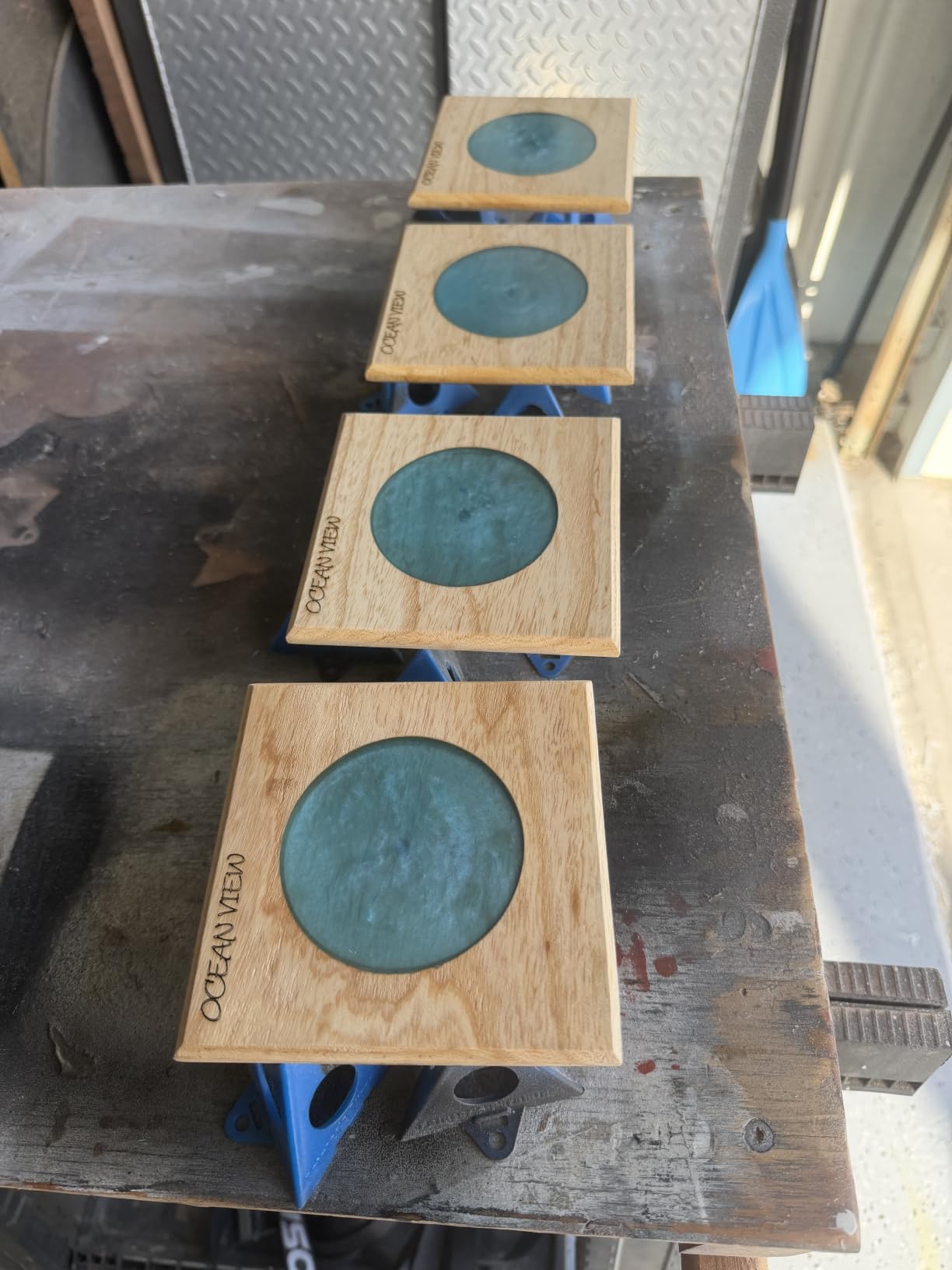
The rotary bundle is the detail that separates this from a plain 40W desktop. Leather work is full of curved surfaces: pen barrels, belt loops, cylindrical tags, watch straps laid around a mandrel. The included rotary lets you wrap a strap around a cylinder without building a jig first, and the pin-point positioning keeps the mark from drifting as it rotates.
Safety hardware is unusually serious for this category. Five flame sensors sit inside the enclosure and shut the machine down automatically, and the cover filters 99 percent of the laser light. For a home shop or a small studio that matters, because leather is organic material and a stray spark on a finished hide is expensive.
What the S1 does better than the rest
The 600mm/s travel speed is high enough to clear a full batch job without turning it into a queue, and owners note the software is approachable for beginners and gets updated regularly, which means material presets for leather keep improving without you changing machines.
Customer service is consistently reported as a strength. When a unit arrives with an alignment problem, xTool resolves the hardware issue rather than sending you to a tutorial, and that reliability is worth real money once you start taking client orders.
Where the S1 falls short for leather
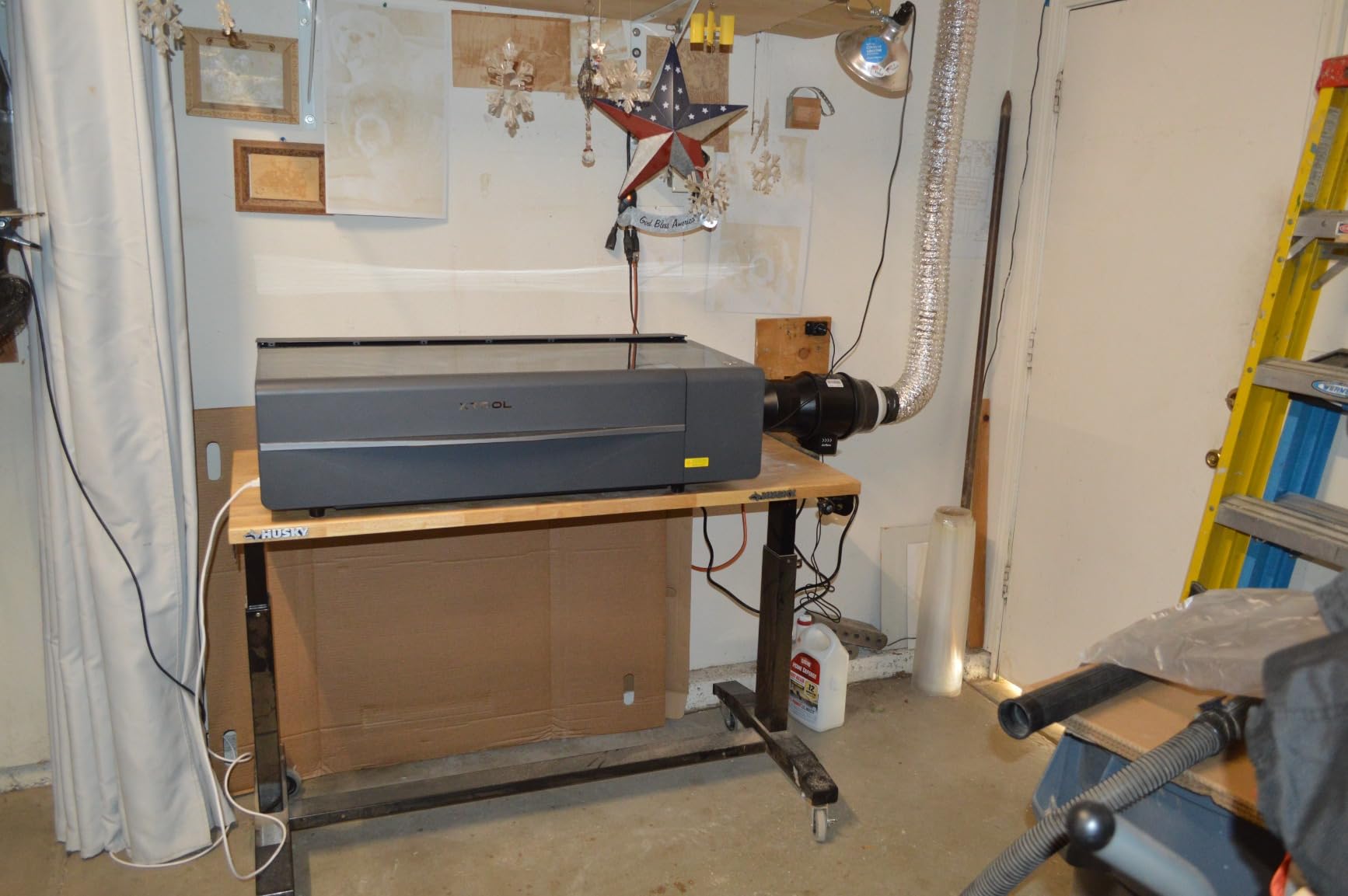
It weighs 86.8 pounds and needs a dedicated workspace with a real extraction path, not a desk in a corner of a flat. Reviewers still report noticeable smoke and odor indoors unless you add extraction, and the enclosure slows that down rather than eliminating it.
Two smaller quirks are worth knowing. The spring-loaded Z probe can be dented and return a false focus reading, which on leather means a mark that is shallow on one side. There is also no motor braking, so the head is easy to bump and knock out of alignment while you are swapping leather pieces in and out.
2. Creality Laser Falcon 10W – Best Value for Leather Marking
Creality Laser Engraver Machine 10W Output Power, 72W DIY Laser Engraving Machine 0.06mm High Precision Laser Cutter and Engraver for Wood and Metal, Paper, Acrylic, Glass, Leather etc, 17″ x 16″
10W output
0.06mm spot
17 x 16 inch bed
10,000mm/min
Pros
- 0.06mm spot gives repeatable detail on hide
- Large 17 x 16 inch bed for the power class
- Assembles in 10-20 minutes
- LightBurn and LaserGRBL both supported
Cons
- 10W output limits thick material cutting
- No enclosure so extraction must be added
- Belt and rail design needs periodic tensioning
For marking only, which is what most leather personalization actually is, the Creality Laser Falcon 10W is the most sensible purchase in the whole roundup. A 10W diode at conservative power leaves a dark mark on chrome-tan and a warm tan mark on veg-tan without the scorch halo that appears the moment you push past what the hide can absorb.
The 0.06 x 0.06mm compressed spot is the number that matters for leather. Small monogram initials, fine script names and thin outline badges on a hat patch all depend on that spot being tight, and reviewers describe the engraving as detailed and repeatable across hide, wood and acrylic alike.
What genuinely surprised us is the bed size. At 17 x 16 inches this is a large working area for a 10W machine, and it means you can lay out a whole sheet of wallet blanks or a batch of luggage tags in one pass rather than shuffling pieces across the frame.
It assembles in 10 to 20 minutes and focuses quickly with the included plate, and the 10000mm/min speed keeps a batch job moving. There are useful bundle options too, including air assist and a rotary roller kit if you plan to do cylindrical pieces later.
Why this is the value pick
Buyers treat this as a solid mid-tier machine: strong precision for the money and a generous working area. At 4.2 stars across 223 reviews it is not the highest-rated unit here, but for leather marking the gap to the S1 is far narrower than the price gap between them.
Because 10W will not slice thick hide, you will find yourself using it exactly where the community says marking works best: lower power, slower passes, and no burn-through. That constraint turns out to be a feature for anyone who has ever ruined a good hide by going too hot.
What you give up
There is no enclosure, so smoke extraction is a separate purchase and a separate problem. Reviewers are clear on this and it is the main reason we did not make this the top pick for a home workspace.
The 10W output is genuinely modest for cutting. The belt and guide rail design also means focus and tension need periodic attention, and a loose belt shows up as a fuzzy line on a monogram long before it shows up as a failed cut.
3. Carverall K15 Pro 10W – Best Budget Start for Leather
Carverall K15 Pro Laser Engraver 10W-Laser Engraving Machine for Coated Metal Wood Acrylic Glass Stone, Near A4 Work Area Offline Engraving CNC DIY Lazer Cutter for Home & Crafting 10000mW Class 1
Verified 10.36-10.58W output
A4 work area
0.01mm precision
15,000mm/min
Pros
- Verified true 10W rather than a marketing figure
- Sharp consistent marks on wood and leather
- Assembles in about 3 minutes with 6 screws
- Offline TF card batch engraving
Cons
- CutLabX software is unstable
- Poorly written manual with wrong page references
- Enclosure air pump and honeycomb bed cost extra
The K15 Pro earns its place because it publishes verified output. The specification sheet states 10.36 to 10.58W measured from the module, which in a category full of inflated wattage numbers is a genuine differentiator and the reason we trust the leather results it produces.
On actual hide, owners report sharp, detailed and consistent engraving quality for a machine at this level. The near-A4 work area of 11.8 x 7.9 inches covers most daily leather projects, from a bifold wallet panel to a set of keychains, without the machine dominating a small desk.
Setup speed is a real advantage. It assembles in about three minutes with six screws, uses one-touch smart focus, and remembers the last file, which is a small feature that matters a lot when you are engraving the same patch design fifty times.
The free CutLabX software runs on computers, tablets and phones without needing a Wi-Fi connection, and LightBurn and LaserGRBL are both supported if you outgrow it. Owners report producing hundreds of items on it, which is a reasonable stress test for a machine of this class.
Why it beats the cheaper options
Dual-fan cooling cuts heat buildup by 50 percent, and heat is the enemy of leather. A machine that stays cooler during a long batch is less likely to drift out of focus, and focus drift is exactly what turns a clean monogram into a fuzzy one halfway through a run.
It also runs on 12V battery power, with the battery included, so a market stall or a craft fair does not require a mains socket. For a personalization seller working an event, that is more useful than it sounds.
Where the K15 Pro falls short
The bundled CutLabX software is unstable and many buyers end up installing LightBurn instead. The user manual is poorly written with incorrect page references, so budget time for a tutorial or two before your first hide.
Accessories are where the real cost hides. The enclosure, air pump, camera, honeycomb bed and ventilation are all sold separately, and a learning curve is needed to dial in clean passes on each leather type. Tumbler-style work is also much better with the optional rotary attachment.
4. LaserPecker LP2 with Rotary – Best for On-the-Go Leather Work
LaserPecker LP2 Laser Engraver with Roller, Portable and Handheld Laser Engraving Machine for Wood Metal Leather Acylic Engraving Laser Cutter, Suit Set with Versatile Rotary Roller
Galvo scanning handheld
0.05mm spot
Rotary roller
1417 in/min
Pros
- Genuinely portable handheld form factor
- Versatile rotary handles tumblers cylinders and slabs
- Fine 0.05mm spot with selectable resolution
- Plug and play with no assembly
Cons
- Coated metals only
- light surfaces need black paint
- Low power cuts only paper and thin wood
- Fixed 4 inch work width limits flat projects
The LP2 is the only machine here built around galvo scanning in a handheld body, and for leather that combination is unusual. Galvo mirrors steer the beam rather than moving the gantry, which is how it reaches a 0.05mm compressed spot with 1K, 1.3K and 2K resolution options on a unit you can hold in one hand.
At 4.2 stars across 317 reviews it carries a large body of owner feedback, and the ratings concentrate on two things: genuine portability and an unusually capable rotary. For leather specifically, that rotary runs in cylinder, slab and trolley modes, and trolley mode extends engraving length to 196 inches at 4 inches wide.
That trolley mode is the feature leatherworkers should notice. A long leather strap or a continuous belt blank can be run through as one continuous engraving job instead of being repositioned and re-aligned, which removes the single worst source of error on a long thin piece.
It also plugs in and works. There is no assembly, no assembly manual and no calibration ritual, and it connects to a smartphone or a computer for JPG, PNG and G-code files. The suit set includes the roller, stand, protective cover, adapter and safety glasses.
Best for pop-ups and on-site customization
The handheld format with an 11cm laser distance is genuinely useful at a market stall or a craft fair, where a gantry machine is simply too large to transport. Reviewers favor the LP2 for exactly this reason, and for doing detailed work on leather and wood.
It is also a strong option for leather patches. Small patches and badges for hats and garments sit comfortably in the work area, and the resolution options help thin outline work stay readable at patch scale.
What it cannot do
Metal is limited to coated surfaces, and light or transparent materials must be painted black first. That is a non-starter if your leather goods have bare brass or steel hardware you also want to mark in the same job.
The power is low enough that it only cuts paper and thin wood, so leather cutting is off the table. The fixed 4 inch work width constrains larger flat projects, and holding an exact 11cm distance by hand adds fatigue on long jobs.
5. xTool F2 Dual Laser – Best for Market Stalls and Small Batch Work
xTool F2 5W IR & 15W Diode Dual Laser Engraver, Built-in 50MP Camera, 6000mm/s Ultra Fast, 3D Embossing, Color Marking on Metal, On-Site & Small-Batch Ready, Portable Desktop Laser Engraving Machine
15W diode plus 5W IR
50MP camera
6000mm/s
4.6kg enclosed
Pros
- Built-in 50MP camera makes alignment quick
- Light 4.6kg body carries to markets and sites
- Fast and accurate on leather and metal
- Material presets reduce guesswork
Cons
- Small work area without the Slide Extension
- Metal color marking is inconsistent
- Software can force a cloud workflow
- Purifier needed for indoor market use
The F2 solves a specific problem: how do you engrave leather in front of a customer without a workshop? It weighs 4.6kg, it is fully enclosed and leak-proof, and it has a built-in fan with an optional purifier for indoor use, which makes it one of the few machines here you can genuinely set on a market table.
For leather the 15W diode is the working laser, and owners report fast, accurate results with crisp designs. The 6000mm/s speed means a card engraving completes in roughly three seconds, and the machine arrives fully assembled with material presets already loaded, so there is no first-day calibration project.

The 50MP camera is the feature that changes how you work. With alignment accuracy up to 0.1mm, you can position a small leather patch or a watch strap in the preview and know it is lined up before firing, which cuts waste on expensive finished hide far more than any other single feature.
Motion accuracy of 0.00199 inch, or 0.05mm, keeps fine script readable on a monogram panel. The 5W infrared head handles metal color marking so you can mark a leather good and its hardware in one body, and the whole unit is expandable with RA3 and Slide Extension accessories.
What makes it the portable production unit
It is one of the few enclosed machines in this roundup that is also genuinely portable, and the dual laser covers more of a leather job than a single-source machine. Add the infrared head and a leather tag with a steel keyring becomes a one-pass product.
Owners also point out good value relative to the other xTool dual-laser machines, and the 4.4 rating across 118 reviews comes mostly from people who use it away from a fixed bench.
Where it falls short
The work area is small, and larger leather pieces need the Slide Extension, so plan your product sizes around that before you commit. Metal color marking is hard to dial in and inconsistent, and the software is sometimes forced into a cloud workflow with no option to save files locally.
For indoor market use you will want the optional purifier, and the help chatbot support is widely regarded as less useful than the vendor’s other support channels.
6. Twotrees TTS-55 Pro – Best Leather Starter for First-Time Owners
Twotrees TTS-55 Pro Laser Engraver 5500mW Laser Engraving Machine
5500mW diode
300x300mm area
30,000mm/min
LaserGRBL and LightBurn
Pros
- Highest review count in the group at 494
- Compact 300x300mm build that fits anywhere
- Works well with LightBurn and LaserGRBL
- Cuts 0.7mm leather and 3mm acrylic
- Responsive seller support
Cons
- Setup is fiddly and may need repeated disassembly
- Not a true metal engraver despite marketing
- Focus and power take experimentation to dial in
With 494 reviews, the Twotrees TTS-55 Pro has the largest body of owner feedback in this roundup, and that volume is exactly why it is worth considering as a first laser. At 4.4 stars it sits above the group average, and the rating distribution is heavily concentrated in five-star reviews.
For leather the relevant number is 0.7mm of cuttable thickness plus a 300 x 300mm working area. That is small next to a desktop unit, but it comfortably covers a card holder, a keychain, a watch strap or a small patch, which is most of what a first machine gets asked to do.
The 5500mW module uses a metal air-assisted nozzle and a red laser shield, and the 23mm short focal length with compression technology is what lets a 5.5W class laser produce a 0.08 x 0.46mm spot. On leather that narrow spot is the difference between a crisp monogram and a smudge.
Control is flexible. You can run it over Wi-Fi, USB or a TF card for offline engraving, and both LaserGRBL and LightBurn are supported, so you are not locked into a single software ecosystem as your projects get more complicated.
Where it fits in a leather workflow
This is the machine to buy if your leather work is personalization rather than fabrication. Monograms, initials on wallets, short names on tags and simple logo marks are all within reach, and the 30,000mm/min speed on the 32-bit board means a small job takes seconds.
At 8.23 pounds and 19.4 x 6.49 x 6.29 inches it is genuinely compact and durable, and owners praise the build quality and how little desk space it takes up.
What to watch out for
Initial setup is difficult, and some owners reported disassembling and reassembling several times before it behaved. That is real friction for a first-time buyer, so allow an afternoon rather than an evening.
It is not a true metal engraver despite marketing claims, and it is best on wood, acrylic and leather. Focus and power settings also take experimentation to dial in consistently, which on hide means testing on a scrap from the same piece first.
7. ATOMSTACK A20 Pro V2 – Best for Leather Production Runs
ATOMSTACK 20W Laser Engraver, A20 PRO V2 Laser Cutter, High Accuracy Laser Engraving Machine for Personalized Gifts, Business Cards, Wood, Metal, Acrylic, Leather
20000mW Class 4
0.08 x 0.1mm dot
400mm/s
Linear guide rails
Pros
- 20W output gives sharp detailed engraving
- Linear guide motion resists belt wear
- Quick assembly with illustrated instructions
- Large work area with aluminum alloy frame
Cons
- Bundled app and PC software are very basic
- Little to no documentation in the box
- Gantry cables not held in a drag chain
- Belt drive reduces accuracy on larger pieces
The A20 Pro V2 is built for volume rather than for a first experiment. At 20W Class 4 with 0.08 x 0.1mm compressed dot size and speeds up to 400mm/s, it has the output to engrave a full sheet of leather patches and still have the headroom to cut through heavier stock afterward.
The mechanical design is the differentiator here. Integrated linear guide motion on an aluminum alloy frame resists the wear that belt systems show over time, and 0.01mm engraving accuracy with limit switches and a cross-line light means repeat jobs land in the same place all day.
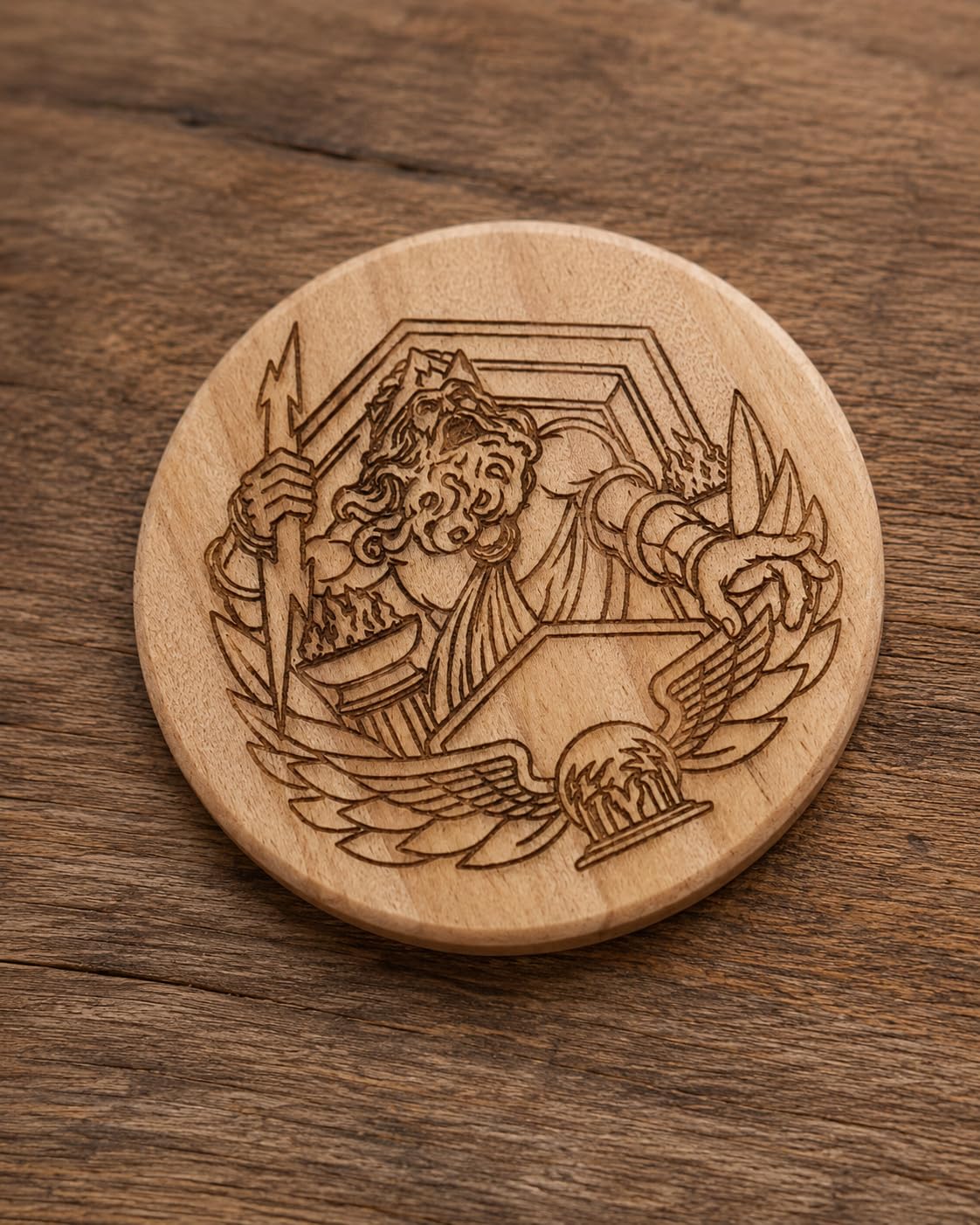
Reviewers consistently praise the 20W power, the large bed and the quick, straightforward assembly with clear illustrated instructions. Once LightBurn is configured, the engraving quality is described as consistent and professional, which is the relevant test for a client order.
The laser source is rated for up to 10000 hours, and the product carries a one-year warranty with 24/7 support and free replacement parts, so the long-term ownership math is reasonable for a production machine.
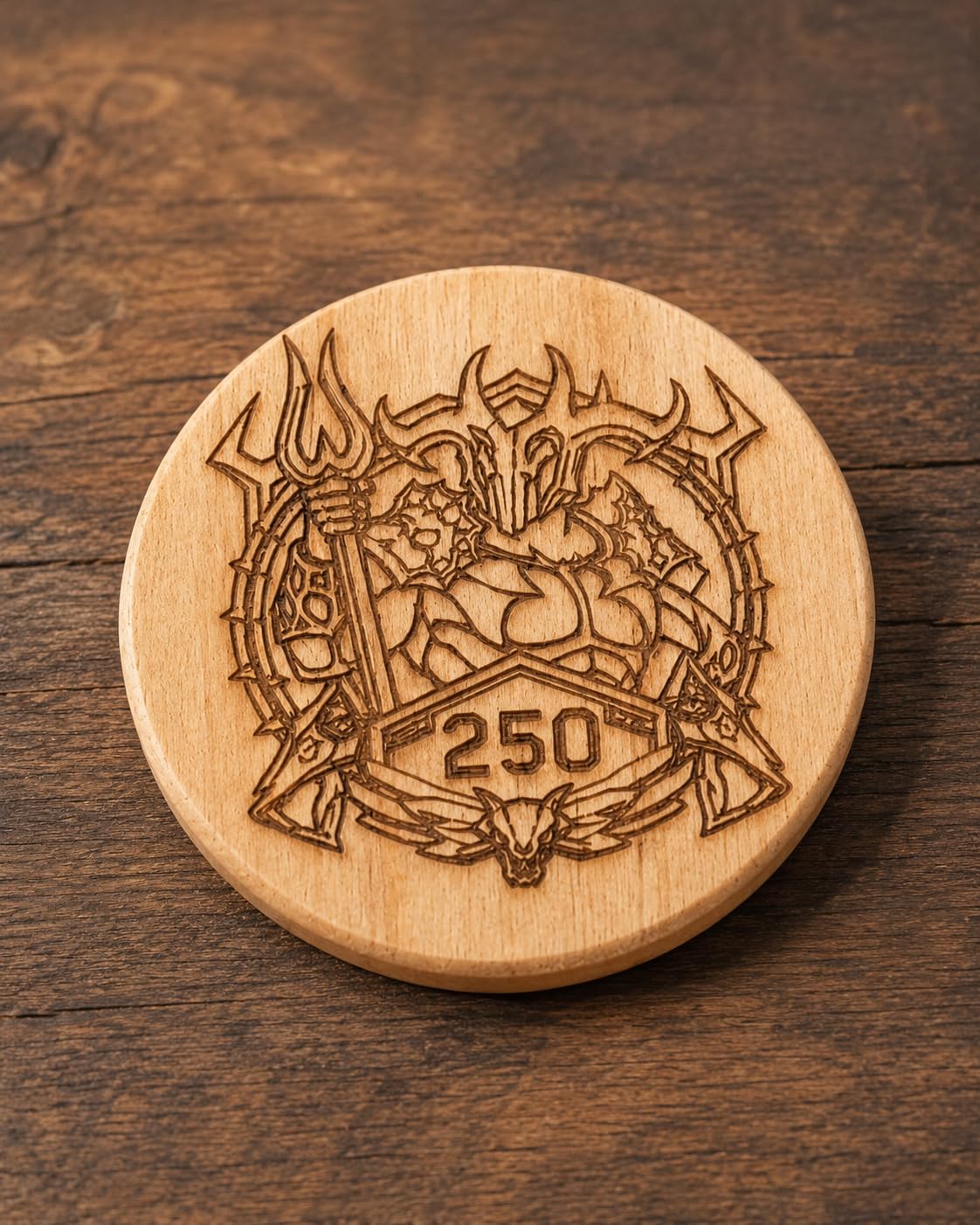
Why production sellers pick this one
Linear guides are the reason. When you are running a hundred identical leather patches, the failure mode that ruins a run is a belt stretching and shifting the artwork by a fraction of a millimeter, and linear rails are the standard answer to that problem.
The removable magnetic protective cover and included safety glasses are also useful in a shared studio, and control works through Type-C or a USB stick alongside the ATOMSTACK app, LightBurn and LaserGRBL.
Where it frustrates owners
The bundled ATOMSTACK app and PC software are very basic compared with LightBurn, so plan to use LightBurn. There is little to no user documentation or specifications supplied out of the box, which pushes the learning curve onto you.
Gantry electrical cables are not held in a drag chain and can snag on the work, and belt drive means slightly less accuracy on larger pieces. A few machines also arrived with hardware faults alongside an unresponsive support channel, so keep the one-year warranty details handy.
8. xTool F1 Ultra 20W Fiber and Diode – Best for Leather with Metal Hardware
xTool F1 Ultra 20W Fiber & Diode Dual Laser Engraver
20W fiber plus 20W diode
10,000mm/s
220x220mm area
16MP camera
Pros
- One machine covers metal hardware and leather
- Very high engraving speeds suit production
- Enclosed design works in a retail space
- Creative Space software is well regarded
Cons
- Hardware failure reported within weeks
- Calibration drifts and controls are awkwardly placed
- Deep metal engraving is extremely slow
- Studio paywalls features on a high-end machine
The F1 Ultra is the most capable machine in this roundup, because it can mark bare metal and organic material in the same job, and for a leather business that sells hardware-inclusive products that is a genuine advantage. The fiber laser marks metals while the 20W diode handles wood, acrylic, leather, glass and fabric.
Leather-specific performance is driven by the diode half. It cuts up to 15mm wood and 12mm black acrylic, supports 3D embossing and deep engraving, and runs at up to 10000mm/s, which puts it near the top of the speed range in this group. The 16MP camera handles batch positioning for patch production.
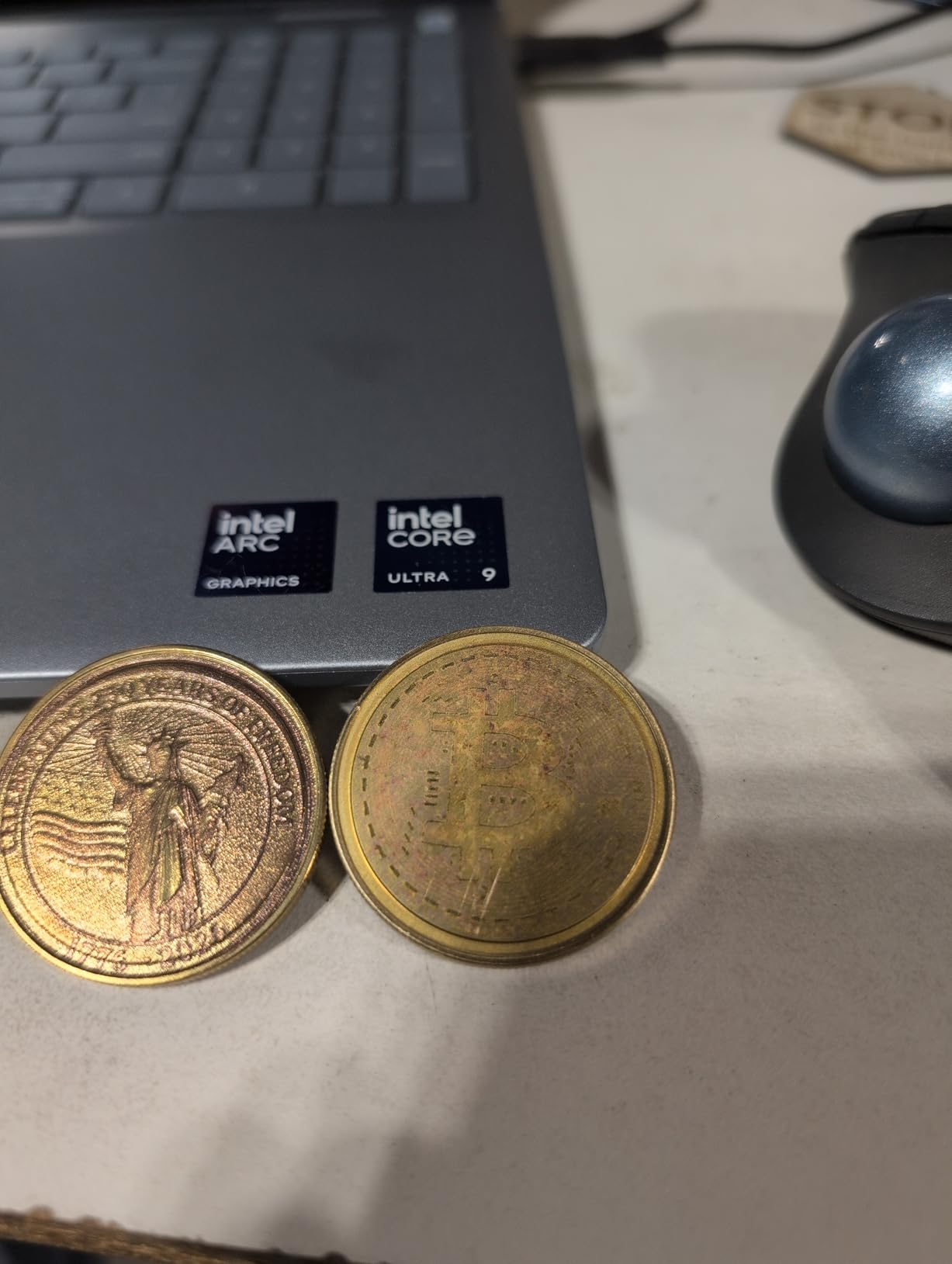
The working area is 220 x 220mm, expandable to 220 x 500mm with the optional conveyor. That expansion matters for leather in a way it does not for other materials, because a batch of patches laid out in a strip needs the length more than the width.
Smoke extraction, a fire alarm and an emergency stop are all built in, which is what makes the machine viable at a customer-facing retail location rather than a back room.
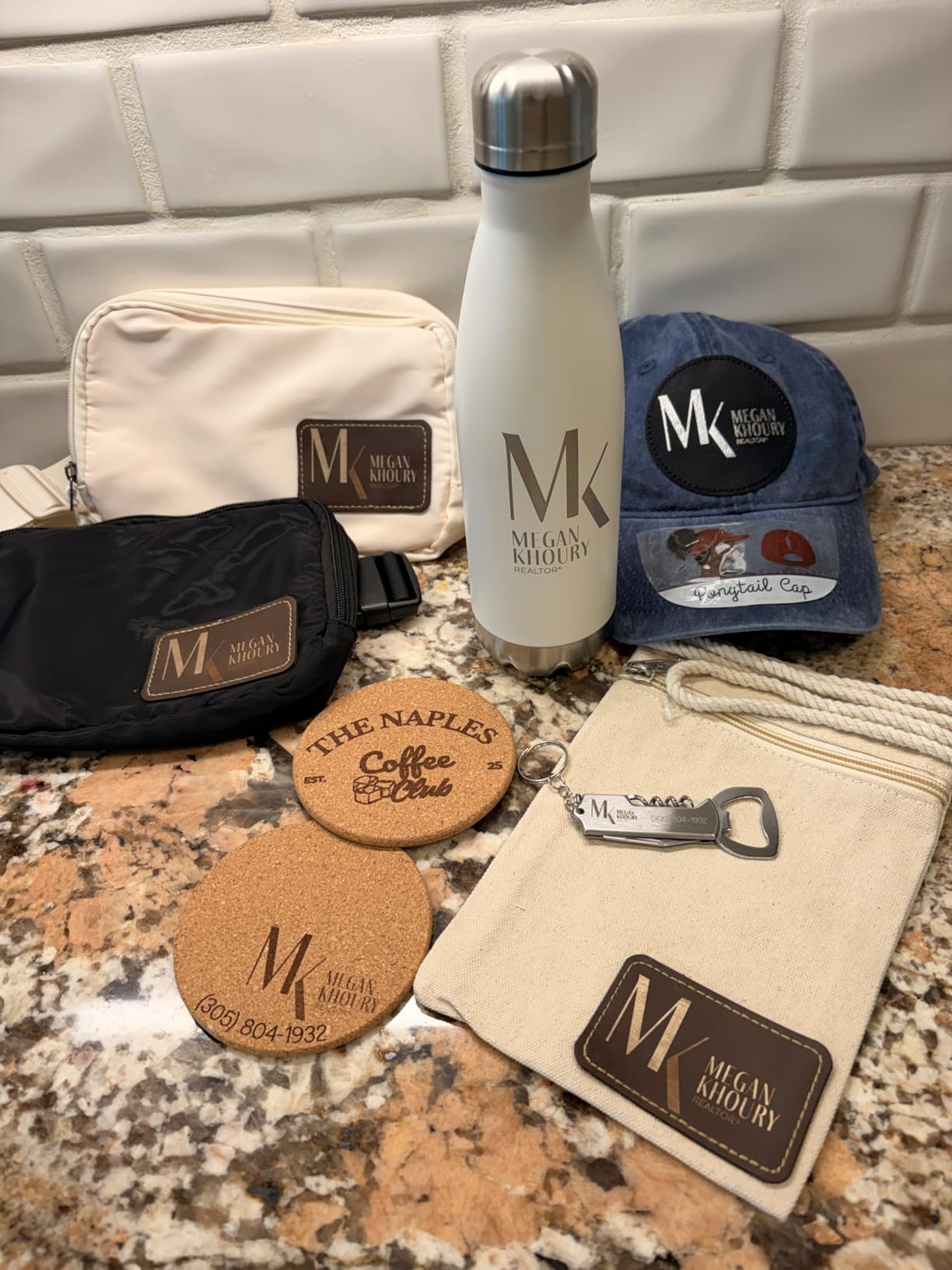
Where it beats most of the field
Nothing else here handles a leather dog tag with a stainless steel ring in one pass. The fiber laser marks the metal and the diode marks the hide, and the camera-guided batch positioning reduces the reloading that dominates a small patch run.
xTool Creative Space is widely praised as user-friendly and feature-rich, and there is a community library of more than 6000 projects to draw layout ideas from, which shortens the time to your first finished leather item.
Where it falls short
Reliability is the concern. A number of machines experienced laser or hardware failure within weeks of moderate use, and calibration drifts with awkwardly placed adjustment controls. The 4.1 rating across 140 reviews reflects that honestly.
Deep metal engraving is extremely time-consuming, sometimes many hours for a small piece, and xTool Studio paywalls features including the strongest AI tools. The supplied vent tube is also too small for a standard 4 inch dryer vent, and LightBurn is unreliable on Mac.
9. Creality Laser Falcon 5W – Best for Large Flat Leather Panels
Creality Falcon 5W Laser Engraver Machine, 72w High Precision 0.06mm Laser Cutter and Engraving Machine for Wood Leather Acrylic Glass, 10000mm/min, Offline Usage, Working Area 400 * 415mm
5000mW diode
0.06 x 0.06mm spot
400 x 415mm area
Offline operation
Pros
- Sharp detail on leather wood and acrylic
- Large 400 x 415mm bed in an entry unit
- Runs within an hour of assembly
- LightBurn and LaserGRBL for offline jobs
Cons
- Setup and software are difficult for beginners
- No cutting mat or height gauge included
- 5W is thin on power for cutting
- Head can strike the rails if not parked
The 5W Falcon is interesting for one specific leather reason: the 400 x 415mm working area is one of the biggest in this roundup, and it gets there with a 0.06 x 0.06mm compressed spot. Large flat panels such as journal covers, satchel fronts and decorative hide sheets are exactly the projects a small bed rules out.
On leather the results are described as sharp and on point across hide, wood, acrylic and paper. At 10000mm/min on a 32-bit chip it keeps pace with the larger machines for marking work, and offline operation through LightBurn or LaserGRBL means no computer connection is required on the bench.
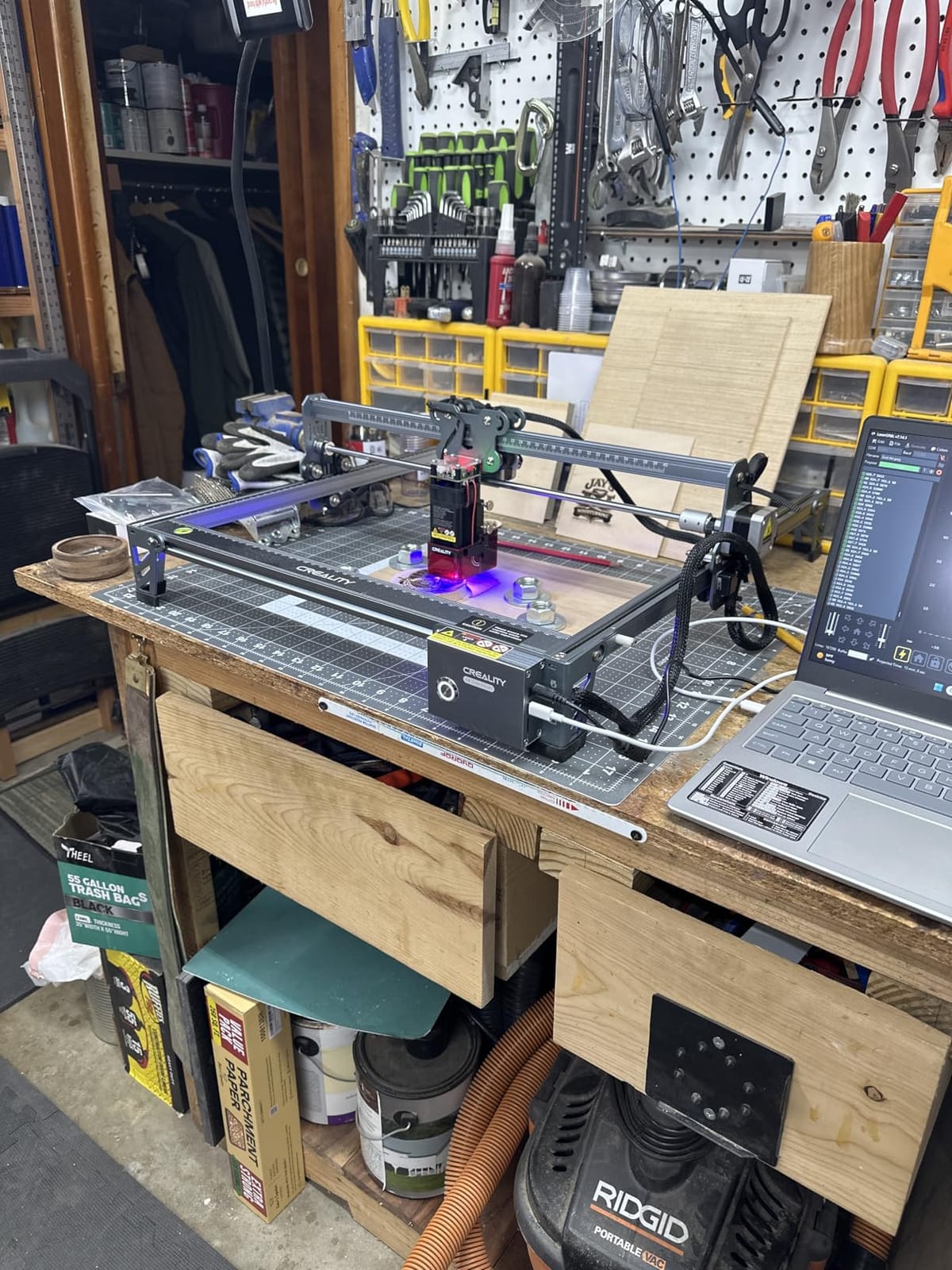
Assembly is fast and buyers report running within an hour. The eye-protective cover filters 97 percent of UV rays and includes an active stop function, and optional rotary roller and raisers are available separately if you later want cylindrical work.
It is light and compact enough to move between locations, which suits a seller who does a market one weekend and a home studio the next.
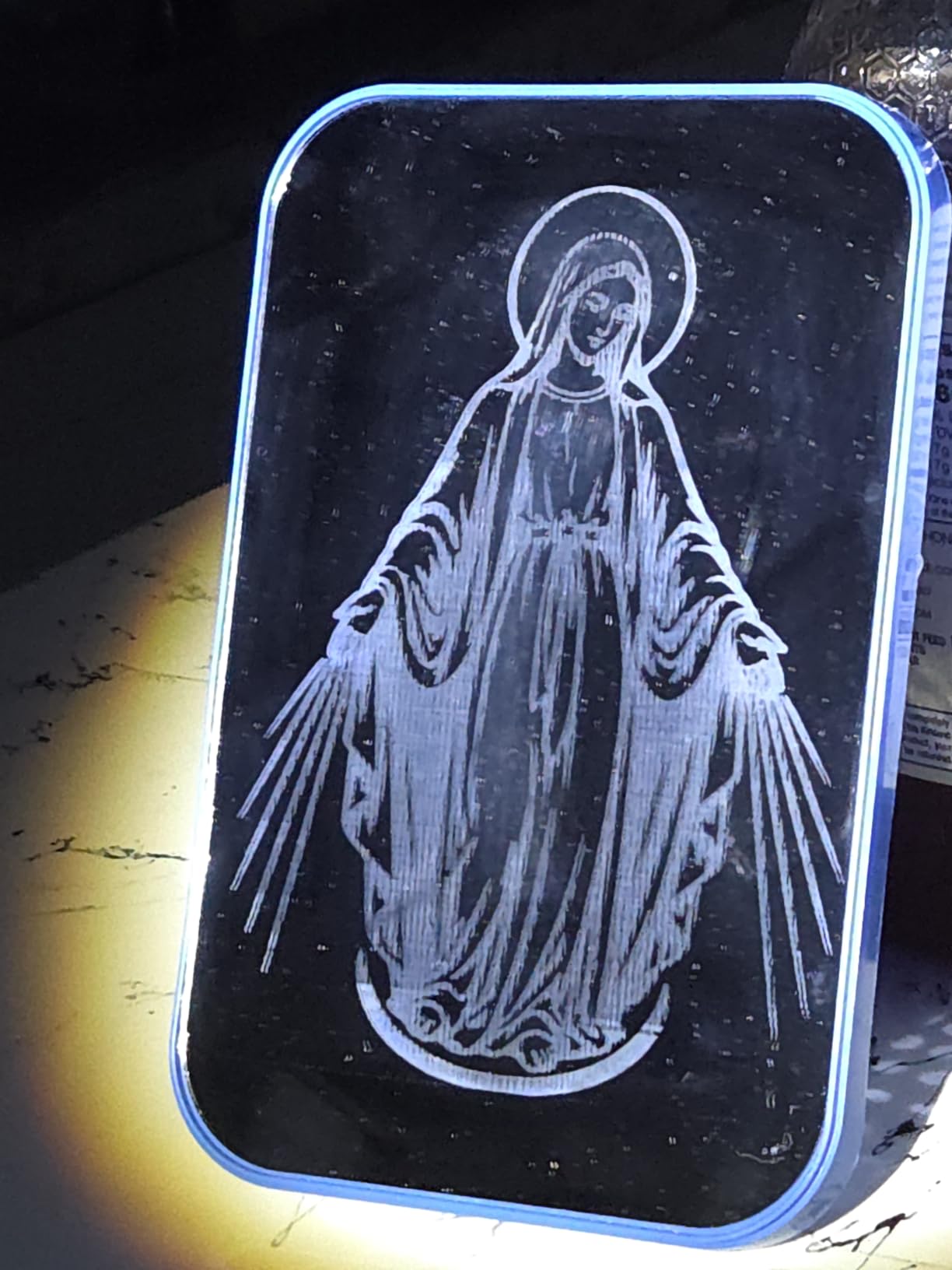
Best for a one-off panel project
If the job is a single large decorative hide panel or a run of wide belts, the bed is the deciding factor and this machine wins it among the affordable units. A 5W diode marks leather rather well at moderate power, so a wide surface is not a problem when you are only darkening the surface.
It is also a reasonable first machine for someone who already understands lasers and wants a second unit for larger flat work rather than their first introduction to them.
Where it struggles
Setup and software can be difficult for beginners with no prior experience, and the package does not include a cutting mat or a laser height gauge, so you are sourcing small essentials before your first job. A number of buyers also reported failure after several months of use.
The 5W output is thin for cutting, and the head can strike the guide rails when it is not parked correctly, which is an easy way to misalign a machine you have just focused on leather.
10. ACMER S1 2500mW – Best Portable Engraver for Small Leather Pieces
ACMER S1 Laser Engraver Machine, 2500mW Lazer Cutter for Wood and Acrylic
2500mW diode
130x130mm area
10,000mm/min
2kg aluminum body
Pros
- Compact 2kg body is genuinely easy to carry
- Head installs in about a minute
- Good clean engraving on small leather pieces
- Works with macOS Windows and Linux
Cons
- 130x130mm area limits it to small jobs
- 2.5W is slow on thicker material
- Loses home position and raises false alarms
- Software limits separate travel speed settings
The ACMER S1 is the smallest real engraver here, and for one specific leather job it is the right tool: small initials on a watch strap, a monogram inside a card holder, a short name on a keychain fob. At 2kg and 9.84 x 9.84 x 6.38 inches it fits in a bag and needs no assembly at all.
It arrives 99 percent preassembled and the laser head takes about a minute to install, which removes the single most common frustration for first-time buyers. Once focus and power are set, owners report good clean engraving on small wood and leather pieces, and 0.01mm repeatable positioning accuracy is genuinely useful at this scale.
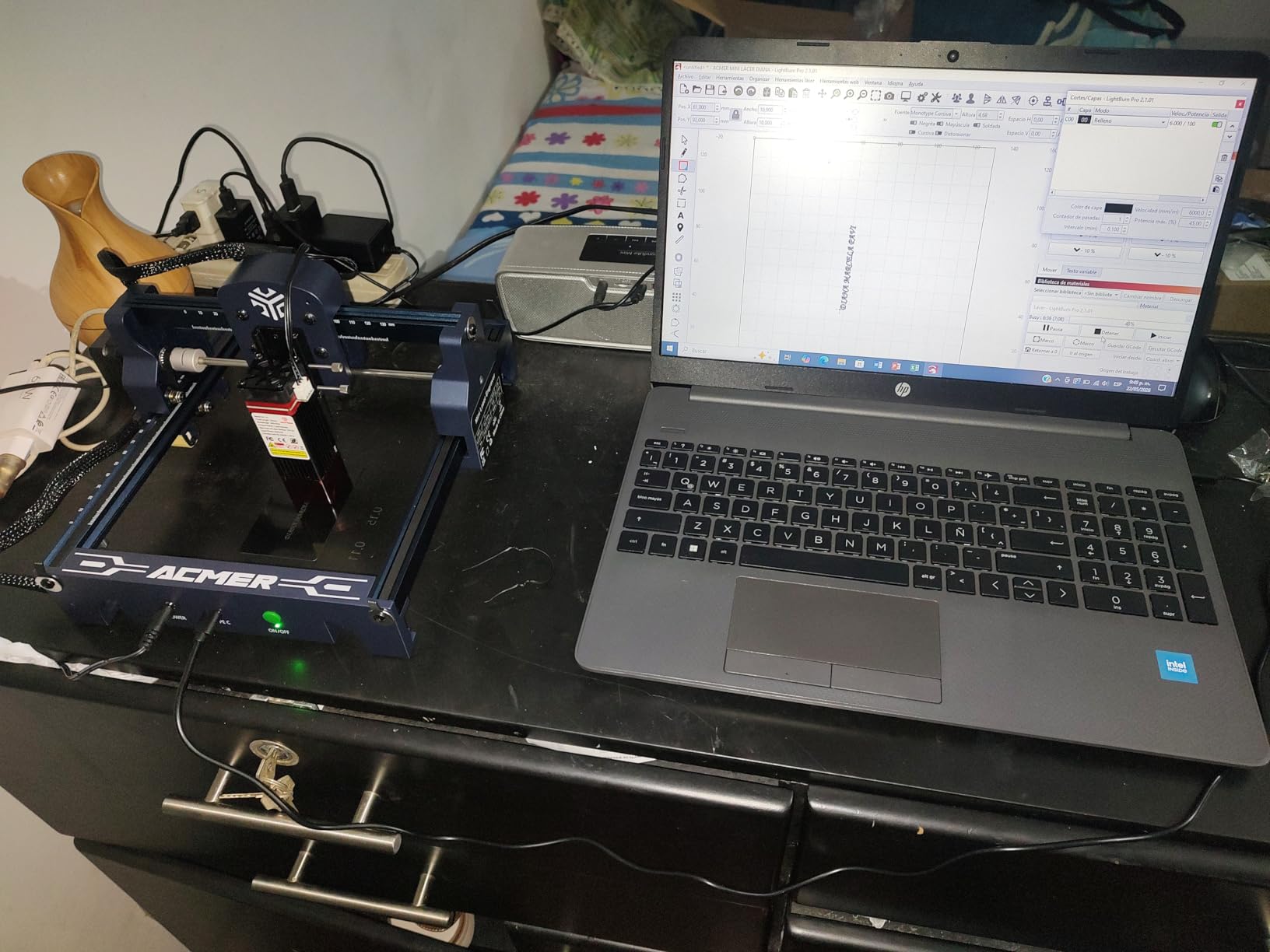
Platform support is better than most machines at this level. It runs on macOS, Windows and Linux with LightBurn, LaserGRBL and free Acmerstudio software, and it reads NC, DXF, BMP, JPG and PNG files, so a design from almost any source can be engraved.
The 455nm wavelength at a 2mm focal length gives a compact, tight beam, and the Class 4 rating with IEC 60825-1 compliance and a 12-month warranty are reasonable safety and support commitments for the class.
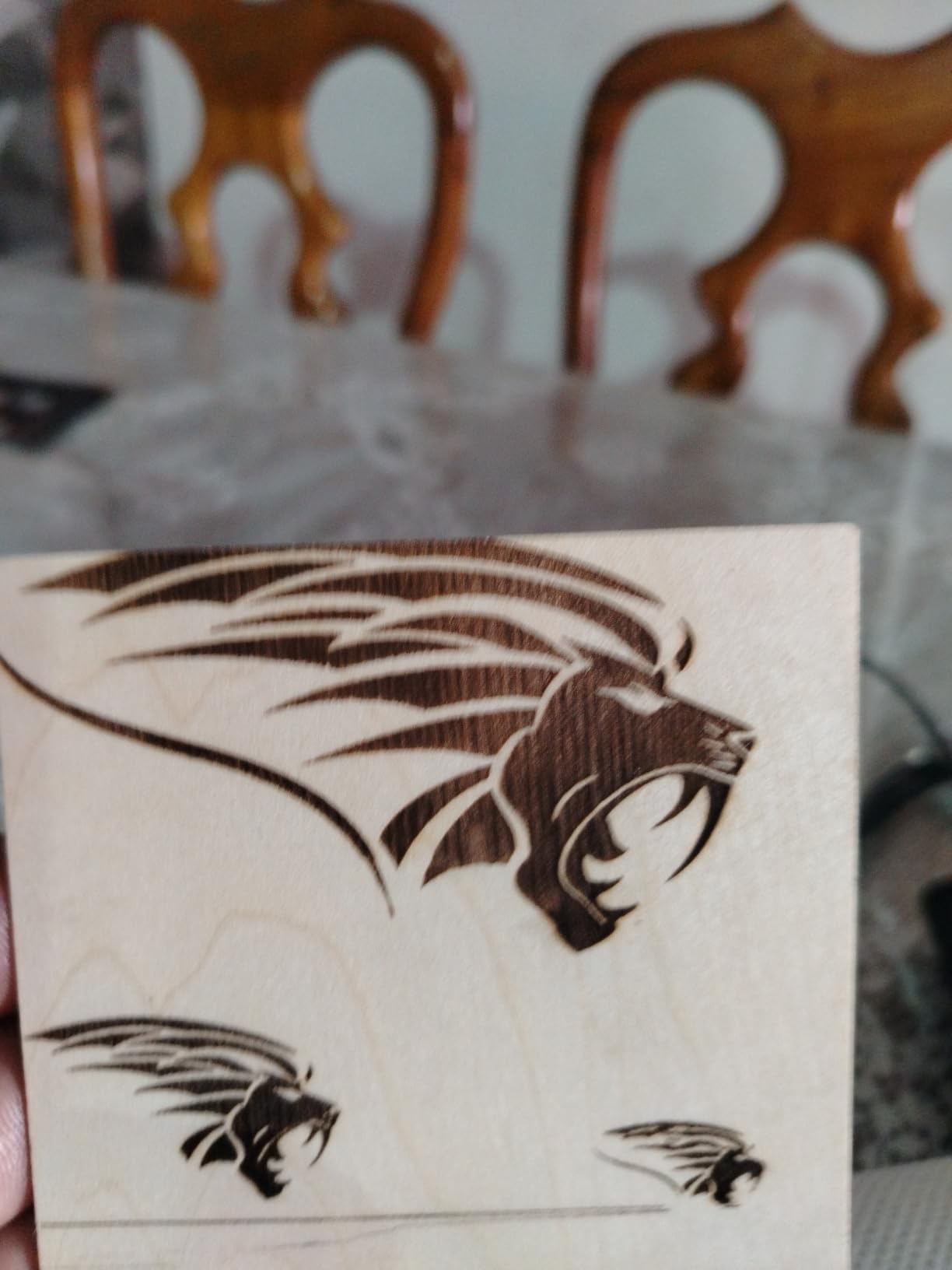
What it is genuinely good at
Small leather items only. A 130 x 130mm bed is a hard limit, and treating it as a full-size engraver is the most common disappointment. Used as a dedicated monogram machine alongside a larger unit, though, it is fast, cheap and consistent.
Portability is the real reason to own one. Owners carry it between locations or while travelling, and the fact that it needs no tools and no calibration ritual makes it attractive for a leatherworker who works away from a fixed bench.
Where it frustrates owners
2.5W means etching thicker materials is slow, so a batch of larger leather pieces eats your session. The machine also frequently loses its home position and raises false out-of-range alarms, which is the most reported complaint across its reviews.
Software behavior is inconsistent and limits workflow options such as setting a separate travel speed, and engraving quality is average rather than exceptional even when the job is small.
Which Laser Type Is Best for Leather
Choose by wavelength, because each type behaves completely differently on hide. A blue diode at 450nm, a CO2 tube at 10600nm and an infrared fiber at 1064nm look identical on a spec sheet and produce entirely different results on leather.
Diode lasers at 450nm are the practical choice for marking hide and the type used by nine of the ten machines in this roundup. The visible blue beam is strongly absorbed by organic material, so a 10W diode darkens leather quickly, and the tight compressed spots available on modern modules produce clean monogram detail. The tradeoff is that blue diodes do not cut leather well and stop at roughly a millimetre of thickness on most hides.
CO2 lasers at 10600nm are the classic workshop answer, and the reason is absorption: that far-infrared wavelength is taken up heavily by organic hide, so it marks and cuts leather with less power than any other type. If you are cutting straps, thick wallet panels or decorative shapes out of 3mm hide, a CO2 tube remains the tool of the job. None of the ten machines here is a CO2 unit, which is worth stating plainly rather than hiding.
Fiber and infrared lasers at 1064nm are the wrong tool for the hide itself. They pass through organic material and are built to mark bare metals, so the fiber half of a dual-laser machine adds capability to a leather business but does not engrave the leather. The 5W infrared head in the xTool F2 and the 20W fiber in the F1 Ultra work alongside a diode, never instead of one.
Our broader guides cover the hardware side if you want more detail on the machines themselves, including the best laser printers if you plan to print artwork before marking it.
What Types of Leather Can Be Laser Engraved
Yes, you can laser engrave real leather, and the mark color depends almost entirely on how the hide was tanned. Understanding this in advance saves you from testing on a finished piece.
Veg-tan, also called full-grain, produces a warm tan to dark brown mark. It is the most forgiving material to work with because the mark appears quickly at low power, which means less risk of curling or burn-through. This is the leather to practise settings on and the leather to use for a first batch of client work.
Chrome-tan produces a much darker mark, often near black or very dark brown, because the chromium salts in the tannage oxidize under heat. The mark is high contrast and photographs well, but the leather is thinner and more prone to scorching at the edges, so single low-power passes are the rule.
Bonded leather and leatherette behave more like a dense fibreboard than like hide. They engrave cleanly and produce consistent dark marks, and because they are uniform across a production run they are a better choice than real hide for a seller doing leatherette patches for hats and garments at volume. Suede and nubuck are the difficult case: the nap makes marks uneven, and many operators treat them as an experiment rather than a production material.
Clean the hide and dry it fully before you engrave, and always test on a scrap offcut from the same hide. Mark behavior changes between hides, and a setting that works on one piece of veg-tan can scorch the next.
Leather Settings, Prep and Cleanup
Leather punishes heat, so the settings matter more than the machine. The single most useful piece of advice from people who do this daily is that marking needs far less power than most first-time users apply, and that going too hard is what causes curling and burn-through.
For marking only, community consensus in laser and leather forums is that output around 8 to 10 percent of a large diode’s rated power is enough for reasonably dark marks without burning through the skin or causing noticeable curl. For a 40W machine that means roughly 4W equivalent, which is far less than instinct suggests. When a mark fades with handling, the fix is a second slower pass rather than a much hotter one, and users report moving to settings around 2000 speed at 60 percent power to hold a mark, which is slower and cooler than the fast settings people reach for first.
Prep is simple and it is the part people skip. Wipe the hide with alcohol, let it dry fully, lay it flat on a honeycomb bed so air can reach both faces, and weigh down any section that wants to lift. Masking tape or a glue film over the surface reduces scorch halo on veg-tan. A rotary attachment is the answer to cylindrical leather items like straps and belts, where a flat head either misses the curve or burns the crest.
Should you wet the leather? Practitioners genuinely disagree, and that is worth saying rather than pretending there is a settled answer. Dampening the surface suppresses scorch and slows the burn, but it can also produce uneven marks as the hide dries mid-job. The safest approach is to skip it for your first pass, learn what your dry settings do, and only experiment with moisture once you have a mark you are happy with.
Cleanup is the most under-served part of this workflow. After engraving, residue and soot sit on the surface and have to be scrubbed off, and wiping with alcohol is reported as an effective way to clear it. Do it while the piece is still warm, use a lint-free cloth rather than a paper towel, and expect a second pass on heavy designs.
Safety and Ventilation for Leather Work
Leather smoke is an irritant and the smell fills a room within minutes, so extraction is not optional in a home or apartment. An enclosed machine with a built-in fan and an exhaust port is the simplest fix, and three of the machines here are built that way.
Open-frame machines such as the Creality units and the Carverall K15 Pro need a separate inline duct fan or purifier. A mask is not a substitute for extraction, and a purifier alone does not remove the particulate that settles on your work surface. If you are engraving in a small room, plan the extraction path before you buy, because it affects which machine you should choose.
Never process PVC or vinyl, in any form. Leather-adjacent products are the risk area, because a patch with a PVC backing or a faux leather item with a vinyl finish releases hydrogen chloride gas that is corrosive and genuinely dangerous. Identify your material before you fire, and if you cannot identify it, do not put it in the machine.
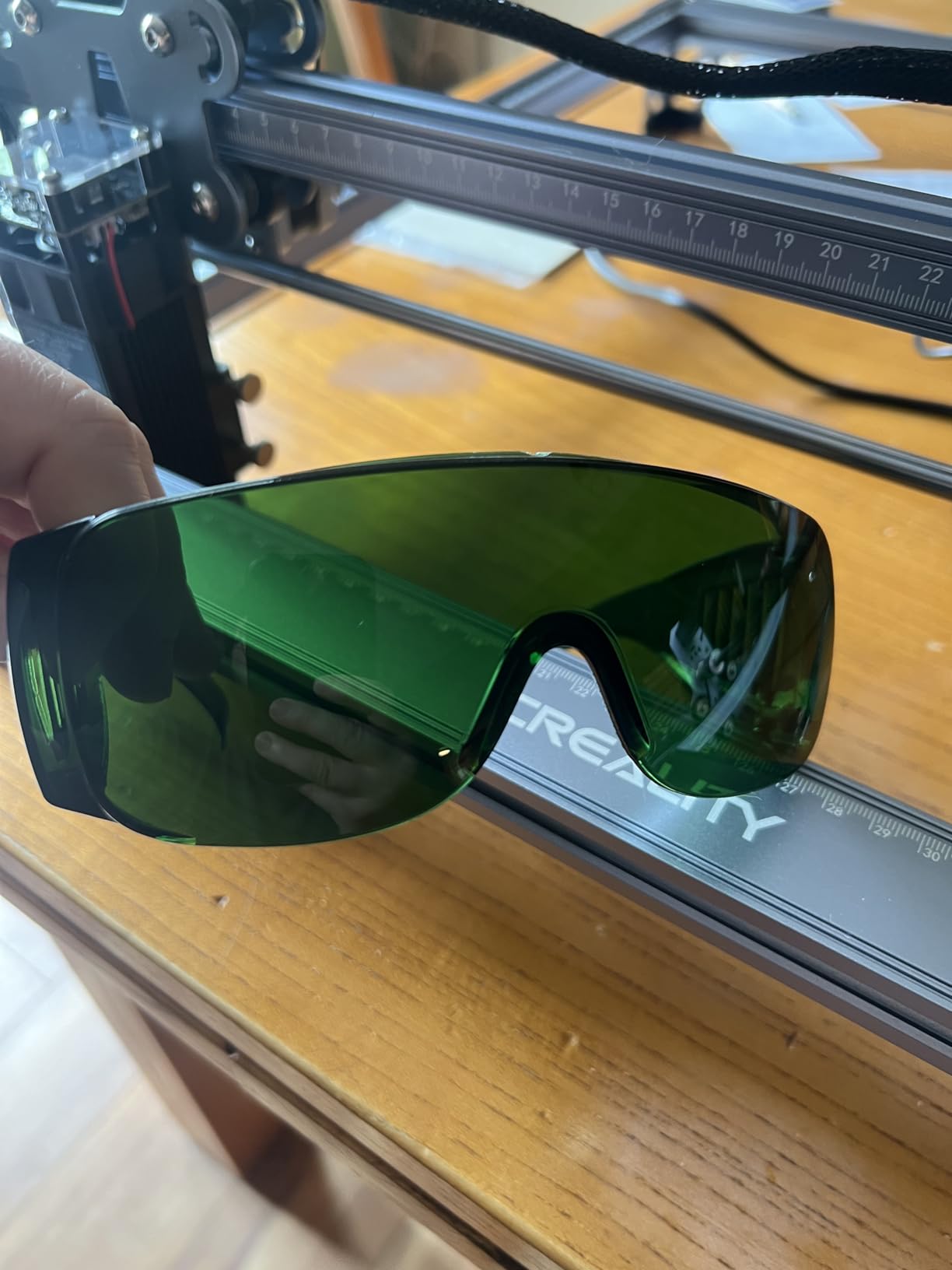
Eye protection matters too. The enclosed units here filter most of the light and most include safety glasses, but on any open frame you are relying entirely on wavelength-rated eyewear and on never leaving a beam path exposed. Laser level tripods are unrelated to engraving, but the same care about aligning equipment before you run it applies.
How to Choose Your First Leather Laser
Answer three questions before you buy, in this order: are you marking or cutting, how big is your largest leather piece, and where will the machine live. Everything else is preference.
Marking or cutting sets the power tier. Marking only needs 5W to 10W for a diode and nothing more. Cutting leather needs 40W and a desktop unit, or a CO2 tube. Mixing the two jobs in one machine is the argument for a 20W to 40W desktop, and it is why the xTool S1 sits at the top of this list.
Work area decides the rest. A 130 x 130mm bed handles a monogram and nothing else. A 300 x 300mm area covers wallets and small panels. Anything above 400mm in one direction is what you need for journal covers, wide belts and batch patch sheets, and the 5W Creality Falcon is the affordable way to get there.
Enclosure is a quality-of-life decision that most people get wrong on the first purchase. If the machine will run in a room with other people in it, buy enclosed. If it lives in a garage or a shop with a ducted extraction path, an open frame with a bigger bed is a better use of the same money.
Software is the last filter. LightBurn is the common denominator across almost every machine here and is worth learning. Bundled apps such as CutLabX and the stock ATOMSTACK software are workable but owners report needing LightBurn soon after buying, so factor that into which machine appeals to you.
Frequently Asked Questions
What is the best laser engraving machine for leather?
A 20W to 40W diode laser is the best choice for most people. Diode lasers at 450nm mark veg-tan and chrome-tan hide quickly and cleanly, and the 40W class also cuts thicker leather if you need it. CO2 tubes at 10600nm remain the traditional workshop answer for cutting. Fiber lasers are not suitable for leather itself.
Can you laser engrave real leather?
Yes. Real leather is one of the most laser-friendly materials available. The beam vaporizes a paper-thin layer of the collagen surface and that layer chars, creating a permanent mark. Veg-tan leather gives a warm tan to dark brown mark, while chrome-tan gives a much darker near-black mark because the chromium salts oxidize under heat. Always test on a scrap offcut from the same hide.
Should I wet leather before laser engraving?
Practitioners genuinely disagree. Dampening the surface suppresses scorch and slows the burn, which helps on thin chrome-tan, but it can also leave uneven marks as the hide dries during a long job. The safer route is to learn your dry settings first on a scrap, then experiment with moisture once you have a mark you like. Do not use moisture on suede or nubuck.
What are the top 5 laser engravers?
Our top five for leather are the xTool S1 40W as the best all-rounder, the Creality Laser Falcon 10W as the best value marking machine, the Carverall K15 Pro as the best budget start, the LaserPecker LP2 as the most portable option with a versatile rotary, and the xTool F2 for market stalls and small batch work. Each covers a different leather workflow rather than simply offering more power.
How do I clean soot residue off leather after engraving?
Wipe the piece while it is still warm using a lint-free cloth dampened with alcohol, which is reported as an effective cleanup method. Avoid paper towels, which leave fibres in the grain, and expect a second pass on heavy designs. Increase air assist if residue keeps building up, since a clean burn means less residue is produced in the first place.
Why is my leather curling and scorching when I engrave it?
Curl and scorch come from too much heat in one place. Lower the power, slow the speed, and use a single pass instead of stacking passes. Lay the hide flat on a honeycomb bed so air reaches both faces and weigh down any section that lifts. For marking only, start around 8 to 10 percent of rated power, which is far gentler than most people assume.
Conclusion
The xTool S1 40W is our pick for the best laser engravers for leather overall. It has the power headroom to engrave and cut, an enclosed Class 1 body that contains most of the smoke, a 23.93 x 15.16 inch bed built for batch leather work, and the highest rating at 4.6 across 233 reviews. If your work is marking only, the Creality Laser Falcon 10W gives you a tight 0.06mm spot and a 17 x 16 inch bed for a much smaller outlay, and the Carverall K15 Pro is the cheapest honest way to start on real hide.
Whichever you choose in 2026, respect the material. Start at low power on a single pass, test on an offcut from the same hide, keep the piece flat and ventilated, and clean the soot off with alcohol while the piece is warm. A machine that is set up correctly will not scorch a good hide, and the marks will outlast the wallets and belts you put them on.