
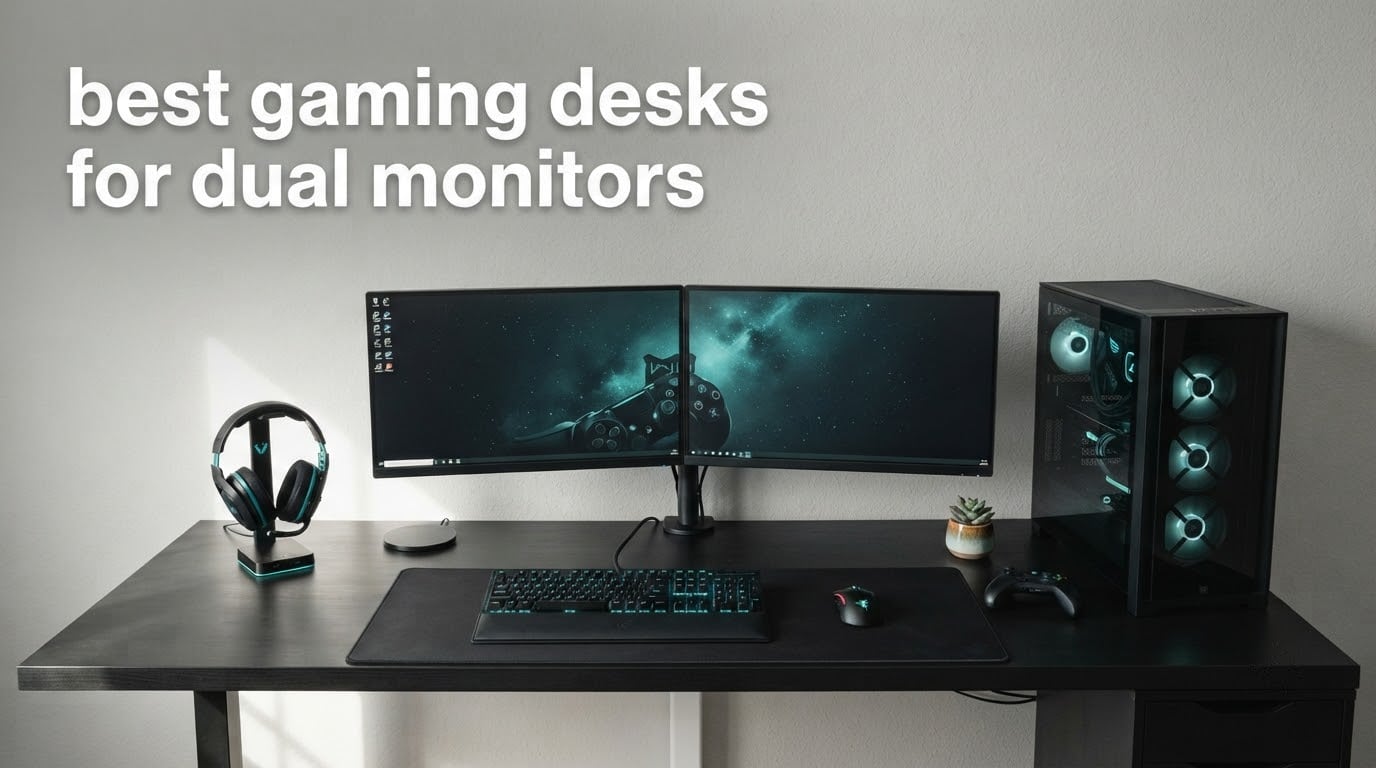
Short answer: the Mr IRONSTONE 51 inch L-shaped desk is the best gaming desk for dual monitors because its 50.8 inch surface and 350 lb frame take two panels and a tower without rocking. The Furologee 60 inch desk is the budget pick when storage matters more than RGB, and the Veken 55 inch electric standing desk is the one to buy if you want to alternate between sitting and standing with both screens mounted.
Two monitors change what a desk has to do. A single screen sits happily on a 48 inch top with a stock stand; the moment a second panel goes up, the same desk becomes too narrow, too shallow, and too lightly rated. People building two-screen battlestations keep running into the same three problems in the forums we read: monitors that visibly shake during a firefight, screens pushed so close that the neck hurts by hour three, and a knot of display and power cables behind the rig.
So this roundup does not rank desks by how many LED strips they carry. Every one of the 12 desks below was measured against the same five checks: does the width fit two panels with breathing room, does the published load rating cover your actual load, will a clamped or grommet-mounted monitor arm attach, can you route the cables out of sight, and does the surface stay still when you lean on it. Last reviewed in 2026.
One quick note before the picks, since it comes up constantly on r/battlestations and r/pcmasterrace: the 1440p gaming monitors are the most common pairing for this kind of desk, and a second gaming monitor on the left usually runs chat or a guide rather than a second game view. Both change the sizing maths, which is why the buying guide below maps monitor configuration to minimum desk width before anything else.
Table of Contents
Top 3 Picks: Gaming Desks for Dual Monitors (October 2026)

Mr IRONSTONE 51 Inch L Desk
- 50.8 inch L-shaped surface
- 350 lb load capacity
- 29.5 inch depth

HLDIRECT 55 Inch Z Frame Desk
- 55 x 23.6 inch top
- Z-frame twin triangle legs
- Integrated cable manager
Veken 55 Inch Standing Desk
- Electric 28.3-46.5 inch range
- 154 lb capacity
- Quiet motor under 52 dB
Best Desks at a Glance in 2026
Every desk listed here clears the width needed for two monitors. The depth column matters just as much, because depth sets how far the screens sit from your eyes, and the load column tells you whether a clamped dual monitor arm and a PC tower can share the same frame.
| Product | Specifications | Action |
|---|---|---|
| Mr IRONSTONE 51 Inch L Shaped Desk |
|
Check Latest Price |
 AODK 53 Inch L Shaped Gaming Desk AODK 53 Inch L Shaped Gaming Desk |
|
Check Latest Price |
| HLDIRECT 55 Inch Z Shaped Desk |
|
Check Latest Price |
| Veken 55 Inch Electric Standing Desk |
|
Check Latest Price |
 ODK 55 Inch Gaming Desk ODK 55 Inch Gaming Desk |
|
Check Latest Price |
 SEDETA 67 Inch L Shaped Gaming Desk SEDETA 67 Inch L Shaped Gaming Desk |
|
Check Latest Price |
 AODK 59 Inch Gaming Desk with PC Showcase AODK 59 Inch Gaming Desk with PC Showcase |
|
Check Latest Price |
 Furologee 60 Inch Gaming Desk Furologee 60 Inch Gaming Desk |
|
Check Latest Price |
 ODK 66 Inch L Shaped Gaming Desk ODK 66 Inch L Shaped Gaming Desk |
|
Check Latest Price |
 SEDETA 79 Inch Gaming Workstation SEDETA 79 Inch Gaming Workstation |
|
Check Latest Price |
 Casaottima 55 Inch Gaming Desk Casaottima 55 Inch Gaming Desk |
|
Check Latest Price |
 Veken 63 x 28 Inch Standing Desk Veken 63 x 28 Inch Standing Desk |
|
Check Latest Price |
1. Mr IRONSTONE 51 Inch L Shaped Desk: the best overall dual-monitor desk
Mr IRONSTONE L Shaped Gaming Desk Corner Computer Desk, Home Office Desks Writing Workstation with Large Monitor Stand, Easy to Assemble (Black,51 Inch)
Surface: 50.8 x 50.8 inch L
350 lb load capacity
29.5 inch depth
Pros
- 350 lb capacity from a thickened metal frame and X-shaped legs
- Assembles in roughly 35 minutes with the included tools
- Smooth laminate top that wipes clean and resists scratches
- Deep 29.5 inch depth with legroom friendly to taller users
Cons
- L-shape needs a corner to fit into
- Only one drawer and one cabinet for storage
- No cable routing or monitor arm fittings
With close to 41,000 reviews at a 4.7 average, this is the most proven desk in the roundup, and the numbers behind that rating hold up under a dual-monitor load. The L gives you 50.8 inches in both directions, which means two 27 inch panels sit side by side with real space either side of them instead of touching.
Where it wins outright is depth. At 29.5 inches it is one of the few desks here that does not force you to sit nose-to-screen. That matters more with two monitors than with one, because the outer panel already sits further from your centreline and shallow desktops push both screens into your personal space.
The frame is a thickened metal structure on X-shaped legs rated to 350 lb, roughly double what most desks in this list publish. That headroom is the whole reason it is number one: a dual monitor arm levers on the rear edge and both screens act as a cantilever, and a frame with real margin absorbs that instead of ringing.
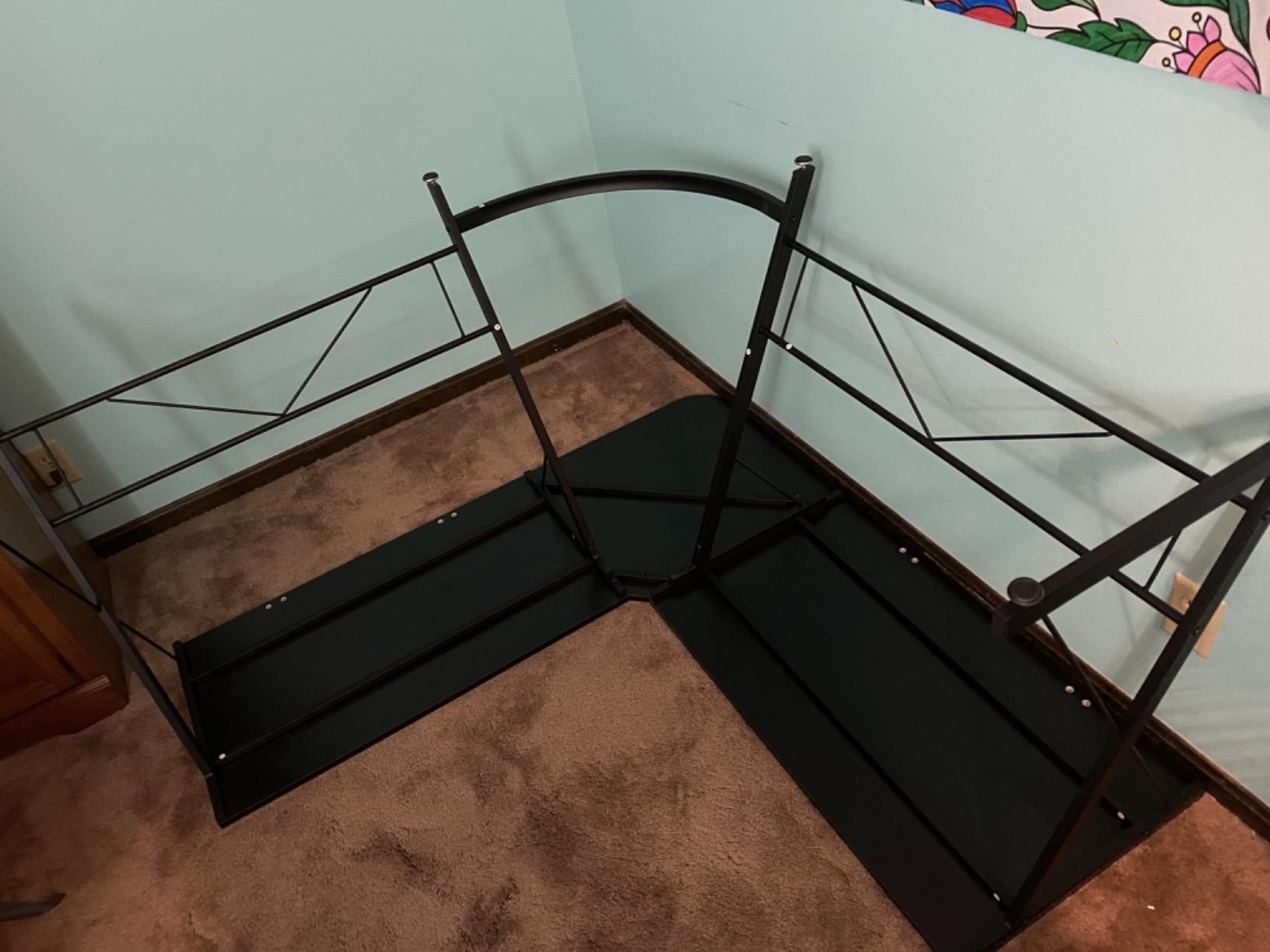
Assembly takes about 35 minutes and the tools come in the box, which matters on an L-shape where two surfaces have to line up. Buyers consistently cite sturdiness, quick assembly and legroom as the reasons they would buy it again, and the rating distribution backs that up with 80 percent five-star.
It is a fixed-height desk, so if your priority is alternating between sitting and standing this is the wrong shape of answer. The published height is 29.5 inches top to floor, and 15 kg of shipping weight makes it a two-person move into a tight room.
Why it survives two 27-inch monitors where narrower desks sag
Two 27 inch panels on stands typically land around 30 to 40 lb, an arm adds roughly 10 lb, and a tower on a side holder runs 40 to 50 lb. That is a real load of 100 lb or so, and against a 350 lb rating you are nowhere near the limit. Most dual-monitor complaints about flex and sag come from frames rated 150 lb or less carrying 100 lb, which is a 60 percent duty cycle and no margin for a firm shove of the desk.
The X-shaped legs matter here too, because they resist lateral rock rather than just vertical load. A 50.8 inch span is long, and a longer span needs a leg geometry that braces against twisting at the feet. This is the desk we would put two 27 inch panels on and stop worrying about it.
Where it is the wrong choice
You need a corner. The L is not reversible and it is not a straight desk, so in a long narrow room against one wall it will not work at all. If your space is a single straight wall, look at the Furologee or the HLDIRECT instead.
It also ships without cable management, a monitor riser or any arm fitting, so budget separately for a clamp or grommet mount if you want the screens on a single arm. That is normal for this category rather than a flaw, but it does mean the finished setup costs more than the desk.
2. AODK 53 Inch L Shaped Gaming Desk: best for built-in power
AODK L Shaped Desk Gaming Desk with LED Light & Power Outlet
53.15 inch wide L-shape
3 AC outlets and 2 USB ports
18.9 inch depth
Pros
- Reversible L-shape so the corner return can face either way
- Three AC outlets and two USB charging ports built into the desk
- LED strip with 10 colours and 8 brightness levels
- Two-tier upper rack doubles as a monitor stand
- CPU stand plus headphone hook and a storage bag
Cons
- 18.9 inch depth is shallow for a wide monitor arm
- No drawers so small items go on the shelves
- Upper rack has only two mounting options
This is the pick if cable management and charging are what actually annoy you. Three mains outlets and two USB charging ports sit in the desktop, which removes the extension strip that usually ends up taped to the underside of a two-monitor desk. A #10 best-seller rank in Home Office Desks reflects how many people have decided the same thing.
At 53.15 inches wide the main surface fits two 24 inch panels comfortably, or two 27 inch panels with about an inch of slack. The upper rack can sit at one of two heights and doubles as a display shelf, so if you run smaller monitors you gain real usable desk area underneath.
The L is reversible, which means the return and the hutch can be configured for either orientation. In a corner that points the wrong way that single feature decides whether the desk works at all, and it is unusual at this end of the category.
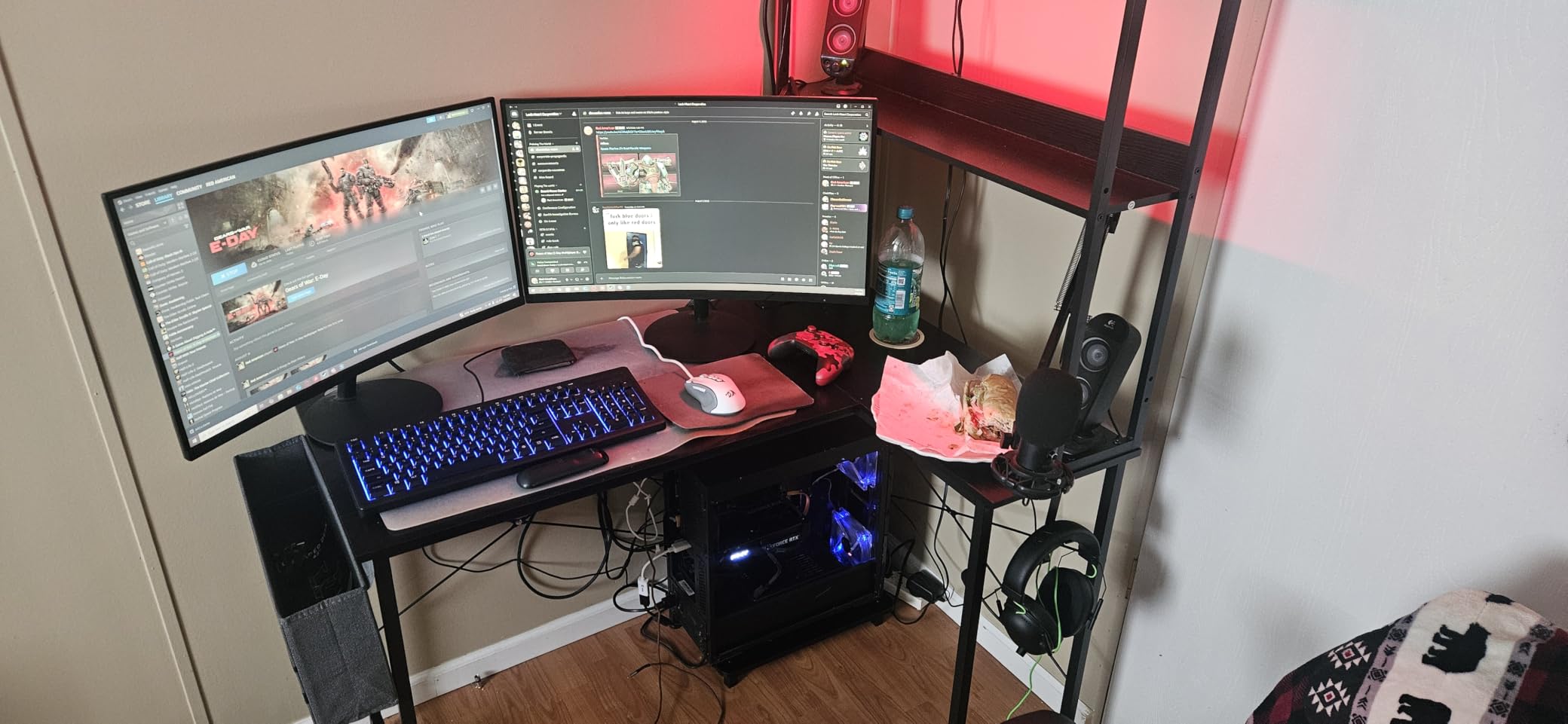
Depth is the real limitation. At 18.9 inches it is one of the shallower surfaces here, and a shallow desktop is exactly what forum builders warn about: monitors end up too close, you start leaning forward, and a clamp-mounted dual monitor arm needs depth behind the screens to open properly.
Reviewers single out the reversible L-shape and the integrated power as the two features that justify the spend. At 4.6 stars across roughly 2,300 reviews, the reception is broad rather than enthusiastic, which fits a desk that does its job without flash.
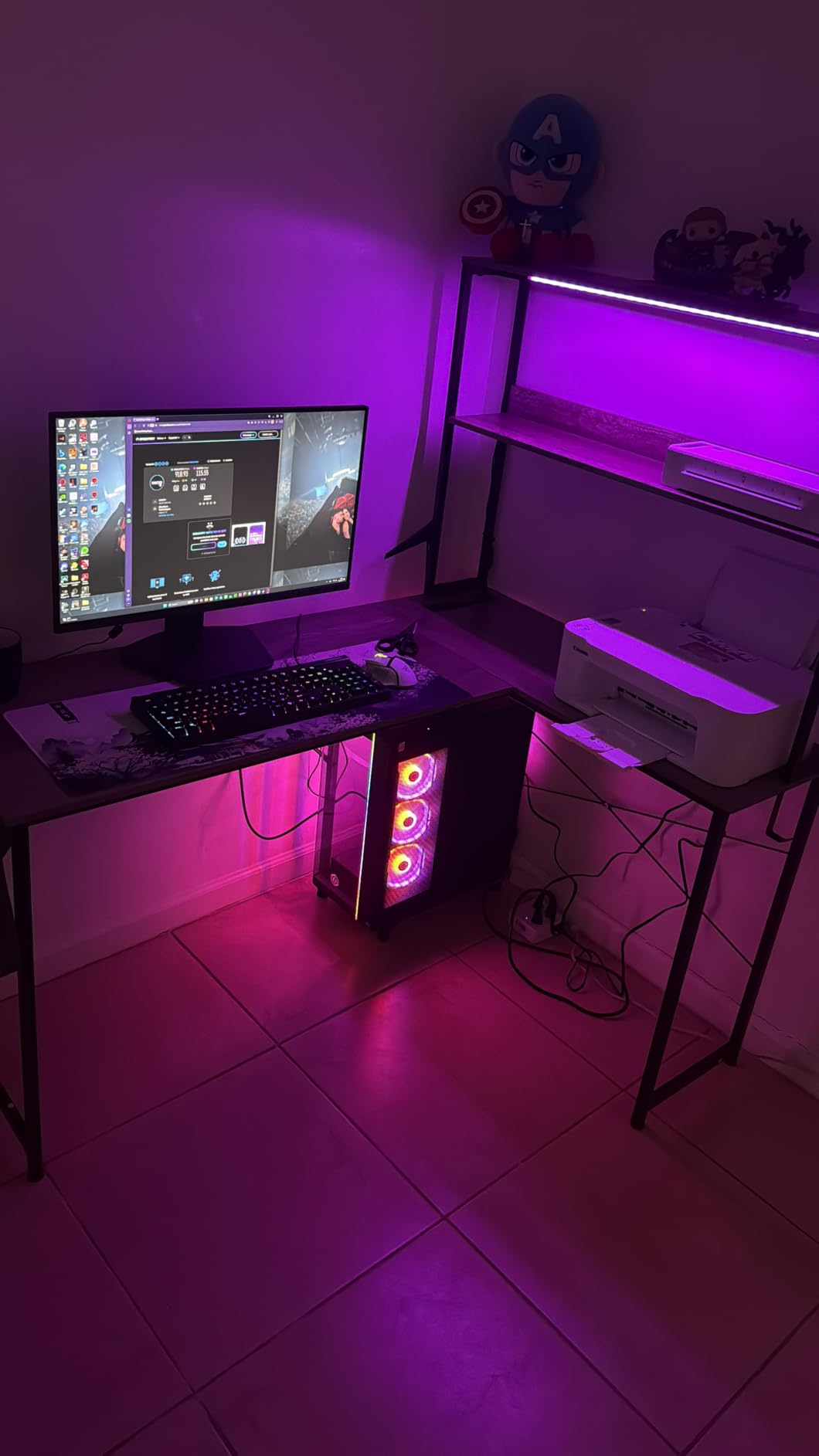
Best for small rooms with a corner and a lot of devices to charge
A 53 inch L footprint in a bedroom gives you a two-monitor work area and a return for a tower or a printer without needing a second piece of furniture. Because the outlets and USB ports are in the desk, a phone, a headset and a controller all charge without a cable running across the floor.
The storage is shelf-based rather than drawer-based, with a two-tier rack, a CPU stand, a headphone hook and a fabric storage bag adding up to 200 litres of volume. That is enough to keep controllers, cables and a spare drive off the surface where your mouse needs to travel.
Where it is the wrong choice
If you plan to mount both monitors on one arm, 18.9 inches of depth is tight. Plan for a grommet mount with a short post instead of a wide clamp, and check your arm’s post depth against the desk thickness before ordering.
There is no drawer, so pens, dongles and charging leads live on the shelves, which is workable but means small items migrate. Reviewers also note the upper rack only offers two mounting options, so treat it as a set height rather than something you will fine-tune.
3. HLDIRECT 55 Inch Z Shaped Desk: best for mounting a monitor arm
HLDIRECT 55 Inch Gaming Desk Z Shaped Carbon Fiber Computer Desk with LED
55 x 23.6 inch desktop
150 lb working and 200 lb static
Z-frame twin triangle legs
Pros
- Z-frame twin triangle structure resists wobble
- Frame accepts a desk-mounted monitor arm
- Integrated cable manager in the desktop
- Four RGB strips with app control
- Mouse pad plus headphone hook and cup holder included
Cons
- 150 lb working load is modest for a heavy arm
- Coating is a finish over engineered wood rather than solid carbon fiber
- Two-person assembly and no drawers
This is the only desk here whose frame is explicitly built to take a desk-mounted monitor arm, and for a two-screen battlestation that is the single most useful thing a manufacturer can say. At 55 by 23.6 inches it also gives you more depth than most 55 inch tops, which is what a clamp-mounted dual arm needs behind the screens.
The frame splits a four-sided structure into two independent triangular mechanical shapes. Practical translation: the desk resists twisting when you push on it, which is the exact failure mode people describe when two monitors shake during competitive shooters. A single monitor on a stand is a light central load; a dual arm is an off-centre lever, and triangles handle that better than a flat rail.
There is a cable manager built into the desktop, plus four groups of RGB strips on the sides with app control and universal pin connectors. The bundled extras are unusually complete for this category: an extra-large mouse pad, a headphone hook and a cup holder.
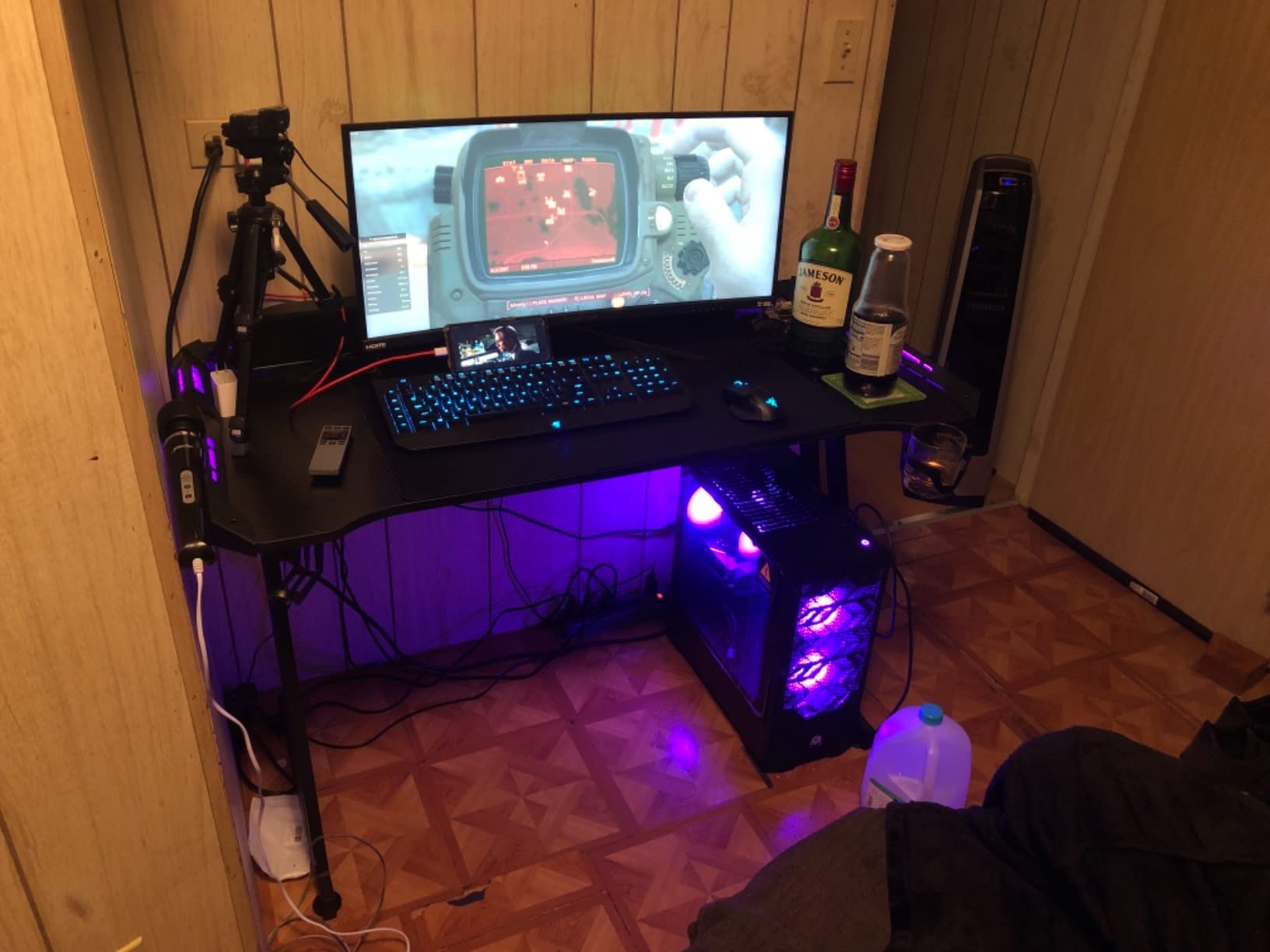
It assembles in under 30 minutes according to the manufacturer, and reviewers say the manual includes the tools. Real-world reports suggest two people is the sensible plan, since the top is 13 kg before the frame goes on.
The load rating is the thing to understand before you commit. The desk supports 150 lb in normal use and 200 lb as a static maximum, and 150 lb is enough for two 27 inch monitors, an arm and a tower, but not much more than that. Avoid hanging a full glass build off the frame as well.
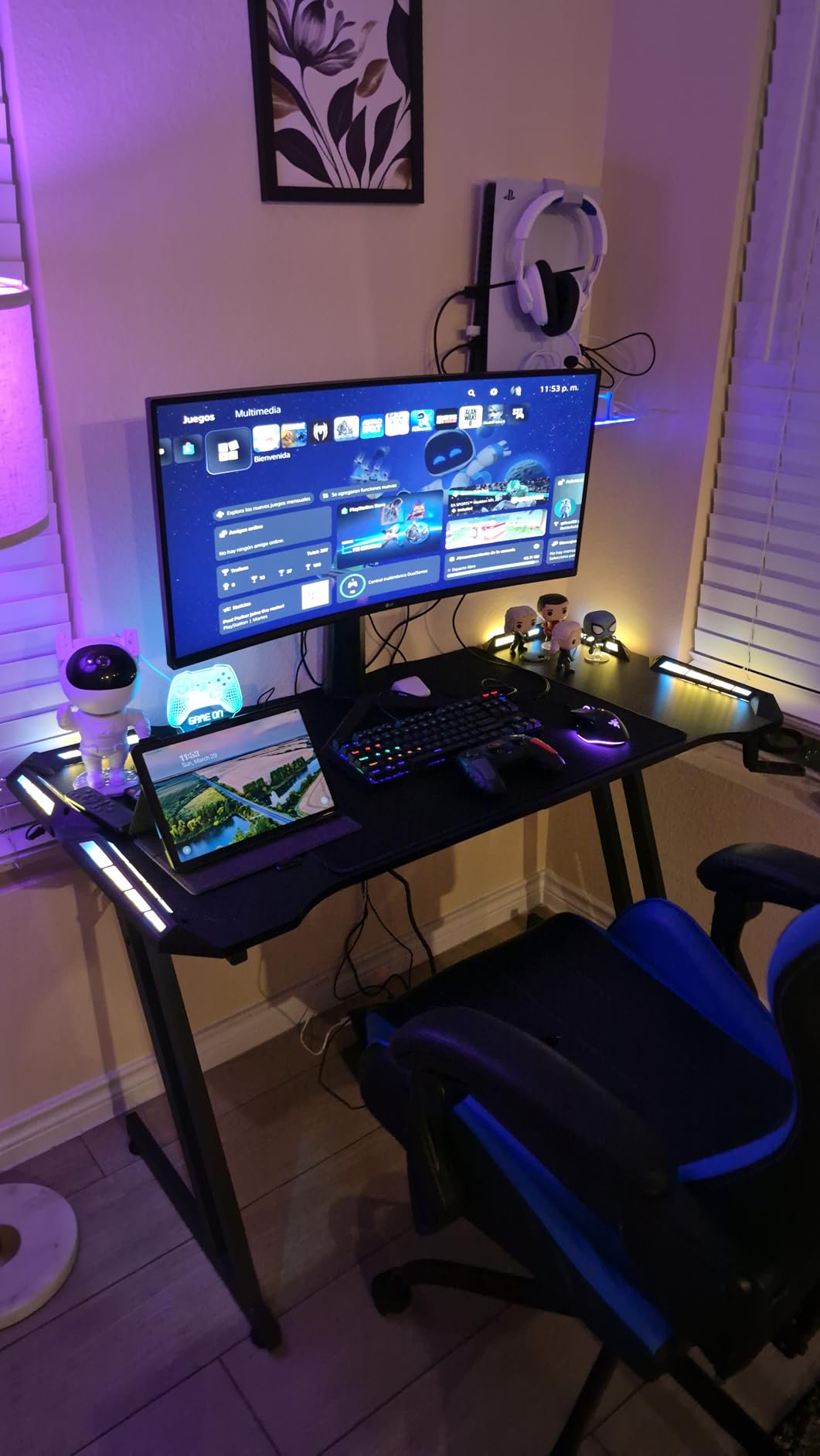
Why the Z-frame matters more with two screens than one
Force on a desk top is a torque, not just a weight. A single stock stand pushes straight down in the middle, which is the easiest case for any frame. A dual monitor arm clamps at the rear and hangs two panels forward of the clamp point, so every gram of screen becomes leverage about the back edge.
That is why the triangular Z construction and the extendable foot pads, which adjust up and down by a centimetre to level the frame on uneven floors, are worth paying for. Level feet mean the frame is not already loaded in torsion before you sit down.
Where it is the wrong choice
There is no drawer and no enclosed storage, so anything loose lives in a shelf or in the mouse pad area. If you use a deskmat that covers most of the top, the cable manager underneath becomes harder to reach, which defeats one of the reasons to pick this desk.
And the carbon fibre look is a coating on an FSC-certified wood panel rather than a carbon fibre surface. It resists scratches and wipes clean, but if you expected a genuinely lightweight composite top, that is not what this is.
4. Veken 55 Inch Electric Standing Desk: best value sit-stand option
Veken 55 Inch Large Electric Standing Desk, Gaming Table, Black
55 x 23.64 inch top
28.3-46.5 inch height range
154 lb capacity
Pros
- Electric sit-stand from 28.3 to 46.5 inch with memory presets
- Quiet motor under 52 dB
- 55 inch surface sized for multiple monitors
- Integrated cable management and two headphone hooks
- Two-year manufacturer warranty
Cons
- Desktop is two joined boards with a visible seam
- 154 lb load is tight for a heavy arm plus a glass case
- Assembly needs at least two people
This is the desk to buy if you want two monitors on a desk that actually moves. The range runs from 28.3 inches to 46.5 inches, which covers a seated setup for a tall user and a genuine standing height, and memory presets mean you set your sit and stand positions once.
The 55 by 23.64 inch top is dimensioned for multiple monitors plus gear, and the integrated cable management keeps the display leads off the work surface. A #1 rank in Utility Tables and roughly 2,500 reviews at 4.5 say the quiet motor is doing its job: under 52 dB, which is inaudible through a headset.
Two things make it the value pick in this category. The two-year warranty is longer than most of the fixed-height desks here, and the motor is genuinely smooth rather than the juddery budget drive that puts people off sit-stand desks entirely.
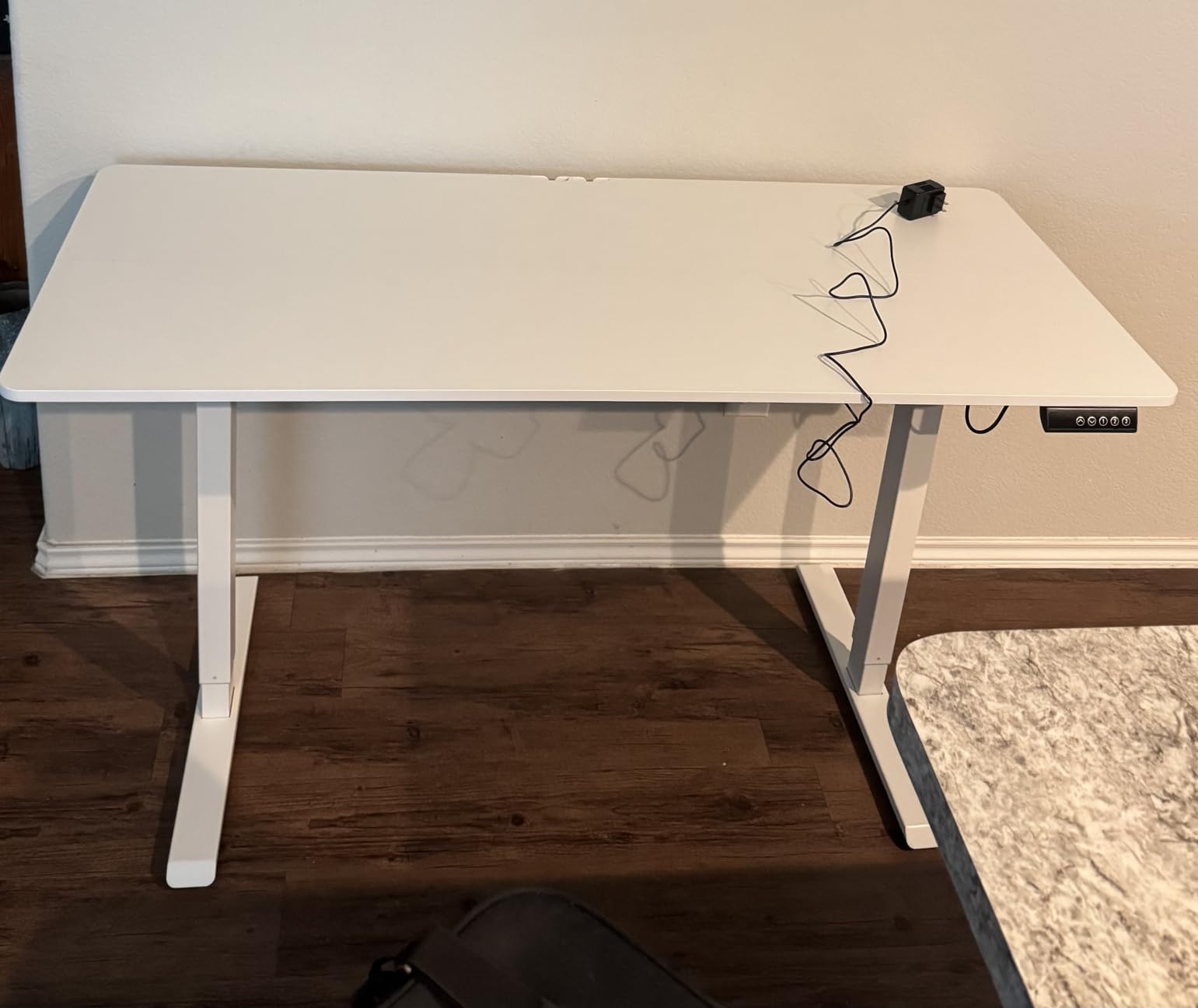
The seam in the desktop is the first thing you will notice. The top is made from two joined boards, so there is a visible line across the middle of the surface. Under a deskmat it disappears; bare, it reads as a join rather than a defect.
Assembly is the other real complaint, and reviewers are blunt about it. This is a two-person job with 42 lb of shipping weight, and the steel frame needs to be squared before the top goes on or the height range will feel uneven.
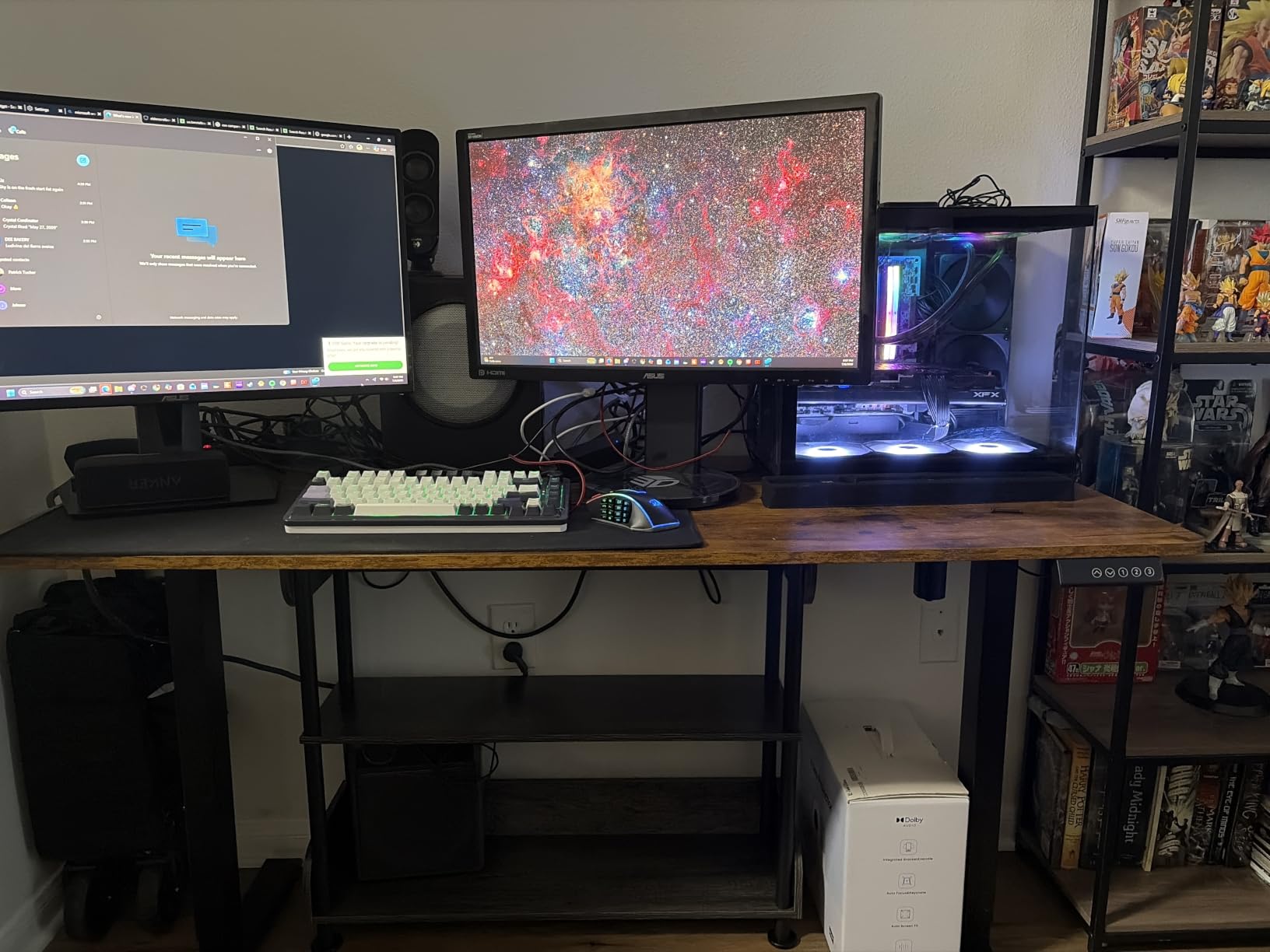
Whether a standing desk is worth it with two monitors
It is, and the reason is specific to two screens rather than general wellness. With a sit-stand desk you can raise both panels to true eye height while you are up, then drop to 28.3 inches and pull the keyboard and mouse into a comfortable seated position without touching a stand.
Because the desk moves, risers become a liability. Anything freestanding on a desktop that rises and falls is exactly the tipping risk people describe in setup threads, so if you go sit-stand you should plan on a clamped or grommet-mounted arm rather than a shelf.
Where it is the wrong choice
The 154 lb rating is the constraint. Two 27 inch monitors, an arm and a tower can approach 100 lb, which leaves margin but not much, and a heavy tempered glass case on a suspended mount would exceed what is sensible. The HLDIRECT and the Mr IRONSTONE give you more headroom.
There is no drawer, no hutch and no riser included. If your setup is a fixed seated rig with no intention of standing, a sturdy fixed-height desk at this width is a better use of the same money, and you keep the monitor arm budget for the arm.
5. ODK 55 Inch Gaming Desk: best for a raised monitor stand
ODK 55 Inch Gaming Desk with LED Lights & Storage Shelves, Black
55 inch desktop
19.6 inch depth
Raised monitor stand and X crossbar
Pros
- 55 inch top with room for two monitors and peripherals
- Reinforced steel frame with X-shaped crossbar
- Raised monitor stand improves viewing height
- LED strip with 10 colours and 8 brightness levels
- Reversible storage shelves and a dedicated CPU stand
Cons
- 19.6 inch depth is shallow for a deep monitor arm
- Only a single drawer
- Published dimensions are inconsistent and two people are needed
The raised monitor stand across the back of the top is the feature that sets this desk apart. It lifts two screens to a better height without a separate riser on your desk, and because it is fixed to the frame rather than resting on the surface, it removes a loose part that can shift or tip.
At roughly 1,700 reviews and a 4.6 average, feedback centres on that raised shelf, the stability of the X-braced frame and the value. A reinforced steel frame with an X-shaped crossbar is a sensible answer to the wobble problem, because the crossbar closes the racking direction that a plain four-leg frame leaves open.
You also get reversible storage shelves and a dedicated CPU stand, plus an LED strip with 10 colours, 8 brightness levels, 10 dynamic modes and a memory function. The shelf under the monitors is where the second screen’s stand or an arm post has to land, so measure before you order an arm.
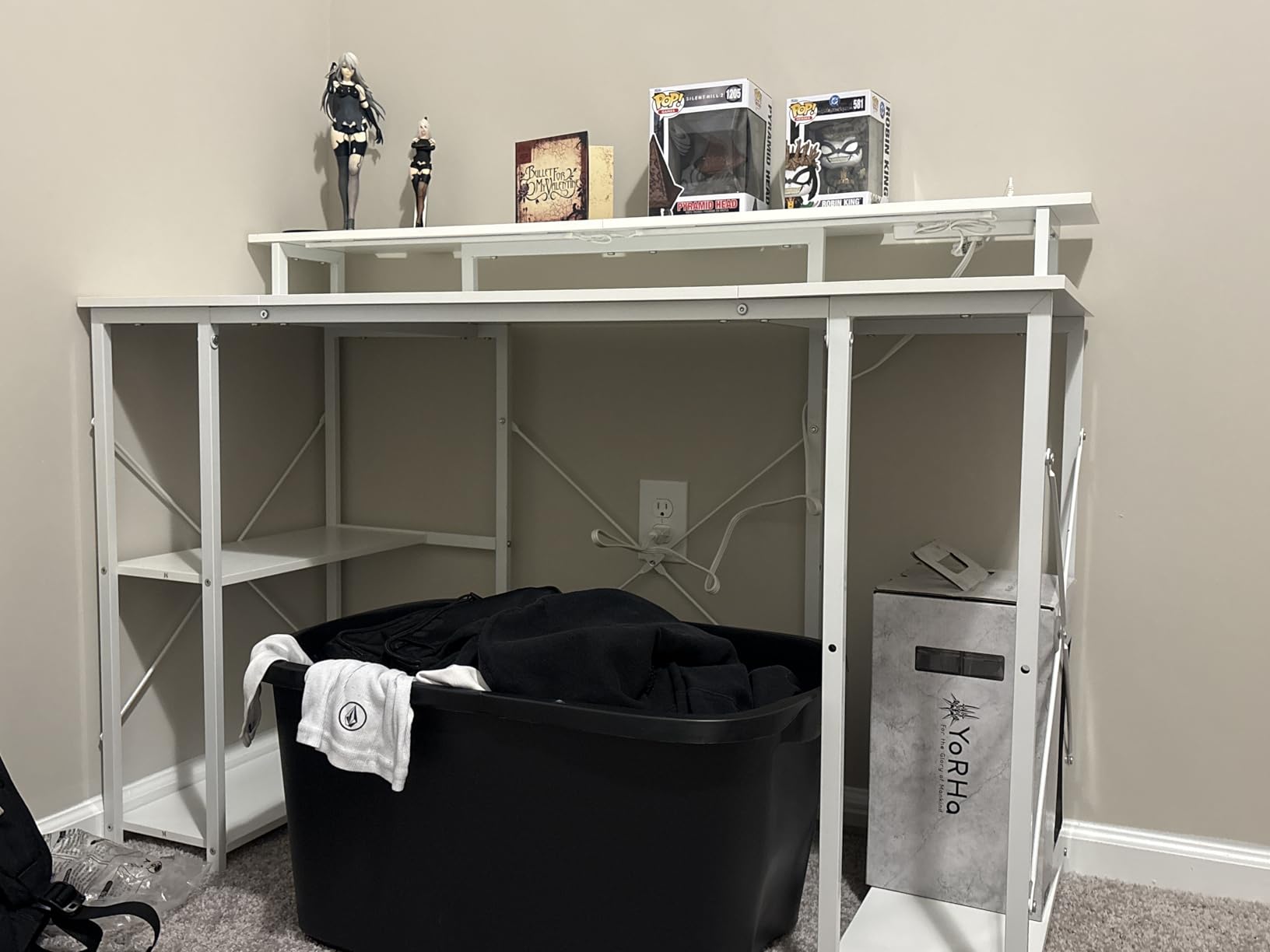
The depth is 19.6 inches, and that is the honest limitation of this desk. Two 24 inch panels fit fine. Two 27 inch panels will fit on width, but at 19.6 inches of depth the outer screen sits close enough that many people find themselves leaning in.
There is also a data quality issue worth flagging: the published dimensions are inconsistent, listing 55.11 inches as the depth figure. Measure the frame yourself before ordering if the exact depth is going to decide your order, and allow two people for assembly.
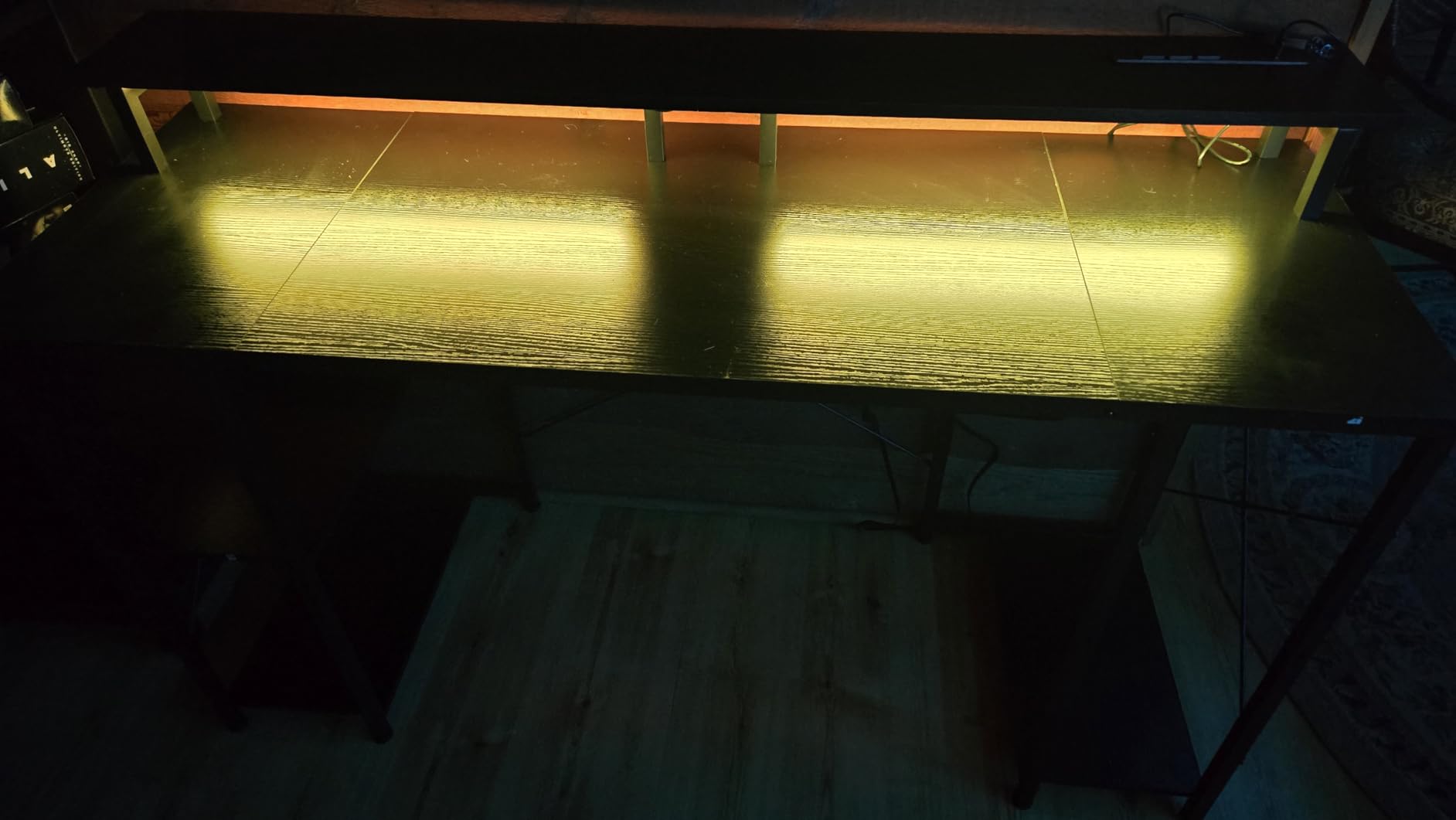
Good for a 2x24in layout where the secondary screen shows chat or a guide
Two 24 inch panels on this desk leave usable desk area either side of them, and the raised shelf means you are not adding risers yourself. The CPU stand keeps the tower off the floor and off the surface, which matters because a tower on the desk next to two monitors is one of the biggest single loads you can put on a top.
The crossbar and the reinforced frame make this the least wobbly of the 55 inch fixed-height desks here. If your two-screen setup is 24 inch panels rather than 27 inch, depth matters less and this desk is a strong pick on stability alone.
Where it is the wrong choice
If you are running two 27 inch panels and want them on a single arm, the shallow depth and the fixed monitor shelf are both in the way. Go for the ODK 66 inch L-shaped model instead, where the central desktop section is 36 inches wide.
Storage is thin: a single drawer plus the reversible shelves and the CPU stand. Owners who need somewhere for controllers, a charging dock and a spare headset will end up adding a cart, which is fine but is not in the desk.
6. SEDETA 67 Inch L Shaped Gaming Desk: best for three monitors
SEDETA 67″ L Shaped Gaming Desk with Pegboard LED Lights and Power Outlet
67 inch L-shape or 94.5 inch straight
4 outlets and 2 USB ports
19.7 inch depth
Pros
- 67 inch surface that can hold three monitors
- Reversible L-shape with the hutch mounting either way
- 4 outlets and 2 USB ports with an on-off switch
- App-controlled RGB with 60000+ colours and music sync
- Pegboard plus keyboard tray and two-tier shelves
Cons
- 19.7 inch depth is among the shallowest here
- 76 lb unit needs two people to move
- No drawers and FSC engineered wood
This is the desk for people who keep adding screens. The 67 inch main run is long enough for three monitors with the keyboard tray slid out, and the same unit reconfigures as a 94.5 inch straight desk for two people, which is a genuinely useful second life if the room changes.
Power is unusually generous here: four outlets and two USB ports with a one-button on-off switch, so you can kill the whole charging station at the wall of the desk rather than hunting for a switch. That matters when you have three panels, a capture card and a phone all charging.
At a 4.7 average with only 1 percent one-star reviews across about 1,280 ratings, the satisfaction rate is one of the best in the roundup. Owners mention the surface length, the pegboard and the charging station as the reasons it works.
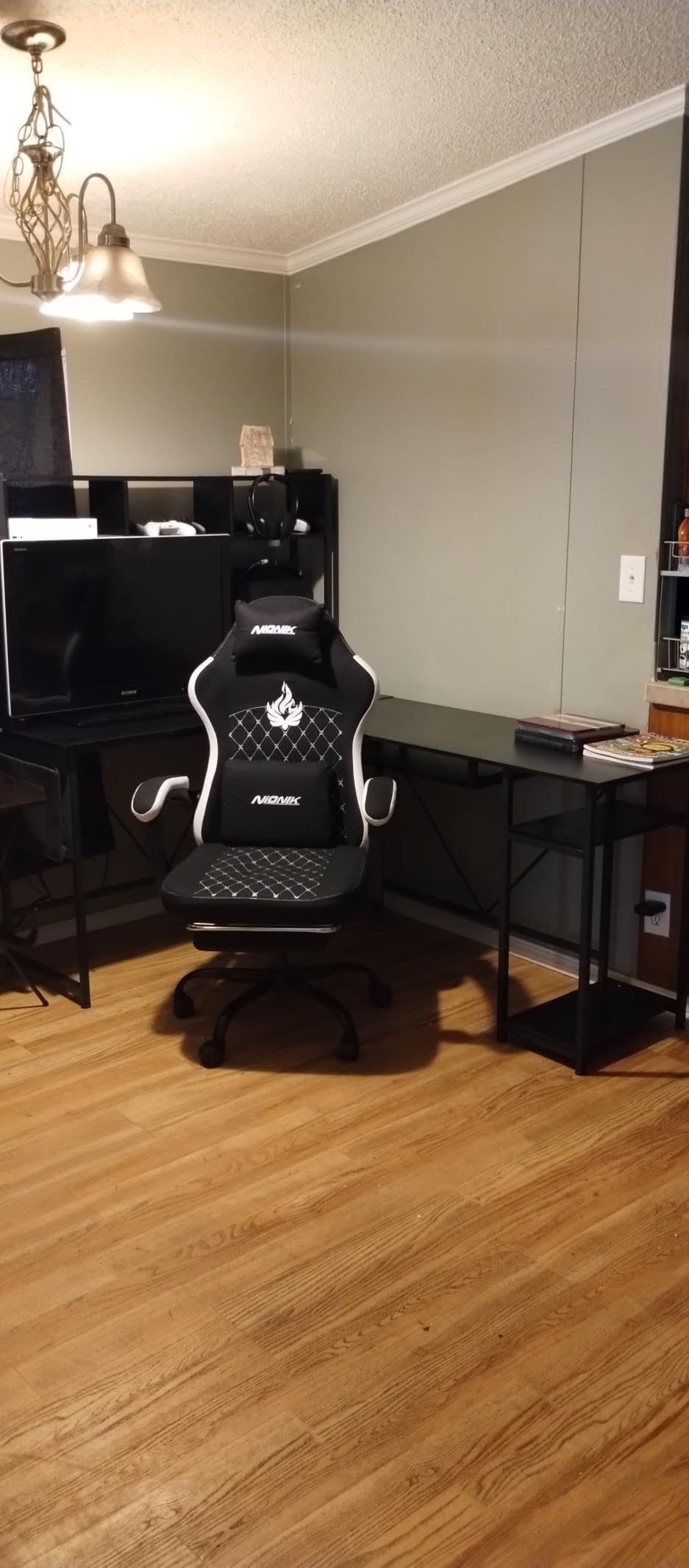
The lighting is app-controlled with more than 60,000 colours, 29 flashing modes and a music sync function driven by a sensitivity-adjustable microphone. If you stream, the sync function is a genuine touch that responds to your voice without a separate app.
Depth is 19.7 inches and the unit weighs 76 lb, so getting it into a small room is a two-person job. In a tight space, measure the corner diagonal before you commit, because a 67 inch L needs both a wide wall and a deep return.

Why the length matters if you ever add a third screen
Two 27 inch panels take about 54 inches of width with their bezels. That leaves a few inches either side on a 55 inch desk, which is nothing. On 67 inches you have room to angle the two outer screens inward properly, and enough clear surface for a third panel, a keyboard, a mouse and a controller without a deskmat covering everything.
Angling matters for a two-screen setup. If the secondary display is a chat window or a guide, sitting it square means you twist your head; angled inward by 15 to 30 degrees, both screens sit closer to your forward gaze. You need a little width either side to make that angle work without the bezels touching.
Where it is the wrong choice
Depth is the limit. At 19.7 inches, two 27 inch panels end up close, and a monitor arm has less room to open behind the screens. It is also 76 lb with no drawers, so the small-items problem is real and the move into a bedroom is a two-person job.
The top is FSC-certified engineered wood rather than solid wood, and the pegboard and keyboard tray add a lot of visual weight. If you want a minimal two-screen desk rather than a full workstation, this is more furniture than you need.
7. AODK 59 Inch Gaming Desk: best for showing off a glass case
AODK Gaming Desk w/PC Showcase Stand, 59″ Reversible, RGB LED
59.44 inch wide
PC showcase platform
19.69 inch depth
Pros
- Showcase platform sized for panoramic glass cases
- Welded industrial steel frame
- Three fabric drawers for cables and controllers
- Under-shelf RGB strip that syncs with the case
- 59 inch surface plus a side display shelf
Cons
- 19.69 inch depth is shallow and the shelf cuts usable area
- Fabric drawers rather than solid wood
- No power outlets or USB ports listed
The premise here is a panoramic case on the desk rather than under it. The elevated platform is designed for tempered glass builds such as the Lian Li O11 and Hyte Y60, and it lifts the chassis to eye level so the internals and internal lighting are part of the battlestation rather than hidden behind a modesty panel.
The frame is welded industrial steel with a thick desktop board, and the platform is tested for heavy middle towers without wobbling. A welded frame is worth noting because it removes the bolted joints that are the usual first thing to work loose in a desk that gets leaned on.
Three fabric drawers are built in, which is where the cables, controllers and accessories go so the surface stays clear. A side display shelf with an overhead board takes figures and speakers, and the 59 inch surface is reversible.
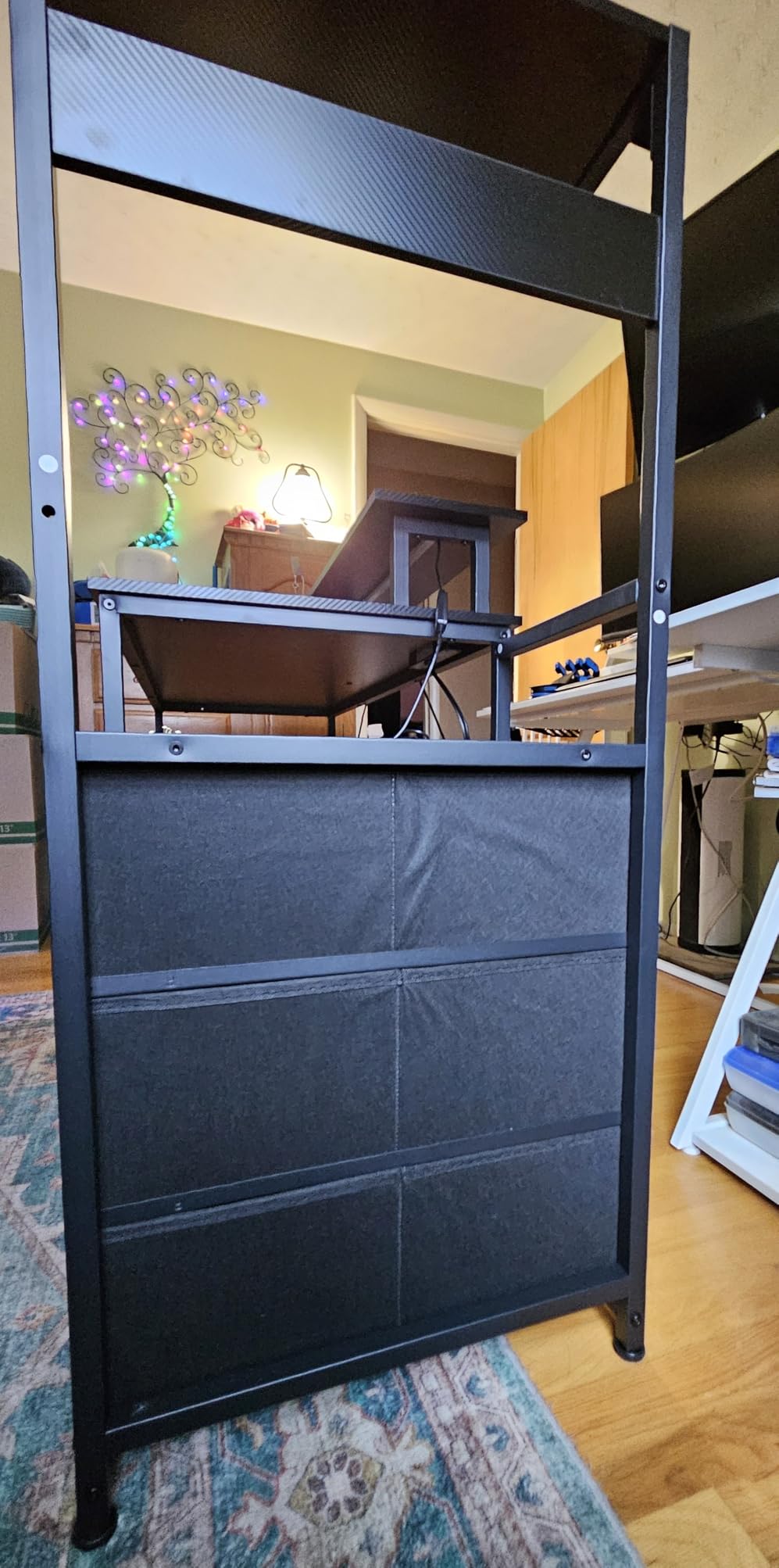
Buyers consistently single out the showcase platform and the welded frame as the standouts, at about 1,440 reviews and 4.6 stars. The RGB strip under the monitor shelf is designed to sit visually with a case that has its own internal lighting, which is the whole point of the design.
Be honest about the trade-off, though: the platform occupies a chunk of the 19.69 inch depth. The surface is wide and short, so the usable area under the monitors is smaller than the headline 59 inches suggests. If your build is a conventional mid tower you will gain less than the description implies.
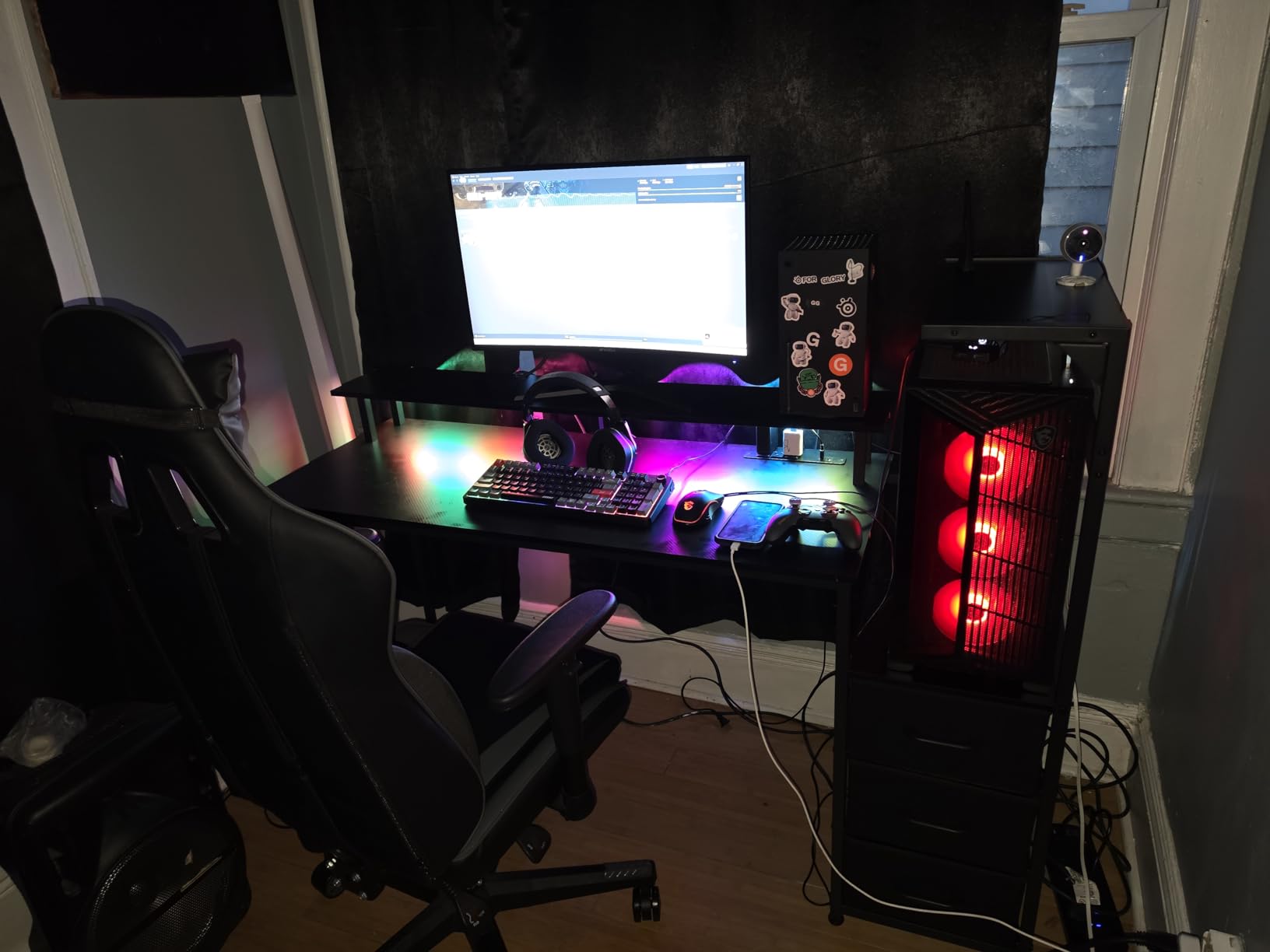
Best for a streamer or a builder who wants the rig on camera
If you stream, a panoramic case on the desk becomes part of the shot, and a tower on the floor is invisible. The under-shelf RGB strip fills the gap between the case lighting and the desk lighting so the whole rig reads as one system rather than two objects that happen to be near each other.
The welded steel frame and thick board are what make a heavy on-desk case viable. A glass build with a large graphics card is one of the heaviest single objects you can place on a desktop, and bolted frames struggle where welded ones hold.
Where it is the wrong choice
Despite the tech-forward positioning, there are no built-in power outlets or USB charging ports, so you are back to an extension strip under the desk with two sets of display cables running to it. For a two-monitor setup that is the cable problem you were trying to solve.
It is also one of the shallower surfaces at 19.69 inches, and the drawers are fabric rather than solid wood, so they feel lighter under load than a wood drawer of the same size. Choose it for the showcase, not for storage or depth.
8. Furologee 60 Inch Gaming Desk: the Most Versatile with the most storage
Furologee 60″ Gaming Desk with 4 Drawers & LED Lights, Power Outlet, Black
60 inch desktop
220 lb capacity
Three drawers plus a file cabinet
Pros
- Three fabric drawers plus a file cabinet and three open shelves
- 220 lb capacity that suits a dual-monitor rig
- 3 power outlets and 2 USB charging ports built in
- RGB strip with 20 colours and 22 dynamic modes
- Reversible so the tower can sit on either side
Cons
- Fabric-faced drawers and shelves feel less rigid
- Several reports of misaligned pre-drilled holes
- 18.8 inch depth is shallow for cable reach
At 60 inches wide with a 220 lb rating, this desk does the two things a dual-monitor build needs most and does them without a monitor arm. The full-size monitor stand raises the screens to eye level, and because the risers screw into the top rather than sitting loose, owners report far less visible screen shake than with freestanding risers.
Storage is the headline. Three fabric drawers, a fabric file cabinet that takes A4 and letter documents, and three open shelves big enough for a printer or a scanner. Nothing else in this roundup comes close, and for a hybrid work-and-game desk that is genuinely useful.
Like the AODK L-shape, the charging station has three outlets and two USB ports, and the layout is reversible so the tower and the shelves can face whichever way the room needs. It is the most storage you get per desk here by a wide margin.
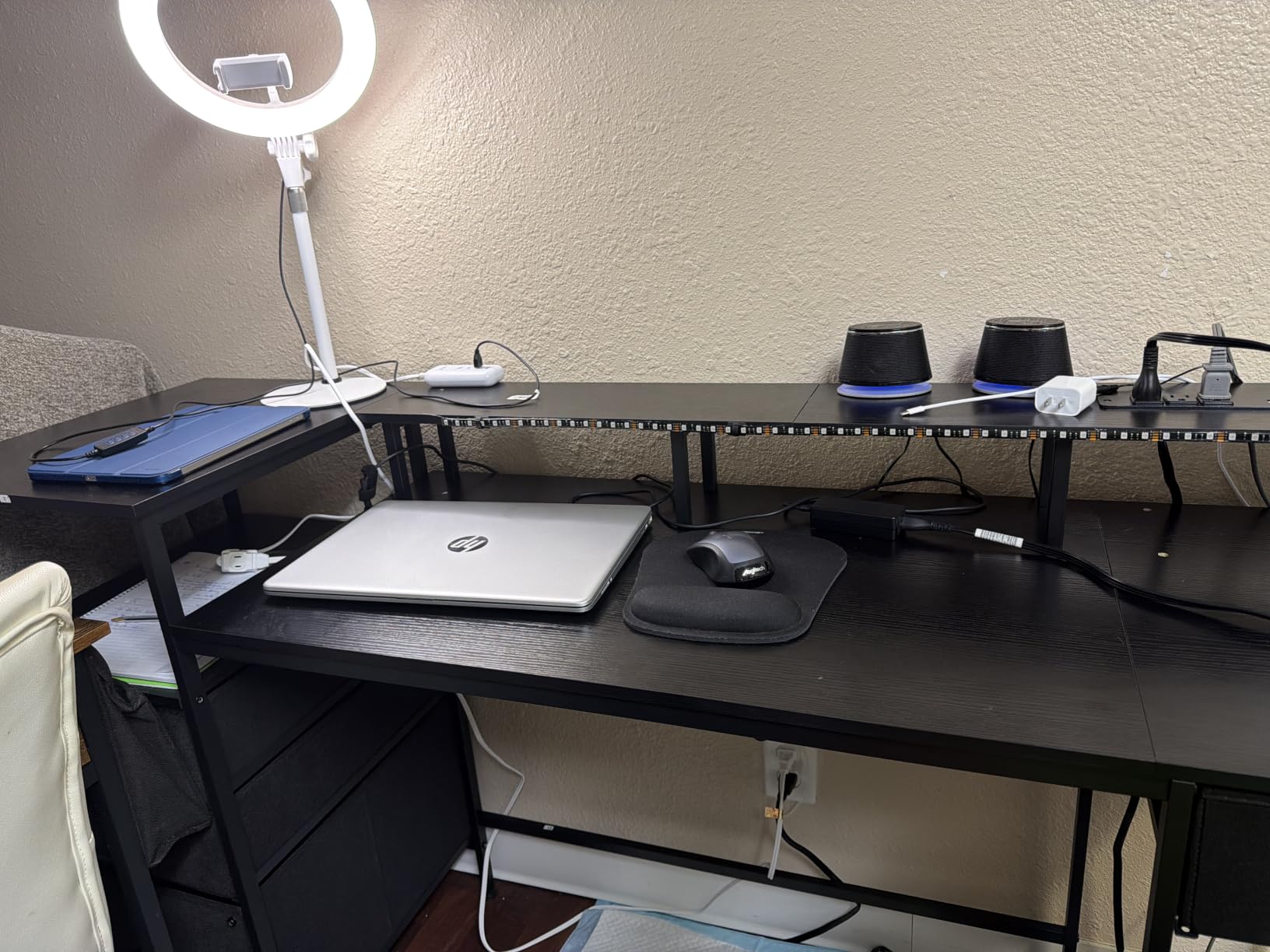
Honesty first: the 4.4 average is the lowest in this roundup, and the rating distribution shows it, with 71 percent five-star and 16 percent four-star. The criticism is concentrated in two places, assembly and the fabric storage, and neither is a dealbreaker if you know about them.
Several owners report misaligned pre-drilled holes that force partial disassembly during assembly, and the LED remote does not always respond. The 18.8 inch depth is also among the shallowest here, and one reviewer felt a 6 ft cable could not reach a second monitor position.
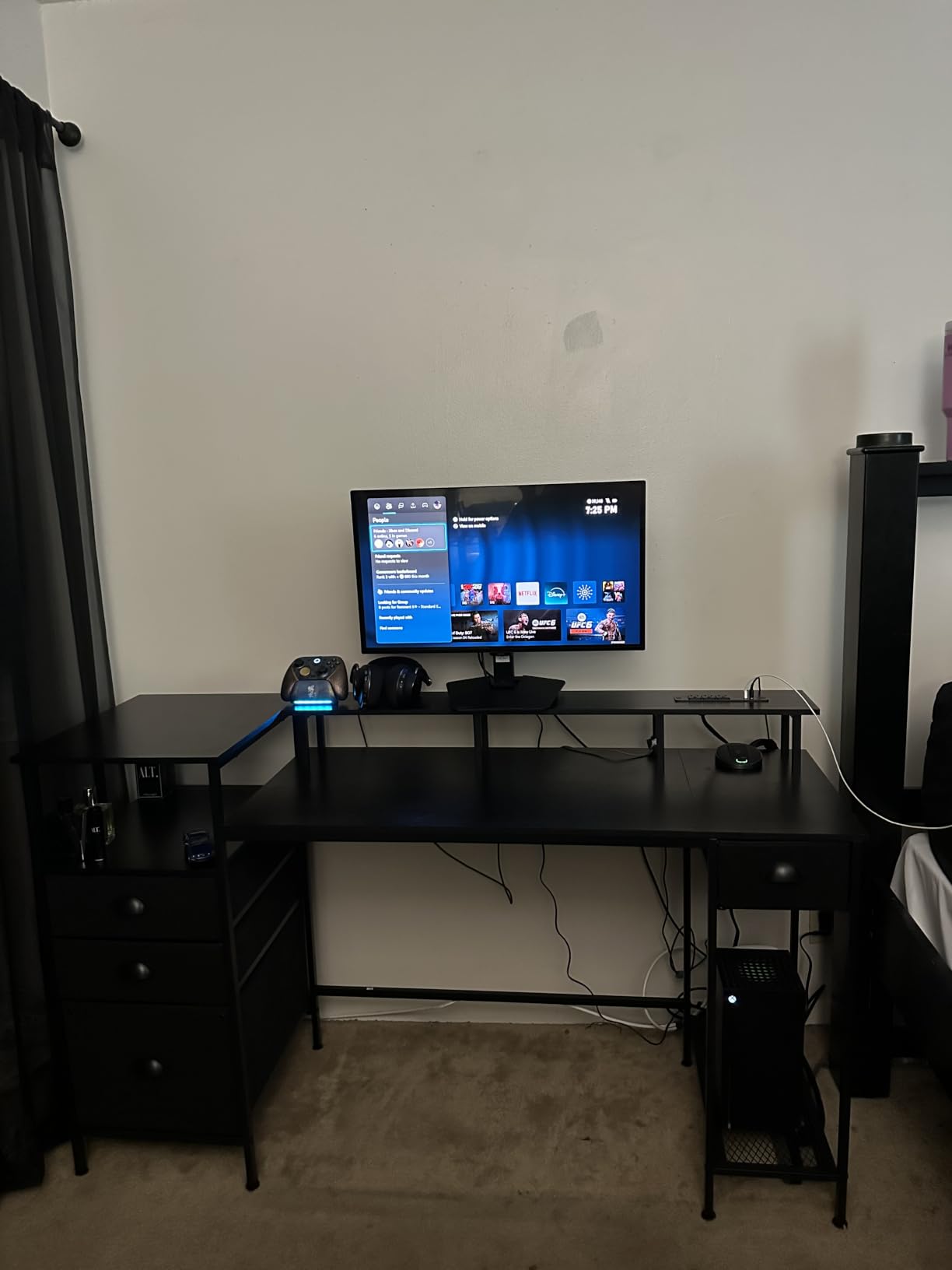
Why the screwed-in riser is the thing to look for
Free-standing monitor risers are the single most common source of the wobble complaints we read about. A riser that merely sits on the surface can rock, and a two-screen rig on two rocking risers moves every time you type hard. A riser fixed into the top transfers the load into the frame instead of the surface, which is why this desk feels solid with two panels on the included stands.
That is also why the 220 lb rating matters. Two monitors, stands, a tower and a printer is a real load, and 220 lb leaves you headroom without stepping up to a 300 lb frame.
Where it is the wrong choice
Do not buy it expecting a deep surface. At 18.8 inches, two 27 inch panels will be close, and the shallow depth also works against cable reach, which is a problem the built-in outlets only partly solve because the video leads still have to travel to the tower.
Budget an evening for assembly and check the hole alignment early. If you are impatient with flat-pack furniture, pick the Mr IRONSTONE, which reviews describe as a straightforward 35 minute build.
9. ODK 66 Inch L Shaped Gaming Desk: best for two 27-inch monitors
ODK 66″ Large L Shaped Gaming Desk with Power Outlet & LED, Black
66 inch L-shape with a 36 inch centre
3 outlets and 2 USB ports
18.9 inch depth
Pros
- 36 inch central desktop section far wider than a typical 26 inch
- Owners confirm it as their best dual-monitor fit
- Monitor risers sit at a good height and cut perceived shake
- 3 outlets and 2 USB ports plus LED with memory recall
- Reversible corner layout on MDF board and metal frame
Cons
- Assembly commonly runs 2 to 4 hours
- Advertised length works out shorter than 66 inch
- 18.9 inch depth is the shallowest here
The reason this desk deserves a place in a dual-monitor roundup is one number: the central desktop section is 36 inches long. That is the section your two 27 inch panels actually sit on, and it is ten inches longer than the section you get on a typical L-shape of the same headline length.
At roughly 990 reviews and a 4.7 average, owners repeatedly describe it as the best dual-monitor fit they found, and specifically credit the monitor risers for cutting the perceived screen shake. The full-length riser runs behind the central section, so both screens sit on fixed supports rather than loose stands.
It is also well equipped for the rest of the rig: three plug outlets and two USB ports, LED lighting in 10 colours and 10 modes with memory, adjustable four-tier storage, a two-tier under-desk bookcase and a computer tower stand.
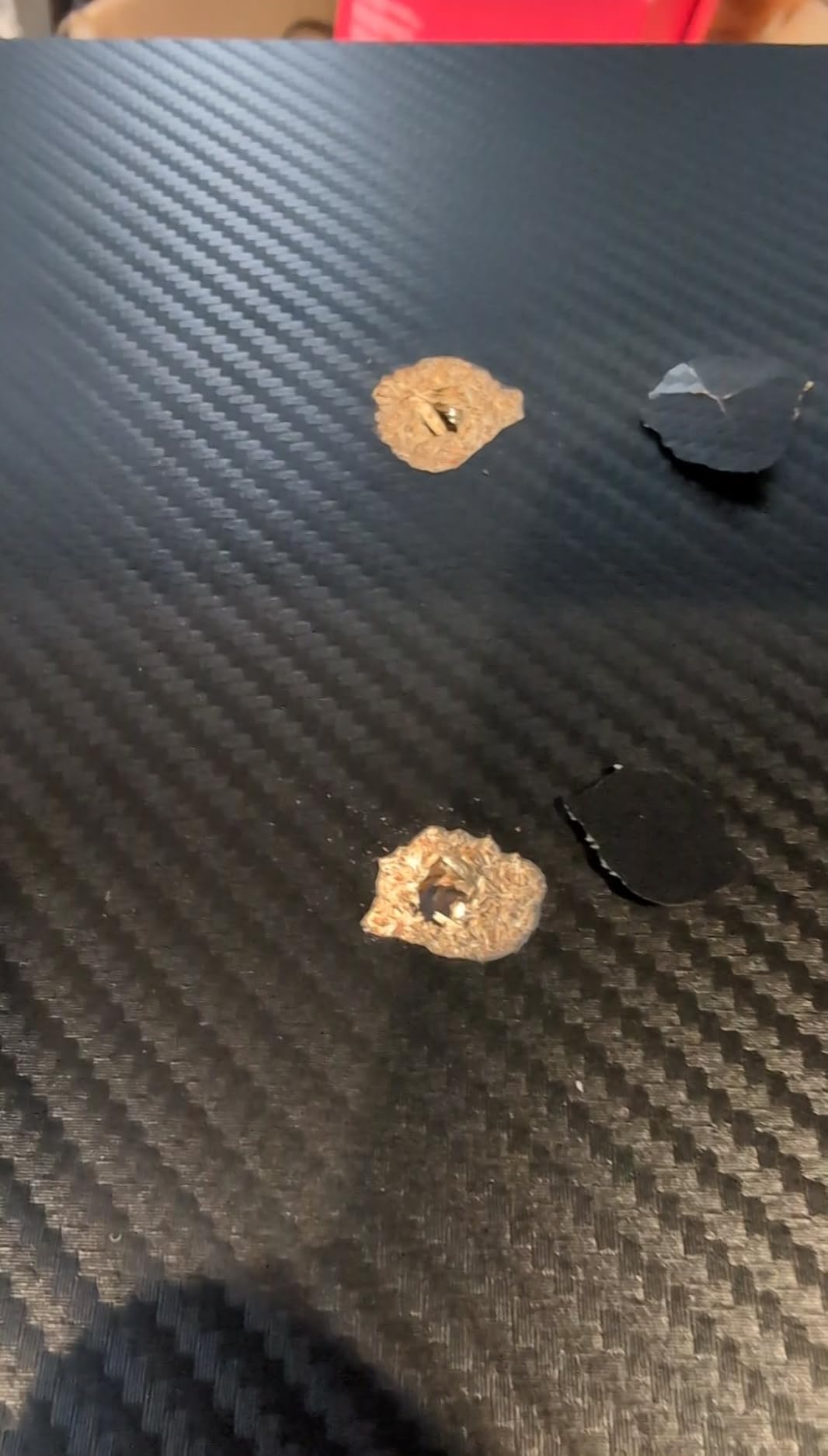
Two practical complaints recur. Assembly is the big one, with owners commonly reporting two to four hours and strongly recommending a drill, which is unusual for a desk that ships with hardware and instructions. Plan the evening rather than the hour.
The second is the gap between the advertised 66 inch length and the length you actually get, which reviewers find misleading. Measure the central 36 inch section against your monitor widths before you commit, because that is the figure that decides whether two 27 inch panels fit side by side.
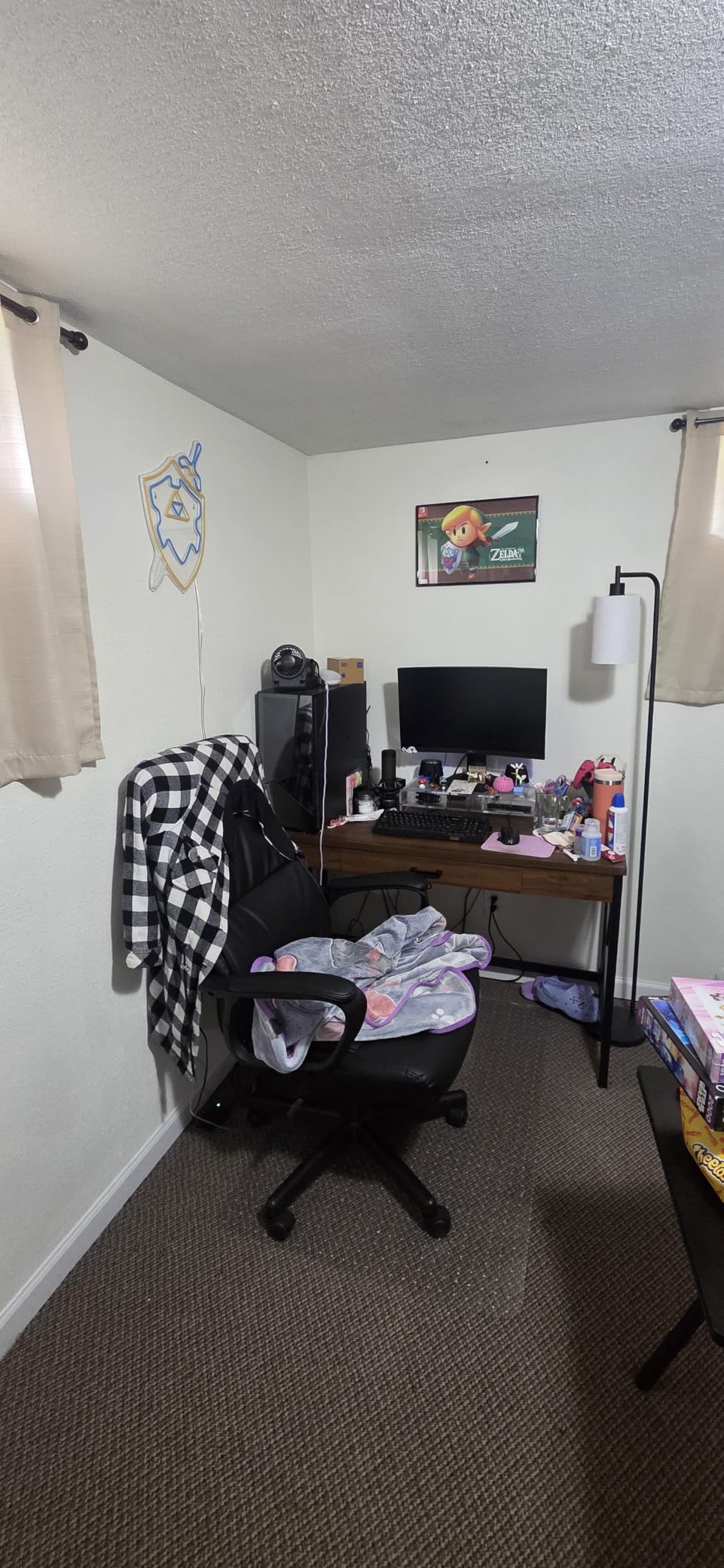
Why a 36 inch centre section solves the 2x27in problem
Two 27 inch monitors are about 24 inches wide each, so together they need close to 48 inches of clear surface. On a 55 inch L-shape with a 26 inch centre section, they physically cannot sit side by side without overlapping, and buyers end up with one screen perched over the return.
A 36 inch centre still is not 48, so this is a snug fit rather than a spacious one, and you will want stands rather than bulky arm posts. But it is the configuration most likely to work without a rebuild, and it is why owners call it out as their best dual-monitor option.
Where it is the wrong choice
Depth is 18.9 inches, the shallowest of the L-shaped desks here. That is fine if you plan on the included risers, and poor if you intend to clamp a monitor arm, because a clamp needs room behind the riser to open.
Assembly time is the real barrier. If you are building this on a weeknight, look at the Furologee or the Mr IRONSTONE instead. Two to four hours is a weekend job, and owners who rushed it are the ones reporting loose joints later.
10. SEDETA 79 Inch Gaming Workstation: best for a two-machine battlestation
SEDETA 79” Gaming Desk with LED Lights, Hutch and Storage Shelves, Black
78.8 inch workstation
300 lb capacity
21.6 inch depth
Pros
- Surface holds two PCs and two consoles at once
- Owners load the monitor tray with two 28 inch monitors
- Cable grommets on both sides route leads cleanly
- App-controlled RGB with music sync and a timer
- 300 lb capacity with no sagging reported
Cons
- Two to three hours of assembly
- Lower shelf limits knee room
- Two drawers and no power outlet or USB
At 78.8 inches this is not a monitor desk, it is a workstation. The 300 lb load rating is the highest in the roundup on a fixed-height frame, and owners report the MDF top showing no sagging even for a 6 ft user, which tells you something about the panel thickness.
The monitor tray is the part that matters for two screens. Owners confirm it carries two 28 inch monitors plus a desk lamp with room to spare, and the tray sits at an ergonomic height relative to the keyboard, so you are not looking up all session. Cable grommets on both sides route the monitor, keyboard and mouse leads down out of the way.
It is rated to hold two desktop computers plus a laptop, with two large storage shelves for a tower, a console and a PS5 or Xbox, and a top hutch for figures and books. For someone who plays and streams on separate machines, that is the whole proposition.
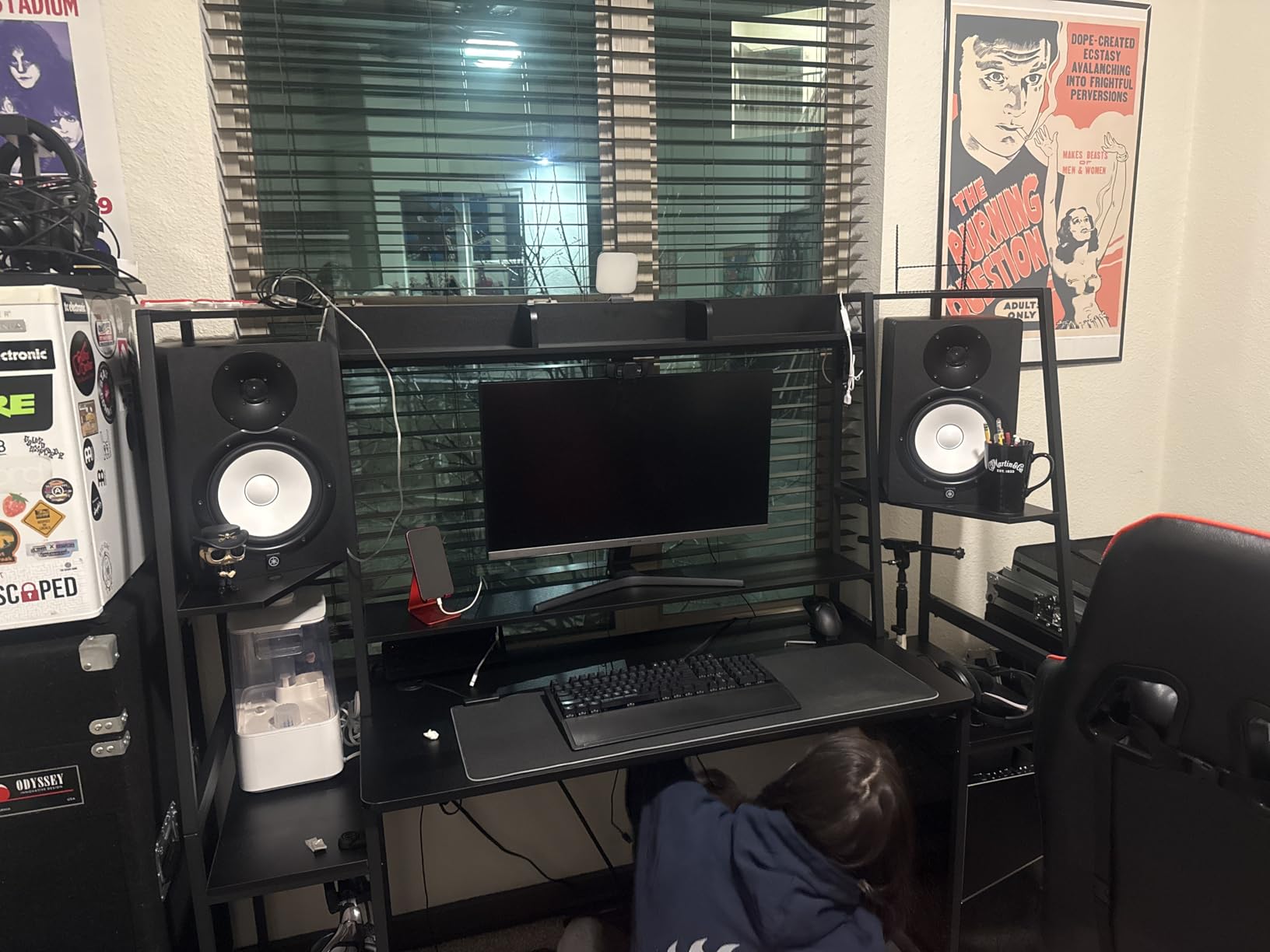
The rating distribution is the strongest here, with 86 percent five-star, and the most common praise is simply scale. One recurring theme in owner comments is that the open frame design makes a very large desk look manageable in a small room, because you can see through it.
At 88.7 lb it is also the heaviest item we tested, and assembly runs two to three hours, faster with a second person. The included L-shaped key is reported to wear out quickly, so keep your own hex key within reach.
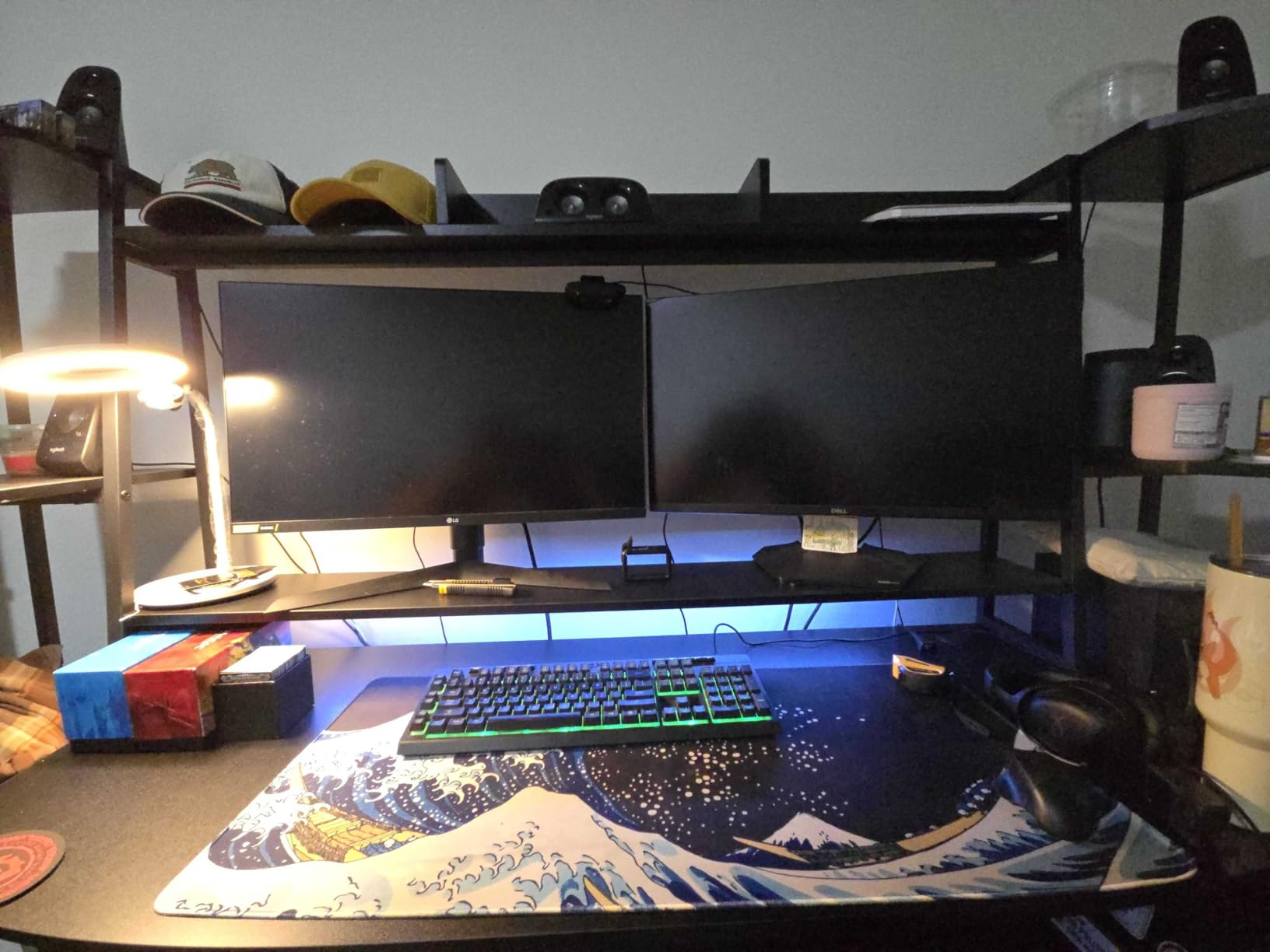
For a second monitor plus a second machine, size beats features
Once you are running two PCs, the desk stops being about monitors. You need room for two towers or one tower and a console, room to move the mouse across a deskmat, and a surface that will not bow under the combined weight. A 300 lb frame with a thick MDF top is the specification that answers that, and it is the reason to step up to a desk this long.
The open shelving also helps airflow, which matters if the second machine is a gaming PC. And the grommets on both sides mean each machine’s leads go straight down rather than across the surface, which keeps the mouse area clear.
Where it is the wrong choice
Leg room is the limitation. The lower shelf sits where your knees go, and users report kicking the back support poles. If you sit for long sessions with a wide stance, test the clearance in a showroom or measure your seated knee depth against 21.6 inches before ordering.
It also has no built-in power outlet or USB ports, only two drawers, so cable management is entirely down to the grommets and whatever you add. And a 79 inch desk needs a wall that can take it, which rules out a lot of rented rooms.
11. Casaottima 55 Inch Gaming Desk: best for displaying a rig and collectibles
Casaottima 55 Inch Gaming Desk with Hutch & LED Lights & PC Tower Stand
54.72 inch wide
11.6 inch PC showcase shelf
18.89 inch depth
Pros
- 11.6 inch PC shelf sized for ultrawide and full-tower cases
- Overhead hutch with multi-tier display shelves
- Three fabric drawers plus integrated USB charging ports
- Raised monitor stand that brings the screen to eye level
- Reversible shelf design for bedrooms and dorms
Cons
- 18.89 inch depth is the shallowest here
- Fabric drawers rather than solid wood
- No AC outlets
- only USB ports
This desk carries the highest average rating in the roundup at 4.8, though across the smallest review base of about 435, so read that with the usual caution. What it does well is display: an 11.6 inch PC shelf that fits most ultrawide and full-tower cases, plus an overhead hutch with multi-tier shelves for headsets, controllers and figures.
For a two-monitor build the raised monitor stand is the functional part. It brings the screens to eye level without adding a separate riser to the desktop, and because it is integrated into the frame it does not wobble independently the way a freestanding riser can.
Three fabric drawers keep daily essentials off the surface, integrated USB ports put charging access at the desk edge, and the RGB lighting runs multiple colours, brightness levels and dynamic effects. The shelf design is reversible, which is what makes it work in a bedroom or a dorm as well as a dedicated gaming room.
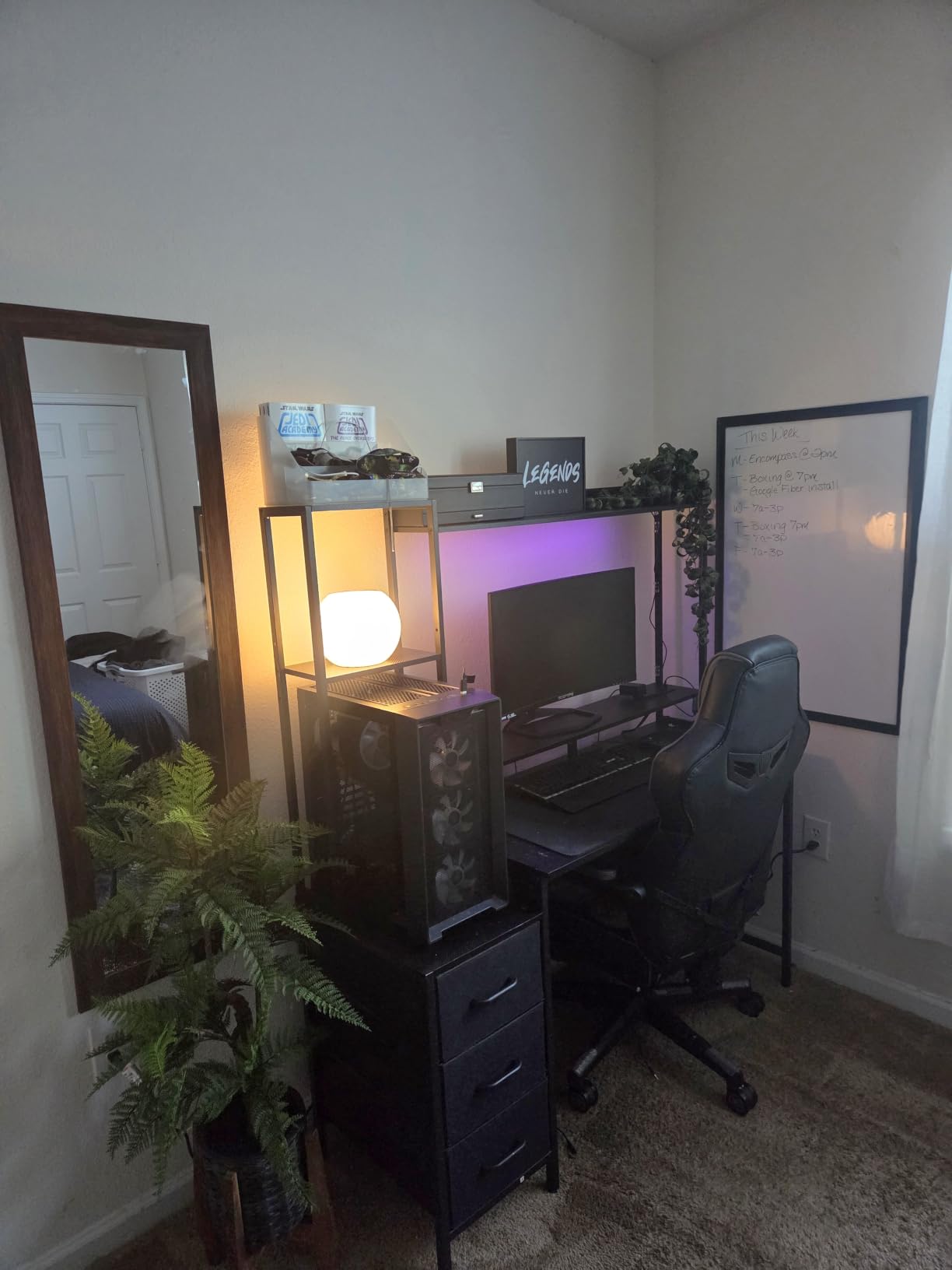
The hutch-plus-showcase-shelf combination is what reviewers respond to most. A desk that doubles as display furniture changes the feel of a room in a way a plain top does not, particularly if you have a case worth looking at and nothing to put it on.
Assembly is required, and the tallest build stands 59.64 inches, which is a real consideration in a room with a low ceiling or a sloping roof. Measure before ordering rather than after, because a hutch you cannot fit is an expensive mistake.
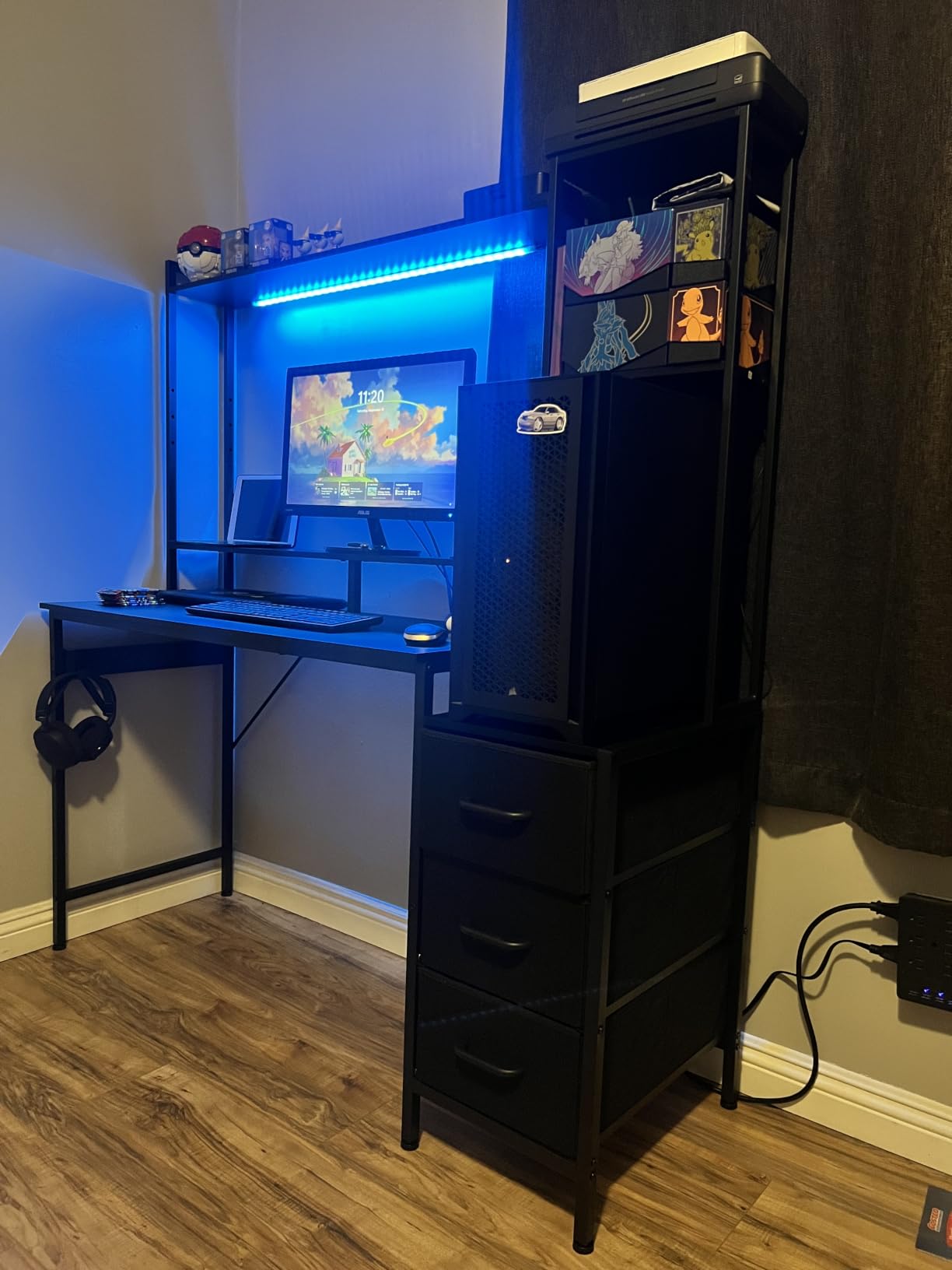
Best for a small bedroom where the desk has to work as furniture
The reversible shelf design and the modest 54.72 inch footprint make this the most adaptable of the display-style desks here. In a shared room, a desk that looks intentional from the side is worth a lot, and the hutch gives you somewhere to put things other than the surface.
Two 24 inch monitors sit comfortably on a 55 inch top. Two 27 inch panels are tight on width and close on depth, so treat this as a 2x24in desk rather than a 2x27in one, and it works particularly well when the second screen is vertical for a chat column.
Where it is the wrong choice
Depth is 18.89 inches, the shallowest work surface in the roundup, and the hutch reduces what is left. For long sessions with two large panels this gets uncomfortable, and a monitor arm has little room to work with.
There are no AC outlets, only USB ports, so a two-monitor setup still needs a mains strip for the monitor power bricks. And the fabric drawers are the same compromise as the Furologee, flexible but not rigid.
12. Veken 63 x 28 Inch Standing Desk: the widest surface that also rises
Veken 63″x28″ Wider Large Standing Desk, Electric Height Adjustable, Black
63 x 28 inch top
28.3-46.5 inch height
Quiet motor under 52 dB
Pros
- Widest and deepest desktop in the roundup
- Dual-beam frame holds steady during height changes
- Quiet motor under 52 dB that is inaudible through a headset
- Two programmable presets for sit and stand
- Pre-installed threaded metal inserts speed up assembly
Cons
- Lowest rating in the set at 4.2 with a 12 percent one-star share
- Desktop is three joined boards leaving visible seams
- Threaded inserts strip if you use a power screwdriver
- No drawers riser cable tray or integrated power
On paper this is the best desk in the roundup for two 27 inch monitors, and it is also a sit-stand desk. A 63 by 28 inch desktop gives you 63 inches of width and 28 inches of depth, so two 27 inch panels fit with room to angle them inward and still have clearance behind the screens for a clamped arm.
Depth is the underrated number here. Almost every other 55 inch desk in this roundup is 19 to 24 inches deep, and 28 inches is close to the 30 inch minimum that people quote for correct focal distance. That is the difference between leaning in and sitting back.
The dual-beam construction is what handles a two-screen load while the desk moves, and owners report the frame holds steady through height changes with no wobble. The motor runs under 52 dB with two memory presets, and the range is 28.3 to 46.5 inches.
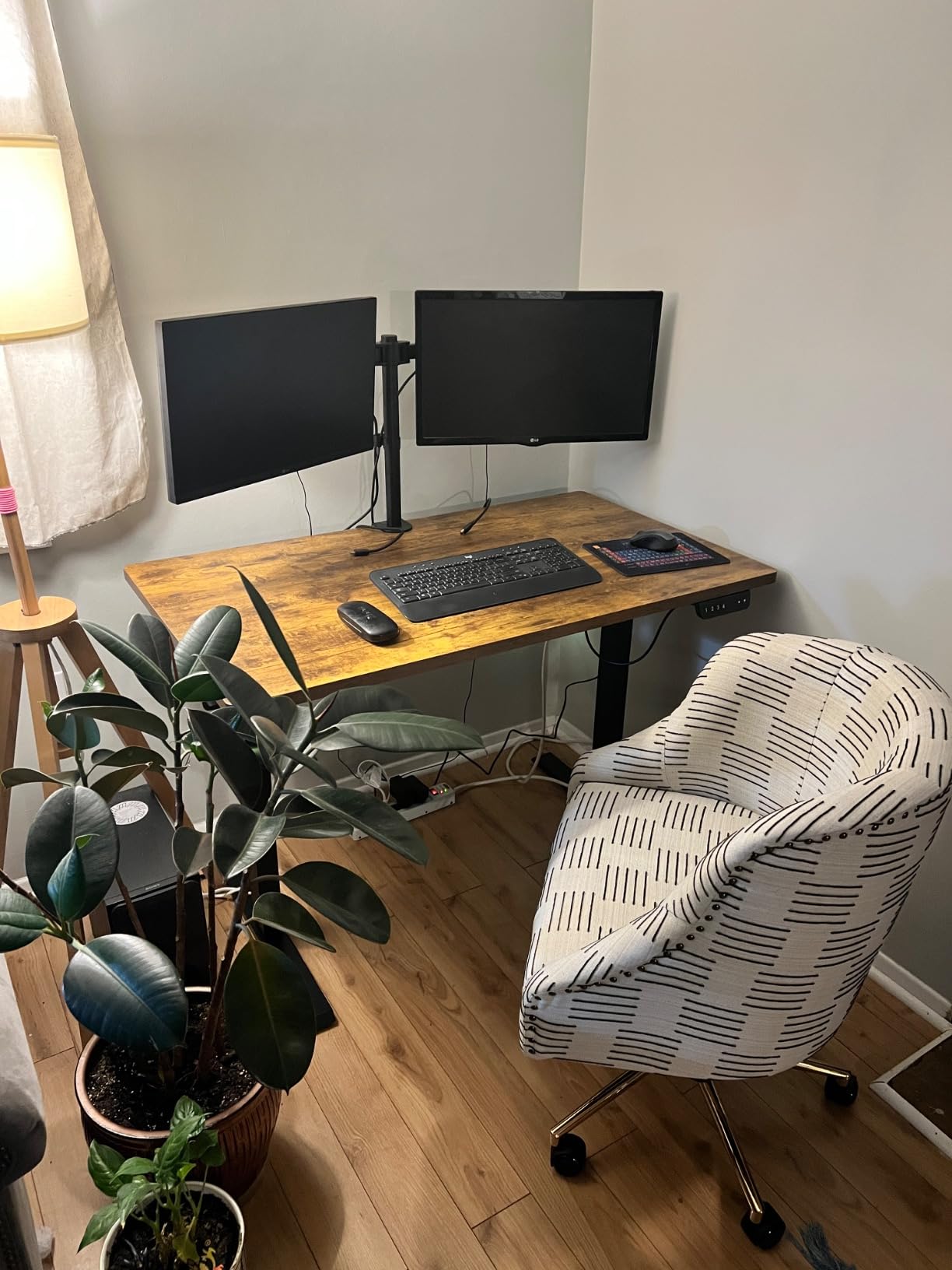
Now the honest part. This desk has the lowest rating in the set at 4.2, and 12 percent of its roughly 223 reviews are one-star, which is the highest one-star share here by a wide margin. The complaints cluster around the desktop and the assembly rather than the frame.
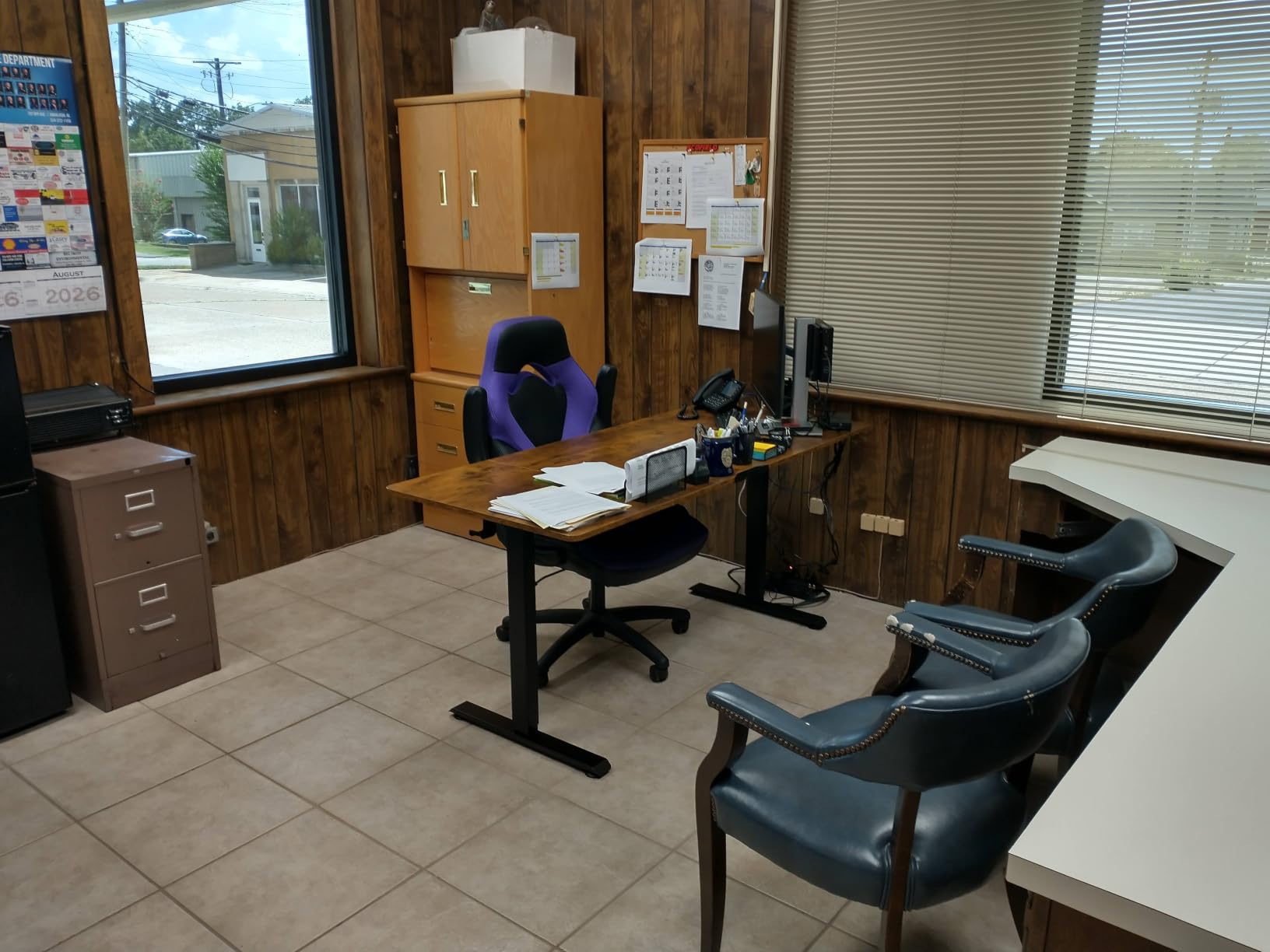
The top is three joined boards, so there are two visible seams across the surface, and a few owners report slight movement at the joint between sections once it is assembled. On one variant the motor housing also blocks the knees at the lowest setting, which is worth checking against your own leg clearance.
The right pick if your room can take 63 inches
A 63 inch desk solves a two-monitor problem that no amount of clever layout solves on a 55 inch top: it gives two 27 inch panels their own space, leaves a real working area for a keyboard and a large mousepad, and leaves 28 inches of depth for an arm and for cable routing behind the screens.
Pre-installed threaded metal inserts are a small detail that saves real time, and owners who assemble it carefully report around 30 minutes with a drill. Use a hand driver rather than a power screwdriver, because the inserts strip easily under powered bits.
Where it is the wrong choice
It is the widest desk here, so a wall under about 7 feet is going to be a problem. And with a 4.2 average and a 12 percent one-star share, the risk is higher than with any other pick in this list, so buy it for the width and the depth rather than for the electronics.
There are no drawers, no hutch, no monitor riser, no cable tray and no integrated power, so a two-monitor build on this desk is unfinished until you add an arm and a mains strip. If the 63 inch width does not solve a problem you actually have, the 55 inch Veken is the safer buy.
How We Picked Desks for a Two-Screen Setup?
We treated this as a fit problem, not a styling problem, so every desk was measured against the same five checks before it earned a place in the list.
1. Width fit against your actual monitor pair
Two 24 inch panels need about 48 inches of clear surface. Two 27 inch panels need close to 54 inches with the bezels. An ultrawide plus a portrait secondary needs a different shape again. We counted the 55 inch mark as the floor for a 2x24in setup and treated anything under 19 inches of depth as a compromise for two large panels.
2. Published load capacity against your real load
We summed monitors, arm, tower and peripherals, then compared the total to the published rating. Anything rated 150 lb or less got flagged as tight rather than comfortable, because a monitor arm is a lever and it loads the frame off-centre.
3. Whether a monitor arm can attach at all
We looked for a stated clamp or grommet provision, or enough desktop depth for a C-clamp to open. A desk with a fixed monitor riser and 19 inches of depth cannot take a wide clamp, whatever its width.
4. Cable routing, and slack if the desk rises
Built-in outlets, an integrated cable manager and grommet holes all count. For anything height-adjustable we checked whether there is anywhere to tie a service loop, because a desk that rises through a fixed bundle of cables will eventually snag them.
5. The wobble test
This is the practical stability check battlestation builders use: tighten every screw, level the surface, then push hard on the front edge and the two corners while both monitors are mounted. A desk that rocks has an unsupported span or a weak foot geometry, and no load rating will fix it. We used it as a tiebreaker across otherwise similar desks.
How Big of a Desk Do I Need for Two Monitors?
At least 48 inches wide for two 24 inch monitors, 60 inches or more for two 27 inch monitors, and at least 30 inches deep to keep a comfortable viewing distance. Depth is the number most listings hide, because it is printed in small type or listed in the wrong field, so check it before you order rather than after.
Here is the sizing map, in the same terms used through this roundup:
Two 24 inch monitors: 48 inches wide minimum, 24 inches deep minimum. Comfortable on the HLDIRECT, the ODK 55 inch and the Furologee. Note that our dual monitor setup guides cover the ergonomics of placement once the desk is right.
One 24 inch plus one 27 inch: 52 to 55 inches wide, 24 to 28 inches deep. This is the most common pairing in the setups we read, usually a fast panel on the right and a chat or guide screen on the left.
Two 27 inch monitors: 60 inches wide minimum, 30 inches deep for comfort. Realistically that rules out most 55 inch desks unless you use narrow stands, which is why the ODK 66 inch L-shape and the Veken 63 inch are the two picks we would look at first.
Ultrawide plus a portrait secondary: 55 to 60 inches wide, 28 inches deep. The depth matters more than usual because the ultrawide sits back and the portrait screen sits forward, and a shallow desk crowds the vertical one.
Two 32 inch monitors: 70 inches or more. Only the 79 inch SEDETA covers this in the roundup, and even then the 21.6 inch depth is the compromise you accept for the width.
Weight Capacity and the Total Load Budget for Two Monitors
Work out your real load before you read a load rating, because the number on the box is a limit, not a target. The arithmetic is straightforward: two 27 inch monitors and their stands come to roughly 30 to 40 lb, a dual monitor arm adds about 10 lb, a mid tower on a side holder runs 40 to 50 lb, and peripherals such as a keyboard, mouse, headset, dock and speakers add around 20 lb.
That is a realistic total of 100 to 120 lb. The mistake is buying a desk rated 120 lb, because that is 100 percent duty and no margin at all. Buy the next rating up.
For a fixed-height desk, 155 to 200 lb is the practical floor for a two-monitor build, and 220 lb or more is better if the tower sits on the surface. For a sit-stand desk, go higher again, because the load is carried while the structure is in motion, and the Veken 55 inch at 154 lb sits at the bottom of that range while the wider models leave more room.
The Mr IRONSTONE at 350 lb and the SEDETA 79 inch at 300 lb are the two picks where you can hang a heavy rig and stop thinking about it. The HLDIRECT at 150 lb working load and 200 lb static is the case where the number needs reading carefully before you commit.
Monitor Arm or Stock Stands: Clamp, Grommet and VESA
An arm is close to essential for a two-screen build, because it frees the surface the monitor stands were eating and lets you set both screens at once. The compatibility check has three parts, and all three have to pass.
VESA pattern. Almost every monitor uses a 75x75mm or 100x100mm screw pattern. Check the pattern on the back of your panels and match it to the arm’s plate before ordering, because an arm with the wrong plate will not hold the screen.
Clamp or grommet. A C-clamp grips the rear edge of the desktop and works on any desk thick enough to take it, usually up to about 1.2 inches. A grommet mount drops through a pre-drilled hole and is stiffer, but only works if the desk actually has the hole or a compatible retrofit kit. Check whether grommets are included or sold separately, because that changes what you spend after the desk arrives.
Depth. This is where the shallow desks in this roundup fail. A clamp needs room behind the screens to open, and a 19 inch deep top leaves very little. If the desk you like is under 24 inches deep, plan on a grommet mount with a short post, or on stock stands.
Free-standing risers versus an arm comes down to the same arithmetic. A riser that is screwed to the top, like the one on the Furologee, transfers the load into the frame and is fine. A riser that simply sits on the surface, particularly on a desk that rises and falls, is the tipping risk people keep describing in setup threads.
If your second screen is a smaller panel running chat or a guide, the 240Hz gaming monitors in our other guides are usually the primary, and the second screen does not need to match it. That frees budget for the desk and the arm rather than the panels.
Cable Management for Two Monitors, Especially on a Desk That Rises
Two monitors mean two power bricks, two video leads and often a USB lead for a hub, and every one of them has to move when a sit-stand desk moves. This is the failure mode that quietly ends sit-stand experiments, so it is worth doing properly on day one.
Set the desk to its full height before you route anything, then leave roughly 30 percent extra length in every cable and secure each run at two points so it forms a service loop rather than a taut line. A cable pulled straight between a fixed socket and a rising desktop carries the whole movement of the lift as tension, and that is what pulls plugs loose.
Route power first, then video, then peripherals, so the thickest and least flexible cables sit furthest from where you move. Bundle with sleeves or magnetic ties, secure to the frame rather than to the top, and leave the tower side of the desk with a short run to the mains strip.
Desks with built-in outlets handle the power half of this on their own, which is why the AODK L-shape, the Furologee, the SEDETA 67 inch and the ODK 66 inch rank so well on cable management. Grommet holes, as on the SEDETA 79 inch, do the same job for video leads. If neither is present, expect to spend on a tray and a set of clips on day one.
Stability and the Wobble Test
Yes, a desk can wobble with two monitors, and the cause is rarely the monitors themselves. It is the combination of an off-centre lever from a clamped arm, a long unsupported span, and foot geometry that resists only vertical load. Here is the ten-second check to run on any new desk, including the ones we recommend.
Tighten every screw, including the ones under the crossbars, and level the surface on the foot pads. Mount both screens the way you intend to use them, then push hard on the front edge between the screens, on each front corner, and on one side panel. Rock the desk gently front to back. A desk that moves at the front edge has a weak foot span; a desk that twists has a bolted frame that needs re-torquing; a desk that is solid but creaks is telling you it is near its limit.
Frame geometry is the variable you can actually control before purchase. X-shaped and triangular leg structures, as on the Mr IRONSTONE, the ODK 55 inch and the HLDIRECT, resist racking better than a plain four-leg frame. Dual-beam construction, as on the Veken 63 inch, does the same job on a taller frame. Welded frames, as on the AODK showcase desk, do not develop the loose joints that bolted ones eventually do.
Two published ratings deserve scepticism. A 150 lb working load with a 200 lb static maximum, as published for the HLDIRECT, is two different numbers answering two different questions, and the one that matters during play is the lower one. A 154 lb rating on the Veken 55 inch is fine for two monitors and a tower but leaves no room for a heavy glass case on the same frame.
Frequently Asked Questions
What is the best desk for having 2 monitors and a PC?
The Mr IRONSTONE 51 inch L-shaped desk is the best overall pick for two monitors and a PC, with a 50.8 inch surface, a 350 lb frame and 29.5 inches of depth. Two 27 inch panels sit side by side with room either side, and the load margin covers two monitors, a dual monitor arm and a tower without the frame rocking. Put the tower on the floor or on the return of the L.
How big of a desk do I need for two monitors?
Allow at least 48 inches of width for two 24 inch monitors, 60 inches or more for two 27 inch monitors, and at least 30 inches of depth so the screens sit far enough from your eyes. Depth is the number most listings bury in the specifications, so check it before ordering. A shallow 19 inch top will fit the width but push both screens into your personal space.
What weight capacity do I need for two monitors?
Two 27 inch monitors with stands come to roughly 30 to 40 lb, a dual monitor arm adds about 10 lb, a tower runs 40 to 50 lb and peripherals add roughly 20 lb, for a realistic total of 100 to 120 lb. Buy the next rating up rather than matching it, so 155 to 200 lb is the practical floor for a fixed-height dual-monitor desk and higher for a sit-stand frame.
Should I use a dual monitor arm or two separate stands?
Use a dual monitor arm unless your monitors are very light and the desk has no clamp or grommet provision. An arm frees the desk surface the stands occupy, lets you angle the outer screen inward by 15 to 30 degrees, and shifts the load into the frame instead of onto loose risers. Check that the arm matches your 75x75mm or 100x100mm VESA pattern and that the desk is deep enough for the clamp to open.
Will a standing desk wobble with two monitors?
It can, if the load sits close to the published rating or the frame is narrow, because a clamped arm levers on the rear edge and the screens act as a cantilever. Frames rated 300 lb or more with X-shaped, triangular or dual-beam geometry resist that best, and a wider top spreads the load further. Run the wobble test before you commit: push the front edge and both corners with both screens mounted.
What is a good standing desk that can hold two monitors?
For two monitors you want at least 155 lb of capacity and a top of 55 inches wide by 24 inches deep or larger, with cable management that survives the lift. In this roundup the Veken 63 x 28 inch standing desk is the widest, the Veken 55 inch electric model is the better value, and the Mr IRONSTONE is the strongest fixed-height alternative if you never intend to stand.
Are L-shaped desks better for dual monitors?
An L-shape is better when a corner is available, because the return gives you a place for a tower, a printer or a second keyboard without stealing width from the monitor run. The advantage depends entirely on the central desktop section, not the headline length. The ODK 66 inch L-shape has a 36 inch centre, which is what lets two 27 inch panels sit side by side, while a 26 inch centre will not.
How do I manage cables on a desk with two monitors?
Raise the desk to full height first, then leave about 30 percent extra length in every cable and secure each run at two points so it forms a service loop instead of a taut line. Route power first, then video, then peripherals, and fasten cables to the frame rather than to the moving top. A taut cable between a fixed socket and a rising desktop is what eventually pulls a plug out.
The Best Gaming Desks for Dual Monitors in 2026
After running all 12 through the same five checks, the best gaming desks for dual monitors come down to three honest answers. The Mr IRONSTONE 51 inch L-shaped desk wins overall because 350 lb of frame, 50.8 inches of surface and 29.5 inches of depth handle two panels, an arm and a tower without complaint. The Furologee 60 inch desk is the budget pick when you want the most storage and a screwed-in riser instead of an arm. The Veken 55 inch standing desk is the value sit-stand option, and the Veken 63 x 28 inch is the one to buy if your wall can take it and you want the widest surface that also rises.
Whatever you choose, check three numbers before you pay: total width against your two panels, depth against your viewing distance, and published load against your real 100 to 120 lb. Then run the wobble test on day one, tighten the crossbars, and push the front edge. If you are still choosing panels, our 144Hz gaming monitor roundups cover what pairs well with a desk this size.