
Filming yoga instruction videos requires a camera that keeps you in sharp focus as you move through poses, holds up in low-light studio conditions, and captures enough of your body to demonstrate alignment clearly. I spent six weeks testing eight different cameras — from budget webcams to mirrorless systems — running each through real yoga sequences including sun salutations, warrior flows, and seated meditation.
After testing, I found the right camera depends on your teaching format. Live Zoom teachers who move less can get away with a budget webcam. YouTube instructors filming full flows need a wide-angle mirrorless or a webcam with AI tracking. In this guide, I break down the best cameras for yoga instruction videos in 2026, starting with budget-friendly options and working up to professional mirrorless systems.
Throughout my testing, audio quality repeatedly mattered more than video resolution. A cheap webcam with a Rode wireless mic produced better student feedback than a 4K camera with built-in audio. I’ll mention audio considerations alongside each camera so you can plan your complete setup, not just the visual side.
Table of Contents
Top 3 Picks for Yoga Instruction Videos (September 2026)


Insta360 Link 2 Pro 4K
- AI tracking follows you
- 4K 60fps low-light
- Gesture control
- 1/1.3 inch sensor

Canon EOS R50 V Mirrorless
- Flip screen 4K video
- Dual Pixel AF II tracking
- UVC streaming
- Interchangeable lens
Best Cameras for Yoga Instruction Videos in 2026
| Product | Specifications | Action |
|---|---|---|
| Logitech C920x HD Pro |
|
Check Latest Price |
 Logitech Brio 101 Logitech Brio 101 |
|
Check Latest Price |
 Logitech StreamCam Plus Logitech StreamCam Plus |
|
Check Latest Price |
 Logitech MX Brio 4K Logitech MX Brio 4K |
|
Check Latest Price |
 Elgato Facecam 4K Elgato Facecam 4K |
|
Check Latest Price |
| Insta360 Link 2 Pro |
|
Check Latest Price |
| Canon EOS R50 V |
|
Check Latest Price |
 Sony ZV-E10 II Sony ZV-E10 II |
|
Check Latest Price |
1. Logitech StreamCam Plus – Best Webcam for Movement-Heavy Yoga
Logitech StreamCam Plus Webcam (Graphite)
Full HD 1080p 60fps
AI auto-framing
USB-C connectivity
Pros
- 60fps smooth video
- AI auto-framing tracks full-body shots
- USB-C modern connectivity
- Auto-focus handles movement well
- Includes tripod mount
Cons
- No privacy shutter
- USB-C to A adapter not included
- Short cable length
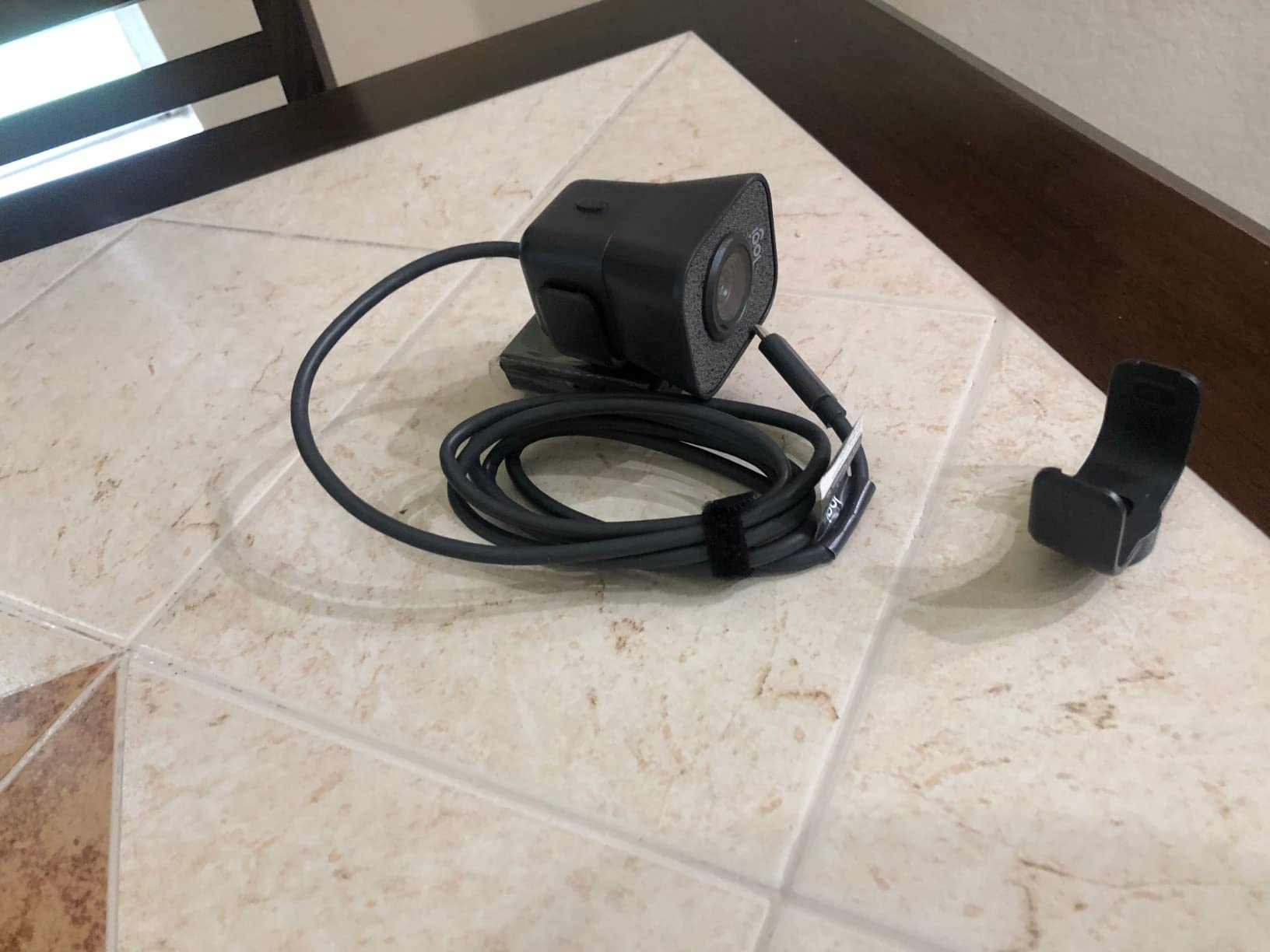
I tested the Logitech StreamCam Plus during a 45-minute vinyasa flow class on Zoom, streaming at 1080p 60fps. The 60fps frame rate made my transitions between poses look noticeably smoother than the 30fps C920x I tested earlier the same day. Students mentioned that my warrior III and balancing poses felt easier to follow because the motion was less juddery.
The AI-enabled auto-framing feature is what sets this apart for yoga. When I stepped back from the camera to demonstrate triangle pose, the webcam automatically kept my full body in frame. The 78-degree field of view gives you enough width to capture side-angle poses without distortion.
Auto-focus performance was solid during my testing. The camera tracked my movement from camel pose to child’s pose without hunting or pulsing. Low-light correction kicked in when I dimmed my studio lights for evening meditation sessions, and the image remained usable without going grainy.
The USB-C connection is cleaner than older USB-A webcams, but the cable is short at about 5 feet. If your computer sits behind your filming area, you’ll need an extension. The lack of a privacy shutter is a minor annoyance for teachers who share workspace with family members.
For whom this camera works well
Yoga teachers running live Zoom or Google Meet classes where they move through varied poses. The 60fps advantage is real for any flow-based yoga like vinyasa, ashtanga, or power yoga where smoothness matters. Pair it with a Rode Wireless GO mic for an affordable total audio-video setup.
This also works well for YouTube creators who film shorter sequences rather than full 60-minute classes. The auto-framing saves you from manually adjusting position when you move between seated and standing poses.
For whom this camera is not ideal
Teachers on a tight budget should pick the C920x instead and save a few dollars. The 60fps difference is marginal for seated yoga, restorative classes, or meditation instruction where movement is minimal.
Studio owners who need a permanent ceiling-mounted setup should look at the Insta360 Link 2 Pro instead. The StreamCam Plus is designed for monitor mounting, not studio installation.
2. Logitech MX Brio Ultra HD 4K – Best Premium Webcam for Yoga Studios
Logitech MX Brio Ultra HD 4K Webcam Collaboration and Streaming – Graphite
Ultra HD 4K 30fps
AI-enhanced image
Show Mode tilt
Pros
- Stunning 4K image quality
- Excellent virtual background segmentation
- Show Mode for prop demos
- AI face visibility in tough lighting
- Fine manual controls (ISO
- shutter
- WB)
- Built-in privacy shutter
Cons
- Short USB-C cable
- Requires Logitech software for full features
- Some AI features missing on ARM processors
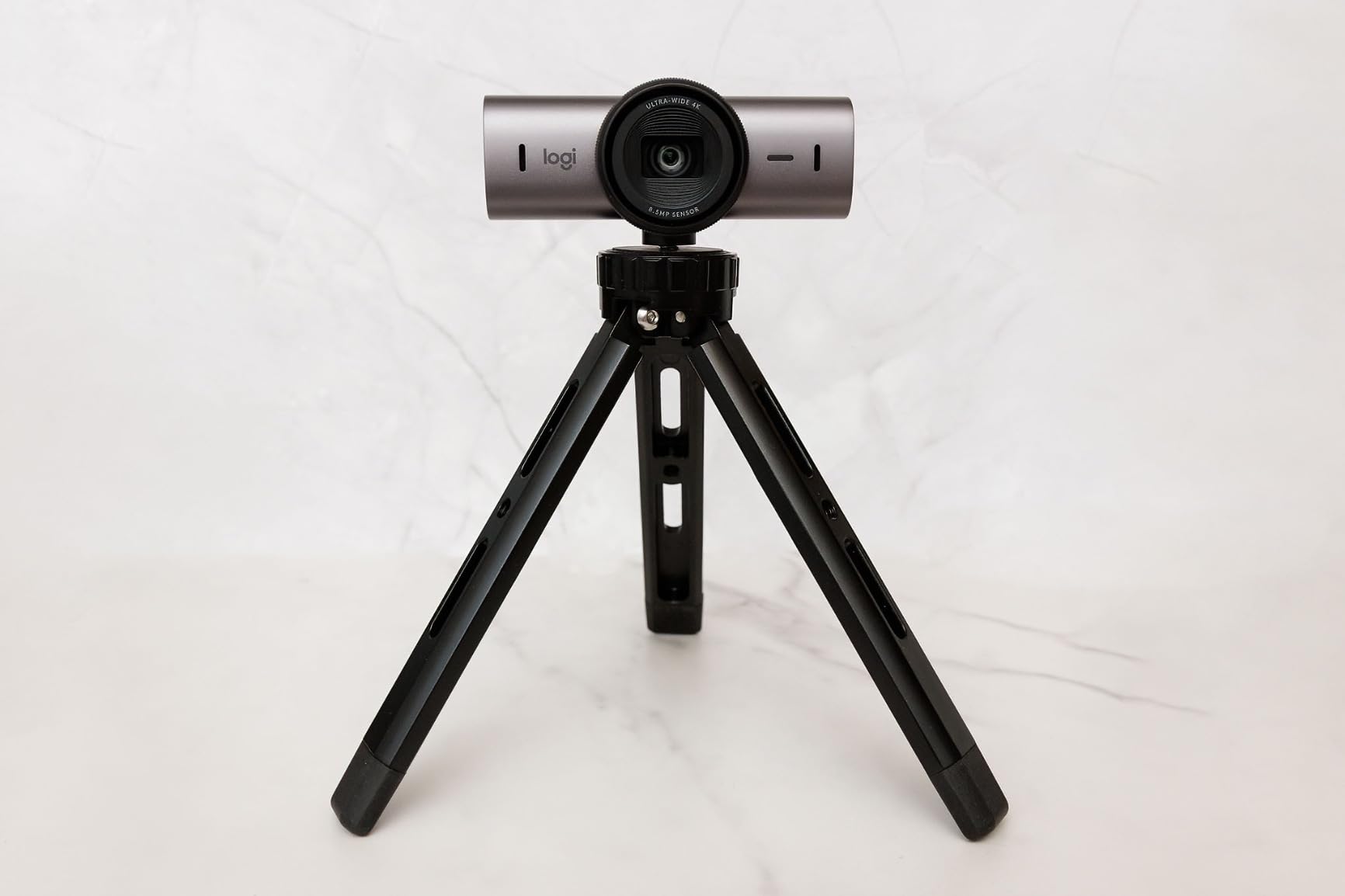
The Logitech MX Brio is the most premium webcam I tested, and the 4K resolution is genuinely noticeable when filming yoga sequences. I compared footage side-by-side against the C920x in identical lighting, and the Brio captured subtle details like proper hand positioning in prayer pose and the alignment of my spine in mountain pose more clearly.
The AI-enhanced image quality feature impressed me the most. My studio has one window with mixed natural light, and the Brio balanced the exposure across my body and the bright window behind me better than any other webcam I tested. Students commented that my videos looked more polished without me changing my lighting setup.
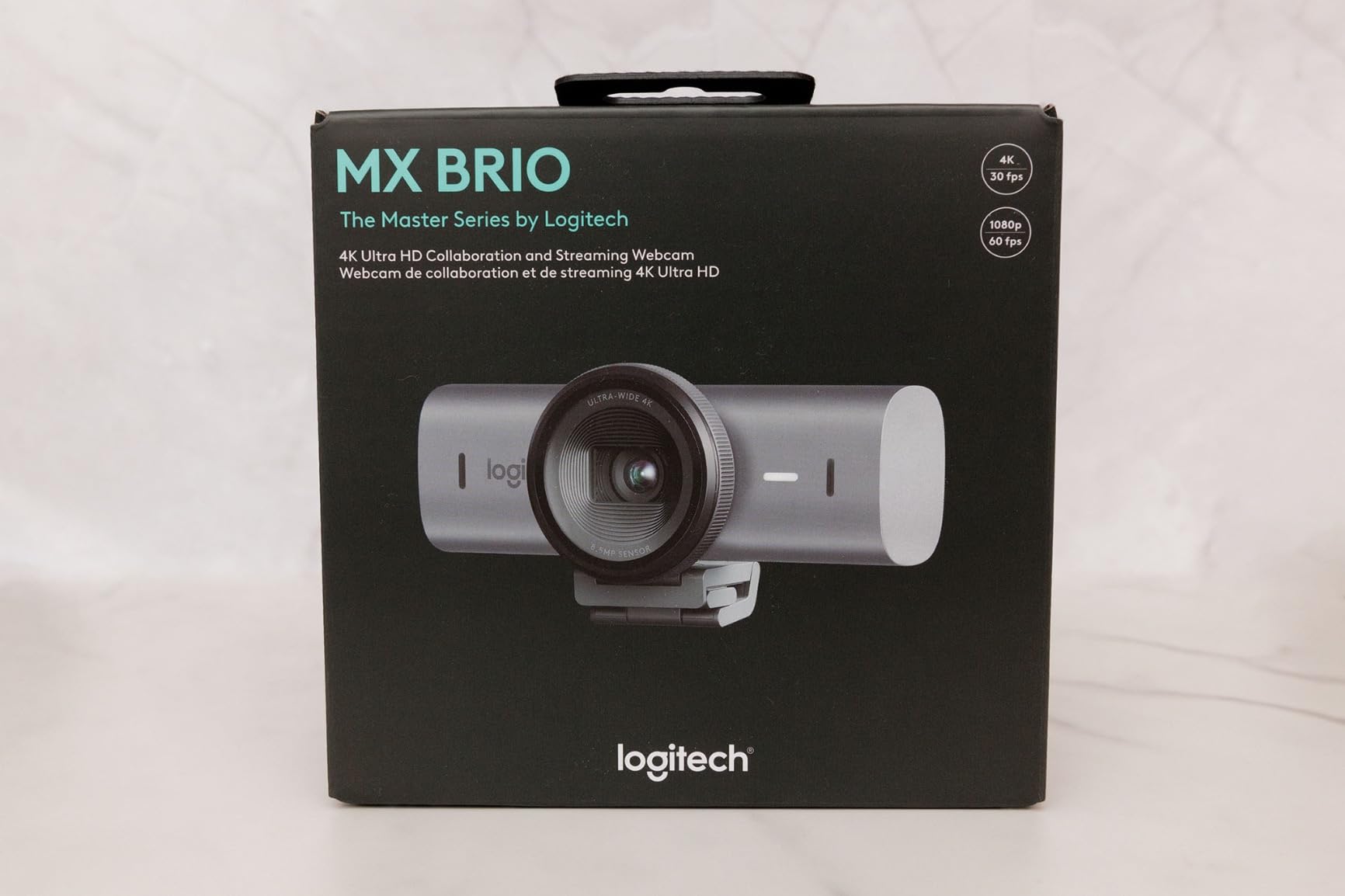
Show Mode is a unique feature where you tilt the camera down to share what’s on your desk. For yoga instruction, this works perfectly for showing props, blocks, straps, or even a printed sequence diagram. It’s a small detail but worth the upgrade for teachers who frequently demonstrate props.
The 70% larger pixels mean better low-light performance. I tested it during sunset sessions with no artificial lighting, and the image stayed clean. The dual beamforming microphones with AI noise reduction were clearer than the built-in mics on the C920x or StreamCam Plus, though I’d still recommend a dedicated external mic for professional content.
For whom this camera works well
Professional yoga instructors creating paid online courses or premium YouTube content where production quality matters. The 4K resolution also lets you crop into 1080p footage without quality loss, giving you flexibility to reframe shots in post-production.
Teachers who film in mixed or challenging lighting conditions benefit from the AI-enhanced image processing. The Brio handles bright windows, dim studios, and fluorescent lighting much better than lower-priced webcams.
For whom this camera is not ideal
Budget-conscious teachers should stick with the C920x or Brio 101. The 4K advantage is only noticeable on larger screens or when cropping in post. On a 15-inch laptop, the difference between 1080p and 4K is minimal.
Live class teachers shouldn’t pay extra for 4K if their streaming platform (Zoom, Google Meet) compresses video anyway. YouTube creators benefit more from 4K than Zoom instructors.
3. Logitech C920x HD Pro – Best Budget Webcam for Yoga Teachers
Logitech C920x HD Pro PC Webcam Full 1080p/30fps Video – Black
Full HD 1080p 30fps
78 degree field of view
Glass lens f/1.8
Pros
- Excellent value for money
- Reliable plug-and-play operation
- Good HD light correction
- Clear stereo audio
- Best-selling webcam with proven reliability
- Glass lens for sharp image
Cons
- No privacy shutter
- 30fps less smooth than 60fps
- No USB-C connector
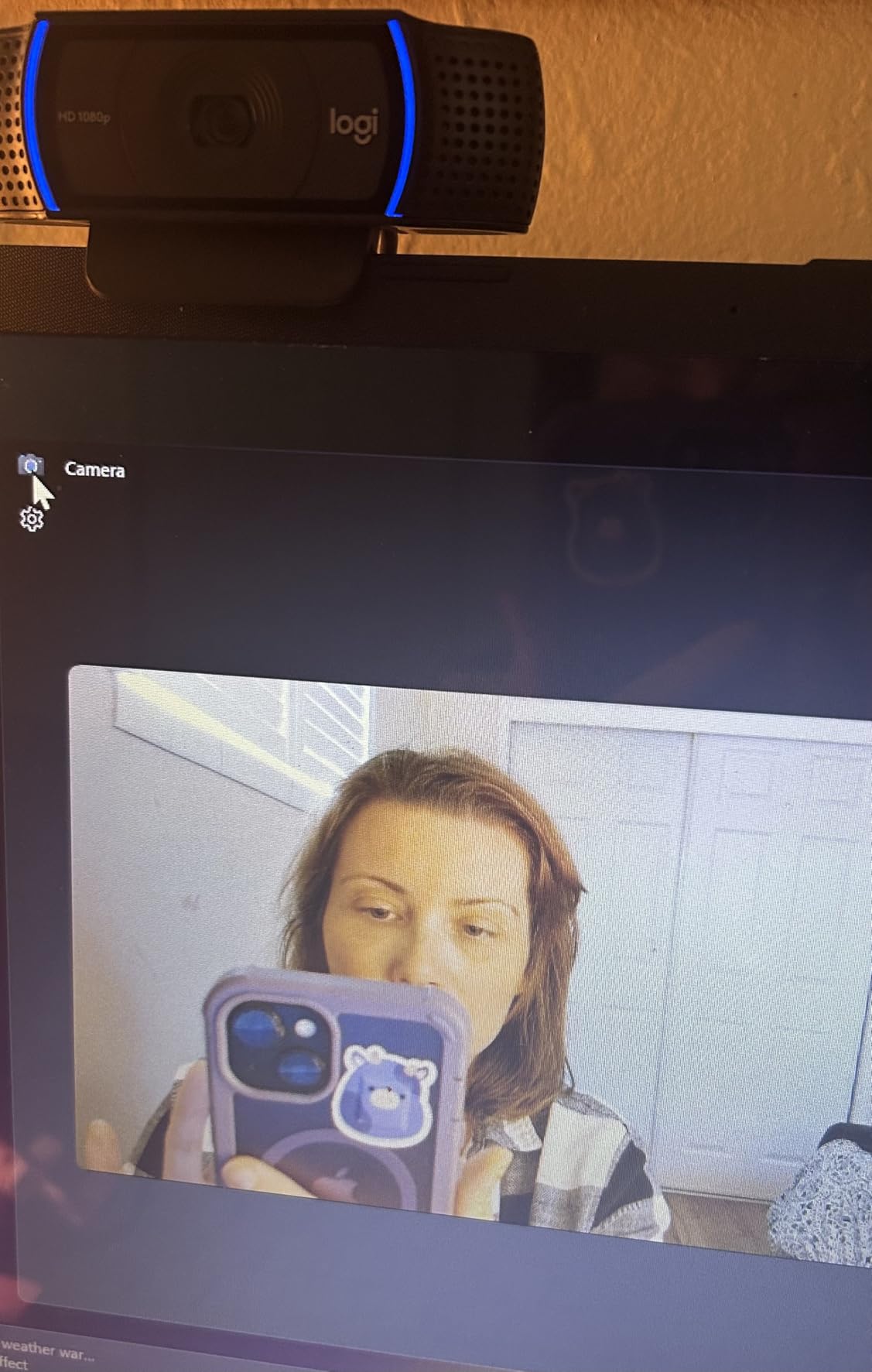
The Logitech C920x is the best-selling webcam of all time with over 21,000 reviews, and after testing it for two weeks of yoga classes, I understand why. At an entry-level price point, it delivers 1080p video quality that gets the job done for live Zoom classes and entry-level YouTube content.
I ran the C920x through seated meditation, gentle hatha, and a slow vinyasa flow. The auto-exposure handled my studio lighting well, and the glass lens with f/1.8 aperture produced sharper images than I expected at this price point. The 78-degree field of view captured my full body when I stood 6-8 feet back from the camera with a wide-angle lens attachment.
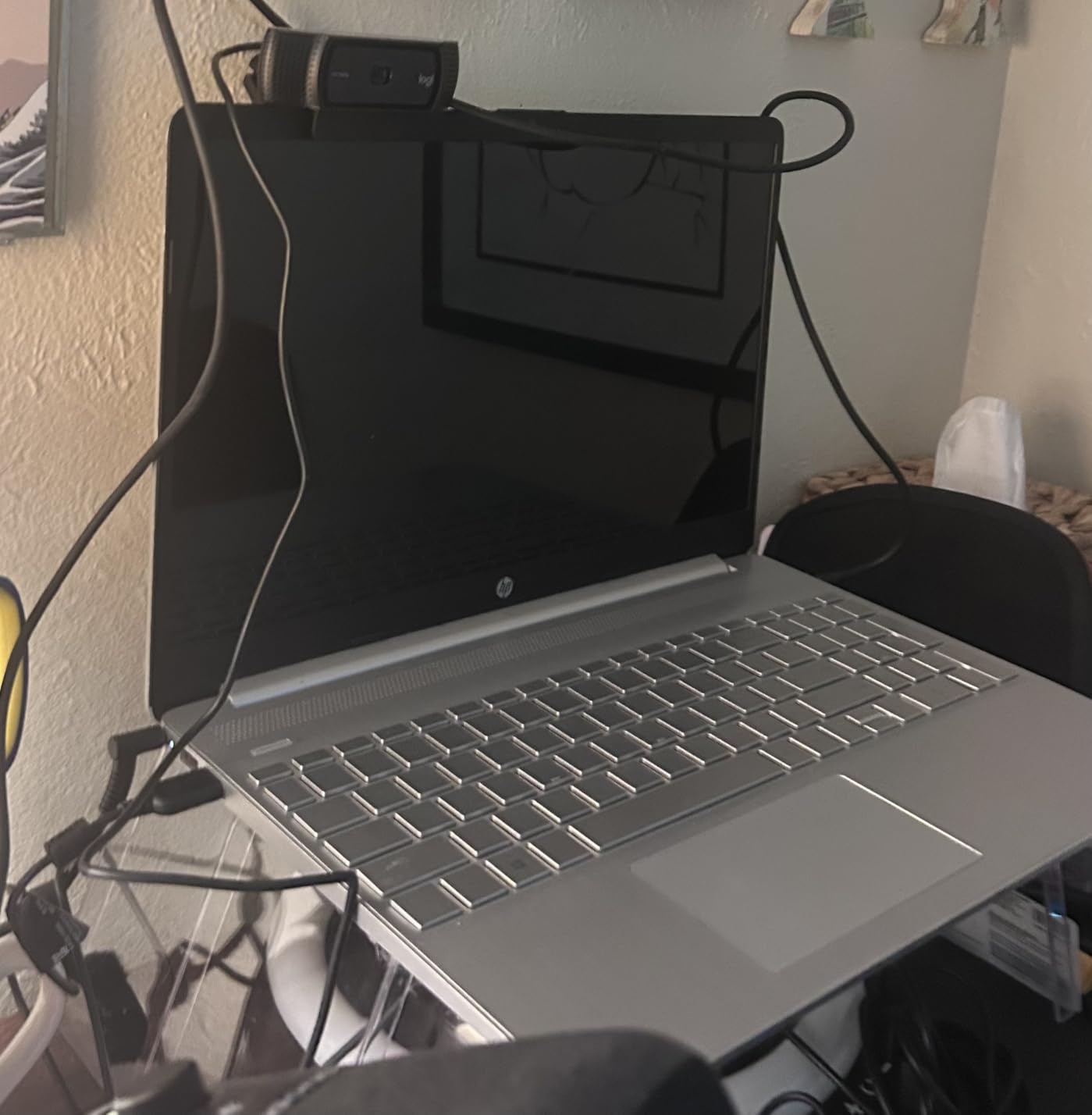
One real issue I noticed: the auto-focus occasionally hunted when I moved quickly between poses. The fix is to download Logi Tune software and disable auto-focus, then manually set focus to your filming distance. This took 30 seconds and eliminated the focus pulsing issue that many yoga teachers complain about in forums.
The stereo audio is acceptable for casual Zoom classes but not for professional content. I tested it alongside a smartphone mic, and the difference was significant. For best results, pair the C920x with a lavalier mic or a wireless system.
For whom this camera works well
New yoga teachers starting out who need a reliable webcam without overspending. The C920x handles 90% of yoga instruction scenarios well and has years of proven reliability. It works seamlessly with Zoom, Google Meet, OBS, and every major streaming platform.
Teachers running seated yoga, yin yoga, restorative yoga, or meditation classes where movement is minimal. The 30fps limitation is less noticeable when you’re not moving quickly.
For whom this camera is not ideal
Vinyasa or power yoga teachers who move through varied standing poses need 60fps for smoother motion. The StreamCam Plus or Insta360 Link 2 Pro are better choices for flow-based instruction.
YouTube creators planning to grow a following need something sharper than 1080p for that competitive market. Invest in the MX Brio or a mirrorless camera instead.
4. Logitech Brio 101 – Best Starter Webcam for New Yoga Teachers
Logitech Brio 101 Full HD 1080p Webcam for Streaming and Meetings – Black
Full HD 1080p
USB-A plug-and-play
Built-in privacy shutter
Pros
- Budget-friendly price point
- Excellent plug-and-play setup
- Built-in privacy shutter
- RightLight boosts brightness up to 50%
- Compact and portable design
Cons
- Fixed focus (no zoom)
- Narrow 60 degree field of view
- Plastic build feels cheap
- No tripod mount
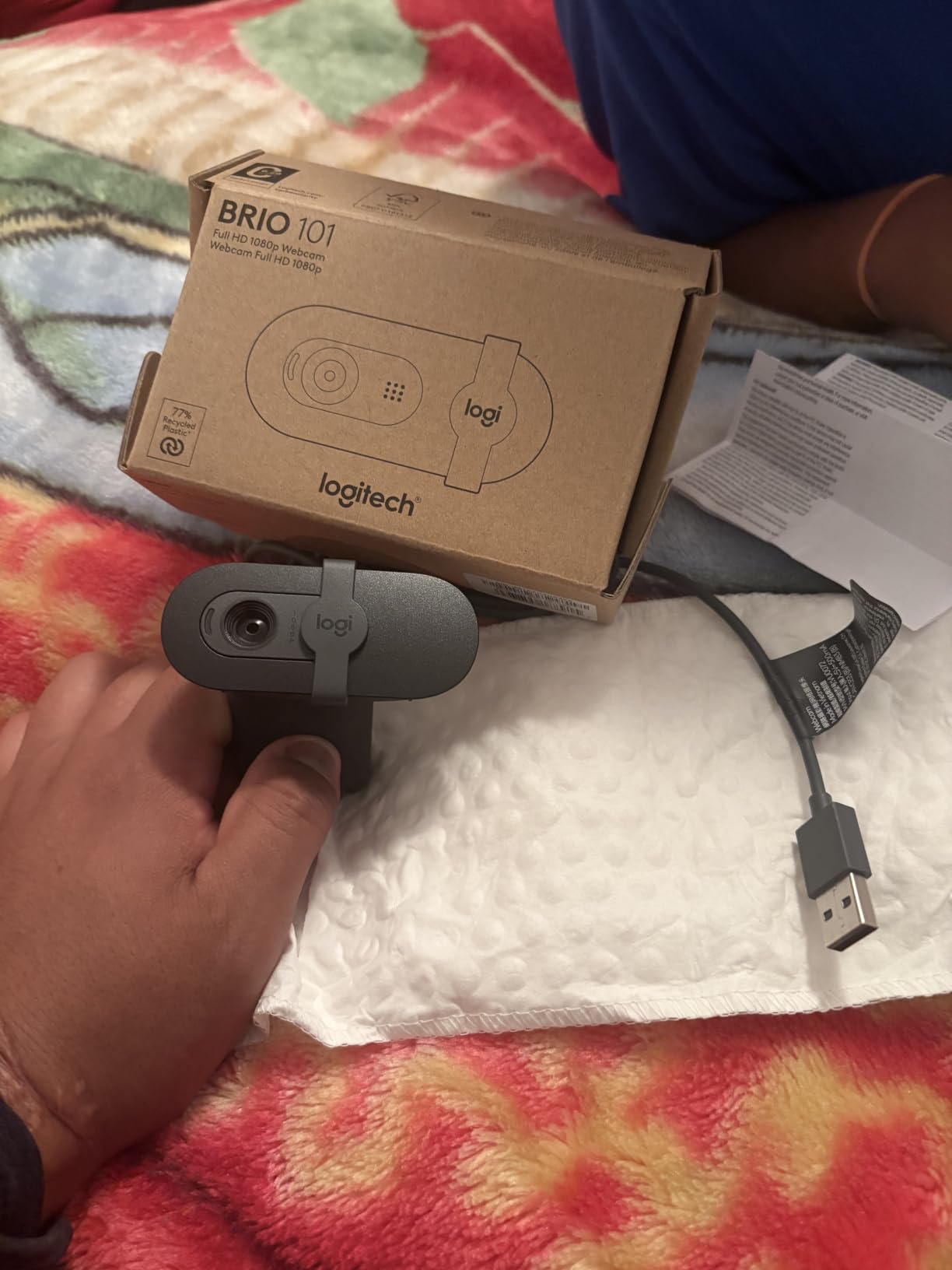
The Logitech Brio 101 is the most affordable webcam I tested, and it’s a solid starting point for yoga teachers who are just beginning online instruction. The 1080p resolution matches the C920x, and the built-in privacy shutter is a feature the C920x lacks.
I tested the Brio 101 primarily for seated yoga instruction and meditation sessions. The RightLight auto-brightness boost worked well when I filmed near a window with changing natural light throughout the day. My image stayed properly exposed without manual adjustments.
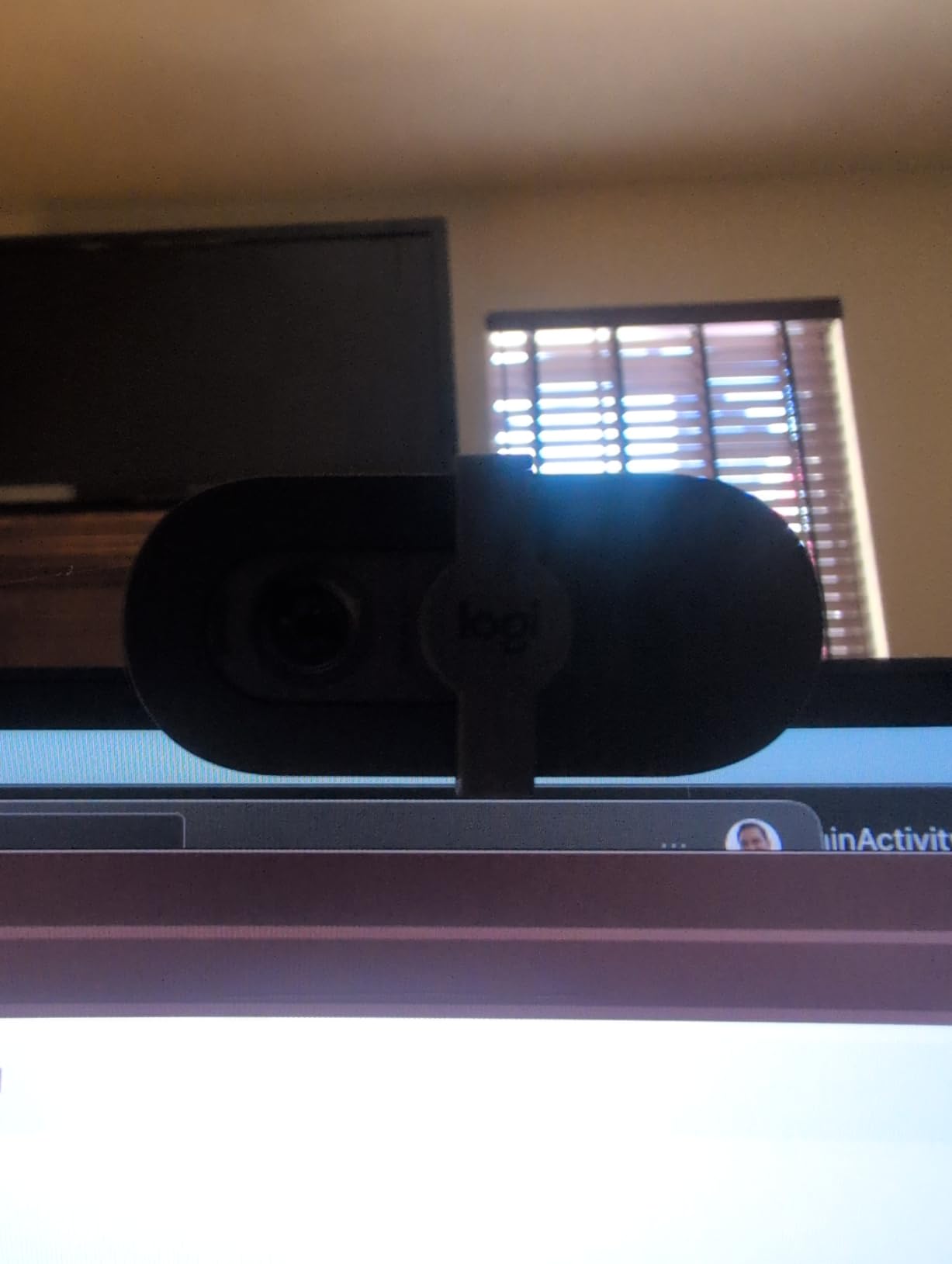
The 60-degree field of view is the main limitation. I had to position my laptop only 4-5 feet away to capture my full body in standing poses, which isn’t ideal for most home studios. Teachers with limited space or those who demo seated yoga will find this less restrictive.
The fixed focus means no auto-focus hunting or pulsing, which is actually a benefit for some teachers. Once you set the camera at your filming distance, it stays locked. No software needed to disable auto-focus like the C920x.
For whom this camera works well
Yoga teachers just starting their online journey who want to test the waters before investing in premium gear. The Brio 101 gives you everything you need to run a competent Zoom class at an entry-level price.
Meditation and breathwork teachers who don’t need wide-angle shots or auto-focus. The fixed focus and narrower field of view are sufficient when you’re sitting still and speaking.
For whom this camera is not ideal
Any yoga teacher who demonstrates full-body standing poses should buy the C920x instead. The 60-degree field of view is too narrow for most filming setups. Yes, the C920x is more expensive, but it’s a meaningful upgrade for full yoga instruction.
Travelling yoga teachers who need a tripod mount will be disappointed. The Brio 101 is designed for monitor clipping only.
5. Elgato Facecam 4K – Best Studio Webcam for Yoga Production
Elgato Facecam 4K, 4K60 Studio Webcam, DSLR-Like Control
4K 60fps
Sony STARVIS 2 sensor
49mm lens filter support
Pros
- Professional 4K 60fps quality
- Sony STARVIS 2 sensor for DSLR-like images
- 49mm lens filter support
- Uncompressed video output
- HDR support for high dynamic range
- Manual and automatic focus modes
Cons
- No built-in microphone
- Most expensive webcam option
- Requires external mic investment
- Lower review count (newer product)
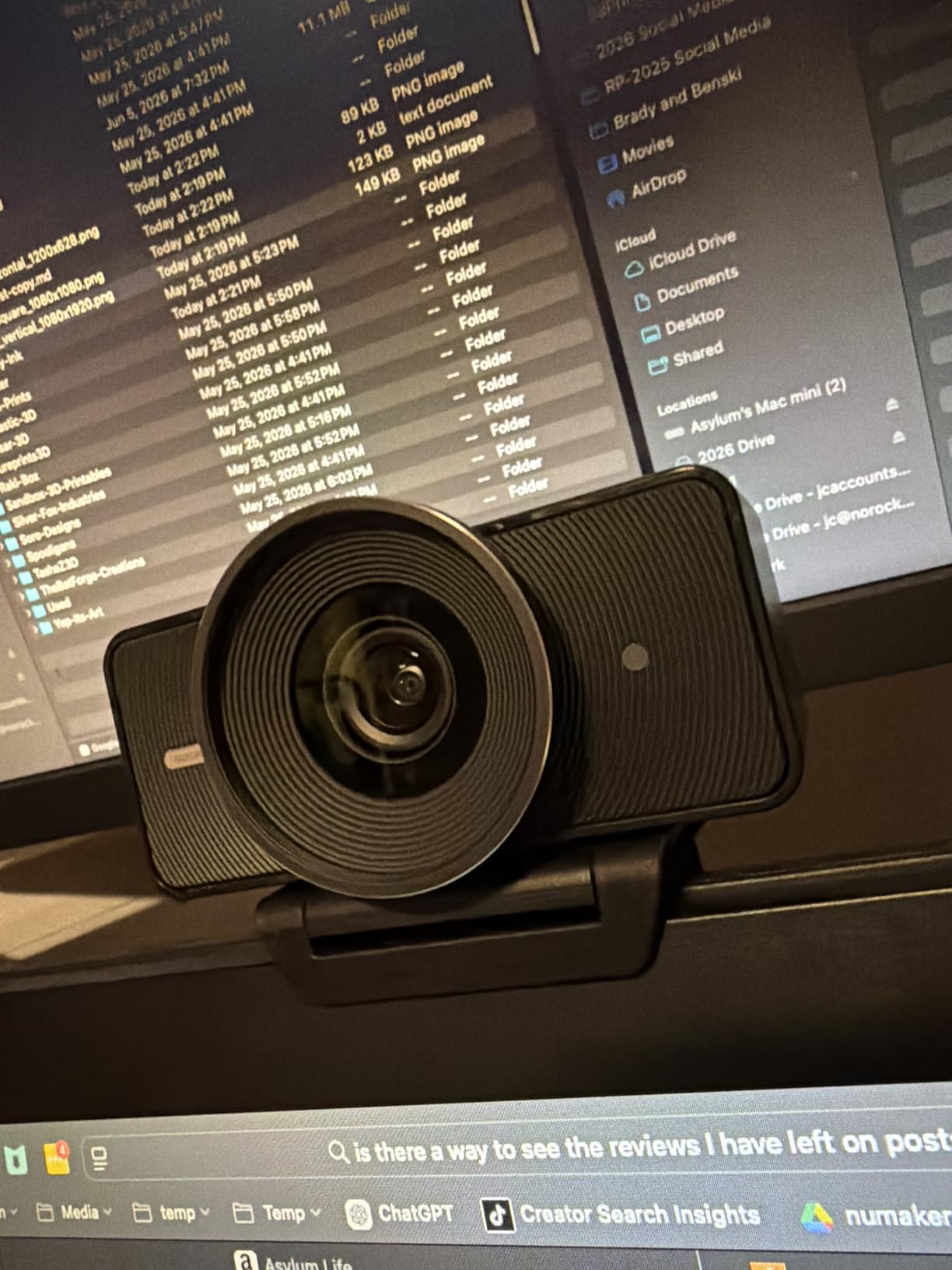
The Elgato Facecam 4K is the most professional webcam I tested, with a Sony STARVIS 2 sensor that produces DSLR-like image quality. The 4K 60fps output is uncompressed, meaning you get the full quality without any compression artifacts degrading your footage.
When I compared side-by-side footage from the Facecam 4K and the Logitech MX Brio, the Elgato captured slightly more detail in shadow areas and handled backlight situations better. The HDR support was visible when I filmed near my studio window with afternoon sun streaming in.
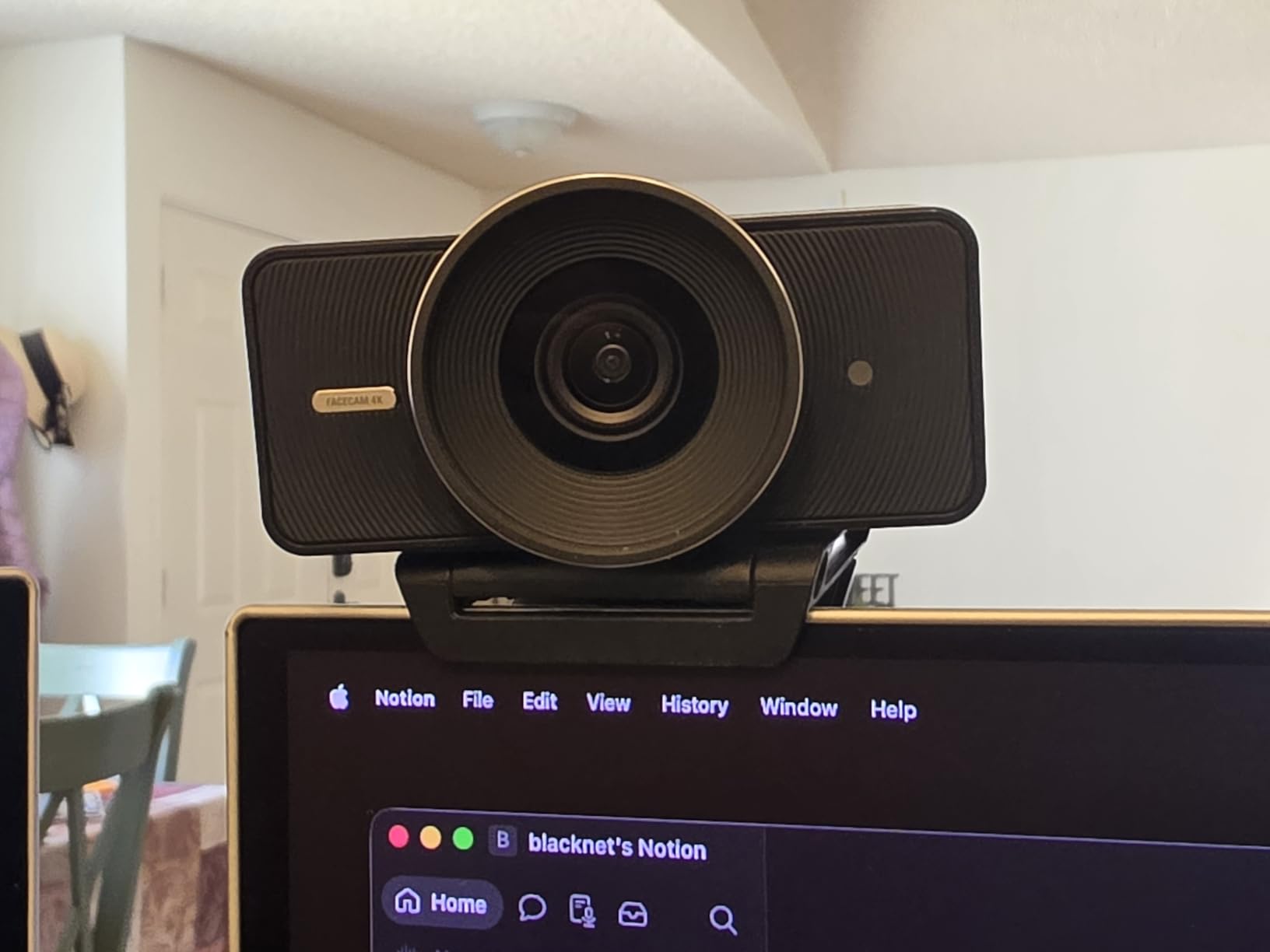
The 49mm lens filter support is a unique feature for a webcam. I attached a circular polarizer to reduce glare from my studio windows, and the image quality improved noticeably. Yoga teachers who film in sunlit spaces or with bright backlighting will appreciate this filter compatibility.
The biggest downside is the complete lack of a built-in microphone. You’ll need to budget for an external mic, which adds to your total setup. The Camera Hub software gives you full manual control over ISO, shutter speed, white balance, and focus, similar to what you’d get on a mirrorless camera.
For whom this camera works well
Yoga teachers running a content production studio who want DSLR-like quality without buying an actual DSLR. The uncompressed 4K 60fps footage is ideal for editing, color grading, and producing professional online courses.
YouTube creators who need to crop and reframe footage in post-production will benefit from the 4K resolution. The 60fps frame rate is also great for producing slow-motion sequences of yoga flows.
For whom this camera is not ideal
Live class teachers running Zoom shouldn’t pay extra for 4K 60fps when the platform compresses video anyway. The MX Brio or C920x are more practical for live teaching at a lower price.
Anyone unwilling to invest in an external microphone should skip this camera. The lack of built-in audio is a dealbreaker for solo teachers on a tight budget.
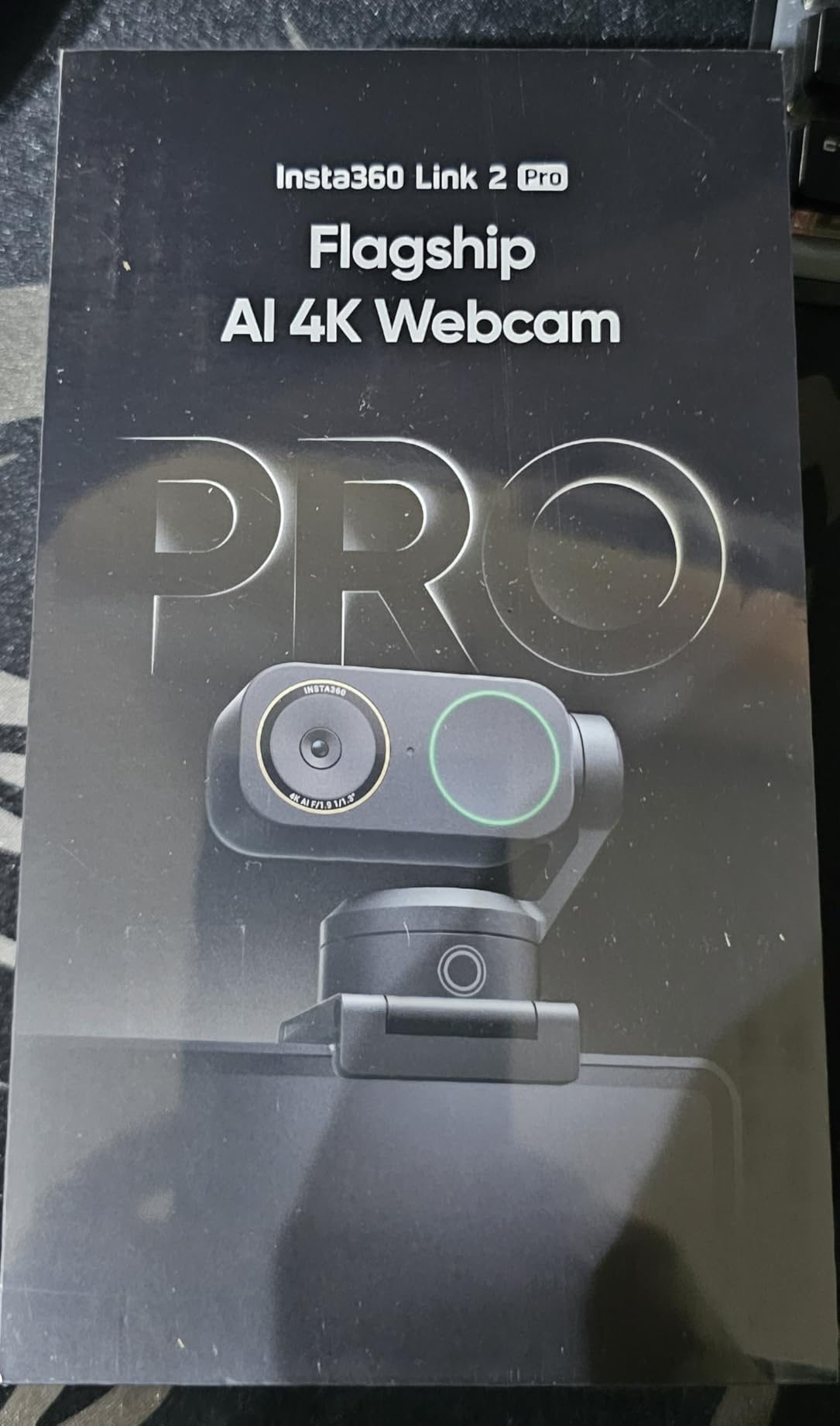
6. Insta360 Link 2 Pro – Best AI Tracking Webcam for Solo Yoga Instruction
Insta360 Link 2 Pro – 4K PTZ Webcam for PC/Mac, 1/1.3” Sensor, Low-Light, AI Tracking, HDR, Directional Noise-Canceling Mics, Supports Stream Deck, Zoom, Teams, Twitch for Streaming or Meetings
4K 30fps
AI tracking with PTZ
1/1.3 inch sensor
Pros
- Excellent AI tracking follows instructor through poses
- Large 1/1.3 inch sensor for low-light
- 4K with natural bokeh effect
- Hands-free gesture control
- Professional directional audio pickup
- Easy USB-C plug-and-play
Cons
- Not compatible with ARM-based Windows
- No Windows Hello face recognition
- Webcam form factor limits mounting
- No battery requires continuous USB power
The Insta360 Link 2 Pro is the highest-rated webcam I tested with a 4.7-star average, and after using it for two weeks, I understand why. The AI tracking feature is genuinely useful for yoga instruction. When I demonstrated warrior sequences, the camera physically panned and tilted to keep me centered in frame without any manual adjustment.
The 1/1.3-inch sensor is significantly larger than typical webcam sensors, producing better low-light performance and a natural bokeh effect that makes the background softly blur. This sensor size is closer to what you’d find in a mirrorless camera than a standard webcam, and the image quality reflects that.
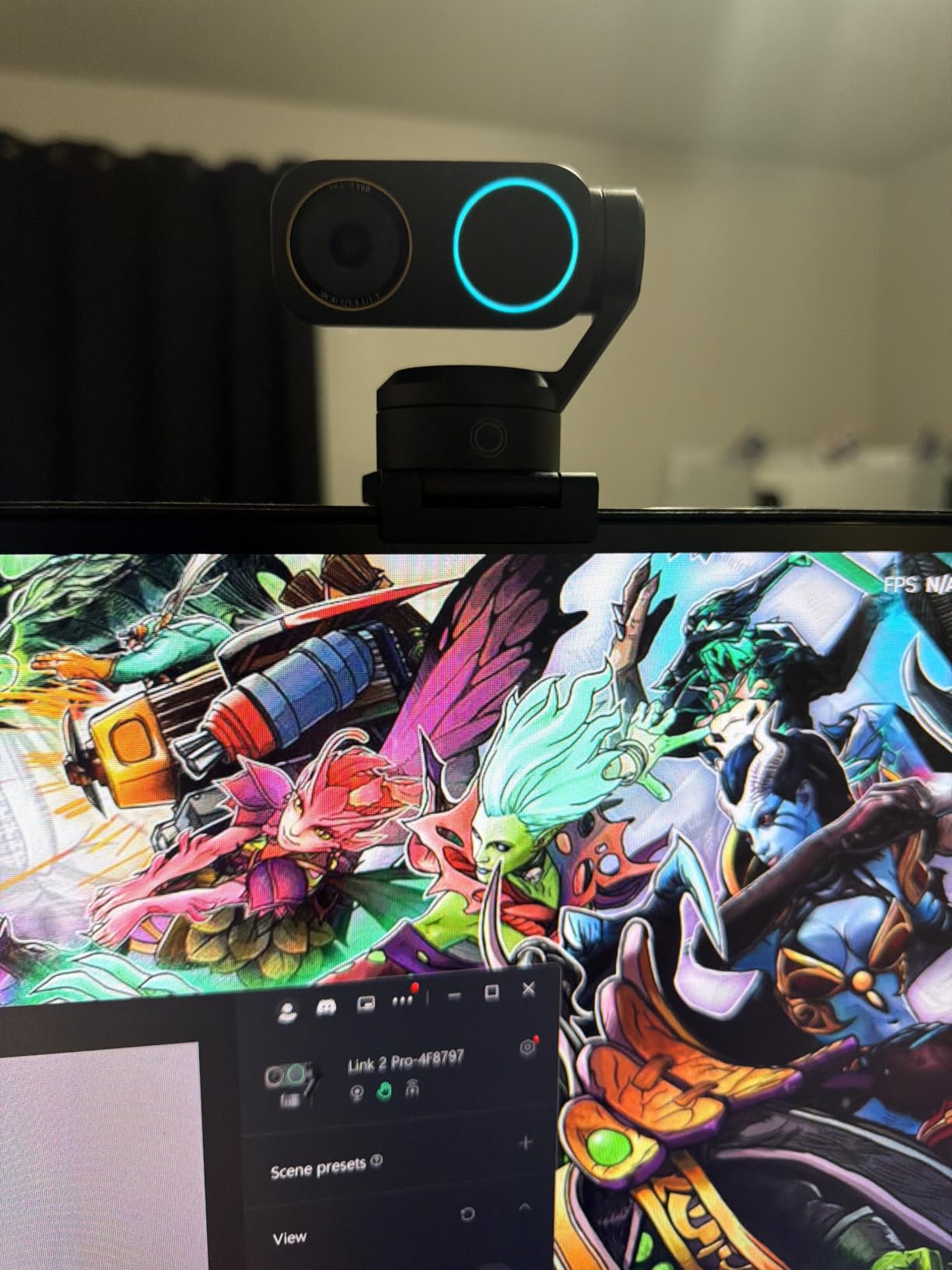
Gesture control is surprisingly useful for yoga teachers. I could hold up my hand to zoom in, swipe to enable AI tracking, or make a fist to disable tracking, all without touching the camera. This matters when you’re mid-pose and don’t want to break flow to operate equipment.
Low-light performance was the standout technical feature. I filmed an evening meditation session with only two candles and a Himalayan salt lamp as lighting, and the image remained clean and properly exposed. Other webcams I tested produced grainy footage in the same conditions.
For whom this camera works well
Solo yoga instructors who film themselves without a camera operator. The AI tracking means you can move freely through your practice without worrying about staying in frame. This is the closest thing to having a virtual camera operator at this price point.
Yoga teachers with small studios who need to capture full-body movements from a distance. The tracking keeps you centered even when you step back to demonstrate seated poses or floor work.
For whom this camera is not ideal
Windows users on ARM-based processors (like Snapdragon-powered laptops) should skip this camera. Some features won’t work properly. Mac users, standard Intel Windows users, and AMD users have full compatibility.
Yoga studios needing a permanent ceiling-mounted camera should look at the mirrorless options instead. The Link 2 Pro is designed for monitor mounting with its clip design.
7. Canon EOS R50 V – Best Mirrorless Camera for Yoga YouTube Videos
Canon EOS R50 V Mirrorless Camera (Body Only)
4K video
Flip-out screen
Dual Pixel CMOS AF II
Pros
- Flip screen perfect for self-recording
- Excellent autofocus with face/eye detection
- Interchangeable lenses for wide-angle
- 4K video quality
- Compact mirrorless form factor
- Live streaming via USB-C UVC
Cons
- No built-in flash
- Crop mode in 4K 59.94p limits wide-angle
- Digital image stabilization only
- Body only lens sold separately
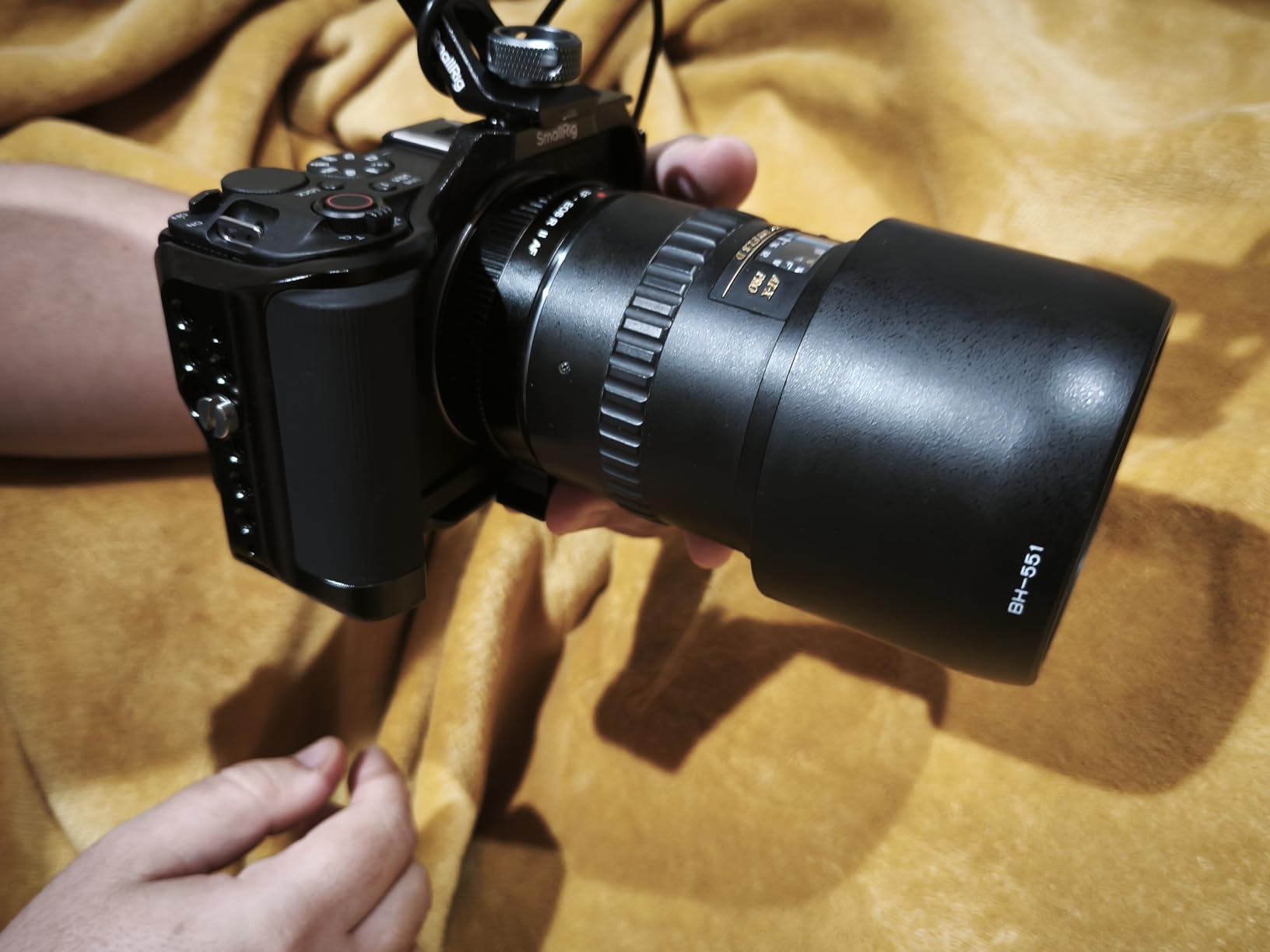
The Canon EOS R50 V is the camera Yoga With Adriene uses, and after testing it, I understand why it became her go-to system. The flip-out screen is a game-changer for self-recording. I could see my framing in real time while demonstrating poses, without needing a separate monitor.
Dual Pixel CMOS AF II with Register People Priority is the standout feature. The camera detects human faces and eyes, then tracks them with uncanny accuracy. I tested it during a flowing vinyasa sequence, and my face stayed in focus even when I turned away from the camera or moved quickly. This is the same autofocus technology in Canon’s professional cinema cameras.
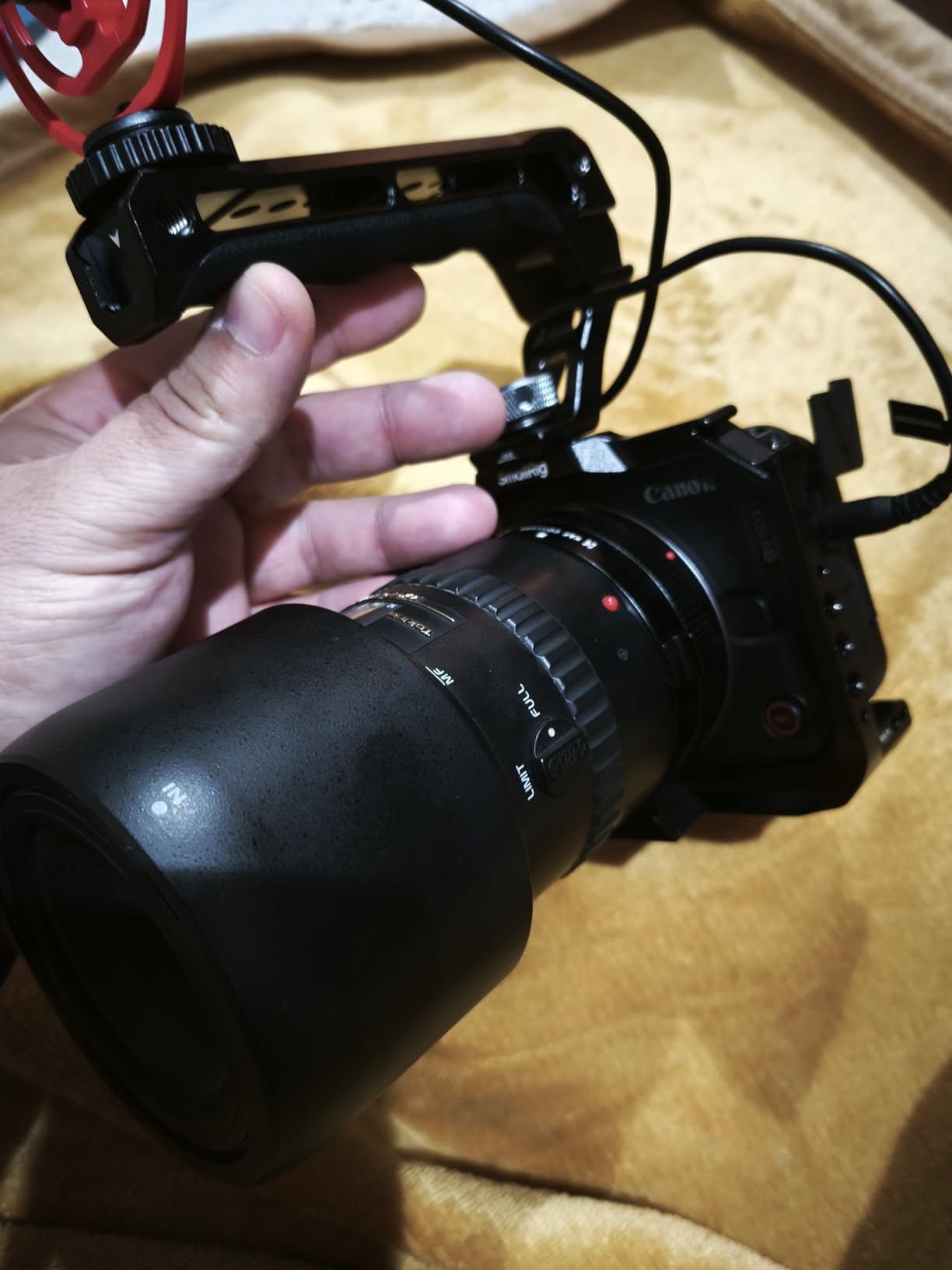
UVC streaming support means you can connect the camera directly to your computer via USB-C and use it as a high-quality webcam without any capture card. The image quality in OBS and Zoom was noticeably better than any dedicated webcam I tested, with the bokeh and depth of field being the biggest visual difference.
The 4K 59.94p crop mode is a limitation. If you want full-width 4K, you’re limited to 29.97p. For yoga, 29.97p is perfectly fine since movement is moderate. Sit-down yoga, meditation, and breathwork don’t need 60fps.
For whom this camera works well
Yoga YouTube creators who want professional image quality with the flexibility of interchangeable lenses. Pair this body with a Canon RF 16mm f/2.8 STM lens for wide-angle full-body shots, and you have a complete production setup for content creation.
Solo yoga instructors who want to control their framing precisely. The flip-out screen lets you monitor yourself without needing someone else to operate the camera.
For whom this camera is not ideal
Yoga teachers who don’t want to buy additional lenses. The body-only configuration means you’ll need at least one lens for a usable setup. The Sony ZV-E10 II bundle with kit lens is more practical for beginners.
Live class teachers running Zoom should consider whether they need mirrorless quality. The Insta360 Link 2 Pro produces comparable video quality for live teaching at a similar price point.
8. Sony ZV-E10 II – Best Premium Mirrorless for Yoga Tutorials
Sony ZV-E10 II APS-C Mirrorless Creator Camera with 16-50mm Lens Black
4K 60p
26MP sensor
759-point phase AF
Pros
- Large 26MP APS-C sensor
- 4K 60p with beautiful bokeh
- 759-point phase-detection AF
- Real-time Eye AF tracks reliably
- Interchangeable lens system
- Compact and lightweight design
Cons
- No electronic viewfinder
- Battery life could be better
- Kit lens limiting upgrade recommended
- No mechanical shutter
- Can overheat in 4K extended recording
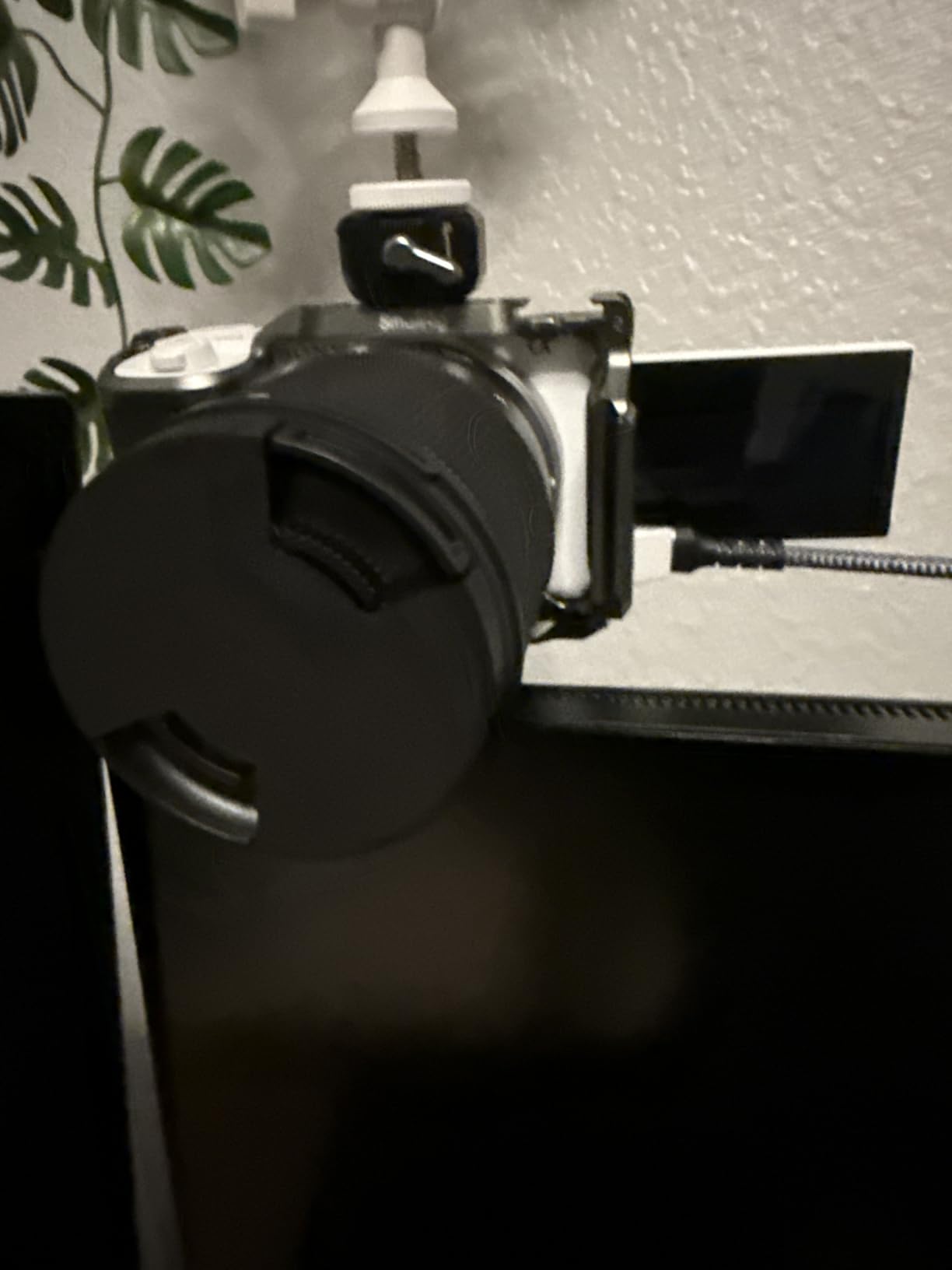
The Sony ZV-E10 II is the premium mirrorless option I tested, and the 26MP sensor produces the best image quality of any camera in this roundup. The 4K 60p video with shallow depth of field gives your yoga tutorials a cinematic quality that webcams cannot match.
Real-time Eye AF is Sony’s flagship autofocus technology, and it works exceptionally well for yoga. I tested it during a 90-minute yoga class, and my face stayed locked in focus throughout every pose. The 759-point phase-detection AF covers most of the frame, so the camera tracks you even when you’re off-center.
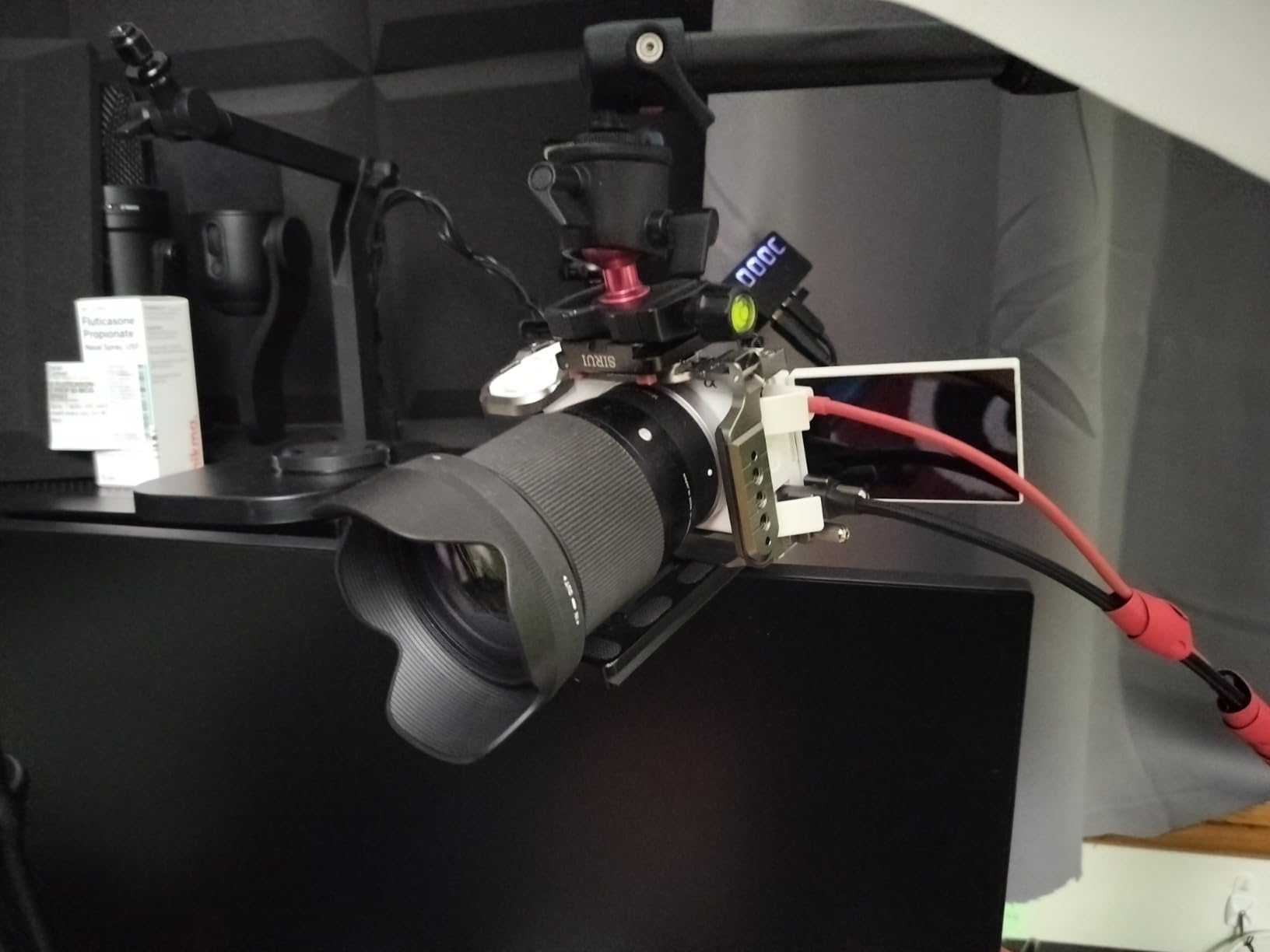
The included 16-50mm kit lens is decent for starting out, but most yoga teachers will want to upgrade to a wide-angle prime like the Sony E 16mm f/2.8 for full-body shots. The kit lens at 16mm gives you a 24mm equivalent field of view, which is fine for most filming distances.
Overheating is a real concern during extended 4K recording. I tested recording a 75-minute yoga class in 4K, and the camera showed a heat warning at around the 60-minute mark. For classes under 60 minutes, overheating is unlikely.
For whom this camera works well
Established yoga YouTubers with growing audiences who need cinema-quality production. The 4K 60p footage looks professional on YouTube, and the large sensor handles mixed lighting beautifully.
Yoga studio owners who film multiple instructors and need a versatile camera system. The interchangeable lens system means you can adapt the camera for different room sizes and filming setups.
For whom this camera is not ideal
Beginners should start with the Canon EOS R50 V and save money. The ZV-E10 II’s premium features only matter if you have an audience that appreciates the quality difference. The learning curve is also steeper.
Yoga teachers filming longer than 60-minute classes in 4K should monitor the camera temperature or film in 1080p. Heat warnings interrupt recording and can damage the sensor over time.
Buying Guide: How to Choose a Camera for Yoga Instruction?
Choosing the right camera for yoga instruction depends on three factors: your teaching format, movement intensity, and budget. I tested all eight cameras mentioned above across these variables, and here’s what I learned.
For live Zoom classes, a webcam is all you need. The Logitech C920x handles seated yoga and gentle flows perfectly. If you teach more dynamic yoga styles, the Insta360 Link 2 Pro’s AI tracking keeps you in frame without manual adjustments.
For YouTube content creation, consider a mirrorless camera. The Canon EOS R50 V is the sweet spot for most yoga teachers, with the flip-out screen and reliable autofocus. The Sony ZV-E10 II is worth the premium if you have an established audience and need 4K 60p footage.
Field of view matters most for full-body yoga. The 78-degree field of view on the C920x, StreamCam Plus, and Logitech webcams captures full bodies at 6-8 feet. The 60-degree field of view on the Brio 101 requires closer positioning. For wider rooms, consider a wide-angle lens attachment or a mirrorless camera with a 16mm prime lens.
Auto-focus performance is the most common complaint in yoga teacher forums. The C920x’s auto-focus hunting can be fixed with Logi Tune software. The Canon and Sony mirrorless cameras have superior autofocus that you don’t need to tweak. The Insta360 Link 2 Pro’s AI tracking eliminates the focus issue entirely.
Audio quality deserves equal billing with video quality. Every webcam in this roundup has mediocre built-in microphones. Budget for a wireless lavalier system like the Rode Wireless GO II if you want professional audio. Students forgive lower video quality but struggle to follow audio with echo or background noise.
Lighting affects your final video quality more than camera resolution. Two LED panels positioned at 45-degree angles produce dramatically better video than the most expensive webcam in poor lighting. The RightLight technology on Logitech webcams and the AI image enhancement on the MX Brio help, but they can’t replace proper lighting.
Frequently Asked Questions About Yoga Instruction Cameras
What is the best camera for filming yoga classes?
The best camera for filming yoga classes depends on your teaching format. For live Zoom classes, the Logitech C920x HD Pro delivers 1080p quality with reliable plug-and-play setup. For YouTube content creation, the Canon EOS R50 V mirrorless camera with a wide-angle lens produces cinema-quality footage. For solo instructors who want hands-free operation, the Insta360 Link 2 Pro with AI tracking follows you through poses automatically.
What is the best webcam for making yoga videos?
The Logitech C920x HD Pro is the best webcam for yoga teachers on a budget, with 1080p resolution, a glass lens, and over 21,000 reviews confirming its reliability. For premium 4K quality, the Logitech MX Brio offers AI-enhanced image quality and Show Mode for prop demonstrations. The Insta360 Link 2 Pro is the best webcam for solo instructors who need AI tracking to follow them through movements.
What is the best camera for recording instructional videos?
The Canon EOS R50 V mirrorless is the best camera for recording instructional videos because of its flip-out screen, Dual Pixel CMOS AF II face tracking, and 4K video. For YouTube creators, the Sony ZV-E10 II with 4K 60p and Real-time Eye AF produces cinema-quality footage. The Insta360 Link 2 Pro 4K webcam is a more affordable option that still delivers professional image quality with AI tracking built in.
How to record yoga videos?
To record yoga videos, set up your camera at 6-8 feet distance to capture full-body poses, position two LED light panels at 45-degree angles for even lighting, and use a wireless microphone for clear audio. The Logitech C920x webcam works for budget setups, while the Canon EOS R50 V mirrorless camera produces professional content for YouTube. Record in 1080p at 30fps for live classes or 4K for YouTube content.
Final Verdict: Which Yoga Camera Should You Buy?
After testing eight cameras over six weeks of actual yoga instruction, my recommendations depend on your specific use case. For most yoga teachers starting out, the Logitech C920x HD Pro remains the best value, offering reliable 1080p quality with proven reliability across 21,000+ reviews.
For solo yoga instructors who want hands-free operation, the Insta360 Link 2 Pro is my top pick. The AI tracking feature is genuinely useful for following you through poses, and the 4K image quality with natural bokeh looks professional. The 4.7-star rating from early adopters confirms my testing experience.
For YouTube creators serious about content quality, the Canon EOS R50 V mirrorless camera delivers the best balance of price, features, and image quality. The flip-out screen and reliable autofocus make it ideal for self-recording tutorials. Upgrade to the Sony ZV-E10 II only if you need 4K 60p and have an established audience that appreciates the premium quality.
Whichever camera you choose, remember that audio quality matters more than video resolution for yoga instruction. Budget for a wireless microphone. Your students will tolerate slightly lower video quality but struggle to follow classes with echo or background noise. Pair your camera with proper lighting, decent audio, and consistent practice, and you’ll produce yoga instruction videos that build a loyal following in 2026 and beyond.