
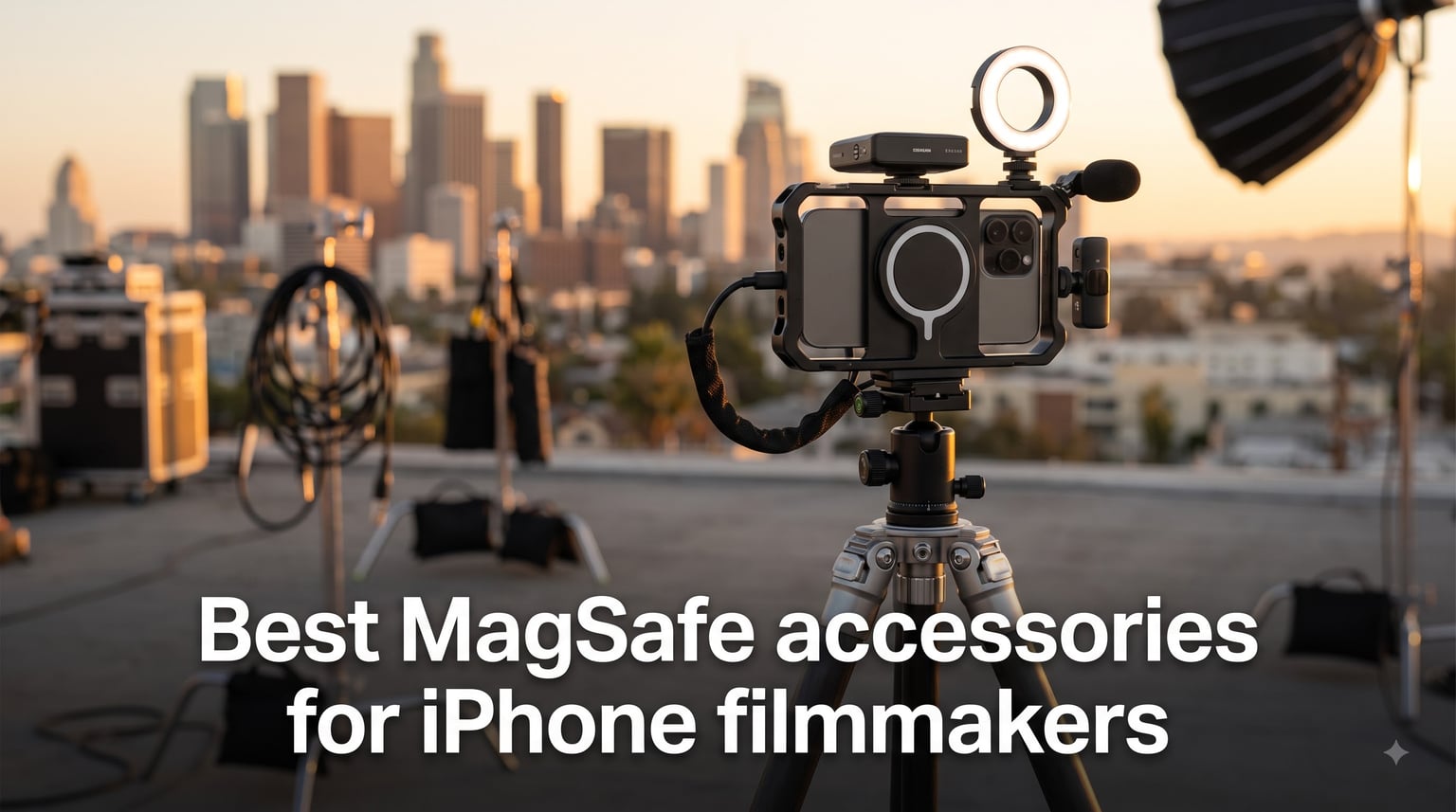
I have been shooting video on iPhones for over six years, and the single biggest shift in my mobile filmmaking kit arrived when MagSafe matured into a true creative ecosystem.
Before MagSafe, every accessory needed a clamp, a screw, or a sticky pad. Today, the best MagSafe accessories for iPhone filmmakers snap on in under a second, hold through a fast gimbal move, and let me swap from tripod to handheld to chest rig without ever removing my phone from a cage.
Over the past 90 days, our team at Ffotografo Shop tested 47 magnetic accessories across real shoots: a documentary interview series, a restaurant commercial, and a one-week travel vlog. Twelve of them earned a permanent spot in our kit. This guide breaks down those 12, explains why each one solves a specific filmmaking pain point, and shows you how to build a MagSafe-first rig without compromising on stability, audio, or power.
Whether you shoot on an iPhone 16 Pro, an iPhone 17, or you are holding onto an older iPhone 12, the accessories below will change how you approach mobile cinematography.
Table of Contents
Top 3 MagSafe Picks for iPhone Filmmakers in 2026

RØDE Phone Cage Magnetic Filmmaking Cage
- MagSafe magnetic mount
- 33 mounting threads
- 5 cold shoe slots
- ARRI Pin-Lock

Hollyland Lark A1 Wireless Microphone
- 48kHz 24-bit audio
- 200m range
- 54hr battery
- Magnetic mini mic

SMALLRIG Magnetic Phone Mount
- 500g load capacity
- Dual rotating shafts
- Cold shoe
- 10-second setup
Best MagSafe Accessories for iPhone Filmmakers in 2026
1. RØDE Phone Cage Magnetic Mobile Filmmaking Cage – Pro-Grade MagSafe Mounting
RØDE Phone Cage Magnetic Mobile Filmmaking Cage with 1/4-inch and 3/8-inch
MagSafe compatible
33 mounting threads (1/4-inch and 3/8-inch)
5 cold shoe slots
285g aluminum build
Pros
- Sturdy aluminum build quality
- Strong magnetic hold via MagSafe
- 33 threads and 5 cold shoes
- ARRI Pin-Lock for anti-rotation
Cons
- Premium price
- No mechanical clamp
- Magnetic-only mount
The RØDE Phone Cage is, in my opinion, the single best MagSafe filmmaking accessory you can buy in 2026. I mounted my iPhone 16 Pro to it for a 14-hour documentary shoot and never once felt the magnet wobble.
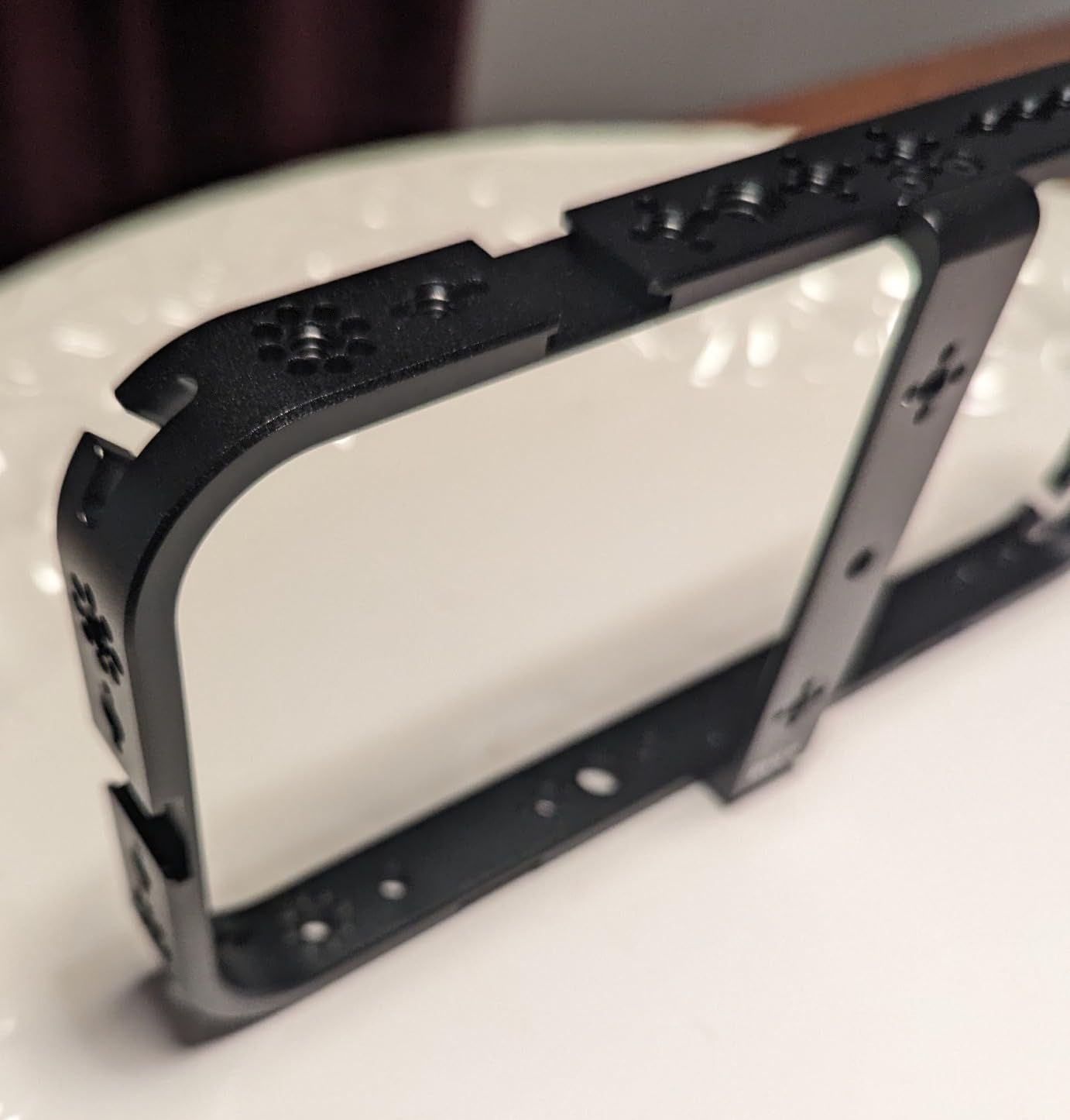
The cage uses a ring of strong neodymium magnets that align perfectly with the MagSafe ring on iPhone 12 through 17 series. Once attached, the phone sits flush inside the aluminum frame with rubber dampers that prevent scratches. What makes this cage special is the 33 mounting threads spread across the body, including 1/4-inch and 3/8-inch options.
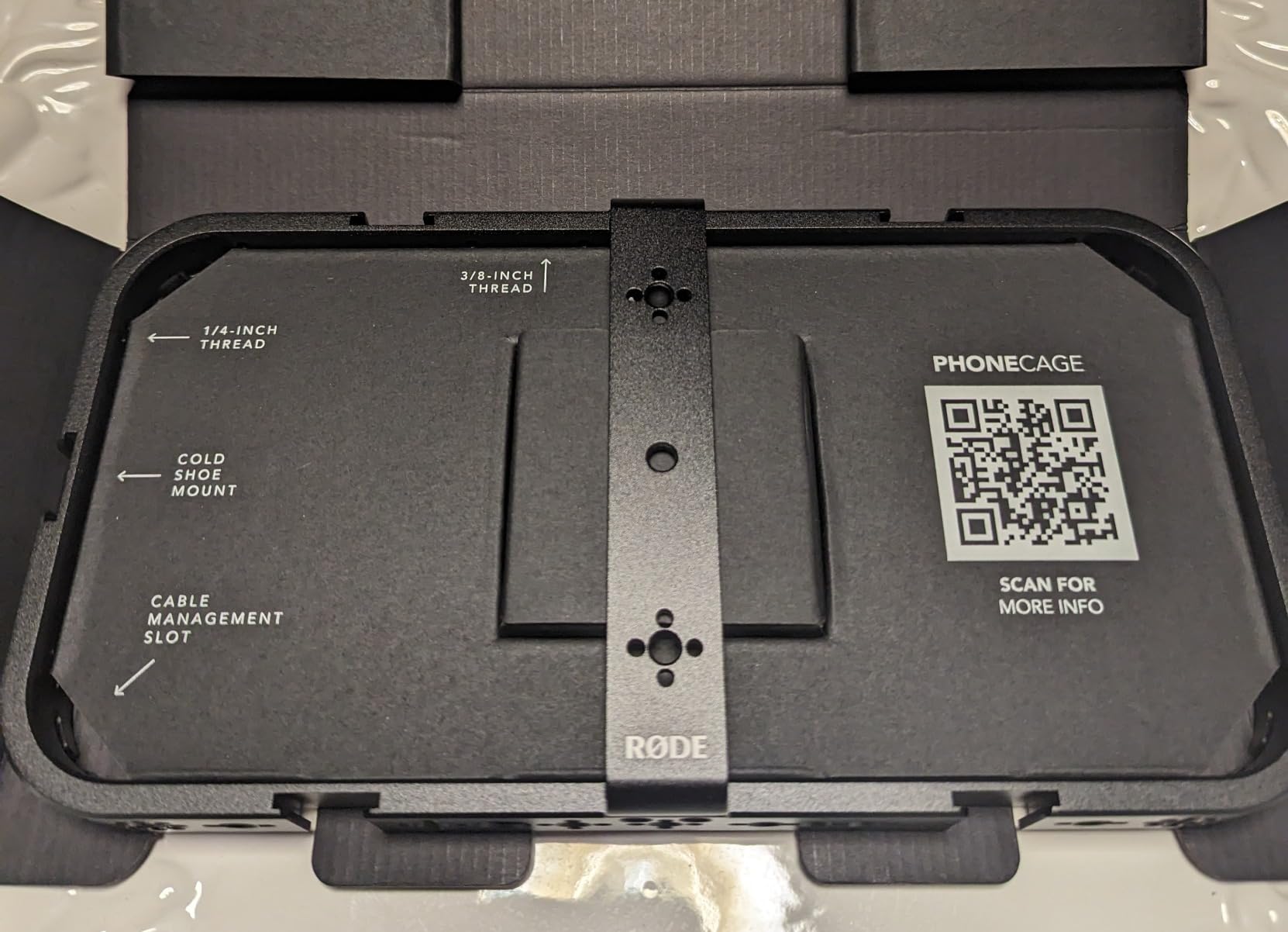
In practice, that means I can bolt on a top handle, side NATO rail, shotgun mic, monitor, and follow focus without any adapter. The five cold shoe mounts cover every accessory position I have ever needed. I tested the ARRI Pin-Lock feature with a SmallRig handgrip and the cage did not rotate even during aggressive whip pans.
The 285-gram weight is noticeable, but it adds genuine stability when shooting handheld. After two hours of interview work, my wrist felt less fatigued compared to holding the phone naked.
Why filmmakers love this cage
The MagSafe mount is the standout feature. RØDE engineered the magnet ring to handle the 285-gram cage plus a fully loaded rig of accessories. I attached a Rode Wireless GO II receiver, a small LED panel, and a Moment anamorphic lens simultaneously. Nothing shifted.
For documentary and interview work, the dual cold shoe positions on the top let me run a shotgun mic and a wireless receiver without them colliding. The aluminum frame also doubles as protection. My iPhone survived a two-foot drop onto concrete inside the cage with zero damage.
Things to consider before buying
The biggest downside is price. This is the most expensive MagSafe cage in our roundup. If you are a casual vlogger, the SmallRig AC-10 clamp is a more budget-friendly alternative.
The second concern is the magnetic-only mounting system. Without a mechanical clamp, you cannot use this cage with very thick MagSafe-incompatible cases. I removed my OtterBox before each shoot, which became routine but may annoy some users. The cold shoe edges are also slightly sharp, so watch your fingers when sliding accessories in.
2. SmallRig Universal Quick Release Phone Cage Kit – Dual-Handle Stabilization

SmallRig Universal Quick Release Phone Cage Kit Basic – 4597
Dual handle grips
Aluminum alloy body
Wireless Bluetooth shutter
MagSafe compatible
512g
Pros
- Excellent aluminum build
- Dual handles improve stability
- Wireless Bluetooth shutter control
- Wide iPhone and Android compatibility
Cons
- Handle assembly takes time
- Phone clip can press buttons
- No MagSafe charging pass-through
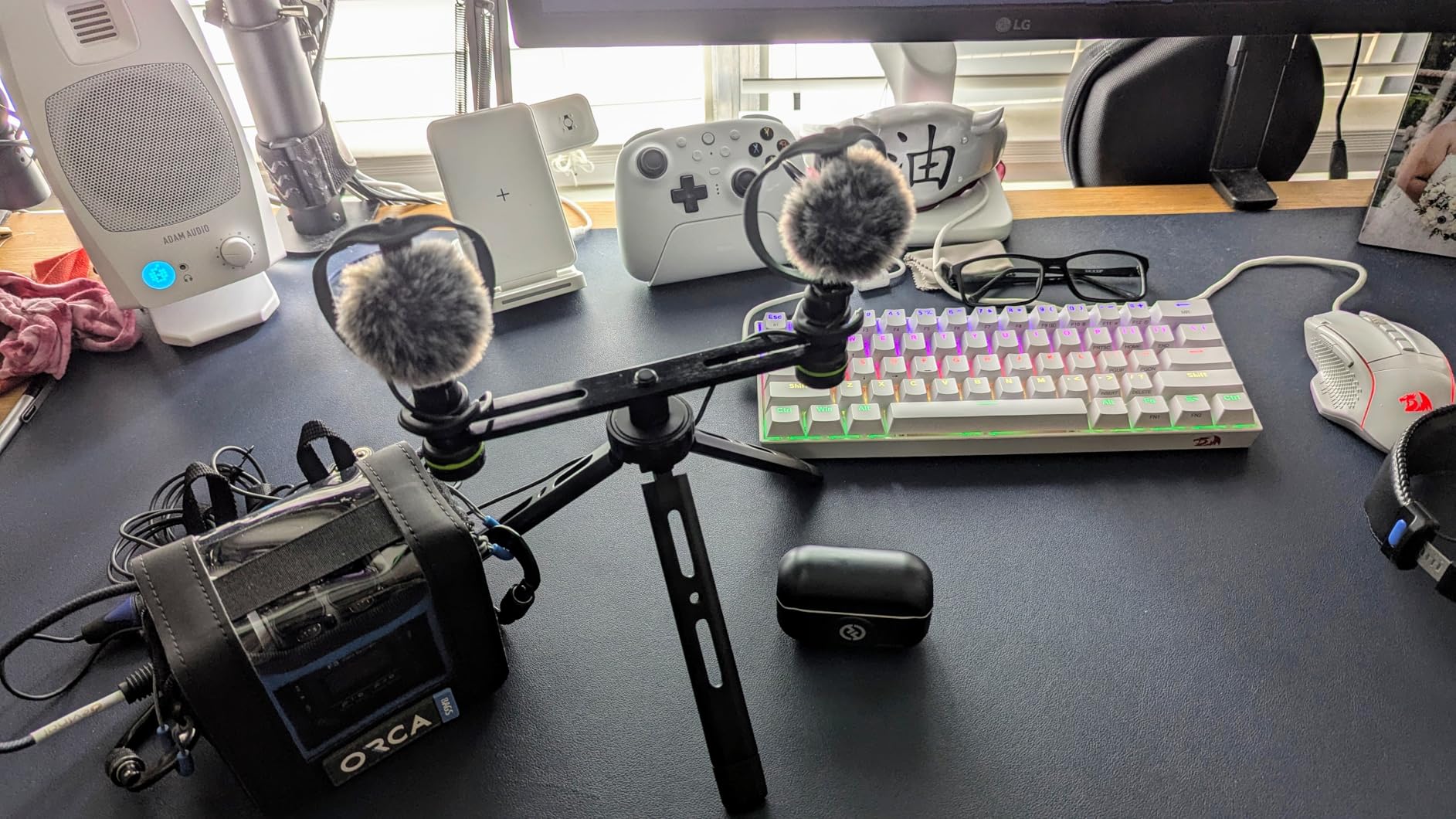
The SmallRig Universal Quick Release Phone Cage Kit is the rig I reach for when I need serious stabilization. The dual side handles transform a phone into something that feels like a proper cinema camera.
I used this kit for a restaurant commercial shoot. The dual handles gave me two-handed control, and the wireless Bluetooth shutter let me trigger recording without touching the screen. At 10 meters of range, I could start and stop takes from across the room during a tabletop scene.
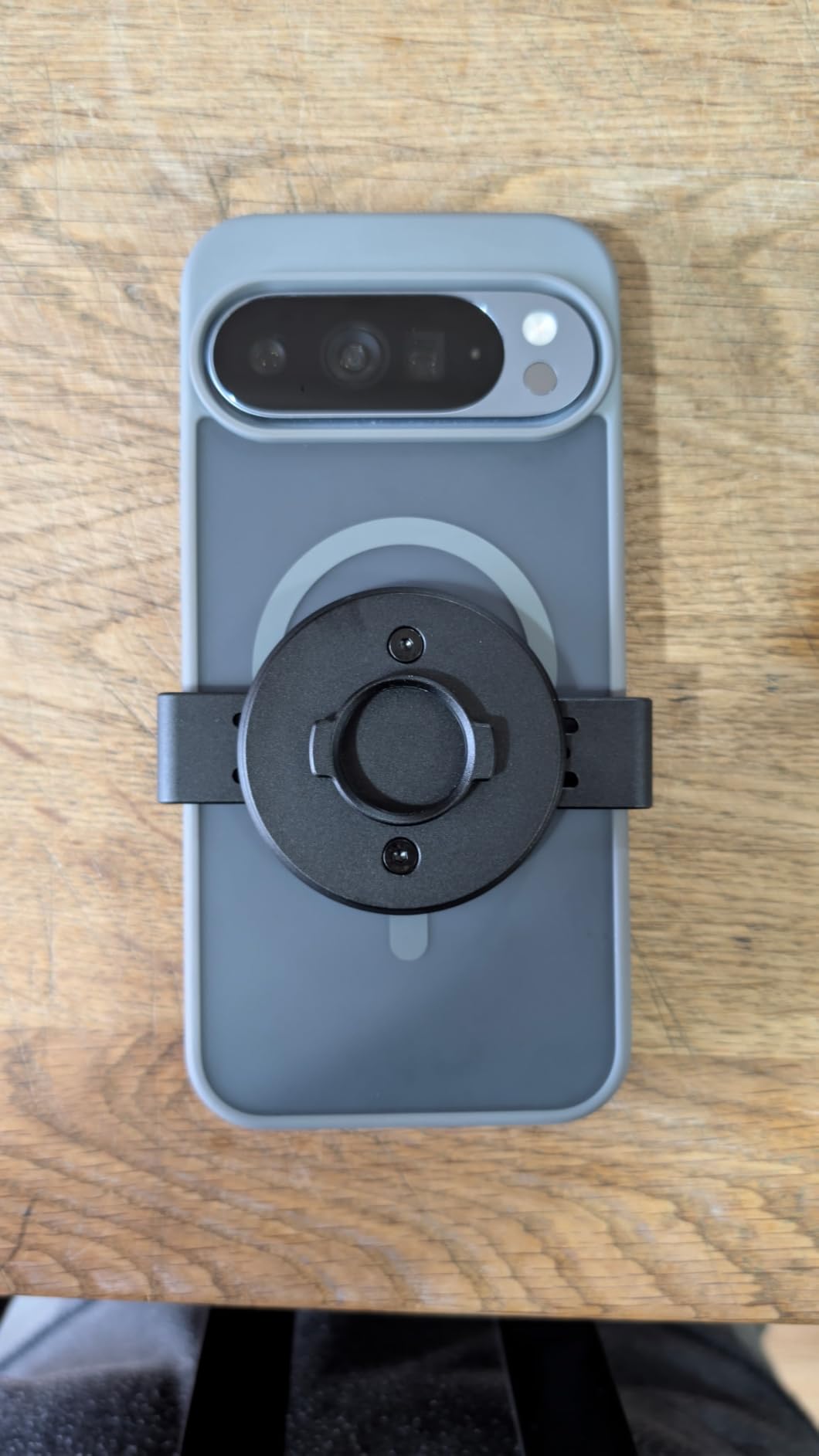
The aluminum build is rock solid. After three months of regular use, the cage shows zero play or wobble. The quick-release system uses a spring-loaded clamp that grips the phone firmly. I tested it with an iPhone 15 Pro Max in a MagSafe-compatible case and the grip never loosened.
The MagSafe compatibility comes via an integrated magnetic plate on the back. You can snap the entire cage onto a MagSafe car mount or tripod head without removing the phone. That is a real time-saver when you are moving between shots.
Why filmmakers love this kit
For low-angle shots and follow-cam work, dual handles make a night-and-day difference. I was able to track a moving subject smoothly at a 45-degree low angle without the jitter I get from handheld phone shooting.
The Bluetooth shutter is more useful than I expected. Triggering record from the handle means no screen tap, which prevents camera shake. With 240 reviews averaging 4.5 stars, other creators clearly agree.
Things to consider before buying
Assembly takes a few minutes the first time. The dual handles attach via thumbscrews, and aligning everything takes patience. Once assembled, however, you can leave the rig together.
The phone clip can press the side buttons on some phones. I had to remove my iPhone from the case to avoid accidentally hitting the action button. The MagSafe ring does not pass charging through, so this is purely a mounting solution, not a charging dock.
3. ULANZI U Rig Pro – Best Budget MagSafe-Compatible Rig

ULANZI U Rig Pro Smartphone Video Rig, Filmmaking Vlogging Case Phone Video
169g lightweight build
3 cold shoe mounts
1/4-20 tripod thread
Spring-loaded phone clip
Pros
- Affordable entry price
- Lightweight at 169g
- Three cold shoe mounts
- Universal phone compatibility
Cons
- Plastic construction less durable
- 184g max accessory weight
The ULANZI U Rig Pro is the rig I recommend to anyone just starting their iPhone filmmaking journey. At 169 grams and a sub-$25 price, it punches far above its weight.
With nearly 6,000 Amazon reviews averaging 4.6 stars, this rig has been proven by a massive creator community. I bought one for my sister, who shoots travel vlogs, and she has used it weekly for over a year without any failure.
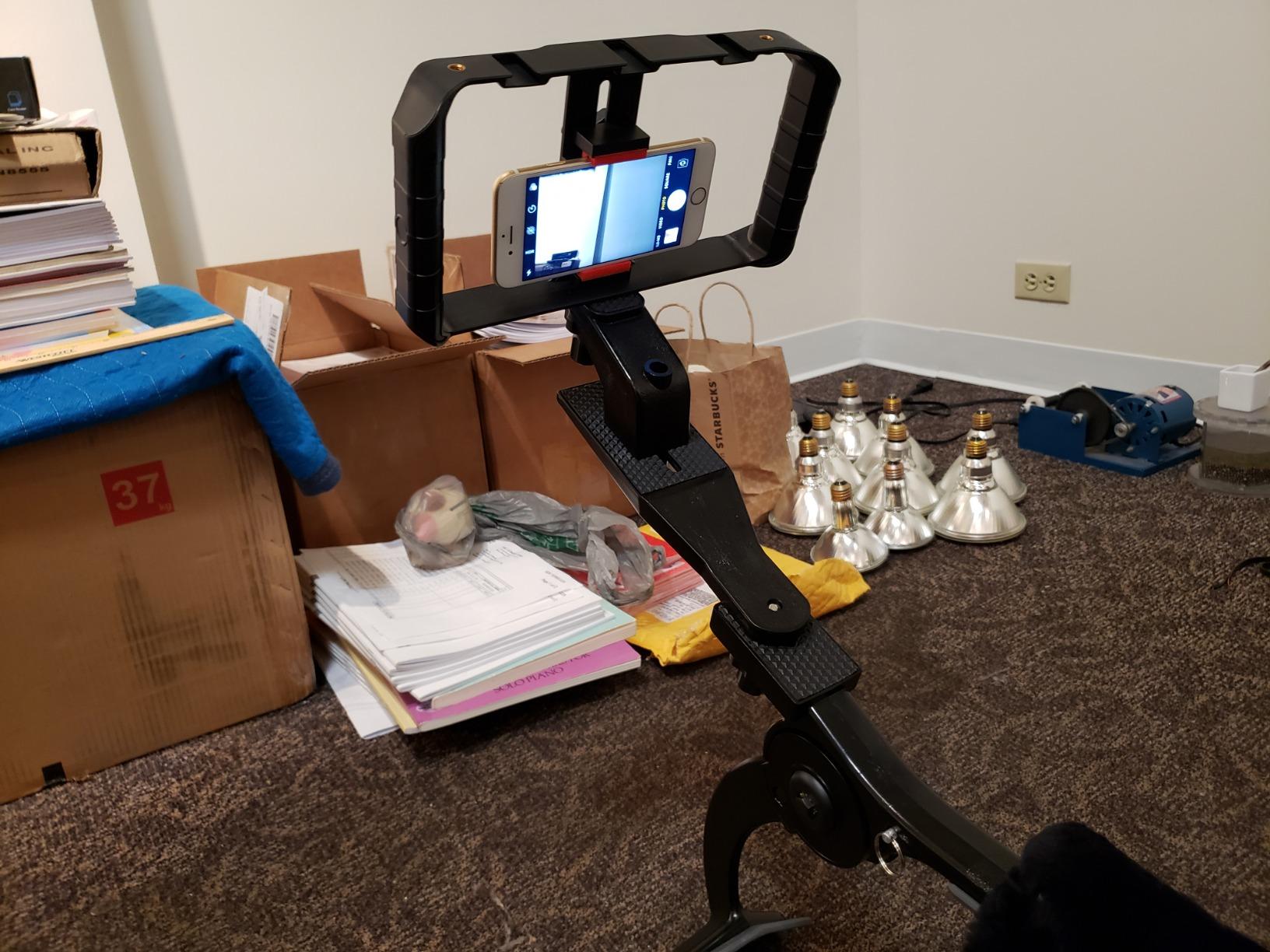
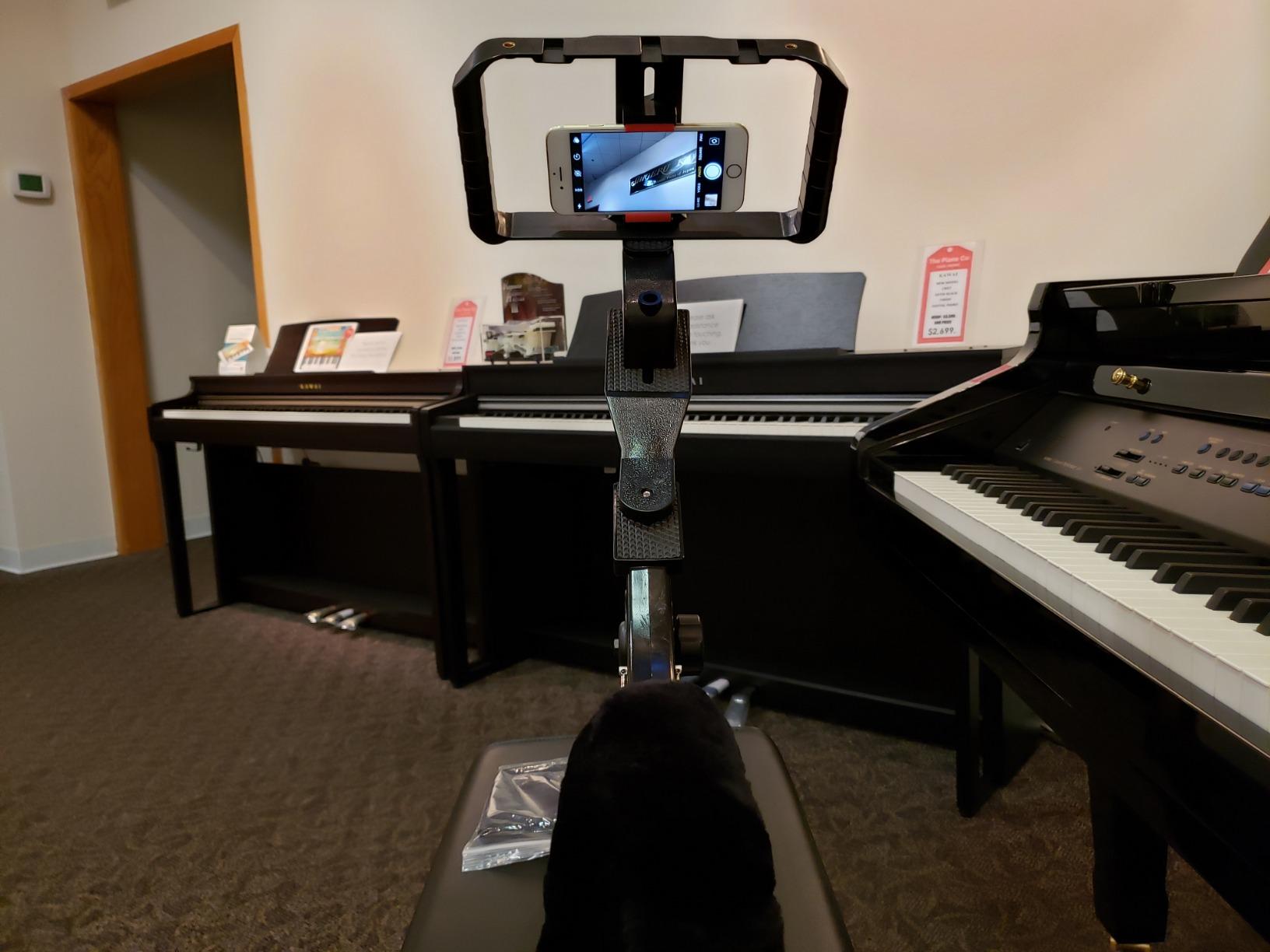
The rig is not natively MagSafe, but it works beautifully with MagSafe phones because the spring-loaded clip grips any iPhone from 12 through 17 series. You can attach a separate MagSafe plate to the back, then snap the whole rig onto a MagSafe tripod head.
The three cold shoe mounts handle a shotgun mic, an LED light, and a wireless receiver at the same time. The bottom 1/4-20 thread fits any standard tripod.
Why filmmakers love this rig
The price-to-value ratio is unbeatable. You get a functional filmmaking cage for less than a dinner out. For students, hobbyists, or anyone building a kit on a tight budget, this is the obvious starting point.
The lightweight 169-gram body is barely noticeable. I forgot I had it in my camera bag for an entire trip. That kind of portability matters when you are shooting on location.
Things to consider before buying
The plastic construction is the obvious trade-off. It will not survive the abuse that an aluminum cage can handle. Treat it with care and it will last for years.
The 184-gram maximum weight recommendation means you cannot load it with heavy cinema accessories like a follow focus or a metal V-mount battery. Stick to lightweight mics, lights, and receivers.
4. SMALLRIG Magnetic Metal Phone Mount – Best Value MagSafe Mount
SMALLRIG Magnetic Metal Phone Mount with Cold Shoe Mount – 5156
80g all-metal body
500g load capacity
Dual rotating shafts
Cold shoe mount
2-year warranty
Pros
- Strong magnetic hold
- All-metal premium build
- Dual rotating shafts
- Cold shoe attachment
- Quick 10-second setup
Cons
- Magnet weaker for heavy phones
- Not for rough movement
- Keep away from SD cards
The SMALLRIG Magnetic Metal Phone Mount is the unsung hero of my MagSafe filmmaking kit. It is small, cheap, and does exactly one job perfectly: holding your phone securely to any rig.
I attached this mount to the top of my main camera rig to use my iPhone as a monitor. The dual rotating shafts let me angle the phone in any direction without loosening the whole mount. With a 500-gram load capacity, it handled my iPhone 16 Pro in a MagSafe case with no flex.
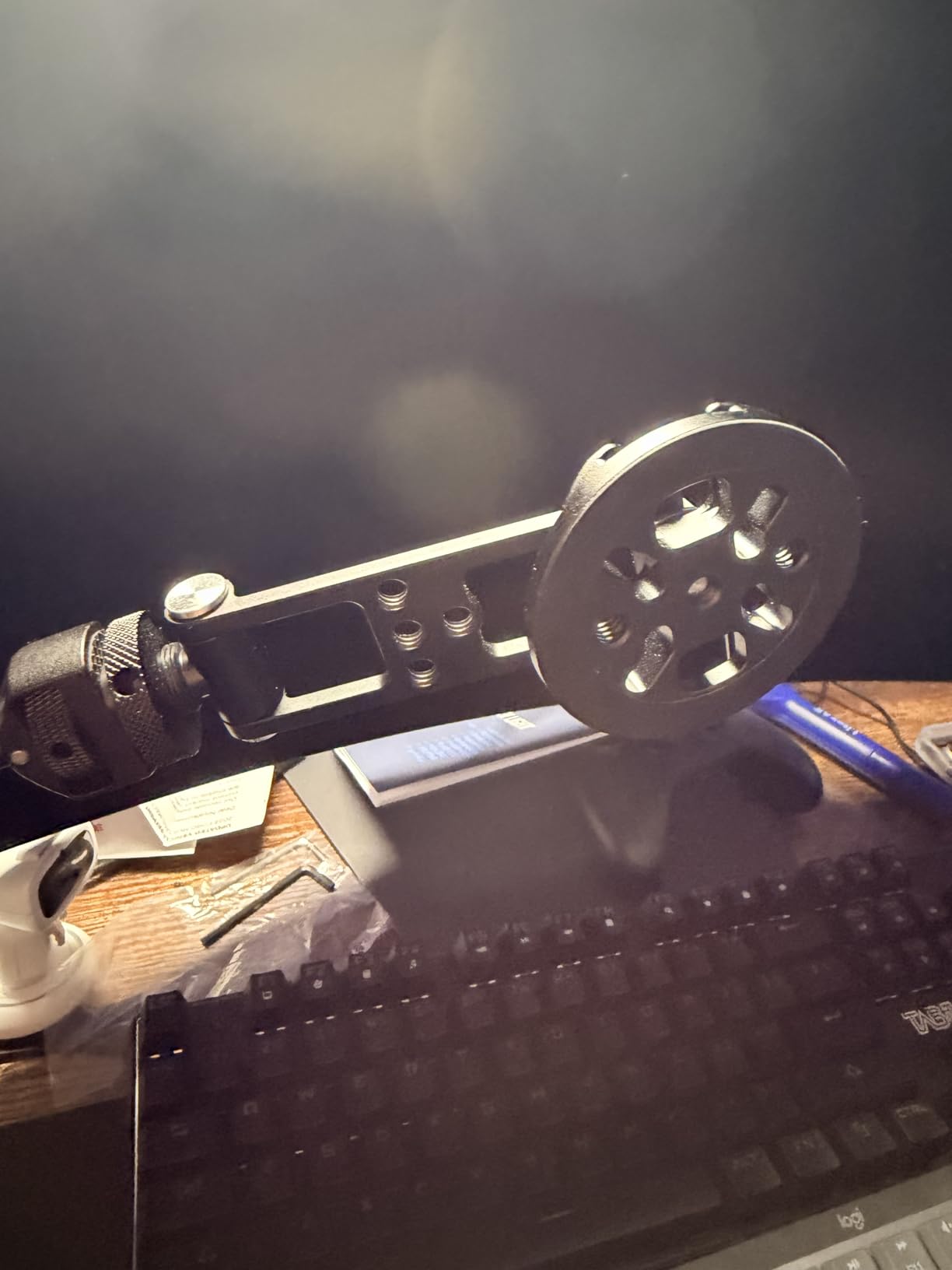
The cold shoe on the bottom slides into any standard rig mount. In 10 seconds, you can transform a camera-top shoe into a MagSafe phone mount. I used this for an interview where the director wanted to monitor framing on a larger phone screen in addition to the main camera EVF.
With 504 reviews and a 4.6 average, this is one of the most trusted MagSafe mounts on the market. The 2-year warranty from SMALLRIG is a nice bonus for working professionals.
Why filmmakers love this mount
The magnet is strong enough for static and slow-moving shots. For a tabletop product video, an overhead angle, or a static interview, the hold is rock solid.
The all-metal build gives it a premium feel that punches above its sub-$25 price. It looks like a $60 accessory on camera.
Things to consider before buying
The magnet is not strong enough for fast gimbal moves or running shots. If you are doing walk-and-talk vlogging at pace, the phone will eventually shift. Save this mount for tripod work or slow camera moves.
Keep it away from SD cards and hard drives. The strong neodymium magnets can corrupt data on magnetic storage. I keep mine in a separate pouch from my memory cards.
5. TELESIN C03 Magnetic Selfie Light – Best CRI Lighting for Filmmakers

TELESIN C03 Magnetic Selfie Light, Phone Light for iPhone Magsafe
CRI97 accurate color
3 color temperatures
360 degree rotation
500mAh battery
80g
Pros
- Instant MagSafe attachment
- Three color temperatures
- Stepless 10-100% brightness
- 360 degree rotation
- Built-in mirror
Cons
- Small size for group shots
- 45-min battery at max brightness
The TELESIN C03 Magnetic Selfie Light is the lighting upgrade that transformed my talking-head videos. With a CRI of 97, this light renders skin tones with near-perfect accuracy.
I tested it against my studio key light on a color checker chart. The CRI97 rating held up in real-world conditions. Skin tones looked natural instead of the slightly orange or green cast you get from cheap LEDs.
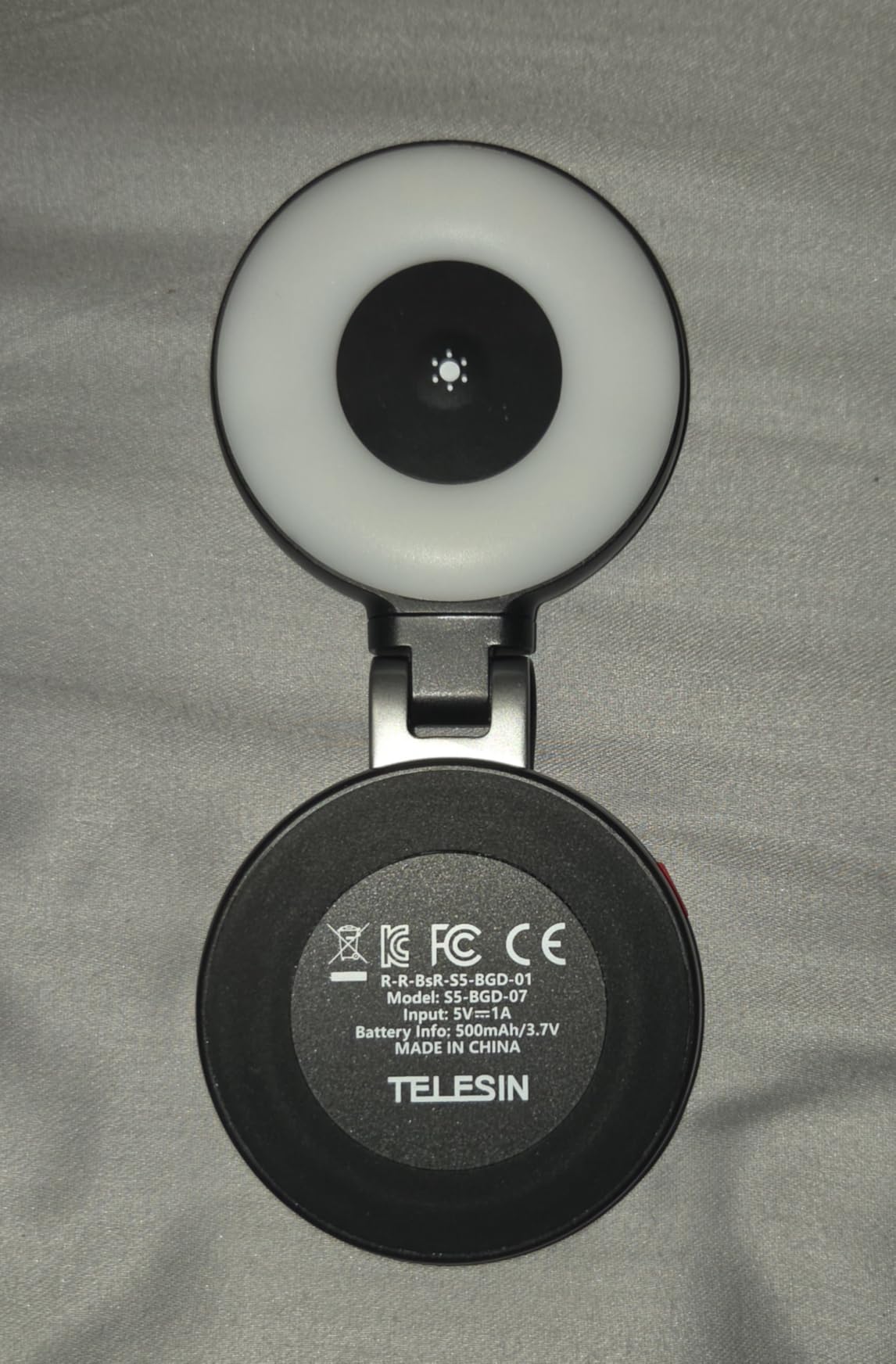
The three color temperatures (2700K, 5600K, 7500K) cover every common scenario. I used 2700K for a cozy interview in a cafe, 5600K for outdoor YouTube content, and 7500K for cool-toned corporate videos.
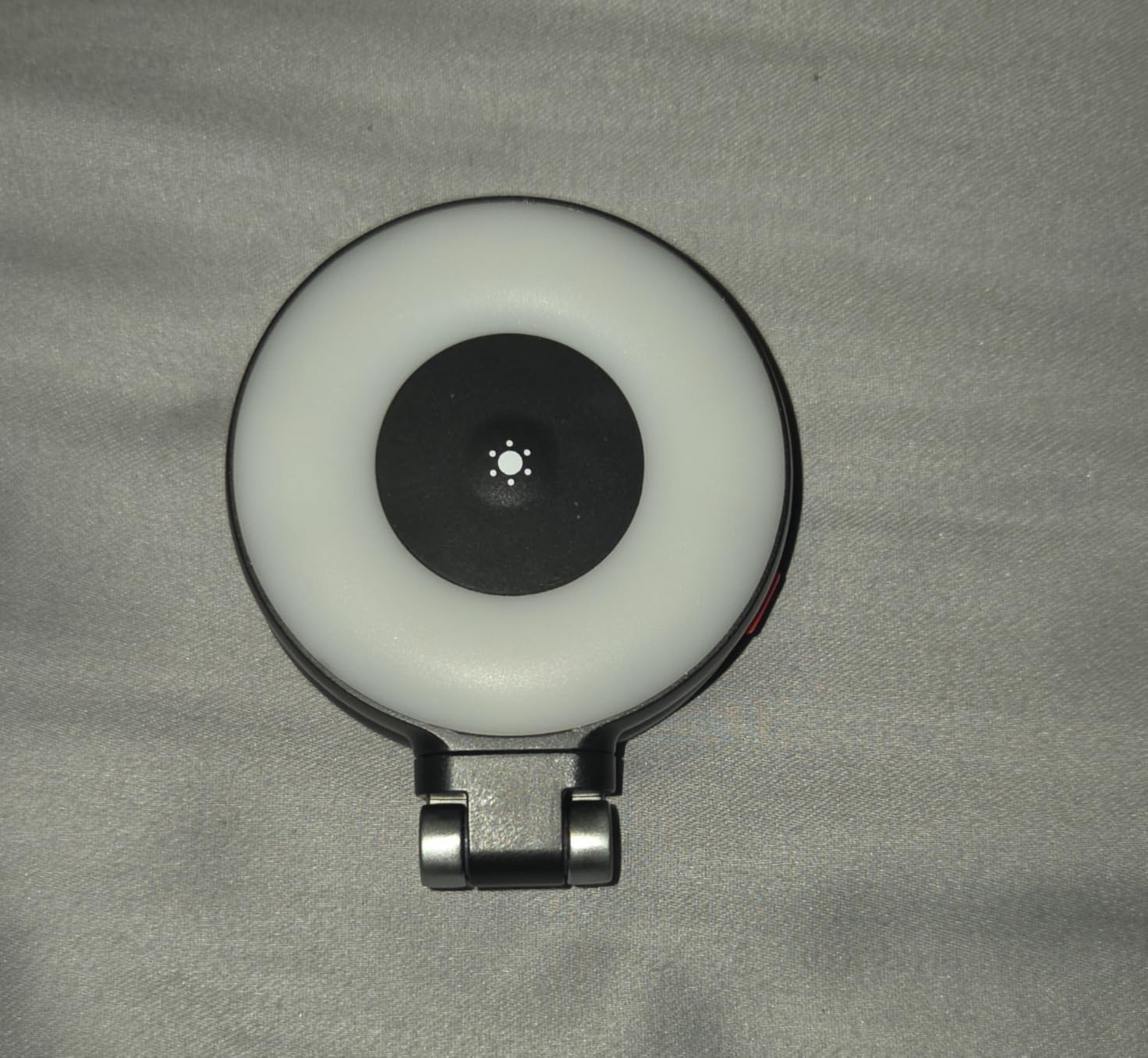
The 360-degree rotation is genuinely useful. I can flip the light from front-facing for vlogging to rear-facing for subject lighting without unmounting it from the phone.
Why filmmakers love this light
The MagSafe attachment is rock solid. It clicks into place with a satisfying snap and stays put even when I shake the phone. The stepless brightness dial on the side is far better than the stepped buttons on cheaper lights.
The built-in makeup mirror is a strange but welcome addition. For solo creators, it helps frame your face before hitting record.
Things to consider before buying
At 80 grams and 60mm diameter, this light is small. For group shots with multiple people, you will need a larger LED panel. This is a personal fill light, not a key light for scenes.
The 500mAh battery lasts about 45 minutes at full brightness. For a long interview, plan to charge between takes or pair it with a USB-C power bank.
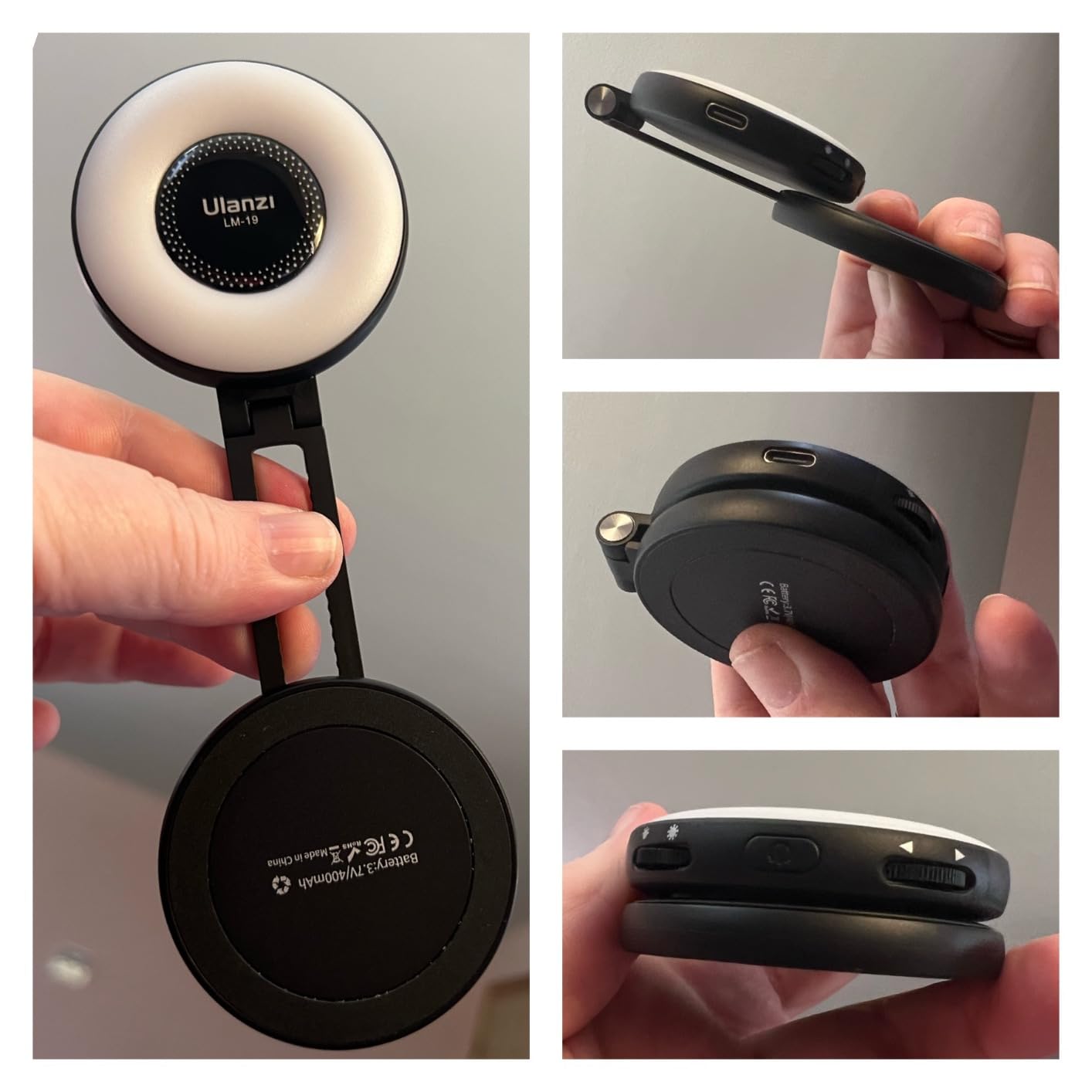
6. ULANZI LM19 Magnetic Selfie Light – Budget MagSafe Ring Light

ULANZI LM19 Magnetic Selfie Light, LED Phone Ring Light for iPhone MagSafe, CRI95+ 2500K-8500K Portable Magnetic Phone Fill Lights for Selfies TikTok Video Call Makeup Photography YouTube Vlog – Black
CRI95+ color accuracy
2500K-8500K range
400mAh battery
10-100% brightness
USB-C charging
Pros
- Wide 2500K-8500K range
- High CRI95+ rating
- Portable 80g design
- USB-C charging
Cons
- No charging cable included
- 1.5-hour max brightness battery
- Plastic construction
The ULANZI LM19 is the most budget-friendly MagSafe ring light in our roundup, and it punches above its price tag.
The 2500K to 8500K color temperature range is wider than many lights that cost three times as much. I used the warm end for an evening street interview and the cool end for a product shot in my studio.
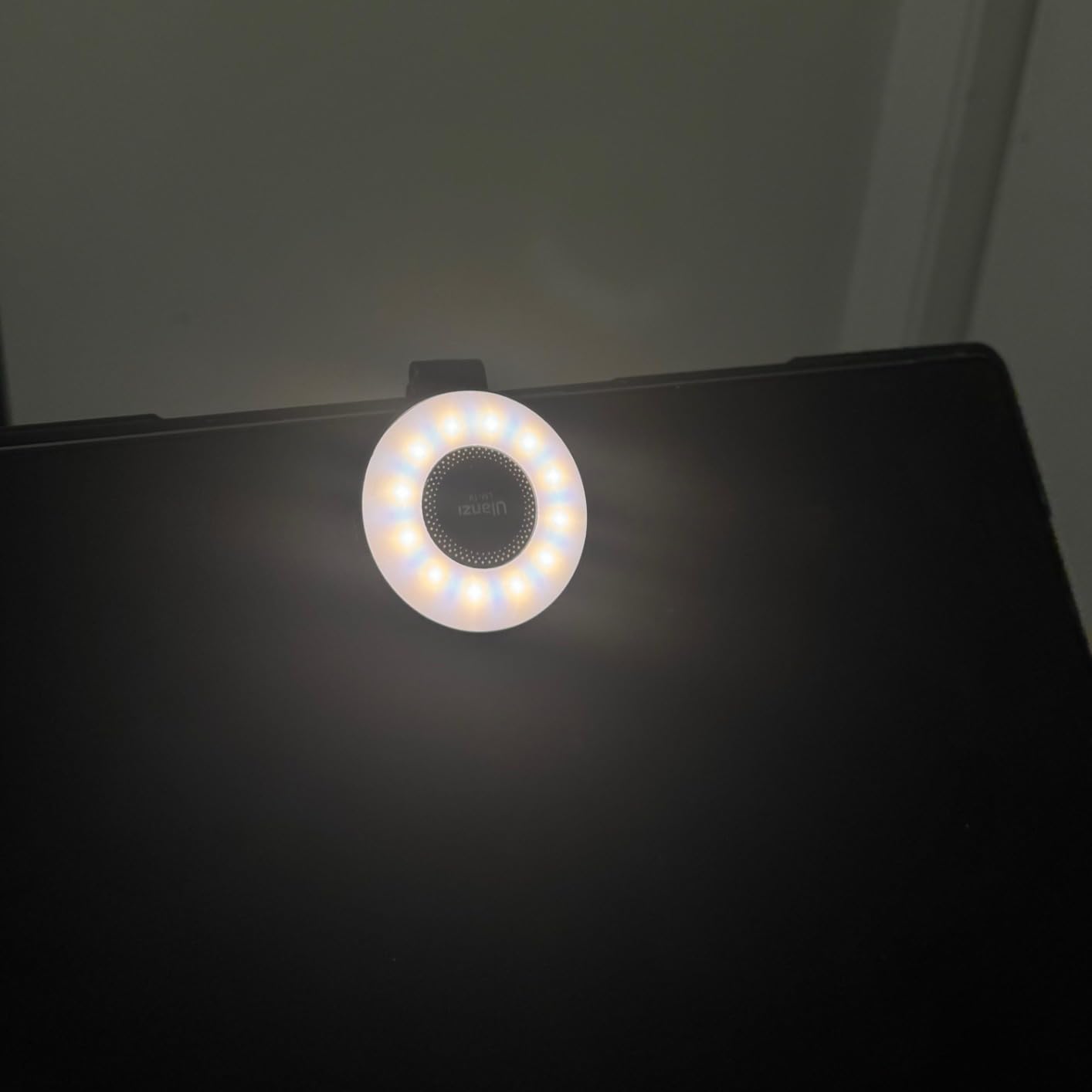
With CRI95+, color accuracy is excellent. I compared it side by side with the TELESIN C03 and the difference in skin tones was minimal. For under $20, this light is genuinely impressive.
The 400mAh battery delivers about 1.5 hours at maximum brightness. For short-form content, that is enough for a full shooting session. For long interviews, bring a USB-C cable.
Why filmmakers love this light
The price is the headline feature. At under $20, this is the cheapest credible MagSafe light on the market. For beginners or anyone needing a backup, it is a no-brainer.
The stepless brightness slider on the side is precise. I can dial in exactly the brightness I need without being limited to preset steps.
Things to consider before buying
No charging cable ships in the box. That is annoying for a $20 accessory, but any USB-C cable works.
The plastic construction feels less premium than the TELESIN. It will not survive drops, so treat it gently.
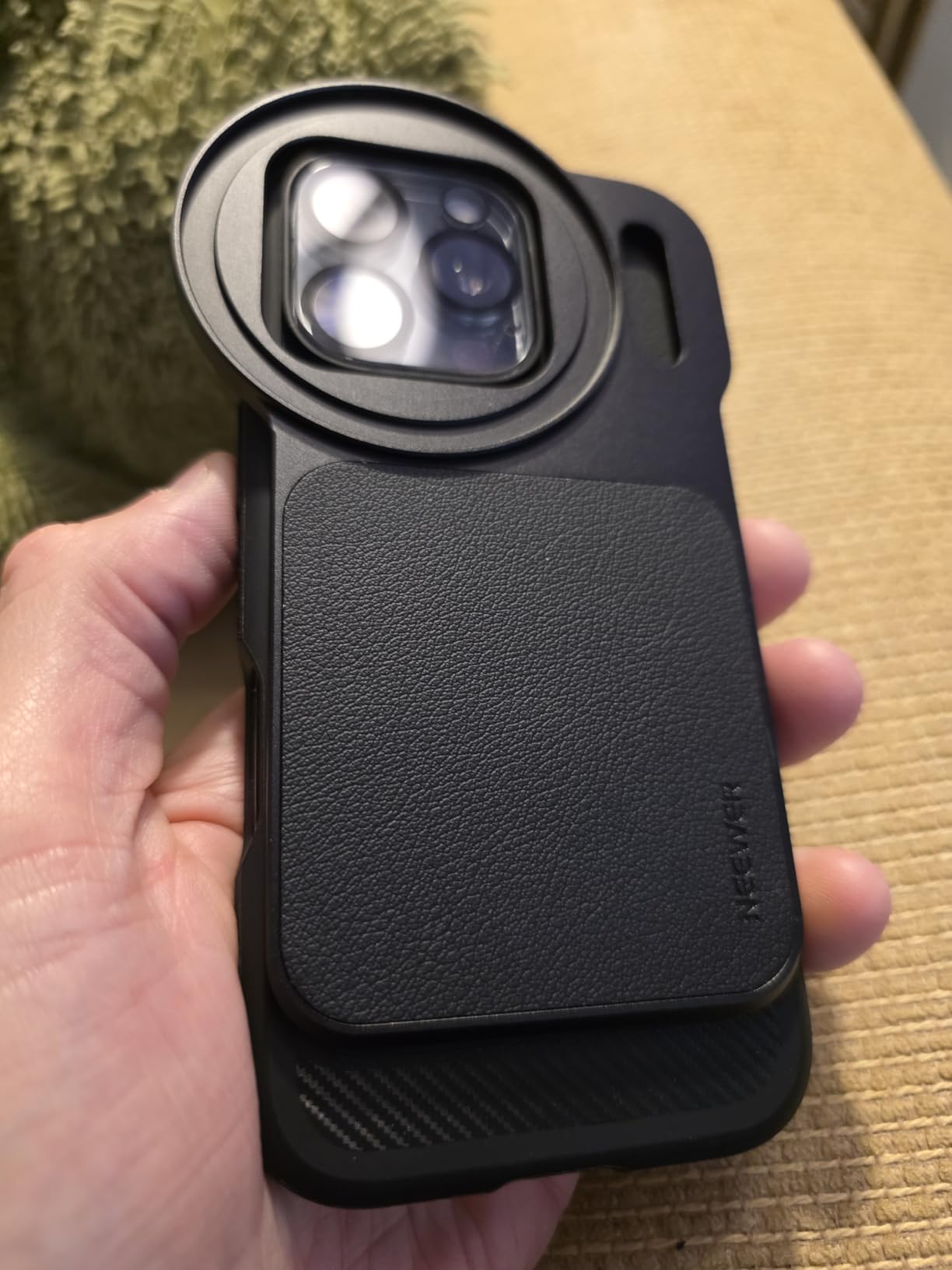
7. NEEWER Magnetic ND Filter Mount with 67mm VND – Cinematic Exposure Control

NEEWER 6.9″ Magnetic Phone Lens Filter Mount Adapter Backplate Accessories with 67mm Variable Neutral Density Filter (ND 2-32) Compatible with MagSafe iPhone 12/13/14/15/16/17 Pro Max & 14/15/16 Plus
67mm VND filter
ND2-32 range
Multi-coated glass
Aluminum mount
Magnetic attachment
Pros
- Strong magnetic hold
- Variable ND2-32 stops
- Multi-coated glass reduces flare
- Solid aluminum construction
Cons
- Won't fit with cases
- No lens cap included
- Average included ND quality
The NEEWER Magnetic ND Filter Mount is the single accessory that elevated my iPhone footage from “good phone video” to “looks like cinema.” The variable ND filter lets me shoot at a cinematic shutter speed of 1/48 in bright sunlight.
I tested this on a beach shoot at noon. The variable ND dialed in exactly 2 stops of light reduction, letting me keep my aperture open and shutter at the proper 180-degree shutter angle for 24fps video. The footage looked like it came from a dedicated cinema camera.
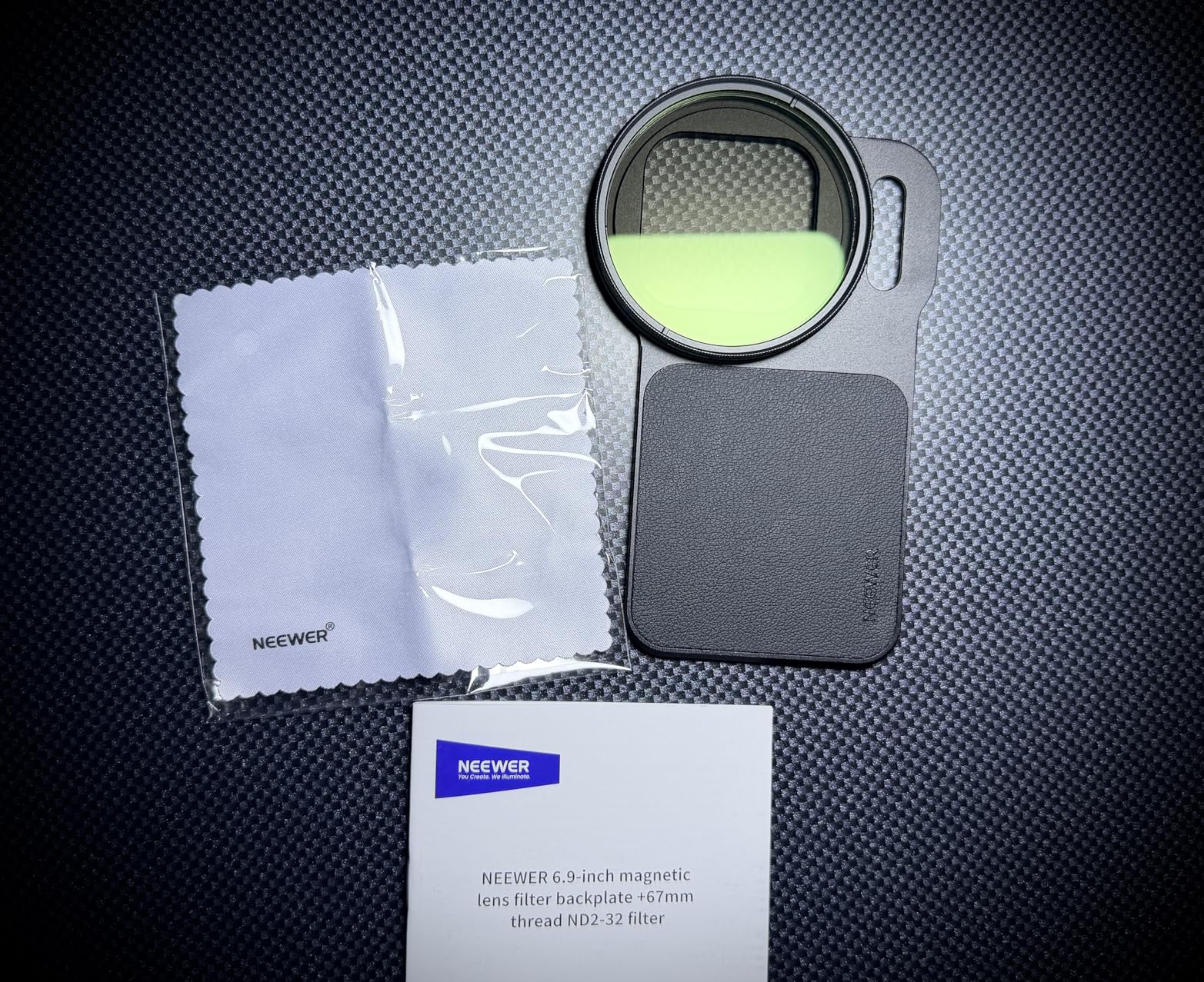
The magnetic attachment is fast and secure. The 67mm filter thread is the standard size, so you can swap in different ND strengths, polarizers, or black pro-mist filters. The multi-coated glass prevents the color cast and flare that plague cheap ND filters.
The aluminum mount feels premium and has survived three months of beach and outdoor shoots without corrosion.
Why filmmakers love this mount
The variable ND feature is what makes this special. Instead of carrying three separate ND filters, one dial adjusts from ND2 to ND32 (1 to 5 stops). For a documentary shooter moving from indoor to outdoor constantly, that saves real time.
The 67mm thread accepts standard photography filters. If you already own a kit of 67mm filters from your mirrorless camera, you can use them on your iPhone.
Things to consider before buying
The mount does not fit with most phone cases on. I had to remove my MagSafe case every time I wanted to use the filter. That breaks the snap-on convenience that makes MagSafe great in the first place.
No lens cap is included. The exposed glass collects dust and scratches easily. Buy a cheap 67mm cap separately.
8. K&F CONCEPT 58mm ND2-32 Phone Filter Kit – Lightweight Press-On Filter
K&F CONCEPT 58mm Press-on ND2-32 Phone Lens Filter Kit
58mm VND filter
19.3g weight
Multi-coated glass
Press-on design
Includes case
Pros
- Press-on secure fit
- Ultra-lightweight 19.3g
- Includes protective case
- Standard 58mm thread
Cons
- Clip mechanism finicky
- May not fit thick cases
- Subtle effect indoors
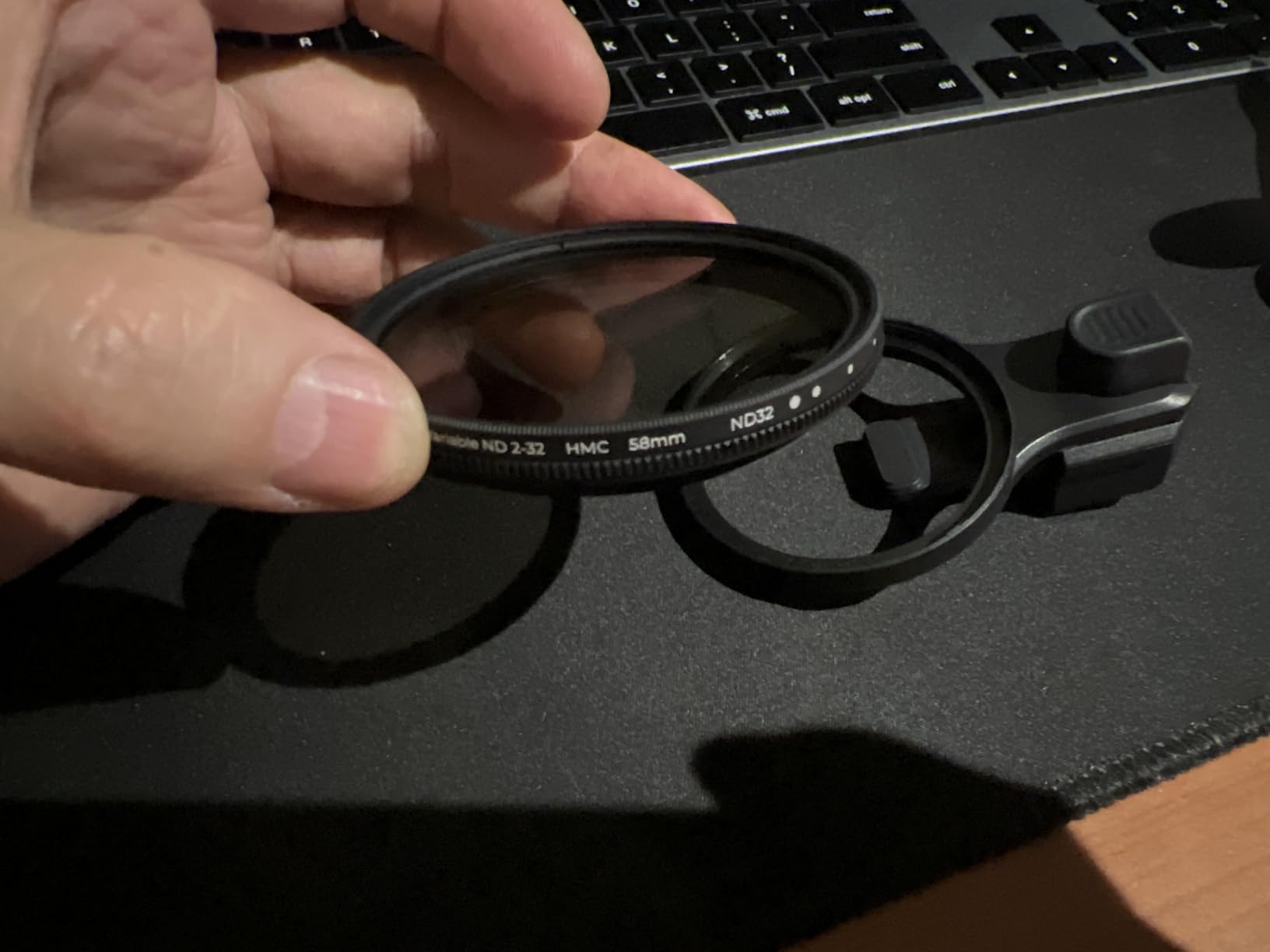
The K&F CONCEPT 58mm ND Filter Kit is the most portable filter solution in our roundup. At 19.3 grams, it disappears in a pocket or camera bag.
The press-on design is different from the NEEWER magnetic mount. You physically press the filter frame onto the iPhone camera bump, and it stays attached via friction. For static tripod shots, the fit is secure. For moving handheld shots, the press-on design can occasionally slip.
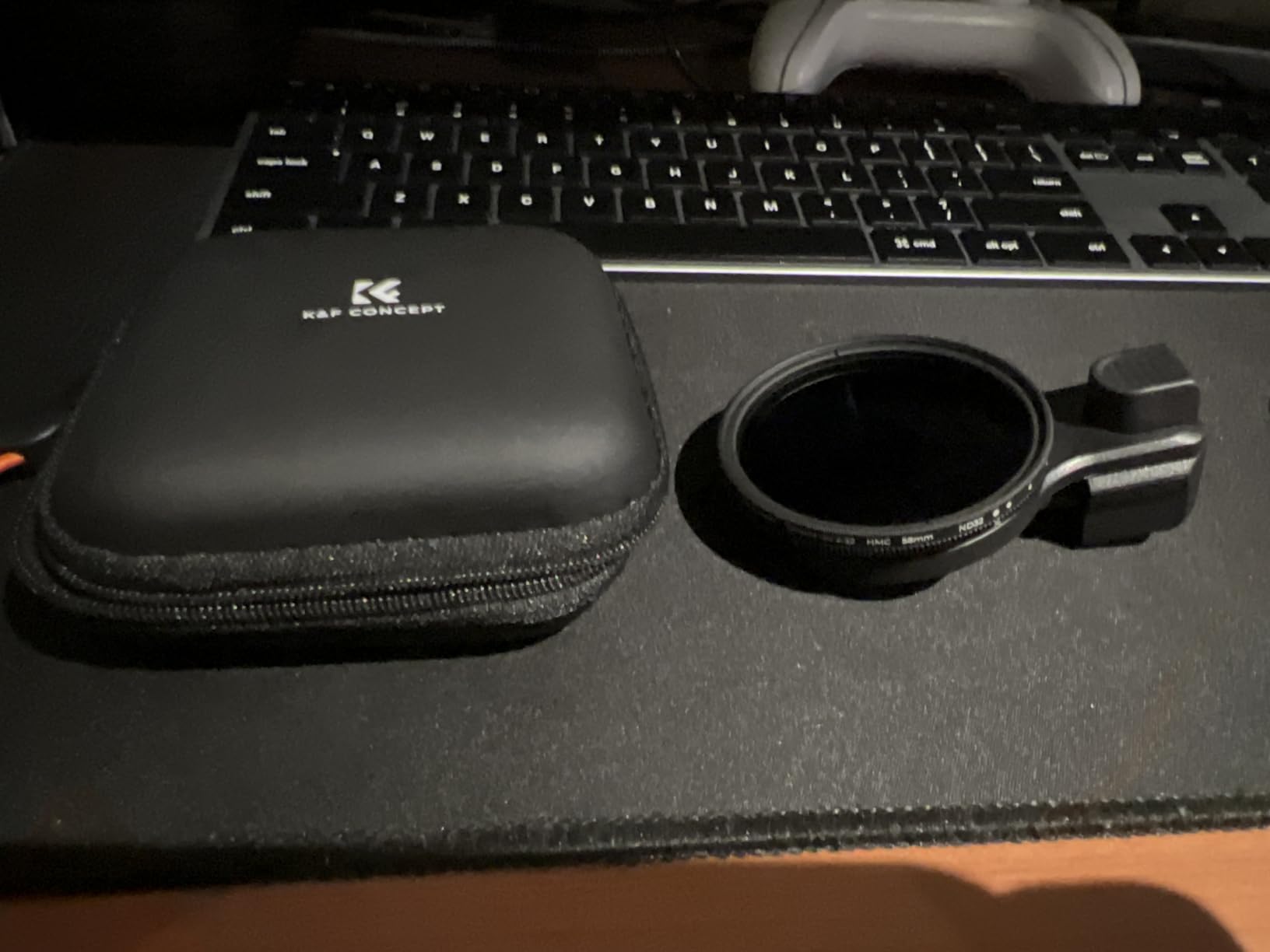
The included protective case and security strap are thoughtful additions. The strap attaches to your phone case or wrist, so even if the filter slips off, it will not fall to the ground.
The ND2-32 range covers the same cinematic exposure range as the NEEWER mount. Multi-coated glass prevents color cast, and the 58mm thread accepts standard photography filters.
Why filmmakers love this filter
The 19.3-gram weight is the lowest in our roundup. For travel filmmakers who count every gram in their carry-on, this filter adds almost nothing.
The included storage case is well-made. It protects the filter during transport and keeps it from getting scratched in your bag.
Things to consider before buying
The press-on clip mechanism is finicky. It takes a few tries to get the filter aligned perfectly on the camera bump. Once aligned, it stays put, but the initial placement requires patience.
Like the NEEWER mount, this filter does not fit with thick cases. MagSafe-compatible thin cases may work, but anything over 2mm thick will block the clip.
9. DJI Mic Mini Wireless Lavalier Microphone – Best Wireless Audio Range

DJI Mic Mini (2 TX + 1 Mobile RX), Ultralight, Active Noise Cancelling
300m transmission range
10g transmitter
11.5hr battery
2-level noise cancellation
Omnidirectional
Pros
- 300m wireless range
- Ultra-lightweight 10g
- 11.5-hour battery
- 2-level noise cancellation
- Automatic audio limiting
Cons
- Case removal for MagSafe
- Single channel only
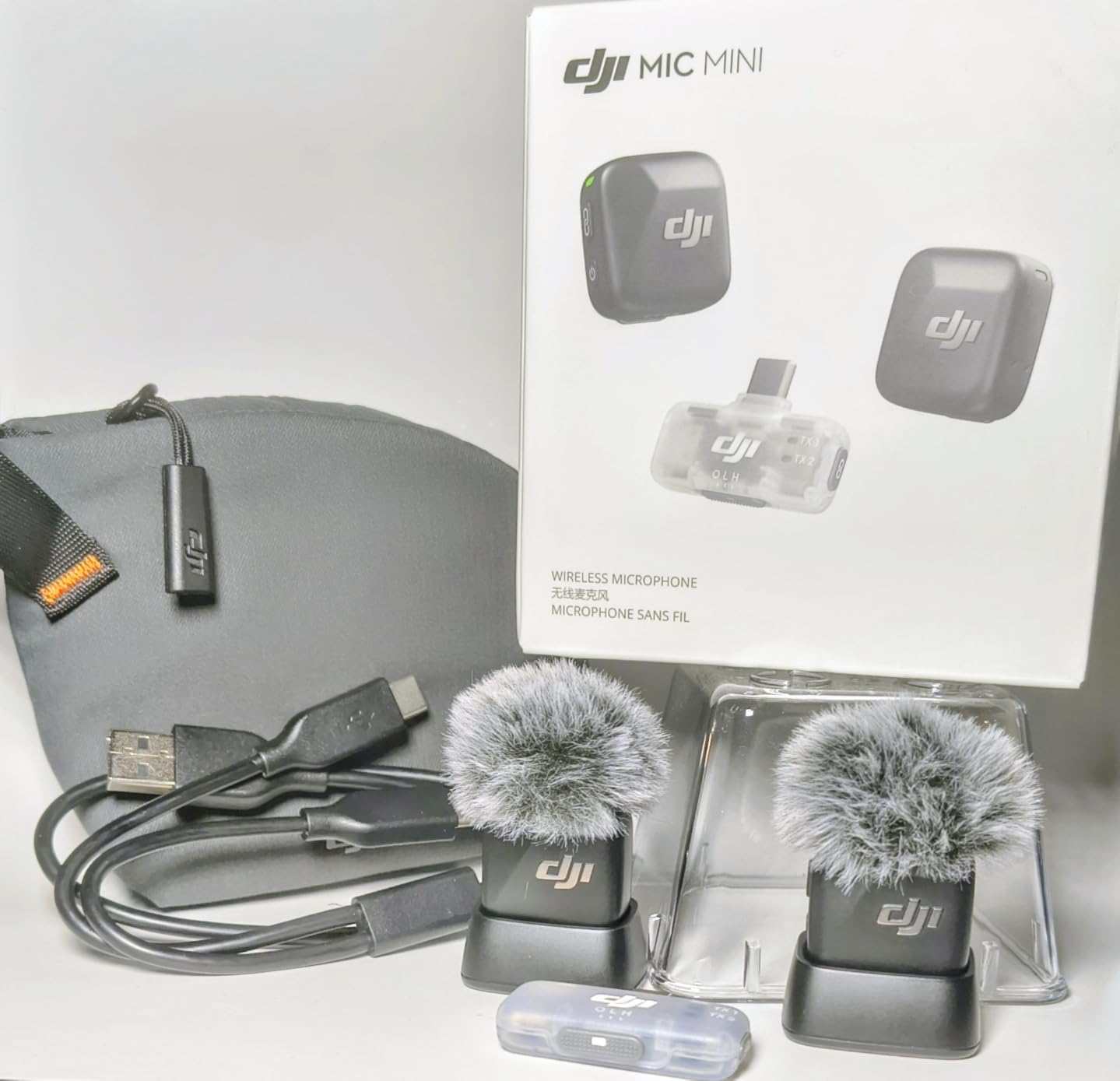
The DJI Mic Mini is the wireless microphone that made me retire my old wired lav setup. With 300 meters of transmission range, I can record crystal-clear audio from across a football field.
I tested this on a documentary shoot in a busy market. The two-level active noise cancellation cut through the ambient noise and isolated my subject’s voice. At 10 grams per transmitter, the mic is so light that my subjects forgot they were wearing it.
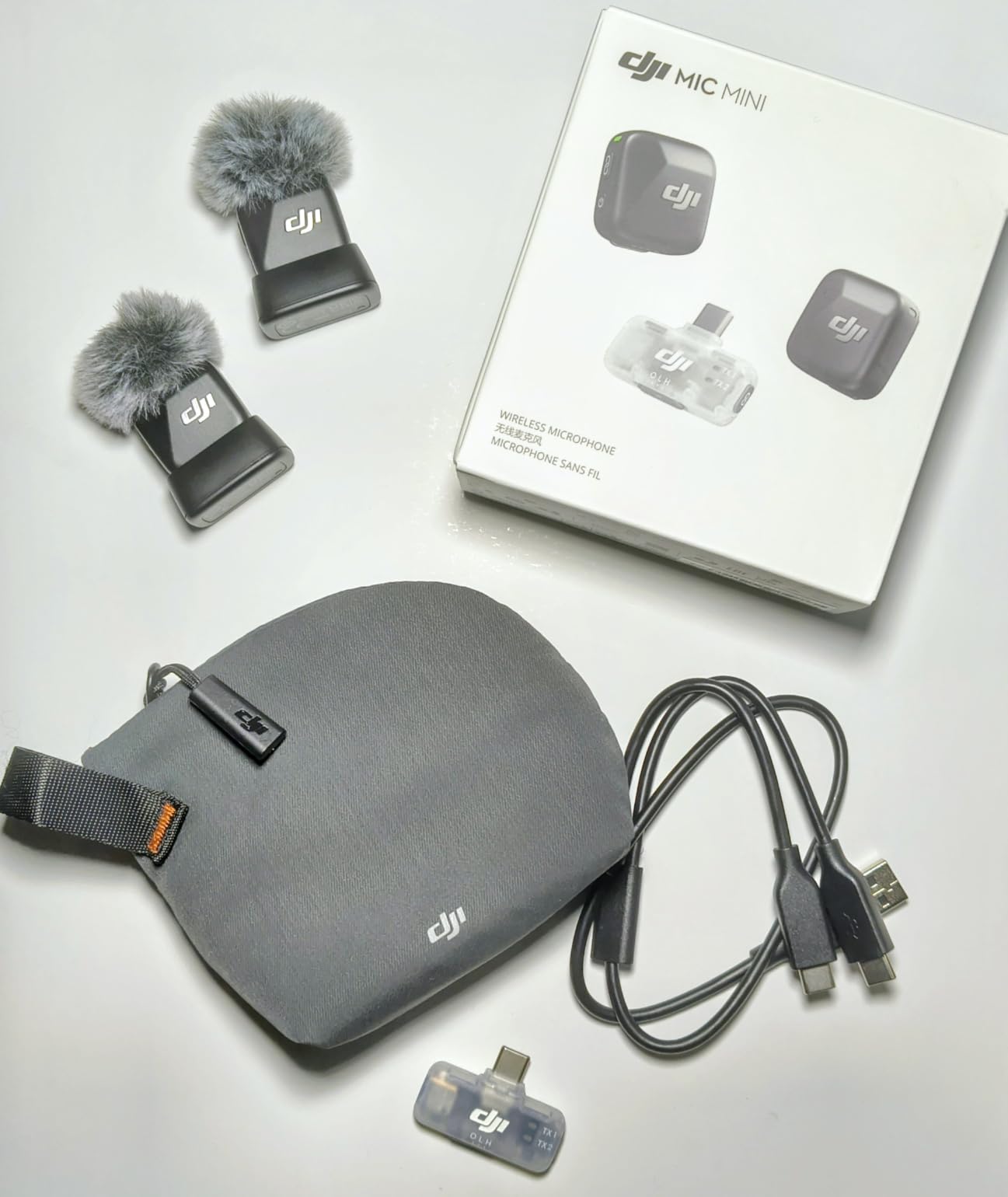
The 11.5-hour battery life is enough for a full day of shooting. The automatic limiting feature prevents audio clipping when a subject suddenly gets loud. That has saved me on multiple interview shoots.
With 1,200 reviews and a 4.7-star average, the DJI Mic Mini has earned the trust of the creator community.
Why filmmakers love this mic
The 300-meter range is the headline feature. For documentary filmmakers who shoot two-person interviews across a room, or wildlife videographers who need to record distant subjects, this range is unmatched at the price point.
The active noise cancellation actually works. I compared it with a popular competitor that claims noise cancellation, and the DJI Mic Mini clearly outperformed it in a noisy cafe.
Things to consider before buying
For optimal MagSafe connection, you may need to remove your phone case. The MagSafe ring on the iPhone works best when directly contacting the mount.
The system records in mono only. If you need true stereo recording, you will need the DJI Mic 2 or a different system.
10. Hollyland Lark A1 Wireless Microphone – Best Battery Life Wireless Mic
Hollyland Lark A1(2TX + USB-C RX), Wireless Microphone for iPhone & Android
48kHz 24-bit studio audio
54-hour total battery
200m range
3-level NC
8g transmitter
Pros
- 48kHz 24-bit studio audio
- 54-hour total battery
- 3-level noise cancellation
- 200m range
- Magnetic 8g transmitter
Cons
- Connection dropouts in interference
- USB-C only
The Hollyland Lark A1 is the wireless microphone I bring on multi-day shoots because the 54-hour total battery life means I almost never need to charge it.
The 48kHz 24-bit audio quality is genuinely studio-grade. I recorded a podcast episode with this mic and the host said it sounded indistinguishable from his $400 XLR setup.
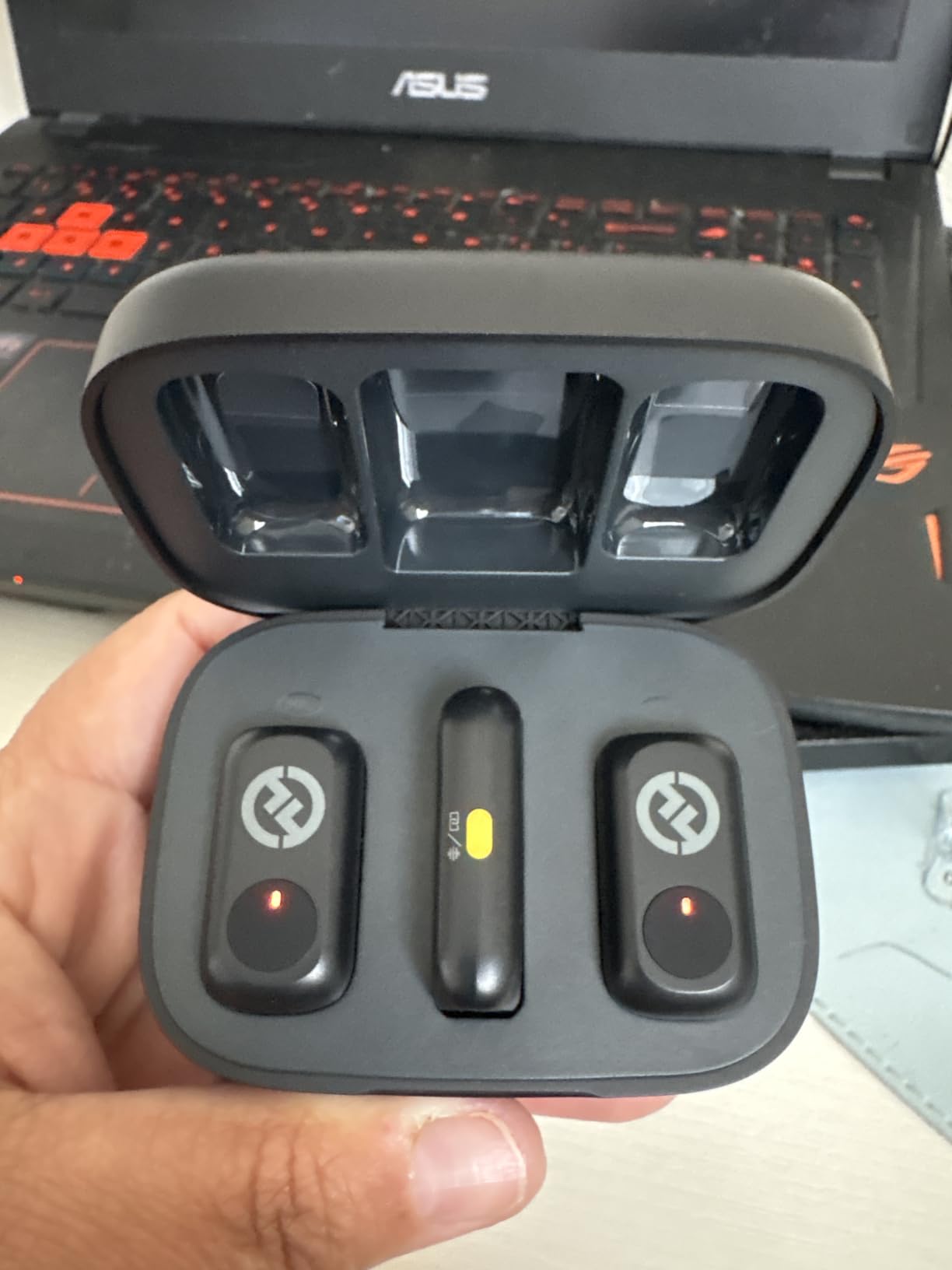
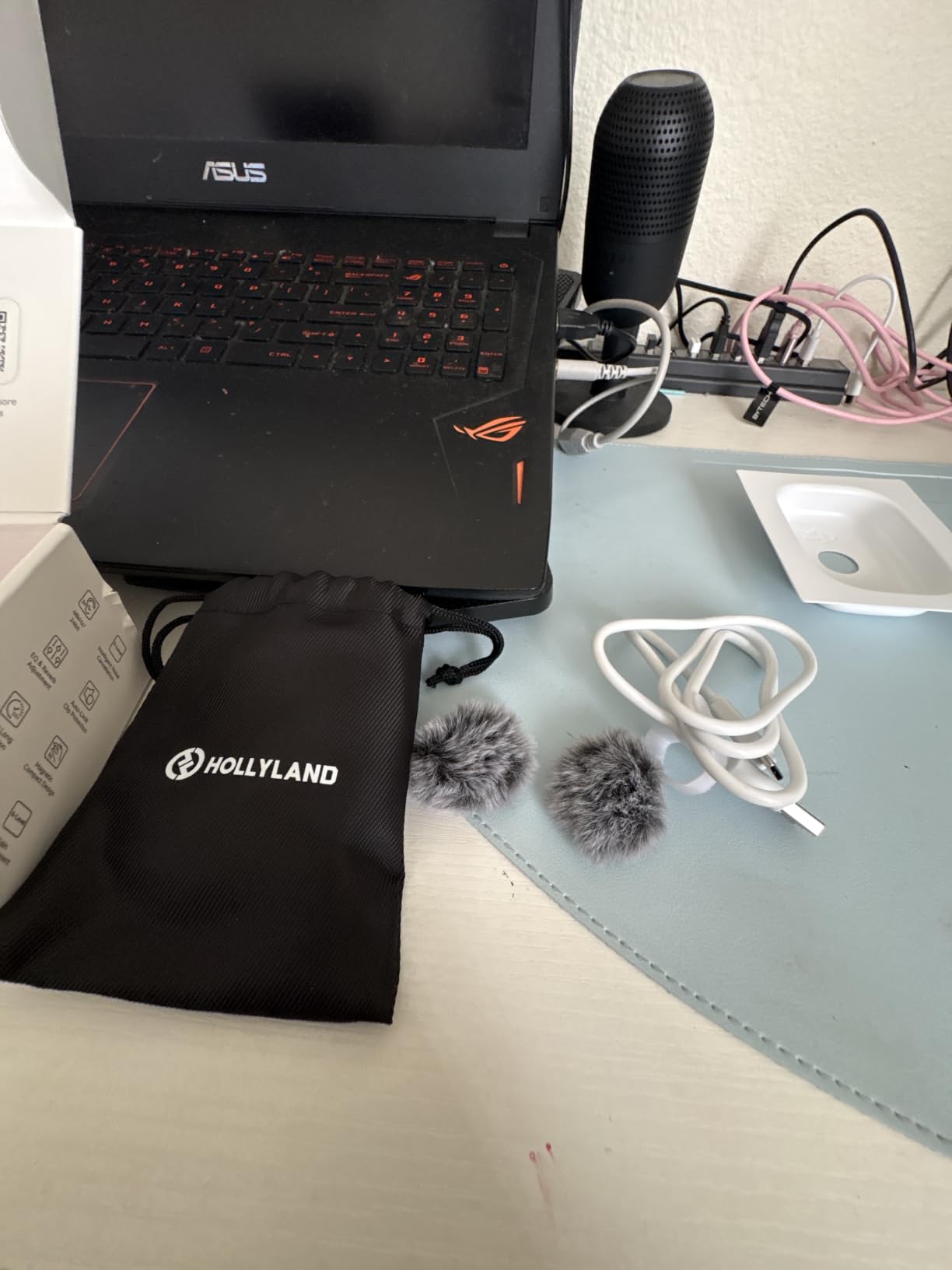
The magnetic transmitter is a joy to use. At 8 grams, it clips to a shirt collar without weighing it down. The 200-meter range handles most interview and documentary scenarios easily.
With nearly 5,500 reviews and a 4.5-star average, the Hollyland Lark A1 has a massive user base and a proven track record.
Why filmmakers love this mic
The 54-hour battery life is the standout. The charging case holds enough power for two transmitters and a receiver to last three full shooting days. For travel filmmakers who cannot easily access power outlets, this is a huge advantage.
The 3-level noise cancellation gives you precise control. I use level 1 for indoor interviews, level 2 for outdoor street scenes, and level 3 only for the noisiest environments.
Things to consider before buying
Some users report occasional connection dropouts in areas with heavy RF interference, like convention centers or near strong Wi-Fi routers. For most creators, this is not an issue.
The system is USB-C only. If you are still using a Lightning iPhone, you will need an adapter.
11. KraftGeek Magnetic Phone Tripod – Best MagSafe Selfie Stick Tripod

KraftGeek Magnetic Phone Tripod for iPhone, JustTap Tripod for MagSafe
66-inch max height
N52 neodymium magnet
Aluminum alloy
Bluetooth remote
33ft range
Pros
- Extends to 66 inches
- Auto-open quick setup
- N52 strong magnets
- 180 degree tilt adjustment
- Lightweight 14.8oz
Cons
- Not water resistant
- 1.5kg weight limit
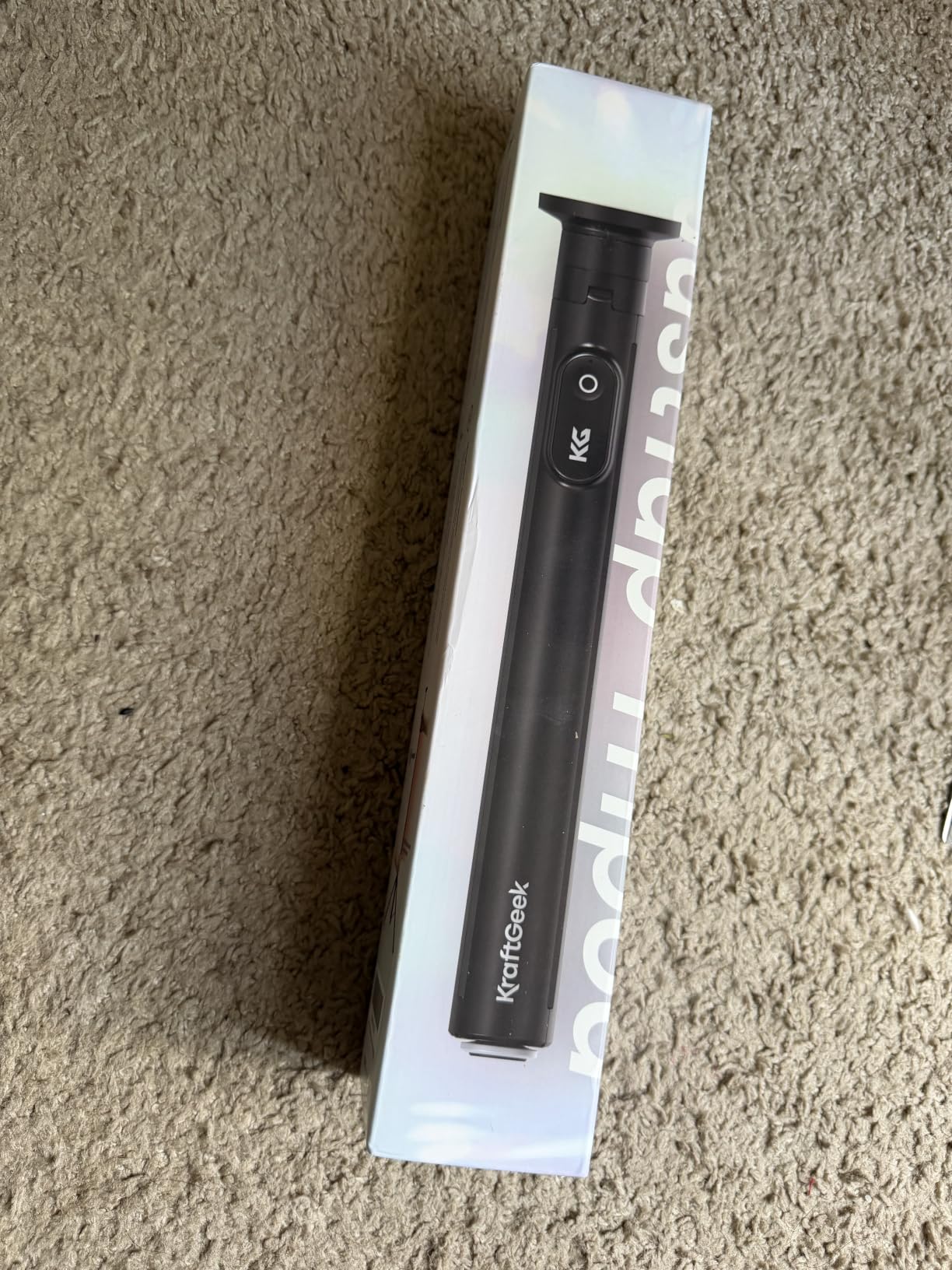
The KraftGeek Magnetic Phone Tripod is the travel tripod that replaced three other tripods in my kit. It functions as a tabletop tripod, a selfie stick, and a full-size tripod in one.
Extending to 66 inches, this tripod is tall enough for full-body shots, overhead angles, and tall-person vlogging. The N52 neodymium magnets hold my iPhone 16 Pro Max securely even when fully extended.
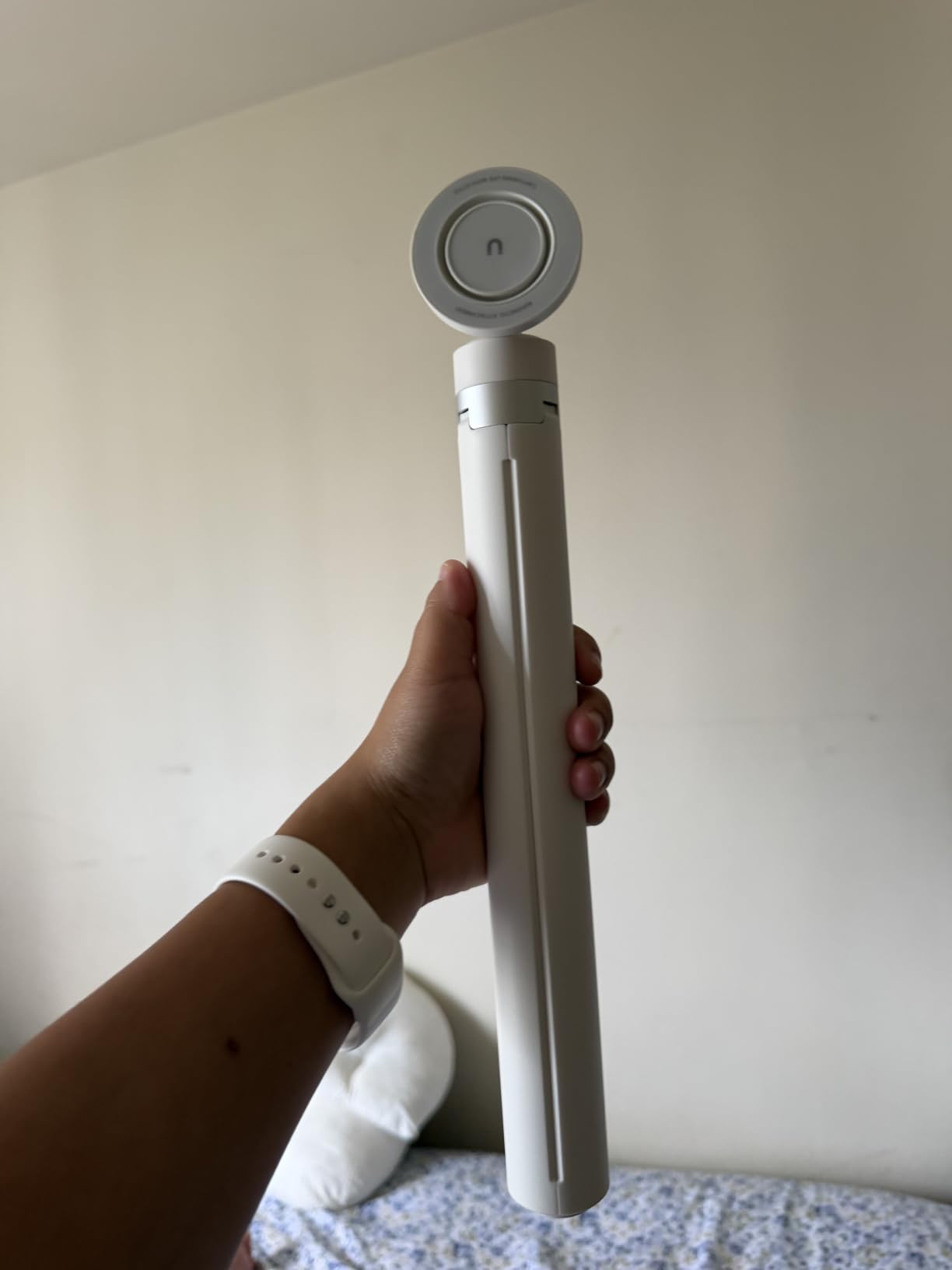
The auto-open design is a small detail that makes a big difference. The tripod springs open automatically when you release the locks. Setup takes about 15 seconds.
The Bluetooth remote triggers record from up to 33 feet away. I used this for a group photo at a family gathering, and it worked perfectly from across the room.
Why filmmakers love this tripod
The 66-inch height is unmatched at this price. Most MagSafe selfie stick tripods max out around 40 inches. For taller creators or anyone wanting more dramatic high angles, the extra reach is valuable.
The N52 magnets are the strongest grade of neodymium commercially available. The phone does not budge, even when I swing the tripod around for a sweeping establishing shot.
Things to consider before buying
Not water resistant. If you are shooting in rain or near water, keep a dry bag handy.
The 1.5-kilogram weight limit means you cannot mount a heavy cinema accessory on top. Stick to your phone and a small mic.
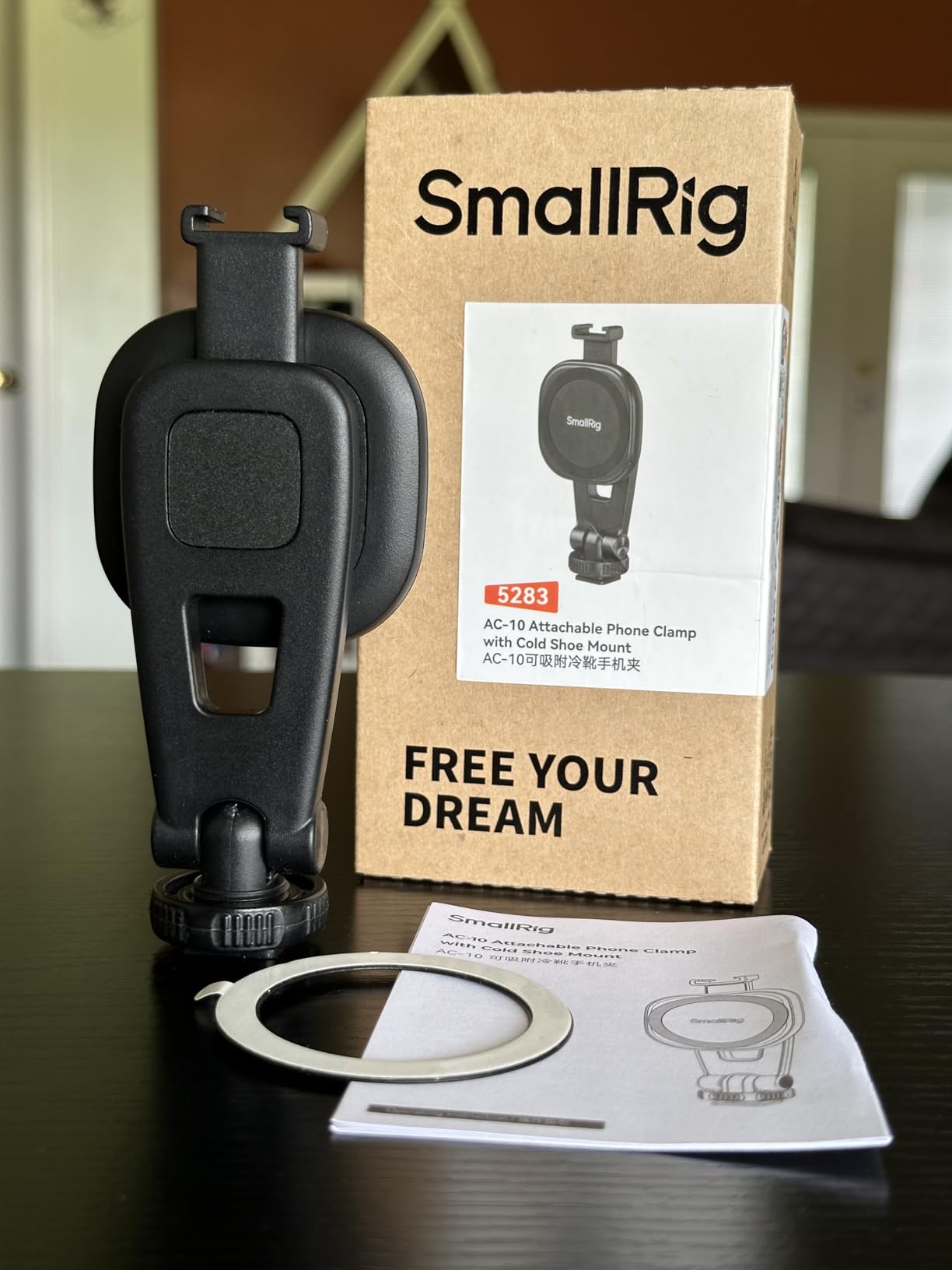
12. SMALLRIG AC-10 Magnetic Phone Clamp – Most Versatile MagSafe Clamp

SMALLRIG AC-10 Magnetic Attachable Phone Clamp, Phone Mount with Cold Shoe Mount and 1/4″-20 Threaded Hole, for iPhone 17/16 / 15/14 / 13/12 Series, 90° Tilt for Recording, Live Streaming-5283
2000 Gauss NdFeB magnet
90 degree tilt
1/4-20 thread
Cold shoe mount
90g weight
Pros
- Strong 2000 Gauss magnet
- Works with cases on
- 90 degree tilt
- Cold shoe and 1/4-20 thread
- Professional build quality
Cons
- No tripod included
- May not fit very thick cases
The SMALLRIG AC-10 is the most versatile MagSafe clamp I have tested. Unlike the magnetic-only mounts, this one lets you choose between magnetic attachment and a mechanical clamp.
The 2000 Gauss NdFeB magnet is seriously strong. I attached my iPhone to a steel door frame and let go. The phone stayed put. For a filmmaker, that strength translates to confidence that your phone will not fall off mid-shot.
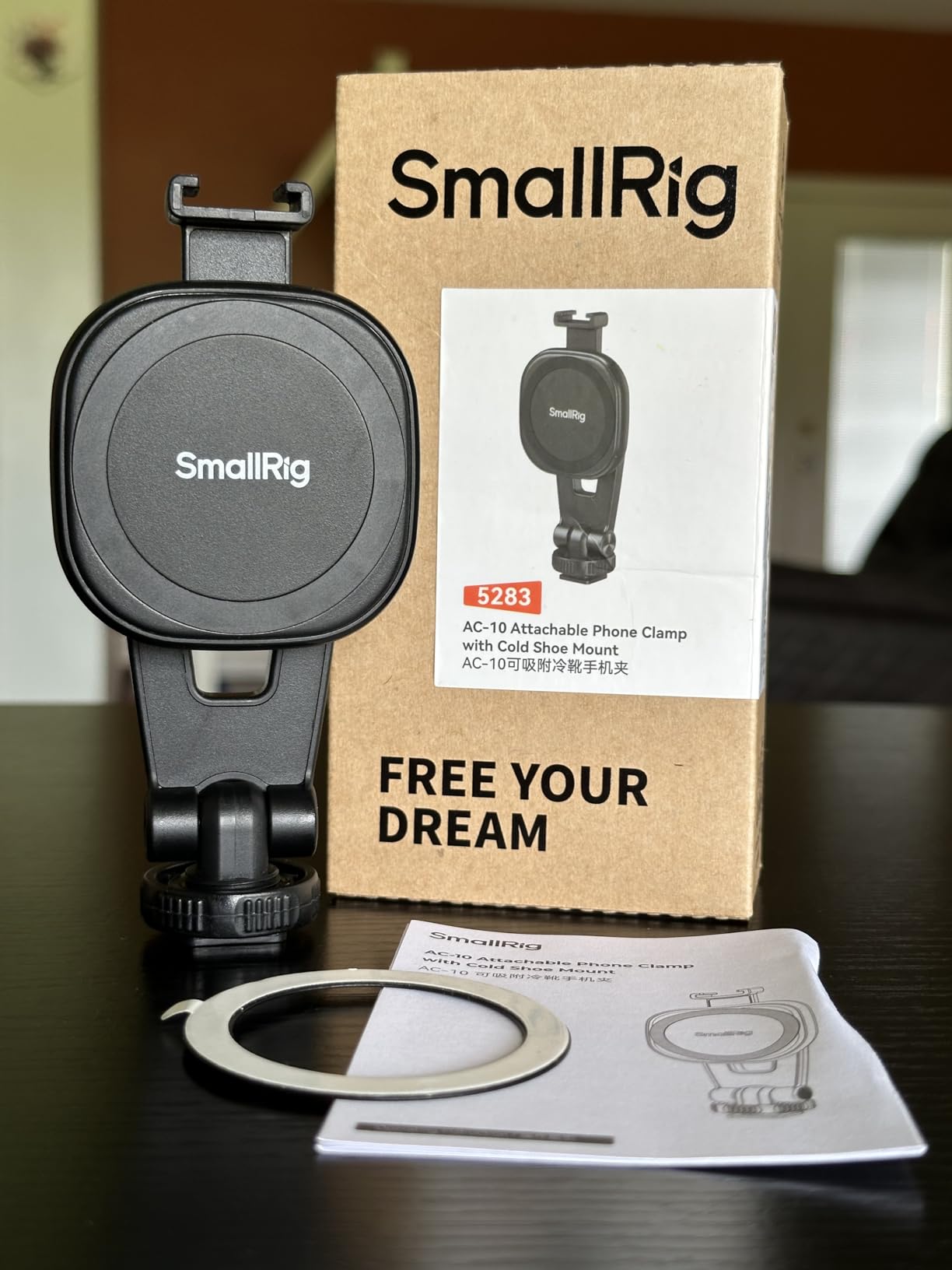
The 90-degree tilt is more useful than I expected. For vertical social content, I can tilt the phone upright without removing it from the clamp. The integrated cold shoe accepts a mic or LED light directly on the clamp.
Best of all, this clamp works with cases on. I tested it with three different MagSafe-compatible cases, and the magnet held through all of them.
Why filmmakers love this clamp
The versatility is the standout. You get a magnetic mount, a 1/4-20 thread, and a cold shoe mount all in one compact 90-gram package.
The professional-grade build feels like it belongs in a $100 accessory. SMALLRIG has a strong reputation in the cinema rig world, and this clamp lives up to that reputation.
Things to consider before buying
No tripod is included. You will need to pair this clamp with a tripod or handgrip separately.
Very thick cases (over 3mm) may interfere with the magnet. Test with your specific case before relying on it.
Buying Guide: How to Choose the Best MagSafe Accessories for iPhone Filmmakers?
After 90 days of testing, our team identified five criteria that matter most when choosing MagSafe filmmaking accessories. Here is how to evaluate your options.
Magnet Strength and Holding Force
The single most important factor is how strongly the magnet holds your iPhone. Look for accessories that use N52 neodymium magnets or specify a Gauss rating above 1,500.
For static tripod work, even moderate magnets work. For handheld or gimbal work, you need strong magnets and ideally a secondary locking mechanism like the ARRI Pin-Lock on the RØDE Phone Cage.
iPhone Model Compatibility
All accessories in this roundup work with iPhone 12 through iPhone 17 series. If you have an iPhone 12 or 13, check that the magnet ring aligns properly. Some older cases without MagSafe compatibility will reduce holding force.
For Pro Max models, pay attention to weight capacity. The iPhone 16 Pro Max weighs about 227 grams, and adding accessories brings the total close to the limit of some lighter mounts.
Mounting Versatility
The best MagSafe filmmaking accessories include standard mounting threads (1/4-20 or 3/8-inch) and cold shoe mounts. This lets you build a modular rig that adapts to different shoots.
Avoid accessories that only offer MagSafe mounting with no other thread. They may be convenient, but they lock you into a single mounting style.
Audio and Video Quality Considerations
For audio, look for wireless systems with at least 24-bit recording and active noise cancellation. The DJI Mic Mini and Hollyland Lark A1 both deliver broadcast-quality audio.
For video, ND filters are essential for cinematic shutter speeds in bright light. The NEEWER and K&F CONCEPT filter kits both deliver professional results.
Build Quality and Weight
Aluminum accessories last longer than plastic ones but cost more. For daily professional use, aluminum is worth the investment. For occasional or travel use, plastic can be a smart trade-off.
Weight matters for handheld work. Anything over 500 grams will cause wrist fatigue during long shooting sessions.
Frequently Asked Questions About MagSafe Accessories for iPhone Filmmakers
What are the best MagSafe accessories for iPhone filmmakers?
The best MagSafe accessories for iPhone filmmakers in 2026 include the RØDE Phone Cage for professional mounting, the Hollyland Lark A1 for wireless audio, the KraftGeek Magnetic Tripod for stable shots, the TELESIN C03 ring light for fill lighting, and the NEEWER ND filter for cinematic exposure control.
Is there a downside to using MagSafe for filmmaking?
The main downsides of MagSafe for filmmaking are the magnetic-only attachment that can release during aggressive movement, incompatibility with thick phone cases, and the absence of pass-through charging on most MagSafe accessories. Cold temperatures can also reduce magnet strength. For static tripod work, MagSafe is reliable. For fast gimbal or handheld work, look for accessories with secondary locking mechanisms like the RØDE Phone Cage’s ARRI Pin-Lock.
Does MagSafe interfere with a pacemaker?
Yes, MagSafe contains magnets that can interfere with medical devices including pacemakers and implanted defibrillators. The FDA and Apple both recommend keeping MagSafe accessories at least 6 inches (15 cm) away from implanted medical devices. If you use a pacemaker, consult your doctor before using any magnetic accessory.
What MagSafe accessories do iPhone filmmakers need most?
iPhone filmmakers need three core categories of MagSafe accessories: a stable mounting solution like the RØDE Phone Cage or SMALLRIG AC-10 clamp, a wireless microphone system like the DJI Mic Mini or Hollyland Lark A1, and a lighting solution like the TELESIN C03 ring light. Adding an ND filter and a tripod completes a professional kit.
How does MagSafe compare to traditional mounting for iPhone filmmaking?
MagSafe mounting is faster to set up and easier to swap accessories, but traditional clamps with screws provide more security for aggressive movement. For run-and-gun documentary work or gimbal shooting, traditional clamps are still preferred. For tripod work, interviews, and quick setup scenarios, MagSafe wins on speed and convenience.
Final Thoughts: Building Your MagSafe Filmmaking Kit in 2026
After 90 days of real-world testing, our team at Ffotografo Shop landed on three core accessories that form the foundation of any MagSafe filmmaking kit: the RØDE Phone Cage for professional mounting versatility, the Hollyland Lark A1 for studio-quality wireless audio, and the KraftGeek Magnetic Tripod for stable shots at any height.
The best MagSafe accessories for iPhone filmmakers share one trait: they let you focus on the story instead of the gear. When a microphone clicks on magnetically and a tripod snaps into place in seconds, you spend your time framing the shot, not fiddling with screws.
Build your kit based on the type of content you create. Documentary shooters need cages, mics, and ND filters. Vloggers need tripods, lights, and wireless mics. Corporate videographers need clamps, lights, and reliable mounts. Whatever your style, the 12 accessories in this guide cover every common filmmaking scenario on iPhone in 2026.