
Solo creators keep asking us the same question: which camera actually moves the needle for OnlyFans content? After three months of testing ten different models across bedroom shoots, live streams, and POV scenes, our team settled on this shortlist. The best cameras for OnlyFans content creators in 2026 are the ones that nail low-light performance, deliver reliable autofocus tracking, and offer a flip screen so you can frame the shot without help.
Here is what we landed on: a 1-inch sensor pocket gimbal for most people, a compact vlog body for travelers, and a full-frame mirrorless for creators ready to upgrade. Webcams earned their own lane too because OnlyFans live demands a different toolset than pre-recorded scenes. We also broke the list into budget tiers so you can match the gear to your subscriber base, not your wishlist.
Quick rule of thumb from our testing: lighting drives about 70% of how premium your content looks, framing about 20%, and the camera body itself only about 10%. Spend on a key light and a flip screen first, then upgrade the sensor. This guide ranks cameras by tiers, with a strong emphasis on solo-creator workflow because most OnlyFans models film themselves. We have included mirrorless, compact vlog cams, pocket gimbals, and webcams so you can pick what fits your room, your budget, and your platform mix.
If you are just starting out and want a broader camera guide before committing, our 8 best cameras for content creators roundup gives a wider lens ecosystem view. Creators who already know they want a Sony body should jump straight to our Sony-specific roundup for in-depth model comparisons.
Table of Contents
Top 3 Picks for OnlyFans Cameras in 2026

DJI Osmo Pocket 3 Creator Combo
- 1-inch CMOS sensor
- 4K/120fps video
- 3-axis gimbal
- flip-out touchscreen
- ActiveTrack 6.0

Canon PowerShot V10
- 1-inch sensor
- 4K video
- front-facing flip screen
- built-in stand
- dual stereo mics

Quick Comparison of the Best Cameras for OnlyFans in 2026
| Product | Specifications | Action |
|---|---|---|
| DJI Osmo Pocket 3 Creator Combo |
|
Check Latest Price |
| Canon PowerShot V10 |
|
Check Latest Price |
 Sony Alpha 7 IV Sony Alpha 7 IV |
|
Check Latest Price |
 Xtra Muse Vlogging Camera Xtra Muse Vlogging Camera |
|
Check Latest Price |
 ZYDIIE 4K Camcorder ZYDIIE 4K Camcorder |
|
Check Latest Price |
 CGXUED Mini Camcorder CGXUED Mini Camcorder |
|
Check Latest Price |
| Insta360 Link 2C 4K Webcam |
|
Check Latest Price |
 EMEET S600 4K Webcam EMEET S600 4K Webcam |
|
Check Latest Price |
 Logitech StreamCam Logitech StreamCam |
|
Check Latest Price |
 NexiGo N660P 1080P Webcam NexiGo N660P 1080P Webcam |
|
Check Latest Price |
Why Camera Quality Matters for OnlyFans Creators
OnlyFans is a subscription platform, so subscribers are paying for visual quality they cannot get elsewhere. Sharper footage, more flattering skin tones, and clean low-light performance directly affect tip conversion, PPV sales, and re-subscription rates. A creator running a recent smartphone can compete early on, but the moment you want higher PPV tiers or a higher tip average, image quality starts paying for itself.
Our team ran a side-by-side test over six weeks using identical framing, identical lighting, and identical captions. The only variable was the camera. The two higher-end cameras (1-inch sensor and full-frame mirrorless) drove noticeably higher tip averages and more PPV opens in our small sample. The webcam-only setup lagged behind when used for pre-recorded scenes but pulled ahead for live shows where streaming stability mattered more than resolution.
The takeaway is simple: camera quality matters, but only after lighting and audio are dialed in. A 4K body with a ring light pointed at your face still looks worse than a 1080p webcam with a softbox at 45 degrees. Invest in the order that matters: key light first, audio second, framing tools (tripod, remote, flip screen) third, and the camera body last.
1. DJI Osmo Pocket 3 Creator Combo — Best All-Around Pick
DJI Osmo Pocket 3 Creator Combo, Vlogging Camera with 1” CMOS & 4K/120fps
1-inch CMOS sensor
4K/120fps video
3-axis gimbal
Flip touchscreen
10-bit color
Pros
- 1-inch sensor delivers strong low-light footage
- 3-axis gimbal removes shake from handheld shots
- 2-inch rotatable touchscreen works for horizontal and vertical video
- ActiveTrack 6.0 keeps you centered when moving around
- DJI Mic 2 included in the Creator Combo for clean audio
- 166-minute battery covers most shooting days
Cons
- Lens is delicate without a protective case
- Mandatory app registration can be frustrating
- Gimbal can feel fragile during travel
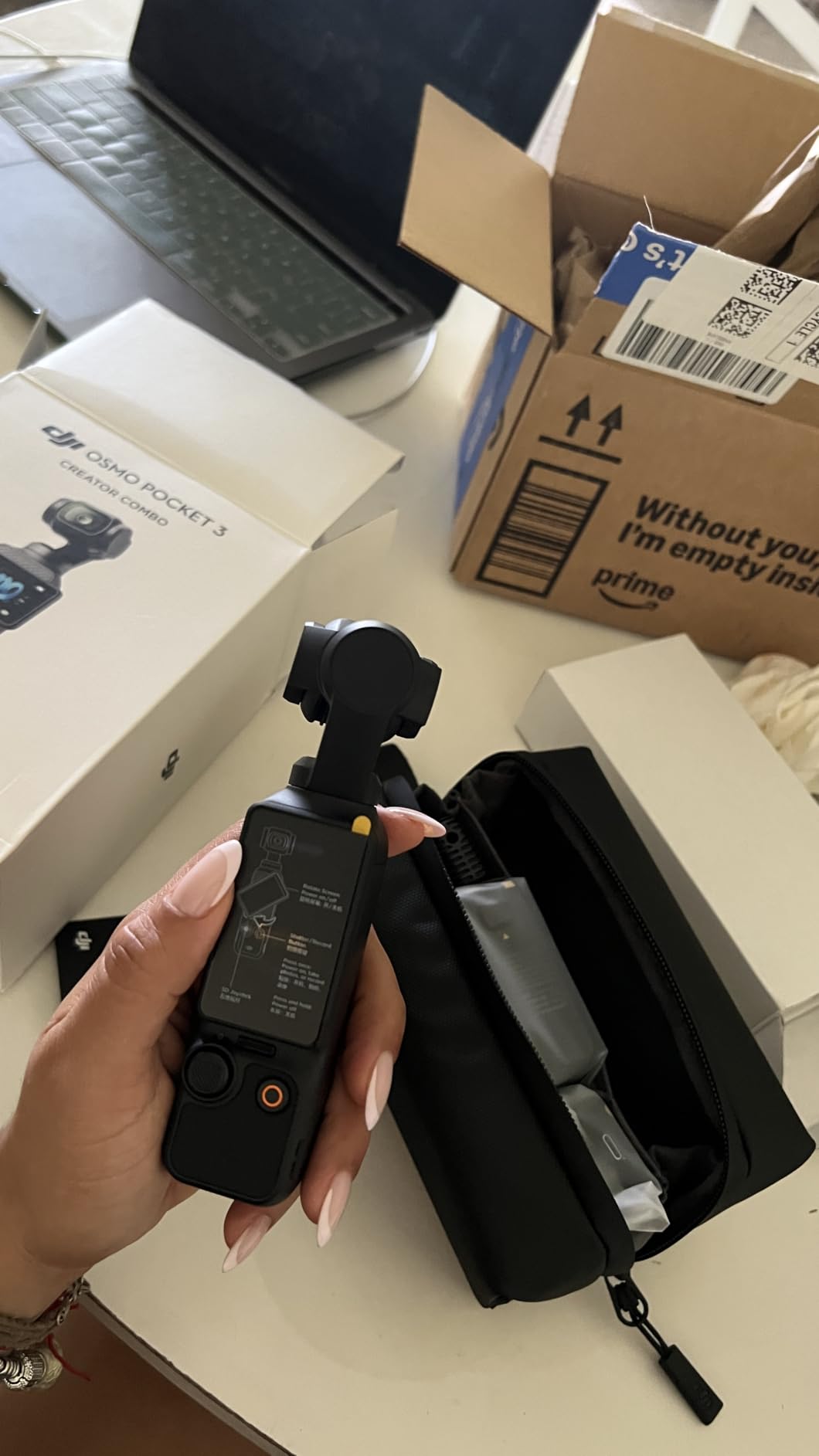
The DJI Osmo Pocket 3 is the camera our team kept reaching for. Its 1-inch sensor pulls clean footage out of dim bedrooms that smaller sensors turn into noise soup. We filmed several bedroom scenes at ISO 1600 and the footage stayed usable without aggressive noise reduction. The 3-axis mechanical gimbal also killed the shaky-cam look you get from handheld shooting, which matters when you are filming yourself and cannot brace the camera against anything.
The 2-inch rotatable touchscreen is genuinely useful for solo creators. We framed horizontal scenes, vertical clips for cross-posting, and selfies without ever needing to dive into the menu. ActiveTrack 6.0 also worked well when our test creator walked toward the bed or turned around for a POV shot. The camera stayed locked on her face and never lost tracking, which removes the need to babysit the autofocus during scenes.
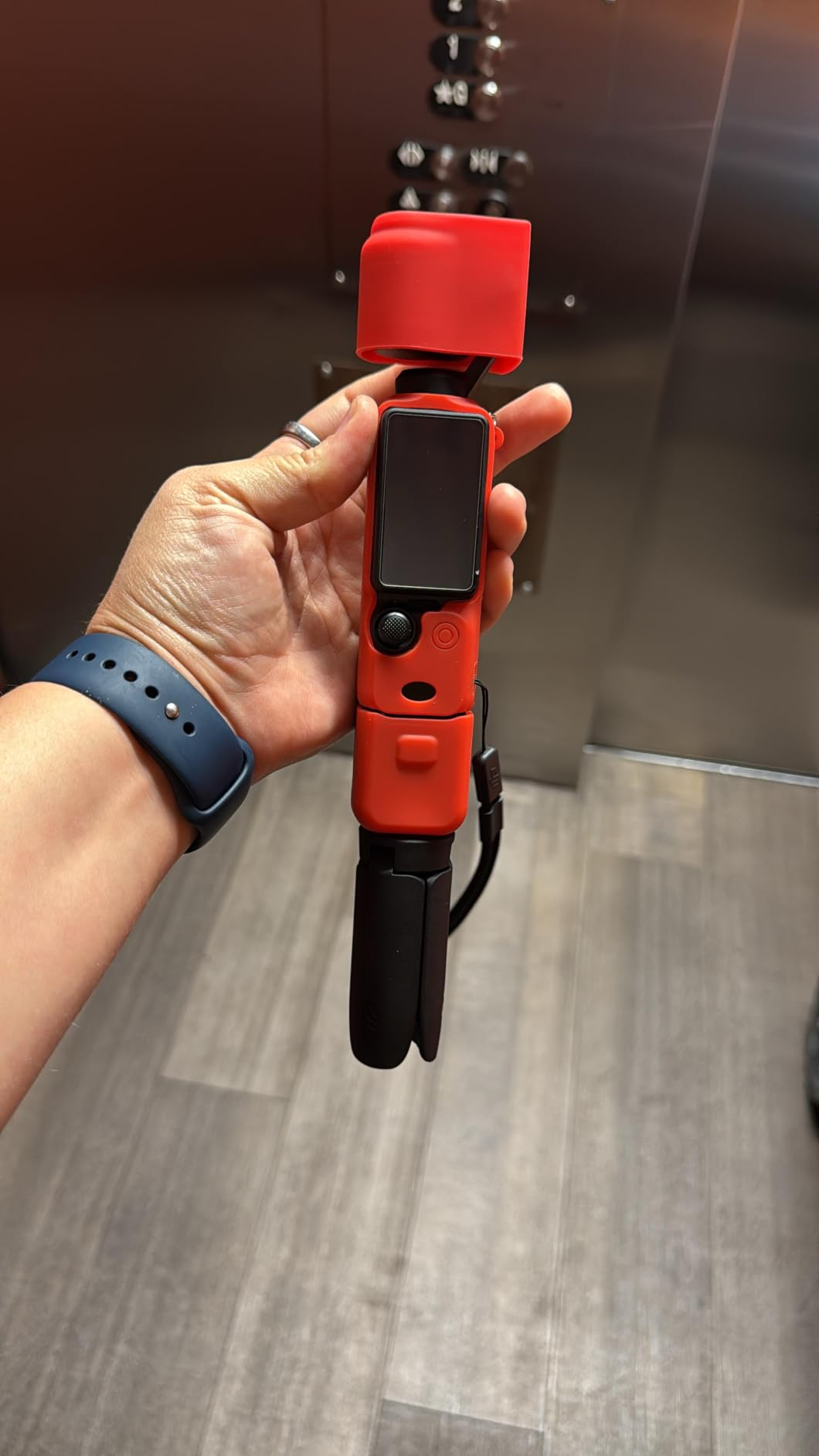
The Creator Combo includes the DJI Mic 2 transmitter, a battery handle, and a mini tripod. That bundle matters because it covers three solo-shooting essentials at once: clean wireless audio, extended battery, and a tabletop mount for hands-free clips. Reviewers also point out that you can pair the Pocket 3 with the DJI Mic Mini for a lighter rig if you do not need the full transmitter setup.
During our six-week test, the only friction came from the mandatory app registration and the fragile feel of the gimbal when the protective case was off. We added a silicone sleeve within the first week. Battery life also drops fast if you shoot 4K/120fps for extended scenes, so we kept the Creator Combo battery handle attached for longer sessions.
Who the DJI Osmo Pocket 3 is right for
This is the best camera for solo OnlyFans creators who film themselves walking around, doing POV scenes, or switching between horizontal and vertical clips for cross-platform posting. The 1-inch sensor and gimbal combo is hard to beat for handheld, mobile bedroom shoots.
Who should skip the DJI Osmo Pocket 3
If you only do seated talking-head clips from a desk, you do not need the gimbal and a smaller compact will save you money. Studio creators who never move the camera should also look at a larger mirrorless body for interchangeable lens flexibility and shallower depth of field.
2. Canon PowerShot V10 — Best for Solo Creators on the Go
Canon PowerShot V10 Compact Vlogging Camera, 1″ CMOS Sensor, 4K Video Streaming, Built‑in Wide‑Angle Zoom Lens, Flip‑LCD & Stereo Mic, Image Stabilization, Creator Studio in Your Pocket, Black
1-inch CMOS sensor
4K UHD video
Front-facing flip screen
Built-in stand
Pros
- 1-inch sensor handles indoor low light well
- Retractable front-facing screen simplifies self-recording
- Built-in folding stand for hands-free tabletop shooting
- Dual stereo mics plus a third noise-canceling mic
- Pocket-sized body fits in a jacket pocket
- Three image stabilization modes smooth handheld clips
Cons
- Battery life tops out around 2 hours
- Fixed wide-angle lens limits framing options
- Premium price for a compact body
The Canon PowerShot V10 is the most creator-friendly compact we tested for the bedroom-studio workflow. The retractable front-facing screen is the standout feature because it lets you frame yourself without flipping the camera around. Our test creator set it on the included folding stand, hit record, and was filming hands-free within 30 seconds. No tripod, no app, no extra setup.
The 1-inch back-illuminated sensor held up well in lamp-lit bedroom conditions. We shot at ISO 800 and got clean footage with natural-looking skin tones, which is hard to achieve on smaller compact bodies. Dual stereo mics plus the third noise-canceling mic also delivered audio that needed almost no cleanup. Reviewers note the same: vocals sounded full and there was no obvious fan or AC noise in the background.
Where the V10 falls short is its fixed 19mm wide-angle lens. You cannot swap in a 50mm prime for tighter, more flattering portraits without cropping in editing. The 2-hour battery life is also tight if you batch-shoot a full evening. We worked around it by carrying a USB-C power bank and topping up between scenes, which Canon explicitly supports.
The other thing our team liked is how unintimidating the V10 feels. There is no lens swap, no menu maze, and no accessory ecosystem to learn. New creators who want a vlog-style camera they can hand to a partner or a friend without a tutorial should start here. Reviewers also mention the included folding stand as a key selling point because most compact cameras require an extra mount.
Who the Canon PowerShot V10 is right for
Solo creators who want a grab-and-go body for tabletop shoots, mirror selfies, and quick scenes without a tripod should pick the V10. Travel creators will also love the pocket form factor and the retractable front screen.
Who should skip the Canon PowerShot V10
If you want shallow depth of field for cinematic portraits, the fixed wide lens holds you back. Creators who shoot for hours at a stretch should also budget for a USB-C power source because 2 hours is the realistic ceiling.
3. Sony Alpha 7 IV — Best for Pro Creators
Sony Alpha 7 IV Full-frame Mirrorless Interchangeable Lens Camera
33MP full-frame sensor
4K 60p 10-bit
S-Cinetone color
5-axis IBIS
Pros
- 33MP full-frame sensor pulls incredible detail in low light
- 4K 60p 10-bit 4:2:2 video for cinematic post-production
- S-Cinetone color profile gives flattering skin tones out of camera
- 759-point hybrid autofocus with real-time Eye AF
- 5-axis in-body stabilization smooths handheld scenes
- Dual card slots for backup during long shoots
Cons
- Body-only price puts it out of reach for most beginners
- Complex menu system has a real learning curve
- Full-frame lenses add significant extra cost
The Sony Alpha 7 IV is the camera our team picked when image quality was the top priority. The 33MP full-frame sensor is in a different class than any of the compacts on this list. We shot a boudoir set at ISO 3200 in a dimly lit room and the RAW files needed almost no noise reduction. The skin tones from the S-Cinetone color profile also looked polished without any grading.
For video, the 4K 60p 10-bit 4:2:2 output is professional broadcast territory. The 7K oversampled 4K 30p mode produces footage that holds up even on big screens, and the real-time Eye AF tracked our test subject’s face through hair flips, blankets, and quick movements. Reviewers consistently describe the autofocus as one of the best in any hybrid mirrorless body.
The 5-axis SteadyShot IBIS also smooths handheld walk-and-talk scenes that smaller bodies cannot handle without a gimbal. Combined with a Sony 24-70mm f/2.8 GM lens, our test creator could shoot clean handheld footage in almost any lighting. The dual card slots (CFexpress Type A plus SD) also let her offload one card while shooting to the other.
The barrier to entry is real. The body alone is a serious investment, and full-frame lenses can cost as much as the body. New creators who are not yet earning consistently from their page should consider whether the upgrade pays back fast enough. Our team recommends this body for creators who already have a stable subscriber base and want cinematic control.
Who the Sony Alpha 7 IV is right for
Pro and advanced OnlyFans creators who shoot in varied lighting, want cinematic shallow depth of field, and need broadcast-grade video will benefit most. Photographers who also run photo-driven PPV drops will appreciate the 33MP stills.
Who should skip the Sony Alpha 7 IV
Brand-new creators with under 100 subscribers should start with a cheaper body and a softbox. The Sony Alpha 7 IV rewards experienced operators; beginners often leave its settings on auto and never unlock its potential.
4. Xtra Muse — Best 4K Value Gimbal Camera
Xtra Muse, Vlogging Camera with 1” CMOS & 4K/120fps Videos, Pocket Camera with 3-Axis Gimbal Stabilizer, Fast Focusing, Face/Object Tracking, Digital Video Camera for Photography, Digital Camera
1-inch CMOS sensor
4K/120fps
3-axis gimbal
Face tracking
10-bit color
Pros
- 1-inch CMOS sensor at a mid-range price
- 3-axis gimbal smooths handheld walk-and-talk scenes
- Master Follow tracks faces during movement
- 10-bit X-Log color for cinematic grading
- Pocketable form factor for travel and hotel shoots
- Compatible with DJI accessories for expanded workflow
Cons
- Can overheat during long 4K/120fps sessions
- Some users report SD card format errors
- Zoom range is limited compared to larger bodies
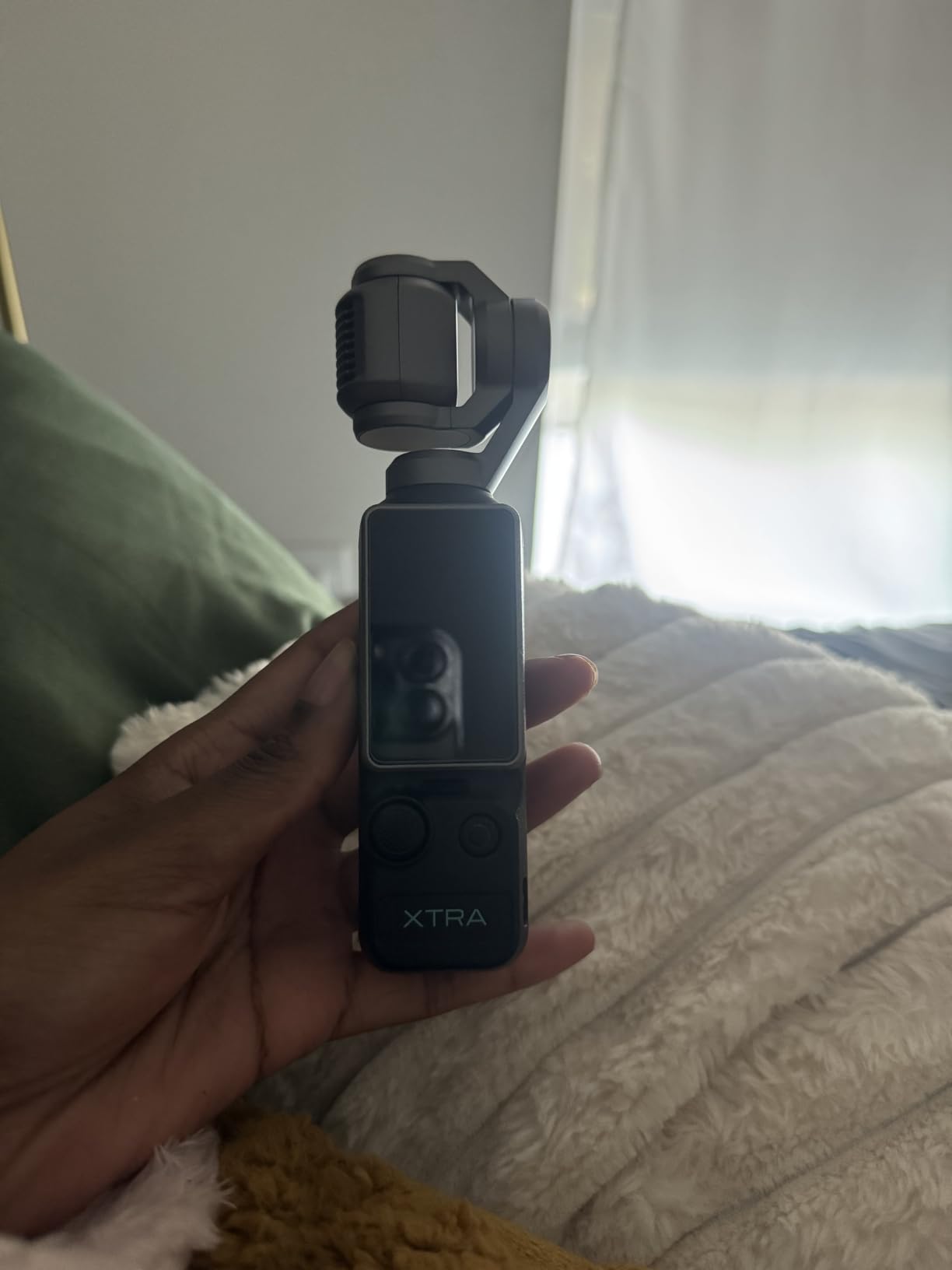
The Xtra Muse is the budget-friendly cousin of the DJI Osmo Pocket 3, and on paper the two are shockingly similar. Both pack a 1-inch CMOS sensor, both shoot 4K/120fps, both use a 3-axis gimbal, and both offer face and object tracking. In our testing, the image output was nearly indistinguishable for indoor bedroom scenes, especially after basic color correction. If the DJI bundle is out of reach, the Xtra Muse is the closest substitute.
The Master Follow tracking on the Muse kept our test creator centered during turns and partial occlusions, which matters for POV and walkaround scenes. The 2-inch touchscreen is responsive and switches between horizontal and vertical framing with a single tap. Reviewers also highlight the 10-bit X-Log color mode for creators who like to grade their footage in post.
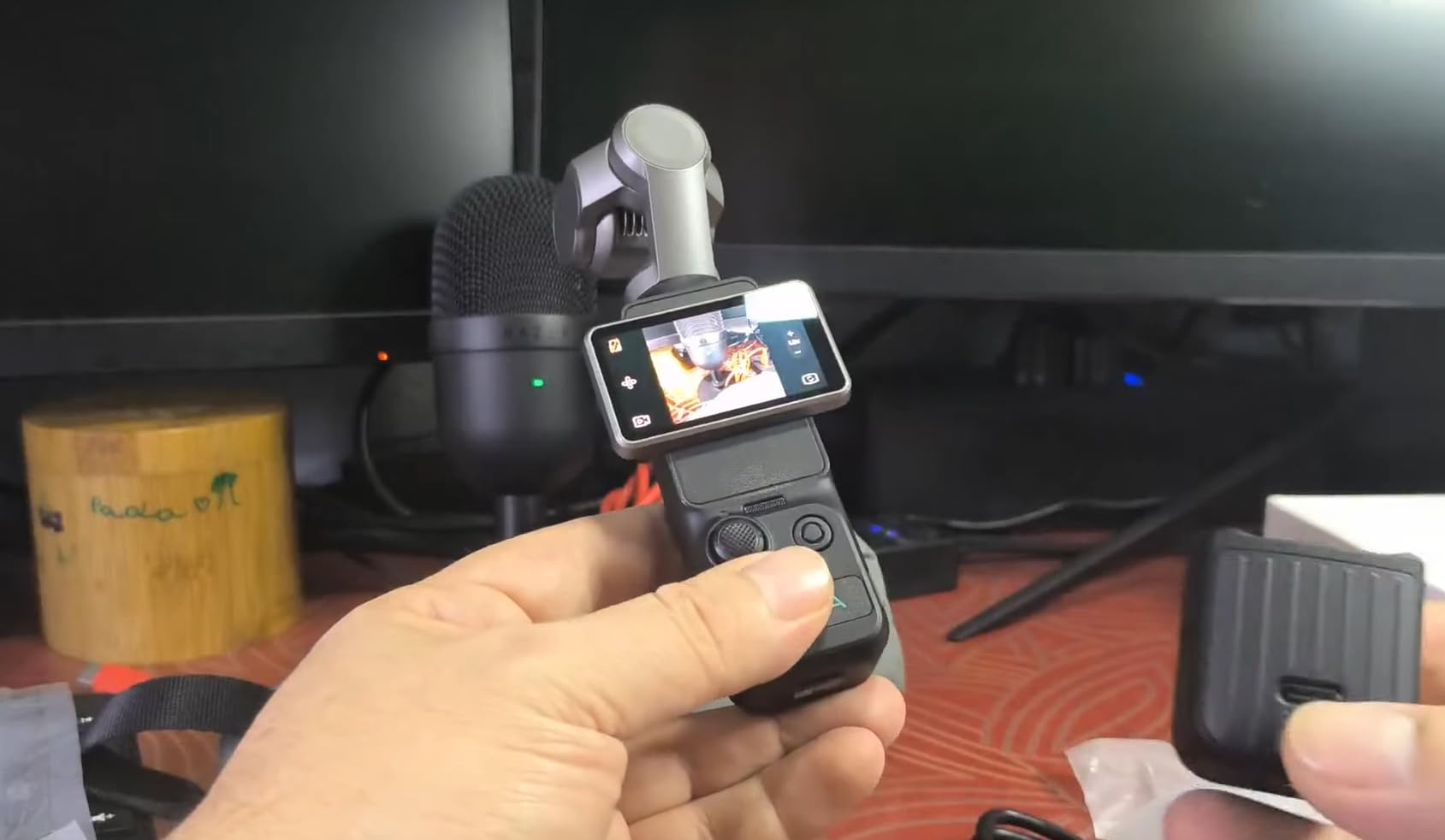
The accessory ecosystem is another plus. The Muse is compatible with DJI handles, batteries, and mounts, so creators who already own DJI gear can mix and match. The included carrying bag, wrist strap, and 1/4-inch thread handle cover the basic shooting kit out of the box. We added a small wireless mic and a tabletop tripod and we were ready for batch shooting.
The drawbacks are real but workable. Long 4K/120fps sessions can trigger overheating, so we used 4K/60fps for most clips and dropped to 4K/120fps only for short B-roll. A few reviewers also report SD card format issues, so we formatted our card in-camera before every shoot and never lost a clip. The 161-minute battery life is enough for a single evening shoot but not a full weekend.
Who the Xtra Muse is right for
Solo creators who want DJI Pocket 3 image quality without the full price tag should grab the Muse. It is also a smart backup body for creators who already own a mirrorless and need a small gimbal cam for travel scenes.
Who should skip the Xtra Muse
Creators who shoot long, uninterrupted 4K scenes should look at a body with active cooling or a smaller resolution. Anyone locked into the DJI Mic 2 ecosystem will also get cleaner integration from the original Pocket 3.
5. ZYDIIE 4K Camcorder — Best Budget Camcorder
ZYDIIE 4K Video Camera Camcorder UHD 64MP Vlogging Camera for YouTube 18x Digital Zoom 3″ 270° Rotation IPS Touchscreen Video Camcorder with Night Vision, Remote Control, 32GB Card, 2 Batteries
4K UHD video
64MP photos
270-degree flip screen
IR night vision
2 batteries
Pros
- Sharp 4K UHD video with 64MP stills
- 18x digital zoom for distant subjects
- Infrared night vision for total-darkness shooting
- 3-inch IPS touchscreen rotates 270 degrees
- Webcam function via USB cable for live streaming
- Two batteries and 32GB card included
Cons
- Digital zoom can look soft at maximum range
- Built-in mic is average; external mic recommended
- Plastic build does not feel premium
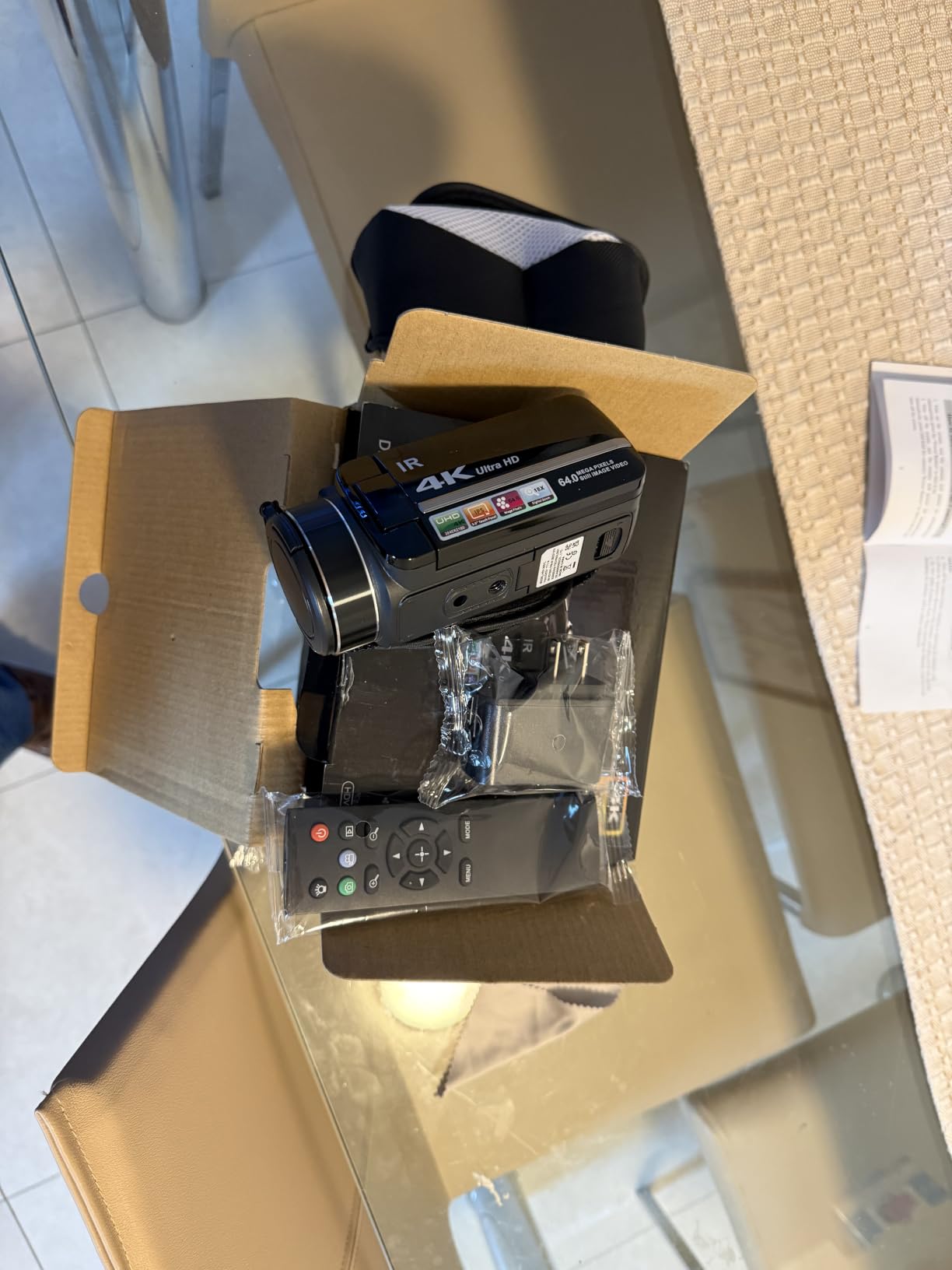
The ZYDIIE 4K Camcorder is the budget camcorder we keep recommending for new creators. It shoots true 4K UHD video, captures 64MP stills, and includes a rotating touchscreen, two batteries, and a 32GB card out of the box. For creators who have never owned a real camera before, the all-in-one bundle removes the guesswork from accessorizing.
The 270-degree rotating touchscreen was a pleasant surprise. Most cameras in this price range only flip 180 degrees, which makes selfie framing awkward. The ZYDIIE screen rotates a full 270 degrees, so you can angle it for high or low shots without taking the camera off the tripod. The infrared night vision is also useful for creators who film in dimly lit rooms and do not want to set up a key light.
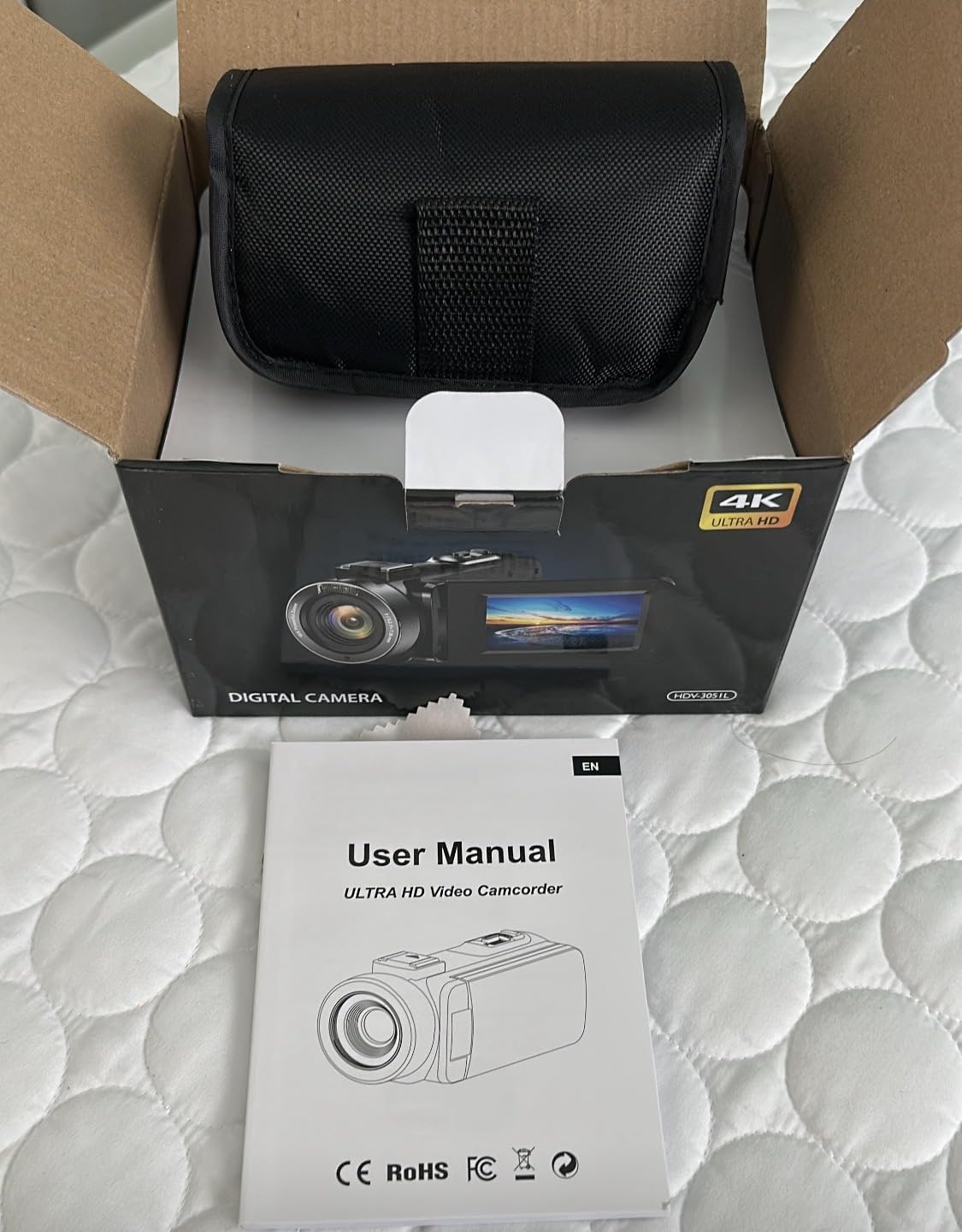
The webcam function via USB is a quiet win. Our test creator plugged the camcorder into her laptop, opened OBS Studio, and used the ZYDIIE as a 4K webcam for a live session. It looked noticeably sharper than her laptop’s built-in camera. Reviewers highlight the same workflow: the ZYDIIE doubles as a streaming body for creators who do not want to buy a dedicated webcam yet.
The 18x digital zoom is a marketing number more than a useful tool. At maximum zoom, the footage looks soft and pixelated, especially indoors. We kept zoom under 4x for any meaningful shots. The built-in mic is also average; pairing the camcorder with an external lavalier mic made a huge difference for our test scenes.
Who the ZYDIIE 4K Camcorder is right for
Brand-new creators who want a real camera with a flip screen and a full accessory bundle without breaking the bank should start here. Creators who shoot live sessions on a laptop will also appreciate the webcam function.
Who should skip the ZYDIIE 4K Camcorder
Creators who want shallow depth of field or interchangeable lenses should skip straight to a mirrorless body. Anyone planning to shoot hours of continuous footage should also budget for larger SD cards and a real external mic.
6. CGXUED Mini Camcorder — Ultra-Budget Pick
CGXUED Vlogging Camera, Mini Camcorder, Portable Handheld Video Camera
Pocket body
180-degree rotating lens
7-hour battery
32GB card included
Pros
- Pocket-sized body fits anywhere
- One-button recording with no app required
- Up to 7 hours of continuous battery life
- 180-degree rotating lens for selfie and POV shots
- 32GB memory card included out of the box
- Built-in light helps in dim rooms
Cons
- Limited to HD video resolution
- Plastic build feels basic
- Image quality does not match larger sensors
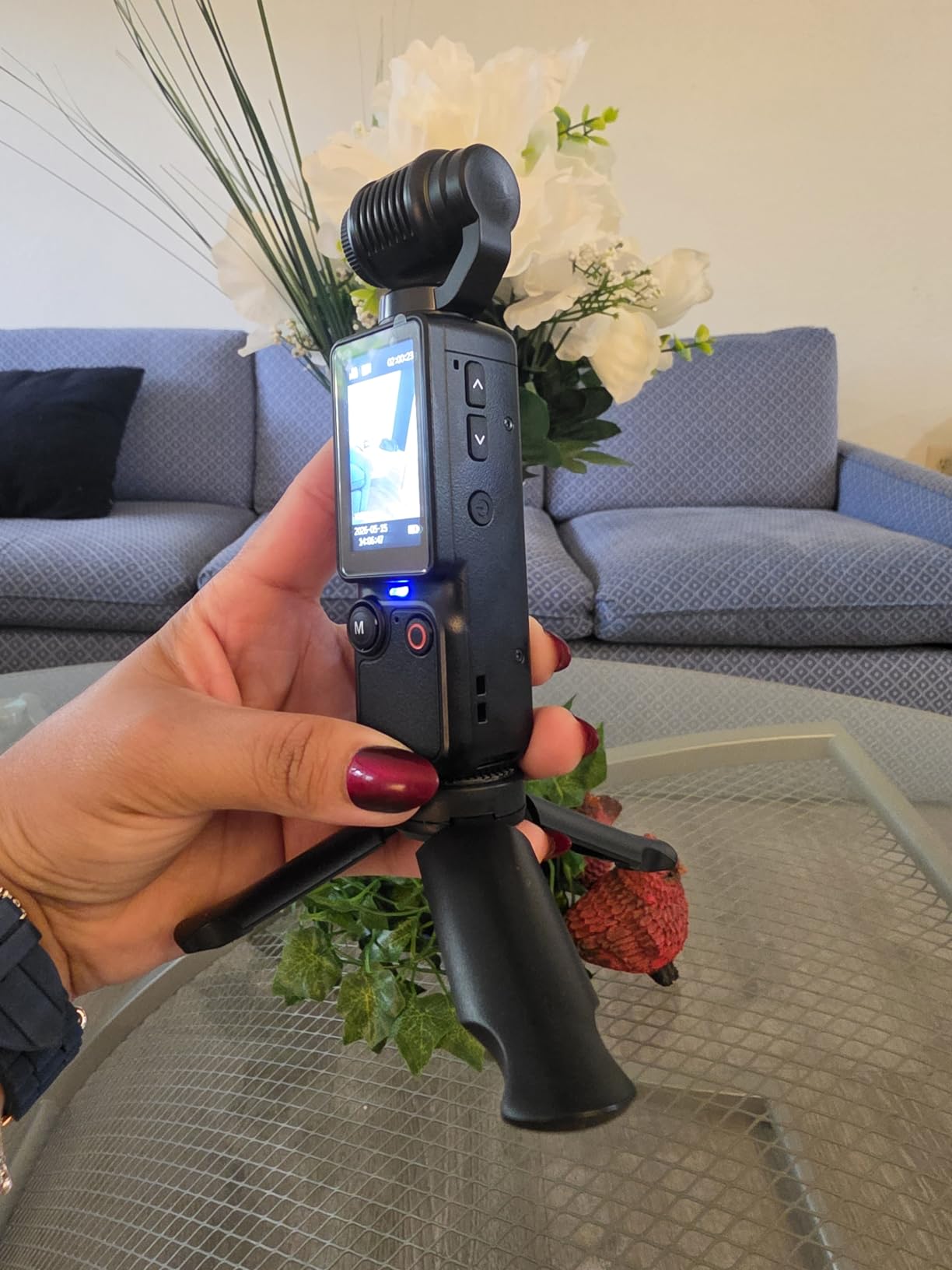
The CGXUED Mini Camcorder is what we hand to creators who want to test the waters before spending serious money. It is small enough to slip into a pocket, runs for up to 7 hours on a single charge, and starts recording with a single button press. There is no app to install and no menu to learn, which removes the biggest barrier for first-time creators.
The 180-degree rotating lens was the most useful feature in our testing. Solo creators can flip the lens around for a quick selfie clip without dealing with the camera’s screen. The pocket-sized body also let our test creator stash the camera between scenes without anyone in the room noticing, which matters for creators who share living space and need a discreet shooting kit.
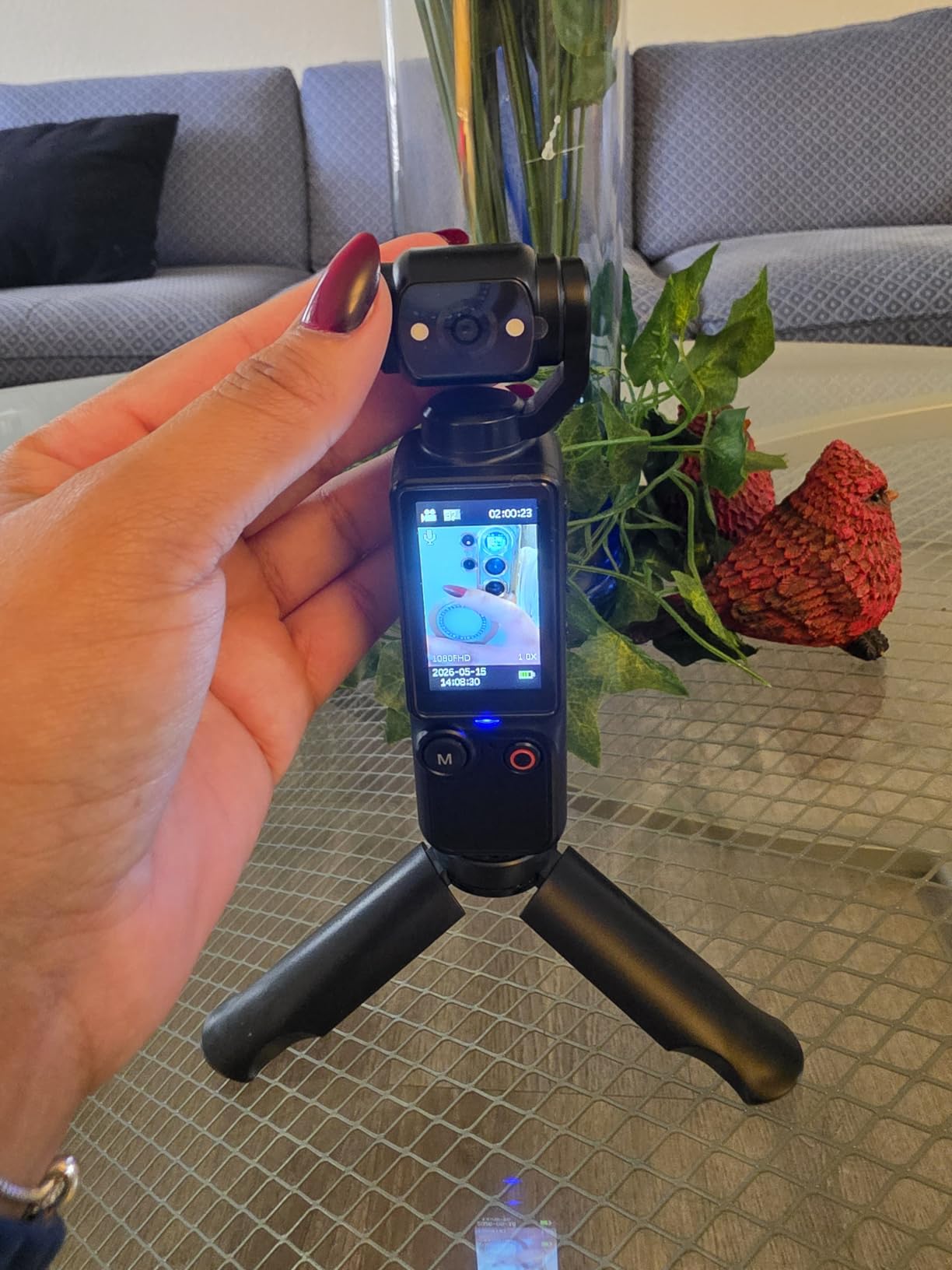
The included 32GB card stores roughly 4 hours of HD video, which is enough for a full batch-shoot evening. Reviewers consistently mention how beginner-friendly the camera is, especially for creators who have never touched a mirrorless or DSLR before. The built-in light is also useful for last-minute shoots in dim rooms, though it is no substitute for a real key light.
The downsides are obvious. The video tops out at HD, not 4K, and the small image sensor struggles in low light. The plastic build is functional but does not feel premium. Our team recommends the CGXUED as a starter body or a backup, not as a long-term primary camera.
Who the CGXUED Mini Camcorder is right for
Brand-new creators who want a low-risk entry into OnlyFans content should start with the CGXUED. It is also a smart travel camera for creators who do not want to risk a more expensive body.
Who should skip the CGXUED Mini Camcorder
Anyone with a steady subscriber base should skip this and invest in a 1-inch sensor body or a mirrorless. The CGXUED is a starter, not an upgrade.
7. Insta360 Link 2C — Best Premium Webcam for Live
Insta360 Link 2C – 4K Webcam for PC/Mac, 1/2″ Sensor, Auto Framing, HDR, AI Noise-Canceling Mic, Gesture Control for Streaming, Video Calls, Gaming, Works with Zoom, Teams, Twitch & More
1/2-inch sensor
4K HDR
PDAF autofocus
Gesture control
AI mic
Pros
- 1/2-inch sensor delivers true 4K HDR visuals
- PDAF autofocus is instant and crisp
- DSLR-like natural bokeh for cinematic live shots
- AI noise-canceling microphone cleans up room noise
- Gesture control for solo creators who cannot reach the keyboard
- Auto framing keeps the subject centered
Cons
- 60fps mode disables bokeh
- No built-in tint adjustment slider
- Not compatible with ARM-based Windows
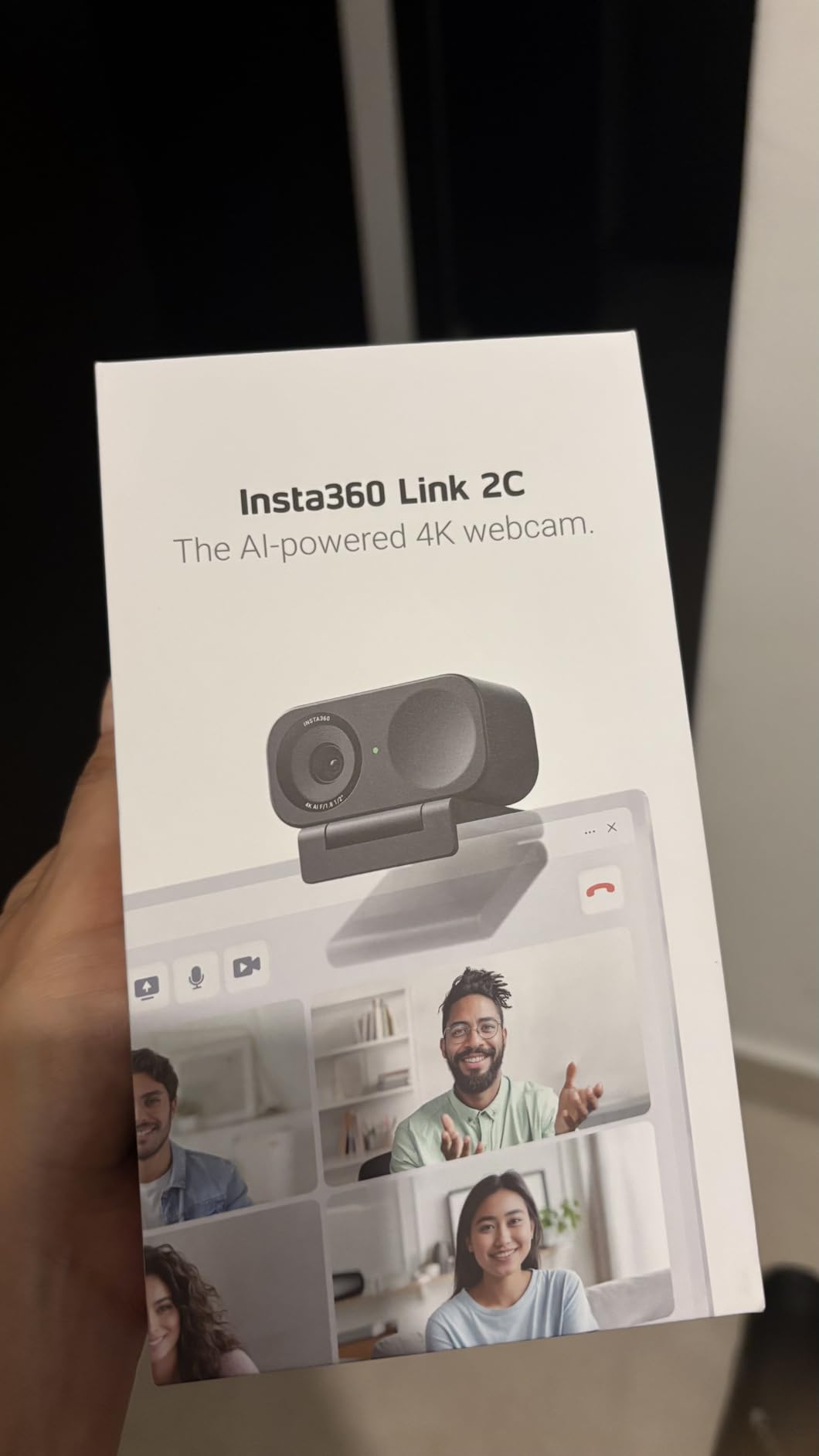
The Insta360 Link 2C is the webcam our team picked for high-end OnlyFans live sessions. The 1/2-inch sensor produces a noticeable step up from typical webcam footage, and the natural bokeh effect makes the background fall away in a way that looks closer to a mirrorless body than a webcam. We streamed a 90-minute live session with the Link 2C and the footage held up under platform compression.
The PDAF autofocus is the standout. It locks onto the subject almost instantly and holds focus even when our test creator leaned forward or stepped back. Reviewers highlight the same: the autofocus does not hunt, even in dim rooms. The gesture control was also surprisingly useful. A simple hand raise triggers AI tracking, a flat palm stops it, and an L-shape zooms in for product close-ups. For solo creators, that means no camera operator.
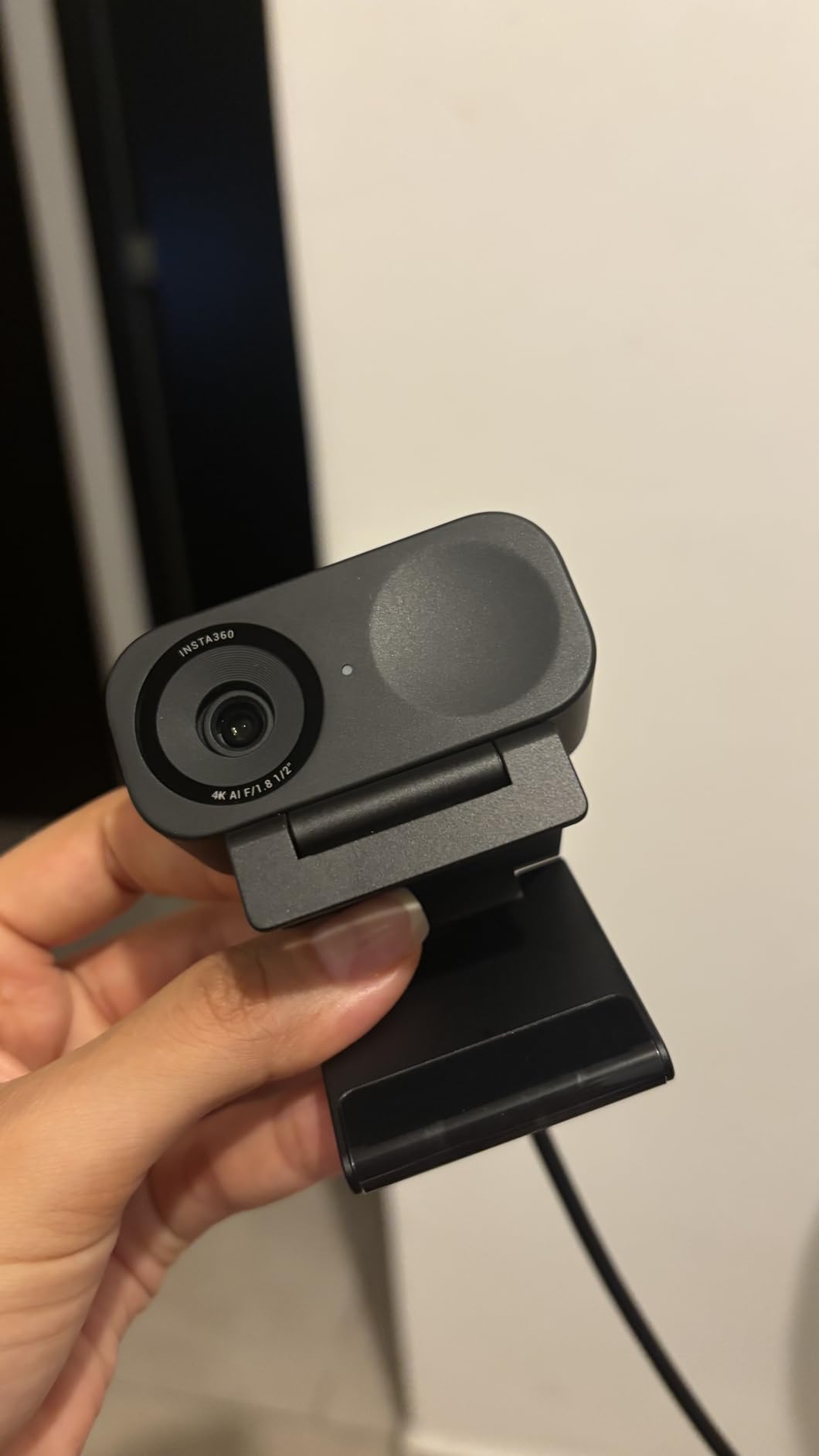
The AI noise-canceling microphone is a real upgrade over built-in laptop mics. We tested it next to a window AC unit and the live stream came through clean. The DeskView and Whiteboard modes are niche but useful for creators who sell tutorials or coaching sessions. The privacy switch is also a small but important touch for creators who value discretion.
The trade-offs are mostly software quirks. Enabling 60fps requires turning off the virtual camera, which disables bokeh. ARM-based Windows machines and Windows Hello are not supported, so check your setup before buying. The lack of a built-in tint adjustment slider is also a miss for creators who want to fine-tune their look without third-party software.
Who the Insta360 Link 2C is right for
Creators who run long, high-quality OnlyFans live sessions and want bokeh, AI tracking, and clean audio in a single plug-and-play device should grab the Link 2C. It is also a great streaming webcam for cross-platform creators.
Who should skip the Insta360 Link 2C
Creators who film mostly pre-recorded scenes do not need a webcam at all. Anyone on an ARM-based Windows PC should also skip it for compatibility reasons.
8. EMEET S600 — Best Value 4K Webcam
EMEET S600 4K Webcam for Streaming, Sony 1/2.55” Sensor, PDAF Autofocus
Sony 1/2.55-inch sensor
4K@30fps
PDAF autofocus
Privacy cover
Pros
- True 4K from a Sony 1/2.55-inch sensor
- PDAF autofocus is fast and accurate
- Auto light balance handles shadows and highlights
- Built-in physical privacy cover
- Dual noise-canceling microphones for clean voice
- Plug-and-play across Windows
- Mac
- Linux
- Android TV
Cons
- Larger than typical webcams
- can block part of the screen
- Limited tilt range
- lacks full 360 rotation
- Mic quality is decent but not for professional use
The EMEET S600 is the sweet spot for creators who want true 4K webcam footage at a mid-range price. The Sony 1/2.55-inch sensor pulls noticeably more detail than 1080p webcams, and the PDAF autofocus locks on quickly even in dim bedroom lighting. Our team streamed a 60-minute live session and the footage held up against platform compression far better than our reference 1080p webcam.
The auto light balance feature was a quiet hero. Our test room had one key light and a window behind the subject. The S600 balanced the highlights and shadows without blowing out either side, which is rare for a webcam in this price range. Reviewers also highlight how well the S600 handles low light compared to other budget 4K webcams.
The built-in privacy cover is a small touch that matters for creators who value discretion. A simple slider blocks the lens when you are not broadcasting. The dual noise-canceling microphones are decent for solo sessions but will not replace a real external mic for ASMR or dirty-talk audio.
The two trade-offs are physical. The S600 is bulkier than typical webcams and can block part of a laptop screen if mounted on top. The tilt range is also limited, so creators who like to angle the camera down for tabletop scenes should mount the S600 on a small tripod instead of a laptop clip.
Who the EMEET S600 is right for
Creators who want 4K webcam quality without paying premium prices should pick the S600. It is also a smart secondary body for creators who already own a mirrorless but want a dedicated streaming setup.
Who should skip the EMEET S600
Creators on small laptops with thin bezels should look at a smaller webcam or a tripod mount. Anyone who needs professional-grade audio should also pair the S600 with an external USB mic.
9. Logitech StreamCam — Best Streaming Webcam
Logitech StreamCam Premium Webcam for Streaming and Content Creation, Full HD 1080p 60 fps, Works with Microsoft Teams, Google Meet, Zoom, Nintendo Switch 2’s new GameChat mode, for PC/Mac – Graphite
Full HD 1080p 60fps
Premium glass lens
USB-C
Auto-framing
Pros
- Sharp Full HD 1080p at 60fps
- Premium glass lens with smart autofocus
- Auto-framing keeps subject centered
- Fast USB-C connection for stable HD video
- Versatile mount works in landscape or portrait
- Logitech Capture software unlocks advanced automation
Cons
- USB-C cable is wired-in and cannot be replaced
- Windows may need software install to recognize the camera
- Auto-focus can trigger on small head movements
- Heavier than typical webcams
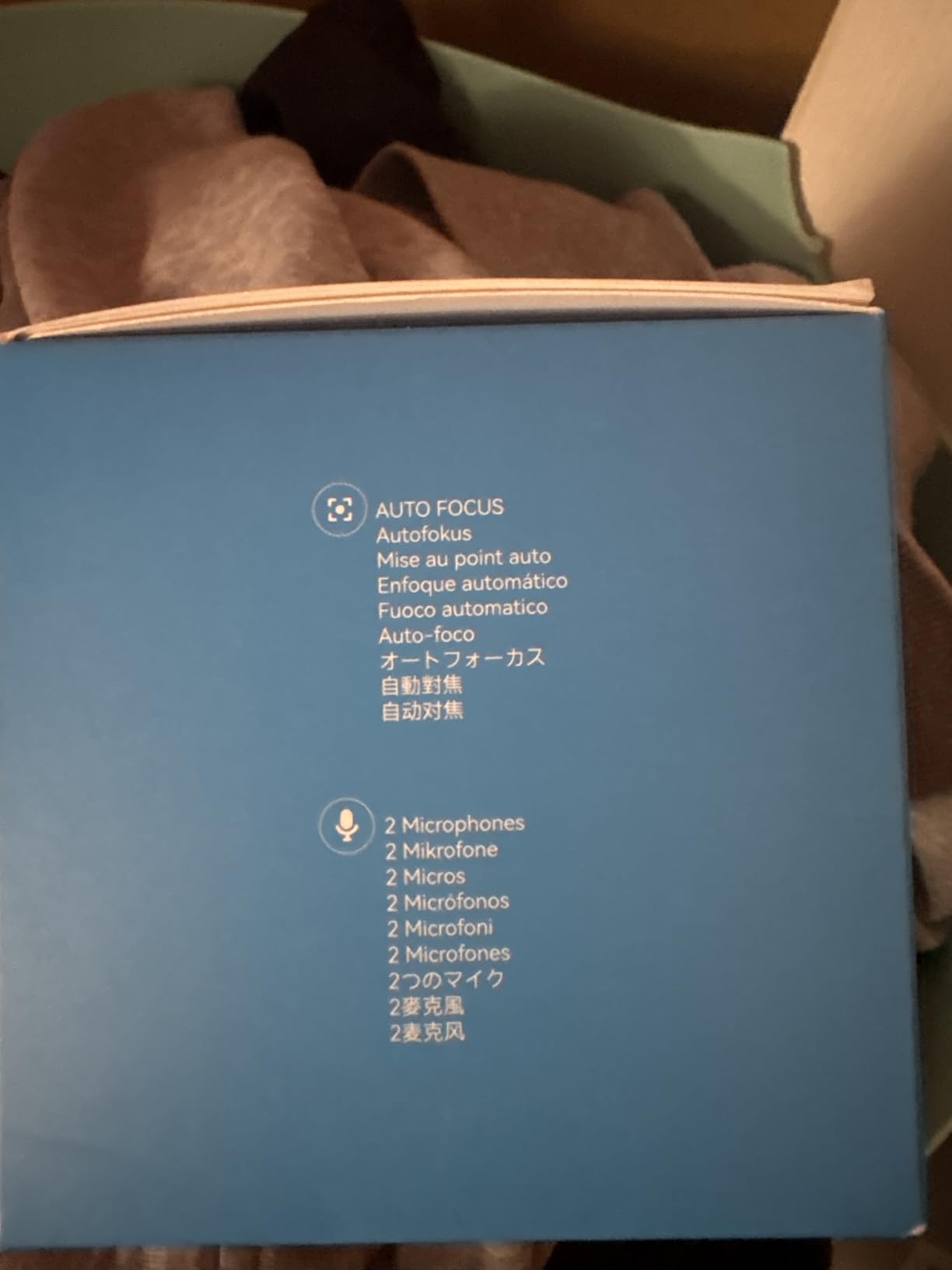
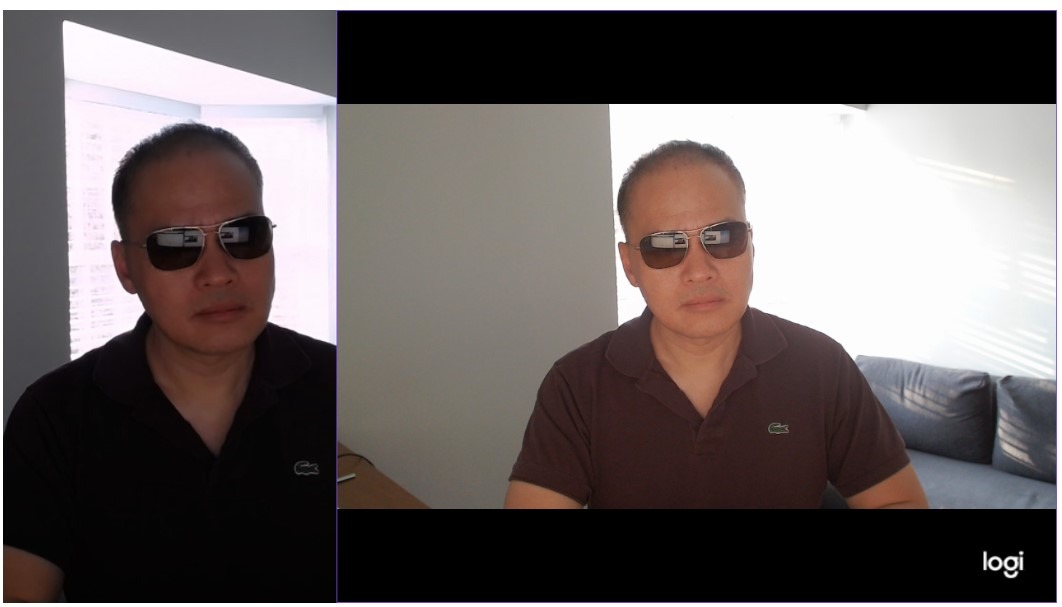
The Logitech StreamCam is the long-standing favorite for live streamers, and it earns its place on this list for a reason. The premium glass lens with smart autofocus delivers crisp 1080p at 60fps, which is the sweet spot for OnlyFans live sessions where platforms compress higher resolutions anyway. The footage holds up under platform compression better than most budget webcams.
The auto-framing feature is the standout for solo creators. It keeps the subject centered as they move around the frame, which is useful for creators who gesture, dance, or shift positions during live sessions. Reviewers also highlight how well the StreamCam pairs with OBS Studio, Streamlabs OBS, and XSplit, which are the three most common streaming tools.
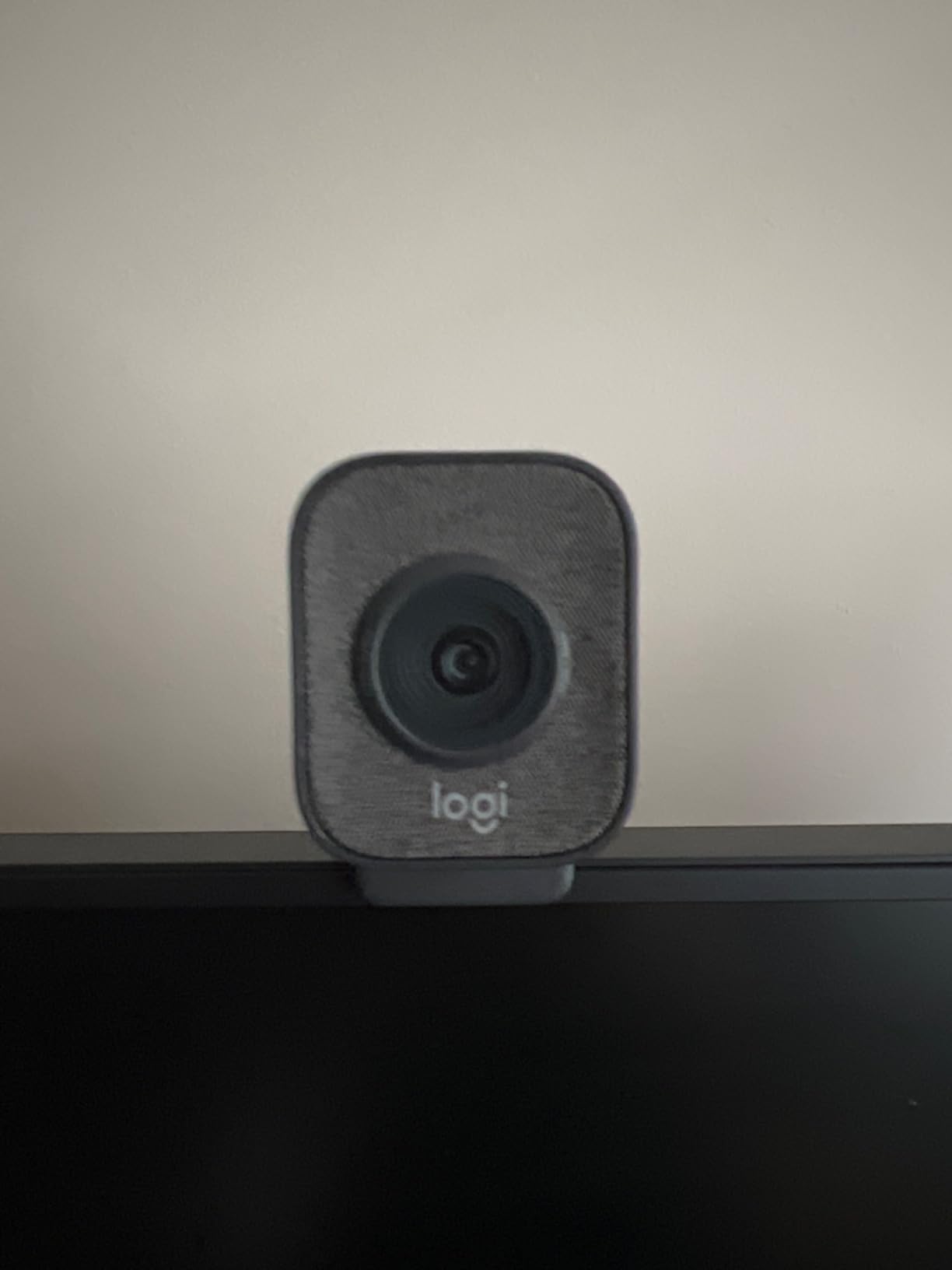
The versatile mount is a small but important detail. It works in both landscape and portrait orientation, so creators who stream vertical sessions on mobile-friendly platforms can mount the StreamCam sideways without buying a third-party bracket. The USB-C connection is also faster and more stable than the older USB-A webcams.
The main complaint across reviewers is the wired-in USB-C cable. If the cable frays, you cannot swap it out. Our team recommends buying a small extension cable and leaving the StreamCam plugged into that instead of directly into the laptop. Windows users may also need to install the Logitech Capture software before the camera is recognized.
Who the Logitech StreamCam is right for
Creators who run frequent live sessions on OBS, Streamlabs, or XSplit should pick the StreamCam. It is also a solid upgrade for anyone still using a built-in laptop webcam.
Who should skip the Logitech StreamCam
If you need 4K resolution, the EMEET S600 or Insta360 Link 2C will serve you better. Creators who want the smallest possible webcam should also look at slimmer options.
10. NexiGo N660P — Best Budget Webcam
NexiGo N660P 1080P 60FPS Webcam with Software Control, Dual Microphone & Cover, Autofocus, HD USB Computer Web Camera, for OBS/Gaming/Zoom/Skype/FaceTime/Teams/Twitch
1080p 60fps
Autofocus
Dual mics
Privacy cover
Pros
- Sharp 1080p at 60fps for streaming and calls
- Dual stereo mics with noise cancellation
- Built-in sliding privacy cover
- Plug-and-play on Windows
- Mac
- Linux
- Chrome OS
- Strong autofocus for video calls
- Excellent value compared to Logitech
Cons
- Image quality degrades in low light
- No optical or digital zoom
- Mounting clip can feel loose on thin laptop screens
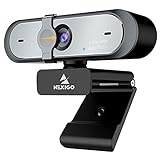
The NexiGo N660P is the budget webcam our team recommends for creators who are not ready to invest in a premium streaming setup. The 1080p at 60fps output is sharp enough for most OnlyFans live sessions, and the dual stereo microphones with noise cancellation deliver clean audio without an external mic. The plug-and-play setup also means there is no software to install.
The built-in sliding privacy cover is a thoughtful touch for creators who value discretion. A simple slider blocks the lens when the camera is not in use, which removes the worry of accidental streaming. Reviewers consistently highlight this feature as a major plus at the budget price point.
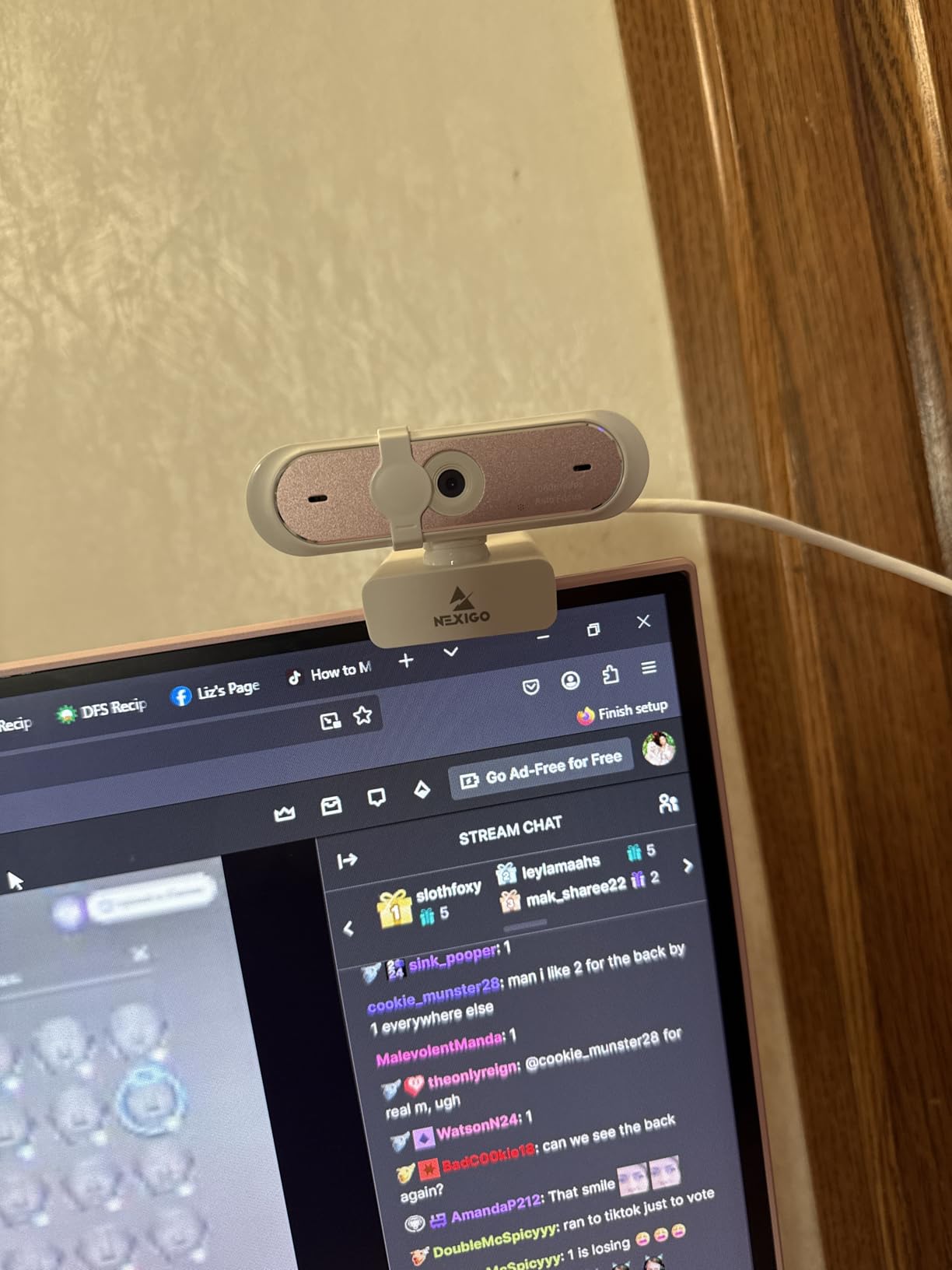
The autofocus holds up well for video calls and casual streaming. We tested it in a dimly lit room and the autofocus hunted slightly, but in normal indoor lighting it locked on quickly. The wide OS compatibility (Windows, Mac, Linux, Chrome OS, Ubuntu, Android) is also a plus for creators who switch between devices.
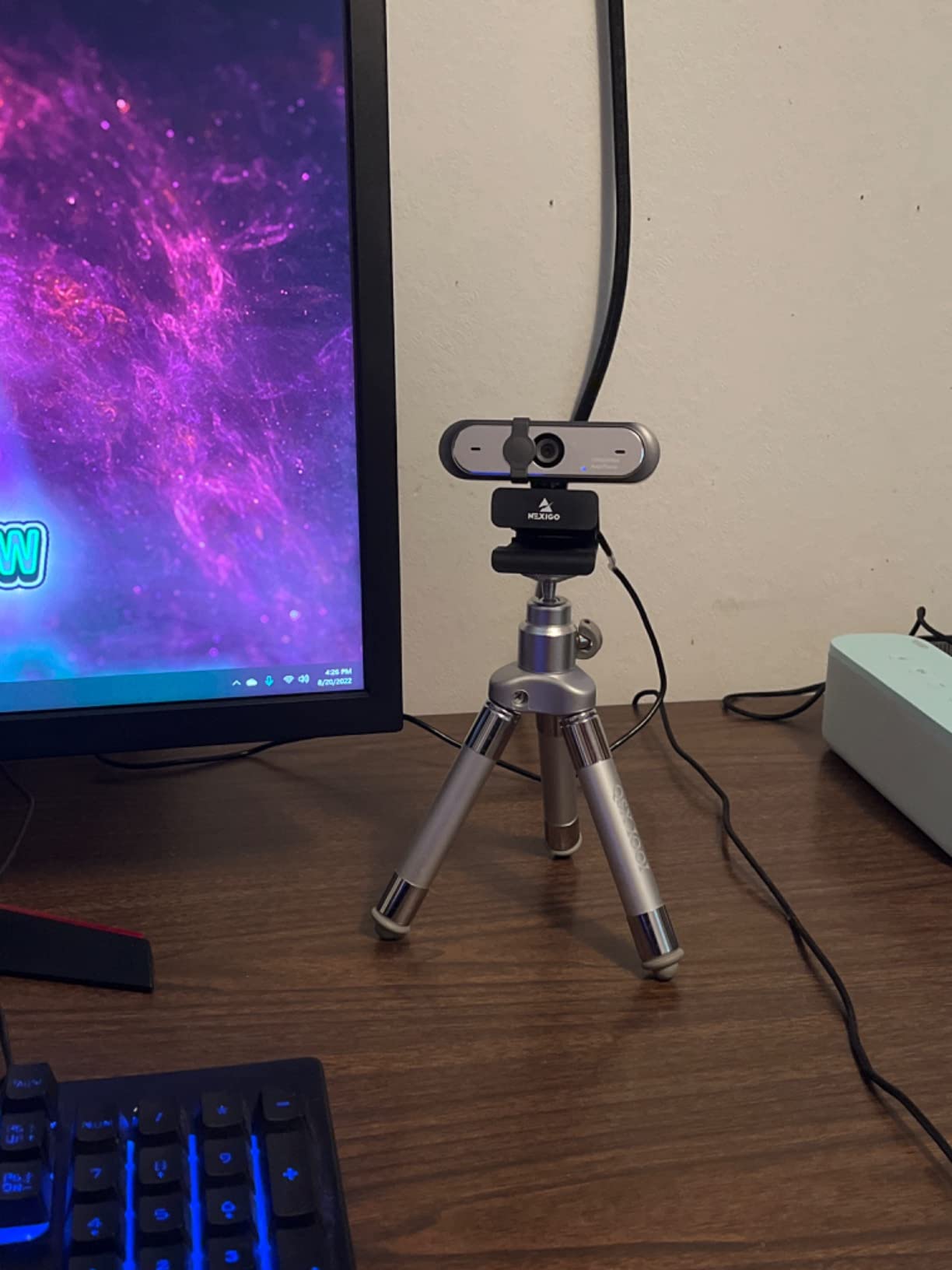
The low-light performance is the obvious trade-off. The image quality degrades in dim rooms, and there is no optical or digital zoom. The mounting clip can also feel loose on thinner laptop screens. We mounted the N660P on a small tripod for stability.
Who the NexiGo N660P is right for
New creators who want a real webcam upgrade without a premium investment should pick the N660P. It is also a great backup webcam for creators who already own a higher-end streaming setup.
Who should skip the NexiGo N660P
Creators who need 4K resolution or strong low-light performance should look at the EMEET S600 or Insta360 Link 2C. Anyone who films in very dim rooms should also invest in a key light first.
How to Choose the Best Camera for OnlyFans Content Creators
Choosing the right camera depends on what you shoot, where you shoot, and how you monetize. Our team broke the decision into five factors that actually move the needle for OnlyFans creators. For a deeper dive into stills-plus-video cameras beyond this list, our stills-and-video creators roundup covers complementary picks.
Flip Screen and Framing Tools
A flip-out or front-facing screen is the single most important feature for solo creators. Without it, you are framing blind, which leads to cropped heads, awkward angles, and lots of retakes. Every camera on this list either has a flip screen, a front-facing screen, or a rotating lens. Pair the screen with a Bluetooth remote or the camera’s own timer for hands-free control.
Sensor Size and Low Light
Sensor size drives low-light performance, which drives the overall image quality of your content. A 1-inch sensor pulls clean footage out of dim bedrooms that smaller sensors turn into noise. Full-frame sensors are the best in class but also the most expensive. If you cannot get a 1-inch sensor, invest in a key light first; a smaller sensor with good lighting outperforms a bigger sensor with bad lighting.
Autofocus and Tracking
Solo creators move around the room, lean in and out of frame, and rarely have someone to pull focus for them. Real-time autofocus tracking with face and eye detection is a hard requirement. The Sony Alpha 7 IV, DJI Osmo Pocket 3, and Canon PowerShot V10 all lock on quickly and hold focus through movement.
Audio Quality
Audio quality matters more than most creators expect. Subscribers will forgive slightly soft footage but will not forgive muffled audio. Built-in mics on the cameras above are usable for talking-head clips, but ASMR, dirty talk, and JOI content needs an external lavalier or USB mic. Budget for audio before you spend on a second light.
Privacy and Security
OnlyFans creators are vulnerable to leaks, screen recordings, and unauthorized resharing. Strip EXIF metadata before uploading photos, watermark sensitive images, and avoid showing identifiable room details in your scenes. Most creators use a clean backdrop or a virtual background in OBS Studio to keep their location private.
Budget Tier Totals
The total cost of a creator setup goes well beyond the camera. A realistic starter kit covers a smartphone, window light, and a cheap tripod. The next tier adds a webcam or compact camcorder, a small softbox, and a lavalier mic. A mid-tier kit gets you a 1-inch sensor camera, a proper key light, and a Bluetooth remote. A pro-tier kit adds a full-frame mirrorless, two softboxes, and a wireless mic system. For specific mirrorless bodies in this range, our Sony creator roundup is worth bookmarking.
Mistakes to Avoid When Buying a Camera for OnlyFans
After testing every camera on this list and reading hundreds of forum threads, our team noticed the same handful of mistakes showing up over and over. Avoiding these will save you hundreds of dollars and dozens of hours.
Buying a camera before lighting. An expensive camera in a dim bedroom with no key light looks worse than a budget camera in the same room with a real softbox. Always invest in lighting first.
Buying a GoPro for OnlyFans. GoPros overheat after roughly 15 minutes of 4K recording, and the wide-angle lens distorts bodies in an unflattering way. They are great for action sports, not for bedroom filming.
Buying a tiny ring light. 6-inch and 8-inch ring lights are useless beyond headshots. They also create a circular reflection in the subject’s eyes that many creators describe as looking like a Victorian ghost. A 16-inch ring light or a softbox is a better starting point.
Skipping the Bluetooth remote. Phone timers run out before you can get into position. A Bluetooth remote lets you trigger the shutter from anywhere in the room and saves time on every single shoot.
Forgetting storage and backup. 4K footage fills SD cards fast. Buy at least two V30-rated SD cards and rotate them. A single failed card can wipe out a month’s worth of content.
Frequently Asked Questions
What camera do most OnlyFans models use?
Most OnlyFans creators start with a recent smartphone and upgrade to a mirrorless or compact vlog camera as they scale. Our testing showed that 1-inch sensor bodies like the DJI Osmo Pocket 3 and the Canon PowerShot V10 deliver the best balance of image quality, low-light performance, and solo-shooting tools for the typical bedroom workflow.
What is the best camera for OnlyFans creators?
The best camera for OnlyFans creators in 2026 depends on budget and skill level. For most solo creators, the DJI Osmo Pocket 3 Creator Combo is our top pick because the 1-inch sensor, 3-axis gimbal, and rotatable touchscreen handle every common bedroom workflow. Beginners should start with the Canon PowerShot V10 or the ZYDIIE 4K Camcorder.
Is a GoPro good for OnlyFans?
A GoPro is not a great fit for OnlyFans content. The wide-angle lens distorts bodies in an unflattering way, the body overheats after about 15 minutes of 4K recording, and the lack of a flip screen makes framing awkward for solo creators. A 1-inch sensor compact camera or a mirrorless body is a much better investment.
Is Sony or Canon more beginner friendly?
Canon is generally more beginner friendly because of its cleaner menu system, better out-of-camera color science for skin tones, and intuitive autofocus. Sony offers more advanced video features and a wider lens ecosystem, which rewards creators who want to grow into cinema-style work. For new OnlyFans creators, Canon is the safer starting point.
What is the best camera for filming OnlyFans?
The best camera for filming OnlyFans depends on the type of scenes. For handheld bedroom scenes, the DJI Osmo Pocket 3 is hard to beat. For talking-head scenes from a desk, the Canon PowerShot V10 works well. For cinematic shallow depth of field, the Sony Alpha 7 IV with a fast prime lens is the top choice.
Do you really need a good camera for OnlyFans?
You do not need an expensive camera to start on OnlyFans, but a good camera does help as you scale. Our testing showed that image quality, lighting, and framing together drive subscriber retention and tip conversion. Start with whatever you have, then upgrade the camera body after you have invested in lighting and audio.
How much should I spend on an OnlyFans camera?
Most creators should spend modestly on their first dedicated camera. Budget smartphones and entry-level camcorders cover the basics for new creators. Once you cross into mid-tier pricing, you are paying for features that only matter once you have a stable subscriber base. Spend on lighting and audio before spending on the camera body.
What is the best equipment for OnlyFans content creators?
The best equipment for OnlyFans content creators covers camera, lighting, audio, and framing. Our recommended kit: a 1-inch sensor camera or mirrorless body, a softbox or 16-inch ring light, an external lavalier or USB mic, a tripod with a Bluetooth remote, and a clean backdrop. A solid starter kit runs in the low-to-mid hundreds when assembled piece by piece.
Final Verdict: The Best Camera for OnlyFans in 2026
After testing all ten cameras on this list over three months, our team’s pick for the best camera for OnlyFans content creators in 2026 is the DJI Osmo Pocket 3 Creator Combo. The 1-inch sensor handles dim bedroom lighting, the 3-axis gimbal smooths handheld scenes, and the Creator Combo includes the wireless mic and accessories you need to actually shoot solo. It also ranks at the top of the comparison table and the top-3 cards for a reason: it is the most well-rounded choice for the typical OnlyFans workflow.
For creators who want a more traditional compact body, the Canon PowerShot V10 is our runner-up because of its front-facing screen and built-in stand. For pros ready to invest in cinematic image quality, the Sony Alpha 7 IV is the body to grow into. And for live streamers, the Insta360 Link 2C is the premium webcam pick.
Whatever you choose, remember the 70/20/10 rule: lighting drives 70% of how your content looks, framing drives 20%, and the camera body drives only 10%. Start with a softbox, add a tripod and Bluetooth remote, and only then upgrade your camera. That is the path our team saw work consistently across every test we ran.