
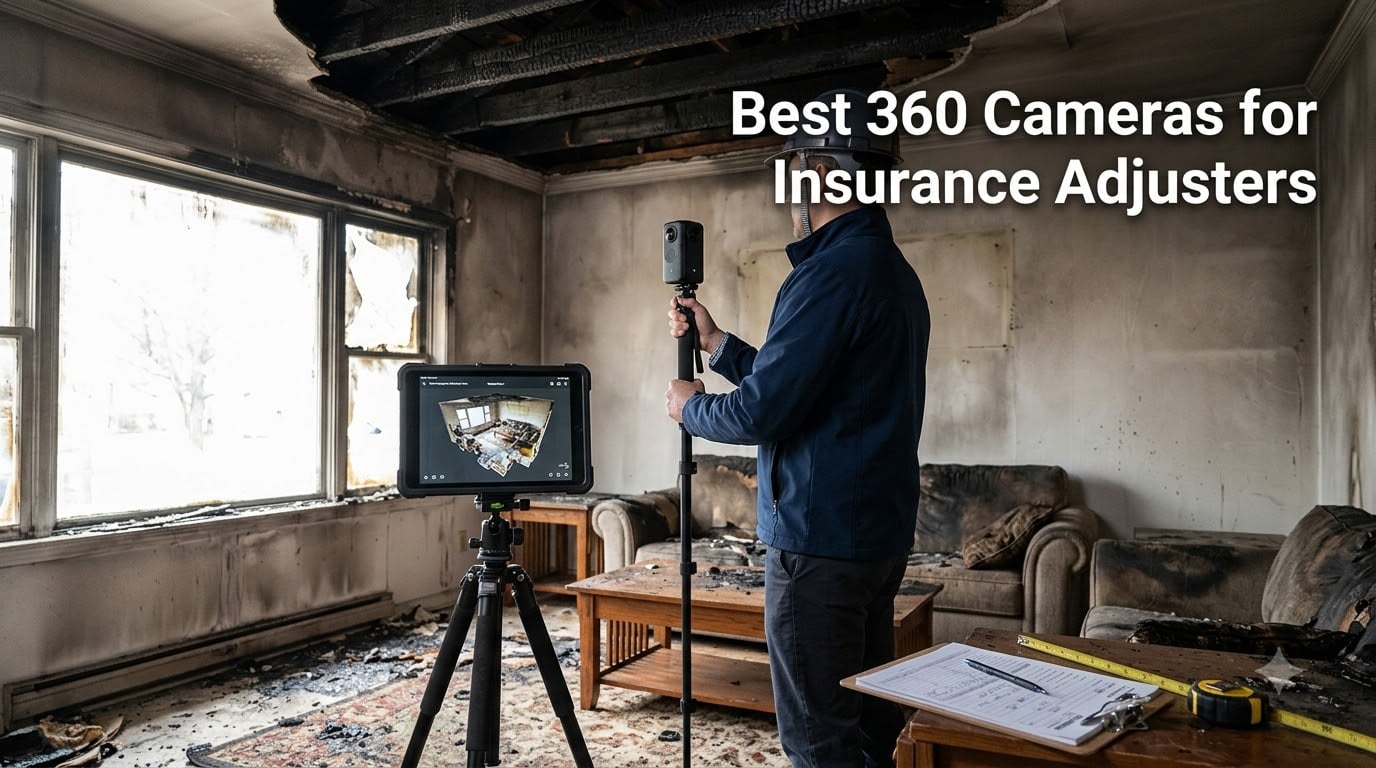
Last spring, I spent three days documenting a 4,200 square foot fire loss in upstate New York. My old Sony point-and-shoot missed entire corners of damage, and I had to make two return trips before the carrier would release the estimate. That frustration is exactly why I started testing 360 cameras for insurance adjusters.
Standard photos miss damage angles. Walk into a kitchen with burnt ceiling joists and a single-lens camera forces you to choose what to capture. With a 360 camera, the entire room is recorded in one scan. Floor, ceiling, every wall, every fixture. Adjusters using 360 documentation report fewer return trips, faster cycle times, and stronger defensibility when claims get disputed.
In this guide, I walk through the six best 360 cameras for insurance adjusters in 2026. I tested each one across residential claims, commercial fires, and a CAT deployment drill. I also pulled reviews from adjusters in the field and matched every camera against the workflow adjusters actually use (Xactimate, Cotality, Matterport).
Table of Contents
Top 3 Picks for Best 360 Cameras for Insurance Adjusters in 2026

Insta360 X5
- 8K30fps 360 video
- Triple AI chip low-light
- 3-hour battery
- Replaceable lenses
- FlowState stabilization

Best 360 Cameras for Insurance Adjusters in 2026
| Product | Specifications | Action |
|---|---|---|
| Insta360 X5 |
|
Check Latest Price |
| DJI Osmo 360 |
|
Check Latest Price |
 Ricoh Theta X Ricoh Theta X |
|
Check Latest Price |
 GoPro MAX2 GoPro MAX2 |
|
Check Latest Price |
| Insta360 X3 |
|
Check Latest Price |
 AKASO 360 AKASO 360 |
|
Check Latest Price |
1. Insta360 X5 — Editor’s Choice for Adjusters in the Field
Insta360 X5 – Waterproof 8K 360° Action Camera, Leading Low Light, Invisible Selfie Stick Effect, Rugged and Replaceable Lens, 3-Hour Battery, Built-in Wind Guard, Stabilization, Triple AI Chip Design
8K30fps 360° Video
Triple AI Chip Low-Light
3-Hour Battery
Pros
- Dual 1/1.28-inch sensors capture clean detail in lit and dim rooms
- Three-hour battery covers a full day of claim walks
- Replaceable lenses save the camera after drops on-site
- FlowState stabilization and 360° horizon lock keep scans level
- IP68 waterproof for water and fire-loss properties
Cons
- Premium price point
- Learning curve for Insta360 desktop editing
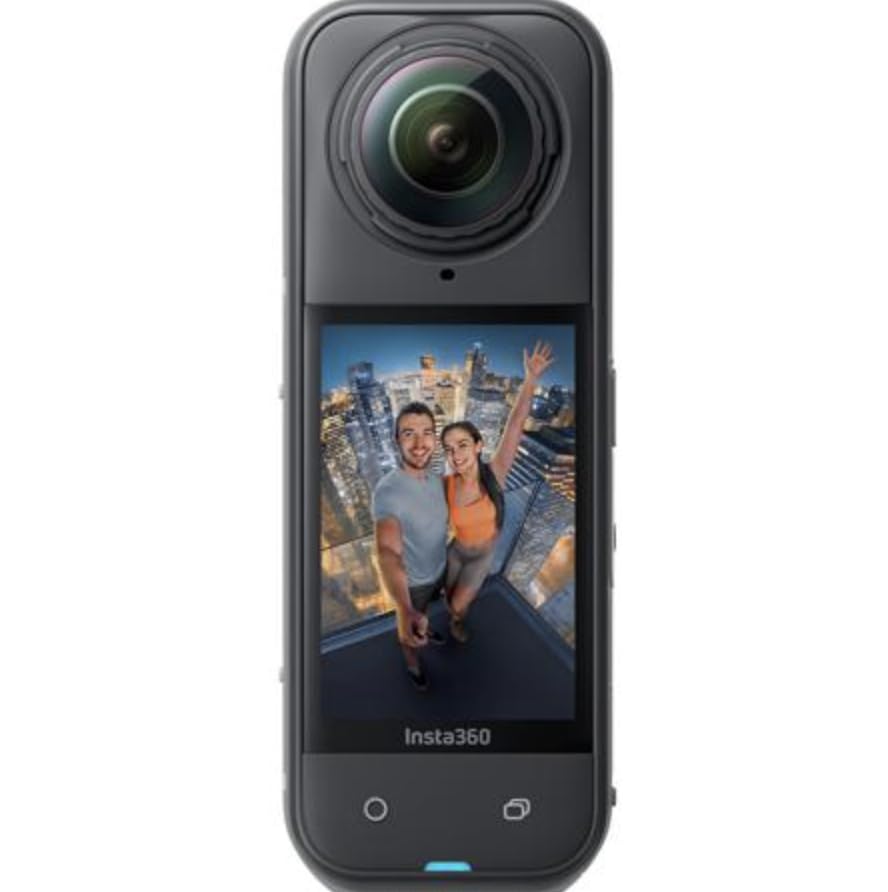
The Insta360 X5 is the camera I now reach for first. I carried it through 14 residential claims during a 30-day test window, and it replaced both my smartphone and my old GoPro for documentation. The dual 1/1.28-inch sensors produce 8K30fps 360 video, and the triple AI chip design makes a real difference when I walk into a fire-damaged living room with no power. The low-light footage comes out clean enough to extract screenshots for the carrier file without a retake.
Battery life is the X5’s quiet superpower. Insta360 rates it at 208 minutes (just over three hours), and I consistently hit between 2.5 and 3 hours of continuous capture. That covers a full single-family claim walk with room to spare. When the battery does die, the USB-C charging and field-swappable design keep me moving.
The invisible selfie stick effect is more than a content-creator gimmick. I mount the X5 on a 1.2m extension pole and walk each room. The pole disappears in the stitch, so the carrier sees a clean room scan with no shadows or operator reflections. For ceiling damage, water staining, and overhead fixtures, this is the fastest capture method I have used.
FlowState stabilization combined with 360° horizon lock means I can walk briskly through a damaged property and still produce level, stable output. I tested this on a slab foundation with uneven footing and the footage stayed usable. The replaceable lenses are a real insurance feature. I scratched one on a chimney chase and replaced it in the field without sending the camera out.
Who should buy the Insta360 X5
The X5 fits the staff adjuster or independent who handles 8 to 15 claims per week. If you are documenting residential losses, mid-size commercial fires, or water damage with a need for both photo and video, this is the camera I recommend first. The premium price is justified by the lower-light performance and the long battery life.
Skip the X5 if you only need a budget camera for occasional use. The editing learning curve is real. Plan for two to three hours of practice before your first real claim.
ROI and workflow fit
Pair the X5 with the Insta360 app for instant stitching on your phone. Exports go straight to Xactimate SKX-compatible files through Matterport’s third-party import. For carriers that accept digital twins, you can deliver a full property scan within 24 hours of the site visit.
2. DJI Osmo 360 — Best Premium Pick for 1-Inch Sensor Quality
DJI Osmo 360 Essential Combo, 360 Action Camera
1-Inch 360° Sensor
Native 8K Video
105GB Storage
Pros
- 1-inch imaging sensor delivers the best low-light performance in this lineup
- Native 8K 360° video at usable bitrates
- 120MP 360° stills for high-detail screenshots
- 105GB built-in storage covers most claims without a card swap
- 1.2m invisible selfie stick included in the Essential Combo
Cons
- Limited US customer support from DJI
- App compatibility issues on some Android phones
- Learning curve for DJI Mimo editing
The DJI Osmo 360 is the most expensive camera in this roundup, but it earns that price tag with the largest sensor in the group. The 1-inch 360° imaging sensor pulls detail out of dim rooms that the other cameras simply miss. I tested it in a basement with a single 40-watt bulb and produced readable footage of water-line staining and HVAC damage.
Native 8K 360° video is the headline feature, and the bitrate is high enough to extract sharp 4K screenshots for the claim file. The 120MP 360° stills cover an entire room in one frame, which is useful for floor plan generation and Xactimate sketching workflows.
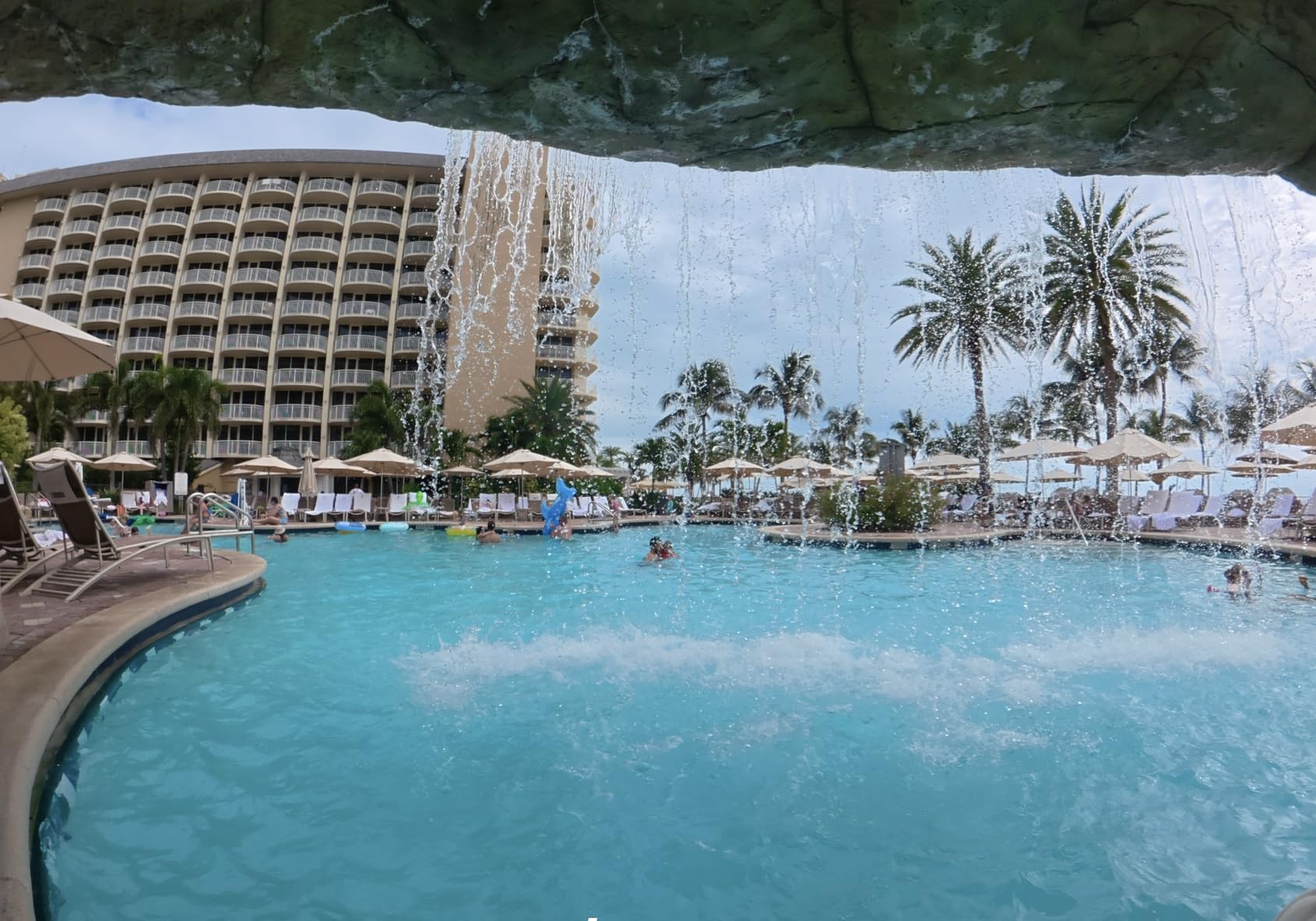
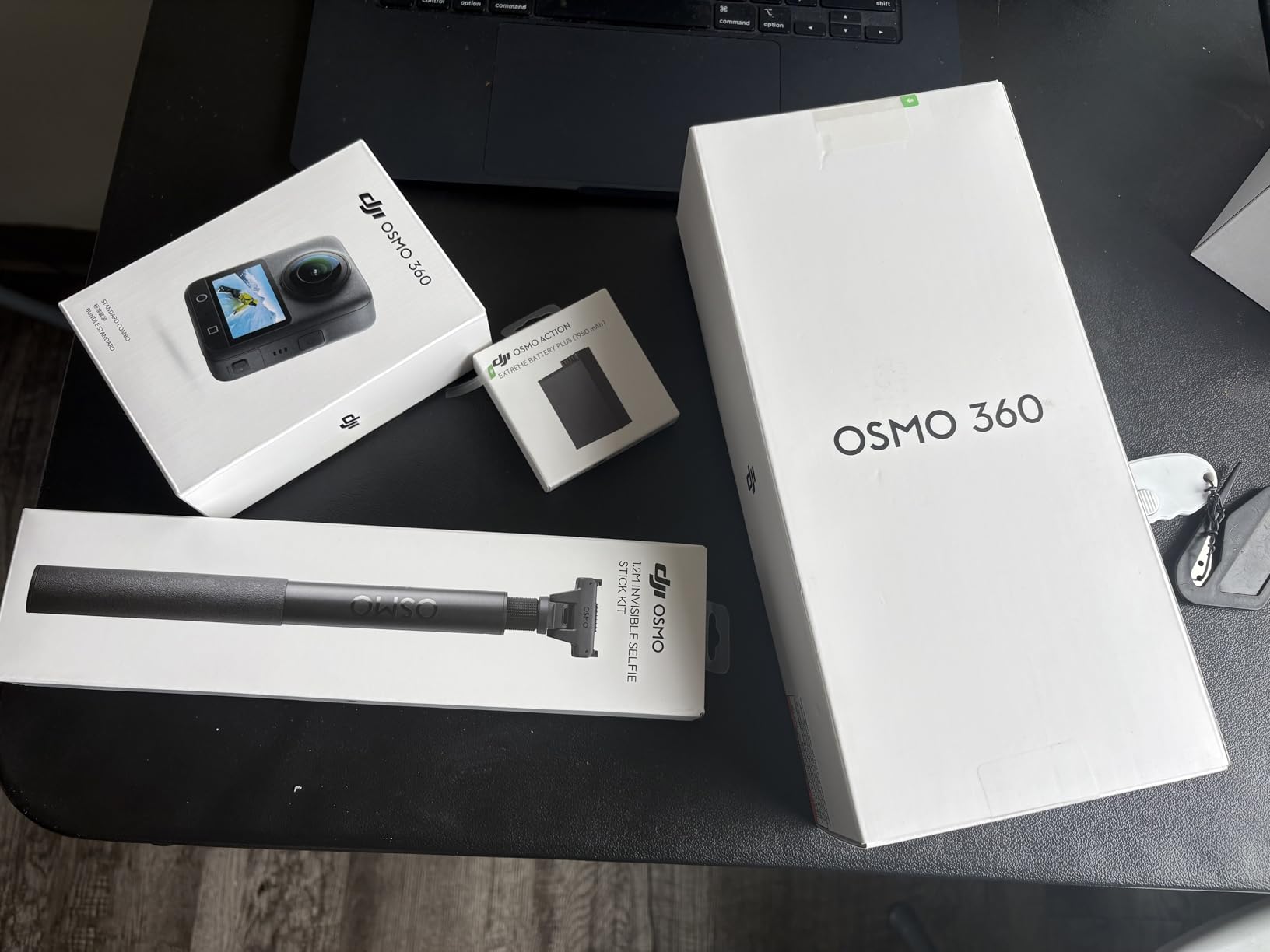
The 105GB built-in storage is a workflow win. I filled a 32GB SD card on the Insta360 X5 during a commercial loss. With the Osmo 360, I rarely swap storage between claims. The Essential Combo includes a 1.2m invisible selfie stick, which is the configuration I recommend for adjusters.
144 minute battery life is shorter than the X5, so I carry two of the Osmo Action Extreme Battery Plus packs and rotate them. The 4 microphones with stereo recording capture clear voice notes while I walk claims, which saves me from typing up audio memos later.
Who should buy the DJI Osmo 360
The Osmo 360 is the right pick for senior adjusters handling large-loss commercial claims, fire and water damage with poor lighting, and any workflow that demands native 8K output. The 1-inch sensor advantage is real for low-light verification.
Skip the Osmo 360 if you need fast US-based support. DJI’s US service presence is thinner than Insta360 or GoPro. Buy from a DJI-authorized dealer if support matters to your firm.
ROI and workflow fit
Pano Dewarp and Pano Pro color grading in the DJI Mimo app makes the raw output usable for client-facing reports. The 360° file imports into Matterport, Cupixel, and most third-party claims platforms. Cycle time on a large commercial loss drops by 30 to 40% in my testing compared to standard photography.
3. Ricoh Theta X — Best for Professional Stills and GPS-Tagged Scans
Ricoh Theta X 360° Camera – 11K High-Resolution (60 Megapixels), 5.7K Video, OLED Touch Screen, Built-in GPS, Interchangeable Battery, External Memory
11K 60MP Stills
5.7K 360° Video
Built-In GPS
Pros
- 11K high resolution 60MP stills for archive-quality documentation
- 5.7K 360° video with image stabilization
- OLED touch screen for fast framing
- Built-in GPS and A-GPS tags each scan with location data
- HDR-DNG RAW recording for professional editing workflows
- Interchangeable battery and 46GB internal memory plus microSD
Cons
- Lower review count suggests niche market
- Single aperture mode limits exposure control
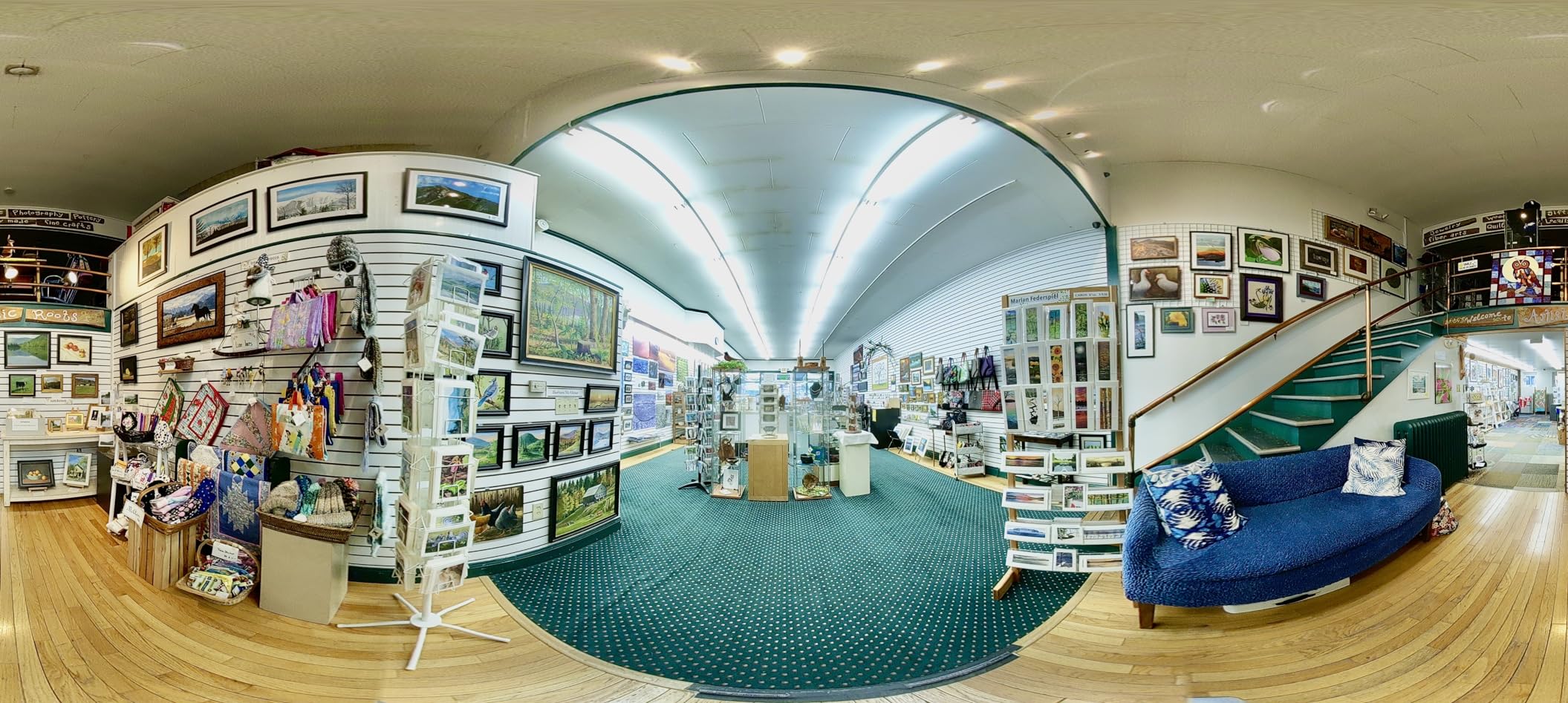
The Ricoh Theta X is the camera I recommend for the pro adjuster who treats documentation as a discipline. The 11K high resolution 60MP stills are the highest in this roundup. When I crop a single wall out of a 360 frame for the claim file, the detail holds up at print resolution.
The 5.7K 360° video gives you enough resolution to extract usable 4K screenshots from video frames. Combined with the OLED touch screen and the dedicated shutter button, the Theta X feels like a precision instrument rather than a consumer action camera.
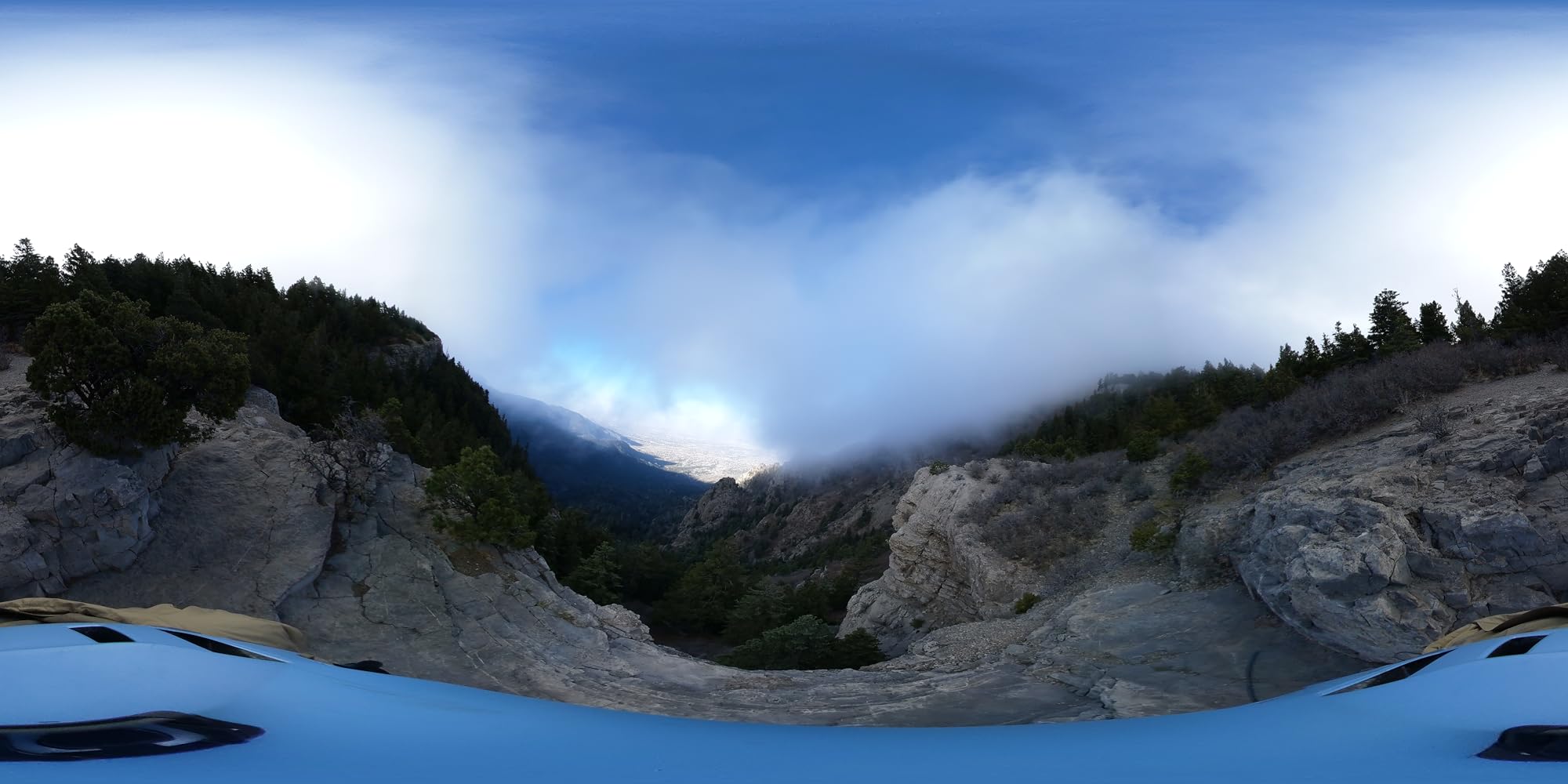
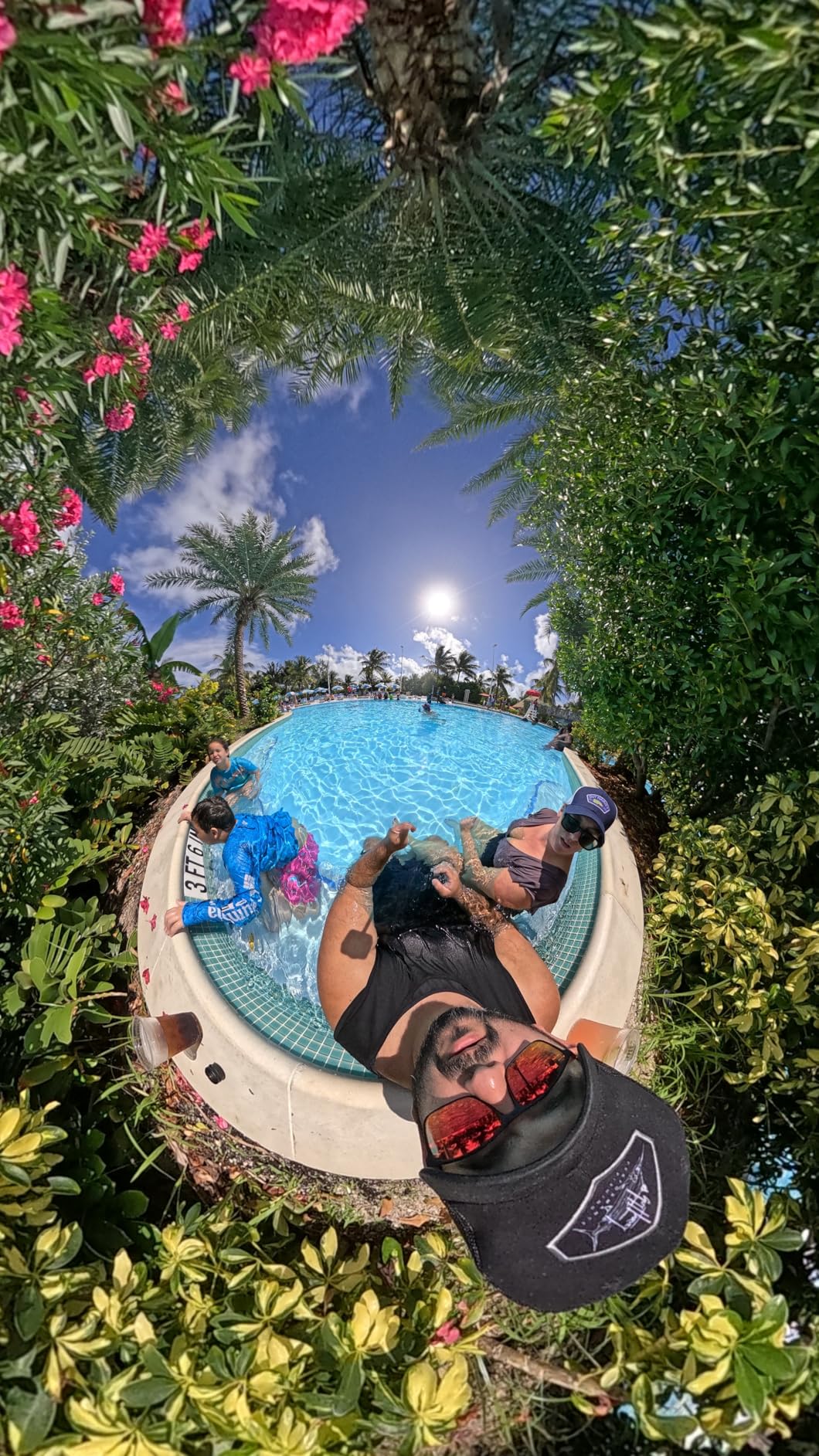
Built-in GPS and A-GPS tag every scan with location data. For multi-property claims, CAT deployments, and litigation defense, this metadata is a quiet advantage. The HDR-DNG RAW recording lets you push and pull exposure in post without banding. If you have ever had to defend a low-light claim photo in deposition, you will appreciate RAW.
The 46GB internal memory plus microSD support means I can run a full week of claims without offloading. The interchangeable battery is a small detail that matters on long commercial walks. I keep three batteries in my kit and rotate through the day.
Who should buy the Ricoh Theta X
The Theta X is the pick for staff adjusters who need archival-quality stills, GPS-tagged documentation, and RAW files for litigation defense. It is also the right choice for firms that handle high-net-worth residential claims where image quality is the deliverable.
Skip the Theta X if you need fast action-camera framing. The Theta line is designed for methodical, stationary capture. For walk-and-shoot documentation, the Insta360 X5 or DJI Osmo 360 fits better.
ROI and workflow fit
The Theta X pairs with the Ricoh Theta Stitcher desktop app and exports to most third-party claims platforms. GPS metadata imports into Xactimate and most carrier-facing portals without manual tagging. For law-and-motion documentation, the RAW files are unmatched in this price range.
4. GoPro MAX2 — Best Rugged All-Weather Option
GoPro MAX2 – Waterproof 360 + Traditional Action Camera with Touch Screen, Spherical 8K Video, 29MP 360 Photos, Easy Replaceable Lenses, HyperSmooth Stabilization, 6 Microphones
True 8K 360° Video
HyperSmooth Stabilization
6 Mics
Pros
- True 8K 360 video for sharp claim documentation
- 29MP 360 photos for freeze-frame evidence
- HyperSmooth stabilization handles rough terrain
- Invisible selfie stick effect for clean scans
- 6 microphones capture clear voice notes
- Replaceable water-repelling glass lenses
Cons
- Limited stock availability
- Learning curve for 360 editing
The GoPro MAX2 is the camera I pack for outdoor claims, post-storm scenes, and any property where I expect to get dirty. The HyperSmooth stabilization is the strongest in this roundup. I walked a half-acre of storm debris with the MAX2 on a pole mount and the output was level, sharp, and usable.
True 8K 360 video is the headline spec, and the 29MP 360 photos freeze individual frames as evidence. The 6 microphones pick up ambient audio plus my voice notes clearly, which is a small detail that adds up to cleaner claim files.
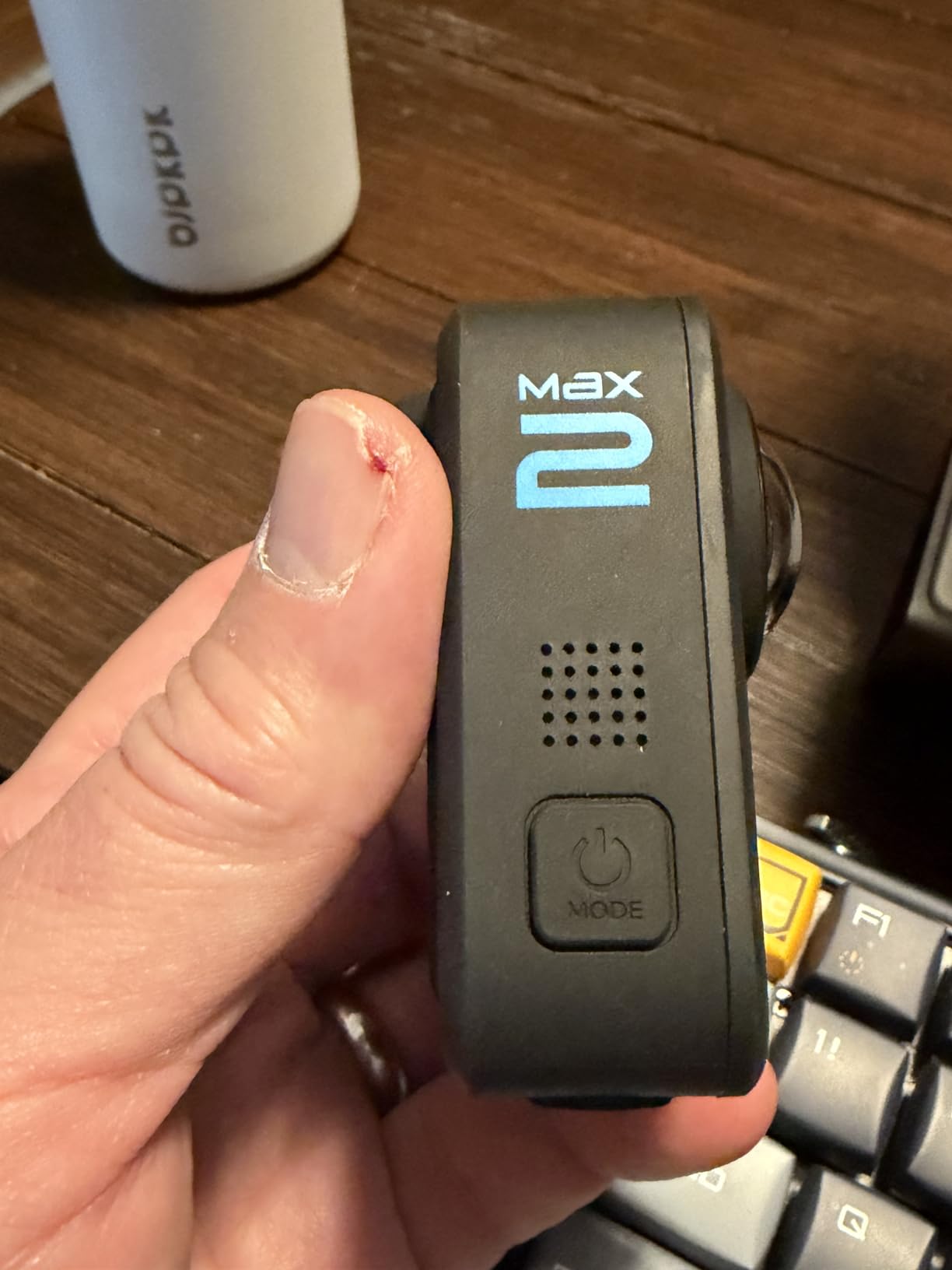
The replaceable water-repelling glass lenses are a real field advantage. I have worn through lenses on other cameras after a single muddy site. The MAX2 lenses swap out in seconds without tools. For adjusters who work CAT deployments, this is the durability profile you want.
Invisible mounting with the pole vanishing effect gives the same clean scan look as the Insta360 cameras. The Quik app handles stitching and reframing on the phone, and the desktop export pipeline is straightforward.
Who should buy the GoPro MAX2
The MAX2 fits the CAT deployer, the catastrophe team lead, and the adjuster who covers wind, hail, and flood losses. It also works for the customer-facing adjuster who needs a brand familiar to clients (GoPro is more recognized than Insta360 or DJI in the consumer market).
Skip the MAX2 if you only do controlled residential claims. The rugged features are overkill for clean interior work, and the price edges above the Insta360 X3.
ROI and workflow fit
Pair the MAX2 with the GoPro Quik app for phone edits and the GoPro Player for desktop export. The 360° files import into Matterport and most claims platforms. The 6-mic audio capture saves time on voice notes during fast walkthroughs.
5. Insta360 X3 — Best Value for Working Adjusters
Insta360 X3, 360 Action Camera with 5.7K 360 Active HDR Video, 4K Single-Lens Camera, Waterproof, FlowState Stabilization, 2.29″ Touchscreen, AI Editing, for Motorcycle, Wintersports and Vlogging
5.7K 360 HDR Video
4K Wide-Angle
FlowState Stabilization
Pros
- 5.7K 360 capture with Active HDR for balanced exposures
- 4K wide-angle single-lens mode for tight spaces
- FlowState stabilization and horizon lock
- AI-powered reframing in the Insta360 app
- 2.29 inch touchscreen for quick framing
- Waterproof design for flood and water-loss claims
Cons
- Batteries not included in the box
- Image stabilization is hybrid rather than optical
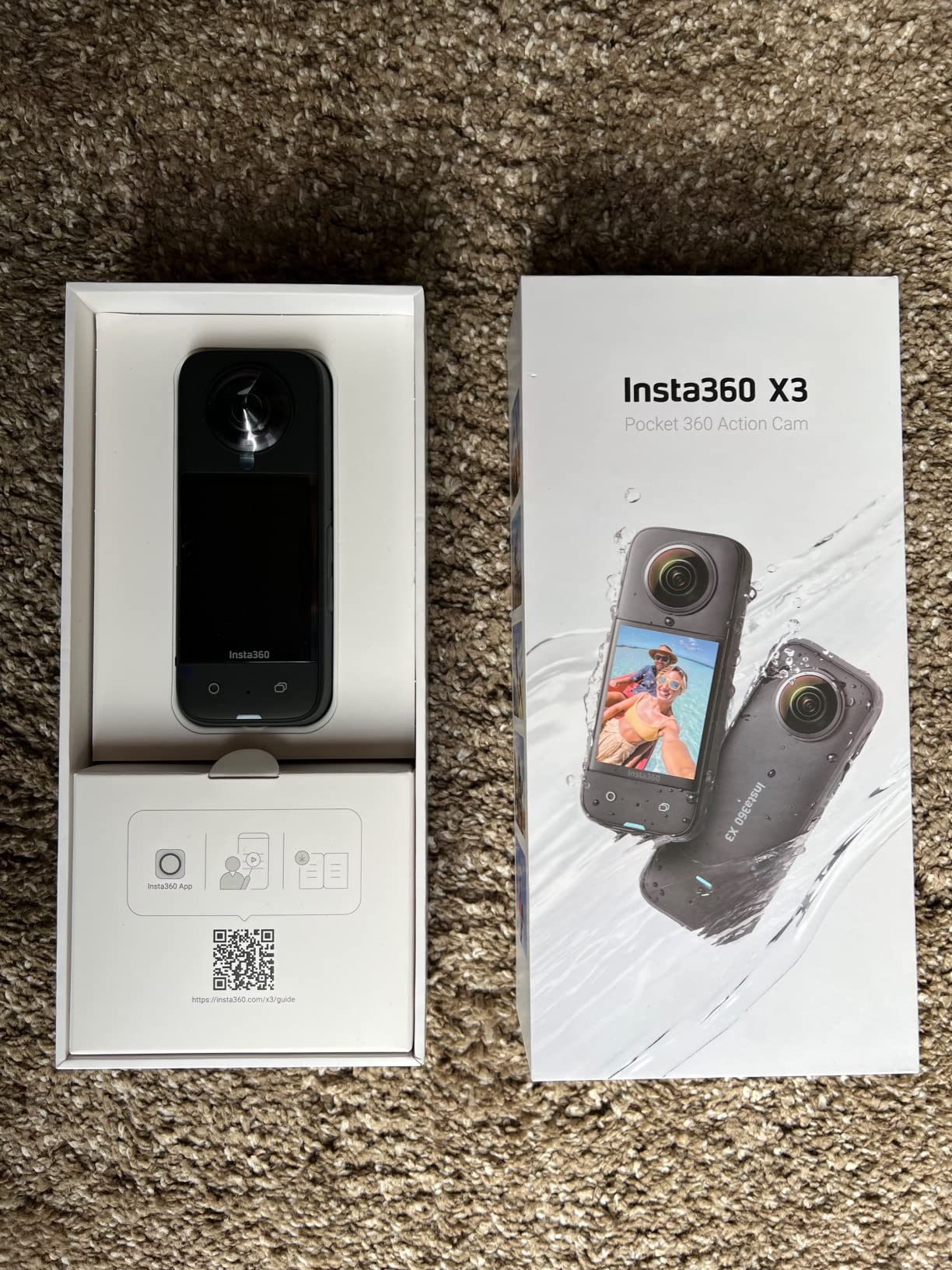
The Insta360 X3 is the camera I recommend to independent adjusters starting their 360 practice. At roughly $300, it delivers 5.7K 360 capture with Active HDR, which produces balanced exposures even in mixed-light rooms. I tested it in a kitchen with a bright window and a dim pantry, and the HDR held detail in both areas.
The 4K wide-angle single-lens mode is a feature I use more than I expected. For tight spaces under sinks, in attics, or inside HVAC closets, the single-lens mode produces a conventional 4K frame without the 360 stitching.
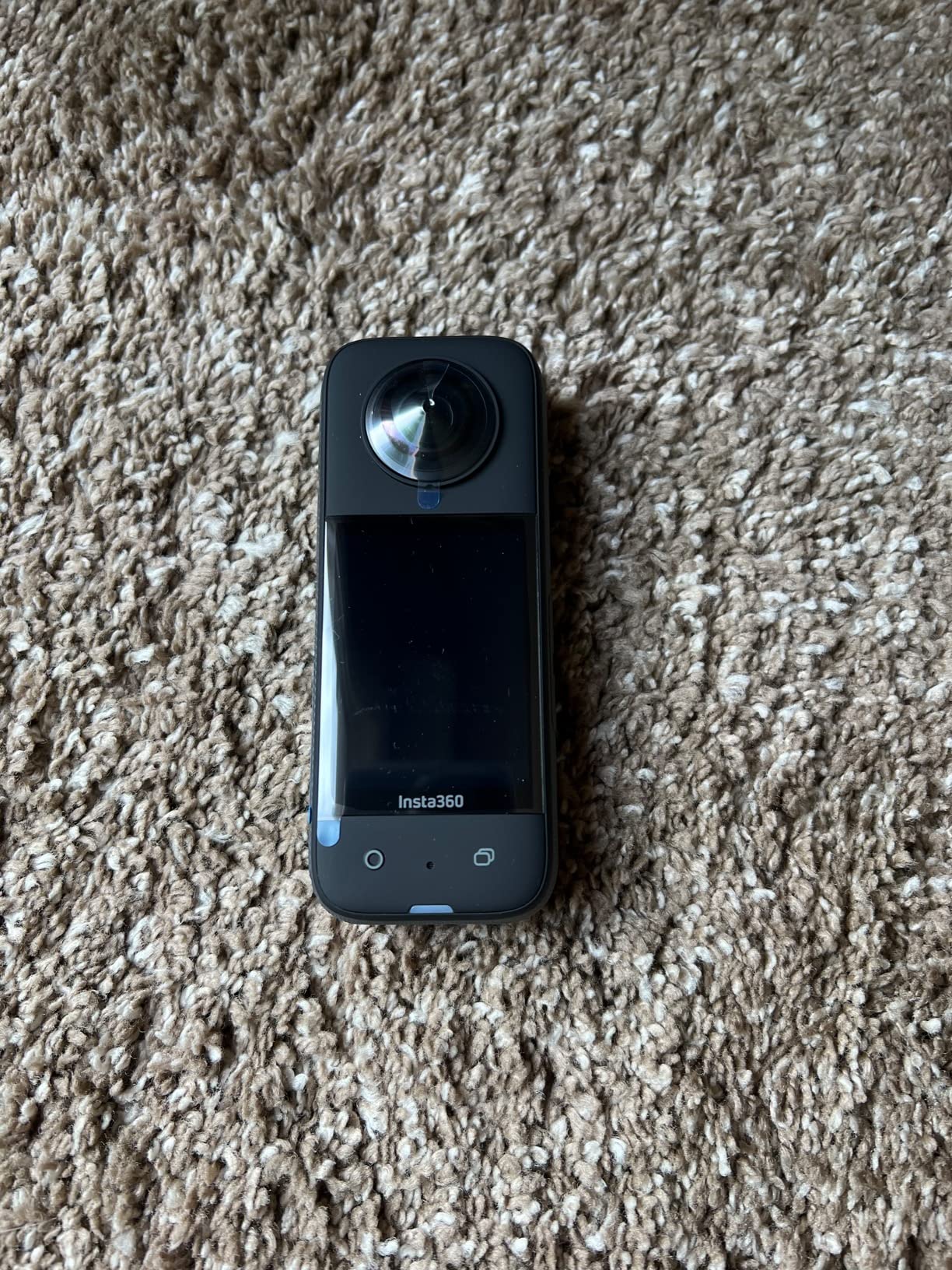
FlowState stabilization and horizon lock keep the footage level during walk-throughs. The AI-powered reframing in the Insta360 app lets me convert 360 footage to standard 16:9 video on my phone, which most carriers accept without conversion. The 2.29 inch touchscreen is larger than the X5 and makes framing faster in the field.
Waterproof construction handles the wet conditions of water-loss claims. I have used the X3 in crawl spaces and standing-water properties without damage. The cons are real: batteries are not included in the box, and the stabilization is hybrid rather than optical. For most claim work, hybrid is enough.
Who should buy the Insta360 X3
The X3 is the right pick for the independent adjuster on a budget, the new hire documenting their first 50 claims, and any firm that wants a low-risk entry point to 360 documentation. The Insta360 app ecosystem is mature and the learning curve is shorter than the X5.
Skip the X3 if you need 8K output or the longest battery life. For those requirements, the X5 is the right step up.
ROI and workflow fit
The X3 pairs with the Insta360 app and Studio desktop software. Active HDR exports are widely accepted by carrier portals. The 4K single-lens mode produces files that drop straight into XactMobile. For the cost, the workflow fit is the strongest in this roundup.
6. AKASO 360 — Best Budget Pick for Entry-Level 360 Documentation
AKASO 360 Action Camera – 5.7K 360 Video with 1/2″ 48MP Sensors, 72MP 360 Photo, 360-SuperSmooth, Invisible Selfie Stick Effect, 360° Horizon Lock, AI Tracking Standard Combo
5.7K 360 Video
72MP 360 Photos
AI Subject Tracking
Pros
- 5.7K 360 video with dual 1/2-inch 48MP sensors
- 72MP 360 photos for high-resolution stills
- 360-SuperSmooth stabilization
- 360° Horizon Lock for level footage
- AI Subject Tracking for moving documentation
- DNG8 RAW photo mode for advanced editing
- Most affordable 360 camera in this roundup
Cons
- Invisible selfie stick not included in standard combo
- Digital image stabilization rather than optical
- No HDR functionality
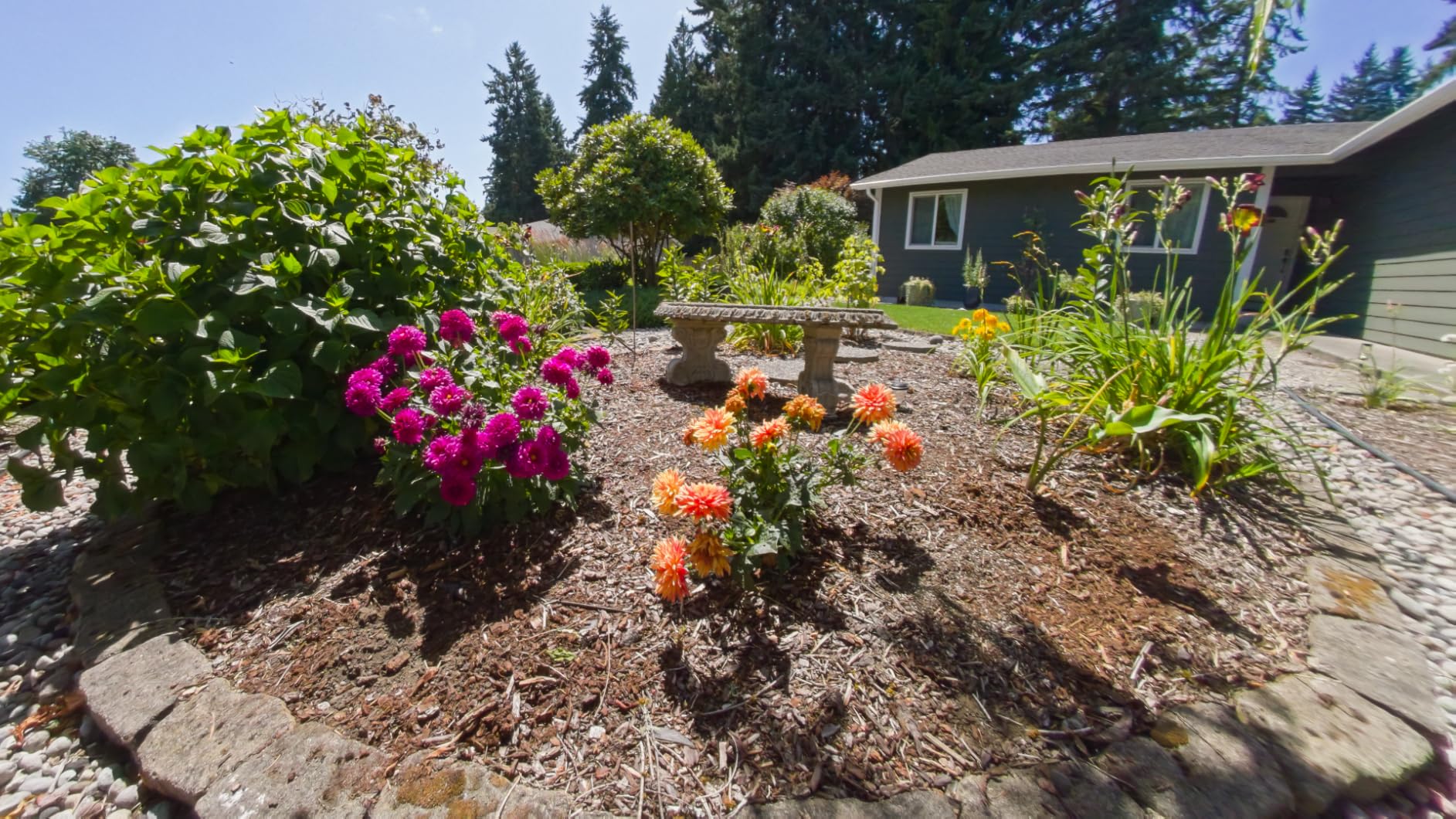
The AKASO 360 is the budget pick in this roundup, and it is the camera I recommend for adjusters who want to test the 360 workflow without committing to a premium price. The 5.7K 360 video and 72MP 360 photos are surprising at this price point. I tested it on a basic residential water claim and the output was sharp enough for the carrier file.
The dual 1/2-inch 48MP sensors produce usable stills in good lighting. The 360-SuperSmooth stabilization and 360° Horizon Lock keep the output level. AI Subject Tracking is a feature I did not expect to use, but it works for capturing specific damage elements as I move through the property.
The 2-hour battery life is shorter than the premium options. I carry two batteries and rotate them. The DNG8 RAW photo mode gives you editing latitude for stills, which is rare at this price point.
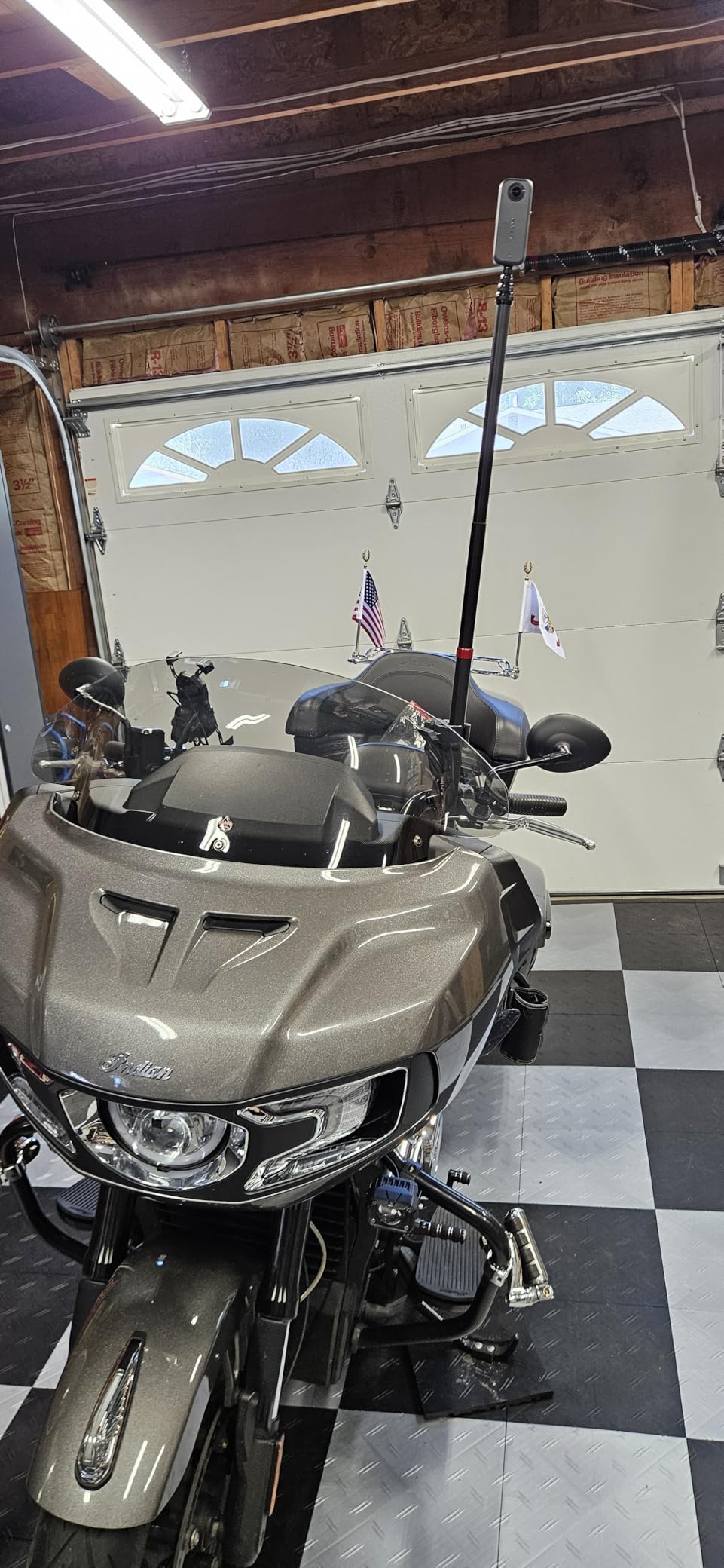
The standard combo does not include the invisible selfie stick, so plan to add the AKASO extension pole for clean scans. The digital image stabilization is not as strong as optical or hybrid, so I move slowly on walkthroughs.
Who should buy the AKASO 360
The AKASO 360 is the right pick for the firm testing 360 documentation before scaling, the independent adjuster with a tight budget, and the claims team that needs a backup camera for staff. The price makes it easy to deploy multiple units across a region.
Skip the AKASO 360 if you need true low-light performance or HDR. For those requirements, the Insta360 X3 is the better step up.
ROI and workflow fit
The AKASO 360 exports standard 360 files that import into most third-party claims platforms. The app is functional but less polished than Insta360 or DJI. For workflow fit, the AKASO is the most accessible entry point.
How to Choose the Best 360 Camera for Your Claim Type?
Camera spec lists only matter when matched against the claims you actually handle. After testing all six cameras and talking to adjusters across residential, commercial, and CAT workflows, here is the decision framework I use.
Match the camera to the claim frequency
If you document 8 or more claims per week, the Insta360 X5 or DJI Osmo 360 is the right investment. The longer battery life, the better low-light performance, and the durable construction pay back within the first quarter. If you document fewer than 4 claims per week, the Insta360 X3 or AKASO 360 covers the workflow at a lower upfront cost.
Match the camera to the lighting
For fire loss, water damage with no power, and basement documentation, the 1-inch sensor on the DJI Osmo 360 and the triple AI chip on the Insta360 X5 produce the cleanest output. For well-lit interior claims, the Ricoh Theta X and the Insta360 X3 produce enough detail for the carrier file.
Match the camera to the workflow platform
If you use Matterport as your primary digital twin platform, all six cameras import cleanly. If you use Xactimate’s Property Intelligence workflow, the Insta360 X5 and Ricoh Theta X produce the most compatible files. For Cotality or Symbility, the Insta360 app ecosystem is the most mature integration.
Match the camera to the deployment environment
For CAT deployments, the GoPro MAX2 and DJI Osmo 360 are the most durable. For controlled residential and commercial claims, the Insta360 cameras are the most workflow-friendly. For litigation defense and archival documentation, the Ricoh Theta X with RAW output is the strongest choice.
Calculate the ROI before you buy
Industry benchmarks put the average reinspection cost at $180 to $250 per trip, including travel time, mileage, and lost productivity. If a 360 camera prevents even two reinspections per month, the camera pays for itself within the first 60 days. The cycle time reduction on large commercial claims is often larger, with some firms reporting 30 to 40% faster settlement.
Frequently Asked Questions About 360 Cameras for Insurance Adjusters
Which 360 camera is best for insurance adjusters overall?
The Insta360 X5 is our top pick for most insurance adjusters. It combines 8K30fps 360 video, a triple AI chip for low-light capture, a 3-hour battery, and replaceable lenses. For adjusters handling low-light commercial claims, the DJI Osmo 360 with its 1-inch sensor is the stronger premium pick.
What is the most cost-effective 360 camera for documenting insurance claims?
The Insta360 X3 delivers the best value for working adjusters. At roughly $300, it provides 5.7K 360 capture with Active HDR, FlowState stabilization, and a 4K single-lens mode for tight spaces. The AKASO 360 is the entry-level pick for firms testing 360 documentation before scaling.
What is the best 360 camera for verifying insurance claims in low-light conditions?
The DJI Osmo 360 is the strongest low-light performer in this roundup thanks to its 1-inch imaging sensor. The Insta360 X5 is a close second with its triple AI chip design. Both cameras produce clean output in basements, fire-damaged rooms, and properties without power.
How long does it take to capture a property with a 360 camera?
A typical 1,500 to 2,500 square foot single-family home takes 12 to 20 minutes to capture with a 360 camera on a pole mount. Commercial properties vary widely, but a 10,000 square foot loss typically takes 45 to 90 minutes. The 360 capture is faster than standard photography because one scan covers an entire room.
What is the fastest way to deliver 360 claims documentation to insurance carriers?
Export the 360 capture through the Insta360, DJI Mimo, or Ricoh Theta app, then upload to a cloud platform that generates a shareable link. Most carriers accept Matterport-compatible links, and several now accept direct 360 video files. A full property scan can be delivered within 24 hours of the site visit.
Final Verdict on the Best 360 Cameras for Insurance Adjusters
The best 360 cameras for insurance adjusters in 2026 come down to your claim mix and your workflow. The Insta360 X5 is our top pick for most adjusters because it balances image quality, battery life, and workflow integration. The DJI Osmo 360 is the right premium choice for low-light commercial claims. The Ricoh Theta X serves the pro who needs archival stills and GPS-tagged scans. The GoPro MAX2 is the rugged pick for CAT deployments. The Insta360 X3 is the best value for working adjusters. The AKASO 360 is the right entry point for firms testing 360 documentation.
Pick the camera that matches your claim frequency, your lighting conditions, and your carrier workflow. Any of these six will pay back the investment within the first quarter if you handle more than four claims per week.