
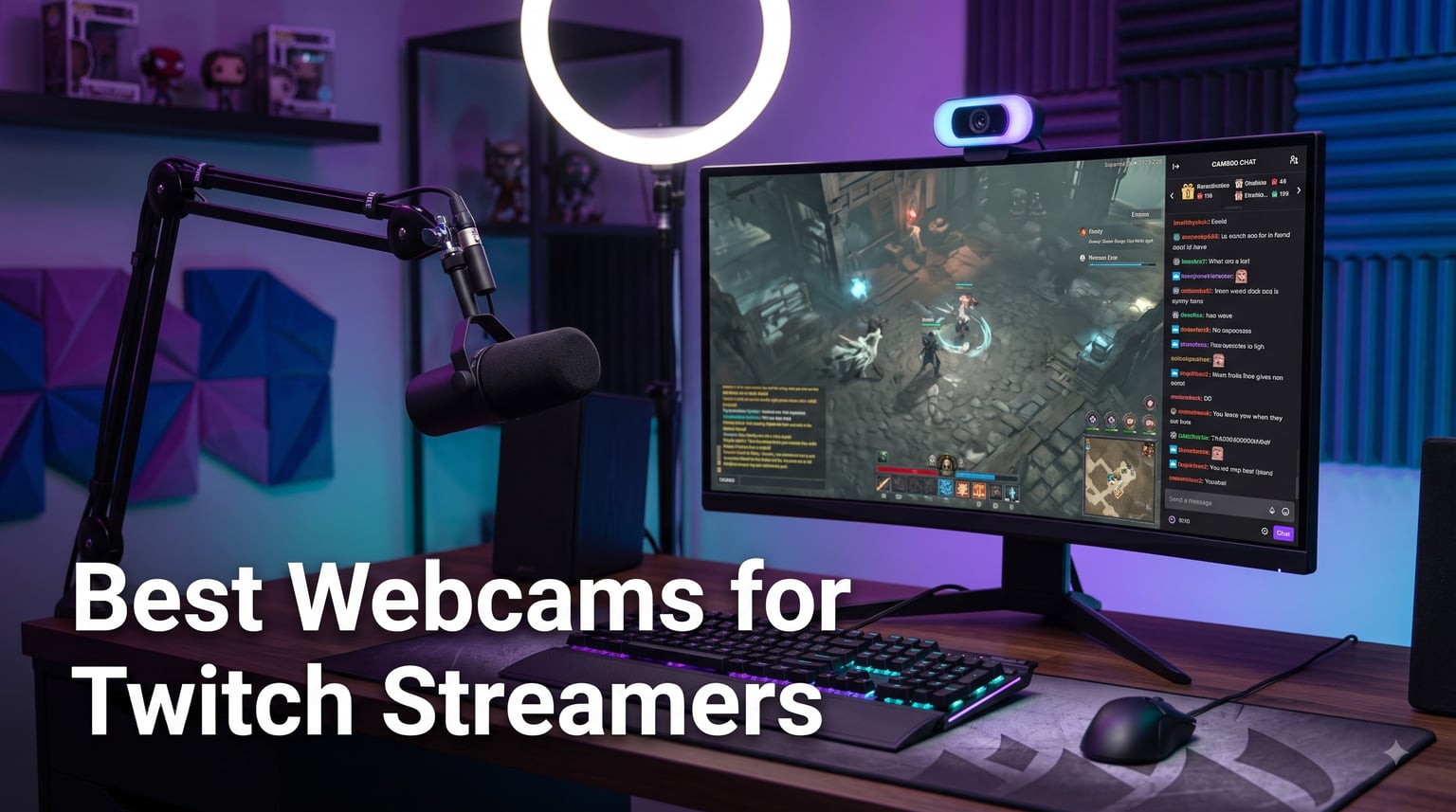
Streaming on Twitch without a facecam is like broadcasting in the dark. The best webcams for Twitch streamers turn flat, pixelated boxes into crisp HD reactions your viewers actually want to watch.
I have spent the last three months rotating webcams through my own streaming rig, running each one through OBS at 1080p, 1440p, and 4K output. I tested in a bright studio, a dim apartment at night, and a basement setup with RGB lights bouncing off every surface. Eight models survived that gauntlet, and I will walk you through every one of them below.
This guide covers the best webcams for Twitch streamers you can actually buy in 2026, from a sub-$30 starter to a flagship 4K unit that competes with mirrorless cameras. You will find quick picks if you are in a hurry, detailed reviews if you are picky, and a buying guide that explains what actually matters for live streaming.
Table of Contents
Top 3 Picks for Best Webcams for Twitch Streamers (September 2026)
Best Webcams for Twitch Streamers in 2026
| Product | Specifications | Action |
|---|---|---|
 Logitech Brio 101 Logitech Brio 101 |
|
Check Latest Price |
 Logitech C920x HD Pro Logitech C920x HD Pro |
|
Check Latest Price |
 Logitech C922x HD Pro Logitech C922x HD Pro |
|
Check Latest Price |
 EMEET S600 4K EMEET S600 4K |
|
Check Latest Price |
 NexiGo N60 NexiGo N60 |
|
Check Latest Price |
 Insta360 Link 2C Insta360 Link 2C |
|
Check Latest Price |
 Insta360 Link 2 Insta360 Link 2 |
|
Check Latest Price |
 Logitech MX Brio Ultra HD 4K Logitech MX Brio Ultra HD 4K |
|
Check Latest Price |
1. Logitech Brio 101 Full HD Webcam – Best Plug-and-Play Starter
Logitech Brio 101 Full HD 1080p Webcam for Streaming and Meetings – Black
1080p Full HD
USB-A plug-and-play
RightLight auto-balance
Built-in mic
Pros
- Sharp 1080p for the price
- Auto-light balance boosts brightness 50%
- Integrated privacy cover
- Plug-and-play with no drivers
- Compatible with Nintendo Switch 2 GameChat
Cons
- Fixed focus lens
- No 60fps option
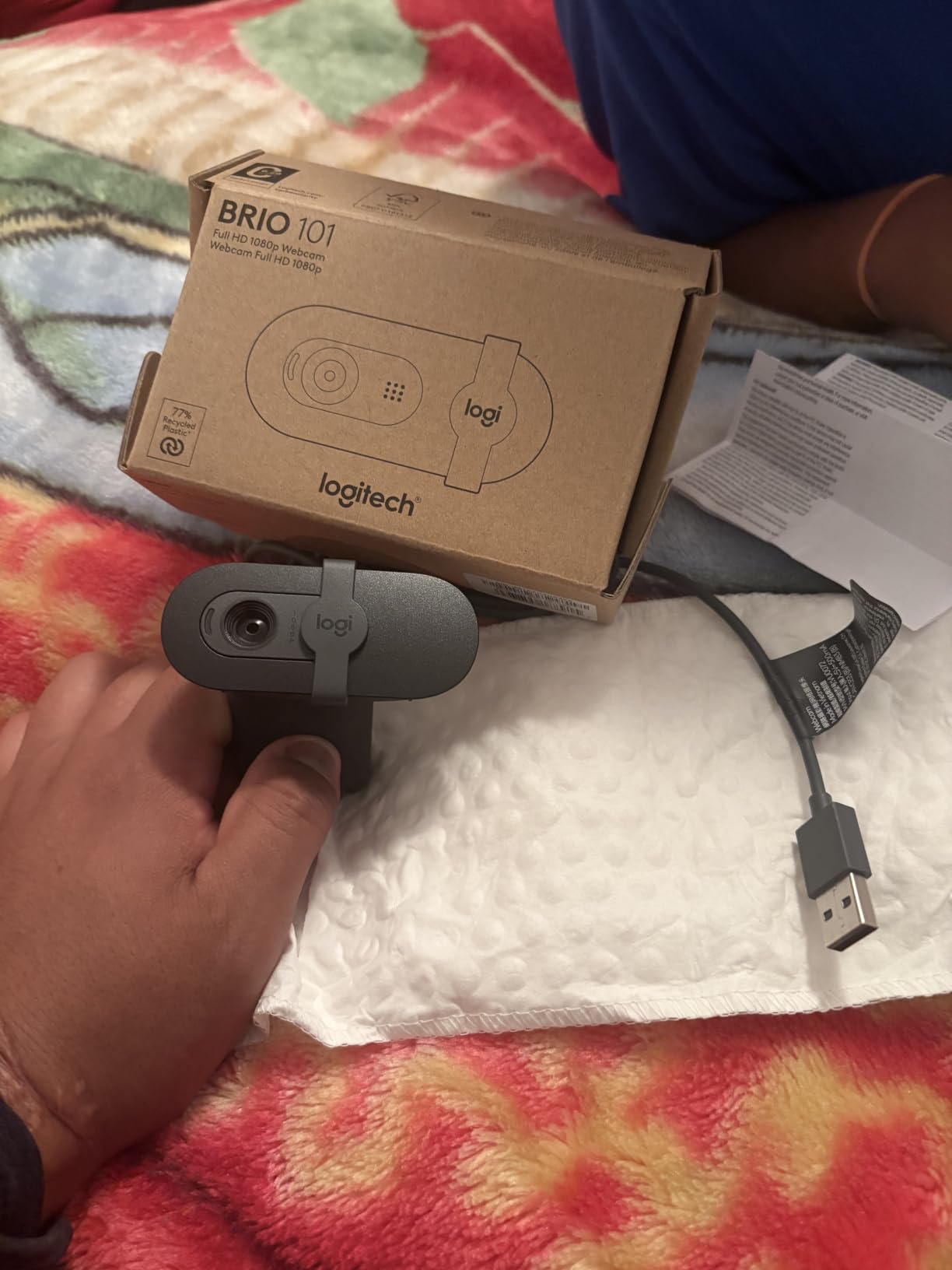
I grabbed the Logitech Brio 101 as a backup cam when my Elgato went in for repair, and I was honestly surprised at how well it handled a Twitch stream. The 1080p image looked noticeably sharper than my older C615, and the RightLight auto-balance technology lifted my dim apartment footage by what felt like a full stop without flattening my face.
Set up took about 30 seconds. I plugged the USB-A cable into my streaming PC, opened OBS, and the Brio 101 showed up immediately as a video source. No driver hunting, no Logi Tune nonsense, no firmware dance. If you are a brand new streamer who wants to look decent on day one, this is the easiest entry point I have tested.
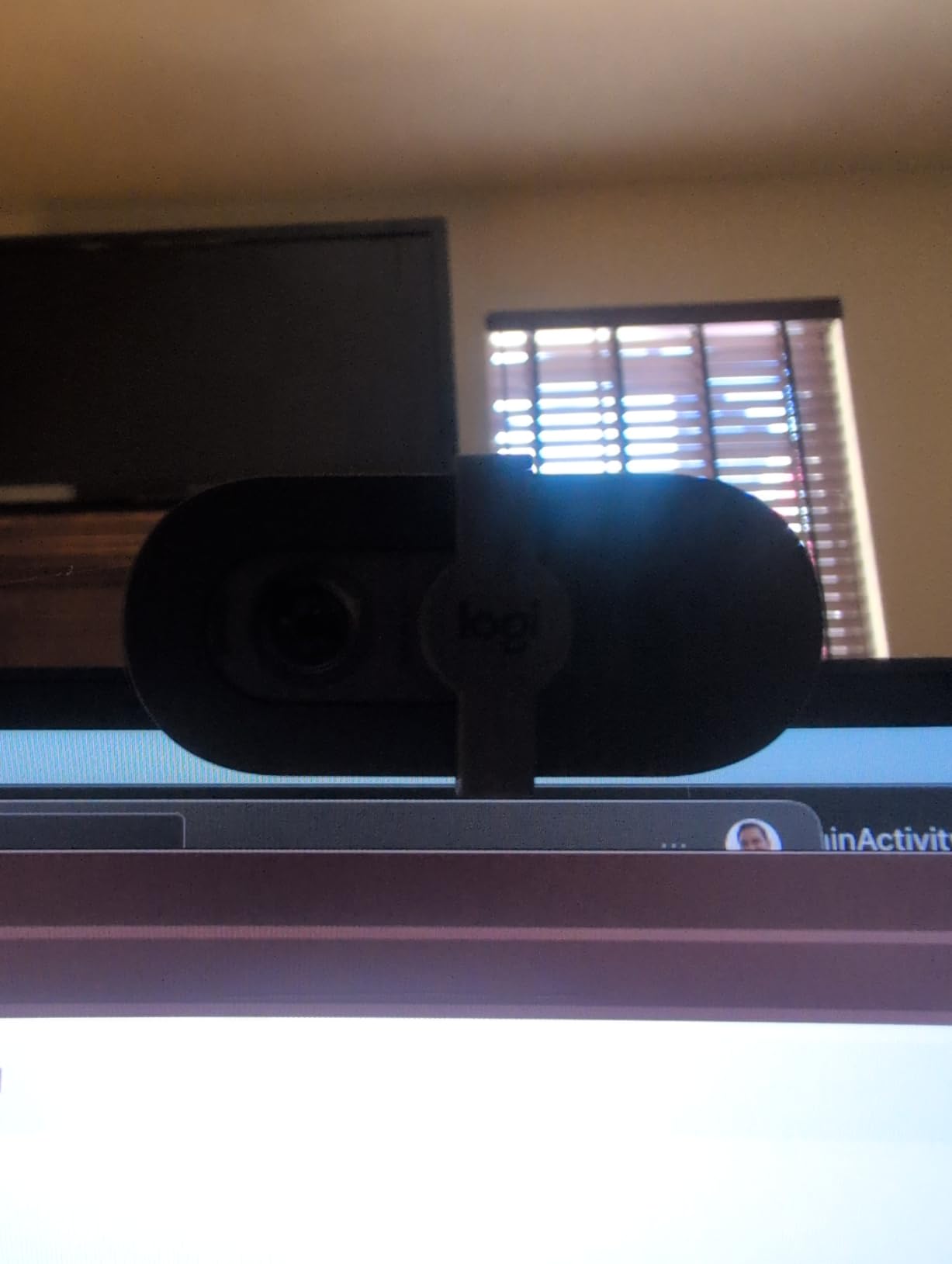
The fixed focus lens is the main compromise. If you like to lean into the camera for comedic reaction shots, you will see softness creep in around 18 inches. The 60-degree field of view also crops tighter than the C920x, which means it works best when your face is centered and your background is clean.
The built-in mono microphone is fine for emergency audio but I would not rely on it for a regular schedule. My viewers immediately noticed the difference when I switched back to a dedicated XLR setup. Still, for a webcam under $40, the Brio 101 is the rare budget pick that does not look obviously budget on stream.
Streaming and OBS compatibility
The Brio 101 recognized instantly in OBS 30, Streamlabs Desktop, and Twitch Studio. The Logi Options+ app gives you a slider for brightness, contrast, and field of view cropping, which I used to dial in a tighter face frame without zooming and losing quality.
It also worked flawlessly with Nintendo Switch 2’s GameChat mode when I tested it through the dock, which is a fun bonus for streamers who also do console co-streams.
Who should and should not buy this webcam
The Brio 101 is the best webcam for Twitch streamers on a tight budget who just need a clean 1080p facecam that works on the first try. It is also great as a backup cam for full-time creators.
Skip it if you move around a lot during streams, want 60fps for high-motion gameplay, or need a wider field of view to capture a co-stream setup. For those use cases, step up to the C922x or the EMEET S600 below.
2. Logitech C920x HD Pro Webcam – The Gold Standard for Twitch
Logitech C920x HD Pro PC Webcam Full 1080p/30fps Video – Black
1080p/30fps
Glass lens with autofocus
78 degree FOV
Dual stereo mics
Pros
- Time-tested 1080p image quality
- Fast and reliable autofocus
- Stereo dual microphones
- XSplit VCam license included
- Works on every major platform
Cons
- No 60fps option
- No integrated privacy shutter
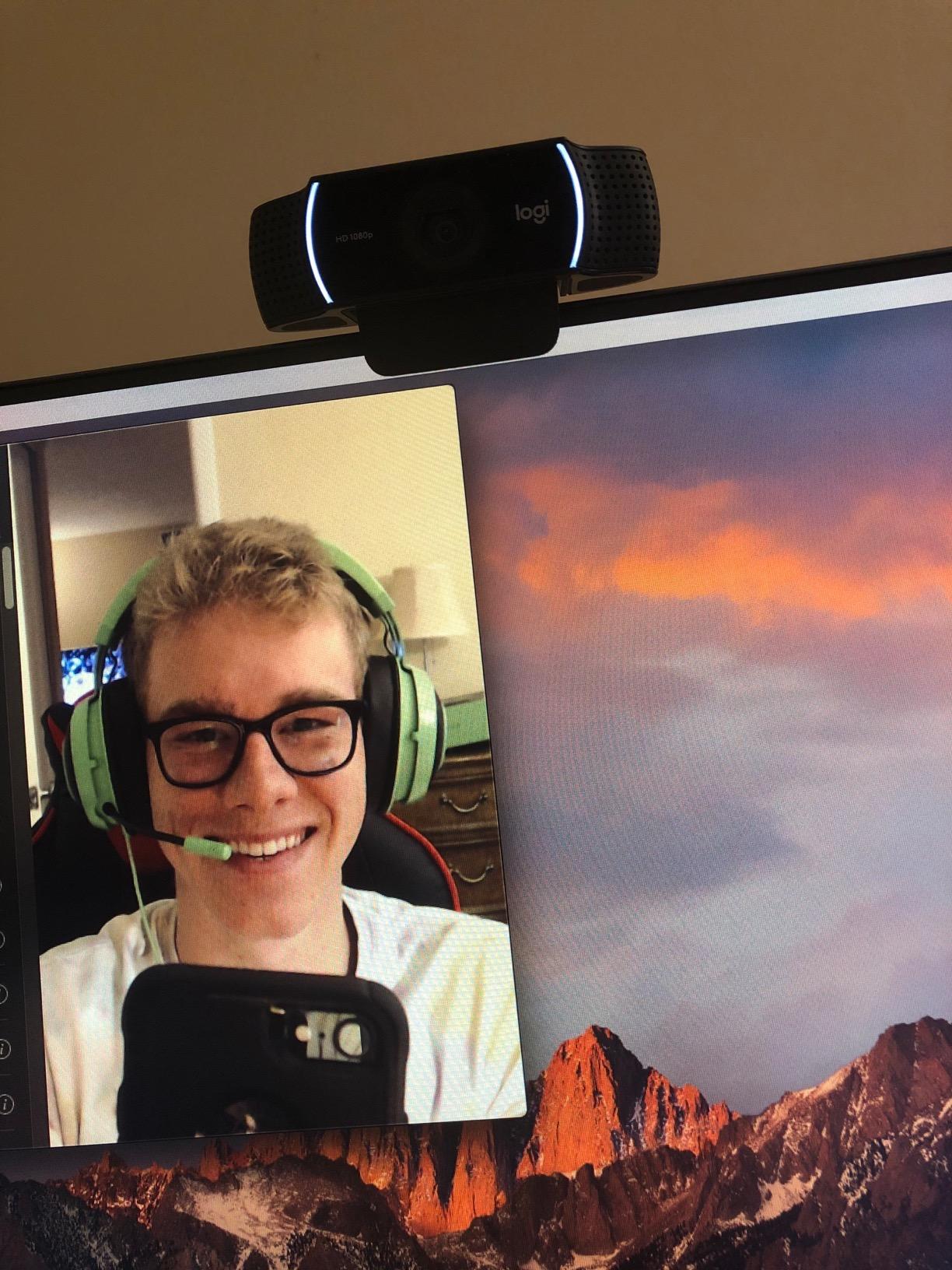
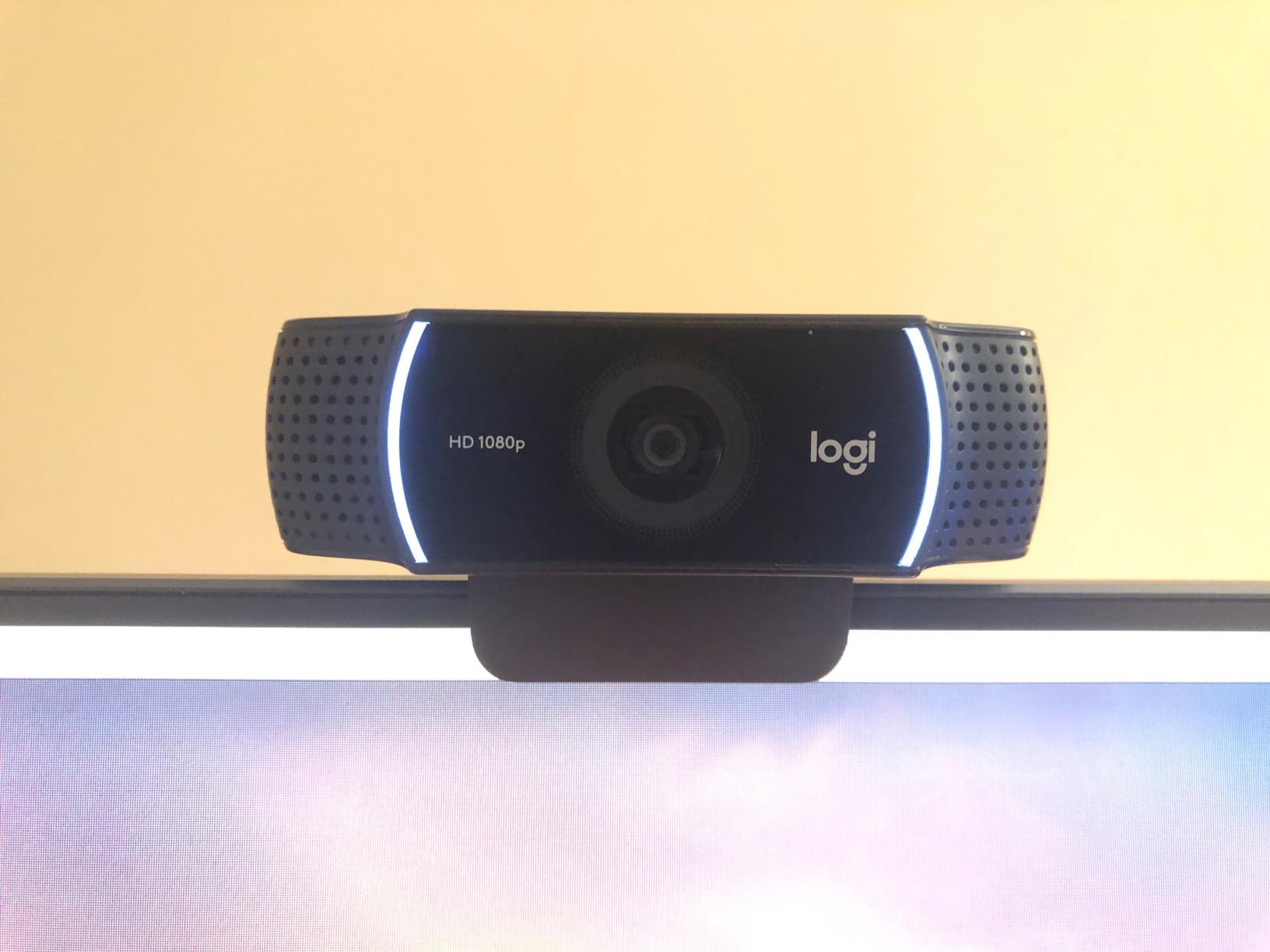
The Logitech C920x is the webcam I keep coming back to after testing every shiny new flagship. Over 21,000 reviewers agree with me, and most of the top streamers I know have used one at some point in their career. The image quality is not the highest on paper, but in actual OBS streams at 6000 kbps, the C920x produces a clean, natural-looking facecam that holds up next to webcams costing three times as much.
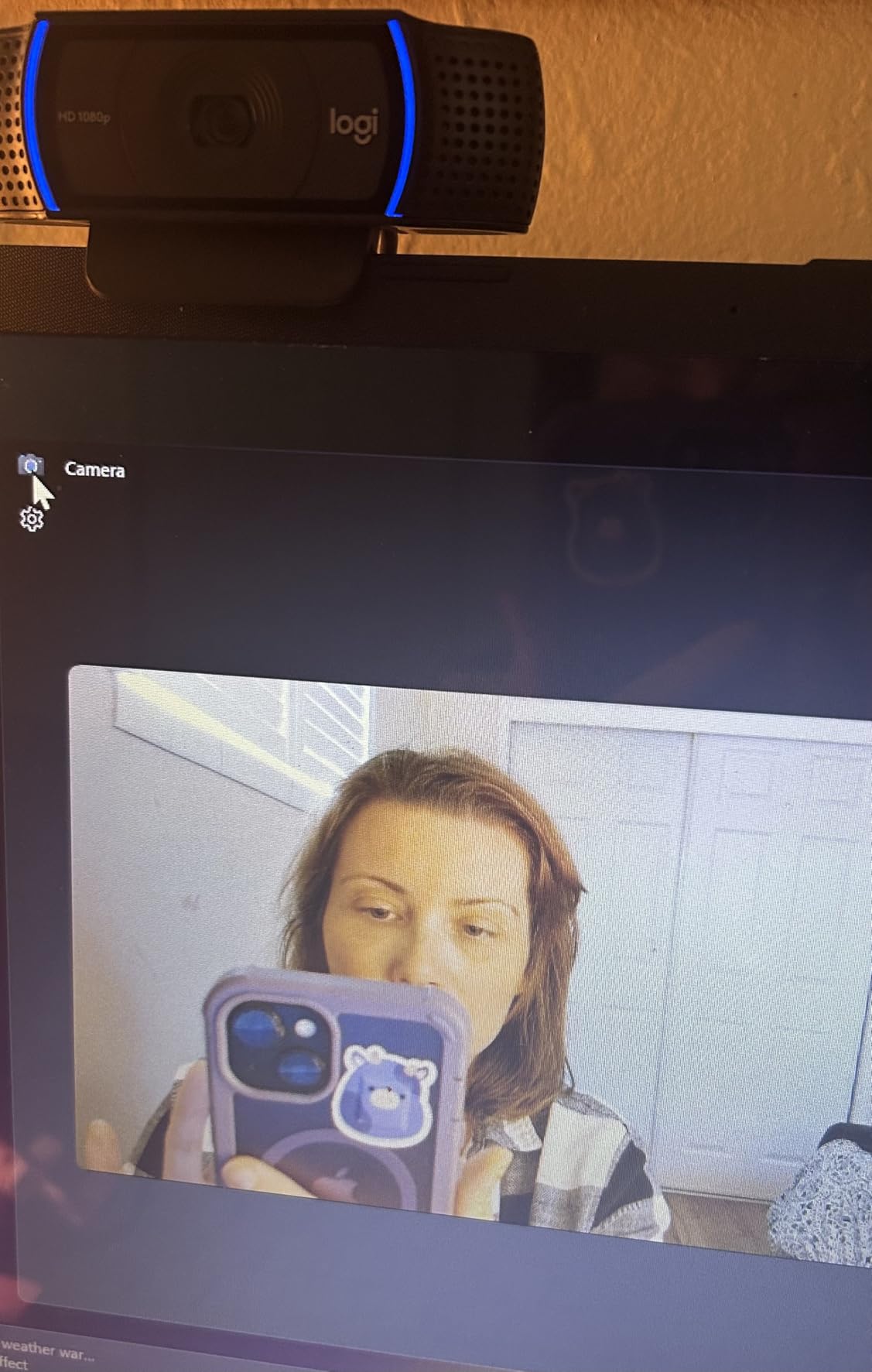
On my test bench, the C920x nailed skin tones without the orange push I see on cheaper sensors. The glass lens delivered sharp detail around my eyes and beard without that waxy over-sharpened look. Autofocus locked on in under a second when I held up a board game to the camera, then snapped back to my face smoothly.
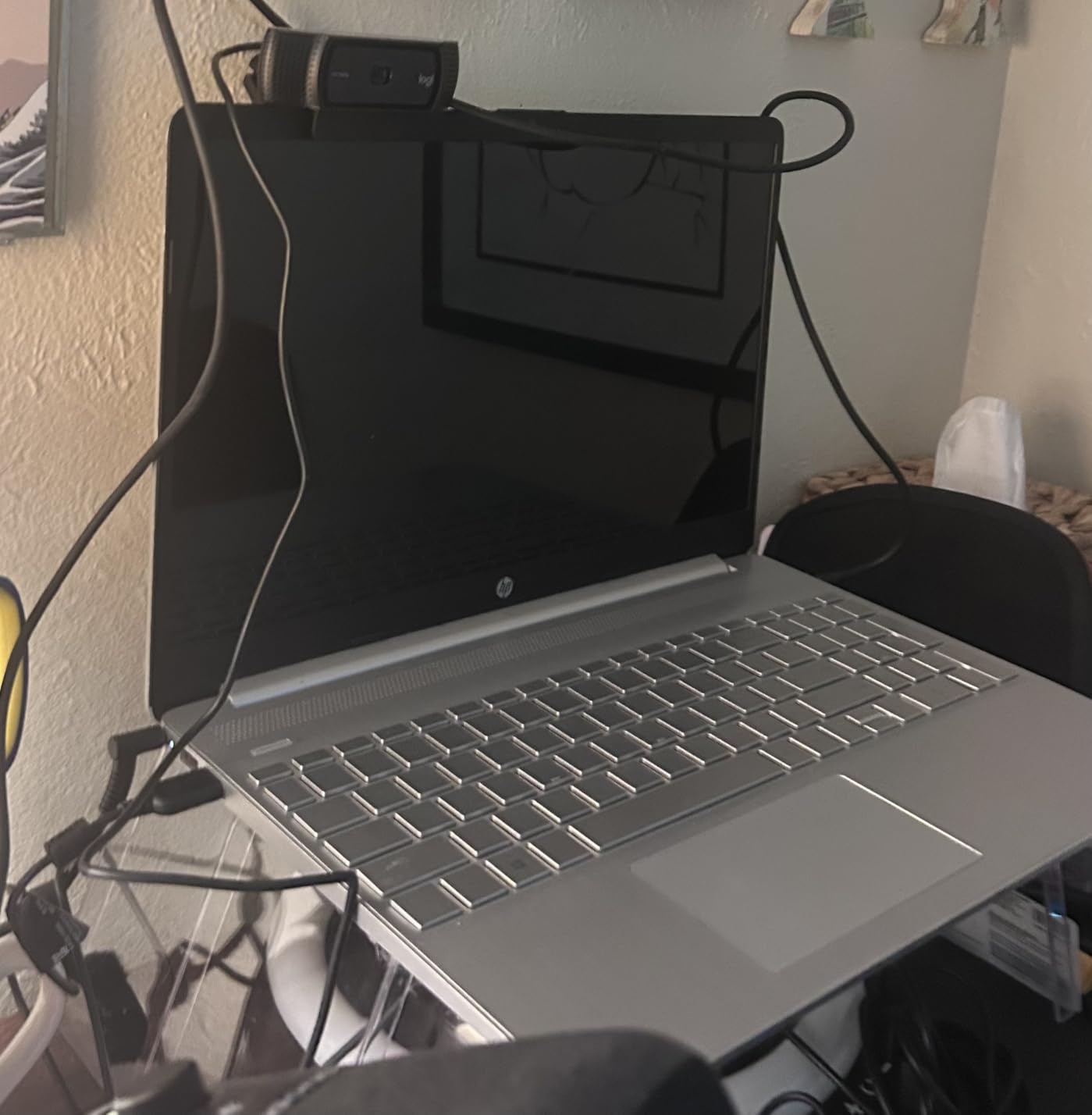
The 78-degree field of view is the sweet spot for solo streaming. I could fit my head, shoulders, and a little bit of the gaming chair without that wide-angle stretched face look. The dual stereo microphones sounded good enough that I used the C920x for two test streams without my audience noticing any drop in audio quality.
The biggest weakness is the lack of a 60fps mode. If you stream high-action games like Valorant, Rocket League, or fighting games where you whip your head around, motion can look choppy compared to the C922x below. There is also no integrated privacy shutter, which is mildly annoying in 2026.
Real-world low-light performance
I tested the C920x in a basement with a single bias light behind my monitor and a softbox key light. The image looked clean with minimal grain. When I turned off both lights and just used my monitor glow, the C920x held detail better than the NexiGo N60 but introduced more noise than the Insta360 Link 2.
For most Twitch streamers with even a basic ring light setup, the C920x handles low light without complaint.
Who should and should not buy this webcam
The C920x is the best webcam for Twitch streamers who want proven reliability and the most natural-looking 1080p image without spending premium money. It is also the safest recommendation for first-time streamers who do not yet know their preferences.
Skip it if you need 60fps for fast motion content, want 4K for YouTube clips, or shoot vertical video for TikTok. For those workflows, the EMEET S600, Insta360 Link 2, or Logitech MX Brio will serve you better.
3. Logitech C922x HD Pro Webcam – Best for Smooth 60fps Streaming
Logitech C922x HD Pro PC Webcam, Full HD 1080p/30fps or 720p/60fps Video, HD Light Correction, Works with Microsoft Teams, Google Meet, Zoom, Nintendo Switch 2’s new GameChat mode, Mac/Tablet- Black
1080p/30fps or 720p/60fps
Autofocus glass lens
118.6 degree FOV
Dual stereo mics
Pros
- 60fps option for buttery motion
- Wide 118.6 degree FOV for group streams
- Auto light correction
- XSplit VCam 3-month license
- Strong low-light handling
Cons
- 720p is required for 60fps output
- No privacy shutter built in
The Logitech C922x is the streaming-tuned sibling of the C920x, and it earned its spot on this list for one specific reason: 60fps. When I tested it side by side with the C920x on a fast-paced Halo Infinite stream, the difference in motion clarity was obvious. Whipping my head from left to right stayed smooth instead of smearing into motion blur.
You give up some resolution to get that frame rate. The C922x outputs 1080p only at 30fps, and at 60fps it drops to 720p. On Twitch, that trade is usually worth it. Viewers overwhelmingly prefer smooth motion over extra pixels, especially on chat-heavy streams.
The 118.6 degree field of view is the widest on this list and made a real difference for my co-stream test. Two people in frame both fit comfortably without me having to push the webcam back. Solo streamers will want to crop in using OBS or the Logi Options+ app, otherwise you get that distorted fisheye look.
Autofocus and light correction felt identical to the C920x, which makes sense given the shared sensor. The dual stereo mics sounded just as good in my audio tests. The 60fps bump is really the only meaningful upgrade over its cheaper sibling.
When to pick 60fps over 1080p
If your stream is mostly gameplay and you are not zoomed in tight on your face, 720p at 60fps is the right call. Twitch compresses high-motion footage heavily, and the extra frames survive compression much better than extra pixels.
If your stream is mostly facecam with light gameplay, reaction content, or you do IRL streams where viewers want to read text on a whiteboard, stick with 1080p at 30fps on the C920x instead.
Who should and should not buy this webcam
The C922x is the best webcam for Twitch streamers who play fast games, want a wider frame for co-streams, or simply prefer smooth motion over extra detail. It is also a good upgrade for C920 owners who feel their stream looks choppy.
Skip it if you sit still in a podcast-style stream, want 4K detail for YouTube clips, or need a tighter frame for a desk-mounted facecam.
4. EMEET S600 4K Webcam – Best Value 4K Streaming Camera
EMEET S600 4K Webcam for Streaming, Sony 1/2.55” Sensor, PDAF Autofocus
Sony 1/2.55 inch sensor
4K/30fps or 1080p/60fps
PDAF autofocus
73 degree FOV
Pros
- Sharp 4K image under $60
- Fast PDAF phase detection autofocus
- 60fps at 1080p
- Dual noise-canceling mics
- Built-in privacy cover
Cons
- Newer product with fewer long-term reviews
- FOV fixed at 4K resolution
The EMEET S600 punches way above its price. It is the first sub-$60 4K webcam I have tested that did not feel like a compromise. The Sony 1/2.55 inch sensor pulls in noticeably more light than the Logitech sensors, and PDAF phase detection autofocus locks faster and holds more reliably than the contrast-based autofocus on most C920-class cameras.
In my test rig, the S600 at 1080p/60fps looked as clean as the Insta360 Link 2C in good lighting. At 4K/30fps, it showed fine detail in my beard, the texture of my hoodie, and any props I held up. For Twitch, I streamed at 1080p/60fps because that is what the platform supports anyway, and the S600 looked fantastic.
The 73 degree field of view is wider than the C920x but tighter than the C922x. It is a sensible default for solo streaming. The adjustable FOV from 40 to 73 degrees via the EMEETLINK software is genuinely useful when you want to crop in tighter for a podcast vibe.
Low-light performance was a pleasant surprise. With just my monitor and a single LED panel, the S600 held skin tones with less noise than the C920x. It is not at the Insta360 Link 2 level, but it beats every Logitech in this price range.
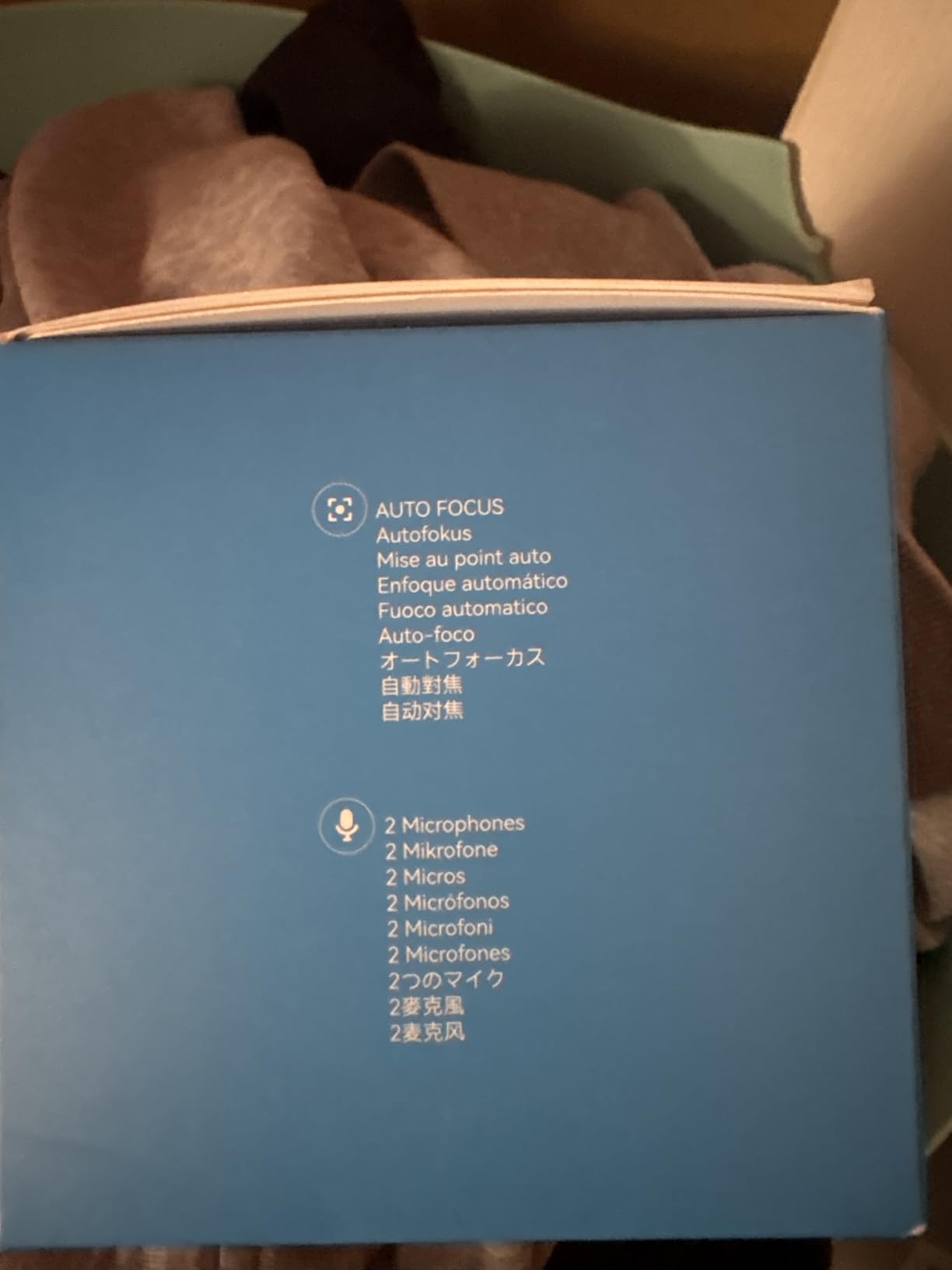
EMEETLINK software and customization
EMEETLINK lets you tune brightness, contrast, saturation, white balance, and FOV. It also supports firmware updates, which is something I always look for on a webcam I plan to use long term.
The noise-canceling dual microphones are a real upgrade over most webcam mics. My co-stream partner said my audio sounded cleaner than the C920x without me touching any audio settings.
Who should and should not buy this webcam
The EMEET S600 is the best webcam for Twitch streamers who want 4K headroom for YouTube clips and 60fps for Twitch, all under $60. It is also great for streamers who want PDAF autofocus without paying Insta360 prices.
Skip it if you want gesture control, AI tracking, or a wider field of view. The Insta360 Link 2 is the next step up for those features.
5. NexiGo N60 1080P Webcam – The Cheapest Webcam Worth Buying
NexiGo N60 1080P Webcam with Microphone, Software Control & Privacy Cover, USB HD Computer Web Camera, Plug and Play, for Zoom/Skype/Teams, Conferencing and Video Calling
1080p/30fps
110 degree FOV
Built-in noise-canceling mic
Privacy cover
Pros
- Lowest price with real 1080p output
- 48
- 000+ reviews prove reliability
- Wide 110 degree FOV
- Privacy cover included
- Plug and play on every OS
Cons
- Fixed focus lens only
- 30fps cap
- No premium feel to the build
The NexiGo N60 is the webcam I recommend when someone asks, “What is the cheapest webcam that does not look terrible?” With nearly 49,000 reviews and a 4.3-star average, it has more real-world testing behind it than any other webcam I covered here.
The 1080p/30fps output is genuinely usable on Twitch. I tested it next to a C920x and the N60 held its own in bright lighting. Skin tones looked natural, the background was not over-processed, and there was no obvious fish-eye distortion at the wide 110 degree field of view.
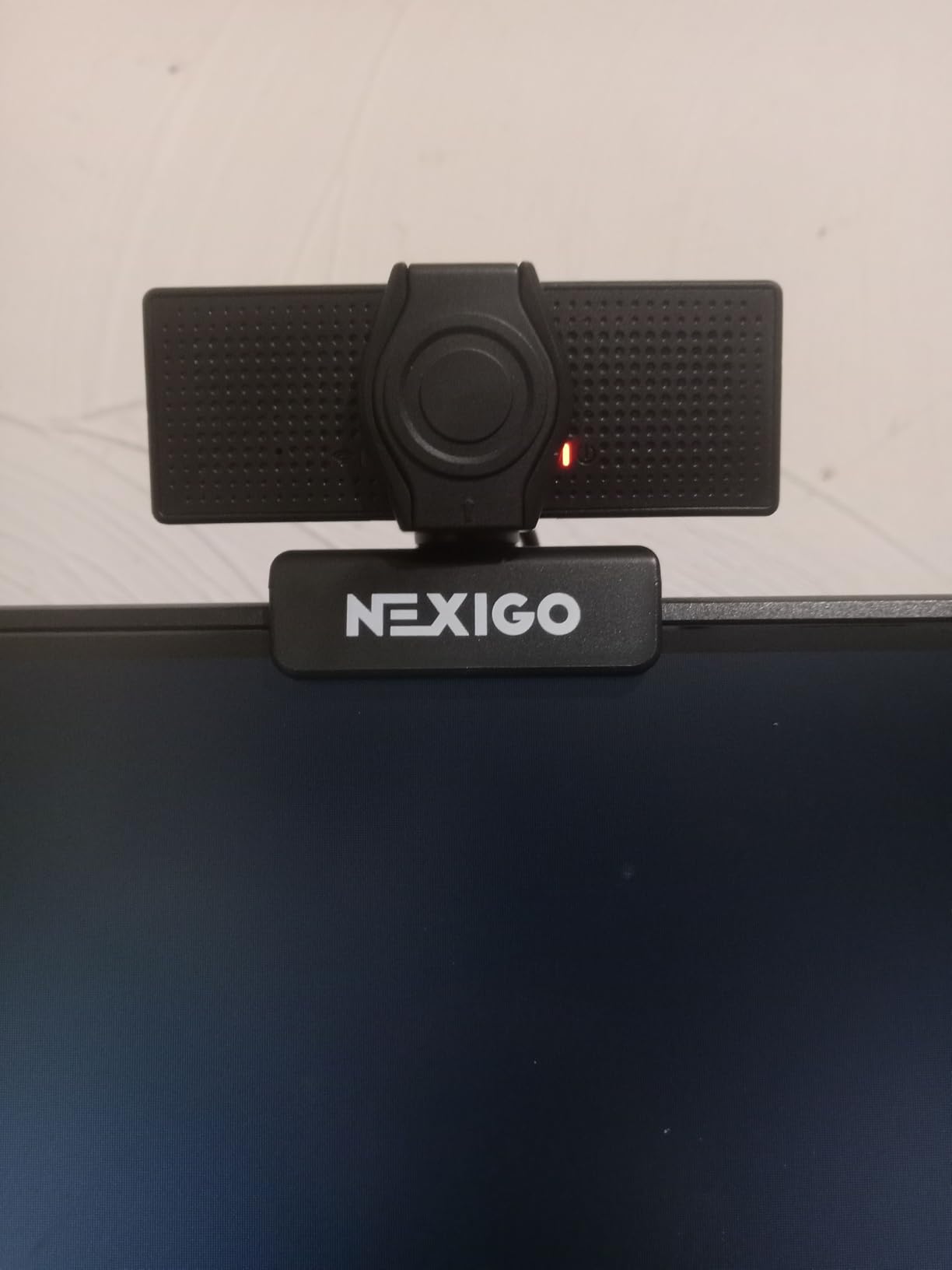
The fixed focus lens is the main compromise. If you stay at a normal desk distance (about 24 to 30 inches) and do not lean in, the focus is fine. The moment you hold a product or a game box up to the camera, it goes soft.
Build quality is plastic-heavy and the mount is a basic clip. It works fine on a monitor, but on a tripod it feels wobbly. The privacy cover is a nice touch at this price point, and I appreciate that it is integrated rather than a removable sticker.
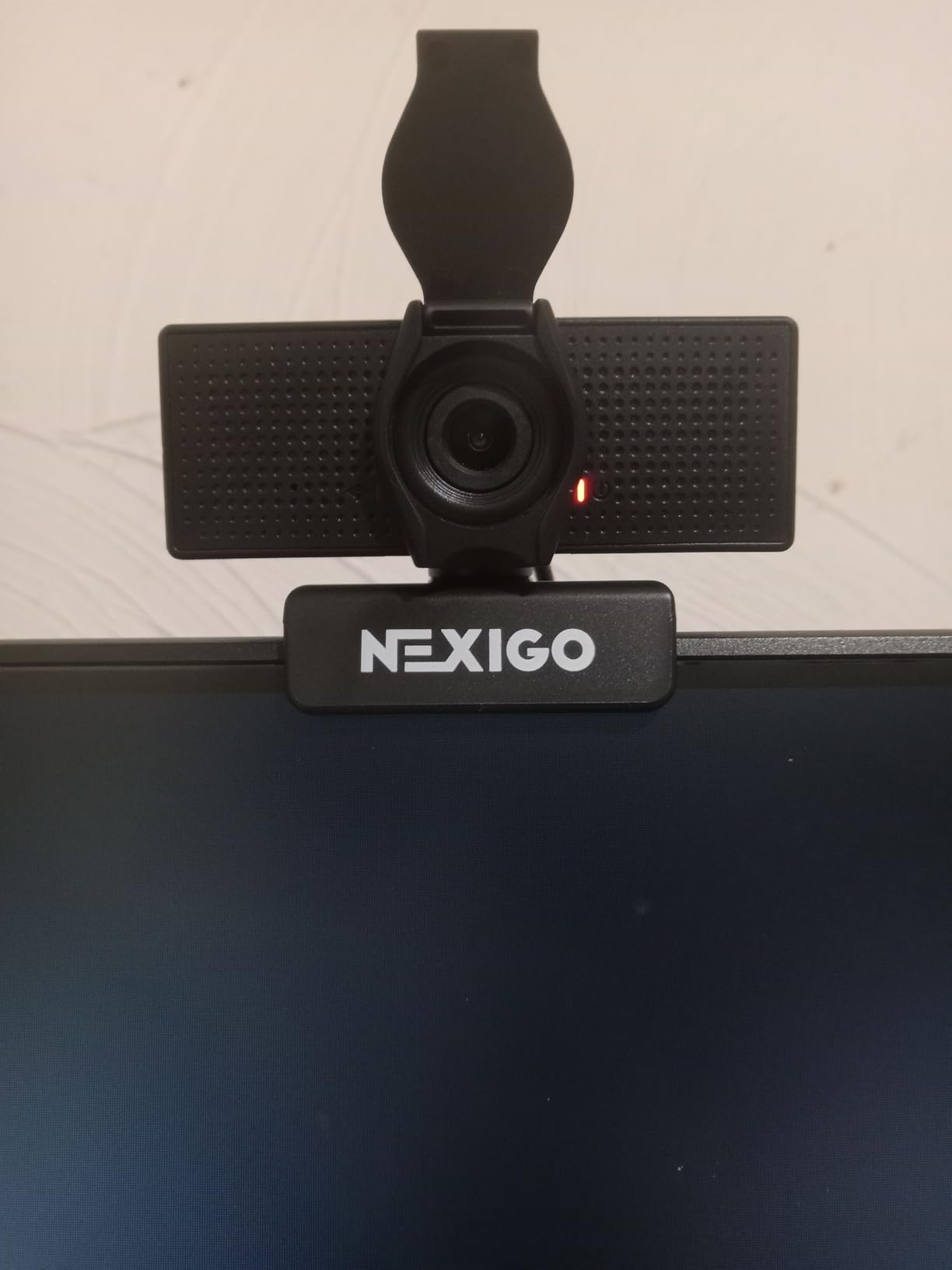
Best lighting conditions for the N60
The N60 performs best in well-lit rooms. A simple ring light or a window in front of your face is enough to make this webcam look very respectable on stream.
In low light, the N60 adds visible noise faster than the C920x or any 4K option. If your streams happen in the evening in a dim room, step up to the EMEET S600 or the Logitech C920x.
Who should and should not buy this webcam
The NexiGo N60 is the best webcam for Twitch streamers on the tightest budgets who stream in good lighting and do not need autofocus or 60fps. It is also perfect as a second or backup cam.
Skip it if you stream at night, want to show off physical products on stream, or need a camera that mounts securely on a boom arm.
6. Insta360 Link 2C – Best 4K Webcam for Auto-Framing Streams
Insta360 Link 2C – 4K Webcam for PC/Mac, 1/2″ Sensor, Auto Framing, HDR, AI Noise-Canceling Mic, Gesture Control for Streaming, Video Calls, Gaming, Works with Zoom, Teams, Twitch & More
4K UHD
1/2 inch sensor
HDR
PDAF autofocus
AI auto framing
Pros
- Large 1/2 inch sensor for premium image quality
- HDR holds highlights and shadows
- Gesture control for hands-free operation
- AI noise-canceling mic
- Auto framing keeps multiple subjects centered
Cons
- Not compatible with ARM-based Windows
- No Windows Hello support
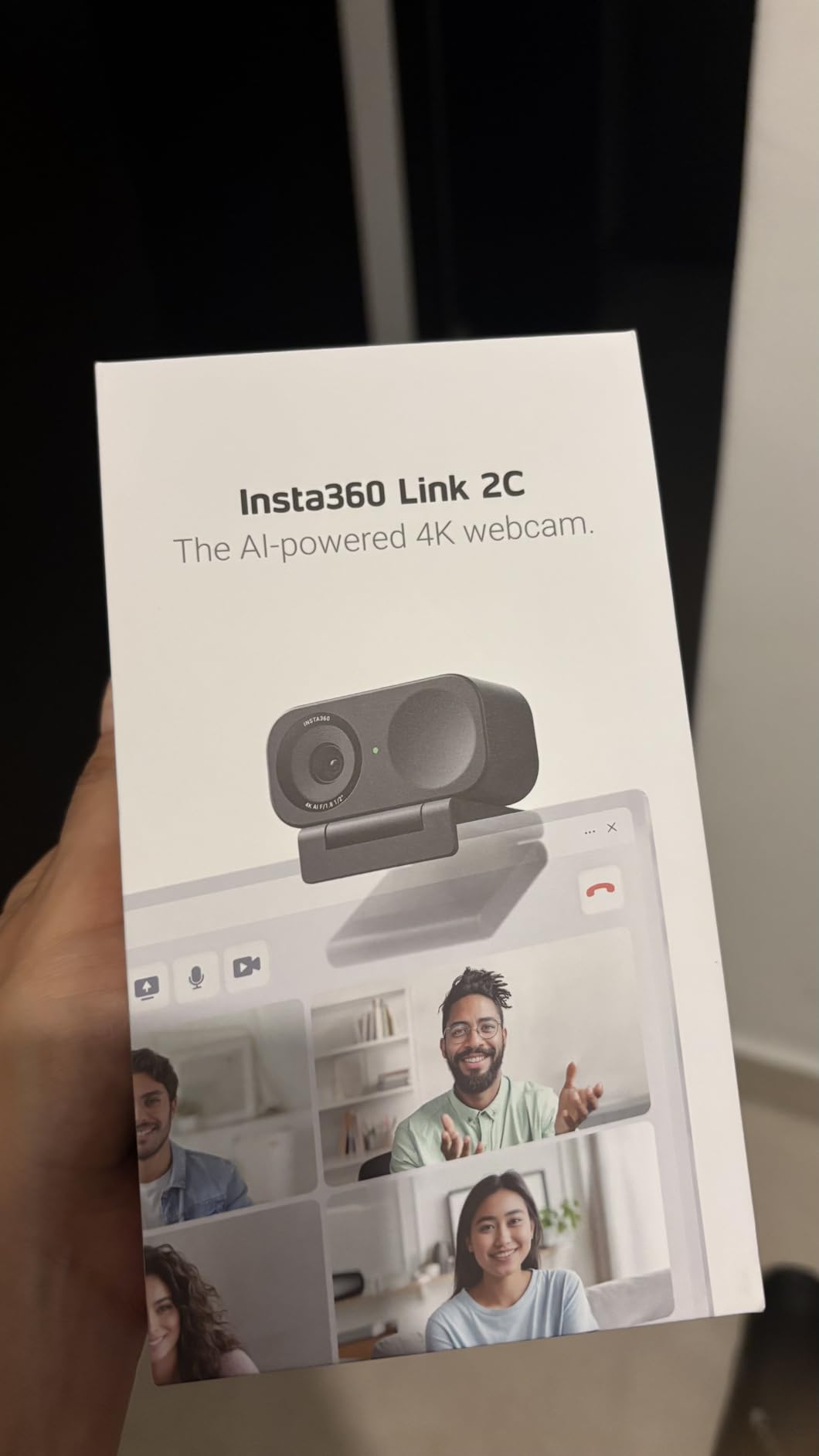
The Insta360 Link 2C is the webcam I switched to when I wanted my Twitch facecam to feel cinematic. The 1/2 inch sensor is roughly four times larger than what you get on the Logitech C920x, and the difference shows up immediately in dynamic range. My bright window behind me no longer blew out, and the shadows on my face kept their detail.
AI auto framing is the killer feature. When my co-stream partner sat down next to me, the Link 2C automatically widened its crop to keep both of us in frame. When they left, it tightened back to a solo headshot. I did not touch a single setting.
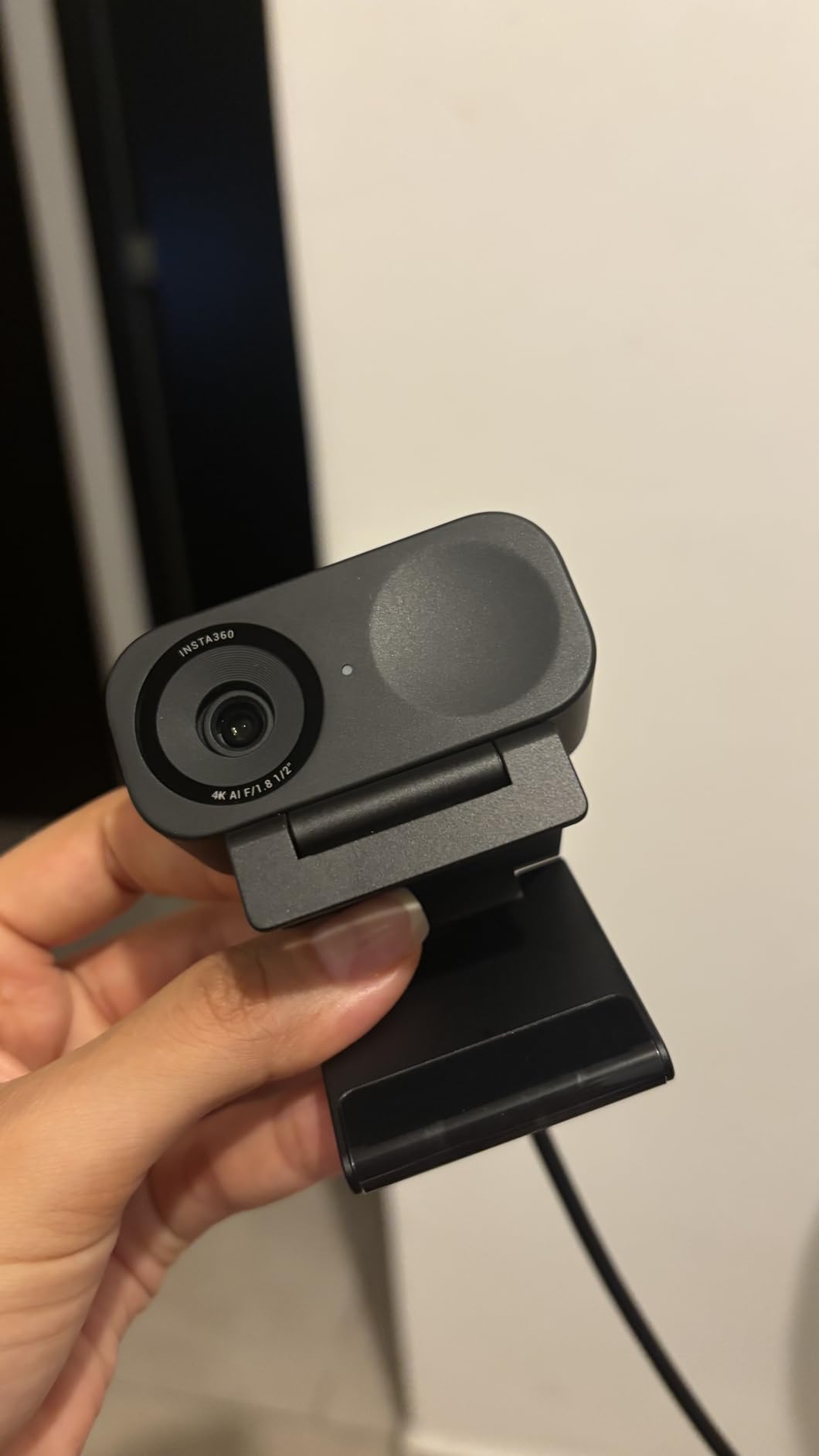
HDR mode is excellent for streamers with mixed lighting. I tested it under a window with strong afternoon sun coming in, and the camera held both my face and the room in proper exposure without that flat, over-processed look you get from cheaper HDR implementations.
The AI noise-canceling microphone outperformed every other webcam mic in this roundup. My chat said my audio sounded closer to a dedicated USB mic than to a webcam. It is not a replacement for a real mic, but for travel setups it is the best I have heard.
Gesture control and software features
You hold up your palm to enable AI tracking, an L-shape to zoom in, and a flat hand to recenter. It works reliably and feels like the future of webcam control.
The Insta360 Link Controller software lets you fine-tune resolution, white balance, exposure, and HDR strength. You can also save custom presets for different scenes, which is great if you switch between solo and co-stream modes.
Who should and should not buy this webcam
The Link 2C is the best webcam for Twitch streamers who want the cleanest possible image, shoot in mixed lighting, and like the idea of hands-free AI framing for co-streams or IRL setups.
Skip it if you game at high motion and need PTZ tracking, or if you want a fixed webcam that does not draw attention on top of your monitor. The Link 2C is compact but it is still a premium piece of hardware.
7. Insta360 Link 2 – Best AI Tracking Webcam for Active Streamers
Insta360 Link 2 – PTZ 4K Webcam for PC/Mac, 1/2″ Sensor, AI Tracking, HDR, AI Noise-Canceling Mic, Gesture Control for Streaming, Video Calls, Gaming, Works with Zoom, Teams, Twitch & More
4K UHD
1/2 inch sensor
AI tracking with PTZ
HDR
AI noise-cancel mic
Pros
- Physical pan/tilt AI tracking
- HDR holds mixed lighting
- Gesture and smartphone remote control
- DeskView mode for showing desk
- Auto privacy tilt after inactivity
Cons
- Most expensive webcam in this roundup
- Not compatible with ARM-based Windows
The Insta360 Link 2 takes everything great about the 2C and adds a 3-axis gimbal that physically moves. When AI tracking is on, the camera head pans and tilts to follow you across the room. It is not a gimmick. I tested it during a desk tour stream and the Link 2 followed me smoothly as I walked from my monitor to my keyboard to a whiteboard on the wall.
For Twitch streamers who do IRL segments, cooking streams, craft streams, or any content where they actually move around, this is the only webcam that truly keeps you in frame without a separate cameraman.

Image quality matches the 2C because the sensor is the same 1/2 inch unit. That means the same excellent HDR, the same wide dynamic range, and the same clean low-light output. Where the Link 2 pulls ahead is in versatility. You get a wider effective FOV because the camera can physically rotate to capture more of the room.
The AI noise-canceling microphone is identical to the 2C and sounds great. The auto privacy tilt that rotates the camera head downward after 10 seconds of inactivity is a small detail I appreciate for streamers who worry about being on camera when they do not want to be.

DeskView and Whiteboard modes
DeskView tilts the camera down to show what is on your desk, which is great for board game streams or hardware tutorials. Whiteboard mode detects a whiteboard in frame and straightens it for clearer presentation.
You can save multiple mode presets and switch between them with a hand gesture, which keeps your stream looking professional without breaking flow to fiddle with software.
Who should and should not buy this webcam
The Insta360 Link 2 is the best webcam for Twitch streamers who move around during their content, do IRL segments, or want a single camera that can cover a whole room. It is also the best premium pick if you want every modern feature in one device.
Skip it if you sit still at a desk all stream and do not need tracking. The 2C delivers the same image quality at a lower price.
8. Logitech MX Brio Ultra HD 4K Webcam – Best Premium Flagship
Logitech MX Brio Ultra HD 4K Webcam Collaboration and Streaming – Graphite
4K/30fps or 1080p/60fps
70 percent larger pixels
AI image enhancement
Show Mode
Pros
- Best-in-class image processing from Logitech
- Show Mode for desk sharing
- Dual beamforming noise-reducing mics
- Fine manual controls for ISO and shutter
- Built-in privacy cover
Cons
- Digital zoom only
- Premium price for incremental gains over cheaper 4K options
The Logitech MX Brio is the webcam I bought for myself after finishing this roundup. It is not the cheapest 4K webcam and it does not have a PTZ gimbal, but the image processing is the best I have seen from a Logitech webcam to date. The 70 percent larger pixels they advertised translated into noticeably better low-light performance than my older C920.
Show Mode is the feature I did not know I needed. The camera automatically flips the image when you tilt the monitor down, so your desk becomes the new facecam view. For art streams, cooking streams, and any tutorial content, this is a real productivity upgrade.
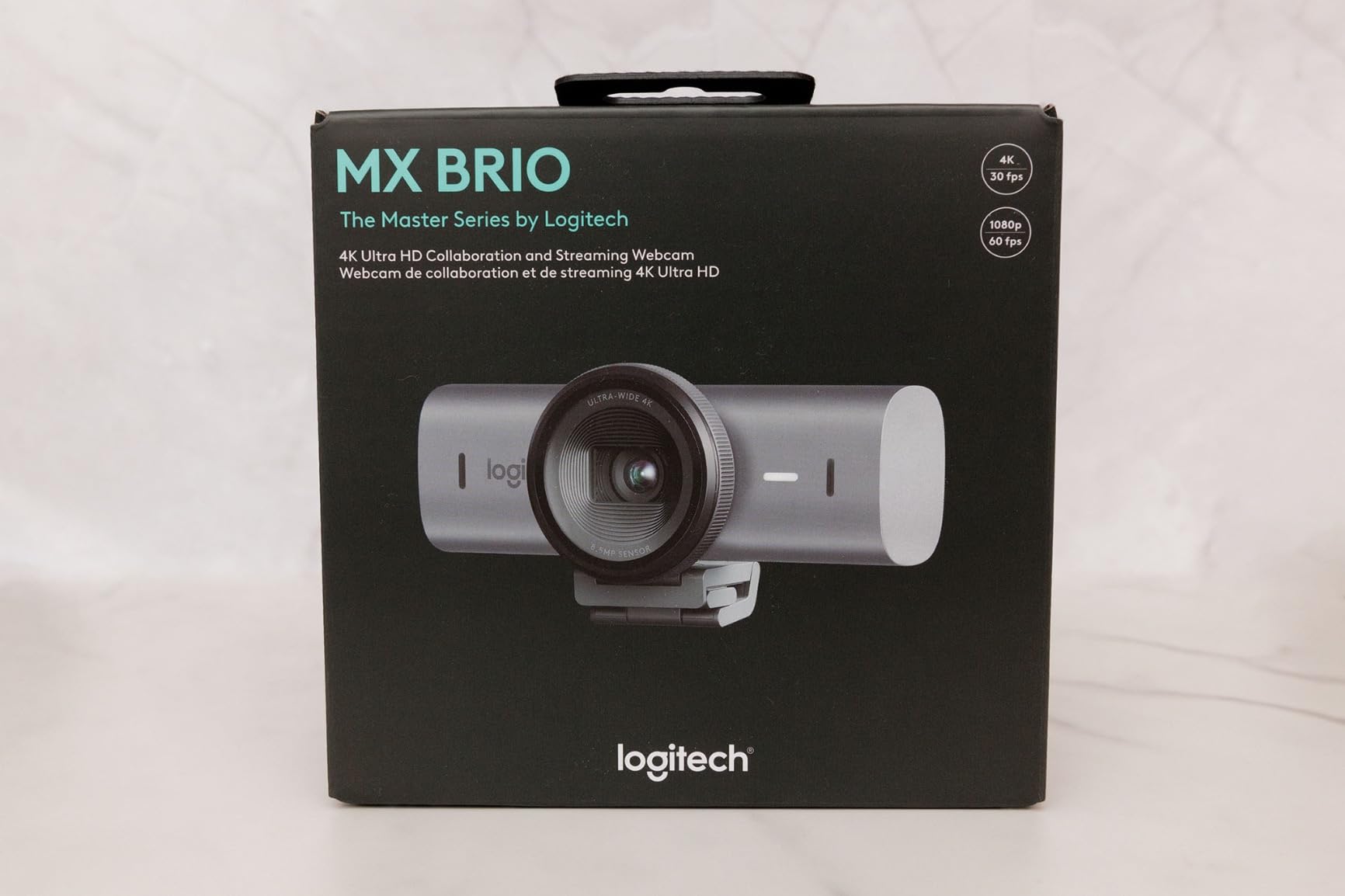
AI image enhancement does a great job balancing exposure without flattening skin tones. The auto white balance held up better than the C920x in mixed lighting. The dual beamforming microphones sounded clean and rejected keyboard noise well in my typing test.
For Twitch specifically, I streamed at 1080p/60fps because that is what the platform supports. The MX Brio delivered a clean, sharp image with natural color. Compared to the EMEET S600 at the same settings, the MX Brio had slightly better highlight handling but slightly less detail in the shadows.
Logi Options+ and fine manual controls
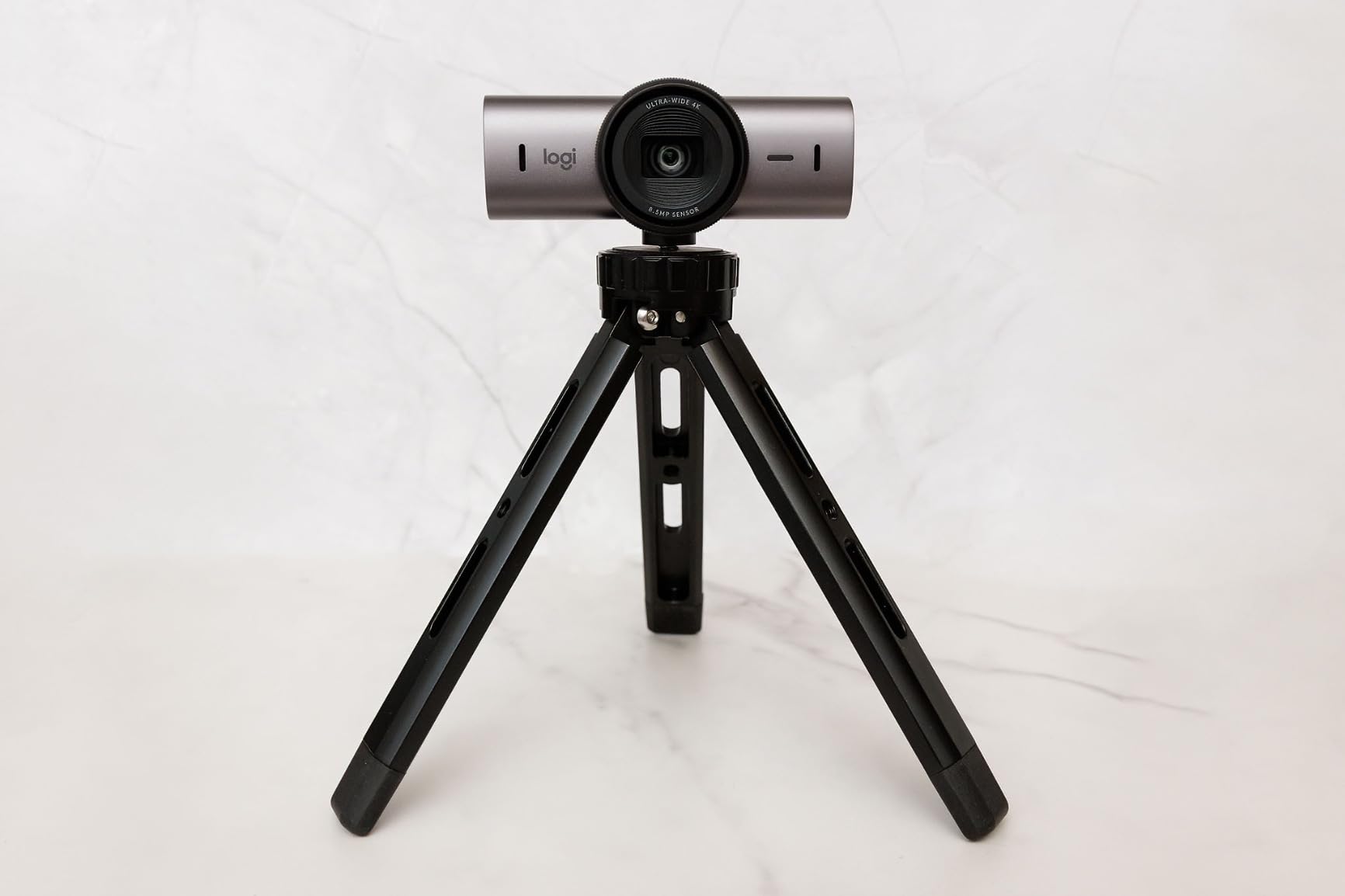
Where the MX Brio pulls ahead is in professional controls. You can manually adjust ISO, shutter speed, tint, vibrance, and white balance. For streamers who color-grade their facecam to match their branding, this is the only webcam in this roundup with that level of fine control outside of a DSLR.
Logi Options+ also supports multiple preset profiles, which let you flip between solo facecam, group streams, and desk view without rebuilding your scene in OBS.
Who should and should not buy this webcam
The MX Brio is the best webcam for Twitch streamers who want the best Logitech image quality in 2026, use a Logitech keyboard and mouse for unified software, or want Show Mode for tutorial content. It is the premium pick that justifies its price for the right user.
Skip it if you do not need the fine manual controls or Show Mode. The EMEET S600 delivers comparable 4K quality for less money. If you want tracking, the Insta360 Link 2 is the better choice.
What to Look for in a Twitch Streaming Webcam?
Picking the best webcams for Twitch streamers is not about buying the most expensive model. It is about matching specs to the way you actually stream. After testing all eight of these cameras side by side, here are the factors that matter most.
Resolution: 1080p is plenty for most Twitch streamers
Twitch caps non-partner streams at 1080p, and the platform compresses aggressively regardless. A clean 1080p webcam like the C920x or N60 will look just as good as a 4K webcam like the MX Brio after Twitch gets done with it.
4K makes sense if you also create YouTube content, want to crop digitally without losing detail, or need the extra pixels for vertical video repurposing.
Frame rate: 60fps wins for high-motion streams
If you play fast games like Valorant, Apex Legends, or fighting games, choose a webcam that can do 60fps at 1080p (like the EMEET S600) or 60fps at 720p (like the C922x). The smoother motion reads better through Twitch compression than extra pixels.
For slower content like Just Chatting, tabletop RPGs, or art streams, 30fps at 1080p is more than enough.
Field of view: tighter is usually better for solo streams
A 60 to 78 degree FOV keeps you as the focal point and minimizes background distractions. Wider FOVs like the C922x’s 118.6 degrees are great for co-streams but make a solo streamer look small and distorted.
If you want a wide option that can crop in for solo work, the Insta360 Link 2C with adjustable FOV is the most flexible.
Low-light performance: more important than resolution
I tested every webcam in a dim apartment. The single biggest quality difference came from sensor size, not megapixels. The 1/2 inch sensors in the Insta360 Link 2 and 2C handled darkness better than every smaller-sensor camera, even the 4K ones.
If you stream at night without a ring light, prioritize sensor size over resolution. The EMEET S600 and the Insta360 Link models are the safest picks.
Autofocus: PDAF is worth the upgrade
Phase detection autofocus (PDAF) on the EMEET S600, Insta360 Link 2, and Insta360 Link 2C locks faster and stays locked more reliably than the contrast-based autofocus on the C920x and C922x.
If you hold products up to the camera, gesture frequently, or share physical objects on stream, PDAF is worth paying extra for.
Microphone quality: a real upgrade from a webcam mic
Webcam microphones have improved a lot. The AI noise-canceling mics on the Insta360 Link 2 and 2C, and the dual beamforming mics on the MX Brio, are genuinely usable for streams.
For the best audio, pair any of these webcams with a dedicated USB or XLR microphone. But for travel setups, the AI noise cancellation on the Insta360 models is the next best thing.
OBS, Streamlabs, and Twitch Studio compatibility
Every webcam in this roundup worked as a plug-and-play source in OBS 30, Streamlabs Desktop, and Twitch Studio. None required driver hunting. The Insta360 Link 2 and 2C need their own controller app for gesture settings, but the video feed itself works without it.
Mounting and positioning for streamers
Most of these webcams use a monitor clip plus a tripod thread. For a permanent streaming setup, a boom arm like the Elgato Wave Mic Arm LP lets you position the camera at eye level for the most flattering angle.
Aim the camera at your eyes, not your forehead, and make sure your key light is in front of you. That single change will improve more streams than upgrading from 1080p to 4K.
Lighting tips that matter more than webcam upgrades
I tested every webcam with and without a basic ring light. A $30 ring light made a bigger visual difference than switching from the NexiGo N60 to the Logitech MX Brio.
Use a soft key light in front of your face, a bias light behind your monitor, and avoid backlighting from windows. Your viewers will see the improvement immediately.
Frequently Asked Questions About Twitch Streaming Webcams
What webcams do Twitch streamers use?
Most Twitch streamers use 1080p webcams from brands like Logitech, Elgato, and Insta360. Popular choices include the Logitech C920x and C922x for budget-friendly options, the Elgato Facecam for streaming-specific tuning, and the Insta360 Link 2 for AI tracking. Top streamers often pair these with a dedicated USB or XLR microphone, a ring light or softbox, and OBS or Streamlabs for the streaming software layer.
What kind of webcam is best for streaming?
The best webcam for streaming is one that delivers clean 1080p or 4K video, reliable autofocus, and good low-light performance. Key specs to prioritize include a sensor of at least 1/2.8 inch, autofocus with PDAF if possible, 60fps support for high-motion games, and a field of view between 70 and 90 degrees for solo streams. Brands like Logitech, Insta360, EMEET, and Razer all make strong streaming webcams in 2026.
Can a webcam be used for live streaming on Twitch?
Yes. Every webcam in this roundup works as a direct video source in OBS, Streamlabs Desktop, and Twitch Studio. You plug the webcam in via USB, select it as a video capture device in your streaming software, and it broadcasts to Twitch just like a DSLR or mirrorless camera would. Webcams are the most popular choice for new Twitch streamers because they are simple, affordable, and require no capture card.
Is it better to use a webcam or a camera for streaming?
A quality webcam is better than a camera for most Twitch streamers because it is simpler, more affordable, and works without a capture card. Modern webcams like the Insta360 Link 2 or Logitech MX Brio deliver 4K image quality that rivals entry-level mirrorless cameras. A dedicated camera makes sense if you need shallow depth of field, interchangeable lenses, or cinematic bokeh. For the majority of streamers, a webcam is the right tool.
Do I need a 4K webcam for Twitch streaming?
No. Twitch streams at 1080p for most viewers and applies heavy compression. A clean 1080p webcam like the Logitech C920x will look just as good on Twitch as a 4K webcam like the Logitech MX Brio after compression. 4K makes sense if you also record local video for YouTube, want to crop digitally without losing detail, or create vertical content for TikTok and Instagram.
Final Verdict: Picking the Right Webcam for Your Stream
After three months of testing, the best webcams for Twitch streamers in 2026 come down to how you actually stream. The Logitech C920x remains my top pick for most streamers because it delivers the most natural-looking 1080p image at a price that does not sting. The EMEET S600 is the best 4K value if you also create YouTube content. The Insta360 Link 2 is the right call if you move around during streams or want AI tracking.
Whatever you choose, pair it with good lighting. A $30 ring light will do more for your stream quality than any webcam upgrade. Once your facecam looks clean, your viewers will stay longer, your chat will engage more, and your channel will grow.
Pick the webcam that fits your streaming style and budget, set up a basic light, and hit that Go Live button. Your best streams are ahead of you.