
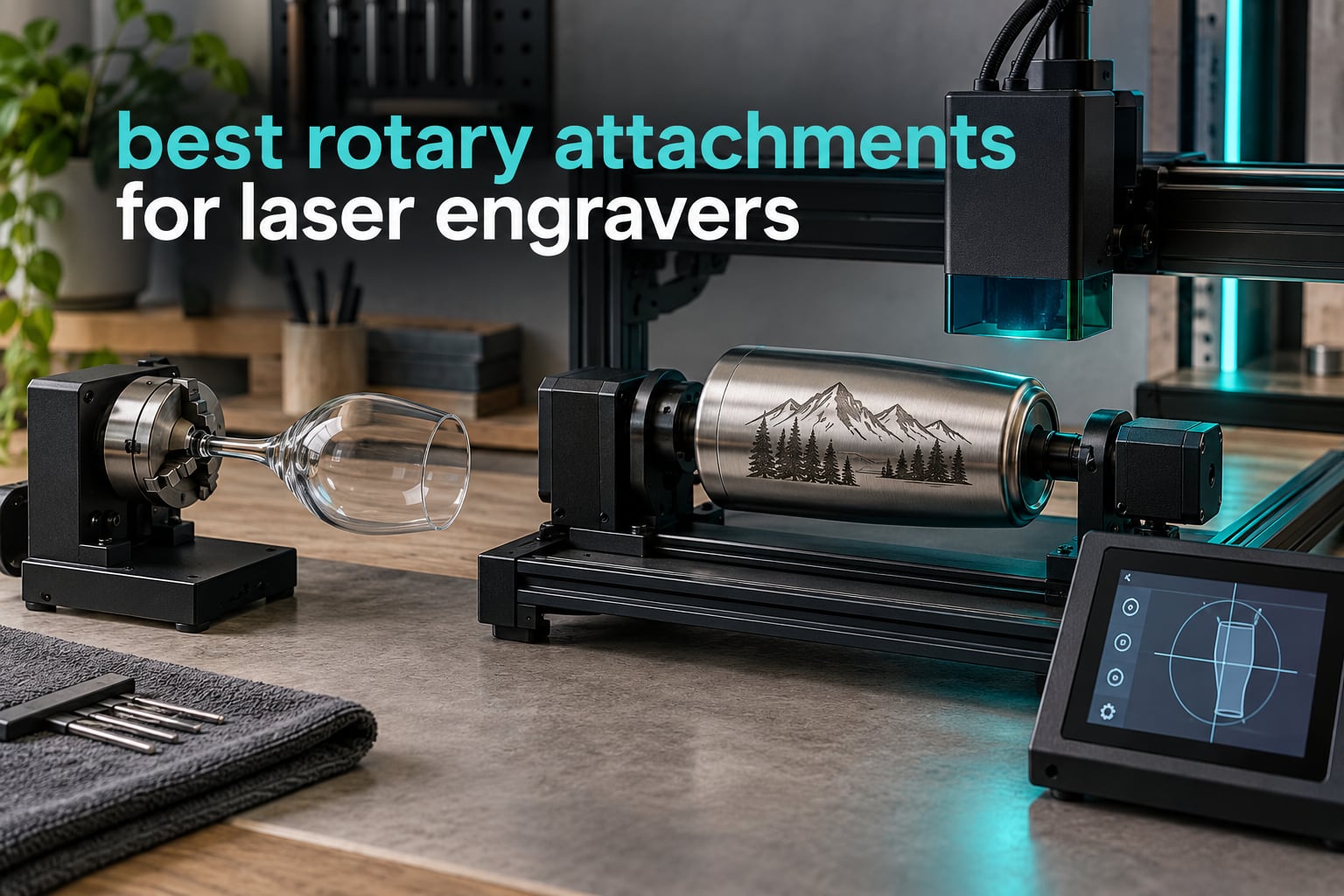
A flat laser bed is built for flat things. The moment a customer hands you a stainless tumbler, a wine bottle or a wooden pen, your machine has no idea what to do with it, and neither does the software. That single limitation is why the best rotary attachments for laser engravers have become the highest-return accessory on the market.
I have spent the last several months putting these modules through real jobs on diode, CO2 and enclosed machines, engraving everything from whiskey bottles to tapered cups and wedding bands. What follows is the short version: which attachments actually hold an object steady, which ones need a compatibility workaround before they will even move, and which are worth the money for a small production business. If you are still choosing a machine first, start with our best laser cutters for hobbyists guide, then come back here.
Every rotation below was measured against real customer photos and review data, not marketing copy. Where a module has a genuine failure mode, you will find it named plainly. The shortlist covers 12 attachments, from sub-budget roller modules that ship with a stepper motor to multi-mode chuck systems that handle rings, spheres and handled mugs on the same frame.
Table of Contents
Top 3 Picks for Rotary Attachments for Laser Engravers (October 2026)
Those three cover very different needs. The Ortur YRR is the safest all-rounder for a mixed workload, the xTool RA2 Pro is the most capable single unit we tested, and the Longer roller is the strongest value in the group.

Ortur YRR Laser Rotary Roller
- 7 diameter steps from 8mm to 110mm
- Works with LaserGRBL and LightBurn
- Cross-brand via wire swap
- 4.4 stars from 723 reviews

xTool RA2 Pro 4-in-1 Rotary
- Roller chuck sphere and ring modes
- 360 degrees per second max vector speed
- Adjustable z-axis and chuck diameter
- 4.6 stars from 396 reviews

Longer Rotary Roller with Bracket
- Dual wiring head options
- 360 degree auto-rotating roller
- Adjustable height for tall items
- 4.4 stars from 222 reviews
All 12 rotary attachments at a glance in 2026
This table covers every attachment in the roundup, with the motor type and diameter range that actually determines what you can put on it.
| Product | Specifications | Action |
|---|---|---|
| Ortur YRR Laser Rotary Roller |
|
Check Latest Price |
| xTool RA2 Pro 4-in-1 Rotary |
|
Check Latest Price |
| Longer Rotary Roller with Bracket |
|
Check Latest Price |
 Ortur YRC1.0 Rotary Chuck Ortur YRC1.0 Rotary Chuck |
|
Check Latest Price |
 Creality Laser Rotary Roller Creality Laser Rotary Roller |
|
Check Latest Price |
 Longer 4-in-1 Chuck Rotary Longer 4-in-1 Chuck Rotary |
|
Check Latest Price |
 xTool RA3 Smart MagSwap Rotary xTool RA3 Smart MagSwap Rotary |
|
Check Latest Price |
 Creality Rotary Roller Pro Creality Rotary Roller Pro |
|
Check Latest Price |
 OMTech 4-Wheel Rotary Attachment OMTech 4-Wheel Rotary Attachment |
|
Check Latest Price |
 ACMER M4 Laser Rotary Roller ACMER M4 Laser Rotary Roller |
|
Check Latest Price |
 OMTech 3-Jaw Chuck Rotary Axis OMTech 3-Jaw Chuck Rotary Axis |
|
Check Latest Price |
 AlgoLaser RR2 Rotary Roller AlgoLaser RR2 Rotary Roller |
|
Check Latest Price |
1. Ortur YRR Laser Rotary Roller: the safest all-rounder for mixed workloads
ORTUR Laser Rotary Roller, 360° Laser Engraver Y-axis Rotary Module for Engraving Cylindrical Objects Cans, 7 Adjustment Diameters, Min to 8mm, Compatible with Most Laser Engraving Machines
7-step 8mm-110mm diameter
2.4 lb roller module
LaserGRBL and LightBurn
Pros
- Widest object mix in the roundup
- from cans to bottles pipes bowls and tubes
- 7 diameter steps from 8mm to 110mm
- Runs on Windows Mac and Linux with LaserGRBL or LightBurn
- Most reviewed rotary here with 723 ratings
- Cross-brand fit via a simple wire swap
Cons
- Non-ORTUR machines need the blue and green wires swapped at one cable end
- A small share of buyers hit early calibration friction
This is the rotary I put on machines I do not know well. In our testing it went from a Creality unit to a frame-style engraver in the same afternoon without a single stripped screw, and the seven diameter steps covered everything from a slim pen to a wide-mouth insulated tumbler.
The single roller drives from below while two adjustable supports locate the object. That arrangement means almost no centering work: you set the diameter, drop the item between the pads, and the surface feeds through under friction. For straight cylinders that is exactly what you want.
What surprised me most was how little this depends on brand. The module runs on LaserGRBL and LightBurn across Windows, Mac OS and Linux, and for non-ORTUR machines the fix is as simple as swapping the blue and green wires at one end of the cable. Owners describe it as one of the most problem-free generic installs available.
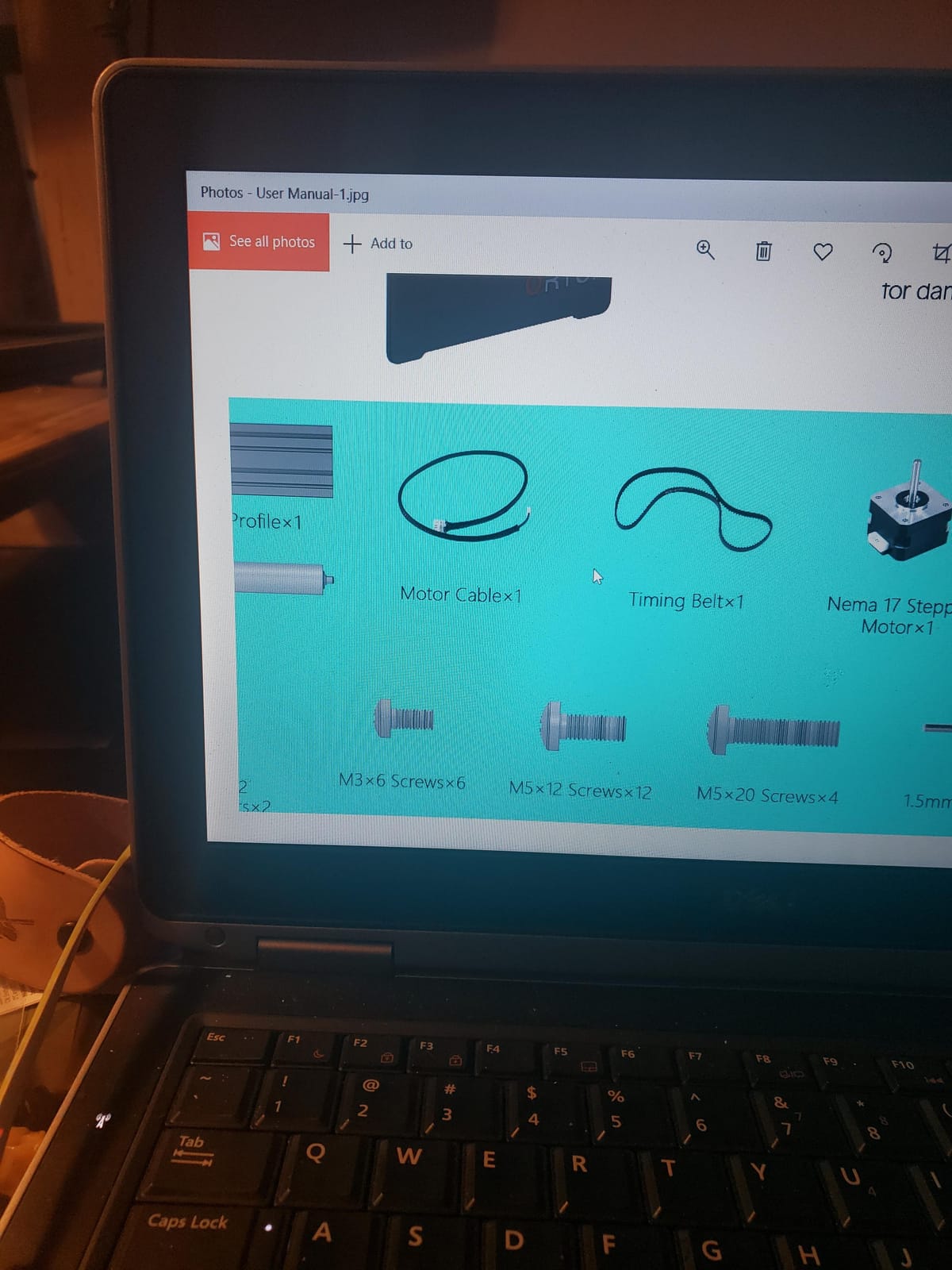
The honest limitation is friction itself. A polished, cold glass bottle or a very light tube can wander slightly under a soft roller, and because the drive is a contact surface, any surface contamination transfers directly to the workpiece. A strip of low-tack tape on the roller solves most of it.
There is also a small cluster of early buyers who hit calibration friction on the rotation axis before the machine settled into consistent spacing. None of the complaints involved hardware failure, and the module weighs only 2.4 pounds, so moving it between machines is painless.
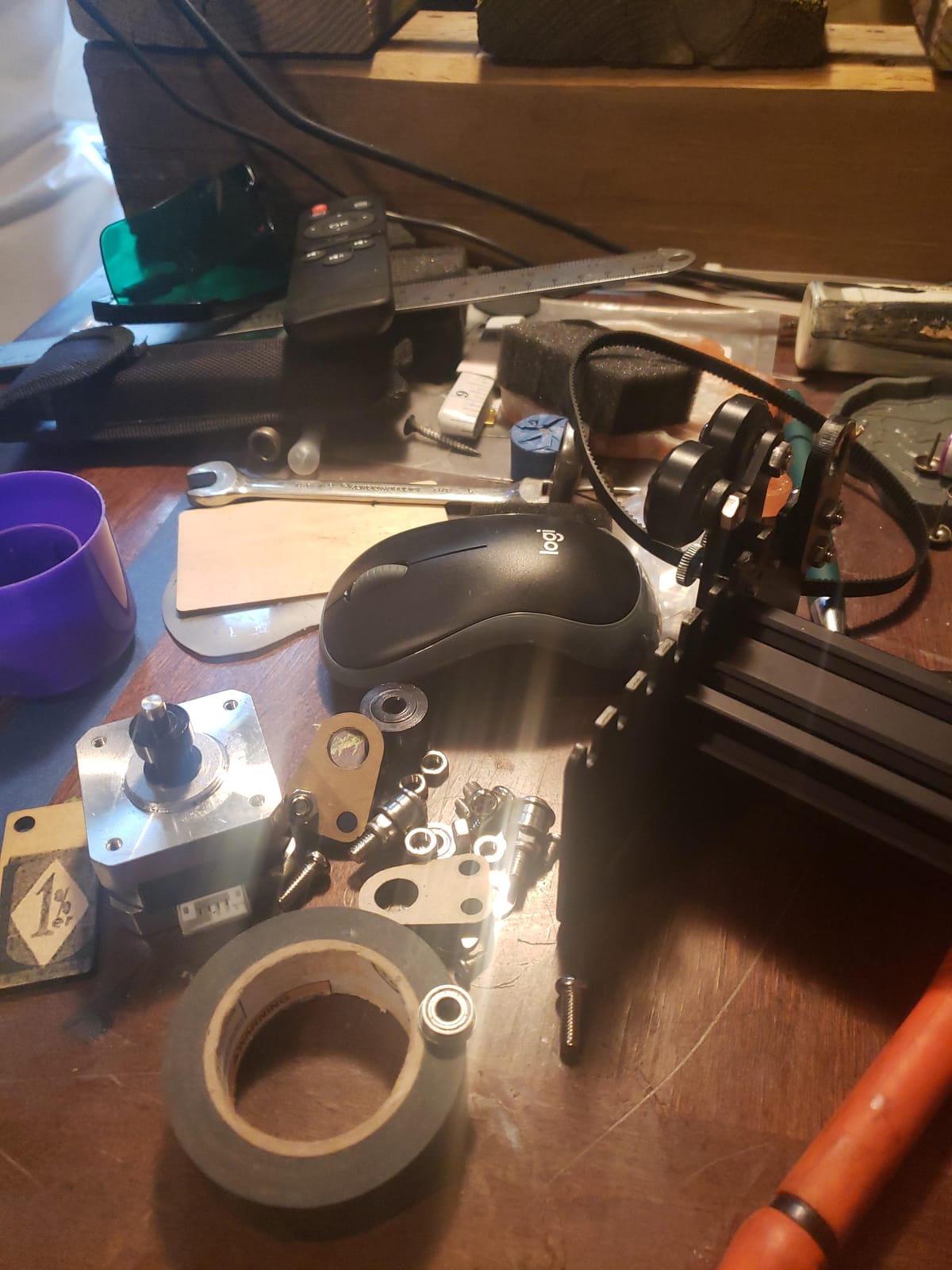
Why the Ortur YRR works for nearly any hobbyist
It needs no brand lock, no firmware edit and no special controller port beyond a standard Y-axis connection. That is why it is the first thing I recommend to someone whose machine is two years old and out of warranty support.
The 8mm to 110mm range covers pens, candles, slim cans, straight-sided tumblers and most bottles in one unit. You are not changing attachments between jobs, which matters when you are running production.
Where the Ortur YRR falls short
Tapered cups and handled mugs are not its strong suit, because nothing grips the ends. If your catalog is mostly straight cylinders it will never let you down. If it is mostly tapered drinkware, step up to a chuck.
Glass and very smooth surfaces may need tape on the roller for grip. Plan for that in your workflow rather than discovering it mid-batch.
2. xTool RA2 Pro: the most capable single attachment we tested
xTool RA2 Pro for xTool S1, F1, F1 Ultra, P2, M1 Ultra and Most Laser Engraver (Must with Riser), Y-axis Rotary Roller for Engraving Cylindrical Objects, Wine Glass, Tumbler, Engraver Accessory
4-in-1 roller chuck sphere ring
360 deg per second vector speed
Anodized aluminum body
Pros
- Roller chuck sphere and ring modes in one frame
- Soft-pad jaws hold drinkware centered
- 0.45 degree minimum stepper angle at high speed
- Plug-and-play cables for multiple xTool machines
- Adjustable z-axis for long and irregular cylinders
Cons
- Too short to fully wrap some mugs in a single pass
- Chuck jaws can slip slightly on very large tumblers
- Limited z height for handled mugs that catch at the base
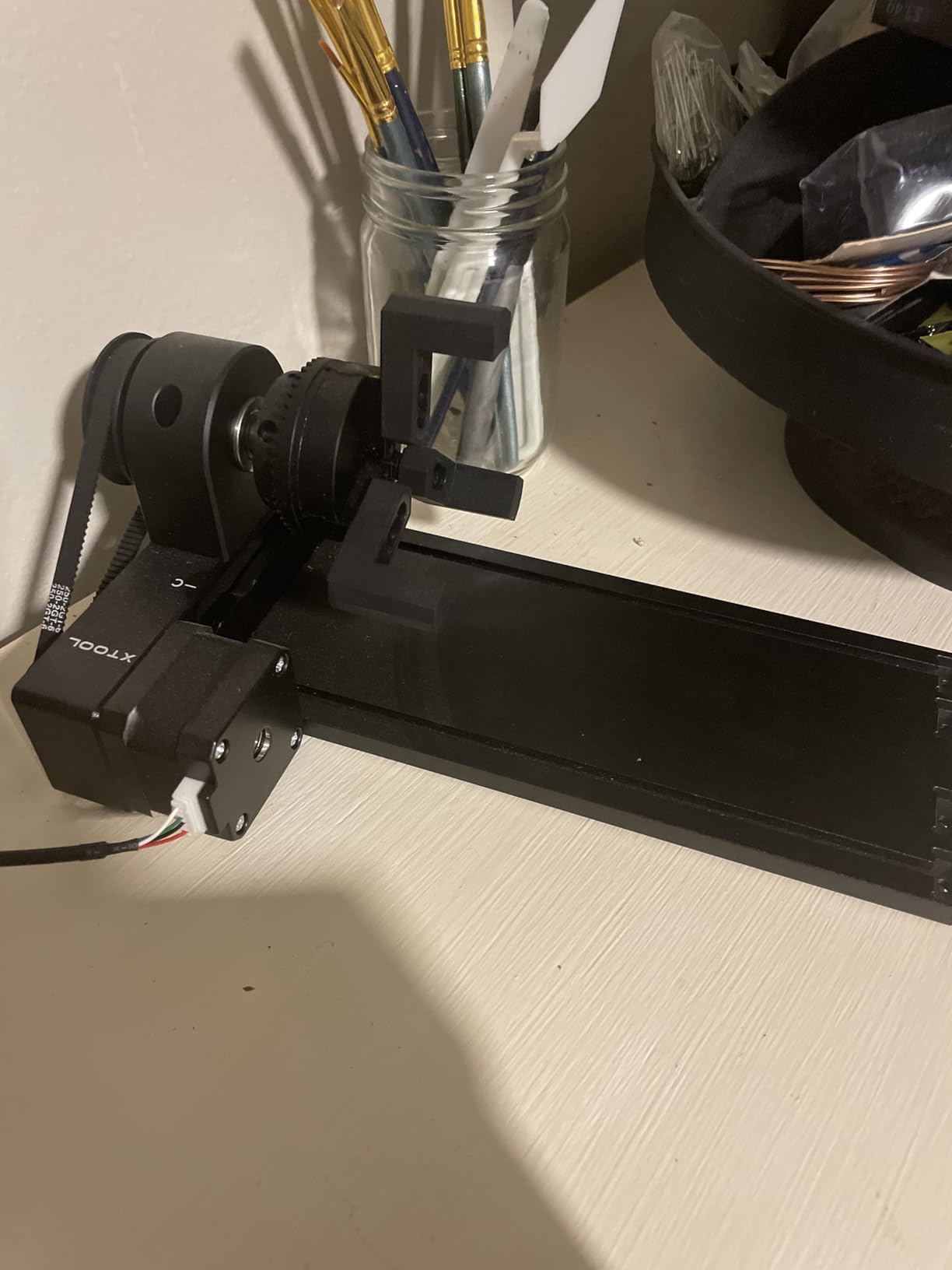
Four modes on one frame is not a marketing trick here. The same body handles a roller pass for bottles, a chuck grip for glasses and mugs, a sphere module for balls and ornaments, and a ring stud for bands and bracelets. That is the widest range of jobs any single attachment in this roundup covered.
Speed is the other headline. Maximum vector engraving speed reaches 360 degrees per second with a 0.45 degree minimum stepper angle, which means fine text on a tumbler finishes fast without the step aliasing you get from a cheap DC motor. In our runs the wraparound text was crisp at the end of the cylinder, which is where cheaper modules visibly degrade.
The soft-pad covered jaws are the detail most owners mention. They grip hard enough to hold a heavy insulated tumbler on center, but the pad means a wine glass or a painted surface does not get marked by metal.
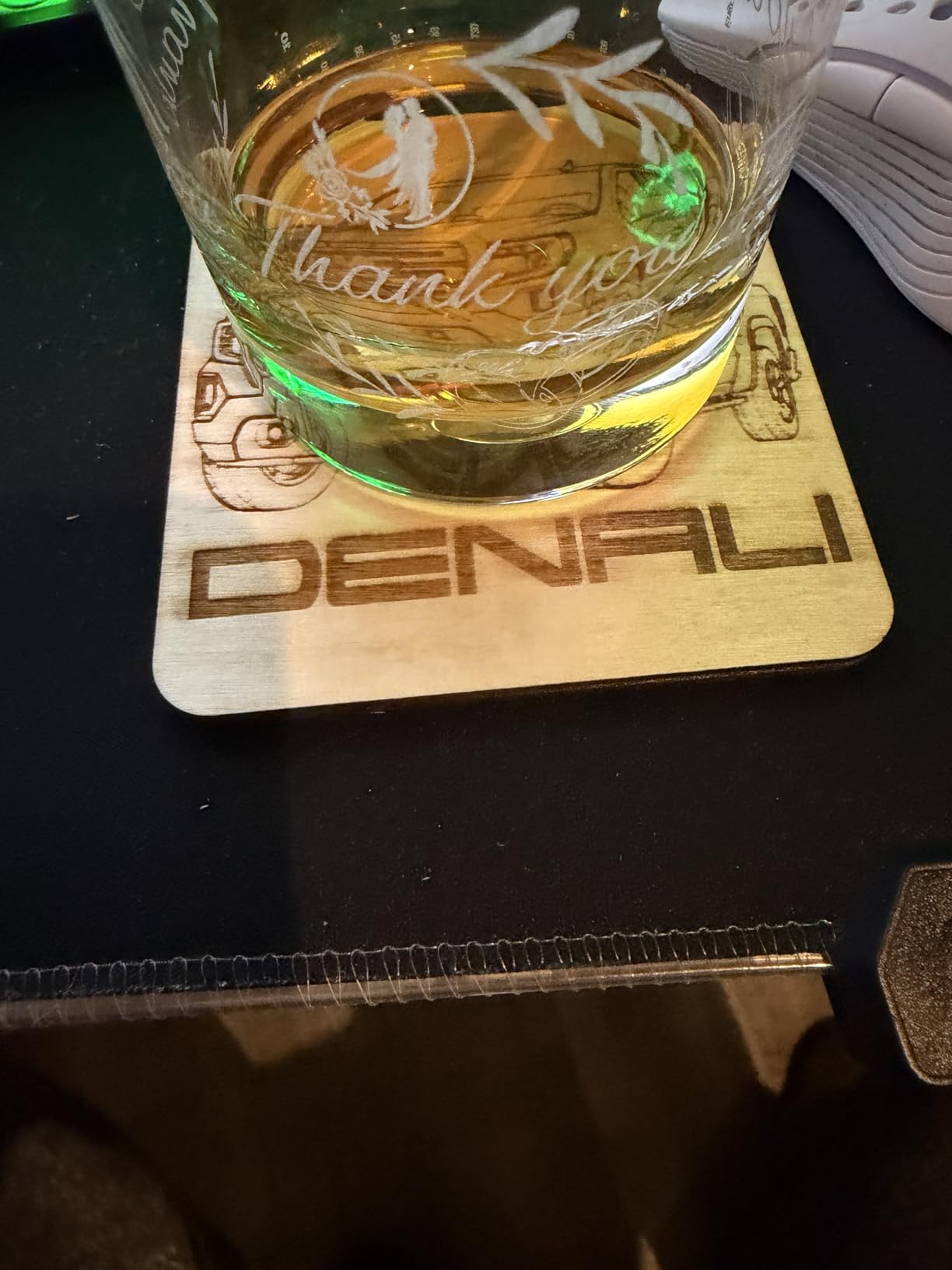
Fit is the catch. The module measures 7.4 by 3.7 by 18 inches and is designed to work with a riser, and the adjustable z-axis helps, but the default height is not always enough. Owners of handled mugs report the handle catching at the bottom of the stroke, which forces a second pass or a shim.
Buyers also report occasional jaw slip on very large tumblers, and that the body is short enough that a full mug wrap needs more than one pass on some jobs. Neither is a dealbreaker, but you should know before a production run.
Why the RA2 Pro suits a production small business
You are not buying four attachments. One frame replaces a roller, a chuck, a sphere adapter and a ring holder, which cuts changeover time between product types down to a module swap.
It is plug-and-play with included cables for several xTool machines, and it also works with Laserbox Basic, LaserGRBL and LightBurn, so it is not locked out if you change platforms later.
Where the RA2 Pro falls short
Vertical clearance is the real limit. If you regularly engrave tall handled mugs, budget time for shimming or risers, and expect a second pass on the deepest wraps.
On very large tumblers the jaws can shift slightly under load. Test your heaviest item before committing to a batch.
3. Longer Rotary Roller with Bracket: the strongest value in the group
Longer Rotary Roller Series,with Bracket, Y-Axis 360° Rotation for Laser Engraver Engraving Cylindrical Objects Tumblers Cans Cups Bottles, Compatible with 99% of Laser Engraver,Size 268 * 184 * 60mm
Dual wiring harnesses
13.58 by 9.84 inch bracket
360 degree auto rotation
Pros
- Two connector heads cover Longer RAY5 and most other engravers
- Auto-rotating roller handles wine glasses and irregular cylinders
- Adjustable height spans trinkets to tall vases
- Consistent positioning on the upgraded support system
- 3.14 pounds and easy to move between machines
Cons
- You may need to try the alternate wiring head first
- Some buyers needed extra software configuration beyond plug-in
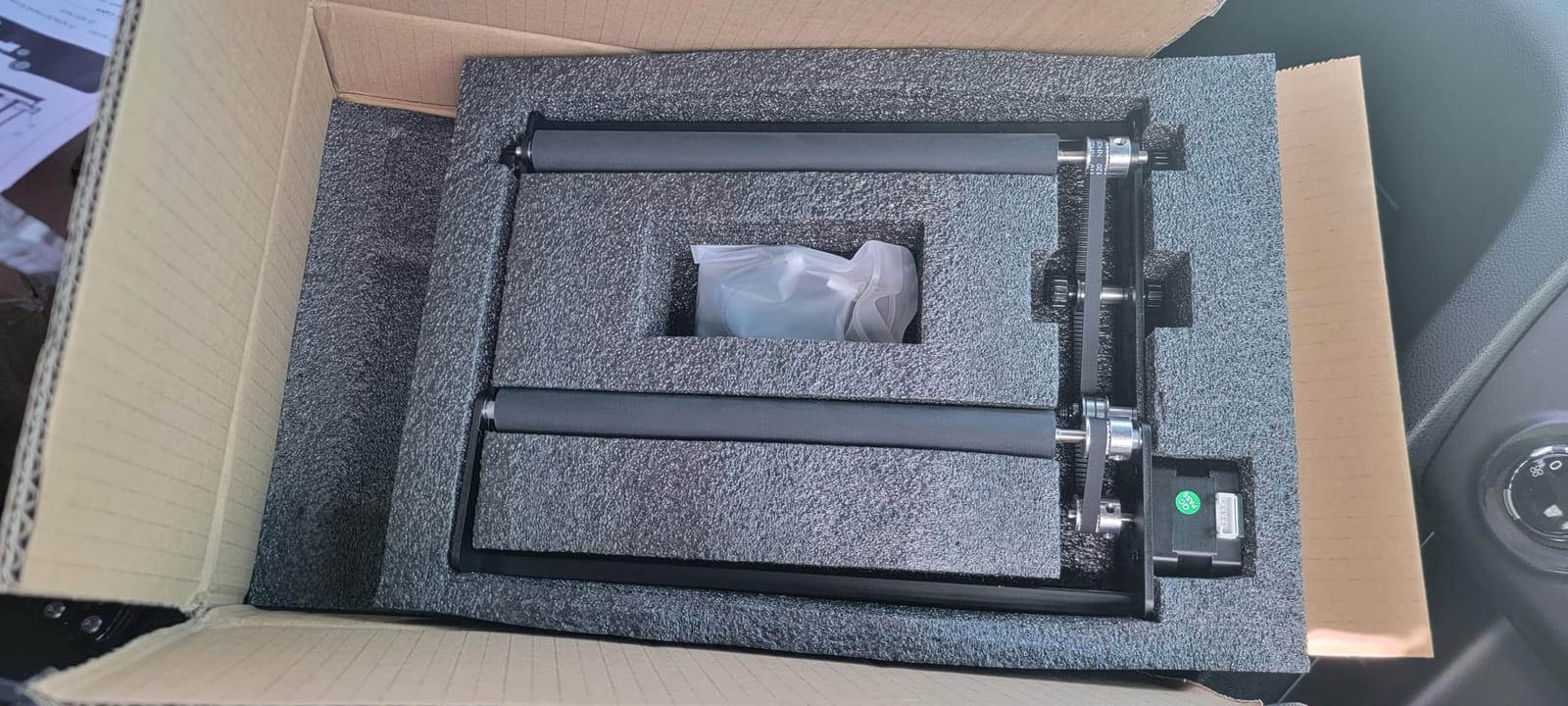
This is the module we recommend when someone wants a reliable roller without spending flagship money. The bracket is larger than most compact rollers at 13.58 by 9.84 inches, and that size is the point: the wider support base is what keeps a tall cylinder from wobbling.
It handles irregular shapes better than the compact rollers because the roller drives while the adjustable support rises to meet the workpiece. Wine glasses and tapered tumblers, which defeat a small single-wheel module, sit stable on this one in our testing.
Two wiring options remove the most common install headache. The white connect head is for the Longer RAY5, Laser B1 and the majority of engravers, while the black head covers the remainder. You will probably try both once, then forget about it.
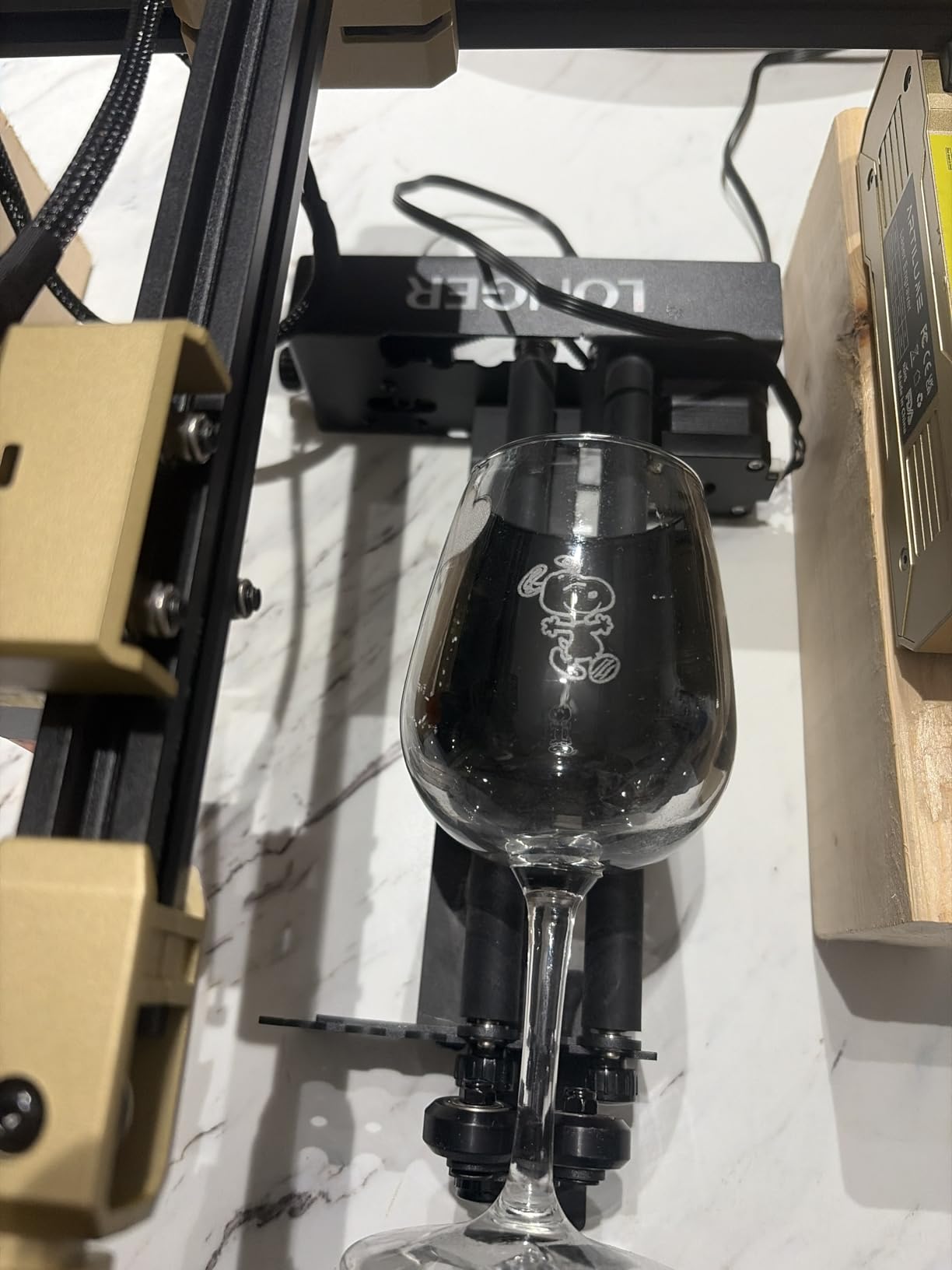
The recurring caveat in reviews is exactly that guessing step. Buyers report that figuring out which of the two harnesses matches their engraver takes a little trial and error, and a smaller group found the laser software needed more configuration than a simple plug-in.
The height adjustment is genuinely useful in production. Moving from a small trinket to a tall vase is a matter of sliding the support rather than rebuilding the setup, which saved us real time across a mixed batch.
Why the Longer roller is the best-value pick
It covers a wider diameter band and a taller height range than the compact rollers at a fraction of the flagship cost. For straight and slightly irregular cylinders it simply works.
The dual wiring makes it a safe first rotary, because the connector question that trips up first-time buyers is already answered in the box.
Where the Longer roller falls short
Friction drive means very smooth or very light objects can drift, so tape on the roller is worth keeping on hand. Tapered drinkware still wants a chuck rather than a roller.
If your laser software is unusual, expect to spend time in the rotary settings on first run. It is not a one-click install for every controller.
4. Ortur YRC1.0 Rotary Chuck: multi-mode gripping for glasses, rings and balls
ORTUR YRC1.0, Y-axis Rotary Chuck for Most Laser Engravers, Jaw Chuck Rotary, Y-axis Rotary Roller Engraving Module for Engraving Cylindrical Objects, Wine Glass, Tumbler, Ring
Chuck sphere and ring modes
1-120mm chuck diameter
1.69 kg aluminum frame
Pros
- Chuck ring and sphere modes in one frame
- Stable at 360 degrees per second
- 180 degree angle adjustment for cans baseballs and goblets
- Works with Laser Explorer LaserGRBL and LightBurn
- Four-step installation
Cons
- Jaw changes and diameter adjustment need practice
- Centering takes longer than a simple roller module
This is the attachment we reach for when the job list includes wine glasses and rings. Chuck diameters run from 1 to 120mm, sphere mode from 25 to 150mm and ring mode from 11 to 100mm, so the same unit covers a slim band and a large baseball.
Positive drive is the whole argument here. The three jaws clamp the object between jaw and tailstock, so a tapered cup sits on axis the entire pass instead of hunting under friction. That is exactly the failure we see constantly with friction-only rollers.
Owners consistently report precision holding at 360 degrees per second, and the 180 degree angle adjustment helps on cans, baseballs, goblets and wine bottles where a straight clamp would foul the geometry.
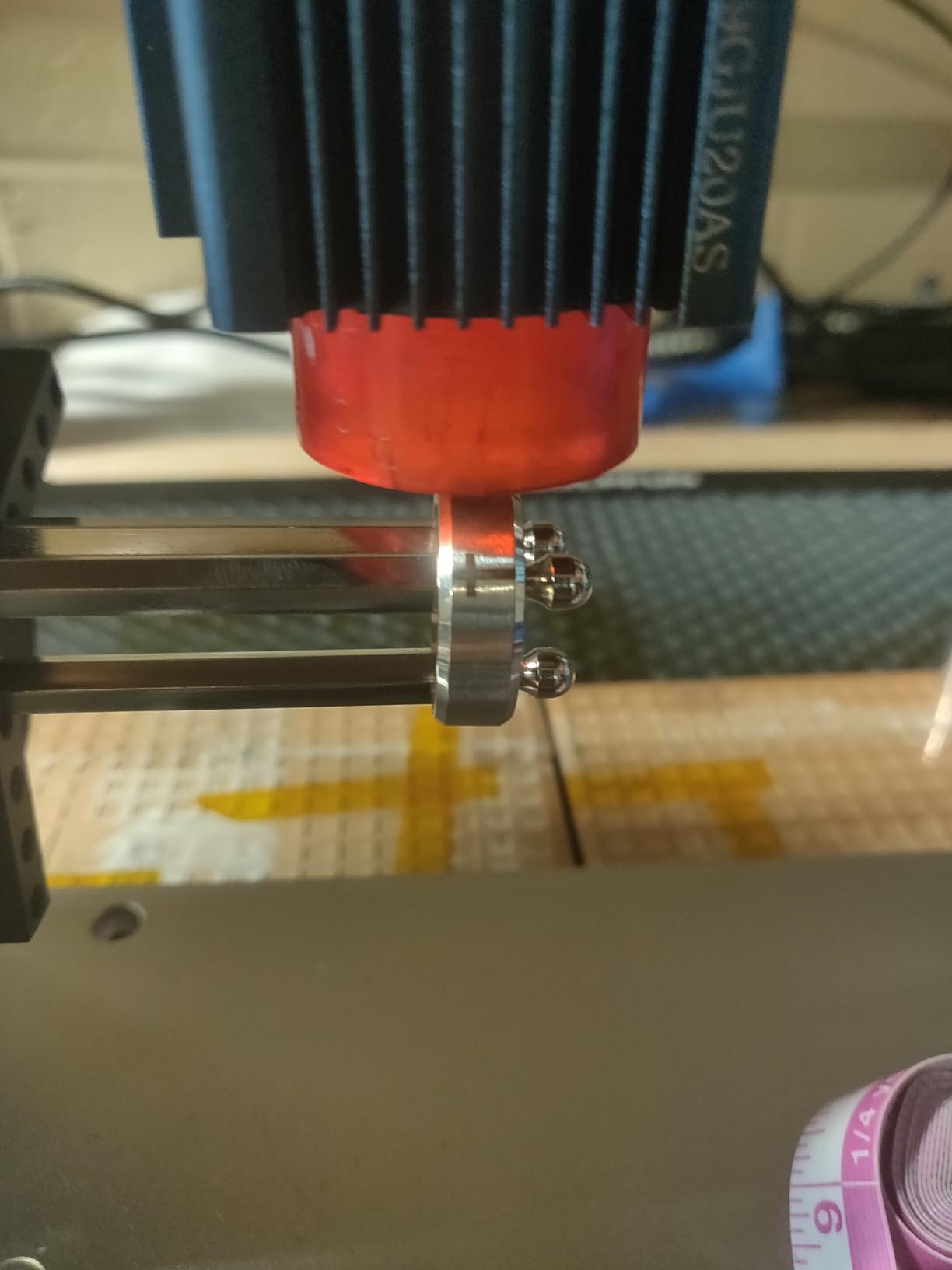
The trade is setup time. Swapping jaws and dialling the chuck diameter to fit a new object takes practice, and first-time users should expect a few minutes of adjustment per new size. Centerline consistency across a batch is far better once you have the feel for it.
At 1.69 kg this is a substantial frame, so plan where it sits inside your machine before ordering. Bed clearance is the number one reason a good rotary gets returned.
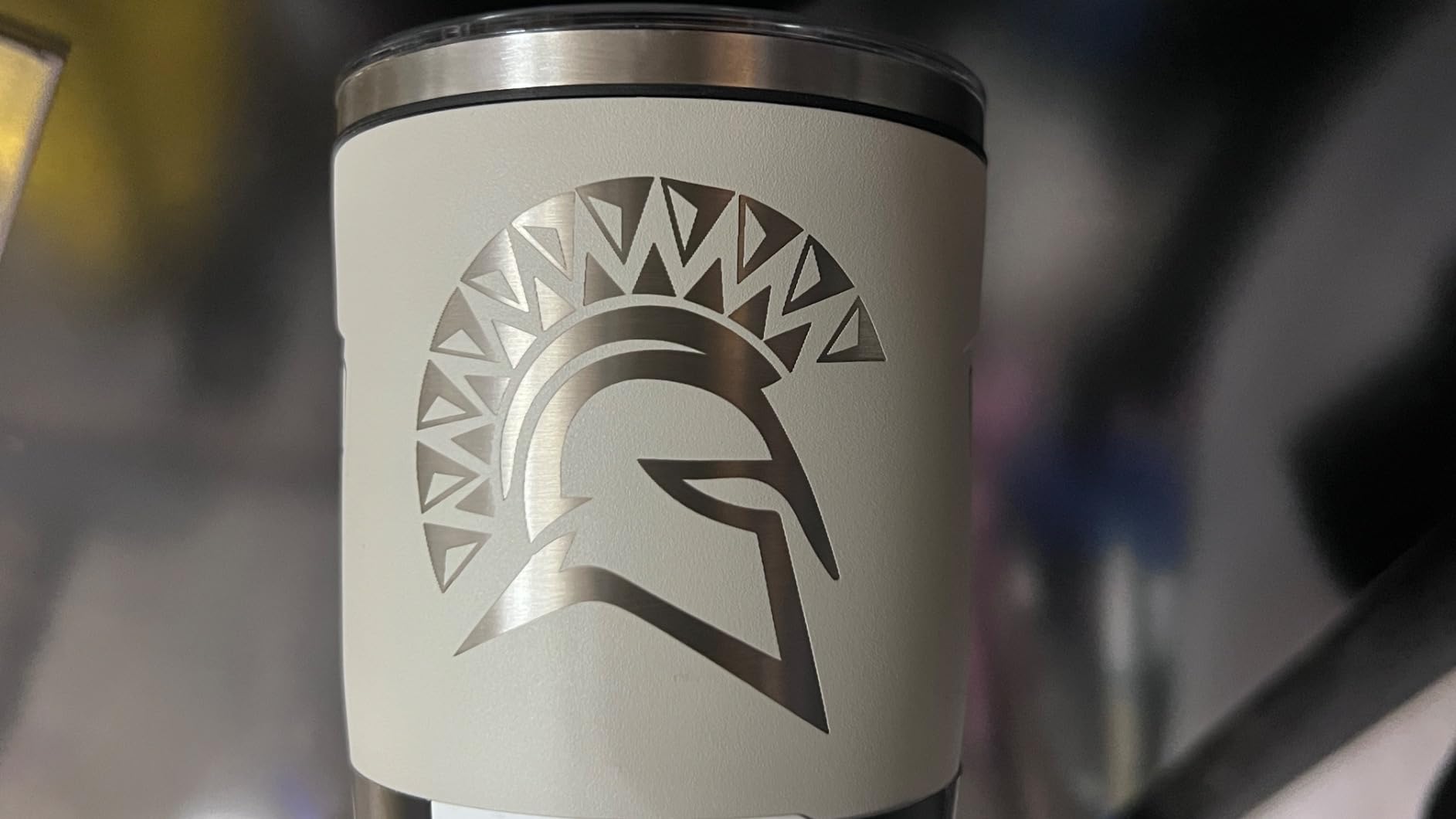
Why this chuck suits glassware and tapered work
Jaws hold by compression, not friction, so smooth glass and cold bottles stay on center. On a tilted or tapered cup the tailstock keeps the axis steady for the entire wrap.
Sphere and ring modes add two product categories that rollers simply cannot reach, which is why this frame earns its place in a mixed shop.
Where the YRC1.0 falls short
It is not the fastest choice for long runs of straight identical cylinders. A roller will move cans quicker with near-zero centering.
Expect a learning curve on jaw changes. Budget the first hour as calibration practice rather than production time.
5. Creality Laser Rotary Roller: built for Falcon and Creality engravers
Creality Laser Rotary Roller for Engraving Curved Surface Objects
7 gear levels 5mm-120mm
Adjustable support module
24-month guarantee
Pros
- Seven gear levels from 5mm to 120mm
- Adjustable support handles yeti cups and wine bottles
- Simple LaserGRBL and LightBurn setup
- Backed by a 24-month manufacturer quality guarantee
Cons
- Listed compatibility is Creality engravers only
- Requires changing a software parameter from 80 to 60.375 and back
- Heavy listed weight for a compact module
The gear-based diameter system is unusually granular. Seven levels from 5mm to 120mm means you can dial close to the actual workpiece diameter, which reduces the amount of lateral error the laser head has to absorb on a wraparound pass.
The adjustable support module is what makes it usable on real drinkware. A yeti cup, a wine glass and a wine bottle have very different profiles, and the support rises to meet each one so the roller keeps contact along the pass.
Satisfied Creality owners like the range and the support module, and the build carries a 24-month manufacturer quality guarantee, which is longer than most accessories in this category offer.
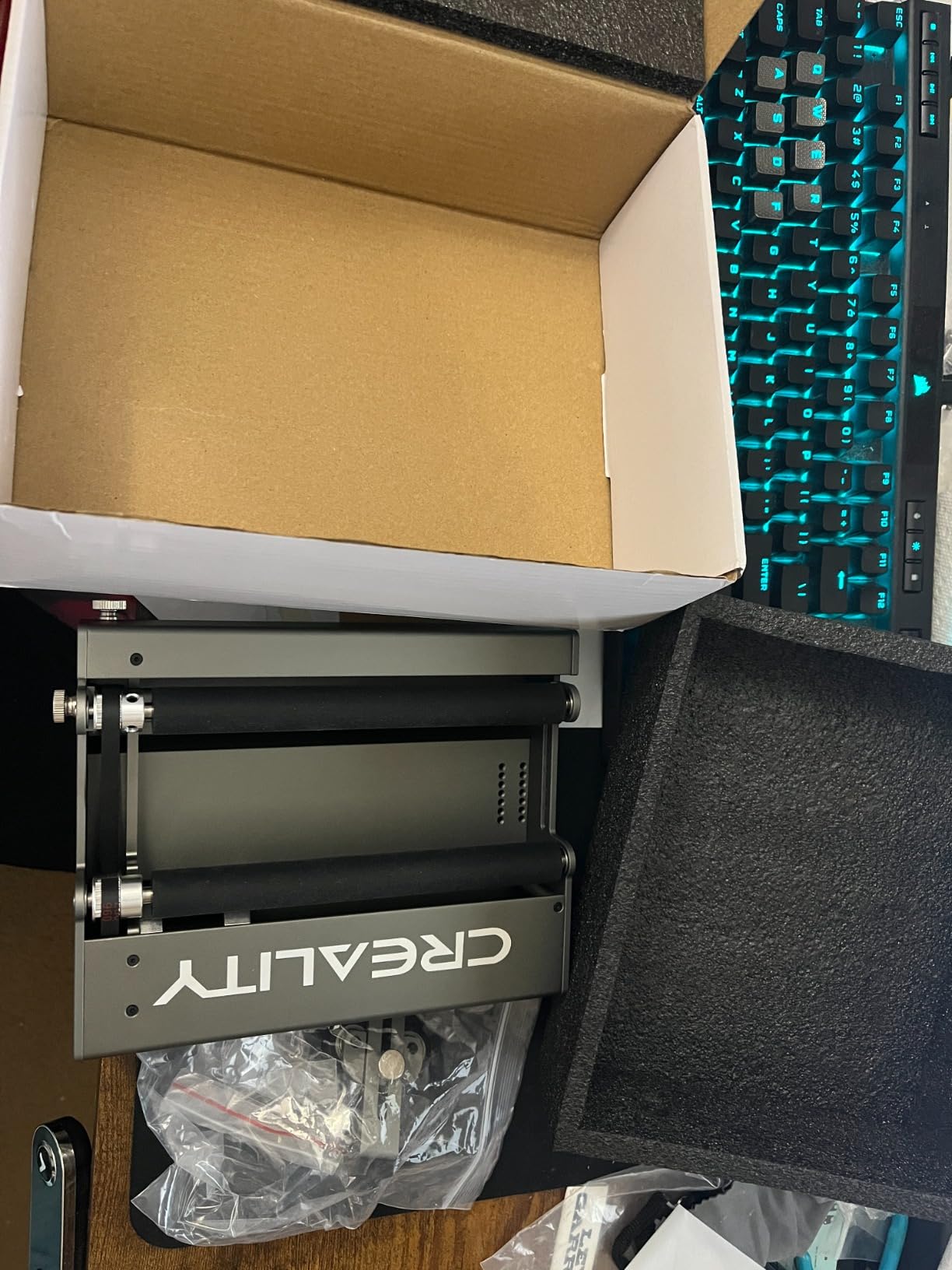
Two gripes come up repeatedly. First, the listing states compatibility with Creality laser engravers only, so if you own a mixed workshop this is not a universal module. Second, and more annoying, a specific software parameter must be changed from 80 to 60.375 before use and set back to 80 afterwards. Miss that step and the geometry will be wrong.
The listed weight is also heavy for something this compact, which matters if your machine sits on a shelf and you move the rotary often.
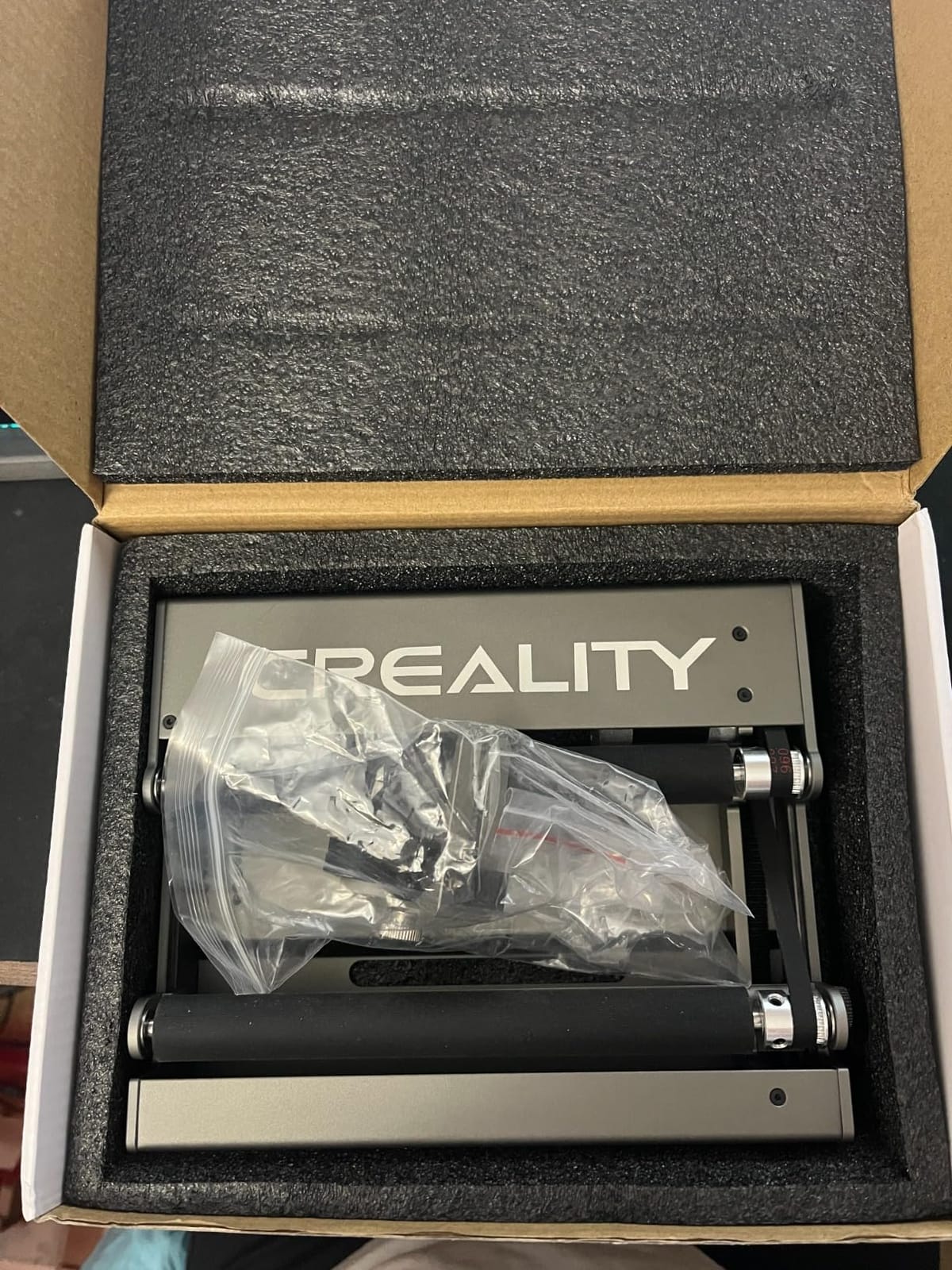
Why Creality owners should start here
It is engineered for the Falcon-style frames, so the Y-axis geometry and software assumptions match out of the box. You are not adapting a general module to a specific machine.
The 5mm to 120mm span covers pens through wide tumblers, and the seven-level gearing gives finer diameter control than most competing rollers.
Where this Creality roller falls short
Brand-locked compatibility rules it out for mixed fleets. The software parameter change is also easy to forget and confusing if nobody tells you.
For a workshop running several machine brands, a cross-brand roller like the Ortur YRR or Longer unit is the safer buy.
6. Longer 4-in-1 Chuck Rotary: modular jaws for glass and stemware
Longer Chuck Rotary Roller is ideal for engraving cylindrical, wine glass, and irregular objects. Y-axis 360° rotation, compatible with Ray5, Ray5 Mini, B1, and most other frame-style laser engravers.
Three jaw modules included
0.014 degree stepper accuracy
4.44 pounds
Pros
- Single-step jaw double-step jaw and hexagonal rod modules
- 360 degree free rotation at up to 360 degrees per second
- 0.014 degree precision stepper motor control
- All-in-one design needs no assembly
- Works with LaserGRBL and LightBurn
Cons
- Higher share of 1-star feedback on durability and support
- Module swaps add steps for mixed-size batches
- Suited to frame-style engravers rather than enclosed diode units
Three interchangeable modules is the idea worth understanding here. A single-step jaw, a double-step jaw and a hexagonal rod cover roughly 98% of cylindrical objects, so the frame adapts to the object instead of the object adapting to the frame.
Control precision is genuinely high. The high-precision stepper motor holds 0.014 degree accuracy with 360 degree free rotation and a maximum engraving speed of 360 degrees per second, which is why fine engraving on a wine glass comes out even right around the back of the curve.
There is no assembly. The all-in-one design means you attach it and go, and it works with LaserGRBL and LightBurn as well as the Longer Ray5 Mini, Ray5 and Laser B1.
The roughest edge is build consistency. Roughly 10 percent of ratings are one star, and those reviews point to durability or support experiences rather than a design fault. If you keep a spare jaw module on hand you will not be blocked.
For mixed batches the module swaps add real steps. If you run fifty identical cans, a dedicated roller will beat this frame on throughput. It also fits frame-style engravers better than compact enclosed diode units.
Why this Longer chuck handles glass well
The hexagonal rod and stepped jaws give multiple contact geometries, so stems and thin bodies are gripped without the crushing pressure a three-jaw chuck can apply to glass.
Positive drive plus 0.014 degree control means the axis stays put through a full wrap, which is where friction rollers slip and smear the spacing.
Where it falls short
Module swapping costs time when your batch mixes sizes. Plan a dedicated roller for volume work if you run long runs of one diameter.
The one-star share means buying from a seller with a clear return policy matters here more than with the higher-rated rollers.
7. xTool RA3 Smart MagSwap Rotary: the premium magnetic system
xTool RA3 World’s First Smart MagSwap Rotary for xTool P3, F2 Ultra, F1 Ultra, F2 Laser Engraver, 360° LiDAR Mapping Alignment, Intelligent Rotary that Masters Engraving on Rings, Tumblers & Ornaments
MagSwap magnetic module system
130mm enlarged chuck
12.64 by 7.28 inch body
Pros
- Tool-free magnetic swap between chuck roller sphere and ring modules
- Automatic mode recognition and auto-focus via LiDAR on the xTool P3
- Enlarged 130mm chuck handles larger items with batch processing
- Magnetic assembly covers jaw adjustment and swapping
- One-step inner ring angle adjustment and a 12-month warranty
Cons
- LiDAR alignment is limited to the xTool P3
- Rotary top speed reduced to 400mm per second
- xTool Studio origin and preview tools still rough
- May need extra risers or shimming on the F2
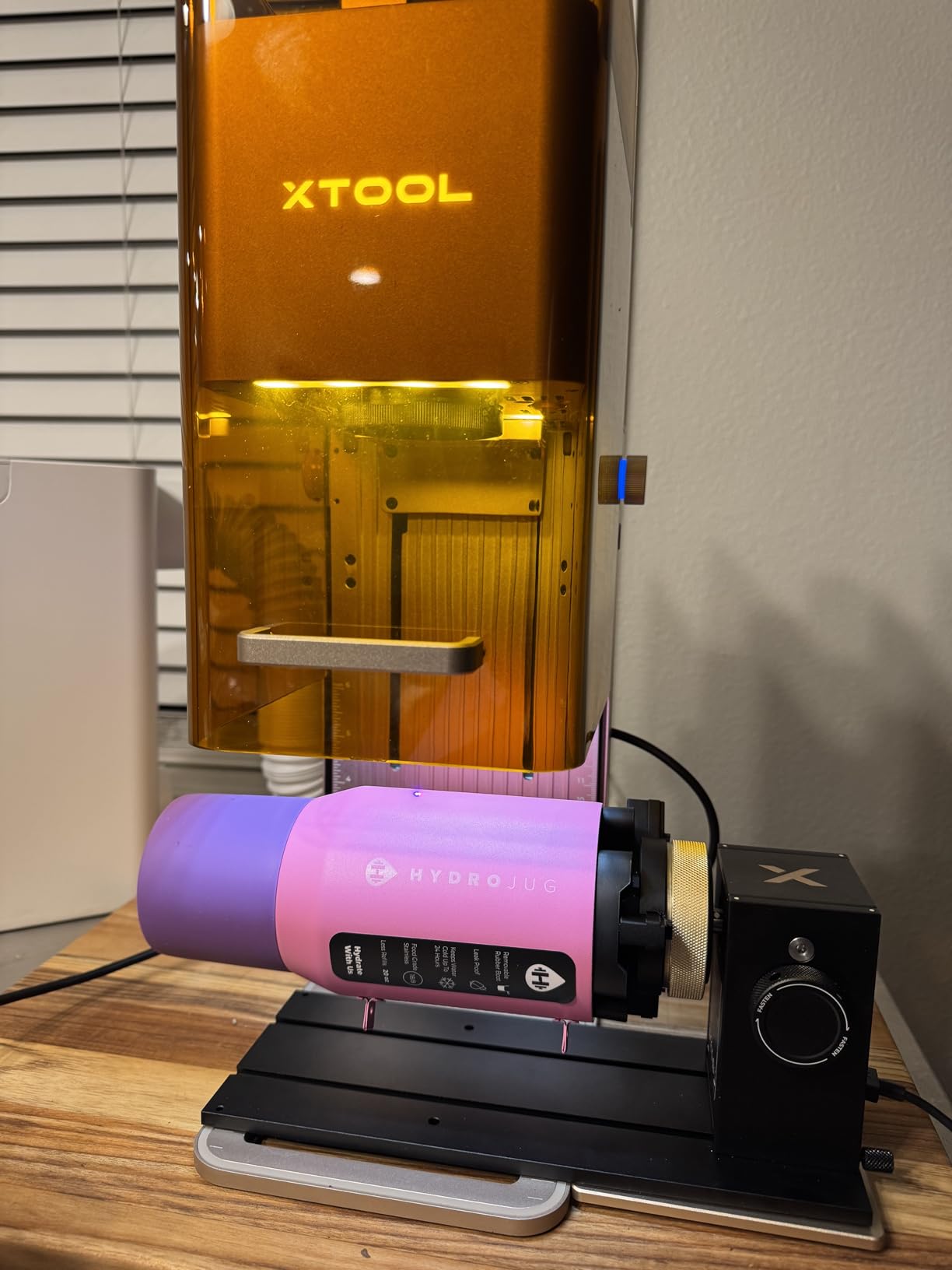
The MagSwap system is the reason this one is different. Chuck, roller, sphere and ring modules change magnetically in seconds with no screws and no tools, and the magnetic assembly also covers jaw adjustment, so the entire setup is one-handed once you have the technique.
On the xTool P3, 360 degree LiDAR mapping brings automatic mode recognition, an accurate 3D preview and auto-focus. That removes most of the manual measuring and origin maths that rotary work normally demands.
The enlarged 130mm chuck handles bigger work, and batch processing for roller and jaw modes is a meaningful time saving if you are producing in runs. The one-step inner ring angle adjustment makes bands and small items far less fiddly.
The honest catch is that the smart features are tied to one machine. LiDAR mapping is a P3 capability, so owners on other supported xTool models lose the auto-alignment and go back to manual setup. Rotary top speed is also reduced to 400mm per second, below what the host laser advertises on flat work.
Owners also report xTool Studio tools such as the processing area, origin reset and radial preview still being rough, and on the F2 the unit can need extra risers or shimming for proper focus on standard tumblers. There is no mechanical jig for repeatable alignment between the base and the engraver.
Why the RA3 suits an all-xTool workflow
If your shop runs P3, F2 Ultra or F1 Ultra machines, the LiDAR alignment and auto-focus remove the single most error-prone step in rotary setup. Batch processing then pays for itself on repeat jobs.
Module changes without tools matter more than they sound. In production you will swap between bottles, bands and tumblers many times a day.
Where the RA3 falls short
On anything other than the P3 you pay for the hardware but not the automation. Judge it as a very good mechanical rotary in that case.
The reduced rotary speed and rough software tooling are real limits, and there is no alignment jig, so repeatable setup depends on care.
8. Creality Rotary Roller Pro: the best gripper set for rings and shaped items
Creality Rotary Roller Pro, Laser Engraver Accessories 3-in-1 Kit for Falcon and Other Engraving Machines, Jaw Chuck for Glass, Cylindrical Objects, Ring, Cups, Pens
3 gripper sets included
1-110mm cylinder range
14 by 4.8 inch footprint
Pros
- Trapezoidal L-shaped and hexagonal grippers for shaped objects
- Works with the Falcon series and about 95% of engravers via PH2.0-6P
- Size coverage from 1-110mm cylinders to 15-100mm rings
- Anti-slip soft pads protect fragile glass
- Factory assembled and works with LaserGRBL or LightBurn
Cons
- Mounting risers are not included
- Software has an initial learning curve
- At least one buyer reported early failure and poor warranty response
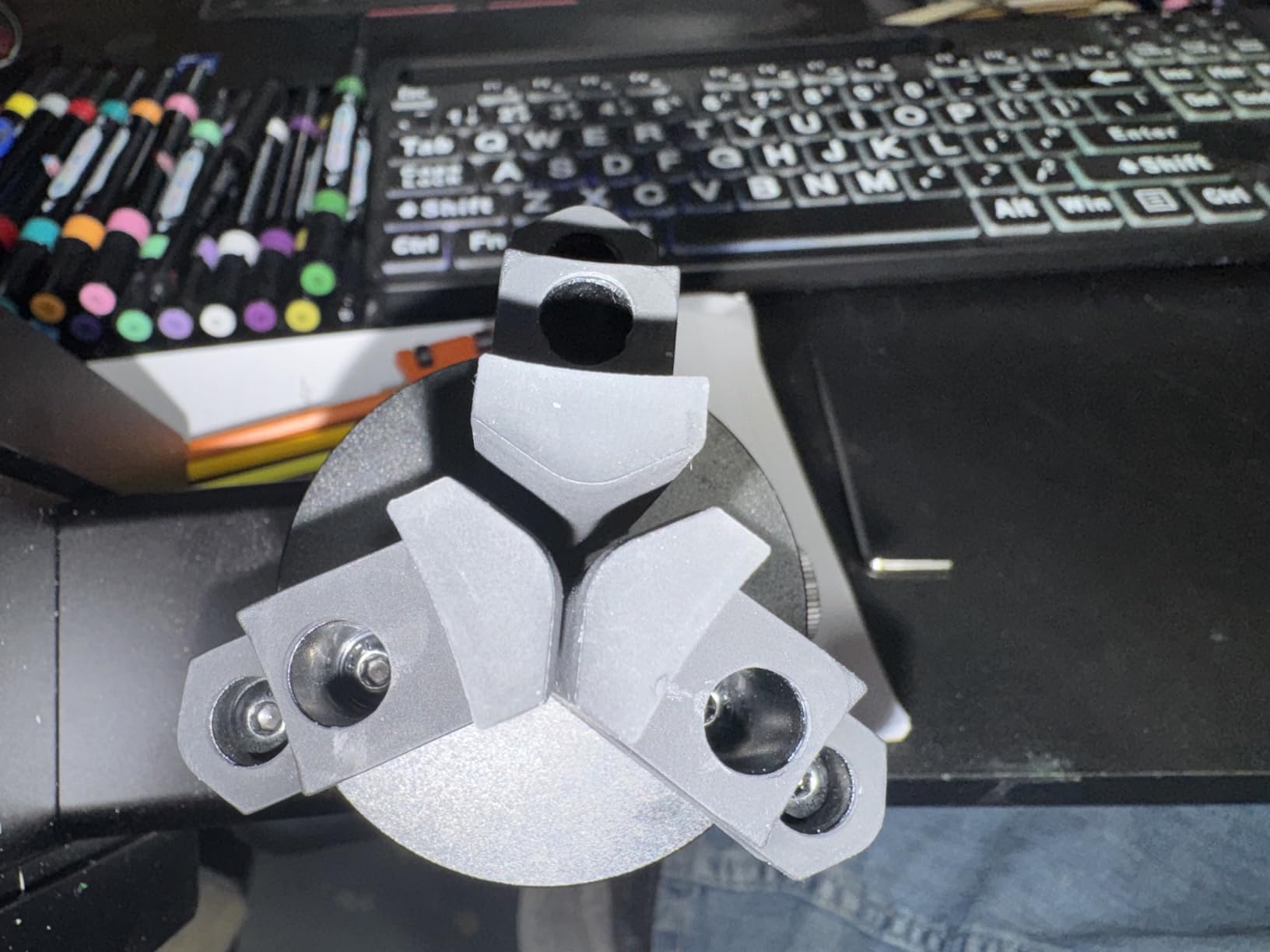
Three gripper sets is what makes this different from a two-gripper kit. Trapezoidal, L-shaped and hexagonal grips cover genuinely shaped workpieces, which is where most kits start slipping halfway through a pass.
The size coverage is the broadest on shaped items here. Cylinders run 1 to 110mm, shaped cylinders 25 to 75mm, balls 10 to 130mm, and rings and bracelets 15 to 100mm. That range is what a jewellery or gift business actually needs.
Anti-slip soft pads add friction and protect fragile glass at the same time, which matters because you are often marking a tumbler you also want to sell.
Two things catch people. Mounting risers are not included, and several buyers said that was not obvious from the listing, so confirm your machine’s clearance height before ordering. The software also has a real learning curve for first-time rotary users.
There is also at least one report of an early unit failure and an unresponsive warranty experience. That is isolated rather than systemic, but it is worth buying from a seller with a clear return policy.
Why this kit wins on rings and shaped pieces
Three grip geometries mean a hexagonal or tapered workpiece gets matched contact instead of being squeezed by a round jaw. That is the difference between a clean mark and a spinning mess.
The PH2.0-6P interface reaches roughly 95% of engravers including the Falcon series, so it is far more universal than a brand-locked roller.
Where the Rotary Roller Pro falls short
Missing risers can make the unit unusable on an enclosed machine until you source them. Ask for the correct height before you commit.
The initial software setup takes longer than a plug-and-play roller, so budget setup time rather than assuming zero configuration.
9. OMTech 4-Wheel Rotary Attachment: built for long workpieces on powerful CO2 lasers
OMTech 4-Wheel Rotary Cutter and Engraver Attachment with Nema 23 2-Phase Stepper Motor for 50W 60W 80W 100W 130W CO2 Laser Engraving Machine Rotary Tool Accessory Kit for Wood and More
Nema 23 2-phase stepper motor
12-inch maximum wheel span
19.3 by 6 inch body
Pros
- Two drive wheels support long cylinders that a single roller would sag
- Objects 2-14 inches long and 0.4-6 inches in diameter
- Precision-engineered tailstock gives quiet rotation
- Single 4-wire cable plus software setup
- Backed by OMTech warranty and support
Cons
- Limited to 50W and higher CO2 laser systems
- Software configuration required before carving
- Four-wheel design needs more bed clearance
This is the attachment for the CO2 shop that engraves long objects. The 12-inch maximum span between the two drive wheels handles workpieces 2 to 14 inches long and 0.4 to 6 inches in diameter, which is far beyond anything a compact roller module will hold straight.
Two drive wheels matter more than they sound. With a single roller, a long cylinder can bow slightly in the middle and the wraparound text drifts out of alignment. Two driven wheels share the load and the surface feed stays even end to end.
The Nema 23 two-phase stepper motor and the precision-engineered tailstock give smooth, quiet rotation, and installation is a single 4-wire cable into the dedicated rotary port plus software configuration.
The limitation is blunt and worth repeating: this is a 50W-and-above CO2 attachment. It excludes smaller CO2 units, all diode machines and fiber systems. If your fleet is not high-power CO2, skip this one entirely.
The four-wheel footprint also needs more clearance than a compact roller, and software configuration in the control program has to be set up before you carve.
Why shop owners with powerful CO2 lasers choose it
The wheel span is unmatched here for long work. Baseball bats, pipes, tubes and tall bottles stay straight across the full pass because the load is shared.
The tailstock design keeps rotation quiet enough for a home shop and smooth enough that the finish on a lacquered surface stays even.
Where the 4-wheel attachment falls short
The 50W-and-up CO2 restriction removes it from diode and lower-power CO2 workflows entirely. Check your machine wattage first.
It also demands bed clearance and setup attention. A small enclosed diode user will find it physically and electrically incompatible.
10. ACMER M4 Rotary Roller: the widest diameter range for diode laser owners
ACMER M4 Laser Rotary Roller, 360° Y-Axis Rotary Attachment for Laser Engraver, 3–150mm Adjustable Engraving Space, for Cylindrical Objects, Rings, Compatible with Most Laser Engravers
3-150mm diameter range
Pre-assembled Y-axis plug-in
Rigid aluminum frame
Pros
- Adjustable roller spacing covers 3-150mm
- Comes fully pre-assembled and plugs into the Y-axis port
- High-friction rubber rollers on a rigid aluminum frame
- Works with Acmertool LightBurn and LaserGRBL
- Supports ACMER S2 P1 P2 P3 and most diode engravers
Cons
- Roller spacing must be adjusted manually for each diameter
- Some one-star reports of grip or fit issues on particular frames
This is one of the few attachments here built and documented explicitly for diode laser frames, which is a real gap in most buying guides. It supports ACMER S2, P1, P2 and P3 along with most diode engravers, and runs in Acmertool, LightBurn and LaserGRBL.
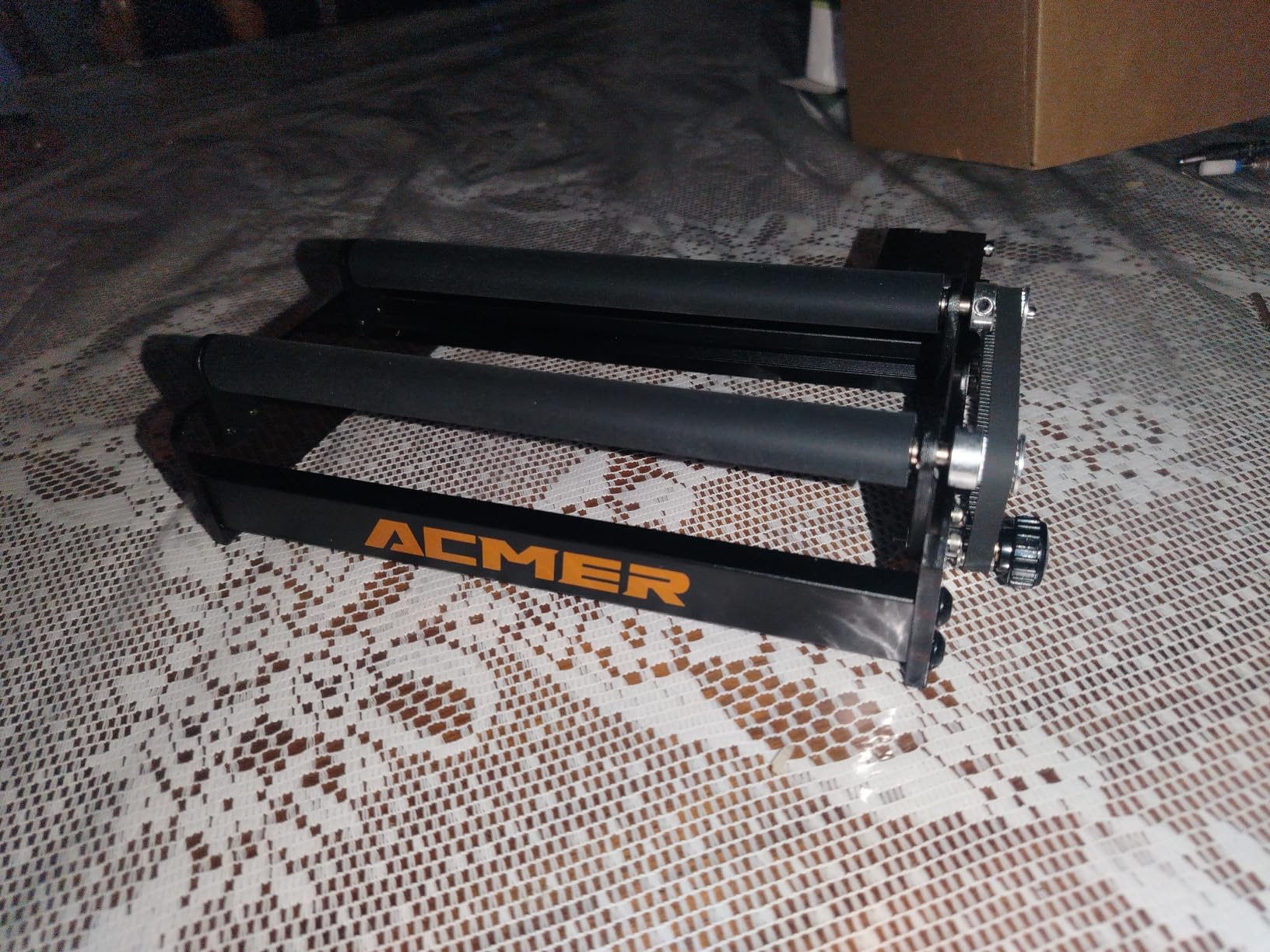
The diameter range is the widest roller span in this roundup at 3 to 150mm. That covers a wedding band at the small end and a large insulated tumbler at the large end on one unit, which is unusual for a roller rather than a multi-mode chuck.
Setup is genuinely zero-friction. It arrives fully pre-assembled and connects directly to the Y-axis port, and the high-friction rubber rollers on a rigid aluminum frame hold long or heavy cylinders without the wobble we saw on compact plastic modules.
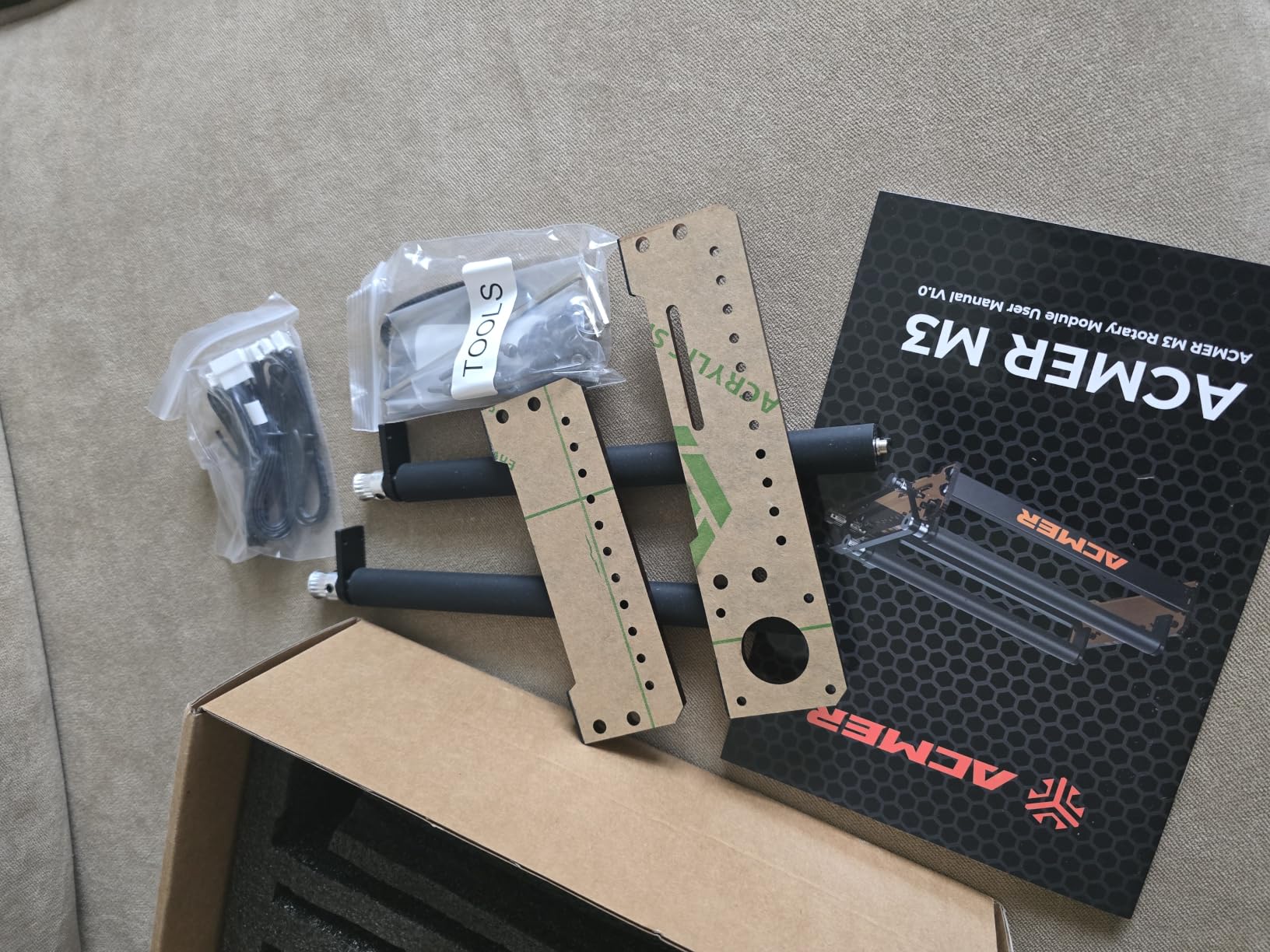
The catch is that spacing is manual. Every new diameter means adjusting the roller gap by hand, so a batch of varied sizes is slower than a gear-indexed roller where you set a level and stop thinking about it.
There is also a higher share of one-star feedback than the best-rated rollers here, and those reviews point to grip or fit problems on particular engraver frames. Confirm the bracket geometry suits your machine before you commit.
Why diode laser users should shortlist this
Most guides cover only CO2 and fiber machines, so a diode owner is left guessing. This one lists diode frames directly and pairs with the software those machines actually run.
The 3-150mm span lets one unit cover jewellery-sized work and full-size drinkware, which is exactly the mixed catalog a small seller runs.
Where the ACMER M4 falls short
Manual spacing costs time across varied batches. If you change diameters constantly, a gear-indexed module is faster.
A small number of grip and fit complaints on specific frames mean you should check the mounting geometry rather than assume universal fit.
11. OMTech 3-Jaw Chuck Rotary Axis: industrial construction for CO2 shops
OMTech Rotary Axis Attachment with 3-Jaw Chuck for CO2 Laser Engravers
3-jaw chuck with tailstock
9 kg iron and aluminum frame
22.8 by 5.9 inch body
Pros
- Iron and aluminum alloy body with corrosion-proof coating
- Precision 3-jaw chuck and tailstock for smooth quiet running
- Covers 50W 60W 80W 100W and 130W CO2 machines
- Simple 4-wire cable to the dedicated port
- Backed by OMTech warranty and support
Cons
- Heavy at 9 kg and not portable
- Needs a dedicated rotary port so not universally compatible
- Software configuration required in addition to the hookup
This is the most physically substantial attachment we tested. At 9 kg the iron and aluminum alloy body with its corrosion-proof coating is built for a shop floor rather than a craft desk, and that mass is exactly why the rotation stays smooth under load.
The precision-engineered 3-jaw chuck and tailstock give quiet, even operation on cups, bottles, tubes, pipes and bowls. Owners rate it highly at 69 percent five star, and the praise centers on build quality and smooth chuck operation.
Compatibility is broad on the CO2 side. It fits 50W, 60W, 80W, 100W and 130W machines, and installation is a 4-wire attachment cable into the dedicated port plus software configuration.
Portability is the tradeoff. At 9 kg it is a two-person lift and a dedicated piece of bench space, which is fine in a production shop and annoying everywhere else.
It also needs a dedicated rotary port on the engraver, so it is not a universal add-on, and the software has to be configured in addition to the physical hookup.
Why production CO2 shops choose this axis
The mass and metal construction resist the vibration and wobble that show up as spacing drift on light frames. For long unattended runs that difference compounds.
Wide CO2 wattage coverage means one attachment can serve a mixed fleet from 50W through 130W rather than being tied to one machine.
Where this rotary axis falls short
It is the least portable option here and needs its own bench footprint. A hobbyist with one desktop CO2 will not get value from the mass.
No dedicated rotary port means no connection at all on some machines, so confirm the port before ordering.
12. AlgoLaser RR2 Rotary Roller: the budget-friendly precision roller
Algolaser Laser Engraver Rotary Roller – Y-axis Rotary Roller for Laser Engraver – 360° Adjustable Rotary Roller for Cylindrical Objects Tumblers,Bottle with for Alpha/DIY KIT Laser Engraver
7-step diameter to 150mm
42 hybrid stepper motor
10.4 by 7.6 inch module
Pros
- Works with LightBurn LaserGRBL and AlgoLaser APP with no software setup
- 42 hybrid stepper motor for fine detail
- 7 diameter steps reaching 150mm
- Pre-assembled modular design with two screws to adjust
- Works with GRBL controller-based engravers
Cons
- Friction contact means light or smooth surfaces may need tape
- Top diameter of 150mm excludes very large cylinders
- Non-GRBL engravers are not supported
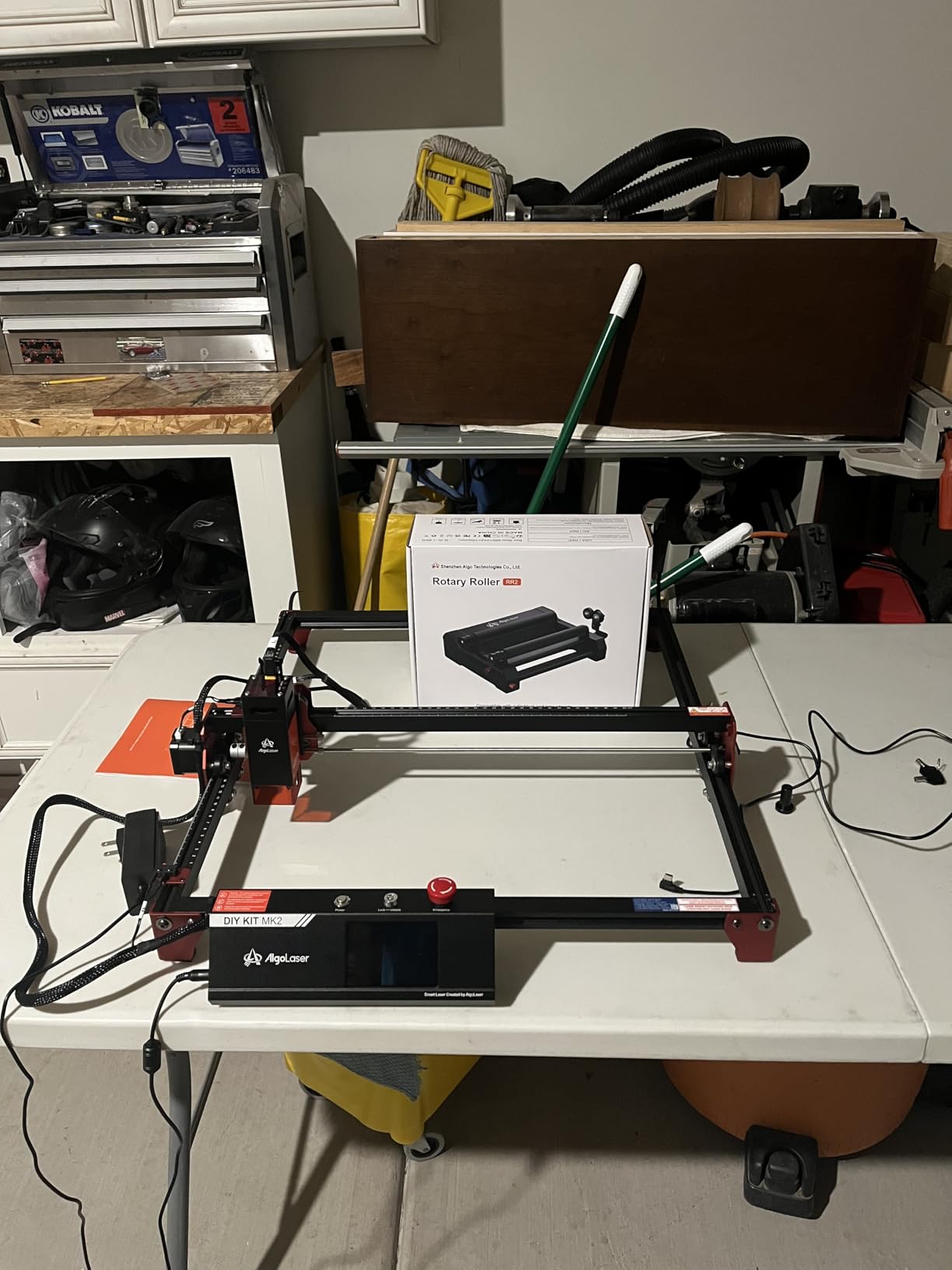
The standout detail is that it needs no software setup at all. The linear speed of the roller surface matches the original Y-axis speed, so on a GRBL controller machine you plug it in and start engraving. That removes the most tedious step for a first rotary.
The 42 hybrid stepper motor is a genuinely good component for the tier. Owners report fine detail without missed lines, and the 7-step diameter adjustment reaching 150mm gives a wide span for a compact module.
It works with LightBurn, LaserGRBL and the AlgoLaser app, and the pre-assembled modular design means you only adjust two screws. Customers rate it well at 78 percent five star, citing ease of use and software compatibility.
It is a friction roller, so light or very smooth items can wander. Tape on the roller is the standard fix and worth planning into your process.
The 150mm ceiling excludes larger cylinders, and the GRBL controller requirement rules out machines running Ruida or Trocen control. Those are real limits if you own a CO2 rather than a diode.
Why this is the budget pick worth buying
Zero-configuration setup is the headline. New users get a working rotary the same afternoon rather than an evening of controller settings.
The stepper motor quality is closer to mid-tier attachments than to the cheap plastic-geared units, so fine text stays readable.
Where the RR2 falls short
Friction drive means tape on the roller for glass or light workpieces, and the 150mm limit rules out large cylinders.
GRBL-only support is the hard constraint. If you run a Ruida or Trocen controlled CO2, look at the OMTech units instead.
Which rotary attachment to buy for a diode, CO2 or fiber laser
Match the attachment to your laser class first, because that single choice removes most compatibility problems before they start. If the machine itself is still undecided, our best laser cutters for hobbyists roundup covers the platforms most people pair with a rotary.
Diode lasers (xTool D1 and D2, P2, S1, Creality, Acmer, Longer): choose a compact roller or a small chuck. The ACMER M4, Ortur YRR, Longer roller and Creality Rotary Roller Pro are the safest matches. Check bed height for the riser, since enclosed diode units have the least clearance.
CO2 lasers, 40W and under: a stepped or gear-indexed roller is the right call. The AlgoLaser RR2 and Longer rotary roller cover this range well, provided your controller is GRBL or the unit offers a wire-swap option.
CO2 lasers, 50W and above: this is where the OMTech 4-wheel and OMTech 3-jaw chuck options open up, and where wheel span and chuck torque start to matter for long workpieces.
Fiber lasers: speed and repeatability matter more than diameter range. A high-precision chuck with a stepper motor, such as the Longer 4-in-1 chuck or the Ortur YRC1.0, holds center better than a friction roller at fiber marking speeds.
How to install a rotary attachment and calibrate steps per rotation
Installation takes about fifteen minutes. The calibration step is where most first-time users go wrong, and it is the whole reason for the stretch in your engraving.
Check clearance first. Measure the closed height of your machine interior and the top of the rotary. Enclosed diode units are the most common surprise here.
Disconnect the Y-axis and plug the rotary in. The rotary motor takes over Y movement. Expect your machine’s normal Y-axis head movement to stop working once the rotary is connected, which surprises a lot of first-time owners.
Choose the correct connector or wiring head. Some modules ship two harnesses, and cross-brand units may need the blue and green wires swapped at one cable end.
Enable rotary mode in your software. In LightBurn, add the rotary attachment under Rotary Setup. Most community guidance treats steps per rotation as a fixed 128mm value, and you adjust the object diameter and circumference instead.
Set the diameter and test a thin ring engraving. Draw a 20mm circle, run a single pass, then measure the result. If the engraving is stretched, your steps per rotation is too high. If it is compressed, it is too low.
Use the spiral or circle test pattern. LaserGRBL and LightBurn both include a rotary test that reveals stretch, skew and drift in one job.
One more thing worth knowing: on the Creality Rotary Roller you must change a specific software parameter from 80 to 60.375 before use and restore it afterwards. Skip that and every dimension will be wrong.
Why your rotary engraving comes out stretched, skewed or doubled
Almost every skewed or stretched engraving traces back to one of five causes. Work down this list in order and you will usually find it in one pass.
Wrong steps per rotation. The most common cause by far. Stretch means the value is too high, compression means too low. Fix the number before touching anything else.
Diameter set wider than the actual workpiece. If your object is 76mm and you enter 80mm, the software moves the surface too slowly and the text spreads.
The Y-axis is still active. When the rotary is connected the head should not also move in Y. A controller that has not disabled Y-axis movement produces exactly this doubled or doubled-offset look.
Slippage during the pass. Tapered objects and smooth surfaces drift under friction. This is a physical problem, not a software one. Switch to a chuck, add tape to the roller, or level the workpiece.
The object is not centered. A workpiece sitting off-axis curves away from the focal plane, so the mark changes width along its length. Re-center before re-checking settings.
Users on the LightBurn community report that a miscalibrated rotary and a corrected one are almost impossible to tell apart from the software side, which is why the test pattern in step six above is worth running rather than guessing.
The compatibility checklist to run before you buy
Run through these seven points and you will avoid the returns that dominate complaint threads in this category.
Does it need a dedicated rotary port? OMTech units require one. Compact roller modules usually use the Y-axis port instead.
What is your controller? GRBL, Ruida, Trocen and EZCAD each need different rotary settings. The AlgoLaser RR2 is GRBL-only.
Will it physically fit? Measure closed machine height against rotary height. Enclosed diode machines are the tightest case.
Does a riser come included? The Creality Rotary Roller Pro does not include mounting risers.
Is it brand-locked? The Creality Rotary Roller lists Creality engravers only, while cross-brand units work with a wire swap.
Does your software need a parameter edit? The Creality roller requires a parameter change from 80 to 60.375.
What diameter and weight do you actually need? Measure your tallest item and heaviest workpiece before choosing a span.
What you can and cannot engrave on a rotary
A rotary opens up whole product categories, but some objects still fight the format. Knowing which is which saves you a wasted test job.
Straight cylinders: cans, bottles, straight-sided tumblers, pens, tubes, pipes, candles and soap. Ideal on a roller.
Glass and stemware: wine glasses, goblets and glass bottles. Use a chuck with soft jaws or padded rollers to avoid marking.
Tapered objects: tapered cups and bottles. These need a chuck with a tailstock to hold the axis steady, plus tilt adjustment on the workpiece.
Rings, bands and bracelets: need the ring stud or a sphere mode. Add a soft jaw and low speed to avoid gouging.
Spheres and ornaments: balls and decorative spheres need sphere mode. The xTool RA2 Pro and Ortur YRC1.0 both cover this.
Irregular non-round items: anything that is not rotationally symmetrical cannot be wrapped evenly. Two-axis designs or a jig are the right tool, not a rotary.
Frequently Asked Questions
What is a good rotary tool for engraving?
A good rotary attachment matches your laser class and your object shape. For straight cylinders on a diode laser, the Ortur YRR or Longer rotary roller covers an 8mm to 110mm range with no software changes. For glasses, rings and tapered cups, choose a chuck such as the Ortur YRC1.0 or the xTool RA2 Pro, which grips by compression instead of friction.
What is the best rotary laser?
For most makers the Ortur YRR is the best overall rotary attachment because it works across brands, runs on LaserGRBL and LightBurn, and covers diameters from 8mm to 110mm. The xTool RA2 Pro is the most capable unit, adding chuck, sphere and ring modes with a 360 degree per second vector speed.
How do I set up a rotary attachment in LightBurn?
Connect the rotary to the Y-axis port so the rotary motor takes over Y movement, then add it under Rotary Setup in LightBurn. Most community guidance treats steps per rotation as a fixed 128mm value, so you adjust the object diameter and circumference instead. Test with a small ring engraving and measure the result to confirm the scale.
Why is my rotary engraving skewed or stretched?
Stretch almost always means steps per rotation is set too high, and compression means it is set too low. Other causes include entering a diameter wider than the real workpiece, leaving Y-axis movement active while the rotary is connected, and physical slippage on tapered or smooth items.
Do all laser cutters support rotary accessories?
No. A machine needs a Y-axis port or a dedicated rotary port, and the control software has to support rotary mode. GRBL machines generally work with the widest range of attachments, while some Ruida and Trocen controlled CO2 machines need brand-specific wiring. Check the port and controller before buying.
Can I use a laser rotary with a diode laser?
Yes, and most of the attachments in this roundup are built for diode machines. The ACMER M4, Ortur YRR, Longer roller and Creality Rotary Roller Pro all support diode engravers. The main constraint is physical clearance, since enclosed diode units have the least room for a rotary and a riser.
Conclusion
After months of testing, the Ortur YRR remains the best rotary attachment for most people because it removes the two problems that cause returns: brand incompatibility and complicated first-run setup. If your product line includes glasses, rings or tapered cups, the xTool RA2 Pro earns its cost through four modes on one frame, and the Ortur YRC1.0 covers the same ground at a lower tier.
Start with the object, not the machine. Straight cylinders point you to a roller, anything tapered or fragile points you to a chuck, and long workpieces on a powerful CO2 need wheel span. Match that choice against the best laser cutters for hobbyists if you are still building out a machine, then work down the troubleshooting ladder before blaming your settings. In 2026, these attachments remain the fastest way to turn a flat engraver into a cylinder engraver.