
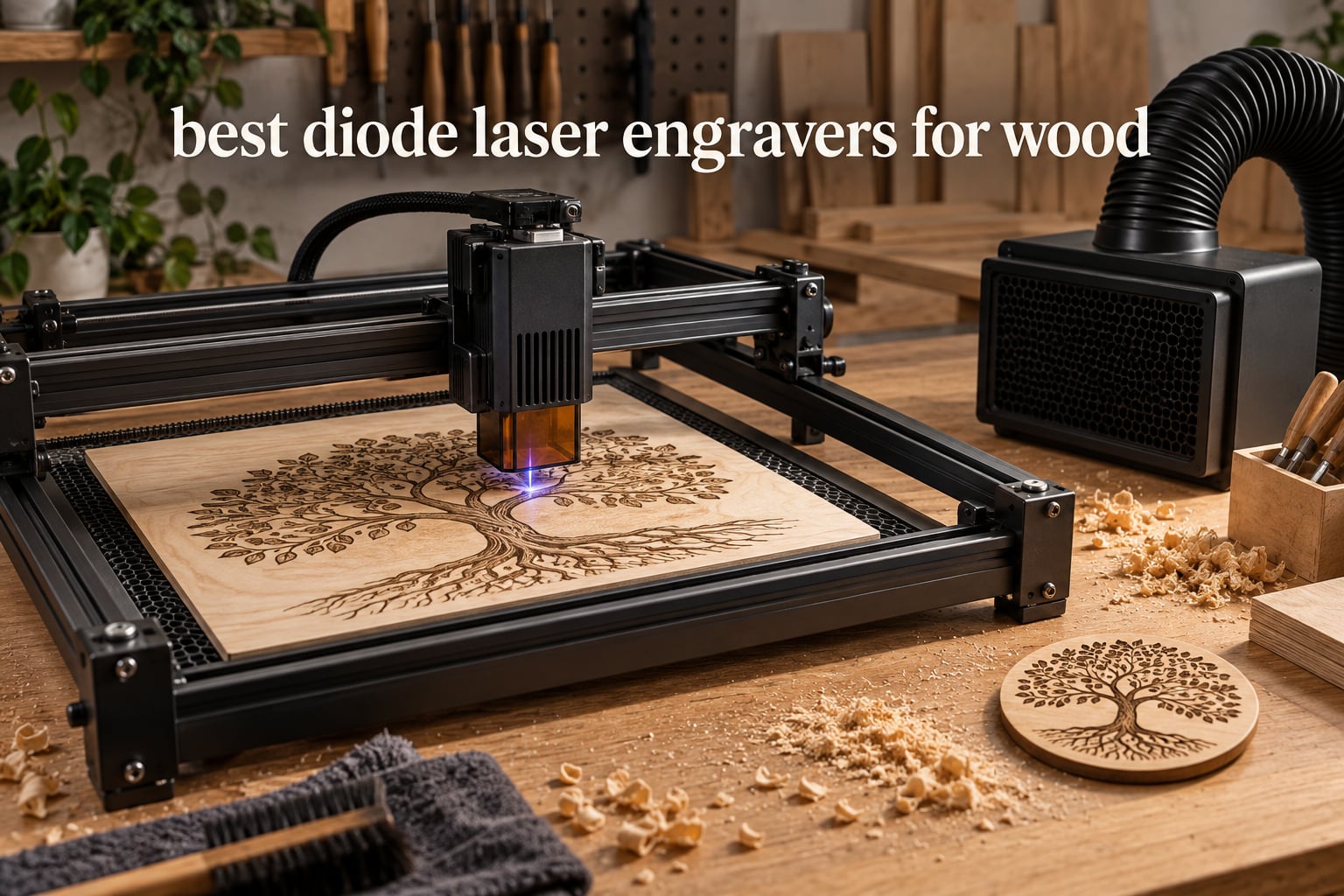
The ORTUR Laser Master 2 S2 LU2-10A is the best diode laser engraver for wood overall, because it combines a real 10W optical module with a full metal frame, a 390 x 410mm bed and the largest owner review base in this group. If your budget is the deciding factor, the ACMER S1 handles small wood pieces for very little money once you accept a tiny work area.
That is the short version. The rest of this guide breaks down eight machines across roughly the whole price spectrum, from a pocket-sized 2.5W engraver to a fully enclosed 40W unit that cuts 18mm cherry in a single pass. Each pick below carries a verdict, the specifications that matter on wood, and an honest note on what the machine cannot do.
Wood is the material where diode lasers genuinely shine. A 445nm blue-violet beam is absorbed by lignin almost immediately, so the mark appears with no coating, no paint and no mask. A CO2 laser cuts a deeper trench and needs ventilation and a water chiller; a fiber laser is the opposite, brilliant on bare metal and poor on wood. The diode sits in the sweet spot for engraving, and for cutting thin sheet material.
We earn a commission from qualifying purchases, and that never changes the ranking. Products were scored on wood engraving contrast, realistic cut depth, spot precision, software support, safety hardware, air assist and value, using published specifications plus owner feedback. Ratings and review counts are the live figures listed on each retail page, and prices change constantly, so treat them as a snapshot rather than a quote.
Table of Contents
Top 3 Diode Laser Engravers for Wood in 2026

ORTUR Laser Master 2 S2
- 10000mW optical module
- 390 x 410mm bed
- Cuts 20mm wood
- Full metal frame

Best Diode Laser Engravers for Wood Compared in 2026
The table below is a plain side-by-side of the eight machines in this guide. The full comparison shortcode carries every model with its own specification slot, so you can scan optical power, work area and the feature that sets each one apart without scrolling through the reviews.
| Product | Specifications | Action |
|---|---|---|
| ORTUR Laser Master 2 S2 LU2-10A |
|
Check Latest Price |
| Longer RAY5 |
|
Check Latest Price |
 Twotrees TTS-10 Pro Twotrees TTS-10 Pro |
|
Check Latest Price |
 ACMER S1 ACMER S1 |
|
Check Latest Price |
 Creality Laser Falcon 10W Creality Laser Falcon 10W |
|
Check Latest Price |
 ATOMSTACK A20 Pro V2 ATOMSTACK A20 Pro V2 |
|
Check Latest Price |
 LaserPecker LP2 with Roller LaserPecker LP2 with Roller |
|
Check Latest Price |
 xTool S1 40W Rotary Bundle xTool S1 40W Rotary Bundle |
|
Check Latest Price |
How We Picked and What We Scored
Every machine here was assessed against wood work specifically, not against a generic laser checklist. The heaviest weight went to what actually happens when the beam meets a piece of pine or plywood.
Engraving quality on wood was first, because contrast and edge definition on a light softwood is the whole point. Realistic cut depth came second, judged against multi-pass reality rather than marketing single-pass claims. Spot size and modulation decided the photo engraving and fine text results.
Then came air assist, which owners repeatedly name as the difference between a clean cut and a burning mess, software access through LightBurn or LaserGRBL, and safety hardware such as enclosures, flame sensors, tilt alarms and emergency stops. Value scored the full package, including what you spend on fume extraction and licences after the purchase.
Two community sources shaped the weighting. Roy Stedman on the Tormach Forums put the power debate neatly: “Wattage in engraving lasers (10-100w) is mostly just how fast it’ll work.” Ian Vivero in the same thread described the trap beginners fall into with thin wood and no air assist. Both comments pushed us to score air assist and workflow quality as heavily as raw wattage.
If you are still building a workshop around this, our guide to the best laser cutters for hobbyists covers the wider machine categories, and the best wood routers guide is useful if your laser work sits alongside shaping work.
1. ORTUR Laser Master 2 S2 LU2-10A – Best Overall Diode Laser Engraver for Wood
ORTUR Laser Master 2 S2 LU2-10A Laser Engraver Laser, 10000mW Engraving Cutting Machine, Class 4 High Accuracy Laser Cutter, DIY Laser Marking for Metal
10000mW optical
390 x 410mm bed
Cuts 20mm wood
Full metal modular frame
Pros
- Cuts thick wood and acrylic
- Full metal frame feels durable and accurate
- 10-15 minute modular assembly
- Works with LaserGRBL and LightBurn
- Cover filters 98% of UV plus safety glasses
Cons
- Class 4 laser needs safety precautions
- Power and speed tuning has a learning curve
- Ground wire in the box is unused with the 10W module
Our top pick is the one we would put on a first-time buyer’s bench. The Laser Master 2 S2 pairs a genuine 10000mW optical module with an industrial-grade full metal frame and modular construction, and the 390 x 410mm engraving area is big enough for a decent cutting board blank or a full sheet of coasters without repositioning.
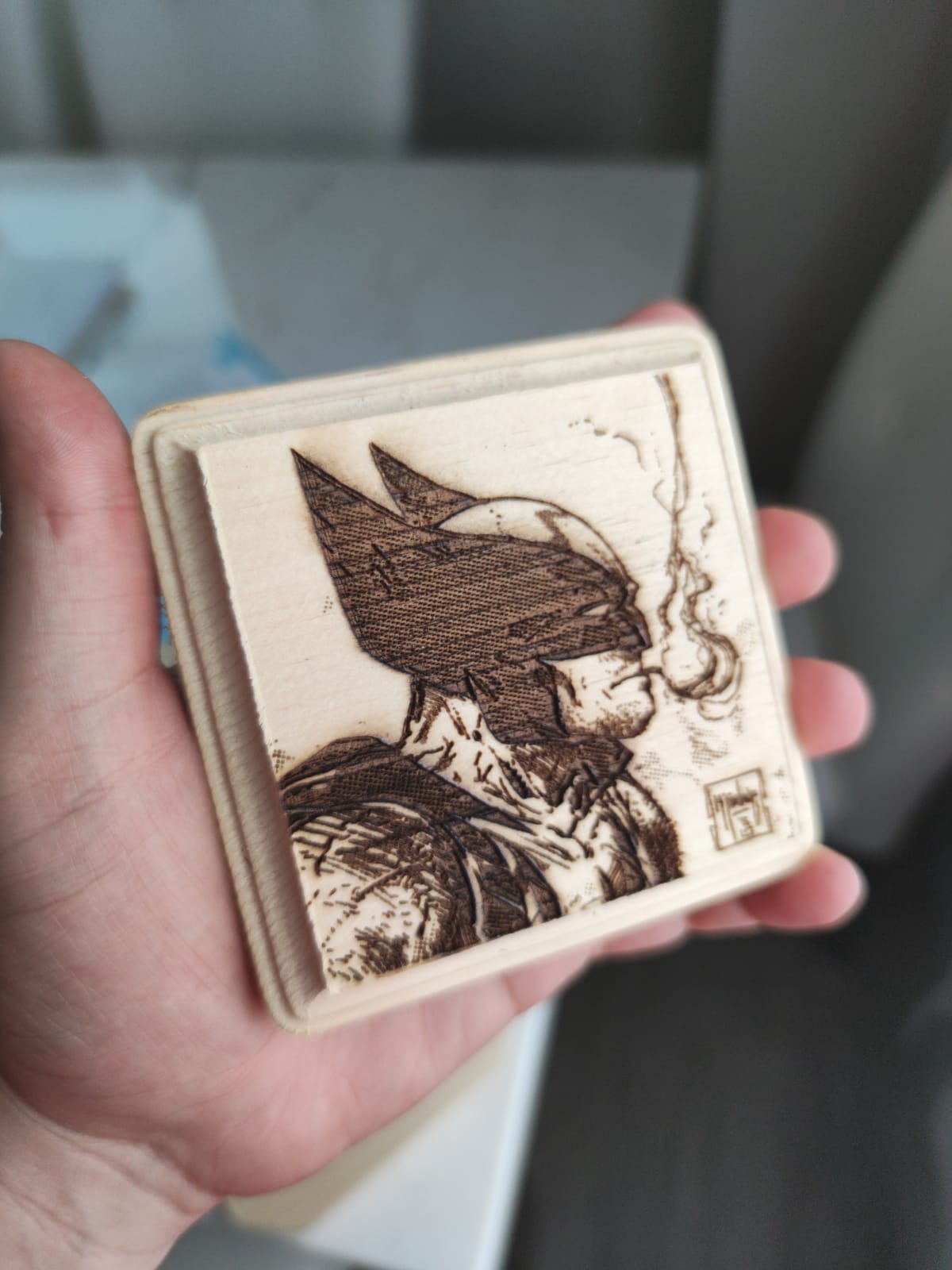
The spot is a compressed 0.05mm x 0.1mm, which is tight enough for small text on a keychain blank and clean enough for a two-line name on a coaster. Owners report solid results on wood, acrylic and leather, and the module’s dual-fan cooling is rated for long jobs.
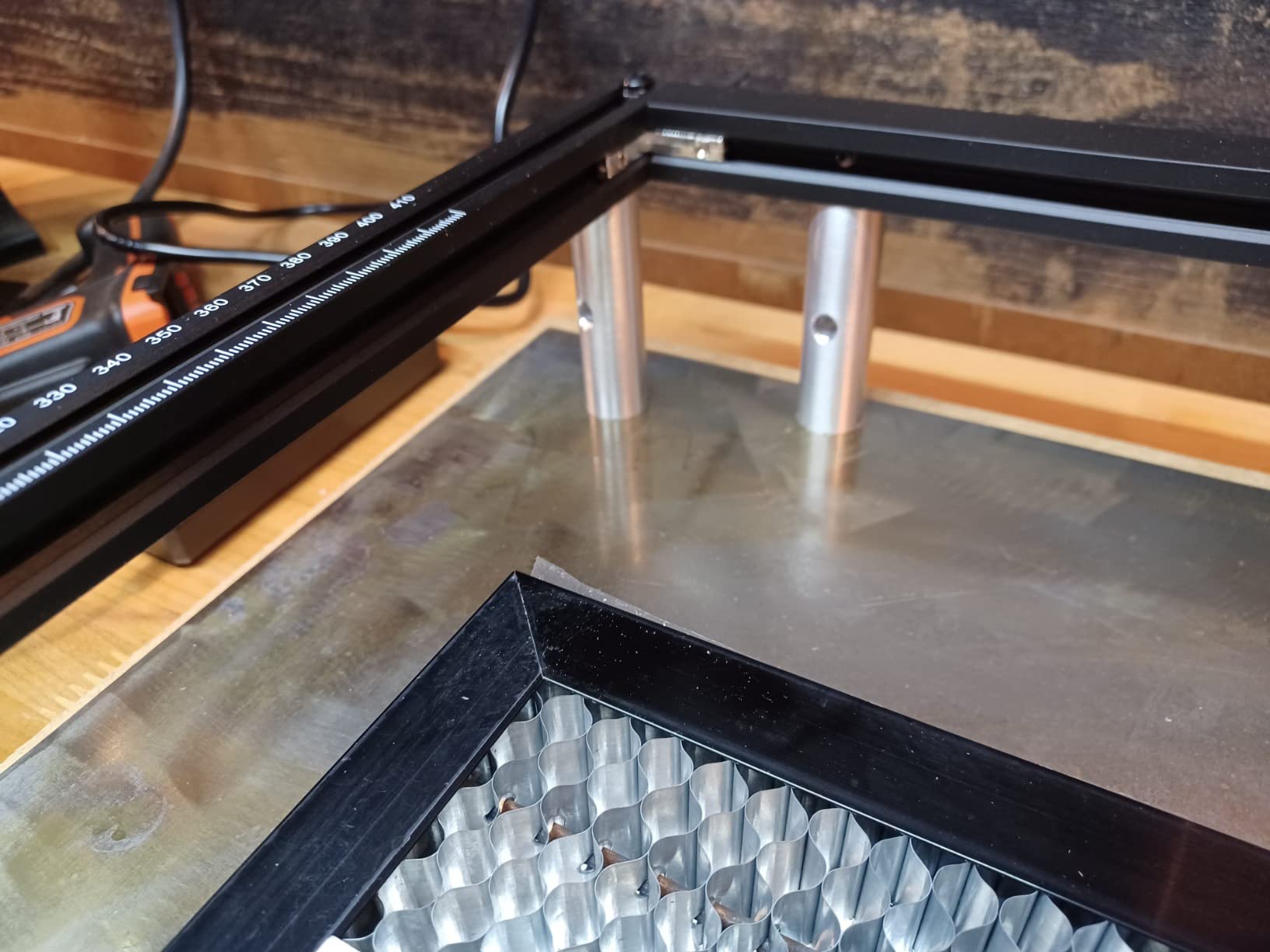
What separates this machine from cheaper 10W frames is the structure. The metal chassis and belt-driven axes hold their geometry better under load, which is exactly what happens when you are pushing a multi-pass cut through plywood. The G-sensor on the motherboard stops the laser if the machine is displaced or tilted, and the module shuts down automatically on halt, USB disconnect or prolonged idle.
Assembly is genuinely quick, roughly 10 to 15 minutes for most owners, and the included protective cover filters 98% of UV light with a pair of safety glasses in the box. Both LaserGRBL and LightBurn work on Windows and Mac, so you are not locked into one workflow.
How the 10W module performs on thicker stock
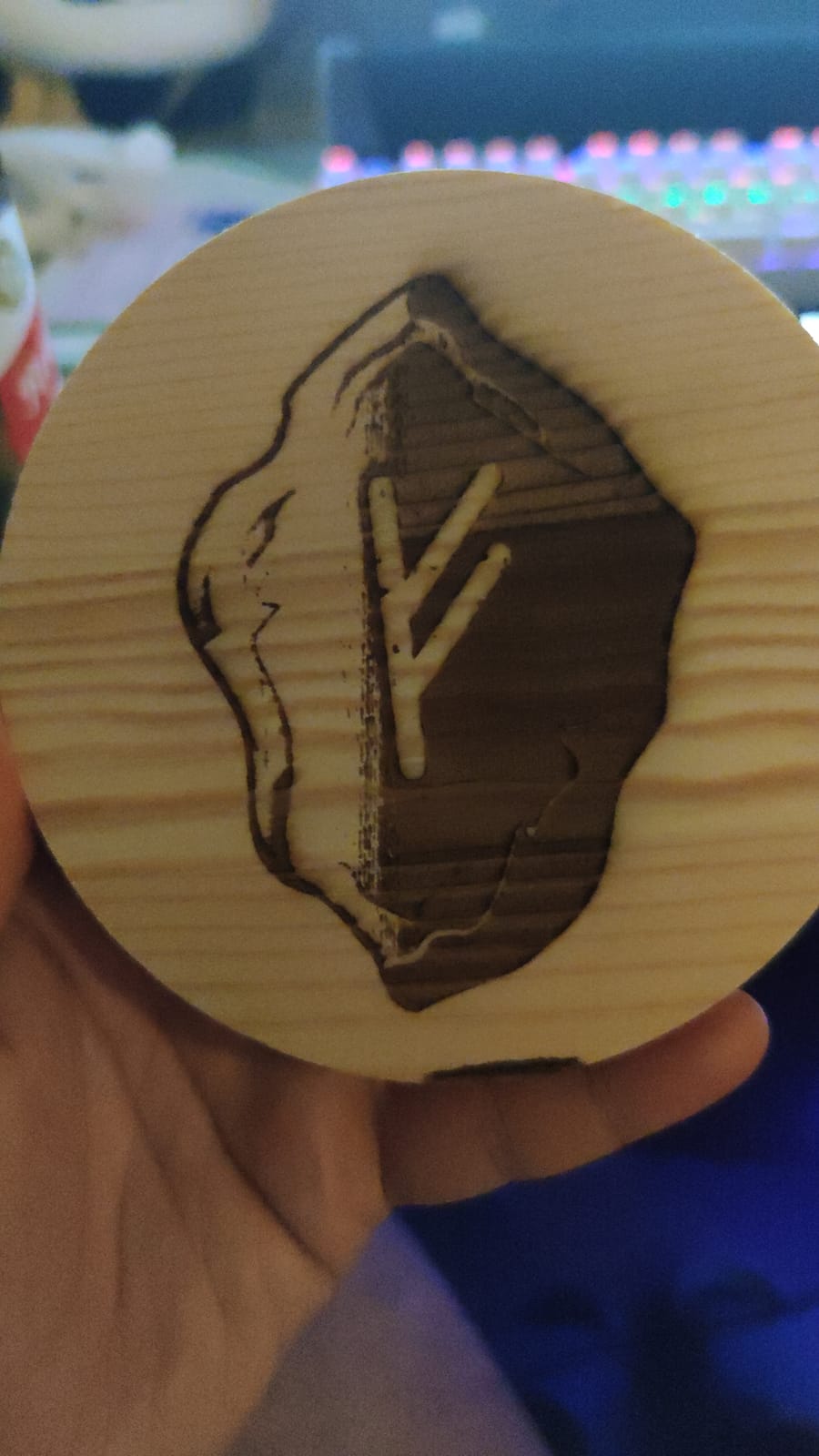
Manufacturer claims here are 30mm of acrylic and 20mm of wood. Read that as a multi-pass figure under good air assist, not a single sweep, because that is how the community treats it in practice. On pine and basswood you will see clean single-pass work up to about 3mm, then progressively slower results above that.
The practical takeaway is that 10W is plenty for engraving of any thickness, and fine for cutting sheet plywood, veneer and thin hardwood once you accept the time cost and the edge char that comes with repeated passes.
Where the 390 x 410mm bed earns its keep
This is one of the larger open-frame beds at the entry tier, and on a wood project that size matters more than wattage. A 390 x 410mm area holds a standard coaster sheet or several small signs in one run, which cuts your positioning and re-zeroing time.
The trade-off is footprint. The machine measures 22.44 x 21.65 x 6.9 inches and weighs 9.03 pounds, so it needs a sturdy table and clear space above it. It is an open Class 4 design, which means ventilation planning is your responsibility rather than the machine’s.
2. Longer RAY5 – Best Diode Laser Engraver for Large Sheet Wood
Longer New Upgrade RAY5 Laser Engraver Cutter,Working Area 15.75″×15.76″
10W dual-beam
400x400mm to 850x400mm
Cuts 20mm wood
3.5 inch touch screen
Pros
- Cuts thick wood and acrylic quickly
- Four transfer routes including offline mode
- Extension kit can triple the work area
- Responsive support in most cases
Cons
- Written assembly instructions are weak
- Out-of-bounds errors until framed in software
- Power and speed settings need experimentation
- Some motor and firmware reliability reports
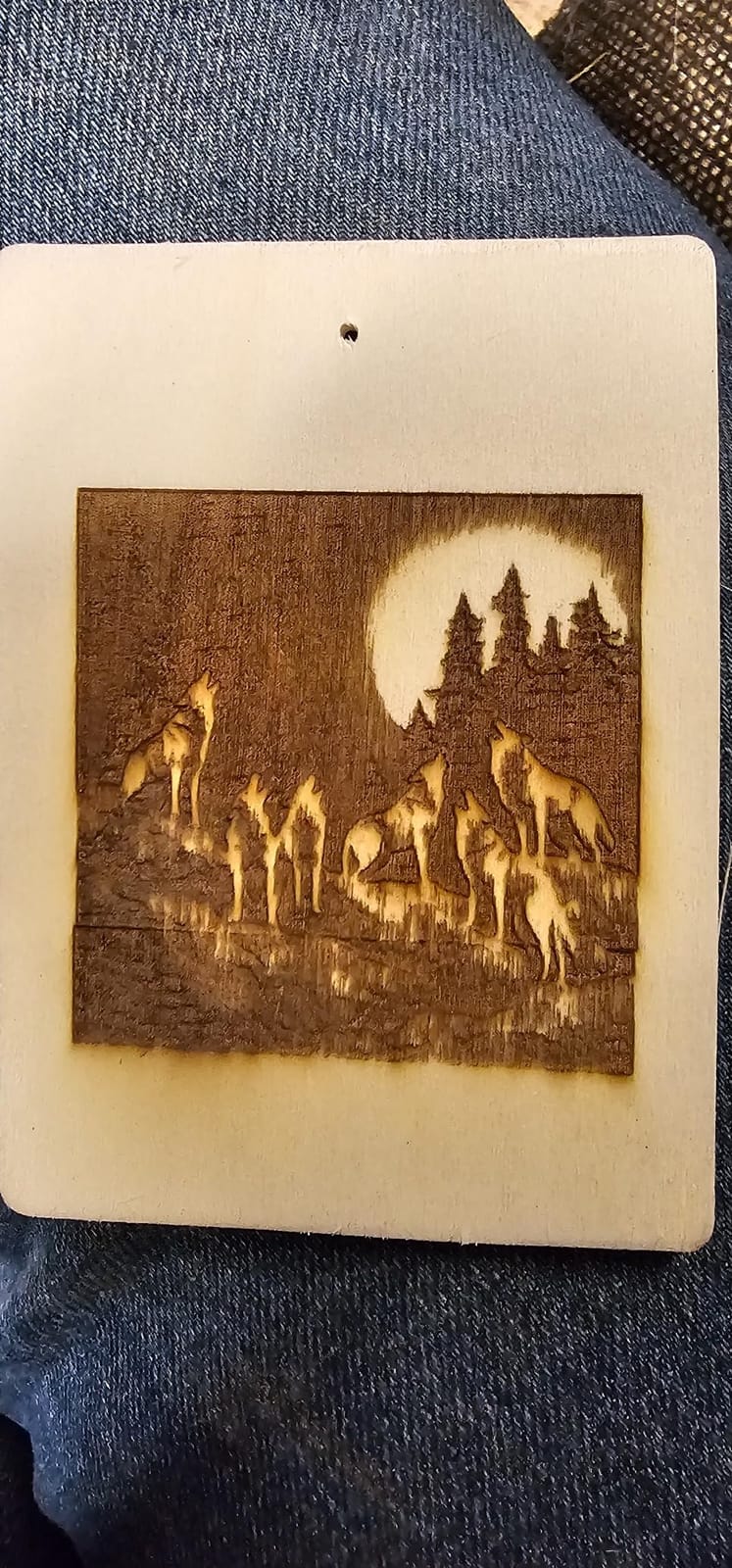
The Longer RAY5 is the machine to buy if sheet goods are the plan. The standard bed is 400 x 400mm and expands to 850 x 400mm with the extension kit, which is the widest usable width in this group and the reason this pick sits so high on large sheet wood.
Under the hood it is a 10W dual-beam diode with engraving speeds up to 24,000 mm/min, and owners report it chewing through wood and acrylic faster than they expected at this power level. A 3.5-inch touch screen handles basic operation without a computer in the loop.
Transfer options are unusually flexible for the money. You can send files by Wi-Fi, USB cable, mobile app or TF card, and the machine runs offline from a stored file, which matters if your workshop signal is poor. The 32-bit core board keeps motion smooth at the higher feed rates.
The real complaints are documentation and setup. Written assembly instructions are weak, with video guides doing most of the work, and the laser head can throw out-of-bounds errors until you frame the job properly in software. Power and speed values need experimentation before burns look even across the whole sheet.
When the extension kit is worth adding
If your work involves full-width strips, long name plaques or repeated runs down a single board, the extension kit is the reason to choose this machine over a smaller 300mm bed. It roughly doubles the usable length in one dimension and removes the most common frustration on batch jobs, which is splitting a long piece into two burns and hoping the joint lines up.
It also adds cost and a little weight, and the extended bed sits outside the original work area in software until you enter the new dimensions. Budget a session to set that up properly rather than assuming it works out of the box.
How the touch screen and transfer routes behave day to day
The screen is convenient for previewing framing and starting a loaded job, but serious design work still happens on a computer. For most owners the practical loop is: design in LightBurn or LaserGRBL, export, send by Wi-Fi or TF card, start from the screen.
Longer support is described as responsive by email and phone in most cases, though documentation and manuals frequently lag behind the hardware. A few owners report motor or file-upload and firmware trouble developing over time, so keep a local copy of your settings rather than relying on cloud state alone.
3. Twotrees TTS-10 Pro – Best Diode Laser Engraver for Small Pieces and Travel
Twotrees TTS-10 Pro Laser Engraver,10000mW High Precision Laser Engraving
10000mW at 450nm
300 x 300mm area
32-bit dual-core board
TF card offline work
Pros
- Compact and durable build that is easy to carry
- Clean engravings on wood bamboo acrylic and leather
- LightBurn works well for detailed work
- TF card offline mode is convenient
Cons
- Assembly needs patience and possible rework
- No software included and LightBurn costs extra on Mac
- Not a metal engraver despite marketing
- Some machines stop framing reliably
The TTS-10 Pro is a 10W machine in a genuinely small box, and that is its whole argument. The aluminum alloy frame with injection-moulded parts is light enough to carry between rooms or take to a market stall, which matters if you sell rather than just make.
Owners like the output. Wood, bamboo, acrylic and leather all produce clean results, and LightBurn support means you are not restricted to the bundled workflow. Certification is unusually thorough, with CE, FCC, ROHS, FDA and UL62368 listed alongside a 12-month warranty.
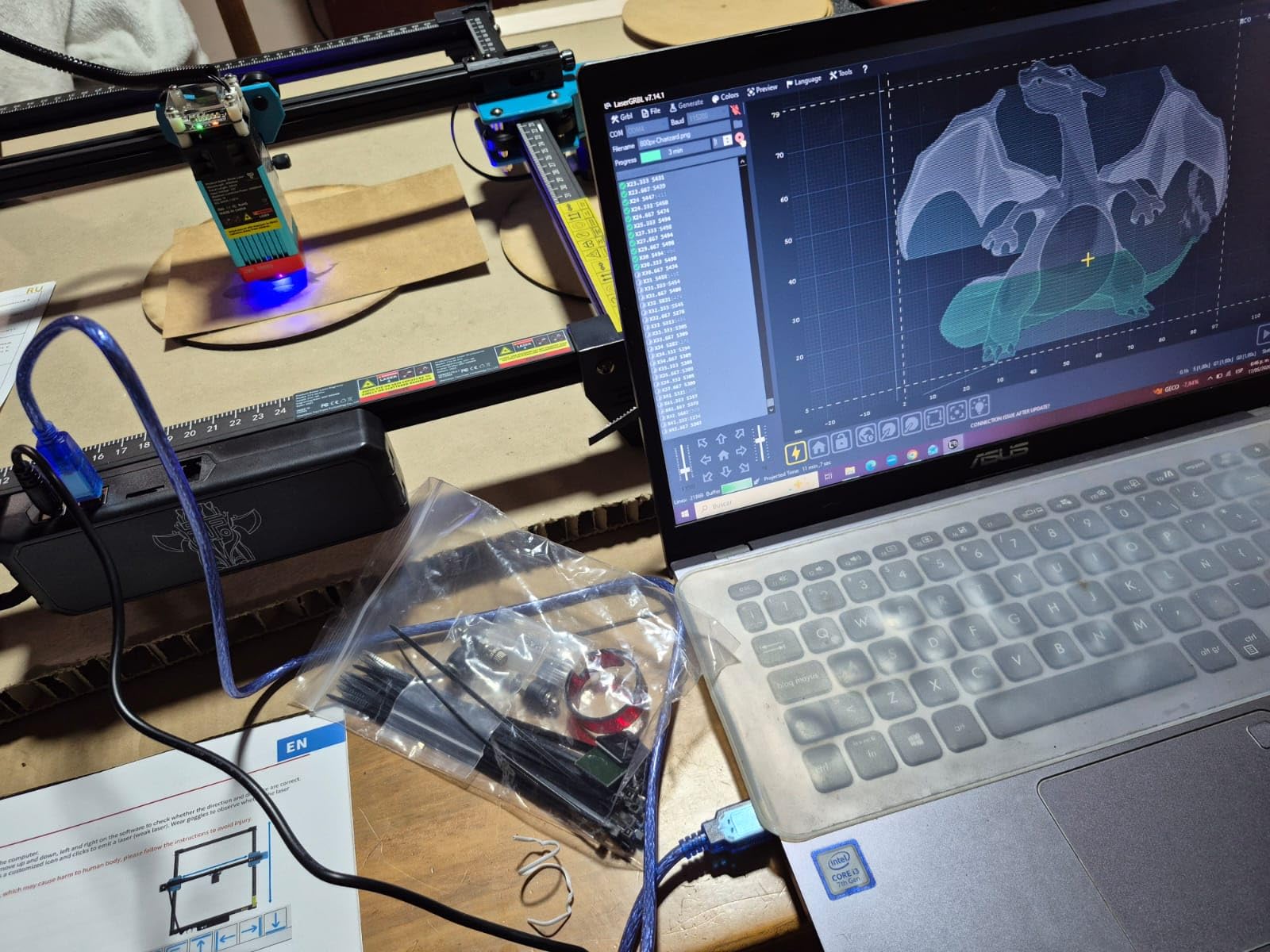
The dual Y-axis 42 steppers and GT2-6mm synchronous belts give a stable, repeatable feel on small work, and the 32-bit dual-core mainboard handles LightBurn and LaserGRBL files including .lbrn and .nc exports. A 4GB TF card and reader come in the box for offline running.
Set-up is where patience is required. Reviewers describe repeated assembly and disassembly during the first session, and the machine ships without engraving software, with LightBurn a paid extra on Mac. There are also reports of machines that stop framing reliably after a few weeks, so test the limits early.
What a 300 x 300mm bed can and cannot hold
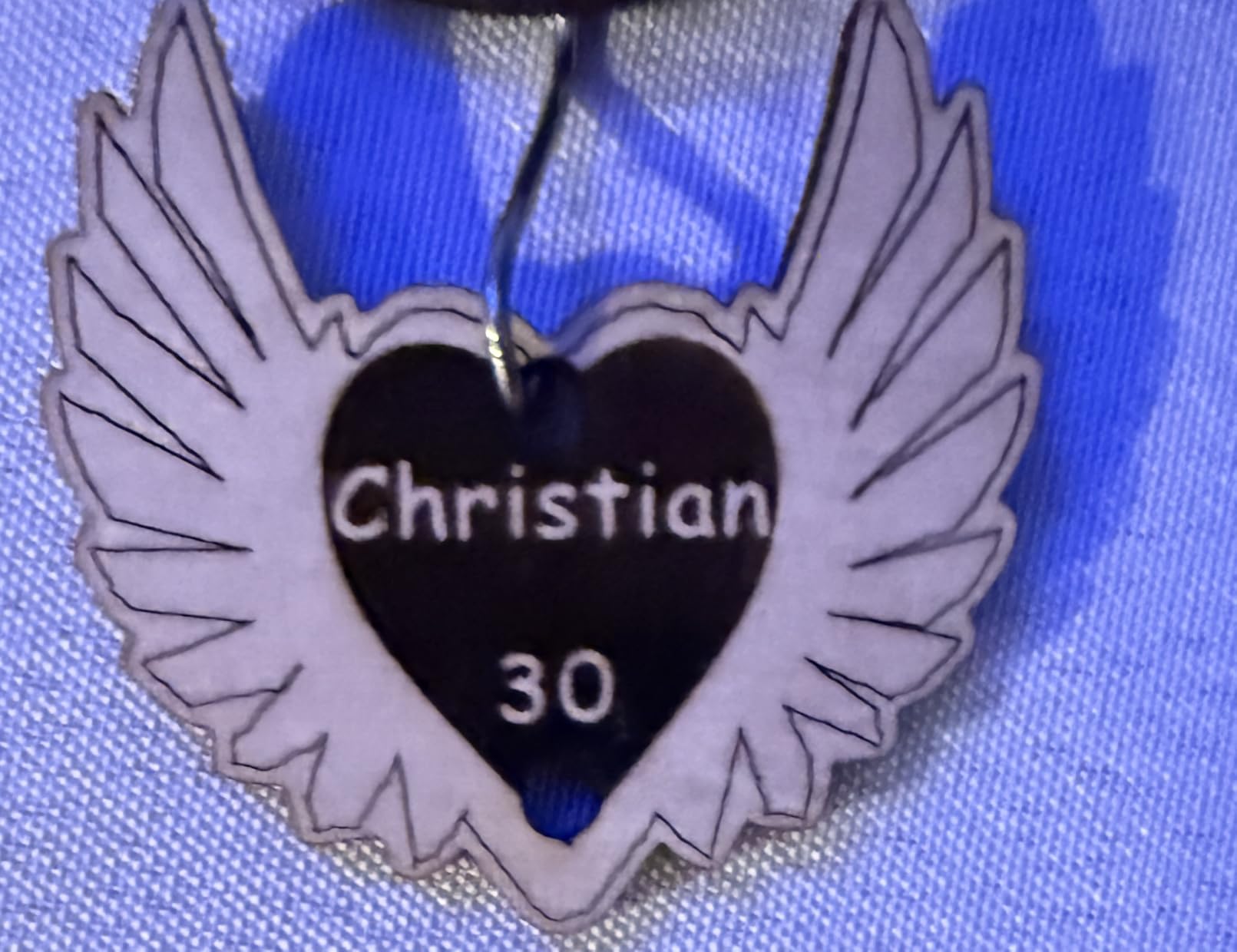
At 300 x 300mm, roughly 11.8 x 11.8 inches, the bed fits a single coaster, a small sign blank, a keychain sheet or a modest jewellery board. That covers a lot of gift work, and for a first machine it is a sane size rather than an oversized one you pay for in table space.
It does mean a full 300 x 600mm sheet of plywood is out of reach without splitting, and larger signage forces you to tile burns, which introduces seam work. If your typical project is wider than a baking tray, look at the 400mm options instead.
The LightBurn and offline TF card workflow
TF card offline operation is the underrated feature here. Load a file, walk the machine over, and run it with no computer, no network and no subscription, which is a genuine advantage for market stalls and shared workspaces.
LightBurn is the better software route for detailed work, and pairing it with a TF card gives you both control and portability. Just budget for the licence if you work on Mac, and keep the manufacturer manual nearby because it is thinner than the feature list suggests.
4. ACMER S1 – Budget Pick for Small Wood Jobs
ACMER S1 Laser Engraver Machine, 2500mW Lazer Cutter for Wood and Acrylic
2500mW diode
130 x 130mm area
99% preassembled
Free Acmerstudio software
Pros
- Extremely compact at about 2kg
- Setup takes about a minute
- Clean cuts on plywood MDF and wood tags once focused
- Free bundled software with no extra cost
Cons
- 130 x 130mm bed limits sign and cutout work
- 2500mW is slow for etching jobs
- Machine can lose home position and alarm falsely
- Positioning and cut-through accuracy are inconsistent
The ACMER S1 is the machine to buy if you want to find out whether you enjoy laser work before spending serious money. It arrives 99% preassembled with only a one-minute laser head installation, weighs about 2kg, and includes free engraving software.
It is honest about its size. The 130 x 130mm work area and the 2500mW diode are small numbers, and the machine is not going to cut a sign. What it will do is engrave tags, small coasters and jewellery blanks cleanly once you get the focus right.
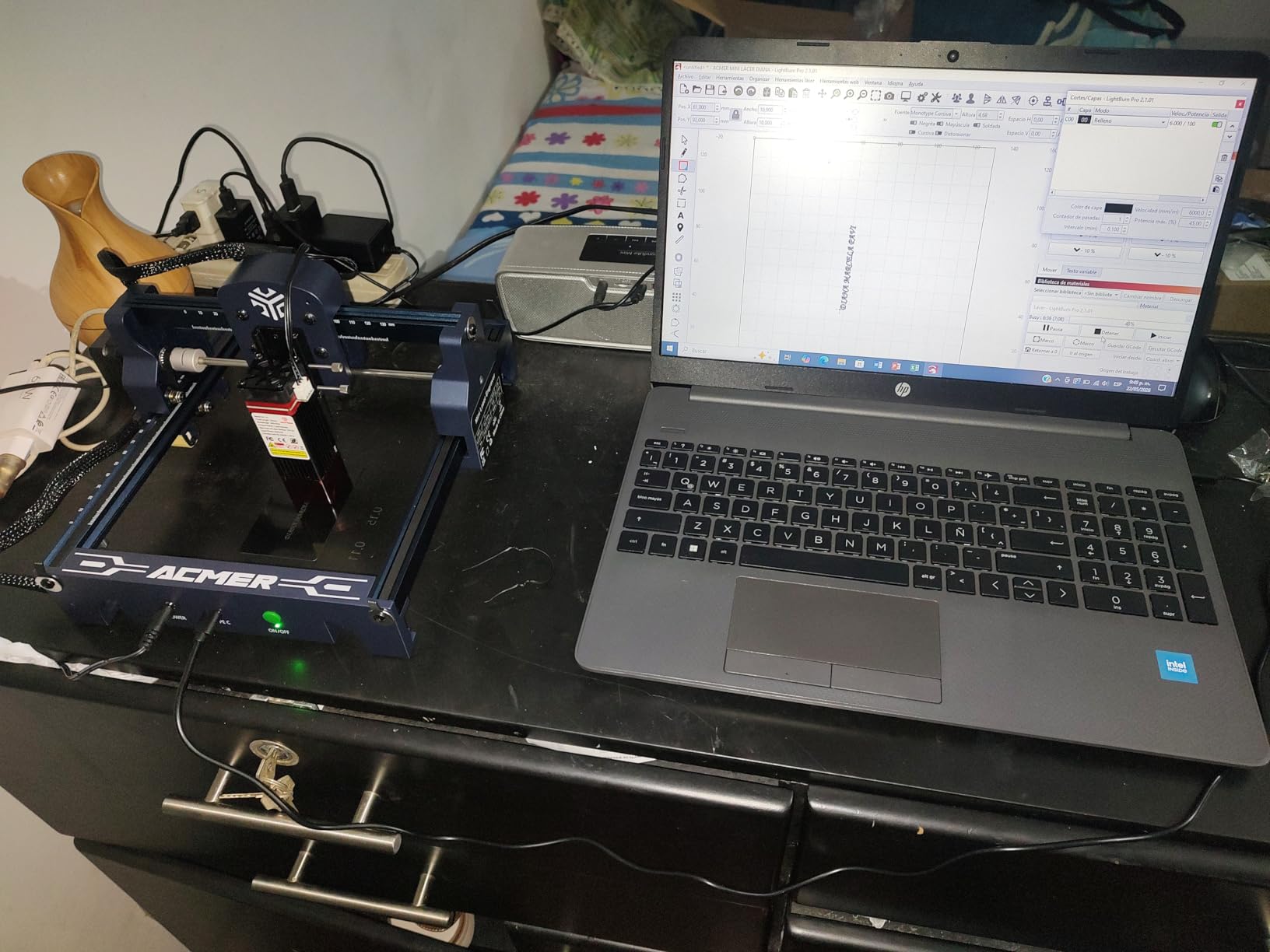
Specifications that matter for a beginner are all present: 0.01mm repeatable positioning accuracy, a 455 plus or minus 5nm wavelength, speeds up to 10,000 mm/min, and compatibility with LightBurn and LaserGRBL in addition to the free Acmerstudio software. It runs on macOS, Windows and Linux.
The compromises are real. Owners report the machine losing its home position and raising false out-of-bounds alarms, and cutting accuracy varies between pieces. The 2.5W output also means etching jobs are slow, so this is a machine for small work, not production.
Where a 130 x 130mm bed still works
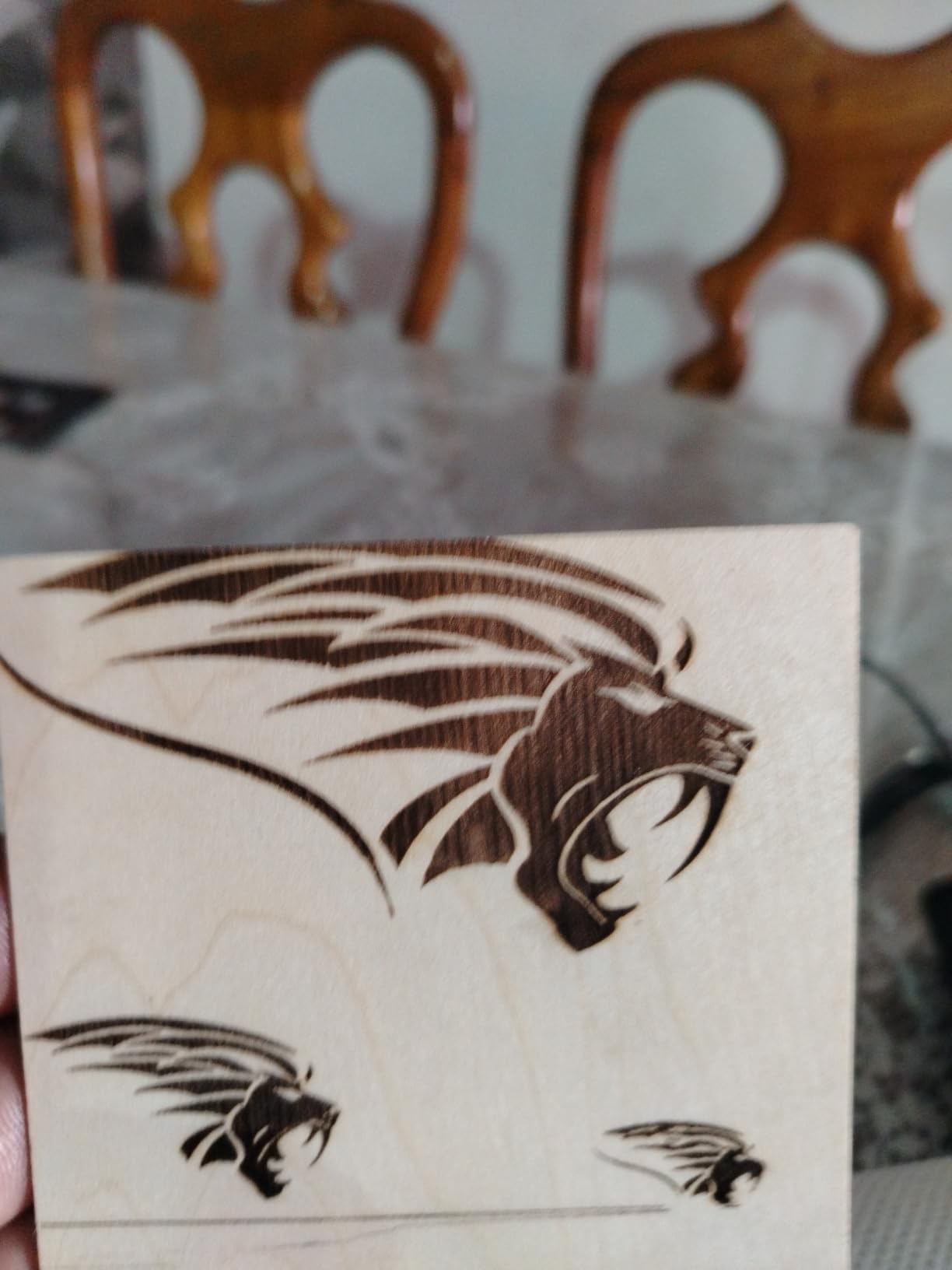
A 5 inch square bed is small, but it lines up neatly with a single sheet of small blanks. Name tags, keychain blanks, small wooden coasters, pen blanks and jewellery components all fit with room to spare, and you can lay out a dozen small pieces in one pass.
The point is repetition. A small bed is a feature when every job is small, because you spend less time framing and more time swapping material. It becomes a limitation the moment you want one large flat sign in a single shot.
Focus, homing and the small-job workflow
Focus is manual, with a 2mm focal length, so expect to use the included focus plate or a simple ruler jig rather than a sensor. Set the focus once for a given material thickness and check it when you swap stock, because drift is the usual cause of a light or uneven mark.
Homing errors are the main workflow friction. Keep a note of the offset if your machine consistently stops short, and re-home at the start of each session rather than pushing through a false alarm. With that habit, the S1 is a genuinely pleasant first machine.
5. Creality Laser Falcon 10W – Best Diode Laser Engraver for Photo Engraving on Wood
Creality Laser Engraver Machine 10W Output Power, 72W DIY Laser Engraving Machine 0.06mm High Precision Laser Cutter and Engraver for Wood and Metal, Paper, Acrylic, Glass, Leather etc, 17″ x 16″
10W optical from 72W machine power
0.06mm spot
Cuts 5mm basswood one pass
10,000 mm/min
Pros
- Strong 10W output with high speed
- All-aluminum frame with steel guide rails
- Fine 0.06mm spot for detailed photo work
- LightBurn and LaserGRBL on three platforms
- Focusing plate for tool-free focusing
Cons
- Air assist pump sold separately on the Basic variant
- Needs per-material power and speed calibration
- A small share report hardware or support issues
The Creality Laser Falcon 10W is our pick when the job is a portrait on wood rather than a word or a logo. A 0.06 x 0.06mm spot focus and repositioning accuracy under 0.007 inches give the fine tonal separation that grayscale engraving depends on, and that is the hardest thing to add later to an open frame.
The specification sheet is unusually clear for this tier, stating 72000mW machine power with 10W optical output rather than conflating the two. LightBurn runs on Windows, Mac and Linux, and Wi-Fi, USB and SD card transfer are all supported.
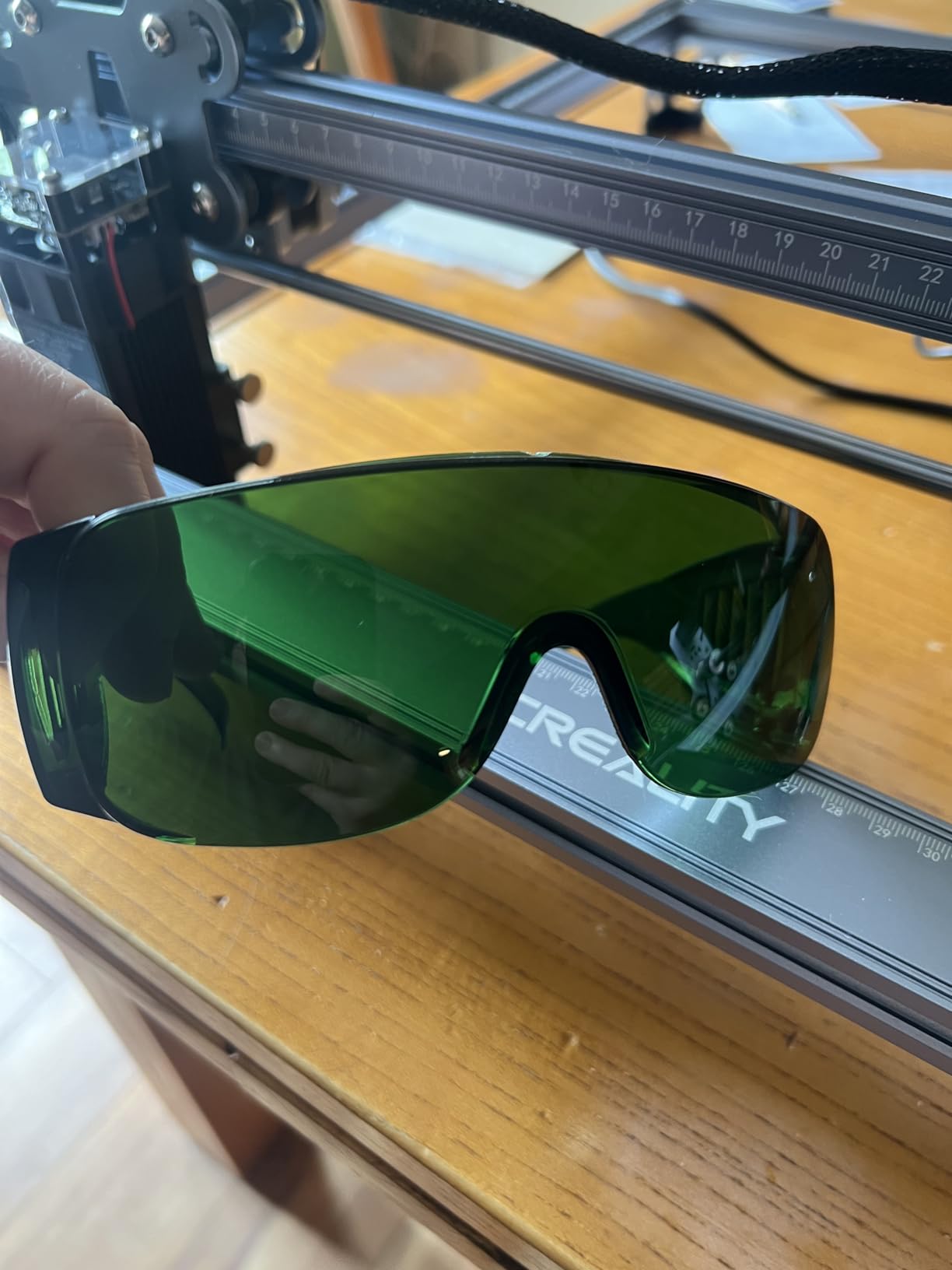
Structurally it is solid. The all-aluminium alloy body with steel shaft wheel guide rails resists flex, and a belt tension adjustment device lets you tune the axes yourself when something feels off. The anti-UV filter acrylic on the module handles 97% of UV rays.
Two things to know before you buy. Assembly takes 10 to 20 minutes and each material needs its own power and speed calibration, so the first few jobs will be experiments. On the Basic variant the air assist pump is a separate purchase, and a small share of buyers report hardware or support problems, with 1-year free parts replacement offered as cover.
What the 0.06mm spot changes in photo work
Grayscale engraving works by varying the density of dots or lines, and the machine controls that by switching the beam on and off rapidly. A smaller spot means more of those elements fit inside one pixel of your source image, so tonal steps become smoother and faces stop looking like a halftone screen.
On the Falcon, the practical ceiling is set as much by software settings as by the optics. The machine reaches 10,000 mm/min, and finding the right dot pitch, power and speed combination is what separates a recognisable portrait from a dark smudge. A test grid of grey steps on your exact wood is the fastest way to find it.
Air assist and the Basic versus Pro choice
Air assist is not an accessory to treat as optional on wood. It keeps the surface cool, pushes char out of the groove and stops the beam from being scattered by debris, which is the single biggest factor in edge quality. Forum owners consistently rank missing or sold-separately air assist among the top deal-breakers.
If you can, take the Pro variant that includes the air assist pump rather than the Basic. It is the cheaper decision over the life of the machine, and on multi-pass plywood cuts it is the difference between a clean edge and a black scorched rim.
6. ATOMSTACK A20 Pro V2 – Best 20W All-Round Diode Laser Engraver for Wood
ATOMSTACK 20W Laser Engraver, A20 PRO V2 Laser Cutter, High Accuracy Laser Engraving Machine for Personalized Gifts, Business Cards, Wood, Metal, Acrylic, Leather
20000mW Class 4
0.08 x 0.1mm dot
400mm/s speed
0.01mm accuracy
Pros
- 20W module cuts and engraves wood and acrylic with sharp detail
- Large work area suits signs coasters and gifts
- Solid metal construction with numbered assembly bags
- Works immediately with LightBurn
Cons
- Bundled app and PC software are very basic
- Documentation lacks specs and Wi-Fi setup
- Gantry cables are not held in drag chains
- Belt drive reduces accuracy on larger items
The A20 Pro V2 is the middle path in this lineup, and for a lot of wood projects it is the correct one. A 20W optical output cuts through thin to medium plywood noticeably faster than any 10W machine here, while the 400mm per second engraving speed keeps detail work quick.
Accuracy is quoted at 0.01mm with a 0.08 x 0.1mm compressed dot, and built-in limit switches plus a cross-line light make framing straightforward. Assembly takes about 20 minutes with numbered parts bags, and the rated module lifespan is up to 10,000 hours.
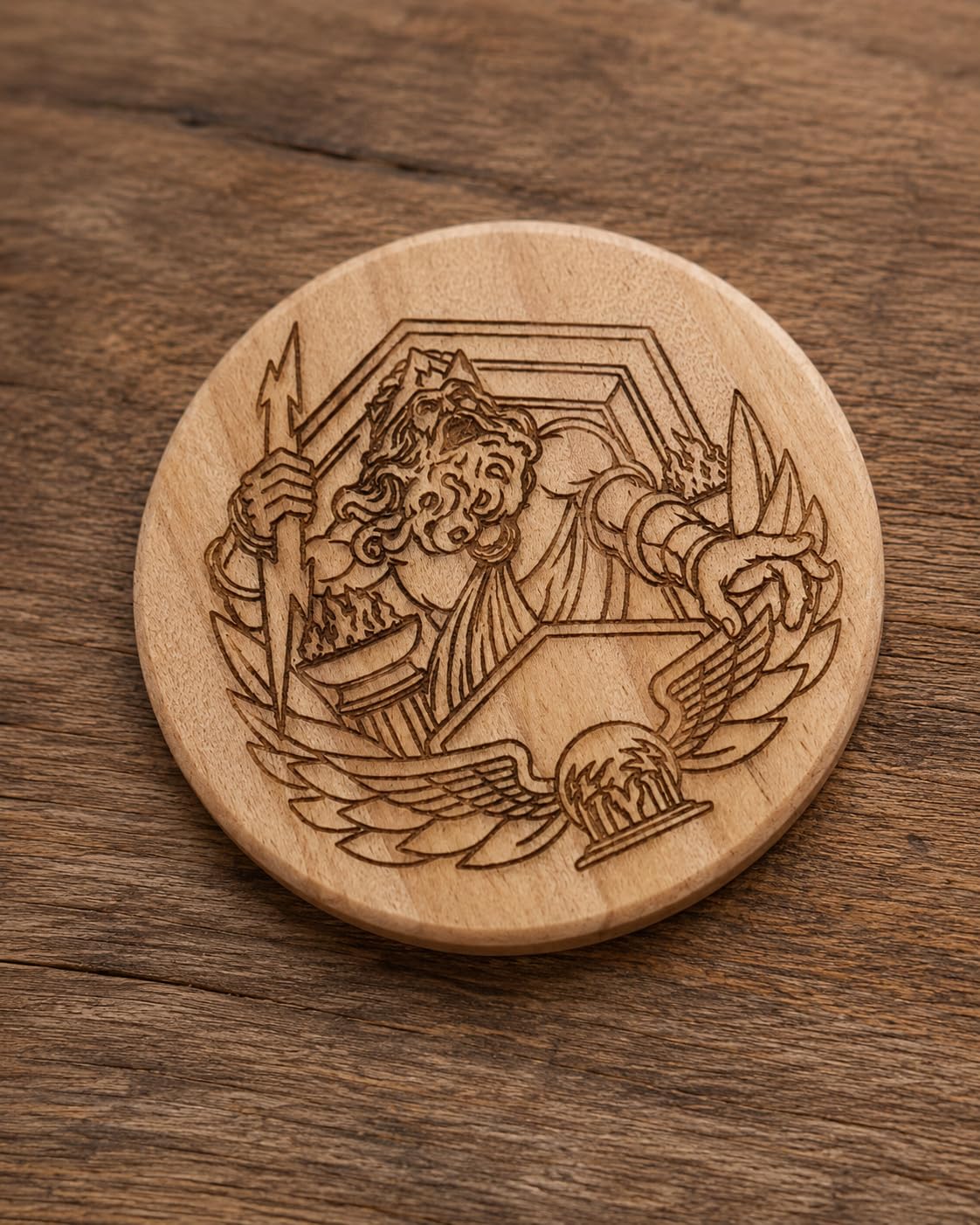
Owners using LightBurn report sharp, repeatable results on wood. The modular aluminium frame with integrated linear guide motion is a solid structure, and the tilt-angle safety beep above 15 degrees plus a removable magnetic cover and safety glasses cover the basics.
The build has rough edges worth knowing. The free bundled app and PC program are very basic, so plan on LightBurn as your real workflow. Documentation lacks specifications, Wi-Fi setup and limit switch detail, and the gantry electrical cables are not held in drag chains, so they can snag during a long job.
Where 20W changes cutting speed on wood
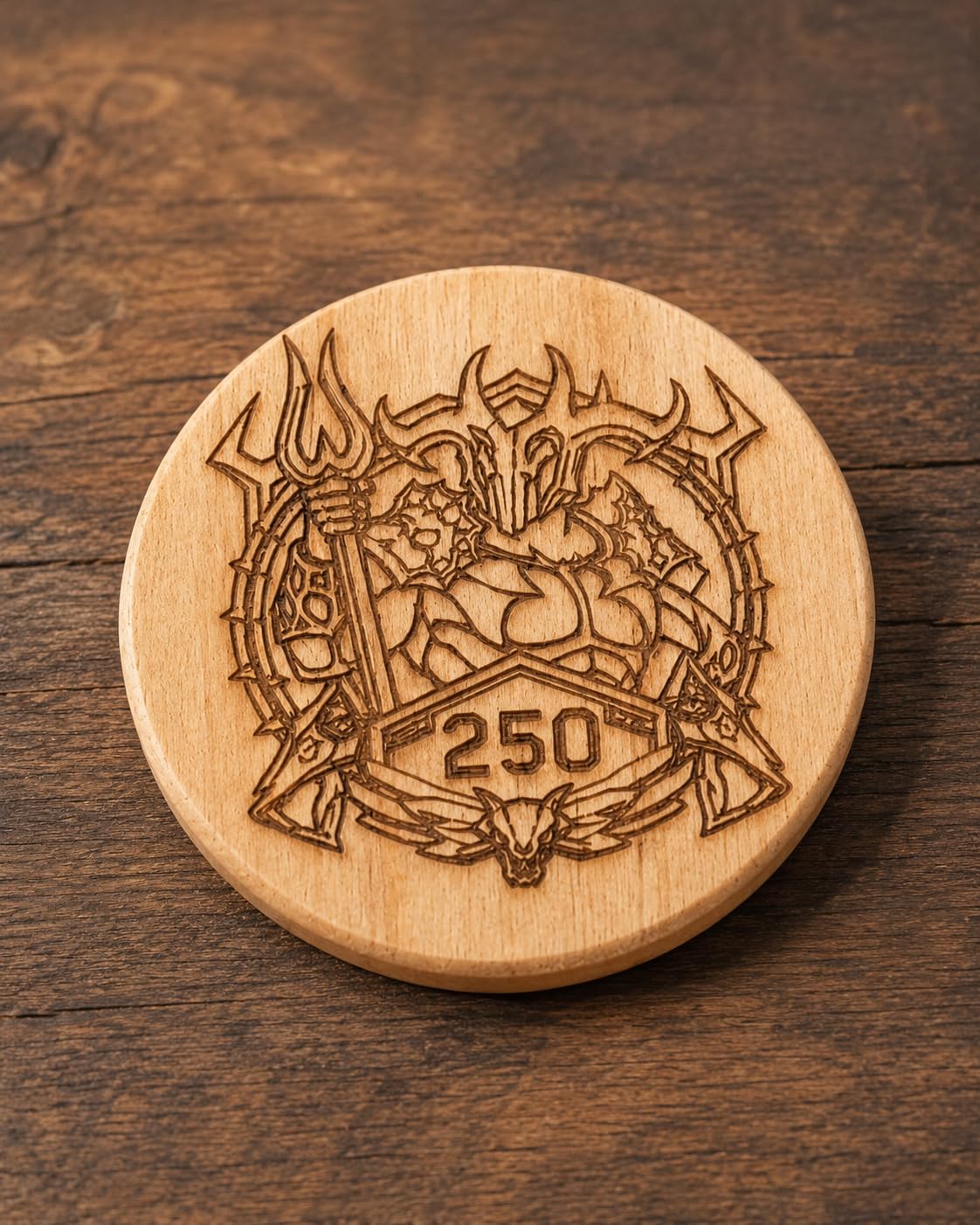
On engraving, 20W mostly lets you move faster or use fewer passes. On cutting it is transformative, because the extra energy per millimetre means you can hold a higher feed rate and still get a clean burn through. Where a 10W machine crawls through 3mm ply with four careful passes, a 20W machine can often handle it in two.
That speed advantage compounds on batch work. For a maker producing dozens of pieces the deeper issue is edge char, which is where air assist and pass discipline matter more than raw power. Treat 20W as a productivity upgrade, not a quality upgrade.
Cable routing, belts and long-run accuracy
Two construction details affect consistency over time. The belt-driven drive is fine for small and medium pieces but reduces accuracy on larger items, so check registration at the far corners of the bed before a long production run rather than trusting the centre.
The unmanaged gantry cables are the other one. A cable that catches a moving part can drag the frame out of square, and the fix is a simple cable tie or a drag chain fitted in the first week. Owners also report the odd electronics fault on arrival, so test the full bed area immediately to be inside the warranty window.
7. LaserPecker LP2 – Best Diode Laser Engraver for Cylinders and Gifts
LaserPecker LP2 Laser Engraver with Roller, Portable and Handheld Laser Engraving Machine for Wood Metal Leather Acylic Engraving Laser Cutter, Suit Set with Versatile Rotary Roller
Galvo handheld
0.05mm compressed spot
1417 in/min
Electric rotary roller
Pros
- Handheld galvo design is far faster than gantry engravers
- 0.05mm spot with three resolution modes
- Rotary roller handles tumblers pencils and slabs
- Compact and portable and works from a phone
Cons
- Handheld workflow is less repeatable than a bed machine
- Cannot engrave bare or shiny metal
- Fixed 4 inch working width limits sheet work
The LaserPecker LP2 is a different machine in a different shape. It is a galvo handheld engraver, and that changes everything about throughput: it marks at up to 1417 in/min with a frame speed of 8858 in/min, so engraving a full tumbler takes a fraction of the time a gantry head would spend travelling back and forth.
The electric rotary roller is the reason it is on this list. It supports cylinder, slab and trolley modes and handles work up to 196 inches long, so tumblers, bottles, rolling pins, pencils and long name plaques are all within reach.
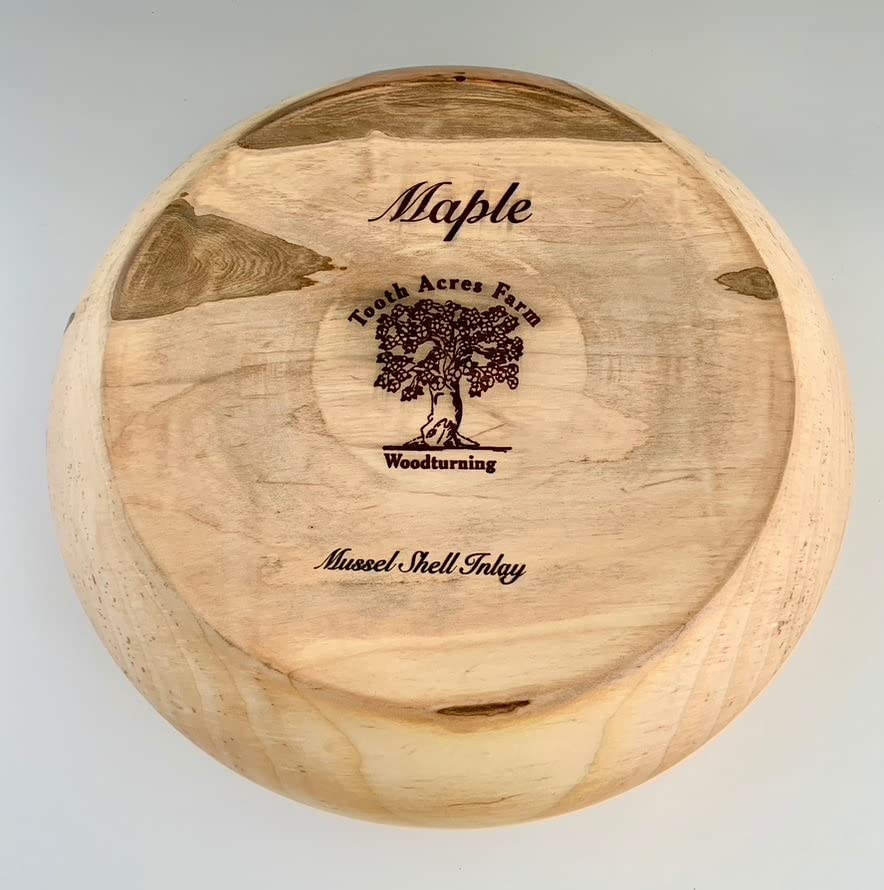
Detail is good, with a 0.05mm compressed spot and three resolution options at 1K, 1.3K and 2K. It connects to a smartphone or PC and reads JPG, PNG and G-code files, and the working laser distance is 11cm, which is comfortable enough for hand-held tracing of a curved surface.
Be clear about the limits. It cannot engrave bare or shiny metal, and light or transparent materials need a black spray coating first. Wood and paper cut cleanly up to about 0.2 inches, and the fixed 4 inch working width rules out large flat sheet projects.
How the three roller modes work
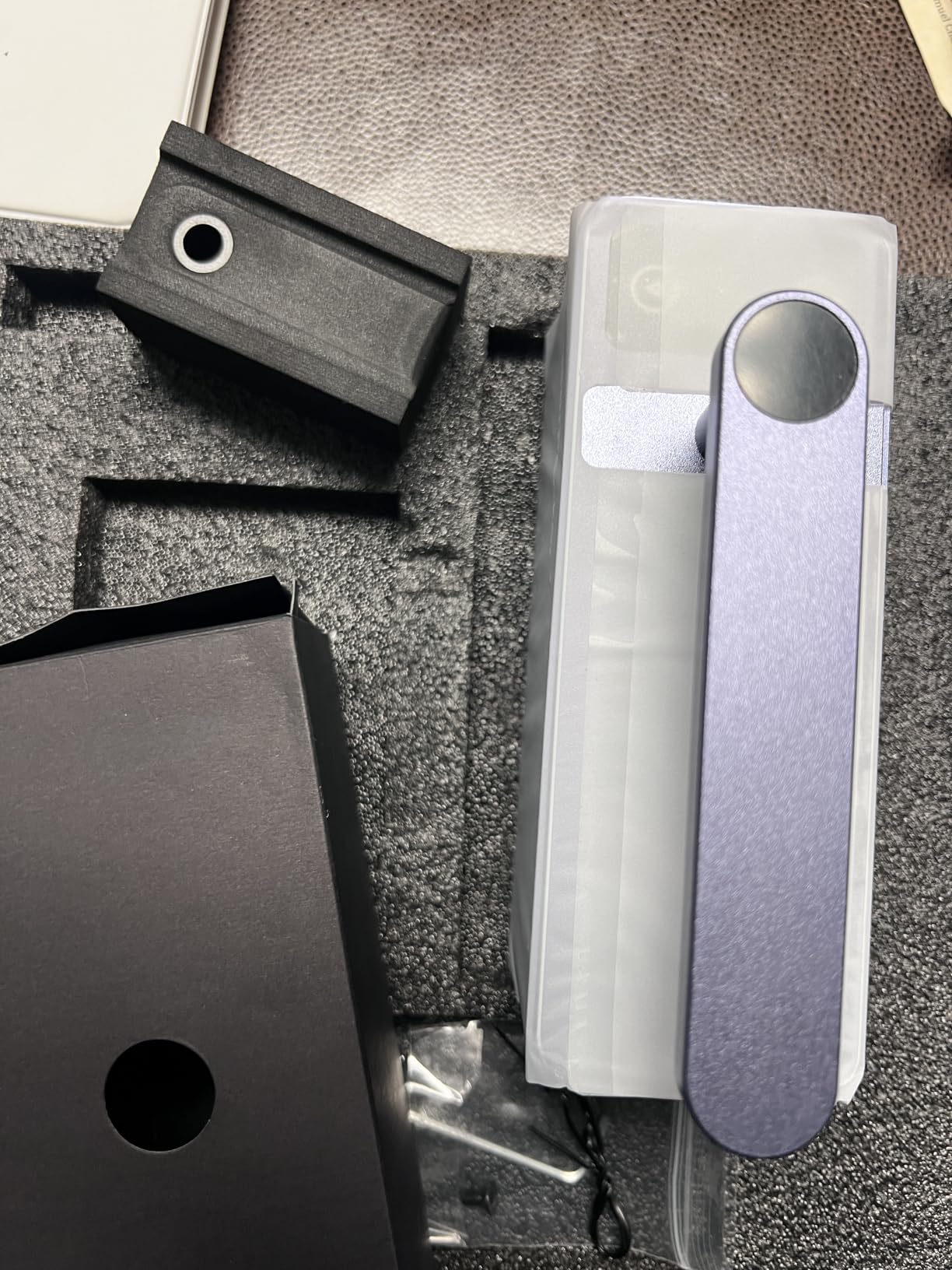
Cylinder mode is the familiar one, spinning the item under a fixed beam as the head traces around it. Slab mode handles flat stock that benefits from rolling rather than dragging, and trolley mode deals with long pieces where the surface needs to pass under a stationary head. Switching between them is a matter of how the roller is configured.
For wood specifically, cylinder mode is how you get a wrap-around name on a rolling pin or a tumbler sleeve without a second machine. The width of the finished band is limited by the 4 inch working width, so very large curved panels are not a fit.
Why galvo speed is not the same as gantry accuracy
Galvo scanners steer a beam with mirrors rather than moving a heavy gantry, which is why they are so much faster and why the work is handheld. The trade-off is that your hand motion becomes part of the positioning, so a shaky pass or an inconsistent distance produces a visibly uneven mark.
Fixed working distance and a steady grip are what turn the LP2 from a toy into a production tool. Owners who get consistent results are the ones treating it as a controlled process rather than a freehand demonstration, and they accept a different repeatability standard than a bed machine.
8. xTool S1 40W Rotary Bundle – Best Enclosed Diode Laser Engraver for Wood
xTool S1 40W Laser Cutter and Laser Engraver for Tumblers, 23.93″ x 15.16″ Bed Size, 600mm/s Speed, Laser Engraving Machine, Laser Engraver for Wood and Metal, Acrylic, Big Project – Rotary Bundle
40W cuts 18mm cherry in one pass
23.93 x 15.16 in bed
600mm/s
Class 1 enclosure
Pros
- Highest owner satisfaction in the group at 4.6 stars
- 40W cuts thick cherry wood in a single pass
- Enclosed Class 1 design is safe around kids and pets
- Auto focus and XCS with 400 plus material presets
- Strong service that resolves issues with replacements
Cons
- Heavy at about 87 pounds and needs dedicated space
- Strong smoke and odor when cutting indoors so external venting is required
- No motor braking so the head can be bumped
- Spring-loaded Z probe can dent and misread
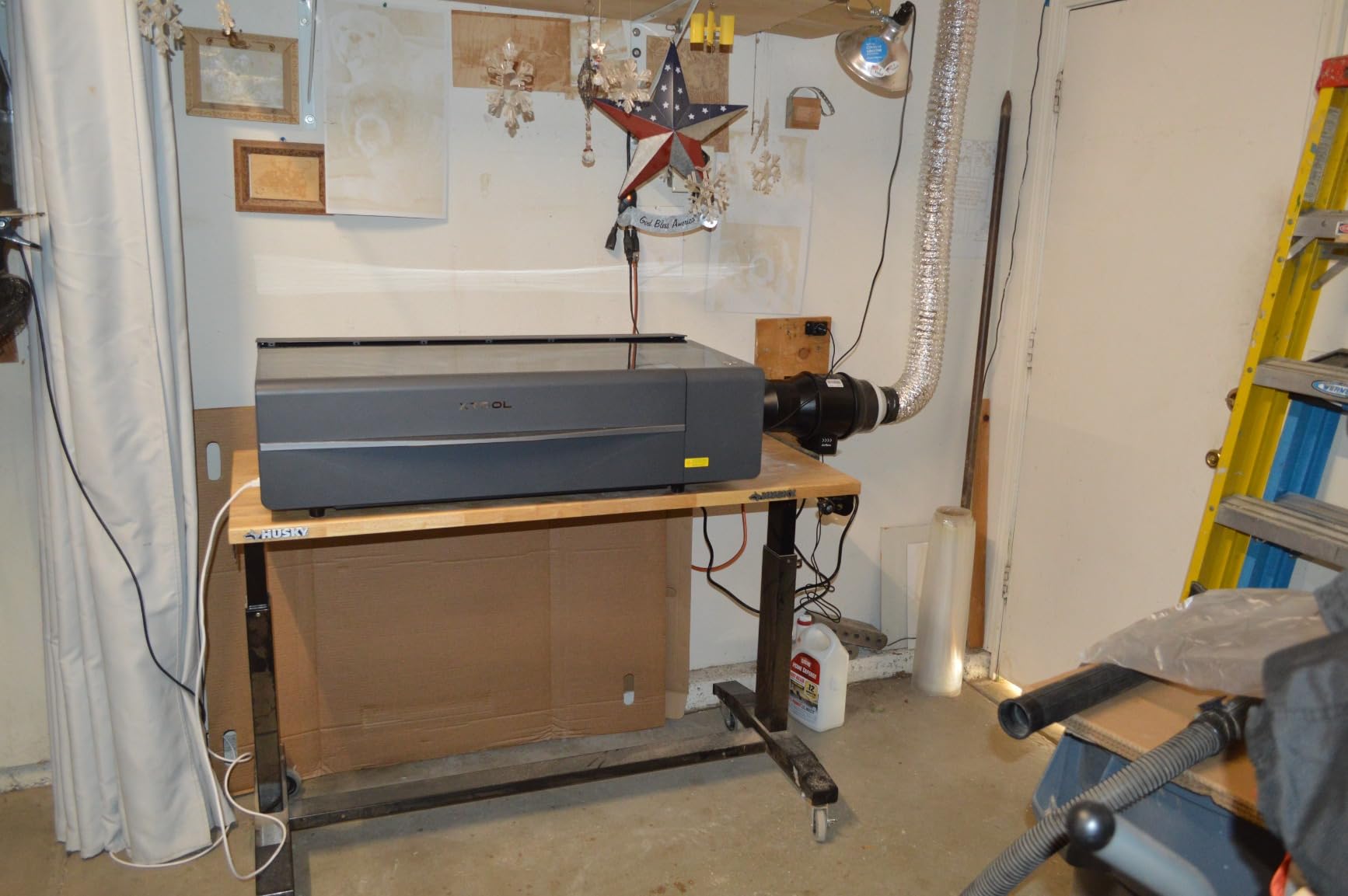
The xTool S1 40W is the highest-rated machine in this guide, with 4.6 stars and 82% of ratings at five stars, and it is the one to buy if cutting thick hardwood is the actual goal rather than engraving. A 40W module cuts 18mm cherry in a single pass, which no open-frame 10W machine here will do in any reasonable time.
Speed is the other headline. It engraves at up to 600mm/s on a 23.93 x 15.16 inch bed, and with Pin-point Positioning it handles three-dimensional engraving on curved surfaces, up to 119 dog tags in a single run.
Safety is the differentiator for a home. The enclosed body is rated Class 1, the protective cover filters 99% of laser light so no goggles are needed, and five flame sensors, an emergency stop and a lid-open stop cover the failure cases that worry families sharing a workspace. The enclosure also cuts down on noise and smoke.
It comes ready to run, with auto-focus and xTool Creative Space offering 400 plus pre-tested material profiles and AI design generation, and the frame is 3mm aerospace-grade aluminium tested over 71,830 hours with seven pre-shipment inspections. The rotary bundle adds tumbler capability.
How the 40W module handles thick stock
This is where the wattage debate becomes concrete. On 18mm cherry, the S1 makes a genuine single pass. On thicker hardwood, plywood stacks or dense bamboo, you are still working with multiple passes and the usual multi-pass problems, just from a much higher starting point.
The AutoPassthrough technology extends projects up to 118 inches with a separate feeder, which suits long signage. Just remember that enclosed machines trade heat accumulation for throughput, so give the same power and speed settings a pause between long jobs.
What the Class 1 enclosure means for a family workspace
Class 1 means the machine is treated as safe under normal operation with the lid closed, so it can sit in a room with children and pets without the constant vigilance an open frame demands. The flame sensors add a second layer by stopping the job if fire is detected.
The trade-off is placement. At 86.8 pounds and with an enclosed footprint, it needs a dedicated table and a lifting plan, and it is far less portable than the small open machines on this list. Owners also report strong smoke and odour when cutting indoors, so external venting is still required even inside a Class 1 shell.
Diode vs CO2 vs Fiber Laser for Wood
A diode laser is the right default for wood engraving in a home or small workshop. A CO2 laser cuts deeper and faster in wood, and a fiber laser does not belong in a wood shop at all, because it is built for metal and performs poorly on organic material.
Choosing a CO2 machine such as a K40-style engraver makes sense when your priority is cutting thick plywood and clear acrylic quickly, or when you already have extraction and a chiller. The counter-argument from experienced owners is worth weighing: a diode with a decent frame, air assist and patience can hold its own for engraving and thin cutting, at a fraction of the setup.
Nobody runs on one machine. The common pattern owners describe is a diode at the bench for detail and personalization, with a CO2 reserved for production cutting. Our best laser cutters for hobbyists guide walks through those machine classes in more detail.
What Optical Wattage Actually Changes on Wood
Wattage changes how fast you work, not how good the result looks. Roy Stedman put it plainly on the Tormach Forums: “Wattage in engraving lasers (10-100w) is mostly just how fast it’ll work. You can do more passes with a lower wattage engraving laser and end up with similar results in more time.”
That is why the marketing number alone is a poor guide. A 10W module and a 40W module can produce the same mark on the same pine if you adjust speed and pass count. What power really changes is throughput, cut depth per pass, and how much heat you have to manage so the material does not scorch around the line.
One distinction matters more than any other. Optical output is the power leaving the lens and hitting your material, which is the number that matters. Electrical input is what the machine draws from the wall, and quoting it as though it were optical output is a common way cheap machines look powerful on paper. The Creality listing here states both, 72000mW machine power and 10W optical output, which is the honest way to do it.
So the practical guide is simple. 10W is enough to engrave anything made of wood and to cut thin sheet ply. 20W roughly doubles your cut speed and is a good all-rounder. 30W and above buys you thick single-pass hardwood work, and nothing else you cannot achieve with more time.
Which Woods Engrave Best and Which to Never Laser
Light softwoods like pine, poplar and basswood are the easiest starting point. They take a dark, high-contrast mark at modest power, they cut fast, and they are cheap to replace when a test goes wrong. Bamboo is a step up in density and gives a particularly crisp edge on fast feeds.
Hardwoods such as maple, birch, walnut and cherry engrave beautifully but need more power and slower feeds to avoid burning through the grain. The grain structure itself becomes part of the design, because the soft earlywood and hard latewood take the mark differently and you can lean into that. Plywood and MDF cut well and are ideal for layered projects, with MDF giving the cleanest edge and the most dust.
The never-laser list is short and serious. Do not put PVC, vinyl or any chlorine-containing plastic near a laser, because it releases hydrogen chloride gas that can damage your machine and your lungs. Avoid treated or green wood, which is often wet and sometimes chemically treated. Leave unknown plastics alone entirely, and be cautious with painted or lacquered surfaces until you know what is underneath.
How Thick Wood a Diode Laser Really Cuts
Realistically, a 10W diode handles about 3mm of pine or basswood cleanly in one pass and 5mm with a focused multi-pass. A 20W machine roughly doubles those numbers. An enclosed 40W unit such as the xTool S1 cuts 18mm of cherry in a single pass, and that is the tier where thick-stock woodworking becomes practical.
Multi-pass cutting has a reputation problem it deserves. As Ian Vivero described it on the Tormach Forums, “each pass tends to cause more and more burning of the edges. Also, without air assist, the debris from each pass tends to collect in the groove so subsequent passes just reburn the stuff you’ve already cut.”
The practical fix is unglamorous. Use air assist on every pass, pause between passes to let the material cool, and remove debris rather than burning through it. Boards that are too thick for the machine will char and smoke long before they separate, which is your signal to stop and rethink the design.
Air Assist, Ventilation and Indoor Safety
Air assist is the feature that most improves results on wood and the one most often sold as an upsell. It blows char and debris out of the beam path, keeps the surface from reaching ignition temperature, and prevents the scattered beam effect that widens every line after the first pass.
Ventilation is a separate question. Wood smoke is unpleasant and the fine dust from MDF is a genuine respiratory concern, so a fume extractor with proper filtration belongs in any indoor setup, and an open frame also needs a filtered exhaust that vents outside rather than recirculating into the room.
For safety hardware, look for an emergency stop, tilt or displacement sensing, automatic shutoff on idle and disconnect, a lid or cover interlock, and flame detection on enclosed machines. Owners on the Tormach forum raised safety anxiety directly when choosing a first machine, and it is a reasonable concern. Whatever you buy, keep a fire extinguisher within reach and never leave a running job unattended.
Ongoing maintenance is unglamorous but decisive. Clean the protective window and the lens with lens wipes on a schedule, keep honeycombs or slats free of char, and check bed levelling monthly. A contaminated lens is the most common reason a sharp machine starts producing soft, smoky marks, and it costs nothing to prevent.
Software: LightBurn vs LaserGRBL vs xTool Creative Space
LightBurn is the most capable of the three and the only one that handles photo engraving and multi-layer projects properly. It runs on Windows, Mac and Linux with a one-time licence, and it imports or exports the file formats the machines in this guide use. Several of the cheaper picks ship without any software at all.
LaserGRBL is free, lightweight and does everything a first-time user needs: vector import, simple raster engraving, and direct control of speed and power. It is a sensible companion to a cheap machine, and its simplicity is exactly why several products here advertise LaserGRBL support alongside LightBurn.
xTool Creative Space comes with the S1 and is the smoothest out-of-box experience, with 400 plus pre-tested material profiles, auto focus and AI design generation. Owners note it can lose saved material settings, so keep a local copy of your profiles if you depend on a particular material recipe.
Buying Checklist for a Wood Laser
Before you commit, work through this list. It is built directly from what buyers in the forums regret and what they wish they had checked.
- Confirm the wattage is optical output, not electrical input.
- Check that air assist is included rather than sold separately.
- Verify the work area suits your largest typical wood piece, not your ideal one.
- Make sure the machine runs LightBurn or LaserGRBL, and is not locked to a cloud subscription.
- Look for an emergency stop, tilt or displacement sensor, and automatic shutoff on idle.
- Confirm the warranty length; one year is the floor, and two is better.
- Price the extras in your budget: fume extraction, eye protection, a sacrificial bed and a LightBurn licence.
- Decide whether you need any wood you should never laser, such as PVC or treated timber, before you buy.
Budget for the hidden costs, because they decide how good the experience is. Fume extraction, a replacement honeycomb bed, laser safety glasses, an air compressor and a LightBurn licence together often approach the cost of a small machine itself. Plan that into the decision rather than discovering it in week two.
Frequently Asked Questions
What is the best laser engraver for wood engraving?
For most people, the ORTUR Laser Master 2 S2 LU2-10A is the best balance. A real 10W optical module, a full metal frame and a 390 x 410mm bed handle wood engraving and thin plywood cutting well. If cutting thick hardwood is the main goal, the xTool S1 40W goes further, and if budget is tight the ACMER S1 covers small pieces.
Which diode laser cutter is the best?
It depends on the job rather than the badge. The ORTUR Laser Master 2 S2 is the strongest all-rounder, the Longer RAY5 wins on sheet width, the Creality Laser Falcon 10W on fine spot size for photo work, the ATOMSTACK A20 Pro V2 on 20W cutting speed, the LaserPecker LP2 on cylinders, and the xTool S1 40W on thick single-pass hardwood cutting.
Will a 20W diode laser engrave metal?
No, not on bare or shiny metal. A 20W diode is excellent on wood, bamboo, leather, acrylic and coated surfaces, but stainless steel and aluminium reflect the 445nm beam and come out blank. You can mark metal with laser paint, a coating, or a dark surface treatment applied first. For bare metal you need a fiber laser, which does not work on wood.
How thick wood can a 20W diode laser cut?
A 20W diode handles roughly 5mm of pine or plywood cleanly in a single pass, and 10mm to 12mm with two or three focused passes using air assist. Dense hardwoods and stacked plywood take longer and burn more at the edges. A 40W enclosed machine reaches 18mm of cherry in one pass, which is the practical ceiling for domestic diode cutting.
Do diode lasers need ventilation?
Yes, if you work indoors. Wood smoke is unpleasant and the fine dust from MDF and plywood is a real respiratory concern, so a filtered fume extractor or an exhaust vented outside is recommended for any open-frame machine. Enclosed Class 1 machines such as the xTool S1 contain the smoke far better, but owners still report strong odour when cutting indoors, so venting remains worthwhile.
What software do I use with a diode laser?
LightBurn is the most capable option and the only one that handles photo engraving well, with a one-time licence for Windows, Mac and Linux. LaserGRBL is free and handles vector and simple raster jobs, and several machines ship with their own bundled software such as Acmerstudio or xTool Creative Space. Check that the machine supports LightBurn before buying, since some cheap models do not.
Conclusion: Which Diode Laser Engraver for Wood Should You Buy?
Choose the ORTUR Laser Master 2 S2 LU2-10A if you want the safest general answer to which diode laser engraver for wood to buy: proven 10W optical power, a metal frame that stays square, a large bed and the broadest owner history in this group. Choose the Longer RAY5 if sheet width matters, the Creality Laser Falcon 10W for photo work, the ATOMSTACK A20 Pro V2 for faster 20W cutting, the LaserPecker LP2 for tumblers and cylinders, and the ACMER S1 if you are starting small and cheap.
Upgrade to the xTool S1 40W when single-pass hardwood cutting and a sealed Class 1 workspace justify the weight, the footprint and the venting it demands. Whichever you pick, budget for air assist, extraction and software from day one, and run a power and speed test grid on your exact wood before your first real job. That one afternoon of calibration is what separates a satisfying machine from an expensive disappointment.