
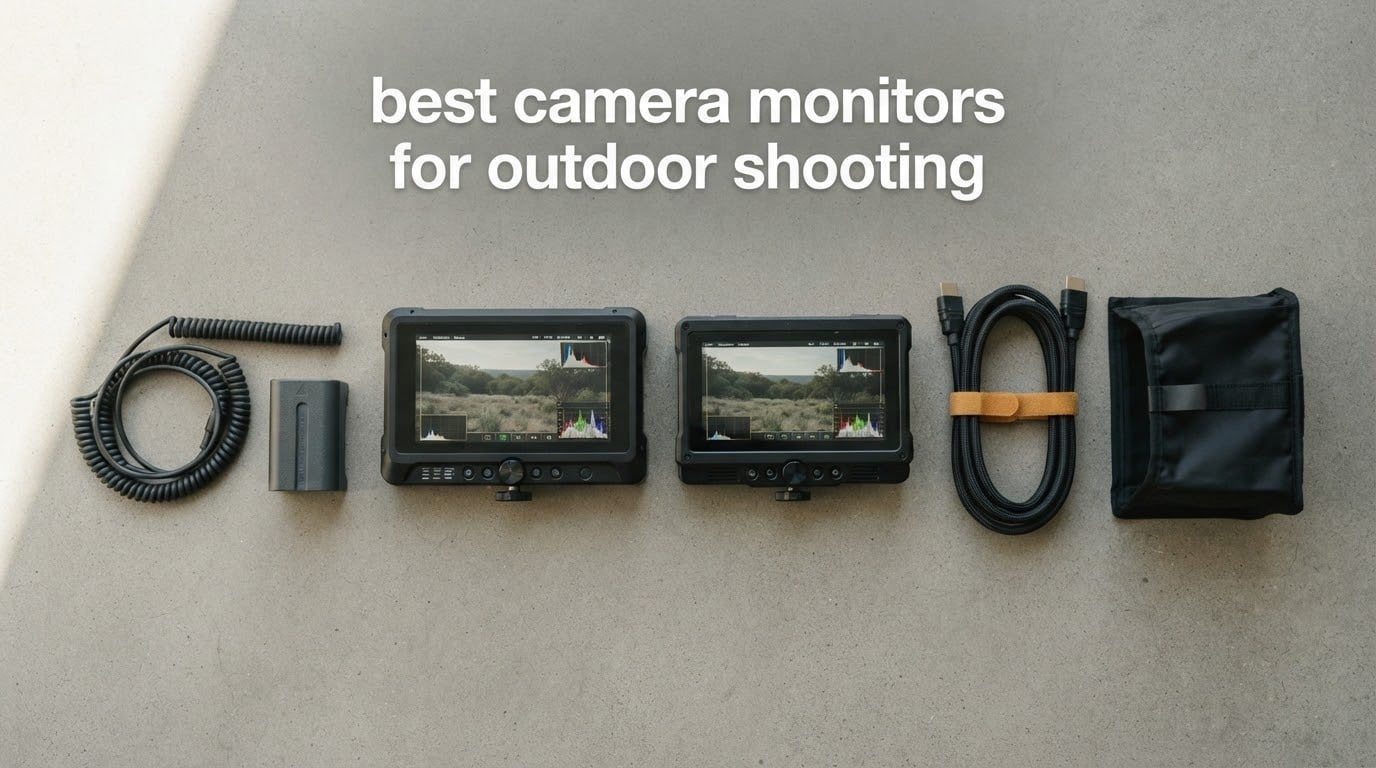
There is a specific moment on every outdoor shoot when the light turns against you. You are framing a wide shot on a hillside, the sun is over your shoulder, you tilt the camera down to check focus, and the image is gone. Not dim. Gone. That grey, flat, washed-out rectangle is where most field mistakes get made, and it is exactly why the search for the best camera monitors for outdoor shooting matters so much to anyone who works outside.
A camera field monitor solves a narrow, unglamorous problem: your camera’s built-in screen is a compromise. It is small, it is dim, and it is angled in a way that forces you into an awkward posture just to focus manually. An external on-camera monitor gives you a bright, flat, readable panel that shows the live feed the way you framed it, plus the tools to judge focus, exposure and colour before you burn a take. Our roundup covers twelve of them, from a 5-inch body under a pound to a 7-inch 3000-nit unit with SDI.
We spent weeks with these units across open shade, flat overcast light and full midday sun, paying close attention to the things spec sheets leave out. Does the panel actually stay readable at the brightness setting you would realistically use? Can you see yourself in the glass? Does the battery warning appear before the shot is ruined? Those are the questions that decide which of these twelve belongs on your rig, and we answer them one by one below.
If you are still building out a mobile kit, our picks for the best camera cages for run and gun shooting and the best camera LED lights for run and gun cover the parts of the rig that hold the monitor in the first place.
Table of Contents
Top 3 Picks for Outdoor Shooting (September 2026)
These three cover the realistic outdoor range. The Atomos Shinobi is the pick for shooters who need real scopes and a screen that holds up outdoors. The NEEWER F700 is the one to buy if you shoot in direct sun and want a large screen. The VILTROX DC-550 is the value answer for travel and documentary work.


All 12 Camera Monitors Compared in 2026
Every monitor below is listed in the same order as the individual reviews, from the strongest outdoor all-rounder to the most compact option. Brightness figures are the manufacturer’s rated panel brightness in nits, and each row lists the features that actually change how the unit behaves on location.
| Product | Specifications | Action |
|---|---|---|
| Atomos Shinobi 5-inch |
|
Check Latest Price |
| NEEWER F700 7-inch |
|
Check Latest Price |
 VILTROX DC-550 PRO II VILTROX DC-550 PRO II |
|
Check Latest Price |
 osee G7 Pro 7-inch osee G7 Pro 7-inch |
|
Check Latest Price |
 Portkeys PT6 5.2-inch Portkeys PT6 5.2-inch |
|
Check Latest Price |
 FEELWORLD FW568 6-inch FEELWORLD FW568 6-inch |
|
Check Latest Price |
 osee T5+ 5.5-inch osee T5+ 5.5-inch |
|
Check Latest Price |
 ANDYCINE A6 V2 6-inch ANDYCINE A6 V2 6-inch |
|
Check Latest Price |
 FEELWORLD FW759 PRO 7-inch FEELWORLD FW759 PRO 7-inch |
|
Check Latest Price |
 GODOX GM55 5.5-inch GODOX GM55 5.5-inch |
|
Check Latest Price |
 NEEWER F100 7-inch NEEWER F100 7-inch |
|
Check Latest Price |
 Portkeys PT5 II 5-inch Portkeys PT5 II 5-inch |
|
Check Latest Price |
1. Atomos Shinobi – The Best Outdoor Field Monitor Overall
Atomos Shinobi 5-inch HDMI 4K Monitor
5.2-inch 10-bit IPS
1000 nits brightness
HDR10 and HLG
Waveform and vectorscope
Pros
- 1000 nits stays readable in full daylight
- Full pro scopes including waveform and vectorscope
- Low 15W draw for long single-battery days
- 22-bit style grading aid via 3D LUT loading from SD
Cons
- Monitor only with no internal recording
- Plasticky build and a glossy panel that wants a hood
- Reported dead pixels on some units
The Shinobi is the monitor we end up recommending to people who did not ask for a recommendation. At a rated 1000 nits on a 10-bit IPS panel, it is bright enough to read in open daylight without a hood, which puts it a tier above the large cluster of 400-to-600-nit budget panels in this list. The AtomHDR layer adds HLG and HDR10 monitoring, so if your camera shoots either, you can judge it here instead of guessing.
What earns it the top spot is the toolset rather than the panel. The waveform, vectorscope, zebra, frame guides and anamorphic de-squeeze are all genuinely usable rather than decorative, and 3D LUTs load from an SD card for log workflows. Owners consistently report units still working after years on the road, which is the durability signal that matters when a monitor lives in a bag.
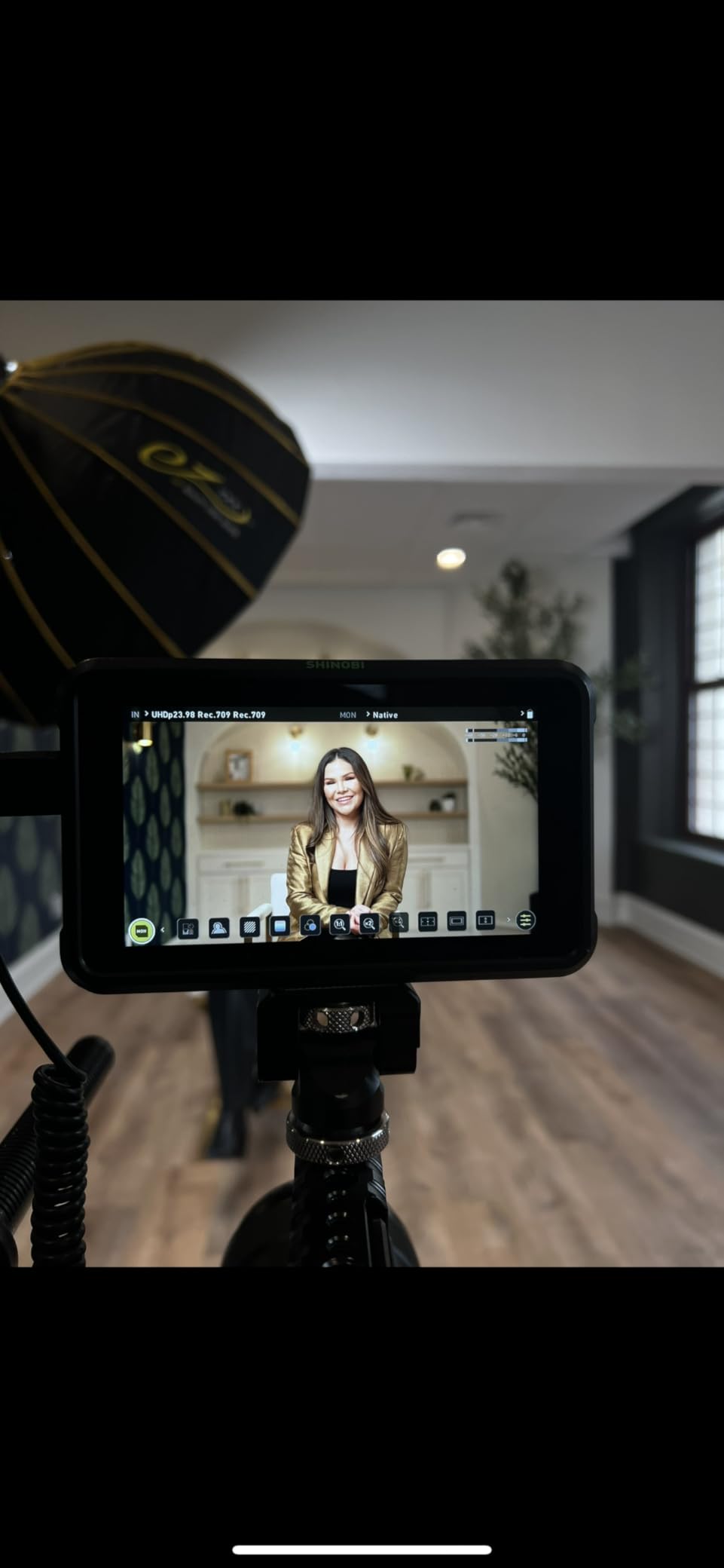
Power is handled with an L-series battery eliminator in the box and a 15W consumption figure, which translates into long working days on a single Sony L battery. The 5.2-inch size and 1.6-pound weight sit in the middle of this group, light enough for a gimbal and large enough to read a waveform without squinting. The 4ms response time keeps motion work clean.
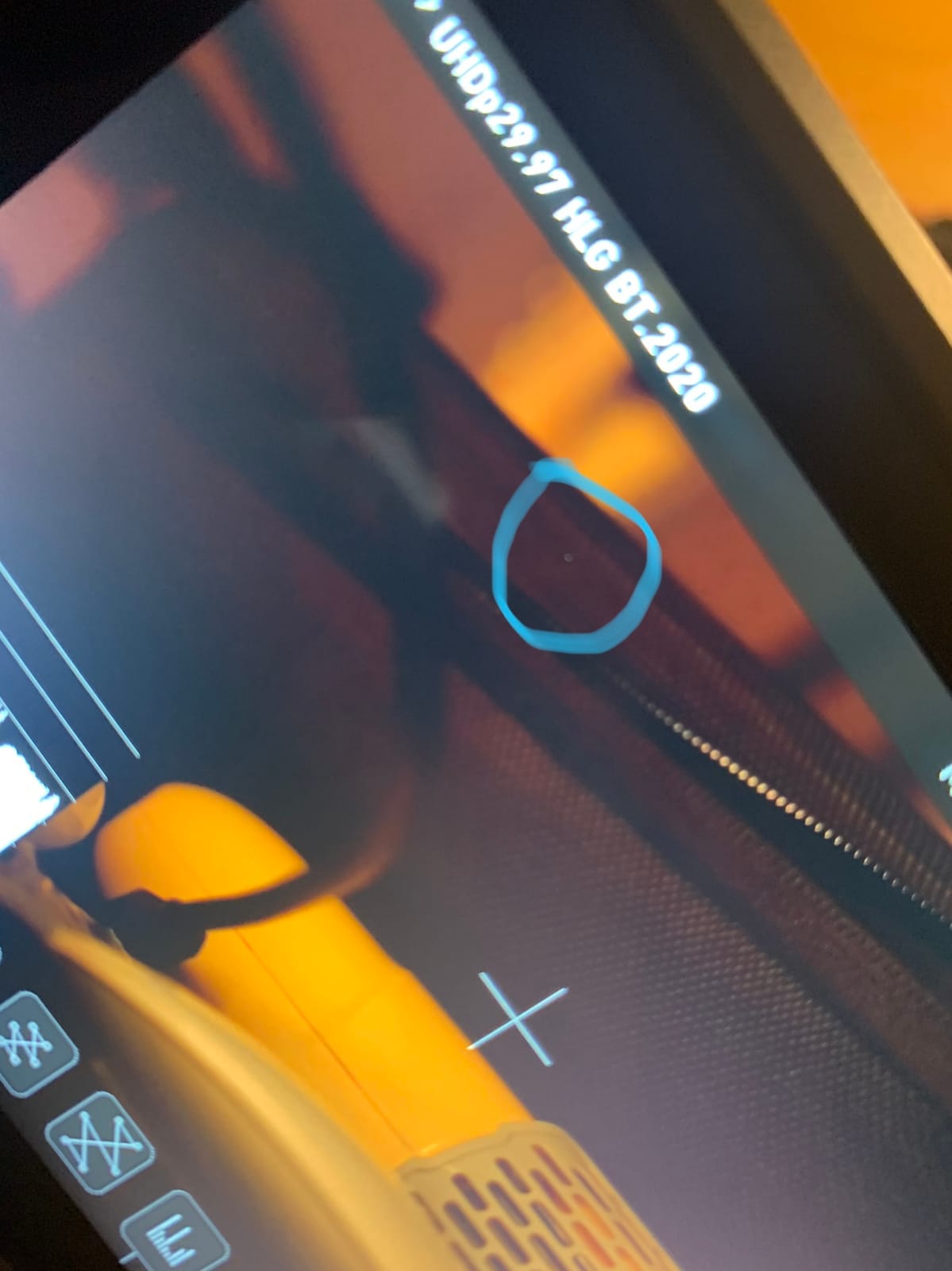
There are real reservations. This is a monitor only, with no internal recording, so if you want a ProRes master off the monitor itself you will be disappointed. The screen protector has been reported peeling away from the panel, the body runs warm after extended use, and the glass is glossy, which means it benefits from a hood in glare.
Why we picked it for outdoor work
At 1000 nits it clears the brightness floor most shooters need for overcast and open shade, and the scopes let you check exposure and focus in a single glance rather than by cycling through camera menus mid-take. Waveform and vectorscope on the same page, plus zebra and false colour, cover the three checks that matter most on a run-and-gun day.
The SD-card LUT loading also means you can carry a Rec.709 conversion or a log-to-RGB transform for your specific camera and see a viewable image instead of a flat grey log image. For a solo operator that removes a whole category of on-set improvisation.
Where it falls short
The glossy screen is the main outdoor weakness. Bright panels still reflect, and a wedding shooter on the Sony forum thread describing washed-out screens in daylight made the same point: brightness alone does not fix glare, a hood does. This unit does not ship with one, so budget for a folding sunshade or accept reflections at midday.
Heat is the second issue. Owners report the body running noticeably hot after extended use, and in direct sun that is a factor for long ceremony coverage. Some units have also shipped with above-normal dead pixel counts, so check the panel carefully on arrival.
2. NEEWER F700 – The Best Monitor for Direct Sunlight
NEEWER F700 7″ Camera Field Monitor, 2000nit HD 1920×1080 IPS Touch Screen
7-inch 1920x1080 IPS
2000 nits brightness
Auto backlight sensor
4K HDMI loop in and out
Pros
- 2000 nits readable in direct sun without a hood
- Ambient light sensor auto-adjusts brightness
- 160-degree viewing angle
- Active cooling fan with four modes
Cons
- Heaviest 7-inch here at 1.6 pounds
- Focus peaking runs hot at low sensitivity
- Stock S-Log3 LUTs need replacing
The F700 is the monitor in this roundup that most directly answers the question of what works in hard sun. Its 7-inch IPS touchscreen is rated at up to 2000 nits, and the difference between that and the 400-nit budget panels is not a subtle upgrade. It is the difference between a usable monitor and an expensive mirror.
The ambient light sensor is the feature we did not expect to care about and now think matters a great deal. It adjusts the backlight across a 1 to 100 range automatically, so you are not riding a manual brightness dial in changing conditions. On an overcast-to-sunny transition the screen does the work while you keep your attention on the shot.
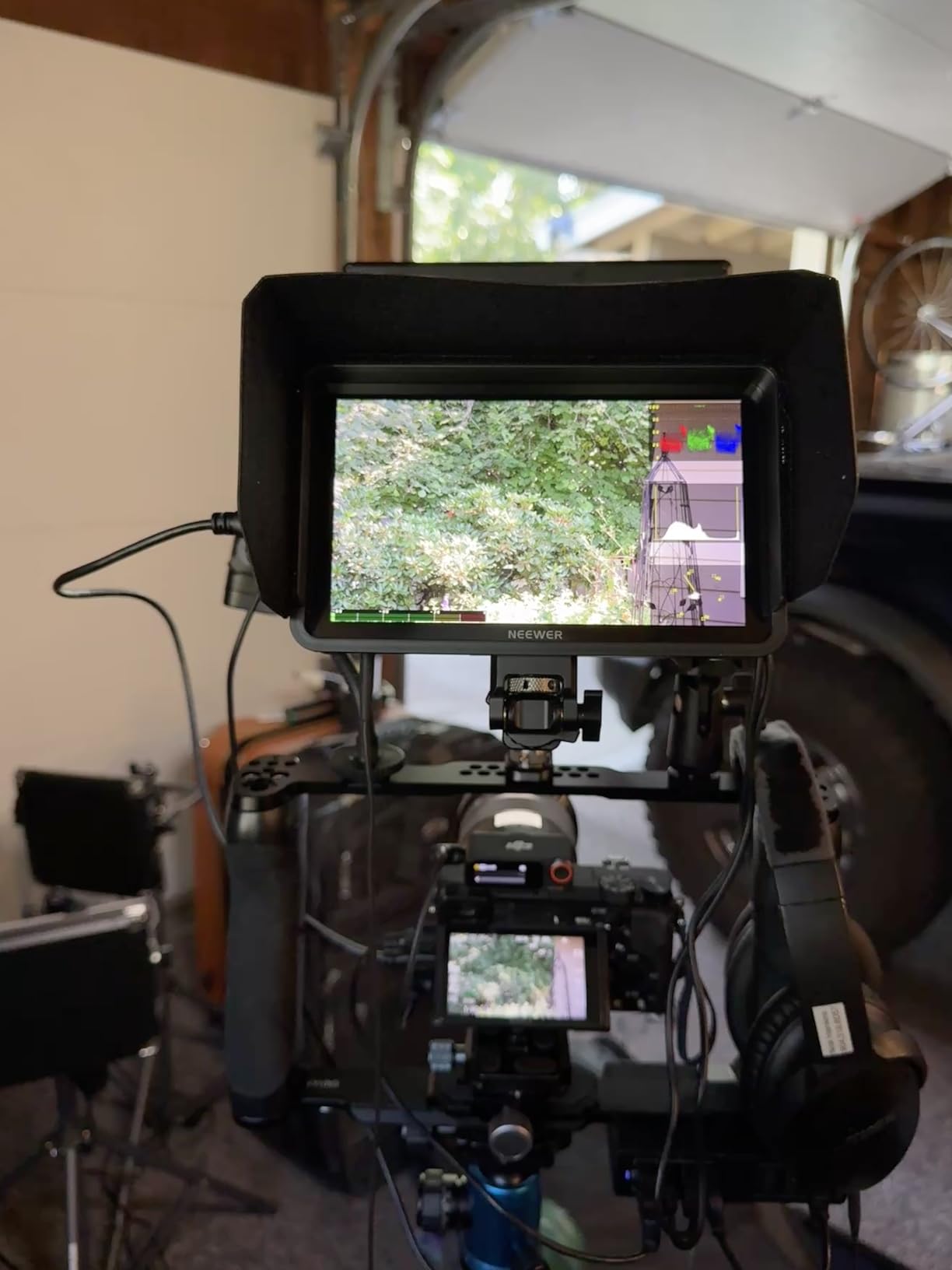
Connectivity is solid for a camera monitor: 4K HDMI loop in and out with no visible latency, plus a 3.5mm headphone jack for on-set audio monitoring. The toolset includes false colour, zebras, histogram, oscillogram, waveform, vectorscope, HDR, single colour and focus peaking, and 15 LUTs ship preloaded with room for 60 custom uploads from SD.
A built-in cooling fan with auto, low, medium and high modes is a detail most budget units skip, and it is why this one keeps its brightness stable through a long day outside rather than dropping as the panel heats up. F1, F2 and F3 shortcut buttons and a 180-degree adjustable cold shoe mount make it quick to rig on a hotshoe or a cage.
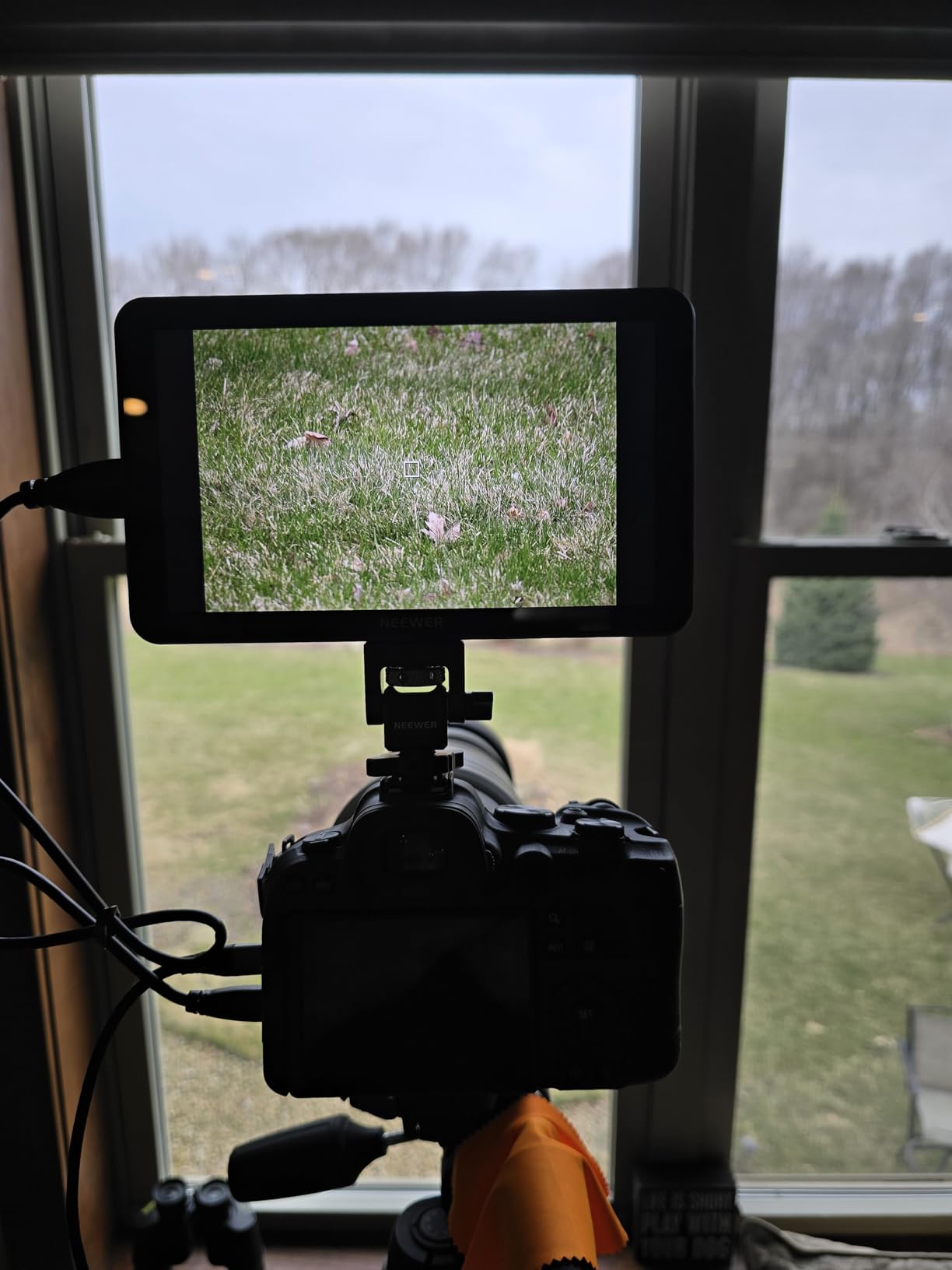
What makes it work in bright conditions
The auto backlight sensor and the 2000-nit ceiling work together. You get the high ceiling when the light demands it, and the screen does not force you to keep adjusting brightness by hand every time you walk out of shade. That combination is what makes a full shooting day practical rather than a constant brightness fight.
It also holds its own on tools. Waveform, vectorscope and oscillogram are present on a 7-inch panel where they are actually readable, so exposure checks do not require squinting at a 5-inch screen. Fifteen preloaded 3D LUTs cover most log workflows on day one.
Where it falls short
At 1.6 pounds it is the heaviest unit in this group, and it is noticeable with two NP-F batteries mounted on a gimbal head or a long lens rig. If you run a stabiliser every day, that weight is a real cost and a lighter 5-inch body may serve you better.
Focus peaking is described as overly aggressive at low sensitivity, which means it can be a distraction rather than an aid until you tune it. A few users also report colour accuracy needing manual correction to match the camera, and the stock S-Log3 LUTs are not accurate enough for some shooters, so plan on loading your own.
3. VILTROX DC-550 PRO II – The Best Value for Bright Outdoor Work
VILTROX DC-550 Touch Screen DSLR Camera Field Monitor 1200 Nits High-Bright 5.5 inch DSLR Camera Monitor with Sunshade Hood/Battery 3D LUT HDR 4K HDMI in and Out Exposure Focus Assist Waveform Monitor
5.5-inch 1200 nits IPS
REC-709 calibrated
HDR and 3D LUT import
4K HDMI in and out
Pros
- 1200 nits makes a 5.5-inch panel genuinely daylight viewable
- REC-709 calibrated with anti-glare coating
- Full kit including hood battery and carry case
- One year replacement service
Cons
- 5.5-inch is small for distant subjects
- 1080p panel despite 4K input
- No touchscreen camera control
The DC-550 is the monitor that makes the strongest case in this roundup on the balance of brightness, tools and included kit. A 5.5-inch IPS touchscreen rated at 1200 nits puts it above the Shinobi on raw brightness while costing less, and 1200 nits is comfortably enough for open shade and workable in direct sun with the included hood.
Colour is the quiet strength. The panel is REC-709 calibrated, and the anti-glare coating is a genuine advantage in bright light because it attacks the reflection problem rather than trying to overpower it. That combination of coating and a folding sunshade hood is the answer to the glare complaint that shows up again and again in outdoor shooting discussions.
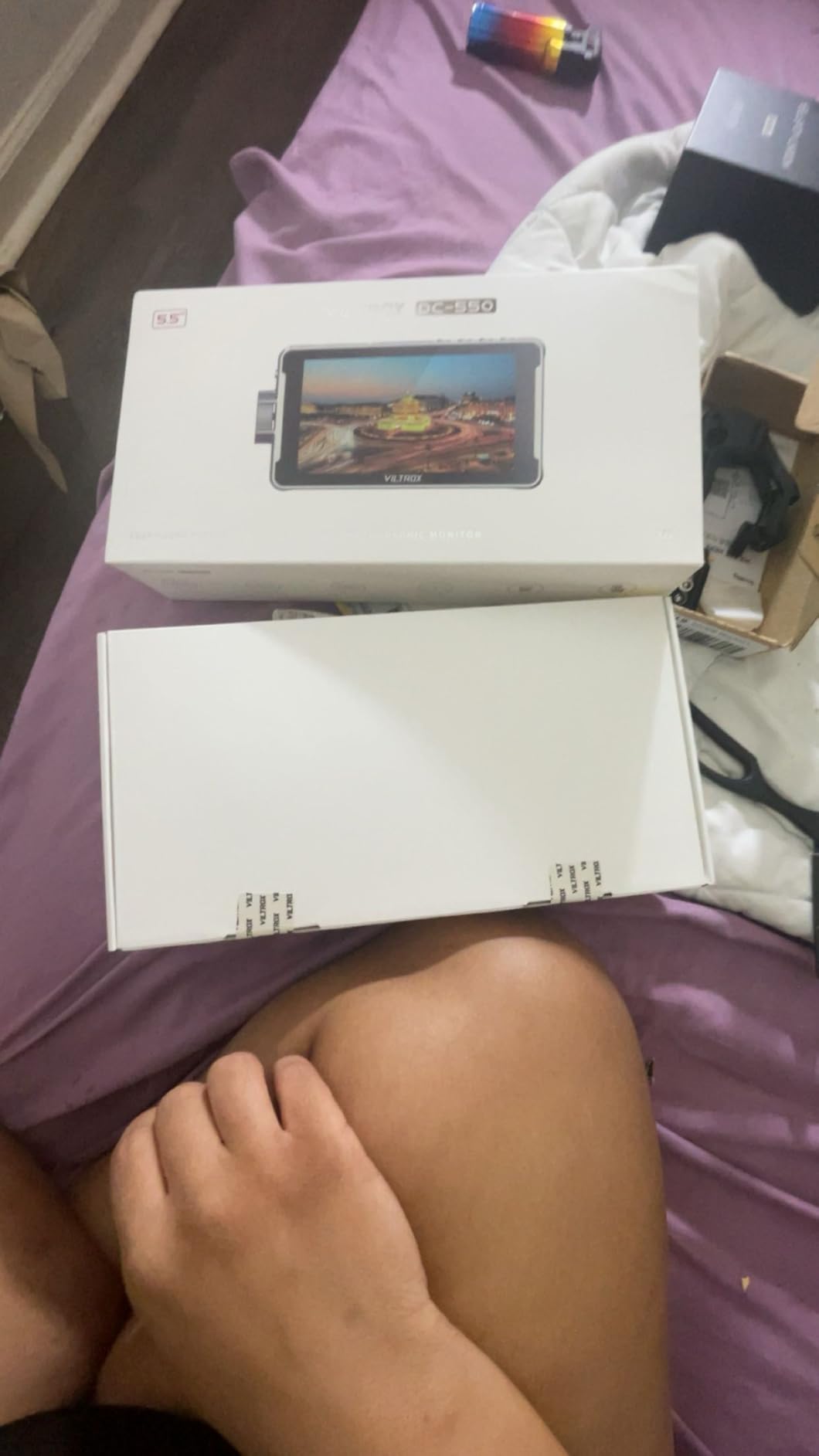
Tools are full-fat for the class: parade waveform, vectorscope, brightness histogram, focus assist, audio column, image flip and false colour, plus 3D LUT import from SD for log work. HDMI runs in and out at up to 3840x2160p and 4096x2160p, 30, 25 or 24Hz, and a 3.5mm stereo jack handles headphone monitoring on set.
Power options cover most field situations, with NP-F battery support, DC 12 to 18V and Type-C 5V 3A. One NP-F550 is included along with the sunshade, a cold shoe adapter, cables and a carry case, so the box covers almost everything you need on day one.
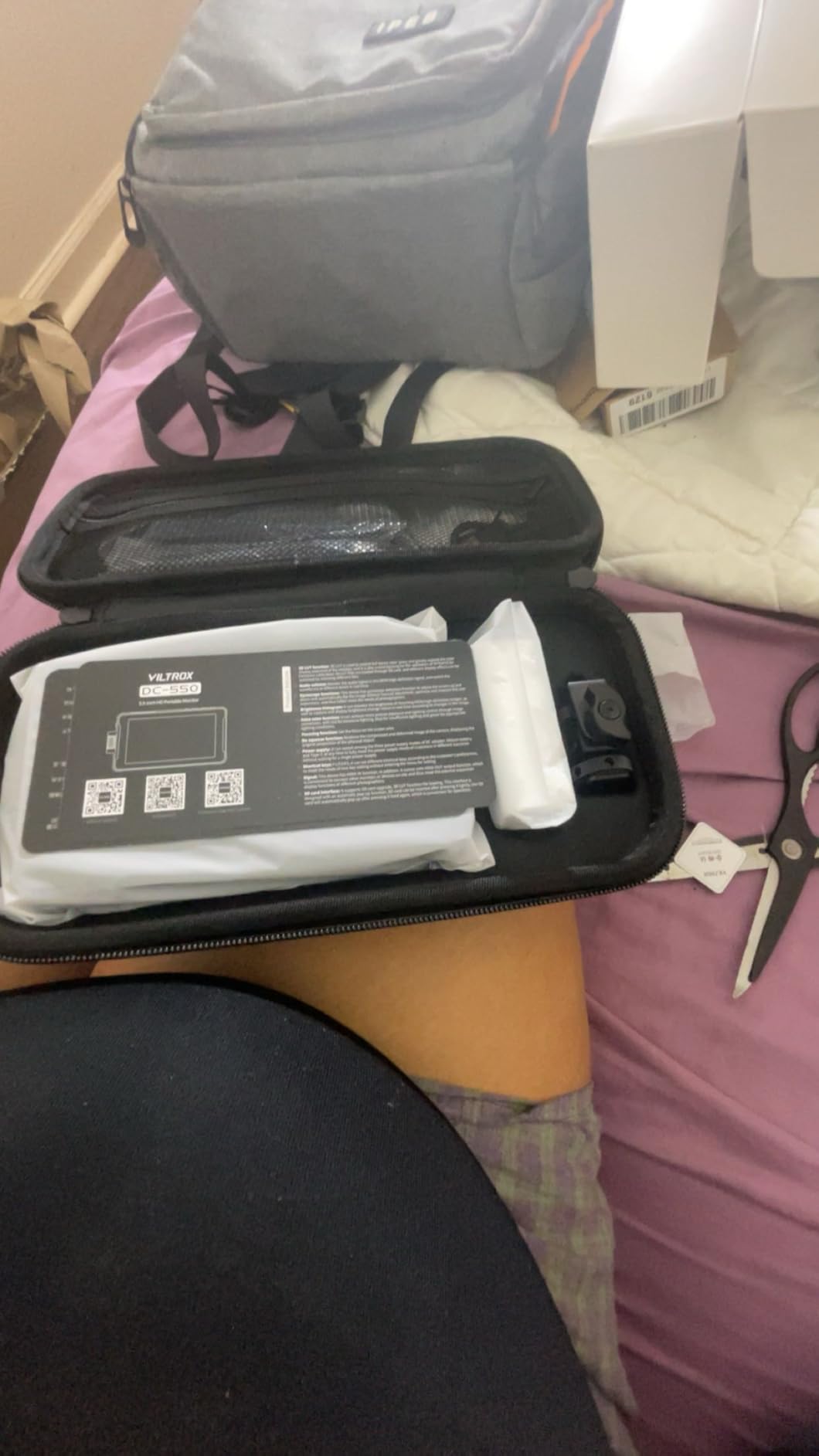
Why brightness and coating together make the difference
Panel brightness is only half the equation outdoors. The other half is how much ambient light the glass reflects back at you, and a matte anti-glare surface behaves very differently from glossy glass when the sun is behind you. The DC-550 pairs 1200 nits with a coated screen and a hood, which is the combination that keeps focus peaking usable at midday.
For a travel, documentary or run-and-gun shooter this is the configuration that gets used most. It is small, light, it ships with a battery, and the 3.5mm jack means you can monitor audio without a separate device.
Where it falls short
Five and a half inches is small when you are working on a subject that is physically distant from where you are standing. If your outdoor work involves wide lenses across a field, the screen area you have to judge focus on is limited, and a 7-inch panel gives you more room to see fine detail.
The panel is 1920×1080 even though it accepts 4K input, so the 4K signal is downsampled rather than displayed at full detail. That is fine for focus confirmation but it is not a 4K reference view, and there is no touchscreen camera control, so exposure and focus settings still happen on the camera body.
4. osee G7 Pro – The Best for Bright Sun and SDI and HDMI Rigs
Osee G7 Pro 7’’ 3000Nits Camera Monitor, Touchscreen Camera Control HDR Field Monitor with 3G-SDI & 4K HDMI in/Out, Touch Focus Tracking for FX3/ A7 IV/EOS R5 II/EOS R8/ Z9/ Z6 III/ZV-E10M2
7-inch 3000-nit IPS
3000 nits with anti-reflection coating
3G-SDI and 4K HDMI
Touch camera control
Pros
- 3000 nits stays readable at midday without a hood
- Only 7-inch here with both 3G-SDI and 4K HDMI
- Aluminium shell build
- Waveform histogram and vectorscope shown together
Cons
- Smallest review base in the roundup at 35
- Camera control is only fully implemented on some bodies
- Brief flash artifacts during fast moves
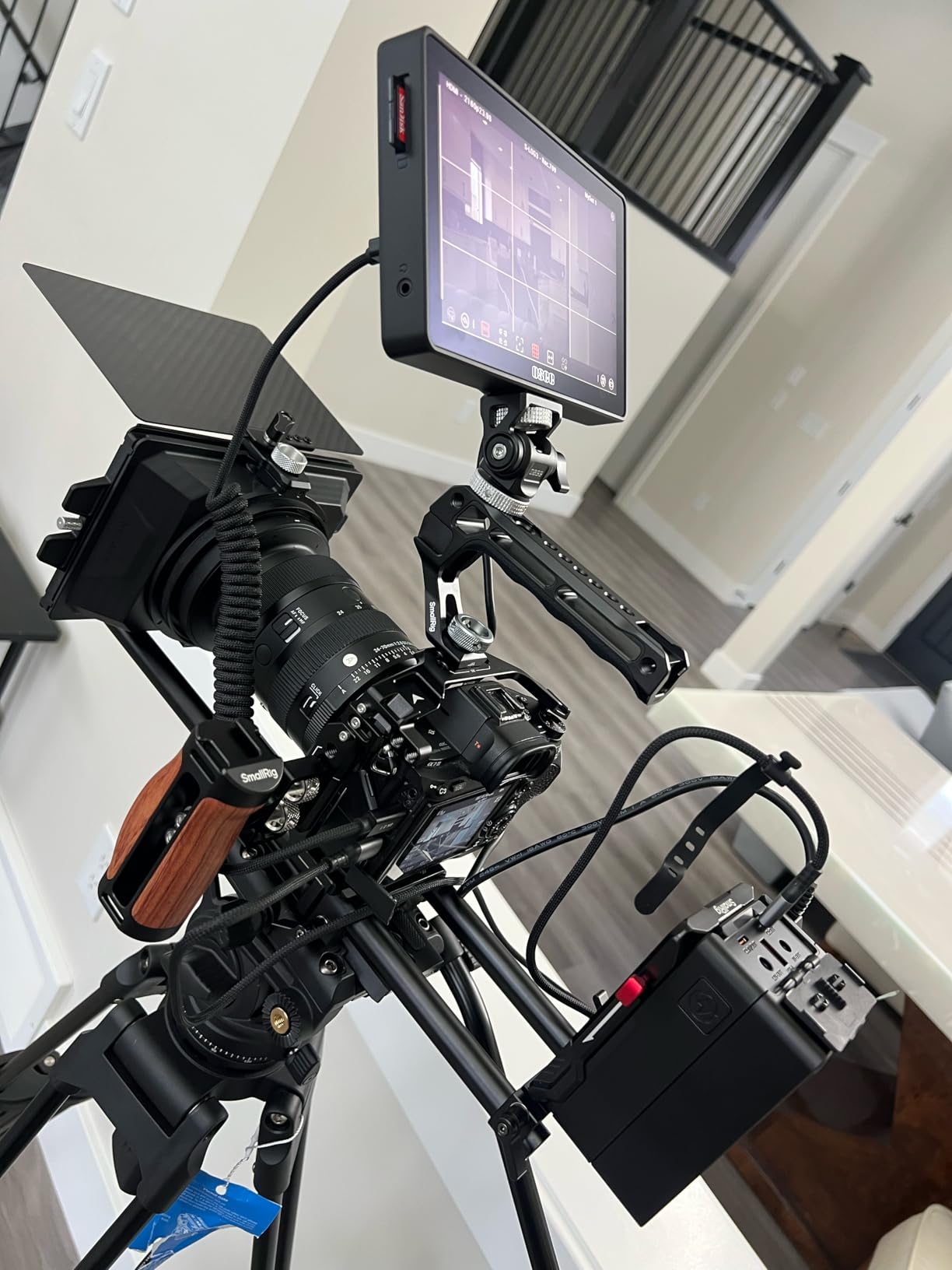
The G7 Pro is the brightness answer. A 7-inch IPS panel rated at 3000 nits with an anti-reflection coating means the highest figure in this roundup, and the only combination here that pairs that brightness with a matte surface. In direct midday sun with no hood, that is the configuration that removes the daylight problem rather than mitigating it.
Connectivity is where it separates itself. It is the only 7-inch monitor in this group with both 3G-SDI input and output up to 1080p60 alongside 4K30 HDMI in and out, so it can sit in a broadcast-style chain and still work with a mirrorless HDMI body. Owners report production houses moving from Atomos units to this one, which tells you something about how it is being used in practice.
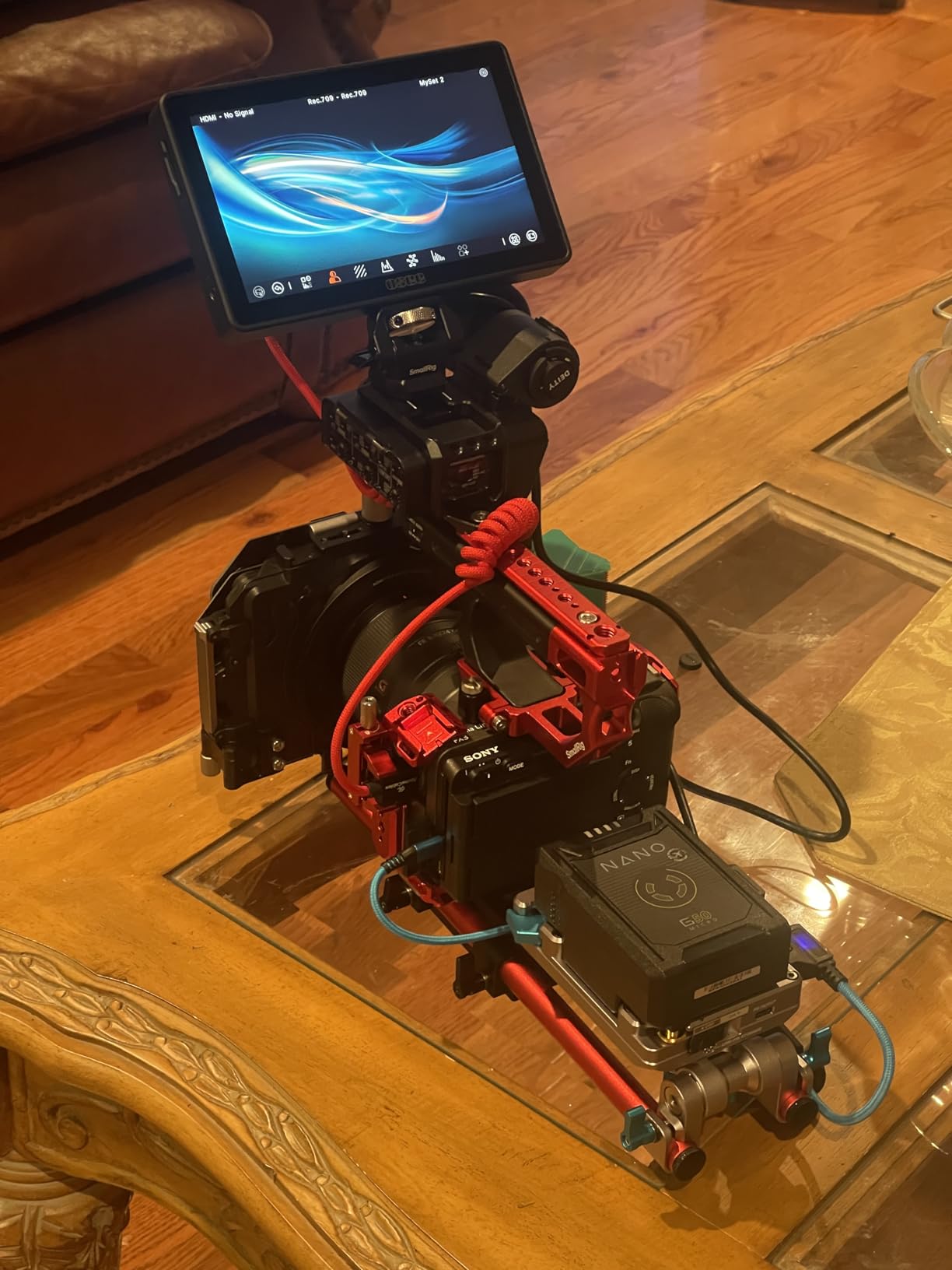
Waveform, histogram and vectorscope can be viewed at the same time, and up to eight preview MySets keep a consistent look across a shoot. Up to ten 3D LUTs load with 65-point cube support, and the internal processing is quoted at 22-bit covering 18 stops of dynamic range. A silent fan with a temperature sensor handles long sessions without the noise a small speaker would add.
Build is where it feels like a step up. The aluminium shell is noticeably more rigid than the plastic-bodied monitors in this list, and the page-style interface with built-in display calibration means you can dial in the screen without a computer. A 178-degree viewing angle and minimal off-axis colour shift mean you can read it from an odd angle on a gimbal.
Why the brightness and coating pairing matters most
Every other high-nit monitor here uses glossy glass, and glossy glass at any brightness will eventually give you your own reflection when the sun is behind you. A person in the r/videography discussion of bright field monitors described seeing themselves in the screen in direct sun on brighter panels they had tried. A coated 3000-nit panel is the straightforward answer to that failure mode.
For a beach, snow or desert shoot the ceiling matters as much as the coating. Snow and sand bounce light back from below, which is the worst-case condition for a glossy panel and where the highest brightness rating earns its keep.
Where it falls short
The review base is thin at 35 ratings, so you are buying with far less long-term owner evidence than the Shinobi or FW568 carry. Early firmware also shows, with brief flash artifacts during fast camera moves and an occasionally long boot and connection time that can need a cable re-seat.
Camera control over Type-C is limited and only fully implemented on some bodies, autofocus control can glitch, and a few cameras blank their own screen when the monitor is connected. The all-touch interface is also slower than physical buttons for fast adjustments, and the press-and-hold power button is awkward in gloves.
5. Portkeys PT6 – The Best for Gimbal and Handheld Rig Work
Portkeys PT6 Camera Field Monitor 5.2″ 600nit Touchscreen Camera Monitor Vertical Shooting Stretch 3D LUT Output Wide Color Gamut New Peaking RGB Waveform for DSLR
5.2-inch 400 PPI IPS
600 nits brightness
Fanless 0.37 lb body
3D LUT output
Pros
- Only 0.37 lb and completely fanless so it is silent on a gimbal
- Smooth luma and RGB waveform with adjustable transparency
- Navigation buttons beat pure touchscreen in gloves
- Accurate out of the box colour
Cons
- 600 nits is marginal in hard sun with a reflective hood
- Loosely engineered swivel arm pin can break
- USB-C power input has a handshake quirk
The PT6 is the one to consider when every gram matters. At 0.37 lb and completely fanless, it adds almost nothing to a gimbal payload and produces no fan noise in a quiet take. The 5.2-inch OCR full-fit IPS touchscreen runs at 1920×1080 with 400 PPI, so despite the small size the pixels are dense enough to judge focus on a 400 PPI panel.
Where it beats larger budget rivals is the scope implementation. Luma waveform, RGB waveform and luma histogram all carry adjustable position and transparency, which is what turns a scope from decoration into a usable tool. You can dim a scope down enough to see the image through it without losing the trace.
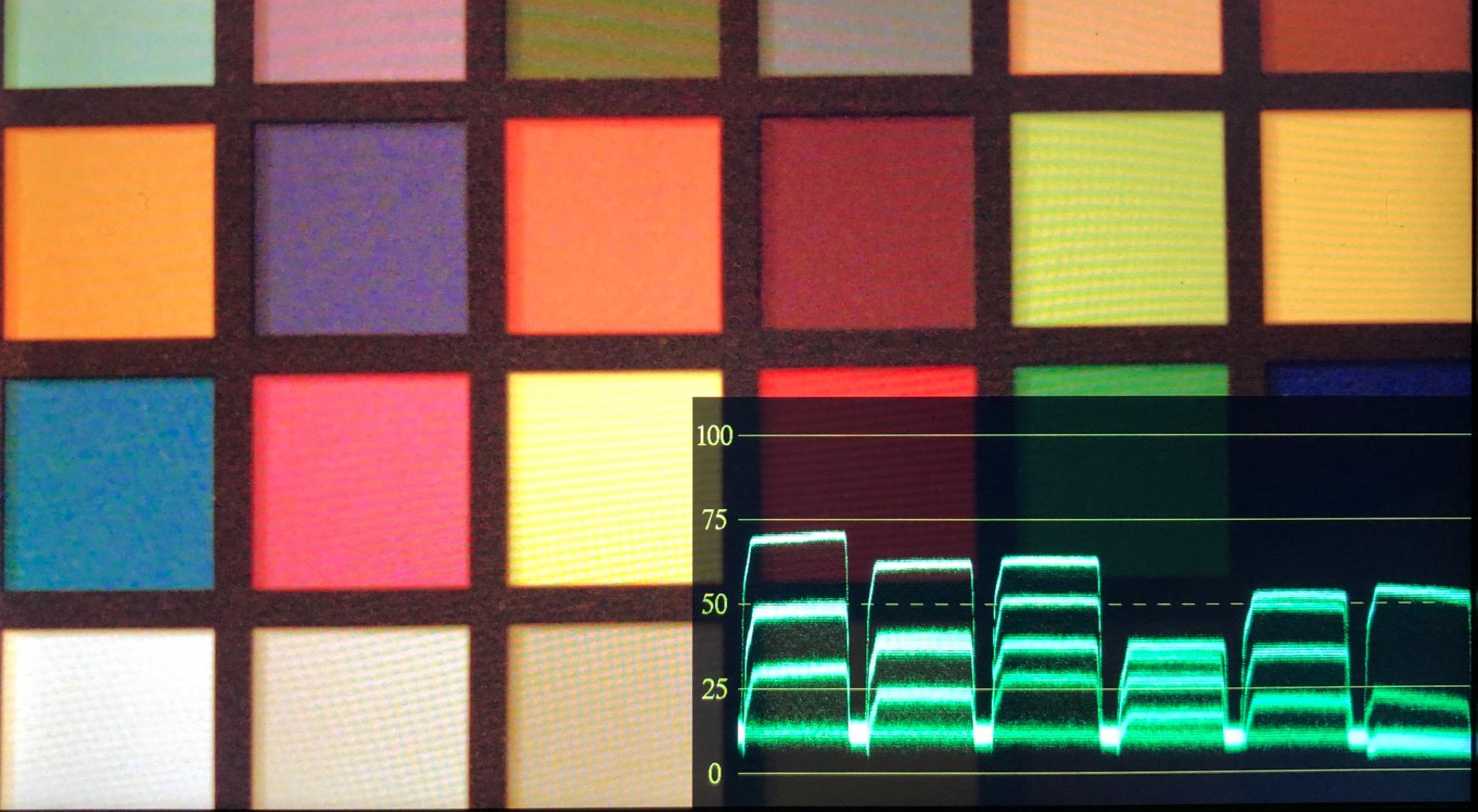
Feature coverage is strong for the class: 3D LUT output, anamorphic stretch mode, false colour, zebra, histogram, check field and audio meters, with HDMI in and out plus USB connectivity. NP-F970, F960, F750 and F550 batteries are supported alongside Canon LP-E6 and DC input, so battery choice does not dictate your camera brand. An accelerometer flips the display automatically when you turn the rig upside down for low-angle work.
Controls are a hybrid of a three-button navigation ring and four shortcut keys, which is a deliberate improvement over touchscreen-only designs. On location, buttons work with gloves and wet hands, and they do not suffer the latency that plagues some touch interfaces.
Why it suits movement work
Silent operation and low mass are the whole pitch on a gimbal or a handheld run-and-gun setup. A fan spinning up mid-take is audible, and a monitor that adds weight to a stabiliser changes how the rig balances. The PT6 avoids both, and the auto-flip display means you can mount it in a fixed orientation and still shoot from awkward angles.
The 178-degree viewing angle also helps, because on a moving rig the viewing angle to the screen is rarely square-on. A wide angle means the image holds up when the rig yaws slightly rather than going dark at the edges.
Where it falls short
600 nits is the honest limit here. It is fine in open shade and workable at midday with the included hood, but the hood itself is reflective, which works against you in exactly the conditions where brightness matters most. If your shoot is genuinely sun-driven, this is not the panel to buy.
Firmware polish is the other issue, with a bright blue screen on signal loss, LUTs disabling when false colour is switched off, and a boot time of roughly seven seconds. The swivel arm bracket is loosely engineered and its pin can break, and the USB-C power input has an unusual handshake quirk that may require an adapter.
6. FEELWORLD FW568 – The Best Exposure Toolkit at the Entry Level
FEELWORLD FW568 6 Inch 450nit FHD IPS Screen Field DSLR Camera Monitor
6-inch 1920x1080 IPS
450 nits brightness
Waveform vectorscope histogram
32 custom 3D LUTs
Pros
- Most reviewed monitor in this roundup at 2902 ratings
- Complete exposure toolkit including waveform and vectorscope
- Up to 32 custom 3D LUTs
- Lightweight at 10.2 ounces for handheld rigs
Cons
- 450 nits needs the sunshade in direct sun
- 6-inch screen is small next to 7-inch rivals
- Button-driven menu with no touchscreen
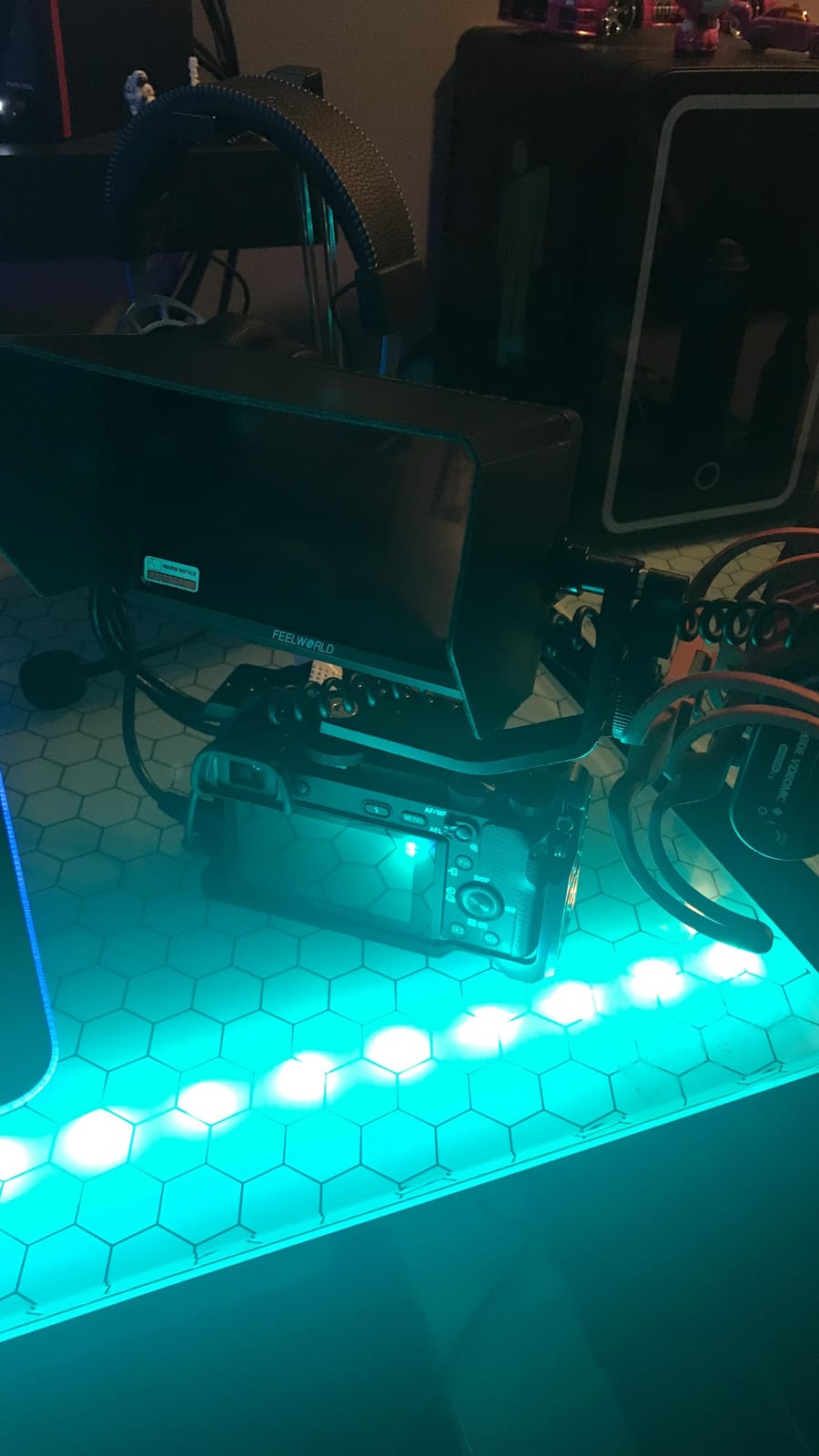
The FW568 is the longest-serving recommendation in this list and the most reviewed, with 2902 ratings behind it. That volume of long-term owner feedback is worth something in a category where brands appear and disappear, and the consensus is consistent: the tools are accurate and the price point is the reason it has stayed popular for years.
Exposure coverage is the real story. Waveform, vectorscope, RGB histogram, focus assist, false colour and peaking are all present, and 3D LUT support runs to 32 custom LUTs. At 6 inches and 450 nits it is not an outdoor daylight monitor, but in shade or on an overcast day the tools are fully usable and the image is easy to read.
Connectivity covers 4K HDMI input and output up to 4K at 30Hz, and it can pass a signal through to a second display while still driving the attached camera from a single battery. Power comes from NP-F or LP-E6 batteries with DC 8.4V dummy-battery output, which means one battery can run the monitor and the camera. At 10.2 ounces it is the second-lightest unit here and genuinely unobtrusive on a handheld rig.
A sunshade is included, and that matters here in a way it does not on brighter panels. Owners note that 450 nits is workable in shade and marginal in direct sun, which is a fair summary of where this monitor belongs. The button-driven menu with no touchscreen is dated but predictable once learned.
What it is genuinely good at
Exposure control and log workflows. With 32 LUT slots and a full set of scopes, this is a monitor you can build a colour-managed process around without spending much, and the pass-through plus dummy-battery output means it can drive a small external recorder at the same time.
It is also the monitor we would trust as a second or backup unit in a bag. The 10.2-ounce weight and long production history make it a safe carry, and if you are building a kit incrementally, the matching FEELWORLD menu logic transfers between units.
Where it falls short
The headline limitation is the panel. 450 nits will not carry you through a sunny location without the sunshade pressed close, and the 6-inch screen gives you less area to judge focus than a 7-inch panel. If your work is outdoors first and studio second, brightness should be your buying priority instead.
There is no touchscreen, so every setting change goes through buttons, and the learning curve is real for anyone coming from a touch interface. Focus assist is basic compared with the newer peaking implementations on the Portkeys and osee units.
7. osee T5+ – The Best for One-Key Presets on Location
osee T5+ 5.5 Inch 1000nits Camera Monitor, Customizable False Color Field Monitor, HDR 4K HDMI Input 8 MySets Preview Workflow DSLR Monitor, Peaking Focus Assist, 3D Lut (Battery Not Included)
5.5-inch 1000-nit IPS
1920x1080 at 1.06B colors
8 MySets presets
LOG and HDR de-log
Pros
- 1000 nits is unusually bright for this class and works outdoors
- Eight MySets presets switched with one joystick key
- Customizable false colour with per-camera-model presets
- De-log and custom 3D LUT workflows
Cons
- No touchscreen with joystick and button navigation only
- All-plastic build feels basic
- Non-standard 4mm DC barrel output limits dummy-battery use
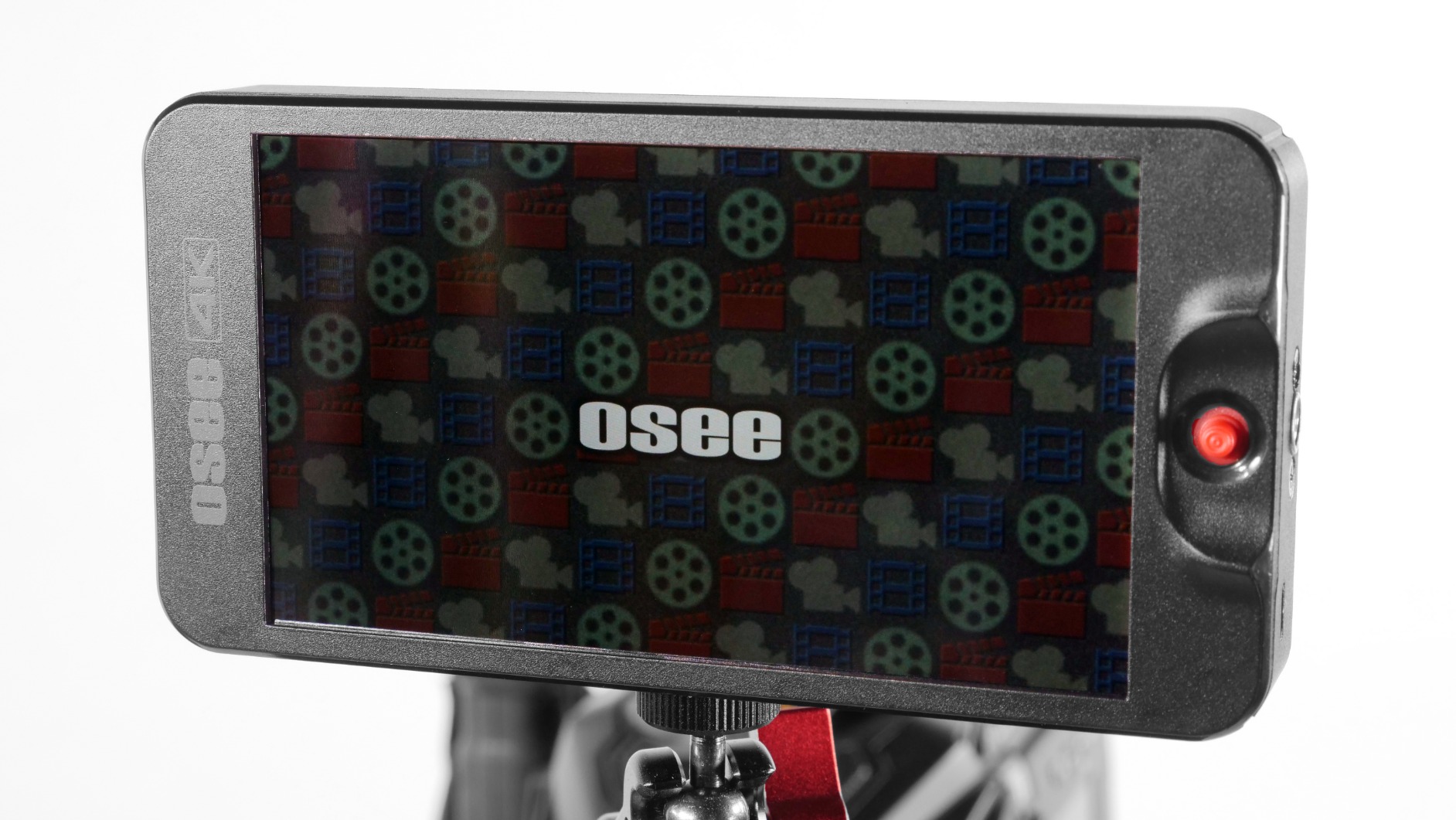
The T5+ solves a problem most monitors create: changing settings while the camera rolls. Up to eight user MySets presets are stored and toggled with a single joystick key, so a jump from a wide daylight setup to a shadowed interior or a night exterior is one press. For a solo operator working alone, that removes the slowest part of a location change.
Brightness is the other standout. A 5.5-inch 1920×1080 LCD rated at 1000 nits is unusually bright for this price and weight class, and owners single it out as the feature that makes the monitor usable outdoors. The false colour system is customizable with presets for mainstream camera models, so exposure warnings match the body you actually have in your hands.
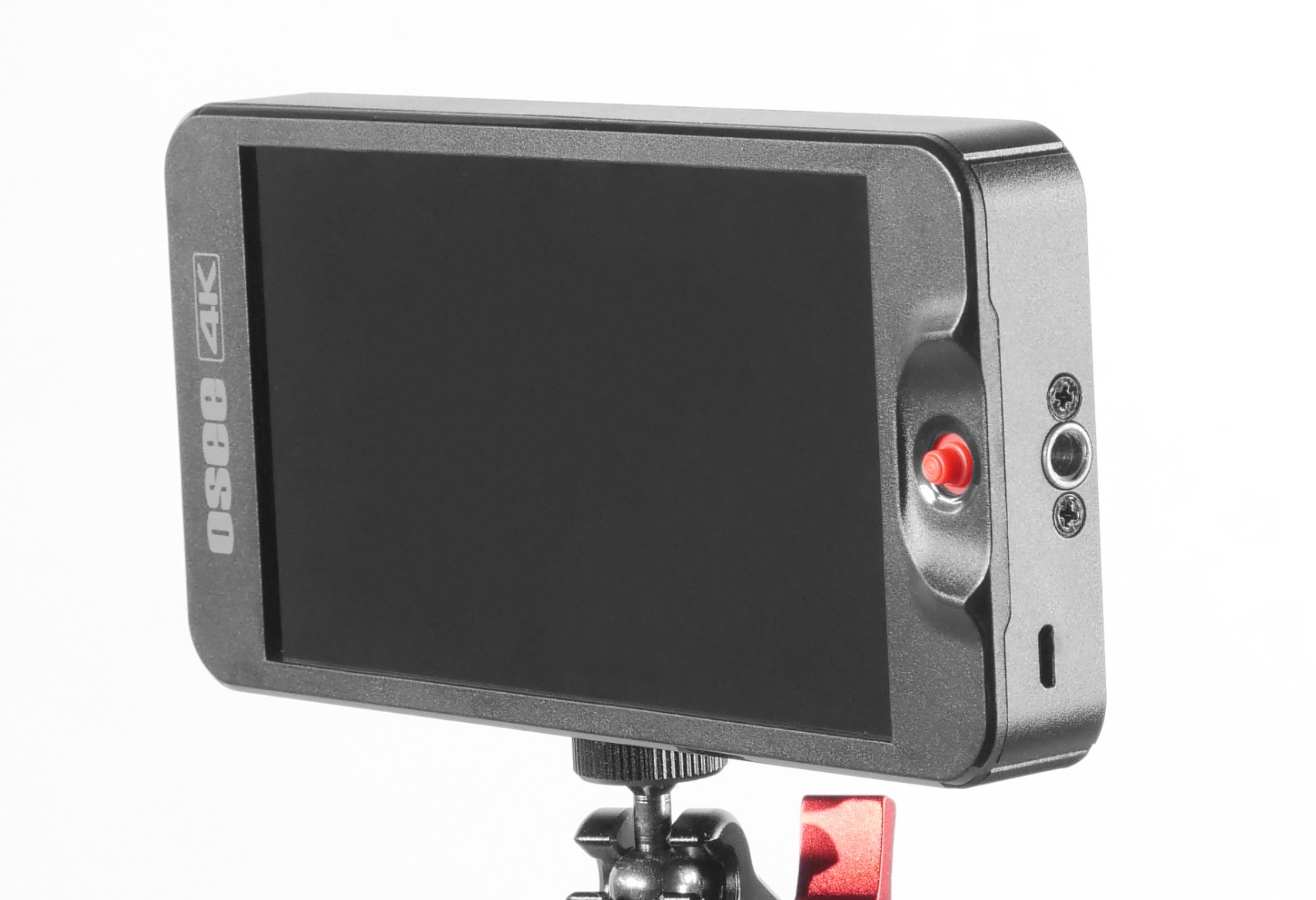
Log and HDR handling is thorough. The monitor does de-log processing for common camera log curves and handles PQ and HLG, and custom 3D LUTs upload from SD with an on-screen intensity adjustment. Waveform, histogram and vectorscope are consolidated onto a single page rather than spread across menus, which keeps the scope view uncluttered.
At 0.45 kg it is light, with an auto-flip display for inverted mounting. Sony NP-F and Canon LP-E6 batteries are both supported with DC out, and the box includes a sunshade, a tilt arm, a manual and two cables. Customer support is reported as responsive, which matters for a brand most buyers will meet for the first time.
Why the preset workflow matters outdoors
Outdoor work means constant light changes. Walk from open field into a shaded building and the exposure you set two minutes ago is wrong. Having eight complete setups stored and switchable with one key turns that from a menu dive into a single action, and the joystick navigation means you can do it without removing gloves.
The consolidated scope page is the second practical win. Having waveform, histogram and vectorscope together means one glance tells you whether a problem is exposure, contrast or colour, rather than paging between three different screens while the shot waits.
Where it falls short
There is no touchscreen. That is a deliberate design choice for durability and glove use, but it does mean every adjustment goes through the joystick and buttons, and new owners need time with the layout. The all-plastic build feels basic next to the aluminium shells on higher-end units.
The DC power output uses a non-standard 4mm barrel tucked beside the HDMI port, which limits dummy-battery use with some camera bodies. Switching between live view and image playback is reported as slow, and some users see colour banding on smooth gradients, which can matter if you shoot skies or gradients over water.
8. ANDYCINE A6 V2 – The Best All-in-One Bundle for Location Work
ANDYCINE A6 V2 6 Inch HDMI Field Monitor 1920×1080 Camera Fiedl Monitor Bundle with 4k HDMI in/Out Tilt Arm, Power Output, Battery & Carry Case Included
6-inch 1920x1080 IPS
460 nits brightness
4K30 HDMI in and out
DC 8V camera power output
Pros
- Native 1080p panel with notably accurate unsaturated colour
- Bundle includes battery charger cable case sunshade and tilt arm
- DC 8V output powers the camera from one battery
- 200 g weight works well on gimbals
Cons
- 460 nits means the sunshade is needed outdoors
- Tilt arm joint goes loose and can block the buttons
- Included cables are low quality and can fail
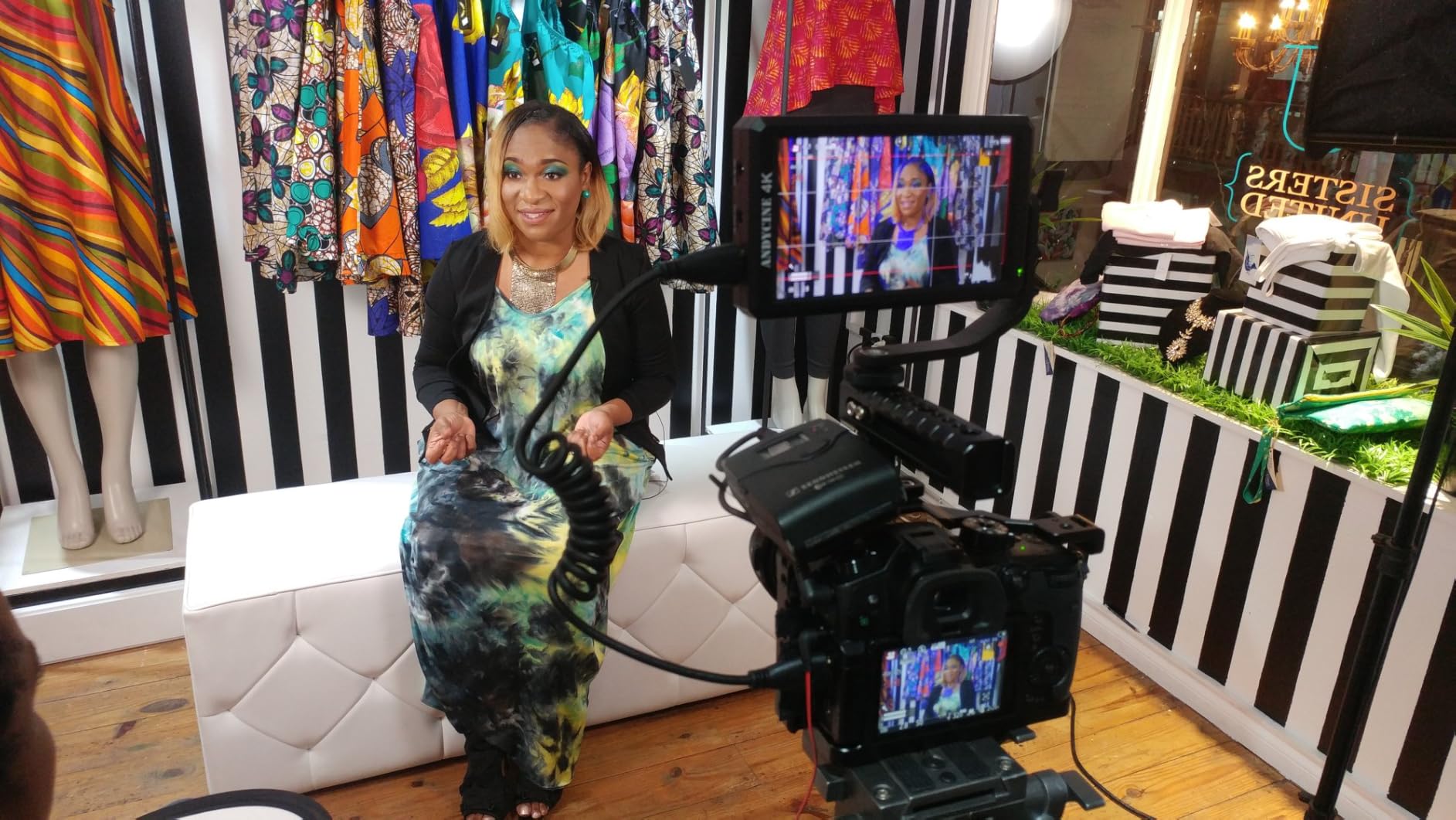
The A6 V2 is the pick if you want one box to contain everything. The bundle includes an F550C battery, a charger cable, a carry case, a sunshade and a tilt arm, so there is nothing else to buy before a first location day. For a shooter building a kit from nothing, that changes the real starting cost of getting a monitor on a rig.
Image quality is better than the brightness number suggests. The 1920×1080 IPS panel with a 1400:1 contrast ratio and 170-degree viewing angles produces colour that owners describe as accurate and notably unsaturated for a budget monitor, which is a genuine plus when you are judging a log or custom LUT profile.
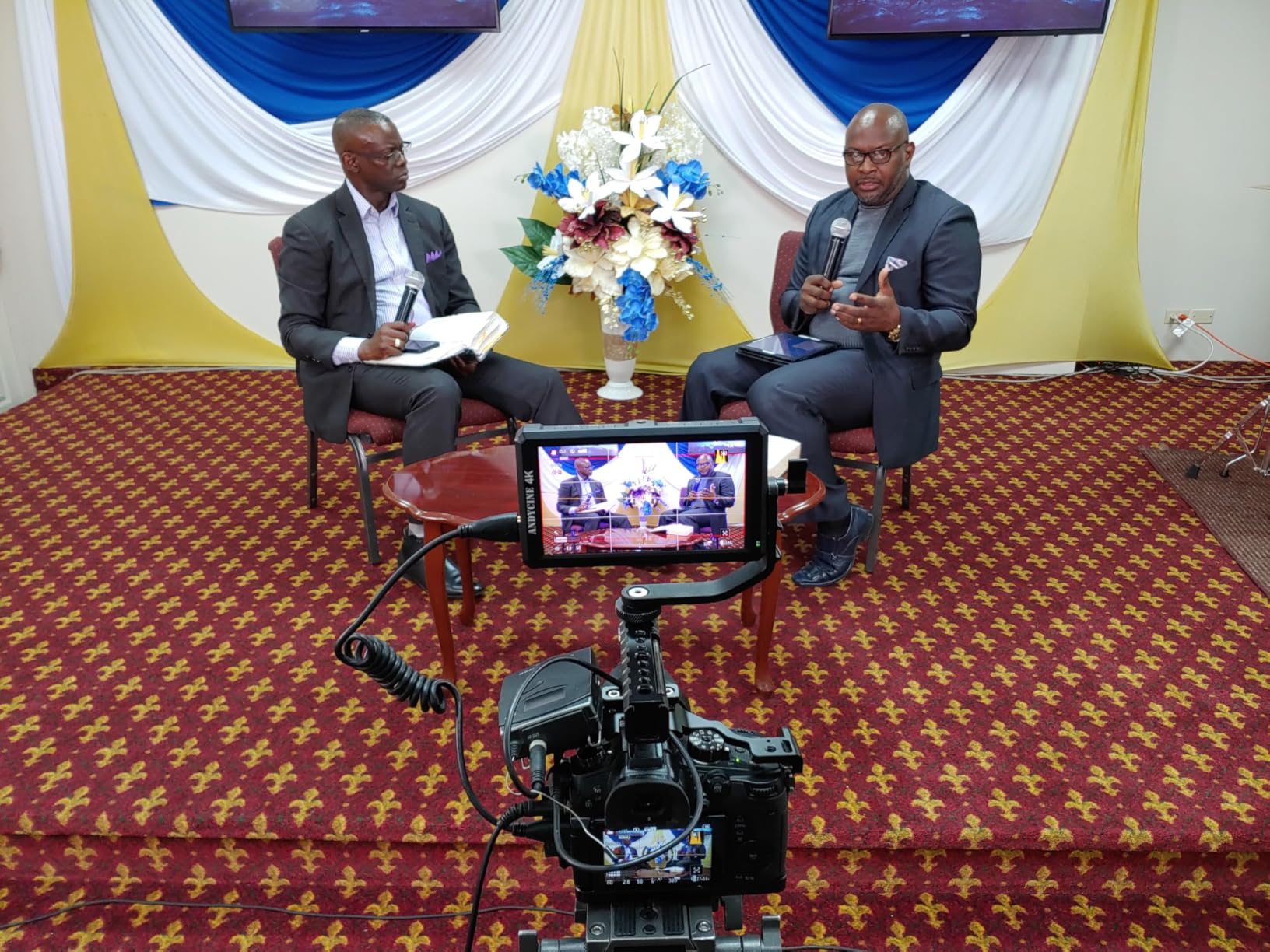
Signal handling covers HDMI up to 4K at 30fps with loop out to a second display, and the toolset includes waveform, zebra, histogram, focus assist, ratio marker and loadable 3D LUTs. Sharpness, focus peaking, false colour and anamorphic mode all rate well. Power options are broad: NP-F battery, DC input and USB-C power bank input, with DC 8V output for Sony, Nikon and Canon bodies.
Mounting hardware is included too, with 1/4-20 threaded points on the side and bottom plus the tilt arm. At 200 g it works on gimbals, and long-term owners report the A6 V2 still performing after six years, which is a solid durability signal for a monitor in this class.
Why the bundle matters for a first build
Most monitor listings assume you already own a battery, a charger, a sunshade and a mount. When you are starting from nothing, those add-ons consume most of a first purchase budget. The A6 V2 folds all of them into the box, including a carry case that means the monitor is not loose in a bag between shoots.
Accurate colour also makes it better suited to log work than many same-brightness competitors. A monitor that adds a colour cast to a flat log image makes it harder to judge skin tones, so a panel described as unsaturated is a practical advantage rather than a spec-sheet nicety.
Where it falls short
At 460 nits you need the sunshade in bright conditions, and the screen is not a direct-sun tool. The tilt arm is the most reported weak point: the joint goes loose over time and can block the buttons when the monitor is flipped, which is a small failure that happens constantly on a working rig.
The button menu is clunky and takes time to learn, the battery release tab is awkward and can pinch fingers, and the bundled cables are of low quality and can fail quickly. Budget for a proper 4K-rated cable rather than relying on the one in the box.
9. FEELWORLD FW759 PRO – The Best Complete Kit for Travel and Hiking
FEELWORLD FW759 PRO 7 Inch 400nit Touchscreen Field DSLR Camera Monitor
7-inch 1280x800 touchscreen
400 nits brightness
300 g body
Two F550 batteries included
Pros
- Lightest 7-inch option at 300 g for gimbal and handheld work
- Comes as a full kit with two F550 batteries and a sunshade
- Histogram zebra focus assist false colour and audio dB meter
- NP-F battery plus DC and Type-C power options
Cons
- 400 nits is dimmer than rivals in direct sun
- 1280x800 output resolution
- Will not accept HDMI splitter or ATEM Mini Pro feeds
The FW759 PRO answers a specific question: how do I get a 7-inch monitor onto a hiking rig without it dominating the pack. At 300 g it is the lightest 7-inch unit in this roundup, and the complete kit includes two F550 batteries, a sunshade, HDMI cables and a mini hotshoe mount, so nothing else needs buying.
It is a touchscreen, which is unusual at this price and weight, and the menus are straightforward. The monitoring suite covers histogram, zebra, focus assist, false colour, an audio dB monitor and contrast zones, so the tools most needed for a run-and-gun day are all present. HDMI, mini HDMI and micro HDMI connectivity covers most camera bodies without adapters.
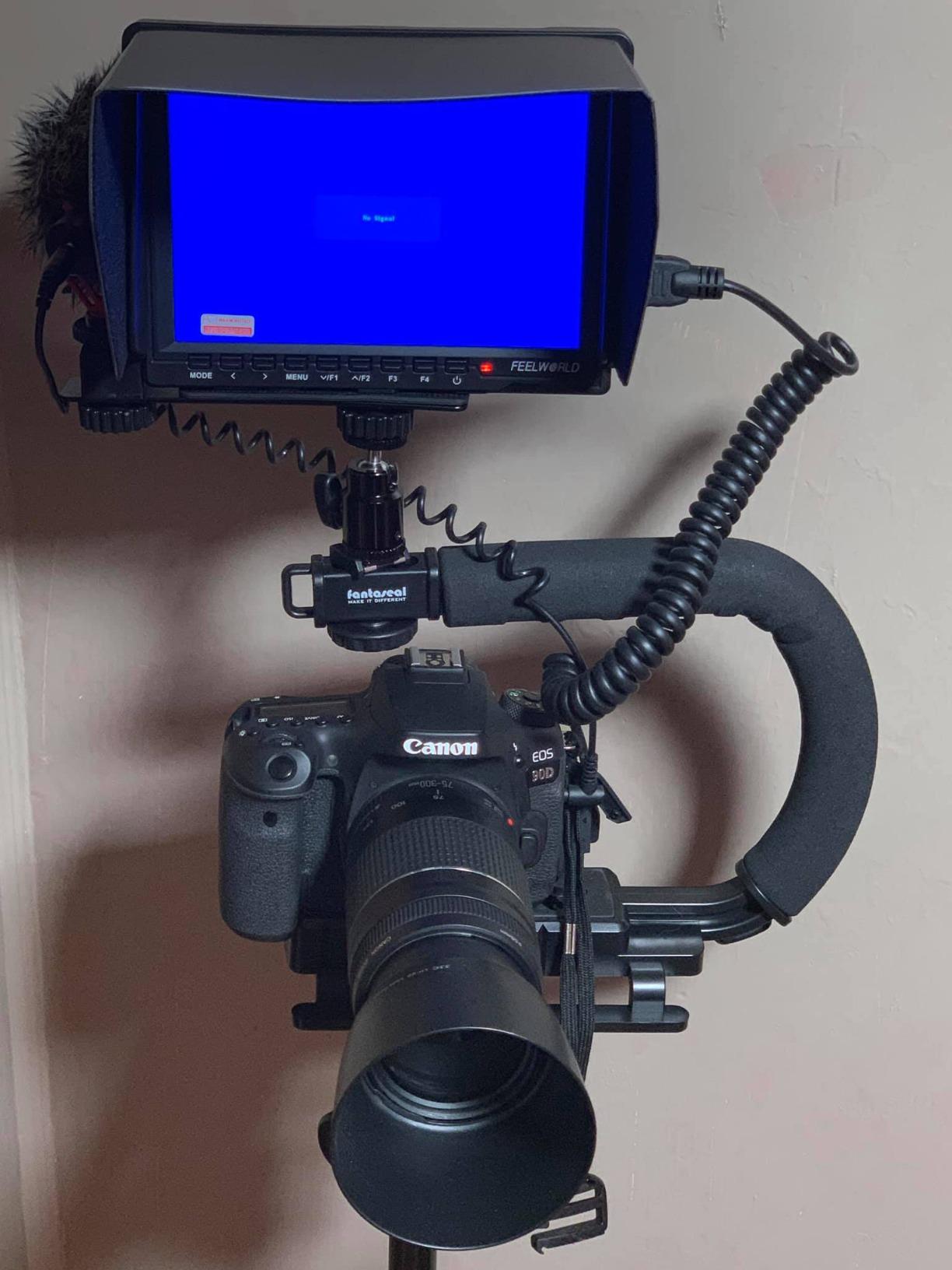
Power flexibility is a strength here, with NP-F battery, DC and Type-C options, and it handles 1080p and 4K HDMI inputs without problems. Two included F550 batteries mean you can shoot a full day and swap between them rather than hunting for a charger between locations.
What holds it back is the panel. At 400 nits it is the dimmest 7-inch screen in this list, and on a bright hillside with no cover you will be working under the sunshade for most of the day. The 1280×800 output resolution is acceptable for monitoring but gives you less to judge fine focus detail than a 1920×1080 panel.
Why it suits travel and hiking
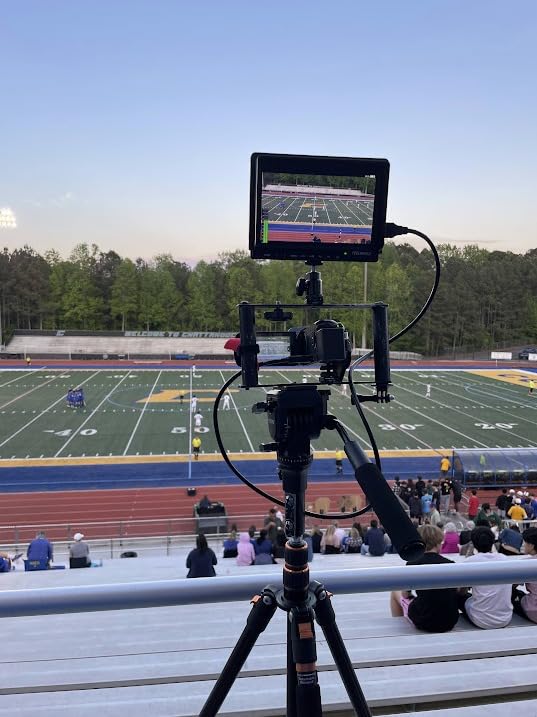
Weight and a complete kit are the whole argument. A 7-inch screen that arrives with two batteries, a hood, cables and a hotshoe mount removes the pile of small purchases that makes a first field monitor setup expensive, and 300 g is light enough to sit on a small tripod or a gimbal without unbalancing it.
The touchscreen also helps in a cold or wet environment where gloved hands are awkward, and the audio dB meter is genuinely useful on location where you cannot judge levels from the camera body alone.
Where it falls short
400 nits is the honest limit, and in direct sun this monitor is a shade-and-hope proposition rather than a confident one. It suits overcast work and shaded locations far better than open beach or snow.
It also will not accept an HDMI splitter or an ATEM Mini Pro ISO feed, so it works only with a direct camera feed. That rules it out for anyone running a multi-camera setup through a switcher, and some buyers also report the included sunshade not fitting properly.
10. GODOX GM55 – The Best for Powering Your Camera From One Battery
GODOX GM55 Touch Screen DSLR Camera Field Monitor 5.5 Inch 4K 410nit 4K HDMI in and Out Exposure Focus 3D LUT 160°Wide View Angle DC/Battery 8V/1.5A Powered 1920×1080 External Monitor
5.5-inch IPS touchscreen
410 nits brightness
Rec.709 colour
DC 8V 1.5A camera output
Pros
- DC 8V 1.5A output powers the attached camera and extends runtime
- Touchscreen is easy to work on set
- 4K HDMI input and loop out for multi-device monitoring
- Rec.709 colour with minimal deviation
Cons
- 410 nits is the weakest panel here and needs the sunshade
- Glossy screen finish catches reflections in bright light
- 160-degree viewing angle is narrower than rivals
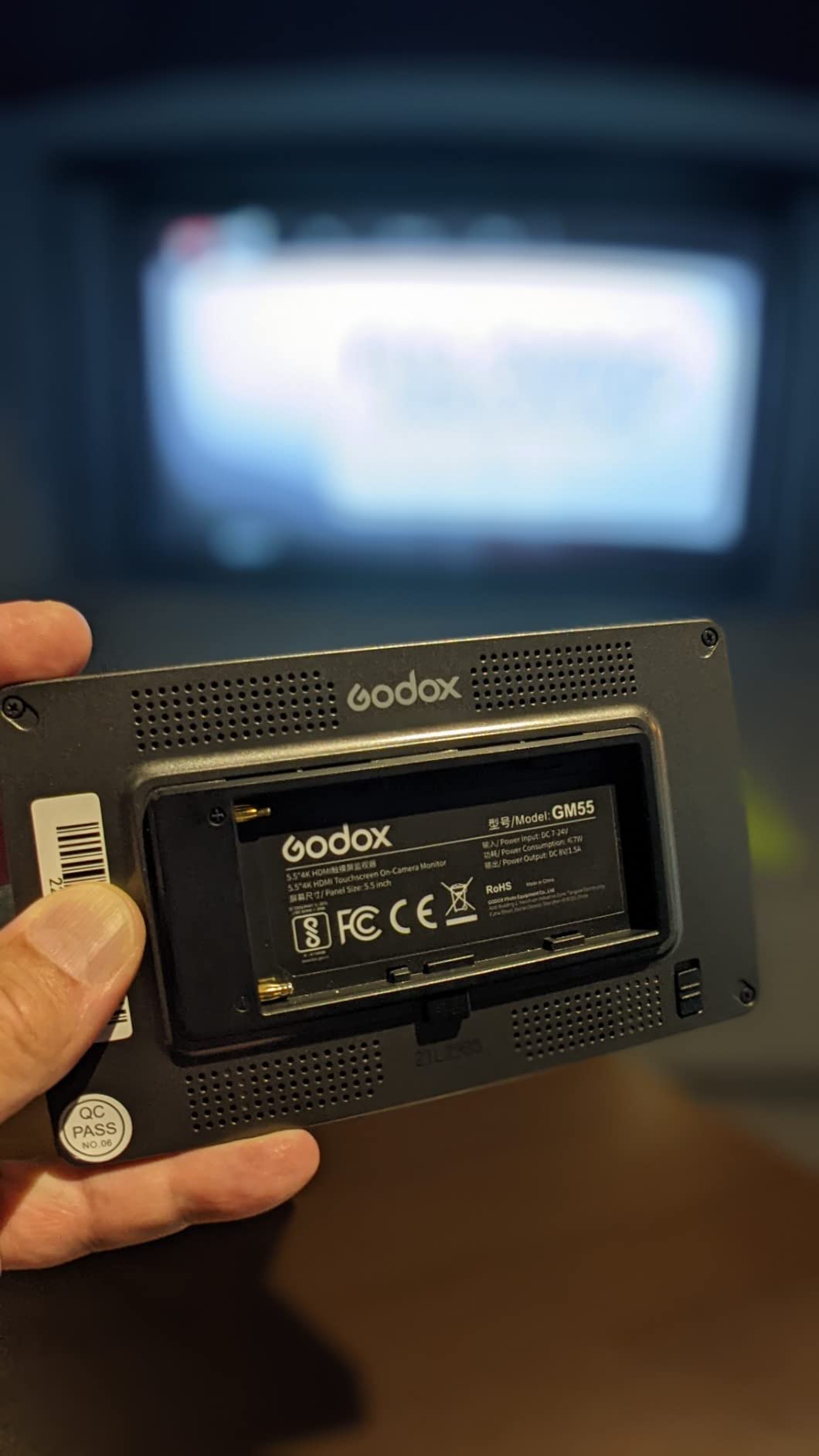
The GM55 is built around a practical idea: one battery should run the camera and the monitor. The DC 8V 1.5A output powers the attached camera directly, which means a single NP-F pack carries both devices through a long outdoor day. If you have read our piece on how shooting video drains camera batteries faster than stills, that pass-through matters more than it sounds.
The touchscreen is the other selling point. Menus are operated by touch rather than a joystick, and for adjusting exposure tools, focus assist and 3D LUT settings on set, that removes a lot of fiddly button work. Up to 25 custom LUT files store on an SD card for quick switching between looks.
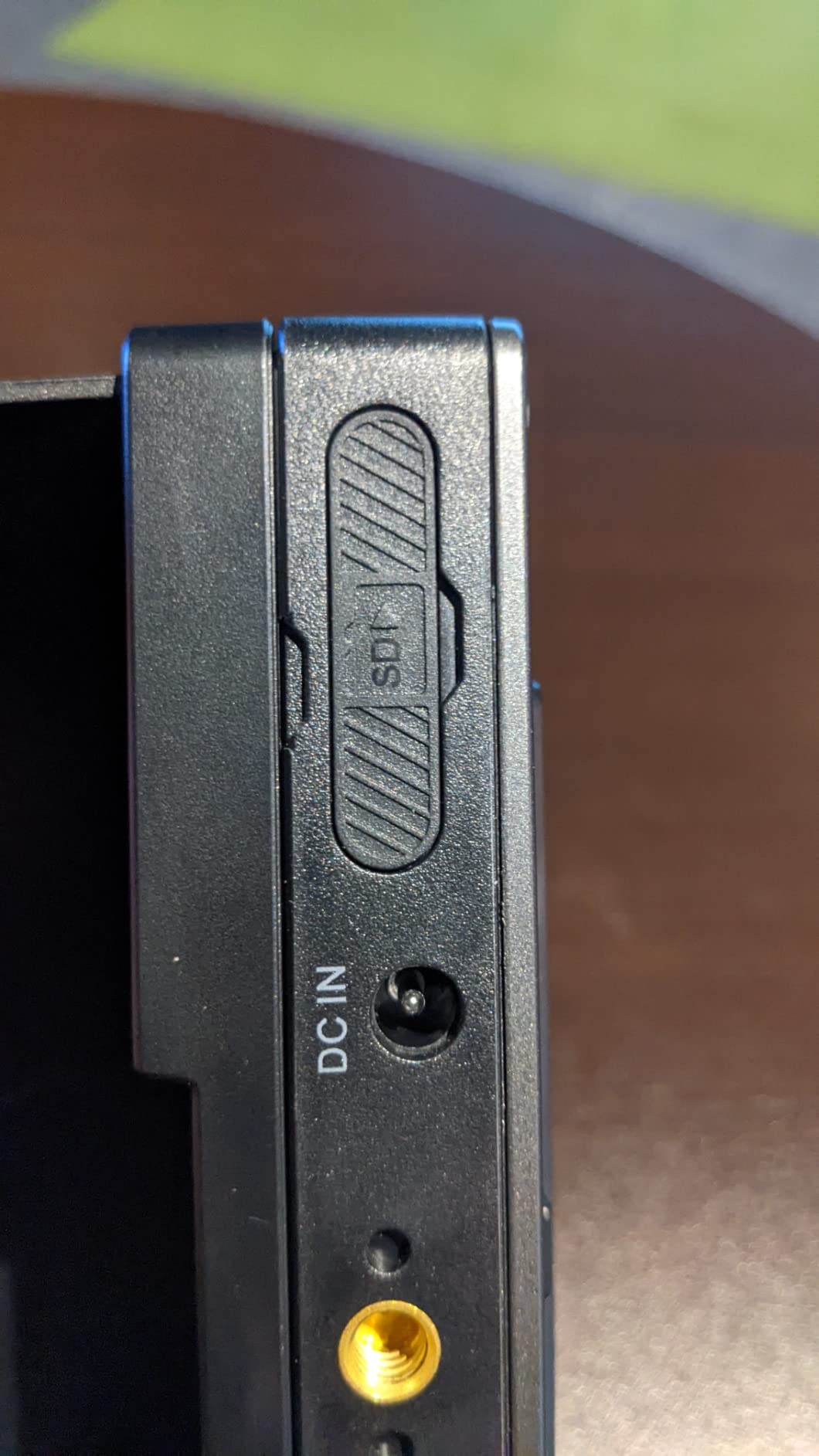
Signal handling is 4K HDMI input with loop out, so a second display or an assistant can see the same feed, and colour reproduction follows Rec.709 with minimal deviation. NP-F550, F750 and F970 batteries are supported, and the bundle includes an NP-F550 plus a sunshade hood. The 5.5-inch IPS touchscreen is described as easy to work with for on-set adjustments.
Set against those strengths, the 410-nit panel is the weakest brightness figure in this roundup and the glossy finish catches reflections in bright light. The 160-degree viewing angle is also narrower than most units here, which is limiting if the monitor is mounted at an angle on a moving rig.
Why the pass-through output changes battery planning
Running a monitor on the camera’s power means two batteries, two chargers and two things to forget. Feeding the camera from the monitor’s DC output collapses that to one battery in the rig, and on a long wedding ceremony or a full-day documentary shoot the difference in logistics is substantial.
Loop out is a related benefit on multi-person crews. A second display lets a focus puller or a director see exactly what the camera sees without a wireless system, which keeps the rig simple and avoids latency.
Where it falls short
Brightness and screen finish together make this a shade-dependent monitor. At 410 nits with a glossy surface, the included sunshade is not optional in bright conditions, and a shiny screen at midday can show you your own reflection. There is no anti-glare coating listed here.
It also has the smallest review base among the mainstream units in this group, with 105 ratings, so there is less long-term evidence to draw on. The narrower viewing angle and the modest rating average are consistent with a feature-complete unit that was not tuned for outdoor brightness.
11. NEEWER F100 – The Best Entry-Level 7-Inch for Bright-Ambient Work
NEEWER F100 7inch Camera Field Monitor HD Video Assist IPS 1280×800
7-inch 1280x800 IPS
450 nits brightness
Peaking and check field
Sunshade and ball head included
Pros
- Large 7-inch screen at the lowest cost in this roundup
- Only 13 oz and mounts solidly to a hotshoe
- Peaking focus assist and check field work for manual focus
- Sunshade and cables included in the box
Cons
- Not bright enough for direct sunlight
- 1280x800 resolution with no touchscreen
- Menu system and documentation are clunky
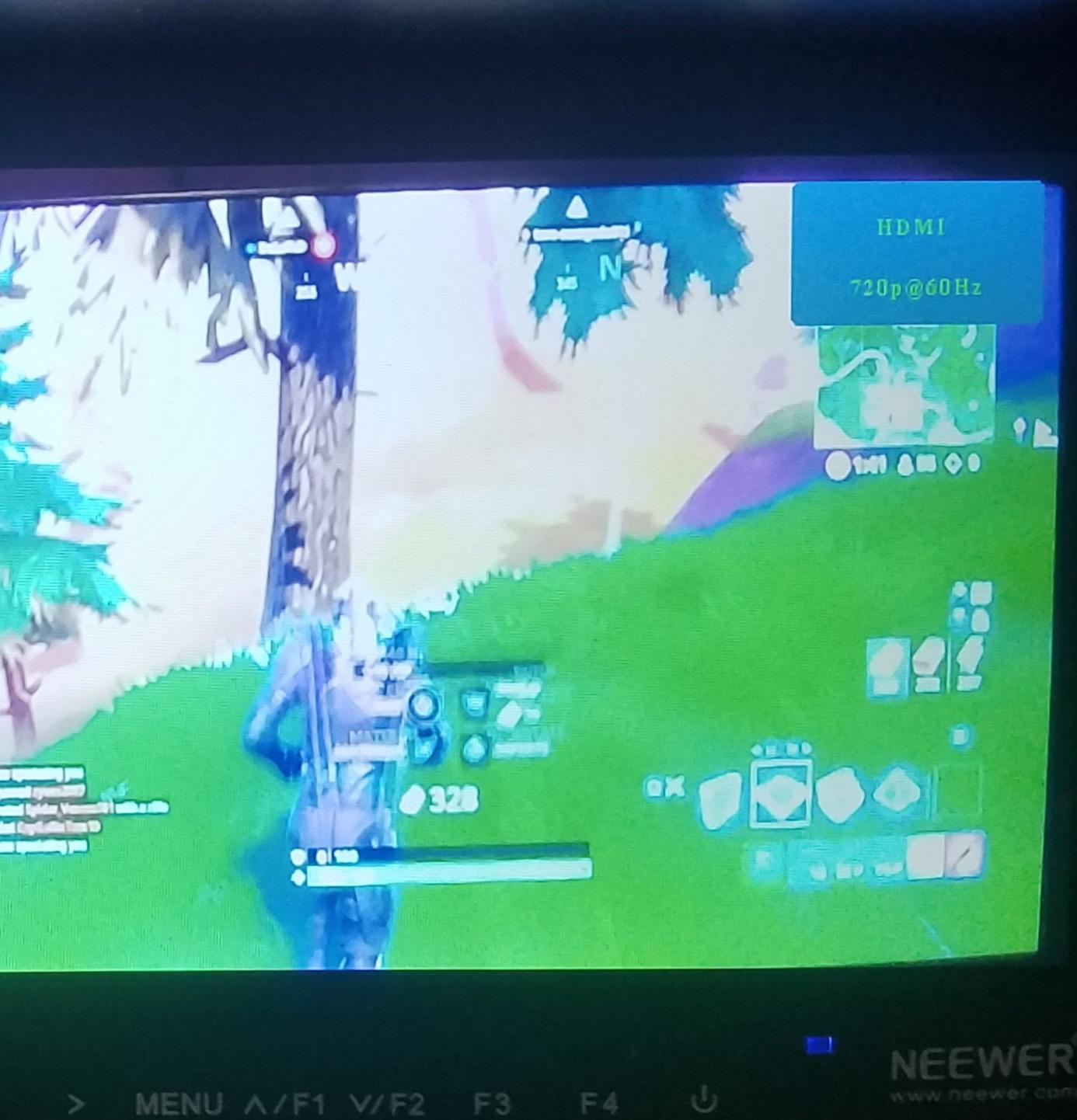
The F100 is the largest screen you can get for the least money, and for indoor or bright-ambient work that trade is a good one. A 7-inch IPS LED-backlit panel at 1280×800 and 450 nits gives you a large focus target, which is the main benefit over a 5-inch body, at a body weight of 13 oz that mounts to a hotshoe without drama.
The toolset is aimed at manual focus shooters, which is the right call for this price. Peaking focus assist, check field in red, green, blue or mono, pixel-to-pixel, centre marker, safe frames, image flip, freeze and custom colour temperature are all present. Volume can be dropped to near zero to eliminate audio noise from the monitor speaker, a small detail that prevents a real problem on a quiet take.
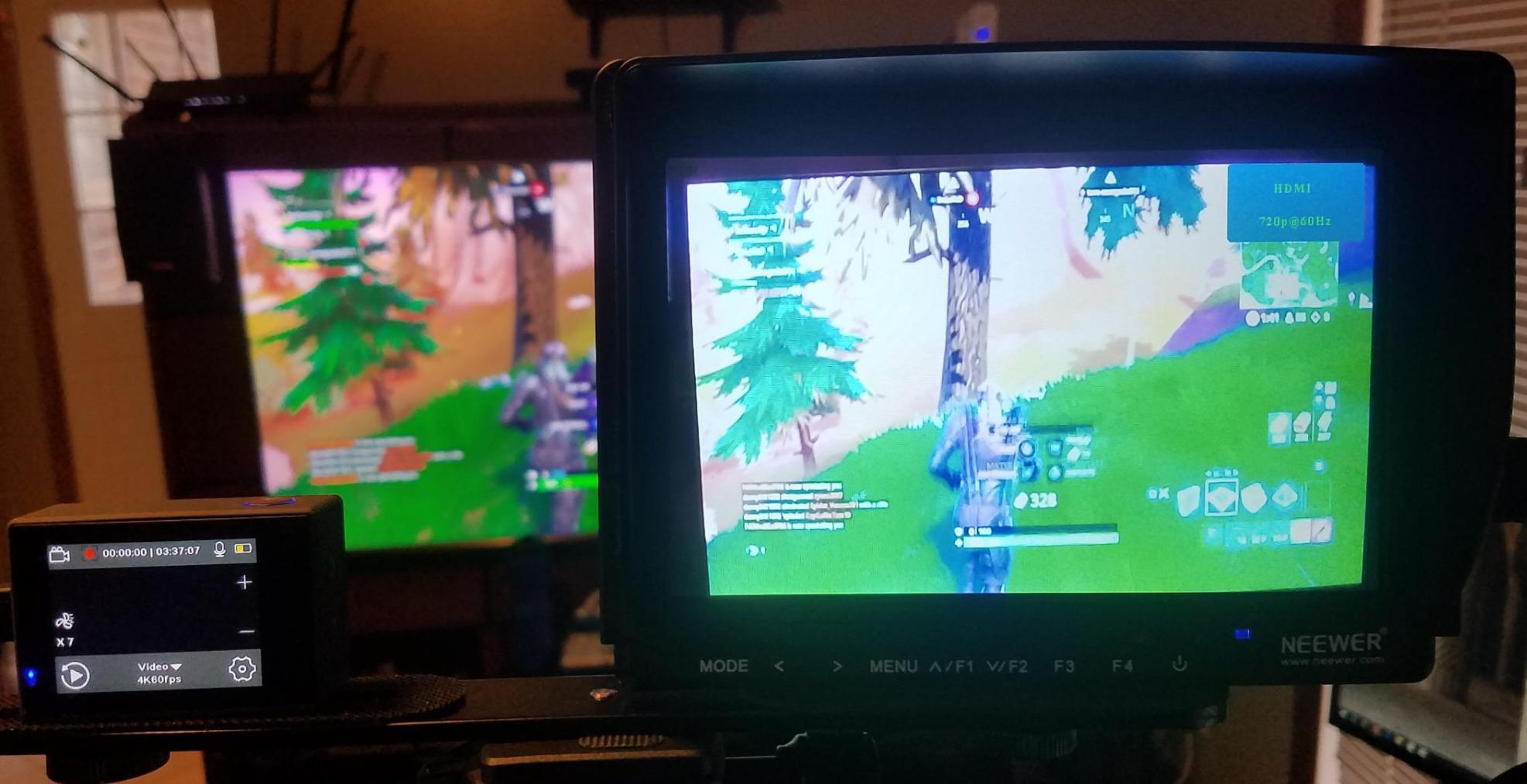
The box is generous. It includes a mini ball head, a sunshade, mini and micro HDMI cables and an AV cable, so a cold-shoe rig is possible on day one. HDMI format support spans 1080i and 1080p, 720p, 576i and 576p and 480i and 480p, which covers action cameras in 4K record modes as well as conventional camera output.
It is also the longest-standing budget pick in this group, with 2734 ratings, and owners describe it as lightweight, reliable and good for pulling focus. That is a fair summary of what a 450-nit 7-inch panel is for: working in shade, interiors and bright overcast conditions.
What you get for very little
A large screen, a real sunshade, a ball head and both cable types in the box is more than most entry monitors include. Most of the extras on more expensive units are sold separately, so the effective cost of getting a working rig here is lower than the monitor alone would suggest elsewhere.
Peaking plus check field in mono is a genuinely effective manual focus combination, and pixel-to-pixel lets you inspect the image at one-to-one scale for fine detail. For a documentary or event shooter working with a follow focus, those two tools cover most of the job.
Where it falls short
450 nits is not a direct-sun panel and owners are clear about it. On a bright beach or a snow location, this screen needs the sunshade pulled tight and even then it will not match a 1000-nit or 2000-nit unit. Brightness should be the deciding factor if your work is outdoors.
There is no touchscreen, the 1280×800 resolution is fine for monitoring but not for critical grading, and the menu system and documentation are both described as clunky, with the focus assist sometimes hard to read. Some buyers also report the cold shoe mount loosening with movement, so check it before a moving shoot.
12. Portkeys PT5 II – The Smallest and Lightest Option for Tight Rigs
Portkeys PT5 II Camera Monitor Touchscreen DSLR Field Monitor 5 inch 4K30P Input/Output Wide Color Gamut New Peaking 3D LUT Video Assist Luma RGB Waveform for DSLR with New UI MOVnorm OS
5-inch 1920x1080
400 PPI OCR full-fit panel
4K30P in and out
0.28 lb body
Pros
- Lightest unit in this roundup at 0.28 lb
- 2000:1 contrast ratio with 178-degree viewing angle
- 4K30P input and output plus full luma and RGB scopes
- Carry case and cables included in the box
Cons
- Brightness is low for outdoor and bright-ambient shooting
- Menu system is confusing and largely unlabelled
- No portrait view flip and no touch pass-through to the camera
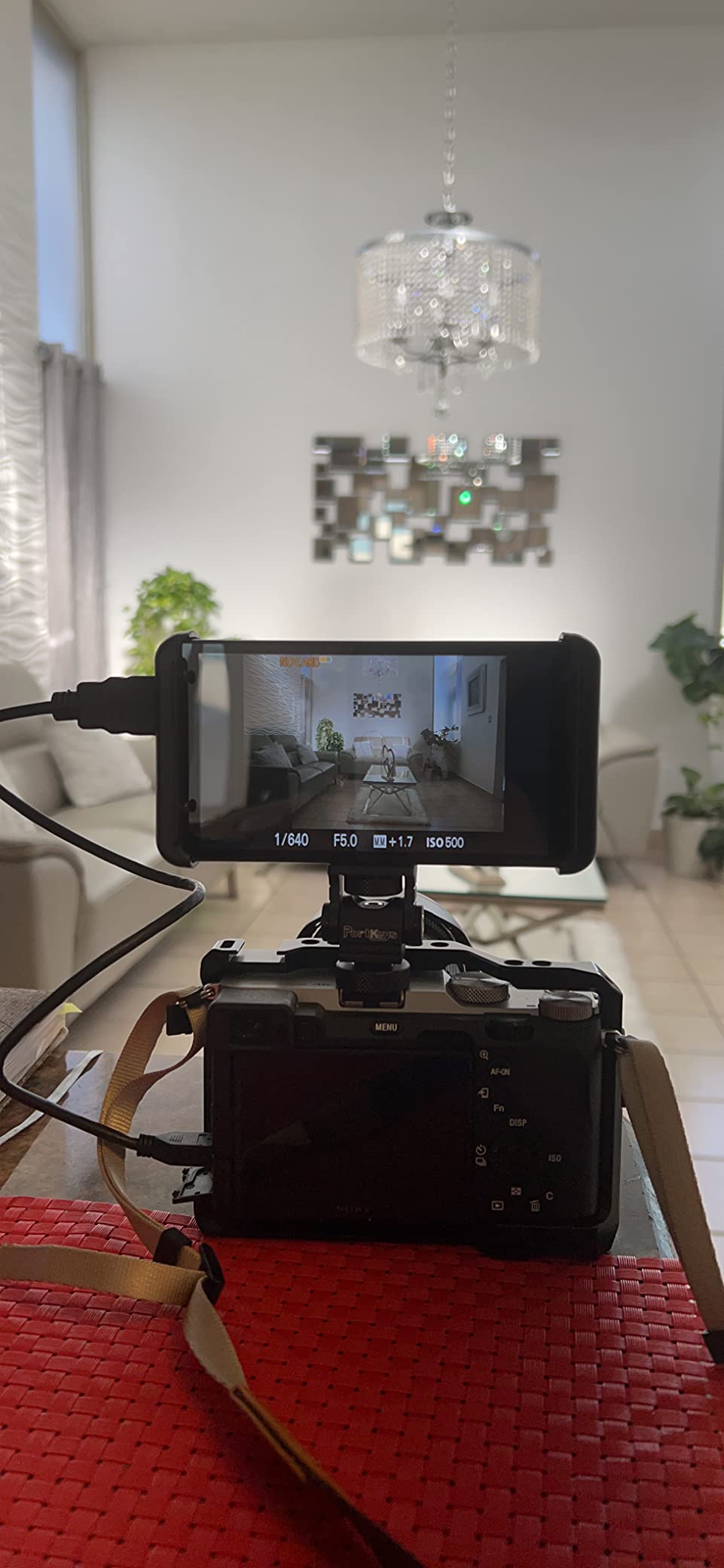
The PT5 II is the smallest and lightest monitor here at 0.28 lb, and for a very specific rig that is exactly right. A 5-inch body on a slider, a small gimbal or a tight cage leaves room for the monitor without eating the whole payload budget, and there is no fan to weigh down or add noise.
Panel quality is better than the weight suggests. The 5-inch OCR full-fit display runs at 1920×1080 with 400 PPI and a 178-degree viewing angle, against a listed 2000:1 contrast ratio. 4K30P HDMI input and output means it can pass a 4K feed through to a second display, and the scope set includes luma waveform, RGB waveform and luma histogram with adjustable position and transparency.
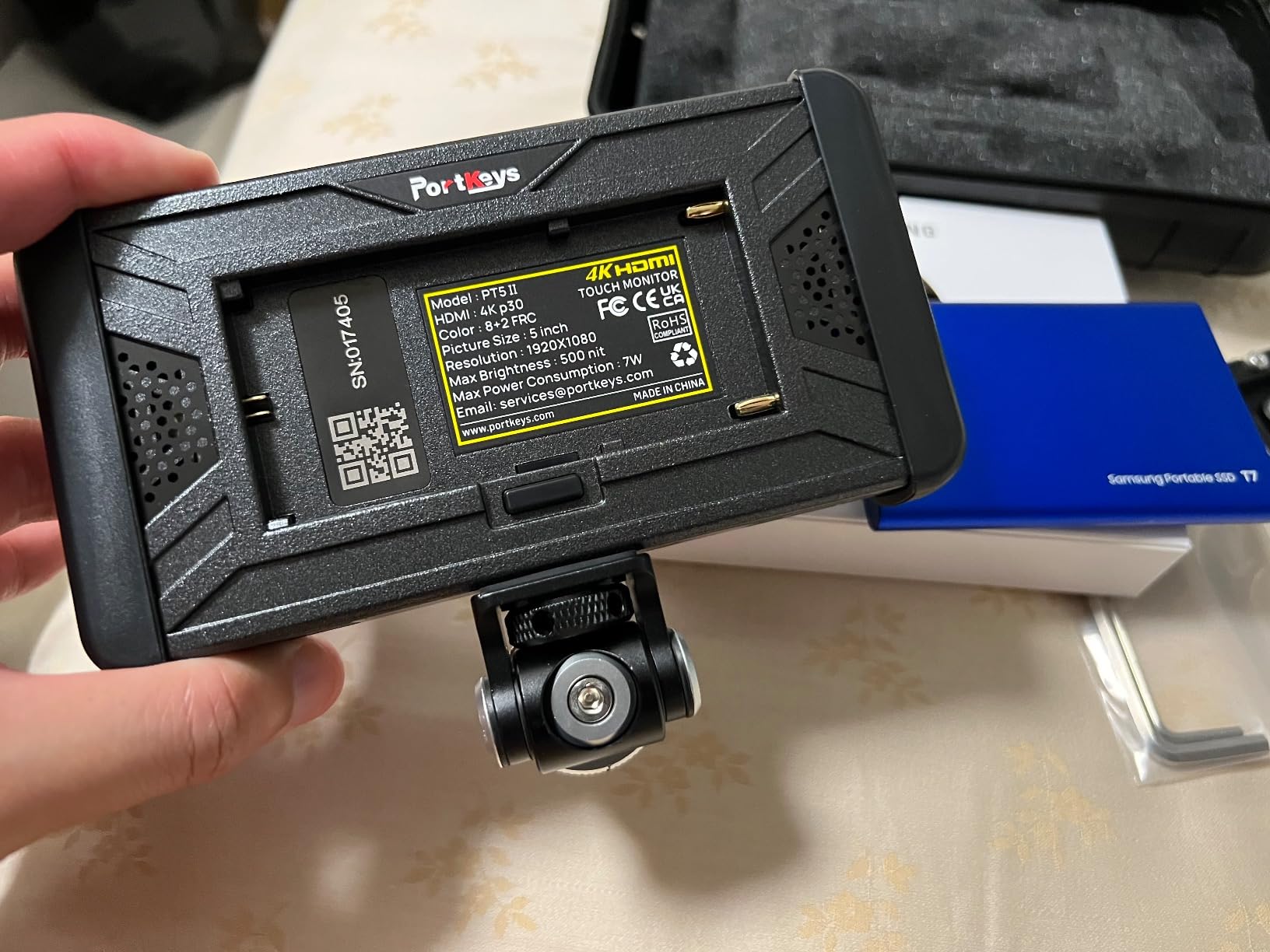
Tools continue with 3D LUT, anamorphic mode, new peaking, false colour, zebra, check field, audio meters and framing guides. NP-F970, F960, F750 and F550 batteries are supported along with Canon LP-E6, and a carry case and cables are included. Reviewers rate the false colour, zebra and focus assist as performing well for the class.
The limitation is brightness, and it is not a minor one. Owners repeatedly flag it as the factor that limits the monitor outdoors, which is expected from a 5-inch panel that prioritises weight and price. Indoor work, shaded locations and tight rig builds are where this monitor earns its place.
Why a small monitor can still be the right answer
Size is not a compromise when the rig is the constraint. On a slider or a lightweight gimbal, every gram changes how the rig behaves, and a fanless 0.28 lb monitor adds almost nothing. The 178-degree viewing angle also keeps the image readable when a small rig is rarely square-on to the operator.
The 2000:1 contrast ratio is worth noting for a monitor this size. In a shaded location or an interior, contrast does more for perceived image quality than raw brightness, and this is where the PT5 II performs well relative to larger budget panels.
Where it falls short
Brightness is the limiting factor outdoors, and the menu system is described as confusing and largely unlabelled, which means real time learning it. There is also no portrait view flip, so the monitor cannot be rotated for vertical-native shooting, and it does not pass touch controls through to the camera in movie mode, so focus changes still need the camera screen.
The included case is also a very tight fit. If you are buying for outdoor work specifically, put the PT5 II at the bottom of a list where brightness is the priority.
How Many Nits Do You Actually Need Outdoors?
Nits, or candelas per square metre, measure how much light a screen pushes out. The number alone does not tell you whether you can see in the sun, because what you are fighting is ambient light reflected off the panel. But as a starting point, 1000 nits is the practical floor for daylight work, and 2000 nits or more is what direct sun demands.
Here is how the ratings in this roundup map to real conditions:
400 to 600 nits is indoor and overcast territory. The FEELWORLD FW759 PRO at 400 nits, the GODOX GM55 at 410, the FEELWORLD FW568 at 450, the NEEWER F100 at 450, the ANDYCINE A6 V2 at 460 and the Portkeys PT6 at 600 all work with a sunshade. In open shade and heavy cloud they are fine. In direct sun they are not, and that is not a fault of the product, it is the physics of the condition.
1000 nits is where daylight readability starts to be real. The Atomos Shinobi and the osee T5+ sit here, and both are described by owners as readable outdoors without a hood. If your work is mostly overcast, wooded shade and golden hour rather than midday, 1000 nits handles the job properly.
1200 to 2000 nits is direct sunlight. The VILTROX DC-550 at 1200 nits and the NEEWER F700 at 2000 nits are the two units here that we would take to an open beach or a snow field. The F700’s 2000 nits needs no hood, which is the practical test.
3000 nits is the extreme case: snow, sand, water and open desert where light bounces back from below. The osee G7 Pro is the only unit here at that level, and it is the only one that pairs it with an anti-reflection coating.
Brightness is only half of it, and glare is the other half
A glossy panel reflects ambient light no matter how bright it is. The most useful real-world observation from outdoor shooters is that in direct sun, operators see their own reflection in the screen on bright monitors they have tried, which is distracting at the exact moment you are checking focus. The fix is not more nits, it is a matte or anti-glare surface plus a hood.
Only one of the twelve units here lists an anti-reflection coating, the osee G7 Pro. The VILTROX DC-550 lists anti-glare, and the models that ship with a sunshade, the FW568, the F100, the FW759 PRO, the A6 V2, the GM55, the DC-550 and the T5+, are the ones that pair brightness with some physical glare protection. Budget for a folding hood for any glossy panel you take into the sun.
Brightness costs power, so battery life drops in the sun
Running a panel at its maximum brightness in direct sun is close to the most power-hungry state the monitor has. That means the runtime you quoted in a shop is not the runtime you get at midday, and the gap is exactly the situation where you cannot afford a flat battery.
Two details help. The NEEWER F700 includes an ambient light sensor that adjusts the backlight automatically, so the panel only draws what the light requires instead of sitting at maximum. The Atomos Shinobi’s 15W consumption figure is the lowest power draw among the larger units here, which extends working time on a single Sony L battery. Matching your monitor to the NP-F batteries you already own also removes a whole charging ecosystem, as discussed in our guide to protecting your kit outdoors.
Buying Guide: How to Choose an Outdoor Camera Monitor
Start with brightness and the light you actually shoot in, because every other spec is secondary. Buying a 7-inch panel with beautiful scopes and a 450-nit screen for a beach project means buying a monitor you will shade with your hand for the entire shoot.
1. Match brightness to your worst condition, not your average. Look at the brightest location you will work in, not the typical one. Open shade is forgiving, direct sun is not, and snow or water reflects light upward in a way that defeats a glossy panel. If your answer is open sun, put 1200 nits at the bottom of your list.
2. Check the screen finish, not just the brightness. Glossy glass reflects. Matte or anti-glare coatings scatter reflections and are worth more outdoors than a few hundred extra nits. Only the osee G7 Pro in this list pairs a 3000-nit panel with an anti-reflection coating, and the VILTROX DC-550 pairs 1200 nits with anti-glare.
3. Decide whether you need a hood. Seven of the units here ship with a sunshade, which is a real saving and tells you the manufacturer expects shade-dependent use. If you are buying a glossy panel without a hood, add a folding sunshade to the cost. The hoods on the Portkeys PT6 and the osee T5+ are worth checking for fit, since a loose hood is worse than none.
4. Size the screen to the subject distance. A 5-inch panel is right for close work, a gimbal or a tight rig, and 7 inches is better when you are judging focus on a subject at a distance. The VILTROX DC-550 at 5.5 inches is bright but small, and that combination suits travel and close-quarters shooting more than wide work across a field.
5. Match the tools to what your camera gives you. If your camera outputs a clean HDMI feed, assist tools such as peaking, false colour and zebras are enough. Waveform and vectorscope matter for log and HDR profiles, which is why the Shinobi and G7 Pro suit shooters working in log and the budget units suit those shooting direct. Do not pay for scopes you will never open.
6. Choose HDMI or SDI based on your actual output. Most mirrorless and compact bodies output HDMI, often through a fragile micro-HDMI port. Cameras with a full HDMI port or pro bodies with SDI need matching inputs. The osee G7 Pro is the only 7-inch unit here with both 3G-SDI in and out and 4K30 HDMI in and out, which makes it the safe choice for mixed broadcast and mirrorless work. A forum discussion on pairing monitors with Sony mirrorless systems raised the same point from the other direction, warning against SDI-only monitors for bodies that do not output SDI.
7. Treat 4K input and native resolution as different things. Most monitors here accept 4K HDMI input while displaying on a 1080p panel. That is not a problem. 4K input downsampled to 1080p gives a cleaner image from a 4K camera than a 1080p input, which is why 4K input is worth having even on a 1920×1080 screen. If you want a true 4K panel, that changes the shortlist entirely and none of these units provide one.
8. Standardise on NP-F batteries and protect the port. NP-F is the common thread across most units here, and matching your monitor to the batteries already in your camera bag means one charging ecosystem. On HDMI port fragility, the practical advice from working shooters is to mount the monitor in a cage and clamp the cable rather than leaving it hanging off a micro-HDMI socket, and to use a thin 4K-rated micro-HDMI cable. Our camera cage guide covers the mounting side of that.
One last consideration if your work is genuinely outside. None of these units is weather sealed, and cold weather reduces battery performance independently of the monitor. Keep cells warm in a pocket between takes and treat any of these screens as gear that needs shelter when the weather turns.
Frequently Asked Questions
What is the best monitor for outdoor use?
The Atomos Shinobi is the best all-round outdoor camera monitor, with a rated 1000 nits on a 10-bit IPS panel, a full professional toolset including waveform, vectorscope, zebra and anamorphic de-squeeze, and a low 15W power draw for long working days. For unfiltered direct sun, the NEEWER F700 at 2000 nits or the osee G7 Pro at 3000 nits are the brighter options.
What is the best monitor for direct sunlight?
For direct sunlight, brightness needs to reach 1200 nits or more, and a matte screen finish matters as much as the number. The NEEWER F700 at 2000 nits stays readable without a hood and adds an ambient light sensor that adjusts the backlight automatically. The osee G7 Pro reaches 3000 nits and is the only unit here pairing that brightness with an anti-reflection coating.
How many nits do I need for outdoor filming?
Treat 1000 nits as the practical floor for daylight work, 1200 to 2000 nits for direct sunlight, and 2000 nits or more for snow, sand and water where light bounces upward. Monitors below 600 nits need a sunshade and are practical only in overcast conditions and open shade. Glare is the other half of the problem, so check the screen coating as well as the rating.
Do I need SDI or HDMI for my outdoor camera?
Most mirrorless and compact cameras output HDMI, often through a fragile micro-HDMI port, so an HDMI monitor is the right choice for them. SDI is for broadcast and pro video chains. If your setup mixes both, the osee G7 Pro is the only 7-inch option in this roundup with both 3G-SDI and 4K30 HDMI input and output.
Does a sunshade actually help a field monitor in sunlight?
Yes, and it is often more important than the brightness rating. A hood cuts ambient light reaching the panel and reduces the reflection you would otherwise see, which is the failure mode outdoor shooters describe most often. Seven of the twelve monitors here ship with a sunshade, and any glossy panel you take into direct sun is worth pairing with a folding hood.
What is the best external camera monitor for travel and hiking?
For travel and hiking, the Portkeys PT5 II at 0.28 lb is the lightest option, and the FEELWORLD FW759 PRO at 300 g gives you a larger 7-inch screen in a complete kit that includes two F550 batteries, a sunshade, cables and a hotshoe mount. Both are suited to shaded and overcast work rather than direct sun, where brightness matters more than weight.
Final Verdict for Outdoor Camera Monitors in 2026
After working through all twelve, the best camera monitors for outdoor shooting split cleanly by the light you shoot in. The Atomos Shinobi takes the overall place for 2026 because 1000 nits, a 10-bit panel, real scopes and a low 15W draw make it the one that works across the widest range of outdoor conditions without a hood. If your work is genuinely in direct sun, the NEEWER F700 at 2000 nits with its auto backlight sensor is the one to buy.
Below those two, the VILTROX DC-550 gives you 1200 nits, anti-glare and a full accessory kit at a mid-level outlay, and the osee G7 Pro is the answer for anyone who needs 3000 nits, an anti-reflection coating or SDI alongside HDMI. The rest of the field divides by weight and kit completeness, with the Portkeys units for minimal rigs and the FW759 PRO and A6 V2 for complete packages.
Whatever you choose, buy the brightness you need for your worst location rather than the size you want, keep a hood in the bag, and standardise on NP-F batteries so the whole rig shares one charger. Those three decisions solve most of what people complain about on location.