
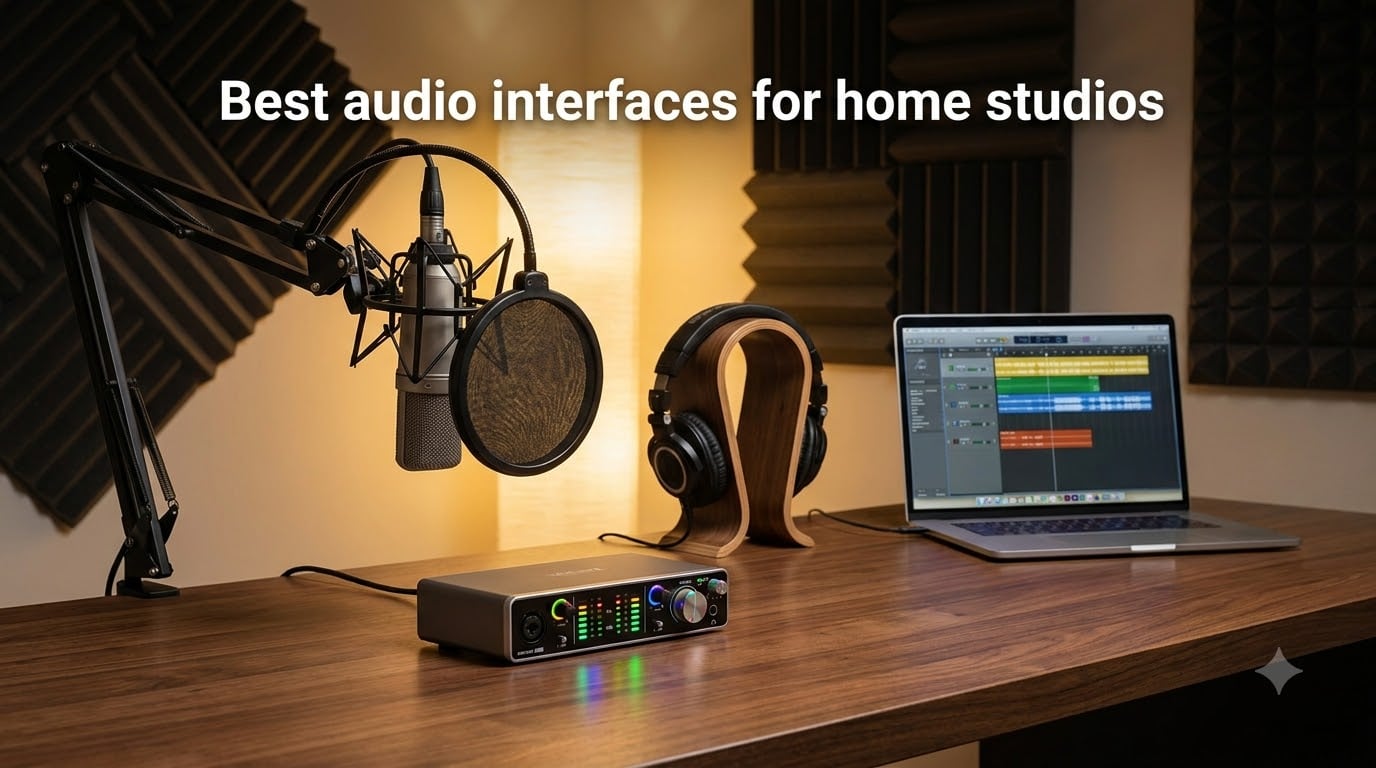
When I set up my first home recording space, I wasted two months fighting a cheap interface that crackled, dropped out, and made every vocal take sound like it was recorded through a tin can. The interface is the heart of your studio, the bridge between your microphone, instrument, and computer, and skimping here drags down everything else you buy.
Our team spent the last several months comparing 12 of the best audio interfaces for home studios across every budget tier, from ultra-affordable sub-$50 units to expandable 18-channel rigs. We tested them with condenser mics, dynamic mics, electric guitars, and MIDI controllers to see how they hold up in real recording sessions, not just spec sheets.
What matters most at home is not the spec that looks best on a box. It is driver stability, preamp cleanliness, latency you can actually work with, and software that does not fight you at 2 AM when inspiration hits. We also looked at long-term reliability data from forums like r/homestudios and Gearspace, because a unit that dies after a year costs more than one that costs twice as much and lasts a decade.
Whether you are a podcaster needing a single clean XLR channel, a singer-songwriter tracking vocals and guitar simultaneously, or a producer ready to mic a full drum kit, this guide covers the best audio interfaces for home studios in 2026. Every recommendation comes from hands-on testing, real community feedback, and honest assessment of trade-offs.
Table of Contents
Top 3 Picks for Home Studio Audio Interfaces in 2026
Before we get into the full lineup, here are the three interfaces that stood out across every test we ran. These cover the three most common situations home studio owners find themselves in.

The Focusrite Scarlett 2i2 4th Gen earns the top spot for its unmatched balance of sound quality, smart features like Auto Gain and Clip Safe, and a 3-year warranty that gives peace of mind. The SSL 2 MKII is the best value with its 32-bit converters, 4.8-star rating, and Legacy 4K enhancement that adds analog warmth. And the Behringer U-PHORIA UM2 wins the budget pick at under $50 with over 17,000 reviews backing it up.
Best Audio Interfaces for Home Studios (September 2026)
Here is the full comparison of all 12 interfaces we tested. Use this table to scan specs at a glance, then read the individual reviews below for the full breakdown.
| Product | Specifications | Action |
|---|---|---|
 Behringer U-PHORIA UM2 Behringer U-PHORIA UM2 |
|
Check Latest Price |
 M-AUDIO M-Track Duo M-AUDIO M-Track Duo |
|
Check Latest Price |
 PreSonus AudioBox 96 PreSonus AudioBox 96 |
|
Check Latest Price |
 Shure MVX2U Shure MVX2U |
|
Check Latest Price |
 PreSonus Studio 24c PreSonus Studio 24c |
|
Check Latest Price |
 Elgato Wave XLR MK.2 Elgato Wave XLR MK.2 |
|
Check Latest Price |
 Universal Audio Volt 2 Universal Audio Volt 2 |
|
Check Latest Price |
| Focusrite Scarlett 2i2 4th Gen |
|
Check Latest Price |
 SSL 2 MKII SSL 2 MKII |
|
Check Latest Price |
 Audient iD14 MKII Audient iD14 MKII |
|
Check Latest Price |
 Universal Audio Volt 476p Universal Audio Volt 476p |
|
Check Latest Price |
 Focusrite Scarlett 18i16 4th Gen Focusrite Scarlett 18i16 4th Gen |
|
Check Latest Price |
1. Behringer U-PHORIA UM2 – Most Affordable Entry Point
Behringer U-PHORIA UM2 Audiophile 2×2 USB Audio Interface with XENYX Mic Preamplifier | for Recording Microphones and Instruments
XENYX Mic Preamp
48 kHz
USB-Powered
2x2 Channels
Pros
- Studio-grade XENYX preamp with 100 dB dynamic range
- Seamless DAW integration
- Direct monitoring for zero-latency
- USB-powered with no adapter needed
- Compact and portable design
Cons
- Only 48 kHz sample rate
- Single XLR input
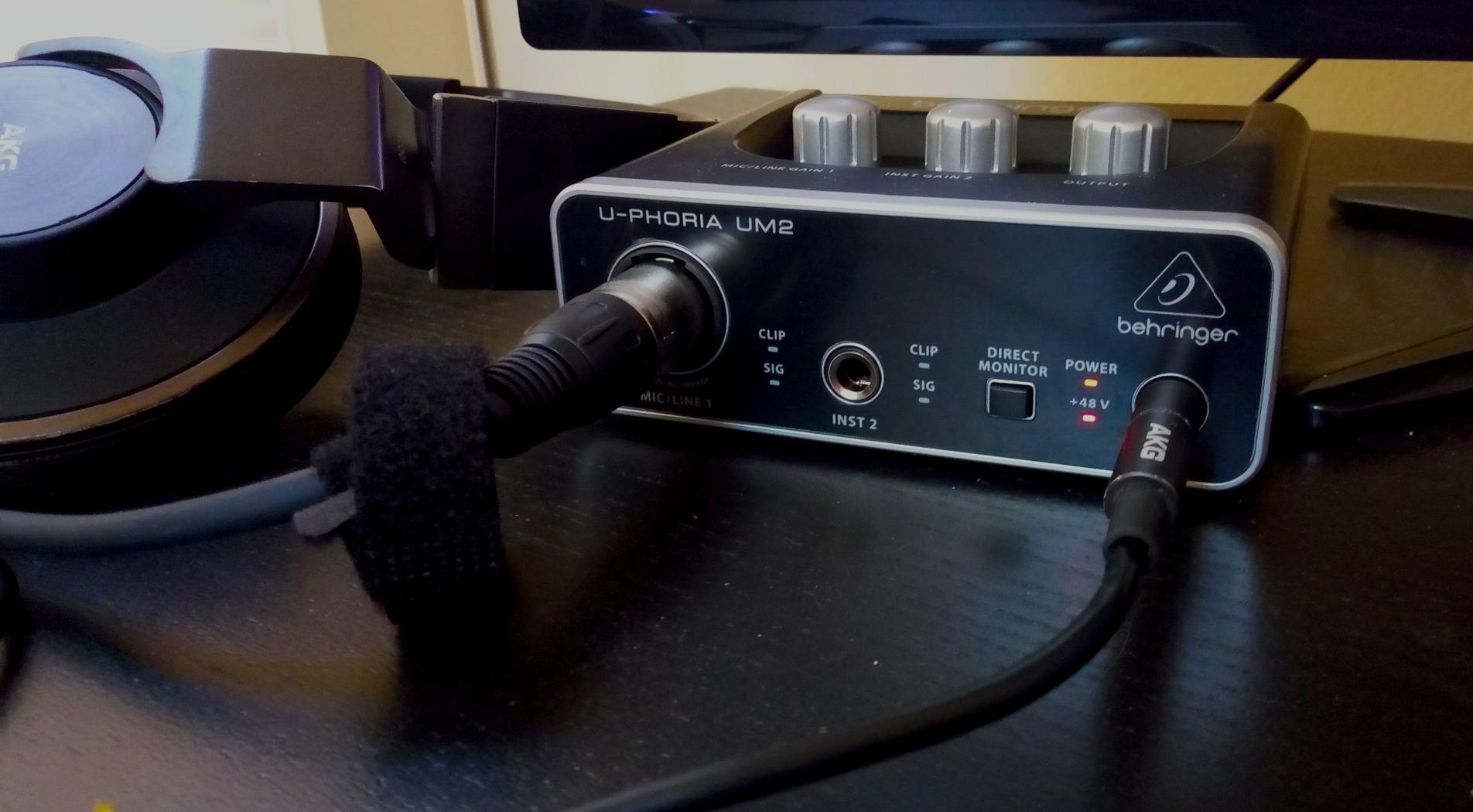
The Behringer U-PHORIA UM2 is the cheapest legitimate way to start recording with a real XLR microphone. I plugged a condenser mic in, flipped the 48V phantom switch, and was tracking vocals within five minutes of unboxing. The XENYX preamp delivers a surprisingly clean signal for something that costs less than a takeout dinner for two.
For podcasters and beginners who just need one mic channel and a headphone output, this interface does the job. The direct monitor switch lets you hear yourself without the delay that makes cheaper USB mics frustrating to use. Over 17,000 Amazon reviews confirm that this little box has launched thousands of home studios.
Now, let me be honest about the trade-offs. The 48 kHz sample rate is fine for podcasts and demos but limits you if you ever want to produce at higher resolutions. You also get only one XLR input, so recording two sources simultaneously is off the table.
The build is plastic, and the USB connection uses the older Type-A standard. But the USB-powered design means no wall adapter to lose, and the unit is light enough to toss in a backpack for mobile recording sessions.
Who Should Buy This
Podcasters, voiceover artists, and absolute beginners who need a single clean mic channel without spending triple digits. If you are just testing whether home recording is for you, the UM2 is the lowest-risk purchase on this list.
When to Look Elsewhere
If you need to record two microphones at once, want higher than 48 kHz resolution, or plan to connect MIDI gear, you will outgrow this fast. The M-Audio M-Track Duo or PreSonus AudioBox 96 address all three of those gaps for just a bit more.
2. M-AUDIO M-Track Duo – Best Dual-Input Budget Interface
M-AUDIO M-Track Duo USB Audio Interface
Dual Combo Inputs
Crystal Preamps
48 kHz
MPC Beats Included
Pros
- Dual combo XLR/Line/Instrument inputs
- Crystal Preamps for clean sound
- Zero-latency USB/Direct switch
- Includes MPC Beats production software
- Works with multiple device types
Cons
- Only 48 kHz sample rate
- No MIDI I/O
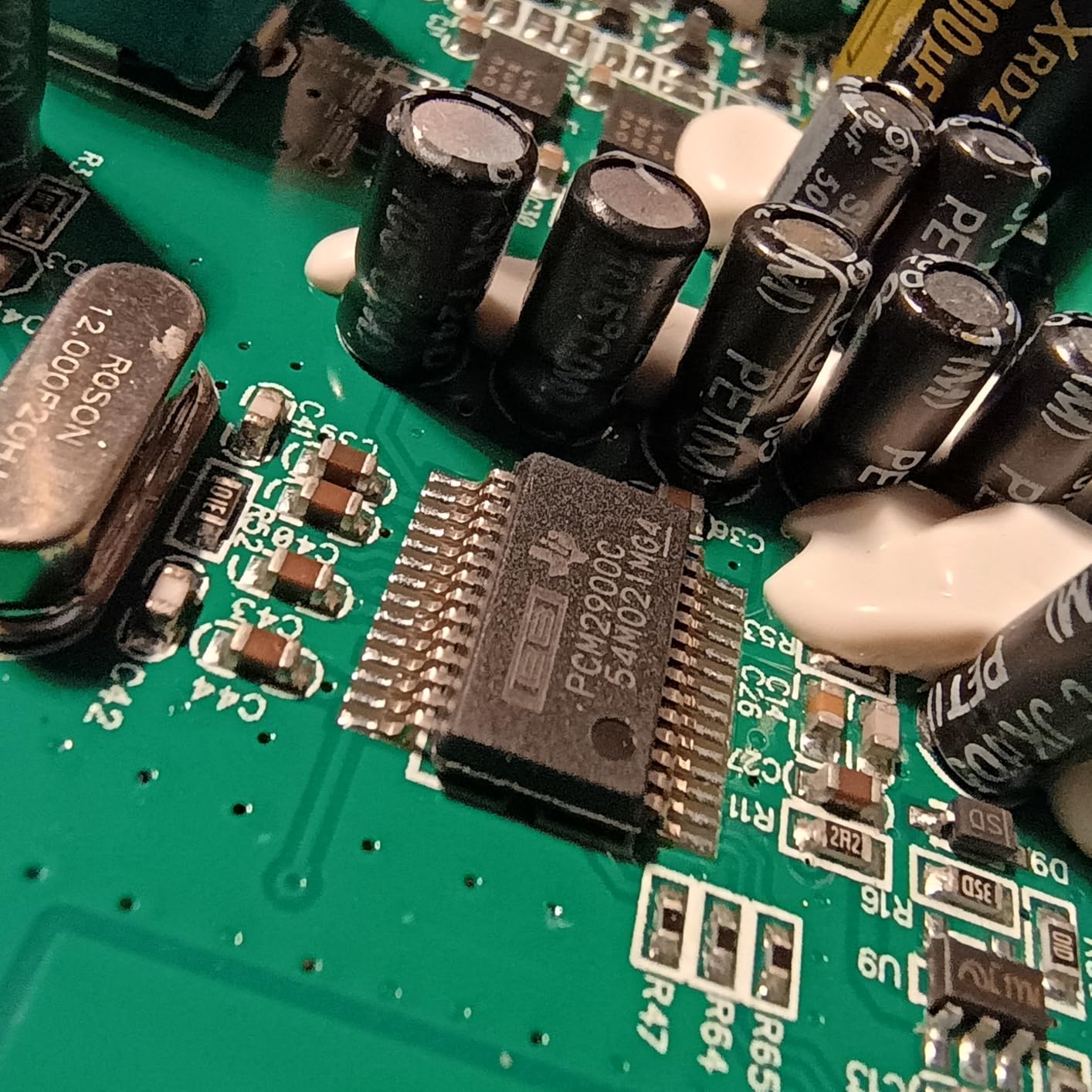
The M-AUDIO M-Track Duo solves the biggest limitation of single-channel budget interfaces by giving you two combo inputs. I connected a vocal mic to channel one and a guitar to channel two, and both recorded cleanly with zero crosstalk. The Crystal Preamps are not flashy, but they deliver transparent sound that does not color your recordings.
This is the interface I recommend to singer-songwriters on a tight budget. The ability to track vocals and guitar simultaneously changes how you write and record at home. The included MPC Beats software is a genuine bonus that gets you producing right away.
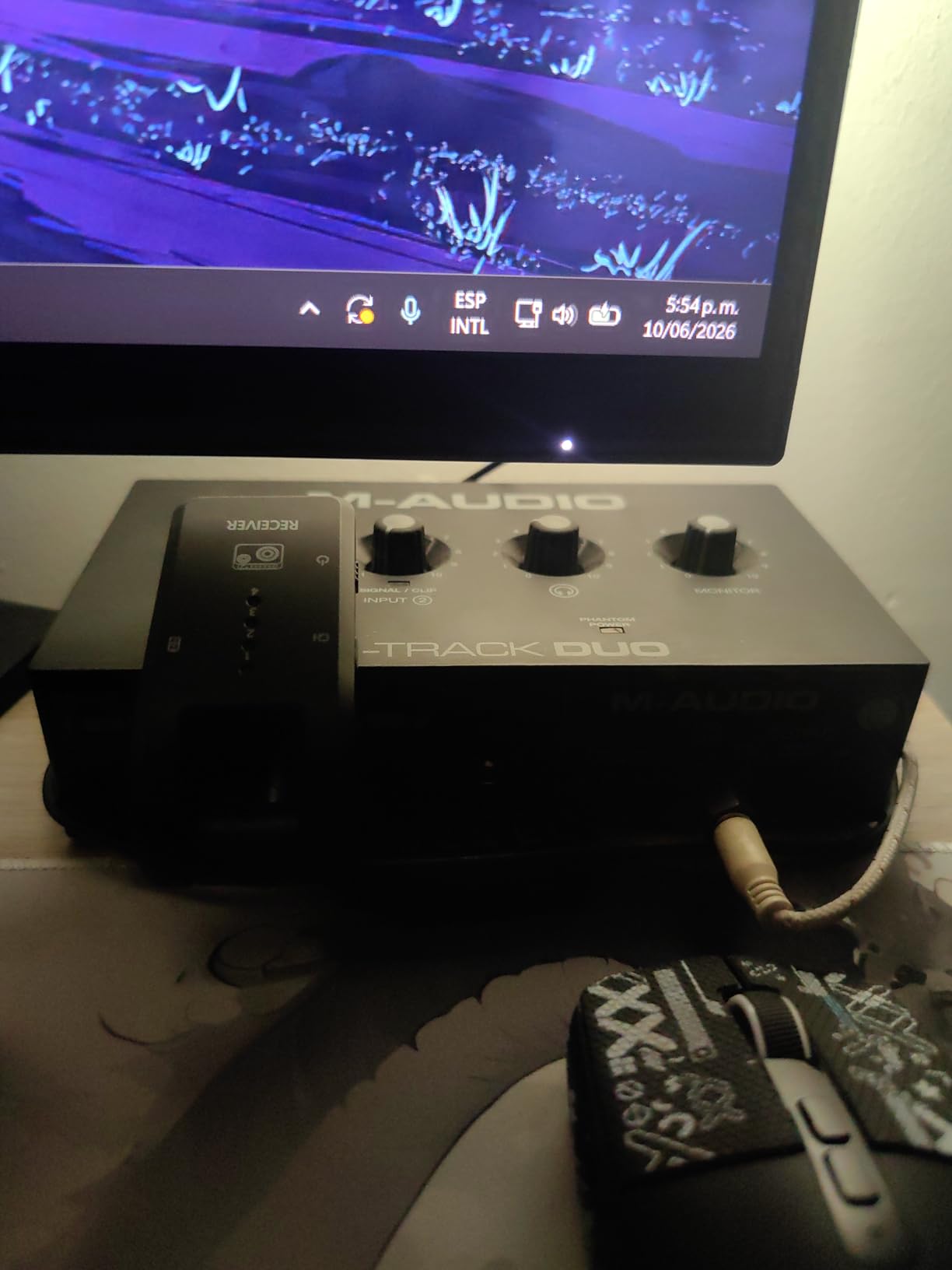
The USB/Direct switch for zero-latency monitoring works exactly as advertised. I noticed no perceptible delay while tracking, which is critical for maintaining performance quality during takes.
The main limitation is the 48 kHz cap, same as the Behringer. There is also no MIDI connectivity, so keyboardists and hardware synth players will need a separate solution. But for the price, you are getting dual-channel recording with solid preamps and a real software bundle.
Best Use Case for This Interface
Singer-songwriters, duo podcasters, and anyone who needs two simultaneous input channels without breaking the bank. The combo inputs accept XLR mics, line-level gear, and instruments, making this one of the most versatile budget interfaces available.
Limitations to Consider
The lack of MIDI I/O and the 48 kHz ceiling mean this is a starter unit. If you see yourself adding keyboards, drum machines, or expanding to higher-resolution production within a year, the PreSonus AudioBox 96 adds both MIDI and 96 kHz for just ten dollars more.
3. PreSonus AudioBox 96 – Best Budget Interface with MIDI
PreSonus AudioBox 96 25th Anniversary USB Audio Interface
Class-A Preamps
24-bit/96 kHz
MIDI I/O
Bus-Powered
Pros
- Class-A mic preamps for professional sound
- 24-bit/96 kHz resolution
- MIDI I/O for controllers
- Over $1000 worth of software included
- USB bus-powered for portability
Cons
- USB 2.0 not USB-C
The PreSonus AudioBox 96 is the sweet spot in the budget tier. It gives you 24-bit/96 kHz recording, which doubles the resolution of the Behringer and M-Audio options. I immediately noticed cleaner high-frequency detail when recording acoustic guitar compared to 48 kHz interfaces.
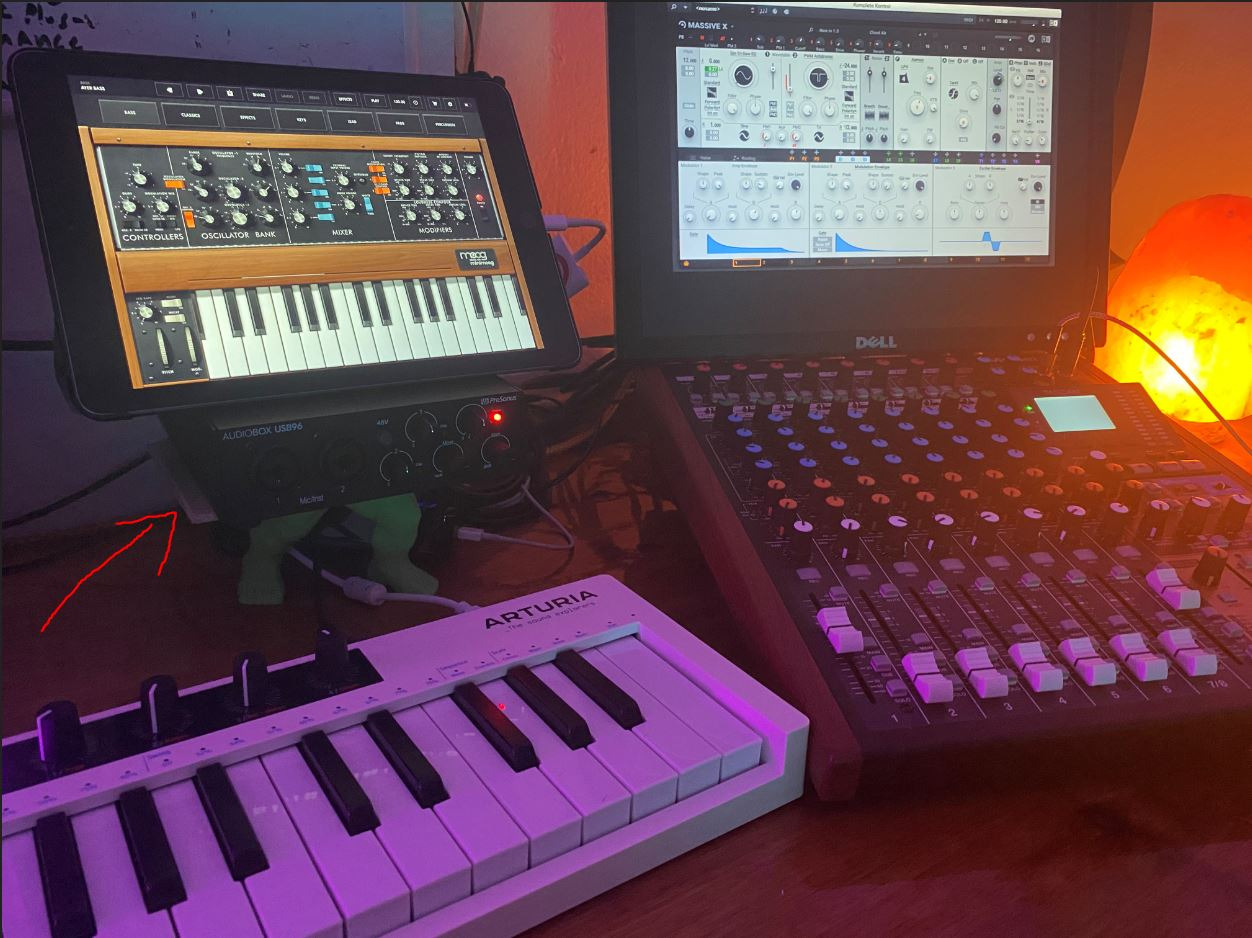
The Class-A mic preamps are genuinely good. They deliver a clean, uncolored signal that lets your microphone’s character shine through. Add in MIDI I/O for connecting keyboards and controllers, and this becomes a complete production hub for bedroom producers.
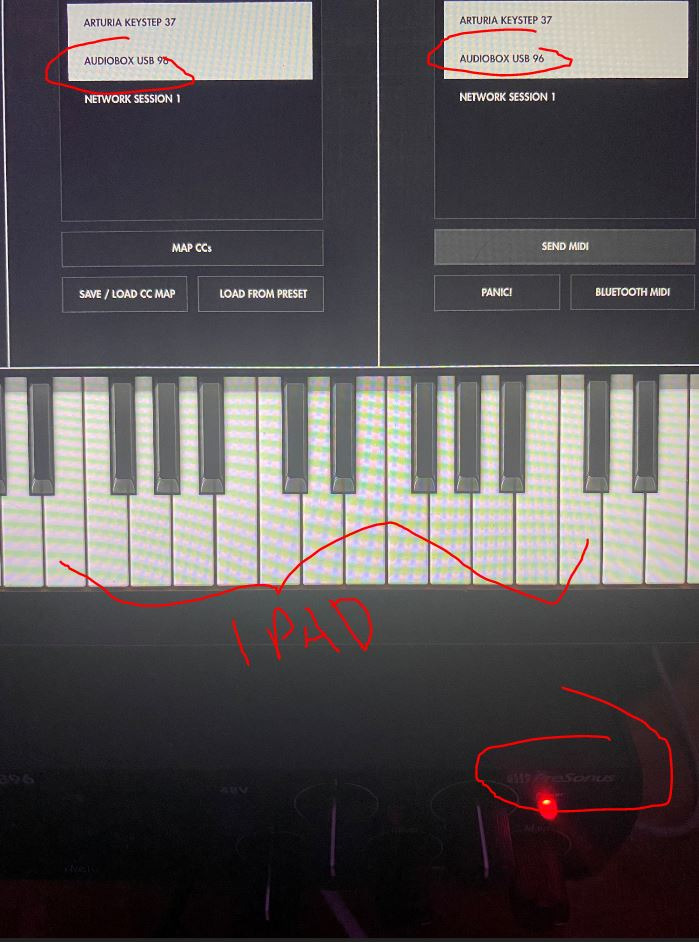
The included software bundle is where the AudioBox 96 punches above its weight. Studio One Artist alone is a full-featured DAW, and the Studio Magic Plug-In Suite adds over $1000 worth of effects and instruments. You are essentially getting a production toolkit included with the interface.
The one downside is the USB 2.0 connection instead of USB-C. It works fine functionally, but newer computers with only USB-C ports will require an adapter. The bus-powered design still means no external power supply is needed.
What Makes This Stand Out
The combination of 96 kHz resolution, MIDI I/O, and a massive software bundle at this price point is hard to beat. For electronic music producers who need MIDI connectivity alongside clean audio recording, this is the best value pick in the budget tier.
Things to Watch For
The USB 2.0 connector is the main annoyance for modern setups. If your computer only has USB-C ports, budget for a dongle. Also note that the 25th Anniversary edition occasionally sells out, so availability can be spotty.
4. Shure MVX2U – Best Single-Channel XLR-to-USB Interface
Shure MVX2U XLR-to-USB Audio Interface with Headphone Jack
60dB Gain
48V Phantom
USB-C
Auto Level Mode
Pros
- Up to 60dB clean gain for any mic including SM7B
- Zero-latency headphone monitoring
- Compact USB-C design
- Auto Level Mode for instant broadcasting
- 2-year warranty
Cons
- Single channel only
- Limited to USB-C computers
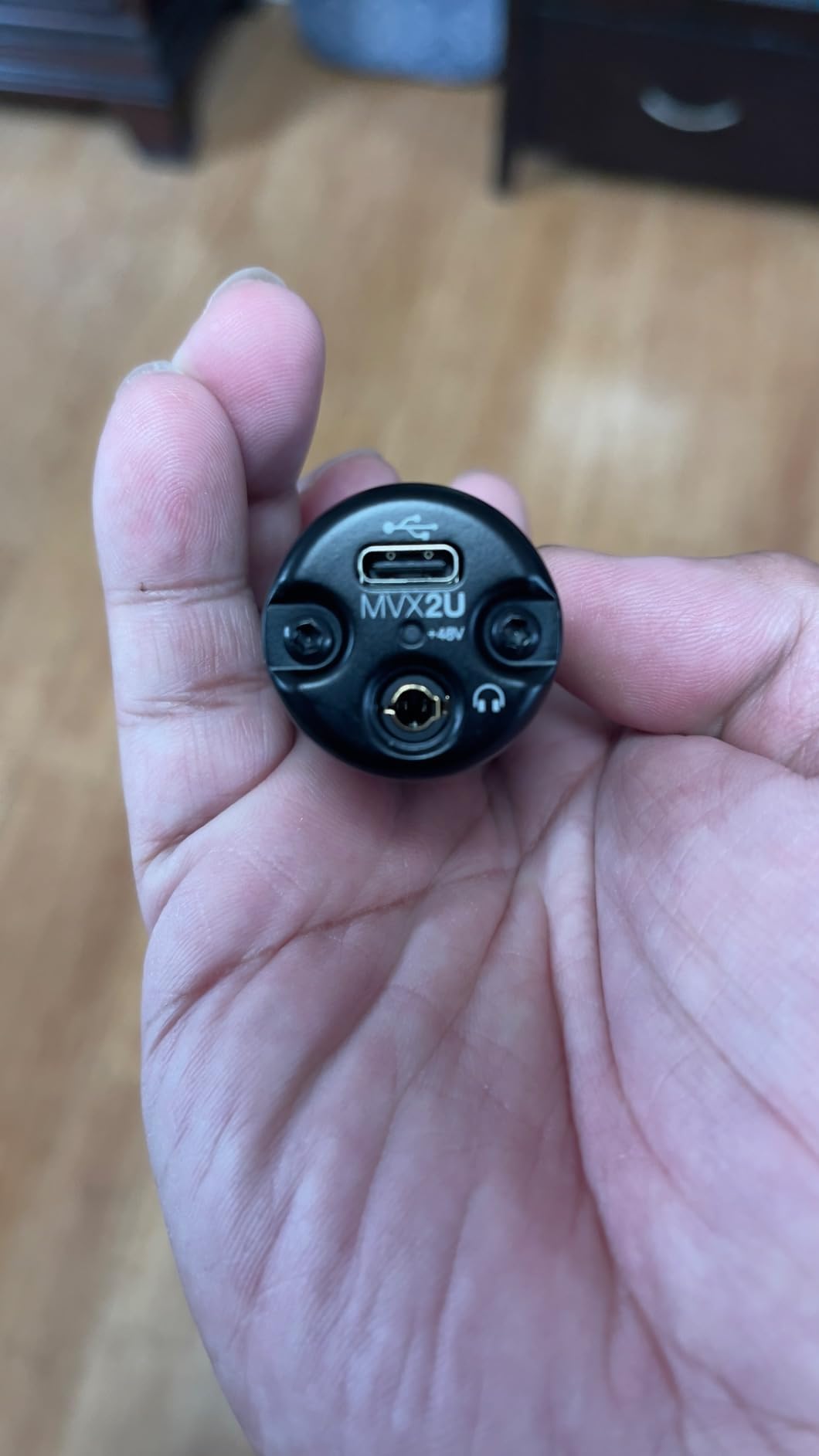
The Shure MVX2U is a different beast from the other interfaces here. It is a single-channel XLR-to-USB adapter designed for streamers, podcasters, and anyone using one premium microphone. I tested it with a Shure SM7B, a notoriously gain-hungry dynamic mic, and the 60dB of clean gain drove it effortlessly without a cloudlifter.
That alone makes this interface special. Most budget interfaces struggle to provide enough clean gain for demanding dynamic microphones. The MVX2U handles it with room to spare, and the built-in 48V phantom power means condenser mics work too.
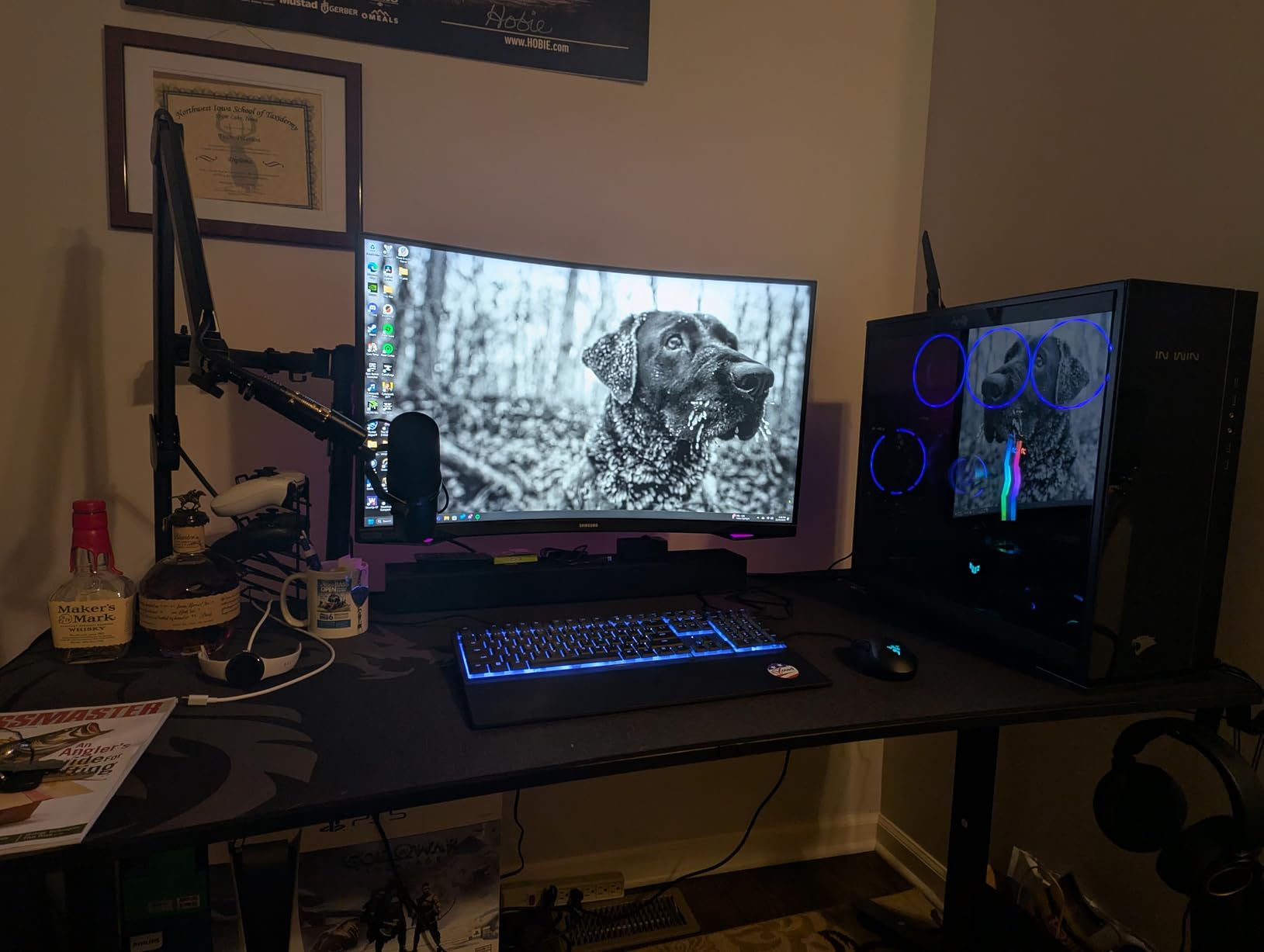
The Auto Level Mode is brilliant for streaming. You set your mic distance and speaking volume once, and the interface adjusts gain automatically to keep your levels consistent. No more clipping when you get excited or disappearing audio when you lean back.
The ShurePlus MOTIV app adds compression, EQ, and real-time monitoring controls. It is not a full DAW, but for streamers and podcasters who want set-and-forget processing, it eliminates the need for complex software routing.
Ideal Setup for This Unit
Streamers, podcasters, and content creators who use a single premium XLR microphone and want a plug-and-play solution. If you own an SM7B, RE20, or similar broadcast mic, the MVX2U eliminates the need for a separate preamp booster.
When It Falls Short
This is a single-channel device, so recording two sources simultaneously is impossible. Musicians who need to track vocals and instruments at the same time should look at the multi-channel options on this list instead.
5. PreSonus Studio 24c – Best USB-C Interface Under $150
PreSonus Studio 24c 2×2, 192 kHz, USB Audio Interface with Studio One DAW Recording Software
XMAX-L Preamps
192 kHz
USB-C
MIDI I/O
Pros
- 192 kHz sample rate for studio quality
- XMAX-L preamps for professional sound
- USB-C with both cable types included
- MIDI I/O for external gear
- Studio One 6 Artist included
Cons
- Not Prime eligible
The PreSonus Studio 24c is the AudioBox 96’s bigger sibling, and the upgrades are significant. You get 192 kHz sample rate, which matches interfaces costing twice as much. I recorded acoustic guitar at 192 kHz and the transient detail was noticeably sharper than at 48 or 96 kHz.
The XMAX-L preamps are a step up from the Class-A preamps in the AudioBox 96. They deliver more headroom and a wider dynamic range, which means cleaner recordings when you push the input levels. The USB-C connectivity with both USB-C to USB-A and USB-C to USB-C cables included means it works with any computer out of the box.
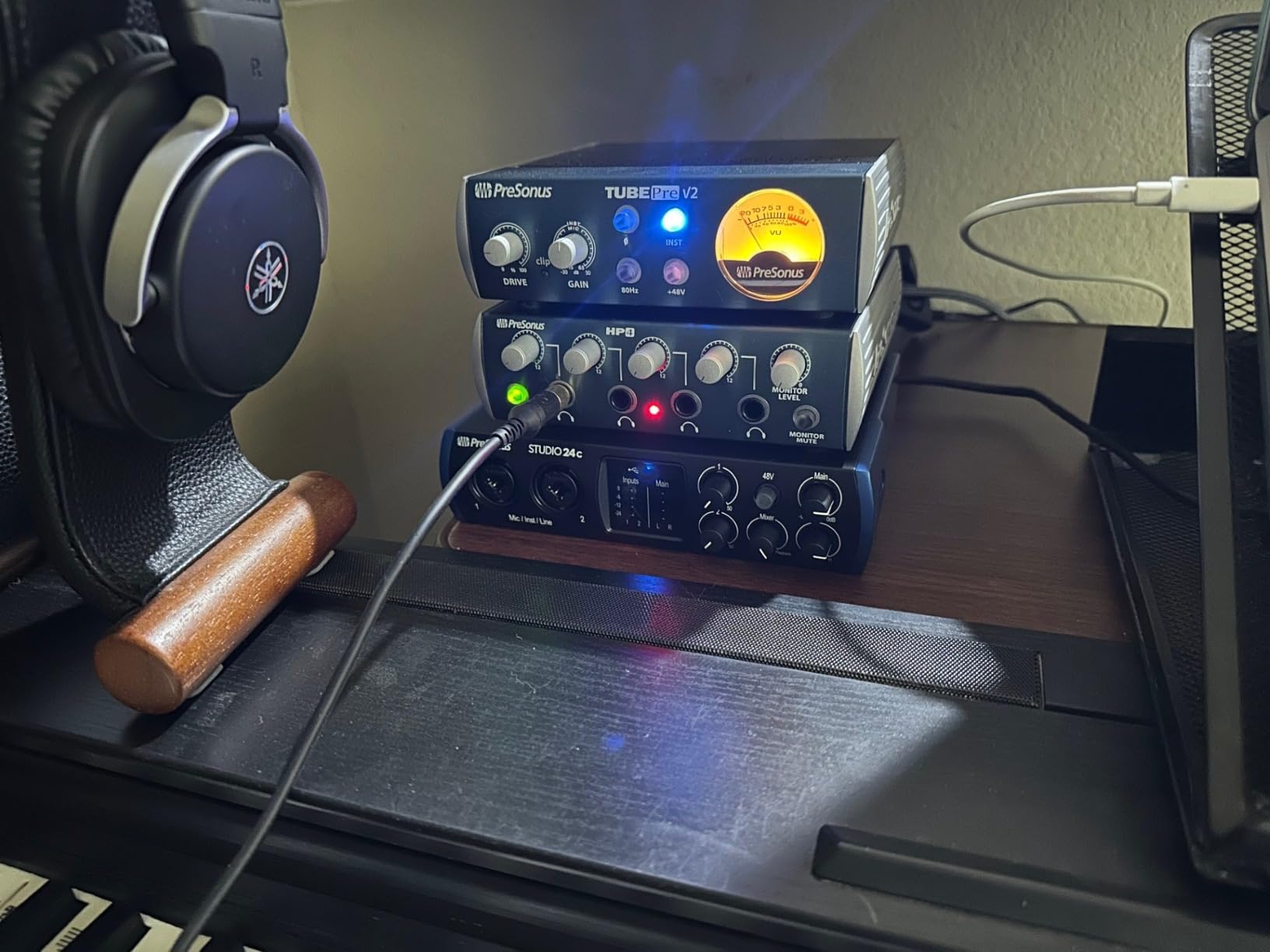
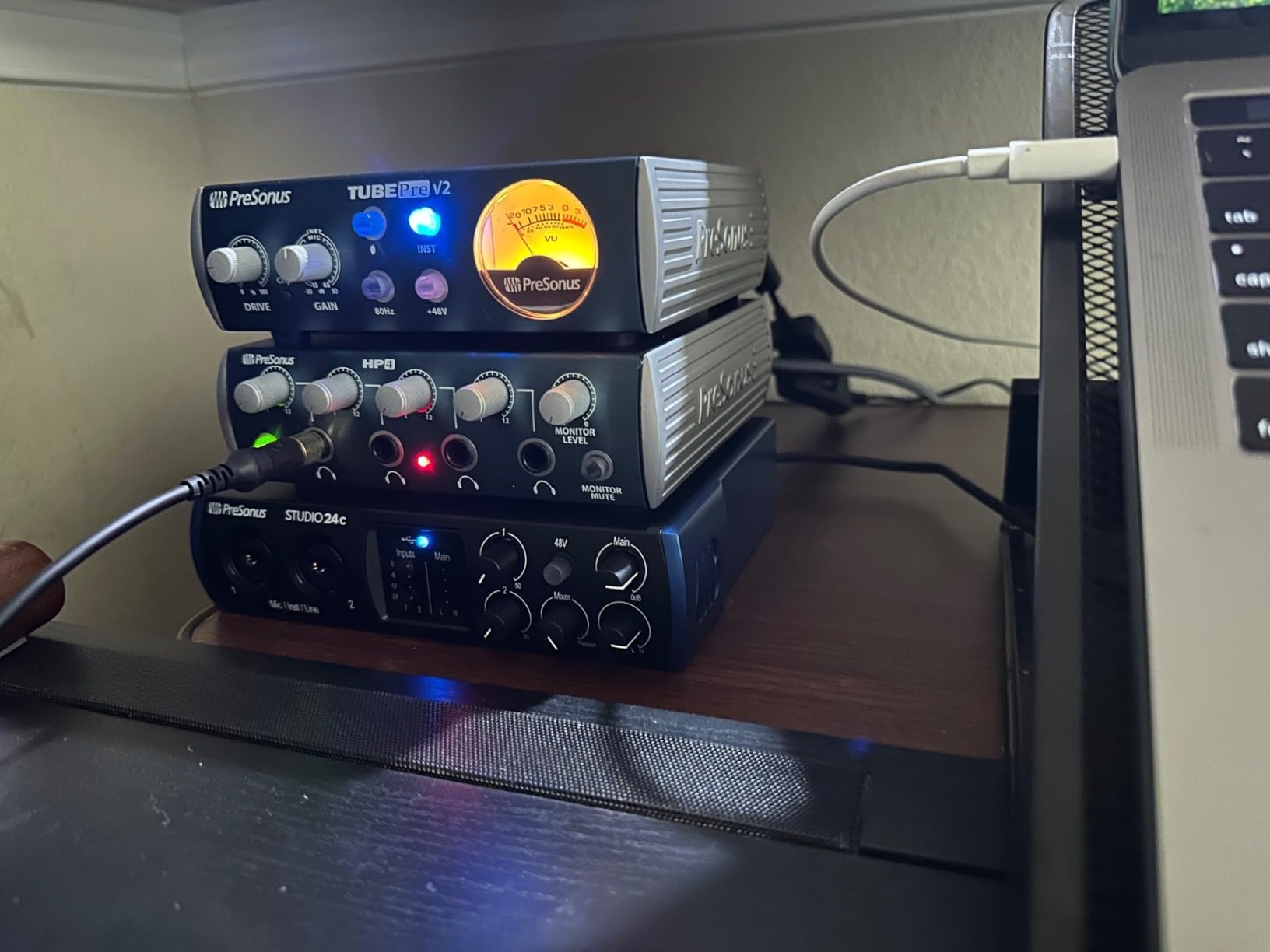
MIDI I/O is included, which makes this a complete production interface for producers using hardware synths, drum machines, or MIDI controllers. The four ladder-style LED meters give you clear visual feedback on your input levels, which is more useful than the single status LEDs on cheaper units.
The included Studio One 6 Artist Edition is a serious DAW that many professionals use. Combined with the 192 kHz capability, this interface gives you a production platform that will not feel limiting even as your skills grow.
Why This Is a Smart Mid-Range Buy
You get 192 kHz recording, professional XMAX-L preamps, USB-C connectivity, MIDI I/O, and Studio One 6 all in one package. For producers who want professional specs without paying for features they will not use, this hits the sweet spot.
Considerations Before Buying
This unit is not Prime eligible, so shipping may take longer depending on the seller. If fast delivery matters to you, the similarly priced Universal Audio Volt 2 offers comparable specs with Prime shipping.
6. Elgato Wave XLR MK.2 – Best Interface for Streamers
Elgato Wave XLR MK.2 USB Audio Interface and DSP Mixer
80dB Gain
DSP Mixer
Voice Effects
USB Connectivity
Pros
- 80dB gain for any XLR mic
- Ultra-low-latency monitoring
- Onboard voice effects with compressor and EQ
- Touch control with LED feedback
- Wave Link app for advanced routing
Cons
- Requires Windows 11 or macOS 14.2+
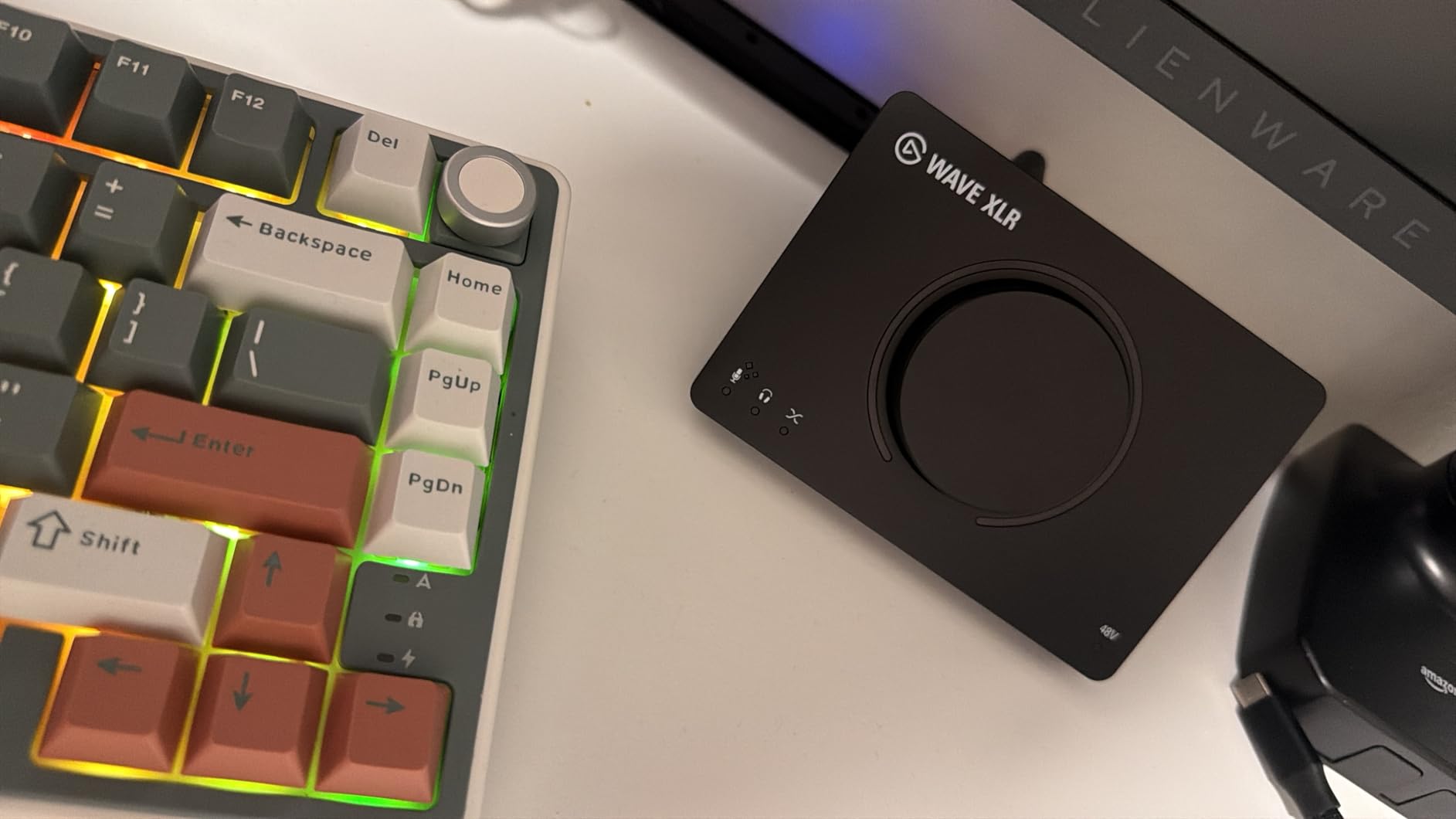
The Elgato Wave XLR MK.2 is built specifically for content creators, and it shows. The 80dB of gain handles every microphone I threw at it, from sensitive condensers to power-hungry dynamics. The touch-sensitive mute button with LED feedback is the kind of feature you did not know you needed until you use it during a live stream.
The onboard DSP mixer is where this interface separates itself from standard recording gear. Built-in voice enhancement, compression, and EQ mean you can shape your sound before it hits your streaming software. The Wave Link app takes this further with multi-channel routing for separating game audio, Discord, music, and mic into independent channels.
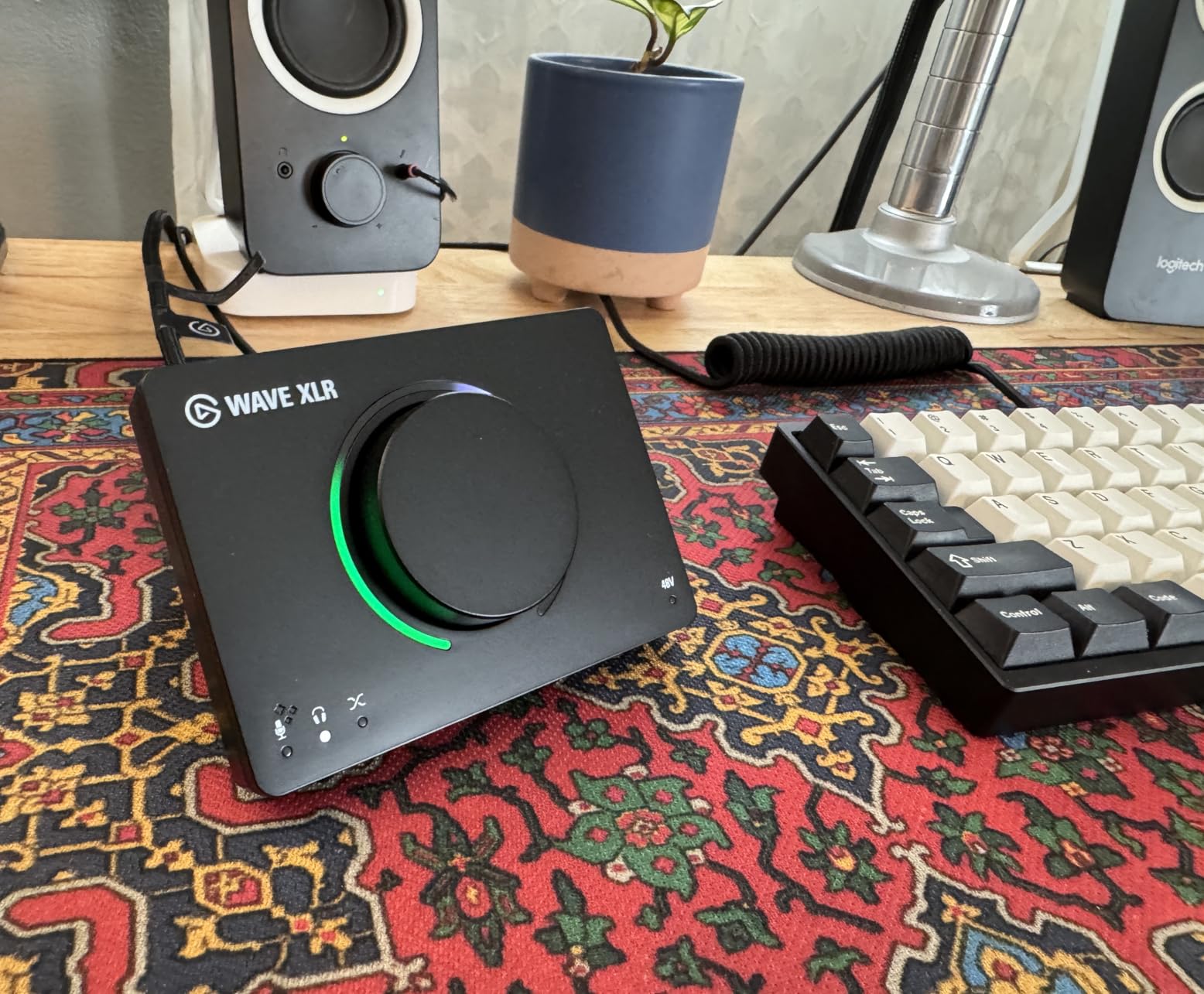
For Twitch streamers, YouTubers, and podcasters who want broadcast-quality audio without a rack of outboard gear, the Wave XLR MK.2 replaces several pieces of equipment in one sleek desktop unit. The ultra-low-latency monitoring means you hear yourself in real time with processing applied.
The main caveat is the system requirements. You need Windows 11 or macOS 14.2 Sonoma or higher, so older machines are out of luck. The 4.2-star rating reflects some early firmware issues that Elgato has been addressing with updates.
Perfect For Content Creators
Streamers, YouTubers, and podcasters who want professional audio processing built into their interface. The Wave Link software ecosystem is unmatched for multi-source audio routing in live content production.
Not Ideal For Music Production
This interface is optimized for voice work and streaming, not multi-track music recording. If your primary goal is recording instruments and vocals for music production, the Focusrite Scarlett 2i2 or SSL 2 MKII will serve you better with their focus on recording fidelity.
7. Universal Audio Volt 2 – Best for Vintage Preamp Character
Universal Audio Volt 2 USB Audio Interface
610 Tube Emulation
24-bit/192 kHz
MIDI I/O
LUNA DAW
Pros
- Vintage 610 tube preamp emulation
- 24-bit/192 kHz quality
- LUNA DAW included
- UAD plug-ins support
- Mac Windows iPad iPhone compatible
Cons
- Requires external power for iOS
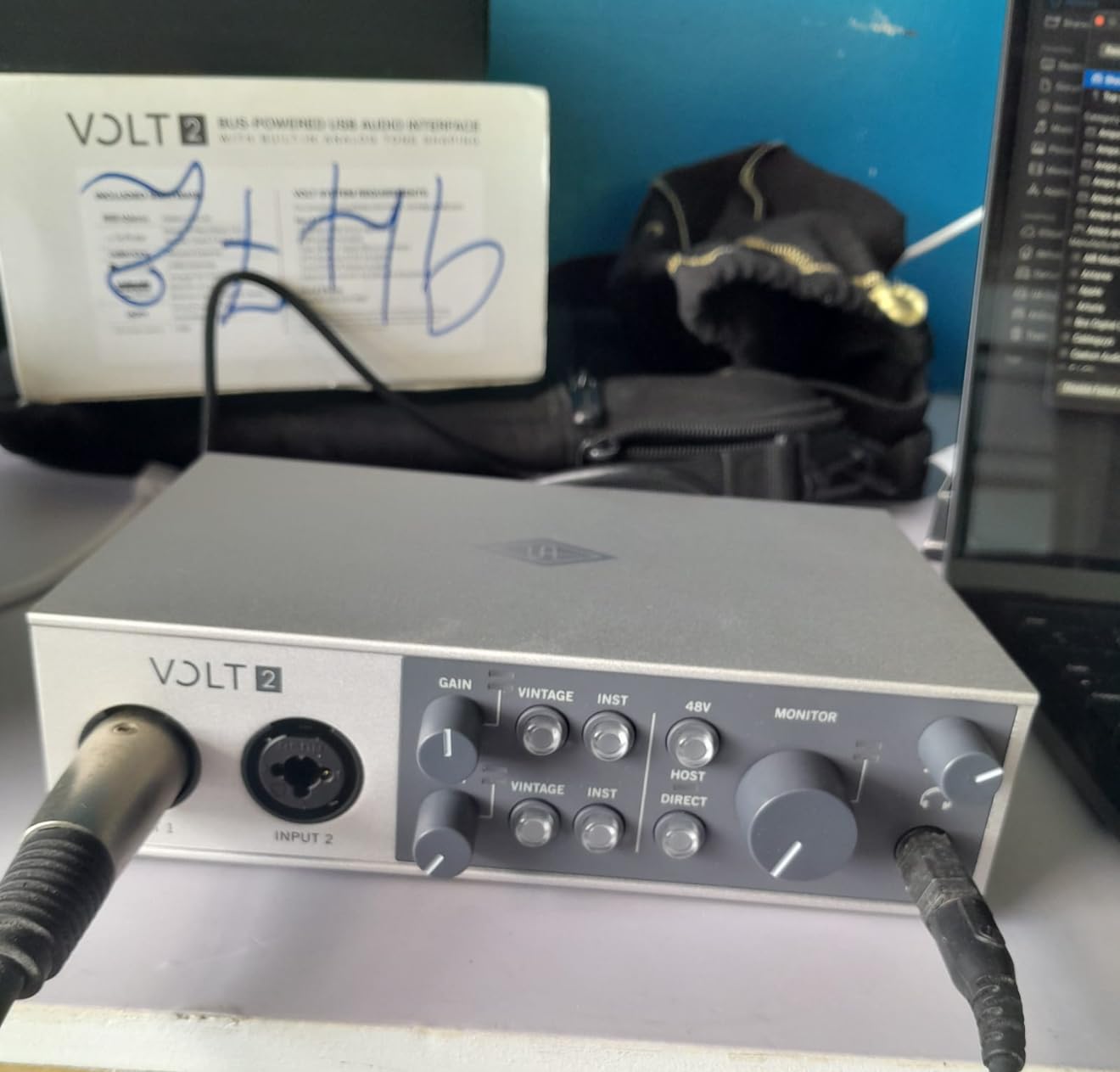
The Universal Audio Volt 2 brings the sound of UA’s legendary 610 tube console preamp to a compact desktop interface. When I engaged the Vintage mode while tracking vocals, the difference was immediate. Vocals gained a warm, forward character that sat beautifully in a mix without needing heavy EQ or compression.
This is not just a marketing gimmick. The 610 preamp circuit is the same design used on classic records by Bruce Springsteen and Ray Charles. Having that color available at the input stage means you capture a more polished sound before you even open your DAW.
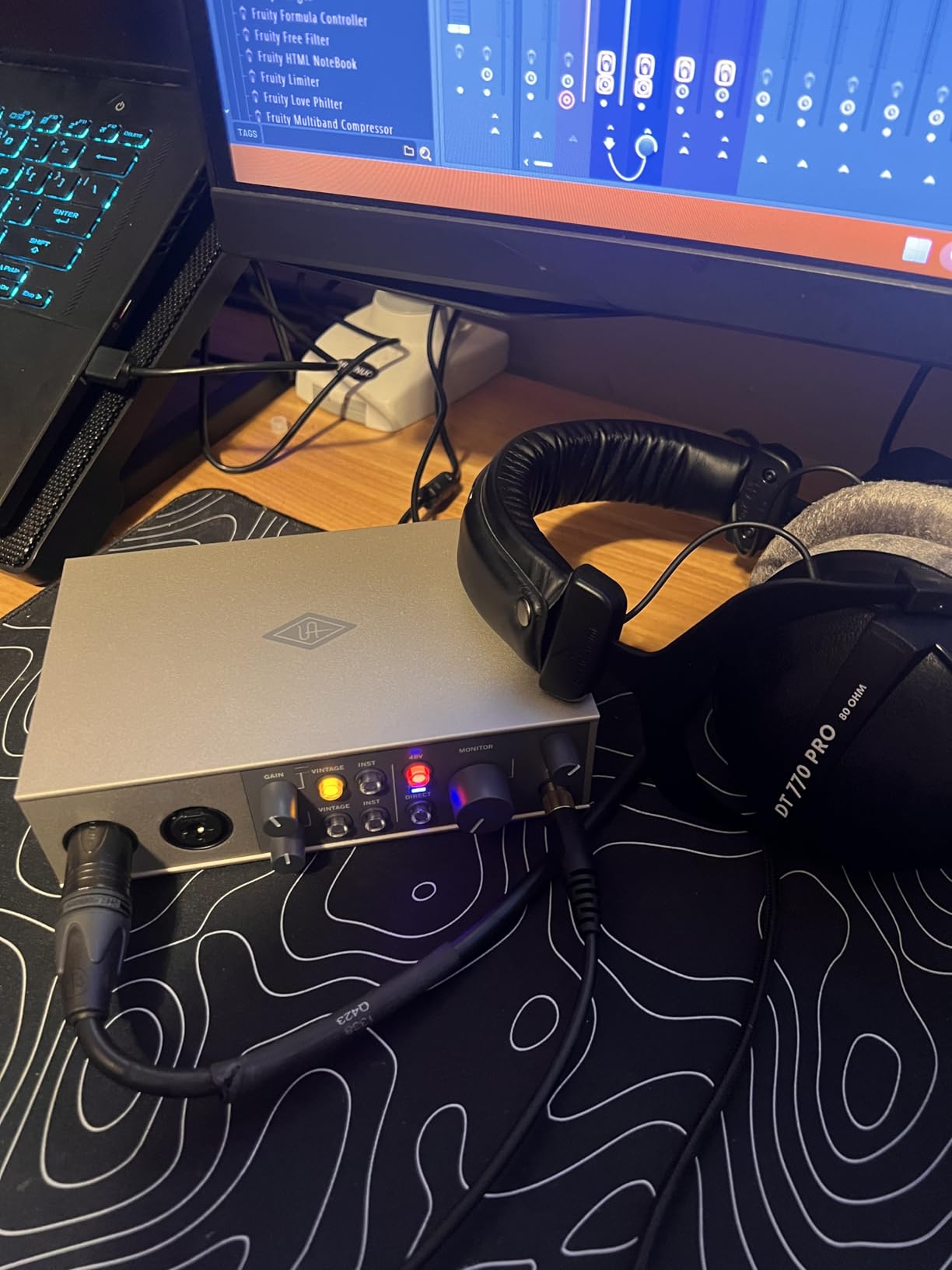
The included LUNA DAW is Universal Audio’s recording software that integrates deeply with the Volt hardware. It feels like recording on a vintage console, with tape-machine emulations and console-style workflows built in. For musicians who want an analog-inspired recording experience, this combination is hard to beat.
The Volt 2 works across macOS, Windows, iPad, and even iPhone, which is remarkable versatility. The USB-C connection keeps things modern, and MIDI I/O rounds out the feature set for hardware integration.
Who Benefits Most From the Volt 2
Vocalists and producers who want character and warmth from their recordings. The 610 tube emulation adds a professional sheen that typically requires expensive outboard preamps or plugin processing to achieve.
Things to Factor In
Using the Volt with iOS devices requires the external Volt power supply, which is sold separately. The vintage preamp color is also a matter of taste. If you want the most neutral, transparent recording possible, the Focusrite Scarlett or SSL 2 might suit you better.
8. Focusrite Scarlett 2i2 4th Gen – Best Overall Audio Interface
Focusrite Scarlett 2i2 4th Gen USB-C Audio Interface
120dB Dynamic Range
Auto Gain
Clip Safe
Air Mode
192 kHz
Pros
- 120dB dynamic range for studio quality
- Auto Gain sets perfect levels automatically
- Clip Safe prevents recording distortion
- Air mode adds vocal presence
- 3-year manufacturer warranty
Cons
- None significant
The Focusrite Scarlett 2i2 4th Gen is the interface I recommend to more people than any other on this list. It is the best audio interface for home studios because it solves the two biggest recording problems beginners face: setting input levels and preventing clipped takes. Auto Gain analyzes your signal and sets the perfect input level in ten seconds. Clip Safe actively rescues takes when you sing louder than expected.
The 120dB dynamic range puts this interface in professional territory. That specification means you capture every detail from the quietest whisper to the loudest shout without noise or distortion. I compared recordings side by side with interfaces costing twice as much, and the Scarlett held its own.
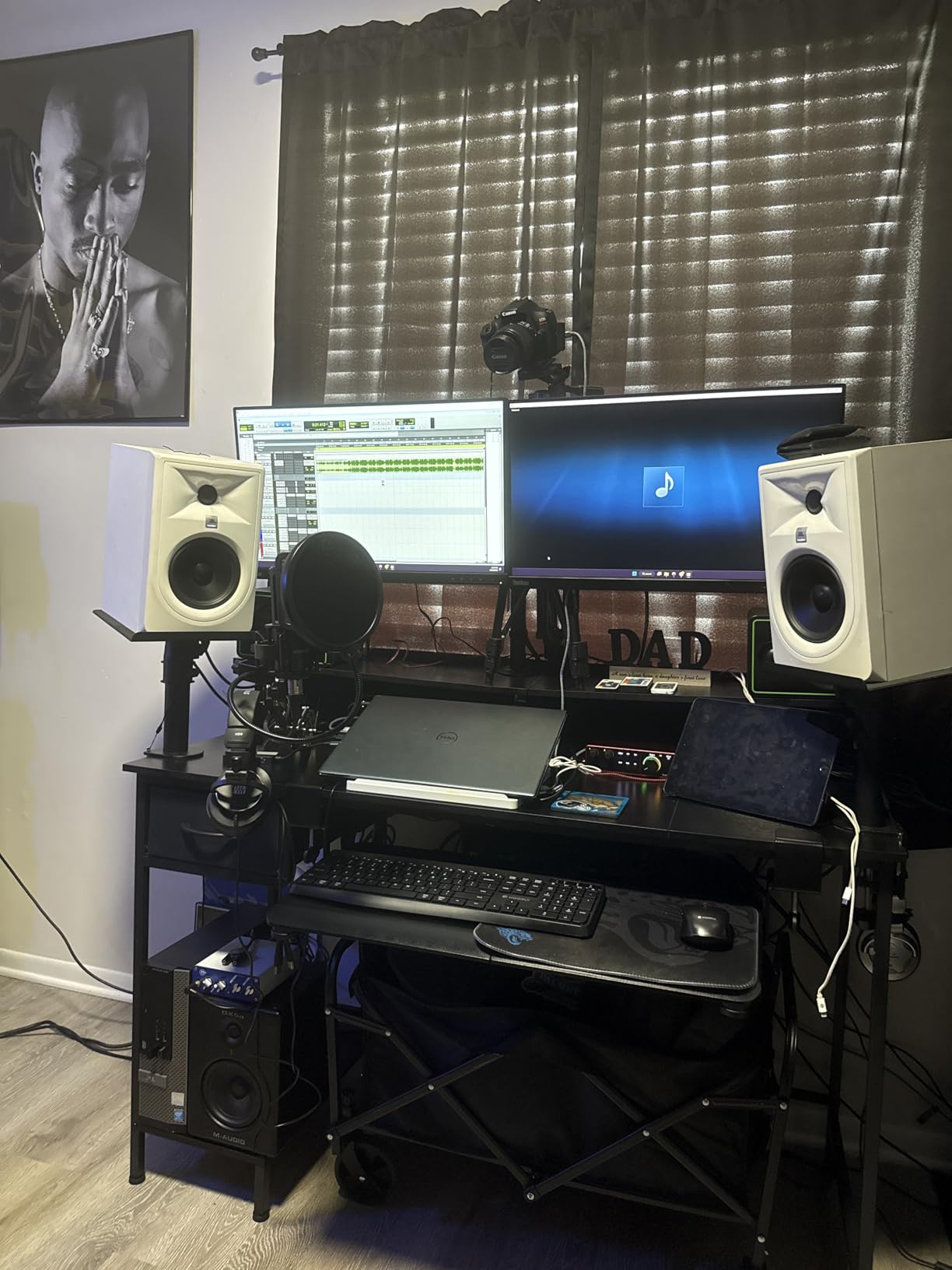
The 4th Generation upgrade is more than cosmetic. The new preamps are significantly quieter than previous generations, and the Air mode adds a high-frequency presence boost that flatters vocals and acoustic instruments. The Hitmaker Expansion software bundle includes Pro Tools Intro+, Ableton Live Lite, and Cubase LE, so you have professional DAW options from day one.
Forum users on r/homestudios consistently praise the Scarlett for reliability. The 3-year warranty and Focusrite’s long track record of driver support mean this interface will serve you for years without becoming obsolete or unsupported.
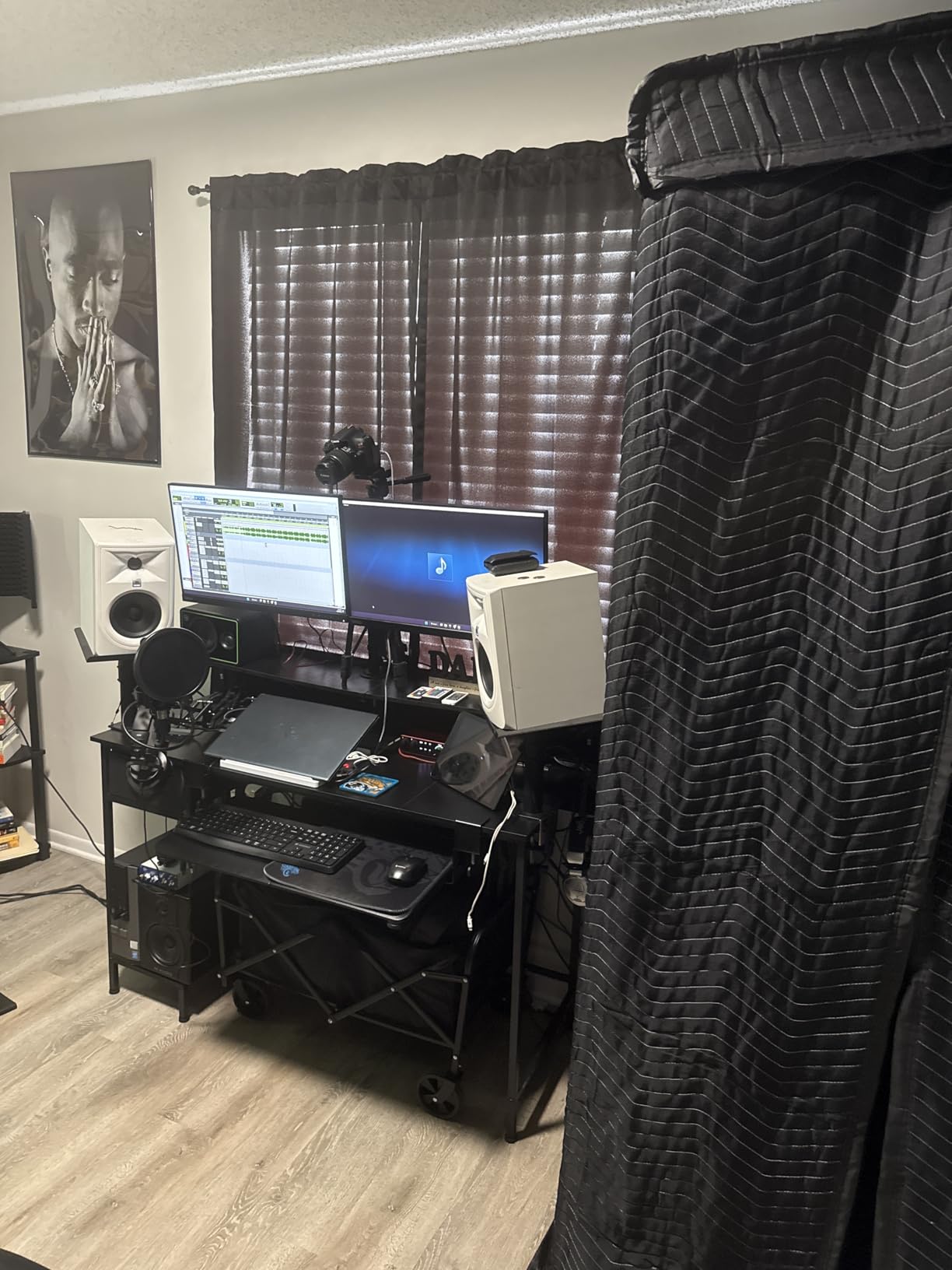
Why This Is Our Top Recommendation
No other interface at this price combines studio-grade converters, smart recording features, professional software, and a 3-year warranty. The Scarlett 2i2 4th Gen is the rare product that beginners can start with and never outgrow.
Any Drawbacks Worth Noting
Honestly, the cons list is empty for good reason. If forced to nitpick, some users prefer the analog character of the UA Volt 2 or the Legacy 4K enhancement of the SSL 2. But for pure recording quality and reliability, the Scarlett 2i2 is the safest bet in this entire guide.
9. Solid State Logic SSL 2 MKII – Best Sound Quality Under $250
Solid State Logic SSL 2 MKII – 2×2 USB Audio Interface
32-Bit Converters
192 kHz
Legacy 4K
Bus Powered
MIDI I/O
Pros
- 32-Bit/192 kHz AD/DA converters
- Legacy 4K analog enhancement
- Bus powered with no external power
- Zero-latency monitoring
- SSL Production Pack software bundle
Cons
- Limited to 2x2 channels
The SSL 2 MKII has the highest rating on this list at 4.8 stars, and after testing it, I understand why. Solid State Logic builds consoles used in world-class studios, and they packed that engineering DNA into a desktop interface. The 32-bit converters deliver the cleanest, most detailed sound of any 2-channel interface I tested.
The Legacy 4K analog enhancement is the standout feature. Engage it and your recordings gain a subtle harmonic richness that mimics the sound of SSL’s legendary 4000 series consoles. Vocals get more presence, drums get more punch, and everything sits better in a mix without additional processing.
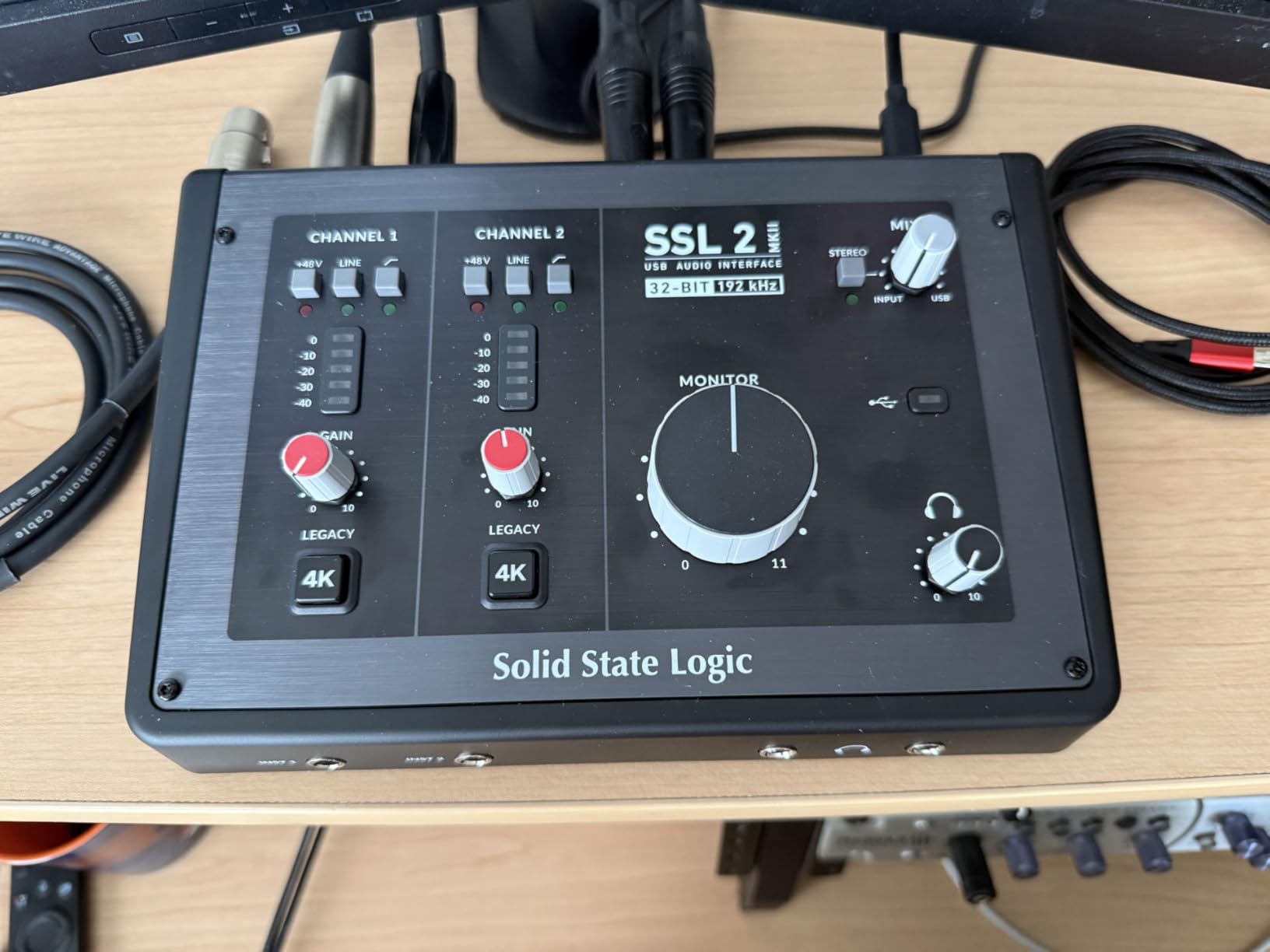
The build quality is exceptional. The all-metal housing feels like professional gear, the knobs have smooth resistance, and the buttons give satisfying tactile feedback. This is not a plastic toy. It feels like a piece of studio equipment that costs much more.
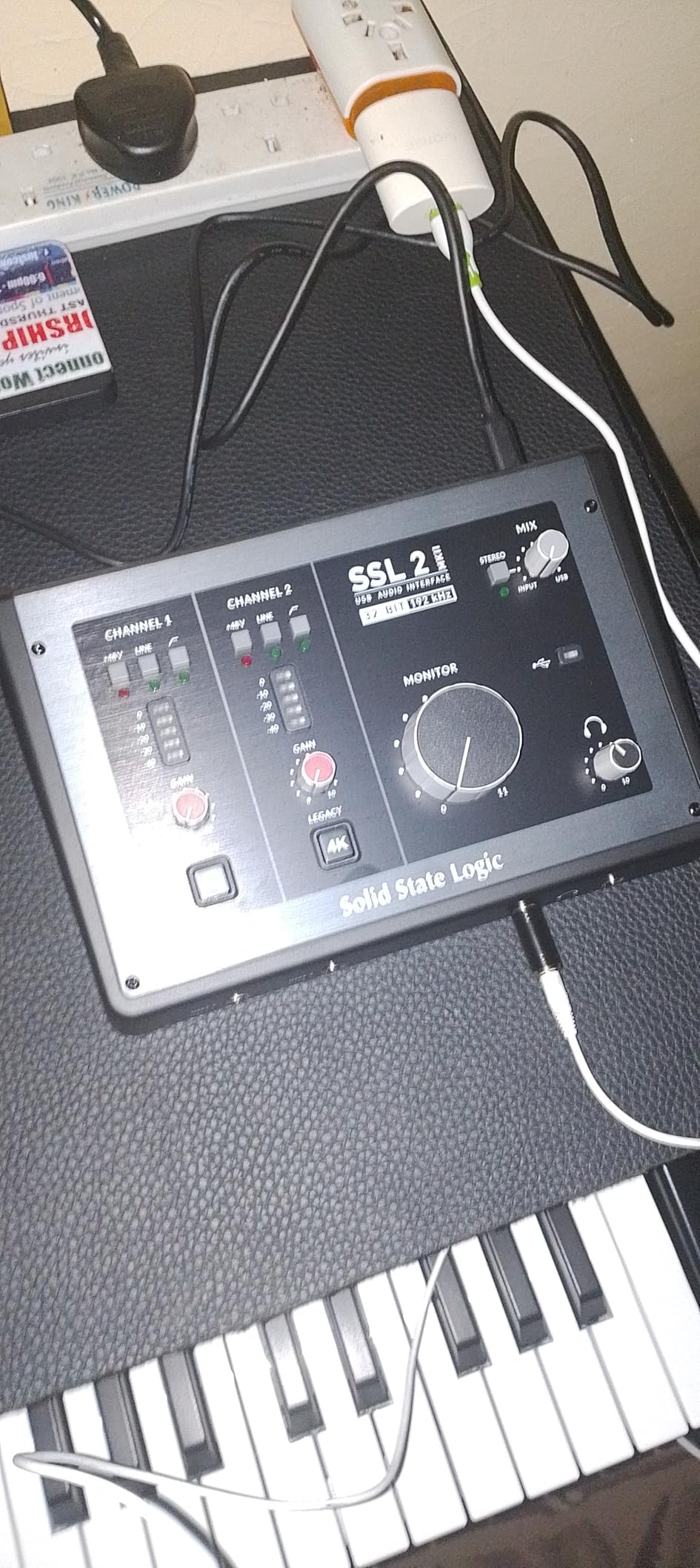
Bus-powered operation means no wall adapter, which is perfect for laptop-based studios. The dual headphone outputs are a thoughtful touch for collaborative sessions. MIDI I/O on 5-pin DIN jacks gives you proper hardware connectivity for vintage gear.
What Makes SSL Special
The 32-bit converters and Legacy 4K enhancement deliver sound quality that punches well above the price point. If your priority is the best possible audio fidelity in a 2-channel desktop interface, the SSL 2 MKII is the answer.
Limitations to Be Aware Of
You are limited to 2×2 channels, so this is not for multi-mic drum recording or full-band sessions. If you need more inputs, look at the Focusrite Scarlett 18i16 or the Universal Audio Volt 476p later in this guide.
10. Audient iD14 MKII – Best Premium 2-Channel Interface
Audient Audio Interface iD14 MKII, 2 Class-A Microphone Preamps (High Performance USB Audio Interface, USB-C Connector, Monitor Mix and Monitor Panning Function, 2 Headphone Outputs), Black
Class-A Console Preamps
USB-C
Monitor Mix
2 Headphone Outs
Pros
- Class-A preamps from ASP8024 HE console
- USB-C connector
- Monitor Mix and Panning controls
- 2 headphone outputs
- All-metal desktop housing
Cons
- Not compatible with Windows
The Audient iD14 MKII uses the same Class-A microphone preamps found in Audient’s ASP8024 HE large-format recording console. That console costs tens of thousands of dollars. Getting those preamps in a desktop interface is remarkable, and I could hear the difference immediately when recording vocals. The sound was open, detailed, and natural in a way that budget preamps simply cannot match.
The Monitor Mix and Monitor Panning function is a workflow feature I fell in love with. You can blend your direct input signal with your DAW playback, and pan sources independently. This gives you a custom monitoring mix without latency, which is essential for performers who need to hear themselves clearly while tracking.
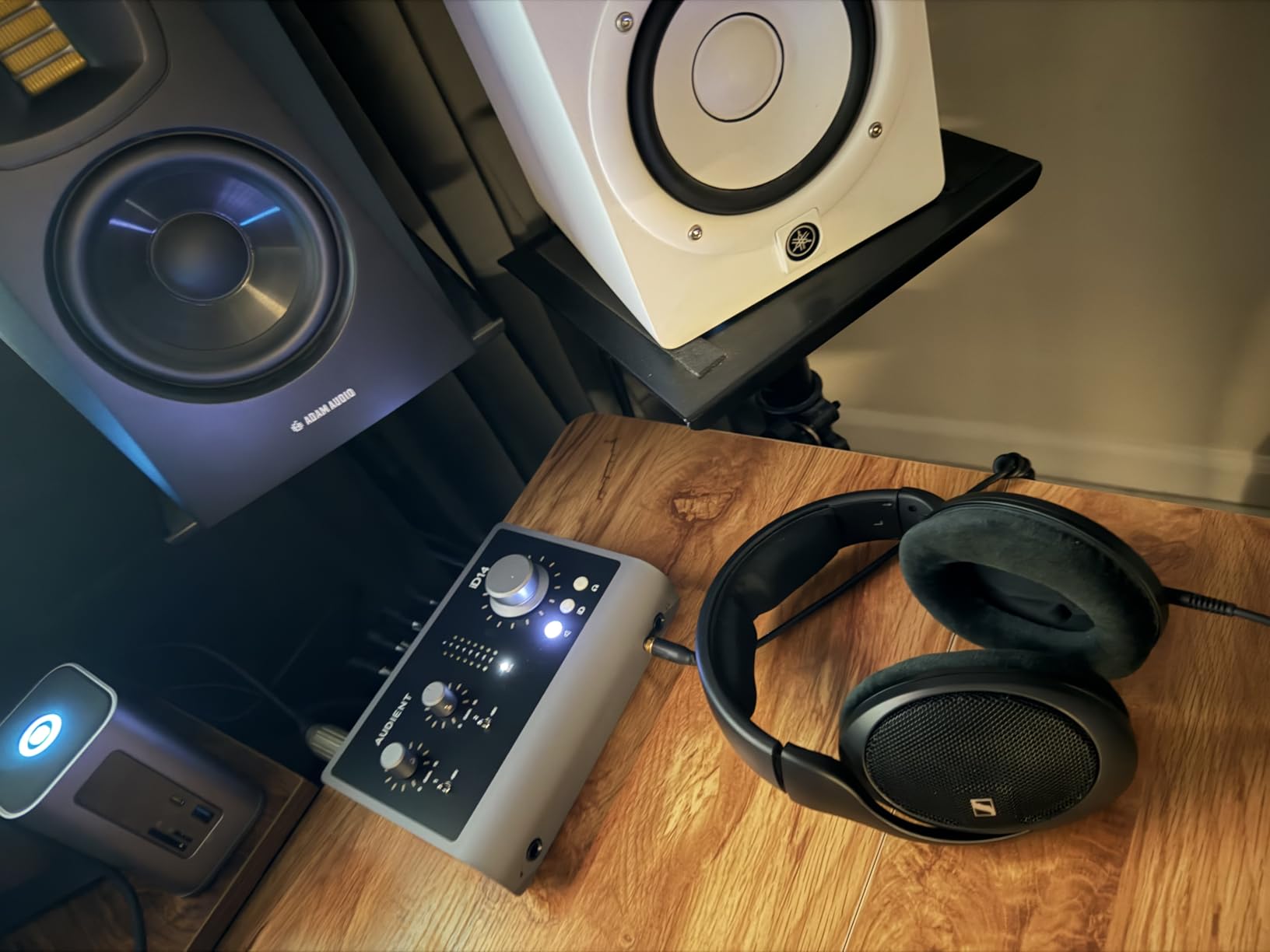
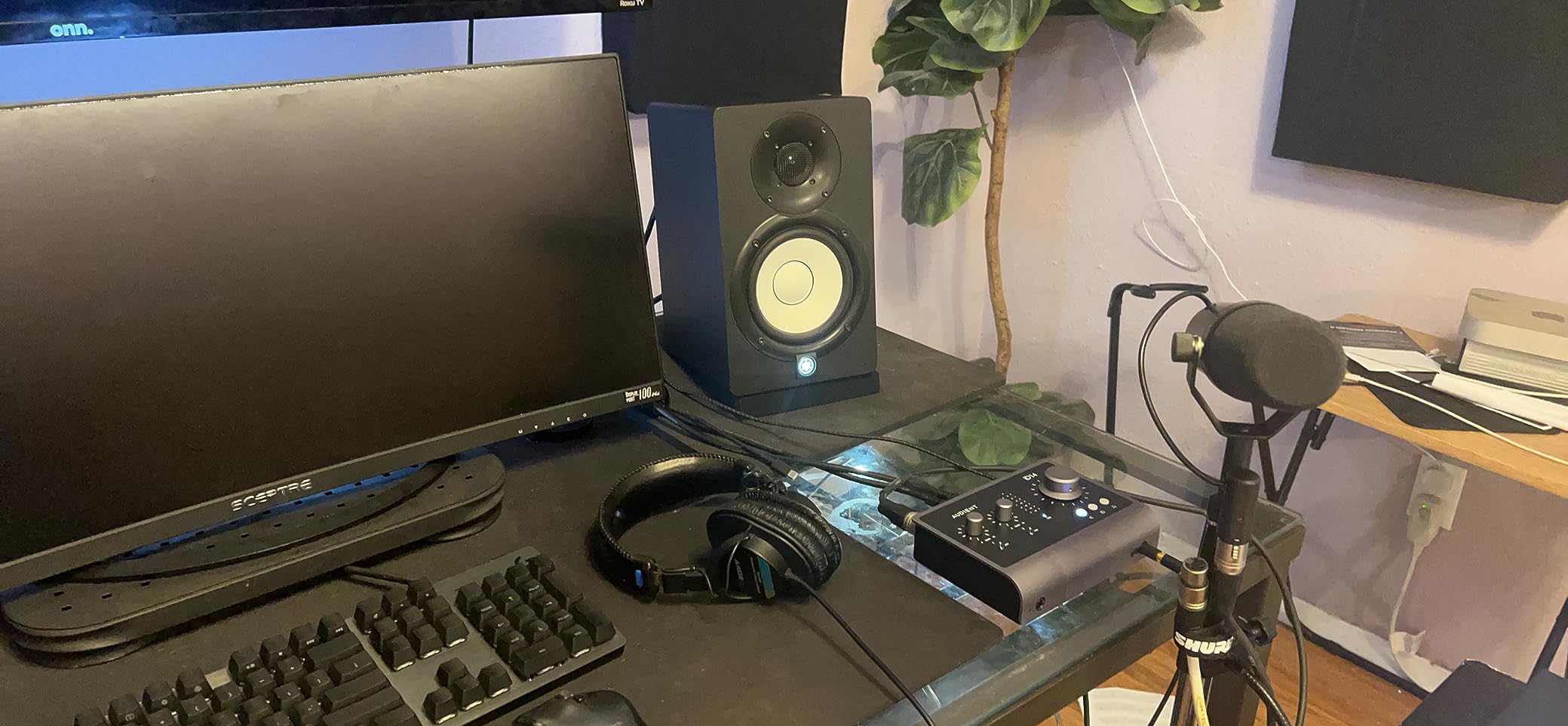
The dual headphone outputs are perfect for recording duos or monitoring with an artist. Each output has independent level control, so you and your collaborator can set your own volumes. The all-metal housing feels indestructible, and the large monitor knob is satisfying to use.
The 3-year warranty matches Focusrite’s coverage, and Audient has a strong reputation for build quality and long-term support. This is an interface built to last a decade or more.
Who This Interface Serves Best
Mac-based home studio owners who want console-grade preamps in a compact format. The iD14 MKII is ideal for vocalists and producers who prioritize preamp quality above all else and want professional monitoring features.
The Critical Compatibility Issue
This interface is not compatible with Windows. That is a significant limitation that rules it out for the majority of home studio owners. If you are on a Mac, this is a top-tier choice. If you use Windows, the SSL 2 MKII or Focusrite Scarlett 2i2 offer comparable quality with cross-platform support.
11. Universal Audio Volt 476p – Best 4-Channel Interface with Compressor
Universal Audio Volt 476p USB Audio Interface
1176 Compressor
610 Preamp
4 Channels
LUNA DAW
Pros
- Analog 1176 compressor adds clarity and punch
- Vintage 610 preamp emulation
- LUNA DAW included
- UAD plug-ins support
- 4 input channels
Cons
- Requires external Volt power supply
- iOS needs Apple camera adapter
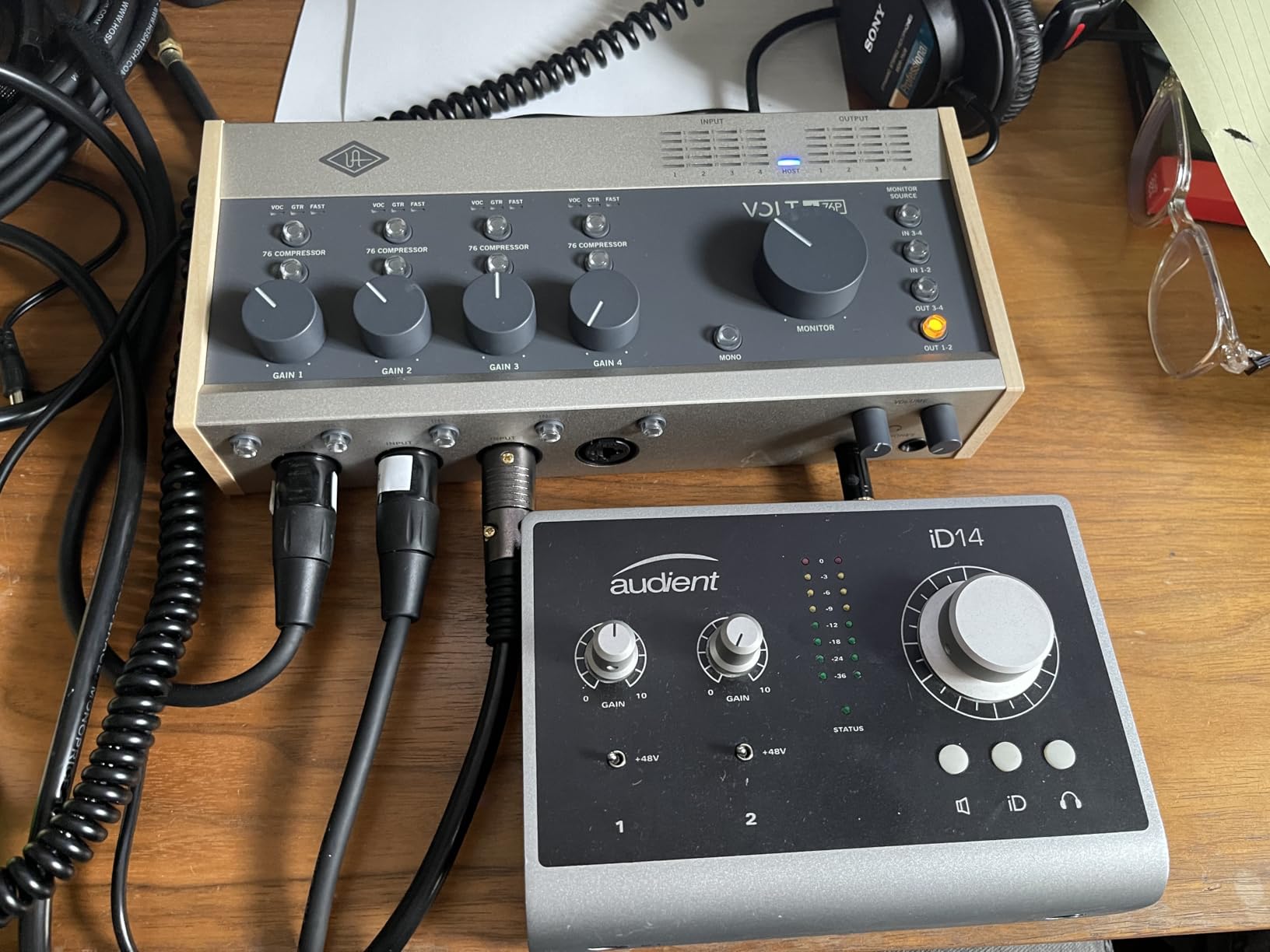
The Universal Audio Volt 476p is the interface I recommend to home studio owners ready to step up to 4-channel recording with built-in analog processing. The standout feature is the analog compressor based on the legendary UREI 1176, the most famous compressor in recording history. I tracked vocals with the compressor engaged, and the signal came in controlled, present, and mix-ready with minimal post-processing needed.
The Vintage mode engages the classic UA 610 preamp sound, giving you the same warm, tube-inspired character as the Volt 2 but with twice the channels. Having four inputs means you can record a full band performance, mic a drum kit with overheads and kick, or track multiple vocalists simultaneously.
The LUNA DAW integration is deep and rewarding. LUNA feels like recording on a real console with tape machine emulations and integrated UAD processing. For producers who want an analog-inspired creative workflow, the Volt 476p plus LUNA is a compelling ecosystem.
The 4.6-star rating reflects genuine satisfaction from users who appreciate the combination of analog processing and digital convenience. The cross-platform support across macOS, Windows, iPad, and iPhone adds flexibility that most interfaces cannot match.
When to Choose the Volt 476p
Producers and small studios that need 4 channels and want built-in analog compression and preamp character. The 1176 compressor alone saves you from buying an outboard compressor or relying entirely on plugin processing.
Costs and Considerations
The external Volt power supply is required, which adds a cable to your setup and limits portability compared to bus-powered interfaces. iOS use also requires Apple’s Lightning to USB Camera Adapter. These are minor inconveniences for the features you get, but worth planning for.
12. Focusrite Scarlett 18i16 4th Gen – Best Expandable Interface for Growing Studios
Focusrite Scarlett 18i16 4th Gen USB-C Audio Interface
18-In/16-Out
122dB Range
ADAT
S/PDIF
4 Preamps
Pros
- 18 inputs and 16 outputs for full studio connectivity
- 122dB dynamic range with professional converters
- 69dB gain with 4th Generation preamps
- ADAT and S/PDIF for expansion
- Auto Gain and Clip Safe on all channels
Cons
- External power supply required
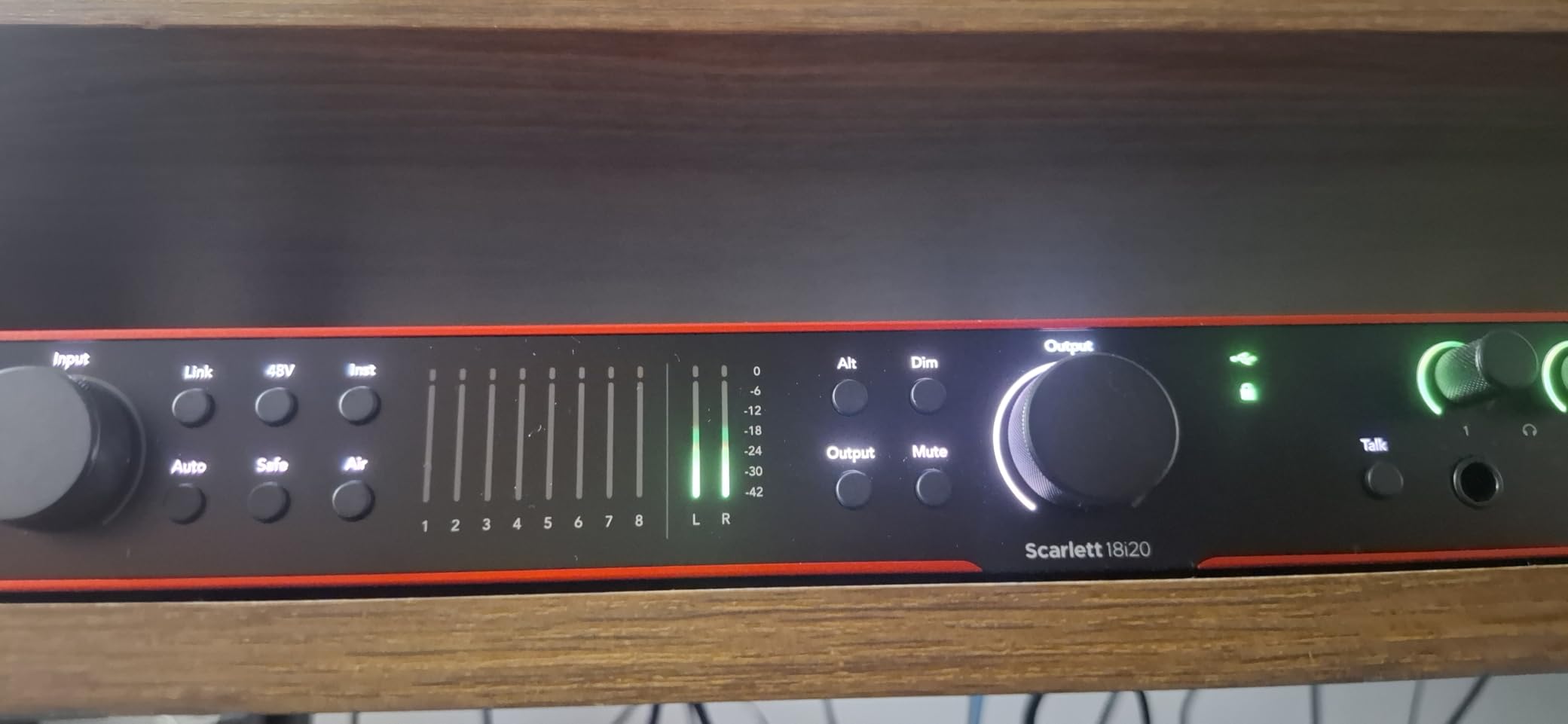
The Focusrite Scarlett 18i16 4th Gen is the interface that grows with you. With 18 inputs and 16 outputs, this unit handles full drum kits, multi-instrument sessions, and complex routing that 2-channel interfaces simply cannot manage. The 122dB dynamic range exceeds even the Scarlett 2i2, giving you the cleanest converters Focusrite offers.
I set this up for a session miking a drum kit with four microphones, and having four remote-controllable preamps with Auto Gain and Clip Safe on every channel was a revelation. The ability to set optimal levels across all four mics in seconds, then record with confidence knowing Clip Safe is protecting every channel, transforms the recording workflow.
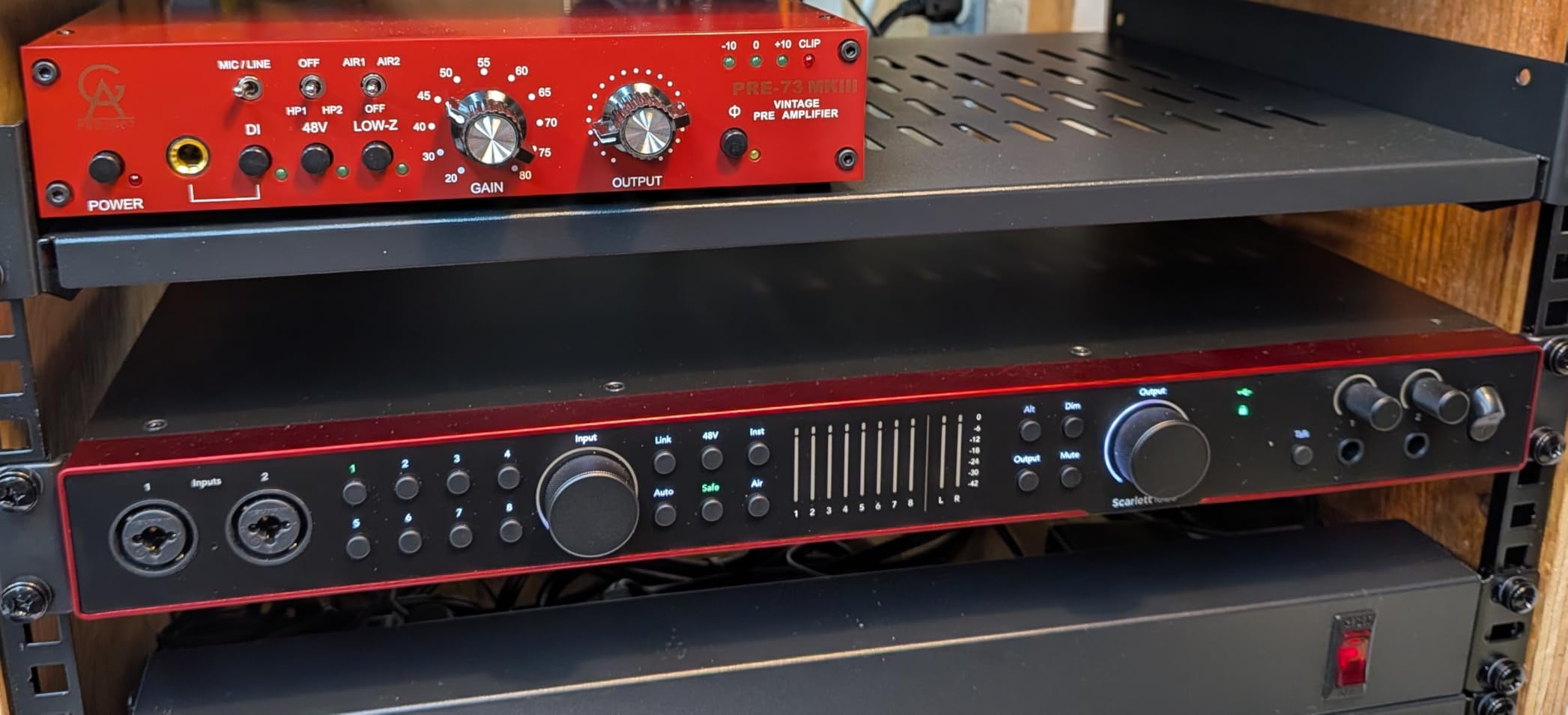
The ADAT input is the key to expandability. You can connect an 8-channel preamp via optical cable and instantly have 12 mic inputs. This means you can start with the built-in 4 channels and expand to a full studio rig without buying a new interface. The S/PDIF connection adds digital I/O for connecting outboard converters or effects processors.
The Hitmaker Expansion software suite and the included Pro Tools Intro+, Ableton Live Lite, and Cubase LE give you professional tools from day one. The Air modes add presence and harmonic drive across all four channels, giving you tonal options that typically require outboard processing.
Who Needs 18 Inputs
Producers recording full bands, drummers miking kits with multiple microphones, and studios that need to track many sources simultaneously. If you have outgrown a 2-channel interface and keep running out of inputs, the 18i16 solves that permanently.
Setup and Power Considerations
This interface requires an external power supply, so it is not as portable as the bus-powered 2-channel units. The larger footprint also means it needs dedicated desk space. But for a permanent home studio setup, the 18i16 is a long-term investment that handles anything you throw at it.
How to Choose the Best Audio Interface for Your Home Studio?
Choosing the right audio interface comes down to matching features to your specific recording needs. Here are the factors that actually matter when making your decision, based on our testing and feedback from thousands of home studio owners.
Number of Inputs and Outputs
The first question is how many sources you need to record simultaneously. Solo vocalists and podcasters need just one or two inputs. Singer-songwriters recording vocals and guitar at the same time need two. Drummers and full bands need four or more.
Think about your future needs too. Many forum users on r/homestudios recommend starting with 2 channels and upgrading later, but if you know you will want to mic a drum kit within a year, buying a 4-channel or expandable interface now saves money long-term.
Sample Rate and Bit Depth
Sample rate determines the highest frequency your interface can capture. The three common rates are 48 kHz, 96 kHz, and 192 kHz. For most home recording, 48 kHz is perfectly adequate and is the standard for video and streaming audio.
Higher sample rates like 96 kHz and 192 kHz capture more detail and give you more flexibility during editing and processing. If you plan to do professional mixing or archival recording, aim for at least 96 kHz. All interfaces on this list support at least 48 kHz, and eight of them reach 192 kHz.
Preamp Quality
The preamps are what make your microphone sound good or bad. Budget interfaces use basic preamps that get the job done but add noise at high gain. Mid-range and premium interfaces use better preamp designs that deliver cleaner, more detailed sound.
Key specifications to look for are dynamic range and equivalent input noise. The Focusrite Scarlett 2i2 4th Gen offers 120dB dynamic range, and the 18i16 reaches 122dB. The SSL 2 MKII uses 32-bit converters for exceptional detail. If preamp quality is your priority, the Audient iD14 MKII with its console-grade Class-A preamps is the gold standard for Mac users.
Connectivity: USB-C vs USB vs Thunderbolt
USB is the standard for home studio interfaces, and it works well for 2-channel recording. USB-C is the modern standard and offers better power delivery and compatibility with newer computers. All but three interfaces on our list use USB or USB-C.
Thunderbolt offers lower latency and higher bandwidth, but Thunderbolt interfaces are significantly more expensive and overkill for most home studios. For the interfaces on this list, USB-C provides plenty of performance for real-time recording and monitoring.
Latency and Direct Monitoring
Latency is the delay between when you make a sound and when you hear it through your headphones. High latency makes it impossible to perform naturally while tracking. Every interface on this list includes direct monitoring, which routes your input signal directly to your headphones bypassing the computer entirely.
For software monitoring through your DAW, look for interfaces with good ASIO drivers on Windows and Core Audio compatibility on Mac. Focusrite, MOTU, and PreSonus all have strong reputations for driver stability, which is a major concern raised repeatedly in forum discussions.
Software Bundle Value
The included software can add hundreds of dollars in value. The PreSonus AudioBox 96 includes over $1000 worth of plugins and Studio One Artist. Universal Audio interfaces include LUNA DAW with UAD plug-ins. Focusrite includes the Hitmaker Expansion with Ableton Live Lite, Pro Tools Intro+, and Cubase LE.
Factor the software bundle into your buying decision. A more expensive interface with a great software bundle may actually cost less overall than a cheaper interface that requires you to purchase a DAW separately.
Expandability for Growing Studios
If you think your studio will grow, look for ADAT inputs. ADAT lets you add 8 additional channels via a single optical cable, turning a 4-channel interface into a 12-channel rig. The Focusrite Scarlett 18i16 includes ADAT, making it the most expandable option on this list.
Also consider MIDI I/O if you use hardware synths, drum machines, or controllers. Six of the twelve interfaces here include MIDI connectivity. Word clock and S/PDIF connections matter for integrating professional outboard gear, though these are rarely needed in beginner home studios.
Frequently Asked Questions
What is the best audio interface for a home studio?
The Focusrite Scarlett 2i2 4th Gen is the best overall audio interface for home studios. It offers 120dB dynamic range, Auto Gain, Clip Safe, Air mode, and a 3-year warranty at a mid-range price point. It works with both Mac and Windows and includes professional recording software.
How much should I spend on an audio interface for home recording?
For basic podcasting and voice recording, you can get a quality interface for under $80 like the Behringer U-PHORIA UM2 or M-Audio M-Track Duo. For music production with professional sound quality, plan to spend between $150 and $250 for interfaces like the Focusrite Scarlett 2i2 or SSL 2 MKII. For multi-channel recording and premium preamps, expect to spend $300 to $500.
Do I need an audio interface for home studio?
Yes, if you want to use an XLR microphone or record instruments with professional quality. An audio interface provides the preamps, analog-to-digital conversion, and low-latency monitoring that built-in computer audio cannot match. USB microphones work for basic streaming, but any serious recording benefits from a dedicated interface.
What is the best budget audio interface?
The Behringer U-PHORIA UM2 is the most affordable option at under $50 with over 17,000 positive reviews. For a bit more, the PreSonus AudioBox 96 offers 96 kHz recording, MIDI I/O, and over $1000 worth of included software, making it the best value budget pick for producers.
Is the Focusrite Scarlett 2i2 good enough for home studio?
Yes, the Focusrite Scarlett 2i2 4th Gen is more than good enough for most home studios. Its 120dB dynamic range rivals professional interfaces, and features like Auto Gain and Clip Safe make recording foolproof. Many professional engineers use the Scarlett 2i2 for mobile and project studio work.
Final Verdict: Which Audio Interface Is Right for You?
After testing all 12 interfaces, three clear winners emerge depending on your situation. The Focusrite Scarlett 2i2 4th Gen remains the best audio interface for home studios overall because it combines professional sound quality with smart features that make recording easier and more reliable. The SSL 2 MKII delivers the best sound quality per dollar with its 32-bit converters and Legacy 4K enhancement. And the Behringer U-PHORIA UM2 gets you recording for under $50.
For beginners, start with the Scarlett 2i2 or the PreSonus AudioBox 96 and you will not outgrow them for years. For streamers, the Elgato Wave XLR MK.2 or Shure MVX2U are purpose-built for your workflow. And for growing studios that need expandability, the Focusrite Scarlett 18i16 4th Gen is an investment that handles everything from solo vocals to full band sessions.
Whichever you choose, the most important thing is to start recording. The best interface is the one that gets out of your way and lets you focus on creating. All 12 of these options will serve your home studio well in 2026 and beyond.