
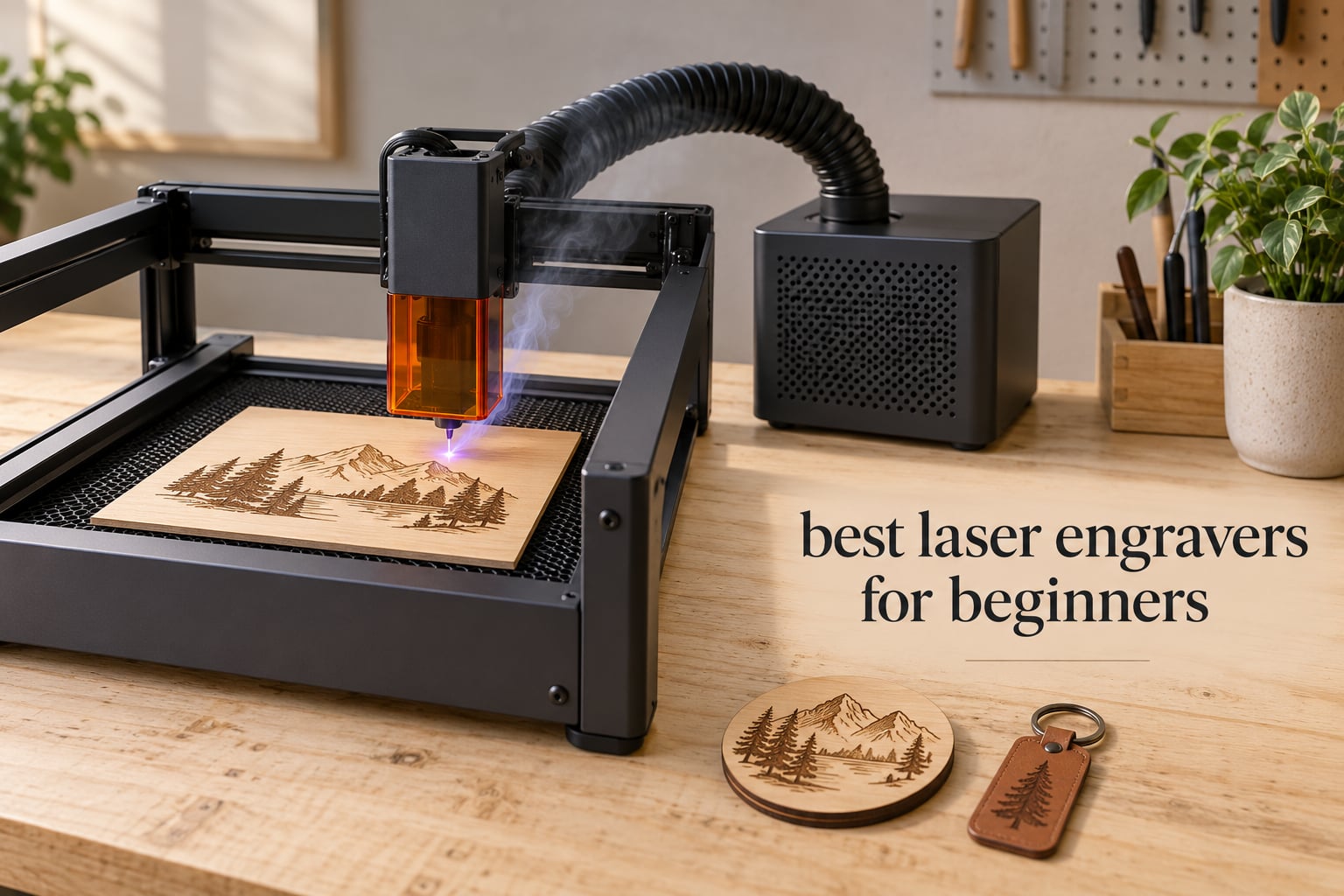
A laser engraver looks simple from the outside: a box, a bed, a red beam, and in under an hour you have a personalized cutting board for a housewarming gift. The trap is that the ten machines sitting in the same price bracket behave very differently, and the differences that matter most to a first-time buyer only show up after the box is open.
We spent weeks going through the beginner laser engraver category spec by spec and reading what owners actually report after living with each machine. What follows is our ranking of the best laser engravers for beginners in 2026, based on how fast each one goes from unboxing to a finished piece, how forgiving its software is, how safely it can live in a home, and whether you can still buy parts for it in three years.
Two things decide most first purchases: whether the machine is genuinely beginner-friendly or just cheap, and whether it is safe to run in a room where people live. We weight those heavily below, and we also flag the marketing wattage numbers that do not mean what they appear to mean.
Table of Contents
Top 3 Picks for Best Laser Engravers for Beginners (October 2026)

TwoTrees TTS-55 Pro 5.5W
- 5.5W diode
- 300 x 300mm bed
- 0.08 x 0.46mm spot
- metal air-assisted nozzle

Creality Falcon A1 10W
- Class 1 enclosure
- 600mm/s
- HD camera auto-positioning
- no goggles needed
Best overall for a first machine: the TwoTrees TTS-55 Pro pairs a 5.5W diode with a 300 x 300mm work area and a metal air-assist nozzle, which is the combination we would hand to someone learning on their own.
Best if you want a full enclosed workspace: the Creality Falcon A1 is a fully enclosed Class 1 machine with a camera that positions the design for you, which is why it suits a shared room or a household with kids.
Best value and fastest first engraving: the ACMER S1 arrives 99% assembled and comes with usable design software, so you can go from opening the box to a coaster in minutes.
Best when your projects are big: the ATOMSTACK A5 Pro V2 and the KENTOKTOOL LE400PRO both give you a full 400 x 400mm bed, which is the first thing hobbyists wish they had bought sooner.
Best for a tiny desk or classroom table: the WAINLUXPRO K10 weighs 1.9kg and can even be lifted onto a larger object to mark beyond its own bed.
Best Laser Engravers for Beginners (October 2026)
| Product | Specifications | Action |
|---|---|---|
| TwoTrees TTS-55 Pro 5.5W |
|
Check Latest Price |
 ATOMSTACK A5 Pro V2 5W ATOMSTACK A5 Pro V2 5W |
|
Check Latest Price |
 ACMER S1 6W ACMER S1 6W |
|
Check Latest Price |
 ATOMSTACK Swift 5W ATOMSTACK Swift 5W |
|
Check Latest Price |
| Creality Falcon A1 10W |
|
Check Latest Price |
 WAINLUXPRO K10 5W WAINLUXPRO K10 5W |
|
Check Latest Price |
 KENTOKTOOL LE400PRO 5.5W KENTOKTOOL LE400PRO 5.5W |
|
Check Latest Price |
 Carverall K15 Pro 10W Carverall K15 Pro 10W |
|
Check Latest Price |
 LONGER Ray5 5W LONGER Ray5 5W |
|
Check Latest Price |
 Woxcker L2 5.5W Woxcker L2 5.5W |
|
Check Latest Price |
1. TwoTrees TTS-55 Pro 5.5W — Best Overall for Beginners
Twotrees TTS-55 Pro Laser Engraver 5500mW Laser Engraving Machine
5.5W diode
300 x 300mm work area
0.08 x 0.46mm spot
LightBurn and LaserGRBL
Pros
- Deepest owner feedback base of any machine reviewed here
- Metal air-assisted nozzle fitted as standard
- Works with both LaserGRBL and LightBurn on Windows macOS and Linux
- Wi-Fi app PC web and TF card offline control
- 30000mm/min dual-core control board
Cons
- First-time assembly can be fiddly and some owners reassemble to fix alignment
- Will not mark bare metal despite some listing wording
Out of every machine we examined, this one has the deepest well of owner feedback behind it, and that matters more for a first purchase than any spec line. Owners describe a 5.5W diode that engraves wood, leather, acrylic and paper cleanly, with results that survive being handled.
The work area is 300 x 300mm, which is big enough for a set of coasters, a small sign or a batch of keychain blanks without rearranging anything. That is the sweet spot for a first machine: large enough to be useful on day one, small enough to sit on a normal desk.
The headline speed figure is 30,000mm/min on the dual-core 32-bit board. In practice, engrave quality depends far more on your focus and your passes than on that number, but a responsive board does make layering and multi-pass work on thicker wood feel less punishing.
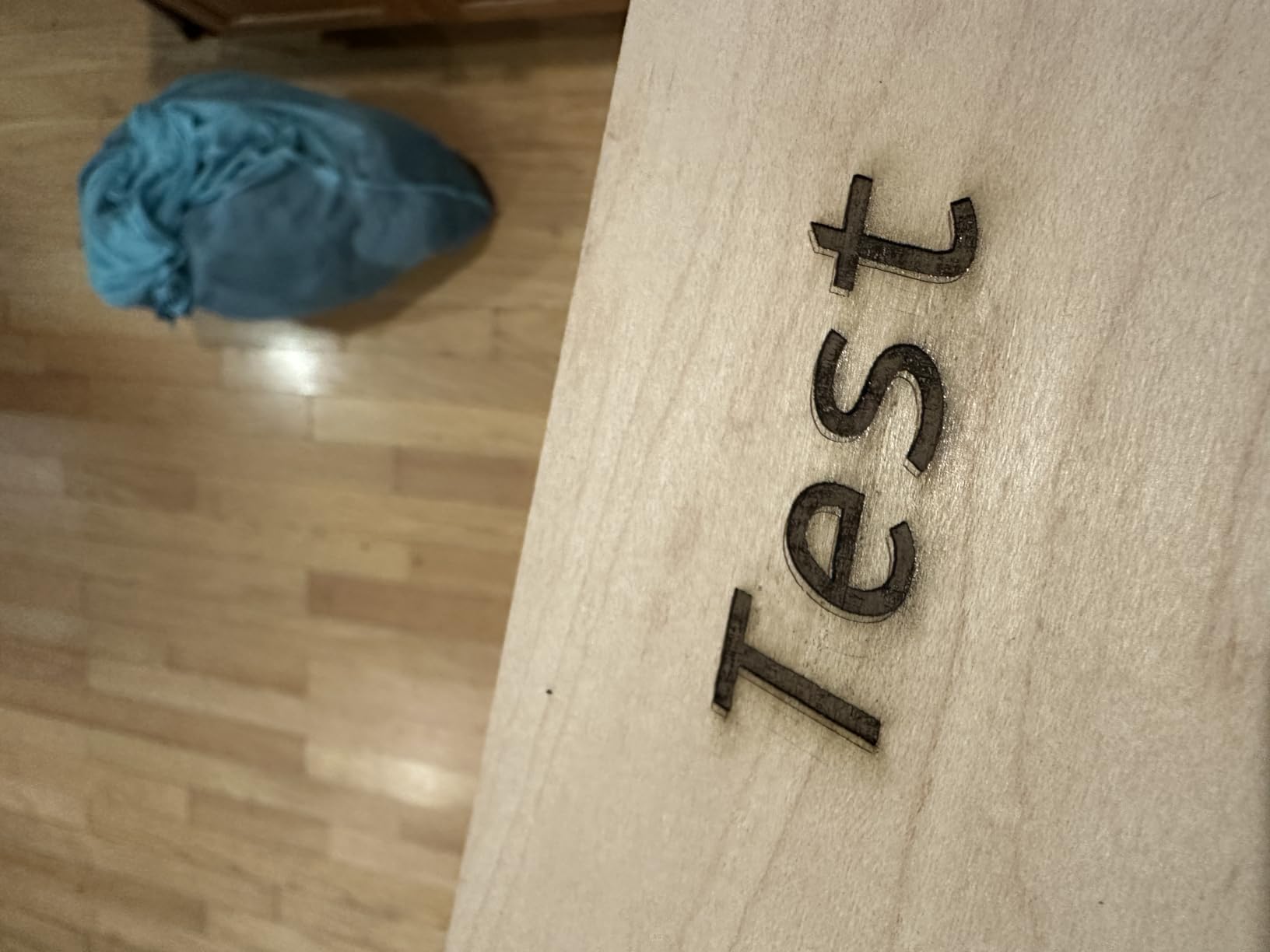
Owner photos show a clean, dark mark on plywood with very little scorch, and several buyers mention owning a second unit for batch work once the first proved reliable. Air assist is fitted at the nozzle rather than sold as an add-on, and that single detail removes the most common cause of scorched edges on plywood.
How quickly can you go from box to first mark?
The main friction point is assembly, not operation. Several owners report taking the frame apart once to get the alignment right before results became consistent, so budget an evening rather than an afternoon on day one.
After that, the combination of Wi-Fi control, PC web control and TF card offline mode means you can run jobs without a laptop tethered to the machine, which is a genuine convenience once you start repeating designs.
What can 5.5W actually cut on this bed?
The rated cutting capacity is 5mm plywood, 3mm acrylic and 0.7mm leather in a single pass. Those are manufacturer figures, so treat them as a starting point and expect to add passes on denser stock.
It will not mark bare metal. Coated or anodized surfaces and marking spray respond, but if stainless tumblers are your main goal, this is not the machine, and no diode machine at this wattage changes that.
2. ATOMSTACK A5 Pro V2 5W — Best Large Bed on a Budget
ATOMSTACK A5 Pro V2 5W Laser Engraving Machine, Laser Cutter for Beginners, 400 mm/s and with 400 x 400 mm Working Area, for Leather, Ceramic, Dark Acrylic, Coated Metal, Stainless Steel etc.
5W diode
400 x 400mm work area
400 mm/s engraving speed
365-day warranty
Pros
- Full 400 x 400mm bed at a beginner price point
- Quick to assemble with a beginner-oriented workflow
- 400 mm/s throughput shortens longer jobs
- Works with ATOMSTACK app LightBurn and LaserGRBL
- Removable magnetic laser cover and safety glasses included
Cons
- Open frame means eye protection and extraction are up to you
- Three-star reviews are comparatively common with mixed material results
The single most common regret we see from first-time laser owners is buying a small machine and outgrowing it in months. This one removes that problem: a full 400 x 400mm work area is the size many people would call a permanent machine size.
Owners highlight fast assembly and a workflow that assumes you have never touched laser software before. It connects by Type-C or USB and runs the ATOMSTACK app, LightBurn or LaserGRBL, so you are not locked into a single ecosystem if you later want more control.
Engraving speed of up to 400 mm/s is genuinely quick, and a removable magnetic laser cover with included safety glasses gives you a first layer of protection while you learn the habits that matter.
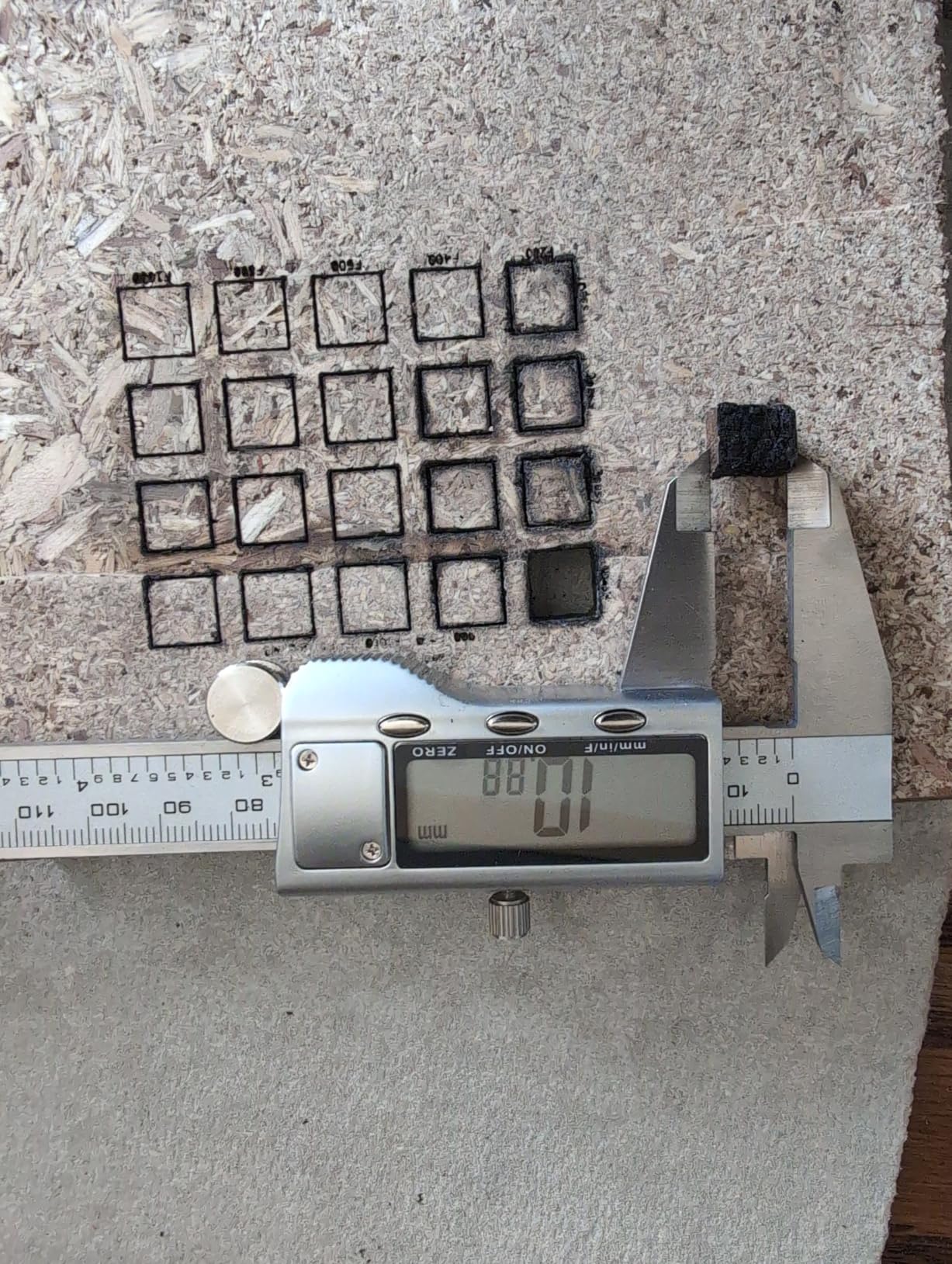
The honest caveat is that the rating sits a little below peers, and the reason shows in the distribution: a segment of buyers reports inconsistent cut or engraving results on certain materials. Several owners also stress that an open-frame diode machine needs proper eye protection and extraction in a home, which is exactly what we cover in the safety section below.
Is a 400 x 400mm bed too big for a first machine?
No, provided you have somewhere to put it. The frame is bigger than a small desktop model and weighs noticeably more, so measure the space before you commit rather than after.
What a large bed does give you is the ability to batch. Owners running small-business orders mention fitting several similar pieces into a single job instead of repositioning the material repeatedly.
Where do results fall short?
The mixed-rating reviews cluster around cut consistency, not around the machine failing. If your projects are mostly surface engraving rather than deep cutting, you are in the part of the range where it performs best.
Support is listed at 24/7 with a 365-day warranty, which matters more for a first machine than the warranty length itself, since most early problems appear in the first weeks.
3. ACMER S1 6W — Best Value and Fastest First Engraving
ACMER S1 Laser Engraver Machine, 6000mW Lazer Cutter for Wood and Acrylic
6W diode
130 x 130mm work area
99% preassembled
2kg aluminum frame
Pros
- Arrives 99% preassembled with a one-minute head installation
- Free ACMER Studio software means no paid program purchase
- Compact 130 x 130mm bed and 2kg weight suit small desks
- Clean finishes on wood tags plywood coasters and leather
- Cross-platform with LightBurn and LaserGRBL
Cons
- Small 130 x 130mm work area limits larger signs
- Some users report home-position drift and false out-of-bounds alarms
- Slow for its wattage class on longer jobs
If your worry is that you will spend a Saturday assembling a machine you have never seen before, this is the one to look at. It arrives 99% preassembled and the only remaining step is a one-minute laser head installation.
The included ACMER Studio software generates designs from text prompts or photos, which removes the biggest early obstacle for most beginners: having nothing to engrave. LightBurn and LaserGRBL both work as well if you outgrow it.
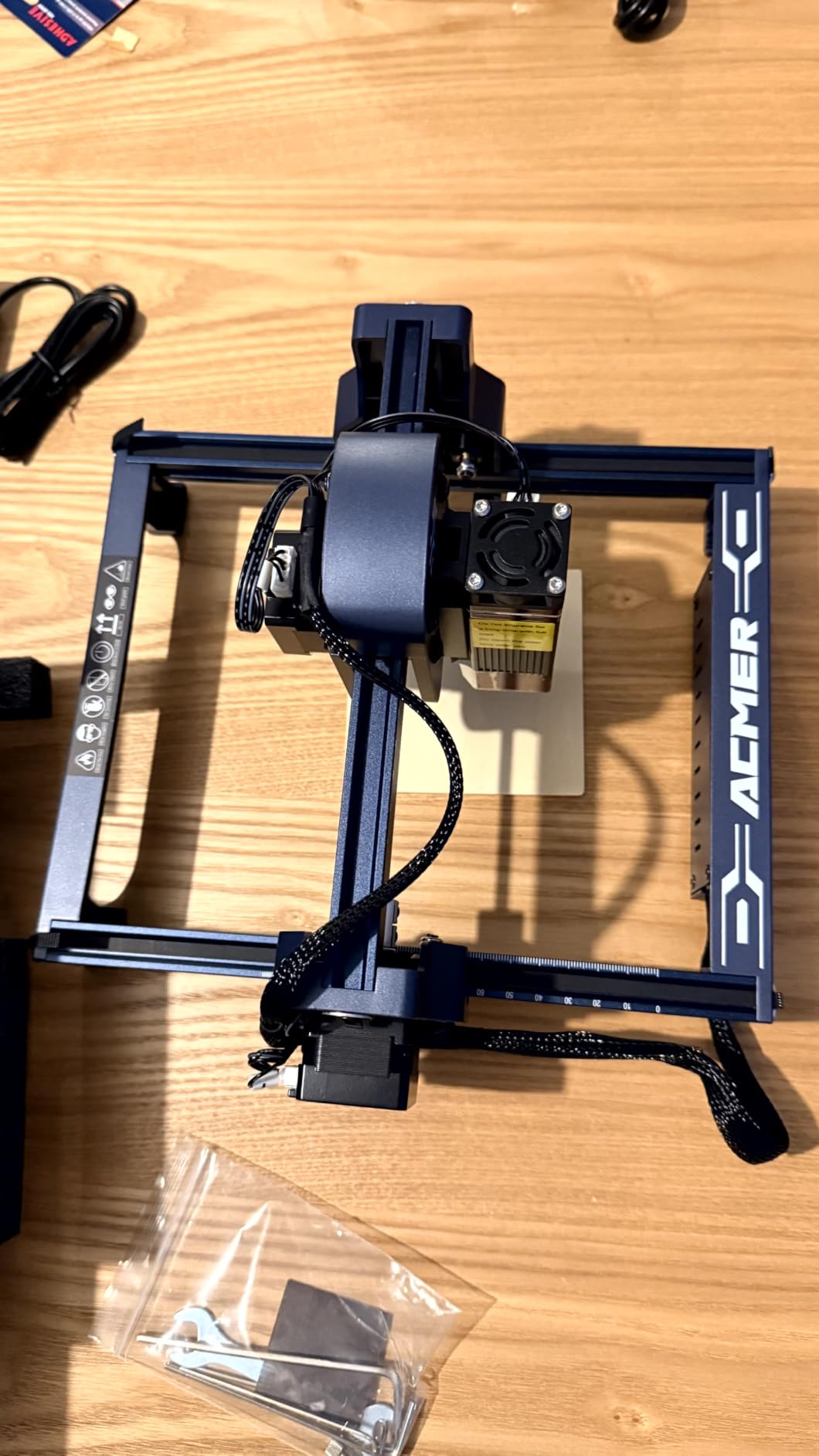
At roughly 2kg with a 130 x 130mm bed, it fits a small desk, a dorm room or a classroom shelf without becoming a furniture problem. The aluminium alloy frame gives it more rigidity than the price suggests.
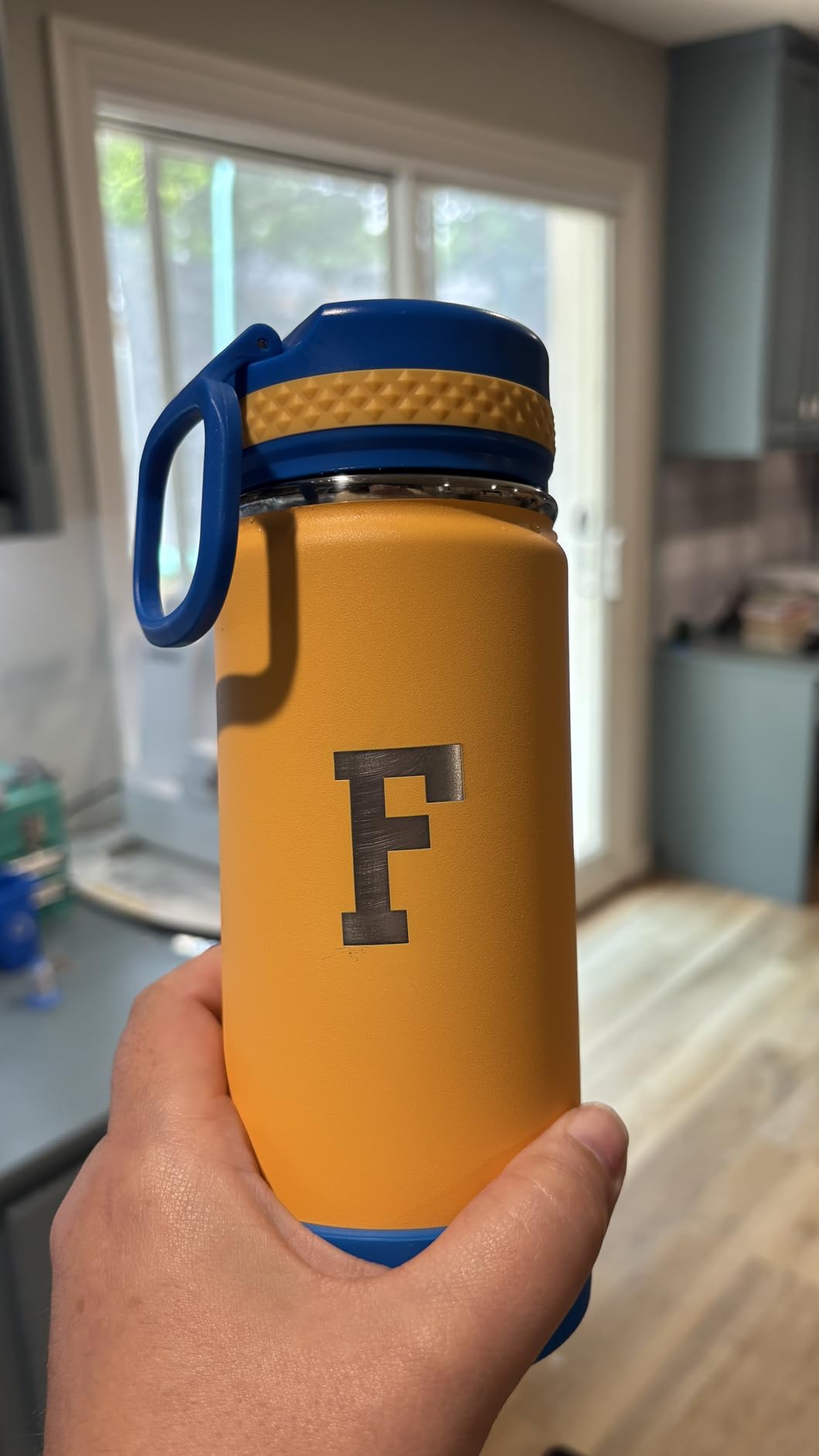
Owners post photos of clean results on wood tags, plywood, coasters and leather, and several point out that free usable software removes a cost that many first machines quietly push onto you later.
How small is small enough to outgrow?
A 130 x 130mm area is about postcard sized. It suits keychains, tags, coasters and small coasters-and-slates batches, and most buyers start there without complaint.
It becomes a real limitation when you want a sign, a full cutting board or a multi-piece production run, which is why owners of this machine often upgrade rather than buying a second machine later.
Will the small frame feel flimsy over time?
Reviewers describe an industrial-grade aluminium alloy frame that holds alignment once set. The recurring problems are software-adjacent rather than structural: home-position drift and false out-of-bounds alarms on some machines.
Those are usually software-state issues rather than hardware failures, but they interrupt repeat jobs, so keep your settings simple until you understand how the machine behaves.
4. ATOMSTACK Swift 5W — Best for Zero-Assembly Starters
ATOMSTACK Swift Laser Engraver Machine, Max Power, Black, 5W Laser Cutter
5W diode
135 x 145mm work area
Fully pre-assembled
Free cross-platform software
Pros
- Fastest route to a finished piece for a nervous assembler
- Free software for Windows Mac iOS Android over Wi-Fi or USB
- Compact reinforced aluminum frame fits a small desk
- Class 4 certified with tilt protection and automatic shutoff
- OD4+ safety glasses included
Cons
- Cannot engrave bare metal of any kind
- Wi-Fi pairing can be unreliable and there is no Bluetooth
- Some buyers report laser modules failing within weeks
This is the machine to buy if the phrase assembly makes you anxious. It arrives fully built, so there is no belt installation, no screw tightening and no calibration step before your first job.
Owners consistently put it at roughly five minutes from opening the box to a finished piece, which makes it the fastest path to a result we found in this group. The included software is free and works across Windows, Mac, iOS and Android.
Claimed precision of 0.04 x 0.04mm comes from the 5000mW diode, and the reinforced 20 x 20mm aluminium frame is there to keep that precision stable rather than drifting as the frame warms up.
Optional rotary axis and chuck attachments mean tumblers are an upgrade rather than a different machine later, which is a smart thing to buy into at the start if you already know you want cylinder work.
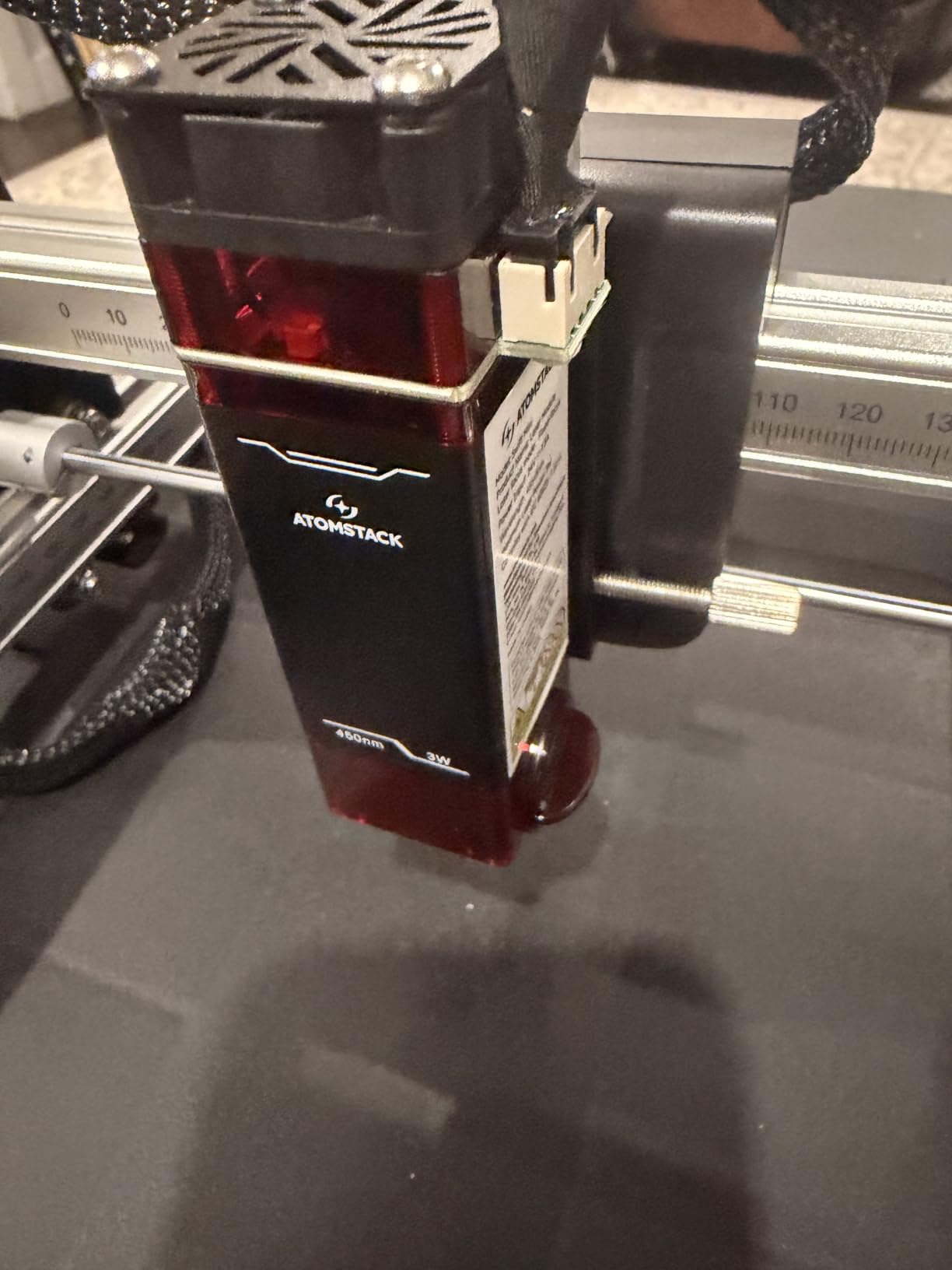
How good is the free software compared with LightBurn?
It is genuinely usable for text, simple shapes and standard files, and the quick-start guides get most beginners producing output on day one. It is not the same for multi-layer work or complex vector files.
Good news is that LightBurn and LaserGRBL both remain options, so the free software is a starting point rather than a locked door.
What should you watch in the first weeks?
Durability is the recurring theme in the lower-rated reviews. Some owners had modules fail early, and the rating distribution carries a heavier share of one-star feedback than the top-rated machines here.
Connectivity is the other theme: Wi-Fi pairing can be finicky and there is no Bluetooth fallback, so keep a USB cable within reach.
5. Creality Falcon A1 10W — Best Enclosed Machine for Home Use
Creality Falcon A1 10W Laser Engraver, 80W Powerful Output, Fully Enclosed, 600mm/s Speed, HD Camera Auto Positioning, Pre-Assembled&Smart Material Recognition, Ideal for Wood & Metal, Class 1 Safety
10W module
Class 1 full enclosure
600mm/s CoreXY motion
HD camera auto-positioning
Pros
- Fully enclosed Class 1 blocks 99% of the beam so no goggles are needed
- HD camera with material recognition applies best-fit settings automatically
- Arrives pre-assembled with LightBurn and LaserGRBL support
- 600mm/s CoreXY motion cuts 6mm wood in a single pass
- Double-door design with transparent panels for monitoring
Cons
- Bulky at 28.7 pounds with a large frame
- Only accepts proprietary 460 x 346mm honeycomb panels
- Must not be used on mirror-finished metals or mirrored acrylic
This is the machine to buy if safety is your deciding factor. The enclosure is certified Class 1 and blocks 99% of laser light, which means no goggles are needed during normal operation and no need to barricade off an area of a shared room.
There is an emergency stop button and the job pauses automatically when the lid opens. For a household with kids, pets or a curious partner, that engineering difference is worth more than any wattage figure.
The HD camera with automatic material recognition removes most manual setup. It finds the material, sizes the design and applies best-fit settings, which is why owners describe it as close to plug-and-play.
Motion performance is strong: a CoreXY system reaching 600mm/s with 0.05mm accuracy and 6mm single-pass wood cutting. It arrives fully assembled and runs Falcon Design Space, LightBurn or LaserGRBL.
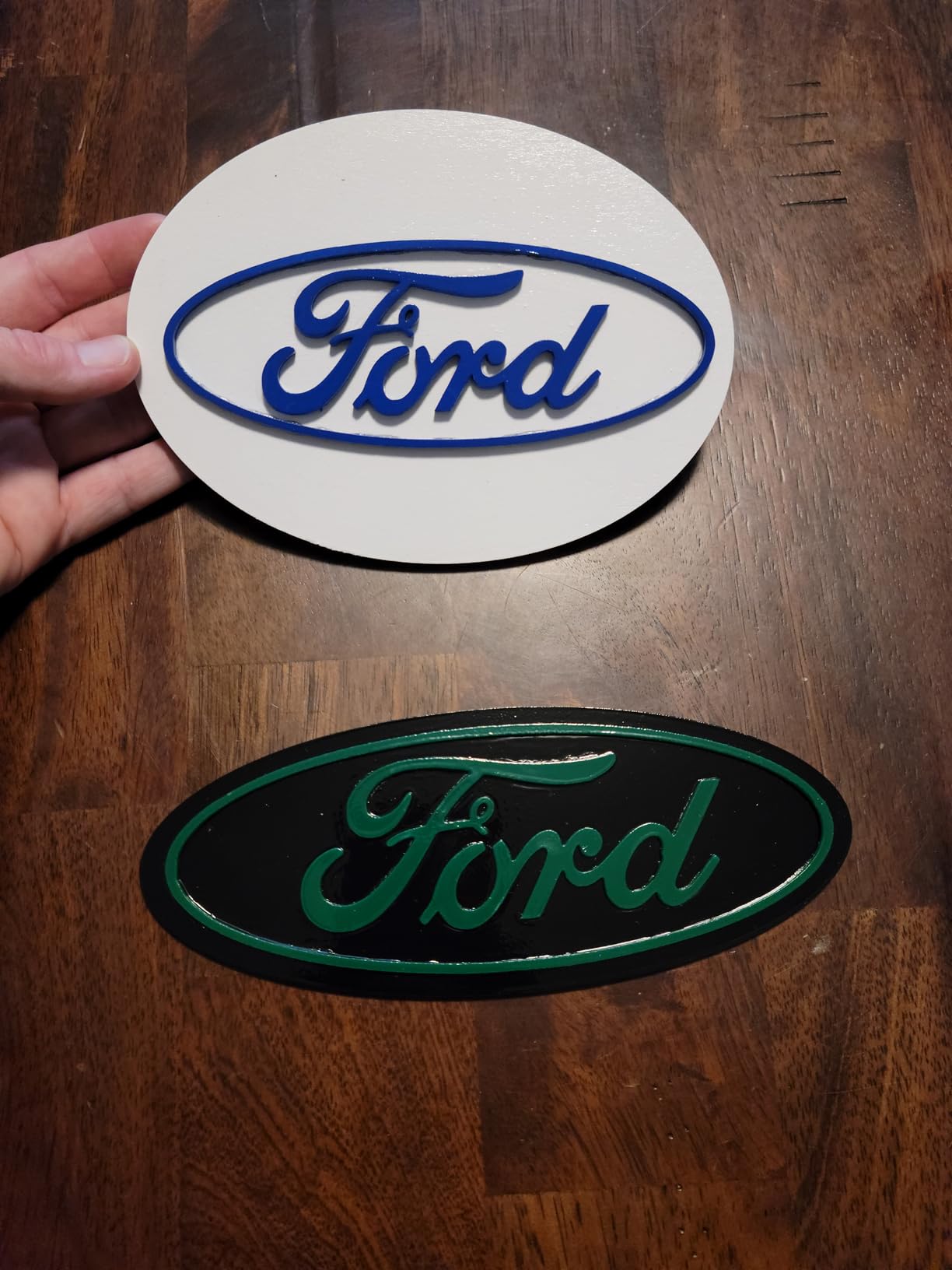
How much space does an enclosed Class 1 machine need?
Plan for a real footprint rather than a desk corner. The frame measures 30 x 25 x 15 inches and weighs 28.7 pounds, so it needs a stand of its own and space above it to open the lid.
There is an active cooling system to reduce overheating during long jobs, which is one of the practical reasons enclosed machines survive sustained use.
What are the compromises of going enclosed?
Accessory flexibility is the main one. The bed takes Creality 460 x 346mm honeycomb panels, so third-party beds and jigs designed for a standard size will not fit.
Highly reflective surfaces are also off limits: the manufacturer explicitly prohibits mirror-finished metals and mirrored acrylic. A marking spray or coating is required there.
6. WAINLUXPRO K10 5W — Best for Small Spaces and Lifting Over Bigger Items
WAINLUXPRO K10 5W Laser Engraver, Class 1 Enclosed Engraving Machine
5W diode
Class 1 enclosed frame
80 x 80mm work area
1.9kg weight
Pros
- Fully enclosed Class 1 body suits a home with kids or pets
- Light enough at 1.9kg to lift onto a larger object and mark beyond its bed
- Wi-Fi USB and TF card offline modes for flexible workflows
- Smart memory stores the last file for one-button repeat jobs
- Safety glasses and a one-year warranty included
Cons
- Small 80 x 80mm bed with a fixed home position reduces usable area further
- Cutlabx can reduce image quality and lacks a full-image preview
- Will not work with reflective bare metal
The K10 is the machine for people who cannot give a laser a dedicated bench. At 1.9kg it lifts with one hand, and the enclosed Class 1 frame means it can sit in a busy room without anyone needing eye protection.
Owners point out a trick the specification sheet does not advertise: because it is so light, you can place it on top of a larger object such as a chair back or tabletop and engrave beyond the built-in bed area.
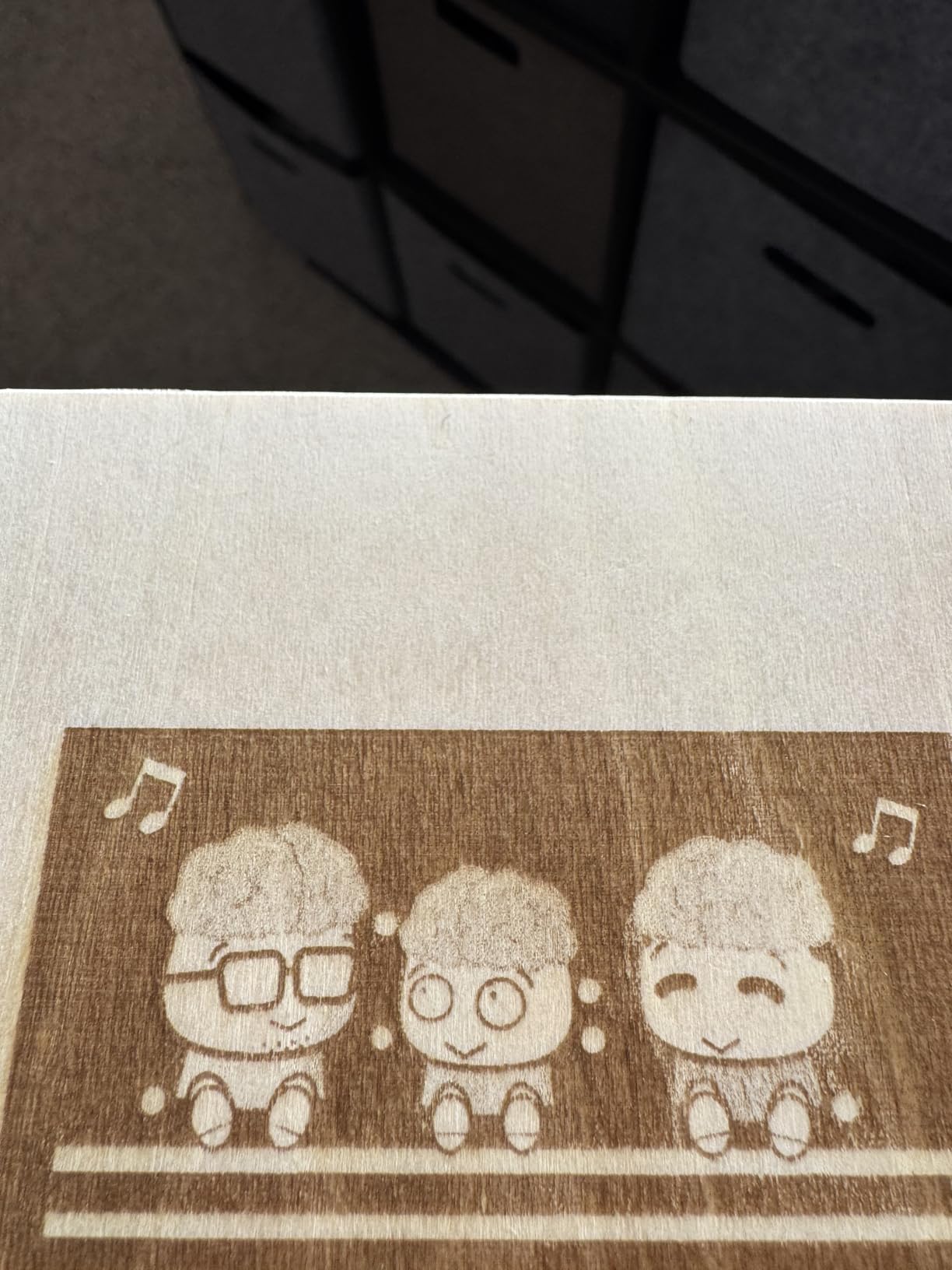
It works on wood, leather, glass, acrylic, cardboard and fabric, with a 0.01mm accuracy figure and a rated cut depth of 3mm basswood. A built-in TF card slot means batch production without a computer in the room.
Smart memory stores the last file so repeat jobs are a single button press, and connectivity covers Wi-Fi, USB and offline TF card mode across LightBurn, LaserGRBL and the free CutLabX app.
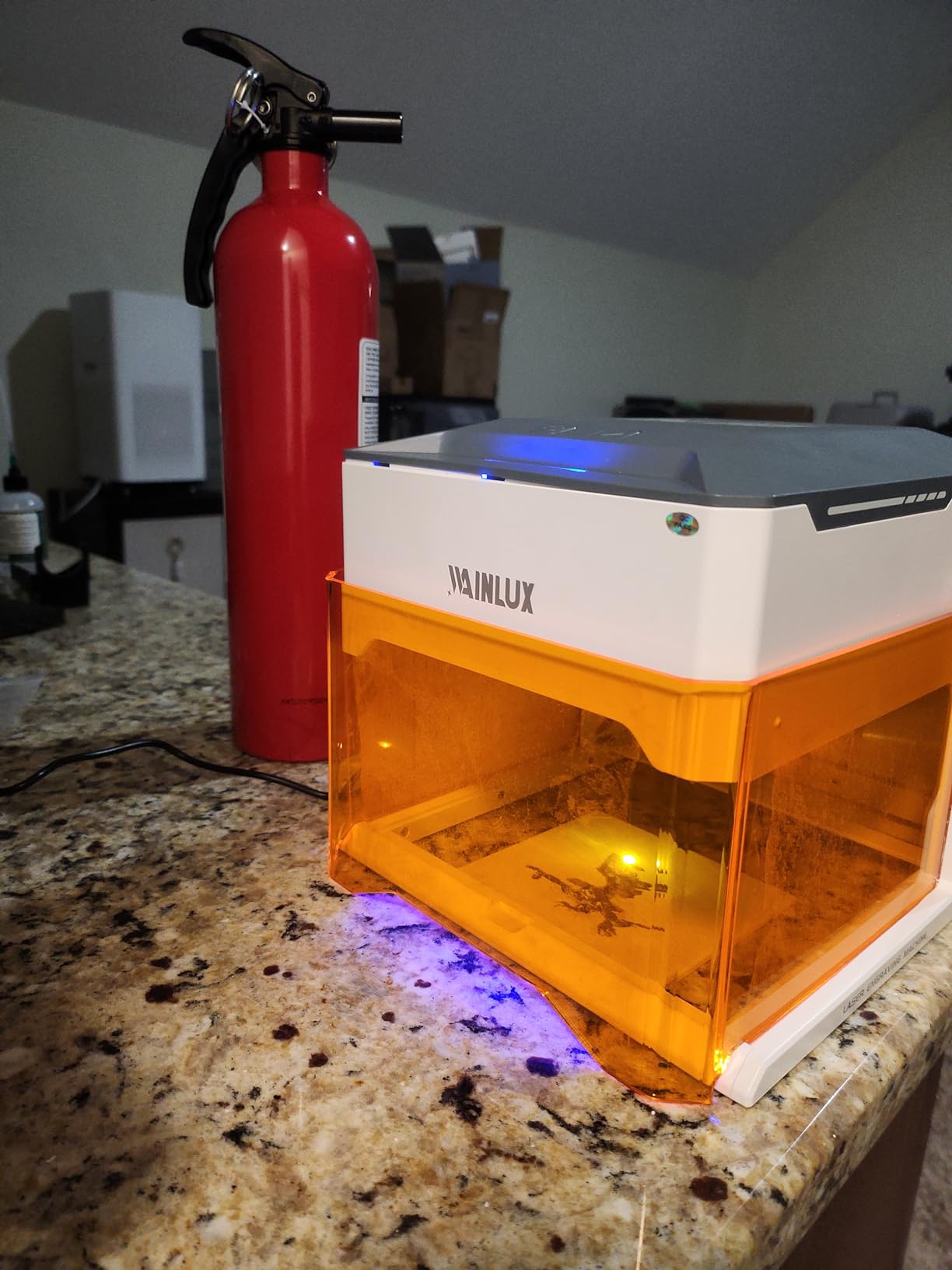
Is an 80 x 80mm work area too small to be useful?
It is small, and the home position cannot be moved, which reduces the usable area further. Plan around it as a personalising machine for tags, small coasters and patches rather than a production tool.
What rescues it is the 1.9kg weight. Lifting the machine onto a larger surface genuinely extends what you can mark, which turns a small bed into a workable constraint for most home projects.
What do beginners struggle with on this model?
The interface and instructions are minimal, so expect trial and error in the first session. The bundled CutLabX app can reduce image quality during processing and has no full-image preview before you start.
Reflective bare metal will not work at all; only paint-coated or non-reflective surfaces will. Check that restriction before you plan a stainless tumbler project.
7. KENTOKTOOL LE400PRO 5.5W — Best for Thick Cuts on a Large Bed
Laser Engraver, LE400PRO 50W Laser Engraving Machine for Beginners, 5.5W 400x400mm Large Working Area High Precision Laser Engraver and Cutter Machine for Wood Acrylic Leather (Class 1 Output 5500mW)
5500mW actual output
400 x 400mm work area
8mm wood cut depth
All-metal frame
Pros
- Large 400 x 400mm bed handles oversized first projects
- All-metal frame delivers stable accurate movement and quiet operation
- Assembly takes 10 to 20 minutes with tools included
- Tool-free knob focus adjustment
- Sharp consistent marks on wood leather acrylic and metal tags
Cons
- Title advertises 50W while actual output is 5500mW
- Bundled software is very limited and LightBurn is strongly preferred
- Slide rollers need tightening before first use
This is the machine to look at if cutting rather than marking is your goal. The rated cutting capacity is wood up to 8mm and 5mm black acrylic, which is at the top of what a 5.5W diode can push through in this roundup.
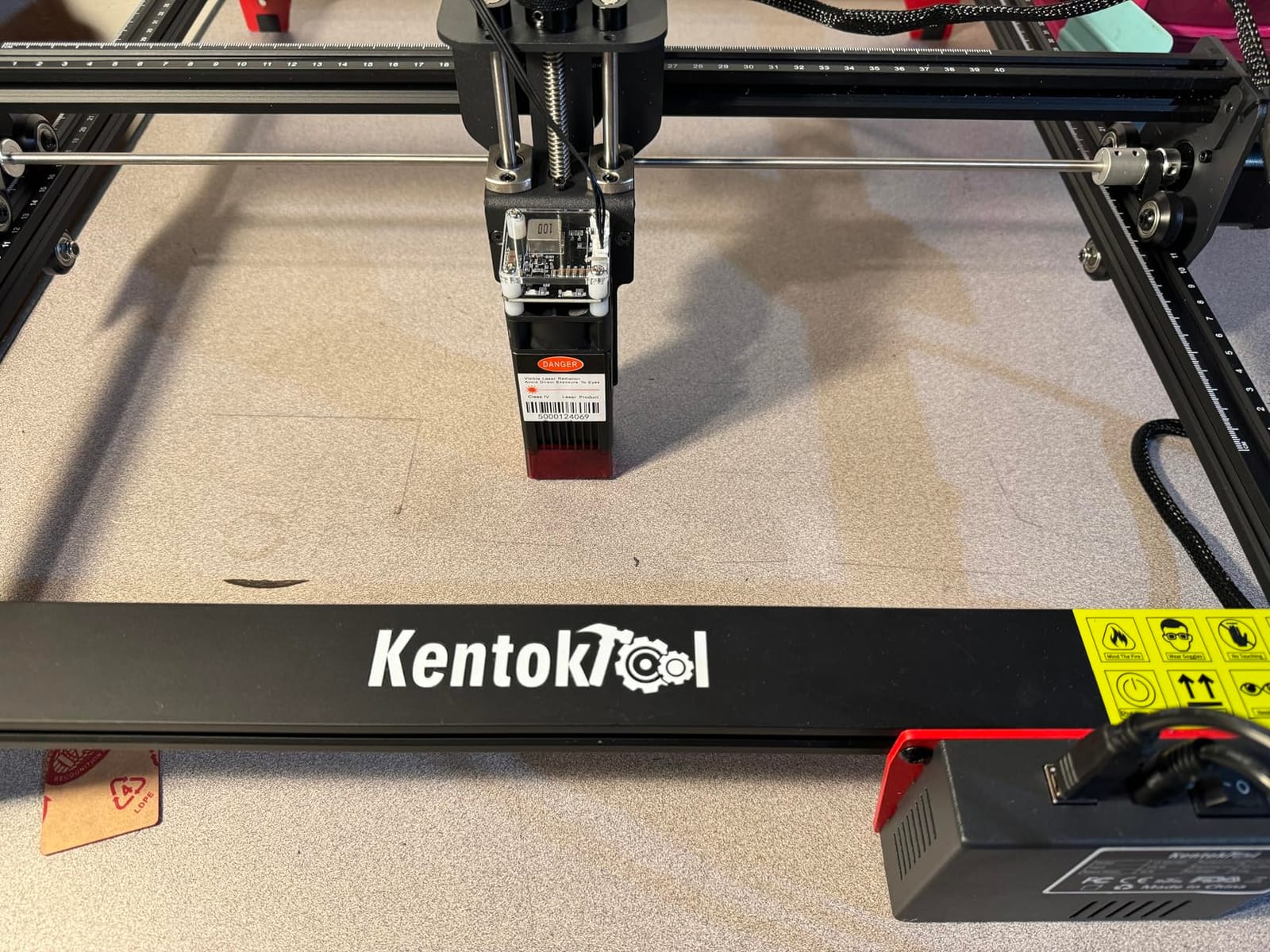
The all-metal structure frame gives stable, accurate movement and quiet operation, and reviewers repeatedly single out the fixed-focus knob design that makes focus changes quick and tool-free.
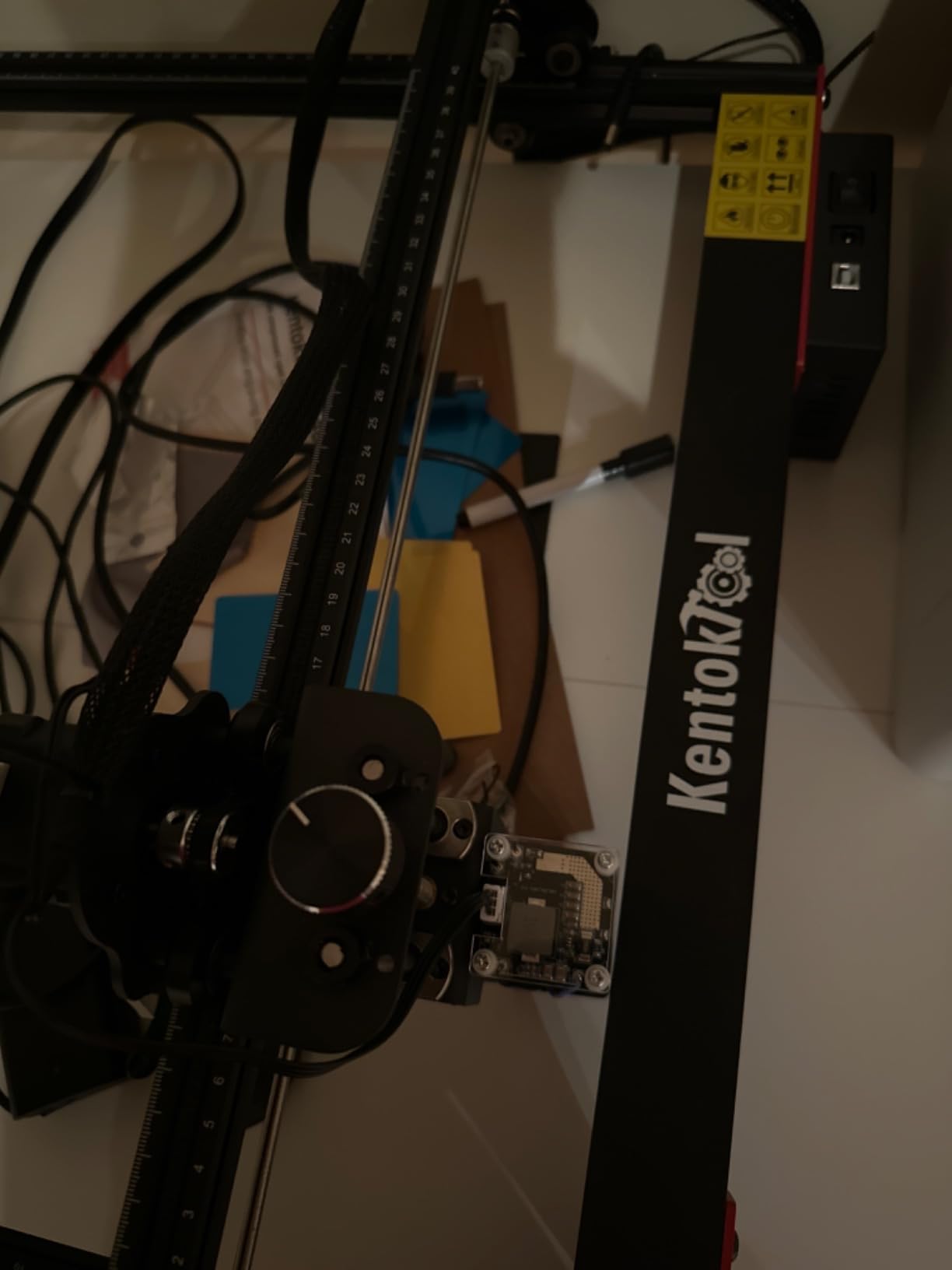
Assembly takes 10 to 20 minutes with all tools included, and tick marks on both the X and Y axes let you measure material without a ruler. Engraving speed is up to 6000mm/min with a listed service life of up to 15,000 hours.
A magnetic detachable cover filters 97% of UV, and the machine supports GRBL and LightBurn on Windows plus macOS through LightBurn, with NC, BMP, JPG, PNG and DXF file support.
Why does the wattage claim in the listing confuse people?
The product title says 50W while the real optical output is 5500mW. That gap is the classic effective-wattage versus optical-output problem, and owners call it out repeatedly so buyers do not expect a 50W machine.
Judge it at 5.5W and it performs as a strong entry-level cutter with a 400 x 400mm bed. Judge it as 50W and you will be disappointed on your first thick job.
What should you do in the first hour?
Tighten the slide rollers before the first use, or accuracy suffers. That single step is called out as the main cause of poor early results by owners who struggled at first.
Also plan to install LightBurn early. Reviewers who switched report far less frustration than those who tried to make do with the limited bundled software.
8. Carverall K15 Pro 10W — Best 10W Power Without the Enclosure Bulk
Carverall K15 Pro Laser Engraver 10W-Laser Engraving Machine for Coated Metal Wood Acrylic Glass Stone, Near A4 Work Area Offline Engraving CNC DIY Lazer Cutter for Home & Crafting 10000mW Class 1
Verified 10.36 to 10.58W output
A4 workbed
3-minute assembly
LightBurn compatible
Pros
- Assembles in about 3 minutes with only 6 screws
- Free CutLabX software with AI design plus LightBurn compatibility
- A4 workbed covers most daily projects without full-size bulk
- Verified 10W output with dual-fan cooling
- Clean consistent detail on wood with minimal scorch
Cons
- CutLabX can be unstable and crash on lower-spec PCs
- Poorly organised manual with incorrect page references
- Air pump enclosure camera and honeycomb bed are not included
The K15 Pro is the interesting middle option: genuine 10W optical output in a machine that is much smaller than the enclosed alternatives. Owners note verified output of 10.36 to 10.58W from a dual-fan diode module.
That cooling matters in practice. Dual-fan cooling is claimed to cut heat buildup by 50%, which is what lets you run longer jobs before the module is compromised.
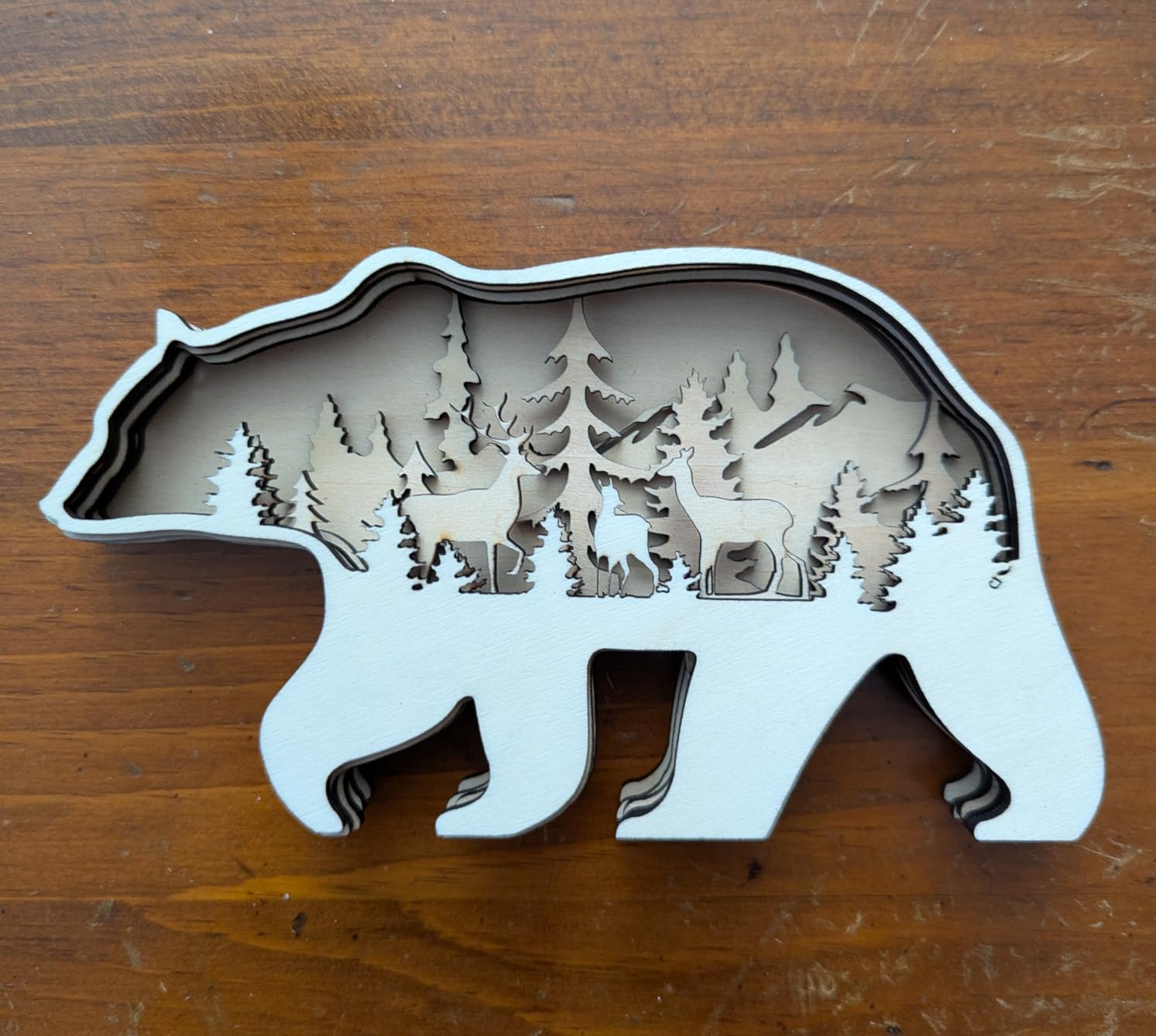
The A4 workbed of 11.8 x 7.9 inches covers most daily projects, and four heightening columns let you work on tall items. Assembly takes about 3 minutes with six screws, and one-touch smart focus handles the height setting.
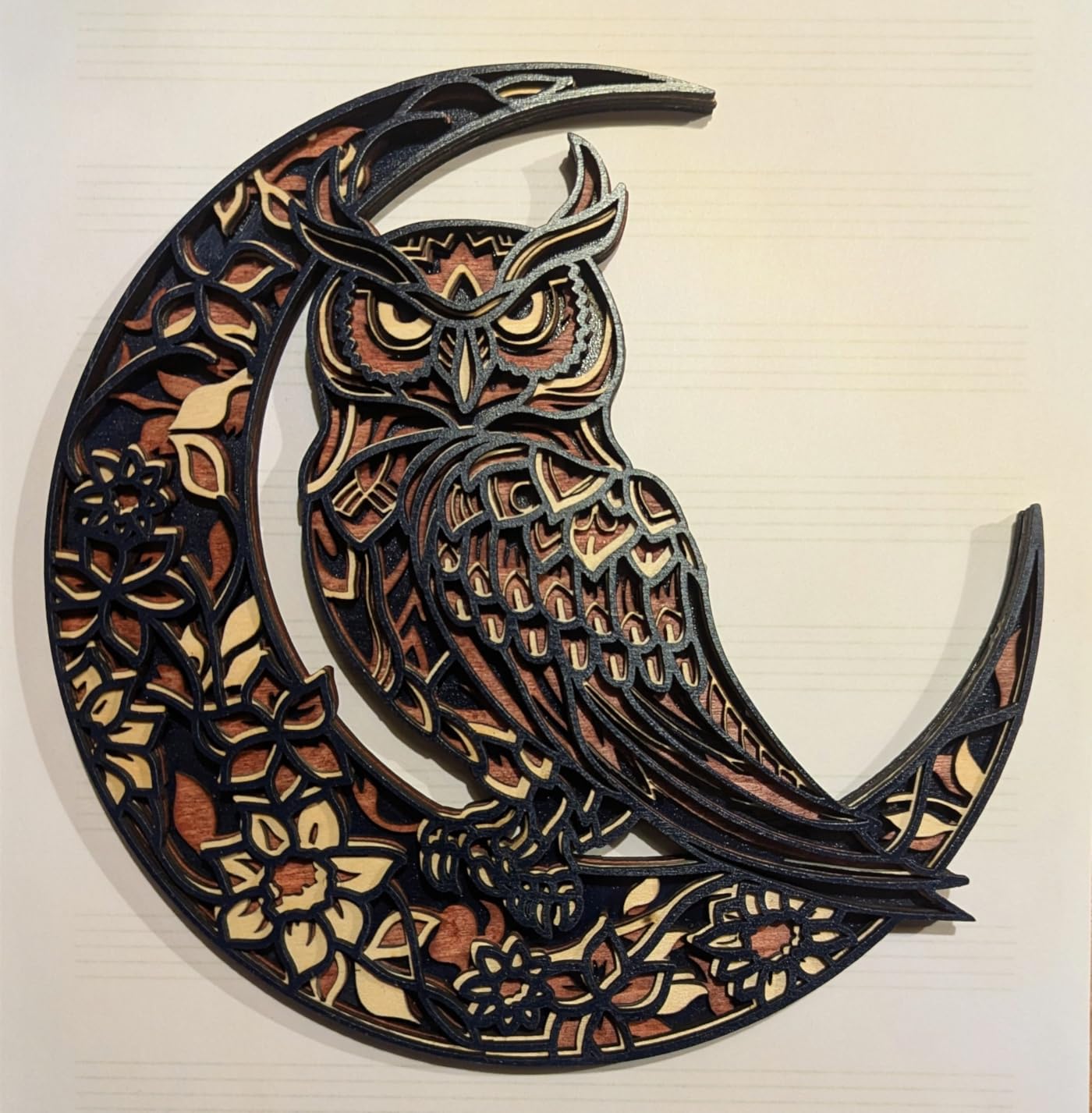
Owner photos show sharp, clean detail on wood with minimal scorch, and the machine lists compatibility with 300+ materials including wood, acrylic, leather and coated metal, cutting 12mm plywood and 8mm acrylic.
What does not come in the box?
Essential accessories are missing: air pump, enclosure, framing camera and honeycomb bed all have to be bought separately. Budget for them, because a 10W machine without air assist produces poor plywood edges.
An optional 1W IR laser head can be added later for stainless steel and aluminium marking, and a rotary roller, honeycomb plate and air pump are all upgradeable.
Is the bundled software usable or should you buy LightBurn straight away?
CutLabX is free and includes AI design tools, which removes any forced upgrade. It can be unstable and may crash on lower-spec computers, so have LightBurn or LaserGRBL ready as a fallback.
The written manual is poorly organised with incorrect page references, so plan to learn from community walkthroughs rather than the booklet.
9. LONGER Ray5 5W — Best for Touchscreen and Offline Control
LONGER RAY5 5W Laser Engraver, High Speed Laser Cutter Machine
5W diode
3.5-inch color touchscreen
Offline TF card operation
0.08 x 0.08mm dot
Pros
- Highest-rated machine in this roundup with a 4.6 average
- 3.5-inch color touchscreen with built-in controller for offline work
- Solid well-constructed frame with smooth quiet motion
- LightBurn and bundled GRBL both work well
- Fast support that provided a free replacement part
Cons
- Wi-Fi connectivity is unreliable and the console caps G-code at 1MB
- 5W is limited for cutting beyond engraving
- Operating instructions after assembly are thin
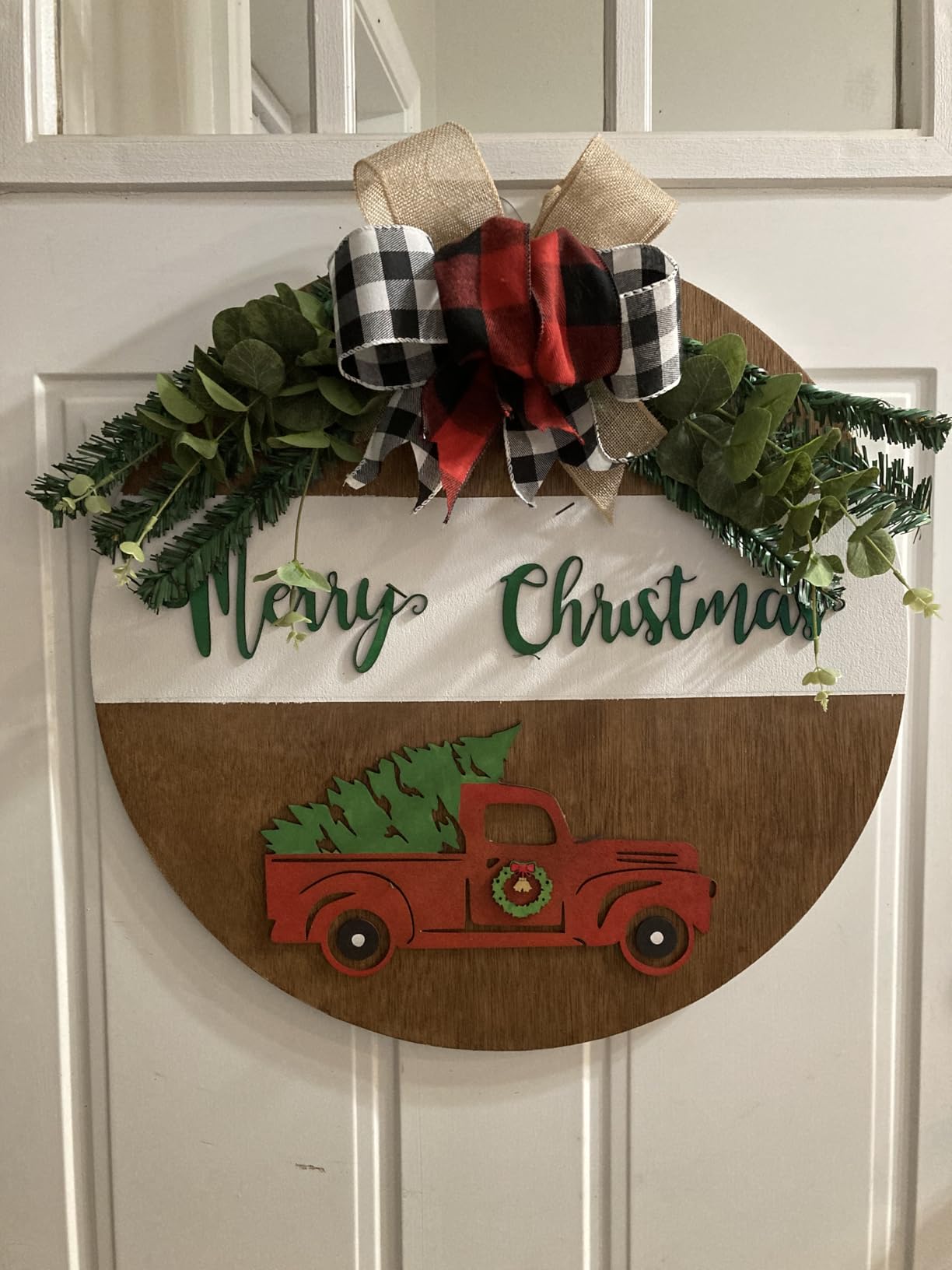
The Ray5 earns the highest average rating in this group, and owners are consistent about why: it feels solid, it is easy to assemble, and it actually cuts wood and acrylic properly rather than only marking surfaces.
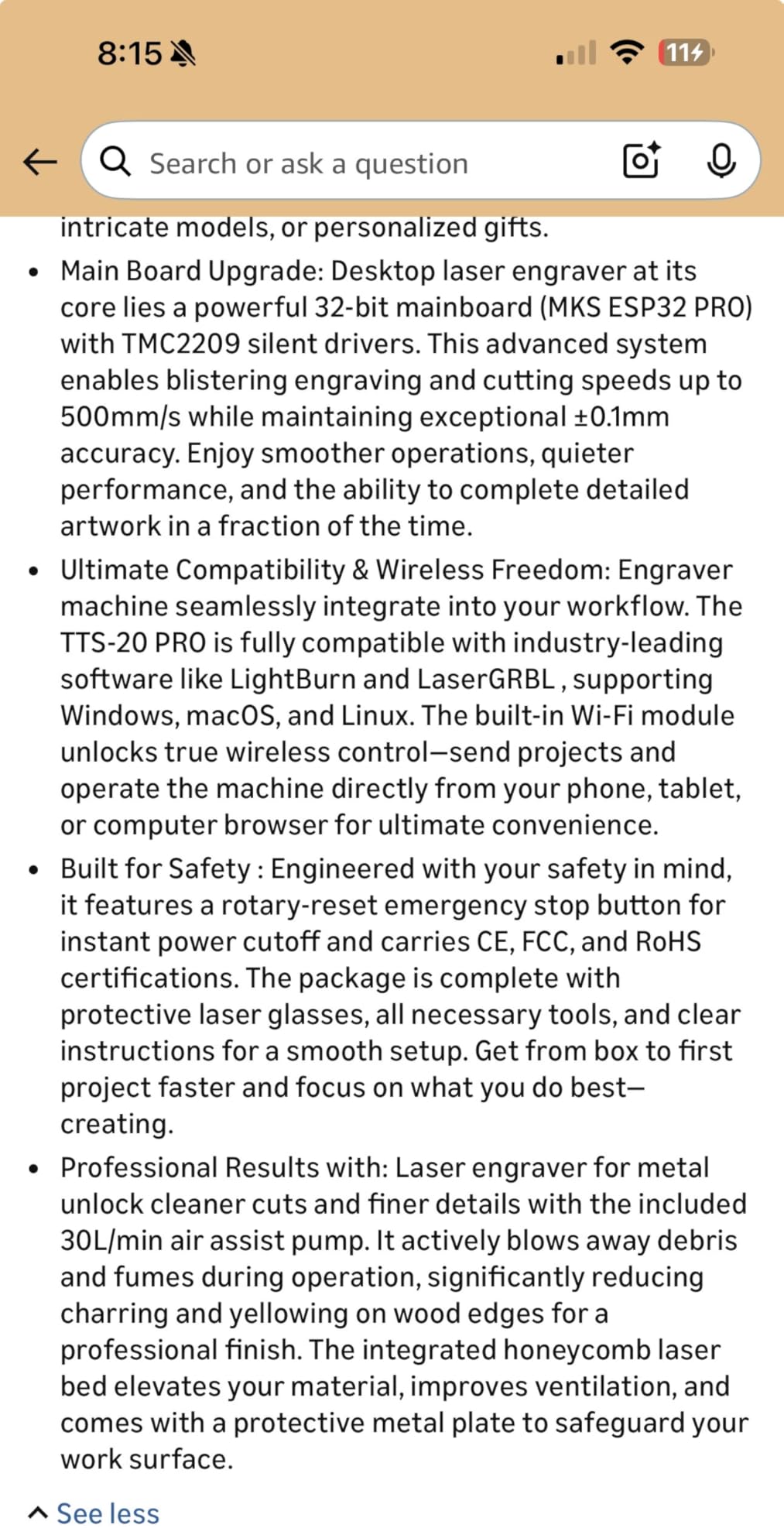
The 3.5-inch smart color touchscreen with a built-in controller is the feature most beginners underestimate. You can run jobs from a TF card without a computer connected, which makes a batch of identical pieces genuinely simple.
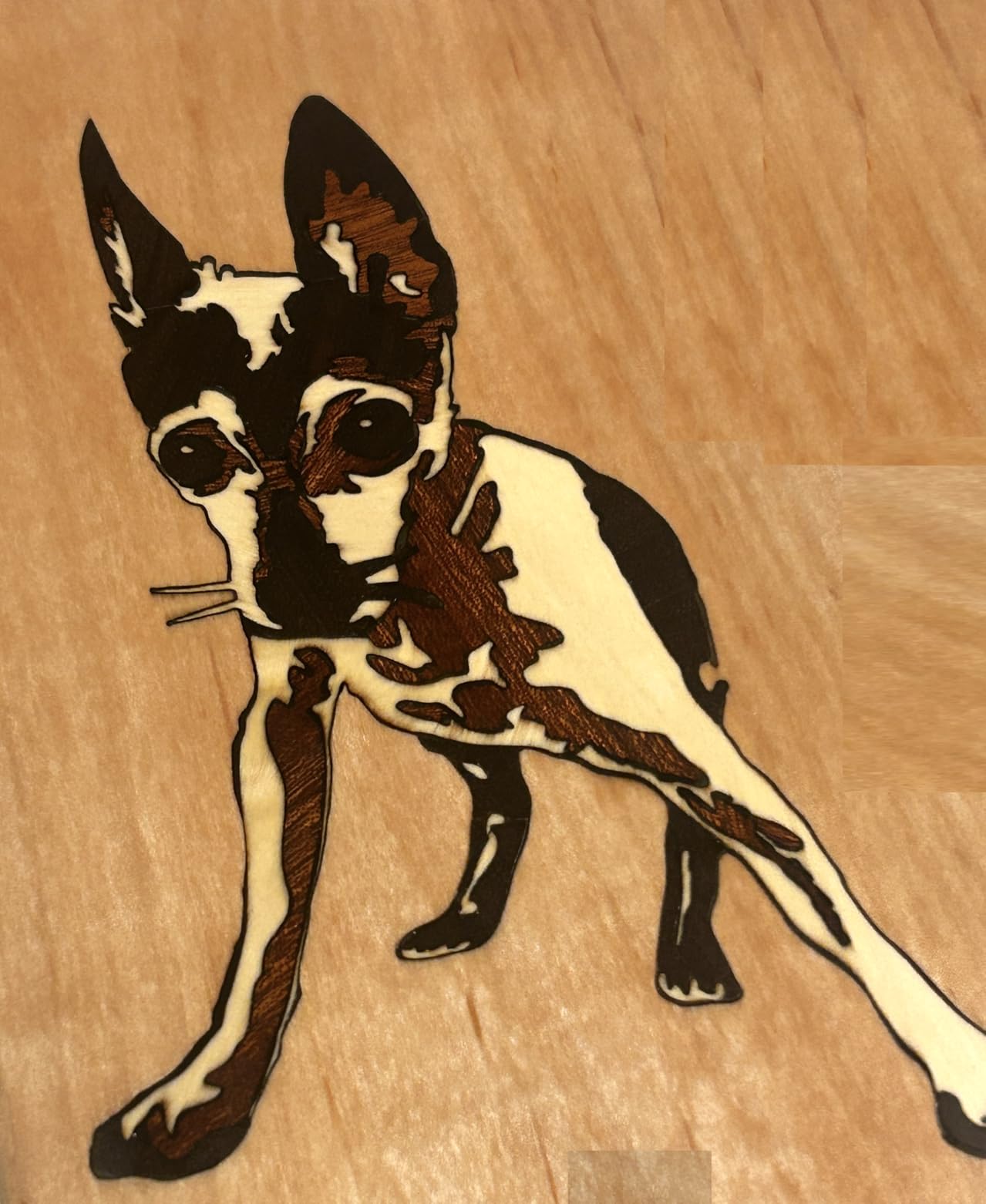
Inside is a 240MHz ESP32 32-bit chipset, Wi-Fi control through a web interface or app, and a laser dot of 0.08 x 0.08mm at speeds up to 10,000mm/min. Four safety layers cover power, active position, thermal and current protection.
Support is worth calling out. Owners describe quick responses and, in one case, a free replacement part sent out, which is the kind of service that decides whether a first machine stays in your workflow.
Can you really work without a computer?
For simple files, yes. The built-in controller handles offline TF card engraving, and the touchscreen covers job selection and basic control. Included sample images ease first runs when you have no designs of your own.
There is a hard limit: the on-board console cannot handle G-code files over 1MB, and Wi-Fi is unreliable. Most owners therefore keep a laptop as the main path and use the touchscreen for simple repeats.
Where does 5W run out of road?
At cutting. Five watts is comfortable for engraving and light cutting, but it will not keep pace with a 10W machine on thicker material, and repeated passes on plywood take longer than you expect.
Support describes power upgrades as impractical because they require rewiring and firmware flashing, so treat this as a 5W machine and choose a bigger one if cutting is the priority.
10. Woxcker L2 5.5W — Best Safety Feature Set for an Open Frame
Laser Engraver for Beginner, 5.5W 300x300mm Large Working Area Engraving Machine, 0.01mm High Precision, 6 Major Safety Protection for Wood Leather Acrylic Glass Coated Metal (Class 1 Laser, 5500mW)
5.5W diode
300 x 300mm work area
Flame sensor and tilt auto-pause
20,000mm/min
Pros
- Tool-free modular assembly reaches first engraving in under 15 minutes
- Strong safety package with flame sensor tilt auto-pause and safety lock
- 20000mm/min run speed with 0.01mm square focus
- 300 x 300mm bed fits a 12 x 12 inch sign or batched small pieces
- Plug-and-play air assist rotary roller and honeycomb panel
Cons
- An enclosure door on some machines fails to latch
- Driver and connection issues reported on some computers
- Assembly still takes time if you work slowly
The L2 takes the safety features that enclosed machines have and puts them into an open frame. That combination is unusual, and it is the reason this machine appears on this list despite a lower review count than its rivals.
A flame sensor cuts power on unusual heat, a 15-degree tilt triggers an automatic pause, and there is an emergency stop plus a safety lock. The laser protection cover filters 97% of UV and stops the job if opened.
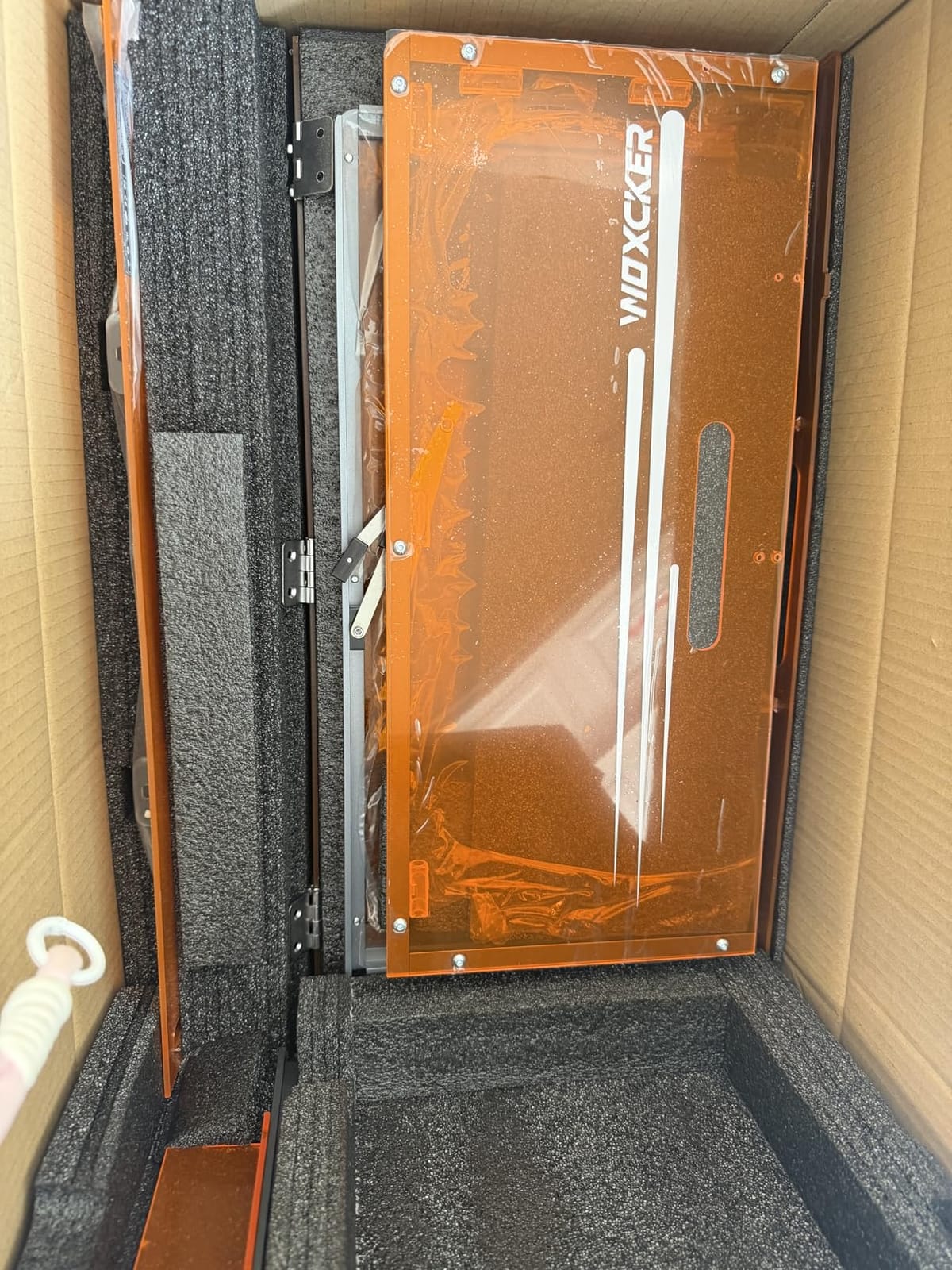
The design is five main pieces with tool-free visual assembly, so first engraving lands in under 15 minutes for most people. Run speed is 20,000mm/min with 0.01mm ultra-fine square focus, and the bed is 300 x 300mm.
That bed fits a 12 by 12 inch sign or four 150 x 150mm projects in one batch, which owners running small orders appreciate. Optional plug-and-play air assist, rotary roller and honeycomb panel let it grow into tumblers later.
How do open-frame safety features compare to a real enclosure?
They reduce risk but do not remove it. A flame sensor and tilt pause stop common accidents; they do nothing for you when the machine is unguarded and a hand passes through the beam line, which only an enclosure prevents.
Treat this as a well-equipped open frame rather than a Class 1 machine, and buy proper eyewear rated for the 450nm diode wavelength.
What should you check when it arrives?
Test the enclosure door latch first. A few buyers received a door that would not shut properly and had to improvise a weight, which defeats part of the point of having a cover that stops the job when opened.
Driver and connection problems on some computers are also reported, so have a second machine or cable available for your first session.
Diode vs CO2 vs Fiber: Which Laser Type Beginners Should Buy
Nearly everything in this roundup is a diode laser, and for a beginner that is the right default. Diodes are cheap, they need no chiller or gas system, they engrave wood, leather, paper, fabric, cardboard and acrylic, and they are the easiest to support.
CO2 lasers cut wood and acrylic beautifully and are faster on those materials, but they need external extraction, a water chiller, an air compressor and a table much larger than a desk. They are a second-machine purchase for most people.
Fiber lasers are the metal option. They mark stainless and coated metal without a spray, but the cost is far beyond this beginner range, and the learning curve is steeper.
One decision matters more than the laser type: optical output versus electrical draw. A listing that says 60W, 72W or even 50W in the title is usually quoting total machine power at the wall, not beam output. The LE400PRO in this list is a perfect illustration, since its title says 50W while the real optical output is 5500mW.
Rule of thumb for a first machine: 5W is a solid engraving and light-cutting class, 10W is a real step up for thicker plywood and acrylic, and anything advertised above roughly 20W without a clear optical figure deserves skepticism.
Laser Engraver Safety: What You Need Before Your First Job
Community consensus on laser safety is short and consistent: protect your eyes, prevent fires, contain the machine and vent the fumes. That is four obligations, and the machine price covers none of them.
Match your eyewear to the wavelength. Blue diode lasers fire at roughly 450nm, and goggles must be rated OD5+ at 450nm specifically. A frequent complaint among beginners is eyewear rated for infrared or CO2 wavelengths arriving in the box, which gives false confidence while doing nothing for a blue beam. Check the marking on the glasses rather than trusting the inclusion of a pair.
Vent every job. Never engrave in a closed room. A fume extractor with a filtered outlet to a window is the minimum for home use, and enclosure design matters as much as the extractor, because fumes should be captured at the source rather than chased around the room.
Keep a fire extinguisher within reach. Paper, thin plywood and card can ignite. Flame sensors help, as on the Woxcker L2, but they are a backup rather than a reason to relax.
Never leave a job unattended. This is the rule experienced owners repeat most often. A smouldering workpiece does not announce itself immediately.
Know your materials. The list of things that produce toxic gas is long and non-obvious. If you cannot identify a material with certainty, do not put it under the beam.
If you rent, live in an apartment or share walls, treat enclosure plus extraction as part of the machine cost rather than an extra. A Class 1 enclosed machine such as the Creality Falcon A1 removes the eye-protection problem entirely, which is worth more than a wattage step in a shared space.
What You Can and Cannot Engrave With a Beginner Laser
Safe and productive on any of the diode machines here: basswood, birch plywood, bamboo, cork, paper, cardboard, cotton and linen fabric, veg-tan leather, opaque acrylic, glass, slate, stone tiles and painted or anodized metal.
Marking spray changes the metal category substantially. A diode cannot mark bare stainless or aluminium by itself, but a matte marking coat gives a clean dark mark, and two machines here can be upgraded with an infrared head later.
Clear acrylic is the one most beginners get wrong. It looks like a safer alternative to black acrylic and it is not, because clear acrylic transmits the beam deeper into the material where it can crack or bubble unpredictably. Buy cast opaque acrylic and test on scrap.
Never engrave PVC or vinyl. PVC releases chlorine gas when heated, which is corrosive and genuinely dangerous to lungs and to the machine’s extraction system. If you cannot tell whether a sheet is PVC, do not guess.
Also avoid unknown plastics, mirrors and mirror-finished acrylic, and treat any coated item with care, since coatings can contain materials you cannot identify. These restrictions apply to every machine in this list regardless of brand.
LightBurn vs LaserGRBL vs Bundled Apps
LaserGRBL is free and handles engraving and cutting well on Windows. It is where most beginners should start, and none of the ten machines here restricts you to bundled software.
LightBurn is the tool experienced users converge on. It runs on Windows, macOS and Linux, supports multi-layer files and proper material libraries, and it is the difference between guessing settings and using known-good ones. Several reviews in this roundup specifically describe owners switching to it and reporting far less frustration.
Bundled apps are the weak point. CutLabX appears in two machines here and can crash on lower-spec computers, while the LE400PRO’s bundled option is described as very limited. ACMER Studio and ATOMSTACK software are the exceptions worth noting, both offering free design tools including text-to-image.
Offline TF card operation, supported by the TwoTrees TTS-55 Pro, the WAINLUXPRO K10 and the Carverall K15 Pro, is worth having even if you use a laptop for design. It decouples your machine from your computer at the moment you most want stability.
If you also use other laser tools, our guides to the best laser cutters for hobbyists and the best laser printers cover where a laser engraver sits in a wider workshop setup.
What to Look for in a Beginner Laser Engraver
Optical wattage, not marketing wattage. Check the rated optical output first. Anything above roughly 20W claimed without a clear optical figure should be treated with suspicion, as should titles that quote a large number next to a much smaller mW figure.
Work area. Beds of 80 x 80mm and 130 x 130mm are outgrown within months, so the 300 x 300mm and 400 x 400mm sizes are the ones worth stretching for. A large bed costs floor space; a small bed costs you a second machine.
Safety class. Class 1 enclosed machines need no goggles during operation. Open-frame Class 4 machines require OD5+ eyewear matched to 450nm, extraction, fire precautions and a clear work area.
Software compatibility. Confirm LightBurn works before you buy, and confirm it works on your operating system. macOS connectivity problems and USB drops are among the most commonly reported frustrations on cheaper machines.
Support and parts. Recognisable brands with replaceable parts and an active community matter more than a long warranty. When a module or board fails after a year, an available part is worth more than the specification on the original listing.
On budget: keeping a first machine in the modest tier limits your risk while you learn what you actually enjoy. A very large first purchase often turns into an expensive learning curve with a machine you outgrow before you master it.
Your first ten minutes. Check the frame for square by measuring diagonals, tighten belts and rollers, confirm the lens is clean and correctly focused, and update the firmware. Skipping these is the single most common cause of a disappointing first impression.
Finally, add the safety gear to your budget from day one. Eyewear rated OD5+ at 450nm, a filtered fume extractor and an air assist are not optional extras on an open-frame machine, and buying them together costs less than replacing a lens or a damaged extraction filter later.
If your interest leans toward precision measuring tools rather than making things, our picks for the best laser levels cover that side of the laser world.
Frequently Asked Questions
Which laser engraver is best for beginners?
For most first-time buyers the TwoTrees TTS-55 Pro 5.5W is the strongest all-round choice: a 300 x 300mm work area, a metal air-assisted nozzle in the box and compatibility with both LaserGRBL and LightBurn across Windows, macOS and Linux. If you cannot use eye protection in a shared room, the fully enclosed Creality Falcon A1 10W removes goggles from the equation entirely.
Are cheap laser engravers any good?
Yes, as long as you buy from a brand with real support and replaceable parts. The machines in this roundup all produce clean marks on wood, leather, acrylic and paper. The problems with cheaper units tend to be bundled software quality, connection stability and missing accessories such as air pumps or honeycomb beds, rather than the laser itself.
Do I need LightBurn to use a laser engraver?
No. LaserGRBL is free and fully capable on Windows, and several machines here bundle usable apps that include text-to-image design tools. LightBurn becomes worth adding when you need multi-layer files, material libraries and macOS or Linux support, and owners who switched to it consistently reported fewer frustrations.
Can a laser engraver cut wood all the way through?
Yes, within limits. Around 5.5W of optical output will typically cut 5mm plywood or 3mm acrylic in a single pass, and a 5.5W machine rated for 8mm wood can do it with more passes and patience. A 10W machine is the practical step up for thicker plywood and acrylic, and air assist is what keeps the edge clean.
Is laser engraving safe to do at home?
It is safe when you treat four things as non-negotiable: eyewear rated OD5+ at 450nm matched to your diode, fume extraction vented outdoors, a fire extinguisher within reach, and never leaving a job unattended. A fully enclosed Class 1 machine removes the eye-protection requirement by blocking 99% of the beam, which is the safer choice in a home with children.
What materials should you never laser engrave?
Never engrave PVC or vinyl, which release chlorine gas when heated, and avoid clear acrylic because the beam travels deeper and can crack or bubble unpredictably. Unknown plastics, mirrors and mirror-finished acrylic are also off limits. Bare stainless steel and aluminium cannot be marked by a diode machine without a marking spray or an infrared head.
Final Verdict: Which Laser Engraver Should You Buy
For most people, the TwoTrees TTS-55 Pro is the right first machine: the deepest owner feedback in this group, a work area that stays useful, and air assist already fitted. Buy the Creality Falcon A1 if a Class 1 enclosure matters more to you than footprint, and the ACMER S1 if you want a finished object in the first ten minutes.
Whatever you choose, budget the goggles, the extractor and air assist on the same day you order the machine. Those are the best laser engravers for beginners in 2026 only when the safety gear around them is taken just as seriously as the machine itself.