
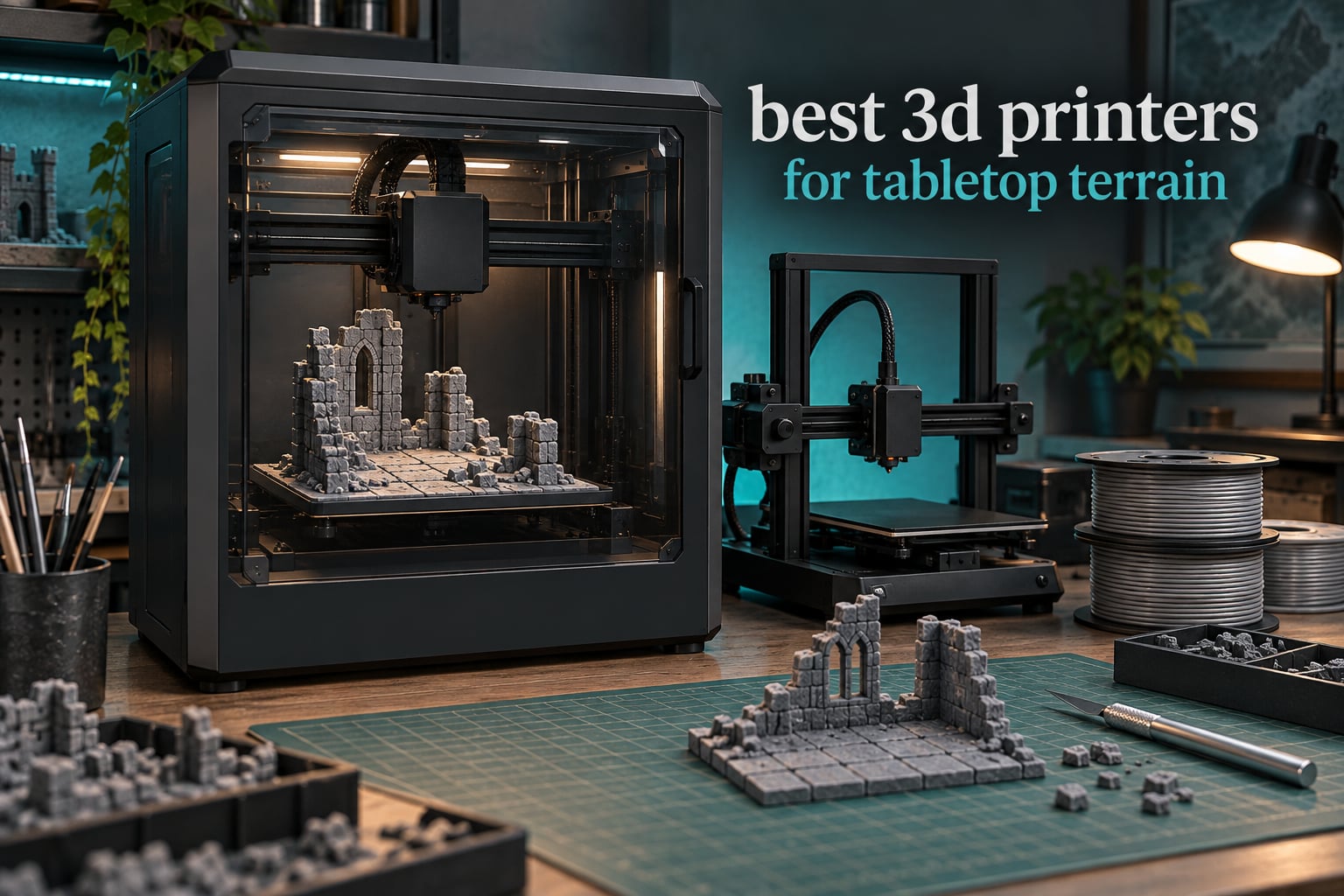
The best 3D printers for tabletop terrain are the Sovol SV08 MAX, the Bambu Lab P1S Combo and the Bambu Lab A1. Between them they cover the three things terrain printing actually demands: a build big enough to avoid seam lines, an enclosed chamber that survives ABS and ASA, and automatic leveling so a twelve-hour batch does not die at hour two.
Tabletop terrain printing means making the physical game pieces you play on: buildings, dungeon rooms, cliff sections, ruins, scatter terrain and whole battlemaps. It is almost always FDM filament work, not resin, because terrain is large, hollow, durable and handled constantly.
We compared 12 machines against that brief, reading spec sheets and owner reviews for build volume, chamber heating, unattended reliability and multi-material handling. Last updated October 2026.
Table of Contents
Top 3 Picks for Tabletop Terrain in 2026

Sovol SV08 MAX
- 500mm cube build volume
- 700mm/s CoreXY
- Eddy current bed scanning
- 1280x720 camera


Best 3D Printers for Tabletop Terrain (October 2026)
| Product | Specifications | Action |
|---|---|---|
| Sovol SV08 MAX |
|
Check Latest Price |
| Bambu Lab P1S Combo |
|
Check Latest Price |
| Bambu Lab A1 |
|
Check Latest Price |
 Creality K2 Plus Combo Creality K2 Plus Combo |
|
Check Latest Price |
 Flashforge Adventurer 5M Pro Flashforge Adventurer 5M Pro |
|
Check Latest Price |
 ELEGOO Centauri Carbon 2 Combo ELEGOO Centauri Carbon 2 Combo |
|
Check Latest Price |
 Creality K2 Pro Creality K2 Pro |
|
Check Latest Price |
 ANYCUBIC Photon Mono 4 ANYCUBIC Photon Mono 4 |
|
Check Latest Price |
 ANYCUBIC Photon Mono M7 Max ANYCUBIC Photon Mono M7 Max |
|
Check Latest Price |
 ELEGOO Saturn 3 ELEGOO Saturn 3 |
|
Check Latest Price |
 Phrozen Sonic Mini 8K S Phrozen Sonic Mini 8K S |
|
Check Latest Price |
 Flashforge Creator 5 Pro Flashforge Creator 5 Pro |
|
Check Latest Price |
FDM or Resin for Terrain? Read This First
For terrain, use FDM. This is the single most expensive misunderstanding in this hobby, and it shows up in almost every forum thread about buying a printer for wargames.
Terrain pieces are large, thin-walled, hollow and repeatedly picked up, moved and dropped by players. PLA and PETG handle that abuse. Resin needs a wash and cure cycle for every part, which does not scale to the thirty or forty tiles a campaign needs, and resin is brittle where filament is forgiving.
BoardGameGeek threads have said for years that FDM suits terrain and bigger builds, with resin reserved for miniatures depending on your quality bar. That remains the correct split in 2026. The resin machines in this roundup earn their place as companion printers for character models, not as terrain tools.
Two exceptions are worth naming. A large-format resin machine can produce very fine surface texture on a single dungeon floor, and some players like resin detail on scatter terrain bases. For whole buildings and walls, FDM still wins on volume per unit of effort.
1. Sovol SV08 MAX CoreXY 3D Printer, Voron 2.4 700mm/s High Speed 3D Printers
Sovol SV08 MAX CoreXY 3D Printer, Voron 2.4 700mm/s High Speed 3D Printers
500 x 500 x 500mm
700mm/s
40000mm/s2 acceleration
300C hotend
86.8 lb
Pros
- 500mm cube removes most seam lines
- Eddy current scanning automates leveling
- 300C hotend for composites
- HD camera for overnight monitoring
Cons
- Heaviest unit here at 86.8 pounds
- Heated chamber is a separate purchase
- 13% one-star share is the highest in this group
The SV08 MAX is the only machine in this roundup that prints a full 500mm cube, and that single fact reshapes how you approach terrain. A large Necromunda industrial hall or a 40k city block prints in one piece instead of arriving in four glued sections.
CoreXY kinematics with a 700mm/s ceiling and 40000mm/s2 acceleration mean long outer walls print fast without ringing. On terrain that is the difference between a tile set finishing Sunday afternoon and finishing Tuesday.
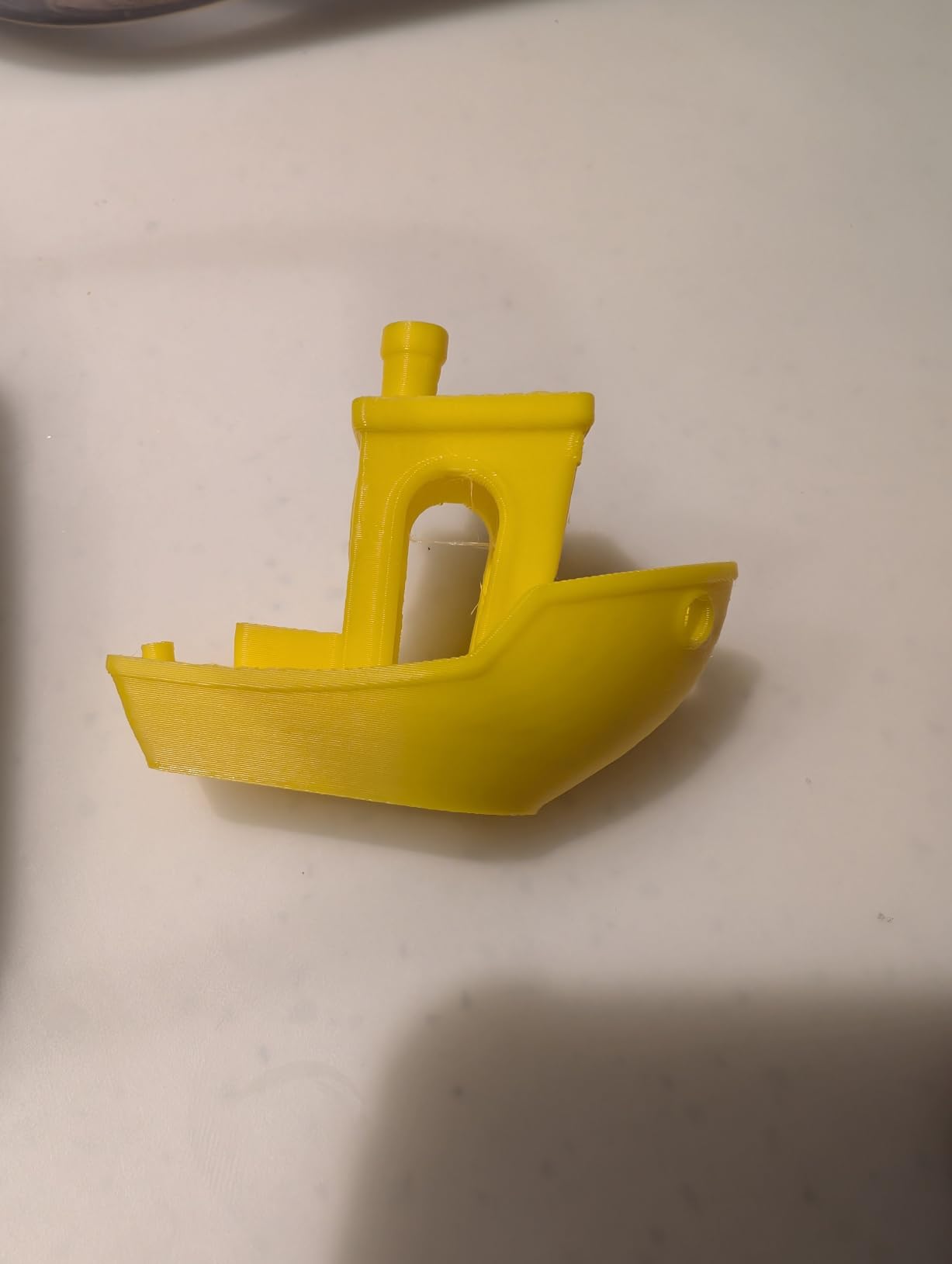
Filament support runs from PLA and PETG through ABS, ASA, PA, PC and carbon-fiber-filled variants, and the 50mm3/s high-flow hotend handles thick perimeter walls without stalling. The 0.4mm nozzle comes fitted, with 0.6mm and 0.8mm available for chunky rock forms.
The 1280×720 camera with remote monitoring is aimed squarely at the overnight batch, which is exactly how most terrain gets printed. Owners commonly report 64% five-star ratings across 1422 reviews, with first-layer consistency and setup complexity as the recurring complaints.
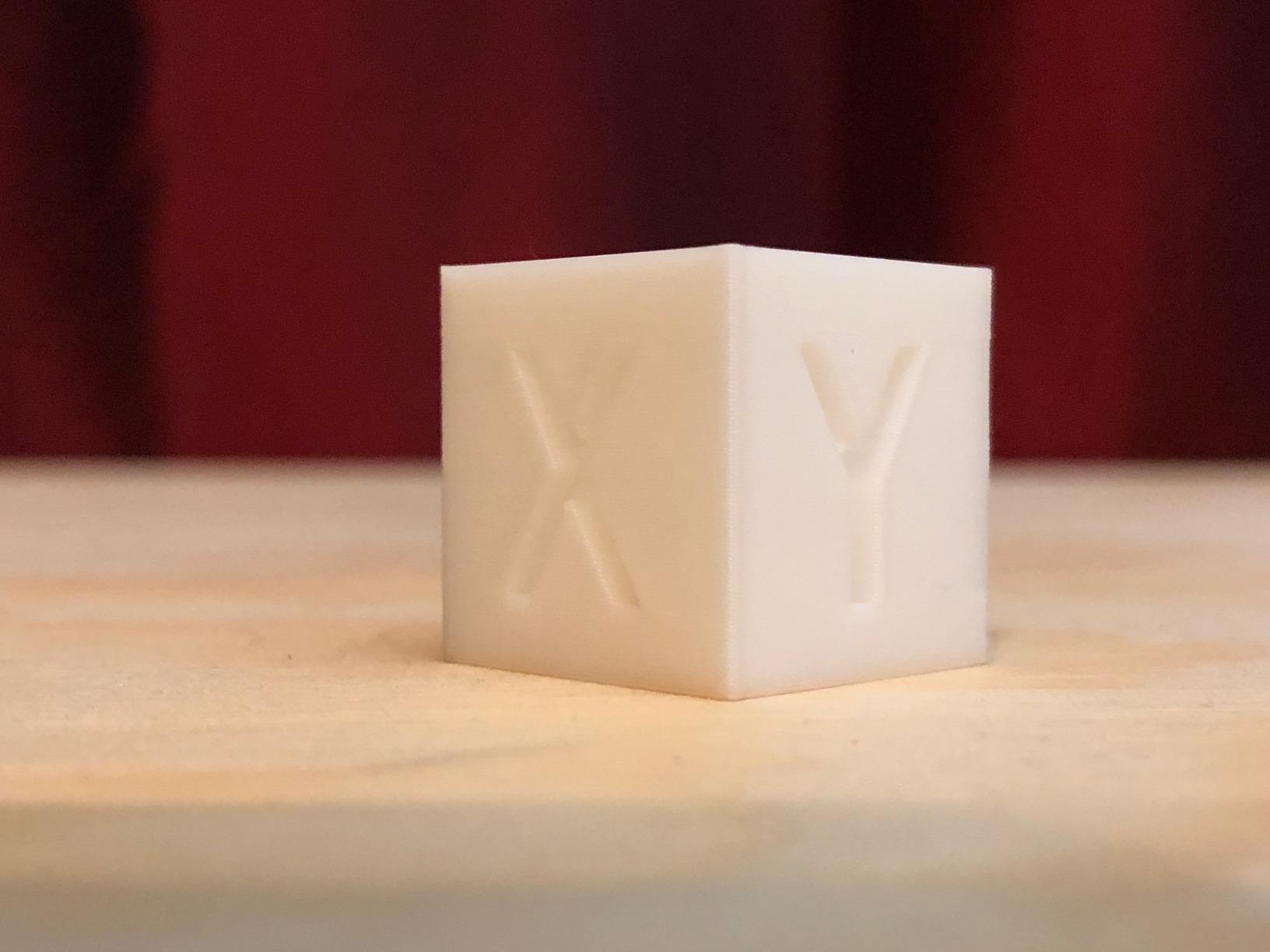
Who the 500mm cube changes the game for
If you build full buildings, multi-room ruins or long wall sections, this is the machine that removes splitting and seam-hiding from your workflow. One print, one piece, no visible join on a gaming table.
The 500mm height also lets you print a wall segment standing vertically rather than flat, which saves bed area and improves surface quality.
Where it asks for compromise
At 86.8 pounds it needs a genuinely solid work surface, and the heated chamber module is not included, so ABS and ASA warping control depends on an extra purchase.
A 13% one-star share is the highest in this group, and reviewers cite reliability concerns at this machine’s price tier. That is the trade for build volume nobody else here matches.
2. Bambu Lab P1S Combo, P1S 3D Printer and AMS, Multi-Color 3D Printing
Bambu Lab P1S Combo, P1S 3D Printer and AMS, Multi-Color 3D Printing
Enclosed chamber
500mm/s
20000mm/s2
AMS 16 colors
47.5 lb
Pros
- Enclosed body handles ABS and ASA
- AMS turns layered terrain into one job
- 500mm/s with auto leveling
- Setup reported in one to two hours
Cons
- Low-resolution onboard touchscreen
- Confusing first-time app and printer binding
- Filament spools not included
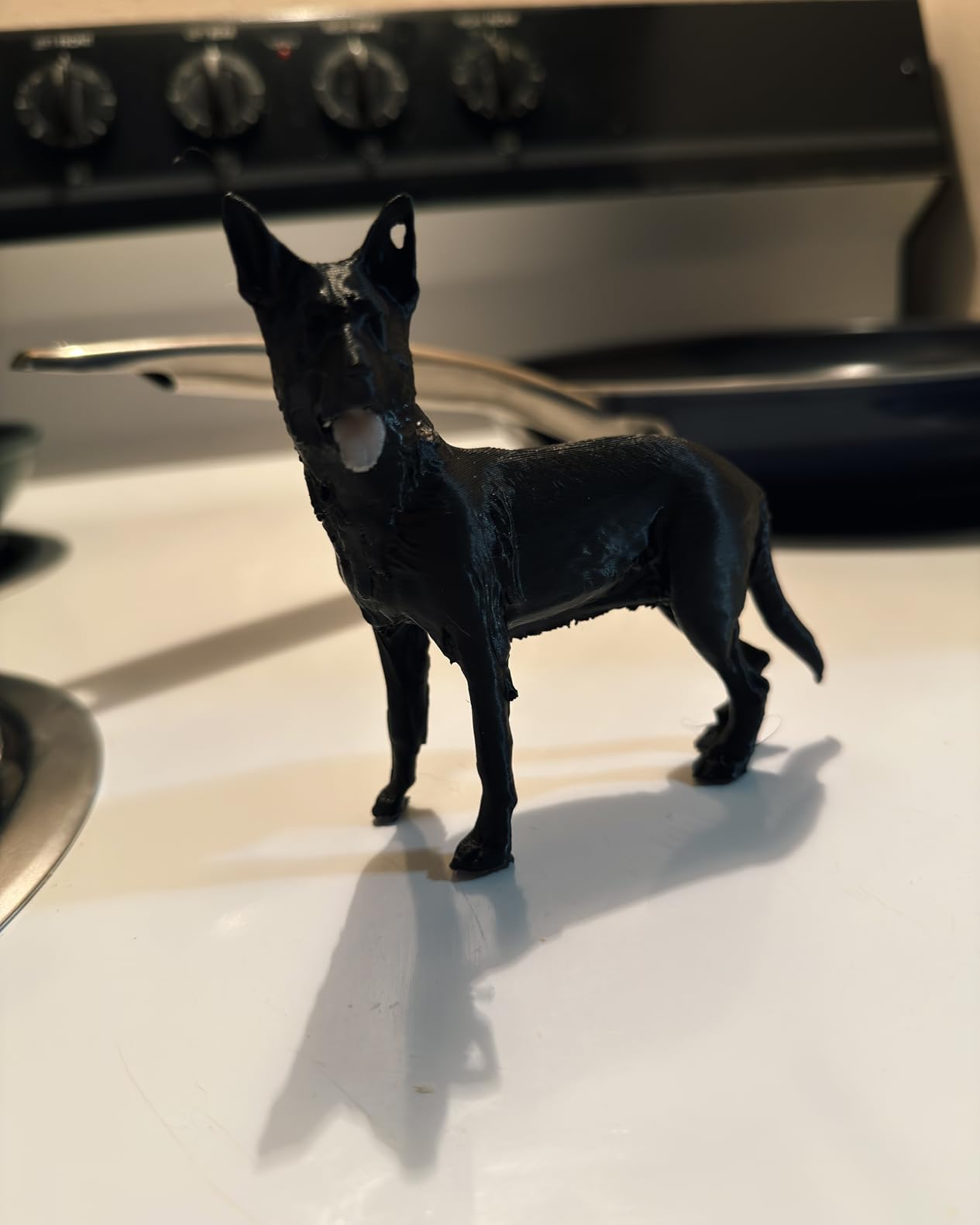
The P1S Combo is the machine most terrain buyers end up on, and the reason is the enclosure. Open-frame printers warp large flat-bottomed tiles; the P1S holds chamber heat and prints ABS and ASA walls that stay dimensionally true on the table.
The AMS changes what a terrain job can look like. A rocky outcrop with a grass lip and a dirt base becomes one file, one print, four material changes, and no hand-painting afterwards.
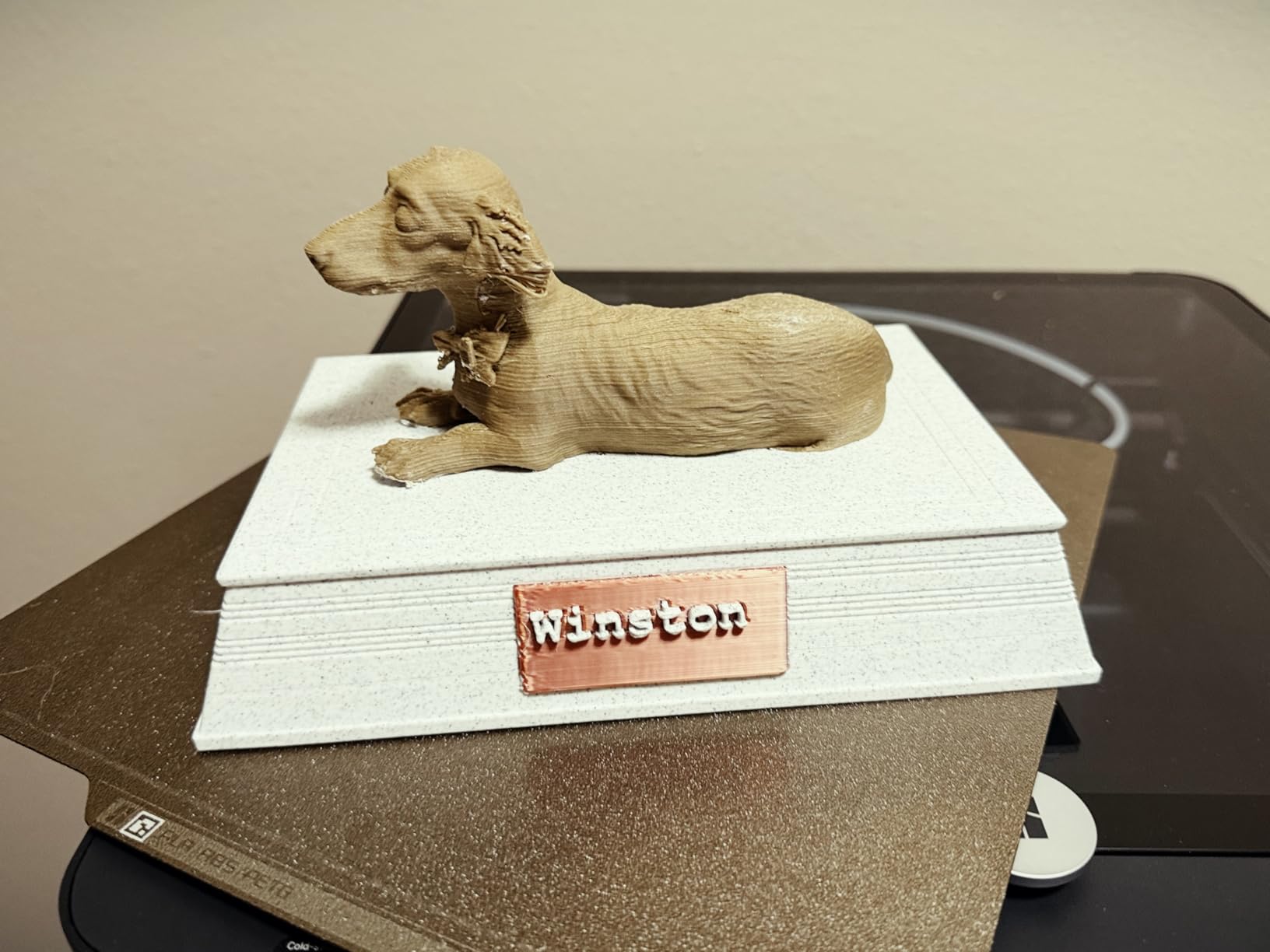
At 500mm/s and 20000mm/s2 acceleration it keeps pace with the faster enclosed machines here, and automatic bed leveling runs at the start of every print. Owners report 75% five-star ratings, praising print quality and the AMS in equal measure.
One detail catches people: files on the SD card are not programmed to use the AMS, so multi-color jobs must be sent from the app. Plan for that rather than discovering it at midnight.
When multi-material terrain is worth it
If your terrain style depends on visible strata, moss, snow or mud transitions, the AMS is the feature that matters. It turns what used to be four prints and a glue bottle into a single unattended job.
Owners also point to the MakerWorld library for terrain pieces, organizers and gaming props, which shortens the path from first print to a full table set.
What still annoys owners
The onboard screen is low-resolution and awkward next to machines with modern touchscreens, so most people slice on a laptop and send from there.
Initial software binding trips up first-time users, and reviewers suggest checking that the fan connector is seated after shipping. None of this is serious, but all of it is friction on day one.
3. Bambu Lab A1 3D Printer, Ready-to-Use FDM 3D Printer for Beginners and Kids
Bambu Lab A1 3D Printer, Ready-to-Use FDM 3D Printer for Beginners and Kids
Full-auto calibration
10000mm/s2
Open frame
22 lb
Flow compensation
Pros
- Highest rating here at 4.7 with 87% five-star
- No repeated manual bed leveling
- Automatic runout and tangle detection
- Quiet motors suit a shared room
Cons
- Open frame cannot print ABS or ASA reliably
- AMS lite is a separate purchase
- Z-axis fault if the base USB-C is unseated
The A1 is the answer for most first-time terrain buyers. It carries the highest rating in this group at 4.7, and owners with no printing background describe it as the least intimidating machine they have used.
Full-auto calibration covers Z-offset, bed leveling and flow on its own, so there is no 30-minute manual leveling ritual before your first tile. That single feature removes the most common beginner failure mode.
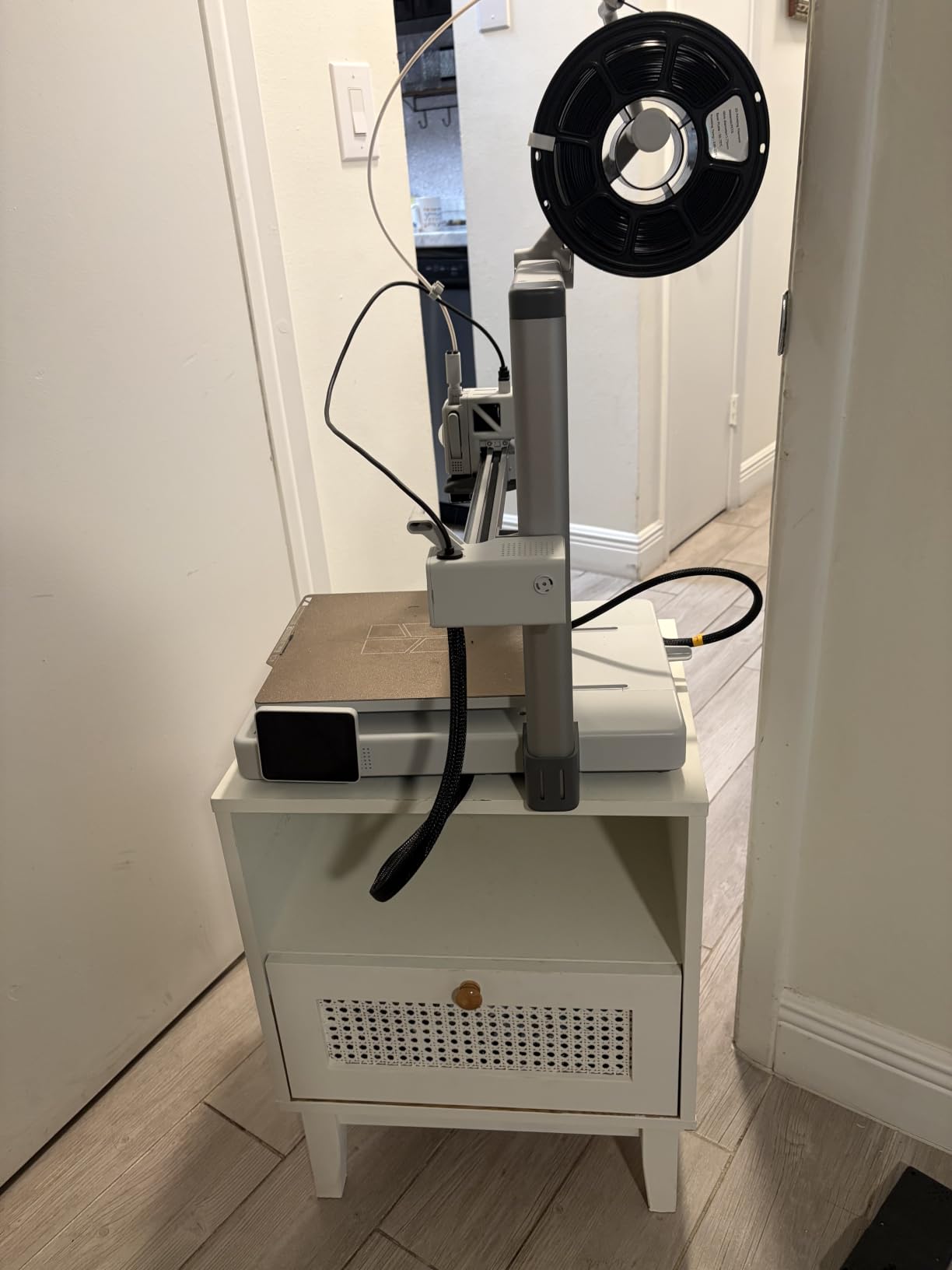
Automatic filament run-out and tangle detection halt and resume prints rather than voiding a six-hour batch, which is what makes the overnight workflow viable for a first machine. The 10000mm/s2 acceleration and active motor noise cancellation keep it fast and quiet enough for a living room.
The 1-clip quick swap nozzle system means a clogged hotend is a 30-second fix rather than a teardown. Buyers describe very few maintenance interventions over months of use.
Why beginners end up happy on it
Runout detection, auto leveling and flow compensation together mean a first-week terrain batch usually completes without supervision. Reviews repeatedly report near-zero failed prints once settings settle.
The most common regret in the reviews is not buying the Combo version with AMS lite from the start, because adding it later costs more.
Where the open frame bites
Open-frame design means ABS and ASA are off the table for reliable results, which limits you to PLA and PETG. That is fine for most terrain, but not for heat-resistant gaming surfaces or car terrain in summer.
Calibration can throw a Z-axis fault if the USB-C connector in the base module is not fully seated, so check it before your first long print.
4. Creality K2 Plus Combo 3D Printer, Multi Color Printing with New CFS
Creality K2 Plus Combo 3D Printer, Multi Color Printing with New CFS 600mm/s High-Speed Full Auto-Leveling Dual Al Camera Next-Gen Direct Drive Extruder Large Build Volume 13.78×13.78×13.78inch
350 x 350 x 350mm
600mm/s
60C chamber
16 colors
350C nozzle
70.4 lb
Pros
- 350mm cube suits large modular layouts
- 60C chamber cures warping on ASA and PPA
- Dual AI cameras catch spaghetti early
- RFID detects filament color and type
Cons
- 17% one-star share tied for highest here
- Firmware updates reported causing interruptions
- Four-CFS setup uses a large counter footprint
The K2 Plus Combo answers the batching question directly. Four linked CFS units with RFID identification feed 16 colors automatically, which means an entire board’s worth of multi-material scatter terrain can run without a filament change all night.
The 350mm cube is larger than the enclosed Bambu machines, so a modular dungeon room or a two-building city block fits in one print. That volume plus the enclosure is the combination that matters here.
An actively heated chamber reaching 60C and a 350C hardened steel nozzle cover ASA, PPA and engineering filaments, with die-cast aluminum Matrix framing and four linear rails holding dimensional accuracy at 600mm/s.
Two AI cameras, 18 sensors and twin motorized Z axes catch spaghetti and flow faults before a twelve-hour job is wasted. Buyers who stay with it report excellent large-format output, though 66% five-star ratings and a 17% one-star share show the software is not polished.
Who should stretch to it
If your terrain style is heavily layered or multicolored and you already need a 350mm class bed, the 16-color automatic feed is a genuine workflow upgrade over manual swapping.
The 60C chamber also makes it the safest pick here for ASA terrain that has to survive a hot car trunk in July.
Where the friction is
Firmware and app updates have been reported to cause connectivity loss and interrupted prints, and that is exactly the failure you cannot afford on an overnight batch.
Four CFS units consume a large counter footprint, and 17% one-star reviews include early hardware failures. Buyers who keep it often describe it as an excellent machine once it survives the first months.
5. FLASHFORGE Adventurer 5M Pro 3D Printer with Camera and Light
FLASHFORGE Adventurer 5M Pro 3D Printer with Camera & Light
Enclosed CoreXY
600mm/s
20000mm/s2
32mm3/s hotend
Under 50dB
32.1 lb
Pros
- Enclosed and HEPA13 plus carbon filtered
- Under 50dB suits a shared space
- Camera with lighting for overnight monitoring
- One-click pressure-sensing auto leveling
Cons
- Camera resolution is low for time-lapse
- Vendor firmware updates caused connectivity issues
- Bundled slicer takes practice versus Bambu Studio
The Adventurer 5M Pro is the quiet enclosed option. At under 50dB with HEPA13 and activated carbon filtration, it prints ABS and ASA terrain in a home or shared space without becoming the loudest object in the room.
The all-metal CoreXY frame runs 600mm/s at 20000mm/s2 with vibration compensation to suppress ghosting, so tall thin walls keep clean surfaces at speed. The 32mm3/s high-flow hotend reaches 200C in 35 seconds, which matters when you are cycling through many short terrain jobs.
Tool-free quick-swap nozzles in 0.25, 0.4, 0.6 and 0.8mm let you move between fine scatter terrain and chunky rock forms without tools, and double-sided PEI plates plus power-off resume support long runs.
69% of reviews are five-star, focused on the enclosed, filtered design and fast CoreXY performance at a mid-range price. Run-out and tangle sensors add the hands-off reliability terrain batches need.
Best for shared rooms and apartments
Noise and odor control are the deciding factors here. A sealed chamber with real filtration means ABS terrain prints without the smell drifting through the house, and under 50dB means you can run it while gaming.
The camera with lighting also makes remote monitoring of an overnight batch straightforward through the Flash Maker app.
Where it falls short
Camera quality in this class is mediocre for time-lapse work, so do not plan on making progress videos from it.
Vendor firmware and app updates have caused connectivity trouble for some owners, and the bundled slicer needs practice compared with the Bambu software most competitors are judged against.
6. ELEGOO Centauri Carbon 2 Combo 3D Printer, Multicolor Printing
ELEGOO Centauri Carbon 2 Combo 3D Printer, Multicolor Printing
256mm cube
CANVAS 4-color
500mm/s
20000mm/s2
Enclosed
42.6 lb
Pros
- Four-color switching well below Bambu and Creality equivalents
- Enclosed CoreXY handles ABS and ASA
- Good plate adhesion on cooled beds
- Owner reports one file in 36 minutes versus 68
Cons
- Louder and more vibration than a Bambu equivalent
- Low-resolution poorly centered camera
- Top lid conflicts with the filament tube
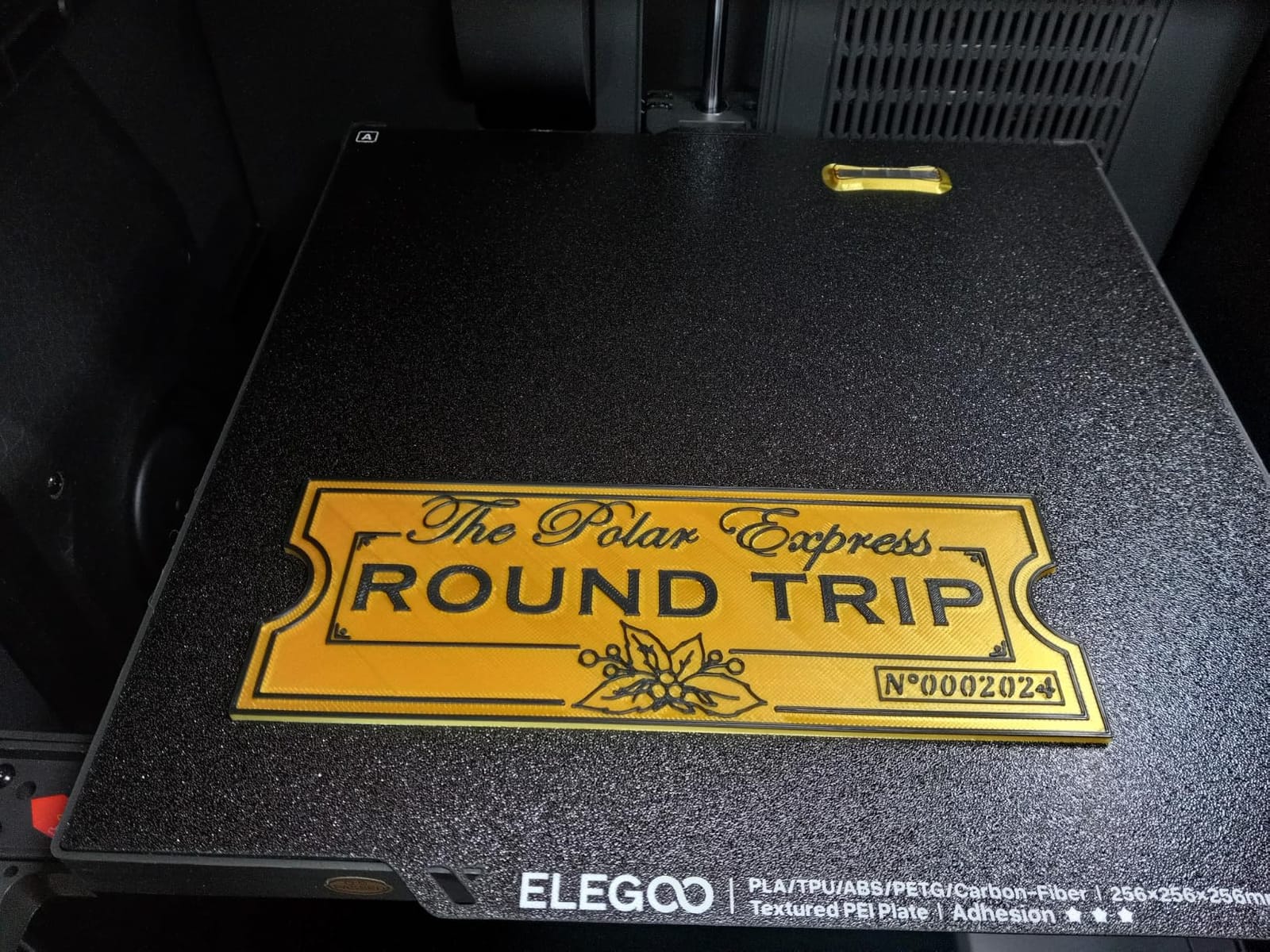
The Centauri Carbon 2 Combo has the largest review base here at 2572 ratings, and it does the thing terrain builders care about most: four automatic colors in an enclosed CoreXY body without the multi-brand premium.
CANVAS handles instant color switching with smart filament detection, and auto refill plus tangle detection keep a long multi-spool run hands-off. One owner reported an identical file taking 36 minutes against 68 minutes on an older machine.
Auto refill, tangle detection and a rigid aluminum frame with active vibration compensation at 500mm/s and 20000mm/s2 make it a fast enclosed workhorse. Fully automated calibration means load, tap print and walk away.
Note that full 256mm volume requires removing the filament cutter, and the prime tower on multi-color jobs cuts into usable space further. Plan tile layouts around that.
Where four color genuinely helps terrain
Four colors covers the majority of realistic terrain palettes: rock, soil, grass and a highlight material. That is enough to skip painting entirely for a lot of scatter terrain sets.
For a player who wants painted-looking tiles without a paint station, this is a straightforward automatic route through the print queue.
Where buyers report problems
The machine runs noticeably louder and vibrates more than a Bambu equivalent, and the 17% one-star share reflects early hot end communication errors and failed boards.
Firmware updates have knocked machines offline for some owners and required account resets, and the top lid conflicts with the filament tube unless you print a riser or remove it.
7. Creality K2 Pro 3D Printer, Active Chamber Heating, 300mm Build Volume
Creality K2 Pro (A) 3D Printer, Support Multi Color 3D Printing Needs CFS, 600mm/s High-Speed Printing, Smart Auto Leveling, Active Chamber Heating, Dual AI Cameras, Large Build Volume 300×300×300 mm
300 x 300 x 300mm
600mm/s
20000mm/s2
60C chamber
40mm3/s flow
Pros
- 300mm cube at a mid-range price is unusual for terrain
- 60C active chamber stabilizes ABS and ASA
- Probes only the model footprint to save setup time
- AI cameras catch blockages early
Cons
- Multi-color needs CFS purchased separately
- 16% one-star share on firmware reliability
- Creality OS update process less polished
The K2 Pro is the volume-per-cost pick. A true 300mm cube with a 60C actively heated chamber, at a mid-range price point, is a combination we do not see elsewhere in this roundup.
That cube size maps directly onto tabletop work. A 6×4 foot battlemap section, a two-room dungeon interior or a large ruin footprint all fit without being split into quarters.
Chamber and nozzle AI cameras handle flow calibration, pressure advance tuning and blockage detection, so a long unattended job is less likely to be lost to a clog. FOC step-servo motors with linear rails deliver 600mm/s at 20000mm/s2.
The smart auto-leveling probes only where the model actually sits rather than sweeping the whole bed, which cuts setup time on every print. 66% of reviews are five-star, citing the volume, chamber and speed combination.
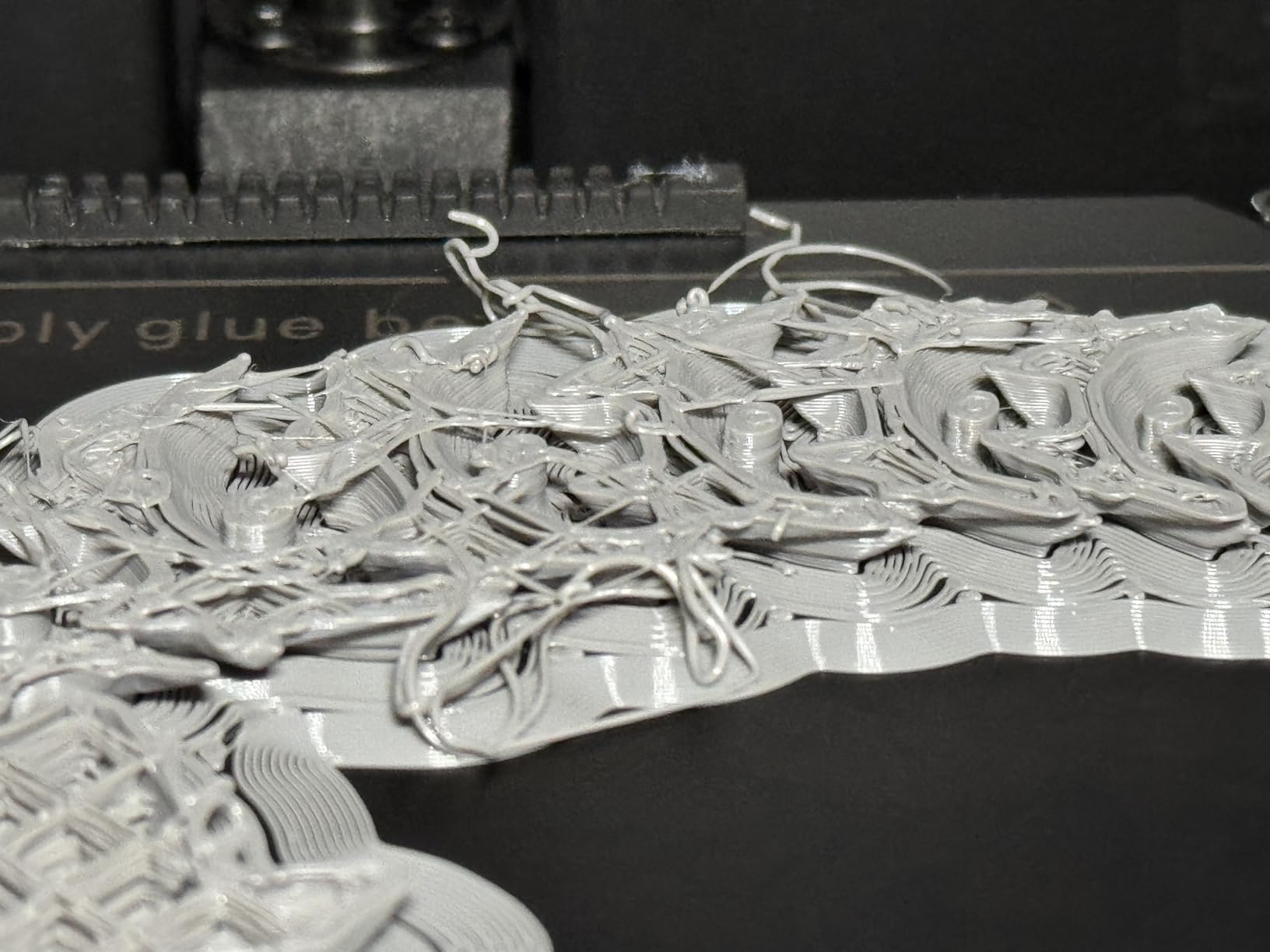
Why 300mm is the practical threshold
Below 300mm you split most terrain pieces. At 300mm you stop splitting the pieces that matter visually, which removes glue seams and the extra finishing work that goes with them.
The targeted leveling probe is a quiet but real time-saver when you run four or five tiles back to back.
What to watch before committing
Multi-color printing requires buying CFS hardware separately, so budget for that before planning four-material terrain jobs.
A 16% one-star share reflects firmware and early reliability complaints, and the Creality OS app and update process is less polished than the Bambu ecosystem.
8. ANYCUBIC Photon Mono 4, Resin 3D Printer with 7-inch 10K Mono LCD Screen
ANYCUBIC Photon Mono 4, Resin 3D Printer with 7” 10K Mono LCD Screen
7-inch 10K mono LCD
9024 x 5120
17 x 17um pixels
153 x 87 x 165mm
Pros
- Fine texture and sharp edges on 28-32mm models
- Very small and quiet at 7.7 pounds
- Layer lines vanish at this pixel size
- Entry price well below comparable resin machines
Cons
- Vat and FEP film are consumables that can break
- No resin included
- Touchscreen failures and skipped parts reported
Be clear about what the Mono 4 is for: miniatures, not terrain. The 7-inch 10K mono LCD at 9024 x 5120 with 17 x 17um pixels produces detail that is completely out of reach for an FDM layer line, which is why resin exists.
Pair it with one of the FDM machines above and you cover both halves of a tabletop hobby. Characters and monsters in resin, buildings and tiles in filament.
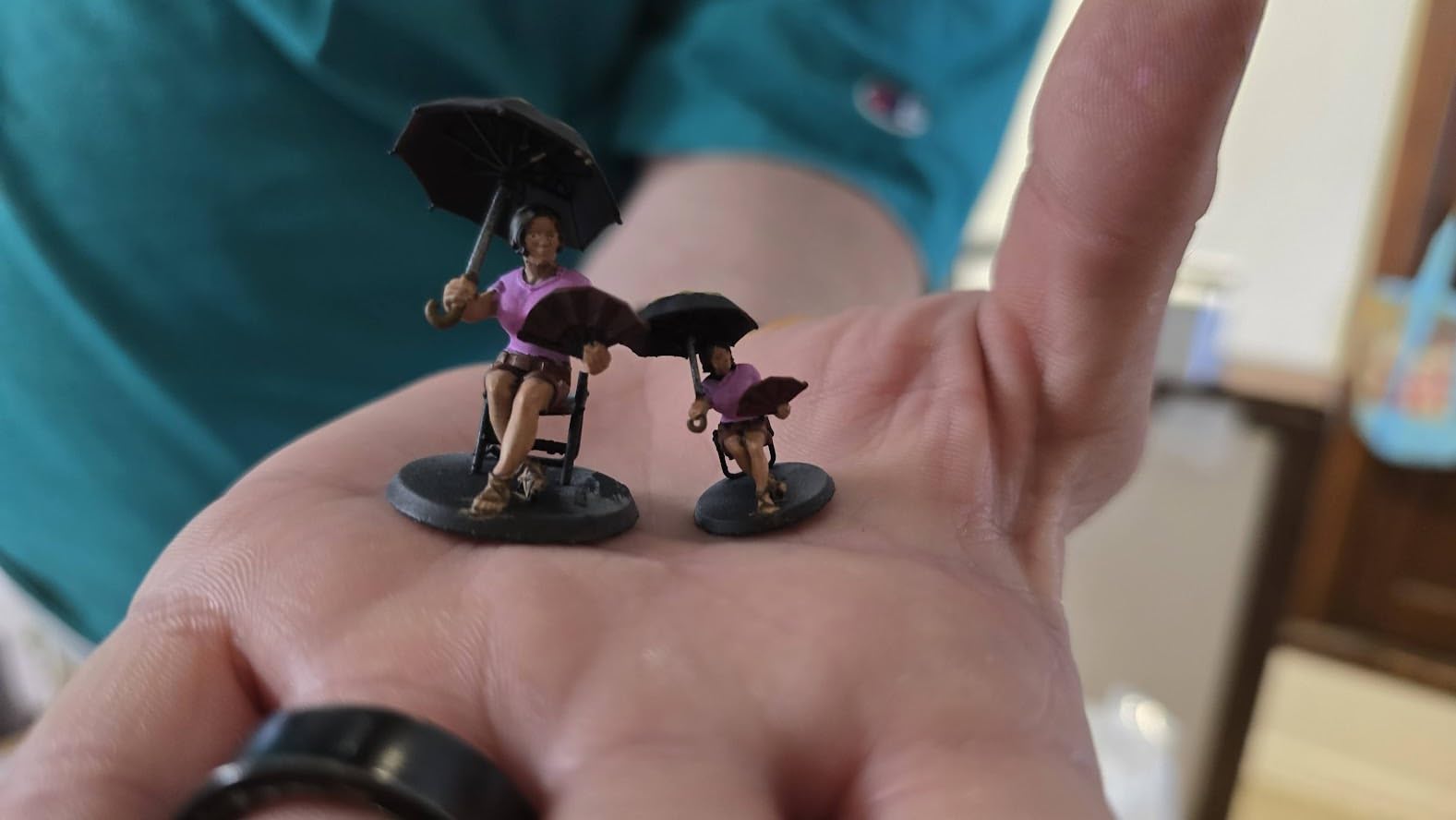
The LighTurbo matrix light source gives even illumination and fewer layer lines, and the laser-engraved Print Platform 2.0 improves adhesion and makes parts pop off. One-and-done 4-point leveling and power-restore resume keep the setup simple.
78% of reviews are five-star, with setup inside 30 minutes the most common praise. The negatives are the standard resin burdens: consumable vat and LCD lifespan, odor that requires ventilation and PPE, and no resin in the box.
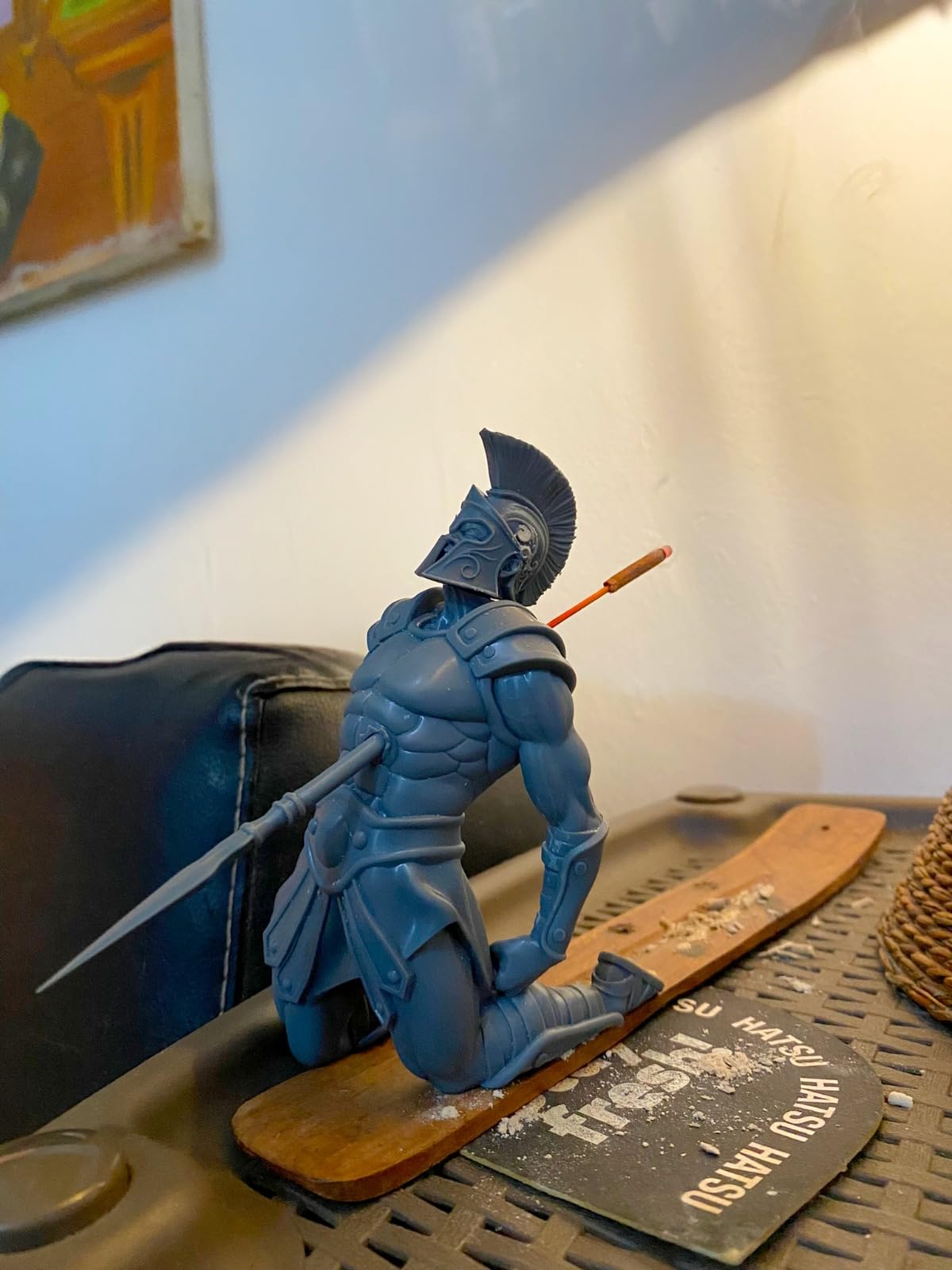
When resin is the right second machine
Anything under about 35mm that gets looked at closely on the table is where resin earns its running costs. Character models, dungeon props, tokens and basing details all benefit from the pixel pitch.
Reviewers note layer lines become effectively invisible at this resolution on 28-32mm pieces.
Why it is the wrong terrain machine
The 153.4 x 87 x 165mm build volume is far too small for terrain, and every part needs washing and curing between print and table.
The vat and FEP film are consumables that can break, and some buyers report touchscreen failures plus multi-piece jobs that silently skip parts. Anycubic app service is not supported for this model.
9. ANYCUBIC Photon Mono M7 MAX Resin 3D Printer, 13.6-inch 7K Large Resin Printer
ANYCUBIC Photon Mono M7 MAX Resin 3D Printer, 13.6’’ 7K Large Resin Printer
298 x 164 x 300mm
60mm/h
LighTurbo 3.0 COB
1300ml vat
52.8 lb
Pros
- 298x164x300mm prints whole tiles without cutting
- Marketed for game terrain and cosplay props
- Very large 2063-review owner base
- Temperature-controlled vat with auto-fill
Cons
- 52.8 pounds and a large floor footprint
- Resin handling needs gloves and ventilation
- 10% one-star share reflects the resin learning curve
The Mono M7 Max is the one resin machine large enough that the terrain conversation is worth having. Its 298 x 164 x 300mm volume prints full-size terrain sections in one go without cutting and assembling.
Up to 60mm/h print speed is a 200% increase over the previous M3 Max, and the LighTurbo 3.0 COB with a Fresnel lens keeps light angle at 3 degrees with over 90% uniformity, which is what keeps layer lines off large surfaces.
The dynamic temperature control vat with auto-fill and one-key resin recycling, plus a 1300ml reservoir, reduce the failure rate on long jobs. The flip-open cover hovers above 45 degrees so you can handle a full plate one-handed.
73% of reviewers give five stars across 2063 ratings, pointing at consistent fine detail across whole terrain sections. The complaints are about size, weight and the familiar resin handling burden.
Where large resin actually earns its place
Very large single-piece dungeon floors, detailed display-scale terrain and cosplay props benefit from one-piece resin prints at that resolution. Nothing on the FDM side matches the surface quality.
If your terrain is presentation pieces rather than a whole army’s worth of scatter, this machine has a real argument.
Why most terrain printers skip resin
At 52.8 pounds with a 20 x 20 x 31 inch footprint, it needs dedicated space, and every piece still requires gloves, ventilation and careful cleanup.
For bulk terrain production the throughput per hour does not compete with an enclosed FDM machine, which is why we rank it below the filament options for this topic.
10. ELEGOO Saturn 3 MSLA 12K 3D Printer
ELEGOO Saturn 3 MSLA 12K 3D Printer
10-inch 12K LCD
11520 x 5120
19 x 24um XY
70mm/h
218 x 122 x 250mm
Pros
- 12K panel resolves the fine texture terrain depends on
- Roomy volume fits substantial battlemap sections
- Third-party slicer support keeps the workflow open
- Static
- smooth and high-speed print modes
Cons
- Resin odor
- PPE and ventilation required
- 33 pounds and 22 inches tall so it needs a stand
- LCD film and resin are recurring consumables
The Saturn 3 is a resin companion machine for players who care about texture. The 10-inch 12K mono LCD at 11520 x 5120 with 19 x 24um XY resolution captures the surface detail that makes resin look like resin rather than plastic.
Its 218.88 x 122.88 x 250mm volume is large enough for substantial sections of a battlemap, which makes it more useful for terrain than most resin machines, even though the workflow still points to props and basing.
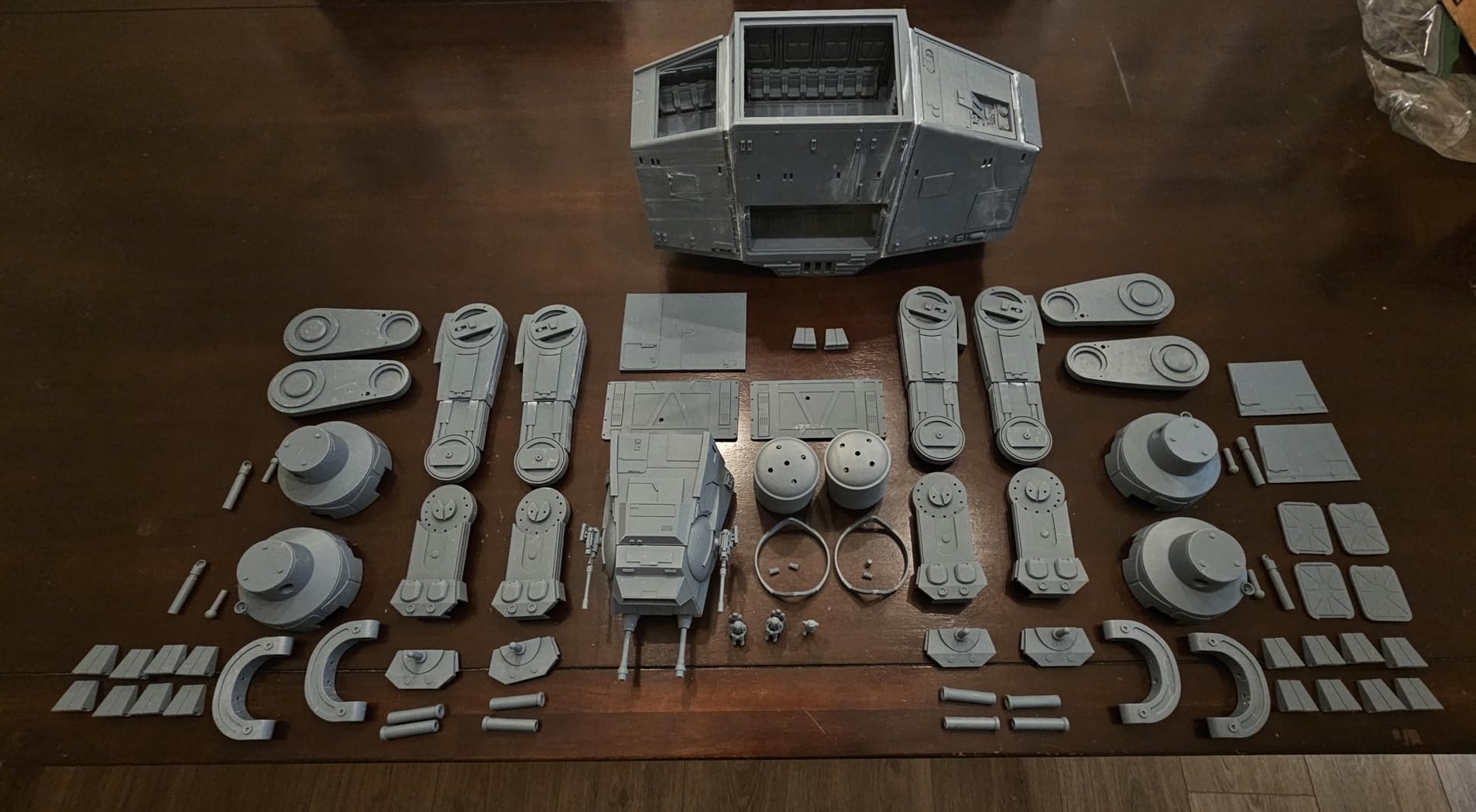
9H hardness tempered glass protects the screen from resin damage, and the COB light source with a Fresnel collimating lens at 405nm holds a light angle within 5 degrees. Up to 70mm/h keeps long jobs moving.
Third-party slicer support through CHITUBOX and Lychee plus the open GOO slice format means you are not locked into one app. 72% of reviews are five-star, though the review base of 284 is smaller than the FDM machines in this group.
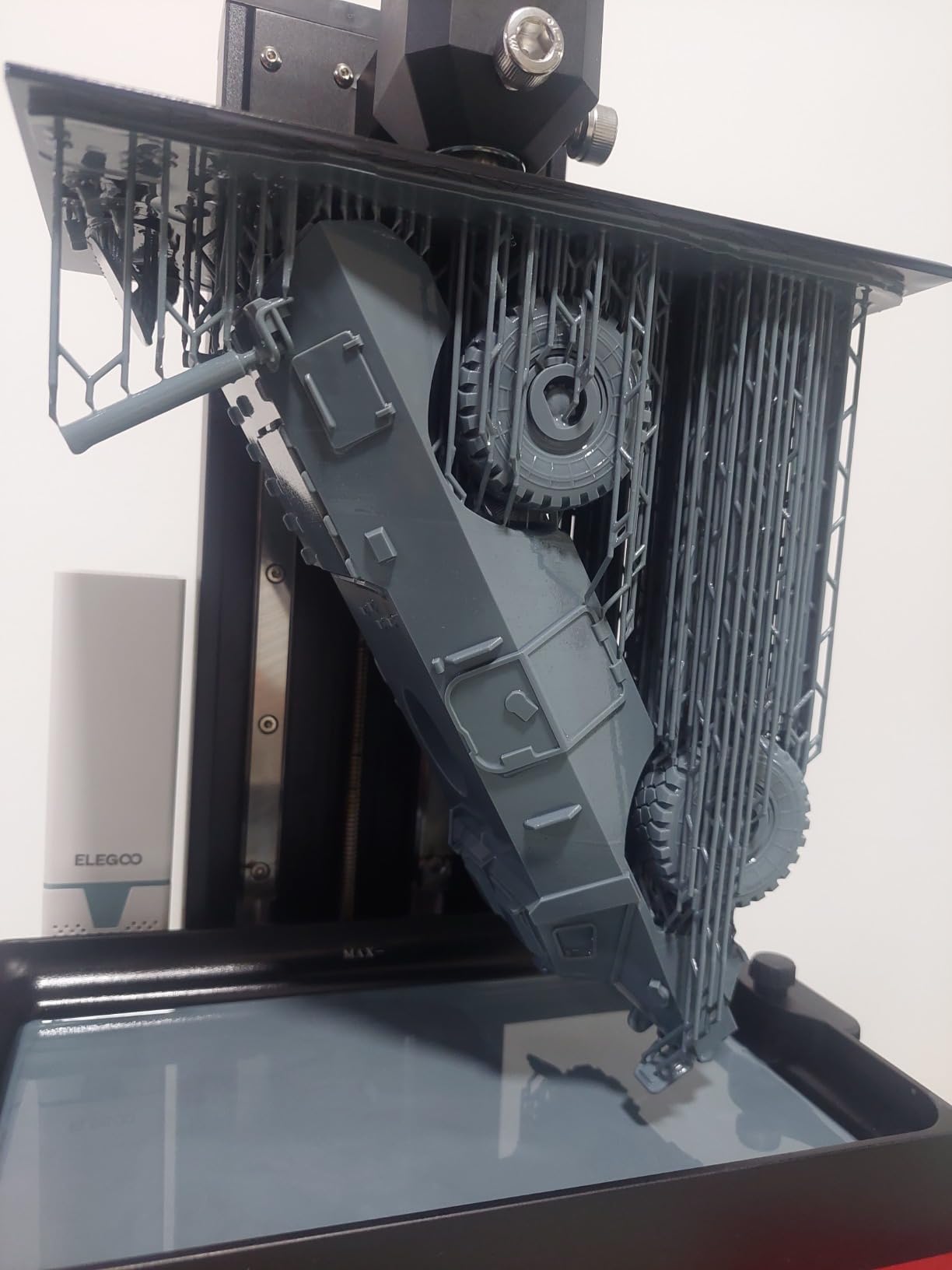
Best used alongside an FDM machine
Treat it as a detail station for basing elements, scatter props and character-scale pieces where 19 x 24um XY resolution shows.
Keeping your slicer open across CHITUBOX and Lychee means existing profiles carry over unchanged.
What the resin tax looks like
At 33 pounds and 22 inches tall it needs its own shelf or stand, and the LCD film and resin are recurring consumable costs on top.
Odor, PPE and ventilation are non-negotiable, and an 11% one-star share reflects the usual resin machine durability complaints.
11. Phrozen Sonic Mini 8K S LCD Resin 3D Printer
phrozen Sonic Mini 8K S LCD Resin 3D Printer, 7.1″ Monochrome LCD, Tabletop 3D Resin Printer with 22µm XY Resolution, 6.5 * 2.8 * 6.7 Inch Printing Volume for Models, Miniatures and Action Figures
7.1-inch 8K mono LCD
22um XY
16.5 x 7.2 x 17cm
22 lb load capacity
Pros
- 22um XY resolution is among the finest listed
- Compact 11.4 inch footprint
- Open slicer support for Lychee and CHITUBOX
- Beginner-friendly MSLA entry point
Cons
- Narrow plate limits it to small pieces
- Resin handling requires gloves and ventilation
- Smallest review base at 157 ratings
The Sonic Mini 8K S is a compact resin option for characters and small props, not for terrain. Its 22um XY resolution on a 7.1-inch monochrome panel puts it among the sharpest figures listed here.
At 11.4 x 11.4 inches and 22 pounds it is compact enough for a desk corner rather than a garage shelf.
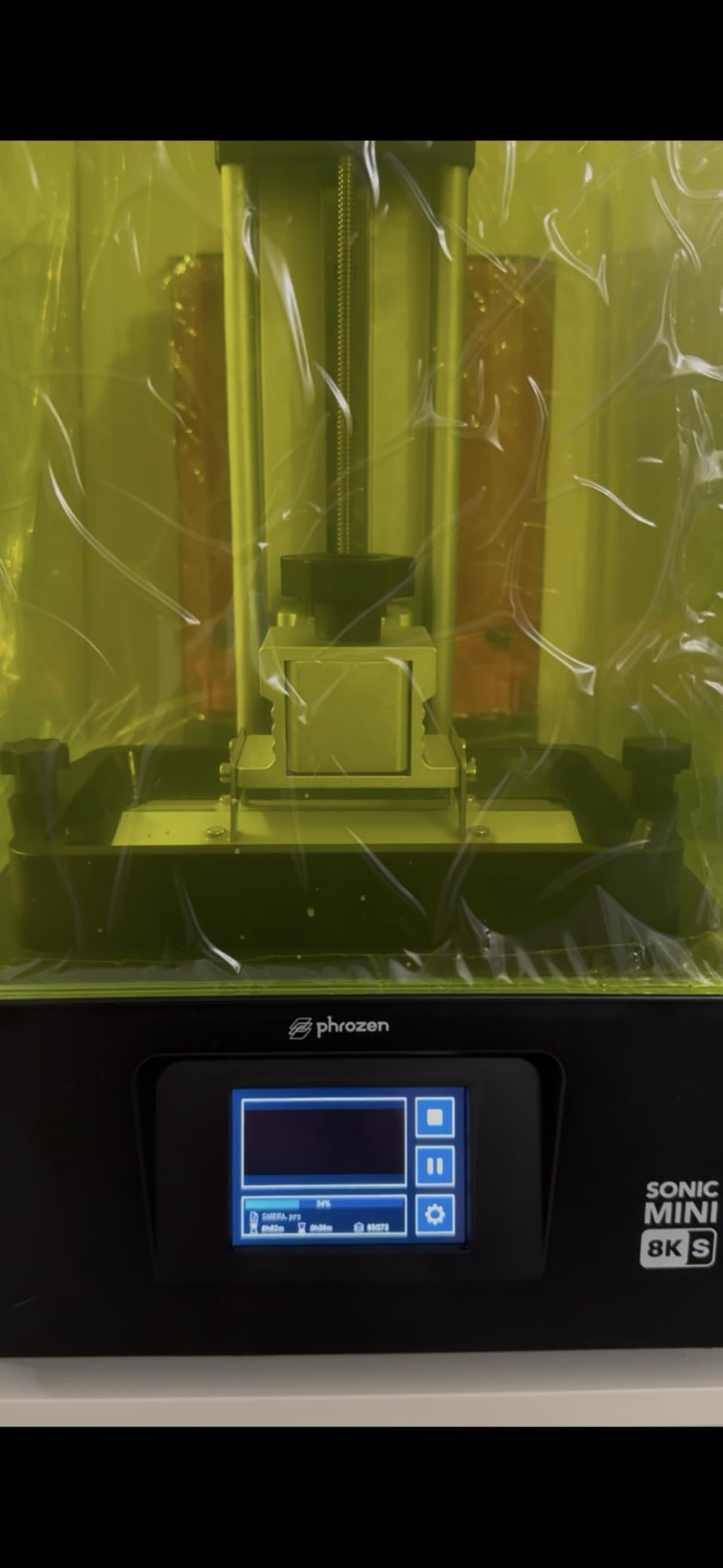
Open source slicer support including Lychee, CHITUBOX and Tango means you can keep whatever workflow you already use, and precise Z-axis calibration keeps layers even across the small plate.
79% of reviews are five-star on a 157-rating base, with owners highlighting detail on miniatures and action figures and straightforward beginner setup.
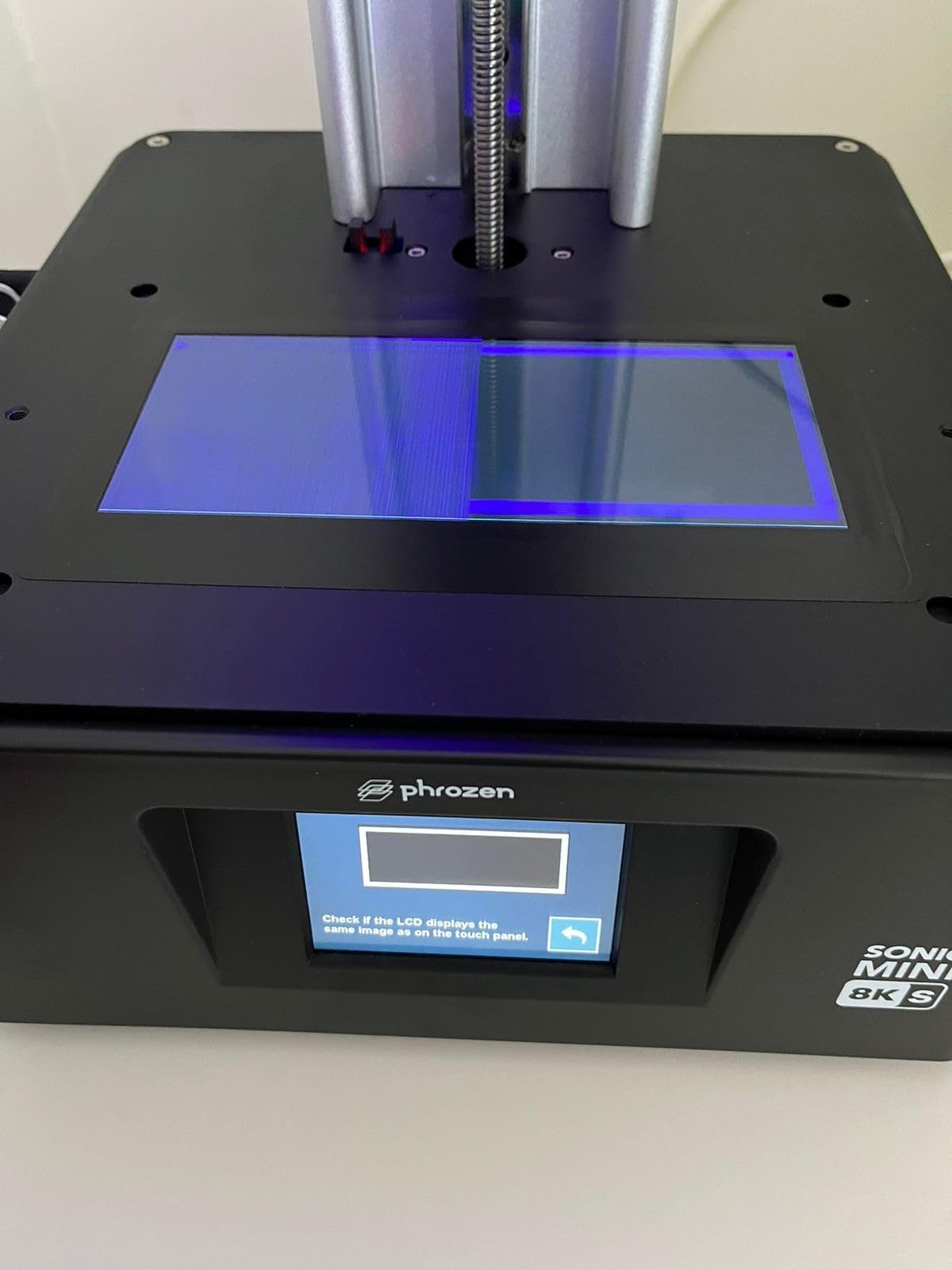
Where its size is a feature
22um XY detail on a character model or a basing element is exactly what this class of machine is for, and 16.5 x 7.2 x 17cm is genuinely enough for those jobs.
Load capacity up to 22 lbs gives headroom for dense support structures on bigger pieces.
Why it will not build terrain
Its 16.5cm plate width is one of the narrower resin build volumes here, which limits it to individual miniatures or narrow strips.
The 157-rating review base is the thinnest here, so long-term reliability data is limited, and resin handling still requires gloves and ventilation.
12. FLASHFORGE Creator 5 Pro Industrial 3D Printer, 65C Active Heated Chamber
FLASHFORGE Creator 5 Pro Industrial 3D Printer, 65°C Active Heated Chamber, HEPA13 Air Filtration, 4-Extruder Independent System, 600mm/s High-Speed Printing, 256mm³Build Volume
256mm volume
Four independent extruders
65C chamber
600mm/s
30000mm/s2
30.9 lb
Pros
- Four toolheads switch color by nozzle swap with no purging
- Highest chamber temperature here at 65C
- 30000mm/s2 for high-throughput batches
- Sub-30-second tool-less nozzle changes
Cons
- Smallest review base among FDM machines at 134
- Four toolheads mean more maintenance surfaces
- 256mm volume is below the K2 Pro cube
- Premium price for a hobbyist budget
The Creator 5 Pro is the specialist multi-material machine here. Four fully independent extruders switch color by swapping nozzles, which means no purging and no cross-contamination between colors.
That matters most for terrain effects where a purging tower wastes material and time on every color change. Dirt, rock, grass and a highlight can cycle all night without purge waste.
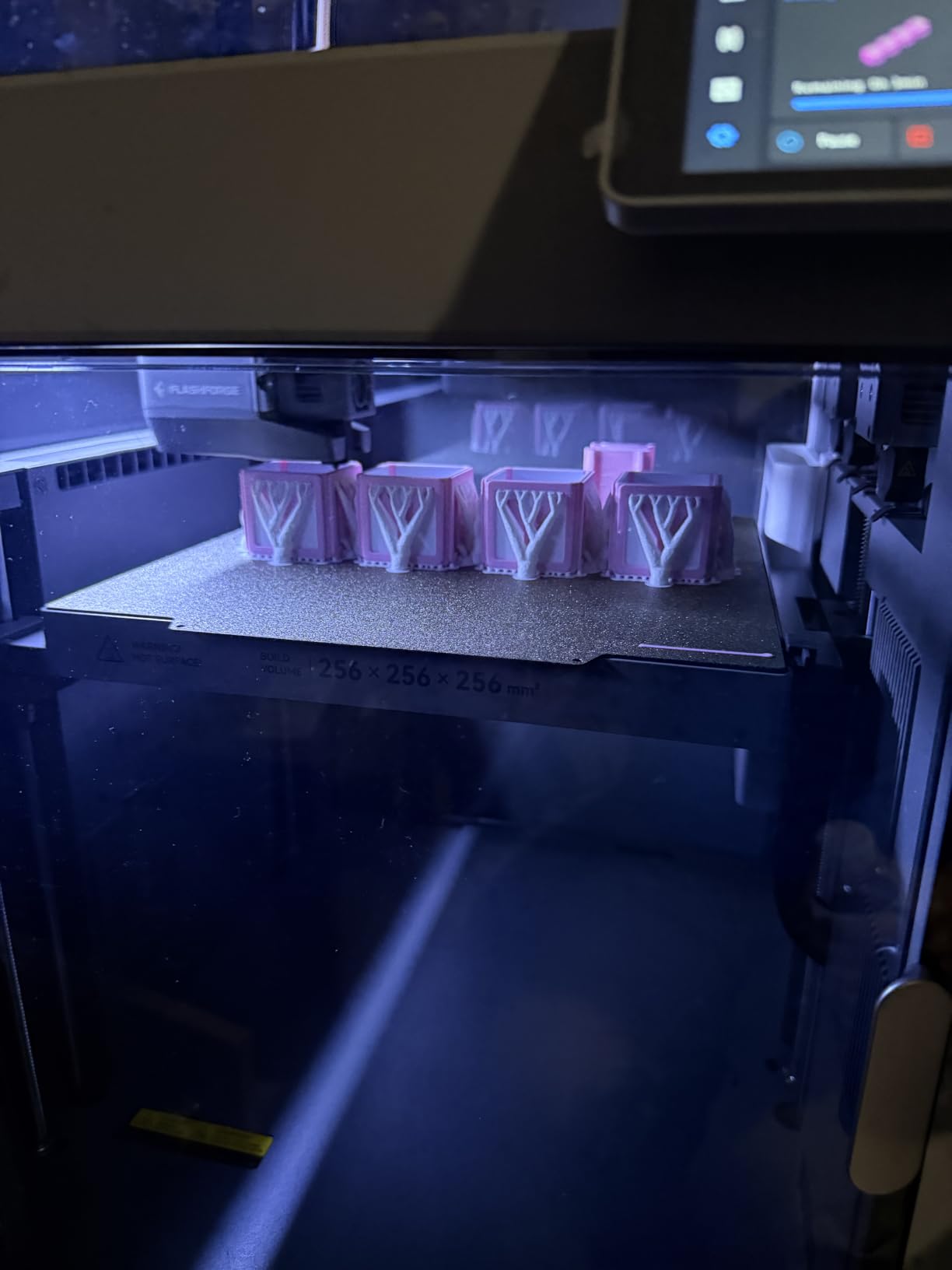
Its 65C active chamber is the highest here and supports Nylon and PC alongside ABS and ASA, while a sealed enclosure with outside-in circulation and HEPA13 recirculation keeps emissions contained.
All-metal CoreXY delivers 600mm/s at 30000mm/s2, automatic bed leveling and toolhead offset calibration handle setup, and tool-less nozzle changes finish in under 30 seconds to cut downtime on long jobs.
Who the four toolheads are for
Anyone running high-volume multicolored terrain batches where purge waste would dominate filament consumption. The independent toolheads eliminate the single biggest running cost of multi-material FDM printing.
The 65C chamber also opens up Nylon and PC terrain where other enclosed machines stop at ASA.
Where the trade-offs sit
The 134-rating review base is the smallest among the FDM machines here, so long-term reliability data is still thin. Four toolheads also mean more maintenance surfaces.
At 256mm the build volume is smaller than the K2 Pro’s 300mm cube, and the premium price suits a hobbyist budget only if you are printing constantly.
How to Choose a 3D Printer for Tabletop Terrain
1. Build volume mapped to your game system
Build volume is the first filter, and it should be read against actual tile footprints rather than marketing adjectives.
Under 220mm: single scatter pieces and basing only. Every large piece gets split.
220-256mm cubes: rooms, walls and modular tiles, often assembled from two or three sections.
300mm cubes: multi-room dungeons, 40k city blocks and ruin footprints print whole.
350mm and above: industrial halls, large battlemap sections and monumental pieces print in one piece.
If you play Necromunda, corridor and chamber kits fit a 256mm bed with care. For 40k city buildings, target 300mm or more. For D&D dungeon tiles, a 256mm cube handles most rooms comfortably.
2. Layer height and infill that survive handling
Terrain sits under fingers, gets knocked and gets stacked. Print large pieces at 0.2mm or thicker, and use gyroid infill, which community advice consistently favours over grid because grid lets the nozzle catch and knock the part over. Keep perimeters high and infill modest; a solid shell does more for durability than a dense core.
3. Material and chamber choice
PLA is the easy default and needs no chamber. PETG is tougher and better for pieces that get moved around between sessions. ABS and ASA need an enclosed chamber and ideally active heating, which is why every open-frame machine in this roundup has that limitation stated plainly.
Dry your filament. Wet filament produces rough surfaces, weak layer adhesion and stringing, and it is the most common cause of the failed long prints people blame on hardware.
4. Unattended printing readiness
The top criterion in community discussions of this hobby is whether you can leave the printer running overnight. Check these before buying:
Automatic bed leveling, so the first layer does not depend on a manual check.
Power loss recovery, so a trip does not end a fourteen-hour terrain set.
Filament run-out and tangle detection, which halt and resume rather than void the job.
A camera with lighting, if you want to check progress from another room.
Direct drive extruders, which handle flexible and abrasive filaments with less grinding.
5. Ongoing costs and real throughput
Beyond the machine, budget for filament, a dry box or dryer, occasional nozzle replacement and maintenance parts. Terrain is filament-hungry: a single 6×4 battlemap section can use a kilo or more at standard infill. Print speed also matters less than people expect, because bed leveling, support removal and seam finishing dominate the hours around the print.
6. Ecosystem and slicer honesty
Software frustration is a real recurring complaint across brands. Many owners start in the vendor app and move to OrcaSlicer or third-party tools. Machines with open slice formats and broad slicer support age better for terrain work, where you will be batching dozens of custom files rather than printing one thing from a curated library.
For the resin options covered here, we have kept the discussion separate on purpose. If you also print characters and miniatures, our guide to the best 3D printers for miniatures covers the detail side properly. If your baseboard doubles as outdoor scenery, our picks for the best rollators for outdoor terrain are a separate category, but the terrain-design thinking overlaps.
Frequently Asked Questions
What is the best 3D printer for printing terrain in Warhammer Terrain?
For most terrain builders the Bambu Lab P1S Combo is the strongest all-round choice, because its enclosed chamber prints ABS and ASA walls without warping and the AMS handles multi-material tiles in one job. If you build full buildings rather than modular tiles, the Sovol SV08 MAX at a 500mm cube removes the need to split and seam large pieces.
Can you 3D print Warhammer Terrain?
Yes, printing terrain for your own games is a normal and widely practised hobby, and terrain files are sold openly for exactly this purpose. The same applies to Du0026amp;D dungeon tiles and Necromunda kits. Personal-use terrain prints for your own table carry no legal issue; the caution applies to commercial resale of printed models.
Do I need a resin printer for terrain?
No. Terrain is large, hollow and handled constantly, which suits PLA and PETG filament far better than resin. Resin is for miniatures and character models where fine surface detail matters. BoardGameGeek and hobby forums have recommended FDM for terrain and resin for minis split for years, and it still holds.
Is the Bambu Lab A1 mini 3D printer a good printer?
The A1 in this roundup is the open-frame, fully automatic member of the family and it carries a 4.7 rating, the highest here. It suits PLA and PETG terrain with auto leveling, run-out detection and quiet motors. The mini variant has a smaller bed and suits scatter pieces and basing more than full buildings.
What is the best FDM printer for a beginner?
The Bambu Lab A1 is the easiest first machine for terrain because full-auto calibration handles Z-offset, bed leveling and flow automatically, removing the manual leveling ritual that trips up newcomers. Automatic run-out and tangle detection also mean a first overnight batch usually finishes without supervision.
Which 3D printer has the least amount of problems?
Review data in this group suggests the Bambu Lab A1 and P1S Combo report the fewest recurring complaints, while several of the newer releases in this roundup carry 16-17% one-star shares tied to firmware updates and early hardware faults. Whichever machine you pick, enable power loss recovery, run-out detection and automatic bed leveling before the first long terrain batch.
How expensive is 3D printing as a hobby?
Beyond the printer, the running cost is filament and maintenance. A large terrain job such as a 6×4 battlemap section can consume a kilogram of PLA or PETG at standard infill, and nozzles, dry boxes and occasional replacement parts add to that over time. Dry filament is the cheapest quality improvement available.
Are there any 3D printers better than Bambu?
For build volume, yes. The Sovol SV08 MAX reaches a 500mm cube and the Creality K2 Plus Combo a 350mm cube, both larger than Bambu models, and the Flashforge Creator 5 Pro reaches a 65C chamber with four independent toolheads. For first-time reliability, auto leveling and software polish, Bambu models remain hard to beat.
Final Verdict
The best 3D printers for tabletop terrain depend on one question: do you build modular tiles or whole buildings? Modular Necromunda and D&D work is handled best by the Bambu Lab P1S Combo, whose enclosure and multi-material unit turn layered terrain into a single unattended print. Whole buildings and large ruins belong to the Sovol SV08 MAX, whose 500mm cube removes the splitting and seam work entirely.
Choose the Bambu Lab A1 if this is your first printer and you want the least fighting, the Flashforge Adventurer 5M Pro if noise and odor matter in your space, and the Creality K2 Pro if you want a 300mm cube with an active 60C chamber. Reserve the resin machines for miniatures and props, where their detail advantage is real and their handling overhead is worth it.
Dry your filament, print terrain at 0.2mm or thicker with gyroid infill, and check the recovery and run-out settings before your first long job. That preparation matters more than any spec on this list. More comparisons of tabletop gear are in our tabletop tripod guide and our tripod picks for content creators.