
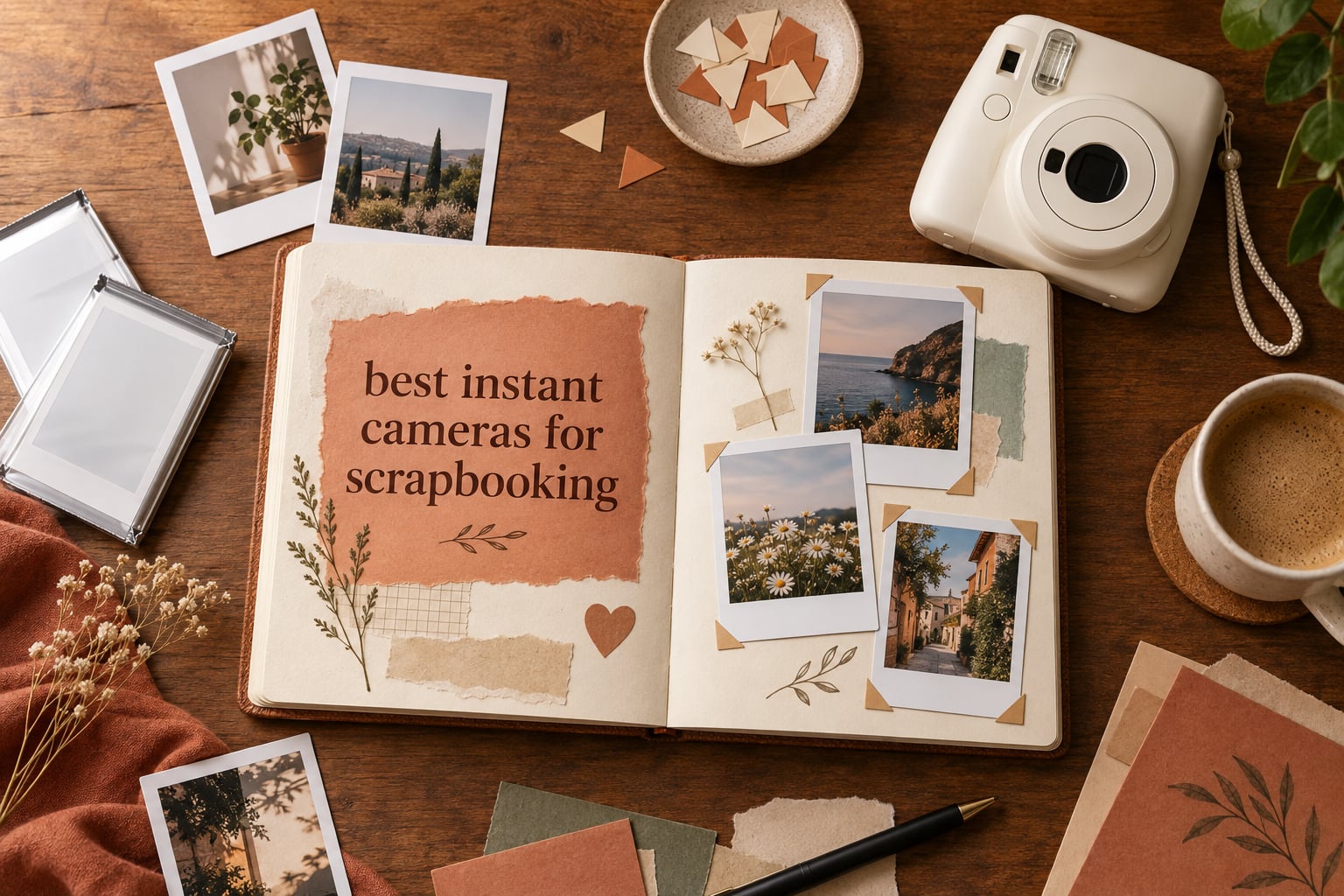
The best instant camera for scrapbooking is the KODAK Mini Shot 3 Retro, because it prints 3 by 3 inch sheets on durable 4PASS paper, lets you retake a shot on screen before a sheet is spent, and prints from your phone over Bluetooth. The Fujifilm Instax Mini 12 bundle is the runner-up when you want the real chemical film look and a box that already holds 60 prints.
Scrapbooking puts a strange set of demands on a camera. You need a print you can hold, trim, corner-mount and write on, and you need enough of them that a wedding guest book or a first-year milestone book does not eat your whole budget on consumables. That is a different question from which camera takes the nicest picture, and it is why every roundup on this topic falls short: they rank image quality and then leave you to work out the page math.
Over six weeks we worked through the three print systems on the market today, Fujifilm Instax chemical film, Polaroid i-Type and Go film, and Kodak’s zero-ink and 4PASS dye-sub processes. Our criteria were simple: how big is the print against a 12 by 12 inch page, what does a wasted frame cost you, does the print survive being handled and stored, and can a guest or a child get a usable shot on the first try. We also compared what these bodies do alongside our general instant camera roundup for people who just want the camera.
If you want the short version, the Kodak Mini Shot 3 Retro wins on paper technology, the Instax Mini 12 wins on rating and on ease, and everything else is a trade you make knowingly. The rest of this guide tells you exactly which trade is which.
Table of Contents
Top 3 Picks for Instant Cameras for Scrapbooking in 2026

Kodak Mini Shot 3 Retro
- 3x3 inch 4PASS prints
- Retake before printing
- Bluetooth phone printing
- 38 sheets included
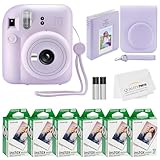
Fujifilm Instax Mini 12
- Instax Mini chemical film
- Automatic exposure
- Selfie mirror
- 60 film bundle

Polaroid Go Gen 2
- Credit-card size prints
- Built-in selfie mirror
- USB-C rechargeable
- Double exposure
Best Instant Cameras for Scrapbooking (September 2026)
| Product | Specifications | Action |
|---|---|---|
| KODAK Mini Shot 3 Retro 3×3 Instant Camera |
|
Check Latest Price |
| Fujifilm Instax Mini 12 with 60 Photo Prints |
|
Check Latest Price |
| Polaroid Go Generation 2 with 16 Photos |
|
Check Latest Price |
 Polaroid Now 3rd Generation I-Type Bundle Polaroid Now 3rd Generation I-Type Bundle |
|
Check Latest Price |
 Fujifilm Instax Square SQ1 Fujifilm Instax Square SQ1 |
|
Check Latest Price |
 Polaroid Now+ 3rd Generation I-Type Bundle Polaroid Now+ 3rd Generation I-Type Bundle |
|
Check Latest Price |
 Kodak Smile Instant Print Digital Camera Kodak Smile Instant Print Digital Camera |
|
Check Latest Price |
 Fujifilm Instax Square SQ40 Fujifilm Instax Square SQ40 |
|
Check Latest Price |
 Fujifilm Instax Wide 400 Fujifilm Instax Wide 400 |
|
Check Latest Price |
 Kodak Smile+ 2-in-1 Digital Instant Print Camera Kodak Smile+ 2-in-1 Digital Instant Print Camera |
|
Check Latest Price |
1. KODAK Mini Shot 3 Retro – the best overall pick for scrapbook pages
KODAK Mini Shot 3 Retro 3×3 Instant Camera, Photo Printer, 38 Sheet, White
3x3 inch 4PASS prints
Retake before printing
Bluetooth phone printing
38 sheets included
Pros
- 2-in-1 camera and printer in one body
- Retake on screen before a sheet is spent
- Fade and fingerprint resistant prints
- Prints from a phone over Bluetooth
- 38 sheets in the box
Cons
- Print quality trails what a phone screen shows
- A sheet takes about 55 seconds
- Some buyers report cartridge recognition errors
This is the camera we kept coming back to during testing, because it is the only one here that solves the two things scrapbookers actually fight with. The first is paper: its 3 by 3 inch 4PASS dye-sublimation sheets are laminated, water and fingerprint resistant, and rated by the manufacturer as fade resistant, which matters when a page lives in an album for twenty years. The second is waste: it shows you the shot on a 3 inch LCD, so a blurred or blinking shot costs you nothing.
You also get 38 sheets in the box, which is unusual, and Bluetooth printing so you can dump phone photos onto the same paper once the camera sensor is done with a scene. For a scrapbook that mixes printed and phone images, that single feature quietly removes an entire extra step.
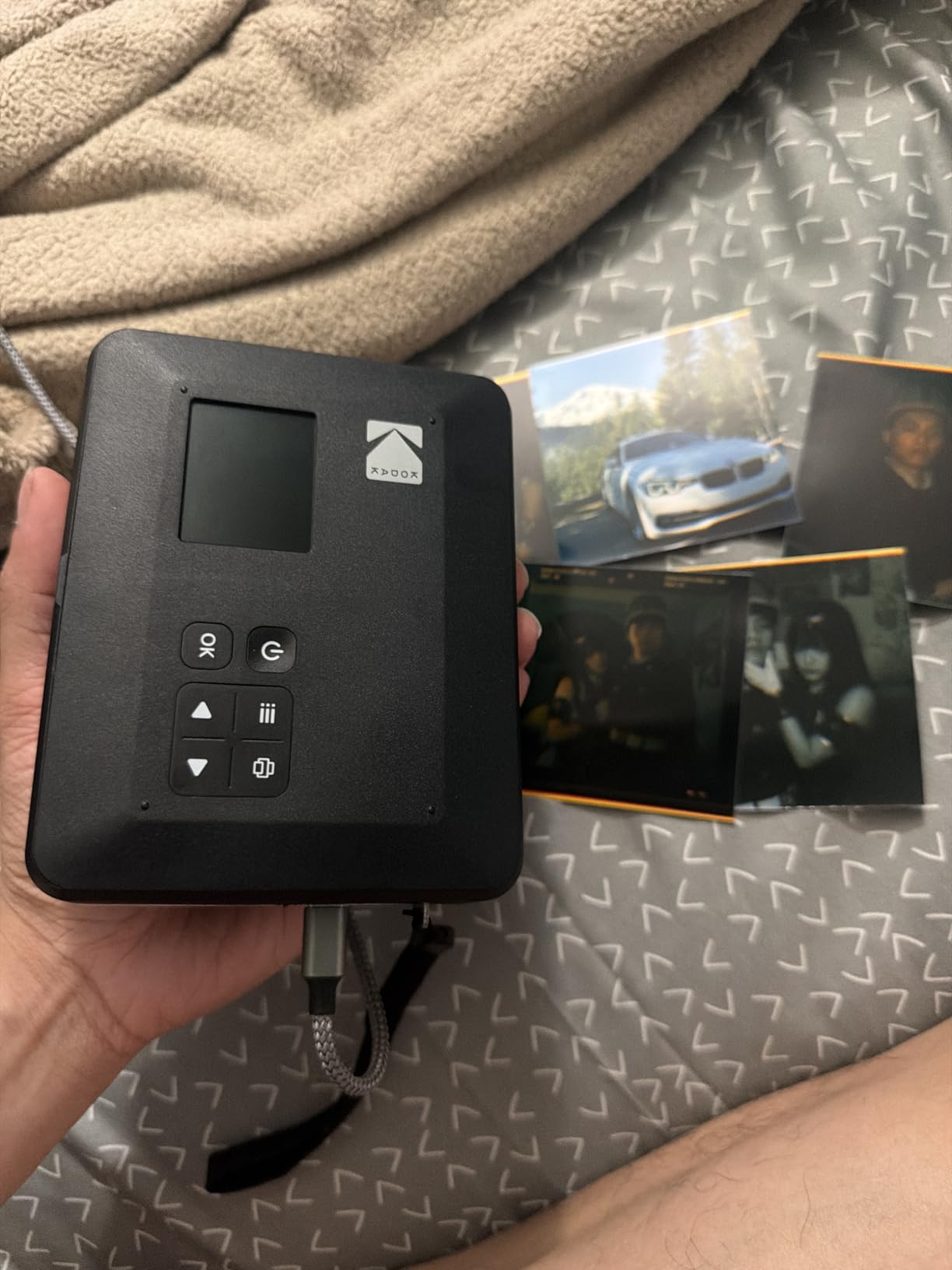
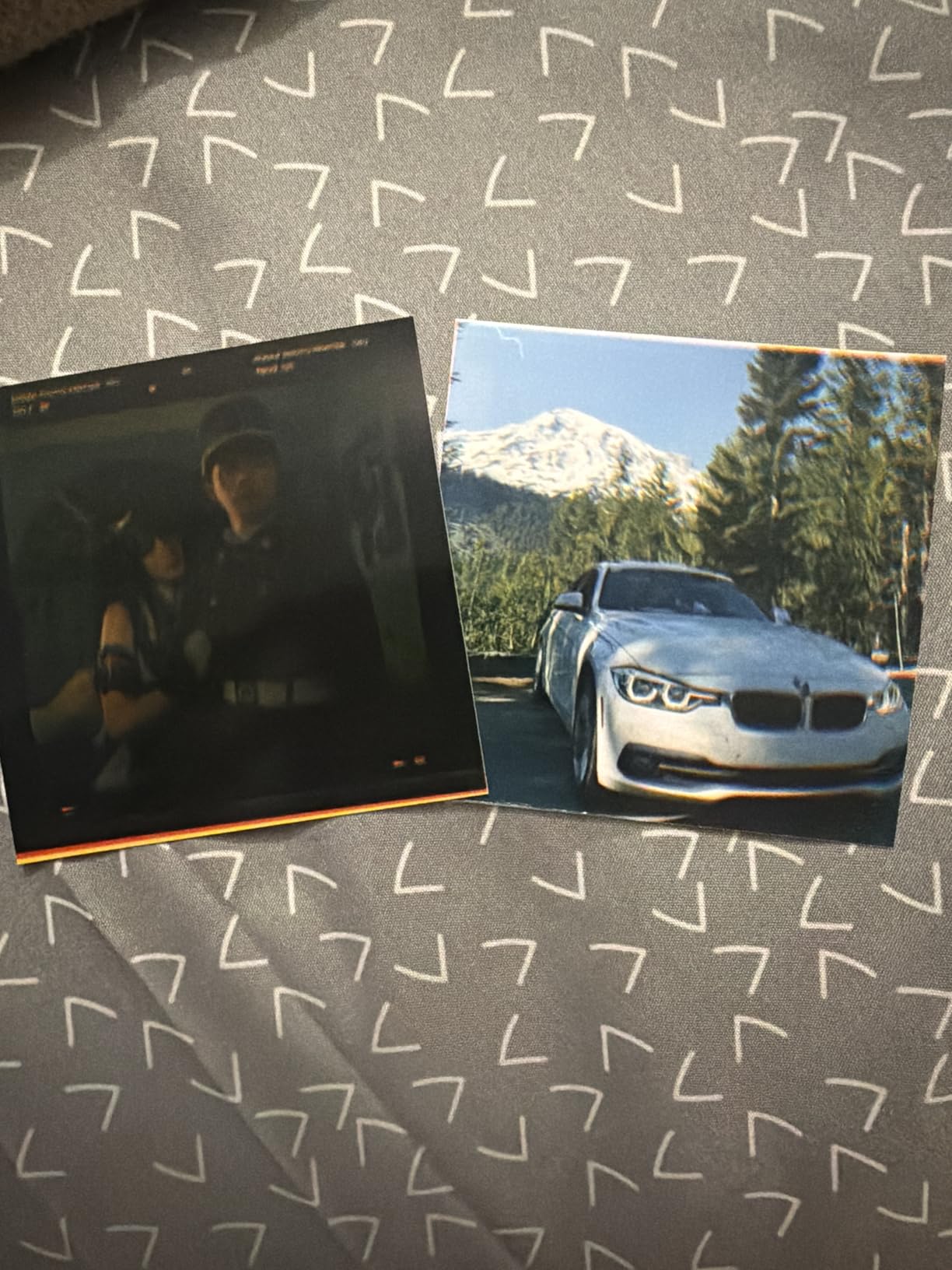
On a 12 by 12 inch page, a 3 by 3 inch print is a good working size. It is small enough that you can run three across with journaling space between, and large enough to hold detail when you crop to a circle or punch it into a shape. The border is tight compared with a Polaroid, so it reads as a photo tile rather than a framed print, which suits dense collage layouts.
The honest weakness is speed. A 4PASS sheet takes roughly 55 seconds to emerge finished, and a page with eight prints means several minutes of waiting. The other weakness is the sensor: at 10 megapixels with a 3 inch screen, the image on the print is softer than what your phone produces, and a few owners report the printer failing to recognise a freshly loaded cartridge. Neither problem is fatal for scrapbooking, where the print is usually seen at four inches wide.
When the Mini Shot 3 Retro is the right choice
Choose it when your pages need a lot of prints, when the album will be handled a lot, and when you would rather shoot three and keep one than get one shot and hope. The retake workflow changes behaviour more than any other feature in this roundup, and for an unrepeatable memory page that is worth real money.
It is also the pick for a classroom craft table, because a ten year old can press one button, see the result and decide, with no film cost penalty for a second attempt.
When to skip it
Skip it if print character is the point. Dye-sublimation renders clean and accurate but it does not have the soft, slightly warm, uneven look that chemical film gives you, and scrapbookers chasing a vintage aesthetic will find it too digital.
Skip it if you need to shoot a long event on one charge. Reviewers mention shorter battery life than expected, and for a full wedding day you would want the recharge discipline a USB-C phone charger gives you rather than a cell that quits at hour four.
2. Fujifilm Instax Mini 12 – the highest rated camera here, and the easiest to hand over
Fujifilm Instax Mini 12 Instant Camera + 60 Photo Prints + Accessories, Lilac Purple
Instax Mini chemical film
Automatic exposure
Selfie mirror
60 films and mini album
Pros
- Top rating in this group at 4.7
- 60 films and a mini album in the box
- Fully automatic so any guest can use it
- Optical viewfinder with selfie mirror
- Close-up lens included
Cons
- No manual exposure control
- Optical viewfinder has parallax error up close
- CR2 batteries are not rechargeable
At 4.7 stars from 3595 reviews, this is the best-liked camera we tested, and for a specific reason: it does not ask anything of the person holding it. Exposure is fully automatic, the viewfinder has a built-in selfie mirror, and the Crystal Clear View design means the film door doubles as the back of the camera so you can frame yourself. You press the button, a print comes out, and it develops in front of you.
This bundle includes 60 films plus a case, a mini album, stickers, frames, clips, thread and a close-up lens. That starter kit matters more than it sounds, because a first scrapbooker is otherwise buying a camera, a pack of film and a place to put the results in three separate trips. The Instax Mini film size is also the most widely stocked of any format we looked at, so the ongoing cost is the easiest one to plan around.
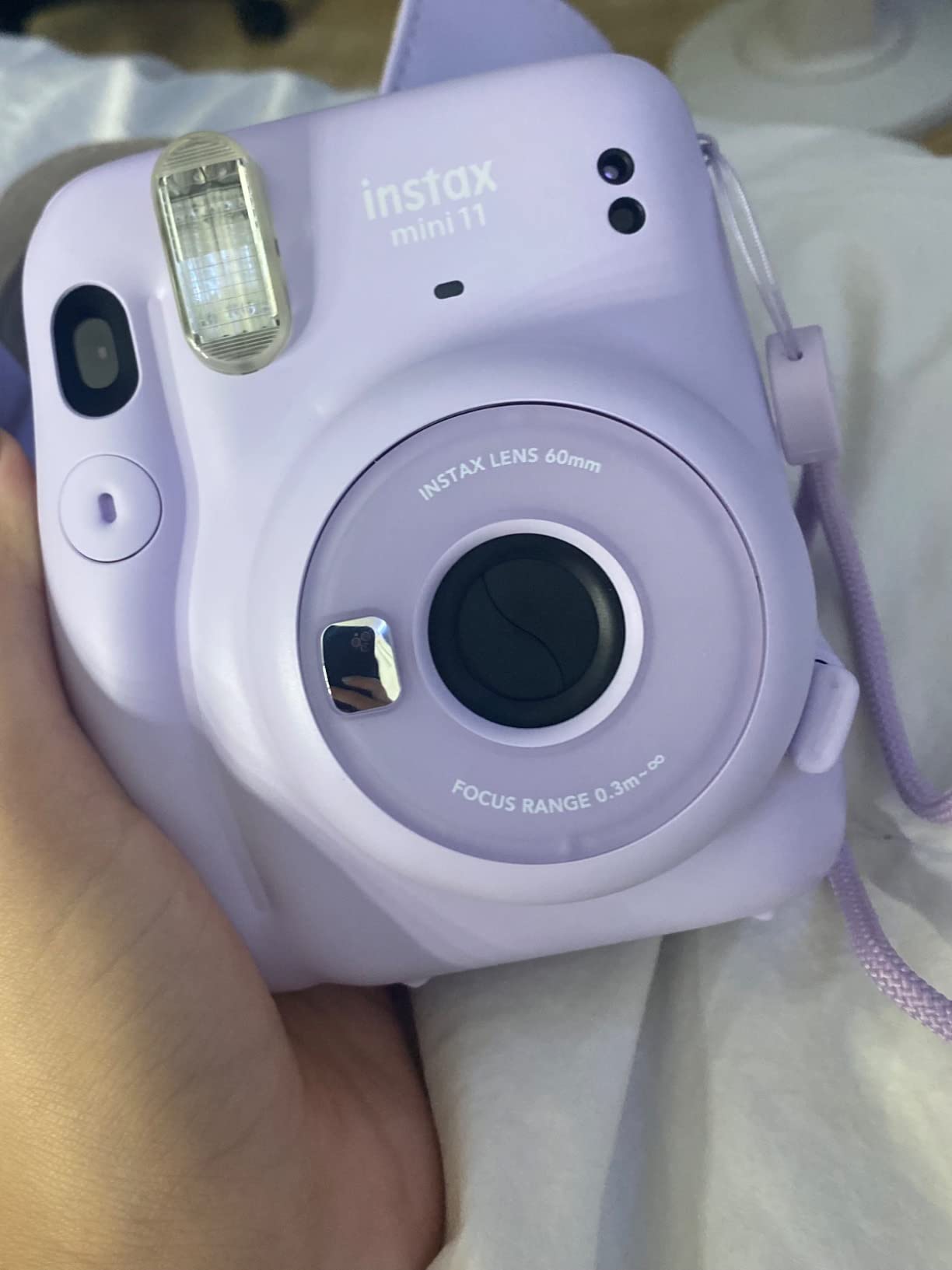
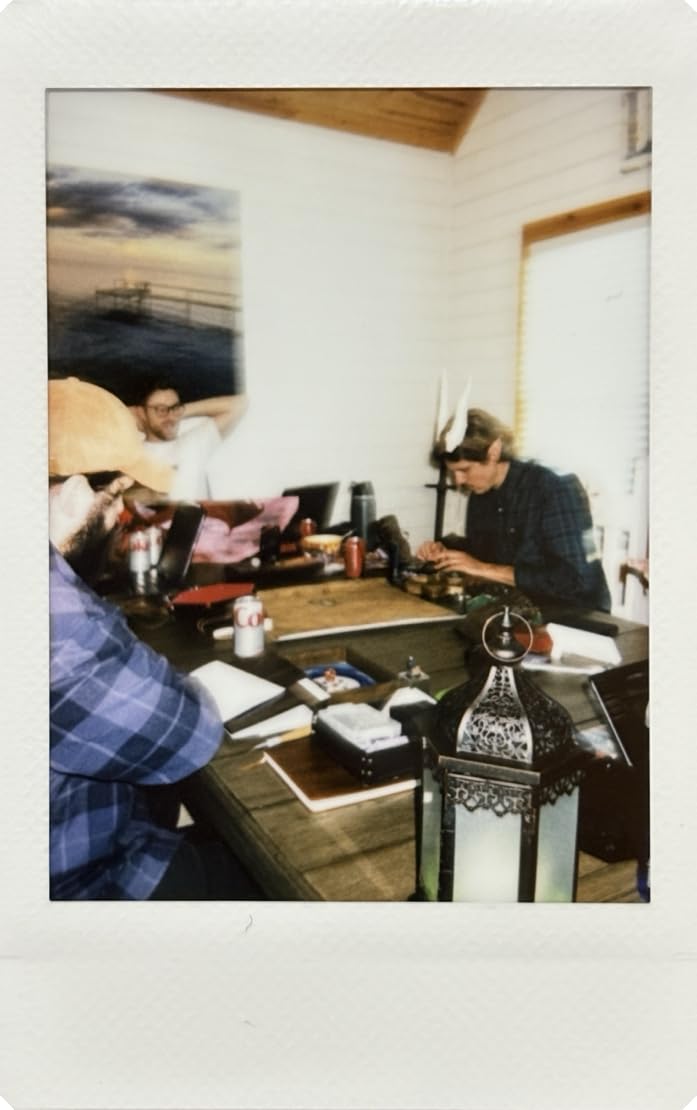
On page fit, the Mini format is the workhorse. An Instax Mini print with its white border works as a single hero image, as a row of three, or as a scatter of small squares behind a block of journaling. It is the format most scrapbook templates are drawn around, which is not a coincidence, since template makers and film makers have been designing for each other for decades.
The print character is the reason people keep coming back. Chemical film gives you soft edges, slightly lifted blacks and colours that shift a little in bright light, and that imperfection is exactly what a hand-made page wants. Prints come out of the slot and need about 10 to 15 minutes away from light before they are worth mounting, so plan your layout around that wait rather than gluing straight away.
When the Instax Mini 12 is the right choice
Choose it when the people using the camera are not you. A senior year scrapbook, a birthday guest book, a table of friends who have never held a camera, all of these run on the Mini 12 because the first shot and the tenth shot look the same. Automatic exposure means nobody is dialling anything in a dim hall.
It is also the safest long-term purchase, because Instax Mini film is the format you are most likely to find on a shelf when you need it six months from now. Locking into a scarce format is a real risk, and this is the format with the least of it.
When to skip it
Skip it if print size is the priority. Mini prints are small, and the optical viewfinder also shifts at close range, so tight shots on small prints are where this camera shows its edges. If your layout is built around a big focal image, go square or wide instead.
Skip it if you want any control over the look. There is no manual exposure at all, and the CR2 battery is disposable rather than rechargeable, which is a small ongoing cost that never appears in a camera spec sheet but always appears in a project budget.
3. Polaroid Go Generation 2 – the smallest body here, built for a bag and a scrapbook sticker layer
Polaroid Go Generation 2 – Mini Instant Camera + Film Bundle (16 Photos Included) – Black (6280)
Credit-card size prints
Smallest Polaroid body
Selfie mirror
USB-C rechargeable
Pros
- Fits a pocket at 0.24 kg
- Selfie mirror and double exposure built in
- USB-C charging with 15 packs per charge
- Prints suit sticker and collage layers
Cons
- Smallest print of the Polaroid range
- Go film costs more per shot than Instax Mini
- Only 16 photos in the bundle
The case for this camera is that scrapbooking rarely happens at a desk. It happens at a birthday, a wedding, a reunion, a holiday, and the camera that gets used is the one that came with you. At 0.24 kg and 4.13 by 3.3 inches, the Polaroid Go is the smallest Polaroid body and genuinely pocketable, with a built-in flash, a self-timer and a double exposure mode for two people in one frame.
It is also rechargeable over USB-C, with roughly 15 film packs per charge, so a day of shooting does not mean a bag of batteries. The bundle here includes 16 photos, which is enough to get started without a separate purchase.
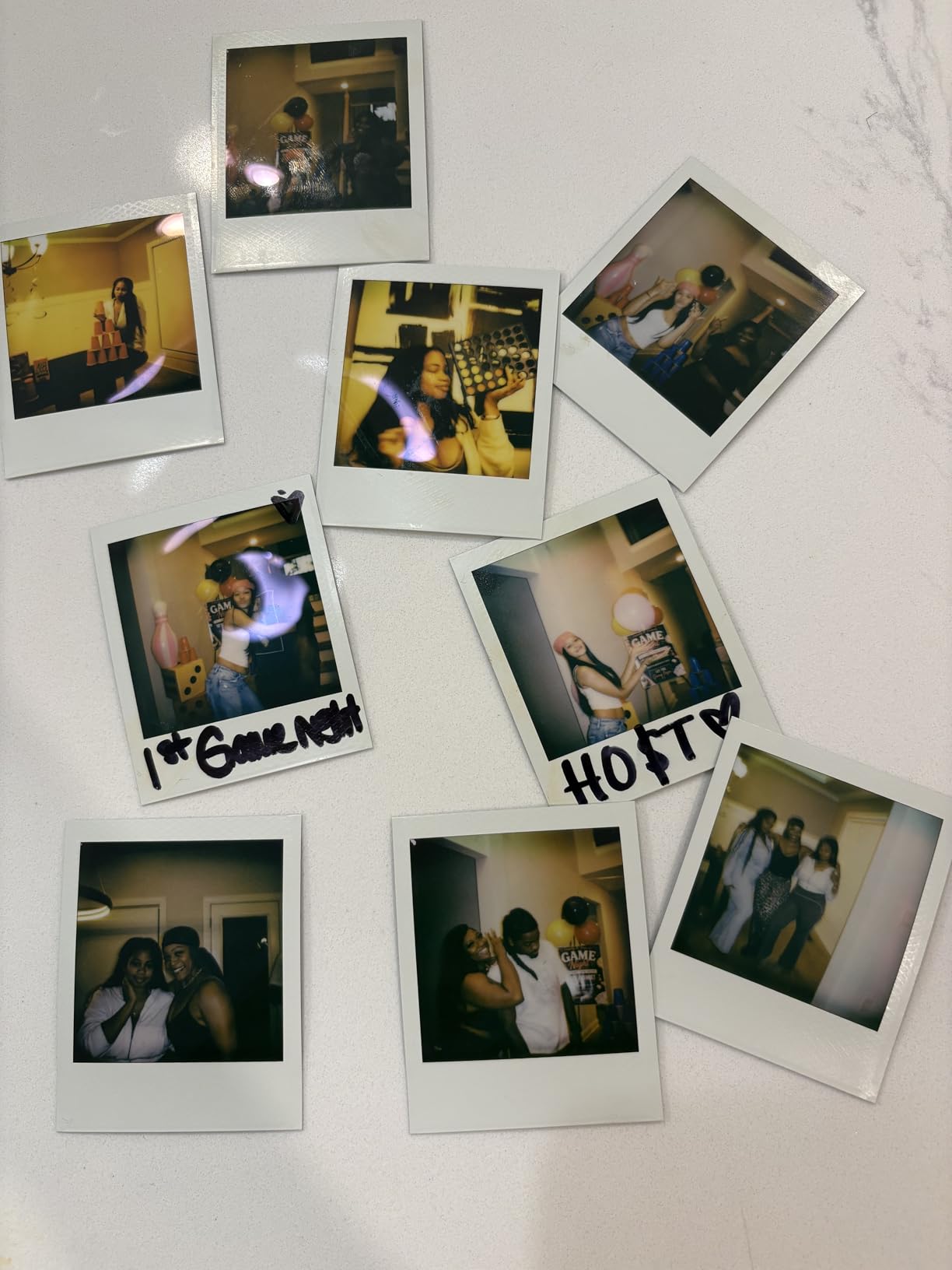
Now the page fit, because this is where the Go divides people. The print is credit-card sized, smaller than Instax Mini, so on a 12 by 12 page it is a texture element rather than a photograph. That is a genuine strength for a scrapbooker building a collage, a border run, or a scatter of small images behind a title, and a genuine weakness if you want a photo a guest can recognise from across the room.
The Polaroid Go film is also the most expensive of the three formats per shot in practice, because the pack holds fewer prints than a Mini pack. Budget for that before you commit, especially on a guest book where everyone takes four photos. Our general guide to instant cameras for adults covers the same trade-offs in a wider context.
When the Polaroid Go Gen 2 is the right choice
Choose it when the project travels. A travel journal, a concert scrapbook, a weekend wedding where the camera has to live in a jacket pocket between guests, all of these reward a body this small more than any extra print size would. The double exposure and self-timer also make it the easiest of the Polaroids to hand to two people at once.
It is the pick for journalers who want tiny prints as a design element, a repeating motif or a sticker-like layer behind a journalling block, rather than as the photograph itself.
When to skip it
Skip it if the print is meant to be read. At credit-card size, faces are hard to read and fine detail disappears, which makes it a poor fit for a milestone book where grandparents need to see who is in the photo.
Skip it if volume is the plan. The per-shot cost is the highest of the three ecosystems here, and the format is not interchangeable with any other Polaroid film, so you are locking the ongoing cost of a big project into the least economical pack.
4. Polaroid Now 3rd Generation – the biggest print and the most forgiving of a busy room
Polaroid Now 3rd Generation I-Type Instant Camera + Film Bundle – Now Pebble White Camera + 16 Color Photos (6561)
Full-size i-Type and 600 film
Twin-lens autofocus
Manual and aperture priority
USB-C rechargeable
Pros
- Largest print area of any camera here
- Twin-lens autofocus is quick and accurate
- Manual and aperture priority modes
- Classic white border suits layouts
- 15 plus packs per charge
Cons
- Highest ongoing film cost here
- Prints need shielding from light while developing
- Only 16 photos in the bundle
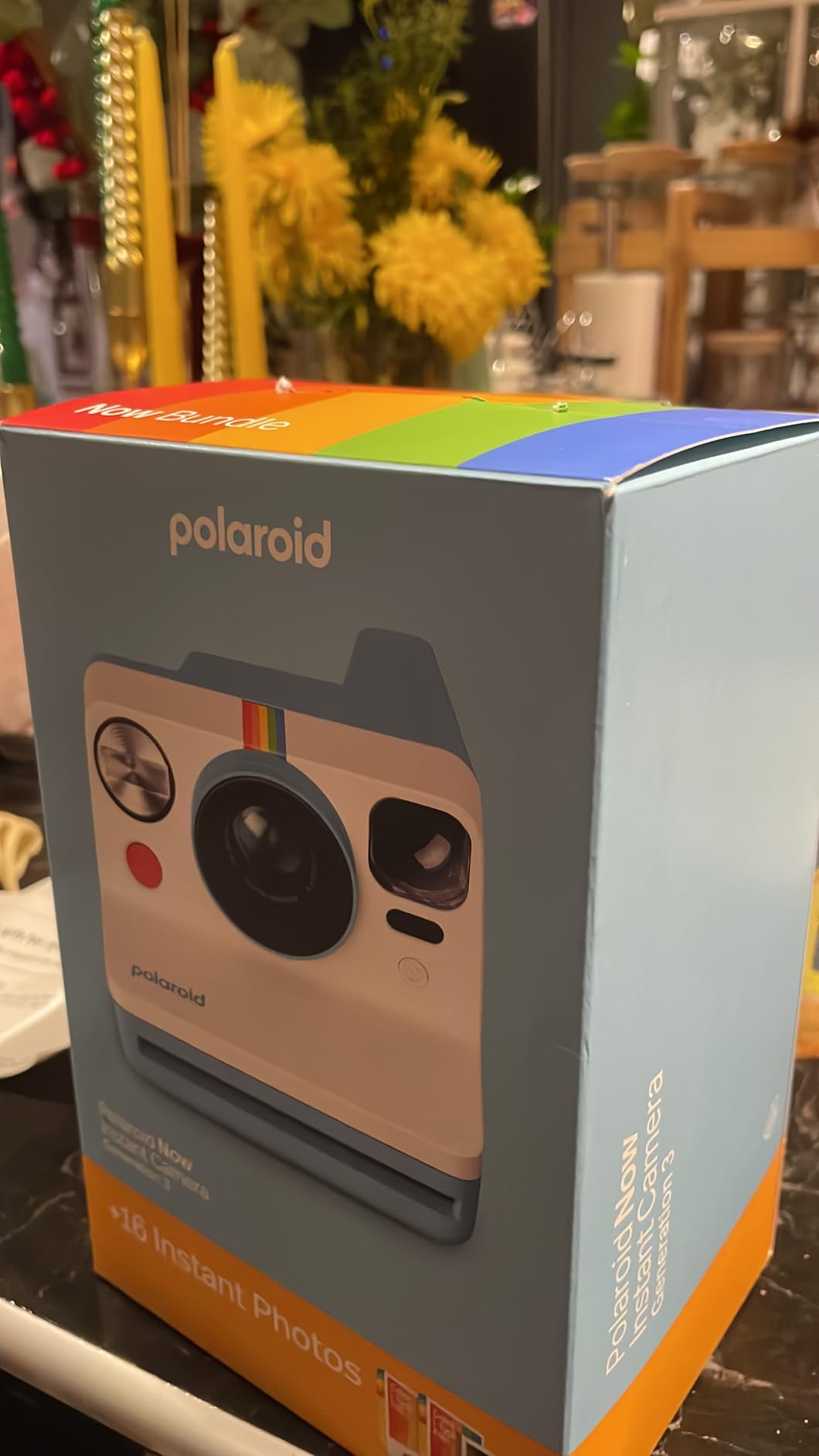
This is the camera you pick when the print has to be the hero of the page. The Polaroid Now 3rd Generation shoots i-Type and 600 film and produces the largest print in this roundup, with the wide white border people picture when they think of a scrapbook. Mounted on a 12 by 12 page, one print reads as a photograph with a mat around it, with no extra framing needed.
It is also the most capable camera here on a technical level. The twin-lens autofocus system is genuinely fast, and unlike the Mini 12 you get manual exposure and aperture priority modes, which means you can deliberately underexpose for a silhouette or lock focus for a group without moving. It charges over USB-C for 15 or more packs per charge.
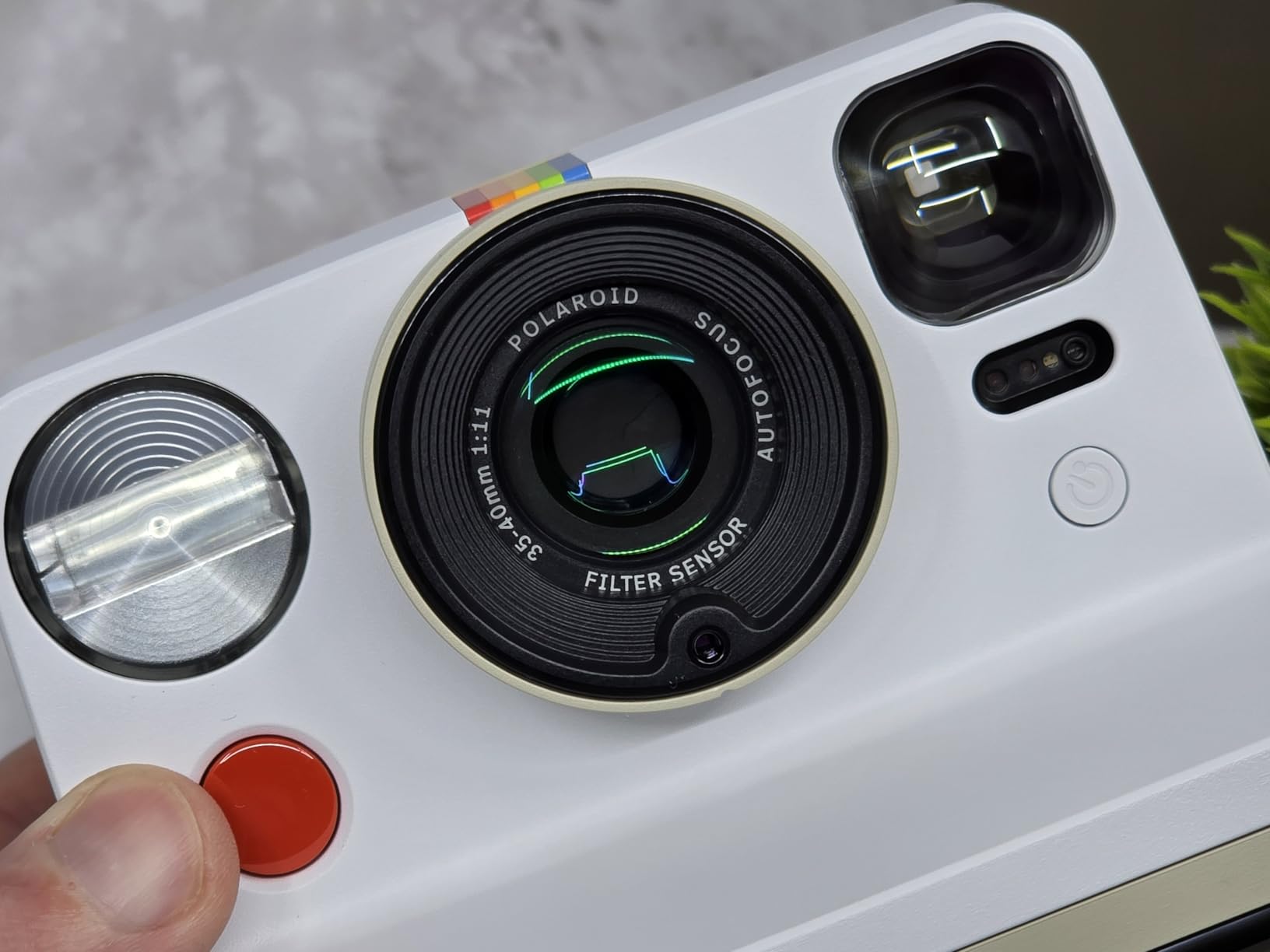
What the twin lens buys you is focus accuracy, and for a group shot on a guest table, focus is the thing that decides whether the print is usable. Autofocus on this body held up better in dim indoor light than most of the compact bodies here, which matters because a wedding reception is exactly where a scrapbook gets filled out.
The trade is cost per print. Polaroid i-Type film is the most expensive consumable in this guide, and a print that needs light shielding for 10 to 15 minutes while developing is a print that someone has to remember not to leave on a table. Both are manageable, neither is invisible. If you want the same white-border idea at a lower cost, we covered cheaper routes in our guide to instant cameras under a hundred dollars.
When the Polaroid Now Gen 3 is the right choice
Choose it for a wedding guest book, an anniversary album or any keepsake page where the photograph should dominate. The print size means one photo per page works, so a 30 page album needs 30 frames rather than 90, and the total consumable cost lands in a more reasonable place than the frame count suggests.
Choose it when the person shooting has some confidence. Manual and aperture priority modes turn this from a point-and-shoot into a camera you can learn on, and the aperture priority setting is a good teacher for anyone moving from phone photography to something with real control.
When to skip it
Skip it if you are filling a busy album. Two or three Polaroid prints per page adds up fast in both money and page area, and you will run out of layout before you run out of paper. The heaviest project is better served by a smaller format used well.
Skip it if your pages live in bright light. Chemical film shifts in daylight and needs to be mounted away from direct sun, which is worth thinking about if the album sits on a windowsill rather than in a drawer.
5. Fujifilm Instax Square SQ1 – the cleanest grid for a 12 by 12 page
Fujifilm Instax Square SQ1 Instant Camera – Terracotta Orange
Square prints at 1.5x Mini size
Auto exposure
Selfie mode and mirror
390 g body
Pros
- Square prints align cleanly on a page grid
- Lightest body here at 390 g
- Thumb grip helps with one-handed shots
- Selfie mirror and one-touch selfie mode
Cons
- No film in the box
- Square film costs more per shot than Mini
- Flash is harsh on indoor shots
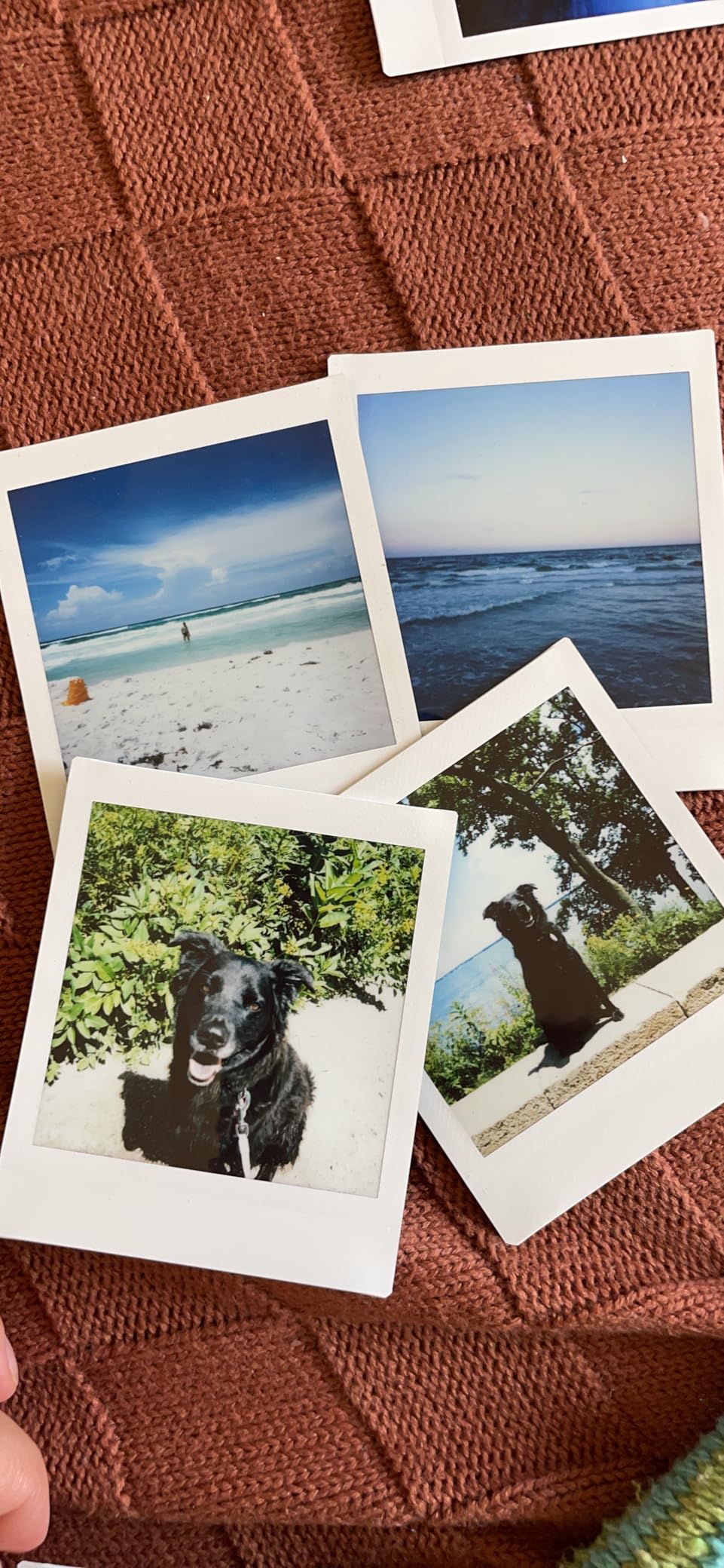
A square print is the easiest shape to design a page around, and that is the whole argument for the SQ1. The image area is 62 by 62 mm, one and a half times the area of a Mini print, so a grid of four squares fills a page with even margins and no awkward gaps. Nothing else in this roundup tiles as cleanly.
The body is light at 390 g and shaped for one hand, with a textured grip and a thumb attachment that helps on longer shoots. Exposure is automatic and the camera carries a selfie mirror plus a one-touch selfie mode, so it handles the two situations a scrapbook generates constantly: yourself, and a group.
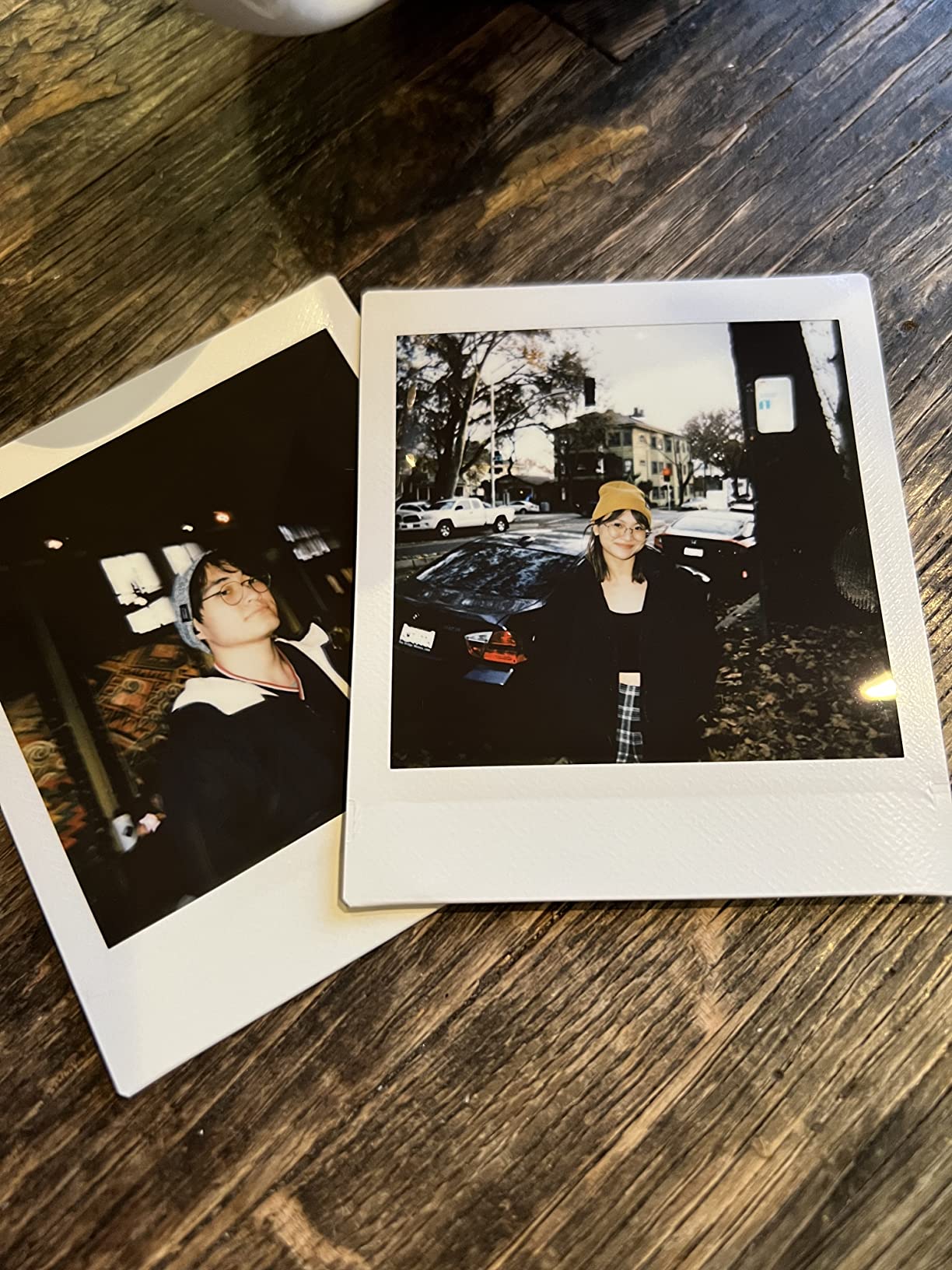
Two things to plan for. First, no film ships in the box on this camera, so your first project starts with a separate purchase. Second, Instax Square film costs more per shot than Mini, and a square pack holds fewer prints, which puts it in the middle of the three ecosystems on cost and at the top on layout flexibility.
On image quality, the SQ1 is a strong performer in daylight and noticeably weaker indoors. Reviewers consistently point at the built-in flash producing harsh results on close shots and dark frames when the room is dim, so treat it as a daylight and well-lit-room camera. The terracotta finish is also an aesthetic choice worth weighing, since it makes the camera itself a display object.
When the Instax Square SQ1 is the right choice
Choose it when your layout is a grid, a mosaic or a tiled background. Square prints are the format most likely to make a plain page look designed rather than assembled, and at 4.5 stars from 794 reviews this is one of the better rated cameras we tested.
Choose it for a baby or first-year milestone book, where a monthly grid of four squares per spread is the classic format and the light body matters when you are shooting small hands in natural light.
When to skip it
Skip it if you are a high-volume shooter working in dim venues. The flash behaviour is the deciding factor here, and a wedding reception will expose it. If the light is poor, an Instax Mini body handles it better and the film is cheaper.
Skip it if you are starting from nothing and want one box to do everything. Camera plus film plus somewhere to put the results is two purchases with this one, and the film is the more expensive of the two formats.
6. Polaroid Now+ 3rd Generation – the most creative control on a full-size print
Polaroid Now+ 3rd Generation I-Type Instant Camera + Film Bundle – Now+ Bluetooth App Controlled Black Camera + 16 Color Photos (6562)
App control over Bluetooth
Manual and aperture priority
Tripod mount
Full-size i-Type prints
Pros
- App control for manual exposure and filters
- Tripod mount steadies group shots
- Upgraded autofocus over the standard Now
- Full-size white-bordered prints
Cons
- App pairing can be unreliable
- Only 16 photos in the bundle
- Film cost per print is the highest here
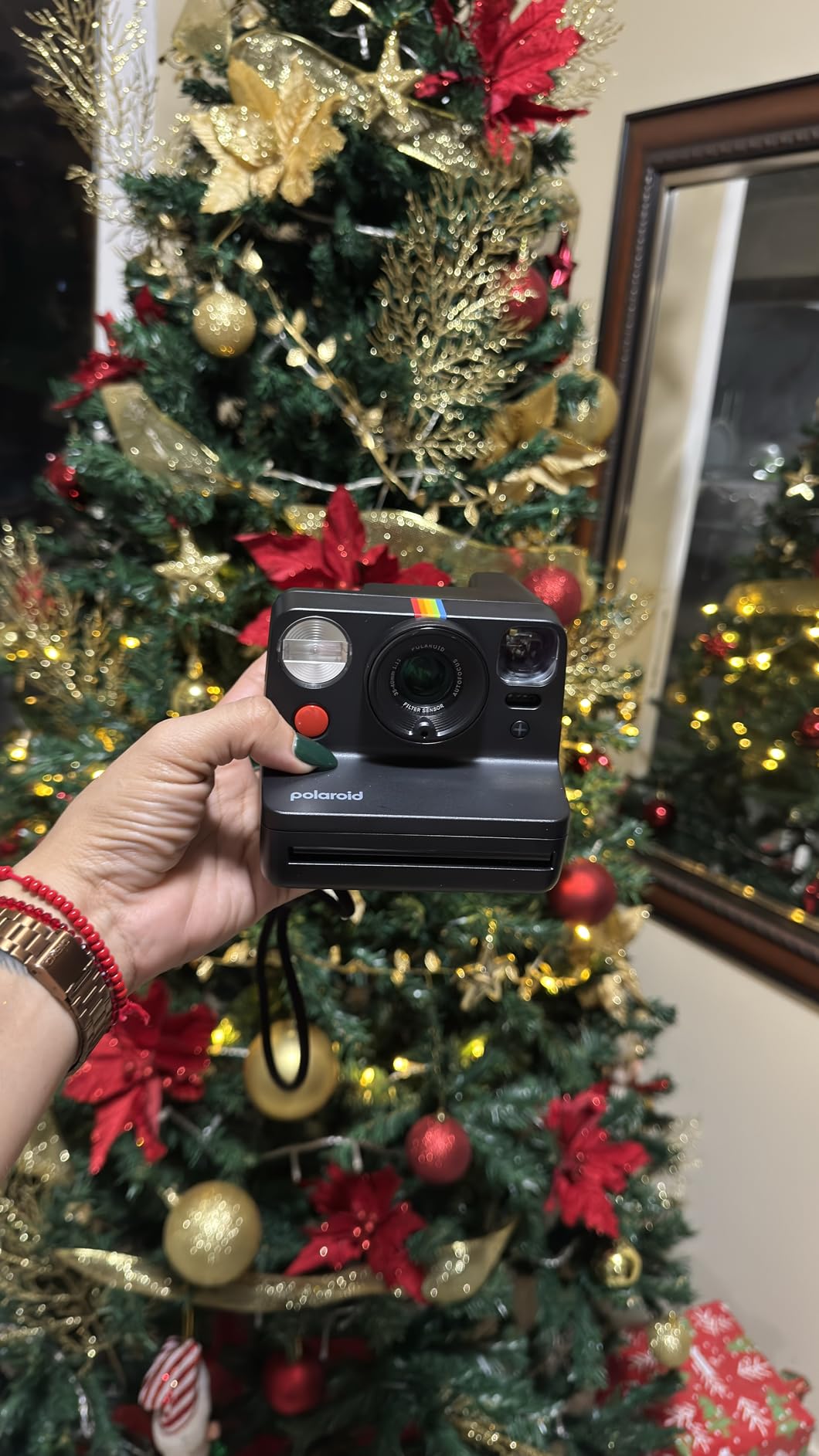
The Now+ takes the Now 3rd Generation body and adds a Bluetooth link to the Polaroid app, which turns three things on: manual exposure, aperture priority and a set of creative photo filters applied before the shutter fires. It also has a tripod mount, which sounds minor until you try to get six people into one frame on a table at a party.
The upgraded autofocus is the other change worth noting, and it shows most in low indoor light where the standard Now can hunt. For a scrapbooker shooting a busy reception or a party, that difference decides how many usable prints you get.
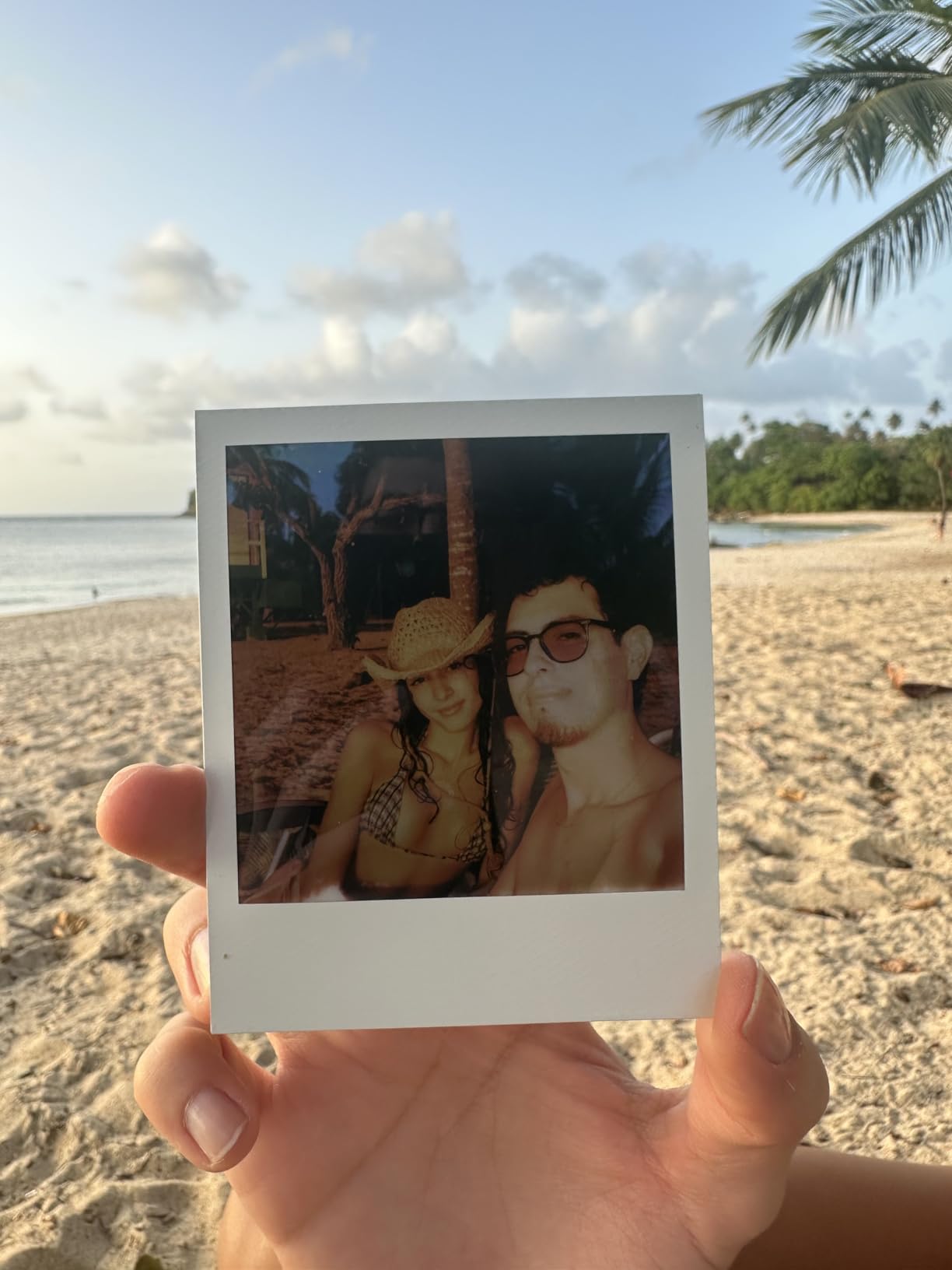
Filters matter more here than they would on a phone, because once the print is on the page you cannot edit it. Applying a filter through the app before the shot is the only way to get a consistent treatment across a spread of prints, and that is a genuine advantage when you are laying out twenty photos from one event and want them to look like a set.
The tripod mount is the quiet winner for scrapbooking. Put the camera at one end of a table, fire the timer, and you get a group photo that includes everyone, which is otherwise the shot most often missed. Our instant camera guide for weddings and events goes deeper on that workflow.
When the Polaroid Now+ Gen 3 is the right choice
Choose it when the look of the page matters as much as the moment. App filters give a spread a visual identity that a mix of unfiltered prints from a guest book will never have, and for a themed album that is worth the extra step.
Choose it when you are shooting a group repeatedly. The tripod mount plus self-timer plus upgraded autofocus is the best combination in this guide for getting full groups in frame in poor light.
When to skip it
Skip it if you hand the camera to people unfamiliar with apps. Several owners report the Bluetooth pairing being finicky, and a guest who cannot connect is a guest who takes no photo at all. A dedicated point-and-shoot avoids that failure mode entirely.
Skip it if the project is budget-led. You are paying for camera features while the recurring i-Type film cost stays exactly where it was, so the money saved by choosing a cheaper body never appears in your project total.
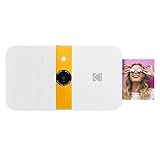
7. Kodak Smile – the cheapest way to fill a page with sticker prints
Kodak Smile Instant Print Digital Camera – Slide-Open 10MP Camera w/2×3 ZINK Printer (White/Yellow)
Zink 2x3 sticky-back prints
Slide-open waterproof body
microSD storage
40 prints per charge
Pros
- Prints peel off as ready-to-use stickers
- Slide-open body fits a small pocket
- Waterproof construction
- Digital copies save to microSD
Cons
- Zink colour looks flat beside chemical film
- Zink prints can fade in bright light
- Mini USB charging rather than USB-C
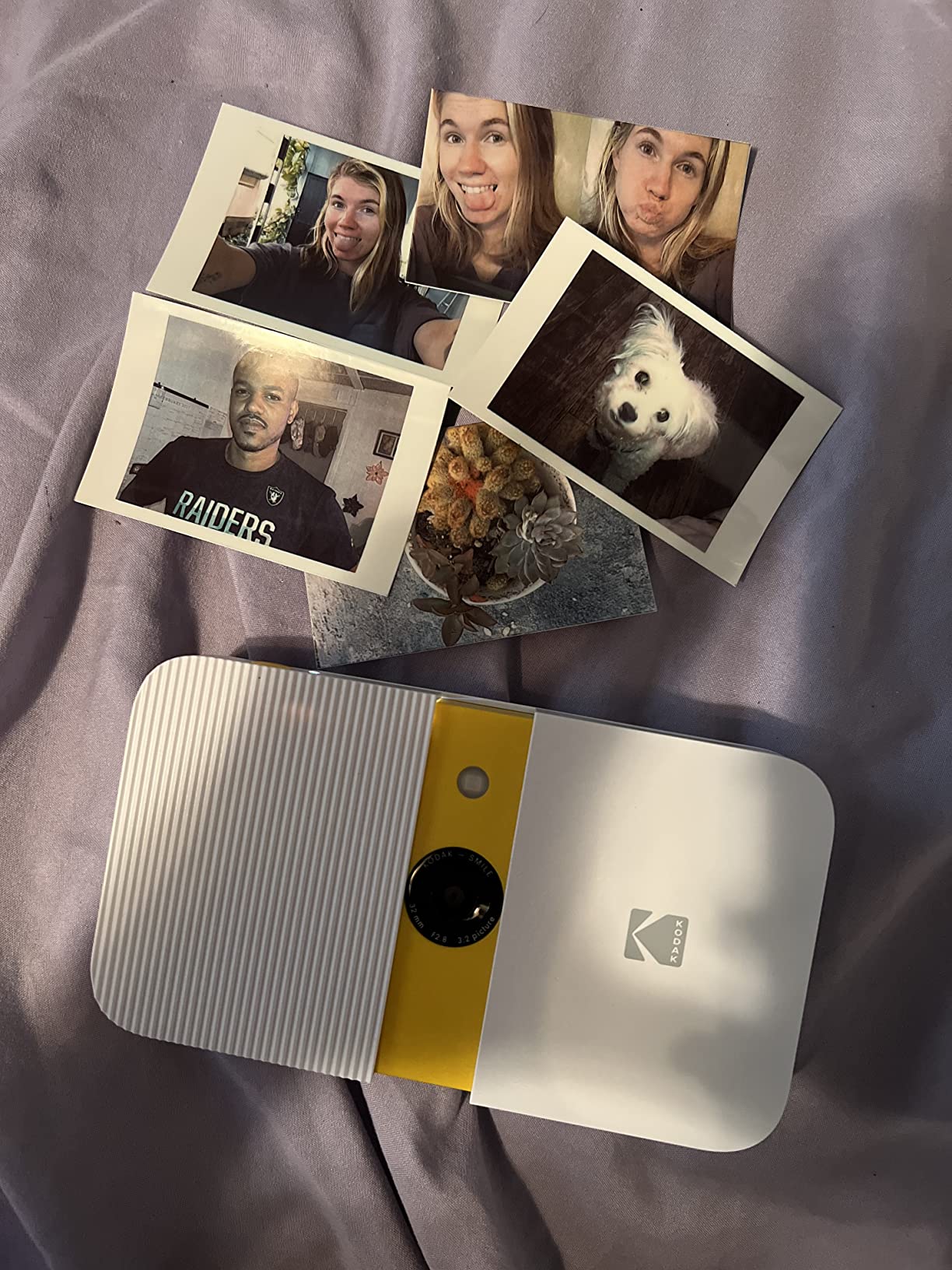
The Kodak Smile exists for one reason, and scrapbooking is that reason. Its Zink zero-ink paper comes out with an adhesive layer already on the back, so a print peels off the backing and sticks straight onto a page. No foam tape, no photo corners on three sides, no glue drying under a photo overnight. For a project that uses dozens of small prints, that saves more time than any camera feature on this list.
It is a 10 megapixel digital camera with an LCD, and the same microSD slot means you keep a digital copy of every print before it goes on the page. That is a genuine safety net for a milestone book, because a print that fades or gets damaged years later still has a recoverable original. The slide-open body is waterproof and small enough for a pocket, and one charge covers up to 40 prints.
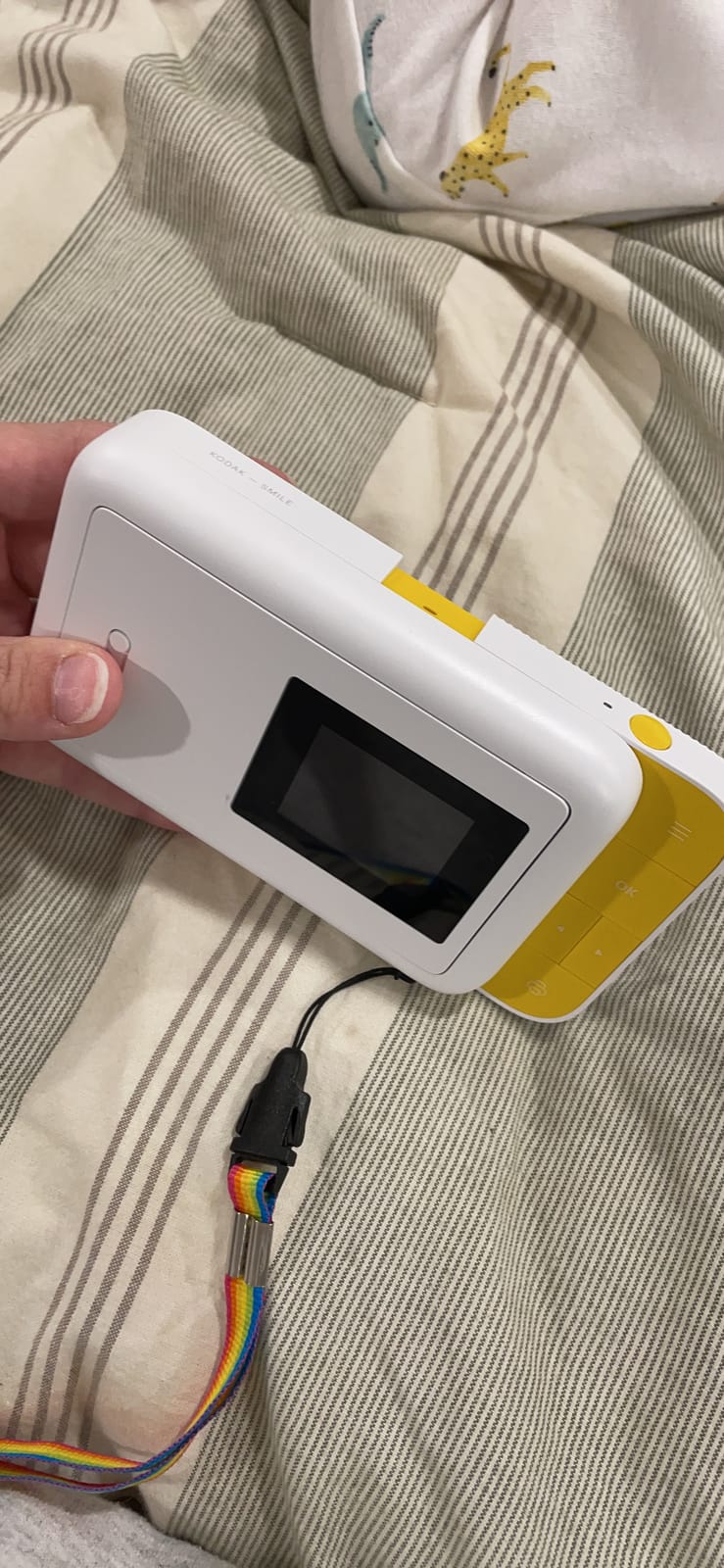
The 2 by 3 inch print is small, and the Zink process is where the honest criticism sits. Reviewers describe the colours as flatter and less saturated next to a chemical film print, and several note that Zink prints can fade over time, particularly in direct light. That is a different risk profile from a chemical print and it is the single most important thing to understand before filling an album with them.
Our advice is practical. Zink prints are a strong choice for a travel journal, a classroom craft, a birthday party page or anything you will enjoy in the moment, and a weaker choice for the archive box you intend to open in 2040. If permanence is the goal, put a photo printer in the budget instead. Our instant camera guide for parties covers the high-volume cases in more detail.
When the Kodak Smile is the right choice
Choose it when the page is a collage. Sticky-backed prints let you lay a print down, move it, and reposition it without fixing anything, which is exactly how a collage gets built. It is also the camera to hand to a child because there is no film to waste and a bad shot costs nothing.
Choose it for volume. A MicroSD card means you can shoot far more than you print, review on the screen, and commit sheets only to the keepers, which is the cheapest workflow available in this guide.
When to skip it
Skip it for a keepsake album that must survive decades. Reviewers repeatedly flag fading on Zink output, and a scrapbook is by definition a long-term record, so durability has to be weighed against convenience.
Skip it if image quality is the goal. A 2 by 3 inch Zink print is a supporting element, not a hero image, and a 10 megapixel sensor with a small screen will not produce a keepsake-quality picture of a face.
8. Fujifilm Instax Square SQ40 – the vintage look at square size
Fujifilm Instax Square SQ40 Instant Camera
Vintage box-style body
Square Instax film
Auto exposure with flash
Selfie mirror
Two CR2 batteries
Pros
- Vintage box styling that suits a retro page
- Square prints are easy to grid
- Batteries included in the box
- Selfie mirror for group shots
Cons
- No film included
- No manual exposure control
- CR2 batteries are not rechargeable
If the album you are building is supposed to look like it came out of a box in the 1970s, the camera itself should match the page. The SQ40 does that better than anything else here, with a leatherette-finish box body that reads as a vintage instrument on the shelf next to the album, which matters when the camera ends up in photos of the project.
The format underneath is the same square Instax film as the SQ1, so the page math transfers directly. Exposure is automatic with a built-in flash and there is a selfie mirror for group shots. Two CR2 lithium batteries are included in the box, which removes one small trip to the shop before a first project.
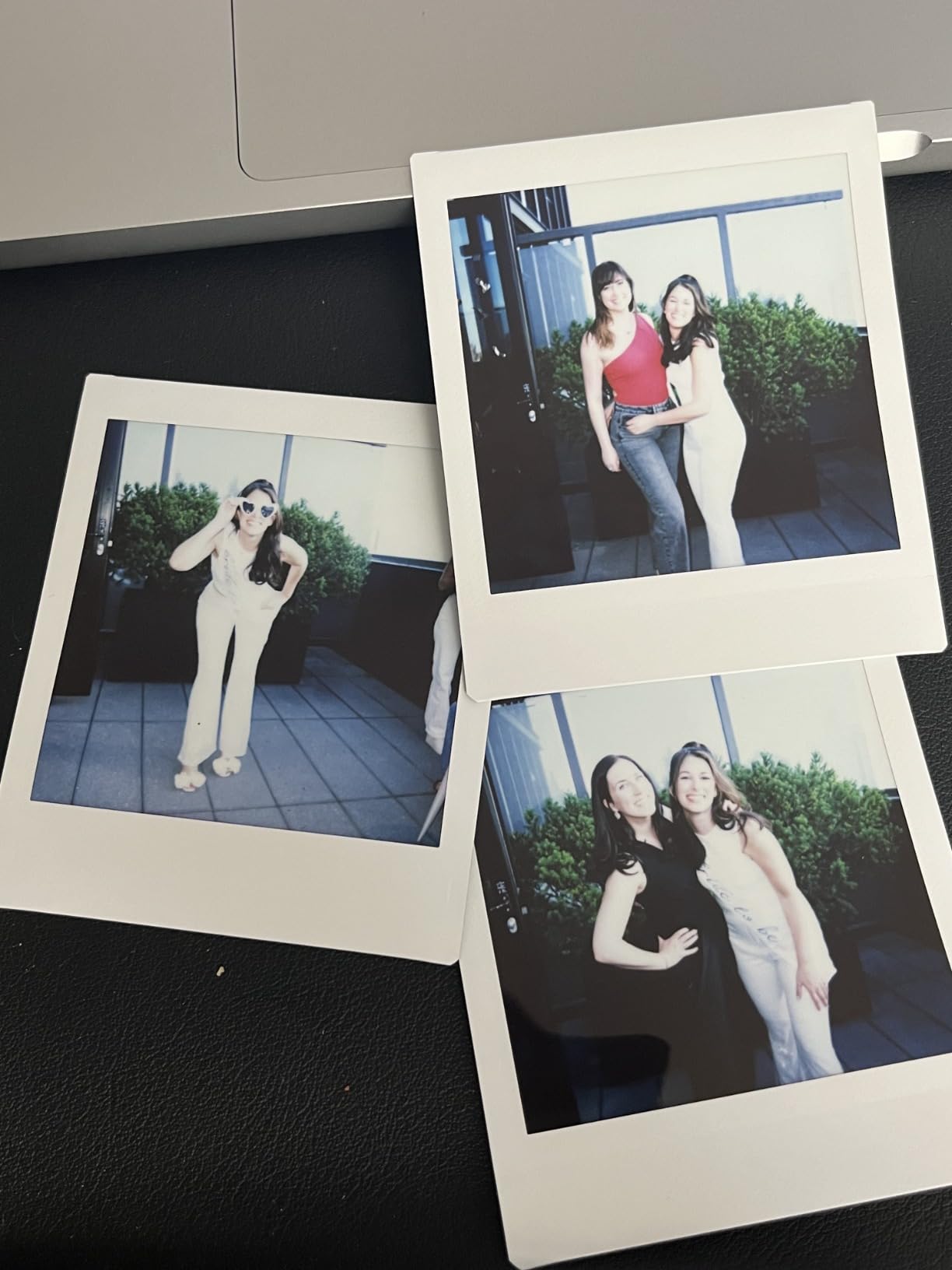
The 4.4 rating from 401 reviews puts it mid-pack for reliability of experience, and the reason is the same as the SQ1: the format is good, the body is simple, and the flash is the weak point indoors. Nothing here is fast, nothing is manual, and nothing is designed to be fiddled with. You frame, you press, you get a square print.
Choose this over the SQ1 when the aesthetic of the object matters to the project as much as the print does, and over a Mini when you need the larger square image area. Skip it if the price of square film is the deciding factor, because both square bodies use the same cartridges and the camera itself is not the expensive part.
When the Instax Square SQ40 is the right choice
Choose it for a retro, vintage or heritage themed album, where the leatherette body and the soft chemical colour of square film reinforce each other. A fifty-year milestone book or a family history album benefits from a camera that looks like the period it is documenting.
Choose it when you want the square grid without the terracotta styling, or when the SQ1 is not the right fit but the format still appeals.
When to skip it
Skip it if you need any exposure control. The camera is fully automatic with no manual override, so a dim venue will produce dark frames no matter how carefully you compose the shot.
Skip it if you want a complete first project from one box. No film is included, so the box gets you the camera and the batteries and nothing else.
9. Fujifilm Instax Wide 400 – the widest print for group and event pages
Fujifilm INSTAX Wide 400 Instant Camera – Sage Green
Widest Instax print
Three focus modes
Self-timer with LED
Close-up lens included
Pros
- Widest print from any Instax body
- Self-timer with LED countdown for group shots
- Macro mode with the included close-up lens
- Angle adjustment accessory in the box
Cons
- Film ejection failures reported by some owners
- Indoor shots run dark or soft
- Wide film costs more per shot
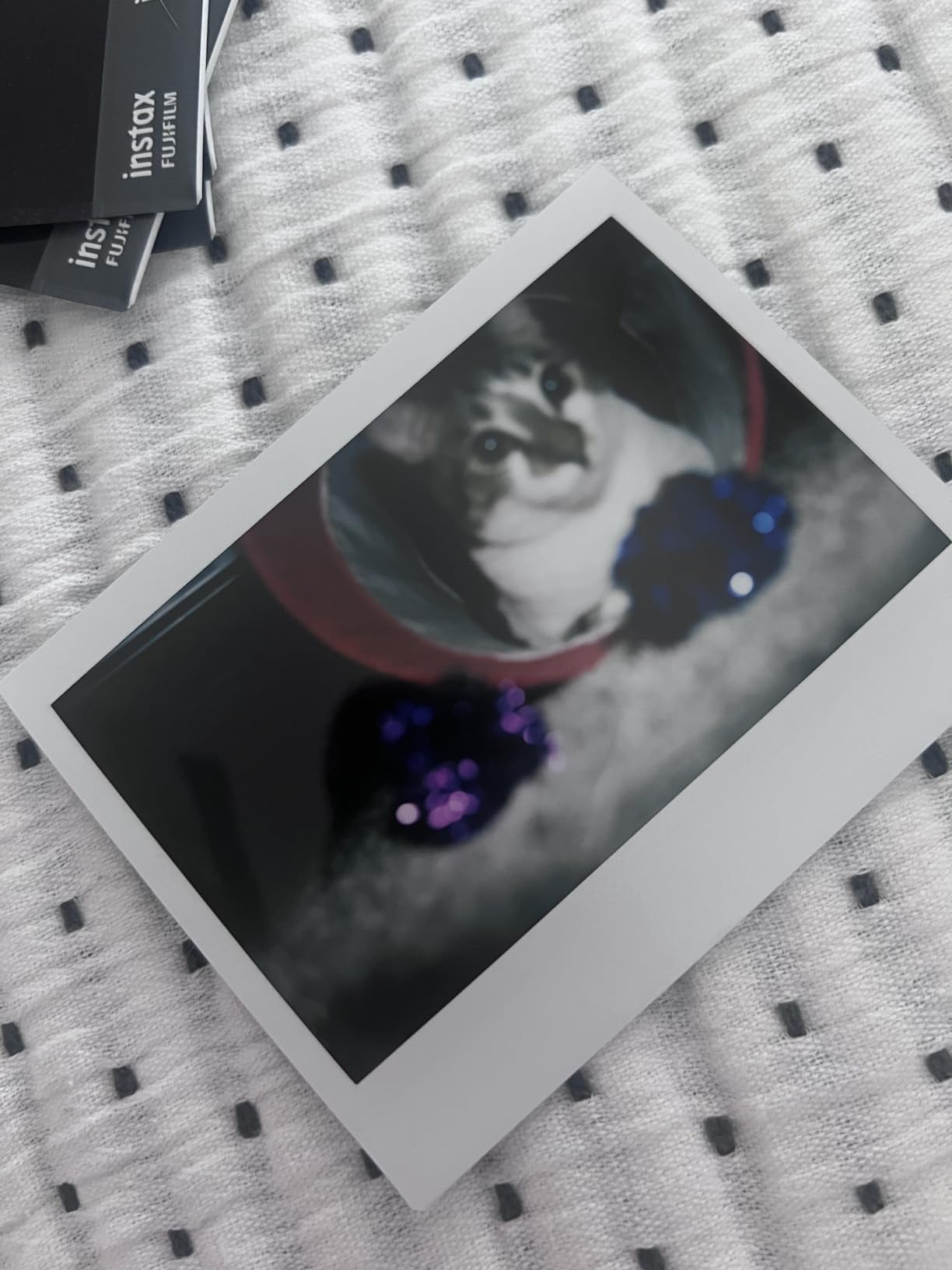
The Wide 400 produces the biggest print of any Fujifilm Instax camera, at 3.9 by 2.4 inches, and on a scrapbook page that size is transformative. One Wide print plus two or three Mini prints makes a full spread layout with a clear hierarchy, and a single print centred on a page actually fills it rather than floating in the middle.
The self-timer with an LED countdown is the feature that earns its place at events. You set the camera down, hit the button, and the LED walks you through the wait, which is the only reliable way to get yourself into a group shot. Three focus modes, including a macro option that works with the close-up lens in the box, cover both a table of details and a landscape.

Be honest about the two complaints in the reviews. Several owners report film ejection failures, and a jam on a single-shot camera at an event means the moment is gone with no second chance. That is a reliability risk rather than a design flaw, but it is the kind of risk that matters more when the camera cannot reprint.
The second is low light. The flash is not adjustable, so close indoor shots can overexpose while the background goes dark, and reviewers describe indoor photos as frequently dark or blurry. In daylight or a bright room this camera is excellent; in a dim hall it is not the one to hand to a guest.
When the Instax Wide 400 is the right choice
Choose it when a page needs one large image. Group photos on a family spread, a landscape from a trip, a wide table shot at a party, all of these suit the Wide format better than any other body here because the print area is simply bigger.
Choose it when the album is being built around a small number of strong images rather than a large number of small ones, because the cost per print is higher and the format rewards you for using fewer of them.
When to skip it
Skip it for a scrapbook built from many small prints. A Wide page filled with twelve Wide prints looks wrong and costs a great deal, because the print size fights the density rather than helping it.
Skip it if you will be shooting in dim rooms or handing the camera to guests you cannot coach, given the unadjustable flash and the ejection complaints in the review data. Our main instant camera roundup covers alternatives for low-light shooting.
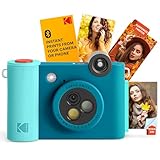
10. Kodak Smile+ – sticker prints with an app for text and colour
Kodak Smile+ 2-in-1 Digital Instant Print Camera & Wireless Bluetooth Photo Printer – 10MP, Special-Effect Rotating Lens, Zink 2×3” Sticky-Back Photos, Print via Fun App from Smart Devices – Blue
Rotating filter lens
App adds text and stickers
Zink 2x3 sticky-back prints
microSD slot
Pros
- Rotating lens offers retro and star filters
- App adds text
- colour and stickers before printing
- Sticky-back prints glue straight onto a page
- Rechargeable battery with microSD storage
Cons
- Digital zoom only with no real optical zoom
- Zink prints can fade over time
- Smallest print size at 2 by 3 inch
The Smile+ takes the basic Kodak digital and printer idea and adds the two things that make it interesting for paper crafts. The lens rotates through standard, retro and star filters, so the print arrives already styled, and the Bluetooth app lets you add text, colour and stickers to a photo before it is printed. Both of those are things you cannot do to a chemical print once it is on the page.
Like the original Smile it prints 2 by 3 inch Zink sticky-back sheets, so prints peel and stick. It also takes a microSD card, so a 10 megapixel sensor with a rechargeable lithium battery gives you a digital copy of everything you print, and you can shoot far more frames than you commit to paper.
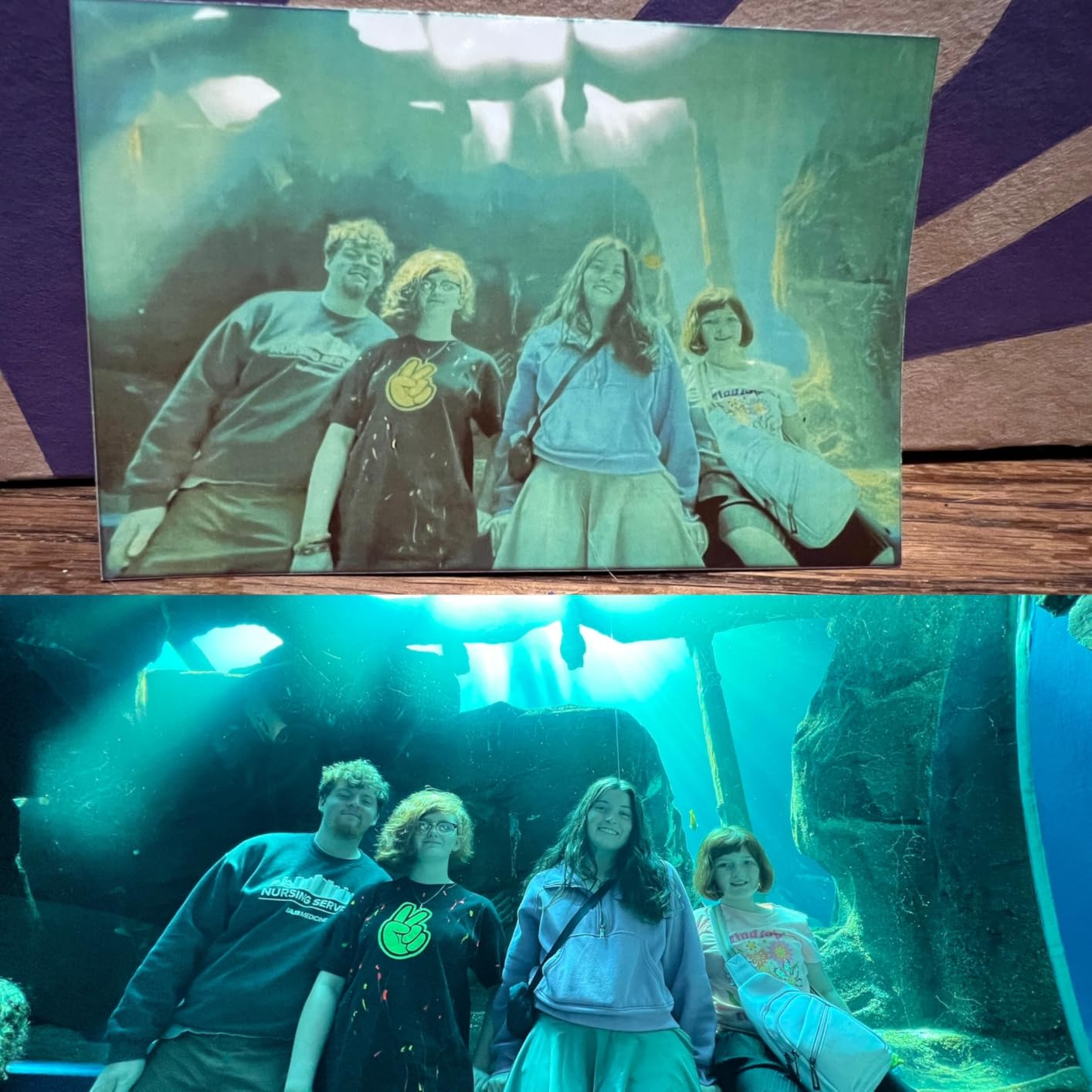
This is the strongest kids-craft option we tested. A child can pick a filter, add a sticker in the app, press one button, and have something to stick on the page a minute later. The Zink paper forgives fingerprints and handling, which matters when the project is being made with sticky fingers rather than tweezers.
The compromises are the same ones that limit every Zink camera, plus a sensor limitation. Reviewers note digital zoom only despite a listed optical figure, the small 2 by 3 inch print, and the same fading concern on Zink output. With 279 reviews behind it, the data here is thinner than for the other nine cameras, and we would treat this as a craft tool rather than an event camera.
When the Kodak Smile+ is the right choice
Choose it for classroom crafts, party favour tables and any project where the print is part of the design rather than the memory. Adding text and stickers before printing is a real advantage on a scrapbook page built around a caption or a name.
Choose it when a child or a group of non-technical guests will be shooting. There is no film to ration, a bad shot can simply be retaken on the screen, and the printed result cannot be a blurred disaster.
When to skip it
Skip it if the page needs a photograph you will look at closely. At 2 by 3 inches with a digital zoom, this is a layout element, and treating it as the focal image of a spread will disappoint.
Skip it for a permanent archive. The fading concern on Zink prints applies here as it does on the original Smile, and an album meant to be opened in decades is better served by film or by a dedicated photo printer.
How to Choose an Instant Camera for Scrapbooking
Every camera here works. The difference is what it does to your layout, your consumable bill and the pages you will still be happy with in twenty years. These are the criteria we used, in the order that actually decided our picks.
1. Print size against your page size
Start here, because it is the one you cannot change later. An Instax Mini print is the most flexible and cheapest per shot, and it tiles well in threes or sixes. A square print fills a 12 by 12 grid with even margins and is the easiest to design around. A full Polaroid print is a single hero image per page. A Wide print is large enough to carry a spread by itself, and a 2 by 3 inch Zink print is a texture or sticker layer, not a focal photograph.
Decide your layout first, then pick the format that fits it. Buying the camera first is how people end up with a beautiful print they cannot use at the size they have.
2. Whether the print is adhesive-backed
Adhesive-backed Zink prints peel and stick, which turns a collage from a glue-up project into a rearrangement project. That matters far more on a dense page than a single-photo page. Film prints are not adhesive and need photo corners, tape or a wet adhesive, so factor in about a minute of mounting per print and let the print develop first.
3. Print process and durability
Three processes are on the market here, and they behave differently. Zink zero-ink paper is layered colour on adhesive-backed stock: fast, cheap, water resistant, and the one most owners flag as prone to fading over time. 4PASS dye-sublimation is a four-layer dye process finished with a laminate, which is why the Mini Shot 3 Retro’s sheets are rated water, fingerprint and fade resistant. Chemical instant film develops in front of you over 10 to 15 minutes, shifts character in changing light, and has the longest track record of any of the three.
For a page you will keep in a drawer, chemical film and 4PASS are the safer answers. For a page that gets handled, printed and pinned up, Zink is fine.
4. Retake before printing
A single-shot film camera cannot show you the picture before it costs you a frame. A digital camera with a screen can, and the Kodak bodies here all can. On a project where a missed shot is permanent, that difference is worth more than any filter or creative mode, because it lets you shoot freely and print selectively.
5. Consumable supply and cost per print
Film is proprietary and format-locked, so the camera you choose decides what you can buy for the next five years. Instax Mini film is the most widely available of these formats. Square and Wide Instax film are narrower ranges. Polaroid i-Type and Go film are widely sold but cost more per shot, and Go holds the fewest prints per pack. Kodak Zink cartridges and 4PASS cartridges are sold as multipacks, which is the cheapest per print in this guide for volume.
Work out the project before the camera. A 30 page album with three prints per page is 90 frames, and a 90 frame project on i-Type film costs several times what the same project costs on Mini or Zink.
6. Group framing and the timer
If the camera will ever be pointed at more than two people, a self-timer is not optional. Both Polaroid bodies, the Wide 400 and the Smile+ have one, and the Now+ adds a tripod mount so the camera can sit at the far end of a table. Without a timer, group shots happen by accident and the ones you keep are the ones where the photographer was in frame.
7. Portability to the event
Scrapbook projects are made at the moment, not afterwards. The Polaroid Go at 0.24 kg and the Kodak Smile slide-open body are the two that genuinely live in a pocket, and both suit a travel journal or an event where you are moving around. The Wide 400 is a shoulder-strap camera, which is fine for a day out and wrong for a crowded room.
8. Ease for kids and guests
For an audience that has never held a camera, the deciding features are the same across the board: automatic exposure, a selfie mirror and no consequences for a bad shot. The Mini 12 wins that category on rating and on how little anyone has to learn. The Kodak digital bodies win it on cost, since a wasted attempt is free.
Frequently Asked Questions
Is Polaroid or Instax better for scrapbooking?
Instax is better for scrapbooking volume and Polaroid is better for a single keepsake page. Instax Mini film is the cheapest and most widely available format, and a Mini print tiles neatly across a 12 by 12 page. Polaroid produces the largest print, so one photo carries a whole page without extra framing, but the film costs more per shot and prints need light shielding while they develop.
Which instant camera has adhesive back prints for scrapbooking?
The Kodak Smile, Kodak Smile+ and any Kodak Zink camera print 2 by 3 inch sheets with an adhesive layer already on the back, so a print peels off the backing and sticks straight onto the page. Chemical film cameras such as the Instax Mini 12, Instax Square and Polaroid Now print standard non-adhesive photos that need photo corners, tape or a wet adhesive to mount.
Do Zink instant prints fade in a scrapbook?
Zink prints can fade faster than film prints, and reviewers of both Kodak Smile models mention fading over time as a recurring concern. Zink is layered dye on paper without a protective laminate, so it responds to light exposure. Kodak’s 4PASS dye-sublimation sheets are laminated and rated by the manufacturer as fade, water and fingerprint resistant, and chemical film has the longest record of stability of the three processes.
Can I glue instant photos into a scrapbook?
Yes, and you should let chemical film prints finish developing first, which takes about 10 to 15 minutes away from direct light. Use photo corners or a paper-safe adhesive rather than liquid glue on the front surface, and mount prints away from direct sunlight. Zink and 4PASS prints do not need developing, and Zink prints arrive already adhesive-backed so they need nothing at all.
Is Instax or Kodak better for scrapbooking?
Kodak is better for volume and Instax is better for a single album. The Kodak Smile and Smile+ print adhesive-backed Zink sheets that peel and stick, cost less per print in multipacks, and let you retake a shot on screen before spending a sheet. Instax gives you the chemical film look, wider format choice including square and wide, and the most widely stocked film of any format here.
Where can I get the best photos for scrapbooking?
Three routes work. A chemical film camera gives you prints with real character but no second chance. A hybrid digital camera such as the Kodak Mini Shot 3 Retro or the Smile+ shows you the shot first, so you print only the keepers, which is the cheapest way to fill a large album. A dedicated dye-sublimation photo printer paired with a phone gives the most control over layout and text, and lets you reprint any image as often as you like.
The Best Instant Camera for Scrapbooking in 2026
The best instant cameras for scrapbooking depend on one thing nobody asks for in a camera review: how many prints your album needs and what shape they have to be. The KODAK Mini Shot 3 Retro is the pick we would hand to most people, because 3 by 3 inch laminated 4PASS sheets tile cleanly onto a page, the screen stops you wasting paper, and the paper is rated to resist water, fingerprints and fading over a long life in an album.
Take the Fujifilm Instax Mini 12 instead if the album is filled by people who are not you, if you want the chemical film look and the white border that templates are drawn around, and if the 4.7 rating and 60-film bundle make the first project cheaper to start. Take the Polaroid Now 3rd Generation if one photograph has to carry a page. Take the Instax Square SQ1 if you are building a grid. Take the Kodak Smile if every print should be a sticker, and accept the fading trade for a journal you will enjoy now.
Whichever one you choose, buy the film before you buy anything else, work out the page count first, and let your film prints develop before you mount them. That one habit removes the most common scrapbook disappointment there is.