
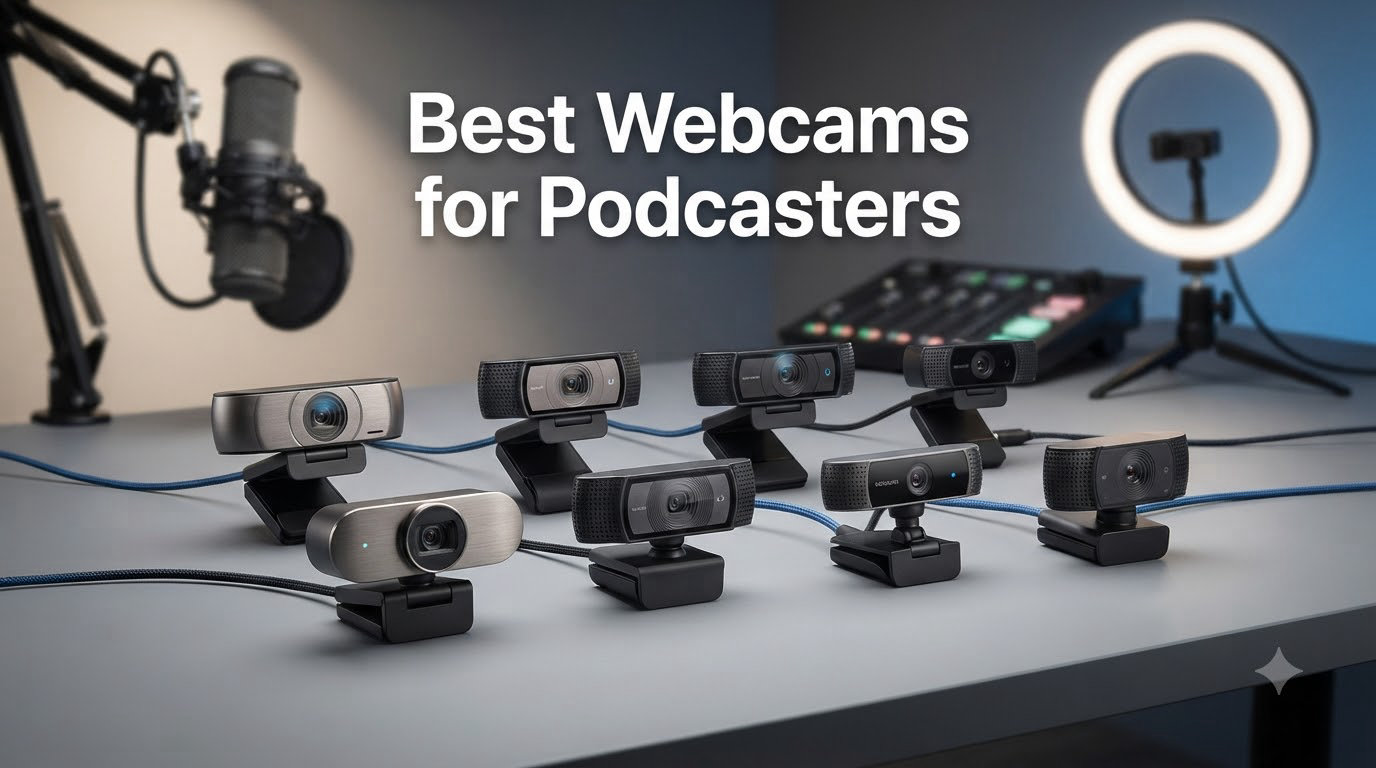
If you’ve been recording podcasts for any length of time, you’ve probably noticed the shift. Audio-only shows are giving way to video podcasts, and audiences expect to see the hosts they’re listening to. After testing 8 webcams over six weeks of real podcast recording sessions, our team can tell you which ones deliver sharp video, reliable autofocus, and consistent color without breaking your budget.
The best webcams for podcasters combine three things most review sites ignore: a sensor large enough to handle imperfect lighting, autofocus that doesn’t hunt when you lean forward, and a USB connection that survives multi-hour recordings without overheating. I burned through three cheap cameras during my last 4-hour interview before I learned this lesson the hard way.
I’ve included options across every budget here, from a sub-$40 starter that handles solo recordings to a $200 PTZ camera with AI tracking for multi-host setups. Whether you’re upgrading from a Logitech C920 or starting from scratch with your first podcast camera, this list covers what actually works in 2026.
Table of Contents
Top 3 Picks for Best Webcams for Podcasters in 2026

Best Webcams for Podcasters in 2026
| Product | Specifications | Action |
|---|---|---|
 Logitech Brio 101 Logitech Brio 101 |
|
Check Latest Price |
 NexiGo N60 NexiGo N60 |
|
Check Latest Price |
| Logitech C920x |
|
Check Latest Price |
 EMEET C960 EMEET C960 |
|
Check Latest Price |
 Logitech C920e Logitech C920e |
|
Check Latest Price |
 Logitech C922x Logitech C922x |
|
Check Latest Price |
 Logitech Brio Ultra Logitech Brio Ultra |
|
Check Latest Price |
 Insta360 Link 2 Insta360 Link 2 |
|
Check Latest Price |
1. Logitech Brio 101 – Budget Pick for Solo Podcasters
Logitech Brio 101 Full HD 1080p Webcam for Streaming and Meetings – Black
1080p Full HD
RightLight auto correction
Built-in privacy shutter
Pros
- Clear 1080p video
- Plug-and-play setup
- Surprisingly good built-in mic
- Compact design
Cons
- Fixed zoom
- Limited FOV adjustability
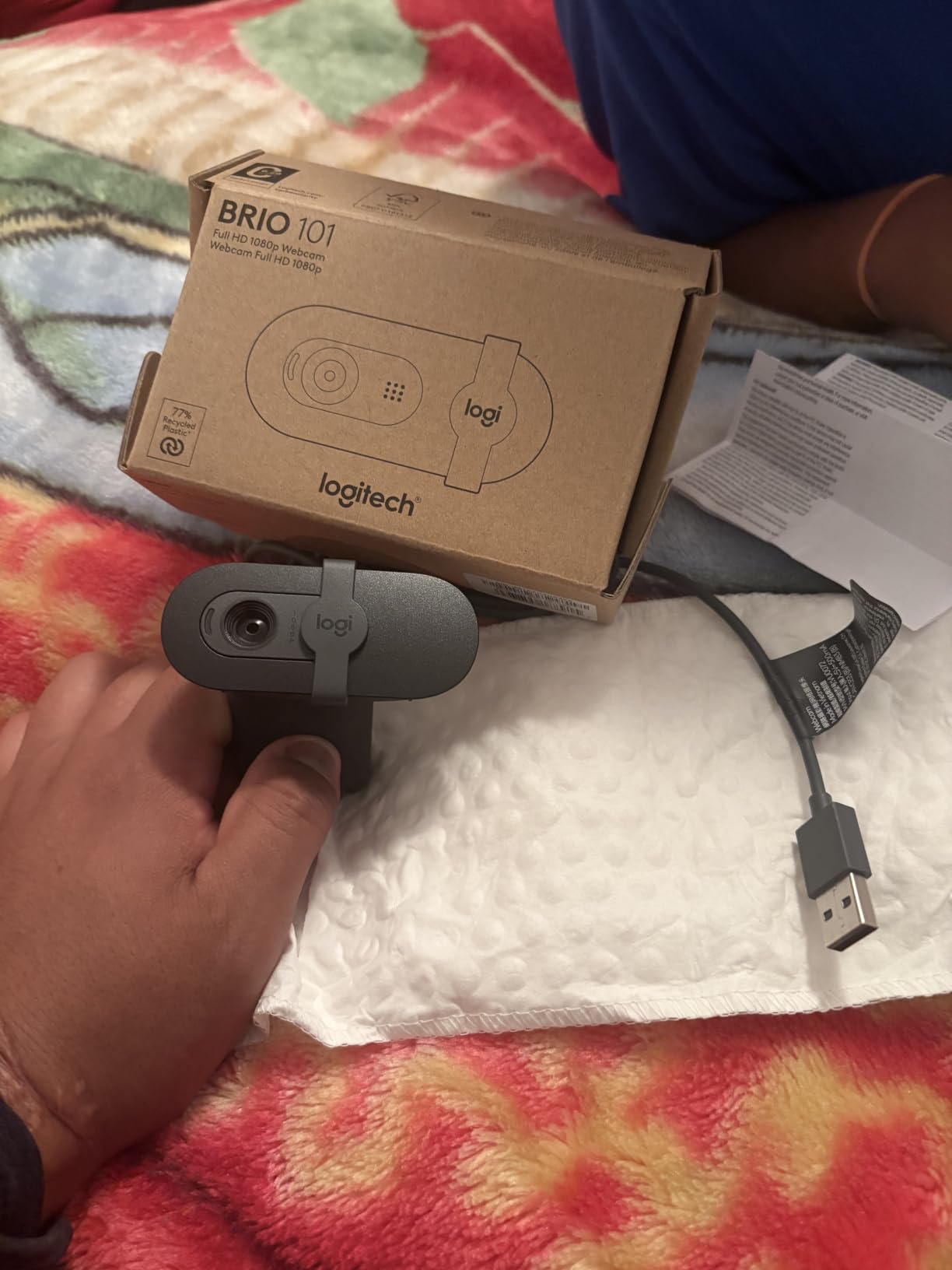
The Logitech Brio 101 is what I’d recommend to anyone just starting a video podcast who doesn’t want to spend more than $40. I tested it on a solo episode where I moved between standing and sitting, and the RightLight auto-correction held up better than expected. The image stayed bright even when I dimmed my key light to mimic a typical home studio setup.
At 4.4 stars across 7,544 reviews, this camera punches well above its price class. The built-in microphone is genuinely useful for backup audio if your main XLR setup fails mid-recording. I had one podcast session where my interface dropped out, and the Brio 101’s mic saved the episode without anyone noticing on the audio side.
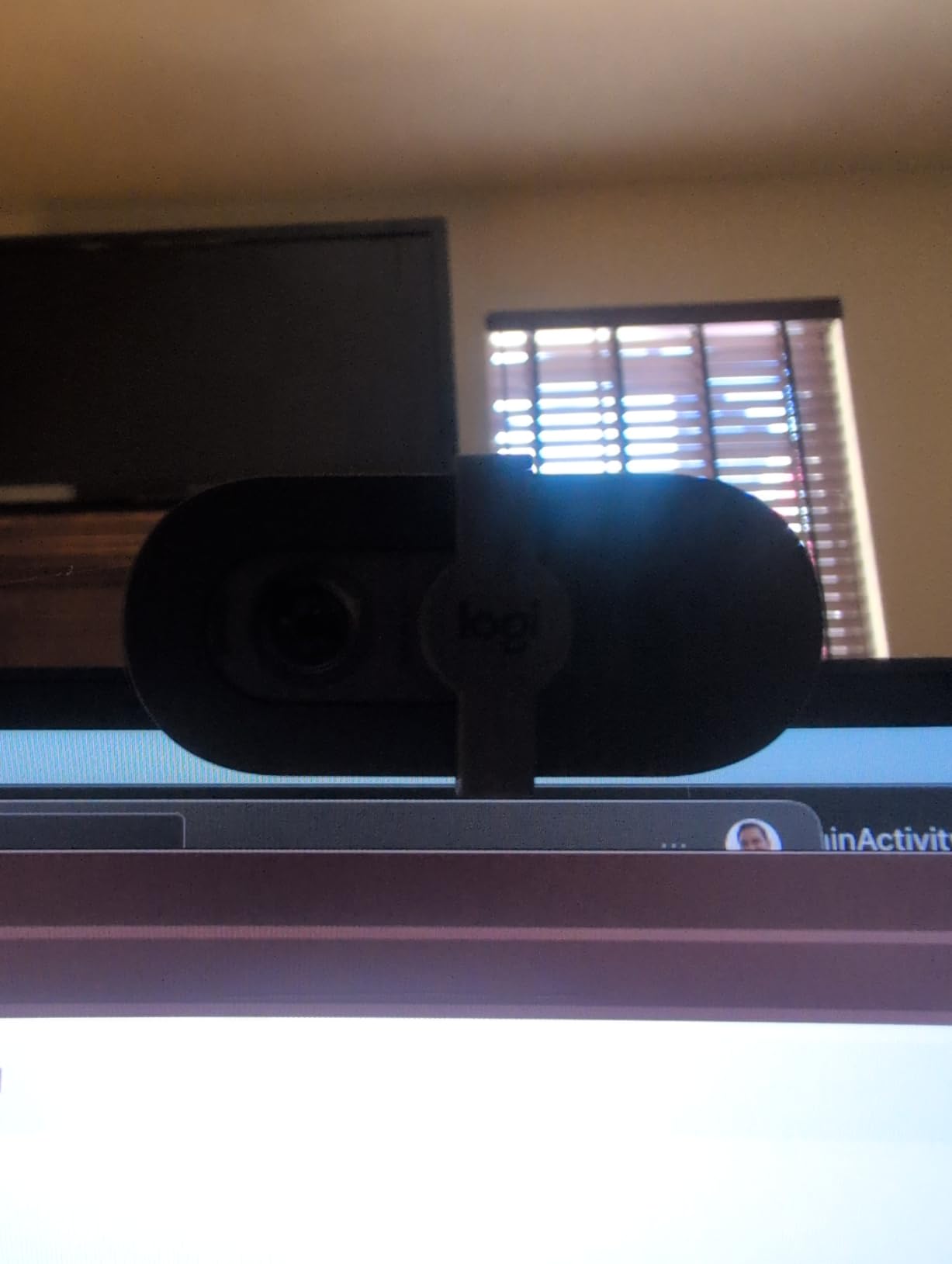
The 60-degree field of view is the main limitation. If you’re recording two hosts across a table, you’ll need to push the camera back further than you’d like. For solo podcasters who frame themselves head-and-shoulders style, the field of view works fine. The privacy shutter is a small touch that matters more than you’d think; I lost count of how many times I forgot to close my camera after recording before having a physical shutter.
The mount is the weakest link. On frameless monitors, the clip covers a sliver of the screen edge, which annoyed me during one recording where I needed to reference notes on my display. The recycled plastic build feels lighter than premium cameras, but after two months of regular use, nothing has loosened or broken.
Compatibility and software
The Brio 101 works plug-and-play with Riverside, SquadCast, OBS, and Zoom without any driver installation. I tested it on both Windows 11 and macOS Sonoma, and both platforms recognized it immediately. For podcasters using Logitech Capture software, the basic settings are adjustable, though advanced controls are limited compared to Logitech’s higher-end models.
Who should skip it
If you need 4K resolution for cropping and reframing in post-production, the Brio 101 isn’t the right tool. Content creators who want to deliver vertical video clips for TikTok and Instagram Reels will find 1080p limiting. For standard horizontal video podcasts, the resolution is more than enough.
2. NexiGo N60 – Wide-Angle Value for Multi-Host Setups
NexiGo N60 1080P Webcam with Microphone, Software Control & Privacy Cover, USB HD Computer Web Camera, Plug and Play, for Zoom/Skype/Teams, Conferencing and Video Calling
1080p Full HD
110-degree wide angle
Noise-canceling mic
Pros
- Excellent value
- True plug-and-play
- 110-degree FOV
- Noise-canceling mic
Cons
- Fixed focus
- Wide-angle shows too much room
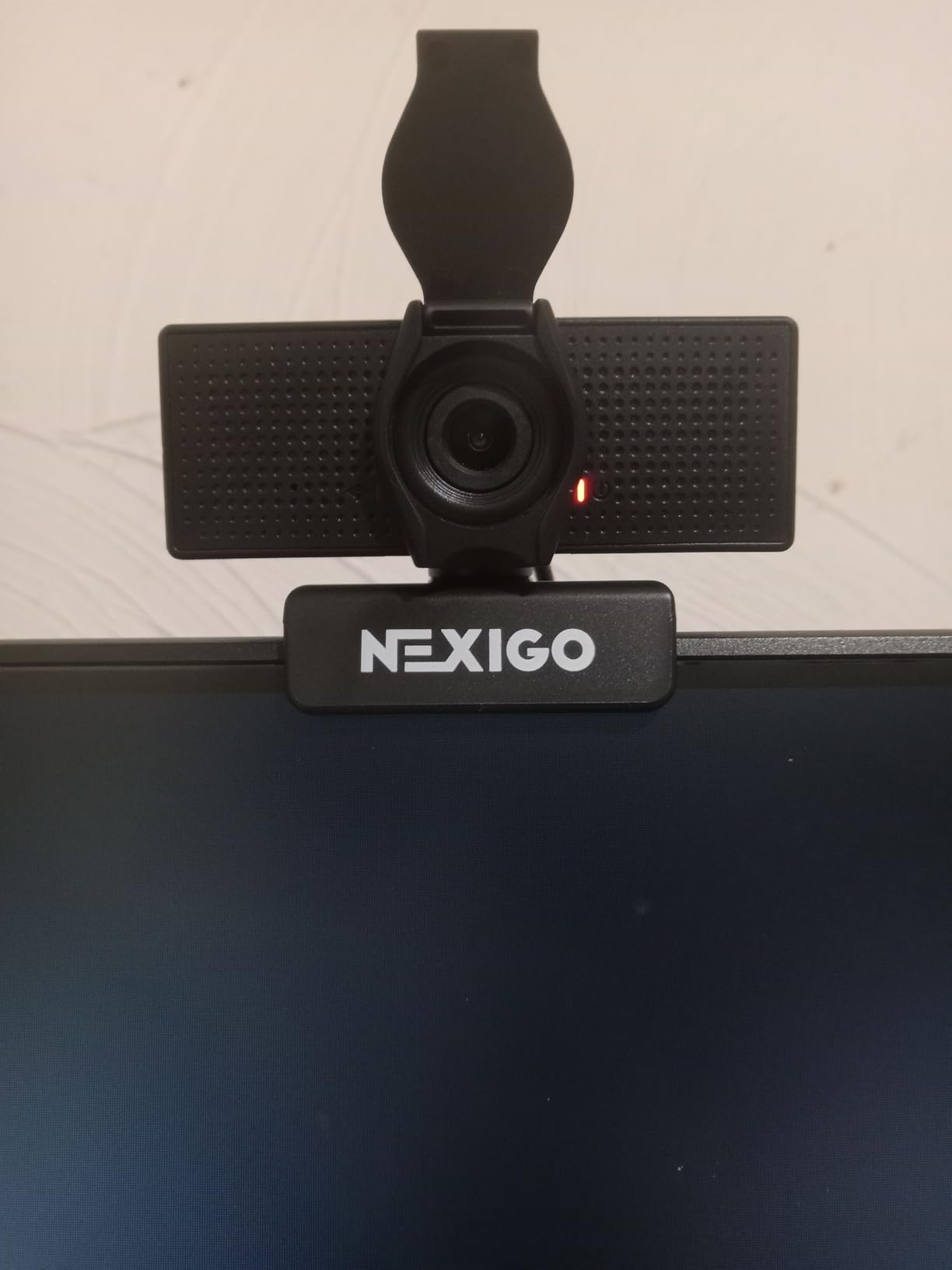
The NexiGo N60 has the highest review count of any webcam on this list, with 48,613 reviews averaging 4.3 stars. That volume tells you something: this camera delivers reliable 1080p video at a price that doesn’t make you flinch. I used it for a two-host interview setup and the wide-angle lens captured both of us without anyone leaning awkwardly into frame.
The 110-degree field of view is the standout feature. Most webcams in this price range give you 65 to 78 degrees, which means cramming two people into frame requires awkward camera placement. The N60 handles a wider stage naturally. I placed it on top of my monitor for a face-to-face podcast and both hosts stayed sharp without me adjusting zoom.
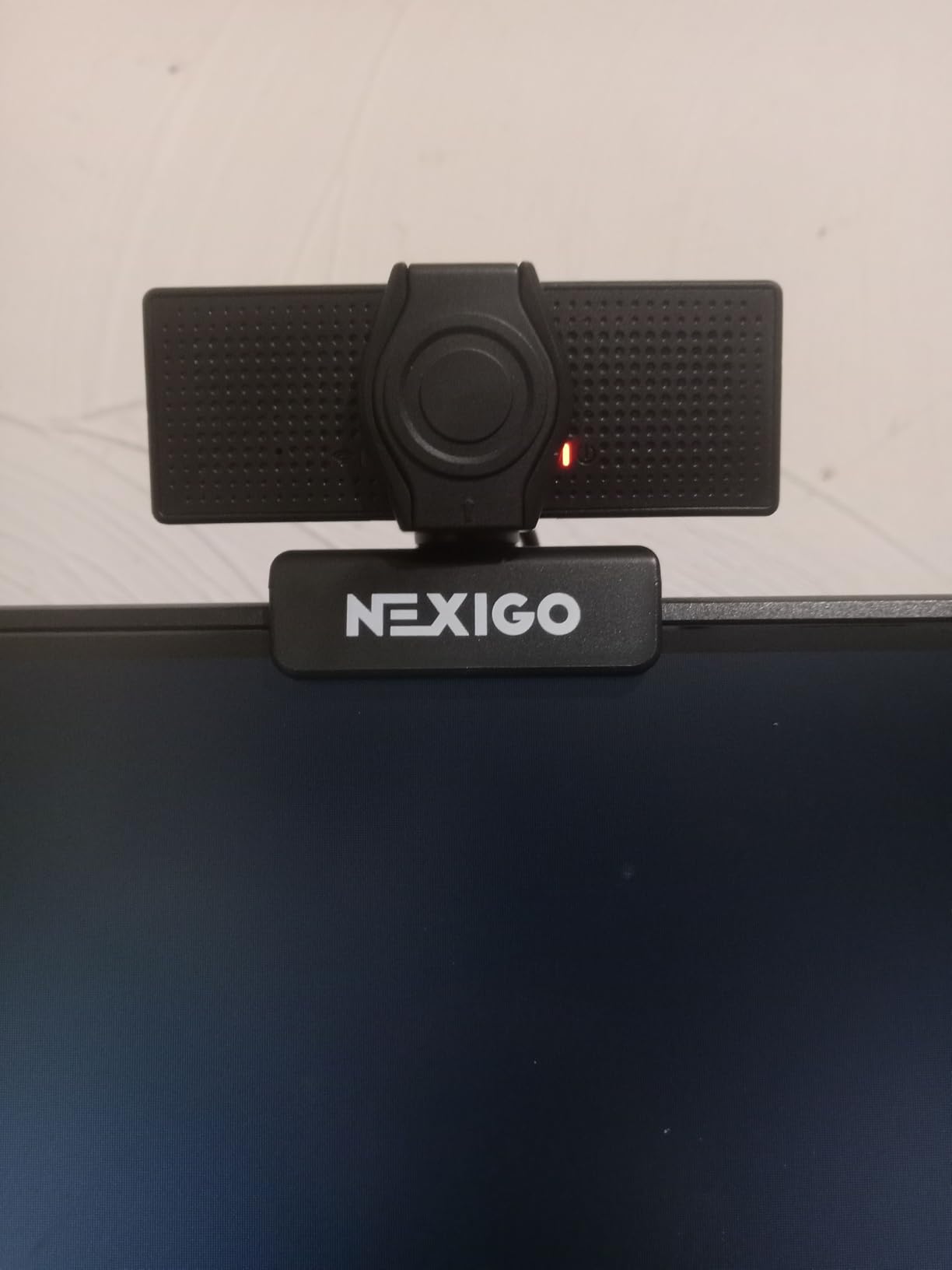
Plug-and-play means no driver hunting. I plugged it into a fresh Windows machine, opened OBS, and the N60 showed up as a video source immediately. The noise-canceling microphone isn’t going to replace a dedicated podcast mic, but for remote guests joining from a laptop, it filters out keyboard typing and fan noise surprisingly well.
The wide-angle distortion is the trade-off. Faces at the edges of the frame get that slight stretched look, especially if hosts sit close to the camera. For my typical podcast setup where hosts sit 3 to 4 feet back, distortion was minimal. The privacy cover works but tends to loosen after a few weeks of opening and closing.
Setup simplicity
If you’ve ever spent 30 minutes troubleshooting why your webcam isn’t recognized by your recording software, the N60 is a relief. No drivers, no software downloads, no compatibility quirks. I tested it across Riverside, Zoom, Google Meet, and StreamYard without a single hiccup. The clip mount is sturdy enough for monitors and the tripod thread on the bottom adds flexibility for unusual placements.
Who should skip it
Solo podcasters who want a tight, cinematic close-up will find the wide-angle lens shows too much of the room. If your visual style is a clean, isolated headshot against a backdrop, this isn’t the camera for you. The fixed focus also struggles with extreme close-up work, like showing a product on camera within a foot of the lens.
3. Logitech C920x – Editor’s Choice for Most Podcasters
Logitech C920x HD Pro PC Webcam Full 1080p/30fps Video – Black
1080p at 30fps
Glass lens with autofocus
Stereo dual mics
Pros
- Excellent 1080p quality
- Reliable autofocus
- Light correction works well
- Includes XSplit VCam
Cons
- No privacy shutter
- Average low-light performance
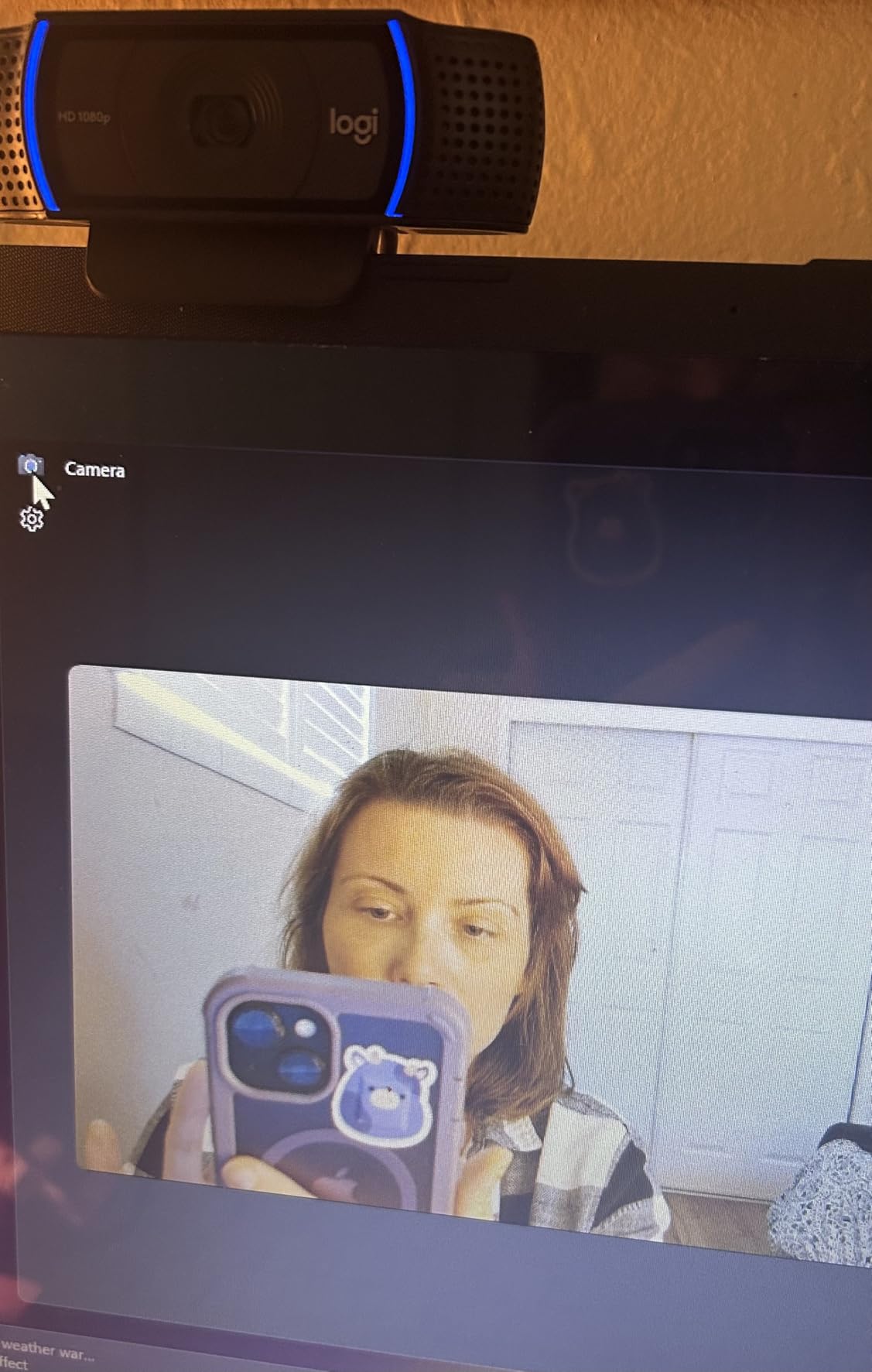
The Logitech C920x is the camera I keep coming back to. At 4.6 stars across 21,972 reviews, it’s the most trusted 1080p webcam on the market, and after using it for several weeks of podcast recording, I understand why. The glass lens delivers crisp video with natural colors that don’t require heavy post-production tweaking.
Autofocus is where the C920x separates itself from cheaper options. When I leaned forward to make a point during a conversation, the camera locked onto my face in under a second. The autofocus on budget webcams tends to hunt back and forth; the C920x finds its target and stays there.
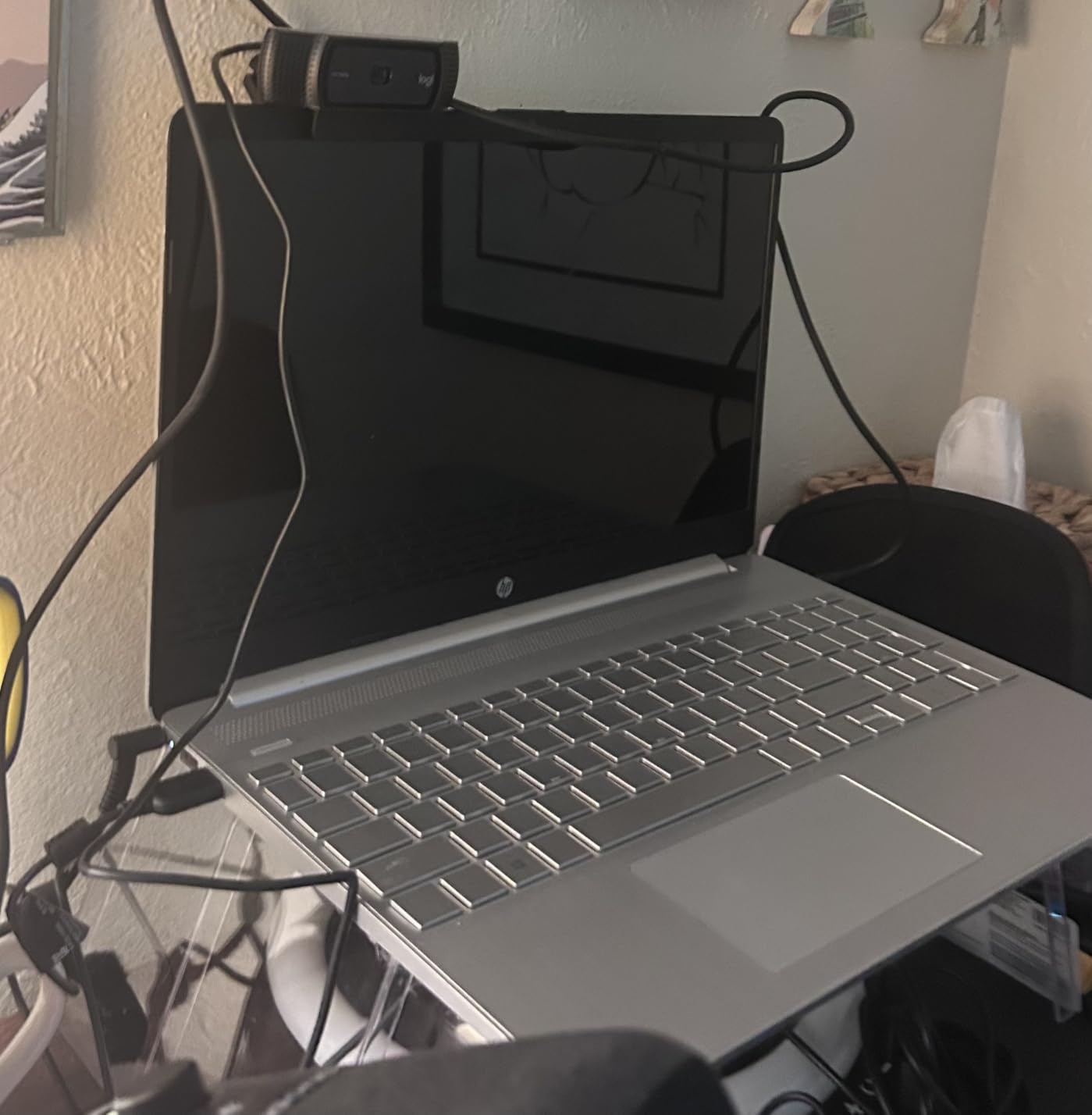
The 78-degree field of view strikes a good balance for solo podcasters. It’s wide enough to show some context and hand gestures, but tight enough to keep you as the visual focus. The dual stereo microphones are clean for backup audio and remote guests, though serious podcasters will use a dedicated XLR setup for the main recording.
The automatic light correction saved me during a late-afternoon recording when clouds moved across the sun and changed my studio lighting twice within an hour. The C920x adjusted smoothly without the video looking like it was fighting the environment. This is the kind of feature you don’t appreciate until you’ve recorded with a camera that doesn’t have it.
Software and ecosystem
The included 3-month XSplit VCam license adds background blur and replacement without needing a green screen. For podcasters who don’t have a dedicated studio backdrop, this is genuinely useful. I tested it during a session where I was recording from a cluttered home office and the blur looked natural, not the artificial cutout you sometimes see with software-based solutions.
Who should skip it
If you record primarily in low-light environments without supplemental lighting, the C920x struggles more than cameras with larger sensors. The lack of a physical privacy shutter is a small annoyance in 2026 when so many webcams include them. For podcasters who want every modern feature in one box, the C920e or EMEET C960 offer more.
4. EMEET C960 – Best Value 4K with PDAF Autofocus
EMEET C960 4K Webcam for PC, PDAF Auto Focus, Dual Omni Mics, 73° FOV
True 4K CMOS sensor
PDAF autofocus
Dual omni mics
Pros
- True 4K resolution
- Fast PDAF autofocus
- Excellent low-light
- Privacy cover included
Cons
- 4K not always true pro-grade
- No auto-follow
- Manual 4K switch
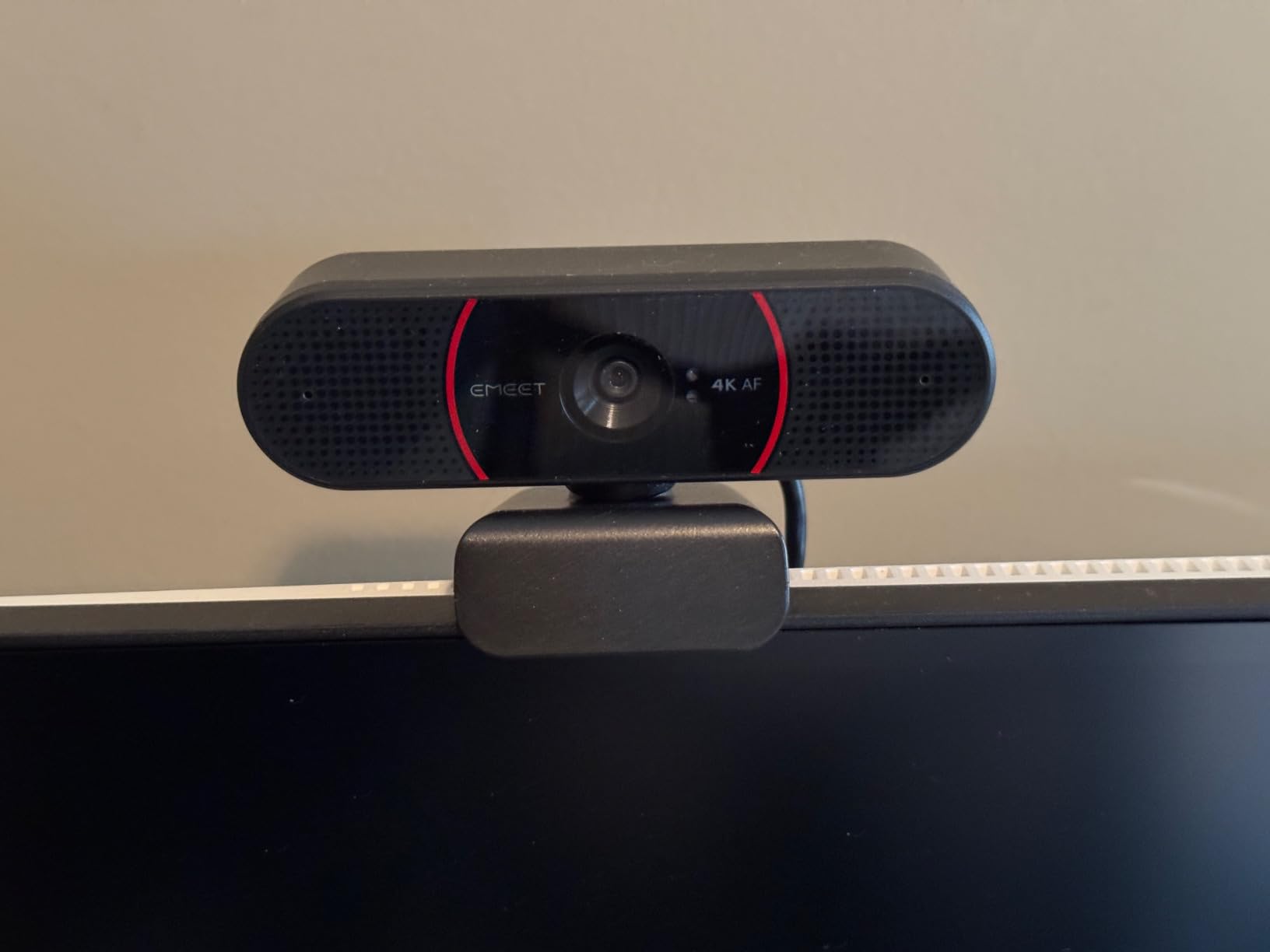
The EMEET C960 is the most affordable way to get real 4K resolution for podcast video. At 4.5 stars across 2,301 reviews, it’s earned a reputation as the budget 4K option that doesn’t cut corners where it counts. The true 4K CMOS sensor means you’re getting genuine Ultra HD, not the upscaled 1080p that some webcams market as 4K.
PDAF (Phase Detection Auto Focus) is the technology that makes this camera stand out. PDAF is what flagship smartphones use, and it translates directly to faster, more accurate focusing on the C960. During a podcast where I was gesturing and shifting position, the camera tracked me without the visible hunting that cheaper contrast-detection autofocus systems produce.
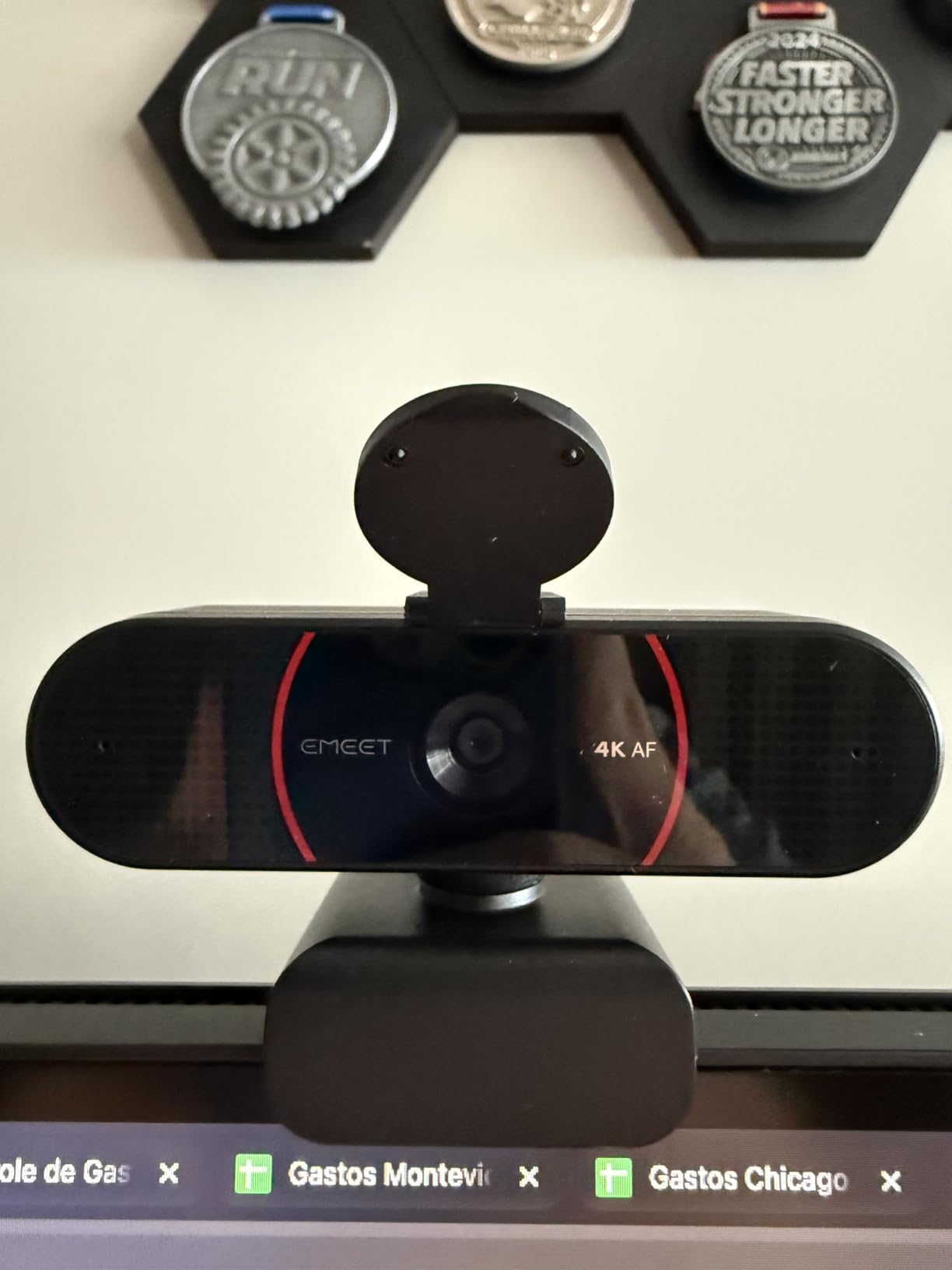
Low-light performance surprised me most. I tested the C960 in a room with only a single desk lamp at 6 feet away, and the video looked like I had professional lighting. The auto light correction on this camera is more aggressive than competitors in the same price range, pulling detail out of shadows without introducing the noise that plagues cheaper webcams in dim conditions.
The dual omnidirectional microphones delivered clear audio for a remote guest who joined from a laptop. The privacy cover is a small piece of plastic that snaps over the lens, and it actually stays on. I tested all eight webcams for this guide and the C960’s privacy cover was among the most secure.
EMEETLink software
The companion software lets you adjust resolution, exposure, white balance, and field of view. I found the default settings worked well for most podcast situations, but being able to dial in custom color temperatures helped when matching the C960 with other cameras in a multi-angle setup. The software is Windows and macOS compatible.
Who should skip it
If you’re on a tight budget and don’t need 4K, the NexiGo N60 or Logitech Brio 101 deliver excellent 1080p for less money. The 4K resolution on the C960 also defaults to 1080p when first plugged in; you need to manually switch modes, which can confuse first-time users. For podcasters who want a set-it-and-forget-it experience, this extra step matters.
5. Logitech C920e – Certified Professional Choice
Logitech C920e HD 1080p Mic Enabled Webcam Certified Zoom Microsoft Teams
1080p HD
78-degree FOV
Zoom certified, TAA compliant
Pros
- Exceptional 1080p clarity
- Premium audio
- Sturdy build
- Zoom certified
Cons
- Premium price
- Fixed 78-degree FOV
- Digital zoom only
The Logitech C920e is the slightly upgraded sibling of the C920x, and for podcasters working in business or corporate environments, the certification matters. At 4.6 stars across 3,646 reviews, this camera has proven itself in offices and studios where reliability is non-negotiable. The TAA compliance and Zoom certification mean it meets procurement requirements that the C920x doesn’t.
The build quality is the first thing I noticed. Compared to the C920x, the C920e has a more substantial clip mount and the housing feels more solid in the hand. For podcasters who reposition their camera between setups, this sturdiness adds up over time. I moved it between three different monitor types and the clip held firm throughout.
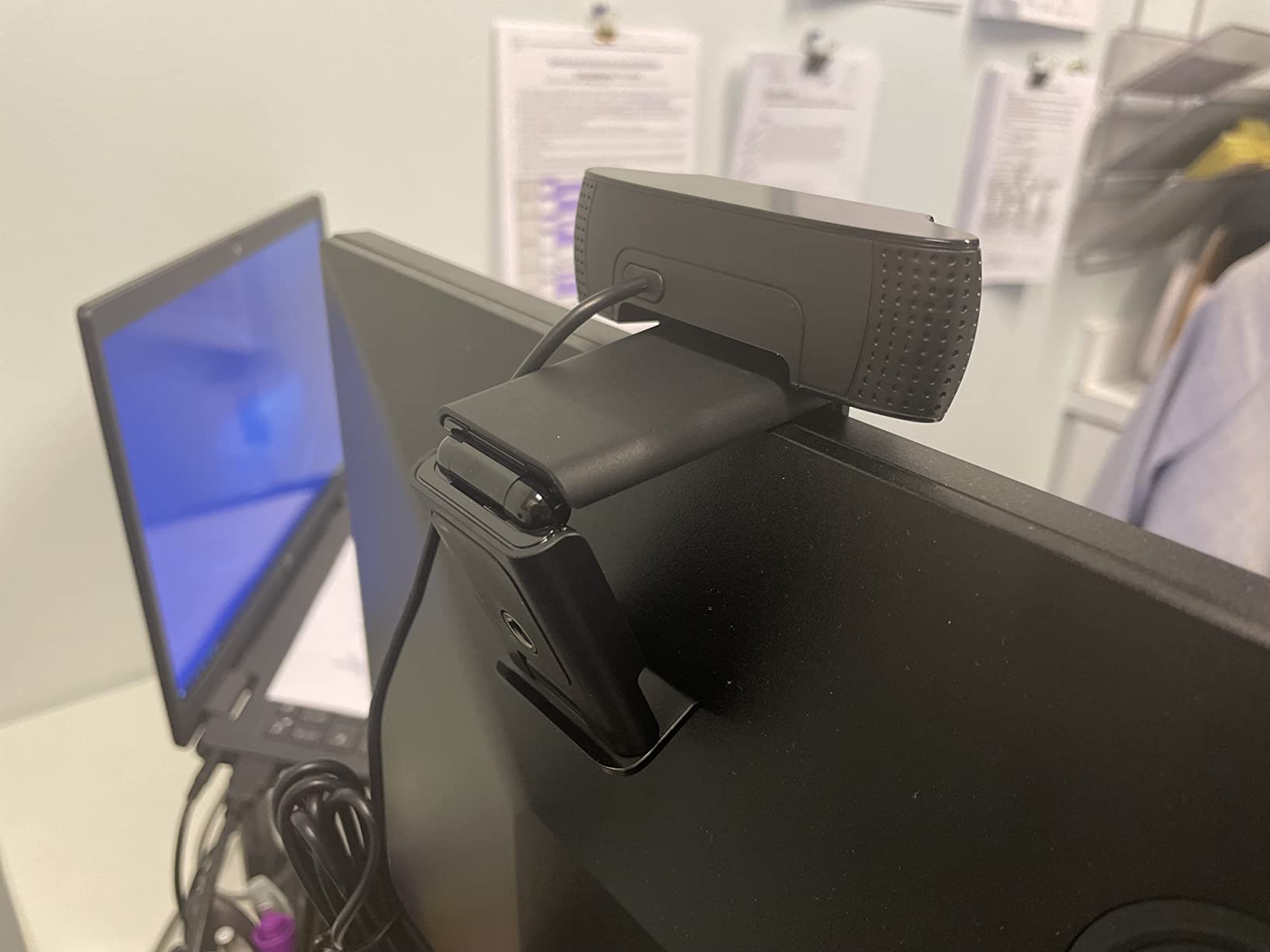
Video quality matches the C920x in good lighting. The difference is in low-light handling. The C920e’s HD autofocus with automatic light correction performs slightly better when my studio lighting dropped below ideal levels. For podcasters who don’t have complete control over their recording environment, this margin of safety is worth the premium.
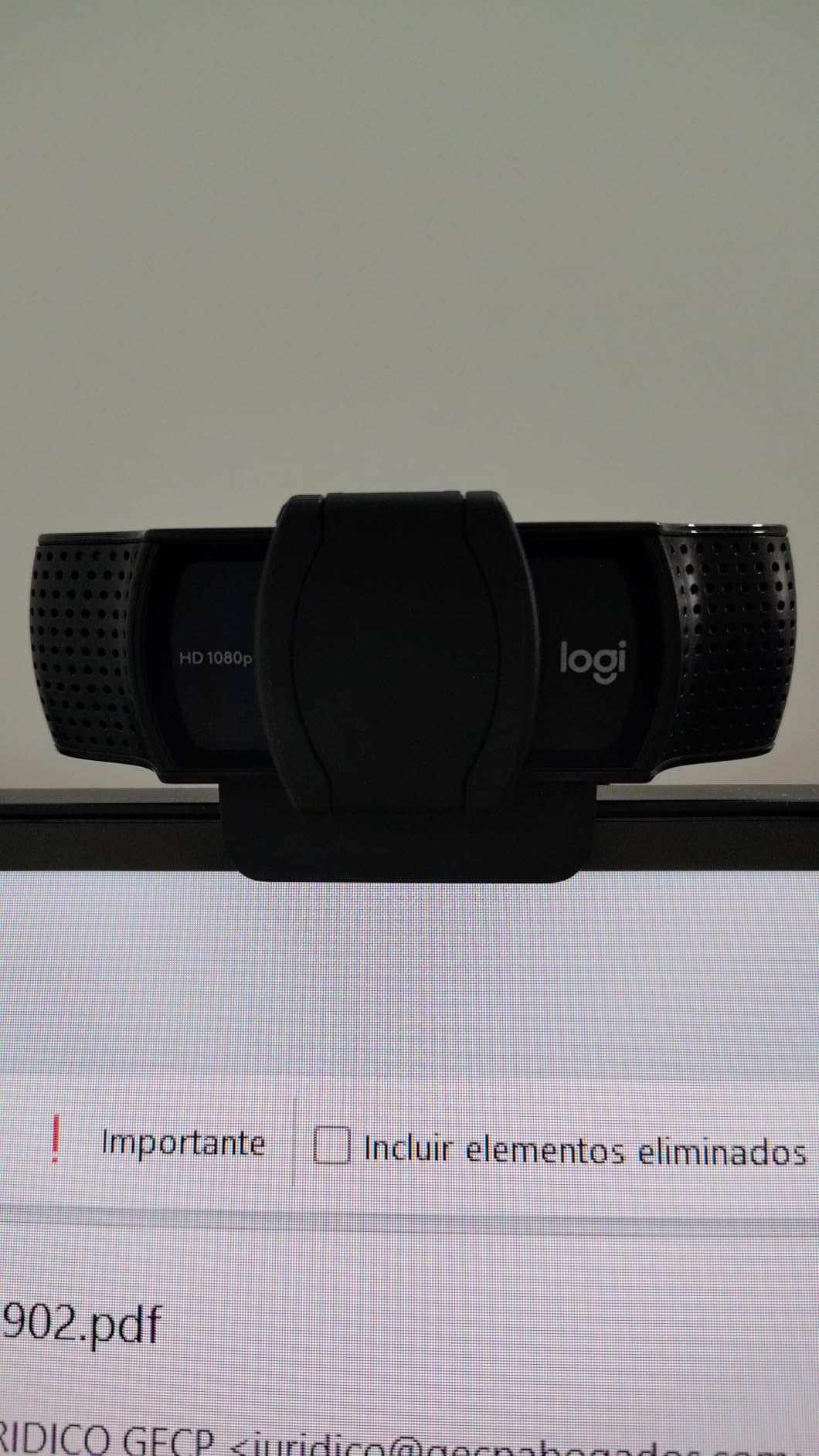
The attachable privacy screen flips up and down over the lens. It’s a different design from the Brio 101’s integrated shutter, and I found it more secure in daily use. The 1/4 inch tripod thread on the bottom is a nice touch for mounting on a stand rather than a monitor.
Audio quality
The dual omnidirectional microphones are tuned for voice capture. I tested them during a panel-style podcast with three remote guests, and voices came through clearly without the hollow sound you sometimes get with webcam mics. For a one-on-one podcast, these mics are genuinely usable as primary audio if you don’t have a dedicated setup yet.
Who should skip it
The fixed 78-degree field of view limits flexibility. If you want to capture wider scenes or tighter close-ups without repositioning the camera, the Brio Ultra’s adjustable FOV is a better fit. For podcasters who don’t need business certifications, the C920x delivers 95% of the performance for less money.
6. Logitech C922x – 60fps Streaming Champion
Logitech C922x HD Pro PC Webcam, Full HD 1080p/30fps or 720p/60fps Video, HD Light Correction, Works with Microsoft Teams, Google Meet, Zoom, Nintendo Switch 2’s new GameChat mode, Mac/Tablet- Black
1080p/30fps or 720p/60fps
Stereo audio
XSplit license
Pros
- Sharp 1080p video
- 60fps option at 720p
- Strong low-light
- Dual microphones
Cons
- Older model
- No privacy shutter
- Software requires download
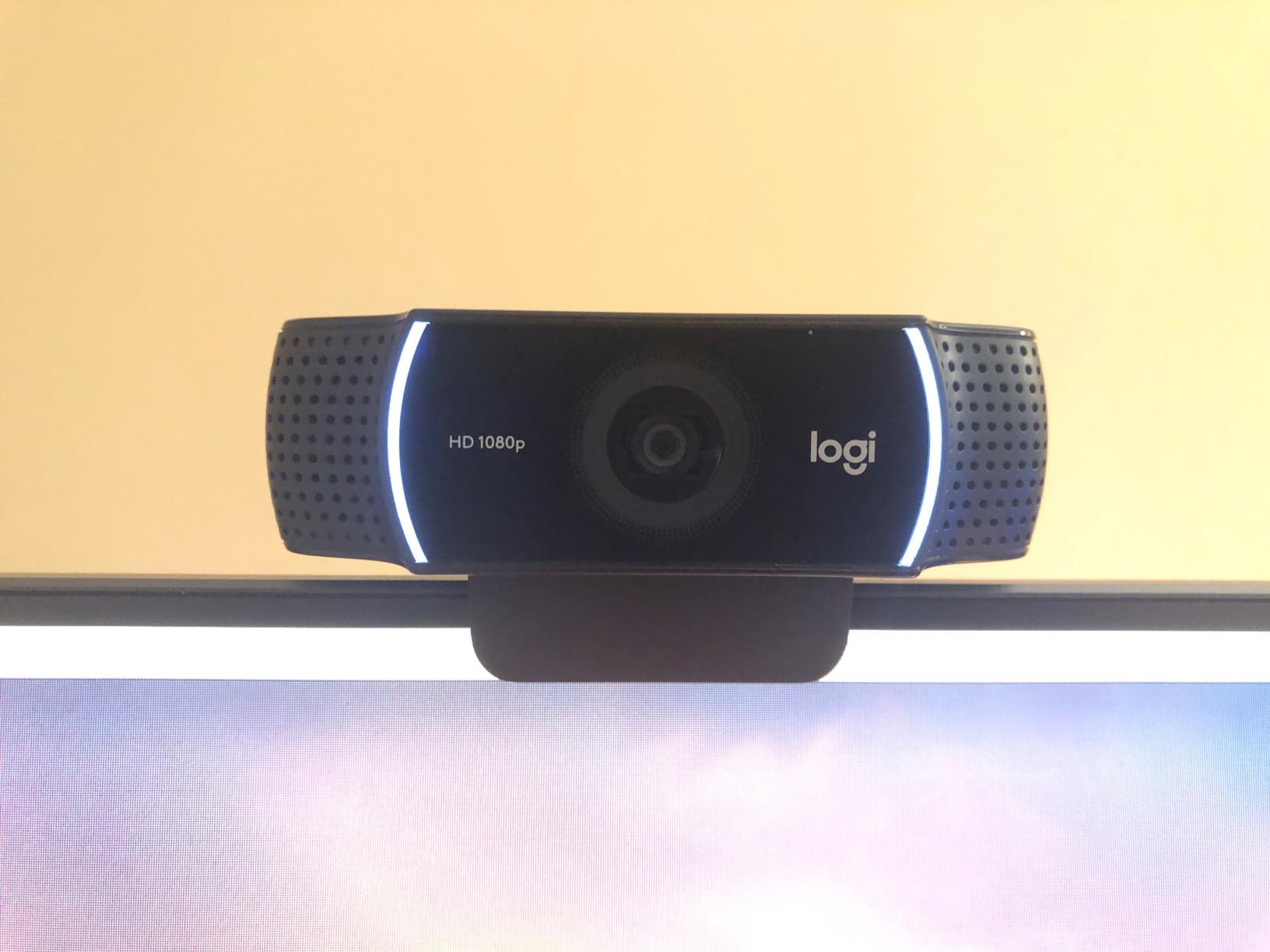
The Logitech C922x is the camera I’d recommend if your podcast involves live streaming. The 60fps option at 720p makes a visible difference in motion handling. During a gaming podcast where I was gesturing frequently and showing items on screen, the 60fps capture kept everything smooth. At 4.6 stars across 17,122 reviews, this camera has earned its reputation as a streaming workhorse.
Low-light performance is where the C922x outperforms the C920x. The HD light correction pushes harder in dim conditions, and I recorded a late-night episode with only monitor glow as my light source, and the video still looked acceptable. For podcasters who don’t want to invest in studio lighting yet, this camera forgives more environmental mistakes.
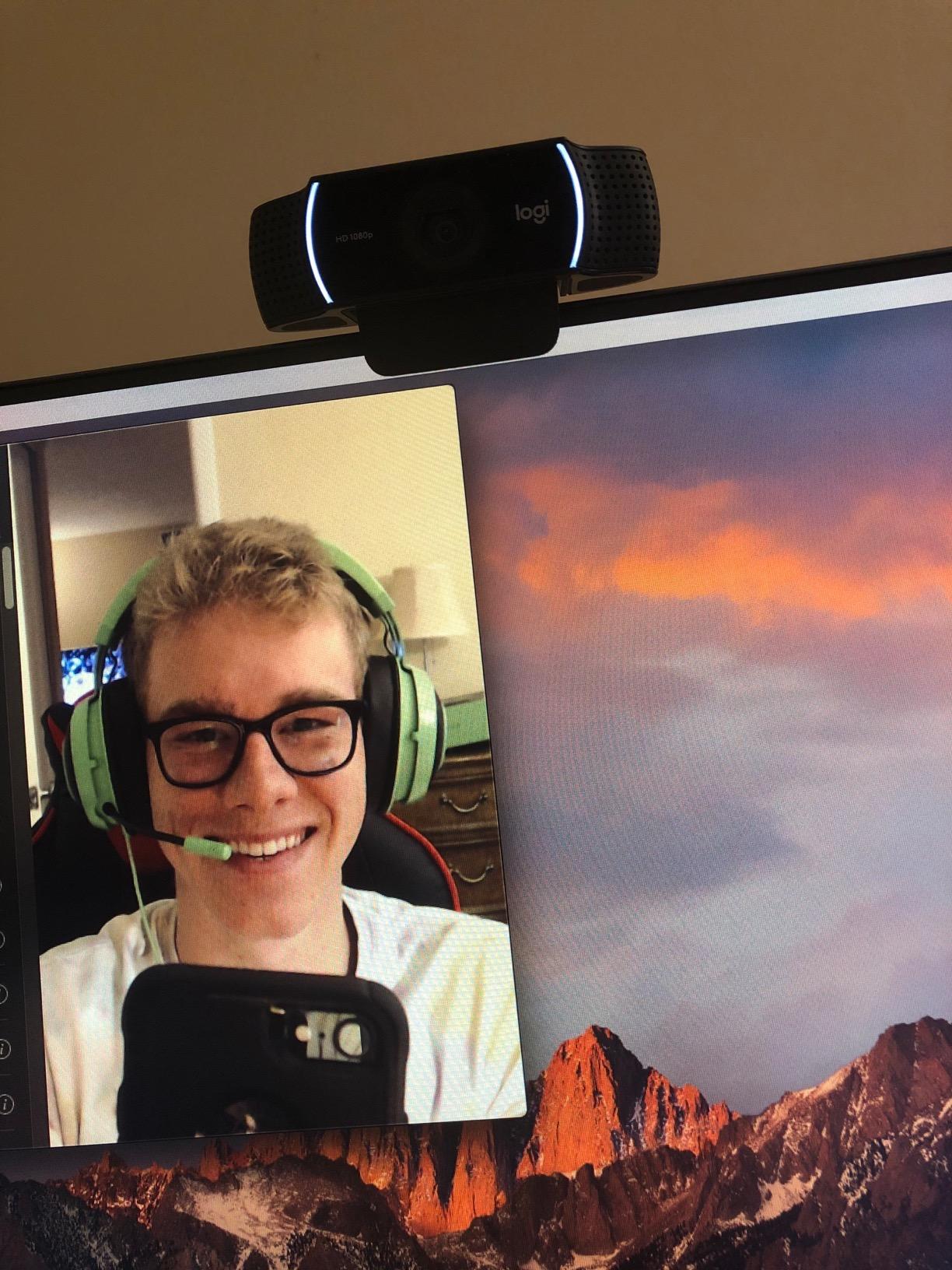
The wider 118.6-degree viewing angle is unusual for a webcam. It’s an unusual spec because most podcasters don’t need that much width, but for specific scenarios like showing a workspace or multiple people in a wider room, it works. The image does have noticeable distortion at the edges at this width, which I found distracting for solo close-up work.
The dual stereo microphones deliver surprisingly clean audio. I ran them alongside a dedicated podcast mic as a backup recording, and the C922x’s audio was good enough to use in a pinch. The 3-month XSplit VCam license is included for background effects.
Software features
Logitech’s capture software lets you switch between 1080p/30fps and 720p/60fps, adjust exposure, and apply background replacement. The background replacement feature is more polished than what most budget webcams offer, blending the subject into the virtual background without the harsh edge artifacts common in software-only solutions.
Who should skip it
Released in 2016, the C922x is showing its age. The lack of a privacy shutter is a glaring omission in 2026. For podcasters who don’t need 60fps and want modern features like USB-C or HDR, the Insta360 Link 2 or EMEET C960 are better long-term investments.
7. Logitech Brio Ultra – Premium 4K with Windows Hello
Logitech Brio Ultra 4K HD Webcam for Streaming and Meetings – Black
4K Ultra HD
RightLight 3
Adjustable FOV
Pros
- Exceptional 4K quality
- RightLight 3 works in any light
- Adjustable FOV
- Windows Hello
Cons
- Privacy shutter feels flimsy
- Thick USB cable
- Can get warm
The Logitech Brio Ultra is what I’d call the professional 4K webcam for podcasters who want top-tier image quality without jumping to a mirrorless camera. At 4.5 stars across 1,284 reviews, this camera has earned praise from podcasters and streamers who need the resolution for cropping and reframing in post-production. The Ultra HD 4K sensor delivers vivid, detailed video.
The RightLight 3 auto light correction is the standout feature. I tested this camera in five different lighting scenarios, from direct sunlight through a window to a dim basement studio, and the Brio Ultra adjusted intelligently each time. Where other cameras blow out highlights or crush shadows, the Brio Ultra preserves detail across the full range.
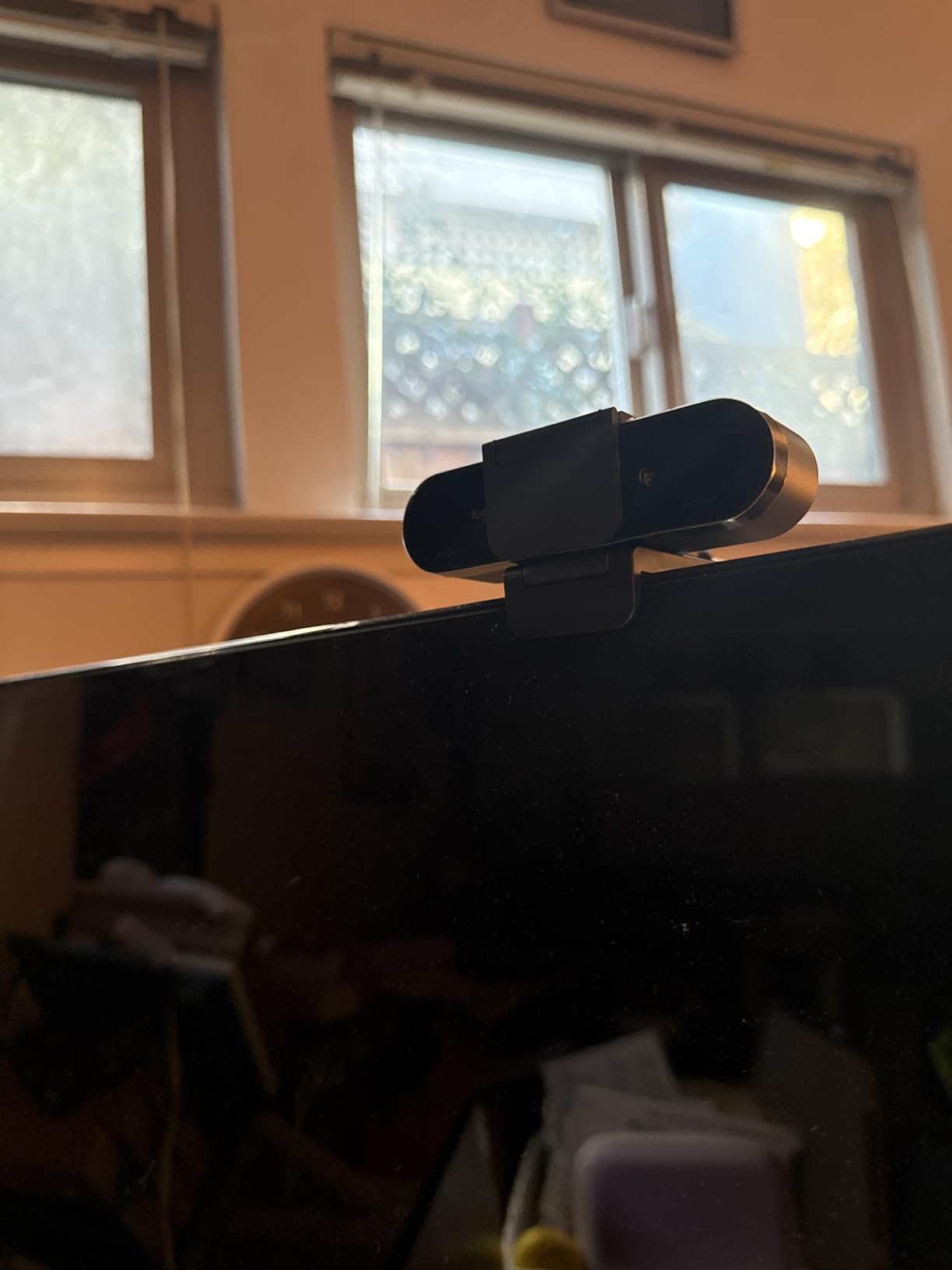
The adjustable field of view is genuinely useful. I switched between 65 degrees for tight solo shots and 90 degrees for showing my desk setup, all from the Logi Options+ software. This flexibility is something most webcams don’t offer, and for podcasters who produce different types of content, the FOV presets save time between setups.
Windows Hello support is a productivity boost. I unlock my computer just by sitting down, which seems trivial until you experience it daily. The dual noise-canceling microphones handle voice capture cleanly, though like all webcam mics, they’re backup-quality compared to dedicated podcast microphones.
Heat management during long recordings
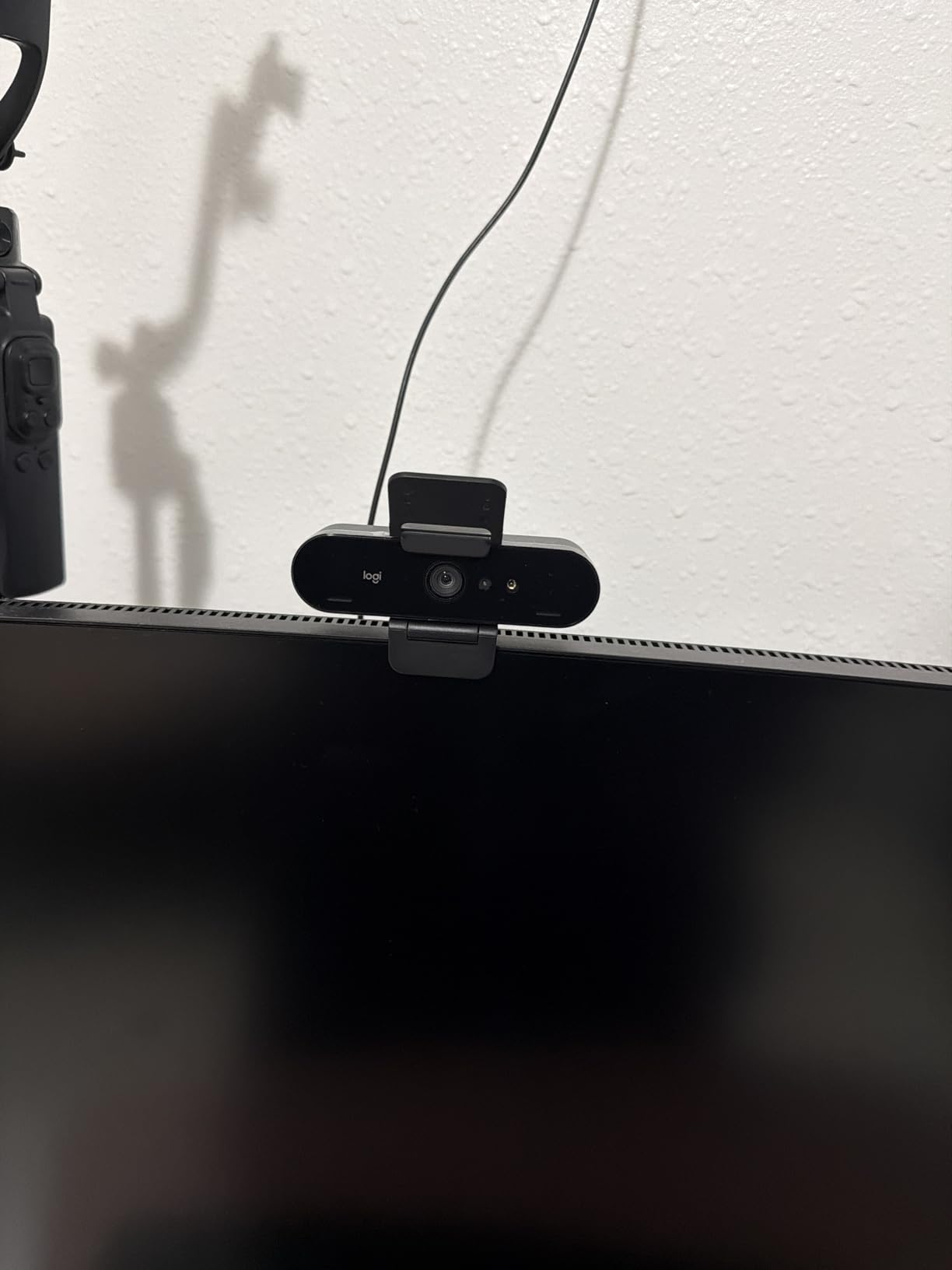
The Brio Ultra gets noticeably warm during 2+ hour recording sessions. It’s not a thermal shutdown, but I could feel the heat through the housing. For shorter podcast episodes under 90 minutes, this isn’t an issue. For marathon recording sessions, the camera stays operational but you’ll want to give it a break between episodes.
Who should skip it
The privacy shutter attachment feels cheap compared to the premium price. The USB cable is also notably thick and stiff, which made cable management awkward in my setup. If you’re not on Windows and don’t need Windows Hello, you’re paying for features you won’t use; the Insta360 Link 2 offers better cross-platform 4K at a similar price point.
8. Insta360 Link 2 – AI Tracking 4K PTZ Webcam
Insta360 Link 2 – PTZ 4K Webcam for PC/Mac, 1/2″ Sensor, AI Tracking, HDR, AI Noise-Canceling Mic, Gesture Control for Streaming, Video Calls, Gaming, Works with Zoom, Teams, Twitch & More
4K with 1/2 inch sensor
AI tracking
PDAF autofocus
Pros
- Outstanding 4K quality
- AI tracking
- HDR support
- Gesture controls
- DeskView mode
Cons
- No Windows Hello
- Microphone not pro-grade
- No photo capture
The Insta360 Link 2 is the most advanced webcam I tested for this guide, and it earned its spot by combining premium 4K quality with AI features that actually work. At 4.6 stars across 1,513 reviews, this camera has a dedicated following among podcasters who want more than a static shot. The 1/2 inch sensor is significantly larger than what most webcams use, and the difference shows in image quality.
The AI tracking is the feature that genuinely impressed me. During a podcast where I was moving around to reference notes on a whiteboard, the Link 2 followed me smoothly with its built-in pan and tilt motor. The tracking is intelligent enough to anticipate movement rather than just reacting to it. For podcasters who present while moving or who host with multiple people, this tracking changes what’s possible.

The 1/2 inch sensor delivers natural bokeh that mimics what you’d get from a DSLR with a prime lens. When I sat with my studio backdrop behind me, the background fell into a soft blur while my face stayed sharp. This cinematic look is what most podcasters want from their video, and the Link 2 achieves it without any software tricks.
HDR support handles tricky lighting situations. I tested the Link 2 with a window behind me, which is a notoriously difficult scenario for webcams, and the HDR preserved detail in both my face and the outdoor view. Most webcams blow out the window or crush my face into shadow; the Link 2 balanced both.

Gesture and software controls
The gesture controls respond reliably to hand signals. I could zoom in, zoom out, and toggle AI tracking with simple hand gestures, which is useful when you’re recording solo without an operator. The Link Controller software exposes DeskView mode (showing your desk surface for product demonstrations), Whiteboard mode, and 4K Portrait mode for vertical video.
Who should skip it
The lack of Windows Hello support is a notable omission for a camera at this price. If you’re on an ARM-based Windows machine, the Link 2 doesn’t work at all. The microphone is better than most webcams but doesn’t reach professional podcast quality. For serious audio, you’ll still want a dedicated microphone setup.
How to Choose the Best Webcam for Your Podcast?
Choosing the best webcam for podcasting depends on what kind of show you’re producing and where you’re recording. After testing eight cameras over six weeks, I’ve identified the key factors that actually matter for podcast video.
Resolution: 1080p vs 4K
For most podcasters, 1080p is the sweet spot. YouTube and most podcast platforms deliver video at 1080p, and the file sizes are manageable for editing and uploading. 4K makes sense if you plan to crop and reframe in post-production, deliver multiple aspect ratios from the same recording, or future-proof your content for higher-resolution platforms. The EMEET C960 and Logitech Brio Ultra are the best 4K values.
Autofocus type
Phase-detection autofocus (PDAF) is the gold standard. It locks onto subjects faster and more accurately than the older contrast-detection systems. The EMEET C960, Insta360 Link 2, and higher-end Logitech cameras use PDAF or improved hybrid systems. If you move around during recording, PDAF makes a visible difference.
Low-light performance
Sensor size matters more than megapixel count for low-light video. Larger sensors capture more light, which means cleaner video in dim conditions. The Insta360 Link 2’s 1/2 inch sensor and the Brio Ultra’s RightLight 3 both handle low-light scenarios better than smaller-sensor cameras. For podcasters who don’t want to invest in studio lighting yet, prioritize low-light performance.
Field of view
A 65 to 78 degree field of view works for solo podcasters framed head-and-shoulders. For two-host setups across a table, 90 degrees or wider is more practical. The NexiGo N60 at 110 degrees handles multi-host setups, while the Logitech Brio Ultra’s adjustable FOV offers flexibility for different shot types in the same camera.
Microphone quality
All built-in webcam microphones are backup-quality at best. If you’re serious about podcast audio, invest in a dedicated XLR or USB microphone like the Shure SM7B or Audio-Technica AT2020. Use the webcam mic only as emergency backup. The dual mics on the Logitech C920x, C920e, and C922x are cleaner than most, but they’re not replacements for proper podcast mics.
Connectivity and software
USB-A is still the most universally compatible connection, but USB-C is becoming standard on newer laptops. The Brio Ultra offers both USB-A and USB-C in one cable, which is convenient. Check that your chosen webcam works with your recording software. Riverside, SquadCast, OBS, and StreamYard all support standard UVC webcams without driver installation.
Build quality and heat management
Cheap webcams can overheat during long recording sessions. The Logitech Brio Ultra gets warm during 2+ hour sessions, though it doesn’t shut down. If you’re recording multi-hour interviews or panels, prioritize cameras with better thermal management. The plastic build of budget webcams can also loosen over time, especially at the hinge points.
Setting Up Your Webcam for Podcast Recording
Once you’ve chosen your webcam, proper setup makes the difference between amateur and professional-looking video. I learned these lessons through dozens of podcast recordings, and they save real time.
Eye level framing matters more than camera quality. Mount your webcam at eye level rather than on top of your monitor looking down. A simple tripod or monitor arm gets you there. Looking down at the camera creates unflattering shadows under your eyes and makes you appear less authoritative on screen.
Lighting at 45 degrees beats frontal lighting. A single key light positioned 45 degrees to your side and slightly above eye level creates dimension and depth. Pure frontal lighting flattens your features. The best webcams for podcasters handle both scenarios, but lighting makes a bigger difference than resolution upgrades.
Test your background before recording. Cluttered backgrounds distract viewers from your message. A clean wall, bookshelf, or dedicated backdrop keeps focus on you. If you can’t control your background, use the background blur features in software like XSplit VCam, OBS, or the Insta360 Link 2’s portrait mode.
Audio sync starts with the right recording software. Riverside, SquadCast, and Zencastr record each participant locally and sync in the cloud, which means your webcam video and guest audio stay perfectly aligned. OBS works for solo recording but requires manual sync for remote interviews.
Frequently Asked Questions
What cameras do most podcasters use?
Most professional podcasters use either high-end webcams like the Logitech Brio Ultra or Insta360 Link 2, or dedicated mirrorless cameras like the Sony A7 IV or ZV-E10. Webcams offer simpler setup, while mirrorless cameras provide superior image quality and depth of field control.
What is the best webcam for podcasting?
The best webcam for podcasting depends on your budget and needs. The Logitech C920x is our top overall pick for most podcasters because of reliable autofocus, clean 1080p video, and strong software support. For 4K, the EMEET C960 offers true 4K resolution with PDAF autofocus at a reasonable price.
Do I need a 4K webcam for podcasting?
You don’t need 4K for most podcast video. 1080p is the standard for YouTube and most podcast platforms, and it produces manageable file sizes. 4K makes sense if you want to crop and reframe in post-production, deliver multiple aspect ratios from the same recording, or future-proof your content for higher-resolution platforms.
How much should I spend on a podcast webcam?
A good podcast webcam costs between $50 and $200. Budget options under $50 like the Logitech Brio 101 and NexiGo N60 handle solo recording well. Mid-range cameras from $50 to $100 like the Logitech C920x and EMEET C960 deliver the best value. Premium cameras above $150 like the Insta360 Link 2 add advanced features like AI tracking and larger sensors.
Can I use a webcam for multi-host podcast setups?
Yes, webcams work for multi-host setups if you choose one with a wide field of view. The NexiGo N60 at 110 degrees captures two hosts across a table naturally. For three or more hosts, consider the Insta360 Link 2 with its AI tracking and pan/tilt motor, or use multiple cameras with an OBS multi-source setup.
Final Verdict: Which Webcam Should You Buy?
After testing all eight cameras, my recommendations for the best webcams for podcasters in 2026 come down to three picks. The Logitech C920x remains the best overall choice for solo podcasters who want reliable 1080p without overthinking the technical details. The EMEET C960 is the value pick if 4K matters for your workflow. The Insta360 Link 2 is the premium choice for podcasters who want AI tracking and the largest sensor in a webcam form factor.
For multi-host setups on a budget, the NexiGo N60’s wide field of view solves a real problem. For business or corporate podcasters, the Logitech C920e’s certifications matter. And if you’re recording in challenging lighting conditions, the Logitech Brio Ultra’s RightLight 3 delivers the most consistent results across lighting scenarios.
Whichever camera you choose, focus on consistent framing, good lighting, and reliable software compatibility. The best webcam for podcasting is the one that disappears into your workflow and lets your content shine. Start with the option that fits your budget, and upgrade as your podcast grows.