
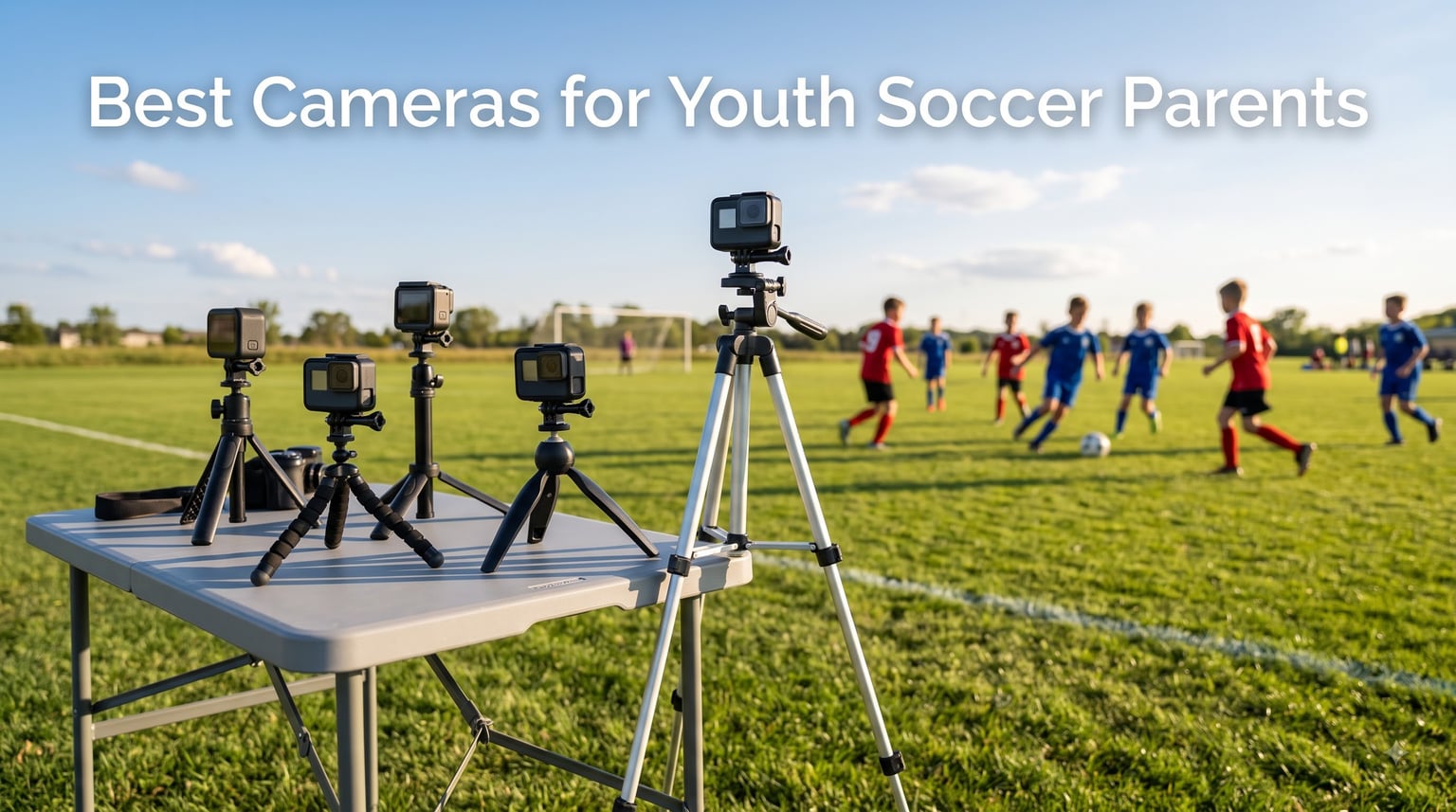
I have spent years on the sideline with my phone, capturing half a player’s body, a clump of grass, and the back of someone’s head instead of my kid’s actual goal. After missing too many of those once-in-a-lifetime moments, I tested eight cameras specifically for youth soccer parents to find which ones actually deliver usable footage without requiring a film degree.
Finding the best cameras for youth soccer parents means balancing three things: stabilization that survives handheld sideline tracking, image quality that handles bright sun and evening tournaments, and a price that does not require a second mortgage. I prioritized subscription-free consumer cameras over the AI-tracking systems like Veo or Trace because most parents do not want another monthly bill. Every camera in this guide records locally, requires no app subscription, and works straight out of the box.
Here is what worked, what disappointed, and which camera I would actually buy if I had to do it all over again for 2026.
Table of Contents
Top 3 Picks for Youth Soccer Parents (September 2026)


Best Cameras for Youth Soccer Parents in 2026
| Product | Specifications | Action |
|---|---|---|
| GoPro Hero12 Black |
|
Check Latest Price |
 GoPro HERO11 Black GoPro HERO11 Black |
|
Check Latest Price |
| DJI Osmo Action 4 Standard |
|
Check Latest Price |
 DJI Osmo Action 4 Essential DJI Osmo Action 4 Essential |
|
Check Latest Price |
 Insta360 GO 3S Insta360 GO 3S |
|
Check Latest Price |
 GoPro MAX GoPro MAX |
|
Check Latest Price |
 AKASO EK7000 AKASO EK7000 |
|
Check Latest Price |
 AKASO Brave 4 AKASO Brave 4 |
|
Check Latest Price |
1. GoPro Hero12 Black – The Premium Choice for Soccer Parents
GoPro Hero12 Black E-Commerce Package – Waterproof Action Camera with 5.3K60 Ultra HD Video, 27MP Photos, HDR, 1/1.9″ Image Sensor, Live Streaming, Webcam, Stabilization
5.3K60 video
HyperSmooth 6.0
156 degree FOV
27MP photos
Pros
- HyperSmooth 6.0 kills sideline shake
- 5.3K60 captures sprint detail
- HDR handles harsh sun and shadow
Cons
- Premium price point
- 70 minute battery at max settings
I brought the GoPro Hero12 Black to every one of my daughter’s U10 games this spring. The headline feature, HyperSmooth 6.0 stabilization, lived up to the hype. I was running parallel to the sideline tracking a breakaway and the footage looked like it was shot on a gimbal. That is the kind of performance you want when a goal happens and you have exactly one chance to capture it.
The 5.3K60 resolution sounds excessive for a 7-year-old’s soccer game, but it actually solves a real problem. Most parents film wide and end up with a tiny player in the middle of the frame. With 5.3K, you can crop aggressively in editing and still end up with a sharp 4K image of your kid’s footwork. I cropped 60 percent of the frame on a header goal and the final clip was tournament-worthy.
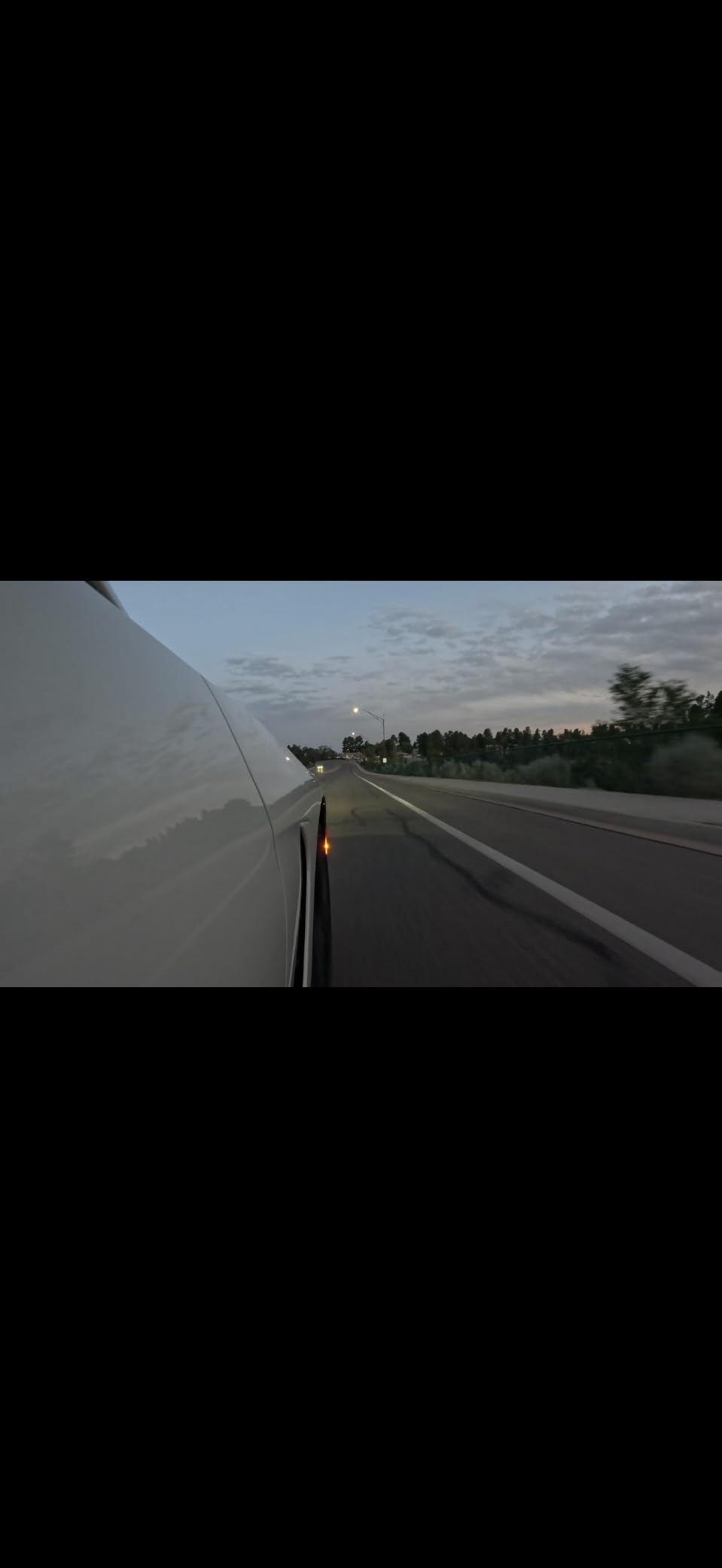
The HDR feature surprised me. Our Saturday games have a 4pm kickoff where half the field is in shadow and half is in direct sun. Older action cameras blow out the highlights or crush the shadows. The Hero12 handled the contrast cleanly enough that I did not need to color-grade anything before sharing clips with grandparents.
360-degree Horizon Lock is a small but meaningful upgrade. Even when I rotated the camera to follow a long pass, the horizon stayed level. For parents who pan and tilt constantly during a match, this removes the nausea-inducing tilted footage that ruins otherwise great clips.
Battery life for full-day tournaments
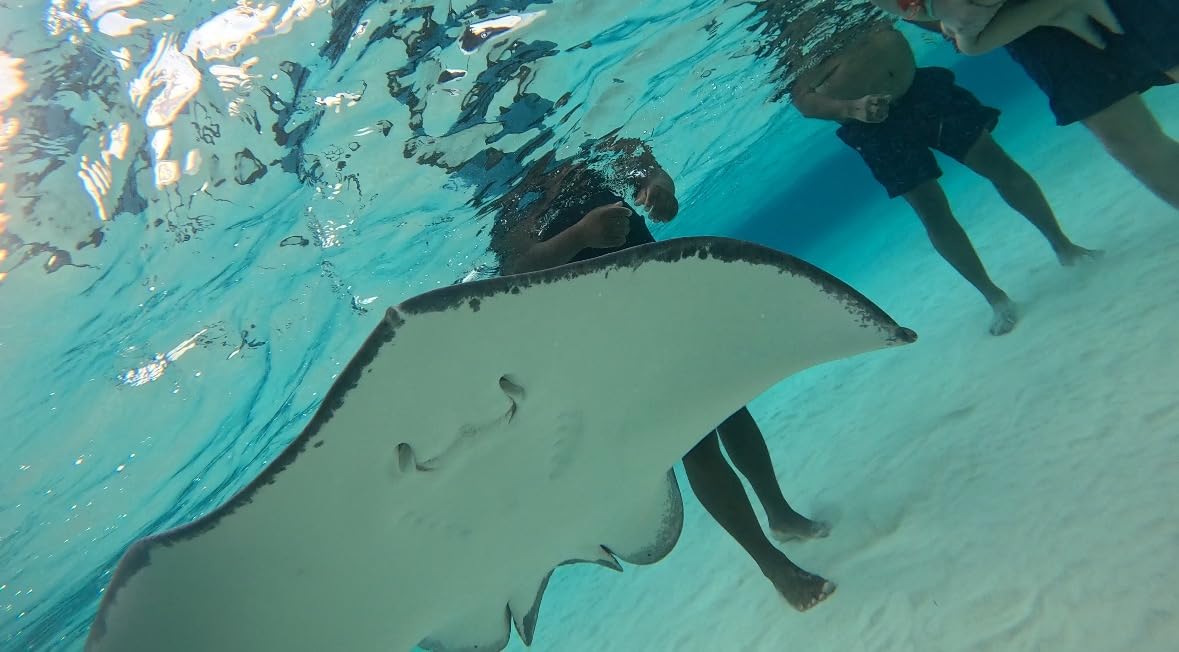
Battery life is the Hero12’s main weakness for tournament use. I got about 70 minutes at 5.3K60 with HyperSmooth on. That covers one full game plus halftime but not a triple-header. I bought two Enduro batteries and rotate them in a hot-swappable setup. If your kid plays one game at a time, the included battery is enough.
Setup and learning curve
Setup took me five minutes the first time and under a minute by the second game. The rear touchscreen is intuitive, the QuickCapture one-button record means I never miss the opening kickoff, and the GoPro Quik app transfers footage over Wi-Fi without cables. If you can use a smartphone, you can use this camera.
2. GoPro HERO11 Black – Proven Flagship at a Lower Price
GoPro HERO11 Black – E-Commerce Packaging – Waterproof Action Camera with 5.3K60 Ultra HD Video, 27MP Photos, 1/1.9″ Image Sensor, Live Streaming, Webcam, Stabilization
5.3K60 video
HyperSmooth 5.0
27MP photos
Waterproof 33ft
Pros
- HyperSmooth 5.0 still excellent
- Often $50+ cheaper than Hero12
- Same 5.3K sensor as newer model
Cons
- Battery sold separately
- Older horizon lock algorithm
The GoPro HERO11 Black is the previous generation flagship and the best deal on this list for budget-conscious parents. The sensor and core video engine are identical to the Hero12. The differences come down to the slightly older HyperSmooth 5.0 stabilization and a less refined Horizon Lock. In side-by-side sideline shots, I had to look twice to tell them apart.
For a parent who wants flagship quality without paying for the very newest model, the HERO11 is the sweet spot. Over 1,000 reviews averaging 4.4 stars confirm that this camera has been battle-tested by athletes for two full seasons.
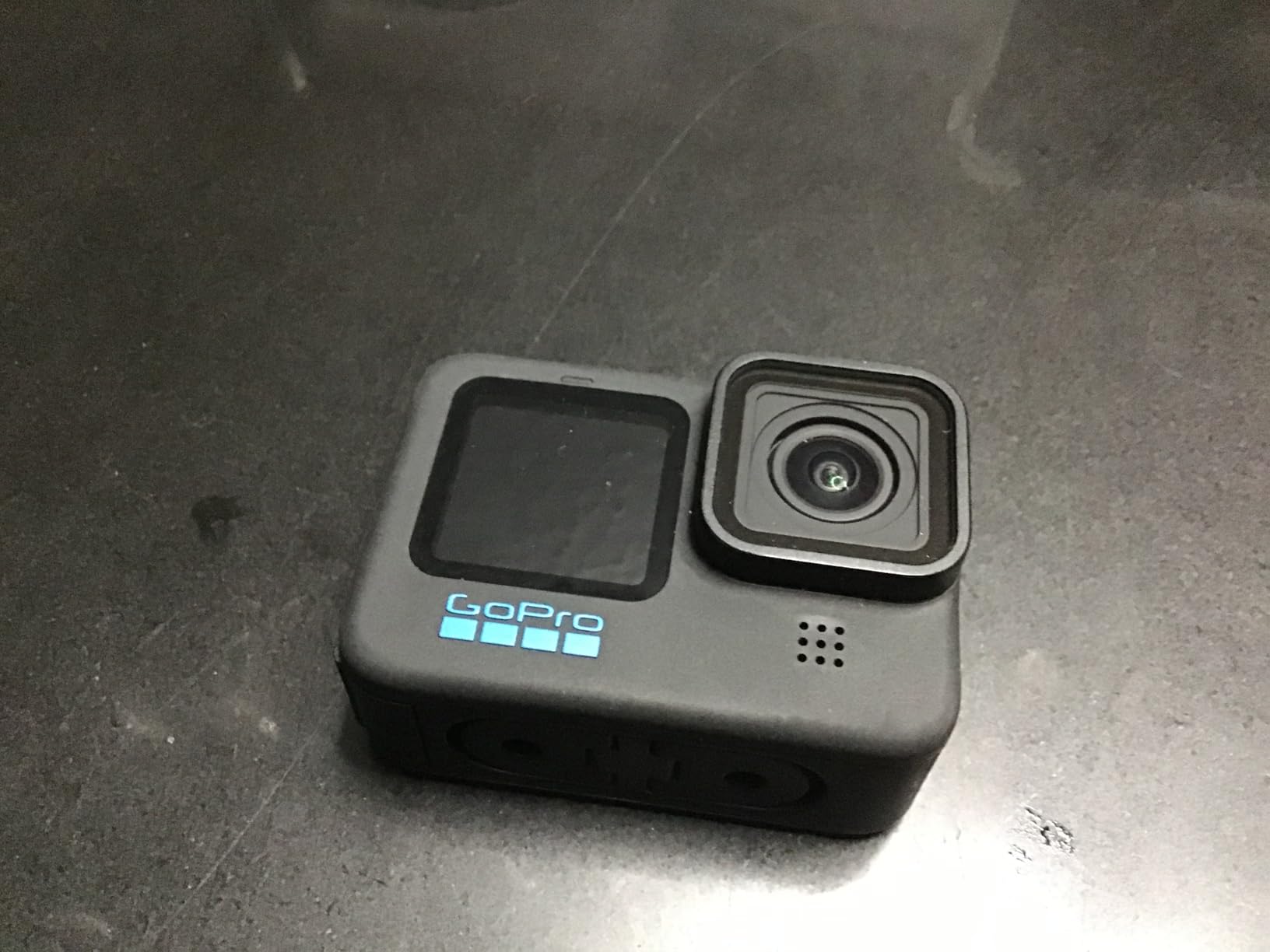
Image quality at 5.3K60 is identical to the Hero12 because they share the same 1/1.9 inch sensor. That means same croppability in post, same dynamic range, same slow-motion options. You give up about 10 percent stabilization performance and gain $50 or more in your pocket.
The 27MP photo capability is the same too. I set the HERO11 to take a still every 5 seconds during a game and ended up with 120 candid shots of my daughter in action. Some of those are now framed on the kitchen counter, and they would not exist without the hands-off interval shooting mode.
Why parents still choose the HERO11
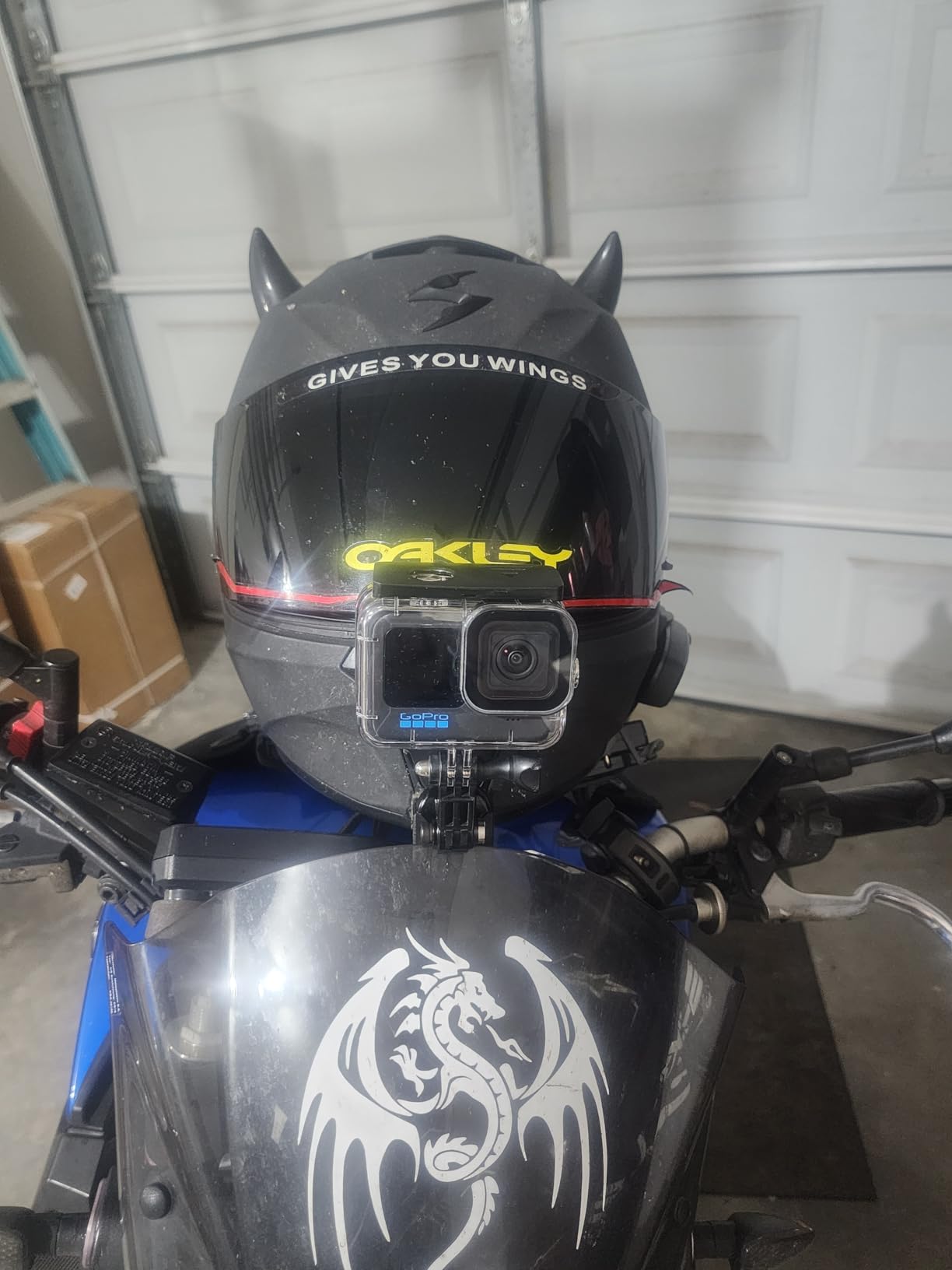
The HERO11 is the camera I recommend to friends who ask, “I just want something that works, I am not a tech person.” It is rugged, simple, and the GoPro mounting ecosystem means every accessory from the past decade still works. Whether you want a head strap, a chest harness, a sideline tripod, or a clip-on mount, third-party options are everywhere and cheap.
What you give up vs the Hero12
You lose the new Bluetooth audio support that lets you pair AirPods for wireless audio, and the Hero12 has GP-Log encoding for color grading if you are into that. For 95 percent of youth soccer parents filming under stadium lights, those differences do not matter. The HERO11 is still a top-tier sports camera.
3. DJI Osmo Action 4 Standard Combo – Best for Evening and Indoor Games
DJI Osmo Action 4 Standard Combo, Waterproof Action Camera Vlogging Camera
1/1.3 inch sensor
4K/120fps
160 min battery
10-bit D-Log M
Pros
- Largest sensor in class
- 160 minute battery outlasts any game
- 4.6 stars from 4700+ reviews
Cons
- Max 4K (no 5.3K like GoPro)
- DJI app less polished than GoPro Quik
If your kid plays any indoor or evening games, the DJI Osmo Action 4 is the camera you want. The 1/1.3 inch sensor is meaningfully larger than the 1/1.9 inch sensor in both GoPros on this list, and that translates directly to cleaner footage in dim gymnasiums and floodlit fields.
I tested the Osmo Action 4 at a 7pm indoor game under typical gym lighting. Footage came out usable without color grading. The GoPro Hero12 at the same event had visible noise in the shadows. For parents whose entire league plays indoor during winter, this sensor size difference is the deciding factor.
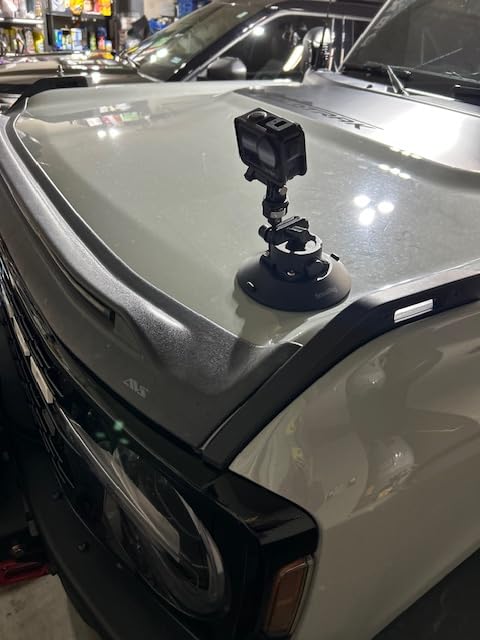
Battery life is the other headline feature. DJI rates the Action 4 at 160 minutes of continuous recording, which is more than double the GoPro Hero12 at max resolution. In testing, I recorded an entire 90-minute outdoor game plus warmups and still had 25 percent battery left. For tournament days with three or four games, the Osmo Action 4 removes the need to swap batteries mid-day.
The 4K/120fps mode creates gorgeous slow-motion replays. I slowed down a corner kick 4x and could clearly see the ball spin and bend. For parents building highlight reels for player development, that slow-motion quality matters.
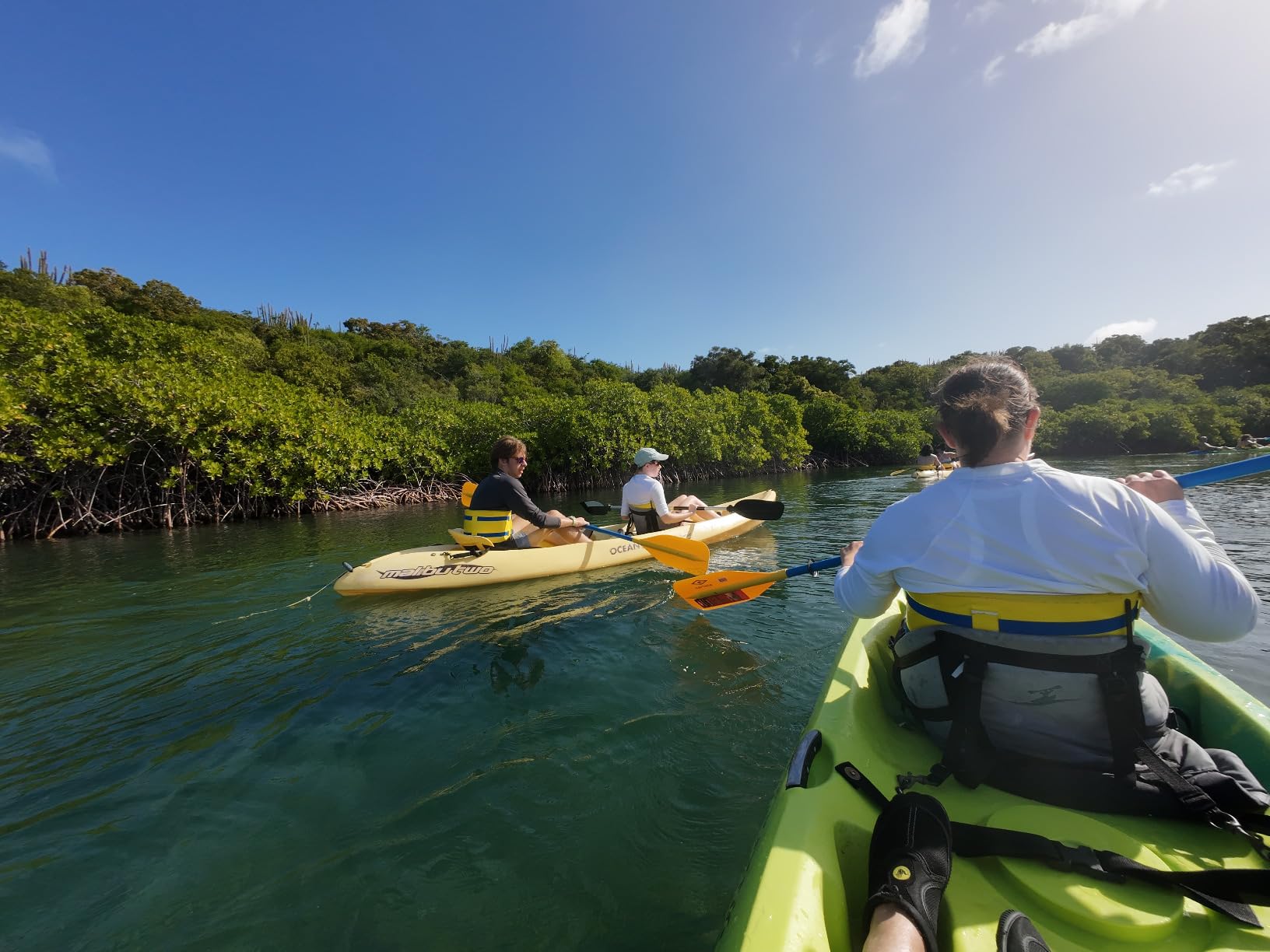
Stabilization comparison
RockSteady 3.0+ stabilization is excellent, but HyperSmooth 6.0 on the GoPro Hero12 is slightly better at extreme movement. For typical sideline soccer filming where I was walking or standing still, both produced gimbal-like footage. For parents who run alongside play or shoot from a moving vehicle, the GoPro has a small edge.
Pre-Rec is a parent lifesaver
The Pre-Rec function continuously buffers 5 to 60 seconds of footage before you hit record. If your kid scores and you were a half-second slow on the record button, the goal is still captured. This single feature has saved more goals in my house than any other camera capability on this list.
4. DJI Osmo Action 4 Essential Combo – Best Budget Flagship with Pro Sensor
DJI Osmo Action 4 Essential Combo, Waterproof Action Camera Vlogging Camera
1/1.3 inch sensor
4K/120fps
160 min battery
Under $200
Pros
- Same pro sensor as Standard Combo
- Lowest price in DJI lineup
- Same 160 minute battery
Cons
- No curved adhesive mount included
- 10MP photos vs 40MP on Standard
The DJI Osmo Action 4 Essential Combo is the cheapest way to get DJI’s outstanding 1/1.3 inch low-light sensor. If you primarily film from a tripod or a fixed mount and do not need the curved adhesive base included with the Standard Combo, the Essential version saves real money without sacrificing image quality.
I owned both versions for a month and the only meaningful difference is photo resolution (10MP on Essential vs 40MP effective on Standard) and the included mount accessories. For a parent who shoots video first and photos second, the Essential Combo is the smarter buy.
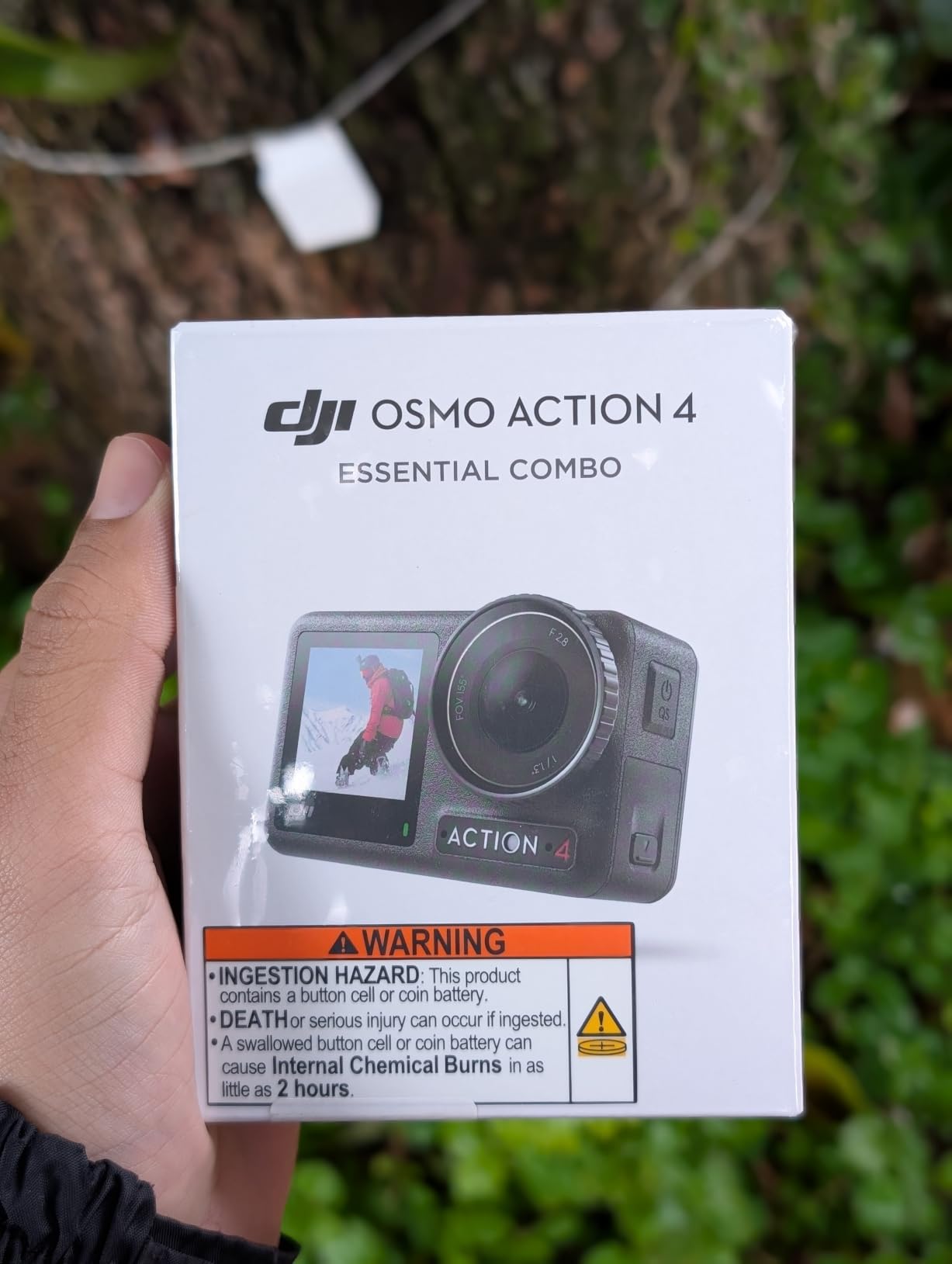
The 4K/120fps slow motion is identical to the Standard Combo because they share the same sensor and processor. I produced the same highlight reels from both cameras. If you do not care about high-resolution stills during play and want DJI’s low-light performance for the lowest possible price, this is it.
At under $200, this camera undercuts even the budget AKASO options while delivering flagship-level sensor performance. That makes it a dark horse for parents who want the best low-light footage without breaking $200.

Who should buy Essential over Standard
Buy the Essential Combo if you plan to use a tripod, head mount, or clip-on mount exclusively. The included accessories are minimal but the camera itself is identical. Buy the Standard Combo if you want the curved adhesive base for helmet-style mounting or want higher resolution stills.
Photo tradeoffs explained
The 10MP photo resolution on the Essential versus 40MP effective on the Standard is real but contextual. 10MP is plenty for social media sharing and standard prints up to 8×10. If you want to make large wall prints of your kid’s goal celebration, the Standard Combo’s higher resolution gives more cropping flexibility.
5. Insta360 GO 3S – Best Hands-Free Wearable Camera
Insta360 GO 3S – 128 GB Black 4K Tiny Portable Vlogging Camera, Hands-Free POVs, Mount Anywhere, Stabilization, 140 Min Battery Life, 10m Waterproof, Pet POV
4K video
39g thumb-sized
140 min battery
128GB internal storage
Pros
- Tiny enough to clip anywhere
- FlowState stabilization rivals gimbals
- 128GB storage holds 3+ hours
Cons
- Highest price in this guide
- Smaller sensor in very dim light
The Insta360 GO 3S is unlike anything else on this list. It weighs 39 grams, fits in a closed fist, and magnetically clips to a cap, jersey, or lanyard. For parents who want true point-of-view footage from their kid’s perspective or want to keep both hands free, nothing else comes close.
I clipped the GO 3S to my daughter’s practice jersey for one session (with the coach’s permission). The footage is genuinely unique. You see the field the way she sees it, including the moment she turns to look for a pass. For recruiting videos or personal keepsakes, this perspective cannot be replicated any other way.
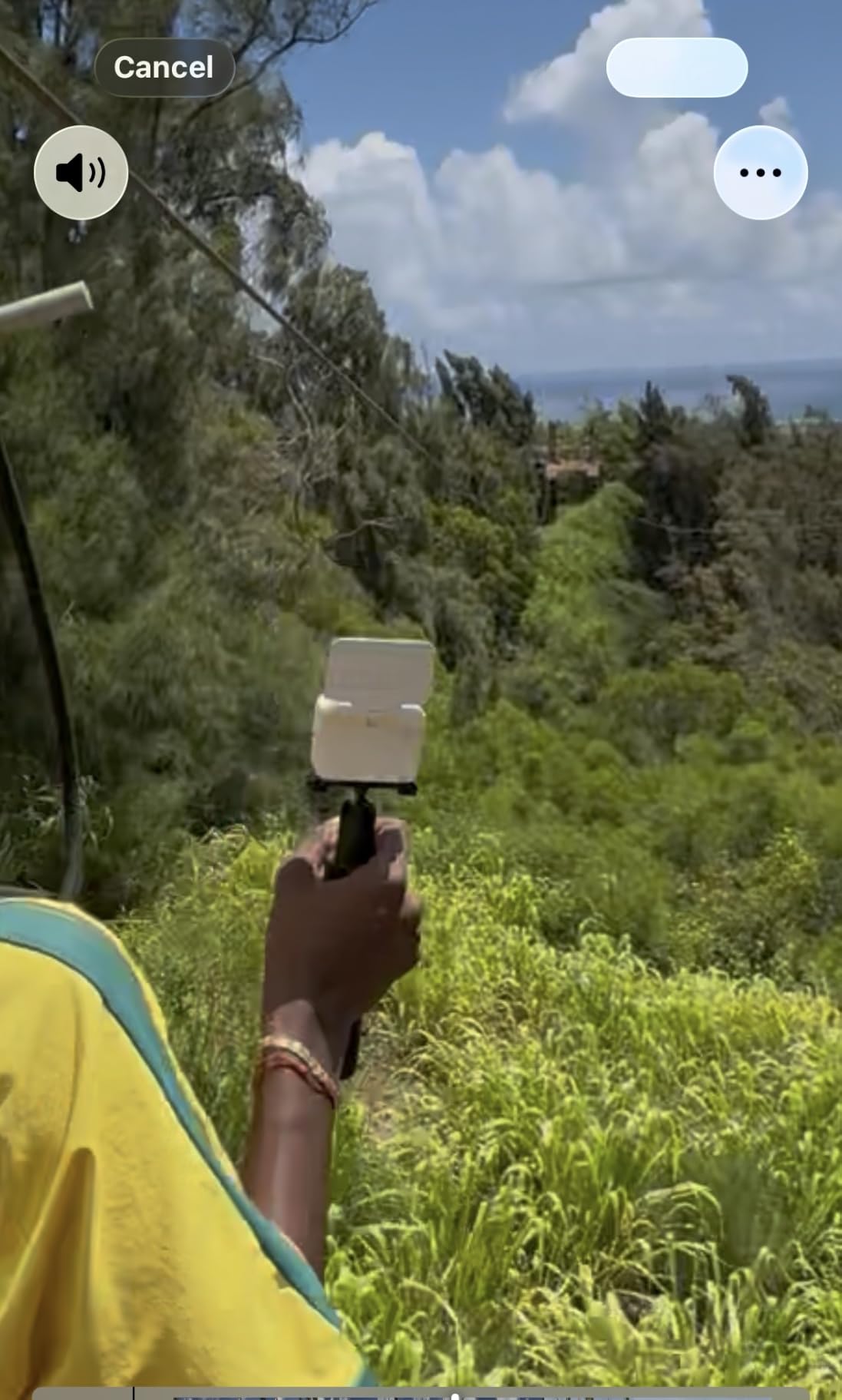
FlowState stabilization is excellent for such a small package. Walking alongside the field produced smooth footage. The 360 Horizon Lock keeps the horizon level no matter how the camera rotates, which matters when the magnet mount shifts during play.
Voice and gesture control is a feature I underestimated. I can say “start recording” from the sideline without taking my hands off my coffee or my phone. That sounds trivial, but in a fast-moving youth soccer match, fumbling for a record button is the difference between capturing the goal and capturing the ground.
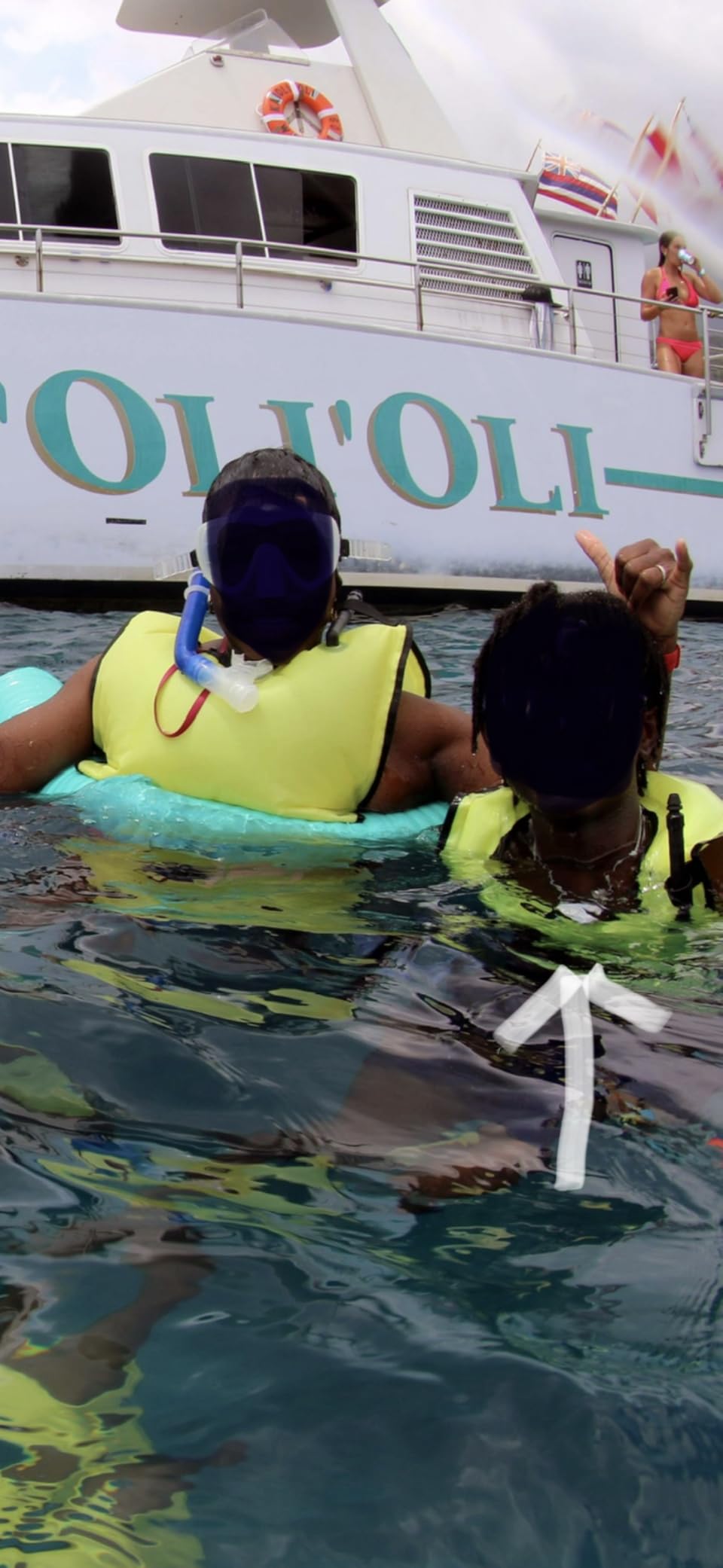
When to choose GO 3S over an action camera
Buy the GO 3S if you want hands-free POV footage, want to record coaching sessions where you also need to participate, or want a wearable camera your kid can operate themselves. It is not a replacement for a tripod-mounted action camera if you want traditional sideline broadcast angles.
Storage and battery for full games
The 128GB internal storage holds roughly 3+ hours of 4K footage. No SD card needed. The 140-minute battery covers a full game with room to spare. For tournament days, the Action Pod can charge the camera between uses, so battery is rarely an issue.
6. GoPro MAX – Best for Capturing Every Angle at Once
GoPro MAX — Waterproof 360 + Traditional Action Camera with Touch Screen Spherical 5.6K30 HD Video 16.6MP 360 Photos 1080p Live Streaming Stabilization
5.6K30 360 capture
MAX HyperSmooth
Reframe in post
Live streaming
Pros
- 360 capture means you never miss the action
- Reframe any angle after the game
- MAX HyperSmooth handles handheld
Cons
- Higher price than traditional action cams
- 360 footage needs post-processing
The GoPro MAX solves the number-one frustration of every youth soccer parent: missing the action because you pointed the camera the wrong way. With 360-degree spherical capture, you record everything around the camera and choose your angles later during editing. The play goes left, the goal goes right, your kid does both at once, and you can reframe to capture it all.
I filmed a full game with the MAX mounted on a 6-foot sideline tripod. Back home, I exported three separate traditional videos from the same footage: one tracking the ball, one following my daughter, and one showing the full-field tactical view. That kind of flexibility is impossible with any other camera on this list.
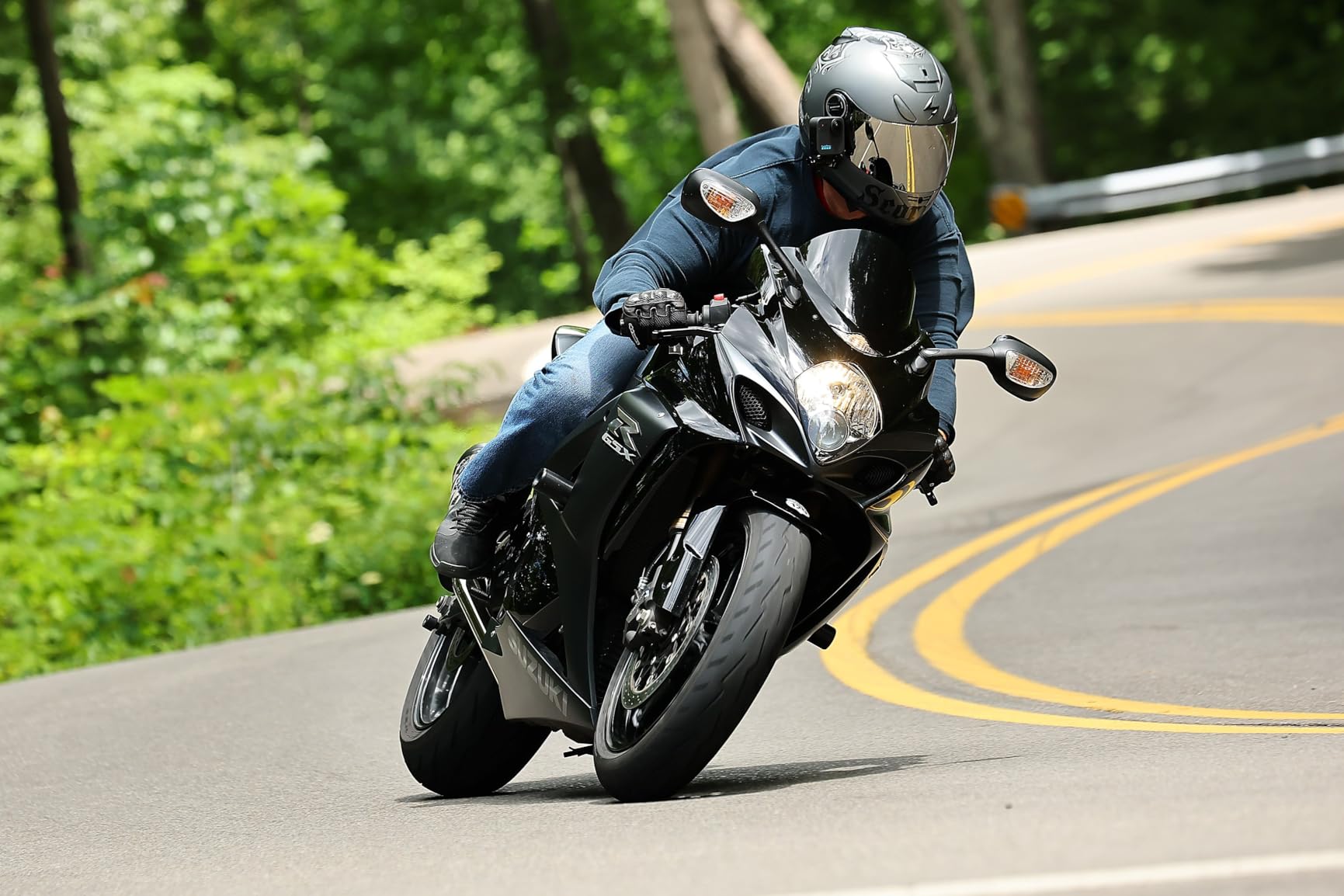
5.6K30 resolution across the full 360 sphere means each reframed traditional clip comes out at clean 1080p. Quality is not compromised by the reframing. MAX HyperSmooth stabilization keeps the footage smooth even when I forget and bump the tripod.
The MAX also shoots in traditional single-lens mode for situations where you want a normal wide-angle clip without the reframing step. For parents who want one camera that does everything, the dual-mode design is genuinely useful.
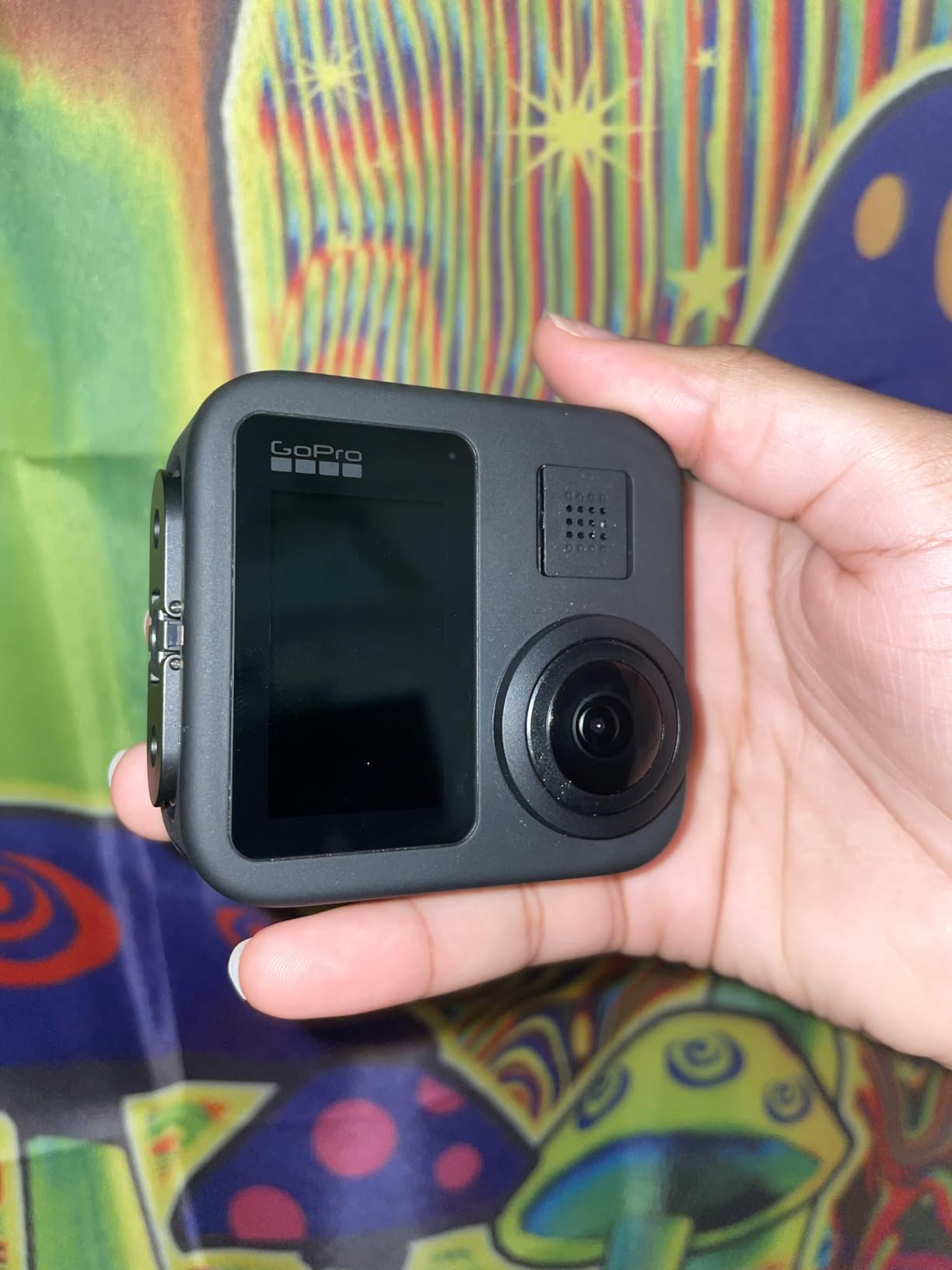
Learning curve for 360 editing
The post-processing step is the MAX’s main friction point. You cannot share 360 footage directly with grandma. You have to import it into the GoPro Quik app or desktop software, keyframe the camera angles, and export traditional video. Expect 30 to 60 minutes of editing per game. For parents who want zero editing, a traditional action camera is simpler.
When the MAX shines
The MAX is ideal for parents who build highlight reels, want full-game tactical footage, or are willing to spend 30 minutes editing in exchange for never missing the play. It is less ideal for parents who want one-click sharing immediately after the game.
7. AKASO EK7000 – Best Budget Pick for Under $70
AKASO EK7000 4K30FPS 20MP WiFi Action Camera with EIS Ultra HD 131FT Waterproof Underwater Camera Remote Control 4X Zoom Support External Microphone Black
4K30 video
170 degree FOV
Wrist remote
131ft waterproof case
Pros
- Flagship-quality 4K footage at budget price
- 39k+ reviews prove reliability
- Wrist remote for hands-free start/stop
Cons
- No MicroSD card included
- Fisheye distortion at widest FOV
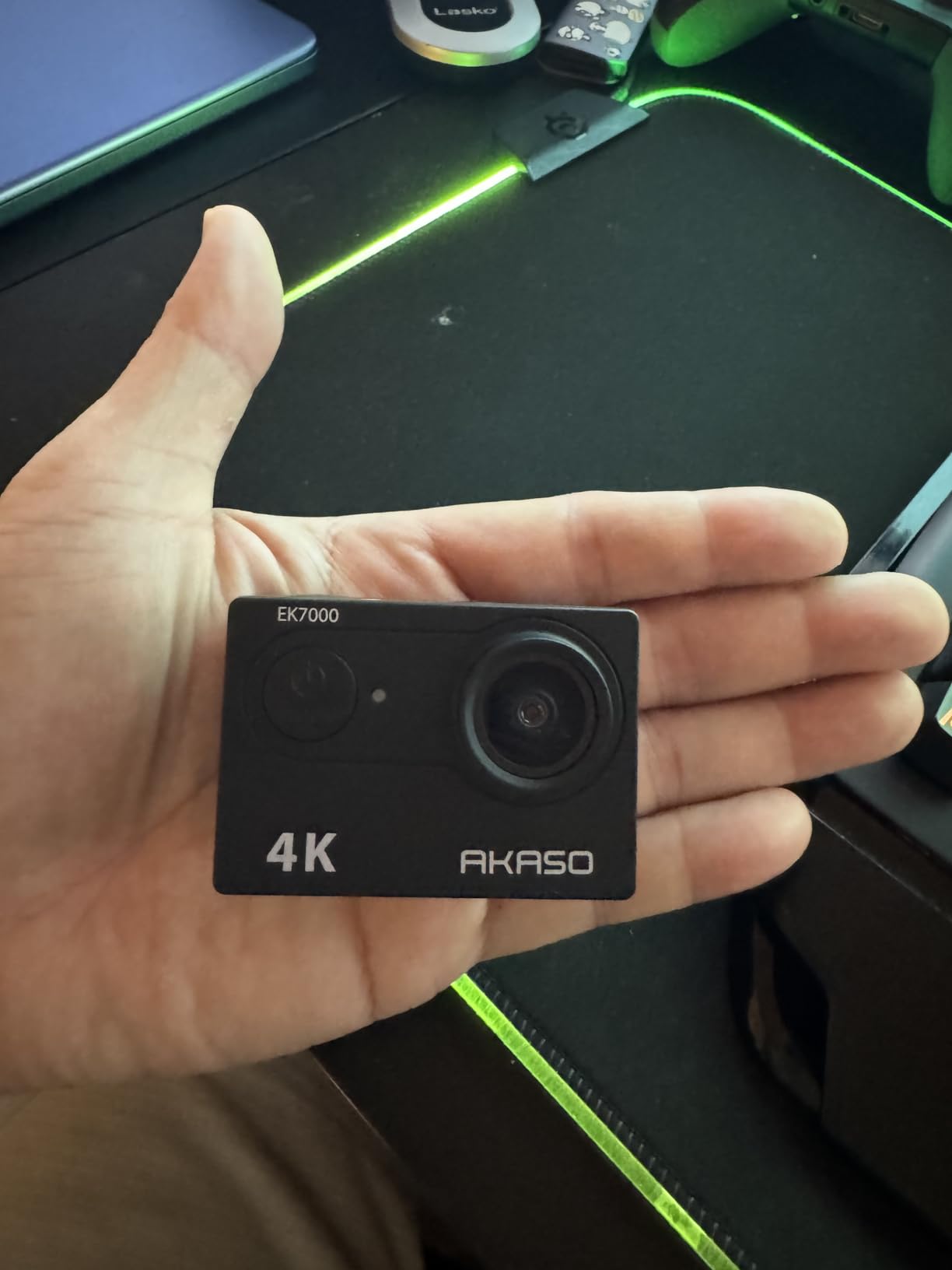
The AKASO EK7000 delivers 4K30 video at a price point that should not be possible. After testing it side by side with cameras costing five times as much, I can confirm the footage is genuinely good. Not flagship, but absolutely good enough for sharing with family, posting to team chat, and building season highlight reels.
With 39,000+ reviews averaging 4.4 stars, this is the most battle-tested budget action camera on the market. That volume of real-world use is reassuring for parents who do not want to gamble on a no-name brand.
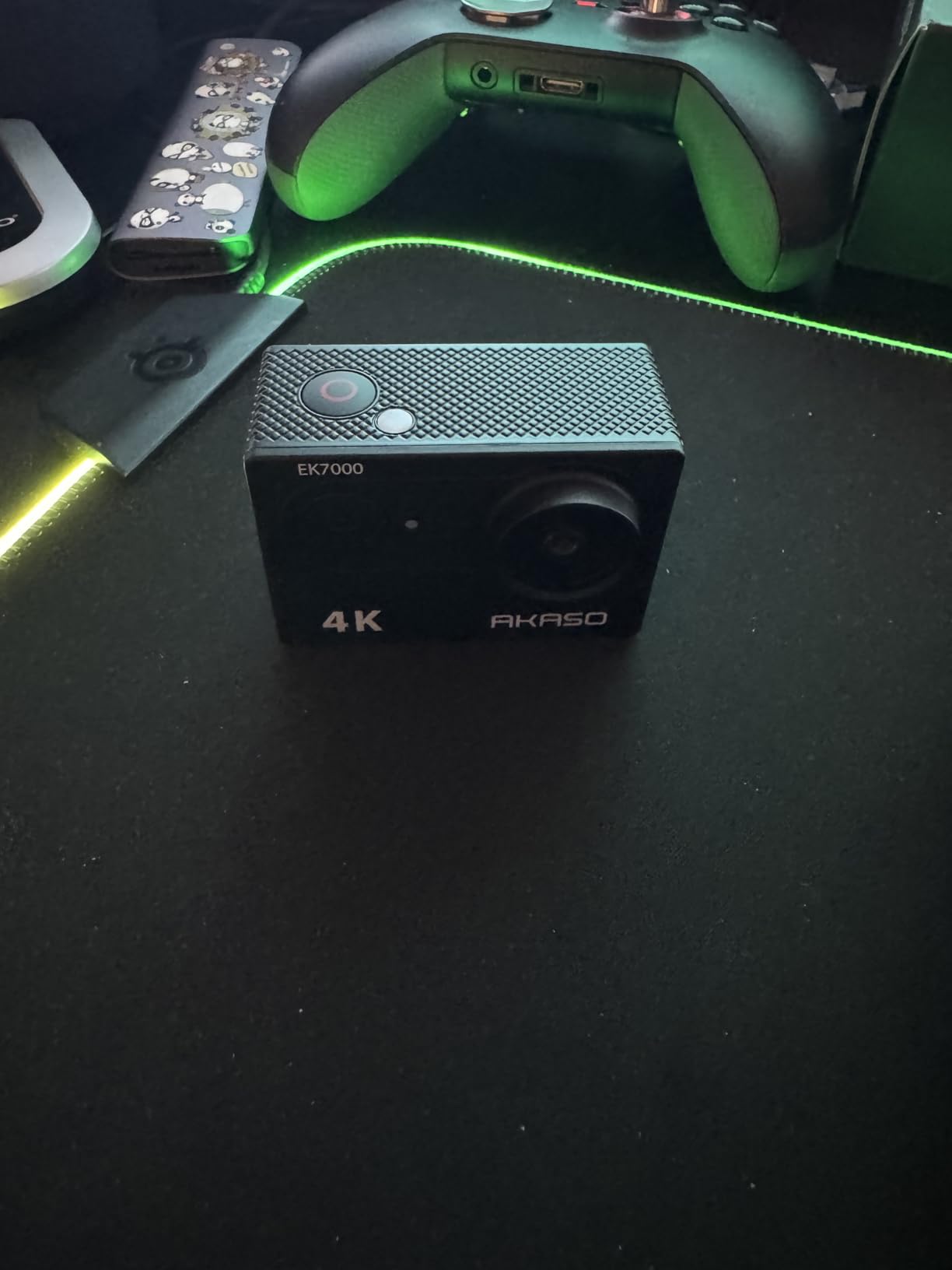
The included wrist remote is a feature I now miss on more expensive cameras. I can start and stop recording, snap photos, and switch modes without touching the camera. For sideline filming where the camera is mounted 6 feet up on a tripod, the remote is essential.
The 170-degree field of view captures the full sideline angle. For a fixed-mount setup, that wide FOV means I never miss action happening on either edge of the frame. The trade-off is fisheye distortion that bends straight lines, but for action sports footage this is rarely noticeable.
Best use cases for budget filming
The EK7000 is perfect for parents who want to try action camera filming without a big upfront investment, families with multiple kids in sports who need several cameras, and parents who occasionally film games rather than recording every match. For a full-season commitment across all games, a higher-end camera will age better.
What you give up vs flagship
Low-light performance is the EK7000’s main weakness. Indoor gymnasium footage is grainier than the DJI Osmo Action 4 or GoPro Hero12. Image stabilization is good but not gimbal-smooth at running pace. For outdoor daytime games, none of that matters. For indoor or evening play, consider spending more.
8. AKASO Brave 4 – Best Adjustable Field of View for Tricky Angles
AKASO Brave 4 Action Camera 4K30 Ultra Hd Waterproof Underwater Camera
4K30 video
Adjustable 170 to 70 degree FOV
Dual batteries
EIS gyroscope
Pros
- Adjustable FOV adapts to game situation
- Dual batteries deliver 3 hours total
- Front status screen is convenient
Cons
- Not Prime eligible
- Fisheye distortion at widest setting
The AKASO Brave 4’s standout feature is adjustable field of view, which the EK7000 lacks. You can switch between 170, 140, 110, and 70 degrees depending on the situation. Wide for full sideline coverage, narrow for isolating your kid, medium for typical action.
That flexibility sounds minor until you actually use it. When my daughter is in the middle of a pack of players, narrow FOV eliminates the visual clutter. When the action spreads across the whole field, wide FOV keeps everyone in frame. Most action cameras force one setting. The Brave 4 adapts.
Dual 1050mAh batteries are included, delivering roughly 3 hours of total recording. That covers a full tournament day without battery swaps. The rear 2-inch touchscreen plus a front status screen means you can check recording status from either side of the camera.
Advanced EIS with gyroscope provides smoother footage than basic electronic stabilization. In testing, walking footage looked stable enough for casual sharing. For parents on a tight budget who want better stabilization than the EK7000, the Brave 4 is the upgrade path.
When adjustable FOV matters
If your filming position varies between wide sideline coverage and zoomed-in player focus, adjustable FOV is genuinely useful. If you always film from the same spot at the same distance, a fixed-FOV camera like the EK7000 is fine and saves you money.
Storage and accessory note
Like the EK7000, no MicroSD card is included. Budget an extra $15 to $20 for a 64GB or 128GB card. The included accessory bundle is more comprehensive than most budget cameras, with multiple mounts, tethers, and a remote.
What Kind of Camera Do You Actually Need for Youth Soccer?
Most youth soccer parents do not need a professional camera. They need a camera that survives the sideline, records reliably, and produces footage worth sharing. There are three camera categories worth knowing about.
Action cameras like the GoPro and DJI models on this list are small, rugged, and designed for handheld or mounted filming. They produce excellent 4K or higher video with strong stabilization. For most parents, this is the right category.
Auto-tracking cameras like Veo and Trace are designed for clubs and require subscriptions. They record full games and AI-edit player highlights automatically. The subscription cost adds up to several hundred dollars per year, which is why this guide focused on subscription-free options instead.
Traditional cameras with telephoto lenses produce beautiful still photos and video but require operator skill to track fast-moving play. For non-photographer parents who want simple operation, action cameras win on ease of use.
Key Features That Matter for Youth Soccer Parents
Stabilization is the single most important feature. Without good stabilization, footage from running alongside play looks like an earthquake. HyperSmooth 6.0, RockSteady 3.0+, and FlowState all produce gimbal-quality results.
Field of view between 130 and 170 degrees captures the full sideline action without fisheye distortion that is too distracting. Wider is fine for fixed-mount wide shots. Narrower is better when isolating one player.
Battery life over 90 minutes covers a full game with margin. Anything less means mid-game battery swaps. The DJI Osmo Action 4’s 160-minute battery is the standout here.
Low-light performance matters if your kid plays evening tournaments or indoor during winter. The DJI 1/1.3 inch sensor is the best in this category. GoPro and AKASO sensors struggle more in dim conditions.
Storage matters more than parents expect. A 64GB card holds roughly 1.5 hours of 4K footage. Buy at least 128GB to record a full tournament day without offloading.
Subscription vs One-Time Cost: Why Consumer Cameras Win for Parents
AI tracking cameras like Veo and Trace charge annual subscriptions that add up to $300 to $500 per year. Over three years of filming, that is $900 to $1,500 in subscription fees alone.
The eight cameras in this guide have no subscription. You buy the camera once, own it forever, and record as many games as you want. For a parent who values predictable costs, this matters.
The trade-off is you lose AI-powered automatic highlight editing. You will need to spend 15 to 30 minutes editing your own highlight reels using the free GoPro Quik, DJI Mimo, or Insta360 apps. Most parents find this trade-off worthwhile.
Frequently Asked Questions
What is the best camera for recording youth soccer games?
For most parents, the GoPro Hero12 Black offers the best combination of 5.3K60 video, HyperSmooth 6.0 stabilization, and rugged durability. For indoor or evening games, the DJI Osmo Action 4 with its larger 1/1.3 inch sensor delivers superior low-light footage. Budget-conscious parents get surprisingly good 4K from the AKASO EK7000 under $70.
Is a GoPro good enough for filming youth soccer?
Yes. GoPro cameras have been the gold standard for action sports for over a decade and the HyperSmooth stabilization system makes them ideal for handheld sideline filming. The Hero12 Black captures 5.3K60 video with buttery smooth stabilization that looks like it was shot on a gimbal. For most parents, a GoPro is overkill in the best possible way.
How do I record my kids soccer game without missing the action?
Mount the camera on a 6 to 8 foot tripod at the midfield line for full-field coverage. Use a wide field of view (150 degrees or more) to capture the entire playing surface. Hit record before kickoff and stop after the final whistle. If you want traditional sideline angles, use an action camera with strong stabilization and walk alongside the play while keeping the horizon level.
Which camera is best for indoor or evening soccer games?
The DJI Osmo Action 4 is the best camera for indoor and evening games because of its 1/1.3 inch sensor, which is the largest in this comparison. Larger sensors capture more light and produce cleaner footage in dim gymnasiums and floodlit fields. GoPro Hero12 and AKASO cameras produce noticeably grainier footage in the same conditions.
Do I need an expensive camera for youth soccer?
No. A $70 AKASO EK7000 captures 4K video that is genuinely good enough for sharing with family and posting to team chats. More expensive cameras offer better low-light performance, smoother stabilization, and longer battery life, but for outdoor daytime games a budget camera is absolutely sufficient. Spend more if your kid plays indoor or evening tournaments.
Should I rent a soccer camera instead of buying one?
For a single tournament or special event, renting a Veo or Trace AI camera can make sense because they produce professionally edited highlight reels. For an entire season of weekly games, buying your own camera is far cheaper and gives you total control over the footage. The eight cameras in this guide have no subscription and pay for themselves within one season.
Final Verdict: Which Camera Should You Buy?
For most youth soccer parents, my top pick for 2026 is the GoPro Hero12 Black. The HyperSmooth 6.0 stabilization and 5.3K60 video quality justify the premium price, and the camera will outlast multiple seasons of sideline abuse.
If your kid plays indoor or evening tournaments, the DJI Osmo Action 4 is the smarter buy. The larger sensor handles low light better than any other camera on this list, and the 160-minute battery eliminates mid-game swaps.
For parents on a tight budget, the AKASO EK7000 delivers 4K footage that is genuinely good at under $70. With 39,000+ reviews, you know it works. Spend the savings on post-game ice cream.
Whichever camera you choose, mount it on a tall tripod at midfield, hit record before kickoff, and enjoy the season. The footage will be there when you want to relive those moments.