
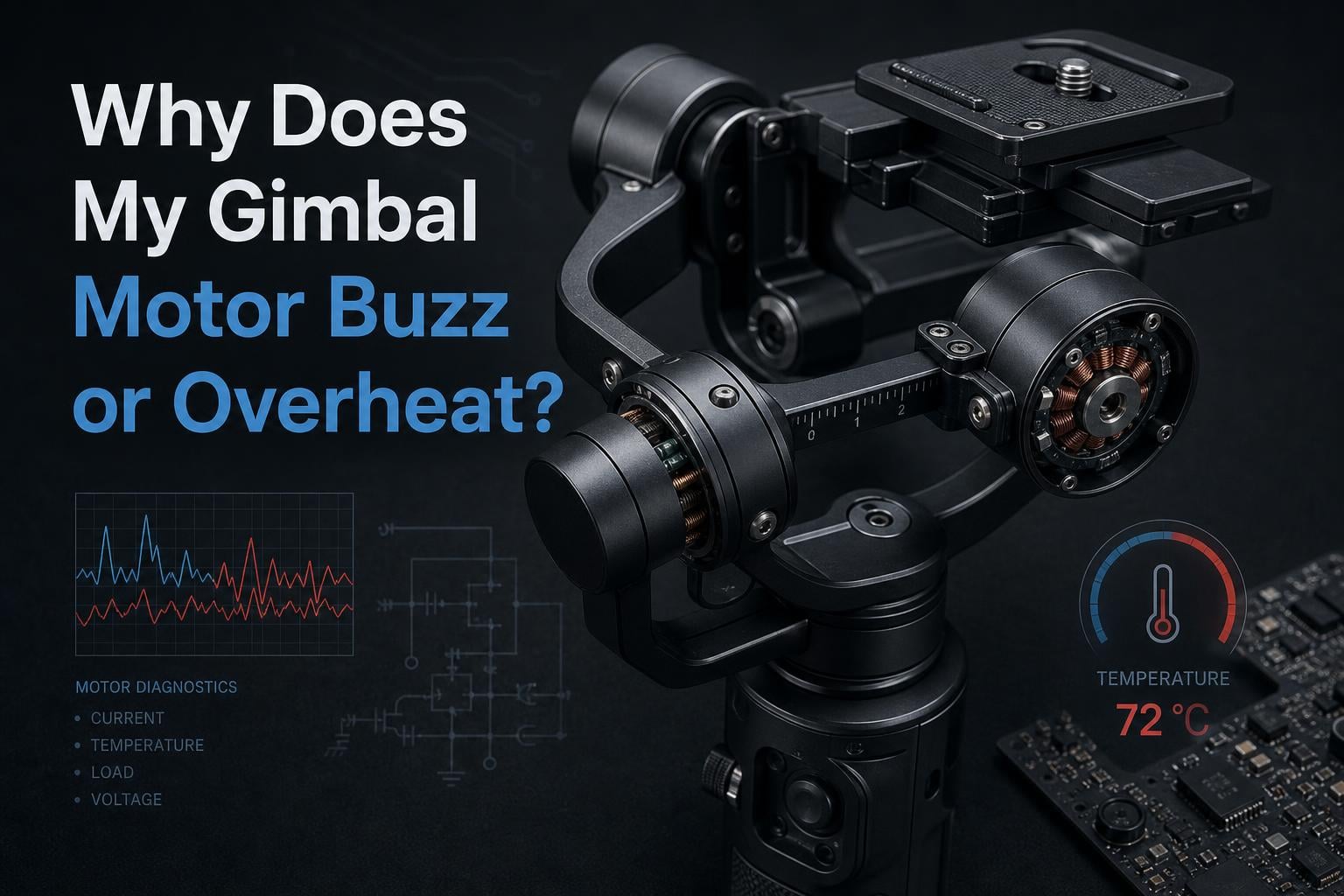
Your gimbal motor buzzes or overheats because of improper balancing, overloading, incorrect stiffness settings, or prolonged continuous use. These issues force the stepper motor to work harder than designed, generating excess heat and vibration that you can hear and feel.
If you have ever felt your gimbal get unusually hot after just a few minutes of shooting, or heard a persistent buzzing sound when the motor holds position, you are dealing with a common but fixable problem. I have spent years working with gimbals across DSLR, mirrorless, drone, and smartphone setups, and motor buzzing or overheating is one of the most frequent issues photographers and videographers face.
In this guide, I will walk you through exactly why your gimbal motor buzzes or overheats, what causes each symptom, and how to fix it step by step. You will also learn prevention tips that extend the life of your equipment.
Table of Contents
What Is a Gimbal Motor?
A gimbal motor is a small stepper motor that uses a driver circuit and axis sensors to keep your camera pointed in a fixed direction. It constantly receives input from a 3-axis sensor, and the driver circuit adjusts the motor position to counteract your hand movements and maintain a stable shot.
Unlike standard motors that spin freely, gimbal motors hold precise positions under load. They use Field Oriented Control (FOC) to manage torque efficiently. This constant holding force is what generates heat, especially when the motor fights against an unbalanced load.
Understanding how these motors work helps you diagnose problems faster. When something throws off the delicate balance between motor force and camera weight, the result is buzzing, overheating, or both.
Why Does My Gimbal Motor Buzz or Overheat? (Common Causes)
Gimbal motor buzzing or overheating comes down to five main causes: improper balancing, motor overload from exceeding weight capacity, incorrect stiffness or voltage settings, firmware glitches, and prolonged use without breaks. Most cases involve more than one of these factors working together.
Here is a quick breakdown of what typically triggers each symptom:
Buzzing usually comes from imbalance, wrong stiffness settings, firmware bugs, or damaged ribbon cables.
Overheating typically results from overloading, high voltage limits, poor ventilation, or running the motor too long without rest.
Vibration at specific angles often points to mechanical interference or worn motor bearings.
I have seen forum users on Reddit and SimpleFOC communities report all of these issues across DJI, Zhiyun, and other brands. The good news is that most causes are fixable without replacing your gimbal.
Why Does My Gimbal Motor Buzz?
Buzzing happens when the gimbal motor struggles to hold its position against an opposing force. The stepper motor rapidly micro-adjusts, creating an audible vibration or hum. This sound is your motor telling you something is off.
1. Improper Balancing
This is the number one cause of gimbal buzzing. If your camera is not balanced on each axis before you turn on the motor, the gimbal has to fight gravity to hold position. That constant correction creates heat and noise.
I always balance my gimbal with the motor powered off first. Each axis should stay put when you let go of the camera. If it drops or swings, the balance needs adjustment before powering on.
2. Incorrect Stiffness Settings
Stiffness parameters control how forcefully the motor holds each axis. If stiffness is set too high for your camera weight, the motor overcorrects and buzzes. Set it too low and the camera wobbles.
Most modern gimbals have an auto-tune feature that calculates the right stiffness automatically. DJI Ronin models handle this through their touchscreen interface, while Zhiyun gimbals use their companion app.
3. Firmware Issues
Outdated or buggy firmware can cause motor control problems that result in buzzing. I recommend checking for firmware updates regularly through the manufacturer app or software suite.
A parameter reset after updating firmware often clears up lingering motor control issues. This restores factory settings and lets you recalibrate from a clean baseline.
4. Damaged Cables or Connections
Loose or damaged ribbon cables between the motor and control board cause intermittent buzzing. This is especially common after a crash or impact. The iFixit community has documented this issue on DJI Air 2S gimbals where wire connections degrade over time.
If your gimbal buzzes only at certain tilt angles, a cable may be getting pinched or disconnected as the joint moves. Inspect all visible cables for wear, fraying, or loose connections.
Why Does My Gimbal Motor Overheat?
Gimbal motors overheat when they draw more current than necessary for extended periods. The excess energy converts to heat, and without proper ventilation or rest, the motor housing becomes hot to the touch.
1. Overloading Beyond Weight Capacity
Every gimbal has a maximum payload rating. When you exceed that weight limit, the motor works at full capacity constantly. Users on Reddit report that Zhiyun Smooth 4 gimbals overheat within five minutes when loaded near their maximum rating.
Check your gimbal payload spec and weigh your camera plus lens combination. If you are near the limit, removing accessories like external monitors or heavy lenses can make a significant difference.
2. Voltage Limits Set Too High
For DIY and SimpleFOC gimbal builders, the voltage limit parameter directly affects heat output. Setting motor.voltage_limit too high forces excess current through the motor windings, causing rapid overheating.
The SimpleFOC community recommends starting with a conservative voltage limit and increasing gradually while monitoring motor temperature. Closed-loop control with proper encoder settings also reduces heat compared to open-loop operation.
3. Poor Ventilation and Cases
Bulkier gimbal cases can trap heat around the motors. One DJI OM5 user reported that their gimbal overheated consistently until they removed the protective case during operation.
If you shoot in hot environments, give your gimbal airflow. Avoid wrapping cables tightly around motor housings, and take breaks between takes to let the motors cool.
4. Prolonged Continuous Use
Even a perfectly balanced gimbal needs rest. Running motors continuously for 30 minutes or more generates heat buildup. Plan your shooting schedule with short breaks every 15 to 20 minutes to let the motors cool down.
How to Fix Gimbal Motor Issues (Step-by-Step)
Follow these steps in order to diagnose and fix most gimbal motor buzzing or overheating problems. I have used this exact troubleshooting sequence across multiple gimbal brands.
Step 1: Power Off and Check Balance
Turn off your gimbal completely. Manually position your camera on each axis and let go. If the camera drops, tilts, or rotates on its own, that axis is out of balance.
Adjust the camera position on the mounting plate until each axis stays in place on its own. The tilt, roll, and pan axes should all hold their position without motor assistance.
Step 2: Run Gimbal Auto Check
Most gimbals have a built-in diagnostic tool. On DJI Ronin models, access the gimbal auto check through the touchscreen. This test detects motor errors, cable issues, and sensor problems automatically.
If the auto check reports an error, note the specific code or message. This tells you whether you are dealing with a motor issue, a cable problem, or a sensor fault.
Step 3: Perform Auto Tune or Stiffness Adjustment
Once balanced, run the auto tune function. This measures your camera weight and calculates appropriate stiffness, strength, and filter values for each axis.
If your gimbal does not have auto tune, manually adjust stiffness starting from the manufacturer default. Increase gradually until the camera holds steady without buzzing.
Step 4: Run System Calibration
Calibration aligns the gimbal sensors with gravity. Place the gimbal on a flat, level surface and run the system calibration through the app or touchscreen.
After calibration, restart the gimbal. This ensures all parameters load correctly and the sensors reference the newly calibrated position.
Step 5: Reset Parameters to Factory Defaults
If buzzing or overheating persists, reset all motor parameters to factory defaults. This clears any accumulated setting errors from manual adjustments or firmware updates.
After the reset, repeat the balance, auto tune, and calibration steps from scratch. Starting clean often resolves issues that individual setting tweaks cannot.
Step 6: Update Firmware
Connect your gimbal to the manufacturer app and check for firmware updates. Install the latest version and perform a parameter reset afterward.
Firmware updates frequently include motor control improvements that reduce heat and vibration. I check for updates before every major shoot.
Step 7: Inspect Cables and Connections
If none of the above fixes the issue, physically inspect all cables. Look for frayed wires, loose connectors, or damaged ribbon cables. Pay special attention to cables that run through motor joints.
For drone gimbals, ribbon cable damage after a crash is a leading cause of motor problems. If you find damage, replacement cables are usually affordable and installable at home.
Preventing Gimbal Motor Problems
Prevention saves you from costly repairs and lost shooting time. Here are the habits I follow to keep my gimbals running cool and quiet.
Always Balance Before Powering On
This single habit prevents most motor problems. A balanced gimbal lets the motors work efficiently, reducing heat and eliminating buzzing. Never power on an unbalanced gimbal.
Respect Payload Limits
Stay within your gimbal rated payload. If your camera and lens combination is close to the limit, consider upgrading to a gimbal with higher capacity rather than pushing the motor to its breaking point.
Take Regular Breaks
Give your gimbal a rest every 15 to 20 minutes during shoots. Set it down on a flat surface and let the motors cool. This is especially important in hot weather.
Keep Firmware Updated
Manufacturers release firmware updates that improve motor efficiency and fix known overheating issues. Check for updates monthly through the official app.
Store and Transport Safely
Use the gimbal case for transport but remove it during operation. Avoid impacts and drops that can damage motor bearings and ribbon cables. A minor crash can cause motor overload errors that persist until the cable is replaced.
Brand-Specific Notes
DJI Ronin models benefit from regular gimbal auto checks and auto tune runs. Zhiyun Crane and Smooth series users report more overheating issues under heavy load, so pay extra attention to payload limits. For SimpleFOC builders, conservative voltage limits and proper encoder configuration are your best defenses against overheating.
When to Repair vs Replace
If your gimbal still buzzes or overheats after balancing, calibration, firmware updates, and cable inspection, you may have a hardware failure. Motor windings can burn out, and driver circuits can fail from prolonged overheating.
For gimbals under warranty, contact the manufacturer for repair or replacement. For older models, compare repair costs against the price of a new gimbal with better thermal management. Motor replacement on some DJI drone gimbals costs nearly as much as a new unit.
If the motor smells burnt or feels extremely hot within seconds of powering on, stop using it immediately. Continuing to run a damaged motor can destroy the driver circuit board, turning a motor replacement into a full gimbal replacement.
FAQs
Why is my gimbal buzzing?
Your gimbal buzzes because the motor is fighting to hold position against an imbalance, incorrect stiffness setting, firmware glitch, or damaged cable. The stepper motor rapidly micro-corrects, creating an audible vibration. Balance your camera on each axis before powering on and run auto tune to fix most buzzing issues.
Why is my gimbal overheating?
Your gimbal overheats when the motor draws excess current due to overloading beyond the payload limit, voltage limits set too high, poor ventilation, or prolonged continuous use without breaks. Stay within your gimbal weight capacity and let the motors cool every 15 to 20 minutes.
How to fix motor overheating?
1. Power off and balance each axis. 2. Check that your camera is within the gimbal payload limit. 3. Run auto tune and system calibration. 4. Lower voltage limits for SimpleFOC builds. 5. Update firmware and reset parameters. 6. Take regular breaks during use.
How to fix gimbal motor overload?
To fix a motor overload error, power off the gimbal, rebalance all axes, verify your camera weight is within the payload rating, inspect cables for damage, run gimbal auto check, update firmware, and reset parameters to factory defaults. If the error persists after these steps, the motor or driver circuit may need replacement.
What are common gimbal problems?
Common gimbal problems include motor buzzing, overheating, motor overload errors, vibration at certain angles, jittery footage, gimbal not responding after crashes, ribbon cable damage, and intermittent operation. Most issues stem from imbalance, overloading, or firmware glitches.
Conclusion
Understanding why your gimbal motor buzzes or overheats comes down to five root causes: imbalance, overloading, incorrect settings, firmware issues, and prolonged use. By following the step-by-step troubleshooting process in this guide, you can fix most problems without replacing your equipment.
Make balancing before power-on a habit, respect your payload limits, and keep your firmware current. These simple practices will keep your gimbal running smooth, quiet, and cool for years of shooting.