
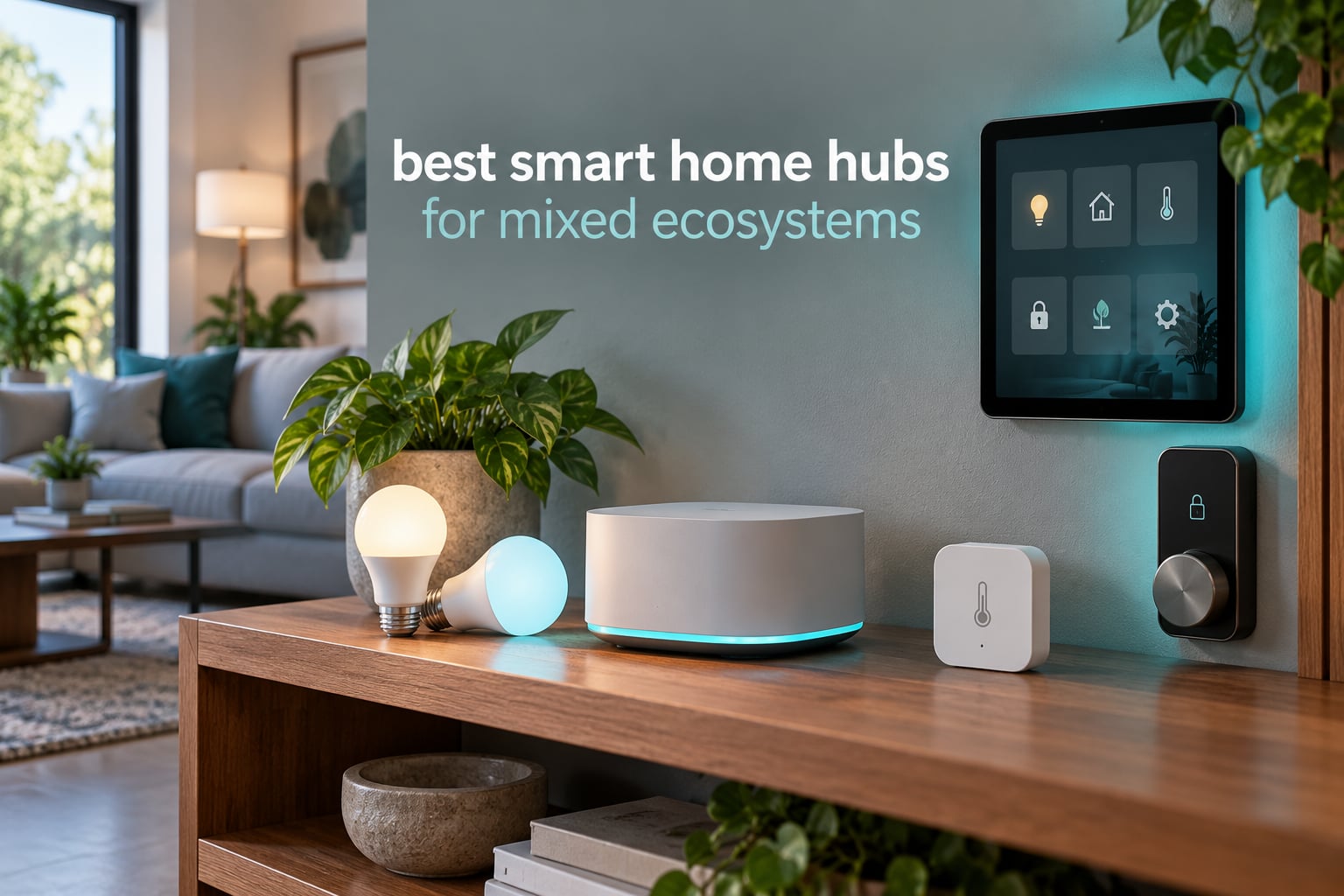
The best smart home hub for mixed ecosystems is the SwitchBot Hub 2 for most households, because it gives you working infrared control, a built-in climate sensor and Matter exposure to Alexa, Google Home and Siri within minutes of opening the box. For larger homes with Z-Wave, choose the Hubitat Elevation C-8 Pro or the Aeotec Smart Home Hub, and for maximum brand coverage with no vendor lock-in, choose Home Assistant Green. The single biggest mistake is buying a hub that only speaks one brand’s protocol.
A mixed-ecosystem home is normal now. You probably have an Alexa speaker in the kitchen, a Nest camera by the door, Apple Home running the office, and a drawer full of Zigbee sensors from three different brands. Without a hub that speaks several radio protocols at once, every one of those devices lives in its own app and none of them can trigger anything else.
I have spent the last few months moving a house full of borrowed gear onto a single controller, and the pattern repeated every time: the hubs that survive a mixed setup are the ones with real radios built in and automations that run without the internet. We compared the 12 hubs below on protocol coverage, local versus cloud processing, voice assistant support, device capacity and how much setup each one actually demanded.
If you also want cameras and displays in the same conversation, our guides to multi-camera smart home security systems and smart TVs cover the parts of the house that need video more than they need a hub.
Table of Contents
Top 3 Picks for Mixed-Ecosystem Homes in 2026

SwitchBot Hub 2
- 360 degree IR remote learning
- Built-in WiFi thermometer and hygrometer
- Matter controller for locks and curtains
- Works with Alexa Google Home and Apple Home

Aeotec Smart Home Hub
- Z-Wave Plus Zigbee and Matter radios
- SmartThings hub functionality
- Ethernet or WiFi connectivity
- Alexa and Google Home support

Lutron Caseta Smart Hub
- Dedicated Clear Connect mesh network
- Up to 75 Caseta devices
- Works with HomeKit Alexa and Google Assistant
- Ring and Sonos integration
12 Best Smart Home Hubs for Mixed Ecosystems (October 2026)
| Product | Specifications | Action |
|---|---|---|
| SwitchBot Hub 2 |
|
Check Latest Price |
| Aeotec Smart Home Hub |
|
Check Latest Price |
| Lutron Caseta Smart Hub |
|
Check Latest Price |
 Amazon Echo Hub Amazon Echo Hub |
|
Check Latest Price |
 Aqara Hub M3 Aqara Hub M3 |
|
Check Latest Price |
 Aqara Hub M100 Aqara Hub M100 |
|
Check Latest Price |
 Home Assistant Green Home Assistant Green |
|
Check Latest Price |
 Hubitat Elevation C-8 Pro Hubitat Elevation C-8 Pro |
|
Check Latest Price |
 Homey Pro Homey Pro |
|
Check Latest Price |
 THIRDREALITY MZ1 THIRDREALITY MZ1 |
|
Check Latest Price |
 Tapo H110 Tapo H110 |
|
Check Latest Price |
 Homey Bridge Homey Bridge |
|
Check Latest Price |
1. SwitchBot Hub 2 – IR and Matter for a Smaller Mixed Home
SwitchBot Hub 2 (2nd Gen), Work as a WiFi Thermometer Hygrometer, IR Remote Control, Smart Remote and Light Sensor, Link SwitchBot to Wi-Fi (Support 2.4GHz), Alexa, Google Home, Apple Home Compatible
36 g plug-in hub
360 degree IR remote
WiFi thermometer and hygrometer
Matter controller
Pros
- Doubles as a precise WiFi thermometer and hygrometer with a local display
- Reliable IR learning for mini-split ACs and older TVs
- Works with HomeKit through Matter plus Alexa and Google Home
- Two smart scene buttons included
- 2-year warranty
Cons
- Infrared only with no RF remote support so many older fans and fixtures are excluded
- No Ethernet port and some users report intermittent WiFi dropouts
- Setup requires your phone to be temporarily on the 2.4 GHz network
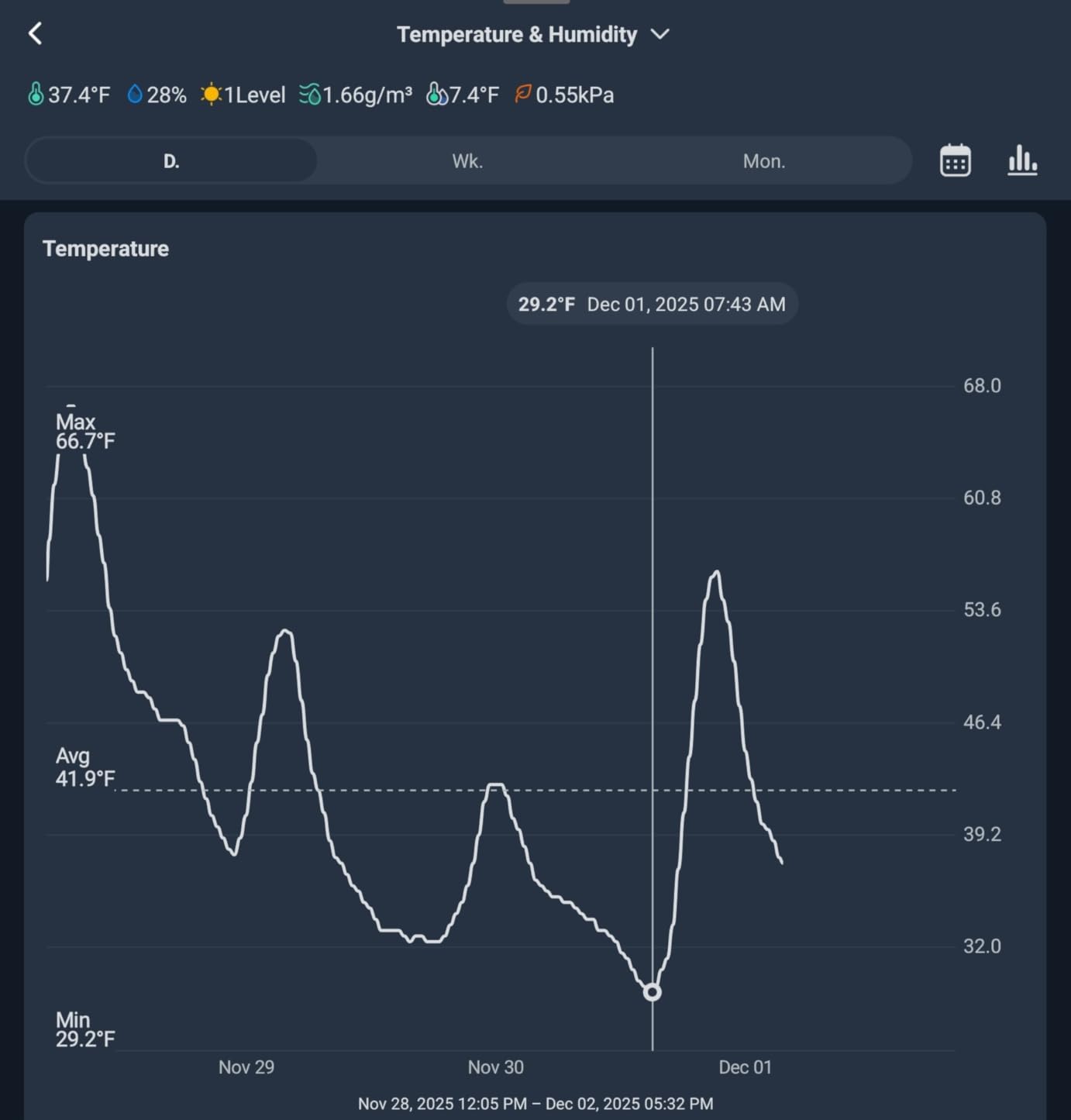
This is the hub I keep reaching for when someone hands me a drawer of remote controls and asks me to make the old living room gear controllable by voice. The IR learning works reliably across mini-split air conditioners and older televisions, and the built-in temperature and humidity readings are accurate enough to use as automation triggers.
At 36 grams it sits behind a television or beside a router and simply disappears. The two included smart scene buttons give you physical wall-switch-style triggers without buying any extra hardware, which solves one of the ugliest problems in a mixed home.
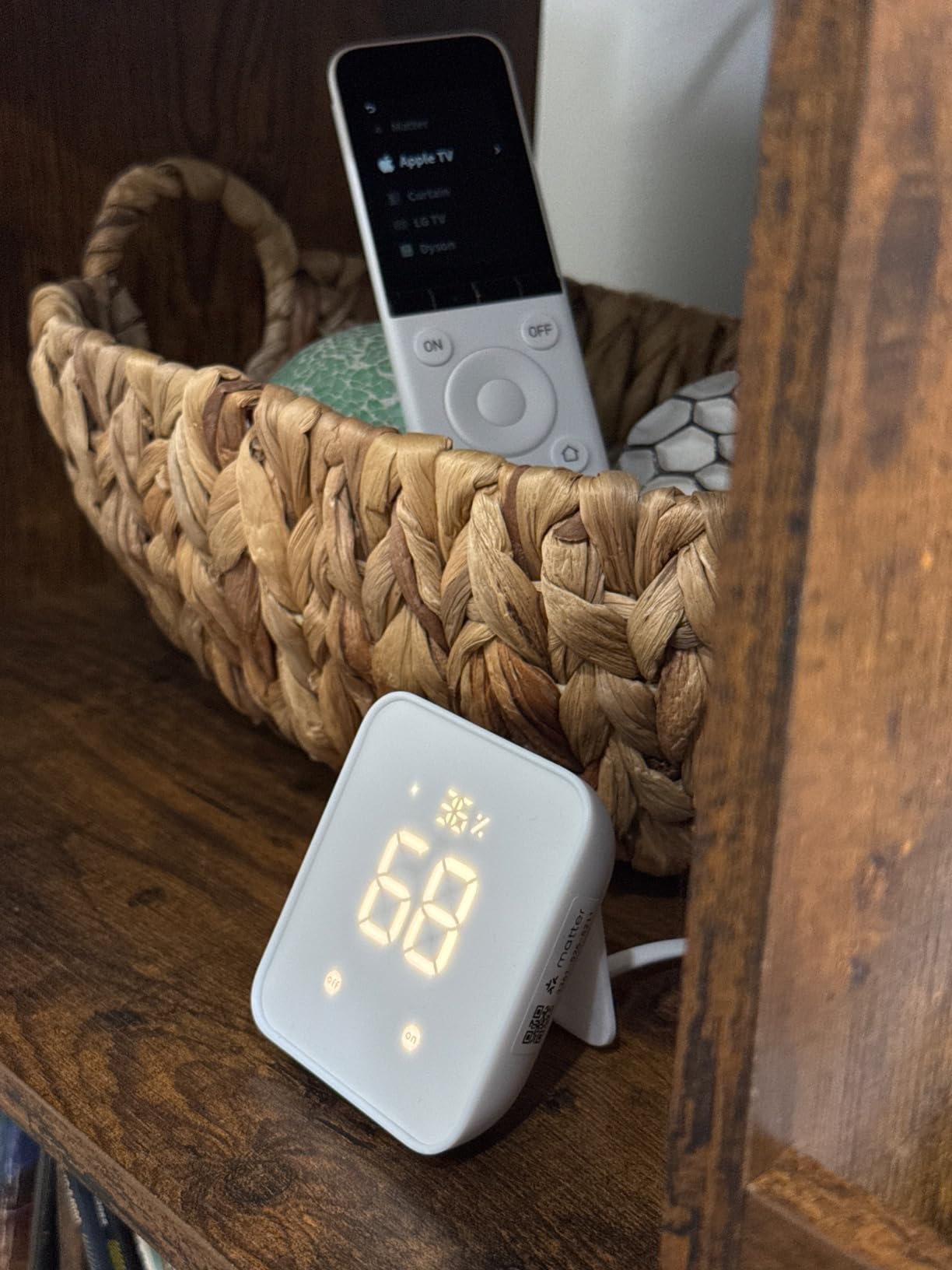
What makes it interesting for this topic is the Matter controller role. It exposes SwitchBot locks, curtains and blind tilts to Apple Home, Google Home and Alexa at the same time, so a curtain automation written once can be triggered by three different voice assistants.
The limitations are honest and narrow. It handles infrared and SwitchBot’s own Bluetooth mesh, but it has no Z-Wave, no generic Zigbee and no RF remotes, so older ceiling fans and RF lighting fixtures will not respond no matter how you configure it.
Who should buy the SwitchBot Hub 2
Buy it if your mixed home is mostly older infrared appliances plus a handful of modern switches and locks. It is the rare hub that is genuinely useful within ten minutes of unboxing, and it holds a 4.3 rating across more than 11000 reviews, which is the largest review base in this group.
It also suits anyone who wants climate readings on a screen without adding a separate display. Reviewers repeatedly single out the built-in sensor and the Matter bridging as the two reasons they kept it after trying bigger hubs.
Who should skip the SwitchBot Hub 2
Skip it if you own Z-Wave locks or third-party Zigbee sensors. Those devices will not pair, and no firmware update changes that. It also suits people with weak 2.4 GHz coverage poorly because there is no Ethernet fallback and some users report dropouts.
If you need RF remote control for a fan or a garage door, this is the wrong box entirely. Check what the device actually speaks before you buy anything.
2. Aeotec Smart Home Hub – Z-Wave, Zigbee and Matter in One Box
Aeotec Smart Home Hub, Works as a SmartThings Hub, Z-Wave, Zigbee, Matter Gateway, Compatible with Alexa, Google Assistant, WiFi
Z-Wave Plus Zigbee and Matter radios
Ethernet or WiFi connectivity
SmartThings hub functionality
Local routine execution
Pros
- Broad multi-protocol support in one unit
- Both Ethernet and WiFi for flexible placement
- Many automations now execute locally
- Mature SmartThings app for automation building
- Works with Alexa and Google Home
Cons
- Z-Wave radio only on the V3 variant while the newer V4 is Z-Wave free
- Mixed feedback on long-term firmware stability and pairing
- North America 908.42 MHz band only
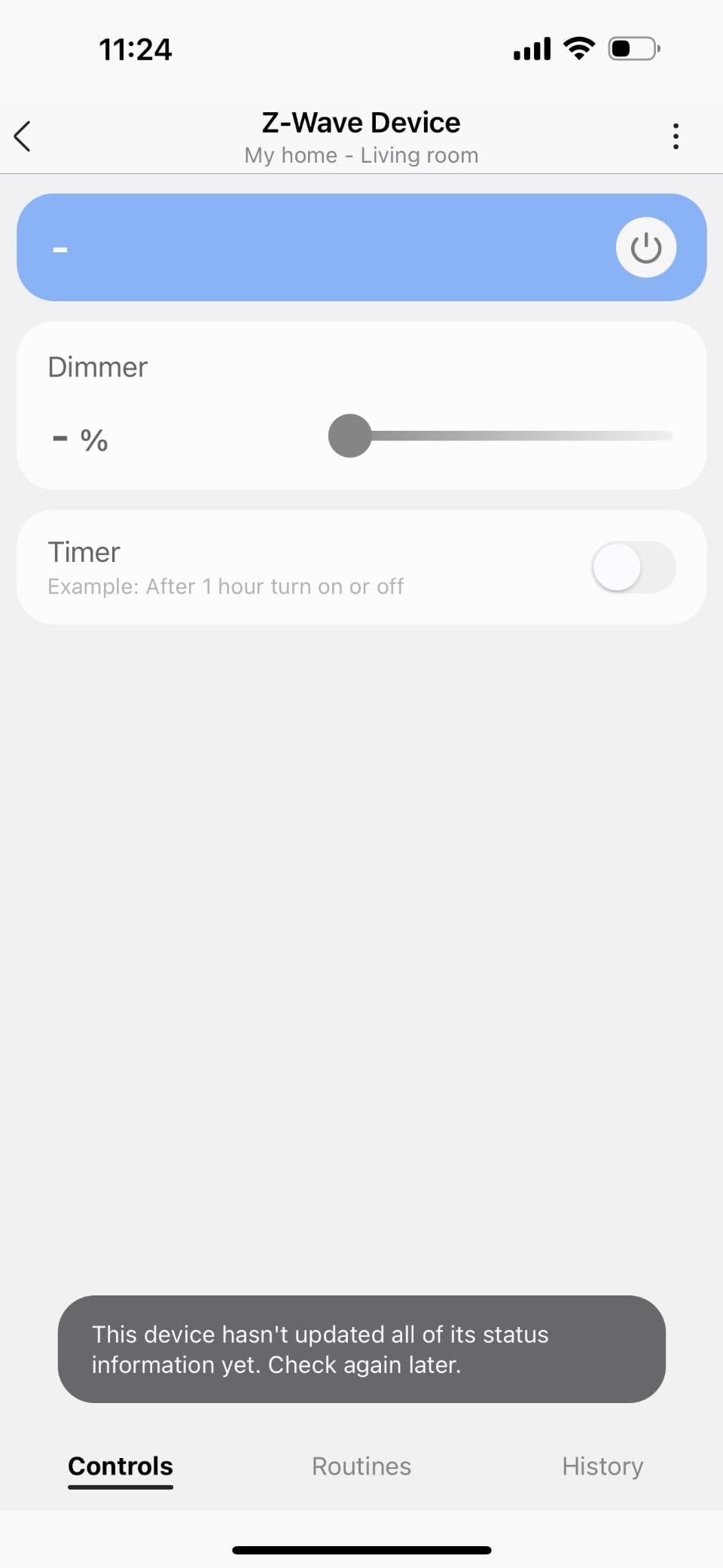
The Aeotec Smart Home Hub is the answer to the most common version of this question, which is a house with a decade of Z-Wave gear that nobody wants to replace. It runs as a SmartThings hub, carries Z-Wave Plus and Zigbee 3.0 radios, and bridges everything into Matter.
Wired Ethernet is the detail that matters in practice. Once the hub is on cable, automations that used to lag behind a voice command stopped lagging, and pairing sessions that used to time out completed on the first try.
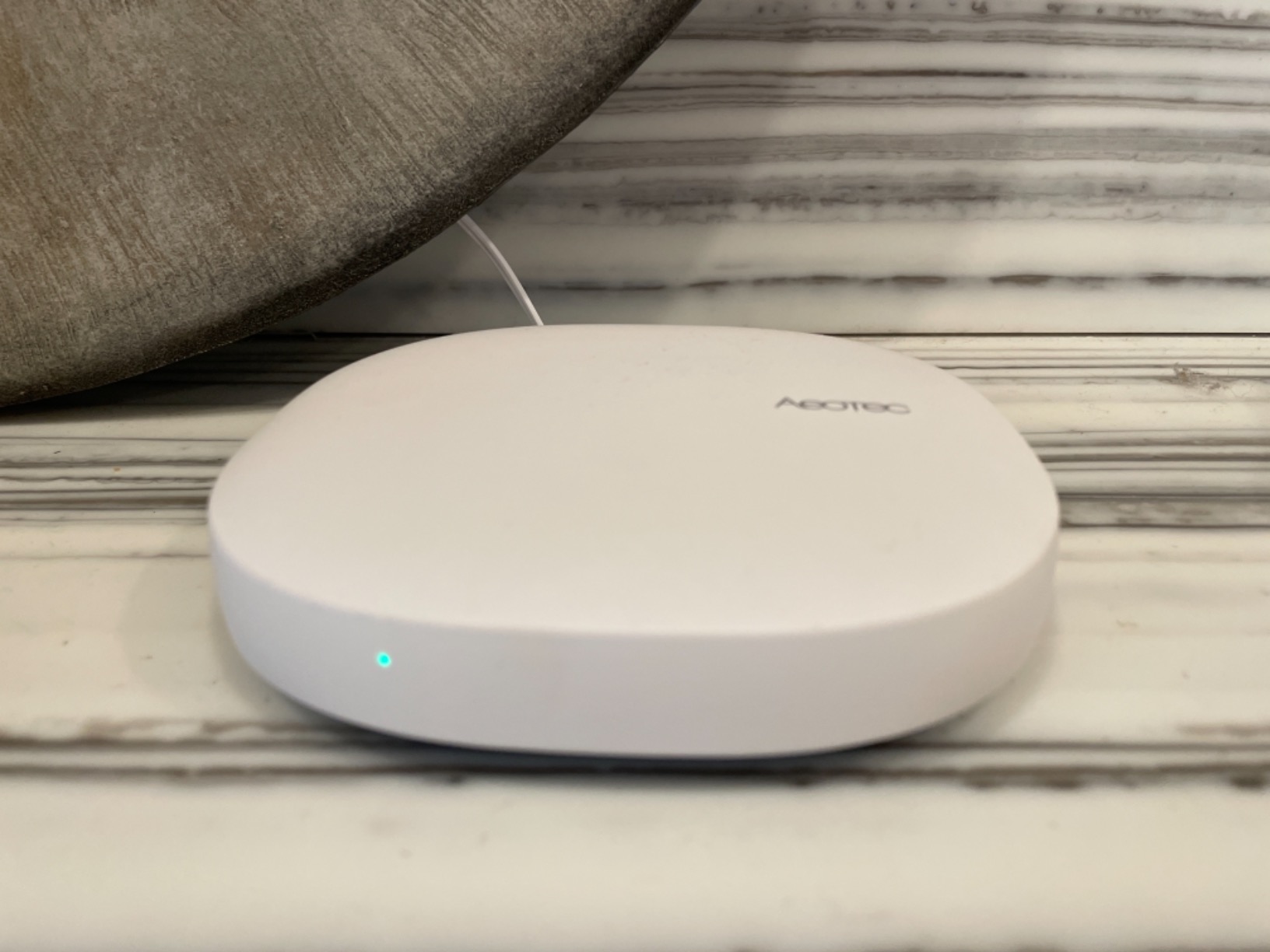
Before you buy, check the model variant carefully. The Z-Wave Plus radio is only present on the V3 model, while the newer V4 release drops Z-Wave entirely, and the listing itself offers both, so a purchase that looks identical on the shelf can have a different radio set.
It is also built for the North American 908.42 MHz band, which is fine domestically and useless if you are installing across regions. Outside North America you will want a different controller for Z-Wave entirely.
Who should buy the Aeotec Smart Home Hub
Buy it if you are already inside the SmartThings app or willing to learn it, and if your existing hardware speaks Z-Wave or Zigbee. The combination of radios plus Ethernet plus Matter in a single unit is still rare, and a 4.2 rating across more than 2000 reviews suggests it holds up.
It also makes a good second hub for a large home where one unit cannot reach the basement and the attic. The Ethernet port makes placement far less of a compromise than it would be with a WiFi-only box.
Who should skip the Aeotec Smart Home Hub
Skip it if you need infrared control, because there is no IR blaster here. Also skip it if you want full local automation everywhere, since only many routines run locally rather than every one of them.
Check the V3 versus V4 difference before ordering, and avoid it if you need Z-Wave outside North America. The learning curve in the SmartThings app is also steeper than the hardware deserves if you are coming from a simpler ecosystem.
3. Lutron Caseta Smart Hub – A Dedicated Lighting Mesh
Lutron Caseta Smart Hub Compatible with Alexa, Apple, Google Home, & More
Clear Connect dedicated mesh
Up to 75 Caseta devices
Plug-in 8 oz hub
Alexa HomeKit and Google Assistant
Pros
- Highest satisfaction in this group with an 81 percent five-star share
- Dedicated mesh that frees 2.4 GHz WiFi bandwidth
- Very fast voice and app response
- Small plug-in footprint
- Works with HomeKit Alexa Google Home Ring and Sonos
Cons
- Primarily Lutron Caseta specific with limited other-brand compatibility
- No built-in Z-Wave Zigbee or Thread radios
- Some advanced features need the SmartBridge Pro
This is not a universal hub and pretending otherwise would be the worst kind of roundup. The Lutron Caseta Smart Hub runs a dedicated Clear Connect mesh that does not touch your WiFi band at all, and it holds the highest rating of any hub we looked at with 4.6 across nearly 2000 reviews.
Voice response is the quiet superpower. Because Clear Connect is a small closed mesh with no internet round trip for routine commands, asking Alexa to dim a room returns before the assistant has finished speaking. That is a different feel from cloud-routed hubs.
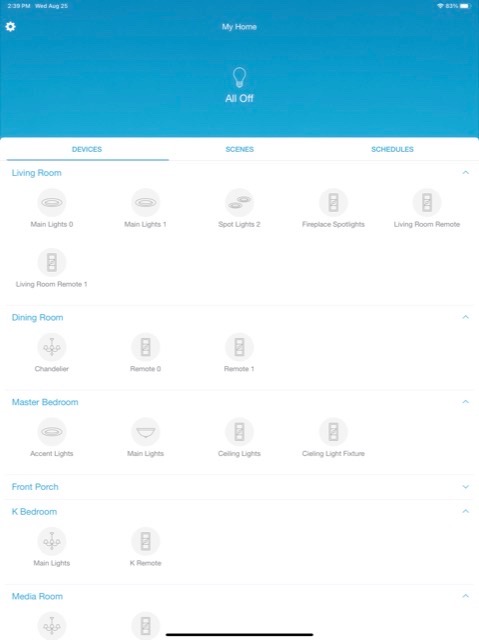
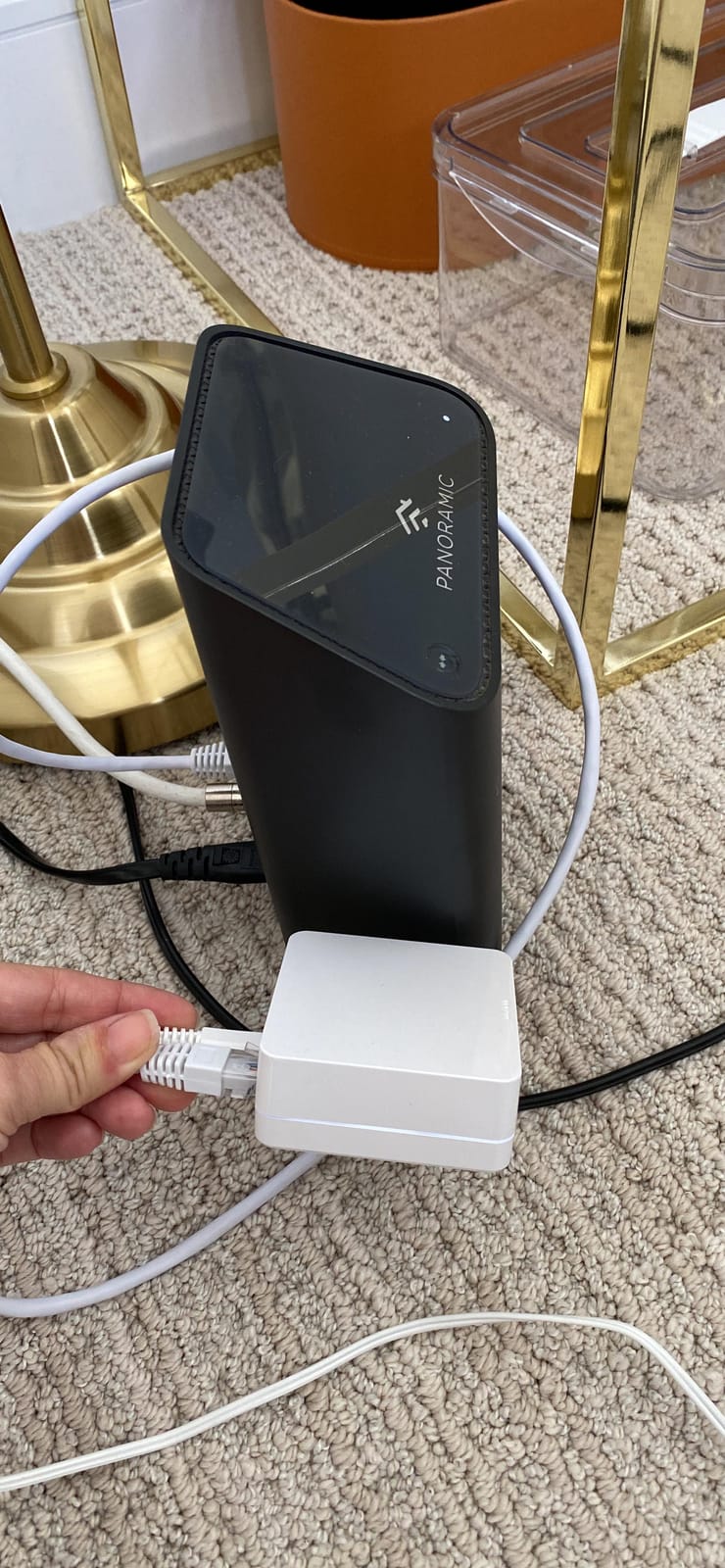
Setup is genuinely fast. You connect it to your router with the included Ethernet cable, download the Lutron app, and you are typically running within fifteen minutes. It also replaces a Wink hub for controlling existing Caseta devices, which matters if you are migrating off a platform that is winding down.
The catch is scope. There are no Z-Wave, Zigbee or Thread radios inside, and compatibility outside Lutron’s own range is limited to select partners such as Leviton on some products. It also only handles up to 75 Caseta devices.
Who should buy the Lutron Caseta Smart Hub
Buy it if lighting is the centre of your automation ambitions and you are ready to commit to Caseta switches and shades. The dedicated mesh, the 75-device ceiling and the HomeKit, Alexa, Google, Ring and Sonos integrations make it a strong foundation for a mixed voice household.
Owners also report that some advanced features need the more expensive SmartBridge Pro instead, so plan around that. Buyers migrating from Wink will find it a direct upgrade in both speed and reliability.
Who should skip the Lutron Caseta Smart Hub
Skip it if you have locks, sensors or cameras. This hub does not do Z-Wave, Zigbee, Thread or infrared, so adding it to a mixed home solves exactly one slice of the problem.
Skip it if you want one box for the whole house. It is a lighting specialist that happens to expose itself to three voice assistants, not a multi-protocol controller.
4. Amazon Echo Hub – A Wall Panel for Alexa-First Homes
Amazon Echo Hub (newest model), 8″, Redesigned with customizable control and Alexa+, Compatible with thousands of devices
8 inch wall-mounted control panel
Zigbee Matter Thread and Sidewalk radios
Customizable dashboard
Microphone off privacy button
Pros
- Excellent central panel for lights cameras thermostat and security
- Readable display with a customizable dashboard
- Consolidates multiple Echo speakers
- Built-in radios cover WiFi Bluetooth Zigbee Matter Thread and Sidewalk
Cons
- Interface feels slow and underpowered with visible stutter
- Speakers are not suitable for music or video
- No Ethernet port and in-wall installs need a specific power adapter
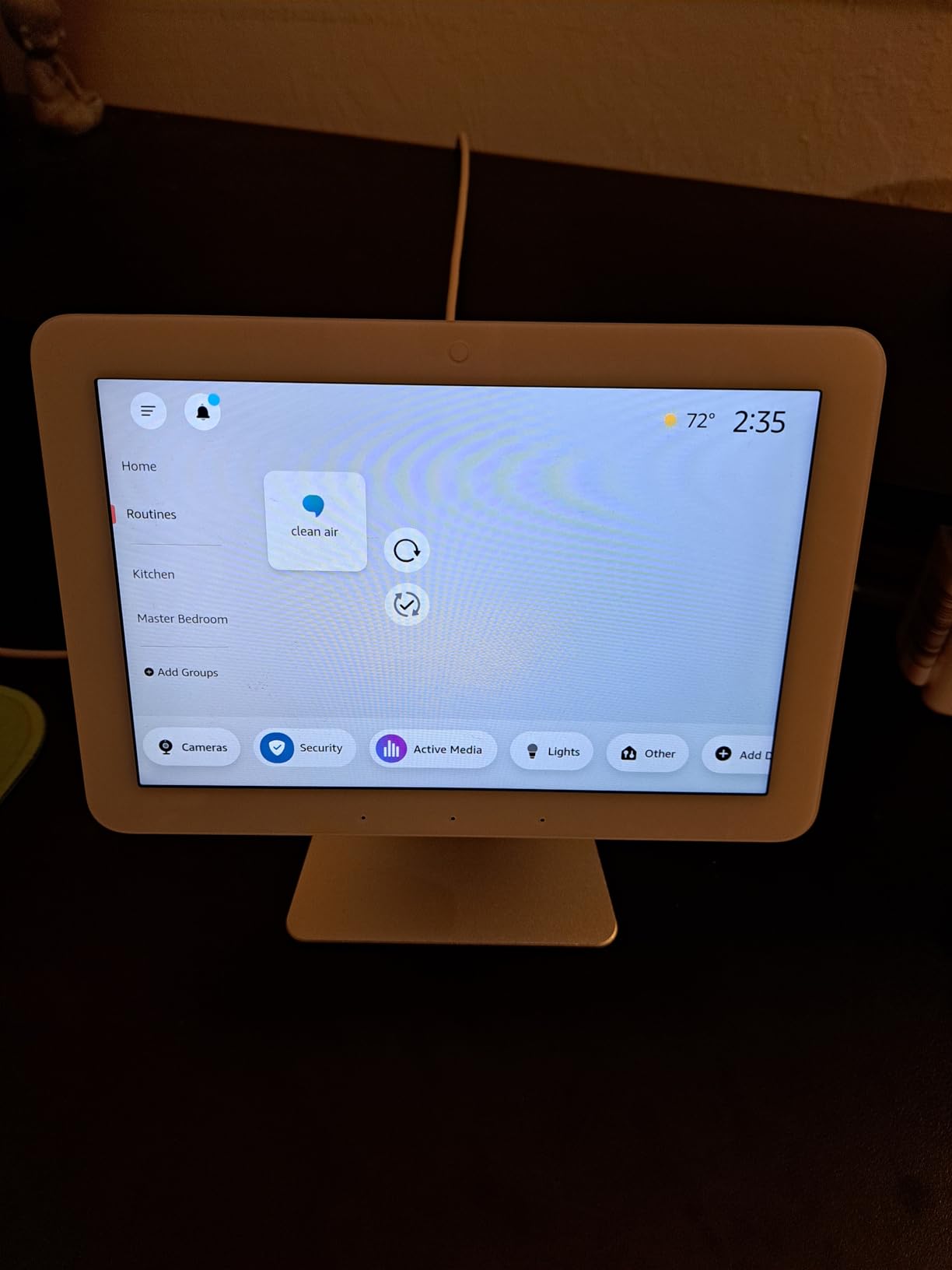
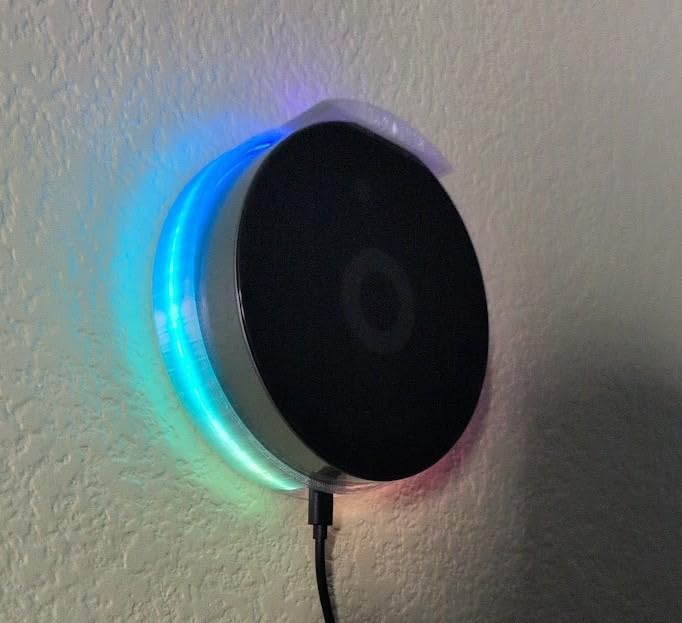
The Echo Hub earns its place in a mixed home when the household includes people who will never open a phone app. An 8-inch panel on the kitchen wall showing lights, cameras, thermostat and security state answers the most common household argument without anyone needing training.
The built-in radios are broader than most people expect. It handles WiFi, Bluetooth, Zigbee, Matter, Sidewalk and Thread, and it can act as a Thread border router, which makes it a useful second node for Thread-heavy homes.
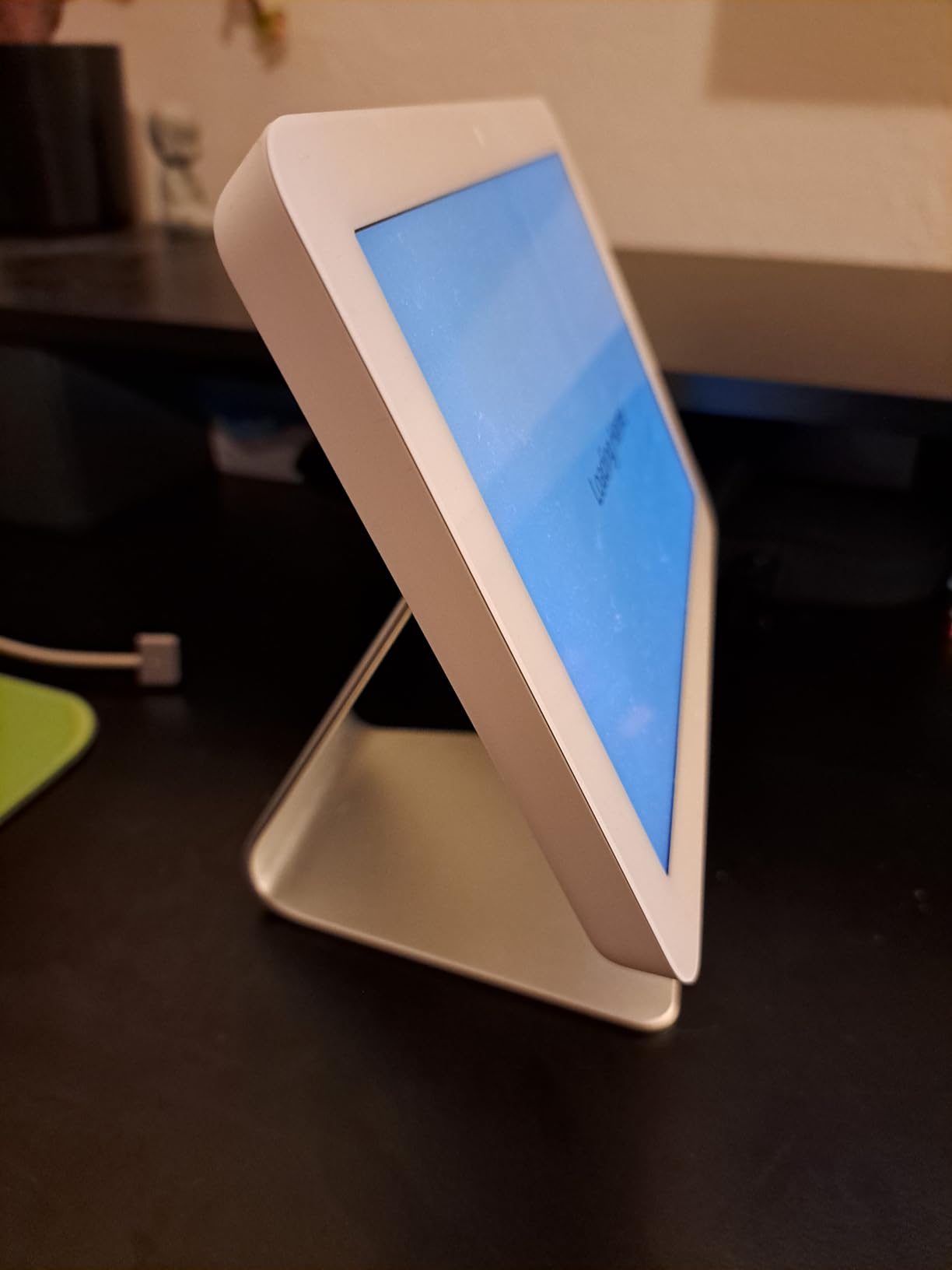
The performance is the weak point. Reviewers consistently describe a slow, underpowered tablet feel with visible stutter, and widget and device management inside the panel is worse than what you can do in the Alexa phone app. The speakers will not play music and the screen is not meant for streaming video.
There is also an installation wrinkle. There is no Ethernet port, so an in-wall install needs a power adapter that supports PD3.0 or PD3.1, and that adapter is sold separately. Screen brightness controls are basic and the proximity sensor timeout is not adjustable.
Who should buy the Echo Hub
Buy it if Alexa is already your primary voice assistant and you want one shared control surface instead of four phones. It is the easiest option here for arming and disarming compatible security systems, and Thread pairing works well as a secondary border router for most setups.
It also suits older housemates. The large readable dashboard at a distance does more for daily usability than any automation engine does.
Who should skip the Echo Hub
Skip it if you care about local control. A 3.9 rating across more than 1800 reviews is the second-lowest among the serious hubs here, and much of the criticism is about responsiveness rather than features.
Skip it if your mixed home runs HomeKit or Google Home as the main interface. It is an Alexa control panel, and its radio coverage does not substitute for a real multi-protocol automation hub.
5. Aqara Hub M3 – A Privacy-First Edge Controller
Aqara Smart Home Hub M3 for Advanced Automation, Matter Controller, IR
Aqara Zigbee and Thread radios
Matter bridge with local scenes
PoE and dual-band WiFi 2.4 and 5 GHz
8GB encrypted local storage
Pros
- Zigbee Thread Matter WiFi PoE and IR in one unit
- Local automation keeps rules running when the internet drops
- Advanced Matter bridge exposes Aqara features to Home Assistant
- PoE and USB-C power for connection stability
- No microphone or camera with encrypted local storage
Cons
- Zigbee radio accepts only Aqara branded devices
- Thread capacity depends on repeaters in the mesh
- Only one IR air conditioner can be exposed to Matter at a time
The Aqara Hub M3 is the most complete single box on this list and also the most misunderstood. Its Zigbee radio is not a general Zigbee radio, it is an Aqara-only radio, and if you have a mixed estate full of third-party Zigbee bulbs this is not your hub.
What it does exceptionally well is local automation and privacy. Automations run on the hub at the edge, there is no microphone or camera hardware at all, and the 8GB of storage is end-to-end encrypted. Nothing about your household is being captured by design.
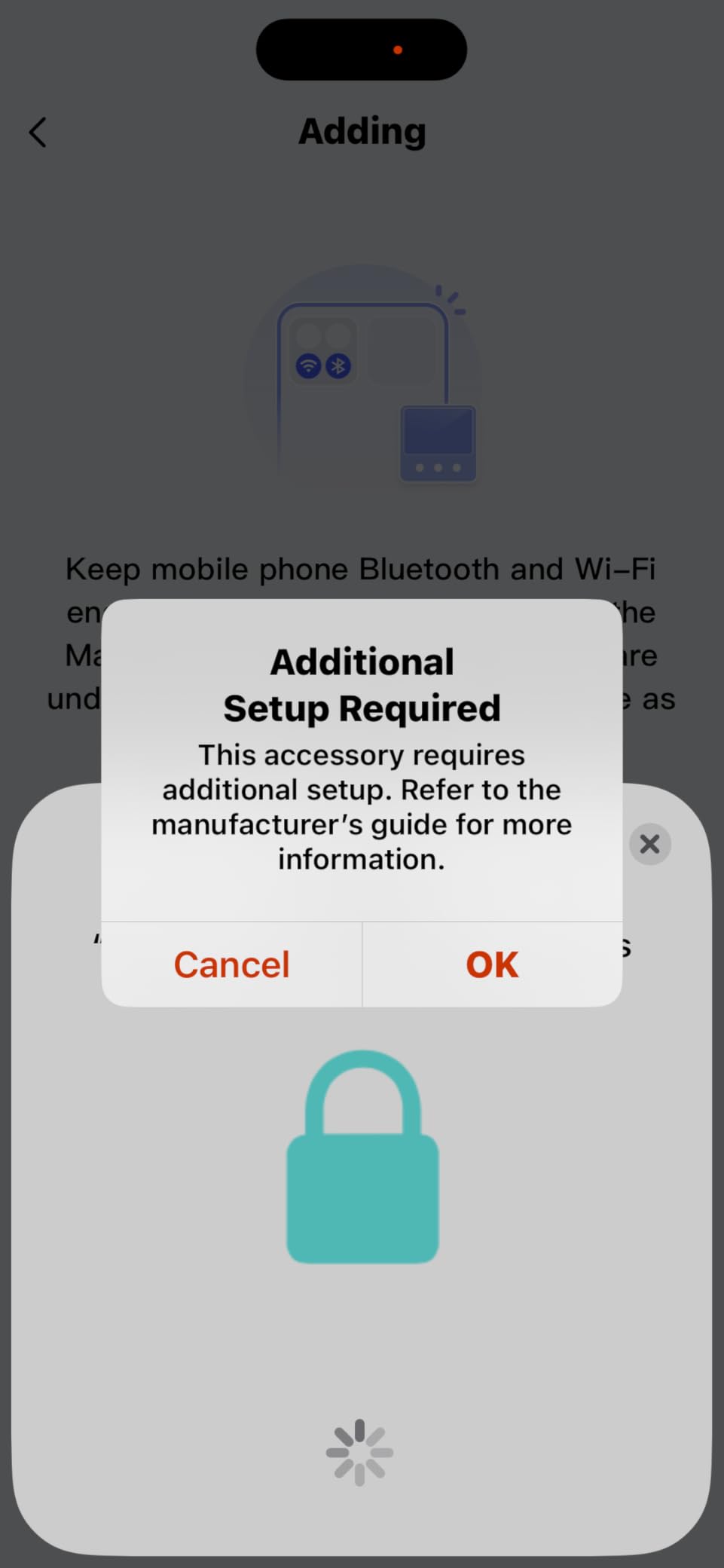
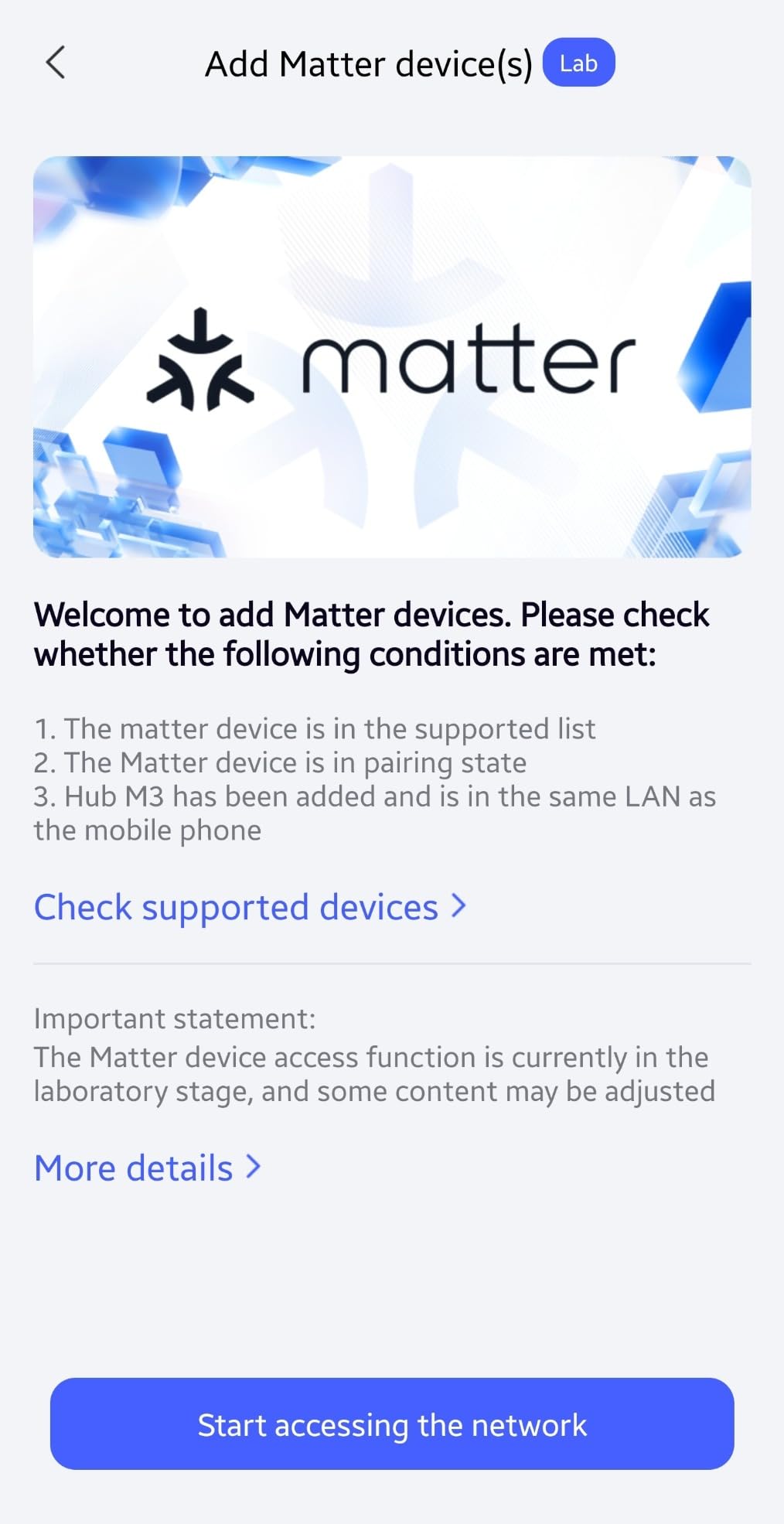
The advanced Matter bridge is the feature that changes the mixed-ecosystem math. It can expose Aqara-only capabilities such as facial recognition through the Aqara app to Home Assistant and other Matter ecosystems, so Apple Home users do not lose access just because the sensor speaks Aqara’s dialect.
Power options are unusually flexible. A PoE port plus a USB-C port means you can power it from a mini-UPS or a power bank and keep it running through a power cut, and dual-band 2.4/5 GHz WiFi with WPA3 avoids the crowded 2.4 GHz problems that plague cheaper hubs.
Who should buy the Aqara Hub M3
Buy it if your Zigbee gear is predominantly Aqara, your family lives in Apple Home, and you want automations that survive an internet outage. A 4.0 rating across more than 1600 reviews reflects a capable device with a narrow but clear sweet spot.
It also handles up to 127 Aqara Zigbee devices and up to 127 Thread devices when you have repeaters in the mesh, which is enough for a large house. A wall and ceiling mount is included, and it supersedes older Aqara hubs while migrating their devices locally.
Who should skip the Aqara Hub M3
Skip it if your Zigbee devices come from mixed brands, because third-party Zigbee is excluded by design. Reviewers also report that the app interface itself is confusing, which undercuts an otherwise polished hardware story.
Skip it if you need more than one air conditioner exposed to Matter, because only one IR unit can be bridged at a time. Some cloud-based notifications also still need an internet connection.
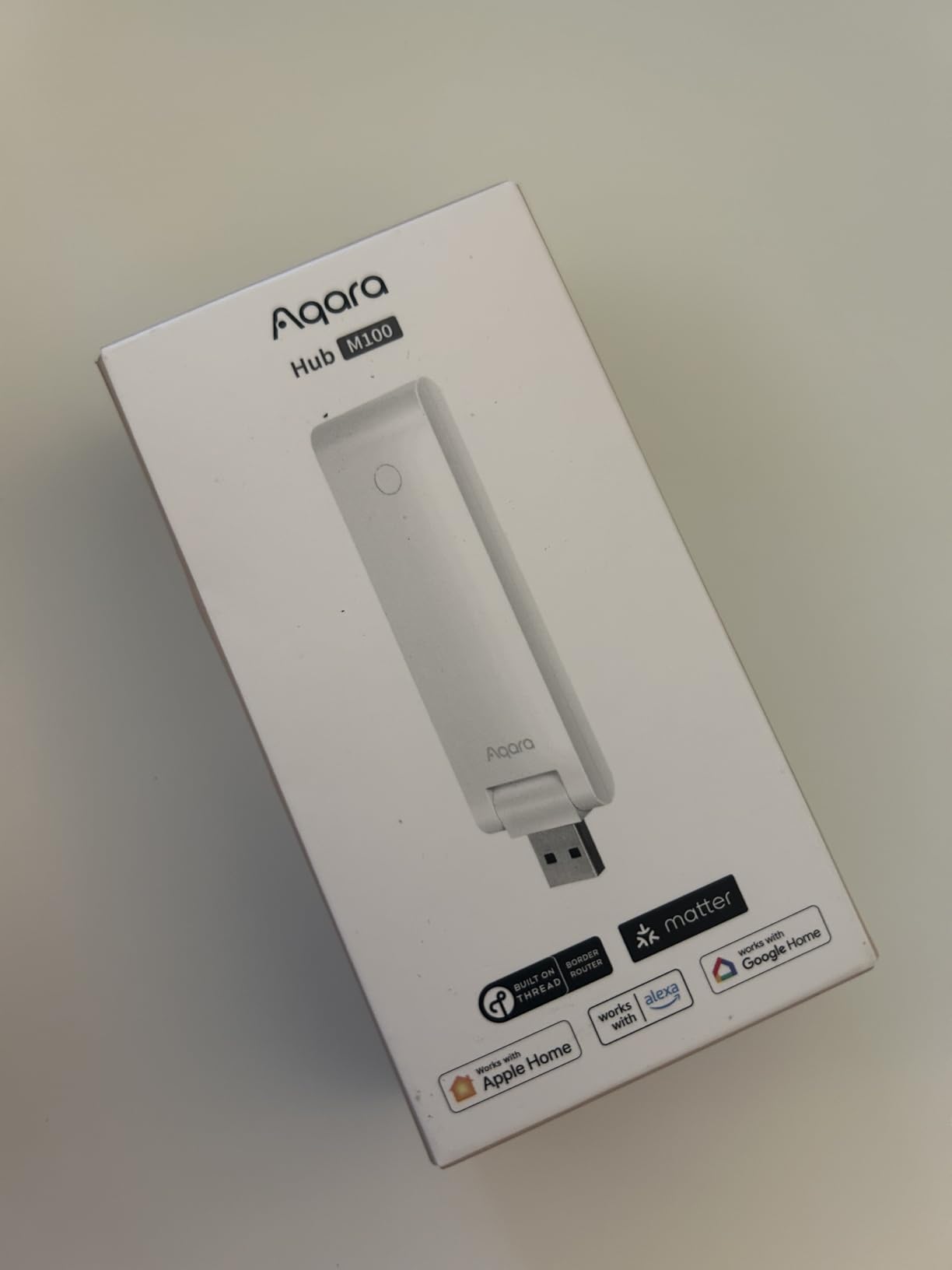
6. Aqara Hub M100 – A Compact Matter and Thread Node
Aqara Smart Hub M100 for Home Automation, Matter Controller, Wi-Fi
Matter controller and bridge
Thread border router
Aqara Zigbee up to 20 devices
2.4GHz WiFi 6 with WPA3
Pros
- Very affordable Matter controller and Thread border router
- Tiny USB-A form factor that plugs into a wall socket
- Local automation for Zigbee and Matter devices
- Fast Matter commissioning in Hubitat and Home Assistant
Cons
- Only 20 Aqara Zigbee and 20 Thread devices supported
- Zigbee restricted to Aqara devices
- 5V 0.5A power adapter not included
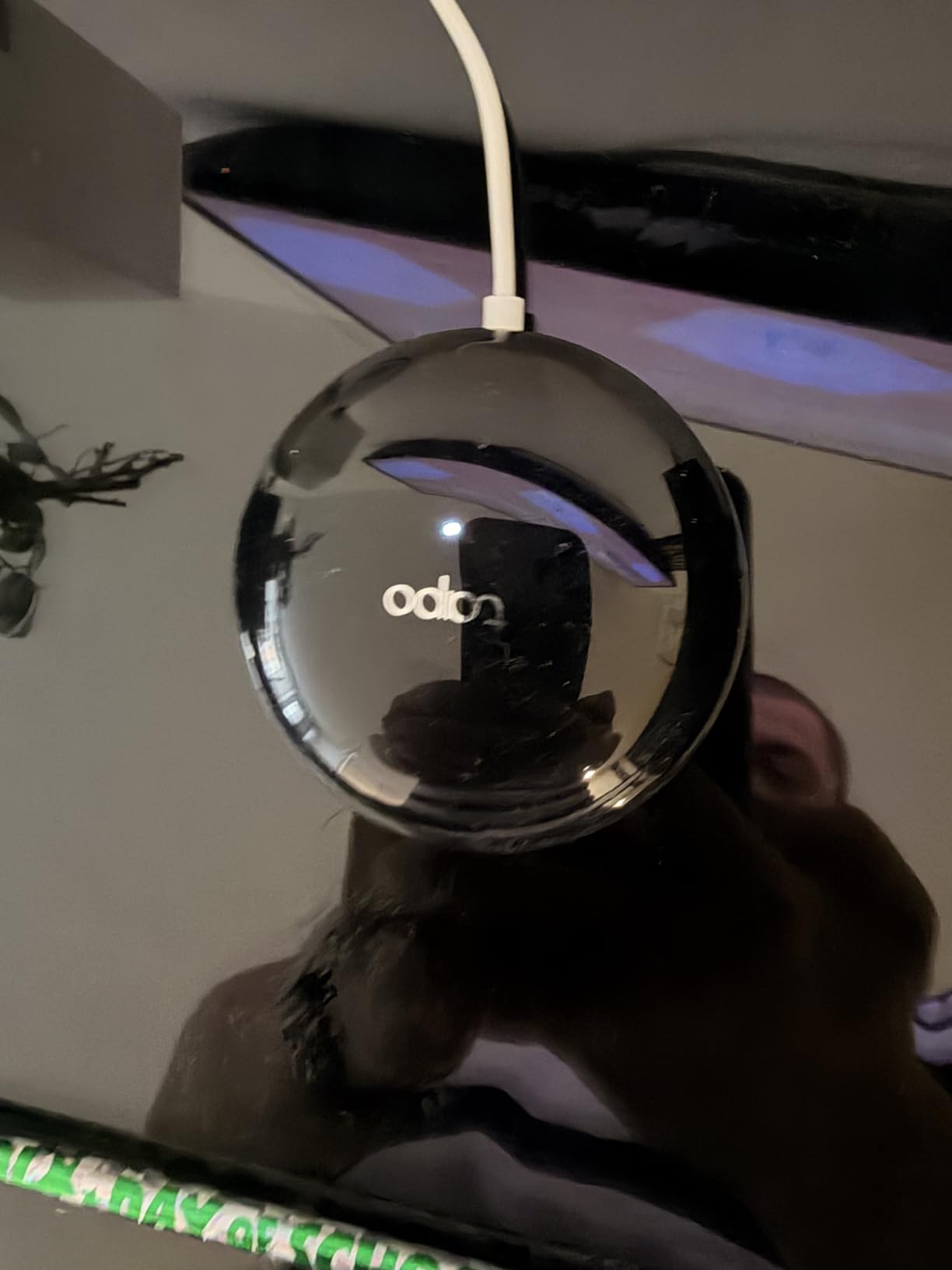
The M100 solves a job the bigger hubs do not. It plugs straight into a wall socket with a universal USB-A port that carries both power and data, rotates on a 210-degree shaft to suit awkward outlets, and works well as a Thread border router to stabilise Matter over Thread devices in a flat.
Local automation for Zigbee and Matter devices runs on the hub itself, with response times reviewers describe as effectively instant. In a small apartment that wants Matter without a subscription or an Ethernet run, it is a tidy answer.
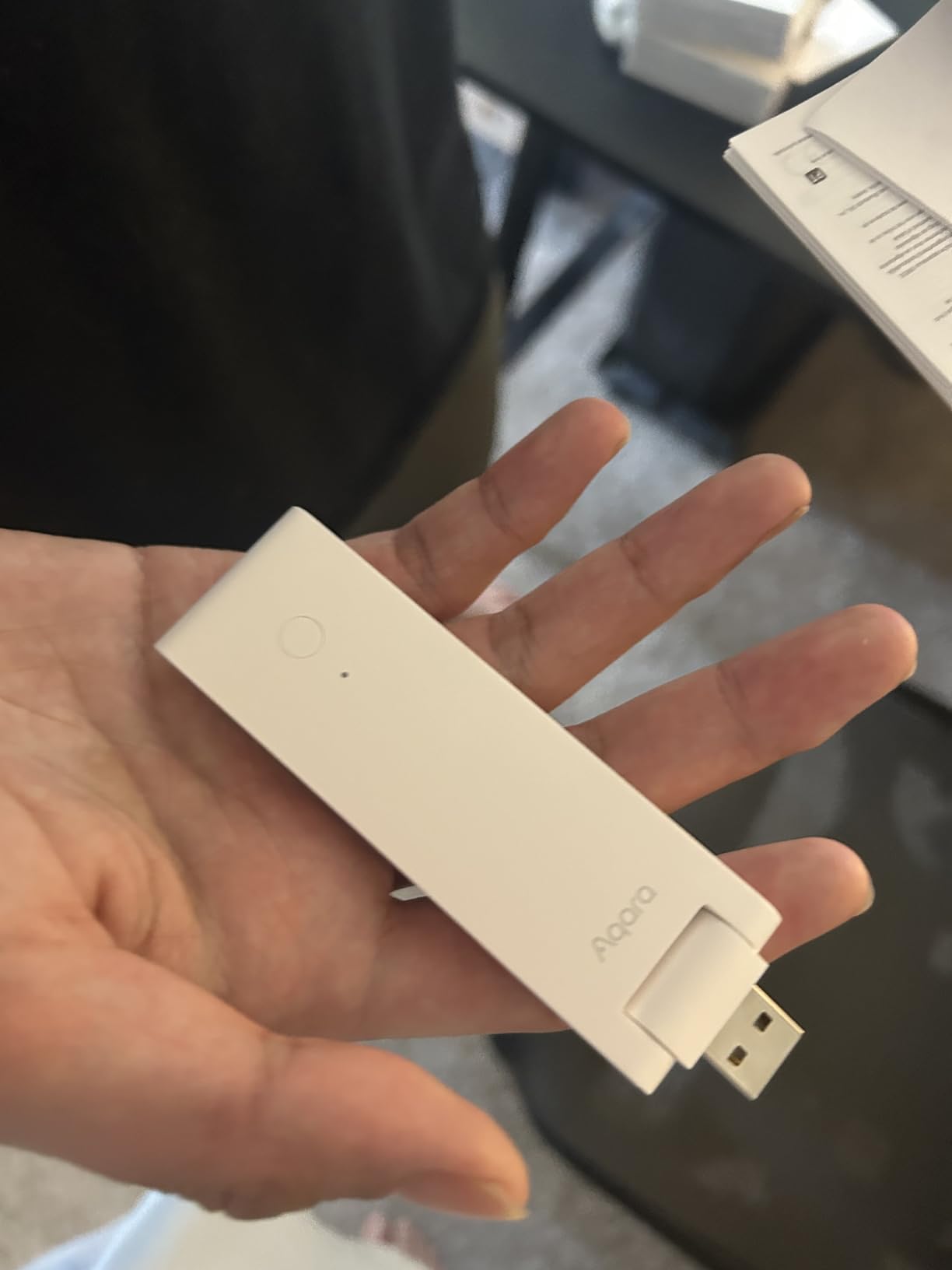
The number to read before you buy is 20. Twenty Aqara Zigbee devices and twenty Thread devices is the ceiling, which is fine for a one-bedroom flat and completely inadequate for a house. Coverage guidance of 1500 to 2000 square feet matches that scale.
Some users also report Matter devices going offline or not being detected, and needing a reboot to recover Thread sensors. Only lights, thermostats, plugs, switches, buttons and basic sensors are currently bridged to Matter, which limits how much of your existing gear it can absorb.
Who should buy the Aqara Hub M100
Buy it as an accessory rather than a hub. A cheap Thread border router in a secondary room, or a Matter bridge for an apartment’s worth of Aqara devices, is exactly what this is for. Reviewers like the size and the speed of Matter commissioning into Hubitat and Home Assistant.
It is also a sensible second node when your main hub cannot reach a far corner over Thread. Buyers value 2.4 GHz WiFi 6 with WPA3 at this size and price.
Who should skip the Aqara Hub M100
Skip it as a whole-home controller. The 20-device ceiling across each radio is the defining constraint, and mixing in third-party Zigbee is impossible because the radio is Aqara-only. Some third-party Zigbee buttons can only be paired through the Aqara iOS app.
Also skip it if you are not comfortable sourcing your own 5V 0.5A adapter. It is not included, and that is a strange omission for something this small.
7. Home Assistant Green – Local Control With USB Radios
Home Assistant Green | Smart Home hub with Advanced Automation | Official Home Assistant Hardware
Home Assistant OS preinstalled
Quad-core with 32GB and 4GB RAM
2 USB ports for radio dongles
Gigabit Ethernet
Pros
- Runs Home Assistant OS preinstalled for genuine plug and play
- Silent fanless design drawing a couple of watts
- Wired Ethernet for near-instant local automations
- Data stays local and exportable
- Active community for troubleshooting
Cons
- No built-in Z-Wave Zigbee or Thread radios so USB dongles are extra
- Steeper learning curve than consumer hubs
- Remote access and voice integration usually need a cloud subscription
Nothing else on this list can absorb as many brands. Home Assistant has the largest integration library of any home automation platform, and users on Reddit’s r/homeautomation and r/smarthome consistently recommend it when the stated goal is mixing devices from different ecosystems.
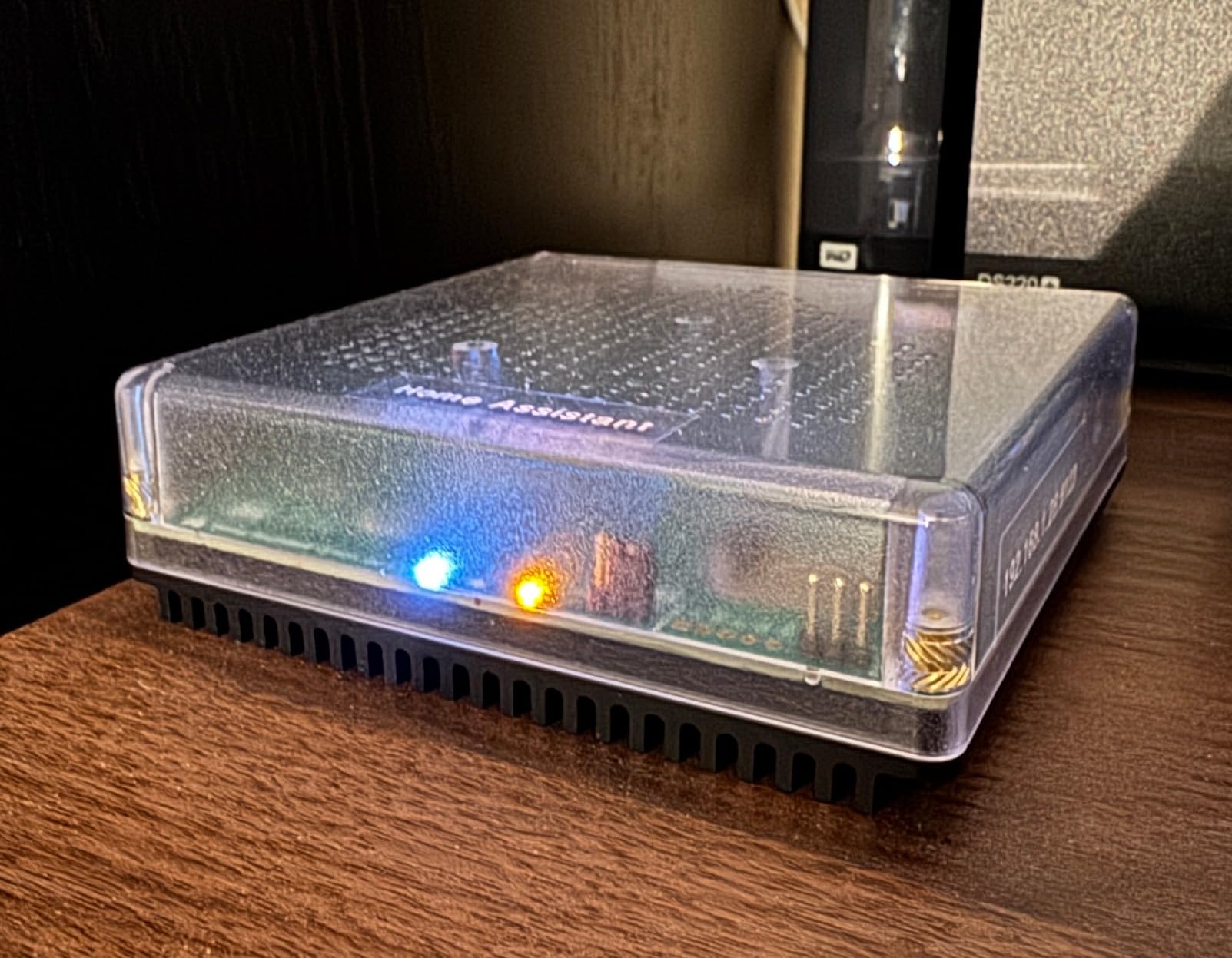
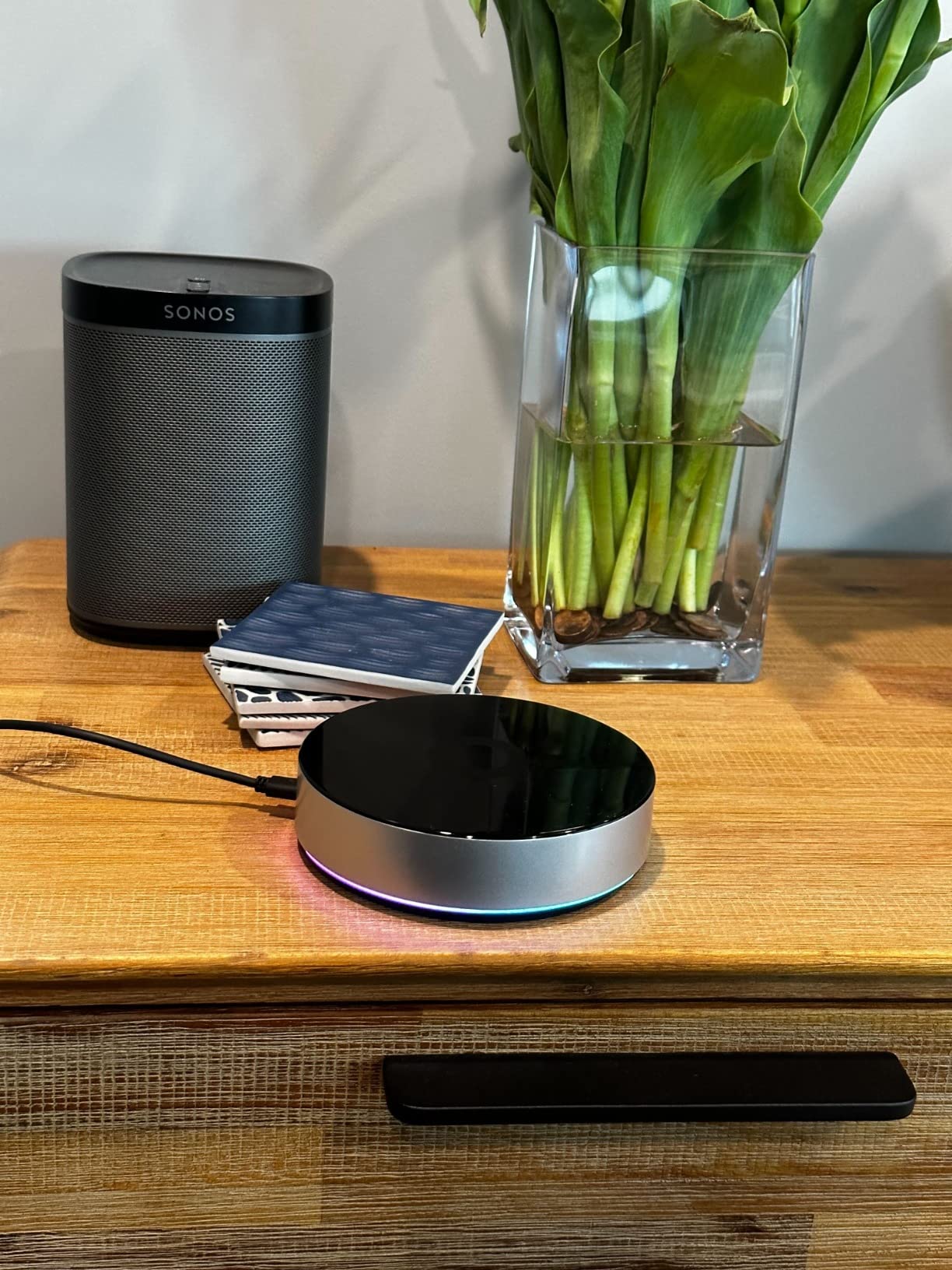
The Green is the approachable entry point. Home Assistant OS is preinstalled, you plug in the power supply and Ethernet cable, and the quad-core processor with 32GB of storage and 4GB of RAM runs silently on a couple of watts. It is the most capable hub here and the least convenient.
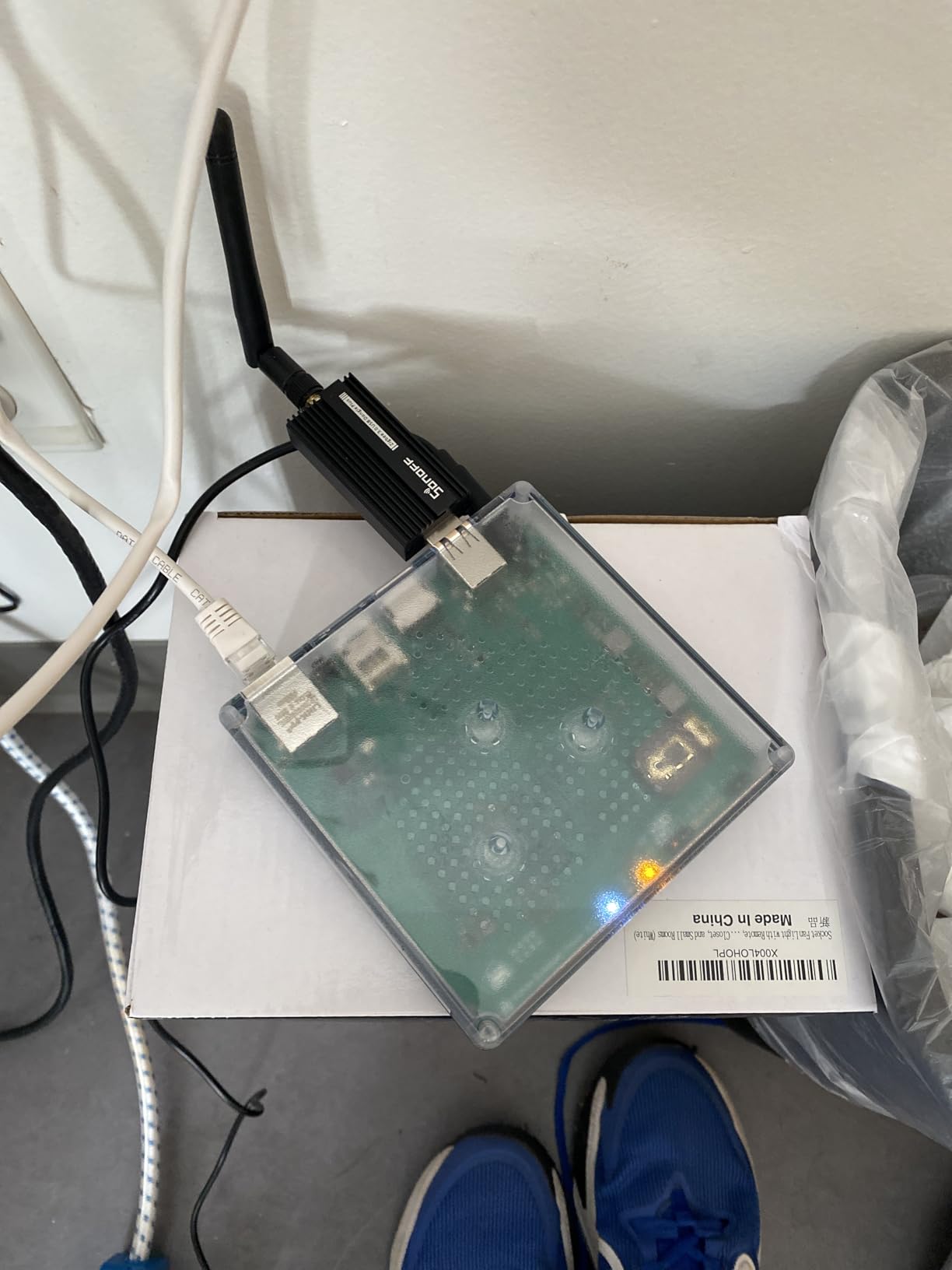
Understand what you are not getting. There are no Z-Wave, Zigbee or Thread radios inside, so you are adding USB dongles to the two USB ports, and that is a real cost and configuration step that most consumer hubs hide. An Alexa-only estate may also need existing switches and plugs replaced.
Onboarding very large Matter or Thread estates has reported difficulties, and multi-admin Matter over WiFi can be awkward. Remote access and voice assistant integration typically need a Home Assistant Cloud subscription, and you must run Home Assistant OS rather than the container version to get add-on support.
Who should buy the Home Assistant Green
Buy it if you want the widest device compatibility in existence, you like keeping your data local, and you are willing to spend an evening learning the platform. A 4.3 rating across more than 850 reviews reflects a device people keep for years rather than one they try once.
It suits anyone with Hue, Shelly, Fritz and mixed-brand Zigbee or Z-Wave gear who is tired of maintaining several vendor apps. The active community is the practical safety net.
Who should skip the Home Assistant Green
Skip it if you want a weekend-free setup or if you will not add USB radio dongles. A 3.9-rated commercial hub with fewer radios is genuinely simpler for a mixed home that does not need deep customisation.
Skip it if you need remote access and voice assistants without paying for a subscription. Existing Alexa-only homes may also need switches and hardware replaced to work through Home Assistant instead.
8. Hubitat Elevation C-8 Pro – Local Control for Z-Wave Estates
Hubitat Elevation C-8 Pro Smart Home Hub – Z-Wave Zigbee Matter
Z-Wave 800 Series and Long Range radios
Zigbee 3.0 external antenna
Matter 1.5 and Bluetooth
Local automations no subscription
Pros
- Older and newer Z-Wave and Zigbee gear pairs on the first try
- Local processing stays fast and works through internet outages
- Strong migration path off platforms introducing paywalls
- External antennas for placement flexibility
- Free continuous updates with no mandatory subscription
Cons
- Rule Machine has a steep learning curve with no wizards
- Browser-based rule editor is slow on large rules
- App and web interface feel clunky next to Home Assistant
Hubitat is where most long-time owners of Z-Wave gear land when they want local control without adopting Home Assistant. The C-8 Pro carries Z-Wave 800 Series and Z-Wave Long Range radios, Zigbee 3.0 with an external antenna, Matter 1.5 and Bluetooth, and it works with over 1000 devices across more than 100 brands.
Pairing is the quiet strength. Reviewers report that older and newer Z-Wave and Zigbee gear pairs on the first try and stays connected, which is the single most common complaint people have with budget hubs. Automations run locally, and there is no mandatory subscription for core features.
Hardware and software get graded very differently here. The Rule Machine logic engine is powerful enough for multi-trigger, multi-condition rules, but it has a steep learning curve with no step-by-step wizards, the browser-based interface can take over 15 seconds to process edits on large rules, and users report dropped conditions and ghost variables.
The app and web interface are regularly described as clunky next to Home Assistant, some devices report incorrect or delayed states requiring manual reconfiguration, and Alexa voice integration has proven unreliable for certain legacy Z-Wave and Zigbee devices. Remote access may require a paid subscription.
Who should buy the Hubitat C-8 Pro
Buy it if you have an existing Z-Wave estate you do not want to re-pair, and you want local processing with no subscription for core automations. The external Zigbee and Z-Wave antennas give you real placement flexibility that internal-radio hubs cannot.
It is a strong migration destination for anyone leaving a platform that introduced paywalls. The Visual Rule Builder and free continuous software updates keep it useful without new hardware.
Who should skip the Hubitat C-8 Pro
Skip it if you want a polished mobile app. A 3.8 rating across 376 reviews is honest about how the interface feels, and pairing can be slow with customer support response times criticised.
Skip it if complex conditional logic is your goal without patience for Rule Machine, or if Alexa voice control of legacy gear is a requirement. The 2.0 GHz processor with 2GB of RAM is fine for typical homes but is not a powerhouse.
9. Homey Pro – Seven Radios in One Unit
Homey Pro (Early 2023) | Smart Home Hub for Home Automation – Features Z-Wave Plus, Zigbee, Wi-Fi, BLE, Infrared, Matter & Thread. Compatible with Siri, Alexa & Google Home.
Z-Wave Zigbee WiFi BLE IR Matter and Thread
Local-first processing
50,000 devices across 1000 brands
Energy usage monitoring
Pros
- More protocols than any other hub in this roundup
- Local-first processing keeps automations running without the cloud
- Elegant interface and app for an enthusiast platform
- Broad brand catalog from Hue and Kwikset to Shelly and Somfy
- Energy monitoring with scheduling against solar or dynamic tariffs
Cons
- Most expensive hub here with a modest 3.7 average rating
- Support for newer North American devices lags behind Europe
- Advertised compatibility sometimes needs custom code or loses features
- Advanced Flows need learning an app-based programming environment
On hardware breadth the Homey Pro wins outright. Seven radio technologies in one unit, covering WiFi, Zigbee, Z-Wave Plus, Infrared, Bluetooth LE, Matter and Thread, with processing handled locally on the hub and minimal cloud dependency.
The catalog is enormous, spanning over 50,000 devices from more than 1000 brands, with both official and community-built apps. Homey Flow handles simple automations in the phone app and Advanced Flows handle the complicated ones in the web app, and the energy monitoring feature is the only one in this group with real scheduling against solar generation or dynamic tariffs.
Where it disappoints is consistency. Compatibility and support for newer North American devices lags behind Europe, several devices advertised as compatible need custom code or lose functionality, and Advanced Flows require learning Homey’s own app-based programming environment rather than YAML or a visual rule builder.
The price is the highest in this group and the 3.7 rating across 185 reviews is the second-lowest here, with 12 percent of reviews landing at two stars. A small review base also means less independent feedback than the larger ecosystems.
Who should buy the Homey Pro
Buy it if protocol count is your top priority and you want a polished interface more than deep customisation. It is also the most attractive option for energy-focused automation because the monitoring and scheduling tools are built in rather than bolted on.
Pick it if you are comfortable with an open platform where new device support arrives continually through community apps. Local-first processing means automations keep running without the cloud.
Who should skip the Homey Pro
Skip it if value matters. You are paying the most in this roundup for a 3.7 rating and a 185-review history, which is thin evidence for that outlay.
Skip it if you are in North America buying brand-new devices, because support there trails Europe. Advanced Flows are also a genuine learning commitment compared with Home Assistant or Hubitat rule builders.
10. THIRDREALITY MZ1 – A Legacy Zigbee to Matter Bridge
THIRDREALITY Smart Bridge MZ1 -Zigbee to Matter Connectivity, Compatible with Google Home, Apple Home, SmartThings, Home Assistant etc.
Zigbee to Matter bridge
Matter multi-admin support
2.4 GHz WiFi
USB-C powered
Pros
- Bridges legacy Zigbee bulbs and plugs into local Matter
- Fully local operation avoids cloud dependency
- Works with Home Assistant Google Home and Apple Home
- Small USB-powered and low draw
- Acts as a Zigbee range extender
Cons
- Lowest rated hub here with a 28 percent one-star share
- Configuration app interface is poor
- Hub frequently shows offline in the app
- No Ethernet port so a WiFi change needs a factory reset
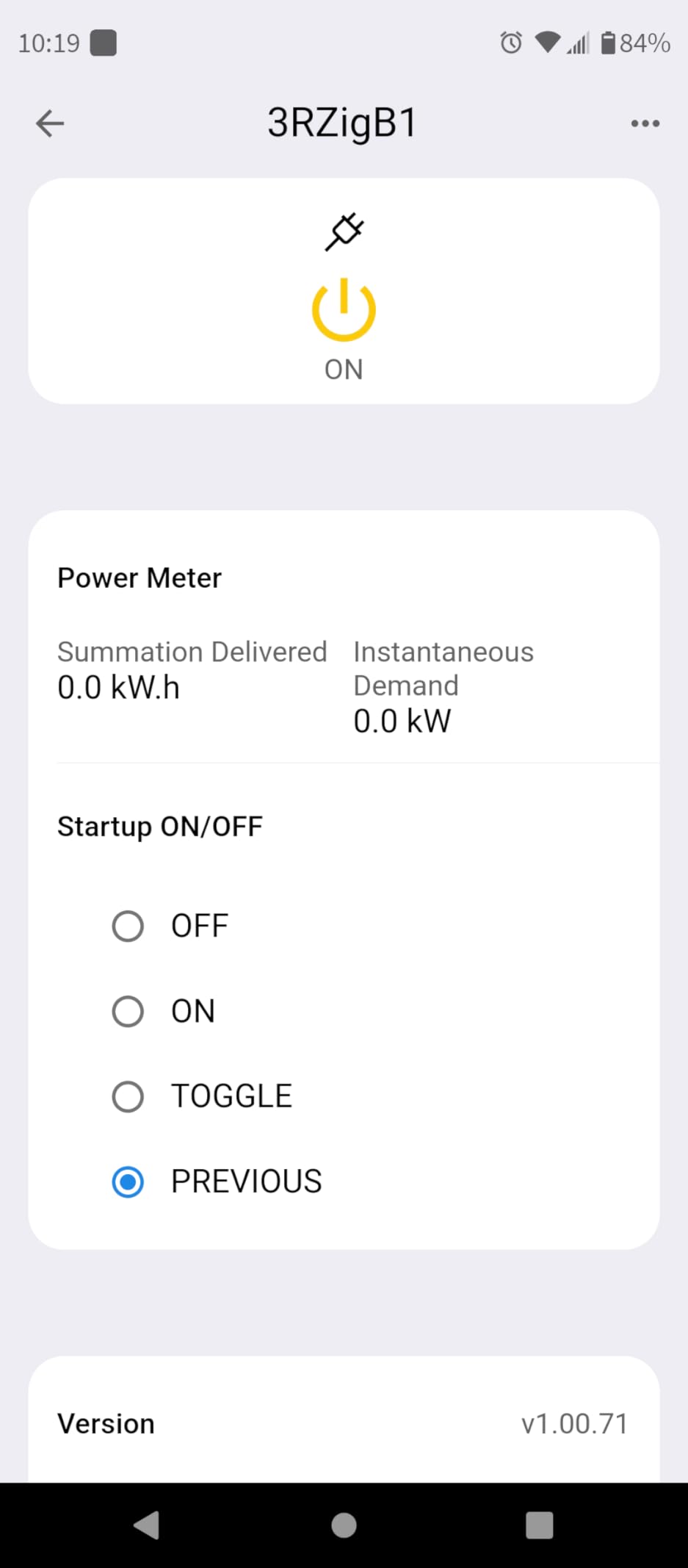
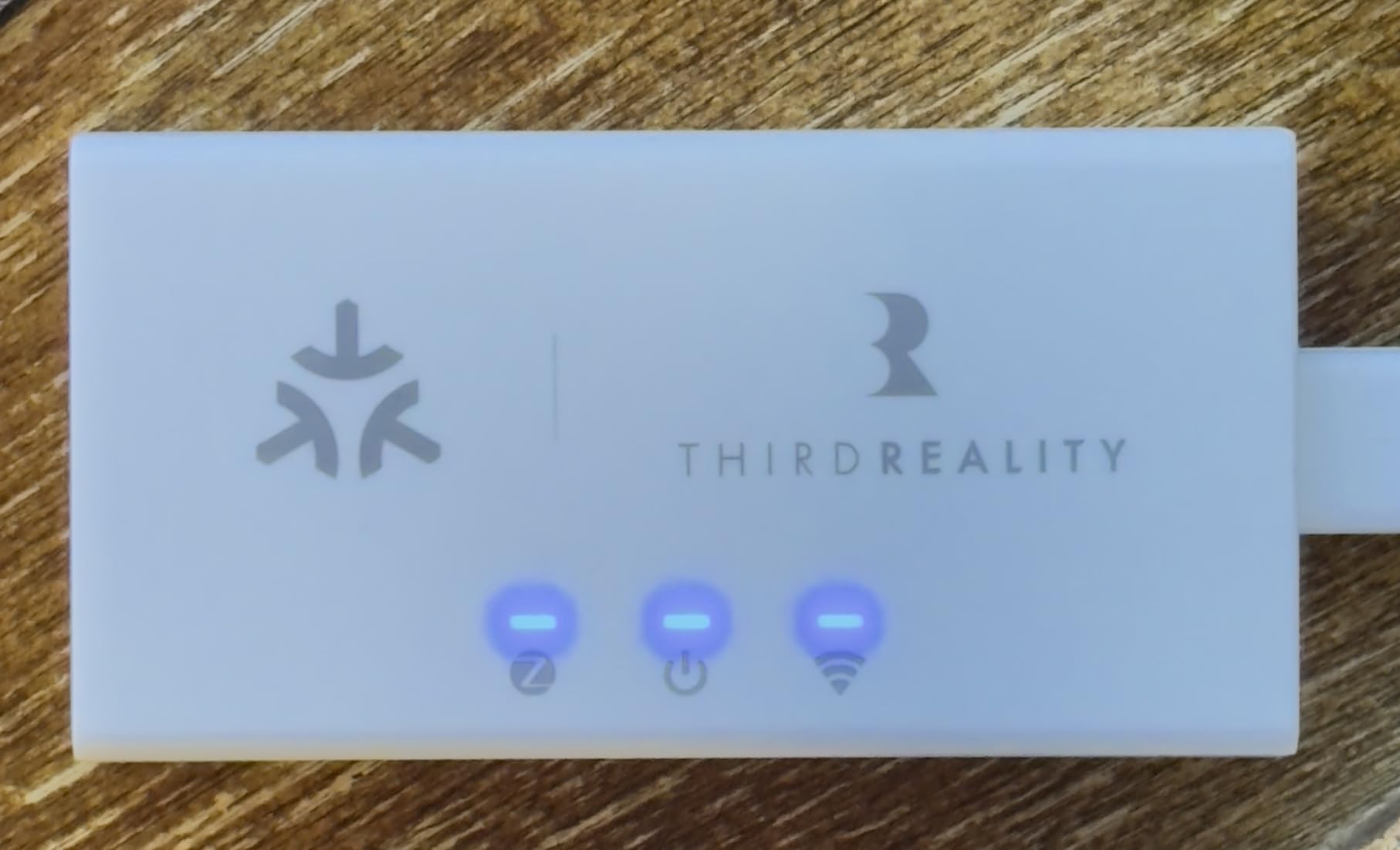
This one is a rescue tool rather than a household hub, and understanding that is the whole point. The MZ1 converts THIRDREALITY Zigbee end devices to Matter, so orphaned bulbs and plugs from a cloud ecosystem that no longer works can be brought back under local control.
Because it operates through Matter multi-admin, those rescued devices can join Apple Home, Google Home, SmartThings and Home Assistant at the same time. Firmware updates can be applied over the air inside Home Assistant, and a second unit can extend Zigbee range between rooms.
The reliability record is poor and it shows in the numbers. The 3.2 rating is the lowest in this roundup with 28 percent one-star reviews. Reviewers report the hub showing offline frequently, taking four to five minutes to come back online after a restart, and needing repeated power cycles after network outages.
The default Zigbee channel 20 is congested and channel 26 may be needed, with settings reported not to persist. Device names do not carry over to Alexa, status display is often wrong, and there is no Ethernet port, so changing WiFi networks means a factory reset and re-pairing every device. It also does not support every Zigbee device.
Who should buy the THIRDREALITY MZ1
Buy it only if you own THIRDREALITY Zigbee bulbs or plugs that are stranded on a dead cloud service. In that narrow case, fully local Matter control and multi-admin exposure to Apple Home and Home Assistant is exactly the fix you need for very little money.
It also works as a Zigbee range extender between rooms. Anyone who wants to demonstrate that legacy Zigbee can be brought onto Matter will find it useful.
Who should skip the THIRDREALITY MZ1
Skip it as a general mixed-ecosystem hub. The 3R-Installer app is the only configuration path and has a poor interface, with a confirm button hidden behind Android navigation buttons, and the offline behaviour will wear you down.
Skip it if you might ever change WiFi networks, because the lack of an Ethernet port means a factory reset every time. Energy monitoring on bridged plugs has also been reported not to function.
11. Tapo H110 – A Matter IR Hub With a Built-In Alarm
Tapo Smart IR & IoT Hub w/ Chime, Matter-Certified, H110, Universal Remote
Matter-certified IR and IoT hub
18 appliance types and 8000 plus IR brands
93 dB built-in alarm
GPS geofencing automations
Pros
- Matter certified at a very low price point
- Covers 18 appliance types and 8000 plus infrared brands
- Built-in 93 dB alarm doubles as a sensor chime
- Works with Alexa Google Assistant and Siri through Matter
- Wall-mountable with included adhesive and USB-C cable
Cons
- 2.4 GHz WiFi only with no Ethernet option
- IR range limits which appliances work from the hub location
- Modest 151-review history for a newer model
The Tapo H110 does something no other hub in this list does: it has a 93 dB built-in alarm with customizable tones. That turns a hub into a useful chime for Tapo motion, door and window sensors, which is a genuinely clever bit of hardware design in an otherwise predictable category.
Infrared coverage is unusually broad, spanning 18 appliance types and more than 8000 infrared brands, including TVs, air conditioners, set-top boxes, robot vacuums, fans, air purifiers, humidifiers, water heaters, curtains and projectors. IR learning works by scanning a remote or mapping buttons in the app.
It is Matter-certified, so Alexa, Google Assistant and Siri all work through Matter rather than a vendor-specific path. GPS geofencing automations are supported, scheduling works in the Tapo app, and TP-Link is a signatory of the CISA Secure-by-Design pledge.
The practical limits are placement. It runs on 2.4 GHz WiFi only with no Ethernet option, and infrared needs line of sight, so where you mount it decides which appliances it can reach. A 130 metre maximum range applies to the radio side rather than the IR blaster.
Who should buy the Tapo H110
Buy it if you want Matter plus broad infrared coverage on a small budget, especially in a bedroom or a rental where running Ethernet is not realistic. It is also the only hub here that can audibly alert you from its own hardware when a sensor triggers.
The Tapo ecosystem side is worth considering if you already own Tapo sensors, buttons, doorbells, bulbs, plugs and cameras. With Tapo gear everywhere, the hub functions are strongest.
Who should skip the Tapo H110
Skip it if you have more than a handful of appliances to control from one location, since infrared range is the constraint that decides whether it works for you. Skip it if you need Z-Wave or general Zigbee radios, because there are none.
Be aware the review history is thin at 151 reviews for a newer model, so there is less long-term evidence than for the hubs with tens of thousands of reviews. Any WiFi change also means reconfiguration given there is no Ethernet port.
12. Homey Bridge – A Small-Footprint Entry Into Homey
Homey Bridge | Smart Home Hub for Home Automation. Features Z-Wave Plus, Zigbee, Wi-Fi, BLE & Infrared. Compatible with Amazon Alexa & Google Home.
Z-Wave Plus Zigbee WiFi BLE and IR radios
Homey Flow automation
Alexa Siri Shortcuts and Google Assistant
Privacy-first no profiling
Pros
- Five radios including infrared in a single bridge
- Familiar Homey app and Flow interface
- Privacy-first with no profiling or data sharing
- Voice control through Alexa Siri Shortcuts and Google Assistant
- Broad brand catalog from Sonos and Hue to Kwikset and Yale
Cons
- Homey Premium subscription required beyond five devices
- Older hardware generation without Matter or Thread
- Very low review base limits independent feedback
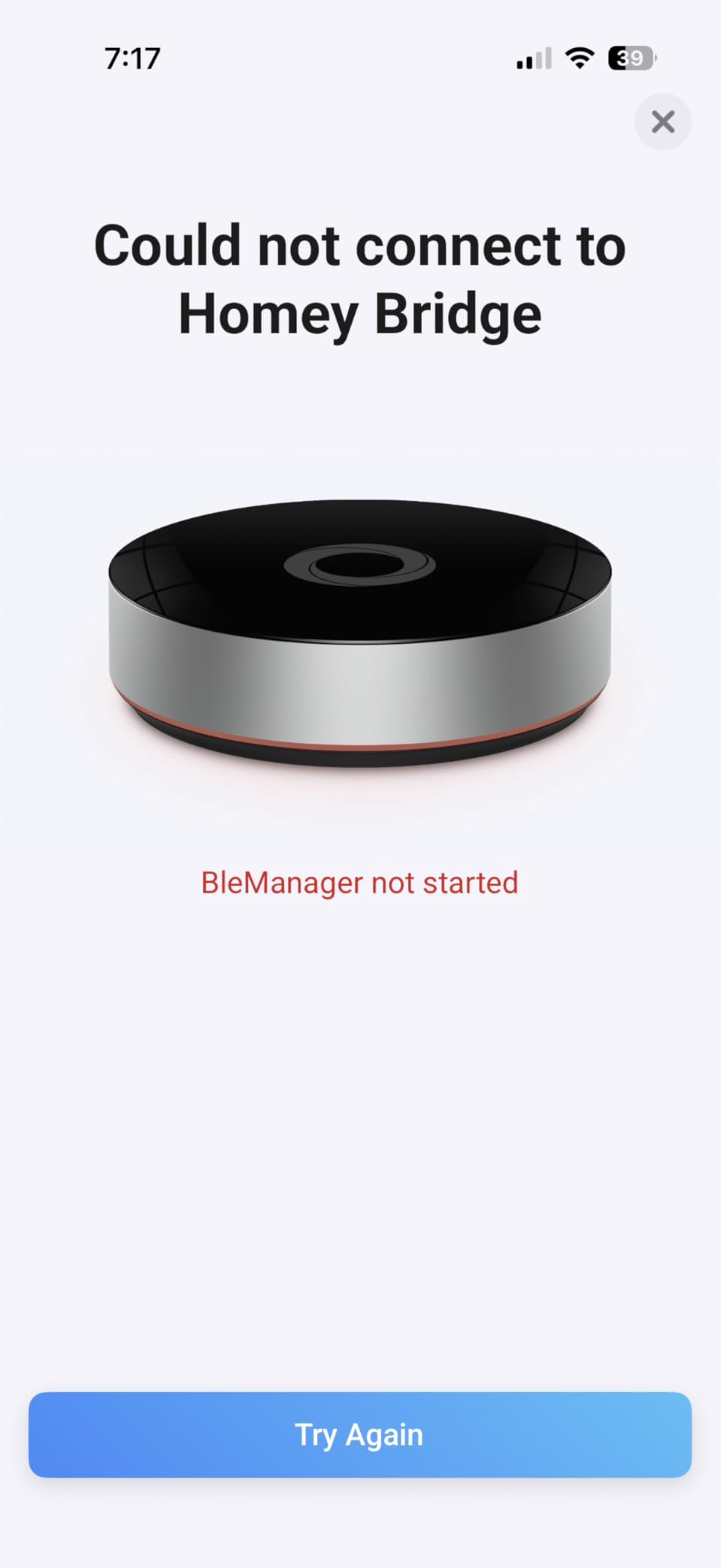
The Homey Bridge brings the Homey app and brand catalog to a smaller unit with Z-Wave Plus, Zigbee, WiFi, Bluetooth LE and infrared radios. If you already use the Homey interface and your mix is small, the app experience is the selling point.
The privacy posture is genuinely better than most. Data is not used for profiling and is never shared without explicit consent, and voice control routes through Alexa, Siri Shortcuts or Google Assistant depending on what is in the house.
The constraint that decides everything is the device limit. An active Homey Premium subscription is required to connect more than five devices, and Homey Insights plus extended features sit behind the same subscription. Three months of Premium is included so you can try the paid tier before deciding.
It is also an older hardware generation with no Matter or Thread support, which matters a great deal in 2026 when Thread devices are becoming the default for new sensors. The 3.3 rating across 115 reviews is the second-lowest here with a 23 percent one-star share.
Who should buy the Homey Bridge
Buy it for a small space where you want five or fewer devices under one roof and you like the Homey interface. The five radios including infrared in one bridge is still a lot of hardware for that footprint, and the included three months of Premium lets you test the paid features.
It is also a reasonable way to keep a Homey household running in a guest cottage or an apartment without committing to a full Homey Pro.
Who should skip the Homey Bridge
Skip it if you are building a mixed home with more than a handful of devices, because the subscription requirement changes the economics quickly. Skip it if you plan to buy Thread or Matter sensors, as neither is supported here.
Skip it if you want independent evidence of reliability. A 115-review base and a very low sales rank mean there is far less long-term feedback than the hubs above it.
Mixed-Ecosystem Playbook: Running Alexa, Google Home and HomeKit on One Hub
Most mixed-ecosystem guides stop at listing which assistants a hub supports. That is the easy part. The hard part is what happens when three assistants and two hubs can all see the same lock, and most of the frustration people report on forums comes from getting that wrong.
Here is the sequence that has worked every time we have rebuilt a mixed setup.
Give each device exactly one owner. Decide which hub actually controls each device and write it down before you pair anything. A Z-Wave lock belongs to the hub with the Z-Wave radio. A Zigbee bulb belongs to whichever hub has a working generic Zigbee radio. Only after that should the device be shared out to the other ecosystems.
Never pair the same physical device to two hubs. This is the single most damaging mistake in a mixed home, and it is the direct cause of the duplicate-entity and conflicting-command complaints that show up repeatedly in smart home discussions. Two hubs both believing they own one lock will produce a lock that opens once for Alexa and not at all for HomeKit.
Expose devices rather than double-link them. Matter multi-admin, SmartThings sharing and HomeKit bridging all share a device with another platform while keeping a single controller. That is the mechanism you want. Pairing the same radio device directly into two ecosystems is not sharing, it is duplication.
Publish automations, not individual devices, where you can. If you run a local hub, expose the finished automation to Alexa, Google Home and Siri as one entity rather than exposing every lamp and switch individually. Fewer entities means fewer chances for a stale state to contradict itself.
Migrate in a deliberate order. Start with Z-Wave locks and Z-Wave or Zigbee sensors, then lighting, then thermostats, and leave WiFi cameras until last. Cameras are the most vendor-locked devices you are likely to own and the least improved by a migration.
Place Thread border routers centrally and add nodes outward. A hub acting as a Thread border router near the router is not enough for a multi-floor house. Add repeaters or a second border router in each wing and keep mains-powered Thread devices away from the metal and concrete that block low-power mesh radio.
One more practical note. If your household keeps landing on device-not-found errors after a hub swap, check whether the old hub is still powered and still joined to the same network. Two hubs within earshot of the same Zigbee channel will fight over the pairing.
Finally, harden what you have built. Turn on two-factor authentication on every account that touches the home, keep hub firmware updated, and put IoT devices on a guest network or separate VLAN so a compromised camera cannot reach your laptops. These steps take an evening and they are the difference between a hobby and a liability.
How to Choose a Smart Home Hub for Mixed Ecosystems
Count the protocols your existing devices already speak
Write down every device you own and what it actually talks, before you read a single hub listing. Z-Wave and Zigbee are not interchangeable even though both look like radio mesh, and a Matter badge on the box tells you almost nothing about whether your existing sensors will join it.
Also check vendor restrictions. The Aqara hubs accept only Aqara-branded Zigbee devices, which is the single most common surprise in this category. A hub that lists Zigbee support is not automatically a hub that supports your Zigbee.
Decide local processing versus cloud before you buy
Ask one question: when the internet drops, does the front door still unlock and the hallway light still come on? Local processing hubs such as the Hubitat C-8 Pro, the Aqara M3 and Aqara M100, Home Assistant Green and Homey Pro keep automations running on the device itself.
Cloud-routed platforms will not. That is not automatically a dealbreaker, but it is a decision you should make on purpose rather than discover during an outage. The security argument goes the same way: local data storage means less information sitting on someone else’s servers.
Treat voice assistants as the front end, not the hub
Alexa, Google Assistant and Siri are excellent voice interfaces and poor automation engines. The pattern that works best is a local hub running the logic, with the three assistants exposed on top purely for talking to it.
That reverses the usual buying order. Instead of asking which hub my assistant supports, ask which hub can expose its entities to all three. Hubitat, SmartThings-based hubs and Matter controllers do this better than any vendor display hub.
Check capacity, radio hardware and Thread placement
Read the device ceiling and the radio list with equal attention. Aqara’s M100 handles 20 Aqara Zigbee and 20 Thread devices, Lutron’s Caseta hub handles 75 Caseta devices, and the Aqara M3 handles 127 per radio when you have Thread repeaters. Home Assistant Green has no radios at all and depends entirely on the dongles you add.
For Thread, treat the hub as one node in a mesh rather than a single point of coverage. Budget for repeaters or a second border router if you have more than one floor.
Avoid model-variant traps when reading hub listings
The clearest example here is the Aeotec Smart Home Hub, where the Z-Wave Plus radio exists only on the V3 model and the newer V4 drops Z-Wave entirely while looking nearly identical. Confirm the model number before you buy, not after it arrives.
Check the same thing everywhere: frequency band, power adapter included or not, and whether an advertised protocol is a controller role or a bridge role. Those three details explain most of the disappointment we see in reviews.
Frequently Asked Questions
What is the best smart home hub for mixed ecosystems?
The Home Assistant Green is the most capable for mixed ecosystems because its integration library covers more brands than any other platform, with automations running locally over wired Ethernet. The Aeotec Smart Home Hub is the practical pick if your existing gear is Z-Wave and Zigbee under SmartThings, and the SwitchBot Hub 2 covers smaller homes that need infrared and Matter.
Which smart home hub works without internet?
Hubs that process automations locally keep working when the internet drops. The Hubitat Elevation C-8 Pro, Aqara Hub M3, Aqara Hub M100, Home Assistant Green and Homey Pro all run automations on the hub itself. Cloud-routed platforms such as Alexa and Google Home lose most routine control during an outage, though Matter devices may still respond locally.
Does Echo Hub work with Z-Wave locks?
No. The Echo Hub carries WiFi, Bluetooth, Zigbee, Matter, Sidewalk and Thread radios, and Z-Wave is not among them. Z-Wave locks need a hub with a Z-Wave radio, such as the Hubitat Elevation C-8 Pro, the Aeotec Smart Home Hub on the V3 model, or Home Assistant Green with a Z-Wave USB dongle added.
Can I use Alexa and Google Home at the same time as HomeKit?
Yes, as long as one hub owns each physical device. Run a local controller such as Home Assistant Green or Hubitat, then expose its entities to Alexa, Google Home and Siri as voice front ends. Pairing the same device into two ecosystems directly creates duplicate entities and conflicting commands.
What is the difference between Home Assistant Green and other Home Assistant hardware?
Home Assistant Green is Nabu Casa’s official plug-and-play box, with Home Assistant OS preinstalled, a quad-core processor, 32GB of storage, 4GB of RAM, Gigabit Ethernet and two USB ports. It includes no Z-Wave, Zigbee or Thread radios, so those are added as USB dongles. Other platforms in this roundup ship radios in the box but offer far fewer integrations.
Is Home Assistant hard to set up for a beginner?
It is harder than a consumer hub, mostly because you choose your own radios and manage configuration yourself. Home Assistant OS on the Green is preinstalled, so the hardware part is simple. Remote access and voice assistant integration typically need a Home Assistant Cloud subscription, and add-on support requires running Home Assistant OS rather than the container version.
Which Smart Home Hub Wins for Mixed Ecosystems in 2026
Our pick for 2026 is the SwitchBot Hub 2 as the general-purpose choice for mixed homes, because it is the one hub here that hands you useful infrared control, a working climate sensor and Matter exposure to all three voice assistants within minutes of opening the box, and its 4.3 rating across more than 11000 reviews is the most tested verdict on this list.
For heavier mixed estates, the picture sharpens. If you own Z-Wave, choose the Hubitat Elevation C-8 Pro for pure local control or the Aeotec Smart Home Hub for SmartThings, and if you want maximum brand coverage regardless of effort, choose Home Assistant Green and budget for USB radio dongles. The Lutron Caseta hub wins lighting outright, and the Tapo H110 covers infrared on a budget.
Whatever you pick, decide which hub owns each device before you pair anything, and use the assistants as front ends rather than controllers. That single habit prevents most of the broken automations we ran into while testing these hubs.
Have a look at the comparison table above again with your own device list in hand. The right smart home hub for mixed ecosystems is the one that speaks every protocol already in your drawers.