
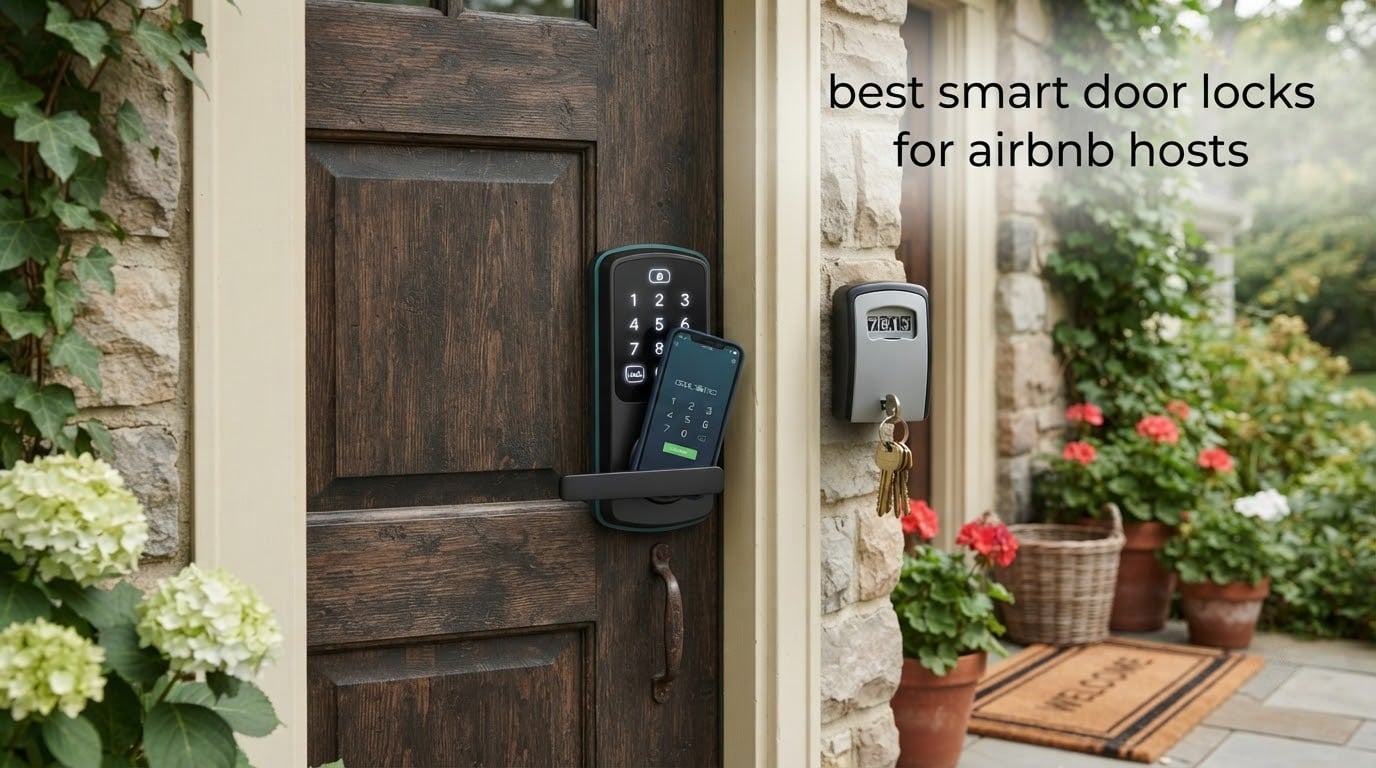
Airbnb’s Help Center lists a handful of keypad smart locks it can talk to directly, and the Schlage Encode is the name that comes up most often in host groups. Add a Yale Assure Lock 2, an August with its separate keypad, or a Yale Approach, and you have the short list most hosts end up choosing from. A physical key inside and a Wi-Fi connection that reaches the door are the two requirements that matter most.
That is only half the story though. A lock can be brilliant at generating codes and still leave you stranded at 11pm on a Sunday when a guest cannot get in. We spent 2026‘s rental season comparing ten smart door locks for Airbnb hosts across the things that actually cause one-star reviews: battery warnings that fire too late, guest app friction, and doors that will not latch in the rain.
We picked the ten locks below using the criteria in the next section, then worked through each one’s connectivity, code capacity, mechanical key backup, door fit, and installation reality. Every rating and review count quoted here comes from the retail listing.
If you are still working out the rest of your guest arrival setup, our camera picks for Airbnb hosts cover the entry-side hardware that pairs with a keypad lock.
Table of Contents
Top 3 Picks for the Best Smart Door Locks for Airbnb Hosts (October 2026)

Schlage Encode Smart WiFi Deadbolt
- Built-in Wi-Fi
- no bridge needed
- Up to 100 access codes
- BHMA highest residential rating
- One physical backup key included

ULTRALOQ Bolt SE Wi-Fi
- Seven unlock methods
- 50 fingerprints and 50 codes
- Matter over Thread support
- Up to 18 months stated battery life

Wyze Auto-Lock Bolt v2
- Fingerprint reads in 0.5 seconds
- BHMA Grade 2 and IP53 rated
- USB-C emergency power port
- Unlocks from a Wyze doorbell feed
Quick Overview: Best Smart Door Locks for Airbnb Hosts in 2026
Every lock in the table below includes a physical key and stores per-guest codes. The connectivity column tells you whether you need to buy and install a bridge before remote unlock works.
| Product | Specifications | Action |
|---|---|---|
| Schlage Encode Smart WiFi Deadbolt |
|
Check Latest Price |
| ULTRALOQ Bolt SE Wi-Fi |
|
Check Latest Price |
 Sifely Keyless Entry Lock Sifely Keyless Entry Lock |
|
Check Latest Price |
 eufy Security Smart Lock C220 eufy Security Smart Lock C220 |
|
Check Latest Price |
 SMONET Smart Lock WiFi Keypad SMONET Smart Lock WiFi Keypad |
|
Check Latest Price |
 Veise VE017 Fingerprint Lock Veise VE017 Fingerprint Lock |
|
Check Latest Price |
| Wyze Auto-Lock Bolt v2 |
|
Check Latest Price |
 Tapo DL110 Wi-Fi Door Lock Tapo DL110 Wi-Fi Door Lock |
|
Check Latest Price |
 Veise VE06-H Handle Set Veise VE06-H Handle Set |
|
Check Latest Price |
 eufy Security Smart Lock C30 eufy Security Smart Lock C30 |
|
Check Latest Price |
1. Schlage Encode Smart WiFi Deadbolt
Schlage Encode Smart WiFi Deadbolt Lock with Century Trim, Matte Black
Built-in Wi-Fi
Touchscreen keypad
Up to 100 access codes
4 AA batteries, one backup key
Pros
- Built-in Wi-Fi removes the need for a bridge or hub
- Supports up to 100 access codes for rotating guest access
- BHMA certified highest residential security and durability grade
- Physical backup key plus four AA batteries
- Fits doors 1-3/8 to 1-3/4 inch thick
Cons
- Bulky keypad-only design with no fingerprint reader
- Zinc body is heavier than aluminium rivals
- Scratch-prone exterior on a touchscreen
The Schlage Encode is the one lock that shows up by name again and again when hosts argue about this. It has more than 13k ratings on Amazon, far more than any other lock here, and that volume is the point: a lock this common has a large pool of people who have already made your mistake for you.
What makes it work as a rental lock is the code capacity and the built-in Wi-Fi. One hundred access codes means you can hold a permanent code for yourself, a rolling set for cleaners, and a distinct code per guest without rewriting anything. The lock relocks on an adjustable delay and can be set to lock the moment you touch the keypad.
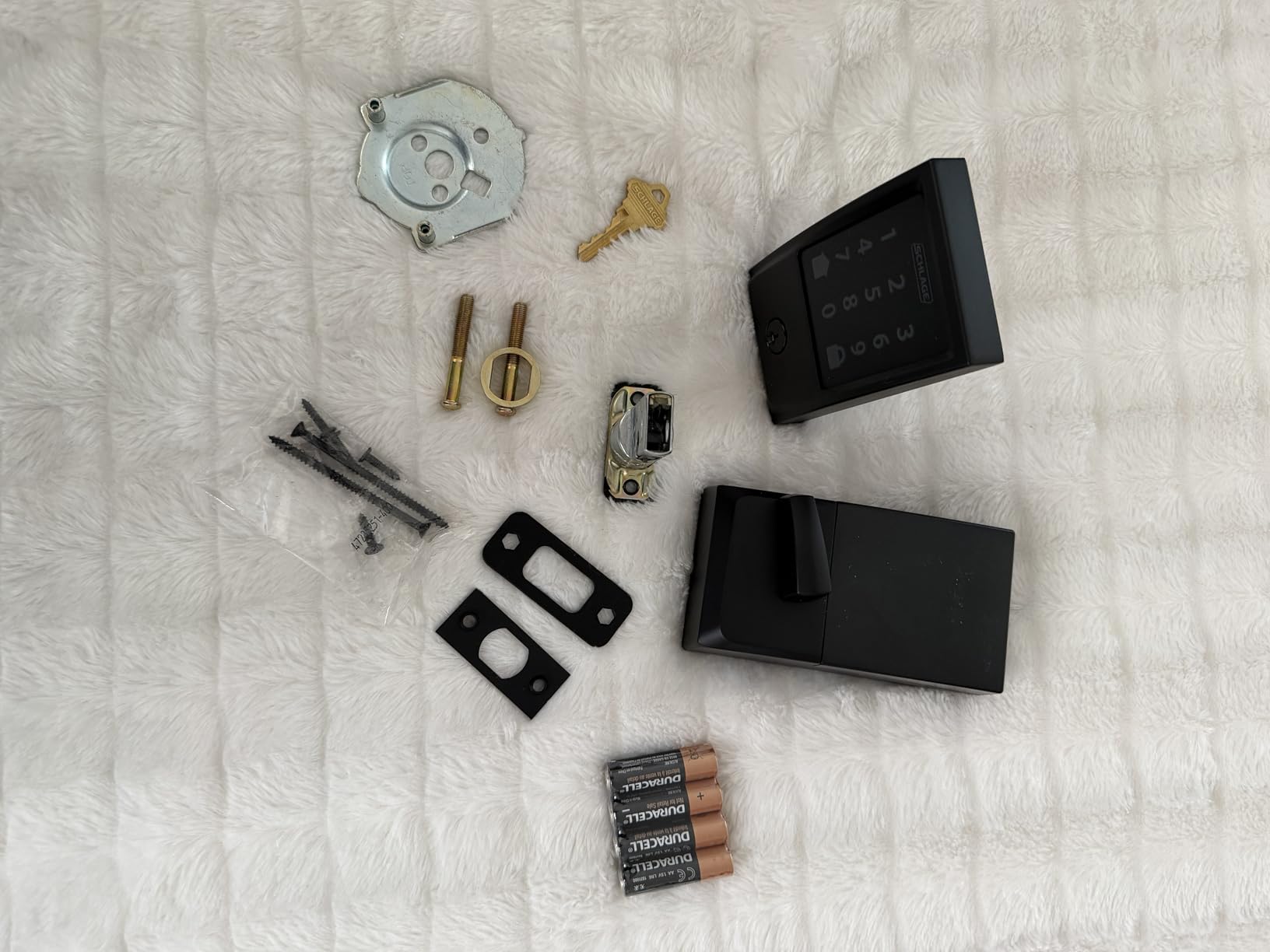
Installation is a screwdriver job on doors between 1-3/8 and 1-3/4 inch thick with a 2-3/8 or 2-3/4 inch backset, which covers most US residential doors. If you are replacing an existing Schlage keypad deadbolt, reviewers report it is a direct swap.
Two things to plan around. The listing puts battery life at up to six months on four AA batteries, and the low-battery indicator shows on the keypad and in the app. And the credential is a keypad only, so a guest who cannot read the digits on a scratched screen has no fallback other than the physical key.
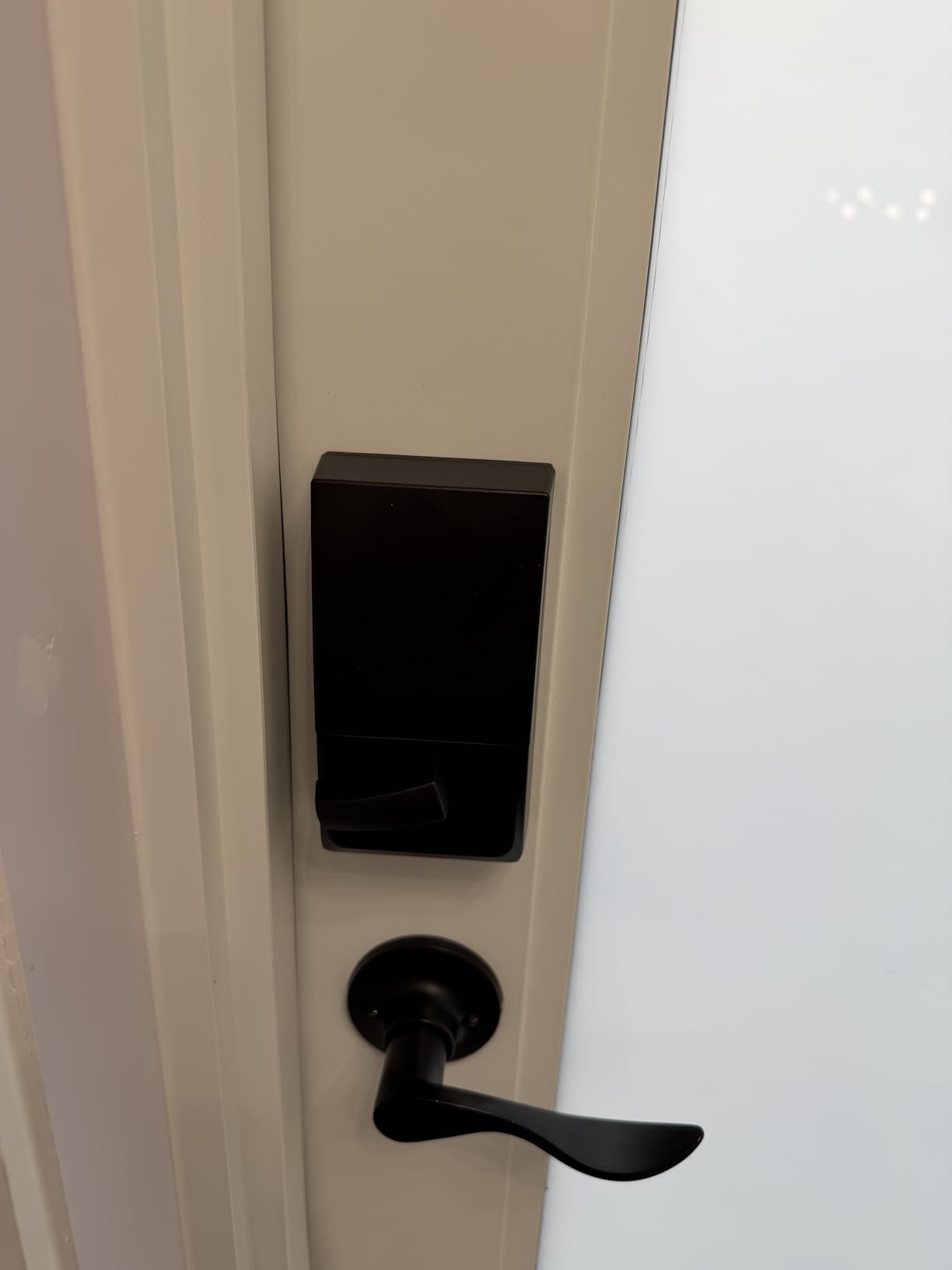
Why it earns the top spot for a rental
The combination of code capacity, built-in Wi-Fi, and a mechanical key covers the three things that actually prevent a lockout. There is no hub to fail, no bridge to power, and no app dependency at the door.
Hosts with multiple doors can manage several locks from the same Schlage Home app, and the access log tells you when a previous guest let themselves out at 7am on departure day.
Where it falls short for a rental
Cost is the common thread in the complaints, and reviewers split on exactly that: 12% of ratings are one-star, mostly about price and the absence of fingerprint entry. The zinc body also feels substantial in the hand, which is a plus for security and a minus if you are swapping it by yourself.
2. ULTRALOQ Bolt SE Wi-Fi
ULTRALOQ Bolt SE Wi-Fi Smart Lock, Matter Over Thread, App Remote Access
Built-in 2.4 GHz Wi-Fi
Fingerprint plus keypad
50 fingerprints, 50 codes
Matter over Thread
Pros
- Seven unlock methods in one unit
- Built-in Wi-Fi with no separate bridge
- Matter over Thread with Apple Home support
- Up to 18 months stated battery life
- IP65 weather resistance with BHMA certification
Cons
- 2.4 GHz Wi-Fi only with a 70 ft router recommendation
- Matter features need a Thread Border Router
- No door position sensor included
The ULTRALOQ Bolt SE is the one we recommend to hosts who want fingerprint entry and Matter support without paying the tier above. Its 4.3 average comes on more than 10k ratings, the second largest base in this group, and only 9% of those ratings sit at one star.
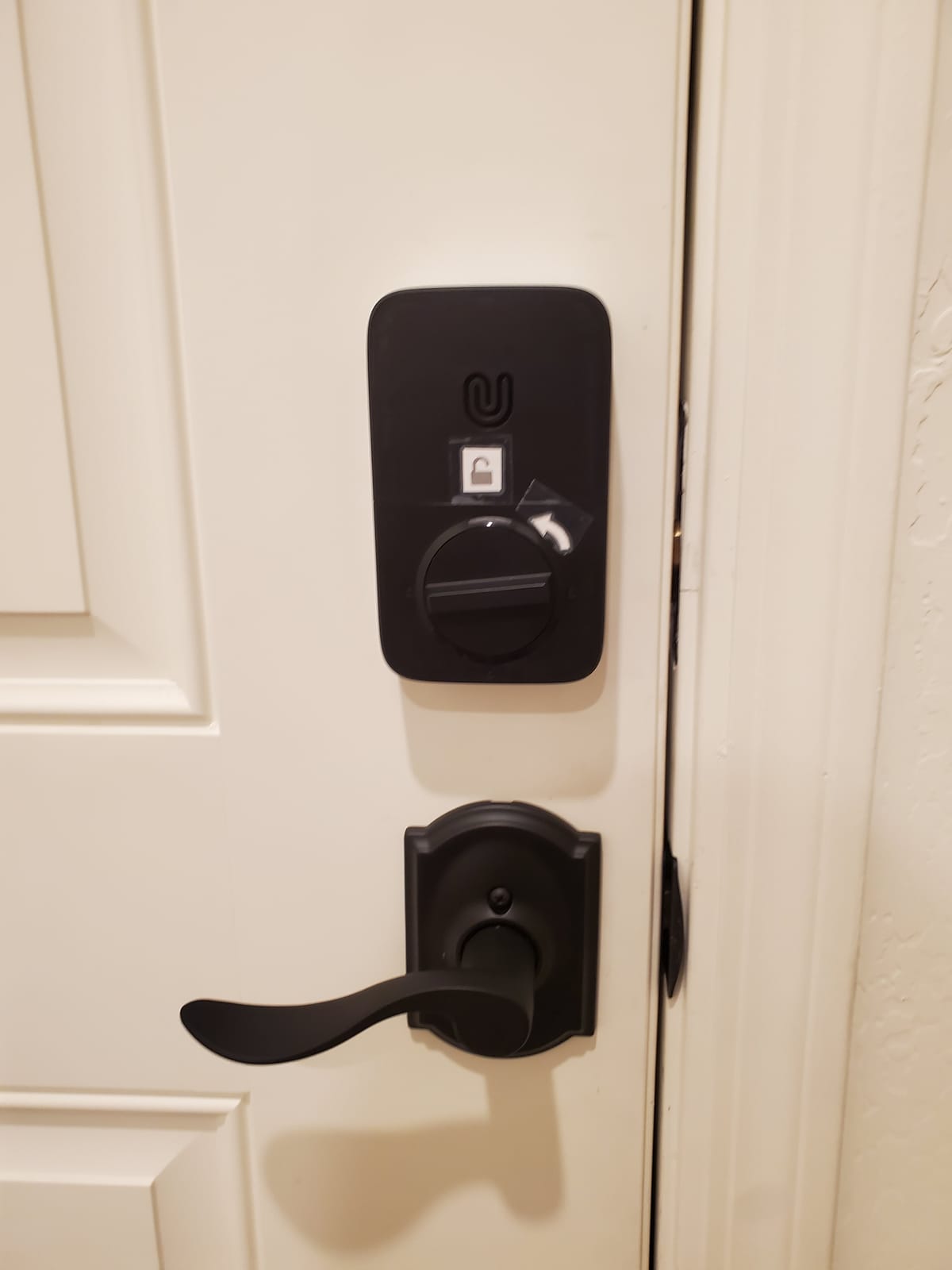
Seven unlock methods in one body is unusual at this level: fingerprint, passcode, app, web portal, eKey sharing, voice, and two physical keys. For a rental that means a guest can type a PIN, and you can still get in with a key when the Wi-Fi drops.
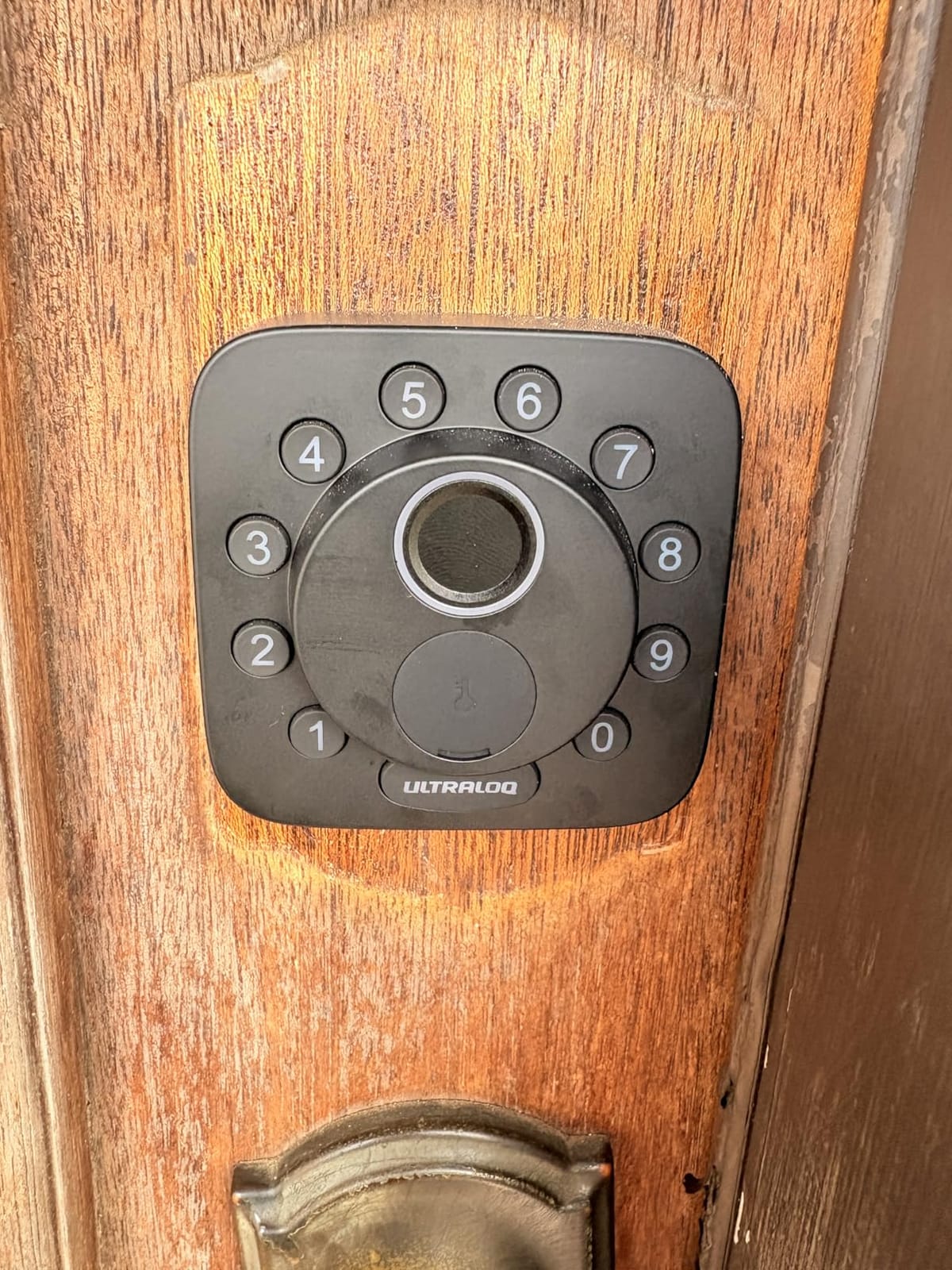
Battery life is the standout spec. The listing states up to 18 months, helped by Thread low-energy mesh, which would mean roughly one change per year on a moderately used rental door rather than two or three.
The catch is the network. This is 2.4 GHz only, and the manufacturer recommends keeping the router within about 70 feet of the lock. If your rental has a guest house, a gate, or a thick masonry wall between the router and the door, you need to test the signal before ordering.
Why it works for a high-turnover rental
Fifty fingerprints and fifty codes covers a unit that turns over weekly, and fingerprint is genuinely useful for you and any repeat cleaner rather than for guests. Install takes roughly ten minutes and the lock auto-relocks on a timer or via the interior button.
Matter over Thread means you can add it to Apple Home or another Matter controller later without being locked into one vendor app, provided you run a Thread Border Router.
Where it falls short for a rental
There is no door position sensor, so the app cannot tell you the door is standing open. That matters for the “guest left the door ajar” messages you would rather not receive at midnight, and it is also why auto-lock cannot distinguish a closed door from a pulled one.
3. Sifely Keyless Entry Lock
Fingerprint Smart Door Lock with Handle & Keypad – No More Lost Keys, Keyless Entry & Remote Access for Home, Kids, Airbnb & Rental Property, DIY Install, Alexa & Google Compatible
Bluetooth app control
Fingerprint, keypad, fob and key
PIN codes via app or web
4 AA batteries
Pros
- Five credential types so a failed method never locks anyone out
- Instant temporary PIN generation for guest check-in
- Reversible handle fits either door hand without extra drilling
- Two keys and two key cards included
- Weather resistant for covered exterior doors
Cons
- Remote unlock and access history need the separately sold WiFi Gateway
- Touchscreen keypad can need several taps to wake
- Cannot be rekeyed to a standard key system
- No lockout after repeated wrong codes
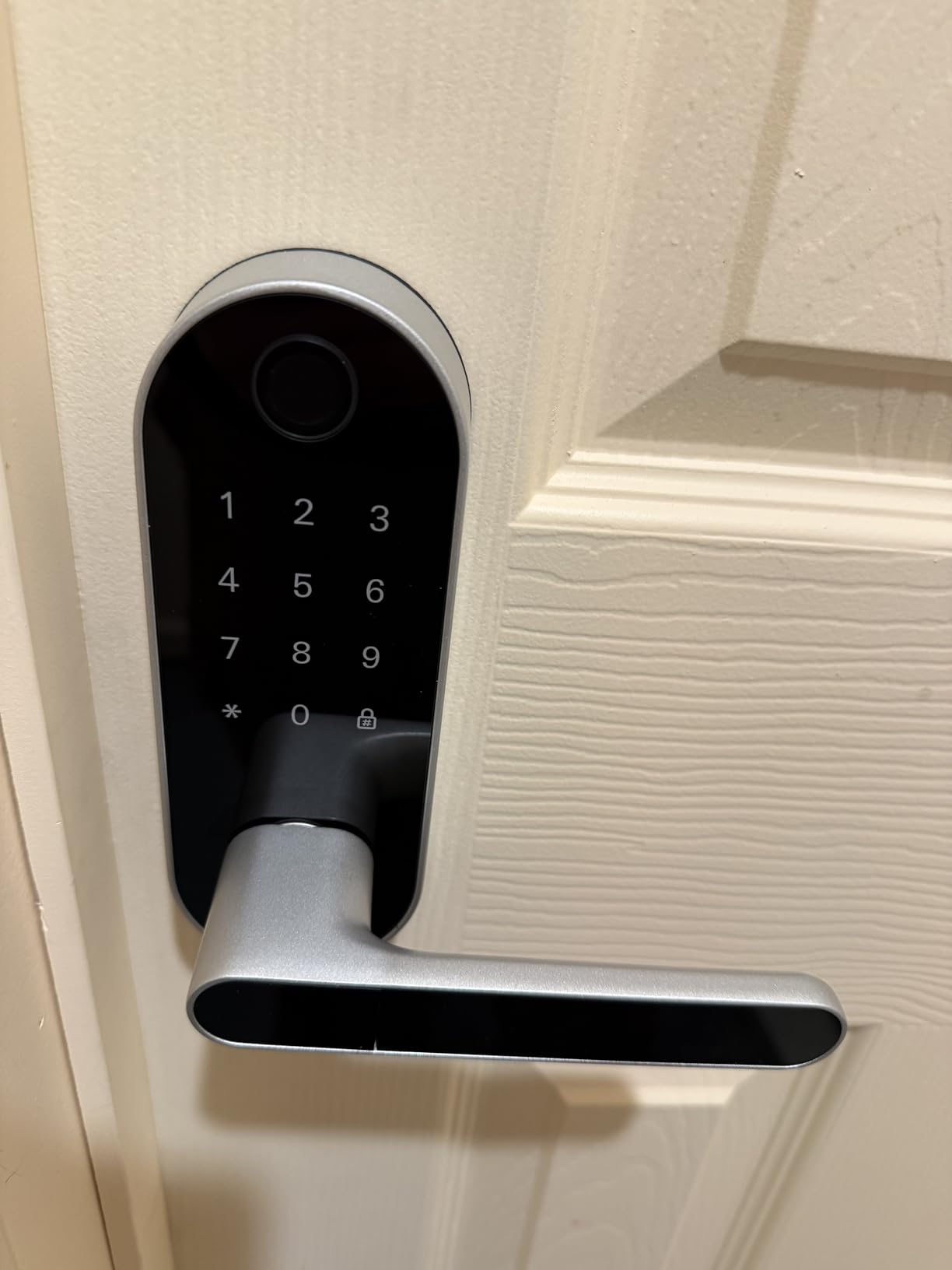
The Sifely is the handle-set lock on this list, so it replaces a lever as well as a deadbolt. Reviews are dominated by hosts who describe generating a temporary PIN for each guest, and the 71% five-star share reflects how often that works without fuss.
Five ways in means the redundancy is genuinely high: fingerprint, keypad, app, fob or key card, and a physical key. On a rental where you are not present, that kind of backup matters more than a faster fingerprint reader.
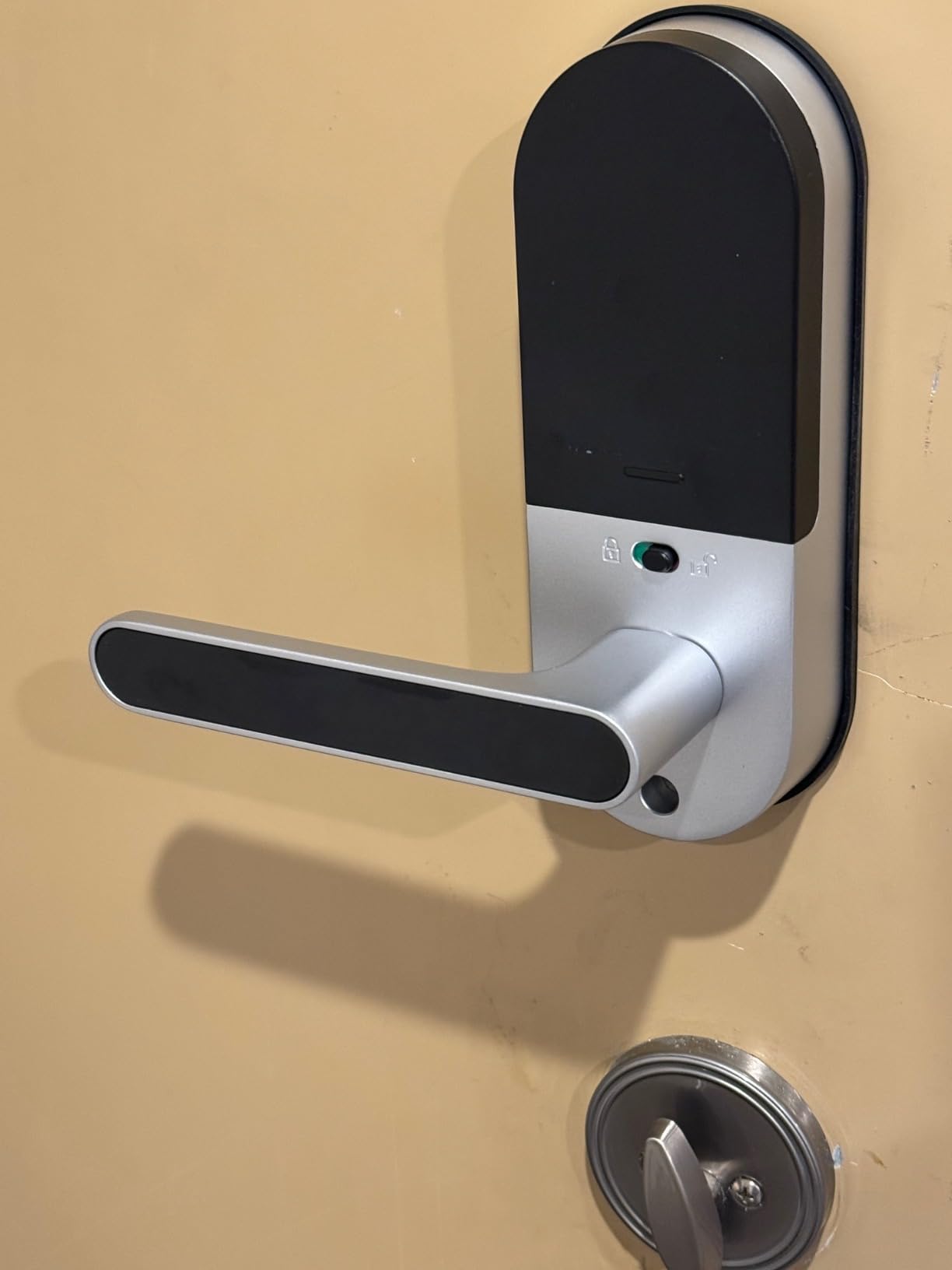
The important caveat is the gateway. Remote unlock and the access history view work through the Sifely WiFi Gateway, which is a separate purchase. Several reviewers describe buying the lock, being delighted, then adding the gateway and moving to five stars, so budget for it if you are not on site at check-in.
There is also an interior privacy button that disables every electronic entry method. We like that for owner stays and long gaps between bookings, though it is worth knowing it is one button away from locking yourself out if you forget.
Why it suits a mixed-use property
If your door has a lever as well as a deadbolt, this is one of two picks that replaces both in one unit. The reversible handle fits either door hand, and the install needs no extra drilling on most standard doors.
Guest codes are generated instantly in the app or web portal, and the remote access log is what tells you who let themselves in on Tuesday morning. Our broader smart lock reviews go deeper on how offline PINs behave compared to app-generated codes.
Where it falls short for a rental
The touchscreen keypad can take several taps to wake, and the app speaker is quiet and thin when the lock sounds a confirmation. Reviewers also note that it cannot be rekeyed to a standard key system, so a lost key means a lock replacement rather than a rekey.
It is also not sealed for fully exposed doors without a cover, and water intrusion on an unsheltered exterior door is the recurring reliability complaint.
4. eufy Security Smart Lock C220
eufy Security Smart Lock C220, Fingerprint Keyless Entry Door Lock
Built-in Wi-Fi
Six unlock methods
Self-learning fingerprint
Eight AA batteries
Pros
- Six unlock paths including Apple Watch and voice assistants
- Self-learning fingerprint sensor that sharpens with use
- Built-in Wi-Fi with no bridge required
- BHMA Grade 3 certified
- Operating range of -22F to 158F
Cons
- Aluminium body is lighter duty than zinc or steel rivals
- Will not fit bores of 54mm or larger without modification
The eufy C220 sits at number eight in Amazon’s Deadbolts category, so demand is steady and the owner history is well documented. Six unlock methods is the headline: fingerprint, the eufy app, keypad, physical key, Apple Watch, and voice through Alexa or Google.
For a host, the fingerprint sensor is the useful one and Apple Watch unlock is the one you will not use often. The self-learning chip is the part that earns its keep, refining accuracy with each touch rather than degrading.
Because the Wi-Fi is built in, there is no bridge to install and no hub to power. Eight AA batteries give roughly eight months of typical use, and the lock carries a BHMA Grade 3 certification after more than 100,000 cycles.
Why it suits an Apple household host
If you already run eufy video doorbells, this lock folds into the same app and can join routines with the doorbell feed. That means a guest knocking triggers a camera check and the lock together instead of two separate apps.
The install is about fifteen minutes with no drilling. It fits bores under 54mm once the spacer is removed, so measure the bore before you order. More detail on fingerprint options is in our fingerprint smart lock roundup.
Where it falls short for a rental
Aluminium is lighter duty than the zinc and steel used by the Schlage and SMONET. On an exposed door in a coastal or high-humidity market that is worth weighing against the fingerprint convenience.
It also will not accept a 54mm or larger bore without modification, which rules it out of some older solid-core doors. There are no customer photos on this listing to help you judge the finish, so read the spec sheet carefully before committing.
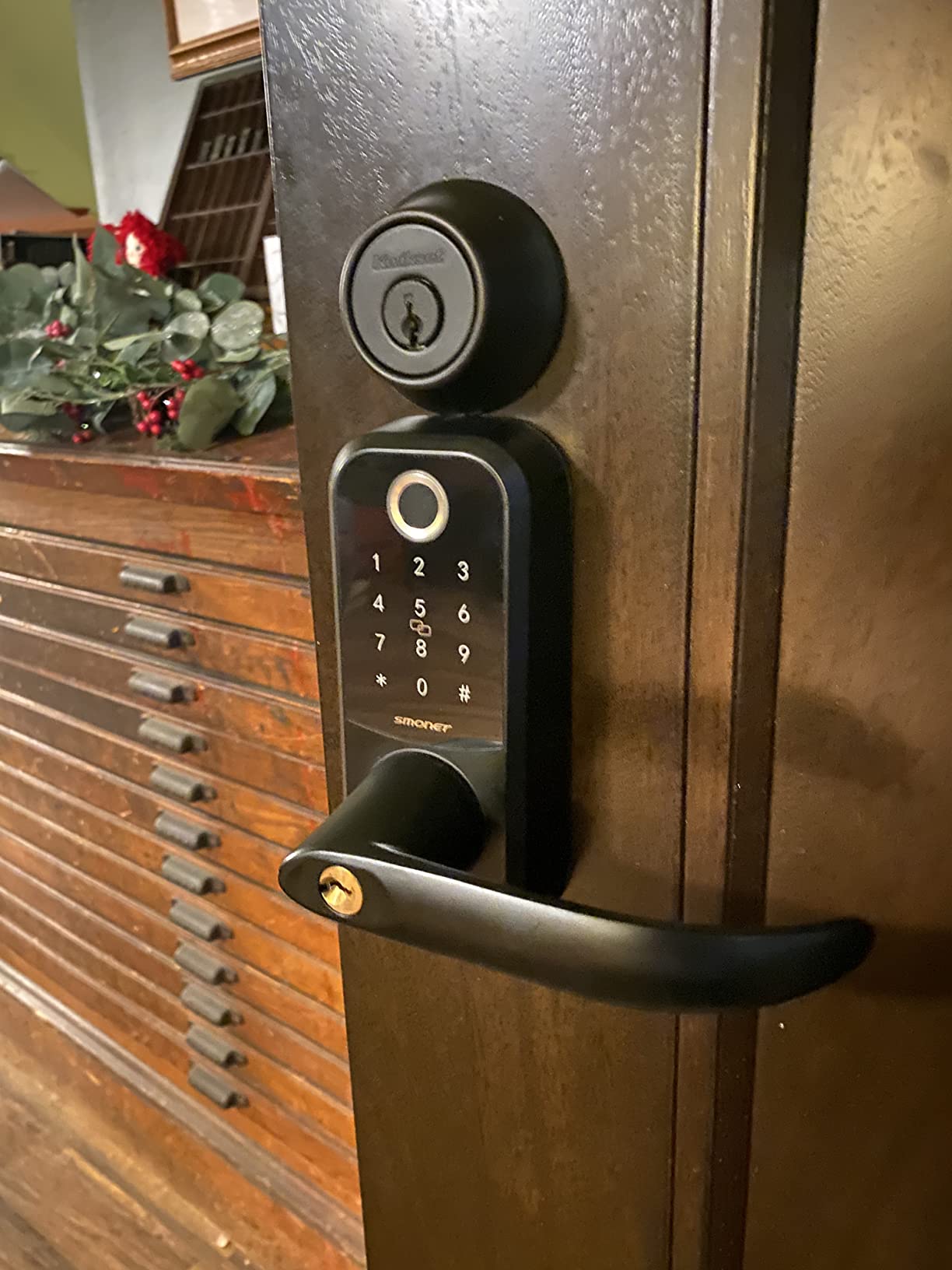
5. SMONET Smart Lock WiFi Keypad
SMONET Smart Lock WiFi Keypad Door Lock with Handle, Keyless Entry
G3 WiFi gateway included
Alloy steel body
Timed entry codes
2.4 GHz Wi-Fi only
Pros
- Gateway included in the box rather than sold separately
- Alloy steel body instead of the usual zinc or aluminium
- Timed entry codes built for cleaner and dog walker turns
- Auto-lock delay adjustable from 5 seconds to 30 minutes
- Fingerprint reads in under 0.3 seconds
Cons
- 2.4 GHz Wi-Fi only
- Much smaller install base than the category leaders
- Only a one-year warranty
The SMONET holds a 4.4 average with an 8% one-star share, which is a good sign for a brand with 1,655 ratings rather than the ten thousand some rivals carry. It has the smallest documented install base here, so treat the rating as promising rather than proven.
What sets it apart is the G3 WiFi gateway in the box. Most locks at this tier either require a separate gateway or offer no remote access at all, and having it bundled removes the single most common surprise for first-time buyers.
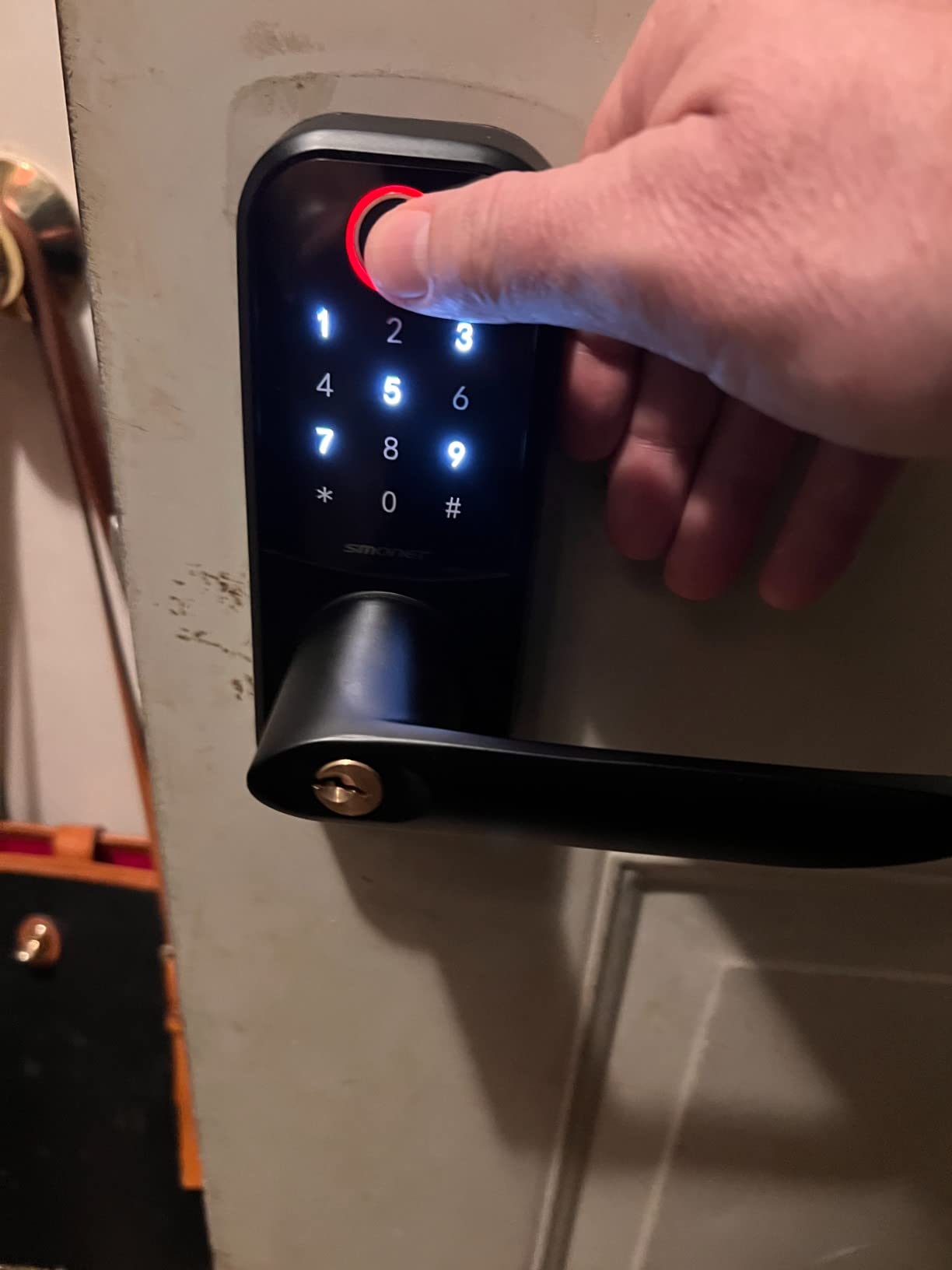
Timed entry codes for cleaners and dog walkers are described explicitly in the listing, and the access log records entries. The auto-lock delay is adjustable from five seconds to thirty minutes, which is useful on a door that gets slammed by wind.
It fits most US doors between 1.3 and 2.2 inches thick without extra drilling, and the handle flips for either door hand. Setup is about fifteen minutes with a screwdriver.
Why it suits a first-time smart lock buyer
Everything needed for remote unlock arrives in one box, so there is no second order to forget on the day of a guest arrival. Six keyless methods plus two backup keys means the failure chain has very few weak links.
For a rental with a dog or regular walkers, the timed codes are the piece that saves you admin rather than convenience.
Where it falls short for a rental
It is 2.4 GHz only, and the category rank sits far below the leaders, meaning long-term field reliability is less well documented than the top sellers. The one-year warranty is short against lifetime mechanical coverage from some rivals, and for a lock you may not touch for six months that gap matters.
6. Veise VE017 Fingerprint Smart Door Lock
Veise VE017 Fingerprint Smart Door Lock with App Control, Satin Nickel
Bluetooth and app control
Fingerprint under 0.2 seconds
Unlimited one-time codes
4 AA batteries, not included
Pros
- Fingerprint entry at a budget price point
- On-device AI chip rated at 99.99 percent accuracy under 0.2 seconds
- AES128 local encryption keeps access records on the lock
- Anti-Peeping Privacy Code disguises your PIN with decoy digits
- Widest temperature range here at -35F to 160F with IP55 sealing
Cons
- Remote unlock and voice control need the separately sold G1 Gateway
- Batteries are not included
- Deadbolt only with no handle included
The Veise VE017 holds Amazon’s number seven rank in Deadbolts, so it is moving real volume at the budget end. It pairs a fingerprint reader with unlimited one-time and duration codes, a code model that is hard to match at the budget end.
Two details set it apart from cheaper keypad locks. The anti-peeping privacy code mixes decoy digits before or after your real PIN, so someone watching over your shoulder at a lockbox gets nothing useful. And the access data is AES128 encrypted on the lock itself, so entry records and fingerprints do not leave the device.
Temperature range is the standout spec: -35F to 160F with IP55 sealing, the widest here, which matters for a cabin in a cold climate or an exposed entry in a northern market.
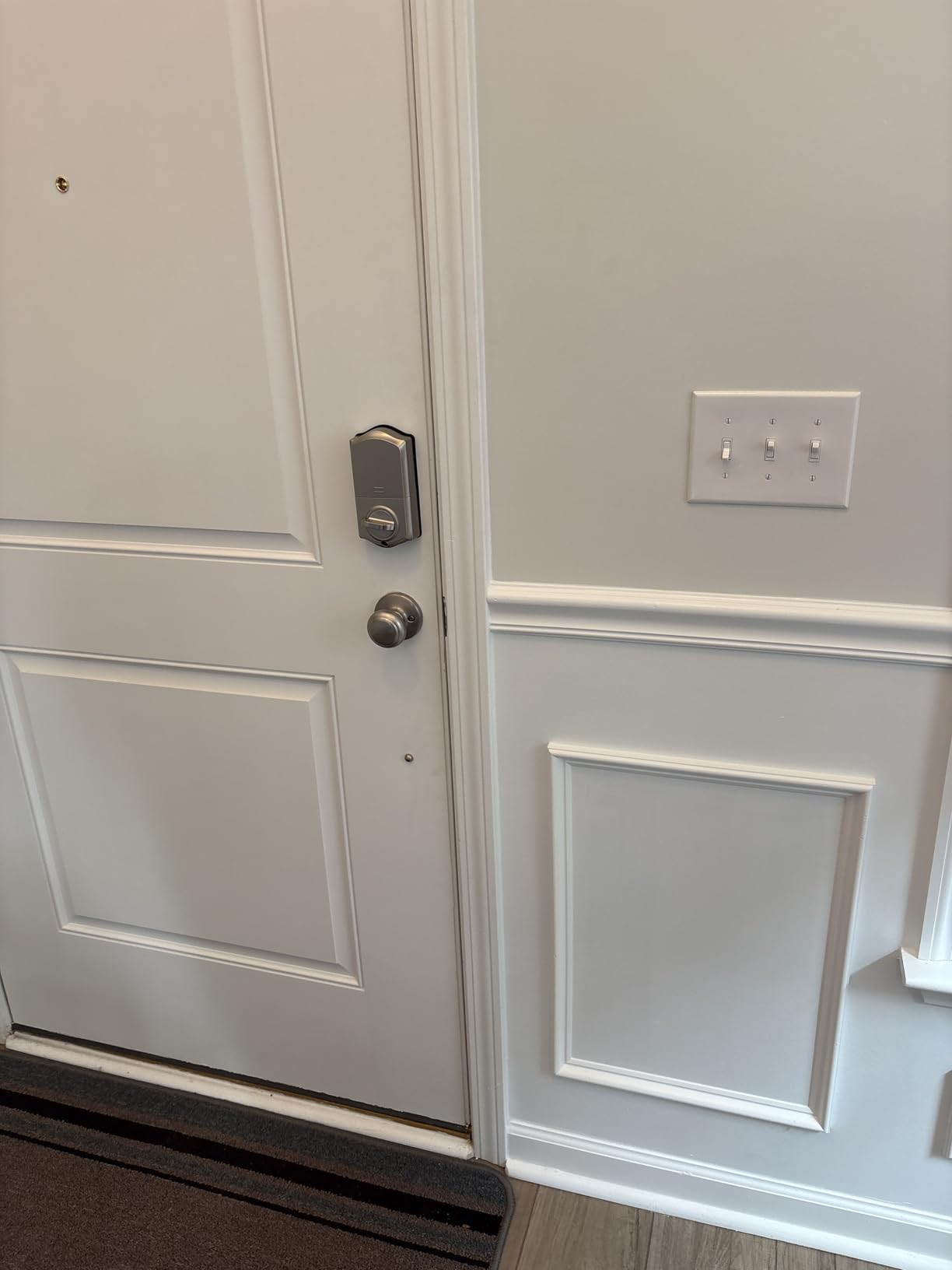
Install is about fifteen minutes with no drilling, on door thicknesses from 1-3/8 to 2 inches with either a 1-1/2 or 2-1/8 inch bore. Auto-lock is configurable from 0 to 180 seconds directly in the app, and there is a USB-C emergency power port.
Why it suits a budget rental or a cabin
Unlimited one-time codes mean you are never recycling credentials, which is genuinely useful for a house-sitter arrangement or a maintenance vendor who visits regularly. The multi-tenant user management is purpose-built for shared properties.
Four AA or LR6 cells give about twelve months on the listing, though they are not included, so buy a pack with the lock.
Where it falls short for a rental
Remote unlock and voice assistant control require the Veise G1 gateway, sold separately. That is the same catch as the Sifely, and it is the reason we would not put this on a property you manage from another state without budgeting for the gateway too.
It is a bare deadbolt with no handle, so your door needs a separate pull or lever. On a front door that is a second purchase and a second installation.
7. Wyze Auto-Lock Bolt v2
Wyze Auto-Lock Bolt v2, Fingerprint Keyless Entry Smart Lock, AI Learning Scanner with Wi-Fi Front Door Lock Deadbolt, Auto-Lock, 8 Months Battery, BHMA2, IP53, Anti-Peep Keypad, Backup Keys
0.5 second fingerprint scanner
Built-in Wi-Fi
USB-C emergency port
BHMA Grade 2, IP53
Pros
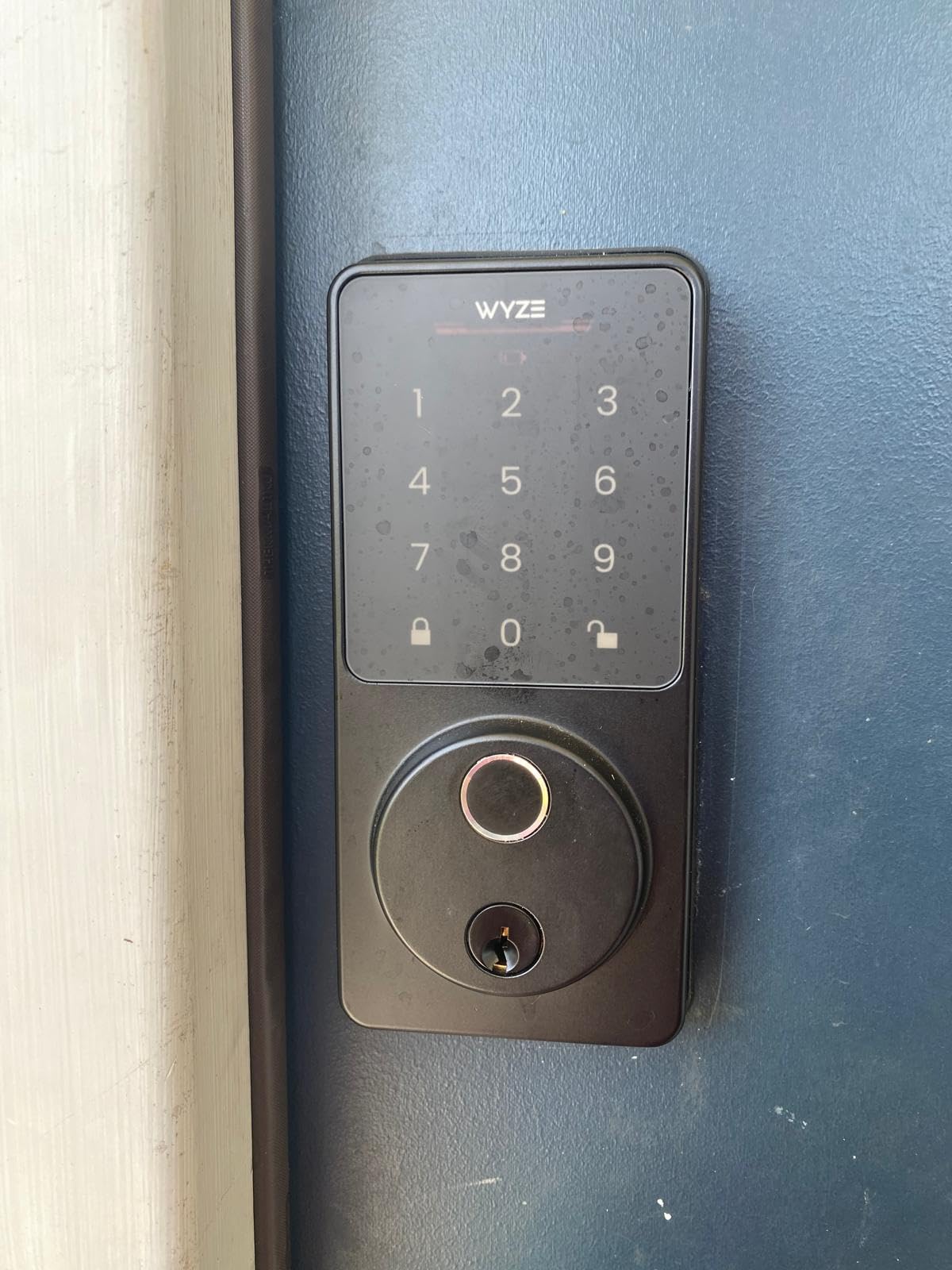
- 0.5 second fingerprint reads through a smudge-resistant tempered glass panel
- USB-C port lets a power bank open the lock if the cells die
- Unlock from a Wyze Video Doorbell live feed to verify a visitor
- 81 percent of ratings sit at five stars
Cons
- Auto-lock fires on a timer without detecting whether the door is closed
- Keypad does not backlight for night entry
- Keypad beeps are quiet for hard-of-hearing guests
- Fingerprint scanning is occasionally hit or miss
The Wyze Auto-Lock Bolt v2 carries a 4.6 average, with 81% of ratings at five stars and only 6% at one star. That profile comes on 657 ratings rather than thousands, so the score is strong but the sample is smaller than the leaders.
Unlocking from a Wyze Video Doorbell live feed is a feature none of the other locks here offer. The guest knocks, you see them on camera, and you tap to unlock without leaving your sofa. For a host screening arrivals from a distance, that is a real workflow improvement.
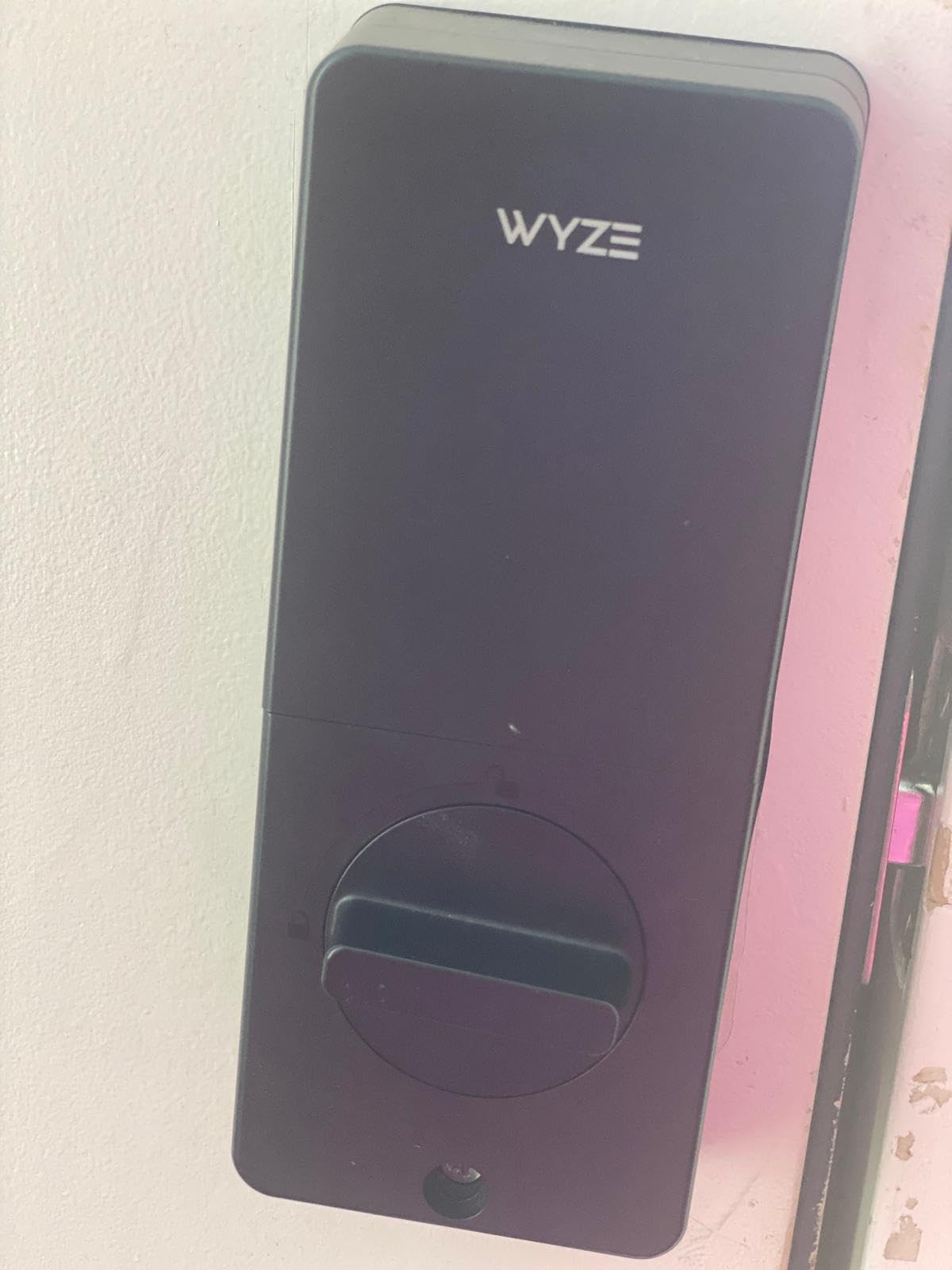
The USB-C emergency port is the sleeper feature for rentals. Eight AA batteries give up to eight months, but if they do die, a power bank at the door opens the lock instead of a locksmith call at midnight.
BHMA Grade 2 certification and an IP53 rating sit at the stronger end of the certification spread here, and the tempered glass scanner is described as scratch and smudge resistant.
Why it suits hosts who already run Wyze cameras
Because it shares an app with the Wyze camera and doorbell ecosystem, one login covers the video and the front door. If you are adding doorbell cameras to a rental anyway, keeping the lock in the same app removes a second platform to manage.
One reviewer who switched from an eufy lock reports the Wyze is faster and no longer jams, which is the specific failure mode that matters on a door that gets used twenty times a day.
Where it falls short for a rental
The auto-lock fires on a timer without sensing whether the door is actually closed, so a door that did not latch can show as locked while standing open. There is no door position sensor on this model.
For a guest arriving at night, two things work against them: the keypad does not backlight on approach and the beeps are quiet, both of which reviewers with hard-of-hearing family members flagged. Fingerprint reads are occasionally inconsistent.
8. Tapo Smart Wi-Fi Door Lock DL110
Tapo Smart Wi-Fi Door Lock, Deadbolt, Fingerprint Recognition, DL110
Rechargeable battery pack
Fingerprint in 0.42 seconds
100 fingerprints
BHMA Grade 2
Pros
- Rechargeable battery pack with USB-C avoids AA replacement entirely
- Two Schlage-compatible keys that can be rekeyed to match other doors
- BHMA Grade 2 certification at this level is unusual
- A reviewer who tested several smart locks reports the quietest deadbolt operation
Cons
- Keypad digits are invisible until the screen is touched
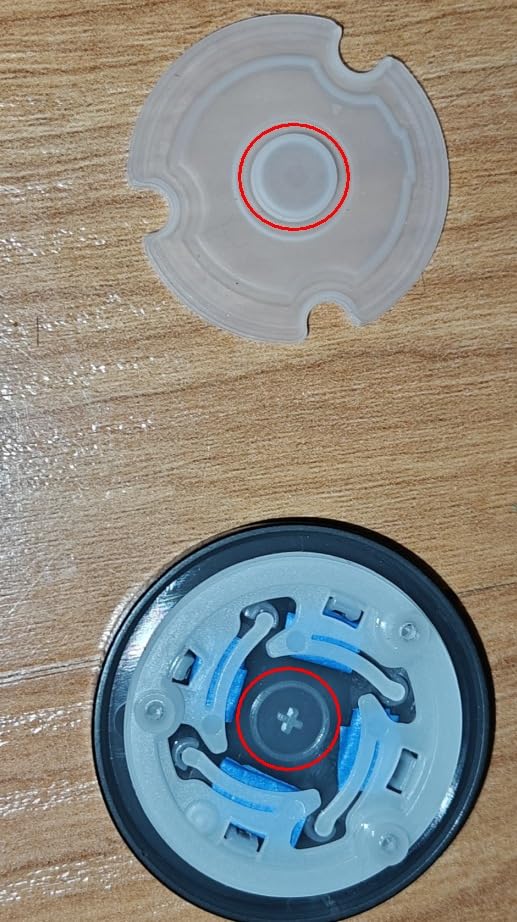
- Doorbell button under the keyway cap triggers false notifications
- No open API or Matter support so it locks into the Tapo cloud
- US-only cylinder standard does not fit European doors
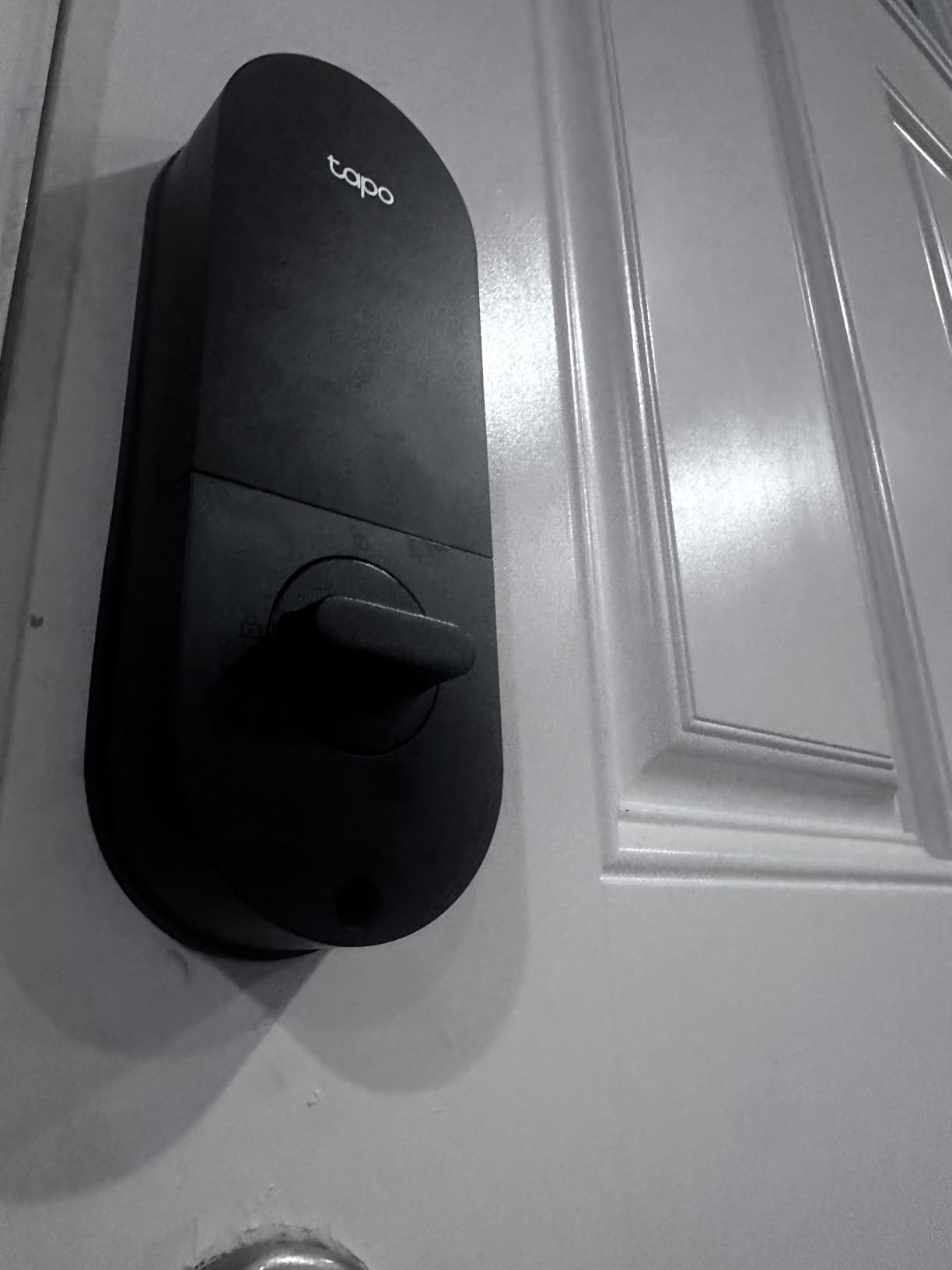
The Tapo DL110 shares the same 4.6 average with the Wyze, on 821 ratings and an 81% five-star share. The rechargeable battery pack is the feature that changes host routines: instead of quarterly battery swaps you plug in a USB-C cable once a year.
The bundled keys are Schlage-compatible SC1 cylinders, and reviewers note they can be rekeyed to match other doors in the house. That matters more than it sounds, because the lockout playbook below depends on your physical key opening more than one door.
Fingerprint reads take 0.42 seconds and it stores up to 100 fingerprints. The adjustable latch fits both standard deadbolt setbacks, rubber gaskets protect the door finish on both sides, and it fits bores up to 2-1/8 inch.
One of the most detailed reviews in this set upgraded from four to five stars after eight months and two installations, citing it as the most reliable smart lock available to them despite the drawbacks.
Why it suits a high-traffic door
No batteries to buy or dispose of. One reviewer tracked 78% charge remaining after eight months at roughly ten unlocks a day, and if your door opens twenty times a day on a weekly turnover, this is the lock with the least recurring maintenance.
It also fits over an existing standard deadbolt in about ten minutes, which matters in a condo where you cannot change the exterior hardware.
Where it falls short for a rental
The keypad digits stay invisible until the screen is touched. For a guest following arrival instructions in the dark, that adds a step most other locks here do not, and it is the most-cited guest friction point for this model.
The doorbell button under the keyway cap is easy to hit and sends false app notifications. There is no open API or Matter support, so credentials cannot be copied between units, and the US cylinder standard will not fit European doors.
9. Veise VE06-H Smart Front Door Lock Handle Set
Veise VE06-H Smart Front Door Lock Handle Set, App Control, Matte Black
Handle and deadbolt set
Bluetooth app and web portal
250+ user codes
ANSI Grade 3, IP55
Pros
- Full handle and deadbolt set rather than a bare deadbolt
- 250+ user codes with web portal management
- Sturdy non-flimsy build with one owner replacing a Kwikset after seven years
- Responsive keypad and fob entry
- IP55 waterproof with ANSI Grade 3 certification
Cons
- Requires three pre-drilled holes at a specified spacing
- Remote access and voice control need the separately sold G2 gateway
- The keypad is the primary credential rather than a fingerprint reader
- One reviewer reported chipped paint on the inside handle out of the box
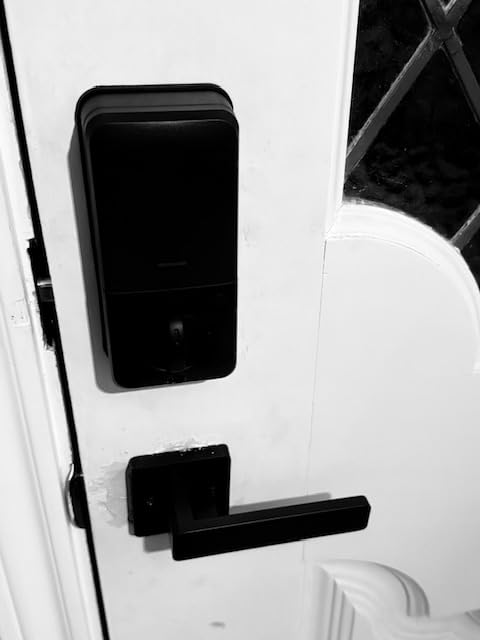
The VE06-H is the second handle set here and it competes on a different axis: code volume and build. 250+ user codes with one-time, permanent, scheduled and recurring options, managed through both an app and a web portal, is a lot of capacity for a property where people rotate.
That capacity fits a multi-property or house-sitter arrangement. One owner replaced a Kwikset with this set after seven years of Florida humidity, a useful data point on build quality in a coastal market.
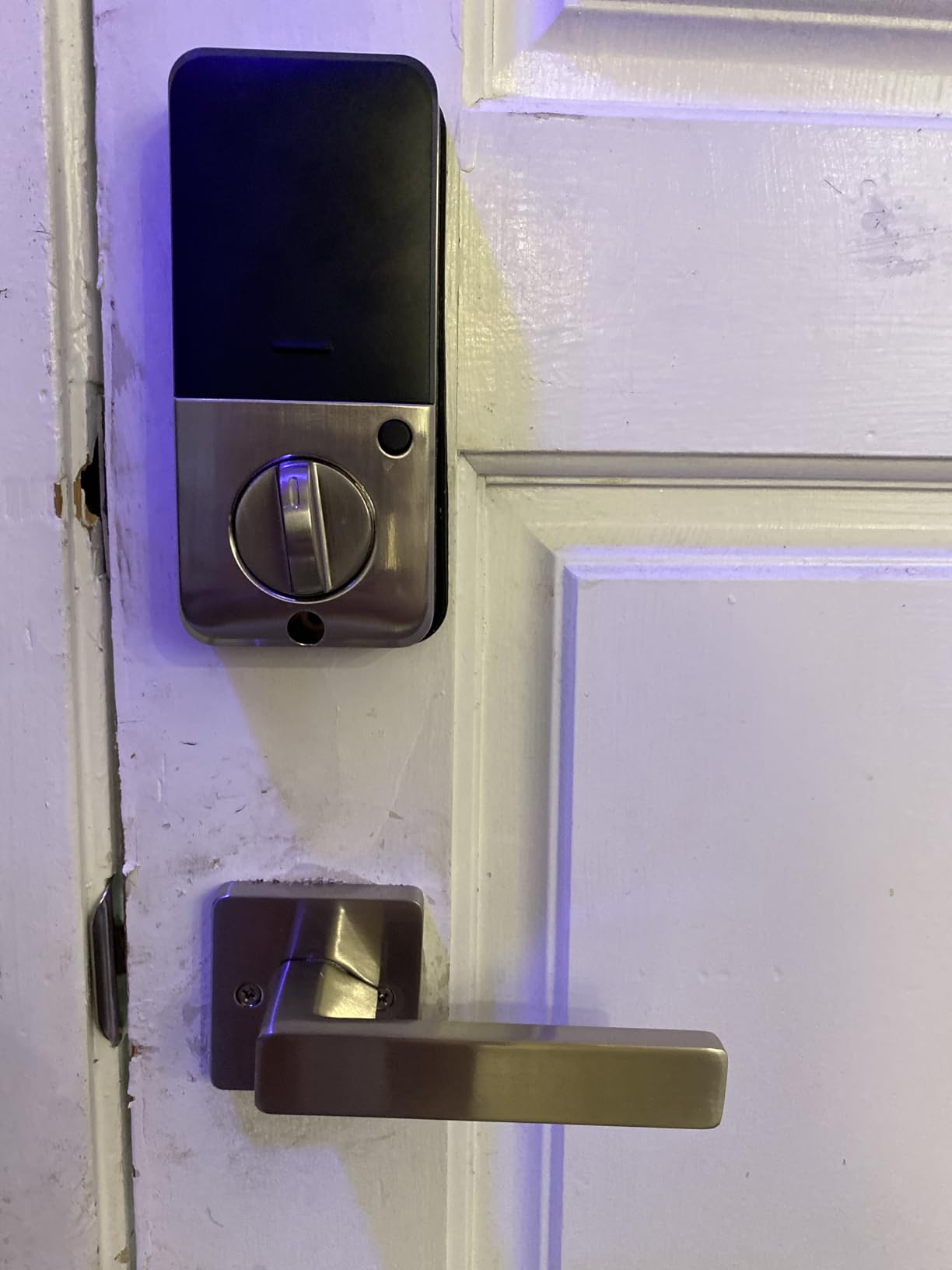
Auto-lock, one-touch locking, privacy mode, passage mode and a low battery alert are all present, along with an anti-peeping and anti-hacking touchscreen keypad. It is ANSI Grade 3 certified and IP55 waterproof.
The recurring friction point is not installation but code programming. Two separate reviewers describe the setup being troublesome enough to call customer support, and both rate the resulting support experience very highly.
Why it suits a main entry door
Replacing a lever and deadbolt in one unit avoids mismatched hardware, and the web portal means several properties or several staff can be managed from a browser as well as a phone. Passage mode is useful for a door guests pass through during the day.
If you run a corporate or long-stay arrangement where many people need their own code, the 250+ capacity removes the recycling problem entirely.
Where it falls short for a rental
Check your door before ordering. It requires three pre-drilled holes at a specific spacing, which means it will not go onto every door the way a retrofit deadbolt will. It fits US standard doors of either hand between 1-3/8 and 2 inches thick.
Remote access and voice control need the Veise G2 gateway, sold separately. One reviewer also received chipped paint on the inside handle finish out of the box, so inspect it on arrival.
10. eufy Security Smart Lock C30
eufy Security Smart Lock C30, Keyless Entry Door Lock, Built-in WiFi, Black
Built-in Wi-Fi, no bridge
Four AA batteries, 5 months
Keypad, app, voice, key
BHMA Grade 3, IP53
Pros
- Built-in Wi-Fi with no bridge required
- Auto-lock timer with no monthly subscription fee
- App pairing reported as painless compared with other eufy locks
- Clean contemporary styling on a simple keypad-only layout
Cons
- Battery life is the dominant complaint with changes every three to four weeks on busy doors
- Batteries are not included
- One reviewer reported a lock failing completely within a day
- Keypad only with no fingerprint reader
The eufy C30 has a 4.0 average, the lowest in this roundup, with the highest one-star share at 16%, and we would not put it on a door you manage remotely. It earns its place because it does one thing cheaply and simply: built-in Wi-Fi with no bridge.
Installation takes about fifteen minutes over a standard deadbolt with no drilling, and the app pairing is consistently praised as the easiest in the eufy range. There is no monthly subscription fee, which several hosts appreciate.
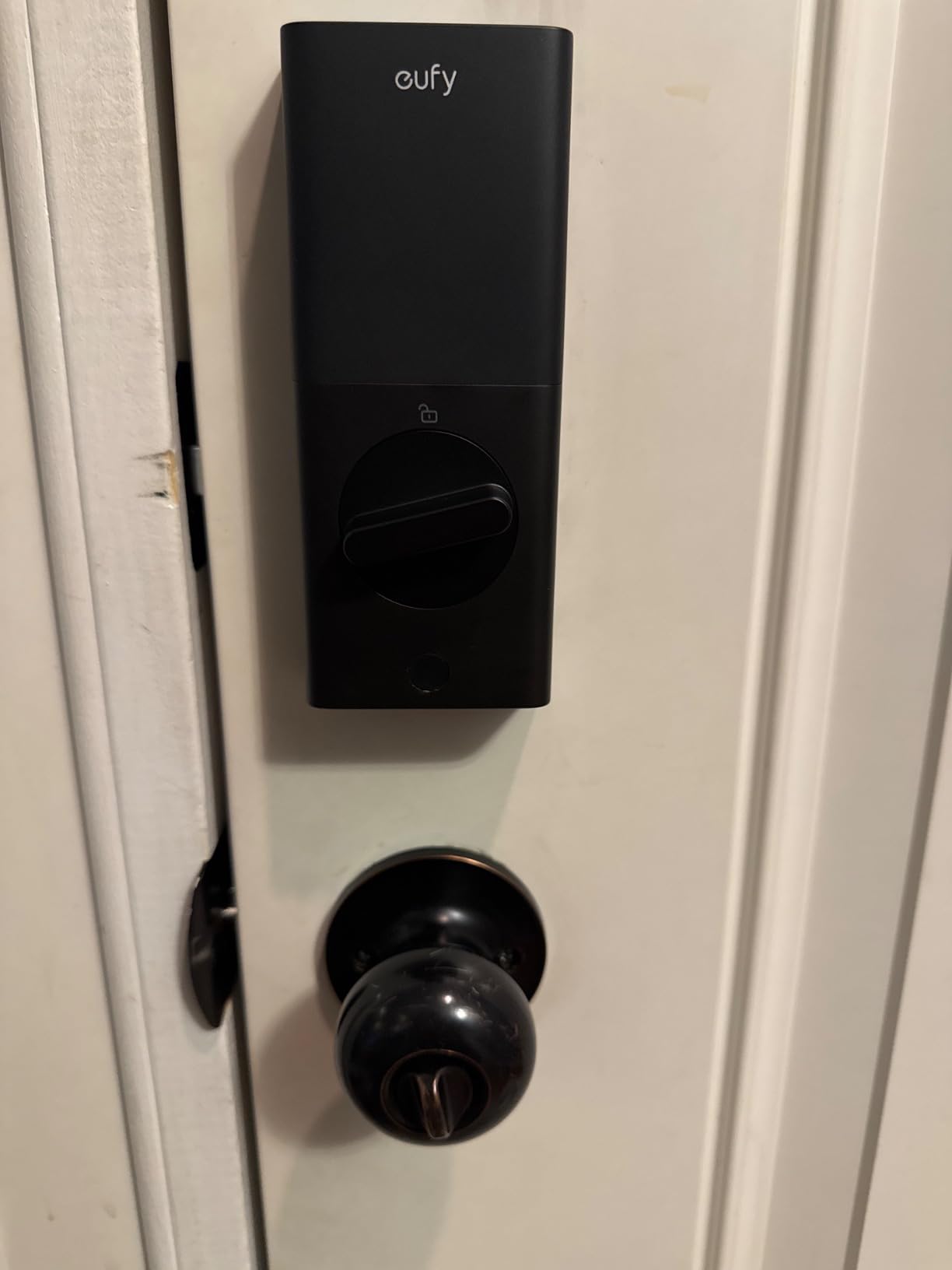
The problem is power. Four AA batteries are listed at up to five months, but the negative reviews converge on something much worse: one landlord running these on rental properties reports complete battery failure in under six weeks with no warning on the lock or in the app, and two others report three-to-four-week replacement cycles.
For a rental door that opens twenty times a day, that is the whole argument against it.
Why it still suits some hosts
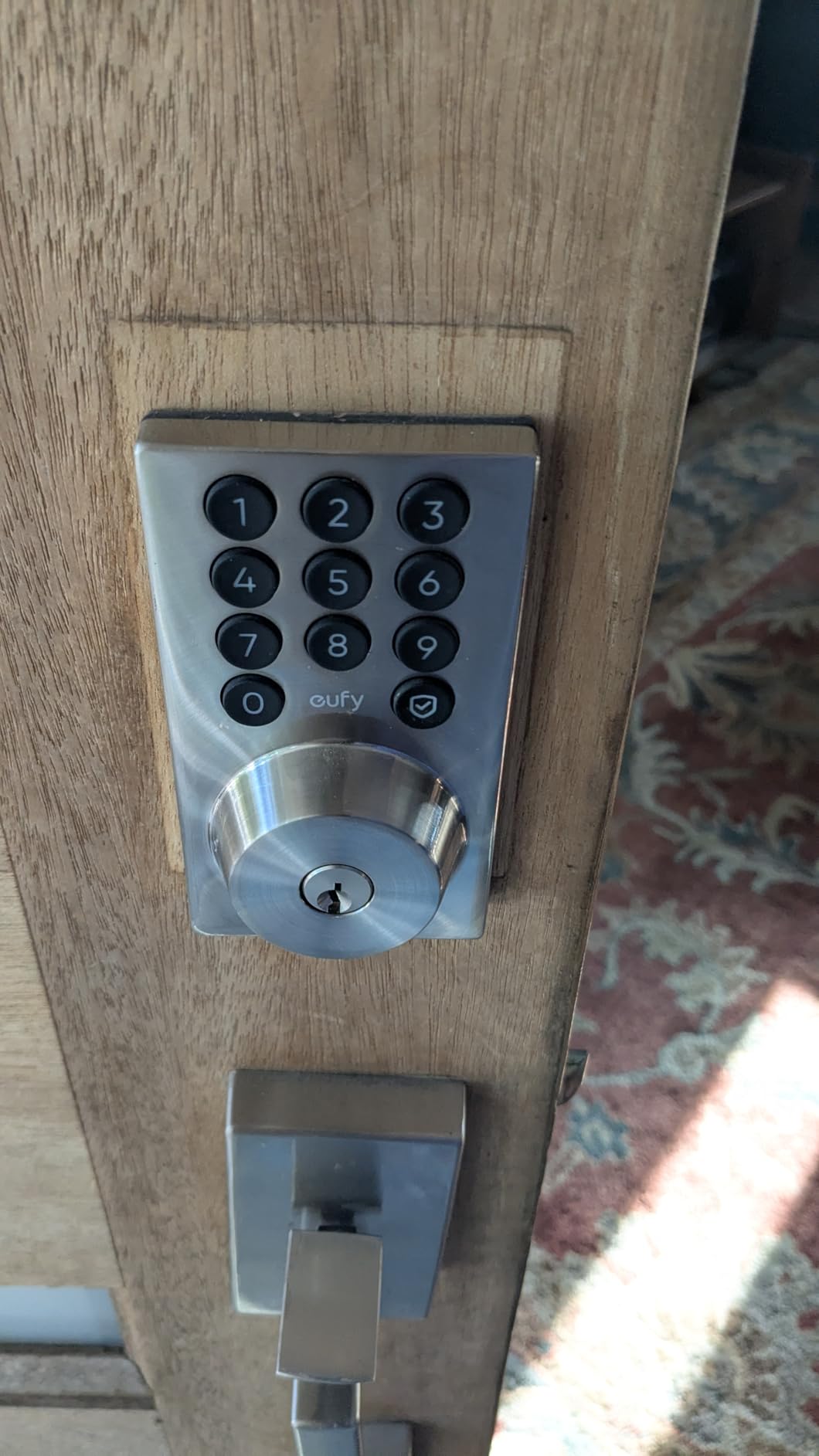
If your rental is a lower-traffic unit, or a personal-use door where a battery change every few weeks is an acceptable annoyance, the built-in Wi-Fi and clean install make this a reasonable first smart lock.
It is BHMA Grade 3 certified, rated IP53, and operates from -22F to 158F, and 18 months of product protection comes with it.
Where it falls short for a rental
Battery life, mostly. Low-battery alerts that arrive late are the worst failure mode a host faces, and this is the lock where that complaint appears most often.
There is also no fingerprint reader, the bolt backs up slowly after unlocking, and it does not bridge to HomeKit, so Apple Watch unlock does not work despite that being the eufy family’s usual strength.
What to Look for in a Smart Door Lock for a Rental
Connectivity is the decision that determines everything else. Built-in Wi-Fi is the right answer for a home you do not live in, because there is no bridge to install, power, or troubleshoot. The Schlage Encode, ULTRALOQ Bolt SE, eufy C220, Wyze Bolt v2, and eufy C30 all put radio hardware in the lock.
Bluetooth-only locks such as the Sifely, Veise VE017, and Veise VE06-H put remote access behind a separately sold gateway. That is fine if you are installing several units or already run a smart home, and frustrating if you are fitting one lock on one rental next week.
Almost every Wi-Fi lock here is 2.4 GHz only, which is worth knowing before you buy. It is not a quality signal, it is a hardware reality, and you should confirm your router is broadcasting a 2.4 GHz SSID before you order. If the router sits far from the door or behind thick masonry, add a mesh node near the entry and give the lock a DHCP reservation so it keeps the same address.
Code capacity matters more than fingerprint speed. Fifty or a hundred codes covers a busy year; the Veise models go further with unlimited one-time codes and 250+ user codes. What you want is scheduled codes with start and end times, so a departed guest’s credential dies automatically rather than relying on you to remember.
Battery claims range from about five months on the eufy C30 to a stated year on the Tapo DL110’s rechargeable pack and eighteen months on the ULTRALOQ Bolt SE. Assume the lowest end for a door that opens twenty times a day and set a replacement reminder regardless of the low-battery alert firing.
Door fit catches people out more often than lock quality. Measure the door thickness, the backset, and the bore diameter before ordering. The Veise VE06-H needs three pre-drilled holes at a set spacing, and the eufy C220 will not fit a 54mm bore without removing its spacer.
Codes for Cleaners, Maintenance and Co-Hosts
This is the most repeated real need in host communities, and the one most roundups treat as an afterthought. The rule is simple: never issue the same code to two different people, and never give a guest a code you will also use.
Owner code. A permanent code or a fingerprint you never hand out. This is your way in at 11pm when a guest is calling.
Guest code. Scheduled to the exact booking window, so it activates at check-in and expires at checkout without you deleting it. If a guest extends or books early, regenerate rather than widening the original code.
Cleaner code. A recurring schedule that matches your turnover slots, not a single permanent code. This is the difference between a lock that runs itself and one you reprogram every week.
Maintenance vendor code. One-time or short-duration, issued for a specific visit. Plumbers, electricians, and HVAC technicians should never hold a standing credential, and a one-time code cannot be forwarded to a colleague.
Co-host code. Persistent but separate, so you can revoke one person without touching anyone else’s access.
One warning worth repeating: some offline-capable codes cannot be revoked remotely once issued. If you issue a code that works with no network, assume it is permanent until you physically reset the lock.
Backup Access and Lockout Prevention
A guest locked out at 2am after a long flight is the most damaging failure mode a host faces, and it produces one-star reviews that no listing recovery can fix. Treat backup access as part of the installation, not an afterthought.
Every lock on this list includes a mechanical key, which is the baseline. The next step is to store that key somewhere the guest cannot reach. Hosts commonly keep a coded lockbox at a secondary entry point, or a smart deadbolt on a service door, so a failed front lock still has a way in.
Set a battery replacement schedule you will actually follow. Owners recommend changing cells on a fixed interval regardless of the low-battery alert, because alerts fire too late on several of the locks here. The eufy C30 with three-to-four-week cycles on a busy door needs a shorter interval than the Tapo DL110 with a rechargeable pack.
USB-C emergency ports are worth checking before you buy. The Wyze Auto-Lock Bolt v2 and the Veise VE017 both have one, so a guest or a neighbour can open the door with a power bank if the cells die.
Check door alignment every few months. Weather-swollen wood and settling frames stall the bolt motor, and that reads as a lock failure even though the lock is fine.
Connecting a Lock to Airbnb and Your PMS
How you connect a smart lock to Airbnb comes down to whether the lock is on Airbnb’s supported list. The Schlage Encode, Yale Assure Lock 2, Yale Approach, and August with its keypad are the models most often named in the Airbnb Help Center.
One policy detail worth knowing: Airbnb asks hosts who connect a smart lock to configure a backup entry method. That is why the mechanical key and the secondary lockbox in the previous section are not optional.
For everything outside that native list, you need an automation platform. RemoteLock, Hospitable, OwnerRez, Hostaway, Guesty, and Smoobu all generate codes when a booking lands and revoke them when it ends. The chain is the same: the booking platform fires an event, the PMS passes it on, and the lock receives the code. When it breaks, it usually breaks between two of those three.
Regional note: Airbnb’s native smart lock integration is limited to the US and Canada. European hosts generally run a property management system with their own code generation instead.
The guest-side checklist matters as much as the connection. Send the code in the booking message and again as an SMS before arrival, keep instructions to three lines, and never send a code that only works inside an app. If you also run smart cameras, our Airbnb host camera guide covers what to disclose and where to place them.
Frequently Asked Questions
What smart locks are recommended by Airbnb?
Airbnb’s Help Center names a small set of compatible keypad locks, most often the Schlage Encode, the Yale Assure Lock 2, the Yale Approach, and August when paired with its separate keypad. All of them require a physical keypad and a Wi-Fi connection at the door, plus a backup entry method configured on the listing.
What is the best smart lock for a short-term rental?
The Schlage Encode Smart WiFi Deadbolt is our pick for most short-term rentals because it holds 100 access codes, has Wi-Fi built into the lock rather than a separate bridge, and includes a physical backup key. For a budget rental, the ULTRALOQ Bolt SE adds fingerprint entry at a lower cost.
Do smart locks actually sync with Airbnb booking codes?
Only if the lock is on Airbnb’s supported list. Otherwise you use a platform such as RemoteLock, Hospitable, OwnerRez, Hostaway, Guesty, or Smoobu, which reads the booking, generates a temporary code, and schedules it to your exact stay window. The booking platform fires an event, the PMS passes it on, and the lock programs the code.
What happens if the battery dies on a smart lock?
Every lock in this roundup has a physical key override, and several have a USB-C emergency port that lets a power bank open the door when the cells are flat. That is why keeping a coded lockbox or a second smart lock at a service entry is standard advice among hosts. Low-battery alerts can arrive too late, so change batteries on a fixed schedule.
What are the downsides of using a smart lock on a rental?
The main ones are battery management, door alignment issues on swollen wood, and guest app friction when a lock requires a download or a Bluetooth pairing. Some offline codes cannot be revoked remotely once issued, and cheaper locks often ship without the gateway needed for remote unlock. A mechanical key and a secondary entry method are the standard mitigation.
How many codes can a smart lock hold?
It depends on the model. The Schlage Encode holds up to 100 access codes, the ULTRALOQ Bolt SE stores 50 fingerprints and 50 codes, the Tapo DL110 stores up to 100 fingerprints, and the Veise models go higher with unlimited one-time codes or 250+ user codes. What matters more than the total is whether you can schedule start and end times.
Final Verdict for Airbnb Hosts
The Schlage Encode Smart WiFi Deadbolt is the best smart door lock for Airbnb hosts in 2026 because it pairs 100 access codes with built-in Wi-Fi, a mechanical key, and more than 13k ratings of field history. For a tighter budget, the ULTRALOQ Bolt SE Wi-Fi adds fingerprint entry, Matter support, and the longest stated battery life in this group.
Whatever you choose, budget for the backup: a coded lockbox at a secondary entry, a battery schedule you follow without waiting for an alert, and one code per person with an expiry time attached to it. If you want to cover more entry hardware, our smart garage door opener picks and listing camera guide cover the rest of the arrival experience.