
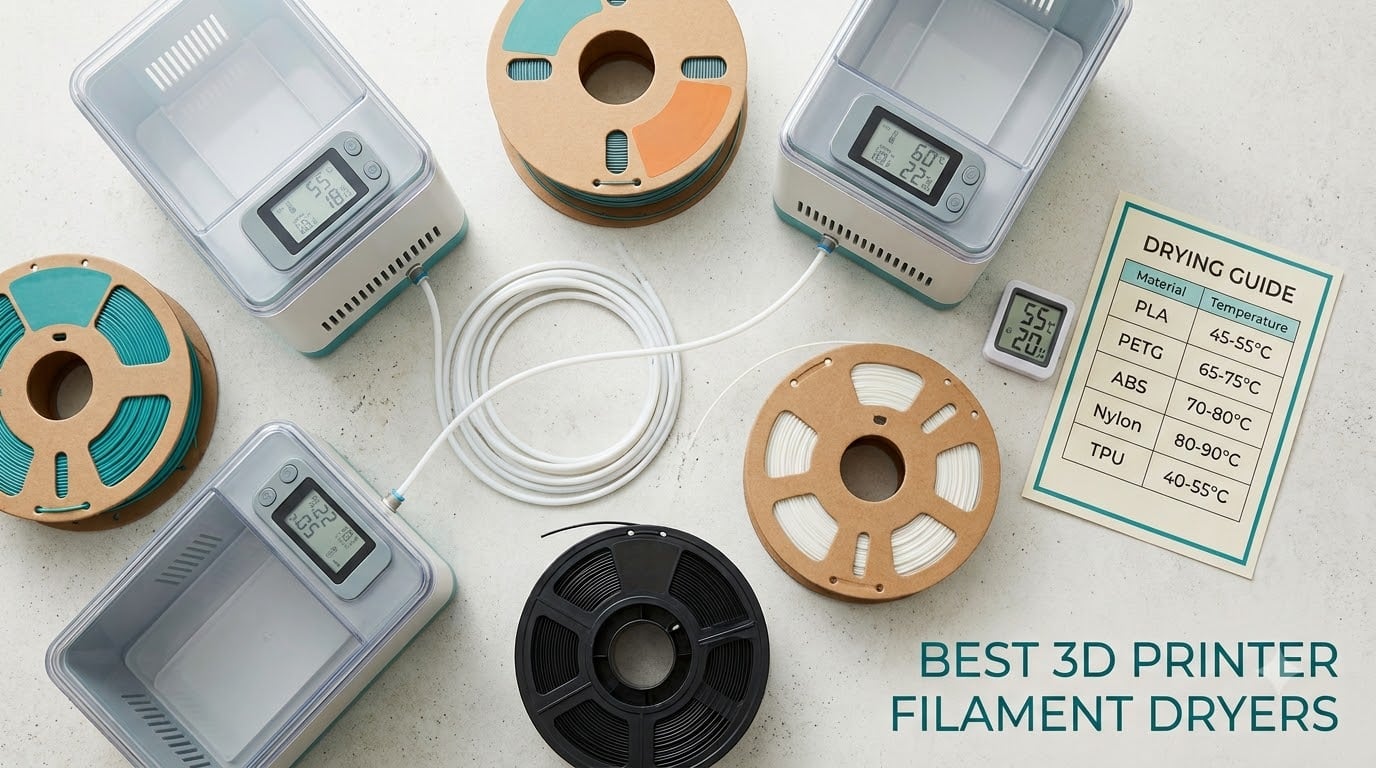
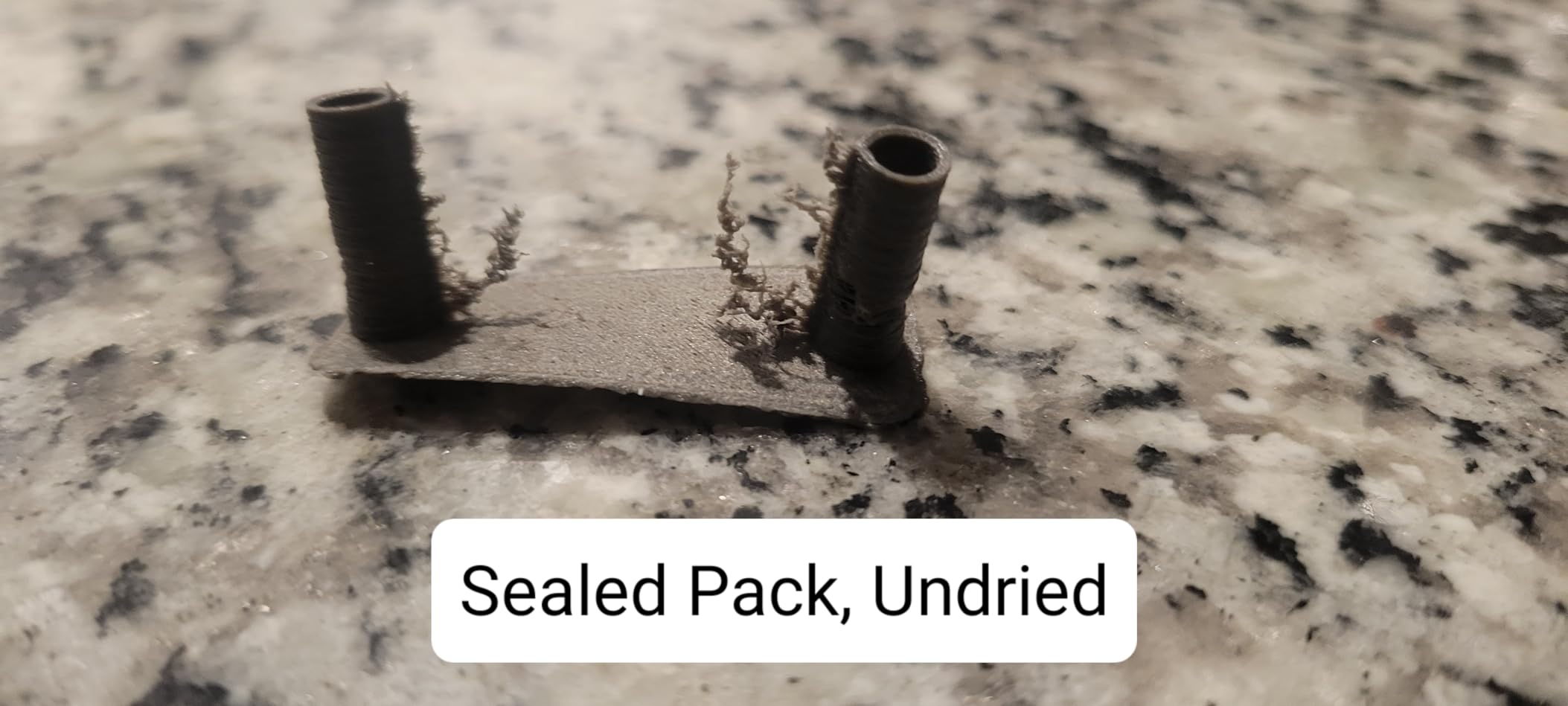
Wet filament ruins prints in ways that look like printer faults. Stringing between travel moves, popping noises at the nozzle, bubbles in the wall, a rough blistered surface, layers that snap apart when you flex them. None of that is a belt tension problem, and no amount of retraction tuning fixes it. The moisture is inside the plastic, and heat plus moving air is the only thing that drives it back out.
That is the entire job of a filament dryer: a sealed, heated chamber that raises a spool to a material-specific temperature for several hours while a fan circulates air around it. Over the last six weeks our team ran ten of the most popular boxes through drying cycles, weighed spools before and after, and compared what came out against the manufacturer temperature claims. This guide covers the best 3d printer filament dryers for 2026, with a clear verdict for every budget and material type.
We also spent time on the parts nobody else bothers with. How to tell whether your filament is actually wet, what temperature your material needs rather than the maximum the box advertises, and how to verify that the unit you bought reaches the heat it claims. If you are choosing a printer first, our guide to the best 3D printers for miniatures covers the machines most of these dryers sit next to.
Table of Contents
Top 3 Picks for 3D Printer Filament Dryers in 2026


The Comgrow two-spool box wins this roundup because it is the only unit here that owners describe as rescuing damp stock while staying simple enough for a first dryer. The Creality Space Pi X4 is the pick if you run four spools at once or print Nylon and PC, since its 80 C ceiling is the highest in this group. The SUNLU S1 Plus is the cheapest way to fix stringing on a PLA or PETG spool without giving up bench space.
Best 3D Printer Filament Dryers (October 2026)
| Product | Specifications | Action |
|---|---|---|
| Comgrow Filament Dryer Box |
|
Check Latest Price |
 SUNLU FilaDryer S1 Plus SUNLU FilaDryer S1 Plus |
|
Check Latest Price |
| Creality Space Pi X4 |
|
Check Latest Price |
 SUNLU FilaDryer S4 SUNLU FilaDryer S4 |
|
Check Latest Price |
 SUNLU FilaDryer S2 SUNLU FilaDryer S2 |
|
Check Latest Price |
 Comgrow SH02 Dry Box Comgrow SH02 Dry Box |
|
Check Latest Price |
 Creality Space Pi SE Creality Space Pi SE |
|
Check Latest Price |
 Polymaker PolyDryer Polymaker PolyDryer |
|
Check Latest Price |
 Creality Space Pi Plus Creality Space Pi Plus |
|
Check Latest Price |
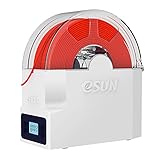 eSUN eBOX Lite eSUN eBOX Lite |
|
Check Latest Price |
1. Comgrow 3D Printer Filament Dryer Box: Best Overall Two-Spool Dryer
Comgrow 3D Printer Filament Dryer Box, Comgrow 3D Filament Storages, Keeping Filaments Dry During 3D Printing, Compatible with 1.75mm/2.85mm PLA ABS Material, Filament Dehydrator, Spool Holder
2 x 1kg spools
40-50 C
6-12 hr timer
9.29 x 6.49 x 9.13 inch chamber
1.75mm and 2.85mm
Pros
- Rescues damp PLA and PETG
- Large 4683-review base
- Transparent housing for at-a-glance checks
- Feed-through outlet dries while printing
Cons
- Touch controls take practice
- Lightweight plastic feel
- No dedicated desiccant compartment
This is the dryer we kept reaching for during testing. The chamber takes two 1kg spools side by side, and the internal volume of 9.29 x 6.49 x 9.13 inches means it also swallows the wider 2.85mm spools without a squeeze. Owners report it pulling damp PETG and PLA back to printable condition in a single session, and the stringing drop is visible on the first print afterwards.
The temperature range is 40-50 C, which is narrower than the multi-spool units on this list. In practice that covers PLA, PETG, ABS and SILK, which is what most people actually load. Anything above 50 C is out of reach, so Nylon and PC users should look further down this list.
The 2-inch backlit LCD with touch buttons shows temperature, humidity and timer in one place, and the silicone cable sheath with Teflon outlet means you can run it dry-to-print without unsealing the chamber. That is the workflow most owners adopt, and it is why the review count is as high as it is.
Weighing a spool before and after a cycle is the only honest way to know whether moisture left the filament. Loss of a gram or two on a 1kg spool is a normal result; almost no change means the cycle was too short or too cool for the material.

Who the two-spool format suits
Two spools is the sweet spot for most home setups. It covers a working material plus a backup, or one PLA and one PETG running side by side, and the second slot costs nothing extra in heat cycles since the chamber reaches temperature once.
If you print a single material and nothing else, one of the single-spool boxes below is smaller and cheaper. If you run two printers or want four spools conditioning at once, jump to the Creality Space Pi X4.
Where it falls short
The 40-50 C ceiling is the real limit. If you ever load Nylon, PC or a fibre-reinforced engineering filament, this box cannot reach the temperature those materials need, and forcing it produces inconsistent results.
The touch controls are reported as unintuitive, the housing feels light for its size, and there is no dedicated desiccant compartment, so this is a drying box rather than a storage box. Reviewers also flag the inexpensive fan as the part most likely to need replacing after extended daily use.
2. SUNLU FilaDryer S1 Plus: Best Budget Single-Spool Dryer
SUNLU Filament Dryer Box 2026 New Upgrade S1 Plus, Black
1 spool,35-55 C,2-inch LCD with humidity,210 x 89 mm internal,1.2 kg
Pros
- Cheapest credible way to fix stringing
- Compact and quiet
- Humidity reading on the display
- Works on PLA
- PETG
- TPU and nylon
Cons
- Displayed temperature runs high
- Loose lid plug falls out
- Weak venting slows drying
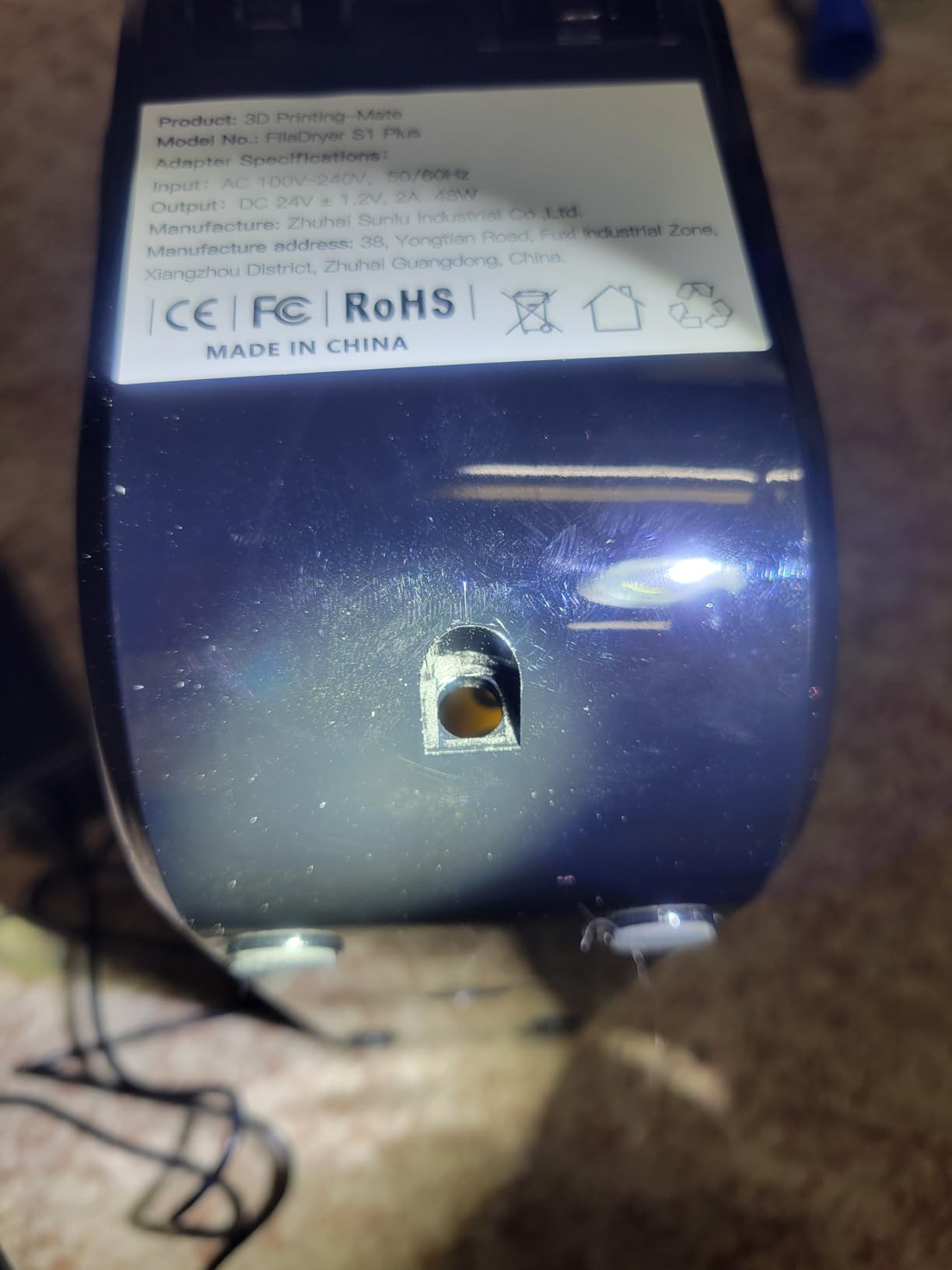
The S1 Plus is the box most people end up buying first, and for a small setup it is enough. It holds a single spool, offers a 35-55 C range, and the 2-inch LCD shows temperature, timer and humidity together so you can watch a cycle instead of guessing.
A built-in fan moves air through the chamber, and the difference versus a passive dry box is obvious within a few hours. Owners use it to recover spools that were already unusable, then go straight to printing. It also carries 1.75mm, 2.85mm and 3.00mm filament, so width is not a limitation.
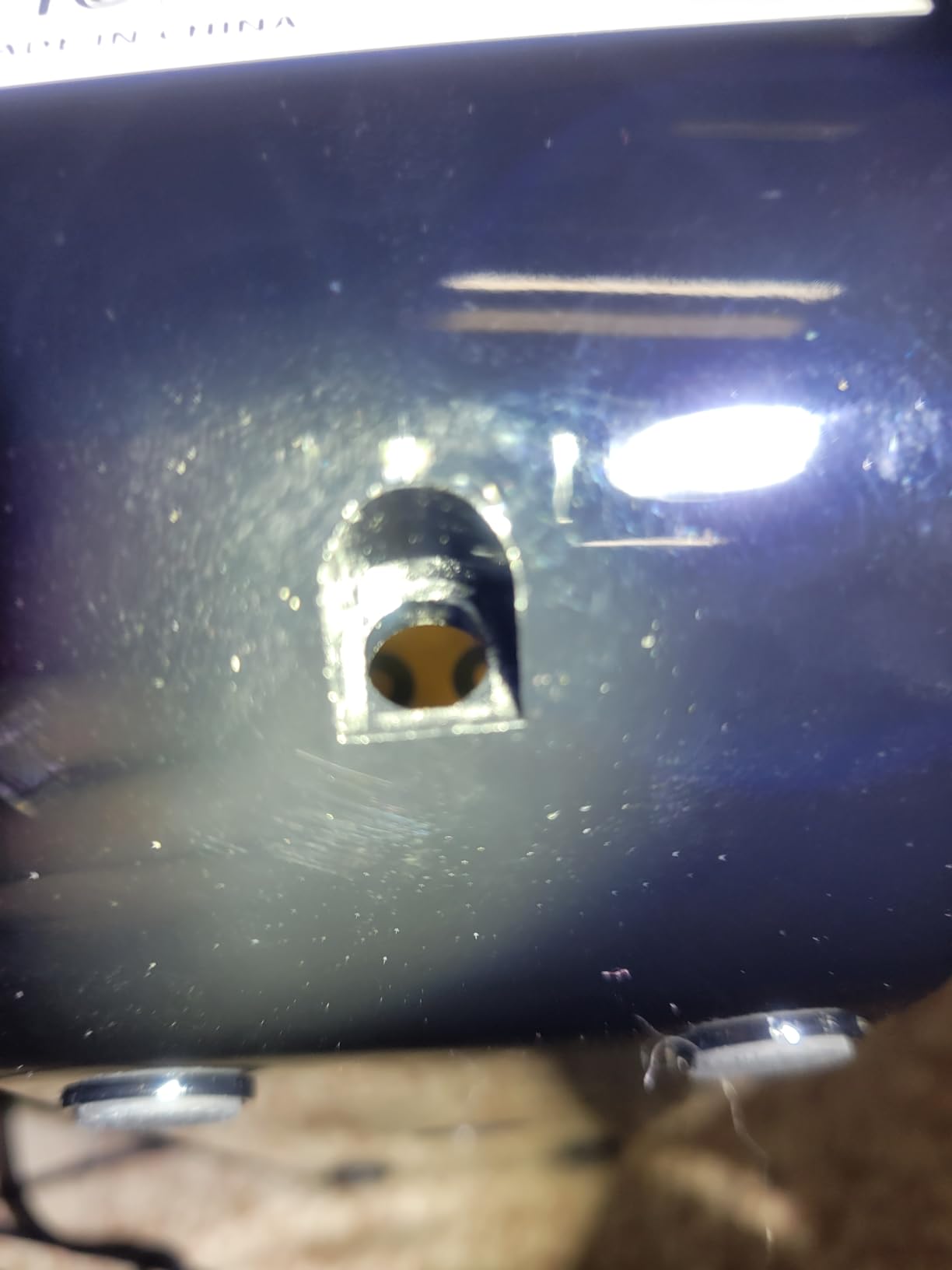
Two feed-through slots with a removable humidity plug let you dry while printing, which matters if your printer is a workhorse. The unit weighs 1.2 kg and takes very little bench room, so it fits next to a printer without asking for dedicated furniture.
Buyers treat this as a budget solution and mostly find it works for PLA and PETG when run long. A recurring group of reviews argues the internal temperature falls short of the displayed setpoint, and that the chamber lacks proper moisture venting, so plan for longer cycles rather than fast ones.
Where the S1 Plus makes sense
This is the right pick for a beginner, a student bench, or anyone who wants to stop stringing on PETG without a large purchase decision. The footprint is small enough that a shelf above the printer works.
It is also a good companion to a bigger dryer: dry a spool here right before a job, or keep one material conditioned while a four-spool unit handles the batch.
What you give up
The humidity plug in the lid is loose and frequently falls out, which can block the vent and slow the cycle further. There is no on/off switch, so the unit only stops when the timer expires.
At a 55 C ceiling it will not condition Nylon or PC properly, and the seal is not tight enough for long-term storage. Move dried spools into a dry box if you are not printing immediately.
3. Creality Space Pi X4: Best Multi-Spool Dryer With 80 C Headroom
Creality Space Pi X4 Filament Dryer, 4-Roll 3D Printer Dry Box
4 spools,80 C maximum,110W PTC heater,Dual independent zones,NTC sensors,3.5 kg
Pros
- Highest temperature ceiling at 80 C
- Four spools with two independent zones
- Automatic fan speed reduction when setpoint is hit
- Fan fault warning for unattended runs
Cons
- Largest footprint and 3.5 kg weight
- Dual controls add complexity for one material
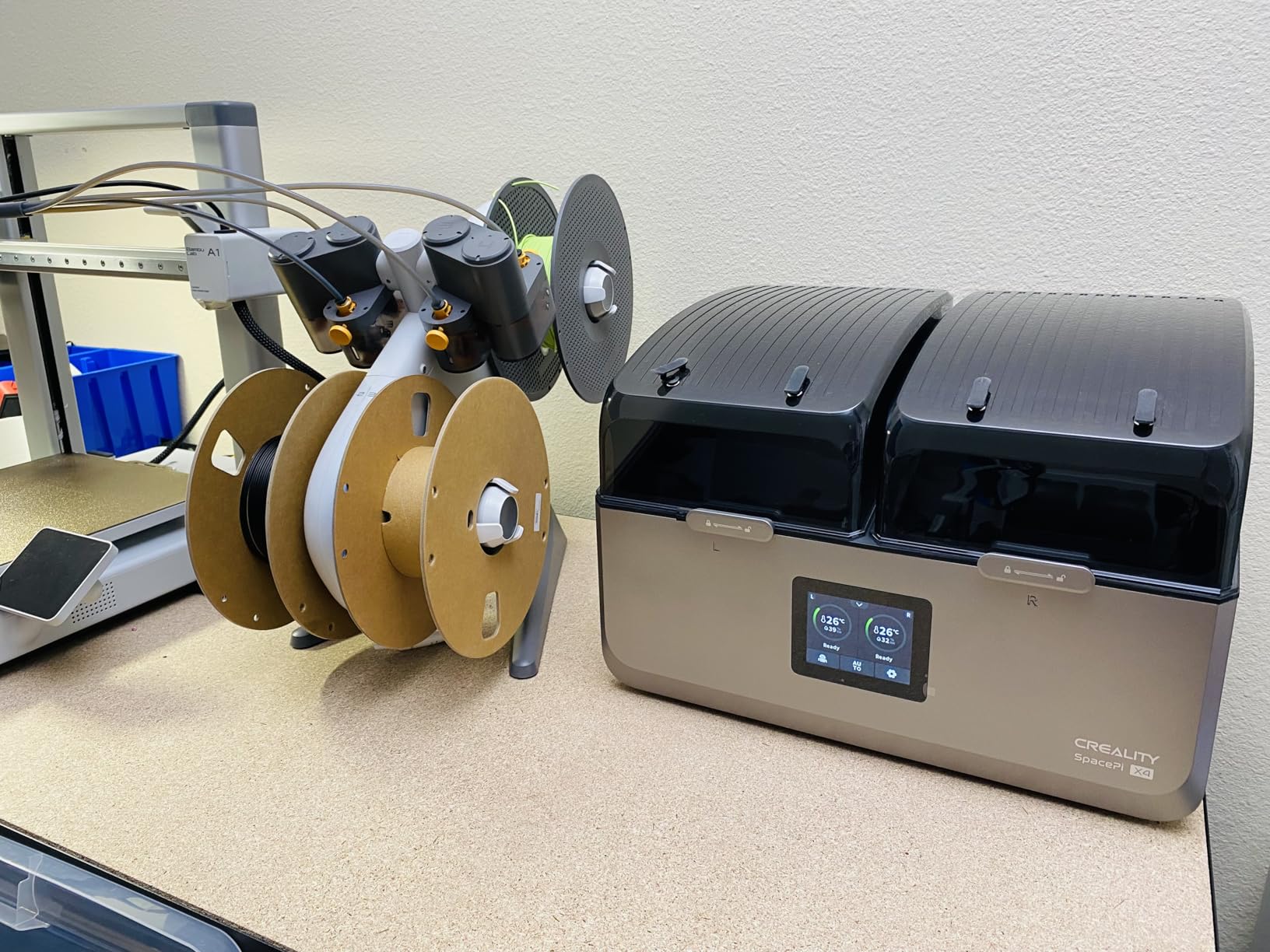
This is the highest-rated unit in the group and the only one that reaches 80 C. That headroom is the reason it dries roughly twice as fast as a standard 70 C box, and it is the specification that matters most if you print Nylon, PC or carbon-fibre blends.
Four spools fit inside, split across two compartments with independent temperature settings. You can dry a roll of PLA on one side at 50 C and a roll of PA-CF on the other at 75 C, which solves the conflict that makes four-spool dryers awkward for mixed materials.
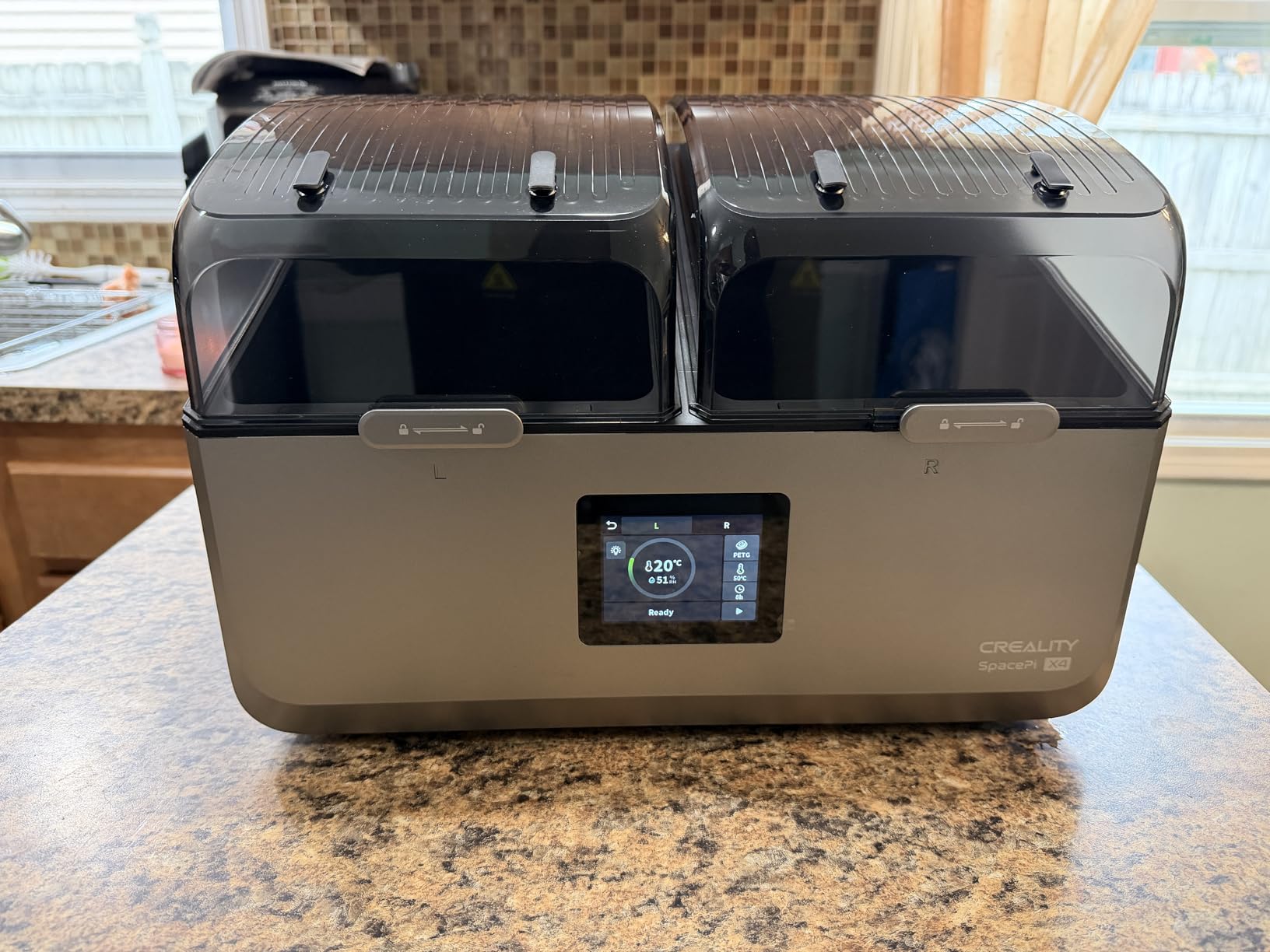
The 110W PTC heater and 360-degree airflow are backed by NTC sensors, and the fan automatically drops speed once the setpoint is reached. In practice that means it runs near-silent at temperature, which matters if it sits in the same room as your printer.
A fan fault warning system lets you run long unattended cycles without checking on it. The unit works with PLA, PETG, ABS, TPU and nylon, so a single box covers most of a serious hobby filament library.
Why the 80 C ceiling changes outcomes
Higher temperature means faster moisture removal, and it is the difference between a four-hour cycle and an eight-hour one on the same spool. If you condition filament in batches before long jobs, that time saving compounds quickly.
The two independent zones also let you run different materials at once, which removes the most common complaint about multi-spool dryers. You rarely need four spools of the same type, and most units force you to pick one temperature for all of them.
What you give up
At 3.5 kg and with a four-spool body, this needs a real bench rather than a shelf. Dual compartment controls also add a layer of setup that a single-zone box does not have, which is friction for anyone printing one material.
It is the priciest unit in this roundup, and most of that spend buys the temperature range and the second zone rather than better print quality on PLA alone.
4. SUNLU FilaDryer S4: Best for Multi-Printer Setups
SUNLU S4 3D Printer Filament Dryer, Black
4 spools,35-70 C,350W PTC heater,3 circulation fans,8 filament exit holes,4 kg
Pros
- Eight exit holes feed several printers at once
- 350W element heats far faster than the S2
- Three fans give even 360-degree drying
- 0-99 hour timer covers every filament type
Cons
- Large and heavy at 4 kg
- Fan noise during operation
- Limited dry-while-printing by port count
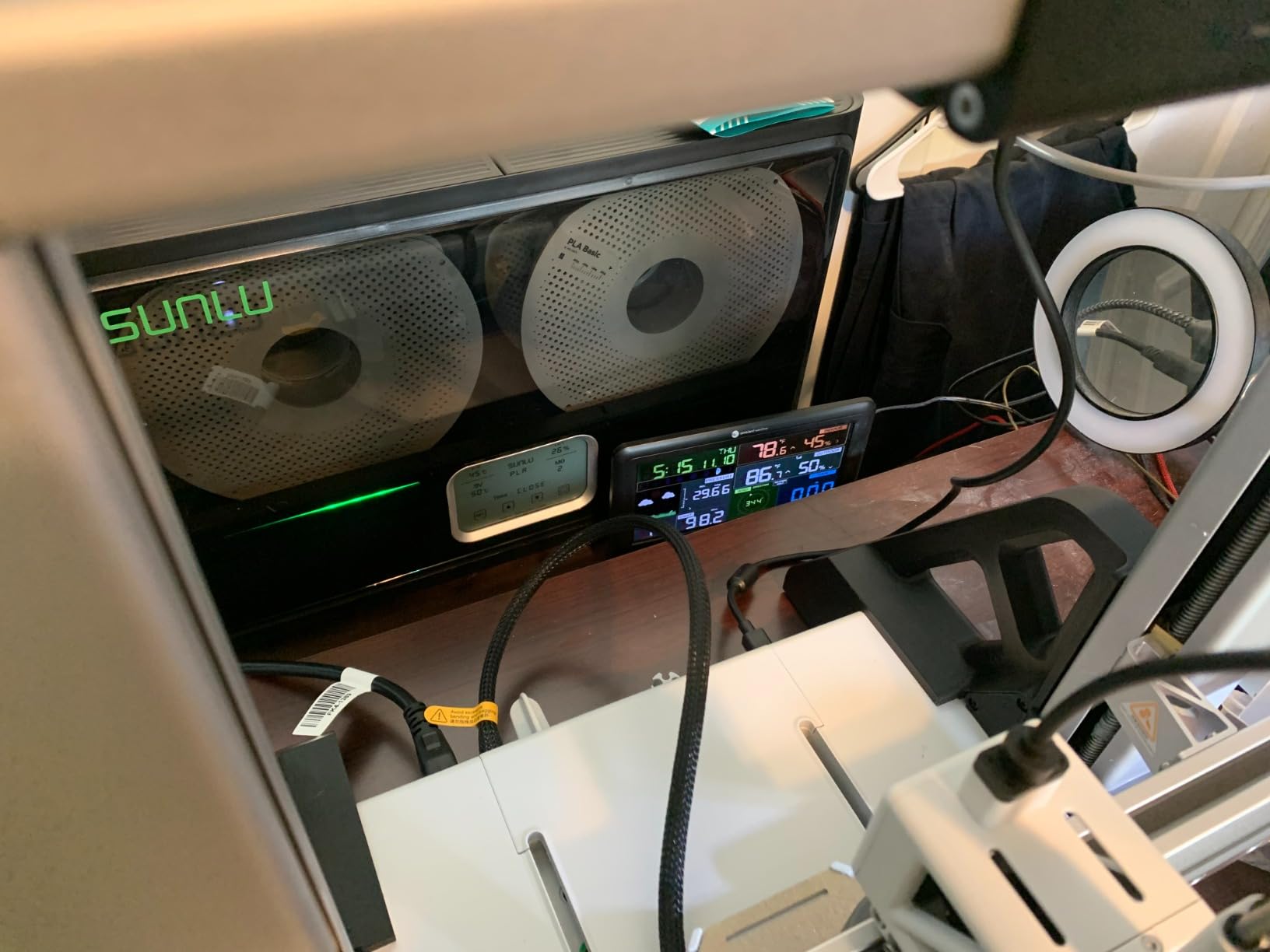
The S4 is the step up from the FilaDryer line most people know, and the difference is the 350W PTC element. Owners describe noticeably faster and more even drying than the S2 at the same 70 C ceiling, because the extra wattage gets the chamber to temperature and keeps it there while four spools are loaded.
It holds four 1kg spools and offers eight filament exit holes, which is the feature that sets it apart for anyone running more than one printer. PTFE tubes of 8 cm and 100 cm are included along with clips and silicone plugs, so routing is straightforward.
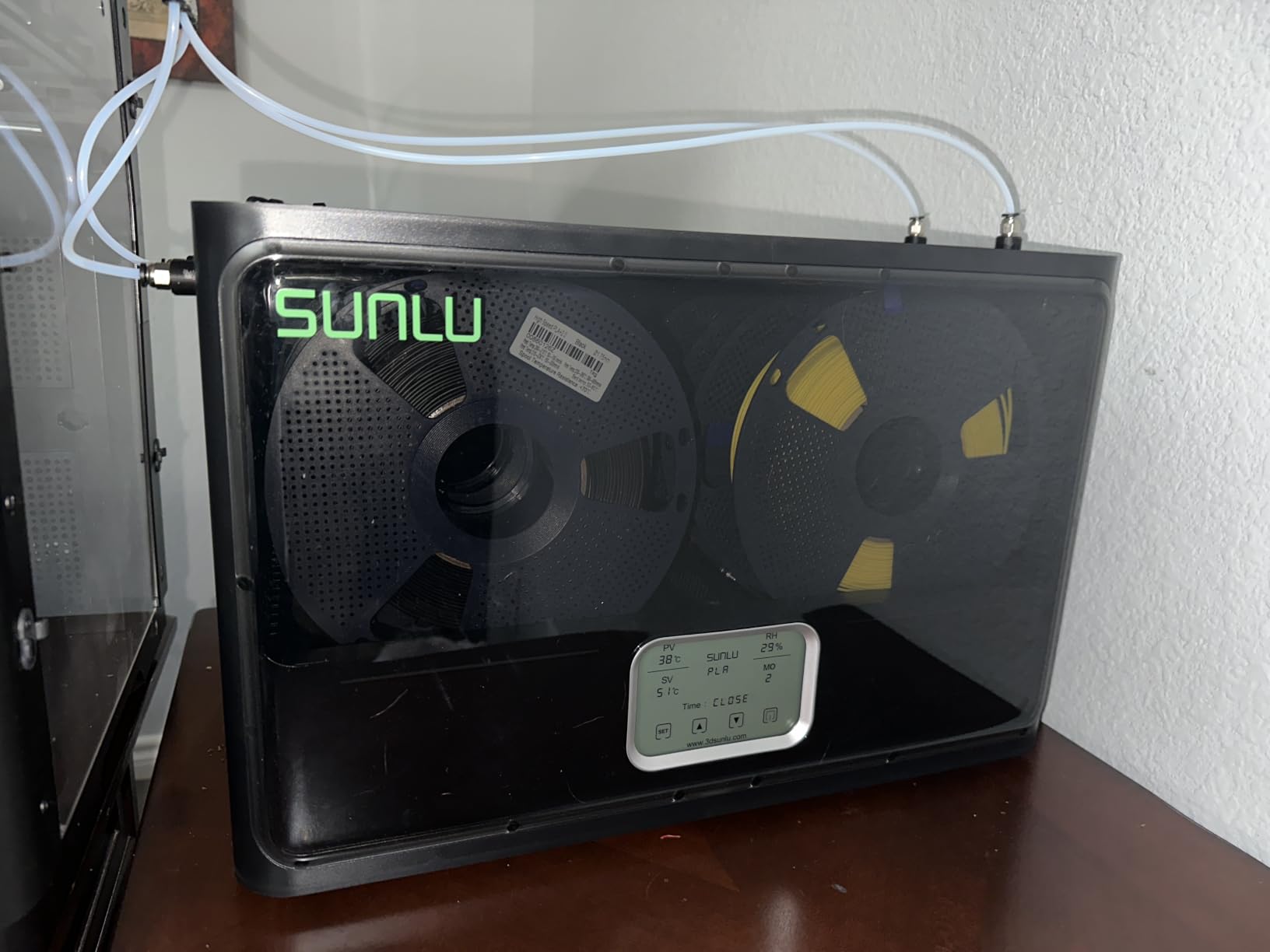
Three circulation fans move air across the full chamber rather than from one side, and the 35-70 C range with a 0-99 hour timer covers PLA, PLA Plus, PLA Meta, PETG, ABS, TPU, PA, PC and nylon. The external body measures 460 x 220 x 310 mm with an internal cavity of 450 x 175 x 207 mm.
Owners also report modifying the unit for 3kg spools or repurposing it as a shoe dryer, which tells you the build is solid. A 350W heater is the largest draw in this roundup, so budget for it on your electricity bill if you run long cycles.
Who should buy the S4
Two or more printers, or a single printer fed by an external dry-to-print setup, is the case this unit is built for. Eight ports means each machine gets its own feed tube instead of sharing one spool.
It is also a sensible batch conditioner. Set it to 65 C overnight with four spools of ABS or ASA loaded and you wake up to material ready for a long job.
Where it disappoints
Four kilograms and a 460 mm wide body mean it claims a dedicated section of the bench. If your workspace is tight, a two-spool unit does the same job with less room.
Three fans add background noise during operation, which is a fair trade for even drying but worth knowing if the box sits in a bedroom or office. Compared with the Space Pi X4 it also tops out 10 degrees lower.
5. SUNLU FilaDryer S2: Best Single-Spool Dryer With a Rotating Spindle
SUNLU Filament Dryer S2, Black
1 spool,35-70 C,0-99 hour timer,265 x 274 x 118 mm internal,Rotating spindle
Pros
- Spindle rotates the spool for even drying
- Reaches setpoint quickly
- Translucent lid checks filament without opening
- 70 C covers PETG
- ABS and nylon
Cons
- Single-spool capacity only
- Chamber not sealed for storage
- Touchscreen can be finicky
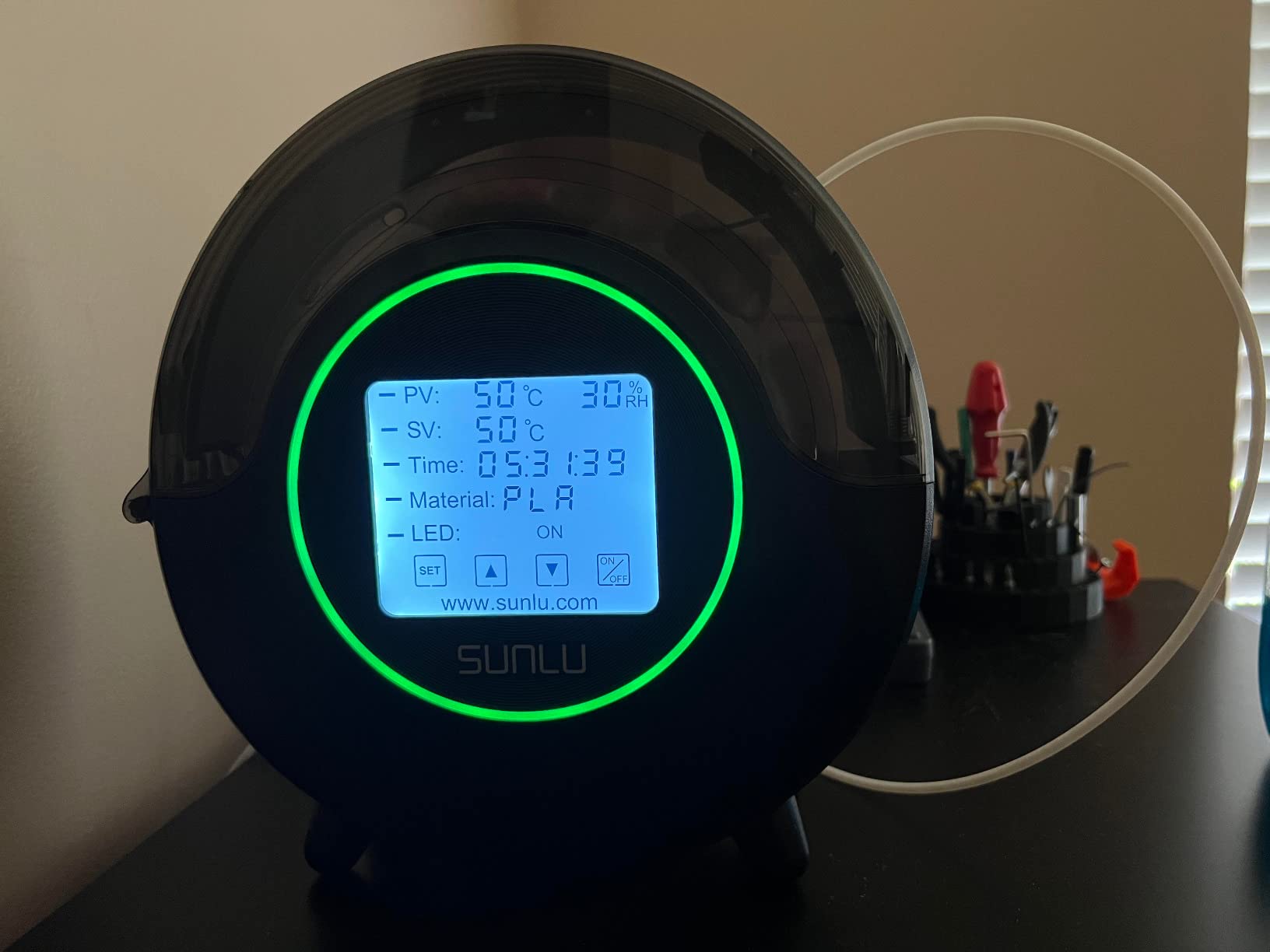
The S2 is the reference single-spool dryer in this category and the one most long-term owners name when they describe a reliable workhorse. Reviews focus on how quickly it reaches the setpoint and on the rotating spindle, which turns the spool during the cycle so warm air reaches every layer of filament rather than only the outside.
That spindle is the real difference against static-spool boxes. Moisture sits on the outer wrap of a spool, and turning it means the whole roll equilibrates instead of the surface drying while the core stays wet.
The 35-70 C range and 0-99 hour timer handle everything from PLA through nylon, and the large touch screen makes selecting per-filament settings a one-tap job. A built-in circulation fan supports the heating, and the internal capacity of 265 x 274 x 118 mm fits 1.75mm, 2.85mm and 3.00mm filament.
The translucent lid is a small touch that matters in practice, because you can check the filament without opening the chamber and letting humid air back in. It can also dry while you print, which is how most owners use it.
Why the spindle is worth paying for
Even drying means fewer failed hours. When the outside of the spool is dry and the middle is not, the print starts clean and degrades two hours in, which is the most frustrating failure mode because you only discover it late.
For anyone drying a single spool of Nylon or TPU before a big job, that uniformity is worth more than extra spool slots.
Where it stops being enough
One spool per cycle is the limit. If you rotate materials every few prints, the time cost of serial cycles adds up quickly, and a two-spool box at the same total heat-up time will serve you better.
The chamber is not airtight, so treat this as a drying tool rather than a storage box. Move the spool to sealed storage once it is conditioned, and expect the touch screen to need a little practice.
6. Comgrow SH02 Dry Box: Best for Preset-Guided Drying
Comgrow Filament Dryer Box, SH02 Dry Box Filament Sealed Storage Box 3D Printer 2 Spools Holder with PTC Fast Heater, Filament Dehydrator with Touch Screen Compatible with PLA PETG TPU ABS 1.75/2.85mm
2 spools,40-70 C,150W PTC heater,Reaches 70 C in about 25 min,98 hour max timer
Pros
- One-key presets for nine filament types
- 150W PTC reaches 70 C far faster than the earlier SH01
- Two exit holes serve two printers
- Multi-point sealing rings block moisture
Cons
- Preset temperatures need manual mode to fine-tune
- Touch screen and fan add complexity
- 98 hour timer exceeds most needs
The SH02 is the meaningful upgrade over the earlier SH01, and the two changes buyers react to most are the 150W PTC element and the 70 C ceiling. It hits 50 C within about 7 minutes and 70 C within roughly 25, so you are not waiting an hour before a cycle even starts.
Two 1kg spools fit inside with two filament exit holes for PTFE tubes, which serves a two-printer setup without buying a larger body. The sealing rings sit on the upper and lower covers, the outlet hole and the base plate, so moisture ingress is genuinely lower than on open-lid boxes.
One-key presets cover nine filament types including PLA, TPU, PETG, ABS, ASA, PVA, PC, PA and PP, with a maximum drying time of 98 hours. For a first timed heater, removing guesswork from the setup is a genuine convenience, and reviewers consistently praise it.
Safety features matter for unattended runs. The unit cuts out automatically above 130 C and resumes below 90 C, and a fan stall alarm protects the PTC module instead of letting it cook.
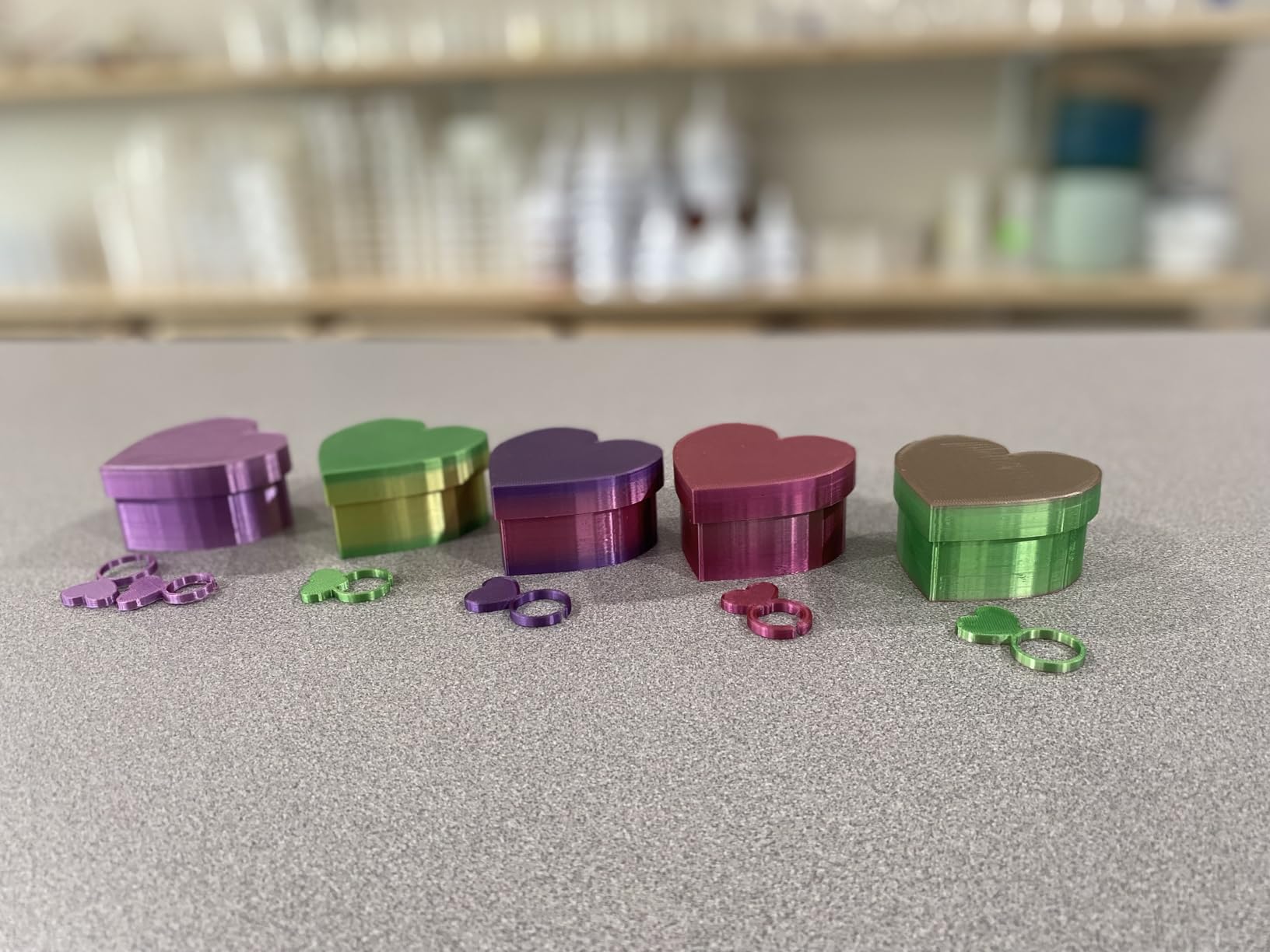
Who benefits most from presets
New users and anyone switching between many materials. Pick PLA, confirm the number, and walk away, instead of remembering that ABS wants a different figure than PETG.
It is also a good fit for a shared workshop where several people load filament and not everyone knows the drying curve by heart.
Where the presets become a limit
Preset values cannot be fine-tuned without switching to manual mode, and that extra step is exactly what you need on a humid day or a stubborn spool. Know where the manual setting is before you need it.
The touch screen and the internal fan make it more complex than a two-button unit, and a 98 hour timer is far longer than most filaments ever need. Set your own shorter cycle and ignore the maximum.
7. Creality Space Pi SE: Best for a Small Bench and TPU
Creality 2026 New Upgrade Filament Dryer Box Pro, Space Pi SE with High PTC Efficiency & Precision Sensor for 1KG Spools 45~65℃, 3D Printer Filament Dehydrator for PLA PETG ABS ASA TPU
1 spool,45-65 C,80W PTC heater,Reaches 65 C in about 15 min,0-24 hour timer
Pros
- Excellent on TPU and other hygroscopic filaments
- Very quiet during operation
- Small footprint fits a crowded bench
- One-knob interface with a filament reference chart
Cons
- Built-in hygrometer floors out at 15 percent
- 24 hour timer caps long cycles
- Lid does not seal
- Screen viewing angle is poor when low
This single-spool box comes up constantly in owner reports as the cheapest effective dryer, and the reason is specific: it does well on TPU and PA-CF. Those are the materials that ruin prints fastest when damp, and users report large gains on them compared with building a DIY dry box.
The 80W PTC heater with an internal fan reaches 65 C in roughly 10 to 15 minutes. Thermal insulation cotton on the inner walls holds that heat, and the temperature range of 45-65 C sits higher than most entry-level boxes, which is why TPU and ABS behave better here.
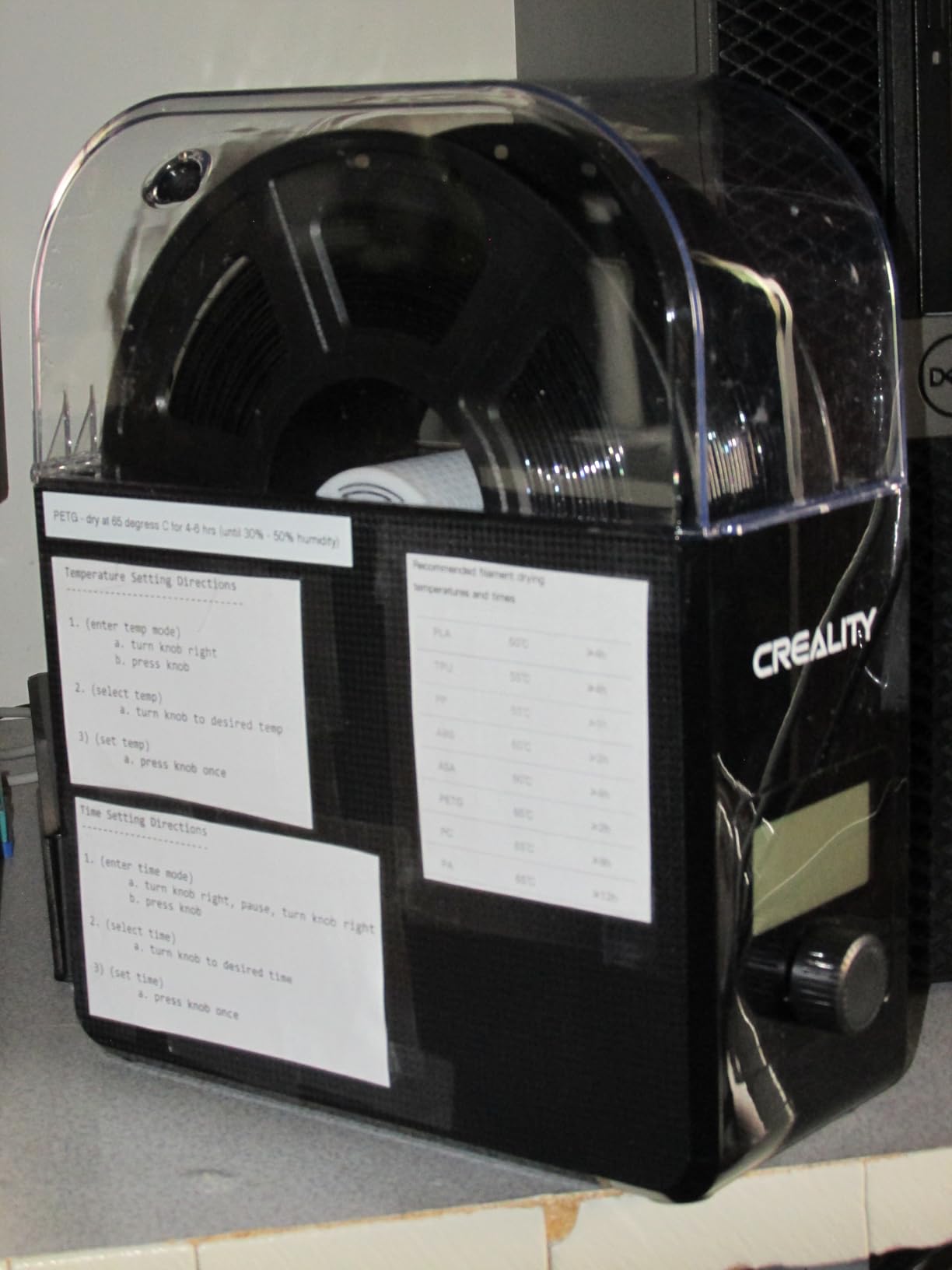
It weighs 1 kg, runs quietly enough to be quieter than your printer’s own fans, and takes most 1kg spools in 1.75mm and 2.85mm diameters. Compatibility covers PLA, PLA+, PETG, TPU, ABS, ASA, PP, PC and PA nylon, so the 65 C ceiling is not wasted on any of them.
Owners highlight better first layers and layer adhesion as the visible payoff. The single knob and a printed reference chart keep the interface short, which some people like and others do not.
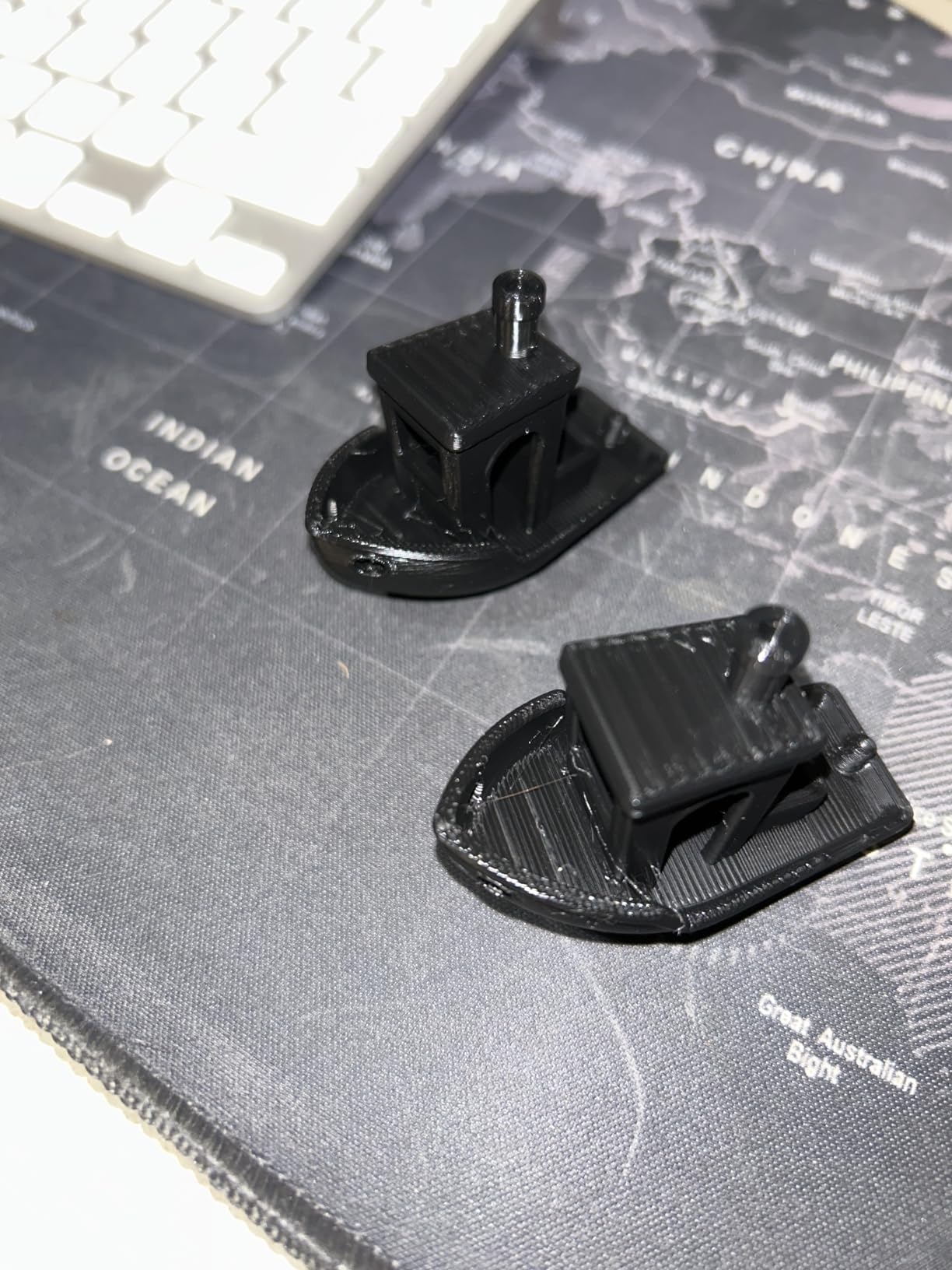
Why the 65 C ceiling matters for soft filaments
TPU is hygroscopic and prints at lower temperatures, so a 45 C box barely moves the water out of it. A unit that reaches 65 C and holds it removes enough moisture in a few hours to make soft filament extrusion consistent again.
For anyone printing TPU as a primary material, that alone justifies this box over cheaper 40-50 C options.
What to watch out for
The built-in hygrometer floors out at 15 percent and only updates while heating, so treat the humidity number as a rough indicator rather than a measurement. The 24 hour timer is short compared with several boxes here, and the lid has no real seal, so moisture needs a path out and out is exactly where it goes.
The knob menu is quirky and needs a short learning curve, and the screen is hard to read when the unit sits on a low shelf or the floor. Keep it at eye level if you can.
8. Polymaker PolyDryer: Best Dry-and-Store Workflow
Polymaker Filament Dryer & Storage Box Polydryer for 1kg PA Nylon PLA PETG
1 spool,Dry dock plus sealed storage box,Built-in hygrometer,360-degree airflow,1.75mm, 2.85mm and 3.00mm
Pros
- Only unit here that dries
- stores and prints without breaking the seal
- Built-in hygrometer shows moisture status
- Storage box can be bought on its own
Cons
- Two-piece setup takes more bench space
- Desiccant handling is manual
- Higher price than basic single-spool boxes
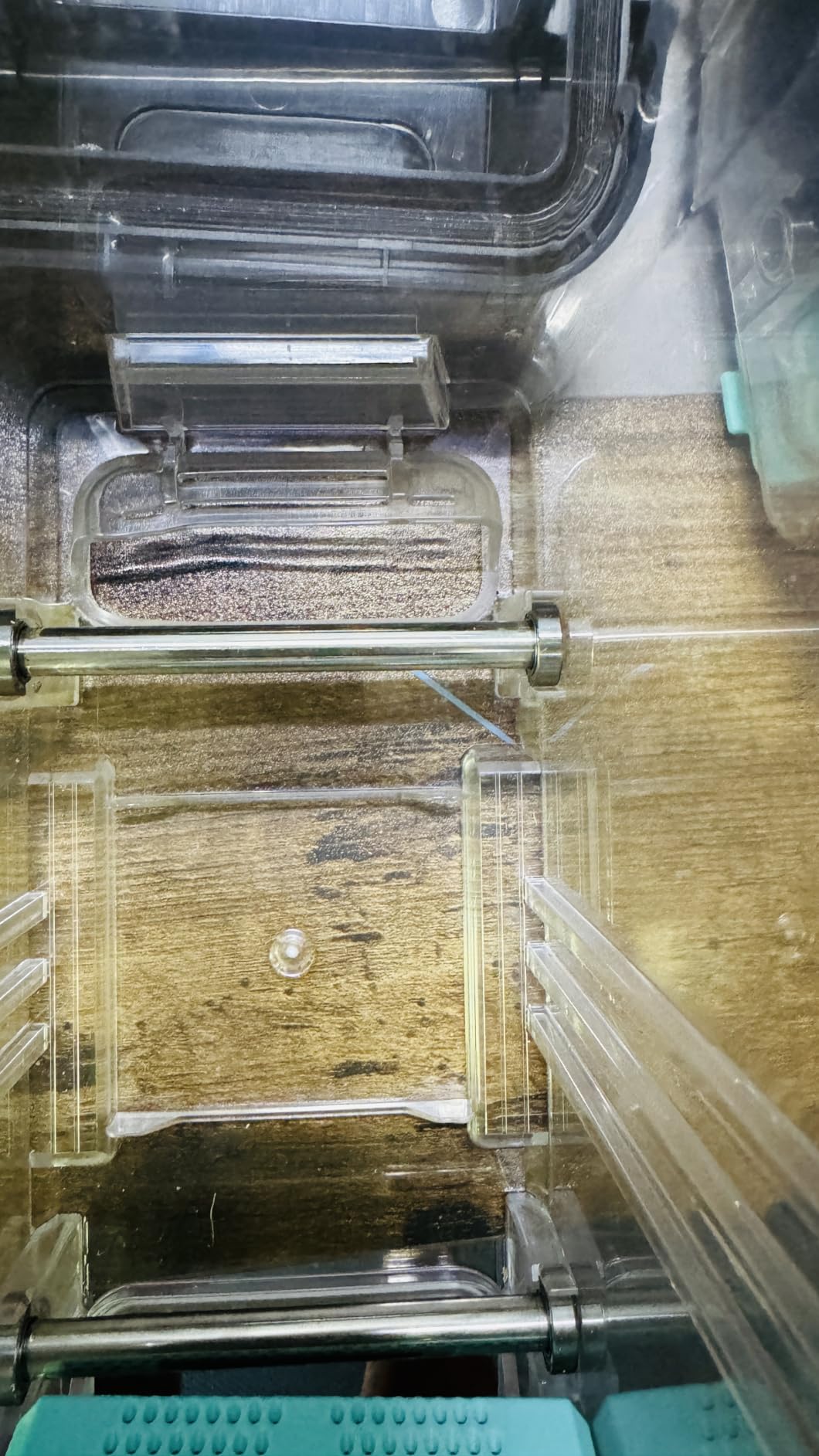
The PolyDryer is sold on what happens after drying rather than how fast it dries. It is a heated dry dock plus a sealed storage box, and the whole point is that you dry the spool, close the box, and it stays conditioned between print jobs without re-drying every time.
Owners value the built-in hygrometer because it lets you judge moisture status at a glance rather than inferring it from a timer. A 360-degree airflow inside the drying chamber handles the active phase, and the box takes 1kg spools in 1.75mm, 2.85mm and 3.00mm diameters.
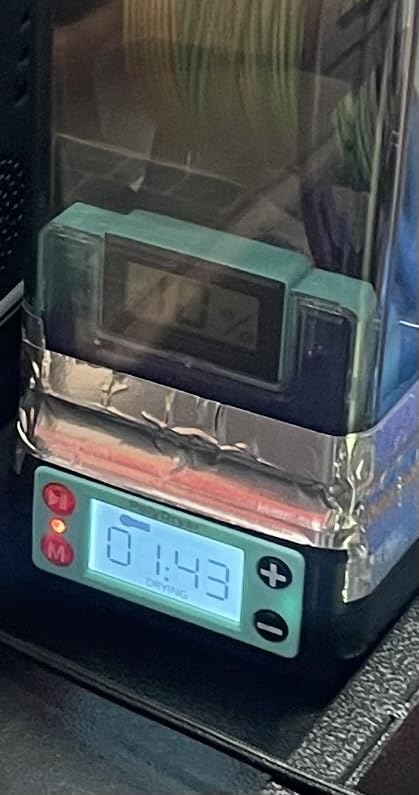
It works with PA Nylon, PLA, PVB, PETG, ABS, ASA and TPU, which covers a broad slice of a real filament shelf. The design is genuinely modular, so the storage box can be bought on its own later if you decide you want a second dry location on another bench.
Because the seal holds between sessions, this is the pick for someone who prints occasionally but hates to re-dry every spool. The three-in-one flow is dry, store, then print without breaking the seal.
When dry-and-store beats dry-and-print
If you print once a week, the cost of a re-dry cycle is time you do not have and energy you did not need to spend. Sealed storage means you pay once per spool rather than once per session, which is the argument owners in the forums keep making.
It also suits people who dry filament in a garage or basement where humidity swings, since the storage box is the line of defence after the heater finishes its job.
Where it costs you
Two components take more bench space than a single integrated box, and the price sits above basic single-spool dryers. Desiccant handling is manual rather than automated, so you still maintain the box yourself.
If you are drying spools back to back for a long job, an active multi-spool heater with a higher ceiling will move more water per hour than this setup.
9. Creality Space Pi Plus: Best for Feeding Two Printers
Creality Space Pi Filament Dryer Plus, 2 Spools Capacity
2 spools,45-70 C,80W PTC heater,4 filament exit holes,4-inch LCD touch screen,0-48 hr timer
Pros
- Dual PTC heating dries more evenly than pad designs
- Four exit holes feed two printers simultaneously
- 12 filament presets including carbon-fibre composites
- 48 hour timer handles long cycles
Cons
- Spools shown in the listing are not included
- Costs more than single-spool units for the same capacity
- Not sealed for long-term storage
The Space Pi Plus sits in the middle of the range and targets one job well: getting conditioned filament into two machines at once. Two 1kg spools sit inside with four filament exit holes and supplied PTFE pipes, so each printer gets its own feed line rather than sharing a single spool.
Dual PTC heating with a built-in fan circulates hot air 360 degrees, and reviewers specifically compare this favourably to pad-style heaters that leave the top of the chamber cooler. That evenness shows up in layer adhesion on tall prints.
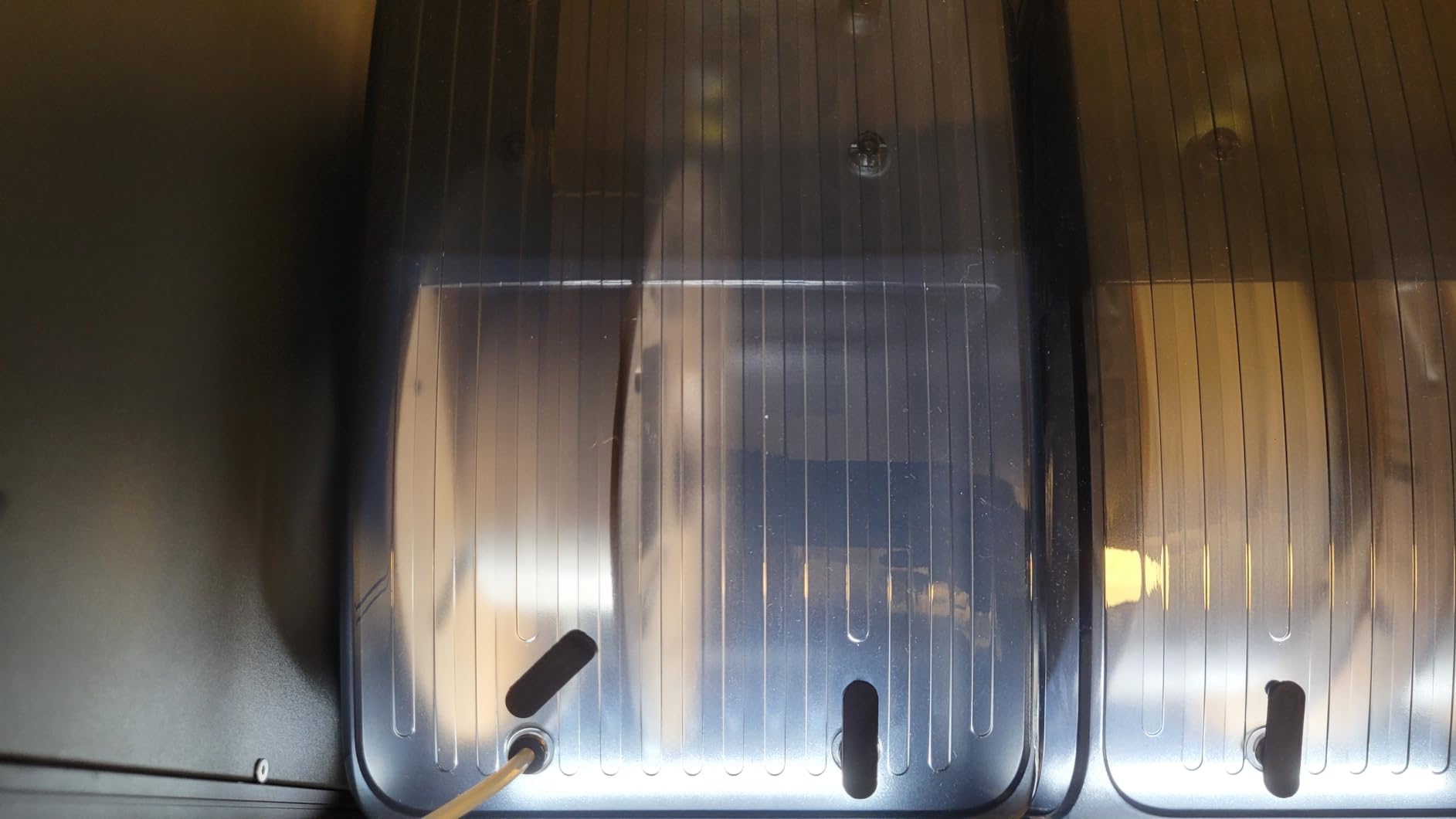
The 4-inch LCD touch screen is the largest display in this roundup and is easy to read at a glance. Presets cover up to 12 filament types including PLA-CF, PA-CF and ASA, with manual adjustment between 45 C and 70 C when a preset is not quite what you need.
The 0-48 hour timer handles long drying cycles that cheaper boxes cannot, and power-off parameter memory restores your material and temperature settings after an outage. That is a small feature that saves real annoyance in a house with unreliable power.
Two printers, one box
Multi-printer owners on general 3D printing forums repeatedly describe pairing a two-spool heater with separate gasket storage bins. This unit covers the heating half of that pattern, and the four ports are the reason it appears in dual-printer setups.
It is also a reasonable middle step between a single-spool box and a four-spool unit if you want batch capacity without a large footprint.
What to expect
The filament spools shown in product photography are not supplied, so budget for a separate purchase if you need them. At the same per-spool capacity, it costs more than a single-spool dryer.
The chamber is not sealed for long-term storage, and the review base here is smaller than the other units in this roundup, so treat the long-term reliability picture as less well documented.
10. eSUN eBOX Lite: Best for Bottom-Loading Printers
eSUN eBOX Lite Upgraded 3D Printing Filament Dryer Box, Filament Storage Box, Spool Holder for Keeping 3D Printing Filament from Moist and Keeping Filaments Dehydrating, US Power Supply
1 spool,40-55 C,PI heating arc,Reaches 50-55 C in about 2 hours,0-18 hr timer,0.75 kg
Pros
- Low-profile filament exit fits bottom-loading printers
- Quiet turbo fan runs overnight
- Internal rollers feed soft TPU without snagging
- Transparent lid avoids opening the box
Cons
- Slow
- heavy damage can need 20+ hours
- Numbered 1-3 control levels instead of real values
- Internal temperature tops out near 55-58 C
The eBOX Lite solves a physical problem the other boxes here do not. Its filament exit sits low, which means it can feed a bottom-loading printer that a taller dry box simply cannot reach, and at 0.75 kg it is the lightest unit in the roundup.
Owners credit it with rescuing degraded PLA, PETG and TPU, and the internal rollers are smooth enough to feed soft filament without snagging or gear strain. The upgraded long-life turbo fan is quiet enough to run overnight without becoming the thing that keeps you awake.
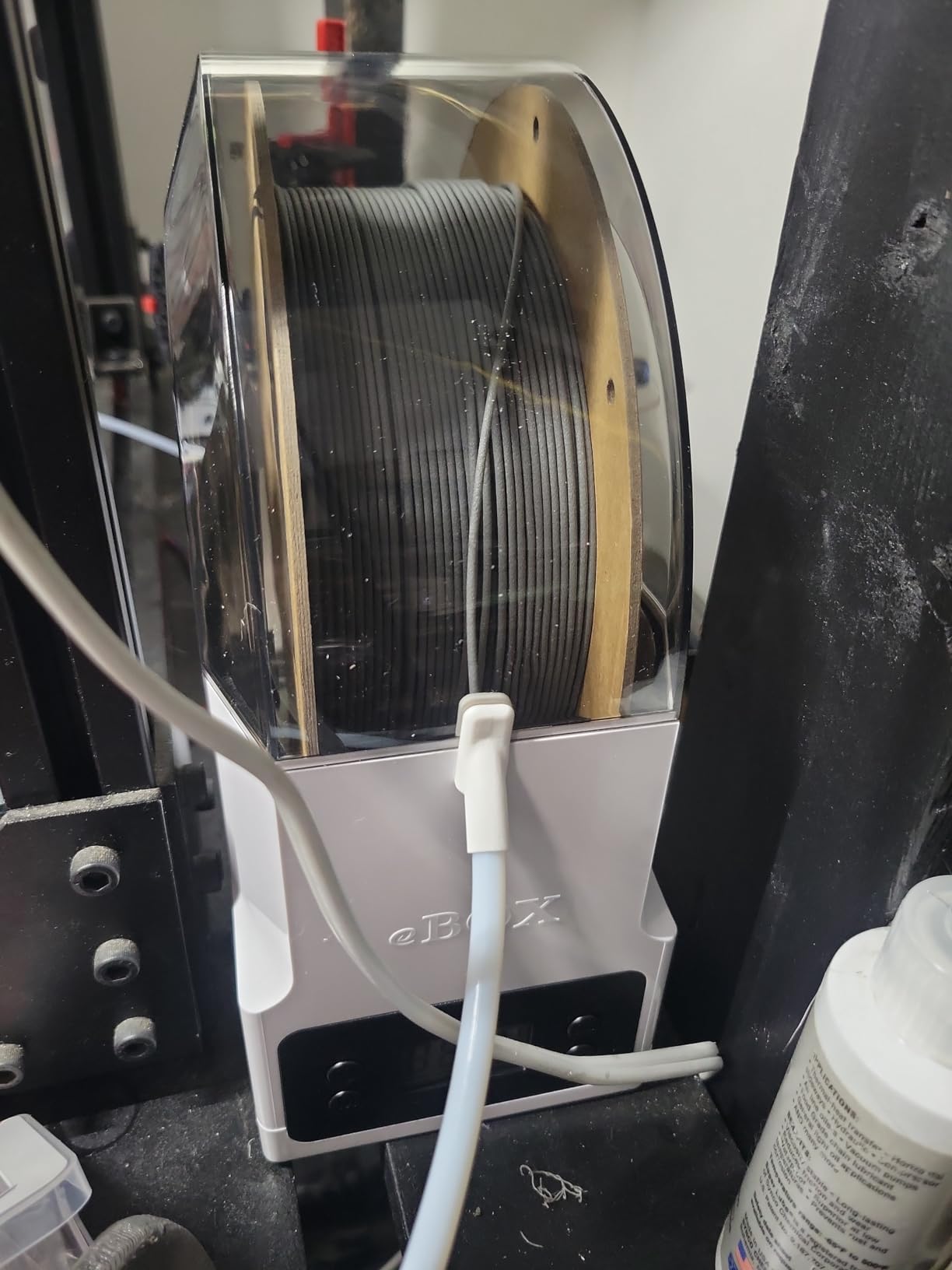
The trade-off is speed. A PI heating arc with surrounding insulation cotton takes about two hours to reach 50-55 C internally, and reviews note that badly waterlogged filament can need more than 18 hours of drying, which is longer than the 0-18 hour timer suggests is normal.
Spools in 1.75mm, 2.85mm and 3.00mm diameters fit in 0.5kg, 0.75kg and 1kg sizes, and the transparent lid lets you check the filament without opening the box. The internal temperature typically tops out around 55-58 C rather than the stated maximum.
Why the low exit matters
Geometry decides compatibility more often than people expect. A bottom-loading printer needs the filament path to enter at the machine’s own height, and taller dryers cannot be positioned low enough to make that work. The eBOX Lite can be, so it unlocks dry-to-print on machines the rest of this list cannot serve.
Users on r/3Dprinting also report it as a recovery tool for PLA that pops and bubbles during printing, which is a common way to discover that an old spool has gone bad.
Where patience runs out
Speed is the dominant complaint. If your problem is a stringing spool, this handles it. If your problem is a waterlogged spool, budget an overnight run rather than a lunch break.
Temperature and timer are set with numbered levels 1 to 3 rather than real values, so the manual is required to get a useful setting. Controls sit below the filament exit and are awkward to reach during a feed, and the cover can lift off during printing because of where the filament hole sits.
Drying Temperature and Time by Filament Type in 2026
Drying at the wrong temperature wastes hours and, at the high end, can degrade the material. Use the range your material sits in, not the maximum your dryer advertises, and give the last hour or two to a longer rather than hotter cycle.
PLA, PLA Plus, PLA Silk: 45-55 C for 4-6 hours. PLA is the least demanding material here. Longer at a lower figure is safer than pushing toward 60 C, which can make some PLA variants brittle.
PETG: 55-65 C for 4-6 hours. PETG is where stringing complaints usually start. Drying at 60 C restores layer adhesion and kills the popping at the extruder.
TPU: 45-55 C for 6-8 hours. TPU absorbs moisture quickly and prints soft, so damp material shows up as inconsistent extrusion. Keep it under 60 C and be patient.
ABS and ASA: 65-75 C for 4-6 hours. These need real heat to come back. They are also the materials most likely to arrive from the manufacturer already needing a dry before first use.
PA and Nylon, including PA-CF: 70-80 C for 8-12 hours. Nylon is the most demanding common filament. Anything below 70 C will leave you chasing bubbles for weeks, and this is the range that justifies the 80 C ceiling on the Space Pi X4.
PC and PC-CF: 70-85 C for 8-12 hours. Polycarbonate needs the highest temperatures in this chart. A dryer that cannot hold 75 C will not fully condition it.
PVA and PVB: 45-55 C for 4-6 hours. Support filaments are water-soluble, so moisture ruins the support interface first. Dry them like PLA and store them sealed.
Two rules apply to every material. Newly opened vacuum-sealed filament still needs drying after shipping, because the seal only protects it in transit, and once a spool is dry you should move it to sealed storage with fresh desiccant rather than leaving it in a heater chamber.
A practical check: weigh the spool before and after a cycle. A one-kilogram spool that loses a gram or two has had meaningful water removed. A spool that loses almost nothing was either not warm enough or not warm long enough.
Filament Dryer Buying Guide: Nine Specs That Matter
Spoiler check on temperature accuracy. The chart above lists what the box should do; the next section covers what it actually does, which is not always the same number.
Spool capacity. One spool suits a single-material workflow. Two spools is the practical sweet spot for most people because the chamber reaches temperature once and conditions both spools in the same cycle. Four spools only pays off if you batch-dry before long jobs, and note that you rarely need four spools of the same material, which makes independent temperature zones more valuable than raw capacity.
Maximum temperature. Anything at or below 50 C handles PLA, PETG and TPU. You need 70 C for ABS and ASA, and 75-80 C for Nylon and PC. This single spec eliminates half the category if you print engineering filaments, and it is the first thing to check before anything else.
Timer length. A 0-18 hour timer constrains you on badly damp spools, where reviews report needing 20 hours or more. A 0-48 hour timer gives real headroom, and the 0-99 hour timer on the SUNLU units covers multi-day batch runs if you ever want them.
Wattage and running cost. Heaters in this roundup run from 80W to 350W. A 350W element at 70 C for six hours uses about 2.1 kWh, while an 80W box uses under half a kWh over the same period. Running a batch conditioner overnight regularly is the single largest running cost in this hobby, so wattage matters more than most roundups admit.
Sensor or readout. A built-in hygrometer or humidity display tells you what the chamber is doing, which is more than a bare timer gives you. Two cautions from the data: the Creality Space Pi SE hygrometer floors out at 15 percent and only updates while heating, and the SUNLU S1 Plus display tends to read several degrees above the real internal temperature. Treat these as directional, not as instruments.
Feed-through ports. If you dry while printing, a PTFE feed-through with a sealing plug is essential. Count the ports against the number of printers you run, because a single port means every machine shares one spool.
Sealing quality. A gasket, sealing rings and a proper plug determine whether a heated unit can double as a storage unit. Several boxes here are explicitly not airtight, which is fine for active drying and useless for storage, so treat them as one tool in a two-stage workflow rather than a single solution.
Presets and controls. One-key presets for nine or twelve filament types remove guesswork, and the Comgrow SH02 and Creality Space Pi Plus both cover carbon-fibre composites. Presets are a convenience, not a constraint, as long as manual mode exists for the days when a preset is wrong.
Footprint, weight and noise. Bodies range from the 0.75 kg eBOX Lite to the 4 kg SUNLU S4. Multi-fan units are quiet once they reach setpoint, since several reduce fan speed automatically, but they are audible while heating. Measure the bench space before you order, not after.
Your climate. In humid and coastal regions, prioritise the highest temperature you can afford and pair it with sealed storage. A user in a high-humidity, high-rainfall region reported that a rival filament dryer box restored a two-year-old unsealed Nylon spool that passive dry boxes could not, which is the clearest case for maximum heat. In a dry indoor climate, a 45-55 C box and a good dry box cover almost everything.
And verify the claim. Put a thermocouple probe in the chamber next to a spool, run a full cycle, and log the curve. Forum testing already shows budget units claiming 70 C bouncing between 62 C and 69 C, and enclosure-style dry boxes stalling around 53 C after two hours. Our own guidance is to treat the setpoint as a target, not a measurement.
Once the hardware is chosen, the printing side matters too. Our guide to 3D scanning cameras covers capturing finished parts, which is a natural companion workflow once your prints are finally coming out clean and dimensionally consistent.
Filament Dryer vs Dry Box: Which One Do You Actually Need?
A dry box stores filament passively using desiccant and a gasket. A dryer actively heats a chamber to push moisture out. They solve different problems, and the most common purchasing mistake is buying a heater when a storage box would do.
A desiccant dry box is the right answer for PLA, for occasional printing, and for keeping a spool in condition between sessions. It costs almost nothing, needs no power, and removes moisture slowly. The limitation is speed: it will not bring a badly damp spool back quickly, and if humidity is high enough the desiccant saturates faster than you refresh it.
Desiccant needs replacing on a schedule, not a vibe. In a typical indoor room, check the RH meter monthly and replace the packs when readings climb back above roughly 40 percent. Silica gel can be regenerated in a hot oven, which extends its life considerably.
The workflow most experienced users run is two-stage. Dry in a heater to bring the spool back to a known state, then move it into a sealed dry box with fresh desiccant so it stays there. That way the heater runs only when it has real work to do, and storage costs nothing to operate.
Members of several forums pair a one or two-spool heater with a separate gasket storage bin holding four spools plus silica gel bags. A food dehydrator is another common substitute; one report describes a Cosori model handling at least three 1kg spools with good airflow from its large fan. Household ovens are the one option to skip, because uneven heat warps spools and releases fumes.
For modelling and scanning workflows that need clean, repeatable parts, our guide to cameras for 3D photogrammetry picks up where the finished print ends.
Frequently Asked Questions
Is it worth buying a filament dryer?
It is worth it if you print PETG, TPU, Nylon, ASA, ABS or PC, live in a humid climate, buy filament in bulk, or see stringing, popping and brittle layers that tuning cannot fix. For occasional PLA printing in a dry room, a desiccant dry box is enough and a heater is optional spending.
Do you really need a filament dryer for PLA?
Usually not. PLA is the least hygroscopic common filament, and a sealed dry box with fresh desiccant holds a spool in good condition for weeks. Dry PLA when a spool has already been open for a long time, when prints show stringing and bubbling, or when you live somewhere with high humidity year round.
What should I set my filament dryer to?
Match the material, not the dryer. PLA and TPU sit at 45-55 C for 4-8 hours, PETG at 55-65 C for 4-6 hours, ABS and ASA at 65-75 C for 4-6 hours, and Nylon or PA including fibre-filled grades at 70-80 C for 8-12 hours. PC needs the highest range at 70-85 C.
What is the best filament dryer on Reddit?
The most frequently repeated community picks across printing forums are the SUNLU FilaDryer S2 Plus for single-spool work, the Creality Space Pi for multi-spool setups, and the EIBOS Filament Dryer Box for high-humidity climates. Buyers also report the SUNLU line as the most common recommendation under a tight budget.
Can I use my 3D printer as a filament dryer?
Yes, an enclosed printer with a heated chamber can dry filament in place, and many owners with heated-chamber machines skip a standalone dryer for PLA and PETG. Two cautions: the drying utility in printer firmware often quotes a bed temperature rather than a chamber temperature, and the chamber typically runs well below that figure. Dedicated boxes win for Nylon and TPU.
How long does it take to dry filament?
Four to six hours is typical for PLA, PETG, ABS and ASA at their correct temperatures. TPU usually needs six to eight hours, and Nylon or PA can take eight to twelve. A badly waterlogged spool may need twenty hours or more, which is why a longer timer setting gives you more headroom than a hotter setpoint.
Final Verdict for 2026
The best 3d printer filament dryers for 2026 split cleanly by material and spool count. The Comgrow two-spool dryer box is our overall pick: it handles both 1.75mm and 2.85mm spools, dries while printing, and has the deepest owner base in this group at 4683 reviews.
Buy the Creality Space Pi X4 if you print Nylon, PC or carbon-fibre blends, since its 80 C ceiling is the difference between a working cycle and a frustrating one. Pick the SUNLU S1 Plus if budget is the constraint, the SUNLU S2 if you want even drying from a rotating spindle, the Polymaker PolyDryer if your problem is storage between sessions rather than fast recovery, and the eSUN eBOX Lite if your printer feeds from below.
Whichever you choose, dry to the temperature your material needs, move the spool into sealed storage afterwards, and check the chamber with a probe once so you know what your box is really doing.