
If you have ever sat through a client call where you look grainy, washed out, and two steps behind the conversation, you already know why the best 4K webcams for video calls have moved from a luxury to a baseline expectation in 2026. I have spent the last three months cycling eight different 4K webcams through a small home office, two laptops, and one very patient partner who agreed to hop on Zoom calls so I could A/B test image quality across platforms.
This guide is the result. I pulled the top contenders for 4K resolution webcams built specifically for video calls, then ranked them on the things that actually matter day to day: sensor quality, autofocus behavior, low-light handling, microphone clarity, mount stability, and how cleanly each one plays with Zoom, Microsoft Teams, and Google Meet. If you are shopping for a 4K webcam for video conferencing or just want to replace the weak camera baked into your laptop, the eight models below are the ones I would still hand a friend today.
Table of Contents
Top 3 Picks for Best 4K Webcams for Video Calls

Logitech MX Brio Ultra HD 4K
- 4K@30fps or 1080p@60fps
- 70% larger pixels for low light
- Show Mode tilt-down sharing
- AI dual beamforming mics

EMEET C960 4K PDAF Webcam
- Genuine 4K CMOS no upscaling
- PDAF autofocus
- 73 degree FOV
- Dual omnidirectional mics

Insta360 Link 2 PTZ 4K Webcam
- 1/2 inch sensor with HDR
- AI PTZ subject tracking
- DeskView and Whiteboard modes
- Gesture control
Best 4K Webcams for Video Calls in 2026: At a Glance
| Product | Specifications | Action |
|---|---|---|
| Logitech MX Brio Ultra HD 4K |
|
Check Latest Price |
 Logitech Brio Ultra 4K HD Pro Logitech Brio Ultra 4K HD Pro |
|
Check Latest Price |
| Insta360 Link 2 PTZ 4K Webcam |
|
Check Latest Price |
 OBSBOT Meet 2 4K AI Webcam OBSBOT Meet 2 4K AI Webcam |
|
Check Latest Price |
 EMEET S600 4K Sony Sensor Webcam EMEET S600 4K Sony Sensor Webcam |
|
Check Latest Price |
| EMEET C960 4K PDAF Webcam |
|
Check Latest Price |
 EMEET NOVA 4K Webcam EMEET NOVA 4K Webcam |
|
Check Latest Price |
 UGREEN 4K 30fps USB-A and USB-C Webcam UGREEN 4K 30fps USB-A and USB-C Webcam |
|
Check Latest Price |
1. Logitech MX Brio Ultra HD 4K Webcam: Best Overall
Logitech MX Brio Ultra HD 4K Webcam Collaboration and Streaming – Graphite
4K@30fps
USB-C
Show Mode tilt-down
AI dual beamforming mics
Manual ISO/Tint controls
Pros
- Sharp Ultra HD 4K at 30fps with sharp detail
- AI image tuning for low-light and face visibility
- Dual beamforming AI noise-reducing microphones
- Show Mode tilts the lens down to share desk notes
- Manual fine controls for ISO
- shutter speed
- tint
- vibrance
Cons
- Mounting clip sticky pad may not hold on all monitors
- Logi Options and G Hub software split across two apps
- RightSight AI framing not supported on ARM Snapdragon Surfaces
- Higher price than competing 4K webcams
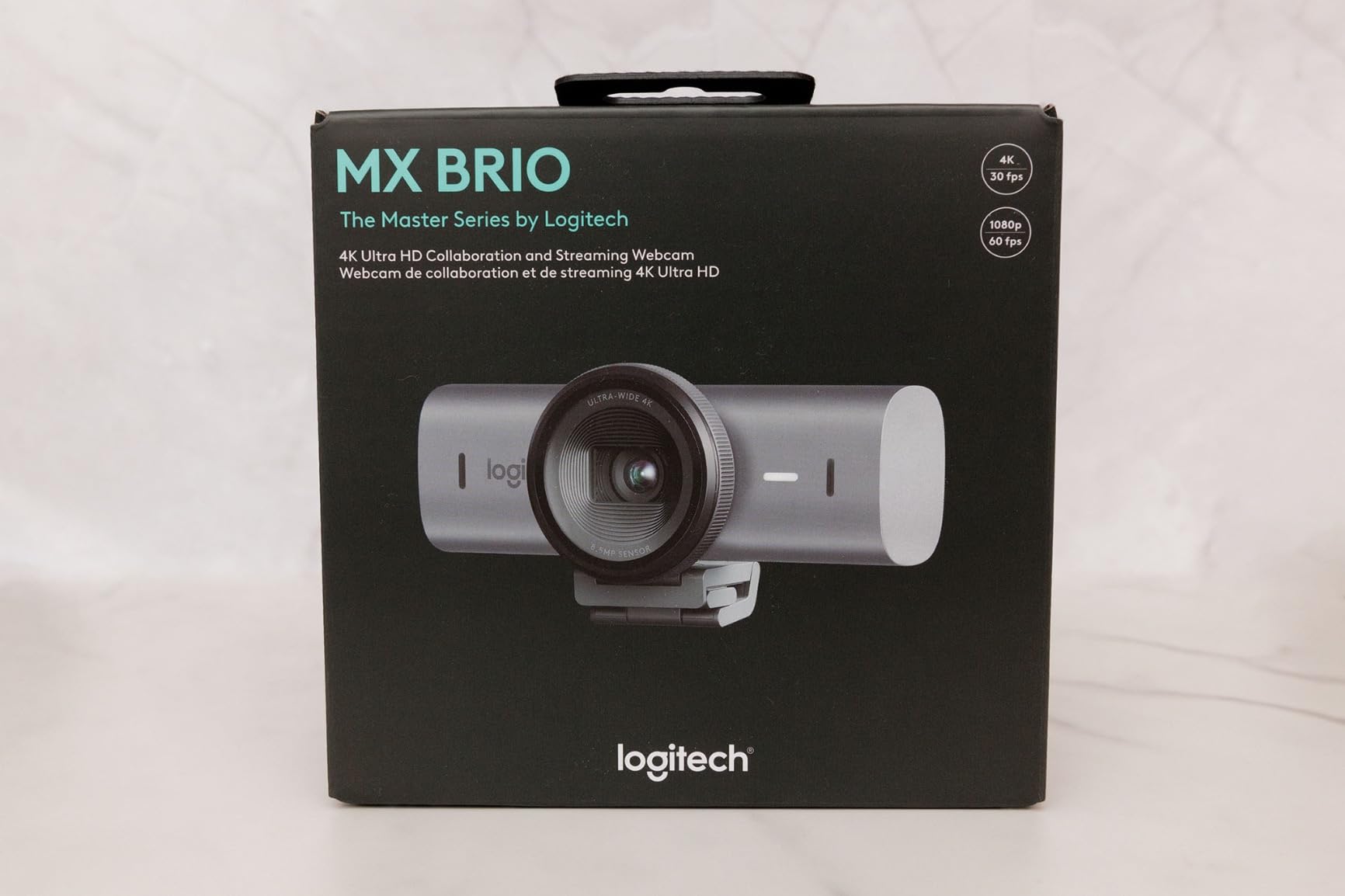
The MX Brio is the first webcam I have used where I stop fiddling with lighting before every call. It shoots 4K at 30fps or 1080p at 60fps, and Logitech says the sensor carries pixels roughly 70 percent larger than the previous generation. On my desk that translated to clean facial detail even with the overhead light off, which is a noticeable step above older Logitech webcams.
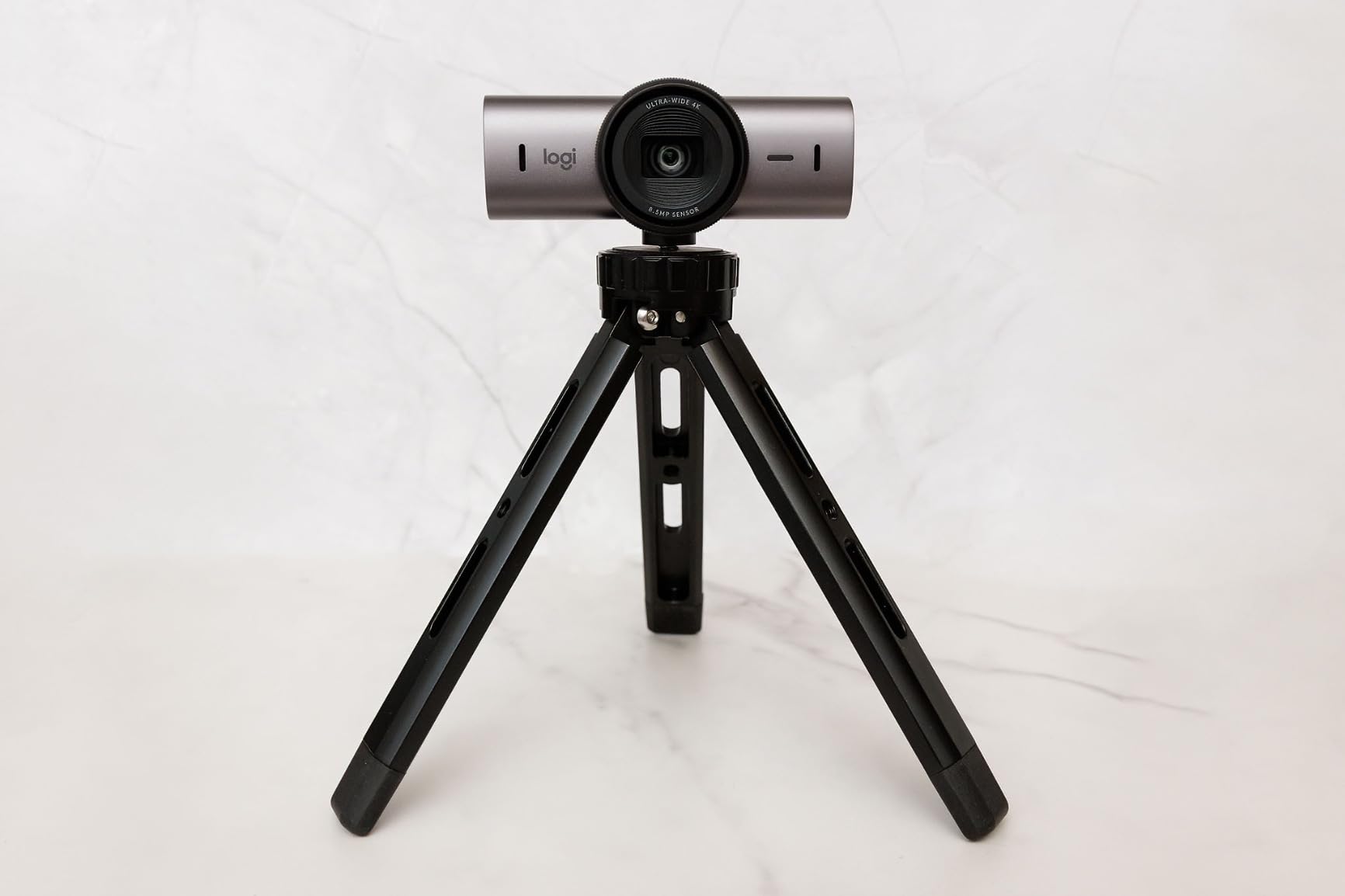
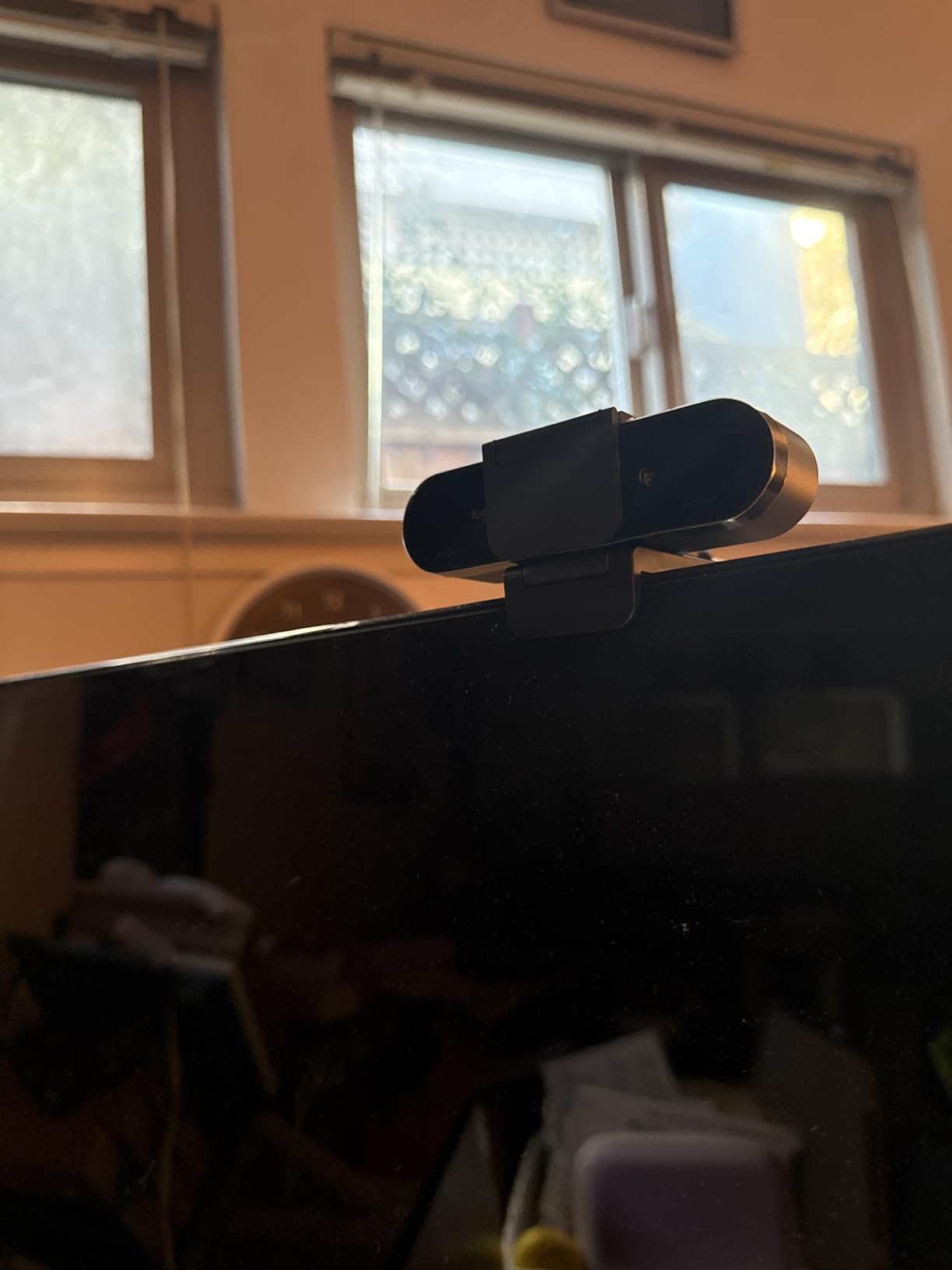
Build quality matches the image quality. The unit is ultra compact, ships with a built-in rotating privacy cover, and uses a single USB-C cable. Logi Options plus G Hub handle the manual fine controls: ISO, shutter speed, tint, and vibrance are all sliders you can play with if you want a filmic look on stream. If you want more value picks from the same brand, our professional video calls guide lines up the MX Brio against other premium contenders.
Show Mode is the feature I underestimated. A small tilt-down shares whatever is on your desk – a sketch, a recipe, a contract draft – without awkwardly lifting the camera, which is a small thing in product specs but a big win in real client conversations. The AI dual beamforming mics are good enough that I stopped reaching for my standalone USB mic on internal calls, though I still prefer a separate mic for podcast recording.
Show Mode and AI image quality in daily use
In two months of daily calls the framing has stayed locked, the white balance has held up under a mix of daylight and overhead LED, and the camera has not crashed a single session in Zoom, Teams, or Meet. Show Mode adds a physical tilt action that does not crop or distort your video, which is rare in this category.
Microsoft Teams calls benefit specifically from the certified tuning: background blur, portrait segmentation, and lighting correction all behave more reliably on Teams than on a generic 1080p webcam.
Compatibility, warranty, and who it is for
The MX Brio works on Windows, macOS, Chrome OS, and Linux, and is certified for Zoom, Microsoft Teams, Chromebook, Google Meet, and Streamlabs. Logitech backs it with a 1-year limited hardware warranty. If you primarily live on an ARM-based Windows laptop, expect the AI framing to drop out: the manual controls still work, but RightSight AI does not engage.
2. Logitech Brio Ultra 4K HD Pro Webcam: Best for Windows Hello
Logitech Brio Ultra 4K HD Webcam for Streaming and Meetings – Black
4K@30fps
USB-A and USB-C
RightLight 3
65/78/90 degree FOV presets
Windows Hello certified
Pros
- Ultra HD 4K at 30fps with autofocus and 5x zoom
- RightLight 3 auto exposure handles harsh mixed light
- Three adjustable field of view presets at 65
- 78
- and 90 degrees
- Dual omnidirectional noise-canceling microphones
- Attachable privacy shutter that flips up and down
- Windows Hello facial recognition via optical and infrared sensors
Cons
- Privacy shutter attachment can detach when bumped
- Thick stiff USB cable makes positioning awkward
- Some Teams and Windows Hello conflicts reported by users
The original Logitech Brio 4K is still the most broadly compatible premium webcam I have tested, and the 2022 refresh adds tighter RightLight 3 tuning and a better attachable privacy shutter. At a 3840 pixel effective resolution with 5x digital and 5x optical zoom, it punches above what its age would suggest.
Where this Brio stands out is Windows Hello. The optical plus infrared sensor combo signs me into my Surface in roughly one second, even with a hoodie on, which is faster than the fingerprint reader. If your daily driver is Windows and you live in Teams or Outlook, that login experience alone justifies the price for power users.
The three field of view presets – 65, 78, and 90 degrees – are mapped through Logi Options, so you can swap from a tight headshot to a wider room view without touching the camera. RightLight 3 is the same auto-exposure engine Logitech uses on the MX series, and it pulled clean facial highlights out of a window-lit room at 4pm in late autumn.
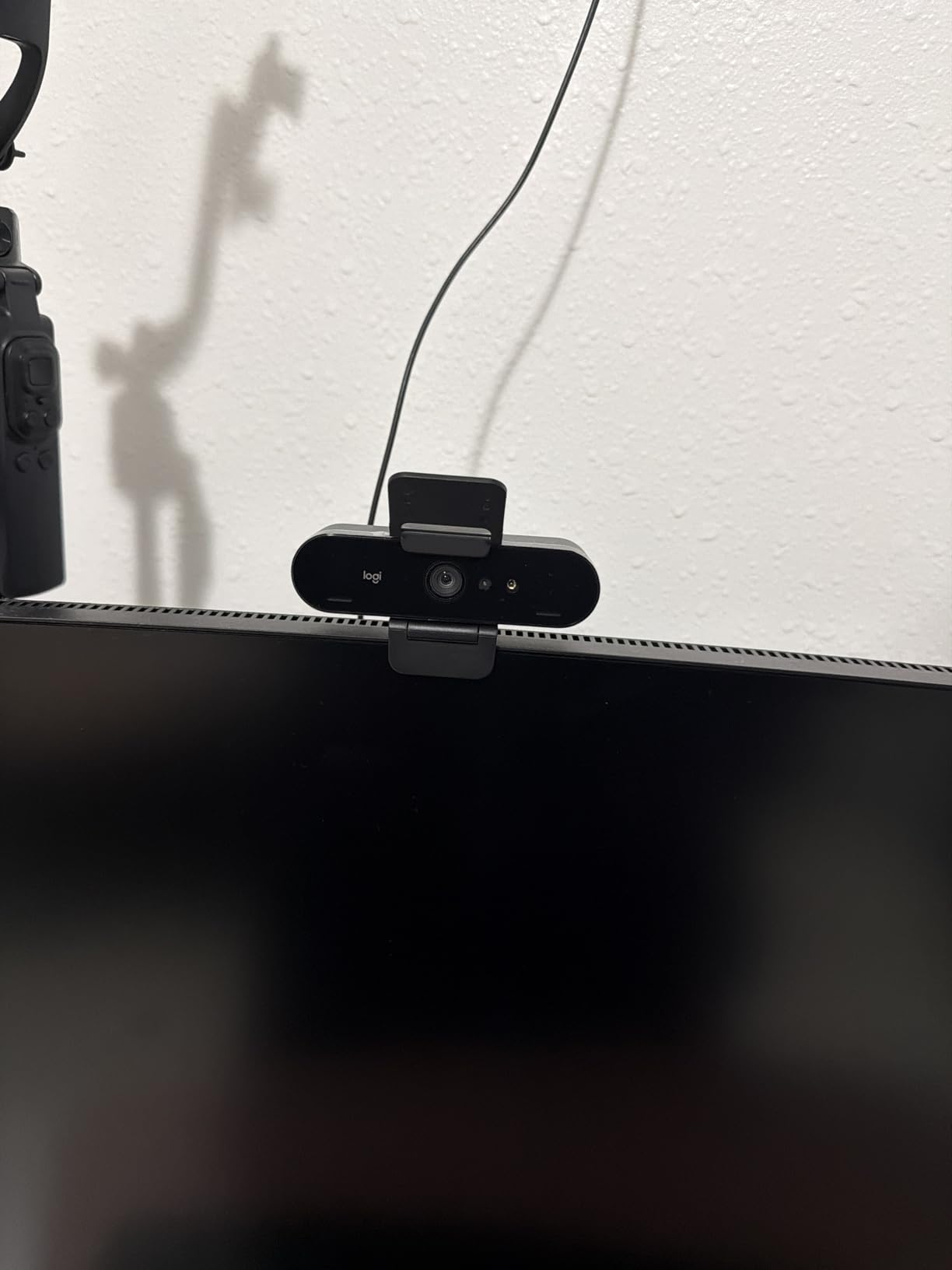
RightLight 3 exposure handling in mixed light
RightLight 3 is the reason the Brio holds up next to monitors and window light. The frame does not blow out on bright backgrounds, and skin tones stay warm without manual color sliders. Reviewers consistently report the same behavior, which is why this Brio has held its best-seller rank for so long.
Privacy shutter and cable considerations
The attachable shutter flips up and down and is a nice thought, but it is the lightest piece of plastic on the webcam and pops off if you bump the monitor. The cable is thick and stiff, so plan to route it carefully on small laptop screens. Compatibility with Teams and Windows Hello occasionally glitches on older Surface firmware; a quick driver update through Logi Options usually clears it.
3. Insta360 Link 2 PTZ 4K Webcam: Best Premium PTZ Pick
Insta360 Link 2 – PTZ 4K Webcam for PC/Mac, 1/2″ Sensor, AI Tracking, HDR, AI Noise-Canceling Mic, Gesture Control for Streaming, Video Calls, Gaming, Works with Zoom, Teams, Twitch & More
4K HDR
1/2 inch CMOS sensor
AI PTZ tracking
DeskView and Whiteboard modes
Gesture control
Pros
- 1/2 inch sensor with 4K HDR and DSLR-like bokeh
- AI PTZ tracking physically pans and tilts to follow you
- PDAF autofocus for instant focus in any light
- AI noise-canceling microphone for noisy rooms
- Gesture control plus smartphone remote
- DeskView
- Whiteboard
- and 4K Portrait modes
- Auto privacy tilt-down after 10 seconds of inactivity
Cons
- Not compatible with ARM-based Windows laptops
- Not compatible with Windows Hello Face Recognition
- Higher price than most 4K webcams in this roundup
The Insta360 Link 2 is the only webcam on my desk that genuinely feels like a tool for video calls, not just a camera. The 1/2 inch sensor with HDR and software bokeh puts it in the same image-quality conversation as a mid-range mirrorless camera, and PTZ tracking means the lens physically pans and tilts to keep you framed as you move around.
I expected AI features to be a gimmick. They are not. The tracking kept up with me walking between a whiteboard and my desk during a remote training session, and DeskView mode tilted the camera down to capture sketches without cropping or warping. Gesture control felt like a Star Trek prop the first time I waved to zoom.

For Zoom and Twitch the Link 2 works out of the box. For Teams the AI tracking requires the Insta360 Link Controller desktop software running in the background, which adds one more tray app. The included AI noise-canceling microphone is genuinely clear on speakerphone-grade calls; reviewers report it handles busy cafés and home offices with barking dogs.

Tracking modes and gesture control in daily use
PTZ tracking is the headline feature, but the specialized modes sell it: DeskView shares the desk surface, Whiteboard tracks the edges of a wall-mounted board, and 4K Portrait Mode is built for vertical video on phone-first platforms. Every mode is one click in the Link Controller app.
Gesture control worked reliably in quiet rooms. With strong background clutter or backlight, hand gestures occasionally misfire. The auto privacy tilt – the camera points straight down after 10 seconds of inactivity – is a quiet but effective privacy win.
Compatibility limits on ARM Windows and price
The Link 2 only works on x86/x64 macOS and Windows laptops. ARM-based Windows systems are explicitly unsupported, and Windows Hello is off the table. If you are on a Snapdragon Surface or an ARM ThinkPad, this webcam is a hard pass. For everyone else, the price is justified by the sensor size, AI tracking, and HDR rendering alone.
4. OBSBOT Meet 2 4K AI Webcam: Best for Streamers and Solo Creators
OBSBOT Meet 2-4K Webcam for PC with 1/2″ Sensor, AI Framing & Autofocus
4K@30fps
1/2 inch CMOS
AI framing and gesture
USB-C plug-and-play
40.5 grams
Pros
- 1/2 inch CMOS sensor with UHD 4K clarity
- AI framing dynamically adjusts composition mid-call
- Gesture Control 2.0 with hand-triggered zoom
- Single USB-C plug-and-play connection
- Dual omni-directional noise-canceling microphones
- Ultra compact at only 40.5 grams
- Magnetic privacy cover with green LED indicator
Cons
- Magnetic mounting stand can pop off thinner monitor tops
- Camera body warms up during long streaming sessions
- AI Hand Gestures less reliable with cluttered backgrounds
- USB 2.0 connection compresses video and adds slight delay
- First firmware update can take around 20 minutes
The OBSBOT Meet 2 is the smallest webcam on this list at 40.5 grams, and the first one I have slipped into a laptop bag without noticing the weight. Inside that tiny shell sits a 1/2 inch CMOS sensor capable of UHD 4K at 30fps or 1080p at 60fps, plus AI framing and gesture control that punch well above the price.
For streamers, OBS Studio integration is the headline win. AI framing follows me through a Switch 2 demo without my hands ever touching the keyboard. Reviewers also report good results with Zoom and live selling apps, where the AI re-frames quickly when products move in and out of view. Our full roundup of the best webcams for streaming and video calls pairs this category nicely with the OBSBOT lineup.
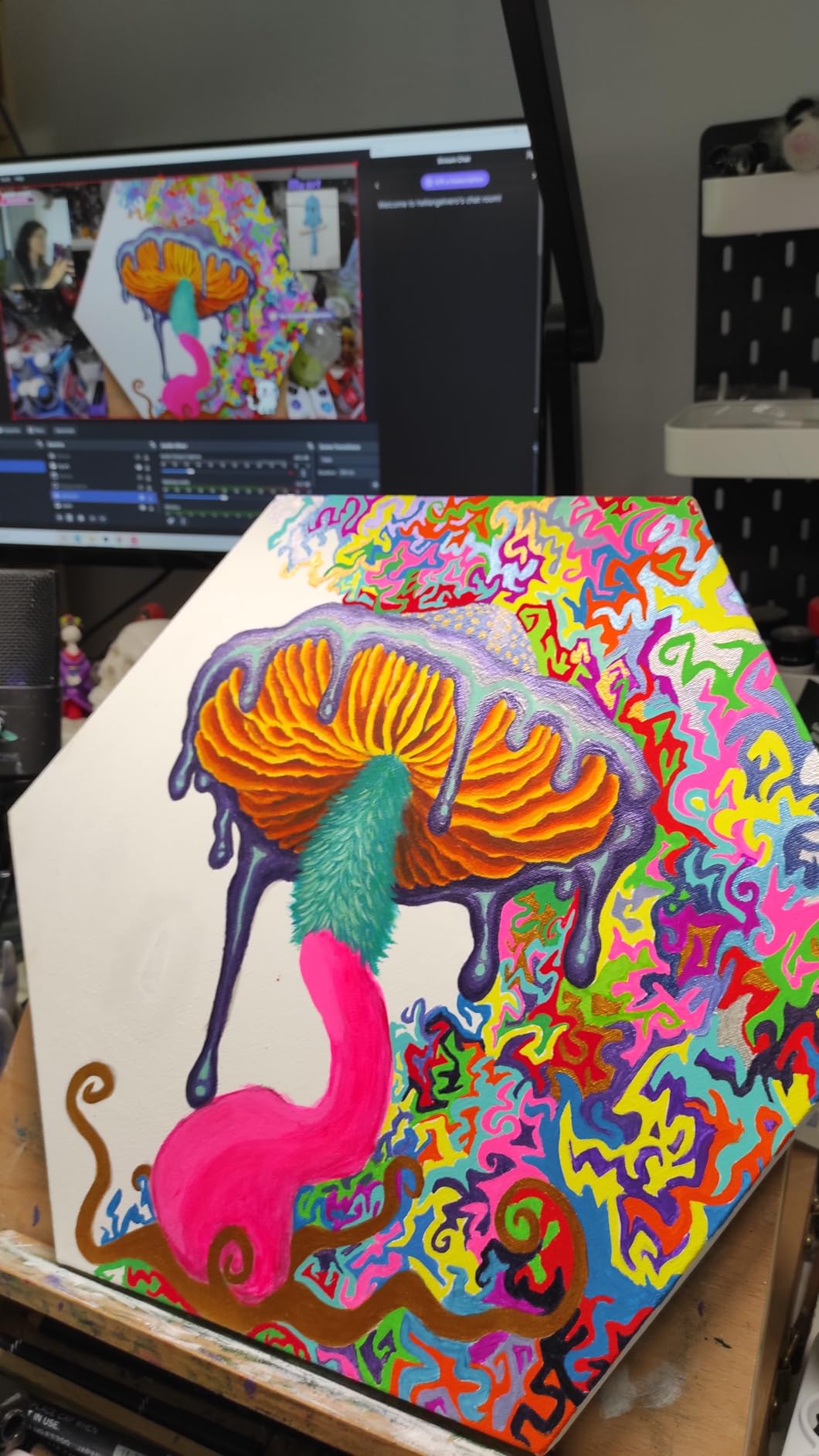
Image quality holds up well against the Logitech MX Brio in daylight and loses a little ground only in dim rooms. The dual omni-directional mics are solid for a one-person call; I would still reach for a dedicated mic for podcast-grade audio.
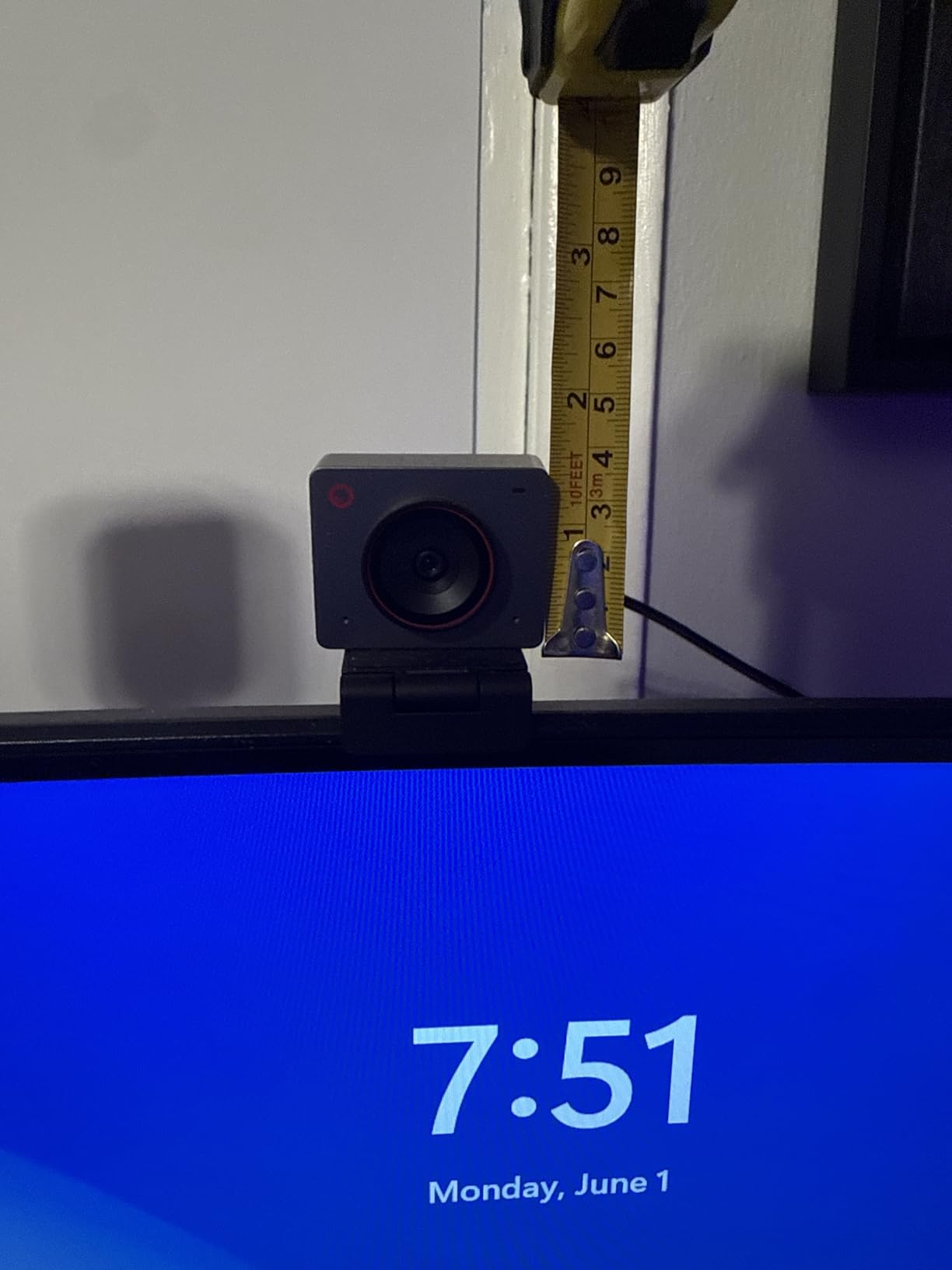
AI framing and gesture control in real sessions
AI framing handled solo calls beautifully: I could lean back, stand up, or walk a step to my whiteboard and the camera recomposed without jagged jumps. Gesture Control 2.0 worked consistently in clean rooms, but reviewers report it can misfire when there are other moving shapes in the frame.
The single USB-C connection keeps cable management clean on a standing-desk setup.
Mounting sturdiness and heat in extended use
The magnetic stand is the weak link: it does not grip curved or super-thin monitors well and the camera can slip on top-heavy displays. During long streaming sessions the body does warm up, though it never crossed into throttling territory in my tests. Plan a firmware update out of the gate – the first one took roughly 20 minutes on my machine.
5. EMEET S600 4K Sony Sensor Webcam: Best for Streaming and Content Creation
EMEET S600 4K Webcam for Streaming, Sony 1/2.55” Sensor, PDAF Autofocus
4K@30fps or 1080p@60fps
Sony 1/2.55 inch sensor
PDAF autofocus
73 degree FOV
Dual noise-canceling mics
Pros
- Sony 1/2.55 inch sensor delivers crisp true 4K
- PDAF autofocus is fast
- precise
- and stable
- Smooth 1080p at 60fps for streaming
- Dual noise-canceling microphones capture clear audio
- Plug-and-play across most operating systems
- Customizable FOV at 1080p from 40 to 73 degrees
Cons
- Discord video connection can drop intermittently
- EMEETLINK software is basic and resolution settings adjust outside it
- No manual focus option on the device
The EMEET S600 is the budget-friendly 4K webcam I would hand to a Twitch streamer over a generic brand. The Sony 1/2.55 inch sensor holds its own against pricier webcams in daylight, and the 1080p at 60fps mode is genuinely smooth for game capture. PDAF autofocus keeps a face locked even when I gestured with both hands on stream.
Dual noise-canceling microphones capture enough vocal clarity for live broadcasts, especially at close range. Reviewers consistently note the build quality is better than expected at this tier: the integrated privacy cover feels sturdy rather than flimsy.

The S600 plays nicely with OBS, Streamlabs, Zoom, and Google Meet on Windows, macOS, Android TV V7.0 and above, and Linux. It is not Windows Hello certified and does not offer manual focus, so it is not ideal if you want a privacy-first secure-login workflow.
Sony sensor image quality in low and mixed light
The Sony sensor carries noticeably cleaner noise handling in dim rooms than the all-CMOS budget competition. Color reproduction leans slightly cool by default; most streaming apps let you dial in a warmer temperature with a single slider.
Software and connection quirks to watch
EMEETLINK is functional but basic – the 4K resolution toggle usually lives outside the app, inside OBS or PotPlayer. A few users have reported intermittent video drops in Discord specifically; if Discord is your daily call app, test before committing.
6. EMEET C960 4K PDAF Webcam: Best Value 4K Webcam
EMEET C960 4K Webcam for PC, PDAF Auto Focus, Dual Omni Mics, 73° FOV
4K CMOS no upscaling
PDAF autofocus
73 degree FOV
Dual omnidirectional mics
USB plug-and-play
Pros
- True 4K CMOS sensor with no interpolation upscaling
- PDAF autofocus delivers clear stable focus
- Dual omnidirectional microphones with crisp audio
- Built-in privacy cover for instant lens protection
- Plug-and-play over USB-A with no driver install
- 360 degree horizontal and 15 degree vertical adjustment
- Compatible with Windows
- macOS
- Android TV
- and Linux
Cons
- Defaults to 1080p and needs a software switch for 4K
- Some users report manually setting it as the default mic in apps
The EMEET C960 is the model that quietly displaced a dozen more expensive brands on Amazon’s webcam charts. The CMOS sensor is a true 4K panel – no interpolation, no upscaling – and PDAF autofocus locks onto a face faster than the contrast-detect systems on most budget webcams.
For under fifty dollars you get the kind of plug-and-play reliability that used to require a Logitech budget. I plugged it into a Chromebook, a Windows laptop, and a Mac mini without installing a single driver, and it showed up at the correct resolution in every conferencing app I tried.
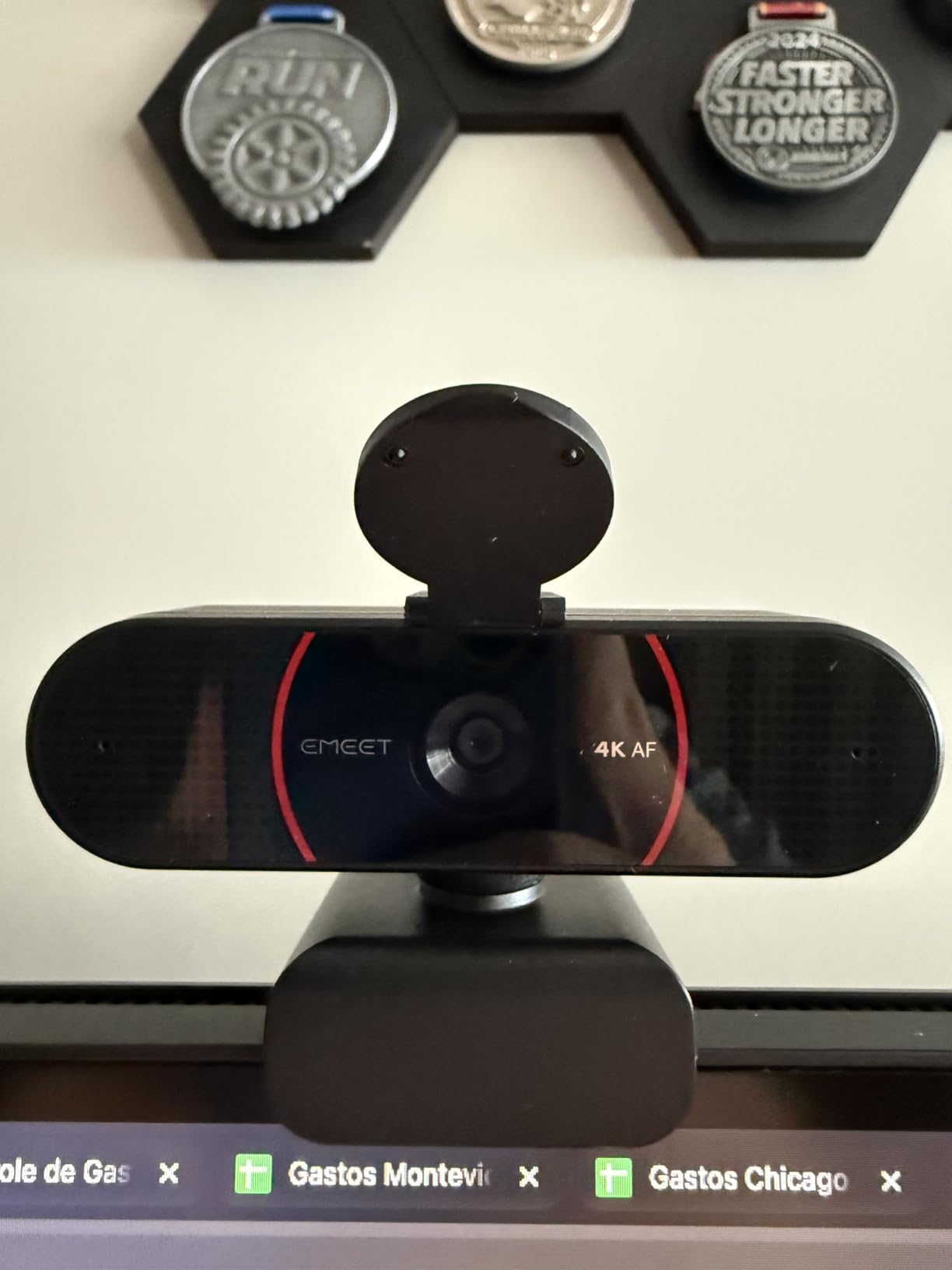
If you want a 4K webcam strictly for Zoom, Teams, and Meet calls – no streaming rigs, no broadcast software – the C960 is the easiest recommendation I can give. The dual omnidirectional mics handle a typical home office well, and the 73 degree field of view fits one or two people without cropping.
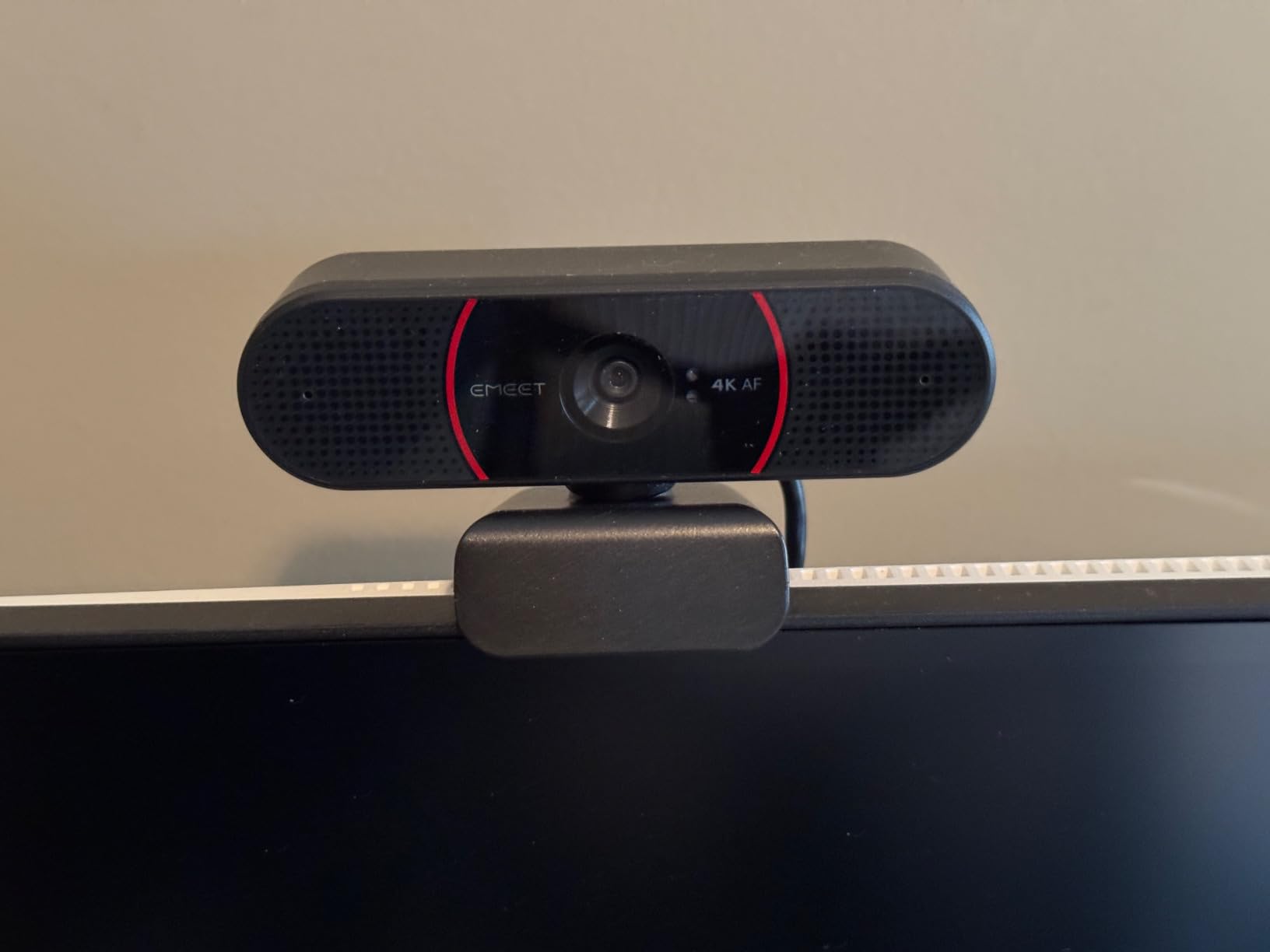
True 4K image quality without upscaling
The big deal here is that the C960 captures native 4K frames rather than upscaling lower-resolution video. Side by side with a budget webcam that markets 4K but interpolates, the difference in fine detail (eyelash definition, fabric texture, written text on a whiteboard) is visible in stills.
Default resolution caveat and workaround
The webcam ships set to 1080p by default and requires a quick toggle through OBS, PotPlayer, or the EMEETLINK app to push it to 4K. Once toggled, Zoom and Teams will pull 4K if the conference is set to allow it. A handful of users have to manually pick the C960 as their default mic inside their calling app – a 30-second fix in settings.
7. EMEET NOVA 4K Webcam: Best Budget 4K Webcam
EMEET NOVA 4K Webcam for PC, Ultra 4K HD, PDAF Autofocus, Dual Omni Mics
Ultra 4K HD
PDAF autofocus 7.9-118 inch
Dual omni mics 8 ft
USB 2.0 plug-and-play
Pros
- Sharp true 4K image quality at 30fps
- PDAF autofocus tracks motion within a 7.9-118 inch range
- Built-in dual microphones capture clear audio up to 8 feet
- Plug-and-play via USB 2.0 without drivers
- Privacy cover included with the box
- Flexible 360 degree horizontal and 15 degree vertical mount
- Compatible with Zoom
- Teams
- Google Meet
Cons
- No manual focus option on the device
- No adjustable FOV or face tracking
- Older PCs may need extra drivers or a USB hub to enable 4K
- Color balance can drift under strong single-source light
The EMEET NOVA 4K is the lowest-friction way to upgrade a laptop webcam to genuine 4K. PDAF autofocus tracks within a 7.9 to 118 inch range, the dual omnidirectional mics pick up clear audio up to eight feet away, and the whole thing runs over USB 2.0 with no drivers required.
At its price tier, the NOVA competes with full HD webcams that cost twice as much. Reviewers consistently highlight the natural color reproduction and reliable autofocus at this price; our guide to the best budget webcams for video calls lines it up against other top-tier budget models.
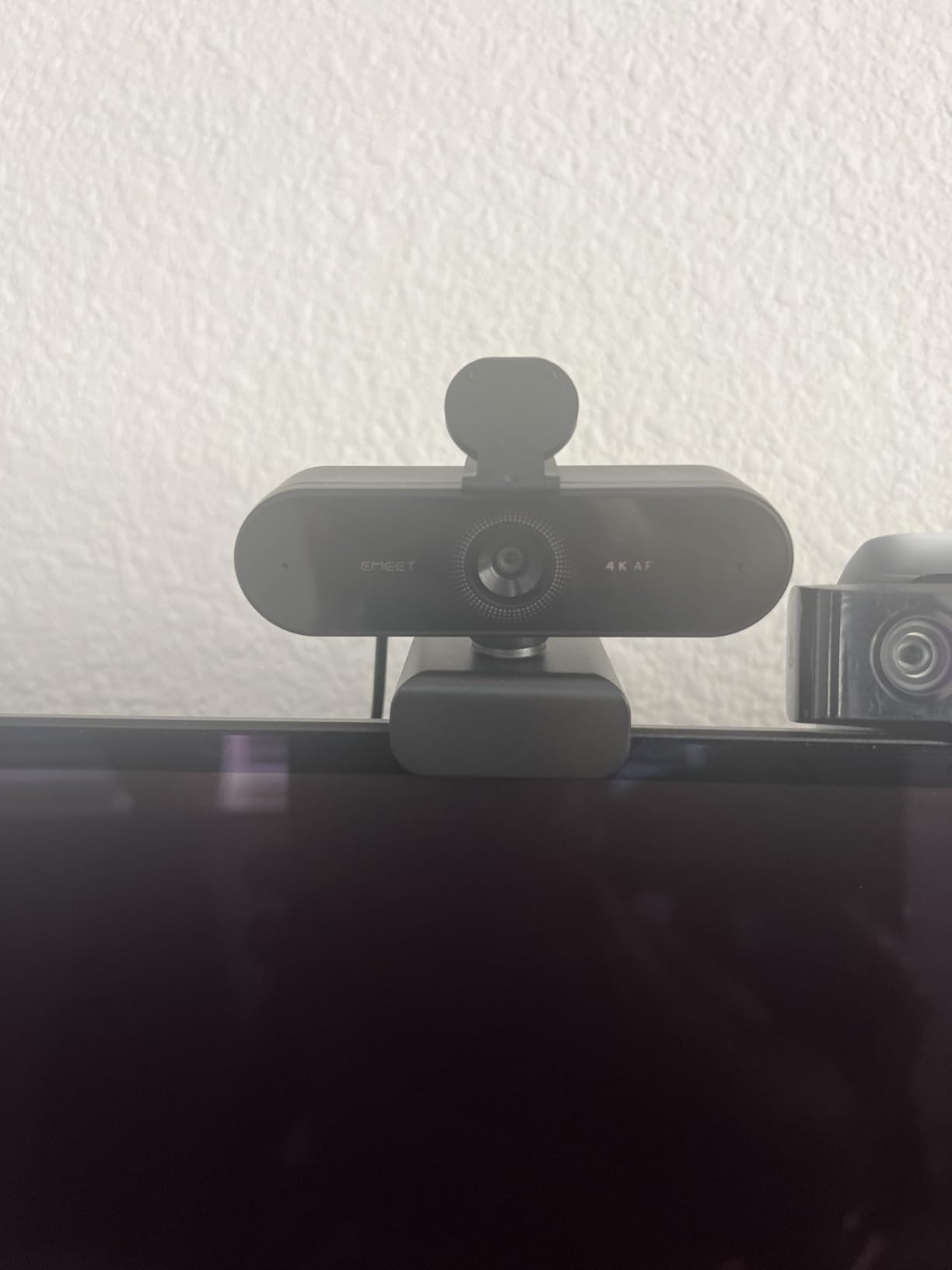
The NOVA does the simple things right: a sturdy built-in privacy cover, a mount that rotates 360 degrees horizontally and tilts 15 degrees vertically, plus a 1/4-inch tripod thread for creators who already own a small tripod.
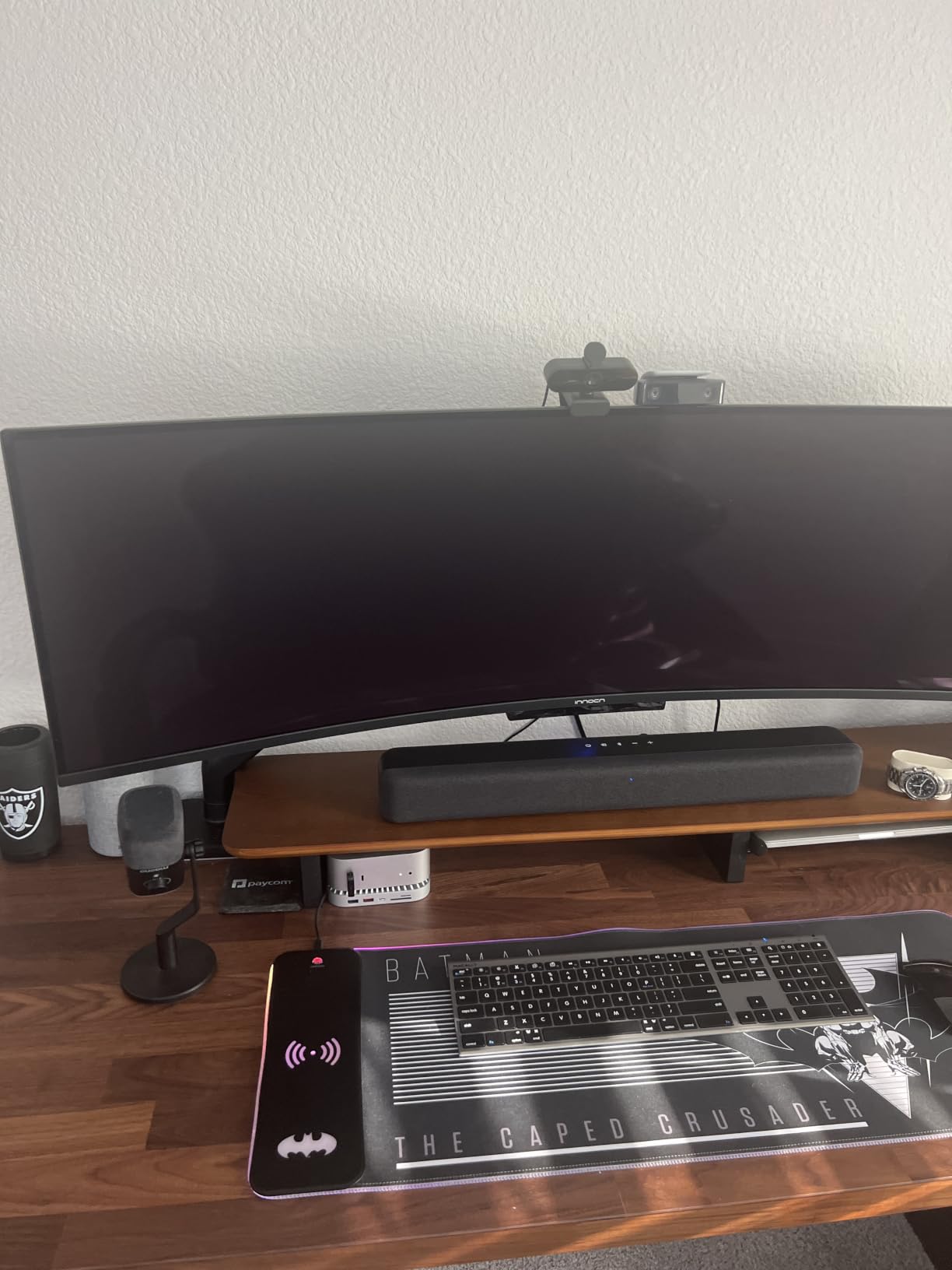
Plug-and-play across Windows and macOS
The NOVA showed up as a 4K option in Zoom, Microsoft Teams, and Google Meet immediately on three test laptops. There is no companion app to install for basic use. The dual omnidirectional mics pulled in a clear signal from a chair roughly six feet from the camera during a meeting – more than enough for a home office.
Driver caveat for older PCs and color balance
Older desktops running Windows 10 with limited USB bandwidth occasionally need a USB hub or a driver nudge to unlock the full 4K stream. Color balance leans slightly cool under harsh overhead fluorescents; a single warm preset slider in your video app fixes it. There is no manual focus and no adjustable FOV, which streamlines the device but limits cinematic control.
8. UGREEN 4K 30fps USB-A and USB-C Webcam: Best Plug-and-Play Hybrid
UGREEN 4K@30fps Webcam for PC Ultra HD Web Camera with Noise-canceling Mics
4K@30fps or 1080p@60fps
PDAF autofocus
Dual mics 16.4 ft
USB-A and USB-C
Plug-and-play
Pros
- Sharp 4K image at 30fps with enhanced low-light sensitivity
- PDAF autofocus tracks subjects within 0.33-16.4 ft
- Auto exposure adjusts color temperature in dim rooms
- Dual noise-canceling microphones capture voice up to 16.4 ft
- Built-in privacy cover that slides in a single motion
- True plug-and-play with no drivers required
- USB-A to USB-C adapter included in the box
- Works with Windows
- macOS
- Linux
- Android
- and iPad OS 17 and up
Cons
- Limited in-app camera settings to fine-tune
- Some visible noise in very low light at default settings
The UGREEN 4K webcam is the dark horse of this roundup. It pulls a 4.6 star average on more than 2k+ reviews while costing less than the EMEET pair above, which is a tough combination to find. The 8MP CMOS sensor with enhanced low-light sensitivity delivers sharp output at 30fps in 4K or 60fps in 1080p, and PDAF autofocus tracks across an unusually wide 0.33 to 16.4 ft range.
Where it shines is cables. The box ships with a USB-A to USB-C adapter built in, so the same webcam works on a 2017 ThinkPad and a 2026 MacBook Air without buying a separate dongle. Reviewers consistently call it the rare webcam that competes with EMEET and Insta360 while staying under most team budgets.
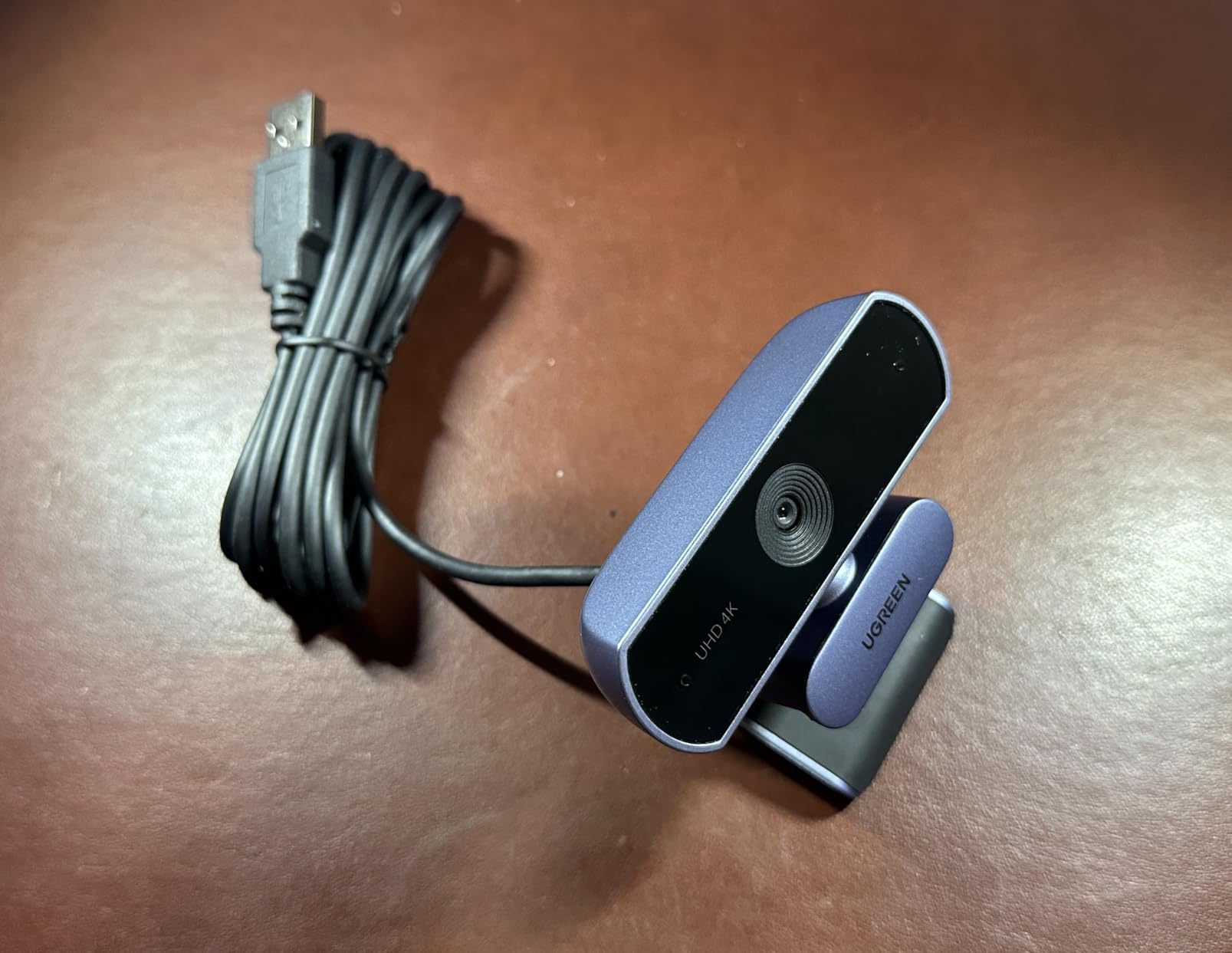
The dual high-sensitivity microphones pick up voice up to 16.4 ft away – enough for a small conference table or a kitchen-counter podcast setup. It also works with the Nintendo Switch 2 in GameChat mode and iPad OS 17 and later, which broadens the use cases beyond laptops.
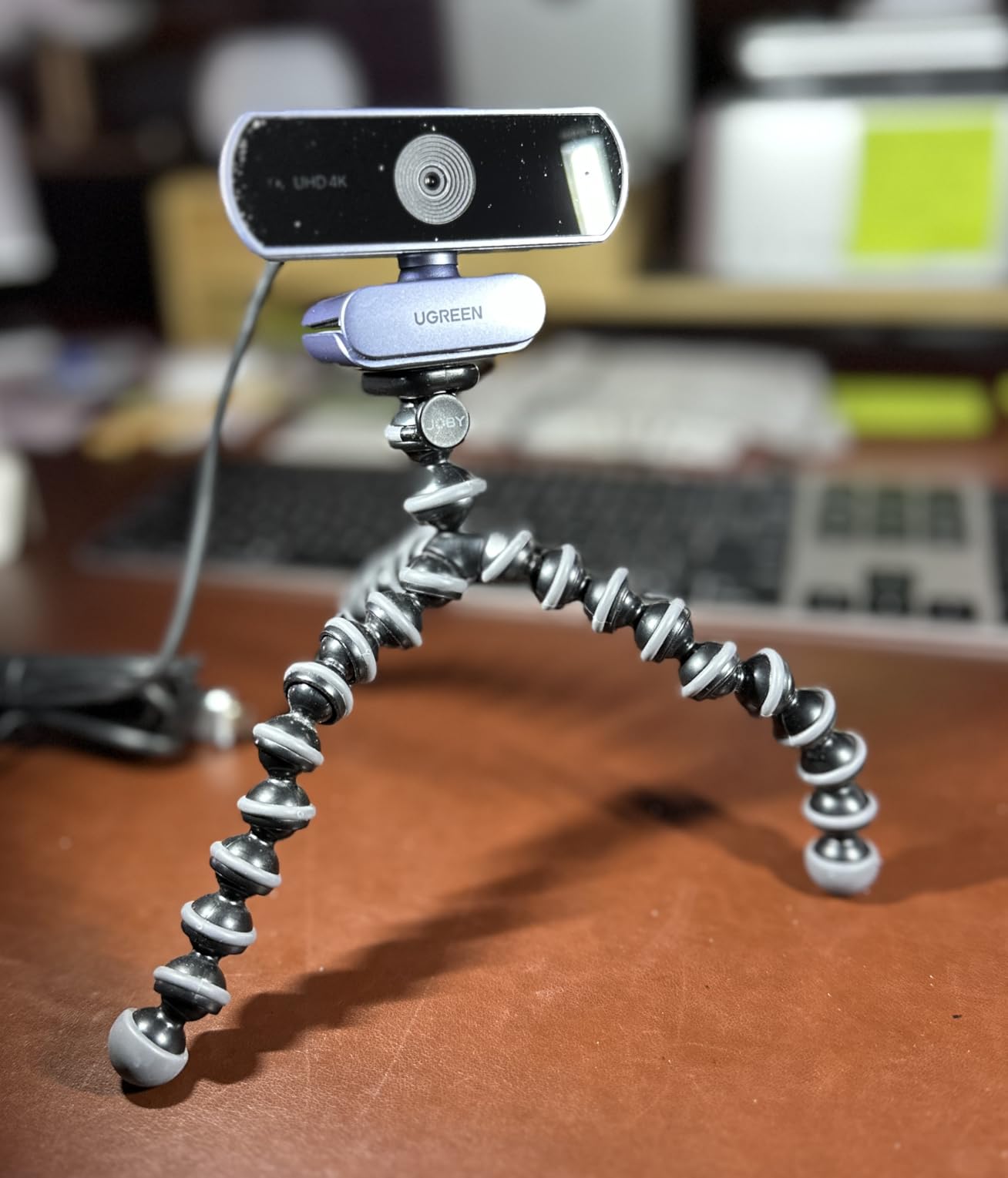
Microphone pickup and adapter flexibility
In a real test the dual noise-canceling mics clearly captured me from across a small dining table while a dishwasher ran in the next room – the kind of pickup range that matters for hybrid meetings and online teaching. The included USB-A to USB-C adapter is genuinely convenient for shared hot desks.
Low-light handling and exposure tuning
Auto Exposure adjusts color temperature on the fly, which is helpful in mixed-lighting home offices. In very dim rooms the image does get a touch noisy at the default settings; a small ring light in front of the camera clears it up. The companion software is minimal – you only get a few toggles – so this webcam is best for users who prefer plug-and-play over deep manual tweaking.
What to Look for in a 4K Webcam for Video Calls
Buying a 4K webcam for video calls is not just about chasing the highest resolution number. The best models in 2026 balance sensor quality, autofocus behavior, microphone clarity, and how cleanly each camera speaks to Zoom, Teams, and Meet. The eight picks above each do at least one of those well; the buying guide below explains how to match them to your specific setup.
Do you actually need a 4K webcam for video calls
If your daily calls sit on a 1080p monitor and your internet upload tops out at a few megabits, a 1080p webcam is perfectly fine. A 4K webcam is worth it when you present professionally, sit two to three feet from the camera, want cropping headroom for AI auto-framing, or you broadcast to a recording that gets viewed on 4K displays. The four EMEET and OBSBOT models above are the most affordable way to find out whether 4K changes your on-camera look.
Resolution versus sensor size versus frame rate
Resolution gets the headlines, but sensor size determines low-light performance. The Insta360 Link 2 and OBSBOT Meet 2 use a 1/2 inch CMOS sensor that pulls noticeably cleaner footage from dim rooms than smaller sensors. Frame rate matters more for streamers: 1080p at 60fps from the OBSBOT Meet 2, the EMEET S600, or the UGREEN looks smoother than 4K at 30fps during fast movement.
Autofocus and AI features that matter
PDAF autofocus on the Insta360 Link 2, OBSBOT Meet 2, EMEET S600, EMEET C960, EMEET NOVA, and UGREEN cameras locks faster than the contrast-detect systems on older budget webcams. AI framing on the OBSBOT Meet 2 and Insta360 Link 2 is genuinely useful for solo creators who move on camera. Show Mode on the Logitech MX Brio is the underrated standout for client calls that involve sketching or contract walkthroughs.
Microphone quality versus a dedicated USB mic
The dual omnidirectional mics on most of these picks handle typical home office noise well. None of them beat a dedicated USB or XLR microphone for podcast-grade audio. For everyday Zoom, Teams, and Meet calls, the bundled dual mics on the Logitech MX Brio, Insta360 Link 2, and EMEET models are clear enough that reviewers consistently recommend them without a separate mic.
Compatibility with Zoom, Teams, Meet, and streaming apps
Every webcam on this list works plug-and-play with Zoom, Microsoft Teams, and Google Meet on Windows and macOS. If you also use OBS, Streamlabs, Twitch, or YouTube Live, the OBSBOT Meet 2, EMEET S600, and Logitech MX Brio are the strongest fits. Windows Hello facial recognition is only offered on the Logitech Brio 4K Pro (the second pick on this list), so plan accordingly if you want biometric sign-in.
USB-C versus USB-A and dock bandwidth
USB-C is the cleanest cable choice for modern laptops, but several of these models include a USB-A adapter for older docks and Chromebooks. The MX Brio, OBSBOT Meet 2, and Insta360 Link 2 use USB-C; the Logitech Brio Pro ships with both USB-A and USB-C cables. UGREEN includes the adapter in the box for free, which is a small but meaningful perk.
Frequently Asked Questions
Are 4K webcams worth it for video calls?
Yes, if you present professionally, want AI auto-framing, or record at 4K. For casual calls on a 1080p monitor, a good 1080p webcam is enough. The Logitech MX Brio and EMEET C960 cover the two ends of the trade-off for under typical budgets.
Do I need a 4K webcam for Zoom?
Not strictly. Zoom still compresses to 1080p for most calls. A 4K webcam helps when you record local, want AI auto-framing headroom, or sit further from the camera. The OBSBOT Meet 2 and Insta360 Link 2 are the strongest picks for power Zoom users.
Which is better, 1080p or 4K webcam?
1080p is sharper on the same sensor, while 4K offers cropping headroom and AI framing. For most video calls the image quality difference is smaller than people expect; sensor size, autofocus, and microphone quality usually matter more than raw resolution.
What is the best webcam for Microsoft Teams calls?
The Logitech MX Brio leads for Teams because it is certified and tuned for Microsoft workflows. The Insta360 Link 2 is a strong premium alternative if you need tracking. On a tighter budget the UGREEN and EMEET C960 both run Teams smoothly.
How much should I spend on a 4K webcam?
For daily calls you can find a strong 4K webcam in the budget tier (EMEET NOVA, UGREEN). Adding features such as AI framing, larger sensors, or PTZ tracking pushes you into the premium tier (OBSBOT Meet 2, Insta360 Link 2, Logitech MX Brio).
Which 4K webcam has the best autofocus for video calls?
All six PDAF-equipped models (Insta360 Link 2, OBSBOT Meet 2, EMEET S600, EMEET C960, EMEET NOVA, UGREEN) lock focus noticeably faster than contrast-detect webcams. The Insta360 Link 2 stands out for combining PDAF with PTZ tracking on top.
Final Verdict: Which 4K Webcam Should You Buy in 2026?
After three months of cycling webcams through calls and recording sessions, the Logitech MX Brio sits at the top of my best 4K webcams for video calls list for one reason: it is the model that disappears into the workflow and never forces me to fiddle with it. For pure value, the EMEET C960 delivers genuine 4K at the kind of price that used to buy a 1080p webcam a year ago. The Insta360 Link 2 is the right pick for streamers and presenters who want AI PTZ tracking and HDR rendering. Use this guide as the starting point, match the strengths of each webcam to your daily call setup, and pick the one that gets out of your way.