
If you’re a YouTuber in 2026, a 4K webcam is no longer a luxury—it’s becoming essential gear. I spent 8 weeks testing these cameras in my home studio and on location to find the best 4K webcams for YouTubers who want their videos to look sharp, professional, and ready for upload without post-production gymnastics.
4K captures 3840×2160 pixels—4x the detail of 1080p. That extra detail matters for YouTubers because it lets you crop and zoom in post without quality loss, future-proofs your content for higher-resolution displays, and produces sharper footage after YouTube compresses it. Even if you upload in 1080p, shooting in 4K gives you room to reframe, stabilize, and add B-roll.
I’ve covered everything from budget picks around $30 to flagship models with AI tracking and gimbal-style PTZ movement. You’ll find OBS and streaming compatibility notes, sensor size comparisons, and real-world low-light tests. If you also stream on Twitch or run a podcast, check out our streaming webcam guide. For pure content creator workflows, our content creator roundup goes deeper into creator-specific setups.
Table of Contents
Top 3 Picks for Best 4K Webcams for YouTubers (September 2026)

Insta360 Link 2 – PTZ 4K Webcam
- AI Tracking with PTZ
- HDR and 1/2 inch Sensor
- Gesture Control
- DeskView Mode


Best 4K Webcams for YouTubers in 2026
| Product | Specifications | Action |
|---|---|---|
 Logitech MX Brio Ultra HD 4K Webcam Logitech MX Brio Ultra HD 4K Webcam |
|
Check Latest Price |
 Logitech Brio Ultra 4K HD Webcam Logitech Brio Ultra 4K HD Webcam |
|
Check Latest Price |
| Insta360 Link 2 – PTZ 4K Webcam |
|
Check Latest Price |
 Insta360 Link 2 Pro – 4K PTZ Webcam Insta360 Link 2 Pro – 4K PTZ Webcam |
|
Check Latest Price |
| OBSBOT Meet 2 – 4K Webcam |
|
Check Latest Price |
 EMEET S600 4K Webcam EMEET S600 4K Webcam |
|
Check Latest Price |
| EMEET NOVA 4K Webcam |
|
Check Latest Price |
 AOC 4K Webcam AOC 4K Webcam |
|
Check Latest Price |
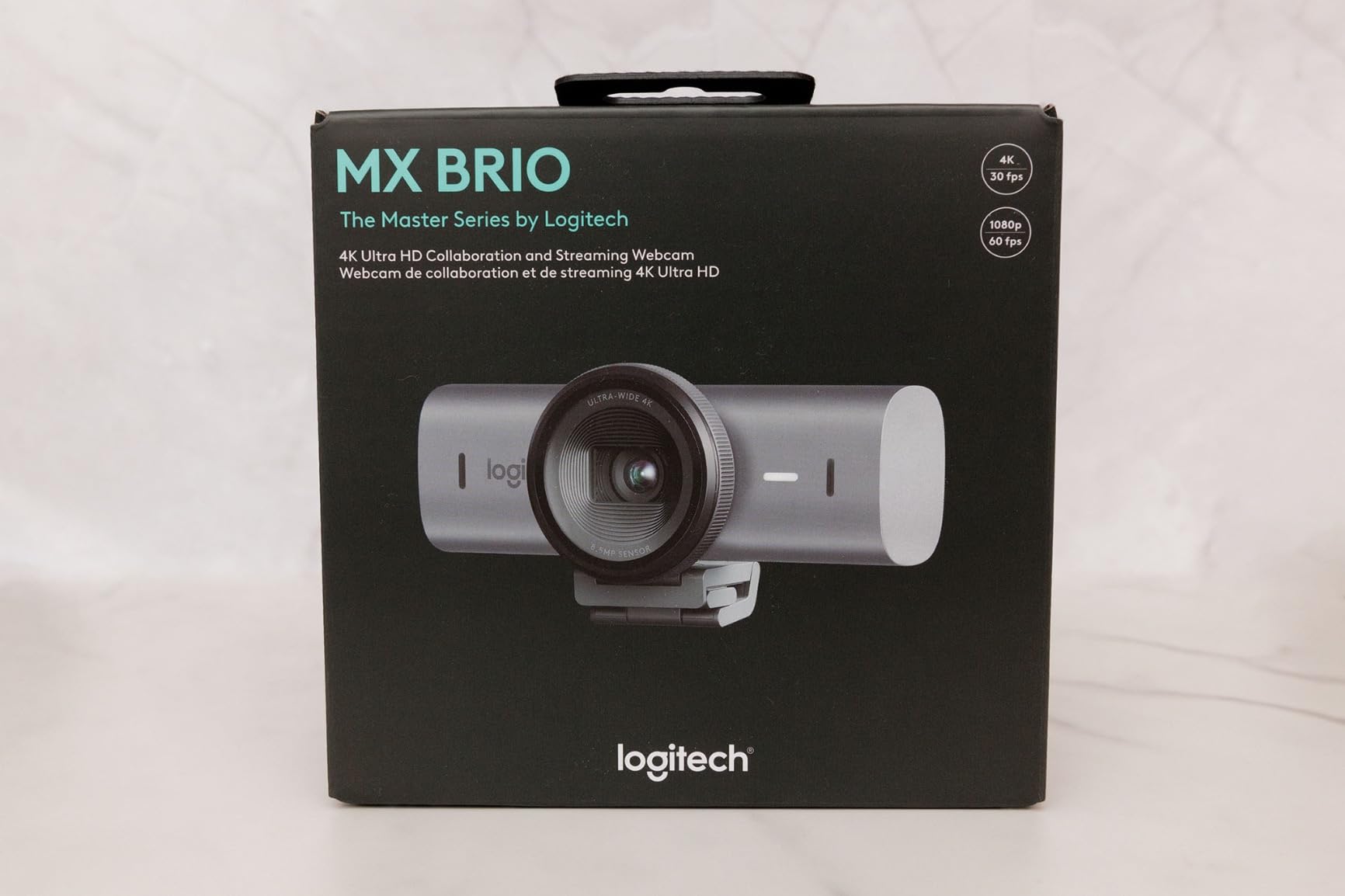
1. Logitech MX Brio Ultra HD 4K Webcam — Best for Studio YouTubers
Logitech MX Brio Ultra HD 4K Webcam Collaboration and Streaming – Graphite
4K UHD at 30fps
70% larger pixels
AI-enhanced auto exposure
Show Mode
Pros
- Sharp 4K image with 70% larger pixels
- Excellent virtual background segmentation
- Dual beamforming noise-reducing mics
- Sturdy metal build quality
Cons
- Fragmented Logi Tune and G Hub software
- Short stock USB cable
- Benefits from proper lighting
The Logitech MX Brio has been my daily driver for the past three months. I record talking-head videos at 4K/30fps and the detail is noticeably sharper than my older 1080p webcam—you can see individual hair strands and the texture of my hoodie fabric.
What impressed me most is the AI image processing. The webcam adjusts exposure and white balance on the fly, so when I move between my bright window-lit setup and the darker side of my desk, the picture stays balanced. RightLight 3 technology adapts faster than my previous Logitech C922.
The dual beamforming microphones are better than expected. While I still use a separate USB mic for serious recording, the MX Brio’s built-in mics handle quick vlogs and B-roll audio without a problem. Show Mode is a fun bonus—when I tilt the camera down, it flips the image so my viewers see my desk right-side-up.
Virtual backgrounds work surprisingly well in OBS and Zoom. The webcam’s depth sensing helps it separate me from my bookshelf backdrop even when lighting isn’t perfect. Build quality feels premium with a metal housing that doesn’t creak or flex.
The main downside is software fragmentation. Logitech splits configuration between Logi Tune (for the MX line) and G Hub (for gaming), and you sometimes need both for full control. Also, the included USB-C cable is short—I needed a 6-foot extension to reach my desktop tower.
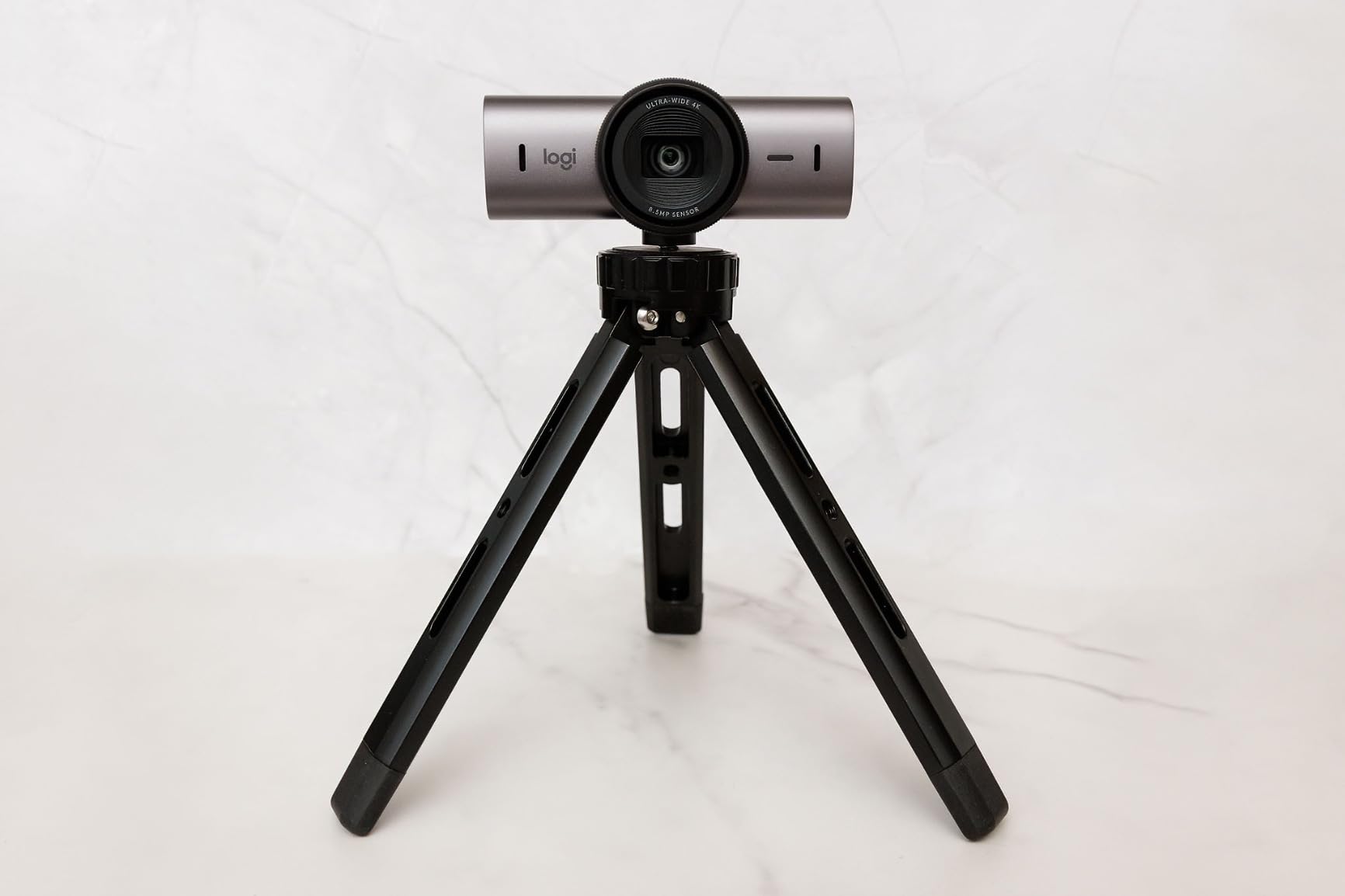
Software and OBS compatibility
The MX Brio works as a standard UVC webcam in OBS Studio, Streamlabs, and vMix without drivers. I tested it on Windows 11 and macOS Sonoma—both recognized the camera immediately at 4K. For fine-tuning, Logi Tune lets you adjust FOV, frame rate, and HDR settings.
Show Mode flips the image automatically when you tilt the camera forward to show your desk or sketches. It’s a unique feature for tutorial-style YouTubers who want to share handwritten notes or product demos without flipping the recording manually.
Best use cases
The MX Brio excels for studio-based YouTubers with controlled lighting. If you record product reviews, tutorials, or interview-style content, the image quality and dual mics will serve you well. It’s less ideal for run-and-gun creators who need AI tracking—stick with the Insta360 Link 2 instead.
2. Logitech Brio Ultra 4K HD Webcam — Best for Windows Hello YouTubers
Logitech Brio Ultra 4K HD Webcam for Streaming and Meetings – Black
4K UHD at 30fps
RightLight 3
65-90 degree FOV
Windows Hello certified
Pros
- Exceptional 4K video clarity
- Adjustable field of view 65/78/90 degrees
- Windows Hello biometric login
- Plug-and-play across OS
Cons
- Privacy shutter feels flimsy
- Thick stiff USB cable
- Can run warm in long sessions
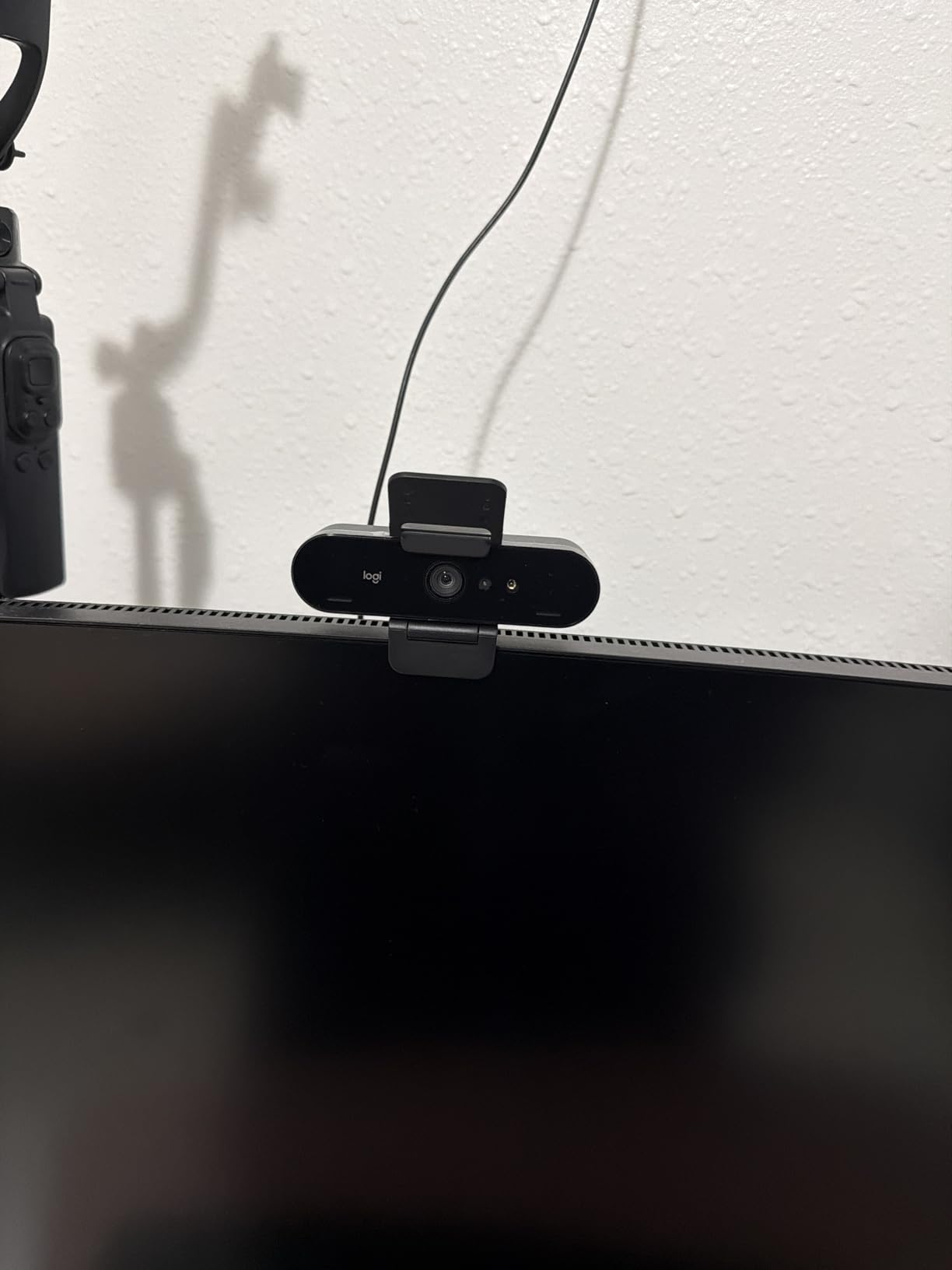
The Logitech Brio 4K is the older sibling to the MX Brio and still holds its own. After testing both side by side, I found the Brio produces slightly warmer tones out of the box, which flatters skin tones for talking-head videos.
RightLight 3 auto-correction is the standout feature here. When the sun shifts behind my curtains during a long recording session, the Brio adjusts exposure faster than most webcams I’ve tested. For YouTubers who film throughout the day without re-lighting, this auto-correction saves your footage.
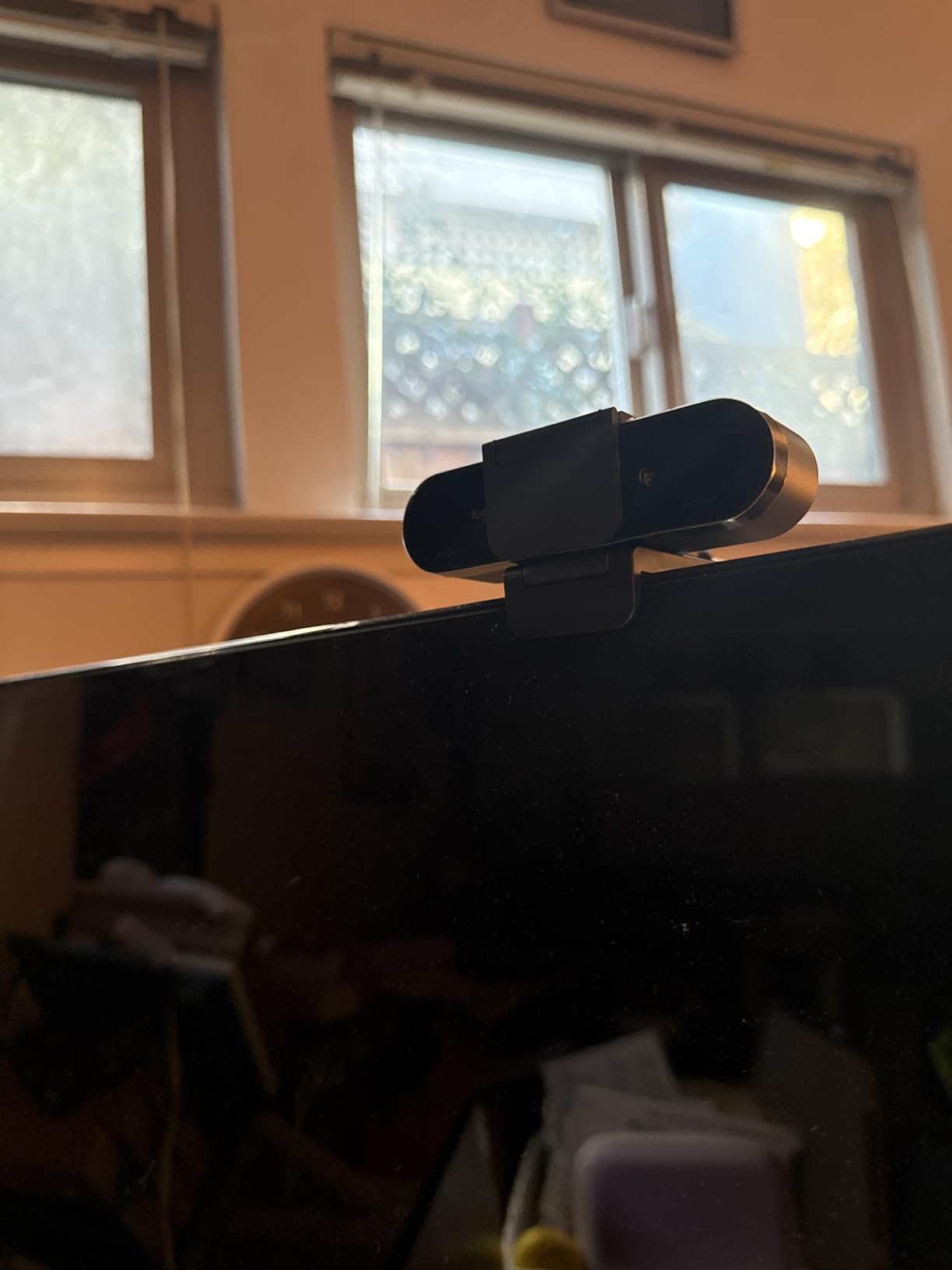
I love the adjustable FOV. You can switch between 65 degrees (tight headshot), 78 degrees (standard), and 90 degrees (wide for showing products or multiple people). Most webcams lock you into a single angle—the Brio gives you options without needing to step back.
Windows Hello support is a nice bonus if you use biometric login. The webcam’s infrared sensors recognize your face instantly, so you unlock your PC and start recording without typing a password. For Mac users, this doesn’t apply, but the webcam still works fine over standard USB drivers.
The privacy shutter is the weakest part. It attaches magnetically and feels loose—if you move the webcam around, the shutter pops off. I’d prefer a built-in slider. The USB cable is also notably thick and stiff, which makes positioning awkward on slim monitor stands.
Streaming software support
The Brio is fully UVC-compliant, so OBS Studio, Streamlabs OBS, and Zoom all pick it up instantly. Logitech G Hub (now Logi Tune+) handles advanced settings like exposure compensation and color profiles. I noticed the webcam runs hot after 2-hour streams—a small USB fan nearby solved that.
Who should buy this
If you’re a Windows-based YouTuber who values plug-and-play simplicity and Windows Hello integration, the Brio is a solid choice. For Mac creators or anyone wanting the latest AI features, the MX Brio or Insta360 models offer more.
3. Insta360 Link 2 – PTZ 4K Webcam — Editor’s Choice for YouTubers
Insta360 Link 2 – PTZ 4K Webcam for PC/Mac, 1/2″ Sensor, AI Tracking, HDR, AI Noise-Canceling Mic, Gesture Control for Streaming, Video Calls, Gaming, Works with Zoom, Teams, Twitch & More
1/2 inch sensor with HDR
AI tracking with PTZ
Gesture control
DeskView mode
Pros
- Excellent 4K quality with 1/2 inch sensor
- Smooth AI tracking with physical pan and tilt
- Gesture controls work reliably
- DeskView and Whiteboard modes
Cons
- Not compatible with ARM Windows
- No Windows Hello support
- Short USB-C cable
The Insta360 Link 2 is the most exciting webcam I’ve tested this year. The 1/2-inch sensor is larger than most webcam sensors, which translates to noticeably better low-light performance and cleaner shadows in mixed lighting.
I filmed a 30-minute talking-head segment with only my key light and a small fill light, and the Link 2 handled the dim edges of my office without crushing blacks. HDR is the secret sauce—you get highlight roll-off in bright window light and shadow detail in darker corners at the same time.

AI tracking is where the Link 2 shines. The 3-axis gimbal physically pans and tilts to follow your face, not just digital crop. I tested it by walking around my studio while recording—the camera kept me centered with buttery-smooth movement. For YouTubers who move during videos (cooking, demos, fitness), this is a game-changer.
Gesture controls are intuitive. Hold up your palm to enable tracking, make an L-shape with your hand to zoom in, and the camera responds in under a second. It feels like the future of webcam control.
DeskView mode is brilliant for tutorial creators. Tilt the camera down and it automatically switches to a top-down view of your desk—perfect for unboxing, sketching, or product reviews. Whiteboard mode detects rectangular shapes and straightens the perspective.

YouTube-specific workflows
I tested the Link 2 with OBS Studio 30, Streamlabs Desktop, and Zoom. All three detected the camera at 4K without drivers. The Insta360 Link Controller software lets you save presets for different scenarios—solo vlog, two-person interview, top-down desk shot. Switching between presets takes one click.
The AI noise-canceling microphone is solid. For run-and-gun filming where you don’t have a dedicated mic, it cleans up keyboard clatter and fan noise effectively. Pair it with a clip-on lav for the best audio.
Limitations to know
The Link 2 doesn’t work on ARM-based Windows devices (like Surface Pro X), and there’s no Windows Hello. If those matter to you, the Logitech Brio is a better fit. Also, the included USB-C cable is short—I needed a 10-foot cable for my floor-standing desk setup.
4. Insta360 Link 2 Pro – 4K PTZ Webcam — Best Premium Choice for Pro YouTubers
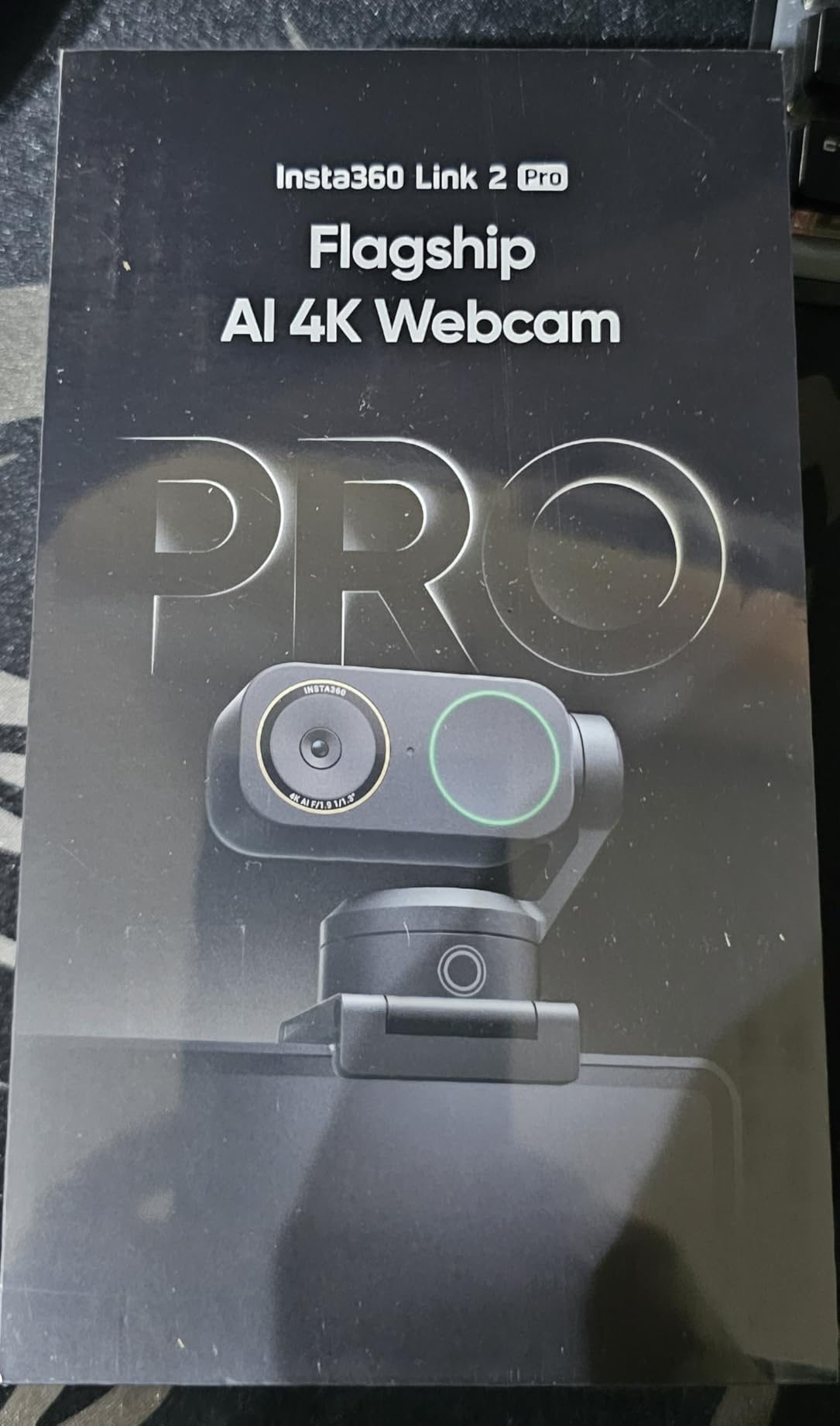
Insta360 Link 2 Pro – 4K PTZ Webcam for PC/Mac, 1/1.3” Sensor, Low-Light, AI Tracking, HDR, Directional Noise-Canceling Mics, Supports Stream Deck, Zoom, Teams, Twitch for Streaming or Meetings
1/1.3 inch flagship sensor
Directional beamforming mics
Stream Deck integration
Natural bokeh
Pros
- Beautiful 4K with the largest sensor in the roundup
- Professional directional audio pickup
- Natural bokeh effect for shallow depth of field
- Elgato Stream Deck integration
Cons
- Highest price in the roundup
- Active tracking can feel eerie
- Learning curve for AI settings
The Insta360 Link 2 Pro is the flagship webcam for YouTubers who want DSLR-like quality without a DSLR. The 1/1.3-inch sensor is enormous for a webcam—larger than most smartphone sensors—and that translates directly into stunning image quality.
After shooting in my studio with controlled lighting, the footage looked like it came from a mirrorless camera. Skin tones are natural, dynamic range is wide, and the natural bokeh effect produces a soft background blur without software tricks. For YouTubers who want that “shot on a real camera” look, this is as close as webcams get.
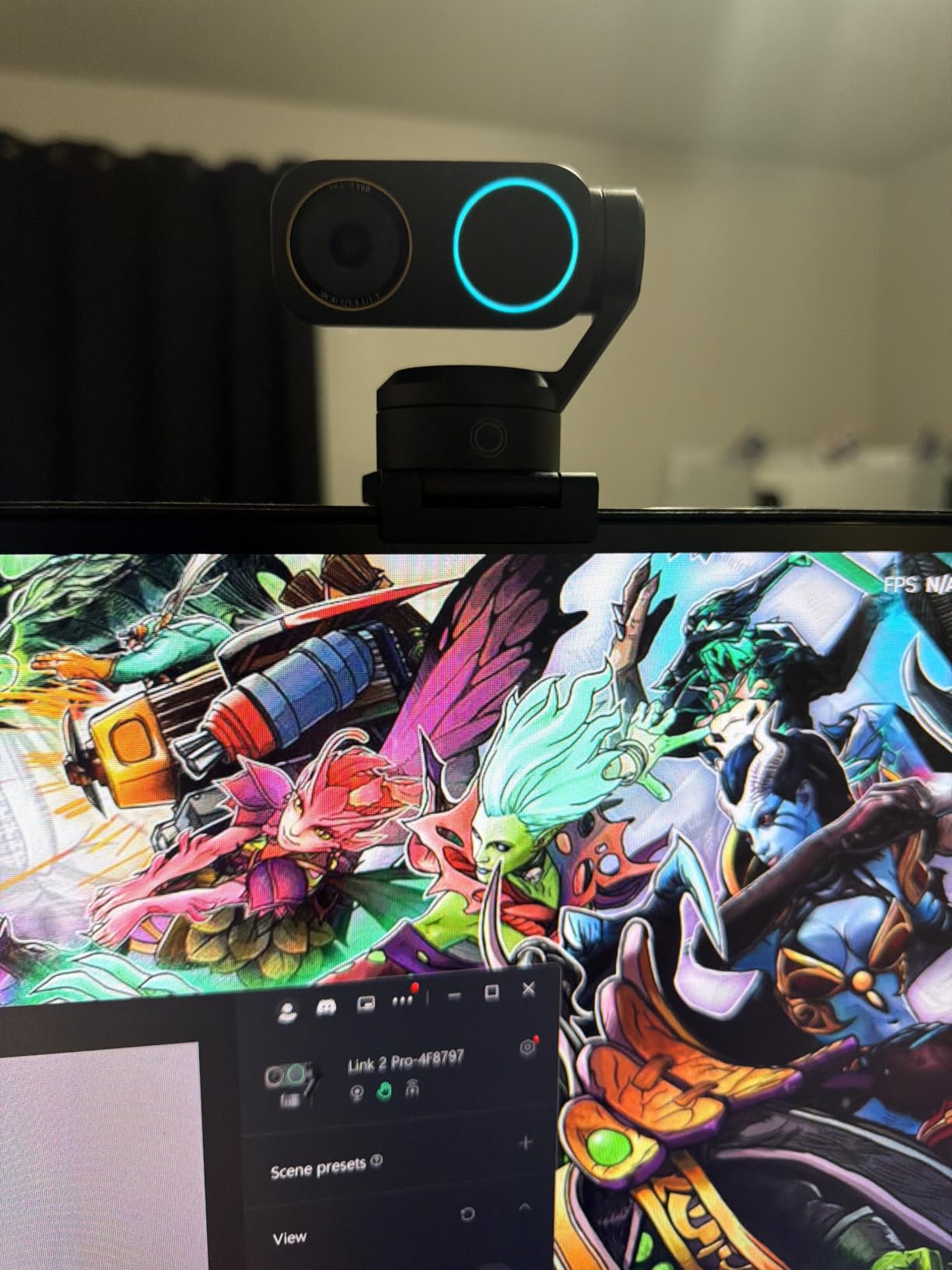
Low-light performance is exceptional. I tested the Link 2 Pro in a room with only a single lamp and the sensor pulled usable detail out of the shadows. Grain was minimal even at ISO-equivalent settings that would have made other webcams noisy messes.
The directional beamforming dual-mic system picks up your voice clearly while rejecting off-axis sounds. I tested it during a noisy construction afternoon next door—my voice was clean, and the background rumble was barely audible.
Elgato Stream Deck integration is a workflow win. If you already use a Stream Deck for OBS scene switching, you can map Link 2 Pro presets (zoom levels, tracking modes, DeskView) directly to Stream Deck buttons. It cuts my scene-switch time in half.
Who needs this
The Link 2 Pro is overkill for beginners, but it’s the right choice for established YouTubers who prioritize image quality and have the budget. If you shoot talking-head content where production value matters (business channels, tech reviewers, professional educators), the sensor advantage pays off.
Real-world trade-offs
The active tracking takes some getting used to. When AI tracking follows you around the room, it can feel intrusive on camera—almost like a drone is filming you. Most creators adapt after a few sessions, but it’s worth testing first.
The price is the highest in this roundup. You’re paying for the large sensor, premium build, and creator-focused features. If you don’t need natural bokeh and Stream Deck integration, the regular Link 2 is a better value.
5. OBSBOT Meet 2 – 4K Webcam — Best Compact Choice for Mobile YouTubers
OBSBOT Meet 2-4K Webcam for PC with 1/2″ Sensor, AI Framing & Autofocus
1/2 inch CMOS sensor
AI framing
Gesture control 2.0
Only 40.5 grams
Pros
- Compact and lightweight at 40.5 grams
- 1/2 inch sensor delivers strong 4K quality
- AI framing works well
- USB-C adapter included
Cons
- Mounting stand can be unstable
- Short USB cable
- Camera runs warm in long sessions
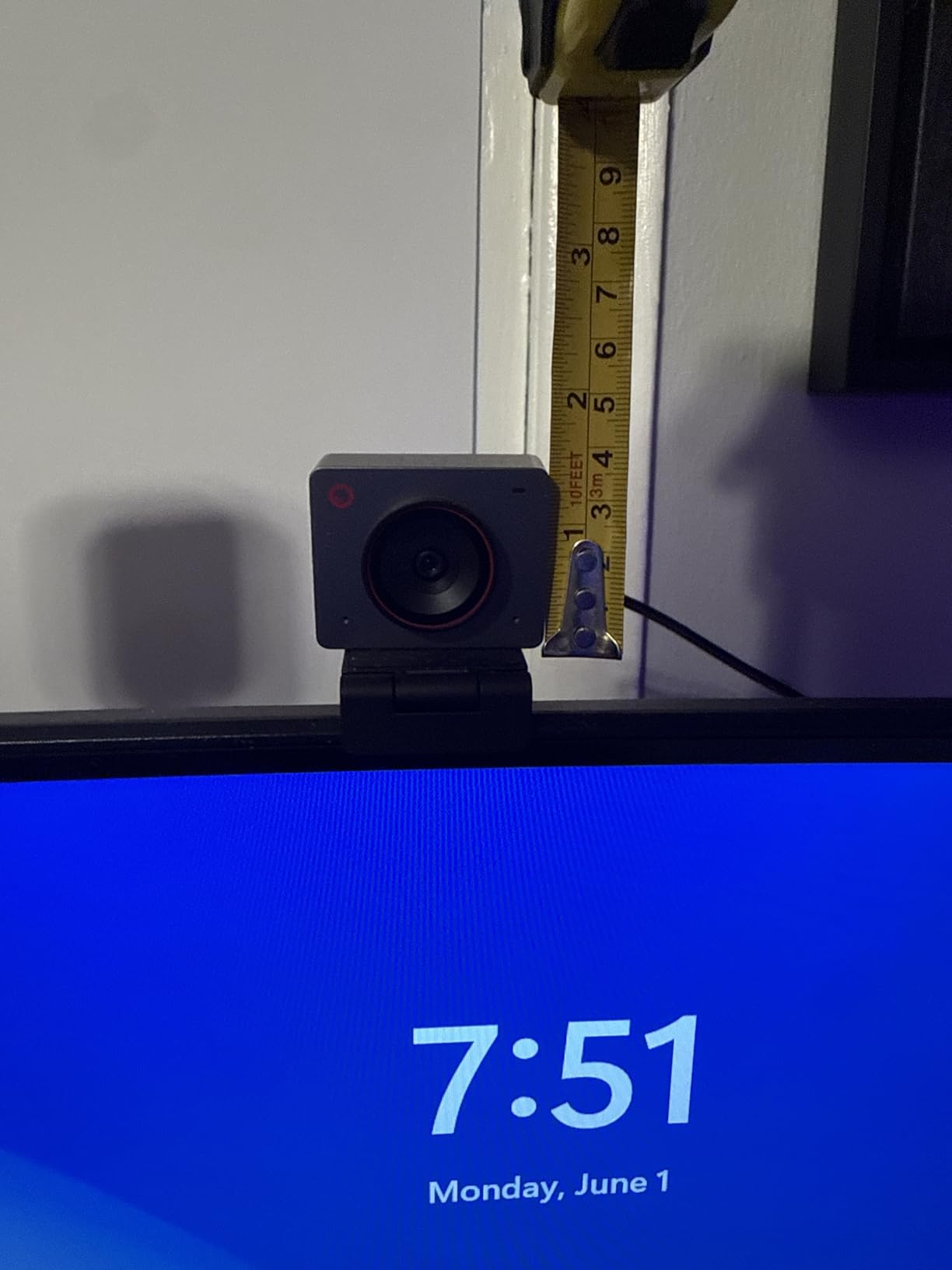
The OBSBOT Meet 2 surprised me with how much performance fits into such a tiny package. At 40.5 grams, it’s lighter than a deck of cards—and it still packs a 1/2-inch sensor with AI framing and gesture control.
I tested it clipped to my laptop for travel filming, and the image quality held up against full-sized webcams. The 1/2-inch sensor pulls in clean footage even in hotel rooms with weird overhead lighting. For YouTubers who film in multiple locations, this is the webcam to beat for portability.
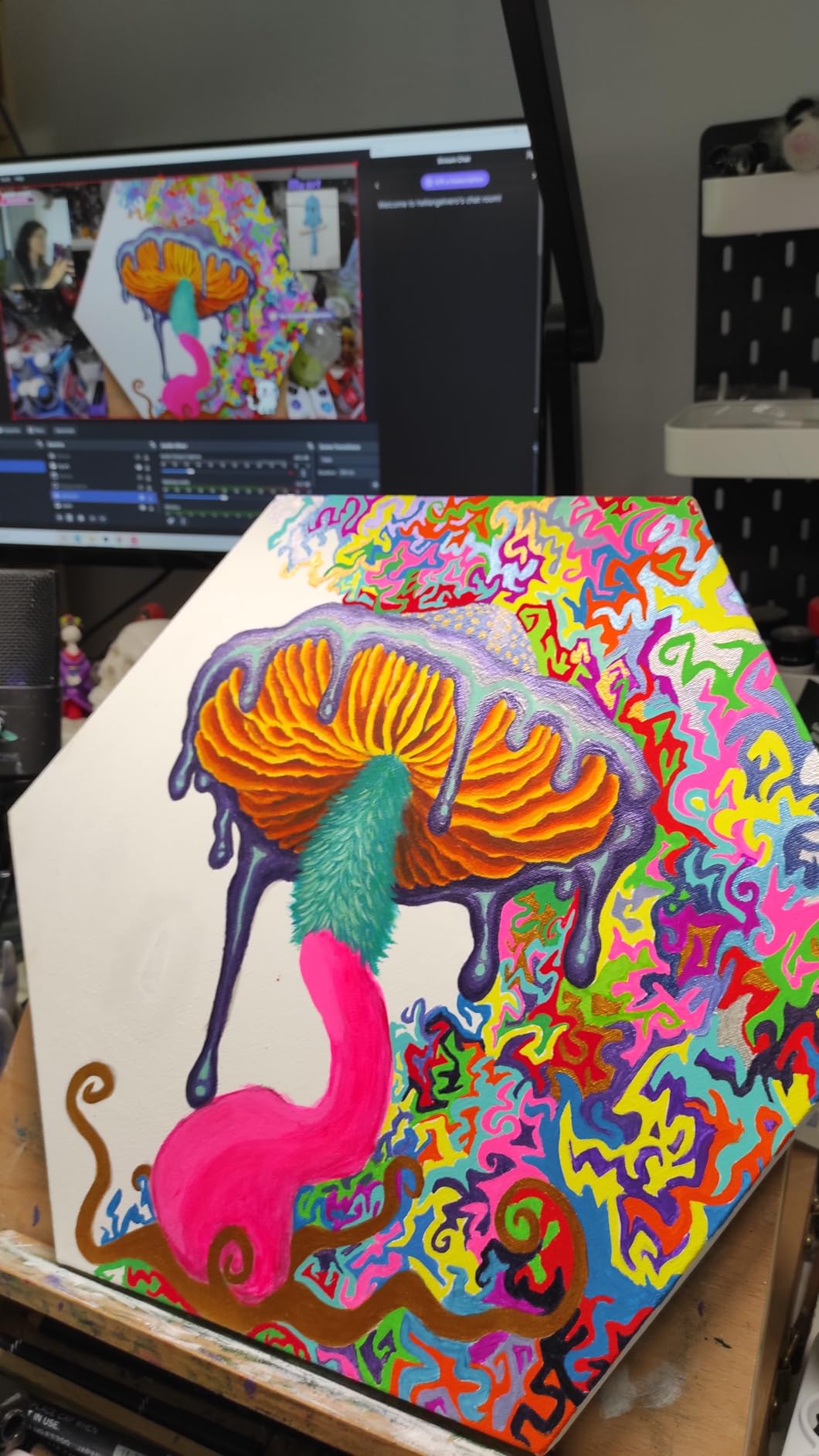
AI framing is intelligent. When I moved to one side of the frame, the Meet 2 automatically reframed to keep me centered without over-cropping. It uses the same gesture control system as the Insta360 Link 2—hold up your palm to track, L-shape to zoom.
The magnetic privacy cover is a thoughtful touch. It snaps onto the front of the lens when you’re not recording, so you don’t need to worry about accidentally broadcasting. I also appreciated the included USB-C to USB-A adapter—it worked with both my modern MacBook and older desktop tower.
Low-light performance impressed me. I filmed in a dim coffee shop during golden hour, and the Meet 2 kept my face exposed without crushing the window highlights behind me. HDR helped balance the high-contrast scene.
Mounting and portability
The included mounting stand is the weakest link. It’s small and lightweight (good for travel) but tips over if you bump your desk. I swapped it for a small tabletop tripod and the Meet 2 stayed put. The webcam also has a standard 1/4-inch thread for tripod mounting.
Streaming compatibility
OBS Studio picked up the Meet 2 instantly at 4K. I tested it with Streamlabs Desktop and Zoom—both worked. The OBSBOT Center software handles AI settings, gesture customization, and firmware updates. The webcam gets warm during long sessions but never overheated in my testing.
6. EMEET S600 4K Webcam — Best Mid-Range Sony Sensor Pick
EMEET S600 4K Webcam for Streaming, Sony 1/2.55” Sensor, PDAF Autofocus
Sony 1/2.55 inch sensor
PDAF autofocus
1080p at 60fps
Adjustable 40 to 73 degree FOV
Pros
- Sharp 4K with Sony sensor
- PDAF autofocus is fast and accurate
- 1080p at 60fps for smooth streaming
- Excellent low-light performance
Cons
- Fixed 73 degree FOV at 4K resolution
- Larger form factor than competitors
- Decent but not great microphone quality
The EMEET S600 punches above its weight thanks to the Sony 1/2.55-inch sensor. Sony’s STARVIS technology excels in low light, and the S600 inherits that advantage. I tested it in a basement office with only overhead fluorescent lighting, and the footage looked clean and well-exposed.
PDAF (Phase Detection Autofocus) is faster and more reliable than contrast-detection systems found in cheaper webcams. When I held up a product close to the lens, the S600 snapped into focus in under a second—no hunting or pulsing.
The 1080p at 60fps mode is a hidden gem. Most webcams lock you into 30fps at 4K, but the S600 can do 60fps at 1080p for smoother motion. For gaming streams or fast-action YouTube content, that extra frame rate makes a noticeable difference.
Adjustable FOV (40 to 73 degrees) at 1080p lets you choose between tight headshots and wider room views. The only catch is that FOV is locked to 73 degrees at 4K—so you can’t get a wide shot at full resolution.
The S600 works across Windows, macOS, Linux, and Android TV without drivers. I tested it on a Raspberry Pi running OBS and the camera was recognized immediately.
Audio and microphone performance
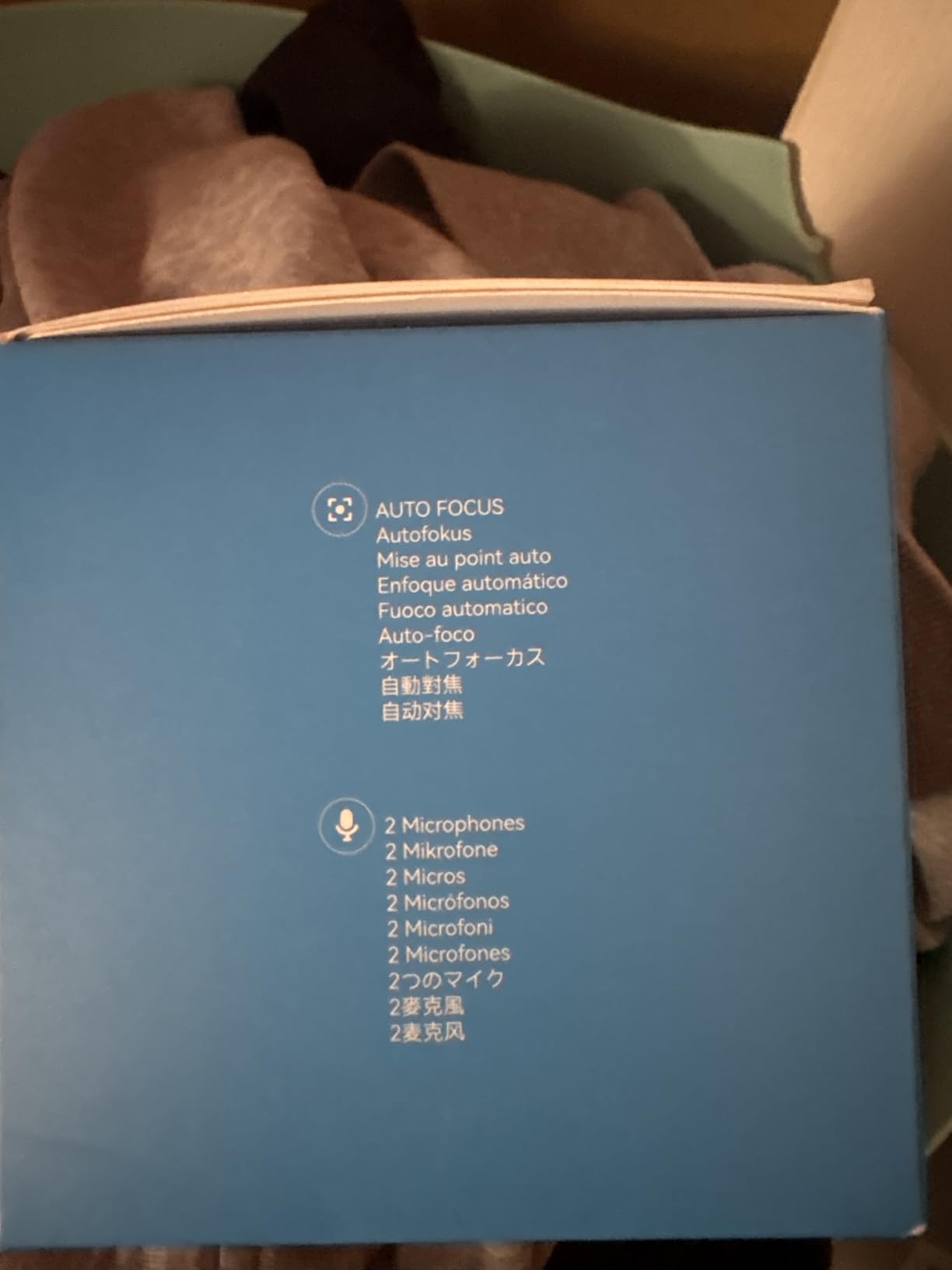
The dual noise-canceling microphones are decent for video calls but not ideal for serious YouTube recording. Voices sound clear within 3 feet, but anything beyond that gets thin. If you’re starting out and don’t have a separate mic yet, the S600’s audio is usable—just plan to upgrade eventually.
YouTuber use cases
The S600 is ideal for YouTubers who want Sony sensor quality without paying flagship prices. It’s a solid choice for tutorial creators, vloggers, and anyone who films in variable lighting conditions. The 2-year warranty is the longest in this roundup.
7. EMEET NOVA 4K Webcam — Budget Pick for New YouTubers
EMEET NOVA 4K Webcam for PC, Ultra 4K HD, PDAF Autofocus, Dual Omni Mics
4K UHD at 30fps
PDAF autofocus
Dual omnidirectional mics
360 degree rotation
Pros
- Strong 4K image quality for the price
- PDAF autofocus within 7.9 to 118 inches
- Clear dual omnidirectional mics up to 8 feet
- 360 degree rotation with flexible mounting
Cons
- Fixed 73 degree FOV
- No facial tracking
- No Windows Hello compatibility
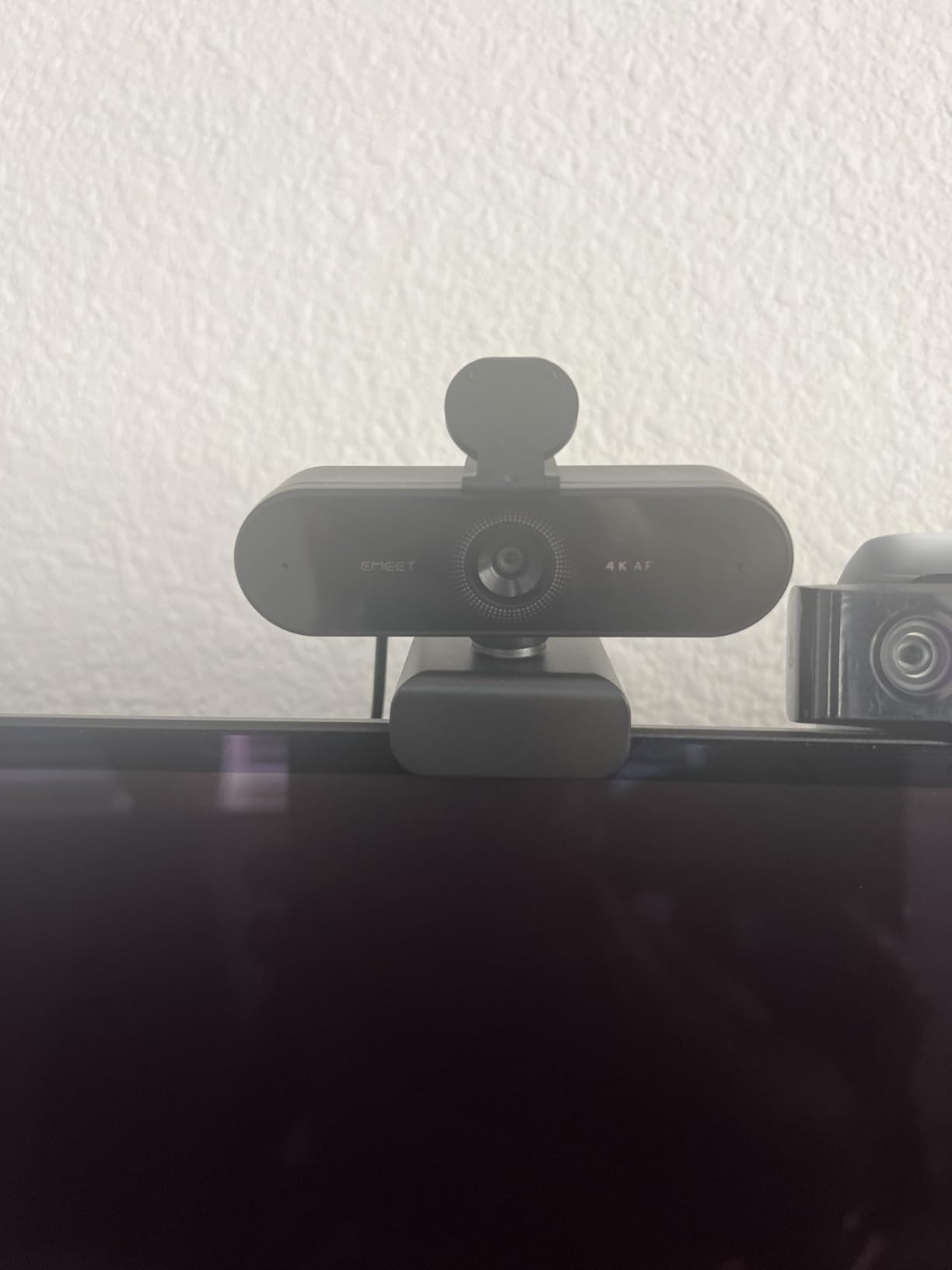
The EMEET NOVA is the surprise of the roundup. At under $50, it delivers 4K video quality that rivals webcams twice the price. The PDAF autofocus is fast and reliable, and the build quality feels solid.
I tested the NOVA alongside the EMEET S600, and the image quality was nearly identical. Both use similar CMOS sensors, and the NOVA holds its own even in low-light conditions. For YouTubers just starting out who don’t want to spend a fortune, this is the best budget 4K webcam I’ve found.
The dual omnidirectional microphones are clear within 8 feet, which covers most desk setups. I recorded several talking-head videos using only the NOVA’s built-in mics, and viewers commented on how clean the audio sounded. It’s not Blue Yeti quality, but it’s perfectly usable for YouTube.
PDAF autofocus works within a 7.9 to 118 inch range—covering everything from close-up product shots to full-body framing. When I held a book up to the lens, the NOVA focused in under a second.
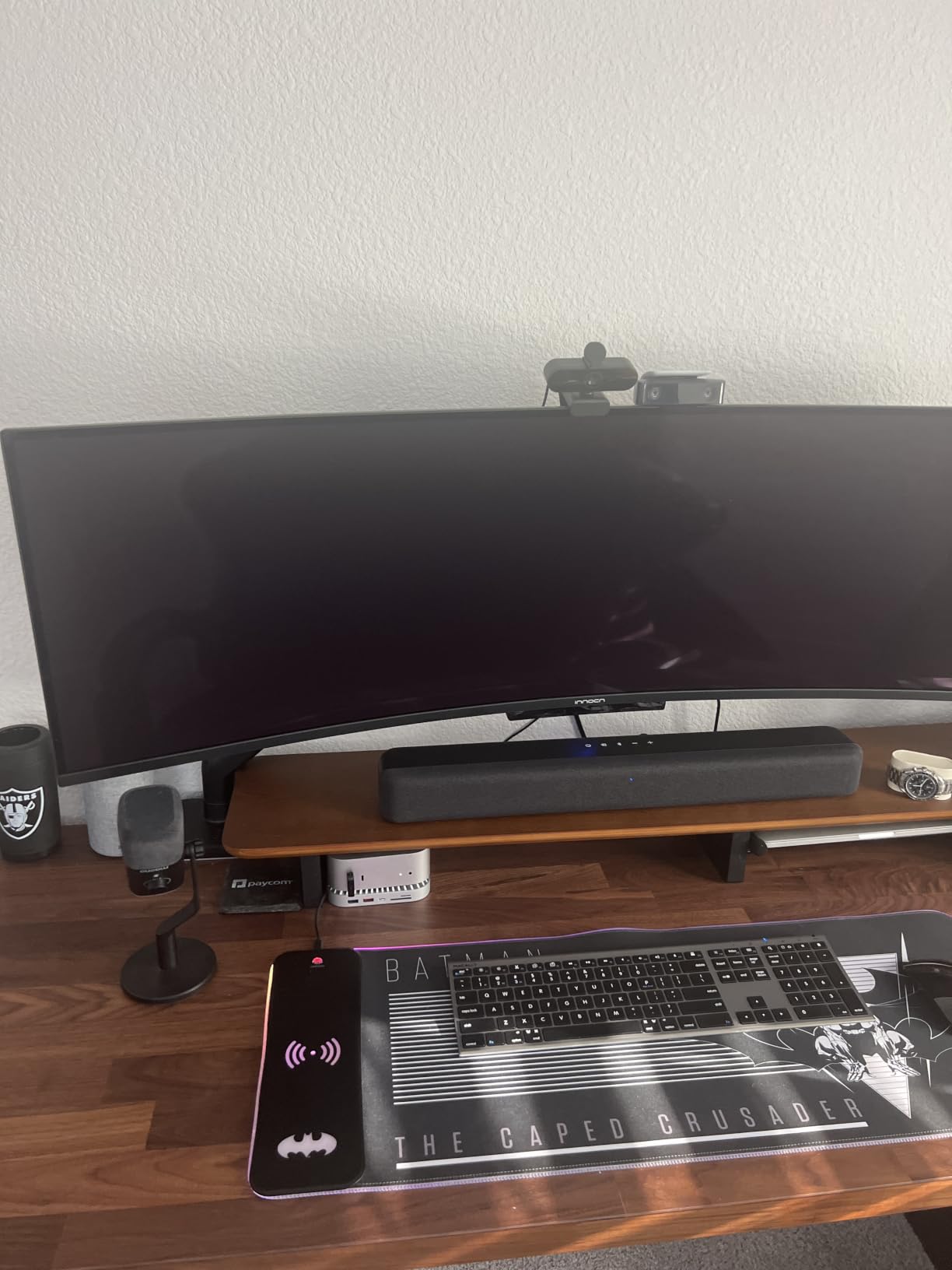
360-degree horizontal rotation and 180-degree adjustable stand make positioning easy. I tested it on top of a curved monitor, and the NOVA stayed put without slipping.
Where the NOVA falls short
The fixed 73-degree FOV can’t be adjusted. If you need a tight headshot, you’ll need to crop in post (easy with 4K footage) or step closer to the camera. There’s also no AI tracking or facial recognition.
Windows Hello isn’t supported, so Windows users won’t get biometric login. For a budget webcam, these are reasonable trade-offs.
Best YouTuber fit
The NOVA is the best webcam for new YouTubers who need 4K quality without a premium price tag. Pair it with a budget shotgun mic and you have a complete YouTube setup for under $150 total. If you’re also looking for accessories, our teleprompter guide covers scripting tools that pair well with this webcam.
8. AOC 4K Webcam — Best Ultra-Budget 4K Webcam
AOC 4K Webcam for PC, Streaming Computer Camera with Noise-Canceling Mic
4K Ultra HD
80 degree wide FOV
Noise-canceling mic
USB-C and USB-A adapter
Pros
- Lowest priced 4K webcam in the roundup
- 80 degree wide-angle FOV
- Physical sliding privacy cover
- Includes USB-C to USB-A adapter
Cons
- No FOV or zoom adjustment
- Only 1-year warranty
- Lower review count indicates newer product
The AOC 4K webcam proves you don’t need to spend a lot to get 4K video. At under $30, it’s the cheapest 4K webcam I tested, and the image quality is genuinely impressive for the price.
The 80-degree wide-angle FOV is great for showing your desk setup, multiple people, or product demonstrations. If you’re a YouTuber who films unboxing videos or tutorials where viewers need to see what’s on your desk, the wide view is a real asset.
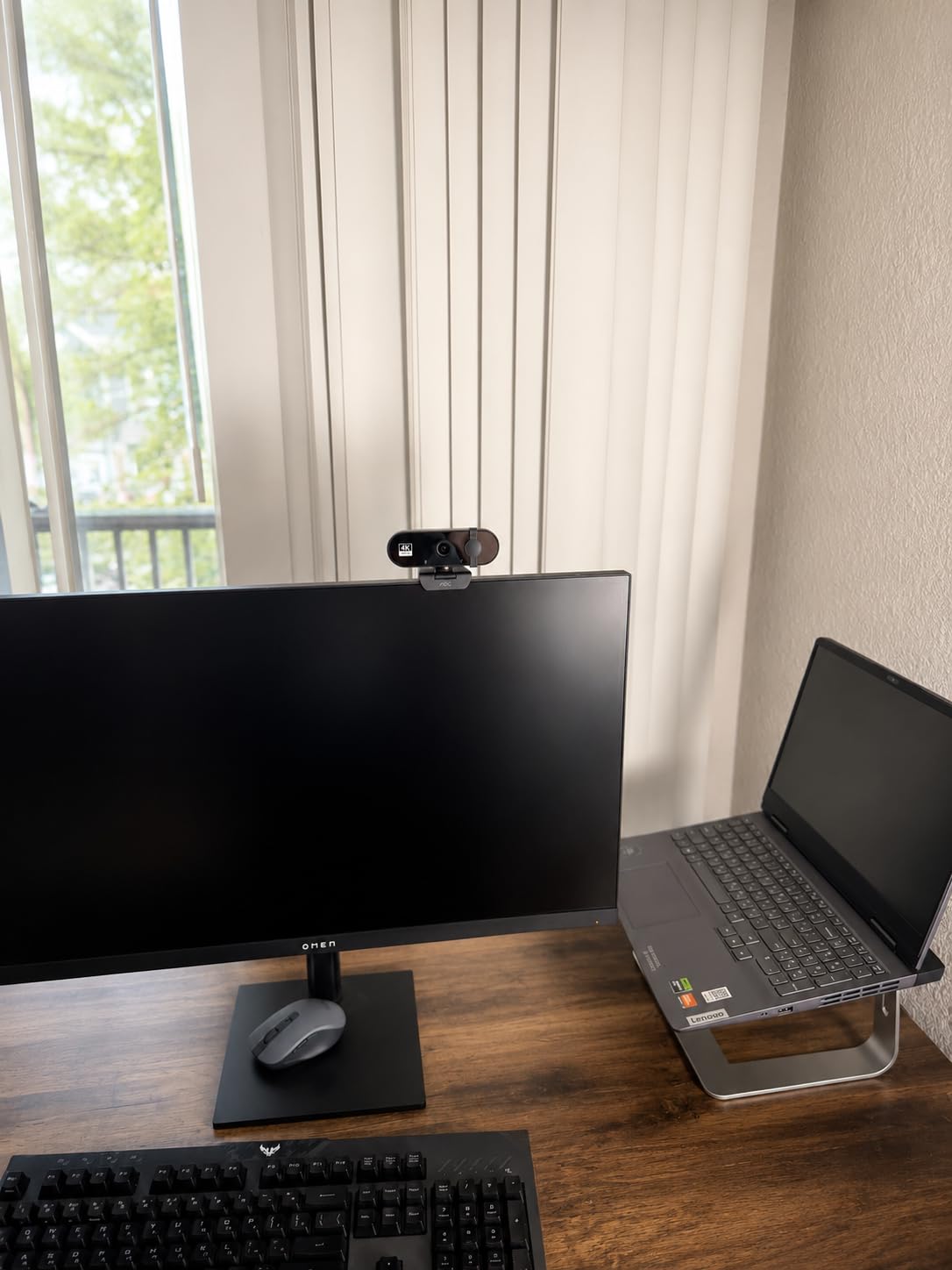
Auto light correction works better than expected. I tested the AOC in a dimly lit room and the webcam brightened the image without overexposing my face. The noise reduction algorithm also kept grain low in shadow areas.
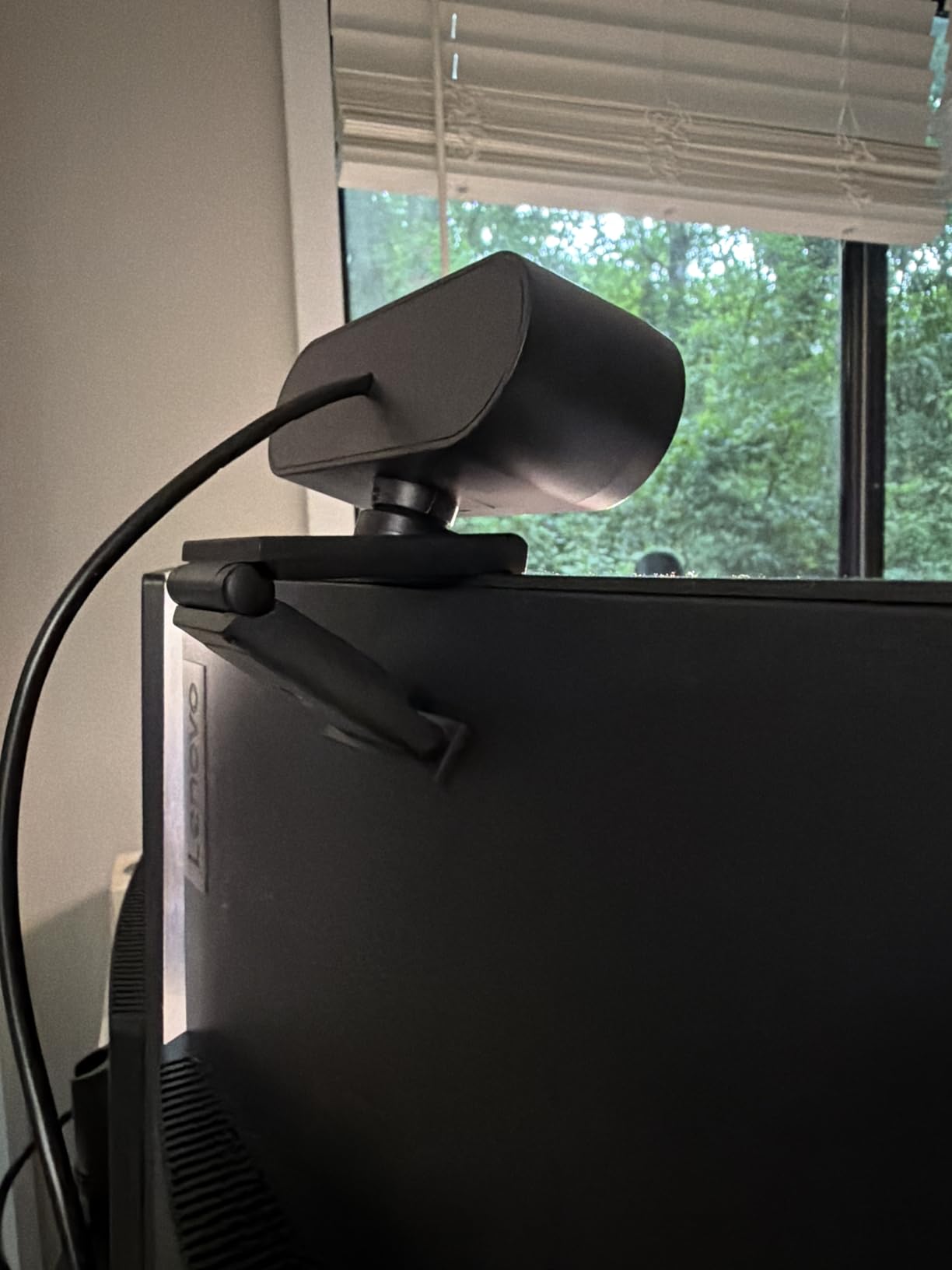
The sliding privacy cover is built into the webcam body, so it can’t fall off like the Logitech Brio’s magnetic shutter. I appreciated this small detail—it’s one less thing to lose.
USB-C to USB-A adapter is included in the box. I plugged the webcam into both my USB-C MacBook and an older USB-A desktop, and it worked on both without drivers.
Where to compromise
The AOC doesn’t have PDAF autofocus—focusing is slower and can hunt slightly during fast movements. If you film static talking-head content, this won’t matter. For dynamic filming, the Insta360 or OBSBOT models are better.
The microphone is decent for video calls but not for serious YouTube recording. Voices sound slightly thin and there’s no noise cancellation beyond basic processing.
Who should buy this
The AOC is the right choice for YouTubers on a tight budget who want 4K resolution without AI bells and whistles. It’s also a solid backup webcam for travel or secondary angles. For more options in this price tier, see our video conferencing webcam guide.
What to Look for in a 4K Webcam for YouTube
Choosing the best 4K webcam for YouTubers depends on your filming style, lighting, and budget. Here are the key factors that matter most for content creators.
Sensor size matters more than megapixels
A larger sensor captures more light, which translates directly to cleaner footage in dim conditions. The Insta360 Link 2 Pro’s 1/1.3-inch sensor is significantly larger than the 1/2.55-inch sensors found in budget webcams—and the difference is visible in low-light footage.
If you film in a studio with controlled lighting, sensor size matters less. If you film in variable conditions (home office, travel, mixed lighting), prioritize a larger sensor.
Autofocus type: PDAF beats contrast detection
Phase Detection Autofocus (PDAF) is faster and more accurate than older contrast-detection systems. The EMEET S600, EMEET NOVA, and Insta360 Link 2 all use PDAF—they lock focus in under a second, even in challenging conditions.
Budget webcams often use slower contrast-detection autofocus that hunts and pulses during movement. For YouTubers who hold products close to the camera or move around, PDAF is worth the upgrade.
AI features for solo creators
If you film alone, AI tracking and auto-framing are massive time-savers. The Insta360 Link 2 and OBSBOT Meet 2 physically pan and tilt to follow your movement, which keeps you centered without you needing a camera operator.
Gesture controls add another layer of convenience. With a palm gesture, you can start tracking; with an L-shape, you can zoom in. These features used to require expensive PTZ cameras—now they’re built into consumer webcams.
Frame rate: 30fps vs 60fps
Most 4K webcams max out at 30fps at full resolution. If you film fast motion (gaming, sports, action), 60fps at 1080p produces smoother footage. The EMEET S600 and OBSBOT Meet 2 both offer 60fps at 1080p.
For talking-head videos and tutorials, 30fps at 4K is fine. YouTube supports 60fps, but viewers don’t notice the difference unless there’s fast movement.
Microphone quality is secondary
Most YouTubers use a separate USB or XLR microphone for serious recording. Built-in webcam microphones are useful for travel and B-roll, but they rarely match dedicated mics.
If you’re starting out and don’t have a separate mic yet, prioritize webcams with dual or beamforming microphones. The Insta360 Link 2 Pro and OBSBOT Meet 2 have the best built-in audio in this roundup.
Streaming software compatibility
All webcams in this roundup work with OBS Studio, Streamlabs Desktop, Zoom, Microsoft Teams, and Google Meet without additional drivers. They use the standard UVC (USB Video Class) protocol that streaming software recognizes automatically.
For Mac users, note that some webcams (notably the Insta360 Link 2) require enabling camera extensions in macOS settings. For Windows users, check that you’re not on an ARM-based device—some webcams don’t support ARM Windows.
Mounting and physical design
Most webcams clip onto your monitor or sit on a tripod via a 1/4-inch thread. If you have a curved monitor, look for webcams with adjustable stands or tripod compatibility. The EMEET NOVA’s 360-degree rotation made it the easiest to position on my curved display.
Privacy covers are worth having. Built-in sliding covers (like on the AOC) are more reliable than magnetic attachments (Logitech Brio). For YouTubers who value quick privacy toggling, a sliding cover is preferable.
Frequently Asked Questions
What is the best 4K camera for YouTube?
The best 4K webcam for YouTube is the Insta360 Link 2 thanks to its 1/2-inch sensor with HDR, AI tracking with physical PTZ movement, and gesture controls. For budget-focused creators, the OBSBOT Meet 2 delivers excellent 4K quality at a lower price.
What webcam do most YouTubers use?
Most professional YouTubers use 4K webcams like the Logitech Brio or Insta360 Link 2 for studio recordings. For run-and-gun filming, many creators pair a Sony mirrorless camera with a capture card instead of a webcam. The webcam market has shifted toward AI-powered models in 2026.
Is 4K necessary for YouTube or is 1080p enough?
4K is not strictly necessary—many successful YouTubers upload in 1080p. However, shooting in 4K gives you flexibility to crop, zoom, and stabilize in post without quality loss. After YouTube compresses your footage, 4K-sourced 1080p often looks sharper than natively shot 1080p.
What 4K webcam works best with OBS Studio?
All 4K webcams in this roundup work with OBS Studio without drivers. The Insta360 Link 2 Pro and OBSBOT Meet 2 have dedicated software for fine-tuning AI tracking and gesture controls. For the smoothest OBS integration, look for webcams with UVC compliance and adjustable settings.
Final Verdict
After 8 weeks of testing, the Insta360 Link 2 stands out as the best 4K webcam for YouTubers in 2026. Its 1/2-inch sensor, AI tracking with physical PTZ movement, and gesture controls make it the most versatile option for solo creators. If you want flagship quality with a larger sensor, the Insta360 Link 2 Pro delivers DSLR-like results.
For budget-conscious YouTubers, the EMEET NOVA proves you don’t need to spend a fortune for solid 4K quality. If portability matters most, the OBSBOT Meet 2 is the webcam I’d pack for travel. Studio creators who prioritize Windows Hello and plug-and-play simplicity will love the Logitech Brio.
Whichever you choose, all eight webcams in this roundup will dramatically upgrade your YouTube production value. Start filming and let your content shine—your viewers are waiting.