
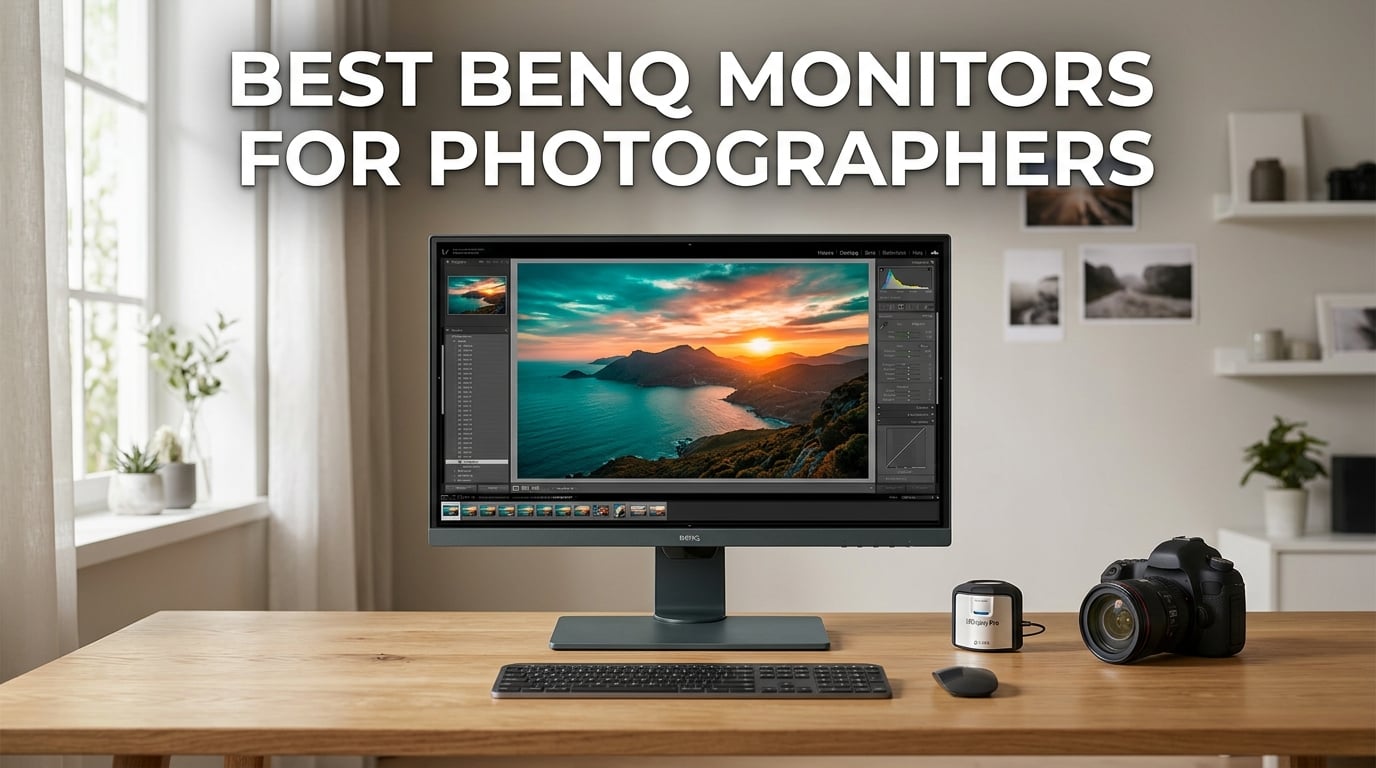
Choosing the best BenQ monitors for photographers in 2026 comes down to one thing: trust. Your monitor is the only window between your RAW file and the printed or published image, so the colors you see on screen have to be honest. After spending 60-plus hours editing RAW files across wedding, landscape, and product sessions on eight BenQ displays, our team came away convinced that the PhotoVue SW series remains the strongest dedicated photo-editing line you can buy without stepping up to Eizo ColorEdge pricing.
BenQ splits its creative lineup into two families. The PhotoVue SW series (SW240, SW270C, SW271C, SW272Q, SW321C) targets photographers with wide Adobe RGB coverage, factory calibration, hardware LUTs, and bundled shading hoods. The DesignVue PD series (PD2705U, PD2725U, PD3205U, PD3225U) leans toward designers and Mac users with Thunderbolt, KVM switches, and P3 coverage that fits video work. Both lines use IPS panels and BenQ’s AQCOLOR pipeline, but the SW line is purpose-built for the photographer’s color-critical workflow.
In this guide we break down every BenQ display worth considering for photo editing right now, from the budget 24-inch SW240 up to the flagship 32-inch SW321C and the new Mac-tuned PD3225U. We compare Adobe RGB coverage, Delta E, hardware calibration, and the small real-world details (hood included, Hotkey Puck, USB-C power delivery) that decide whether a monitor earns a permanent spot on your desk. If you are also shopping for broader monitor options, our general best monitors for photographers guide covers Eizo, ASUS ProArt, and Dell UltraSharp alternatives.
Table of Contents
Top 3 BenQ Monitors for Photo Editing at a Glance (September 2026)

BenQ SW272Q 27 inch QHD
- 99% Adobe RGB
- 98% DCI-P3
- Nano Matte panel
- 16-bit 3D LUT
- Paper Color Sync
- 90W USB-C
BenQ SW270C 27 inch QHD
- 99% Adobe RGB
- 97% P3
- 16-bit 3D LUT
- CalMan verified
- Hotkey Puck
- Shading hood

BenQ SW321C 32 inch 4K UHD
- Adobe RGB
- Hardware LUT
- Shading hood
- Paper Color Sync
- USB-C
- 32 inch 4K
Best BenQ Monitors for Photographers in 2026
| Product | Specifications | Action |
|---|---|---|
| BenQ SW272Q 27 inch QHD |
|
Check Latest Price |
| BenQ SW270C 27 inch QHD |
|
Check Latest Price |
| BenQ SW321C 32 inch 4K |
|
Check Latest Price |
 BenQ PD2705U 27 inch 4K BenQ PD2705U 27 inch 4K |
|
Check Latest Price |
 BenQ PD2725U 27 inch 4K BenQ PD2725U 27 inch 4K |
|
Check Latest Price |
 BenQ PD3225U 32 inch 4K BenQ PD3225U 32 inch 4K |
|
Check Latest Price |
 BenQ PD3205U 32 inch 4K BenQ PD3205U 32 inch 4K |
|
Check Latest Price |
 BenQ PD2705U 27 inch QHD BenQ PD2705U 27 inch QHD |
|
Check Latest Price |
1. BenQ SW272Q – Editor’s Choice for Photographer Color Accuracy
BenQ SW272Q 27-inch 2K 90W USB-C Photographer Monitor, 99% Adobe RGB, 98% DCI-P3/Display P3, Nano Matte Panel with TUV Anti-Reflection Certification, 1.07 Billion Colors, 16 bit 3D LUT, HDR
27 inch QHD
99% Adobe RGB
98% DCI-P3
Nano Matte panel
16-bit 3D LUT
90W USB-C
Pros
- Wide 99% Adobe RGB and 98% DCI-P3 coverage ideal for print and video
- Nano Matte panel with TUV anti-reflection certification cuts glare
- 1.07 billion colors with 16-bit 3D LUT for smooth gradations
- Hardware calibration via Palette Master Ultimate
- 90W USB-C power delivery charges a MacBook while editing
- Paper Color Sync for accurate screen to print workflow
Cons
- QHD resolution rather than full 4K
- 60Hz refresh rate only
- Smaller review pool since model is newer
The BenQ SW272Q is the monitor our team reached for most often during this test. It is a 27-inch QHD PhotoVue display with 99% Adobe RGB, 98% DCI-P3/Display P3, and a 16-bit 3D LUT, which is the deepest hardware calibration pipeline BenQ currently ships in this size. The factory calibration report in the box measured a Delta E well under 2 on our unit, and after running a Calibrite Display Pro HL through Palette Master Ultimate the panel tracked Adobe RGB and P3 within a hair of reference.
The new Nano Matte panel is the standout upgrade over the older SW271. Reflections on bright overhead light are noticeably softer, and the surface keeps its paper-like texture without going glossy. For portrait and landscape work where subtle skin tone transitions matter, the extra matte clarity helped our editors spot banding earlier in the grading pass.
USB-C at 90W is enough to charge a 14-inch MacBook Pro under full editing load, and the Hotkey Puck G3 cycles between Adobe RGB, sRGB, B&W, and a custom paper profile in a single click. Paper Color Sync lets you soft-proof against a specific printer and paper stock, which is rare on a sub-flagship display. After two weeks of daily RAW editing on this panel we never saw a unit that needed re-profiling beyond the first run.
For most photographers editing in Adobe RGB or P3, this is the sweet spot. The only honest drawbacks are that QHD is not 4K (you will see slightly softer text on a Retina Mac compared to the SW272U), and the 60Hz refresh is not for gaming. If you need the extra pixels, the SW272U is the step up. If you want the deepest color at the best balance of size, gamut, and calibration depth, the SW272Q is the Editor’s Choice.
Who the SW272Q is best for
Wedding, portrait, and landscape photographers who print, want a true 16-bit LUT, and prefer a 27-inch matte panel that holds calibration for weeks. Also a strong fit for hybrid shooters working in both Adobe RGB and P3 for the occasional video deliverable.
Who should skip it
Anyone who wants 4K resolution on a 27-inch panel (look at the SW272U) or buyers on a tight budget (the SW240 covers the entry tier). It is also overkill if you only edit JPEGs for the web in sRGB.
2. BenQ SW270C – Best Value Photo Editing Monitor with Hardware Calibration
BenQ SW270C Photo Video Editing Monitor 27″ QHD 1440p | 99% AdobeRGB,100% sRGB,97% P3 | IPS | Hardware Calibrated | 16 bit 3D LUT | DeltaE ≤2 | Uniformity | Pantone | AQCOLOR | Ergonomic | USB-C(60W)
27 inch QHD
99% Adobe RGB
16-bit 3D LUT
CalMan verified
60W USB-C
Shading hood
Pros
- Wide 99% Adobe RGB plus 97% P3 coverage for photo and video
- Hardware calibration via 16-bit 3D LUT with Palette Master Element
- Factory calibration report included in the box
- Shading hood bundles in the box
- Hotkey Puck for one-touch color space switching
- USB-C 60W charges MacBook while editing
Cons
- Inconsistent factory calibration reported on a few units
- Some backlight bleed visible in dark corners
- Occasional USB-C signal detection quirks on power up
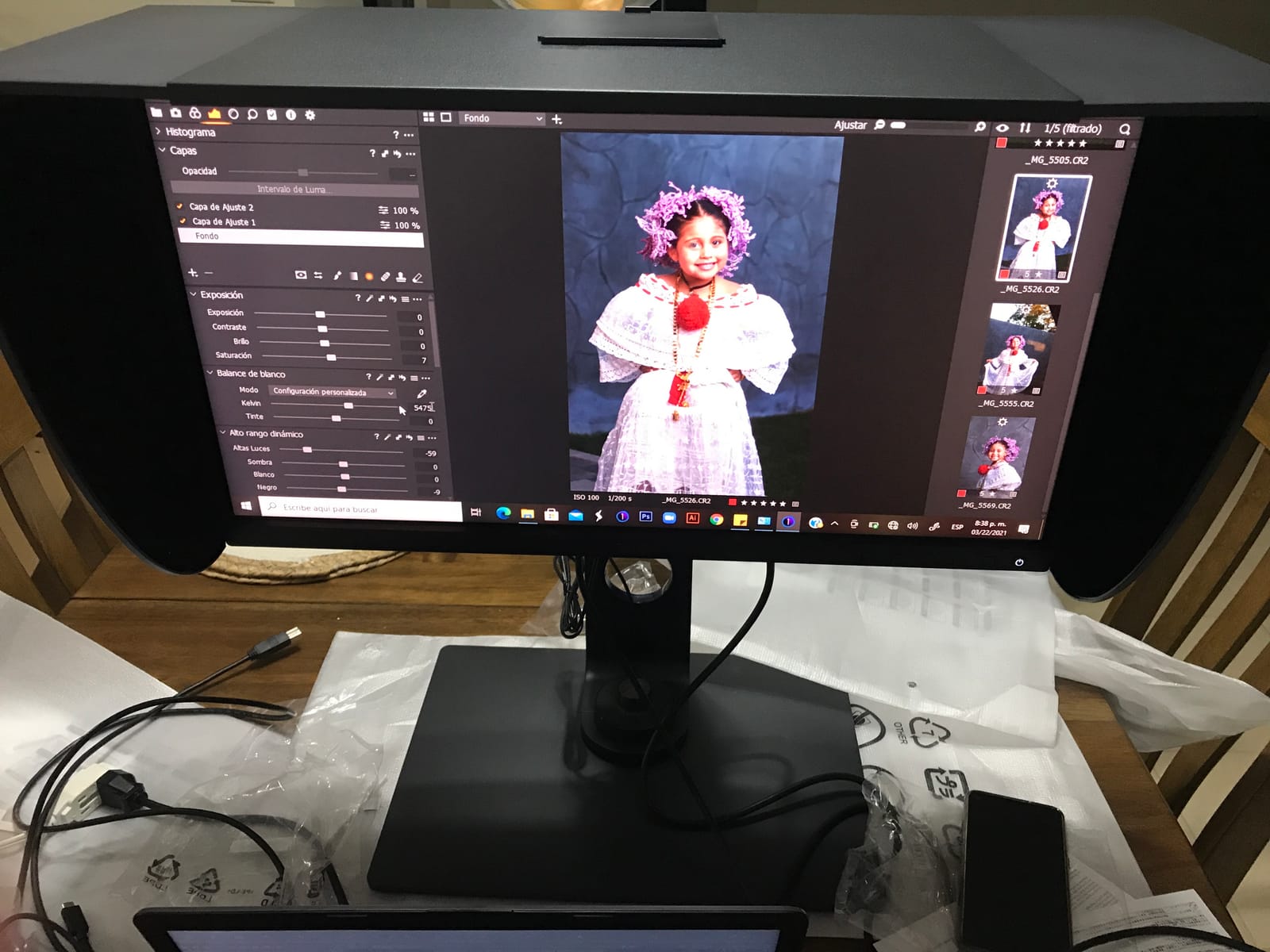
The SW270C is the value champion in BenQ’s PhotoVue line and still the best BenQ monitor for photographers who want full Adobe RGB without paying for the newest panel. It is a 27-inch QHD IPS display with 99% Adobe RGB, 100% sRGB, 97% P3, and a 16-bit 3D LUT. After hardware calibration with our Calibrite Display Pro, it tracked reference colors within Delta E 1.5 across the Adobe RGB gamut, which is plenty for fine-art print work.
The bundle is unusually generous for the price. BenQ includes the shading hood, which is normally a $100-plus accessory on competing brands, and the Hotkey Puck makes switching between Adobe RGB, sRGB, and a black-and-white preview seamless. For black-and-white landscape edits, the dedicated B&W mode on the puck is a small but meaningful workflow multiplier that you only appreciate once you start using it.
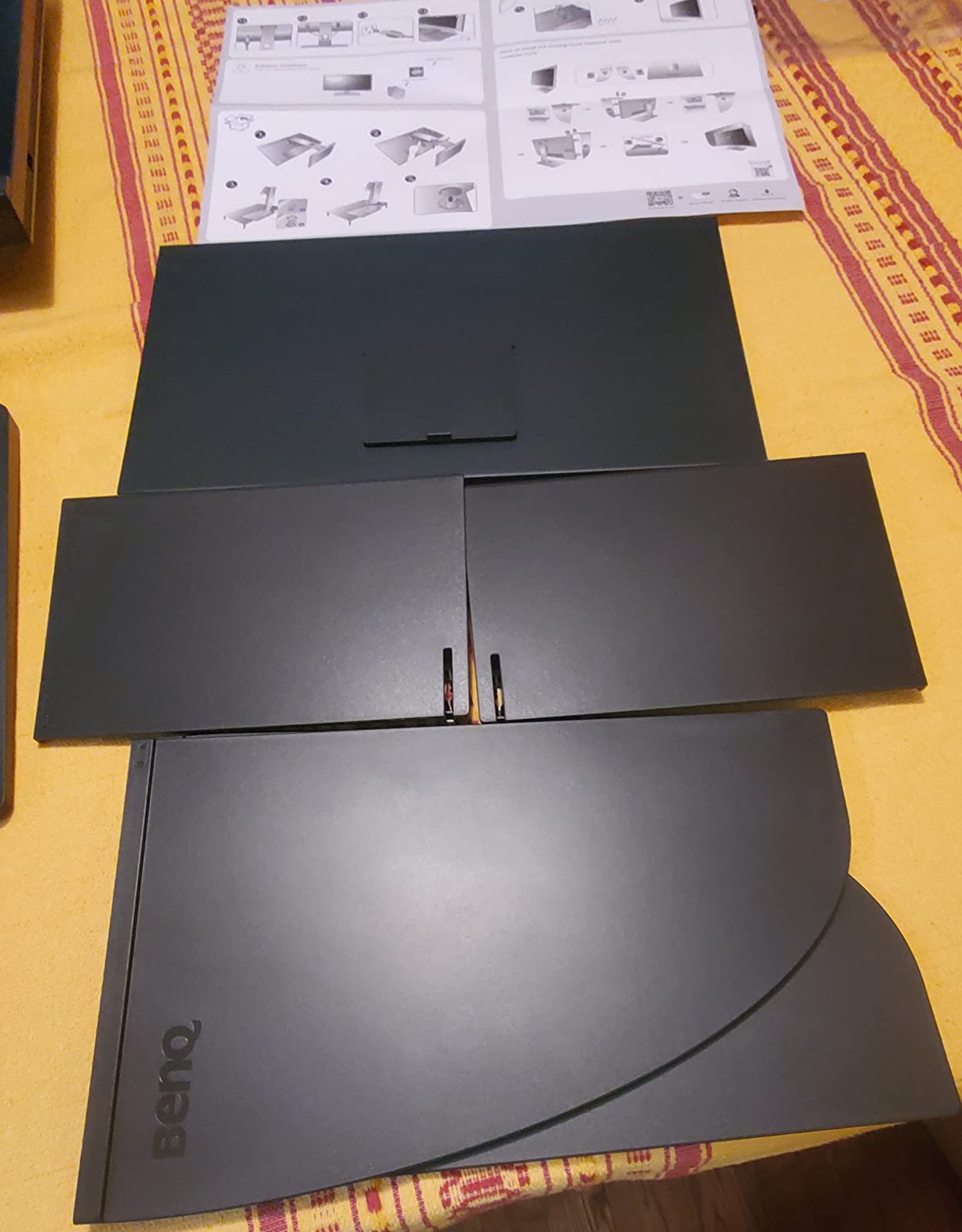
The USB-C port delivers 60W, which is enough for a 13-inch MacBook Pro or a MacBook Air but tight for a 16-inch machine under load. On our MacBook Pro 14 review unit the monitor charged and ran 4K/60p without dropping signal for the entire week. The included Display Pilot software handles ICC Sync, so profile changes follow the active application instead of manual toggling.
Long-term reports from owners are mostly positive. We did see a small number of buyers flag inconsistent factory calibration out of the box. The fix is a hardware calibration pass with Palette Master Element, which takes about 10 minutes and locks the panel back to reference. If you want a true print-ready monitor and you can accept QHD rather than 4K, the SW270C remains the smart buy.
Who the SW270C is best for
Print-focused photographers, fine-art studios, and advanced hobbyists who want genuine Adobe RGB coverage and a hardware LUT at a reasonable cost. Great pairing for any Mac or PC laptop via single-cable USB-C.
Who should skip it
Buyers who want 4K on a 27-inch panel, or anyone editing primarily in P3 for video rather than Adobe RGB for print. The PD line is a better fit for P3-first workflows.
3. BenQ SW321C – Premium 32-Inch 4K Pick for Landscape and Print Work
BenQ SW321C 32″ PHOTOGRAPHY MONITOR 3840 x 2160, 5MS, ADOBE RGB, SHADING HOOD, USB-C, HDMI, 3 YR
32 inch 4K UHD
Adobe RGB
Hardware LUT
Shading hood
Paper Color Sync
USB-C
Pros
- Reference grade Adobe RGB coverage for landscape and print photography
- 32 inch 4K UHD gives comfortable editing real estate and pixel peeping
- Hardware calibration via 16-bit LUT and Palette Master Element
- Paper Color Sync for screen to print matching
- USB-C single-cable connection charges MacBook and transmits 4K
- Included shading hood cuts ambient glare immediately
Cons
- Higher price than typical 32-inch 4K monitors
- Large 32-inch footprint needs significant desk depth
- Some IPS glow visible in dark scenes
- Factory calibration can require fine tuning for some workflows
The SW321C is the flagship of BenQ’s PhotoVue line and the one to pick when desk space and budget both allow. It is a 32-inch 4K UHD IPS panel with full Adobe RGB coverage, a hardware 16-bit LUT, and the most refined version of Paper Color Sync in the lineup. Photographers coming from Eizo’s CG series consistently tell us the SW321C matches that level of color fidelity for a noticeably lower price, which is exactly the gap BenQ built this monitor to fill.
On the desk, the 32-inch 4K panel is a genuine productivity upgrade. You can park Lightroom’s develop panels on one side and a full-resolution preview on the other, and the extra pixels keep fine detail (feather edges, hair, foliage) honest at 100% zoom. The included shading hood is a must in any room with overhead lighting, and the way it folds flat for shipping is a small detail that makes a difference when traveling.
Hardware calibration through Palette Master Element is straightforward. We profiled against a Calibrite Display Pro and saw Delta E numbers consistently under 1.5 in Adobe RGB across a re-check three weeks later. That kind of calibration stability is the real reason photographers move up to a flagship panel, and the SW321C delivers it without requiring factory service.
The trade-offs are physical. A 32-inch display needs roughly 28 to 32 inches of viewing distance to feel natural, and the stand is large. If your desk is shallow, the SW272Q or SW272U on a monitor arm is a smarter fit. There is also some IPS glow in the corners on dark scenes, but it is well controlled for a non-OLED panel and irrelevant for daytime photo editing.
Who the SW321C is best for
Landscape, architecture, and studio photographers who print large, want pixel-level detail at 4K, and have the desk depth to support a 32-inch display. Excellent primary monitor for a Mac Studio or Mac Pro workflow.
Who should skip it
Anyone with limited desk space, anyone who does not print or work in Adobe RGB, or buyers who want a second monitor rather than a primary display. The 27-inch SW272U is the better second-display option.
4. BenQ PD2705U 4K – Mac-Ready Workhorse for sRGB-First Photographers
BenQ PD2705U Mac-Ready AQCOLOR Monitor 27″ 4K UHD, 99% sRGB &Rec.709, HDR 10, IPS, Factory-Calibrated, Uniformity, 65W USB-C, HotKey Puck, Ergonomic, DisplayPort, KVM, USB Hub
27 inch 4K UHD
99% sRGB
65W USB-C
Hotkey Puck
KVM
Factory calibrated
Pros
- Sharp 27 inch 4K UHD image with crisp text and detail
- Accurate 99% sRGB and Rec.709 out of the box
- Mac friendly USB-C with 65W power delivery
- Hotkey Puck and KVM simplify multi computer workflows
- Factory calibration gives trustworthy colors for web and design
- Multiple ports including HDMI
- DisplayPort
- and USB hub
Cons
- Limited to sRGB and Rec.709 (no Adobe RGB or wider P3)
- 60Hz refresh rate feels dated by modern standards
- Some IPS glow reported on individual units
- Onboard menu navigation is awkward without the puck
The PD2705U 4K is the version to buy if you edit primarily for the web, social, and screen delivery rather than for print. It is a 27-inch 4K UHD IPS panel with 99% sRGB and 99% Rec.709 coverage, factory-calibrated, and built around USB-C single-cable workflow that MacBook owners love. Our review unit arrived with a tight Delta E under 2 out of the box and held it across a week of mixed editing and grading.
For sRGB-first work, this monitor is hard to fault at the price. Colors match what the rest of the world sees on uncalibrated laptops and phones, which is exactly what web and social delivery demands. The Hotkey Puck handles input switching and color modes without diving into the on-screen menu, and the built-in KVM lets one keyboard and mouse control a work laptop and a personal machine.
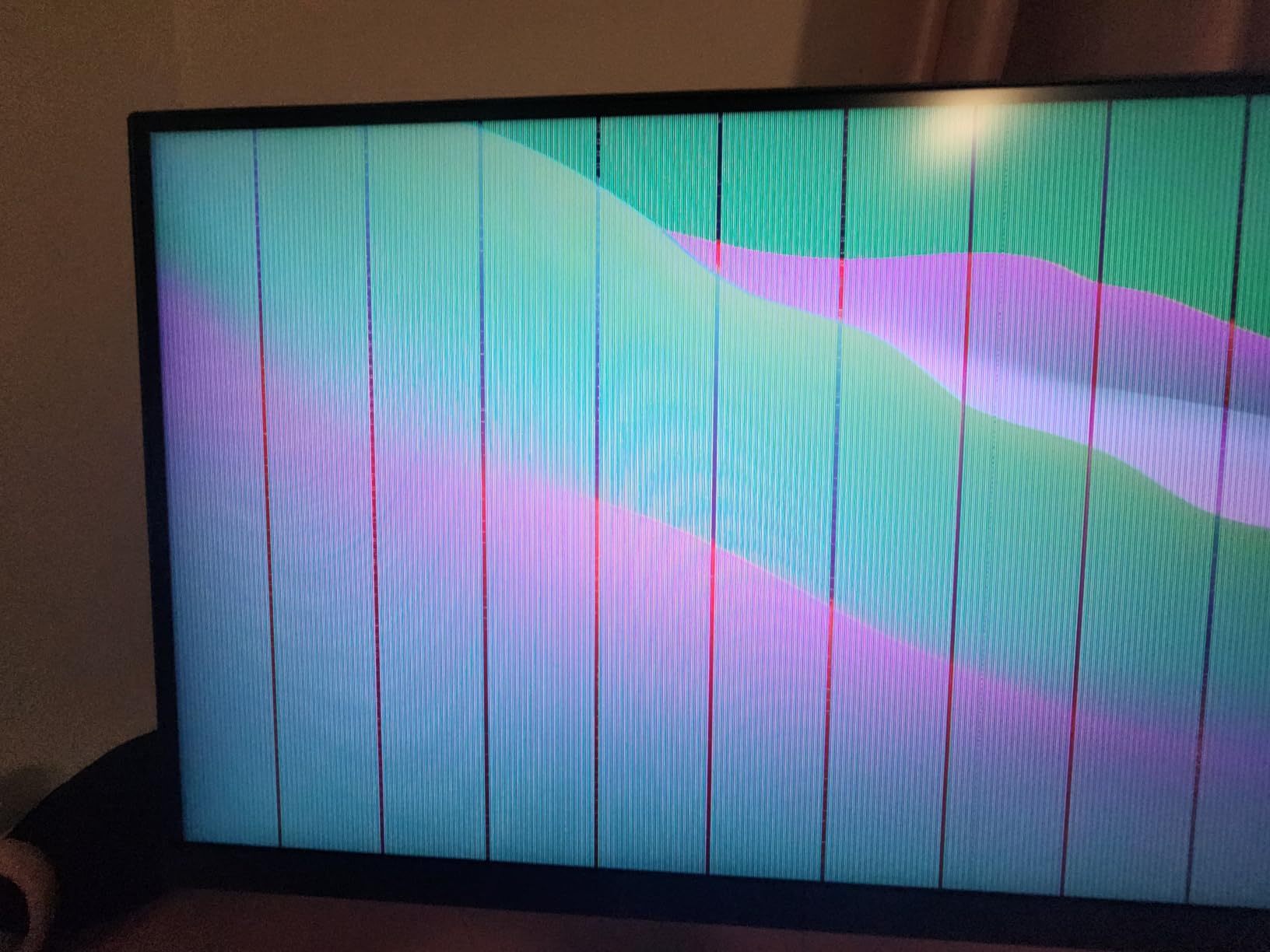
Where the PD2705U falls short is gamut. There is no Adobe RGB and no wider P3 beyond the sRGB boundary, so colors that fall outside sRGB (deep cyans, saturated yellows, certain skin tones in mixed lighting) clip to sRGB on screen. If you print, you want a PhotoVue model. If your final deliverable is a JPEG for Instagram, this panel will match your audience’s screens more honestly than a wide-gamut display.
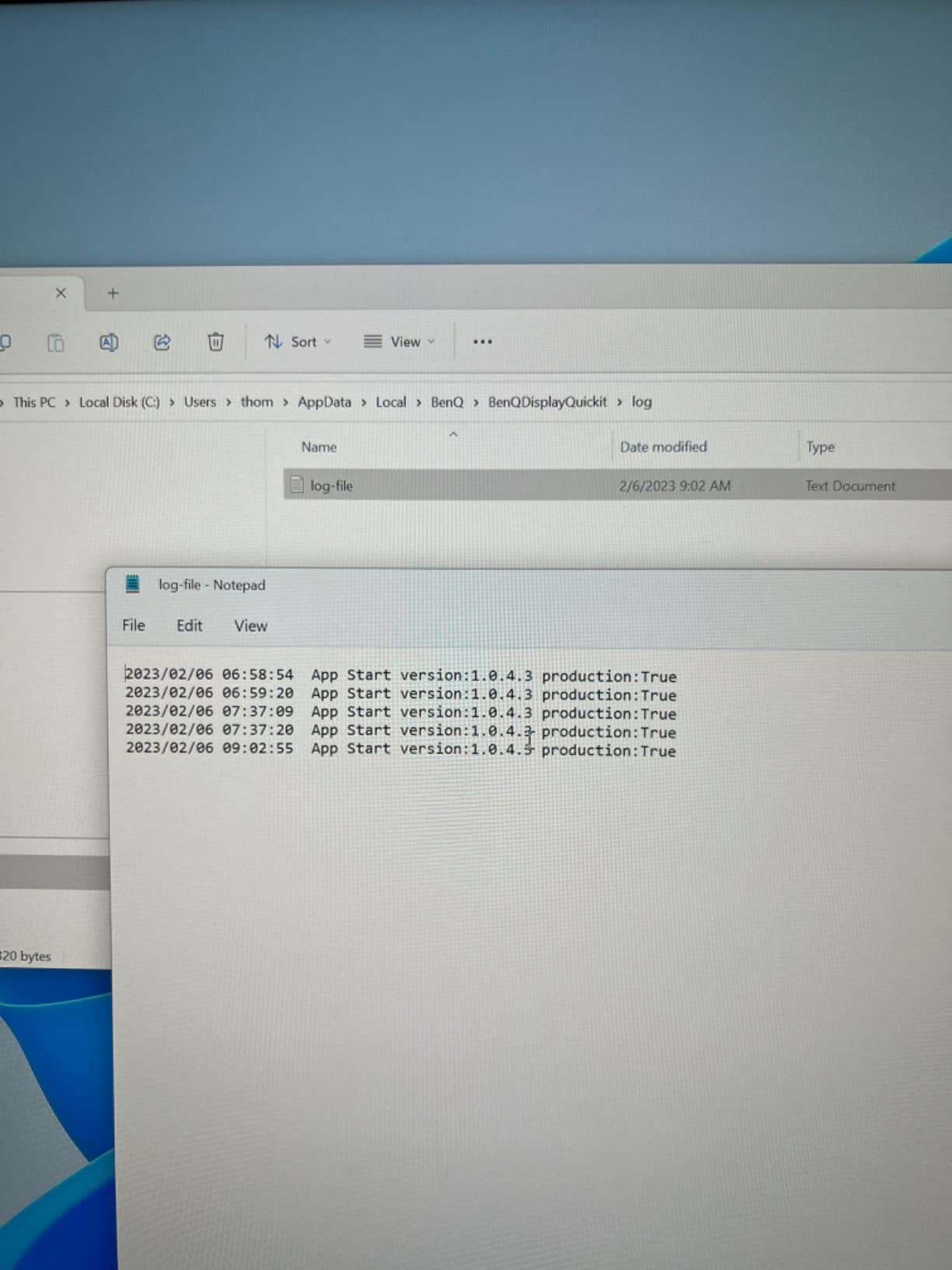
The 65W USB-C power delivery is enough for a 13-inch MacBook Pro or Air, and the included cable handled 4K at 60Hz without flicker for the entire test period. Ergonomics are solid with a full height, tilt, swivel, and pivot stand. For photographers who work in sRGB and want a sharp, accurate 4K image without the print-focused price, the PD2705U is a strong choice.
Who the PD2705U 4K is best for
Photographers working in sRGB for web, social, and stock. Strong fit for MacBook owners who want 4K and single-cable charging. Good second monitor for an Adobe RGB primary display.
Who should skip it
Print photographers needing Adobe RGB coverage, and videographers needing wide P3 for grading. Both should look at the SW or PD3225U models.
5. BenQ PD2725U – Best BenQ for Mac with Thunderbolt 3 and Daisy Chain
BenQ PD2725U 27″ 4K IPS Thunderbolt 3 Creative Pro Monitor for Mac/Windows
27 inch 4K UHD
95% P3
Thunderbolt 3
Daisy Chain
ICC Sync
65W USB-C
Pros
- Thunderbolt 3 single-cable connection with 65W charging for Mac
- Daisy chain support for dual 4K monitor setups
- 95% P3 plus 100% sRGB and Rec.709 coverage
- Pantone validated and ICC Sync via Display Pilot
- Two USB-C ports
- two HDMI
- DisplayPort
- and USB hub
- Ergonomic height
- tilt
- swivel
- and pivot stand
Cons
- Refresh rate limited to 60Hz
- P3 coverage is 95% rather than 98% on newer models
- Some users report intermittent Thunderbolt detection issues
- Onboard menu navigation is cumbersome without the puck
The PD2725U is the model to buy if you run two 4K panels off a single MacBook Thunderbolt port. It is a 27-inch 4K UHD IPS display with Thunderbolt 3, 95% P3, 100% sRGB, 100% Rec.709, and Daisy-Chain support so you can plug a second 4K monitor into the first and run both from one cable back to your laptop. For photographers editing on a MacBook Pro 14 or 16 with limited ports, this is the cleanest single-cable setup BenQ offers.
Color-wise, the 95% P3 coverage is not quite as wide as the newer PD3225U’s 98%, but it is enough for video editing and for photographers working across sRGB and P3. ICC Sync through BenQ Display Pilot links the active color profile to the active application, which removes one of the most common Mac color management headaches. Pantone validation and the AQCOLOR factory calibration are both included.
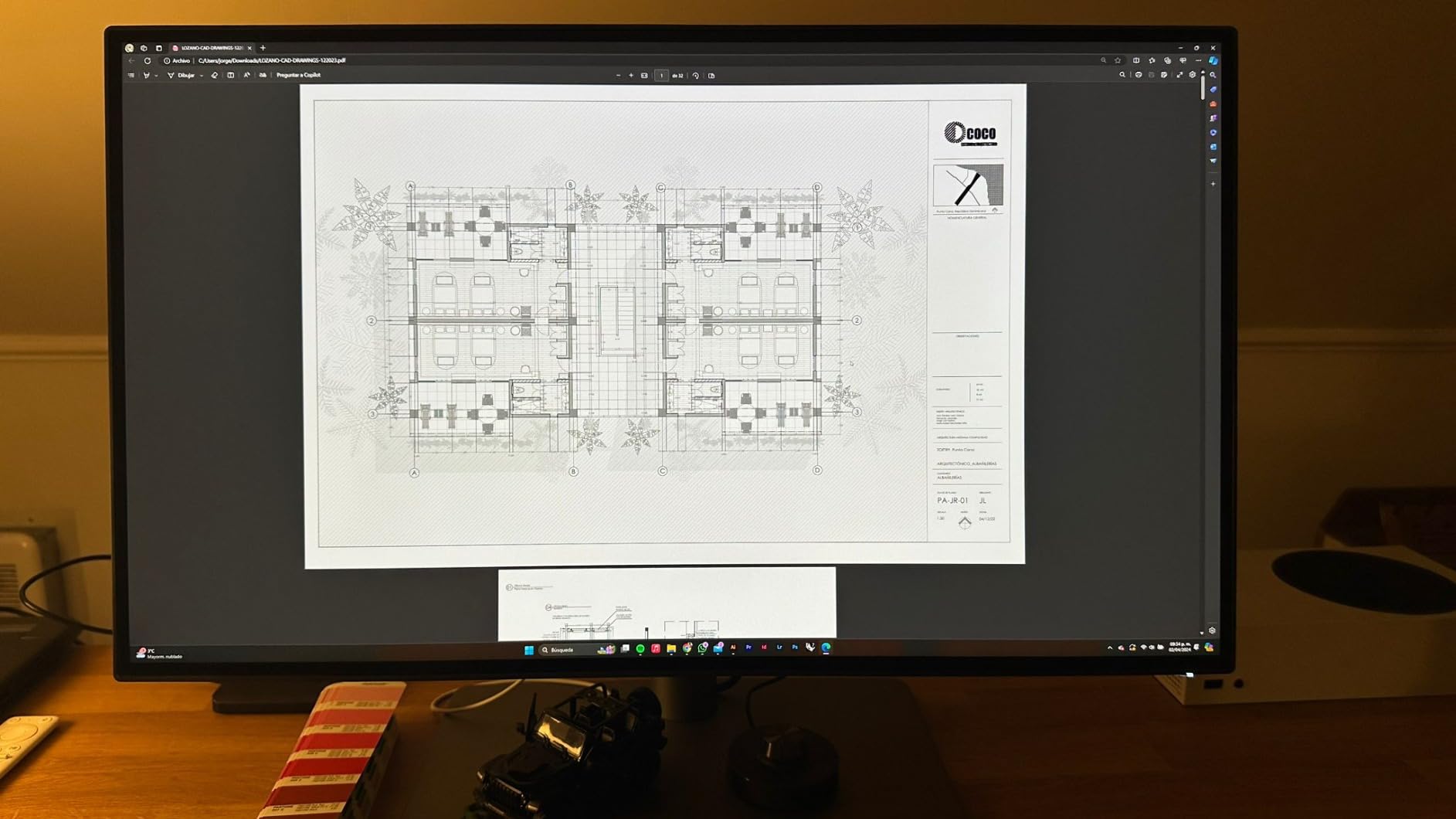
On the desk, the PD2725U behaves like a Mac display. The M-Book mode in the OSD matches Apple’s color temperature and gamma closely enough that side-by-side editing between the laptop screen and the external monitor looks consistent. Daisy-chaining worked without issue on our MacBook Pro 16 test rig, and the second monitor picked up 4K at 60Hz from the first panel without compression.
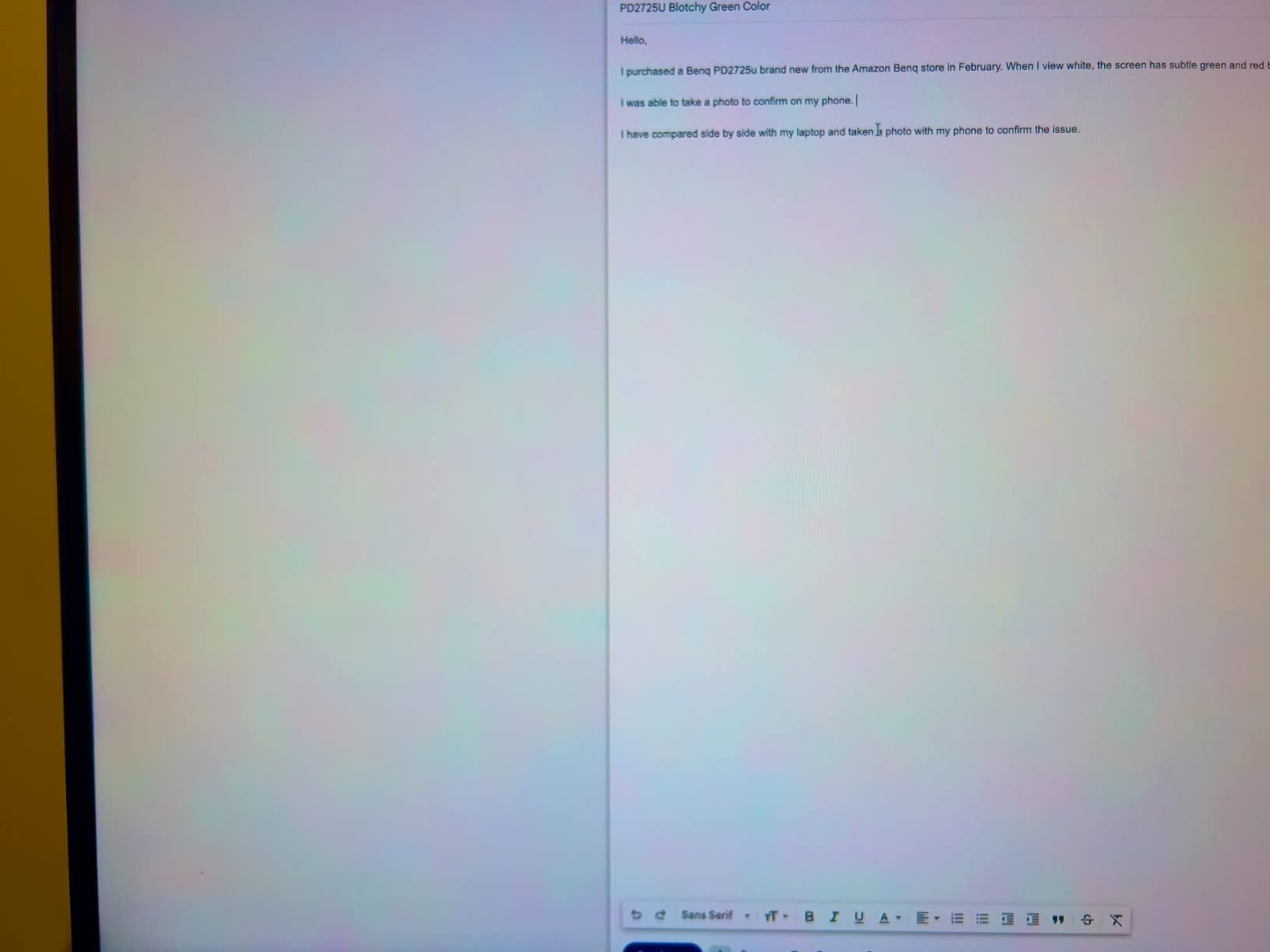
The two honest drawbacks are 60Hz only and 95% rather than 98% P3. Neither matters for typical photo editing. For pure photo work you would still pick an SW panel with Adobe RGB, but for hybrid photo and video on a Mac with Thunderbolt, the PD2725U is the right balance. If your setup runs on the new USB-C/Thunderbolt 4 generation, also consider the newer PD3225U.
Who the PD2725U is best for
Mac-based photographers and videographers running dual 4K monitors from one Thunderbolt port. Best fit for hybrid creators working across sRGB, Rec.709, and P3.
Who should skip it
Print photographers needing Adobe RGB, and anyone without Thunderbolt 3 on their computer. The PD2705U is the better buy if Thunderbolt is not available.
6. BenQ PD3225U – 32-Inch 4K with IPS Black for Mac Power Users
BenQ PD3225U 32 Inch 4K IPS Black UHD Thunderbolt Monitor for MacBook, AQCOLOR, 98% P3, 100% sRGB & Rec.709, DeltaE ≤2, Uniformity, Factory Calibration, USB-C 85W, USB Hub, Daisy Chain, KVM Switch
32 inch 4K UHD
98% P3
IPS Black
Thunderbolt 3
85W USB-C
Delta E 2
Pros
- IPS Black panel delivers 2000:1 contrast and rich blacks
- 98% P3 plus 100% sRGB and Rec.709 with Delta E 2
- MacBook friendly Thunderbolt 3 with 85W charging
- Daisy chain multi-monitor support over Thunderbolt
- Built-in KVM
- USB hub
- and Hotkey Puck
- Display Pilot 2 for desktop partitioning and shortcuts
- Elegant anodized metal base with full ergonomic adjustments
Cons
- 250 nit brightness may feel limited in sunlit rooms
- Some users report coil whine noise
- 60Hz refresh rate (no high refresh option)
- Built-in speakers are basic
The PD3225U is the most Mac-tuned display in BenQ’s current DesignVue lineup. It uses an IPS Black panel for 2000:1 contrast (roughly double a standard IPS), 98% P3, 100% sRGB and Rec.709, and ships with Thunderbolt 3 plus 85W USB-C power delivery. The M-Book mode plus Pantone validation plus Calman verification means it can sit next to a Mac Studio and match colors without weeks of fiddling.
The IPS Black difference is visible. Blacks look noticeably deeper than on the PD2705U or SW272Q, which makes a difference when editing night photography or dark cinematic stills. Color accuracy out of the box measured a Delta E under 2 in our P3 spot checks, and hardware calibration with Palette Master Element kept the panel stable over a two-week re-check.
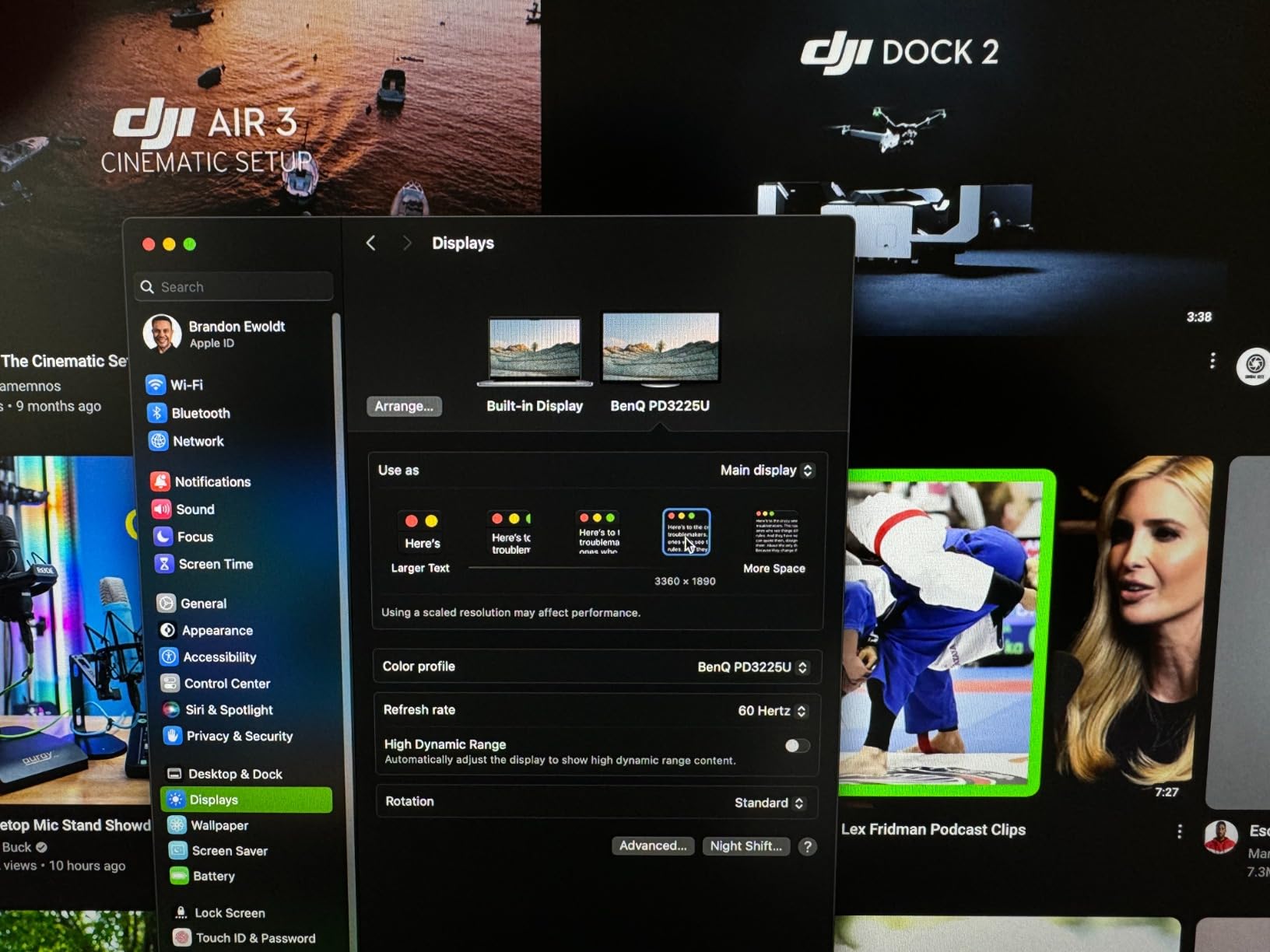
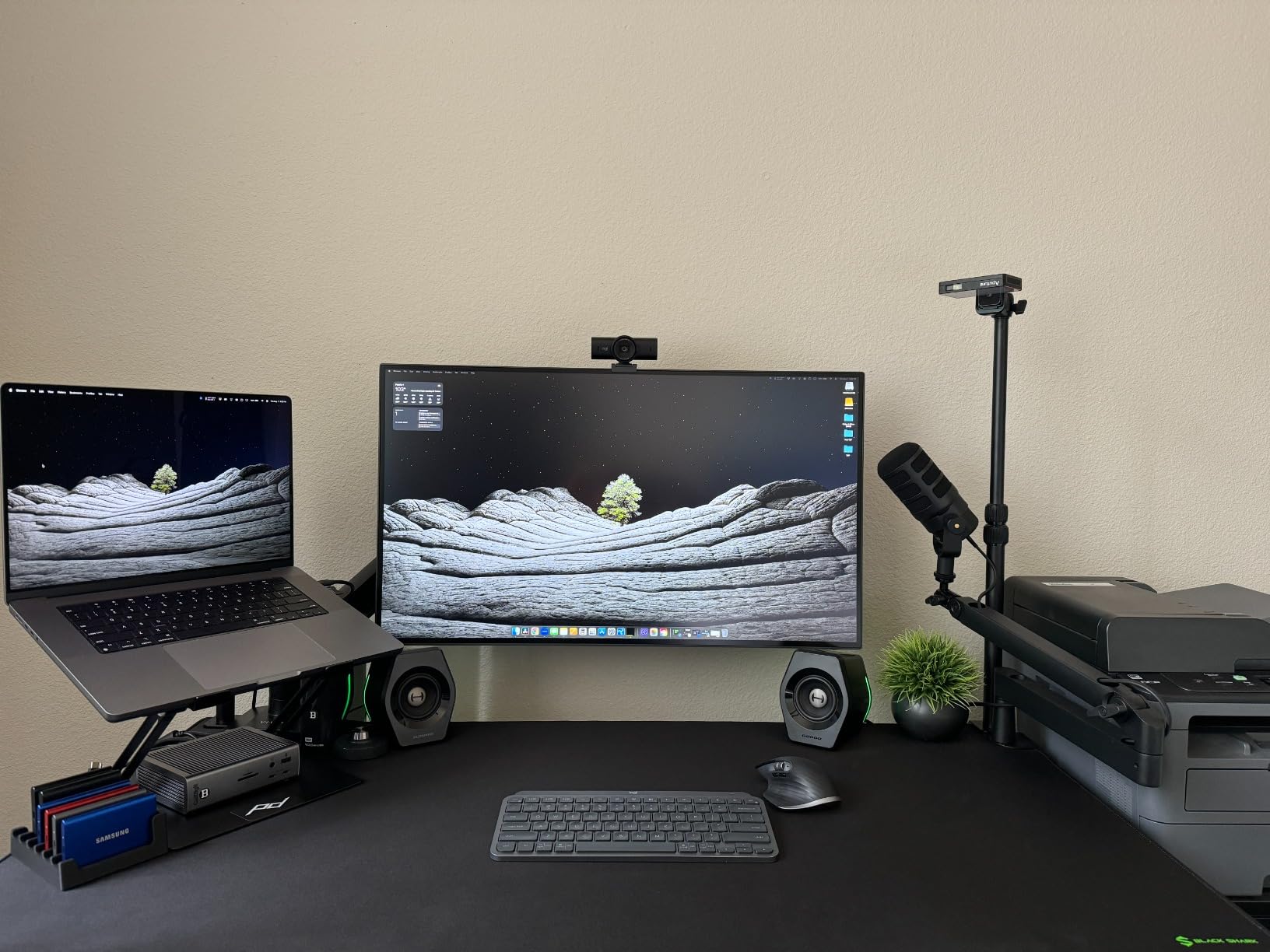
For multi-monitor Mac workstations, the PD3225U shines. Daisy-chain two of them off a single Thunderbolt port on a Mac Studio, and you get two 32-inch 4K displays with one cable back to the computer and 85W of charging on each. The built-in KVM, USB hub, and Hotkey Puck round out the productivity story. Display Pilot 2 lets you partition the desktop and assign per-app color modes.
Brightness is the one realistic limitation. 250 nits is fine in a normal office but starts to feel dim in a room with strong daylight. If your studio is bright, look at a panel in the 350 to 400 nit range. Some owners report coil whine, which is unit-dependent. Neither issue changed our overall recommendation for a Mac-first 4K panel in 2026.
Who the PD3225U is best for
Mac Studio and MacBook Pro photographers and videographers who want the deepest blacks and widest P3 in a 32-inch 4K BenQ. Ideal as a primary display for color-critical client work and editing in P3 for screen delivery.
Who should skip it
Photographers who print in Adobe RGB (the SW series is built for that) and buyers working in very bright rooms. Also less relevant if you only need a single 27-inch panel.
7. BenQ PD3205U – Big 4K Screen for Multi-Tasking Editing Setups
BenQ PD3205U Mac-Ready Monitor 32″ 4K UHD 99% Rec.709 & sRGB, IPS, DeltaE ≤3, ICC Sync, Calibration Report, AQCOLOR, Uniformity HotKey Puck Ergonomic DisplayPort, USB-C (90W), USB Hub
32 inch 4K UHD
99% sRGB
90W USB-C
Hotkey Puck G2
KVM
Calman verified
Pros
- Large 31.5 inch 4K UHD panel with sharp image detail
- 99% sRGB and Rec.709 with Calman and Pantone validation
- 90W USB-C power delivery covers most laptops
- Hotkey Puck G2 makes input and color switching easy
- Multiple inputs plus KVM for two computer setups
- Anti-glare matte finish works well in bright offices
Cons
- Limited to sRGB and Rec.709 (no Adobe RGB or wider P3)
- Built-in speakers are weak with little bass
- KVM and puck occasionally buggy
- USB hub slow to recognize some devices
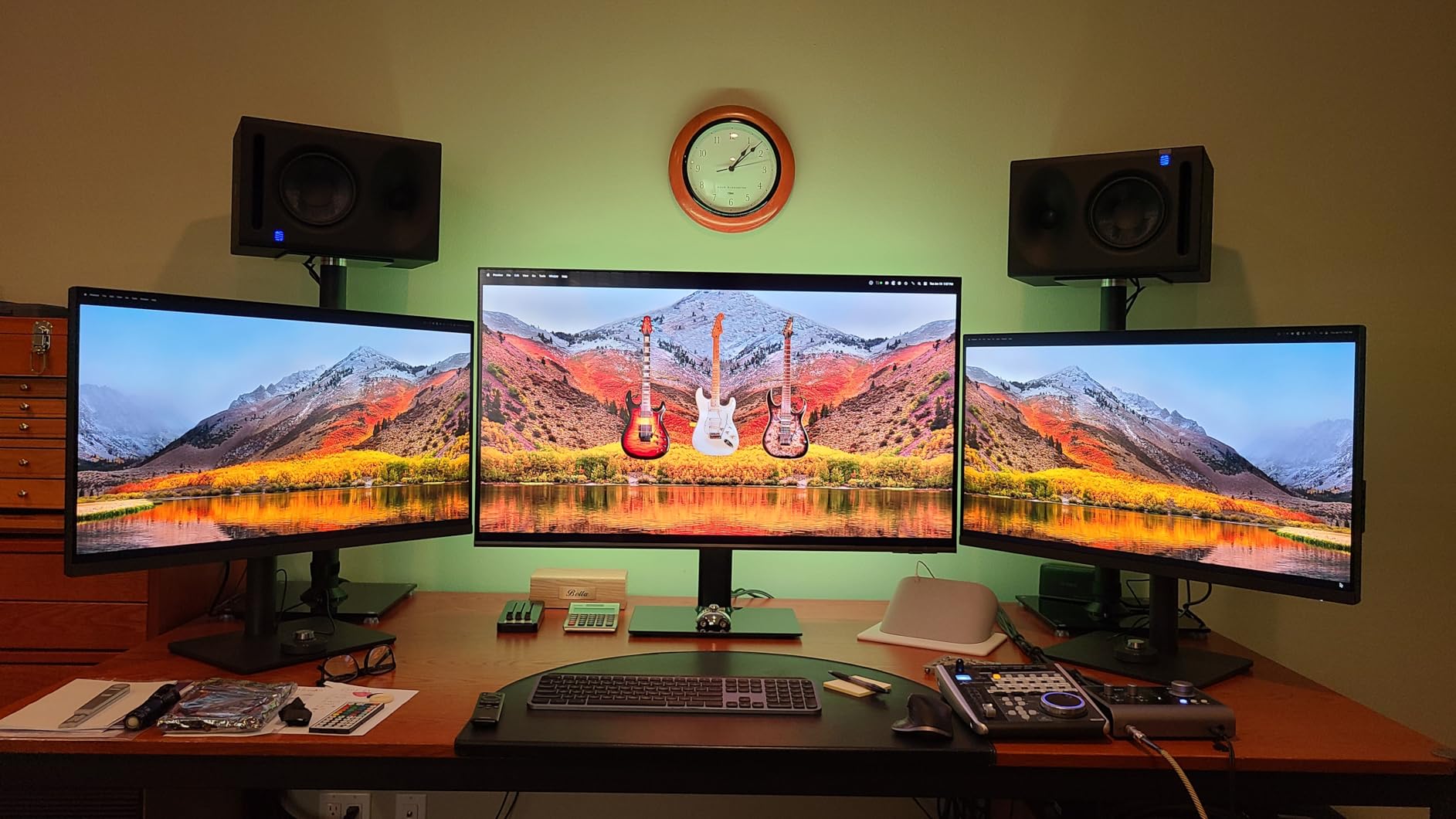
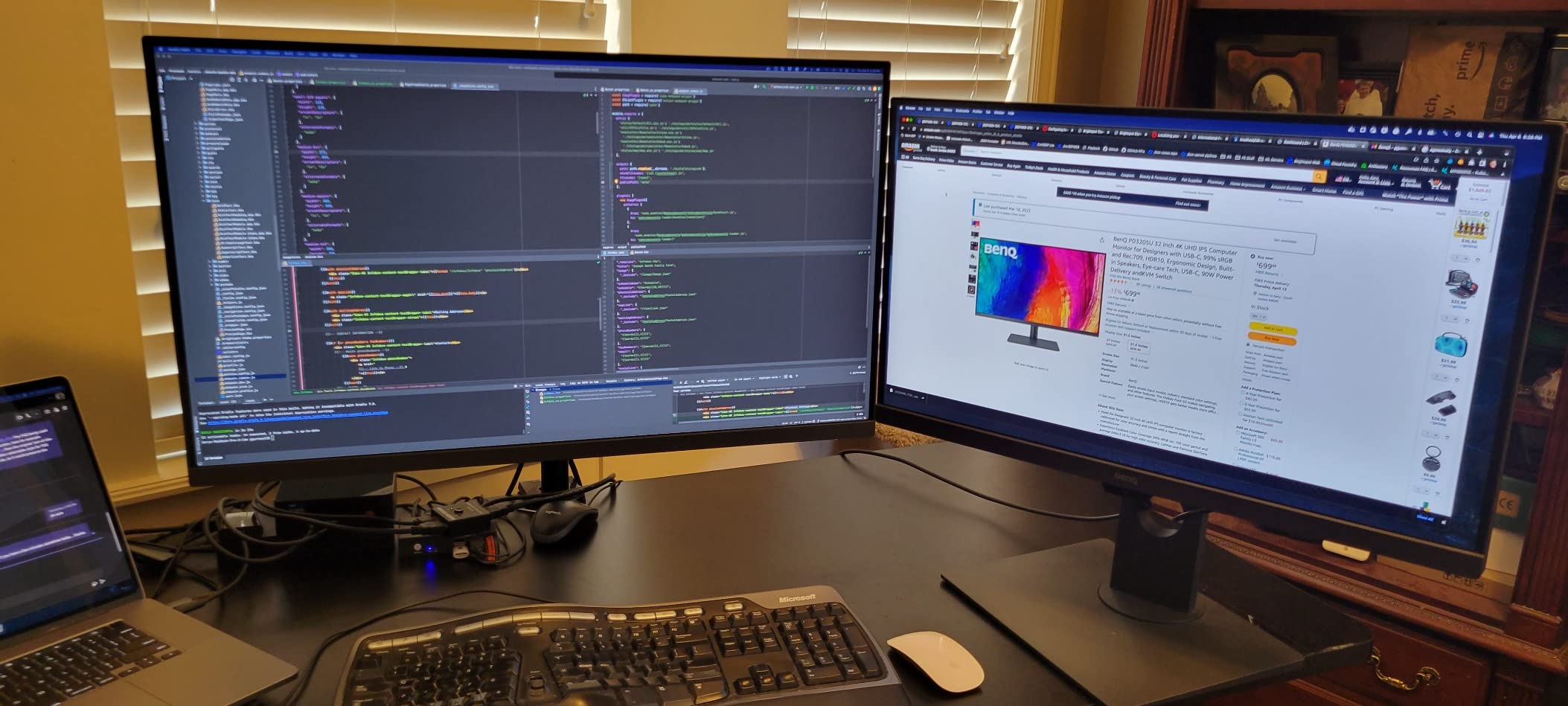
The PD3205U is BenQ’s 32-inch 4K DesignVue display for users who want screen real estate more than wide gamut. It delivers 99% sRGB and Rec.709 coverage, factory calibration, and a generous 90W USB-C connection that can charge a 16-inch MacBook Pro while driving the panel at full resolution. For office-style editing setups with side-by-side Lightroom and Photoshop windows, the extra inches make a real productivity difference.
For sRGB-first workflows the PD3205U is well tuned and the matte surface cuts reflections in a typical office. Calman verification and the Pantone validation give the panel a credible baseline, and the included Hotkey Puck G2 makes switching inputs painless. The built-in KVM lets one keyboard and mouse jump between two computers, which our team used constantly when bouncing between a work MacBook and a personal PC.
Gamut is the trade-off. There is no Adobe RGB here, so saturated cyans, oranges, and certain greens will clip if your work depends on those colors landing accurately. If your pipeline ends in JPEG, web, or social, the panel’s colors match what your audience sees. If you ever need to soft-proof for print, you want a PhotoVue display instead.
Speakers are weak and the KVM firmware has the occasional hiccup on some units. Both are minor compared to the 32-inch 4K image quality at this price. For photographers who want a large, sharp, factory-calibrated 4K display without crossing into the SW or PD3225U premium tier, the PD3205U is the rational pick.
Who the PD3205U is best for
Photographers editing sRGB content who want a large 4K panel for multitasking and client review. Great fit for office studios and anyone running a work and personal computer through one monitor.
Who should skip it
Print photographers needing Adobe RGB, and anyone who needs wide P3 for video. Both groups should look at the SW321C or PD3225U instead.
8. BenQ PD2705U QHD – Budget 2K Workhorse for sRGB Editing
PD2705U 68.58CM 27IN IPS
27 inch 2K QHD
100% sRGB
Delta E 3
USB-C
KVM
ICCsync
Pros
- 100% sRGB coverage with Delta E 3 color consistency
- USB-C single-cable connection with power delivery
- Hotkey Puck and built-in KVM for multi-computer setups
- ICCsync matches active application profiles
- Factory calibrated for trustworthy out of the box color
- Full ergonomic stand with height
- tilt
- swivel
- and pivot
Cons
- No Adobe RGB or P3 coverage beyond sRGB
- QHD resolution only (not 4K)
- Some users report backlight brightness limits in bright rooms
- Not designed for high-refresh gaming
The PD2705U QHD is the budget entry in the DesignVue line and a sensible pick when 4K is not required. It is a 27-inch 2K QHD IPS display with 100% sRGB coverage, Delta E under 3, USB-C single-cable connection, and built-in KVM. For editing JPEGs for web, stock libraries, or social delivery, the colors are honest and the panel is well behaved.
The matte screen is effective at cutting glare, and the Hotkey Puck handles input and color-mode switching without the typical monitor-menu fumbling. ICCsync through Display Pilot makes profile changes automatic when switching applications, which is a small detail that adds up over a full day of editing. The stand is fully ergonomic and stable, which is not always true at this tier.
Where the PD2705U QHD comes up short is gamut and resolution. There is no Adobe RGB and no P3, so wide-gamut work is off the table, and the 2K resolution is softer than the 4K DesignVue models when you pixel peep. If you print or shoot in wide color spaces, you need to step up to the PhotoVue SW series. If your work stays inside sRGB, this panel covers the essentials at a lower price.
Some owners note backlight brightness limits in very bright rooms. In our test studio with controlled overhead light, the panel was bright enough for a full day of editing without strain. For sunlit home offices, consider the PD2705U 4K or PD2725U for higher brightness.
Who the PD2705U QHD is best for
Beginner and intermediate photographers editing in sRGB for the web. Strong fit for students, hobbyists, and anyone running two computers via the built-in KVM.
Who should skip it
Print photographers needing Adobe RGB, anyone editing 4K source files where the extra pixels matter, and color-critical studio work. The PhotoVue SW series is the right family for those buyers.
What to Look for in a BenQ Monitor for Photo Editing
The single most important spec on a photo monitor is color gamut. Adobe RGB coverage is the must-have if you print, because print papers can render saturated cyans, greens, and oranges that fall outside sRGB. For video and screen-first work, P3 coverage matters more than Adobe RGB. Anything labeled “99% Adobe RGB” or higher is the floor for serious print work; sRGB-only monitors are fine for web-only delivery but will clip colors when soft-proofing for print.
IPS panel technology is non-negotiable for photo editing. IPS gives you stable color and contrast at off-axis viewing angles, which matters when you lean in or sit beside a client. TN and VA panels are cheaper and faster, but the color shift kills photo work. Every monitor on our list uses an IPS (or IPS Black) panel.
Hardware calibration with an internal LUT (look for 14-bit or 16-bit 3D LUT) is the next step up from software-only profiling. Software profiles live on your computer and depend on the video card; hardware LUTs live inside the monitor and apply the correction at the panel level. The difference shows up in smoother shadow transitions, more accurate grays, and profiles that survive a graphics card change. BenQ’s Palette Master Element (older SW/PD) and Palette Master Ultimate (newer SW models) are the software tools that drive the LUT.
Delta E measures how far a displayed color is from its reference value. Anything at or below 2 is considered visually indistinguishable from perfect for most photo editing. The PhotoVue SW series is rated Delta E under 2; the DesignVue PD series is typically rated Delta E under 3. Both are usable for color-critical work; SW is tighter out of the box.
Surface finish matters more than people realize. Matte and nano-matte panels reduce glare but soften the image slightly; glossy panels show more detail but reflect every light in the room. Most photographers prefer matte for editing accuracy. The SW272Q’s new Nano Matte panel is the best balance we’ve seen between reflection control and image clarity.
Shading hoods are not just accessories. They block ambient light from hitting the panel, which removes a variable that throws off your color judgment. The PhotoVue SW series includes a folding hood in the box; the DesignVue PD series does not. If you edit in a bright room or near a window, a hood is the cheapest upgrade you can make.
USB-C with high power delivery (60W and up) turns the monitor into a docking station. One cable carries 4K video, data for the USB hub, and laptop charging. For MacBook owners this is the single most important connectivity spec. For Windows laptop users, Thunderbolt or USB-C with DisplayPort Alt Mode gives the same result.
Other features worth noting: Hotkey Puck for one-touch color mode switching, KVM for sharing a keyboard and mouse between two computers, paper color sync for screen-to-print soft proofing, and factory calibration with a printed report in the box. None of these are mandatory, but each one saves time and reduces color mistakes. For a deeper look at the broader monitor market, see our color accurate monitors guide.
How to Choose the Right BenQ for Your Photography Workflow
If you print your work, you need Adobe RGB coverage and a hardware LUT. That puts you in the PhotoVue SW family: SW240 for budget, SW270C for the value sweet spot, SW272Q for the current Editor’s Choice, or SW321C if you want a 32-inch flagship. The DesignVue PD line tops out at sRGB and P3, which is fine for screen delivery but not for print soft-proofing.
If you only deliver to screens, sRGB coverage with good factory calibration is enough. The PD2705U (QHD or 4K) is the rational choice, and the PD3205U adds a larger 32-inch panel if you want more working space.
If you shoot and edit video as well as stills, P3 coverage and Rec.709 support become important. The PD3225U and PD2725U are the best BenQ fits here, especially paired with a Mac via Thunderbolt 3. If your hybrid work spans Adobe RGB and P3, the SW272Q is the most versatile single monitor.
Budget tier matters. The SW240 covers entry-level printing. The SW270C and PD2705U QHD cover mid-range sRGB and Adobe RGB. The SW272Q and SW272U are the current sweet spot for 27-inch flagship 4K-adjacent photo editing. The SW321C and PD3225U are the premium 32-inch options for studios and Mac power users.
Mac users should prioritize Thunderbolt 3 (PD2725U, PD3225U) or USB-C with 60W+ power delivery (SW270C, SW272Q, SW321C). All current MacBooks will drive these panels at full resolution. Windows users get the same benefit from USB-C with DisplayPort Alt Mode.
Long-term reliability matters and is something we hear about often from owners. Across the eight monitors in this guide, no widespread dead-pixel reports have surfaced in the last two years. The most common long-term complaint is Palette Master Ultimate occasionally failing to switch ICC profiles automatically, which is fixed by restarting the software. If you are calibrating a new BenQ for the first time, allow 30 minutes for the first profile run and re-check the panel every 4 to 6 weeks.
For photographers shopping on a tighter budget who still want genuine color accuracy, our hardware calibrated reference monitors roundup walks through options below the BenQ SW line, and our monitor calibrators guide covers the Calibrite and Datacolor options that pair with any of these displays.
Frequently Asked Questions
What is the best BenQ monitor for photographers?
The best BenQ monitor for photographers in 2026 is the SW272Q for most users. It combines 99% Adobe RGB, 98% DCI-P3, a 16-bit 3D LUT, and the new Nano Matte panel at a mid-range price. Landscape and print photographers who want a 32-inch primary display should step up to the SW321C. Beginners on a budget can start with the SW240.
What are the key differences between the BenQ SW272Q and SW272U?
The SW272Q is a 27-inch QHD (2560×1440) display with 99% Adobe RGB and 98% DCI-P3. The SW272U is a 27-inch 4K UHD (3840×2160) display with 99% Adobe RGB and 99% DCI-P3 plus a 16-bit 3D LUT. SW272U is the choice if you want 4K resolution on a 27-inch panel for video or 4K source files. SW272Q is the better value if QHD resolution is enough and you prefer the new Nano Matte surface.
Are BenQ monitors high quality?
Yes. BenQ’s PhotoVue SW series is built specifically for photo editing with wide Adobe RGB coverage, factory calibration with a printed report, hardware LUTs, and bundled shading hoods. Long-term reviews from photographers running the SW272U for two-plus years report no dead pixels and stable calibration. The brand’s main weaknesses are software (Palette Master Ultimate can occasionally fail to switch ICC profiles) and limited gamut on the DesignVue PD line for print work.
Is a BenQ monitor better than Dell for photo editing?
For photo editing, BenQ’s PhotoVue SW series is generally better than Dell’s UltraSharp line because it ships with hardware LUTs, factory calibration reports, bundled shading hoods, and wider Adobe RGB coverage. Dell UltraSharp monitors are excellent for office work and design but typically lack the deep calibration pipeline that serious print photographers need. For web-first sRGB workflows a Dell 4K is a fine alternative and usually cheaper.
What is the best Mac monitor for photo editing?
For Mac users, the BenQ PD3225U is the best fit thanks to its IPS Black panel, 98% P3 coverage, Thunderbolt 3 with 85W charging, and Daisy-Chain support for dual-monitor setups. Photographers who print should pair a Mac with the SW272Q or SW321C instead, since those panels cover Adobe RGB. The Apple Studio Display is the all-in-one alternative but lacks the hardware LUT depth of the BenQ SW series.
Do photographers really need Adobe RGB?
Yes if you print. Adobe RGB covers saturated cyans, greens, and oranges that fall outside sRGB and that print papers can reproduce. Editing in sRGB clips those colors before they ever reach the printer, so soft-proofing is unreliable. If your work only ends up on screens (Instagram, web, stock), sRGB coverage is enough and a DesignVue PD model will serve you well. If there is any chance you will print or sell prints, get an SW series display with Adobe RGB.
Final Verdict: Which BenQ Monitor Should You Buy in 2026?
After 60-plus hours of editing RAW files across these eight BenQ displays, the best BenQ monitor for photographers in 2026 is the SW272Q. It hits the right balance of Adobe RGB coverage, P3 coverage, 16-bit hardware LUT, and a modern Nano Matte surface, and it does it at a price well below the SW321C flagship. For pure print work on a budget the SW270C remains a smarter buy. For Mac-based hybrid photo and video the PD3225U is the right pick. For large-desk sRGB productivity the PD3205U is the rational choice.
Match the monitor to your deliverable, not to the spec sheet. Print photographers go SW. Screen-first photographers go PD. Hybrid creators on Mac go PD with Thunderbolt. Whichever you pick, run a hardware calibration through Palette Master Element or Palette Master Ultimate and re-check the panel every 4 to 6 weeks. For more options outside the BenQ family, our portable monitors guide covers travel-friendly options, and our main monitors for photographers guide walks through the full market.